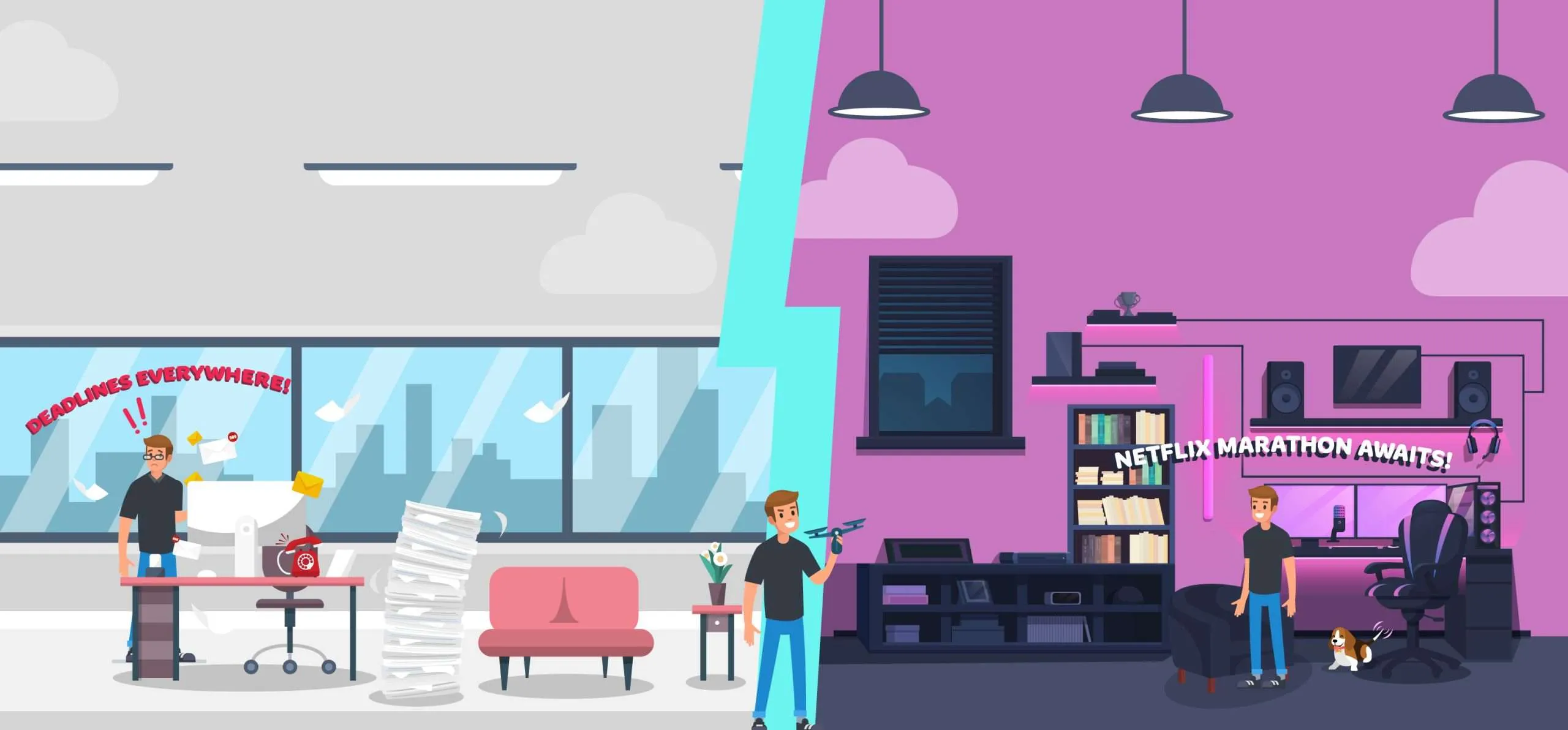
A shocking 70% of employees report feeling stressed at work, leading to declining engagement, high turnover, and even serious health complications (source).
Let’s face it, feeling like you’re constantly juggling work and life is pretty darn exhausting.
You know the drill – emails pinging at all hours, deadlines looming like storm clouds, and that nagging feeling that your personal life is getting the short end of the stick.
Achieving harmony between one’s professional and personal life is no longer a luxury. It is a necessity.
Well, ditch the stress balls and deep breaths.
Why?
This post is your one-stop shop for measuring and achieving work-life balance with the best tools and software.
Let’s explore these tools.
1. Rize

(Free plan, paid plan starts at $16.99 per month, 7-day trial)
Rize is an automatic time-tracking app that helps you stay on top of your time, focus on your work, and measure your work-life balance with ease.
The cool thing is it automatically tracks how you spend your days, without any timers or manual tracking.
Then each morning you get an email breakdown showing where your precious hours went.
Rather crazy to see it visually!
Based on your activity, Rize gives you personalized recommendations too.
So if you tend to go down YouTube rabbit holes, like I do, it’ll be like “hey friend, I noticed videos distract you a lot, here’s how to fix that”.
It even reminds you to take real breaks through notifications, at your desired timeframes.
And if you get in the zone Rize can see that too. It’ll show you when you were focused so you can do more of that.
FURTHER READING: Check out our definitive Rize.io review to explore all the cool features it comes with.
Key Features
- Automatic time tracking without manual start/stop
- Daily and weekly email reports of time usage
- Custom categories for detailed time insights
- Break reminders to prevent overworking
- Calendar integrations with Google and Outlook
- Manual session timer for Pomodoro technique
2. Motion

(7-day free trial, paid plan starts at $34 per month)
Motion is an AI-powered productivity assistant that helps you effectively manage your time.
It combines your calendar, task list, and project tracker into one intelligent platform that automatically schedules meetings, tasks, and breaks based on what’s most important.
Motion uses a unique algorithm called The Happiness Algorithm to analyze your workload and identify the high-priority tasks that need tackling first.
It then blocks off dedicated time in your calendar to focus on challenging yet meaningful work so you can experience a sense of progress and accomplishment, without getting overwhelmed or burnt out.
Motion ensures your work is prioritized appropriately so that deadlines don’t creep up on you.
Some critical features that I believe support better work-life balance include an intelligent calendar, automated task lists, and a project manager.
By revealing an all-in-one view of your various commitments while proactively managing them for you, Motion creates the time and mental space for greater happiness and fulfillment both personally and professionally.
FURTHER READING: Take a look at our Motion review to explore all capabilities.
Key Features
- Bring calendars, tasks, and projects into one centralized schedule
- Intelligent calendar automatically prioritizes tasks
- Automatic task and project manager
- Automatic meeting scheduling
- The happiness algorithm prioritizes your most important work
3. Sunsama

(14-day trial, paid plan starts at $20 per month)
Sunsama is this digital daily planner that helps you organize your tasks and focus on what matters.
It brings together your calendars, emails, project lists, and more into one unified view so you can see your whole day in one place.
Sunsama makes it super simple to plan your day step-by-step, from setting goals to scheduling time for tasks to building in breaks.
One of the handiest features is Sunsama’s timeboxing. It lets you assign realistic time frames to your to-do items so you don’t bite off more than you can chew.
And if your schedule gets overloaded, Sunsama will auto-reschedule tasks for you.
With integrations like Asana, Trello, Gmail, and Slack, Sunsama connects to many of the tools you already use.
FURTHER READING: Check out our complete Sunsama review guide to learn more.
Key Features
- Guided daily planning with step-by-step routines
- Unified daily view combining tasks, emails, calendars
- Timeboxing to assign realistic time frames for tasks
- Integrations with tools like Asana, Trello, Gmail, Outlook, Slack
- Dark Mode, Focus Mode, and Auto-scheduling for productivity
4. Oura Ring

(Starts at $299 on Oura Ring’s website)
Oura Ring is a sleek and smart ring that gives you an in-depth look at your overall health and wellness.
Unlike traditional fitness trackers focused just on your steps, Oura provides a more holistic view spanning sleep quality, heart health, illness prediction, stress triggers, and more.
The best part?
All these factors are tied to work-life balance and potential burnout.
The minimalist ring design is comfortable for all-day wear, while advanced sensors track metrics like sleep stages, body temperature, and heart rate variability.
Each morning, you get personalized Sleep, Readiness, and Activity scores to guide decisions about your day.
For those struggling with a work-life blend, Oura offers valuable insights to optimize sleep, detect early signs of illness before you feel sick, identify stress triggers that may impact your productivity, and find the right balance between activity and rest.
Key Features
- Comfortable for all-day wear
- Tracks sleep stages, respiration, and heart health for holistic insights
- Provides daily personalized Sleep, Readiness, and activity scores
- Detects early signs of illness from changes in body temperature & heart rate
- Identifies stress triggers impacting work-life balance & productivity
- Water-resistant construction for uninterrupted tracking
5. Fantastical
(14-day trial, paid plan starts at $4.75 per month)
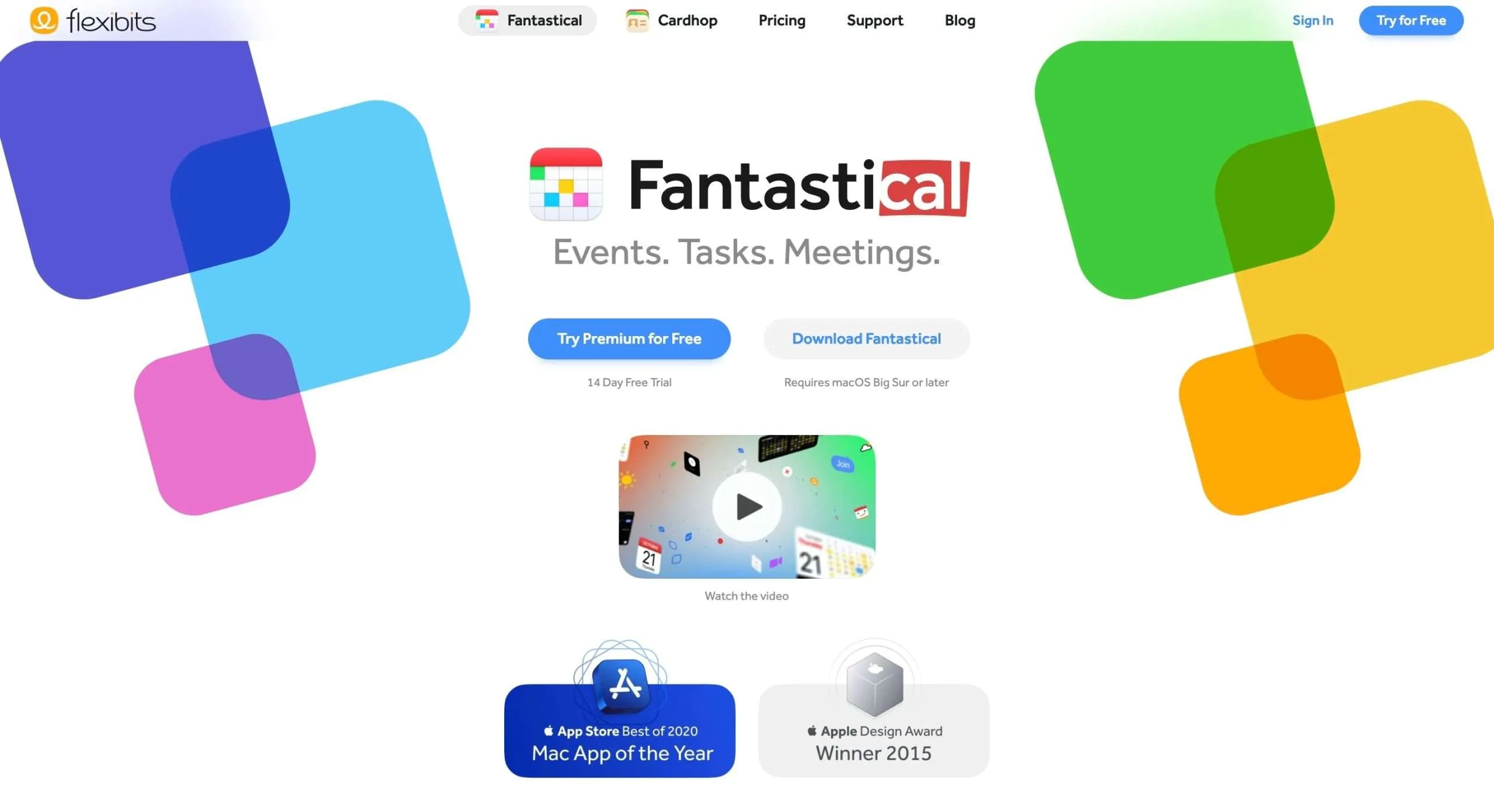
Fantastical is an Apple-only calendar app that makes scheduling events easier while helping you maintain a work-life balance.
With its clean interface, Fantastical allows you to quickly plug in appointments through natural language.
Simply type or speak sentences like “Lunch with mom next Tuesday at noon” and Fantastical will automatically create the event with the relevant info.
Beyond entering calendar items, Fantastical provides thoughtful features to encourage work-life balance.
Its Focus Filters hide non-relevant events to reduce noise and help you concentrate on personal time or particular work projects.
It also has Calendar Sets to group different calendars like work and family, making it simple to toggle your view.
While primarily a scheduling aid, Fantastical offers extras like conference call linking, weather widgets, and TV show calendars to give a well-rounded experience.
With time zone handling for trips and its Apple Watch app, it strives to smooth out life’s coordination troubles.
Key Features
- Natural language input to quickly create events
- Multiple calendar views
- Event and task templates
- Focus Filters to hide non-relevant events
- Conference call detection
- Time zone support to handle multi-location events
6. RescueTime
(14-day trial, paid plan starts at $6.5 per month)
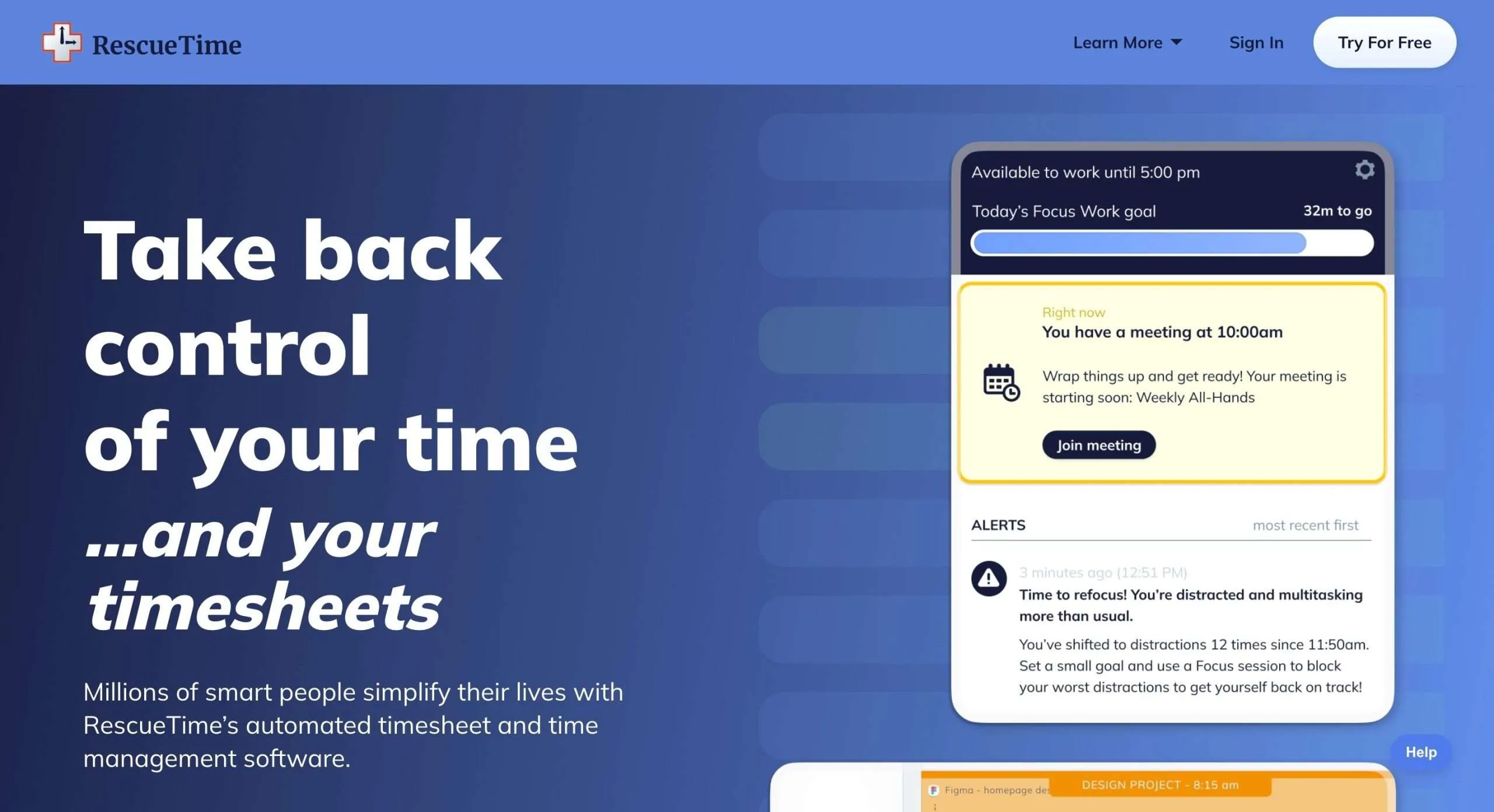
RescueTime tracks how you spend your time on your devices and shows you reports so you know exactly where your minutes and hours are going.
The cool part?
Just like Rize, it runs silently in the background so you don’t even notice it. It just does its thing, categorizing activities as either “productive” or “distracting.”
You’ll get color-coded charts showing if you’re staying focused or tending to wander into time-wasting territory.
RescueTime keeps you accountable.
And the best part is setting weekly goals for how much productive time you want to aim for. It’s awesome watching that percentage rise when you stay on track.
Key Features
- Automatic time tracking across devices and browsers
- Intelligent categorization of activities
- Comprehensive activity reports and visualizations
- Personalized goal setting for productive time
- Chrome and Firefox browser extensions
- Alerts when spending too much time on unproductive sites
7. Todoist

(Free plan, paid plan starts at $5 per month)
Todoist is this complete and customizable task management app.
What makes Todoist stand out is how it works seamlessly across just about any device you use, from phones and tablets to desktops and web browsers.
So whether you’re adding a new task on your phone while waiting in line for coffee or checking off completed items on your laptop at home, everything stays in sync.
And with natural language input, setting due dates, reminders, and recurrences is a breeze. Just type something like “Finish monthly report by next Friday at 2 pm” and Todoist translates that into an actionable task.
It may sound basic but it makes workload management so much smoother.
Now about that workload: Todoist offers handy productivity reports so you can analyze your task completion patterns.
See what days you tend to get more done, where you get distracted or overwhelmed, and how to better balance personal and professional projects.
Key Features
- Efficient and intuitive interface design
- Seamless cross-platform syncing
- Natural language input for easy task creation
- Detailed productivity reports and analytics
- Robust collaboration tools for teams
8. DeskTime

(14-day trial, paid plan starts at $5 per month)
DeskTime is all about keeping tabs on how you spend your time during the workday.
It’s a time-tracking software that automatically records what you’re actively working on at your computer, whether it’s apps, websites, or documents.
The goal is to give individuals and teams insight into their daily focus and productivity levels.
So where does work-life balance come in?
DeskTime helps you analyze your habits to see where your concentration goes, the tasks taking up the most mental energy, and make sure you’re not overloading yourself.
It will highlight potential workload issues and areas for better work-rest balance.
It captures all your computer activity without needing to start/stop timers or constantly log what you just worked on.
It tallies periods of focus, your “productive” hours, and breaks taken—in simple visual dashboards and reports.
Key Features
- Real-time admin dashboard
- Automatic and manual time and project tracking
- URL and app tracking
- Productivity calculation
- Detailed reports and charts
9. ActivTrak

(Free plan, paid plan starts at $10 per month, 14-day trial)
ActivTrak is a comprehensive workforce analytics platform to assist teams with insights into productivity and ensure operational compliance.
It provides tools to collect and analyze user activity data, offering valuable insights to enhance team productivity and deliver analytics-driven solutions tailored to modern workplaces.
ActivTrak offers capabilities to address remote workforce management, measure productivity, monitor employee burnout risk, improve operational efficiency, and more.
It provides visibility through workforce analytics across people, processes, and technology to inform better decisions.
There is also a focus on protecting employee privacy with no logging of keystrokes, emails, cameras, or personal devices.
It also integrates with popular platforms like Slack, Microsoft Teams, and Salesforce for compatibility.
Key Features
- Capabilities to address remote workforce management
- Measure employee productivity with visibility into metrics
- Monitor employee burnout risk through data analysis
- Protect employee privacy with no keystroke/email/camera logging
- Integrations with Slack, Microsoft Teams, Google Workspace, etc
10. Teramind

(14-day trial, paid plan starts at $11.25 per month)
Teramind is a helpful tool for measuring work-life balance and avoiding burnout.
It tracks key metrics related to overwork, like hours logged outside normal business times, weekend work, and vacation days taken.
Teramind generates easy-to-understand reports that show patterns over time, highlighting when employees are at risk of burnout based on exceeding healthy thresholds.
You can set up customized alerts when you near or pass preset limits in areas like consecutive days worked without a break.
It also provides useful insights for maintaining work-life balance, such as top apps and websites visited outside working hours or the frequency of late-night emails sent and received.
For managers, total team data reveals broader trends, like whether there are crunch times leading to excessive overtime across the board.
Key Features
- Tracks time worked to identify overtime and burnout risk
- Provides reports and data visualizations
- Allows setting up custom alerts around exceeding healthy work limits
- Monitors usage of apps/websites outside working hours
- Aggregates team-wide data and trends to assist managers
11. Connecteam
(Free plan paid plan starts at $35 per month, 14-day trial)
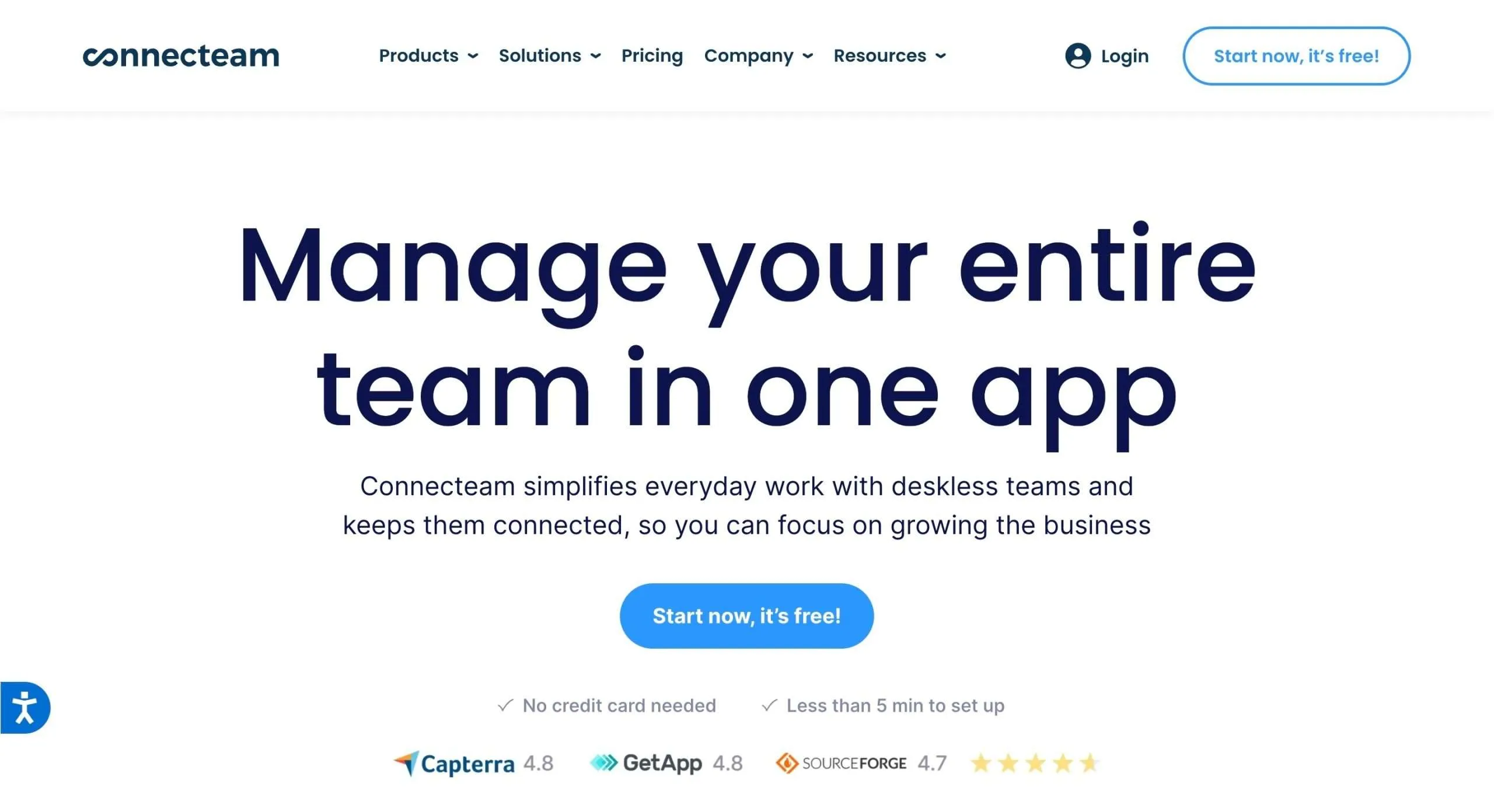
Connecteam is a complete employee communication and management app that makes life so much easier for non-desk teams.
With Connecteam, managers can handle scheduling, time tracking, task lists, training, and so much more in just a few taps on their phones.
It lets you do stuff like create and assign checklists for daily tasks, track where employees are clocked in, and chat with the team in real time.
You can even share documents, set up training courses, and create surveys to improve operations.
I love that it has easy ways to recognize top performers with rewards and shutouts (a good way to bring some life into members’ work).
The key thing is it works perfectly for teams that don’t sit at computers all day — like retail, hospitality, construction, healthcare, and more.
Whether your team is always on the go or working shifts, Connecteam brings you together.
Key Features
- Intuitive mobile interface
- Employee recognition and rewards
- Shift scheduling and attendance tracking
- Real-time chat and announcements
- Timesheets and automated payroll
- Forms, surveys, and quizzes
12. Akiflow
(7-day trial, paid plan starts at $12.49 per month)
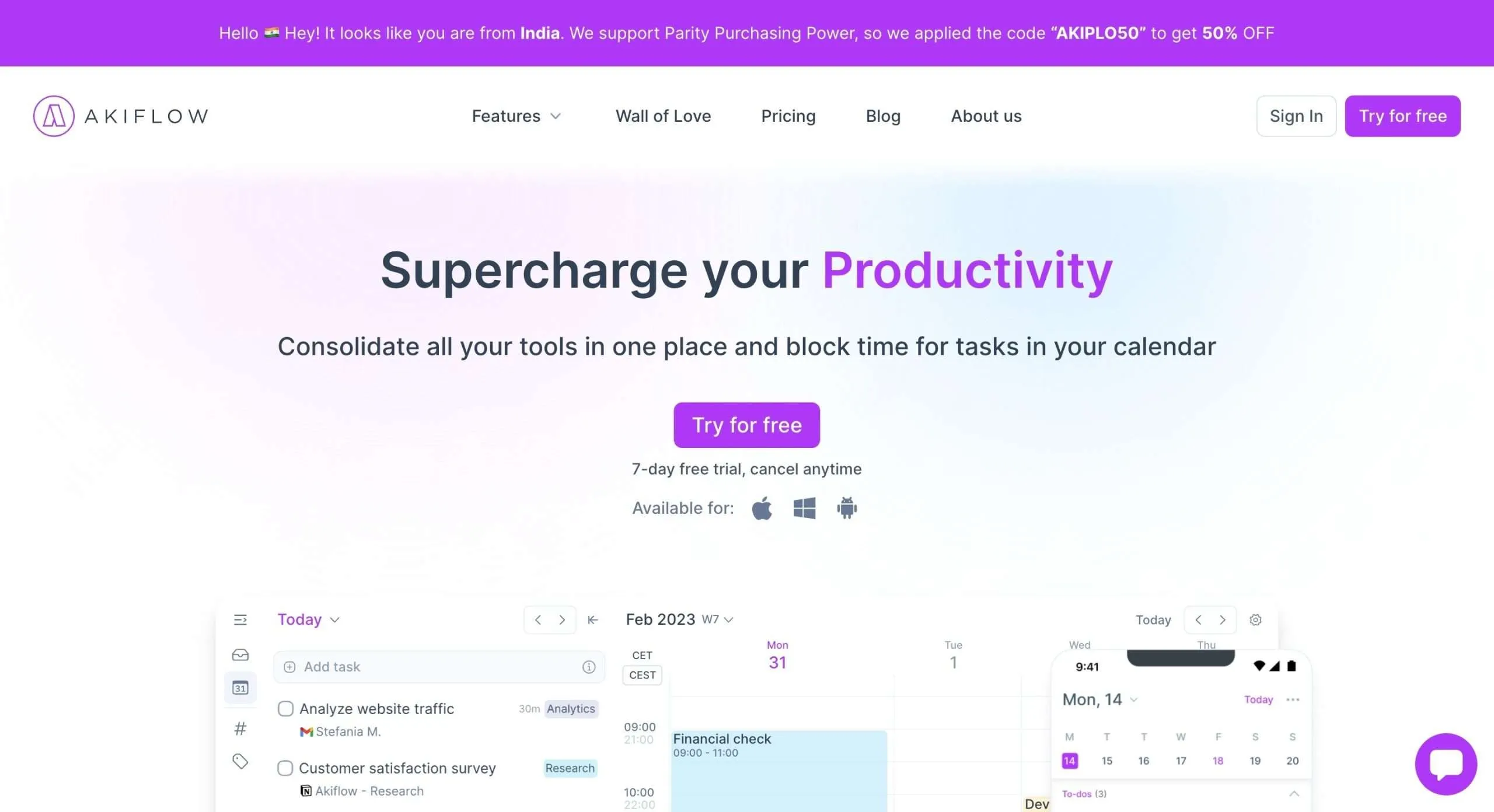
Akiflow is this complete digital planner and calendar that helps you take control of your schedule.
I am unsure about you, but I’m the type who has tasks and appointments floating around in ten different places. It’s so hard for me to keep track of everything!
Akiflow brings it all together into one centralized hub.
You can quickly drag and drop tasks right into your calendar to block out time for them. It’s perfect for time blocking so you can focus on important projects without distractions.
Another thing I love is Akiflow’s universal inbox.
You can import tasks from other tools you use, like email and to-do apps, so everything is in one place.
Sharing your availability is super simple too. Instead of the usual back-and-forth of checking calendars, just let others book time on your calendar when it works for both of you.
FURTHER READING: We have written a definitive Akiflow review for you to understand it better.
Key Features
- Universal Inbox to import tasks from other tools into one place
- Time blocking to schedule focused time for important tasks
- Share availability so others can book time on your calendar
- Recurrent tasks with customizable recurrence
- Time zones view to see multiple locations’ times simultaneously
- Command bar to quickly create tasks by voice
Finding Ideal Work-Life Balance: The Final Word
This post has explored a powerful arsenal of tools to help you measure, monitor, and optimize your work-life balance.
From time trackers like Rize and RescueTime to calendar apps like Fantastical and Sunsama, these innovative solutions empower you to take control of your time and priorities.
However, technology alone isn’t the answer.
True work-life balance requires introspection and conscious effort.
It’s about recognizing our limitations, setting boundaries, and prioritizing our mental and physical health.
It’s about embracing breaks, saying “no” when needed, and carving out time for the things that truly matter to us outside of work.
Remember, work-life balance is a journey, not a destination. Don’t be afraid to experiment, explore different tools and strategies, and listen to your body and mind.
So, take a deep breath and step away from the screen every once in a while.


 A better way to manage projects and clients for freelancers
 Get through busy days like a breeze with Reclaim.ai