
Traditional SERP APIs typically focus on Google search results.
But some also offer AI search capabilities, allowing you to fetch data from AI engines like Claude and ChatGPT.
If you’re looking for such apps, I have picked some of the best SERP APIs that support both Google and AI search.
My guide covers their core features, limitations, and pricing to make it easier to compare them.
What Is a SERP API, and Which Tools Are Best for Google and AI Search Data?
SERP API is a developer tool that lets you collect live Google search results and AI search data directly in your own software.
Instead of searching manually, you just hook the API to your workflow and let it do the heavy lifting.
Top Features to Look for in a SERP API Tool
- Google organic search results.
- SERP features.
- AI search data.
- Location-based targeting.
- Data export options.
Key Takeaways: Best SERP APIs by Use Case
| Use Case | Recommended Platform |
|---|---|
| If you want to monitor brand visibility | Cloro |
| If you need an API for SEO and market research | DataForSEO |
| If you want quick Google search results at scale | SerpApi |
| If you need a general-purpose web scraper | Scrapingdog |
| If you want ready-made scrapers | Apify |
Best SERP APIs for Google and AI Search at a Glance
| S. No. | Tool | Best For | Starting Price | Free Tier/Trial | Stars |
|---|---|---|---|---|---|
| 1 | Cloro | Marketers and developers wanting one API for all data extraction | Starting at $30/mo | Free plan | ★★★★★ 4.6/5 |
| 2 | SE Ranking | SEO professionals and agencies | Starting at $50 | Free trial | ★★★★★ 4.7/5 |
| 3 | DataForSEO | SEO teams and developers needing structured SEO data | Starting at $50 | Free trial | ★★★★★ 4.4/5 |
| 4 | SerpApi | Developers needing fast Google search results | Starting at $25/mo | Free trial | ★★★★★ 4.8/5 |
| 5 | SearchAPI | Developers wanting AI-powered scraping tools | Starting at $80/mo | Free trial | ★★★★★ 4.7/5 |
| 6 | Oxylabs | Businesses with large-scale scraping needs | Starting at $30/mo | Free starter plan | ★★★★★ 4.5/5 |
| 7 | Scrapingdog | Developers wanting a general-purpose scraping tool | Starting at $40/mo | Free plan | ★★★★★ 4.6/5 |
| 8 | HasData | Developers needing a general-purpose scraper with automation | Starting at $59/mo | Free plan | ★★★★★ 4.5/5 |
| 9 | Scrapeless | Developers needing scraping, crawling, and automation | Starting at $49/mo | Free trial | ★★★★★ 4.9/5 |
| 10 | Apify | Marketers looking for ready-made scrapers | Starting at $19/mo | Free trial | ★★★★★ 4.7/5 |
How I Chose the Best SERP APIs
I started by looking at their Google search features. I chose APIs that can extract Google search results and organize them into a structured format.
I also checked whether they offer AI search features.
Here are my criteria.
- Google SERP Data: Can it extract relevant search results such as featured snippets, ads, PAA, and local business data?
- AI Visibility: Can it scrape Google AI Overview summaries or answers from ChatGPT, Gemini, and Perplexity?
- Scalability: Can it handle bulk queries?
- Pricing: What is its pricing structure?
Based on these criteria, I picked the 10 best SERP platforms.
Here’s the list.
1. Cloro
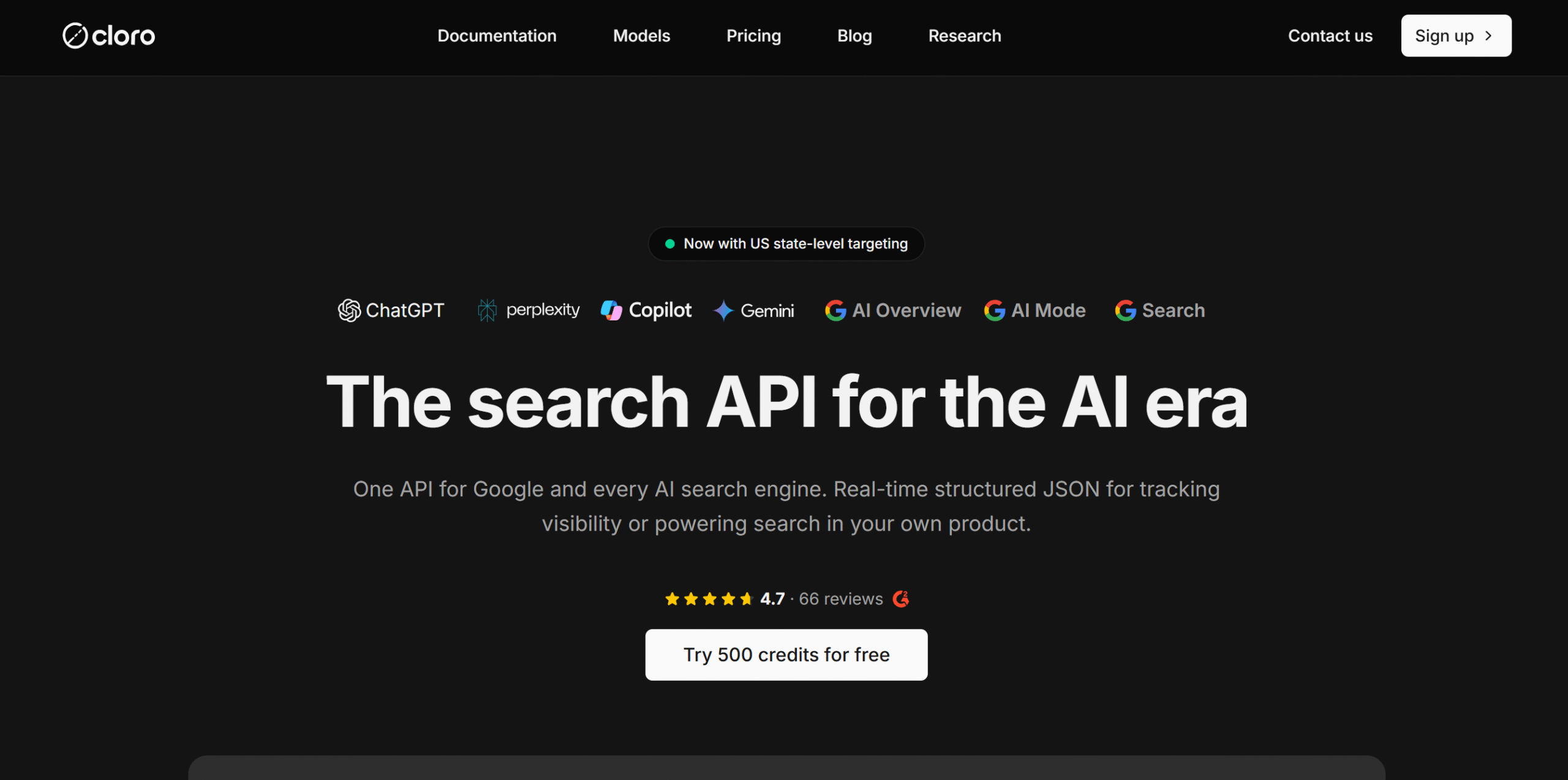
Cloro helps you pull and parse data from Google and AI engines in one place.
Whether you want to know what people or AI engines say about your brand or what helps competitors rank in Google search results, you can get relevant data through Cloro.
You can also run targeted searches in different regions to see how Google search results and rankings change by location.
And that’s just one use case. You can use Cloro to dig deeper into the data to find more useful insights.
For example, if you are a content creator, Cloro can tell you which websites ChatGPT cites in its answers. This gives you an idea of where to publish your content.
You can also compare Google and AI results to see which sites rank on Google but don’t get mentioned by AI engines.
What I found most appealing about Cloro is how it structures content.
It uses one API to fetch all data and converts it into a consistent format, so you don’t have to maintain separate workflows.
Limitations
Cloro doesn’t roll over unused credits. It also doesn’t offer top-ups. Once you run out of credits, you’d either have to upgrade or wait for the next cycle.
Core Features
- Fetch organic search results, rankings, ads, summaries, and other relevant data.
- Cover AI engines, including ChatGPT, Perplexity, Copilot, and Gemini.
- Compare AI and Google search results, competitor rankings, and brand mentions.
- Uncover AI engines’ citation sources.
- Collect data from specific geolocations.
- Extract data as JSON.
- Provides MCP integration.
What Users Say
“I like how easy Cloro is to use, and its interface is extremely easy to navigate. Setting it up was one of the easiest experiences I’ve had.”—G2.
“I really like Cloro because it offers the best bang for the buck and is very easy to use. It fits into my current workflows easily with the rest of my automations.”—G2.
Price
Cloro’s basic plan is free, and premium packages start at $30 per month.
2. SE Ranking
SE Ranking is an AI SEO platform. It provides a traditional visual dashboard for keyword tracking and an API to collect SEO data for your application.
Both are sold separately, so you only pay for the features you need. Still, it’s a good option to have if your requirements change in the future.
You can use SE Ranking to collect data from popular traditional search engines such as Google, Bing, Yahoo, and YouTube.
You’ll get dedicated APIs for rank tracking, keyword research, domain analysis, backlink analysis, and web audits.
SE Ranking also offers a project management API for agencies that want to use both the web platform and API. The project API lets you manage the raw data inside the app.
Along with traditional SERP APIs, you’ll get an AI visibility API to see how AI engines show your brand image.
You can see whether your company or brand is being mentioned in AI-generated answers and whether those mentions are positive or negative.
Limitations
The standalone plan only gives you access to the Data API, not the Project API. That’s part of the main subscription only.
Core Features
- Offers a traditional ready-made platform and a separate API for developers.
- Provides an API for keyword search, domain analysis, backlinks, web audits, and project management.
- Covers AI engines such as Google AI Overview, ChatGPT, Perplexity, and Gemini.
- Tracks AI citations and collects data from specific geolocations.
- Extracts data as JSON.
- Provides MCP integration.
What Users Say
“We’re big fans. We get everything we need from a visibility tracker at a great cost, and the team is hugely responsive, updating to anything we or other businesses need.”—Capterra.
“I’ve found SE Ranking helpful for checking keyword rankings, monitoring website performance, and keeping track of SEO progress.”—Trustpilot.
Price
SE Ranking follows a Pay-As-You-Go pricing model for its standalone API product. The starting rate is $50. You can try it for free.
3. DataForSEO
DataForSEO has both Google and AI search capabilities, but its main focus is on Google search engine data.
It’s designed for developers who need structured data for market research and SEO analysis.
The software can handle high-volume requests and delivers results in JSON. You can request information from multiple search engines and use location parameters to get regional data.
You’ll also get an AI optimization API to monitor brand mentions and fetch answers from AI engines like ChatGPT, Claude, and Gemini.
Apart from SERP data, DataForSEO can scrape large e-commerce platforms like Amazon and app stores. It’s not a general-purpose web scraper, however.
Limitations
DataForSEO’s response time is a bit slow compared to other platforms.
Core Features
- Collects data from search engines, e-commerce marketplaces, review platforms, and app stores.
- Supports major search engines, including Google, Bing, Amazon, and YouTube.
- Fetches AI summaries and answers from Google, ChatGPT, Gemini, Claude, Perplexity, and Copilot.
- Extracts data from different geographic locations.
- Exports files as JSON.
What Users Say
“I find DataForSEO really easy to use with great documentation and amazing support.”—G2.
“Using data for SEO for over a year now mostly through mcp with my agents and it does wonders. Great selection of SEO tools, good data, amazing customer support.”—Trustpilot.
Price
DataForSEO offers pay-as-you-go pricing. There’s no subscription, but you’d have to deposit a minimum of $50 to get started.
You can try it for free.
4. SerpApi
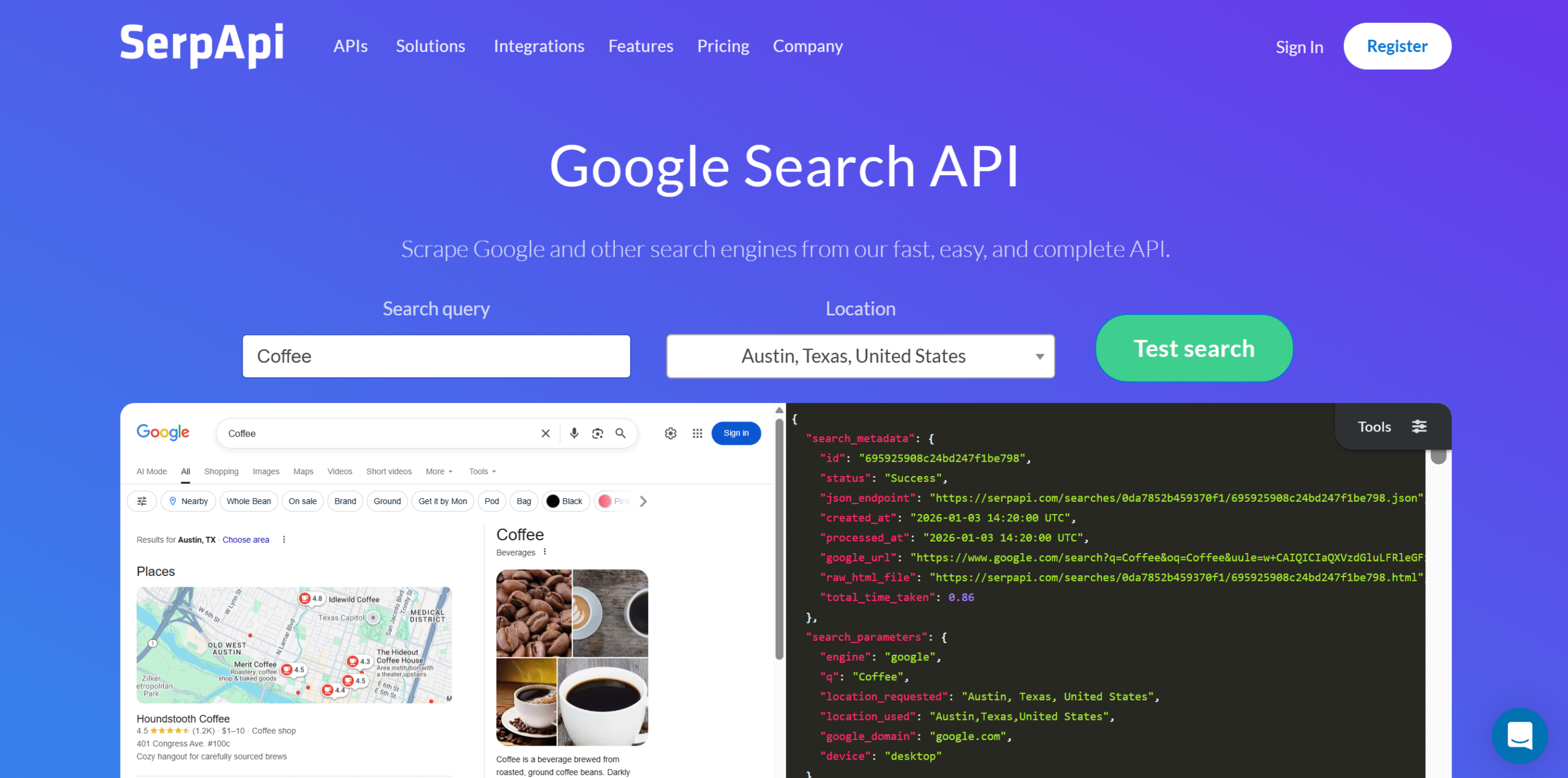
SerpApi, like DataForSEO, is purely a Google search tool but targets a different audience.
DataForSEO is best for bulk processing. It supports both search engines and AI models and offers pay-as-you-go pricing, making it cost-effective for high-volume workflows.
SerpApi is built for people who need faster results. It can process requests instantly and also handle high-volume workflows.
The trade-off? Price.
Many still prefer it because it supports a wide range of search engines and provides enterprise-grade security.
Limitations
SerpApi doesn’t support AI models. You can pull AI-generated summaries and their cited sources from Google’s first page, but you can’t get data from AI models like ChatGPT.
Core Features
- Collects organic SERP data, including featured snippets, PAA, map results, ads, and metadata.
- Supports major search engines, such as Google, Bing, Baidu, Yahoo, DuckDuckGo, and YouTube.
- Fetches AI summaries.
- Collects local and geographic data.
- Exports files as JSON.
What Users Say
“My experience with SerpApi has been extremely positive. The product works well, is easy to use, and provides real value for money.”—Capterra.
“An amazing site for finding accurate search results.”—Trustpilot.
Price
SerpApi subscriptions start at $25 per month. You can try it for free.
5. SearchAPI
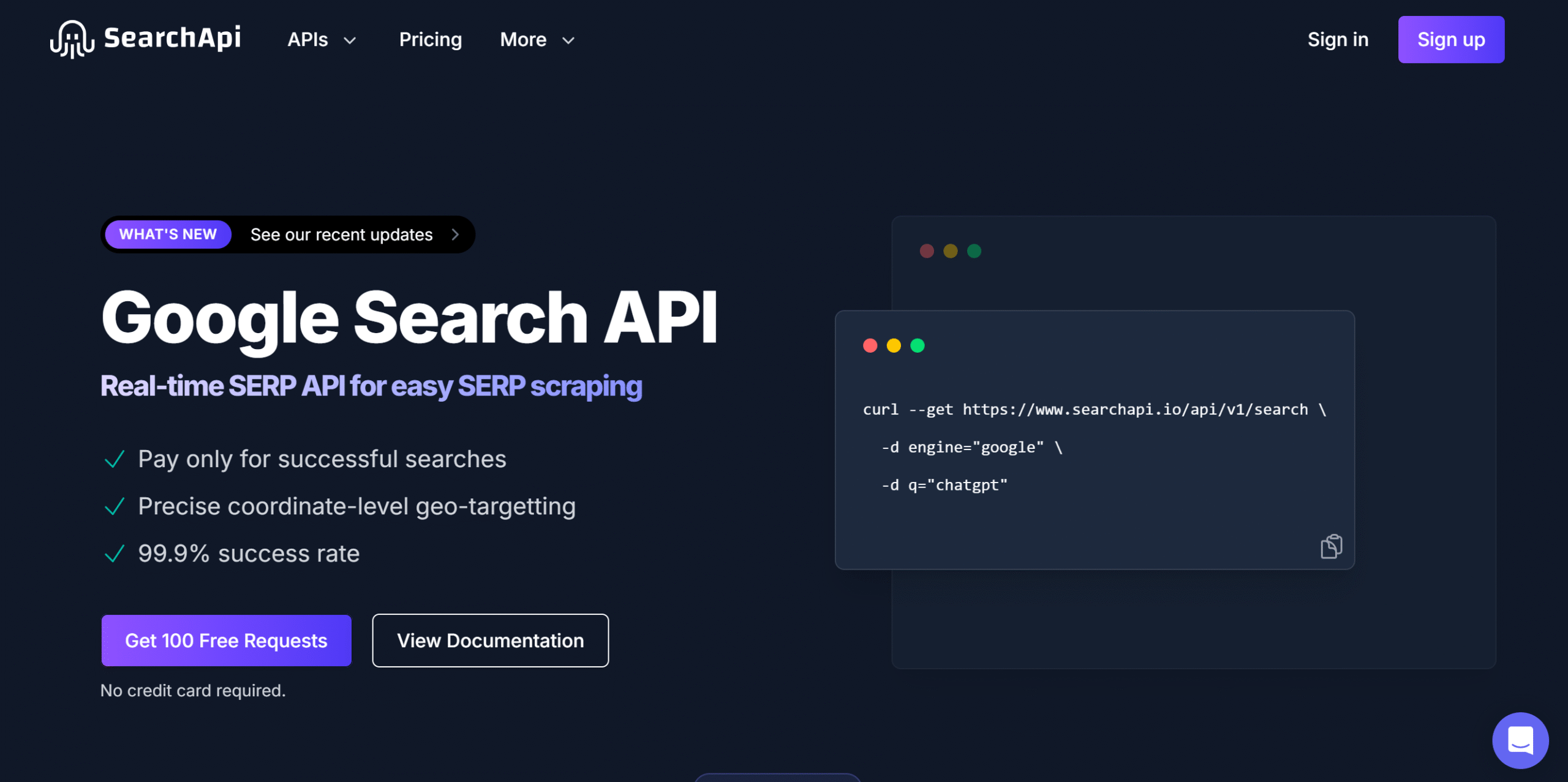
SearchAPI is a modern version of SerpApi.
It generates real-time search results like SerpApi, but it also supports AI search engines.
Core capabilities of SearchAPI are instant delivery, geotargeting, CAPTCHA handling, and parsing. You can extract AI overview, ads, PAA, and related searches.
AI search is a core part of the SearchAPI. It covers ChatGPT, Perplexity, Gemini, and Copilot.
You can use their dedicated APIs to pull real-time data, get cited sources, and collect AI-generated answers.
Limitations
SearchAPI can’t automatically extract brand mentions from AI-generated data, like Cloro.
You can use AI agents inside your app and get other structured answers, but you’d have to pull brand mentions manually.
Core Features
- API for both traditional and AI search engines.
- Provides standard and enhanced speed options.
- Fetches featured snippets, PAA, top searches, image results, and other SERP results.
- Collects data from specific countries and cities.
- Extracts results as JSON.
What Users Say
“SearchApi makes it easy to pull structured Google Trends and Shopping data without dealing with scraping or CAPTCHAs.”—G2.
“We integrated SearchApi into our travel platform backend to power hotel recommendations, flight searches, and destination news. The setup was smooth and documentation is clear.”—Trustpilot.
Price
SearchAPI has two types of subscriptions: Regular and High Volume. Both come with standard and enhanced speed packages.
The premium package starts at $80 per month. You can try it for free.
6. Oxylabs
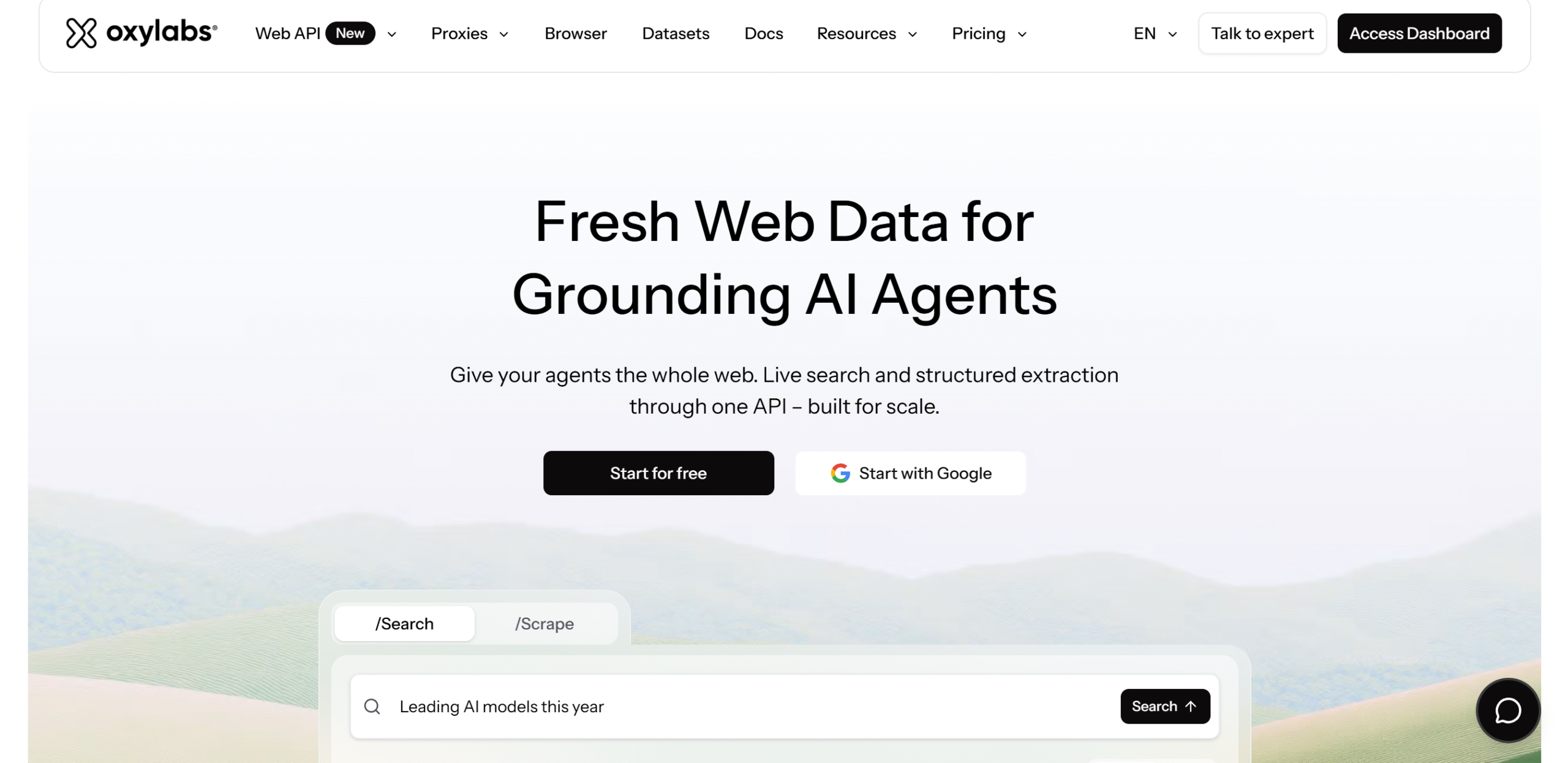
Oxylabs can search and scrape data at scale and deliver results in both raw HTML and JSON.
You can scrape any website and set custom parsing rules to get the data you want.
You don’t have to write the custom instructions manually. Oxylabs has a built-in AI assistant that can generate custom parsing from your prompt.
What I loved most about Oxylabs is that it can automatically fix your custom presets when a website changes, so you don’t have to maintain them yourself.
You can also set the scraping on autopilot. That’s one of its unique selling points.
Limitations
Oxylabs is overkill for simple tasks. It’s built to handle high-volume data.
Core Features
- Fetches featured snippets, top searches, image results, and other SERP results.
- Supports both search engines and AI models, including Google, Bing, Google AI mode, ChatGPT, and Perplexity.
- A large proxy network, offering access to diverse data.
- Collects data from specific countries and cities.
- Automatically scrapes websites.
- Extracts results as JSON.
What Users Say
“We’ve used Oxylabs for several years to support eCommerce intelligence & competitive tracking across India, US, and other markets. Their infrastructure has been consistently reliable for large-scale product & pricing data collection from complex retail sites.”—G2.
“Oxylabs platform is solid and reliable. Their team is super helpful and responsive. I recommend them to everyone!”—Trustpilot.
Price
Oxylabs’ subscriptions range between $30 and $500 per month. The starter plan is free.
7. Scrapingdog
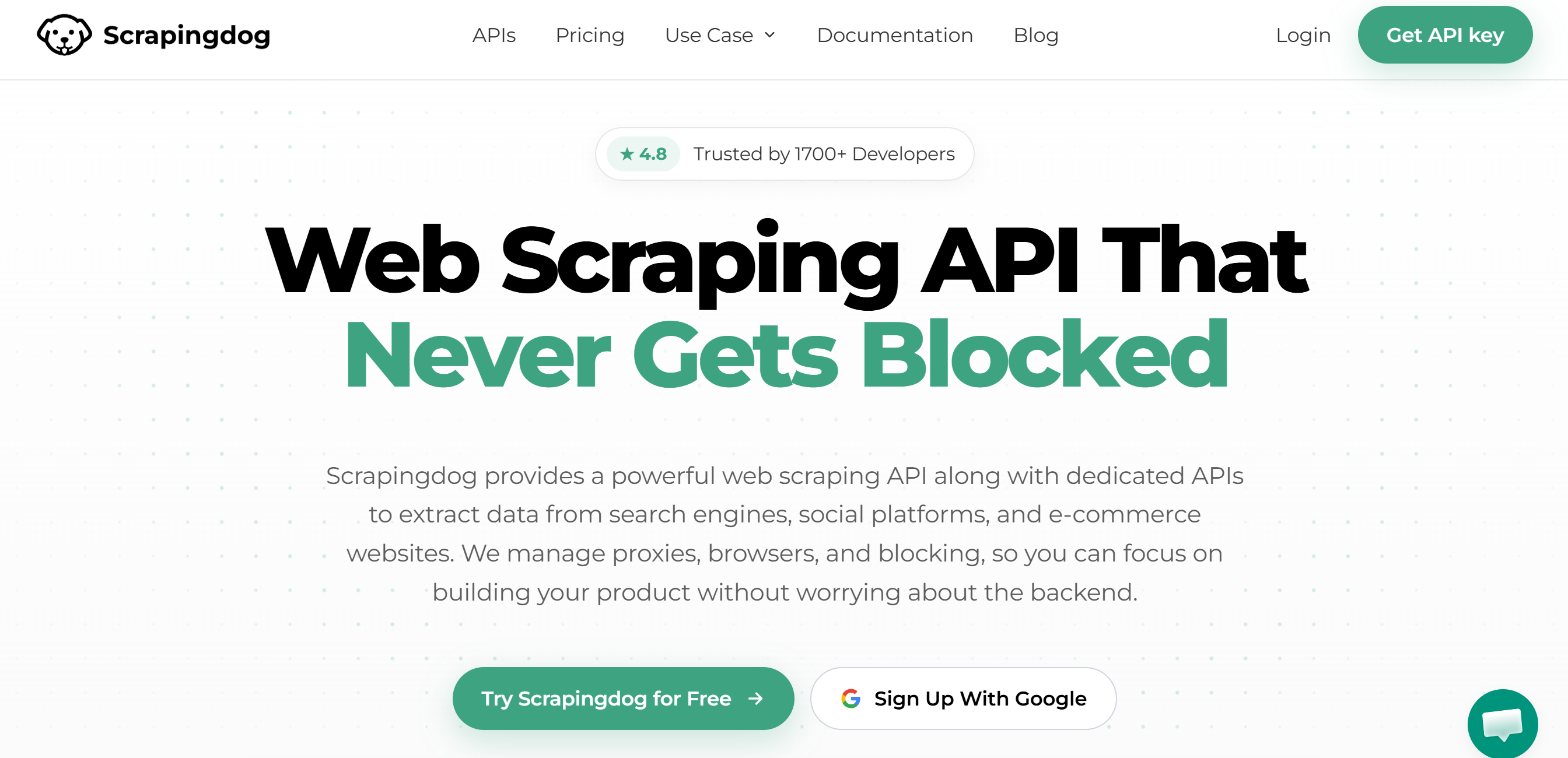
Scrapingdog is like a Swiss Army knife. It lets you pull data from any website, including Google’s first page.
You can use Scrapingdog both as a general web scraper and as a heavy-duty tool.
It can handle high volume using its proxy network and delivers structured data as JSON and Markdown.
APIs are available for Google AI Overviews and ChatGPT too. You can collect AI-generated responses, send prompts to ChatGPT, and track brand mentions.
One more thing. Scrapingdog has separate APIs for Google, Yahoo, DuckDuckGo, and other search engines.
But for Google, especially, it offers several specialized APIs, so you can extract a specific type of data, such as news, shopping, images, and citations.
Limitations
Scrapingdog is mainly made for Google. It supports other search engines, but you’d have to clean the data yourself.
Core Features
- API for search engines, e-commerce marketplaces, and social media platforms.
- Supports major search engines, like Google, Bing, Yahoo, DuckDuckGo, and Baidu.
- Fetches AI summaries from Google and answers from ChatGPT.
- Collects local and geographic data.
- Exports files as JSON.
What Users Say
“Easy API. Good value for money. Quick and efficient customer service. Highly recommend.”—Trustpilot.
“I’ve been using them for several years. They had issues back then, but the bugs have been fixed starting the last year ago, and now it’s great.”—Trustpilot.
Price
Scrapingdog’s prices start at $40 per month. The basic plan is free.
8. HasData
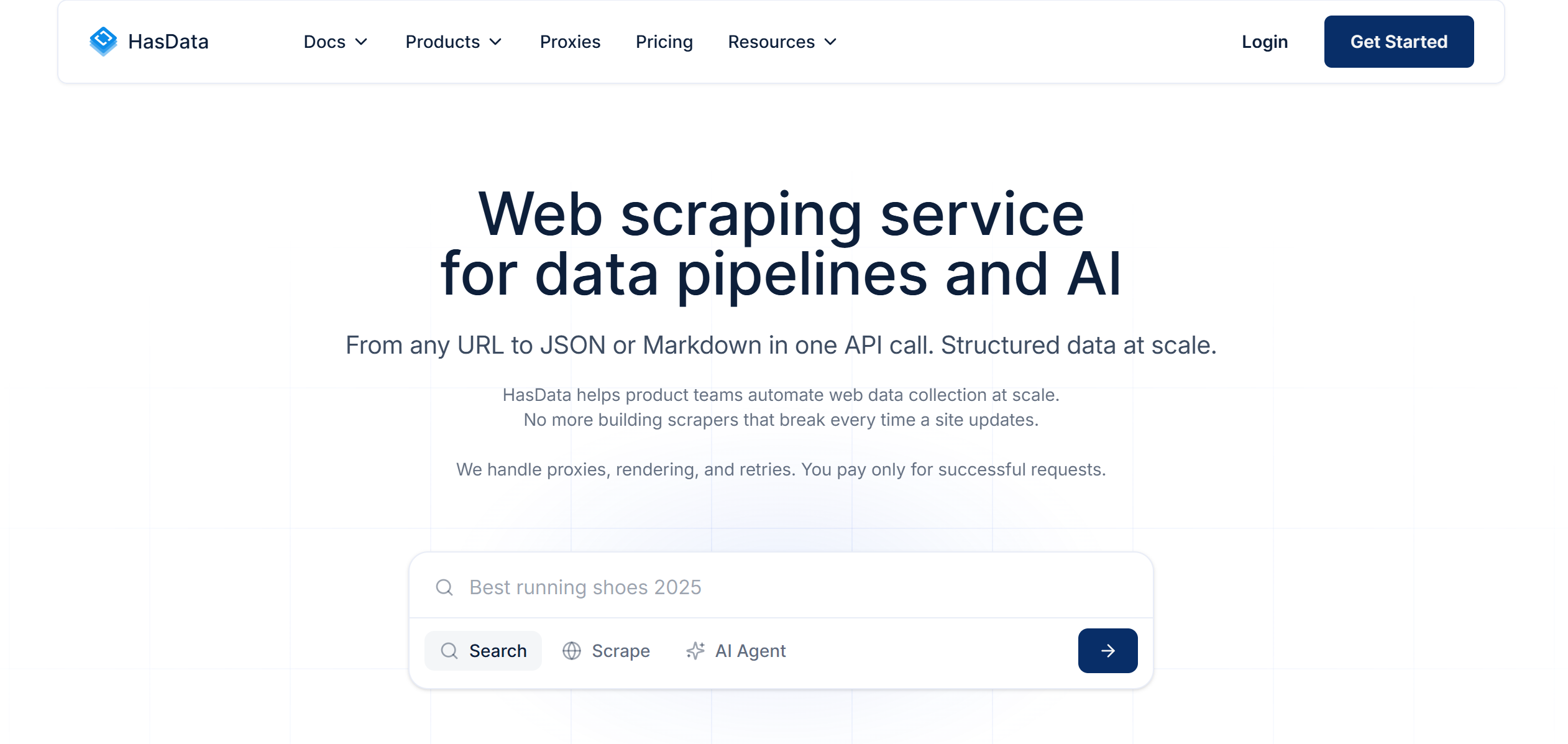
HasData is another general-purpose scraper tool worth considering. It delivers SERP API, web scraping, and AI search tools.
You can collect anything from Google News and business reviews to flight information and property data. It offers several ready-made scrapers and exports data to CSV, XLSX, and JSON.
You can also automate your workflows.
It doesn’t have built-in scheduling, however. You’d have to connect it with Zapier to set up automation.
Limitations
HasData has a hard limit on how many concurrent requests you can send.
Core Features
- API for search engines, e-commerce marketplaces, and social media platforms.
- Supports major engines.
- Fetches AI summaries from Google and answers from ChatGPT.
- Collects local and geographic data.
- Provides MCP integrations.
- Exports files as JSON.
What Users Say
“Great API to get the data you need fair pricing and very low down time.”—Trustpilot.
“It’s an easy-to-use, intuitive API, and the dashboard is simple and straightforward to navigate.”—G2.
Price
HasData’s basic plan is free, and premium subscriptions range between $59 and $1,660.
9. Scrapeless
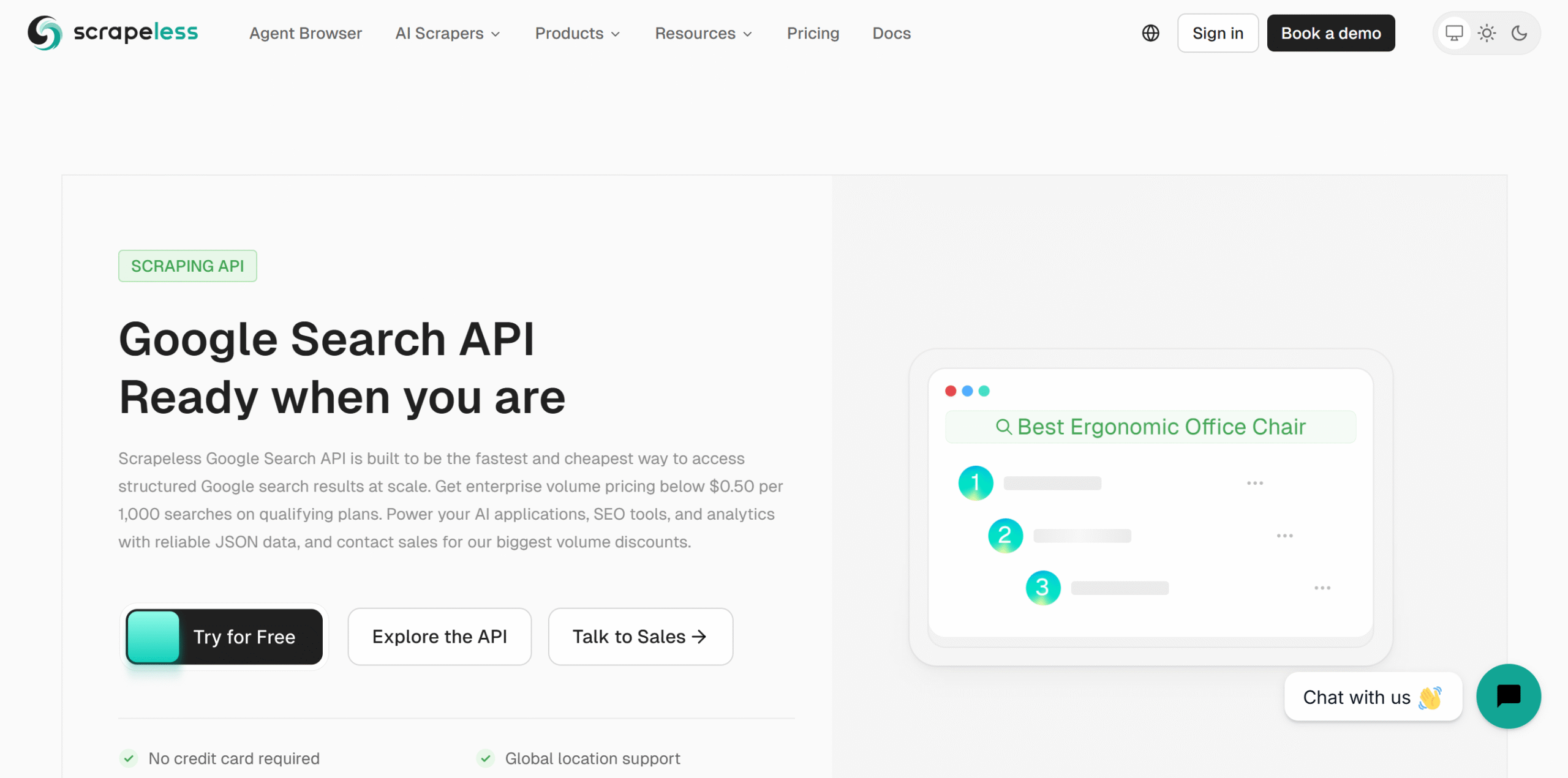
Scrapeless offers an all-in-one solution.
It can handle almost everything from collecting search results and crawling websites to tracking what AI engines say about your brand and automating browser tasks.
Each of these services comes with its own API, so you can keep things separate.
Data is pulled in real time, not just from Google, but also from AI search engines like ChatGPT.
You can run multiple automated tasks at once and collect structured data in bulk.
Limitations
Scrapeless’s product line is focused on AI agents. While it does offer a robust Google search tool, that’s only part of its toolkit.
It’s not a limitation per se, but it’s more than what you might need if you are specifically looking for SERP API features.
Core Features
- Collects both search results and web data.
- Provides a dedicated API for Google search.
- Extracts AI responses from all the popular AI engines.
- Supports geotargeting.
- Automates browser tasks.
- Provides MCP integrations.
- Exports files as JSON.
What Users Say
“The ease with which it bypasses restrictions is just amazing! It works quietly in the background, so I can stay focused without interruptions!”—G2.
“The UI for scrapless was pretty solid and viable to use. It was straightfoward and I was able to scrape what I wanted.”—Trustpilot.
Price
Scrapeless’ prices start at $49 per month. It provides separate packages for enterprises, starting at $699 per month.
You can try it for free.
10. Apify
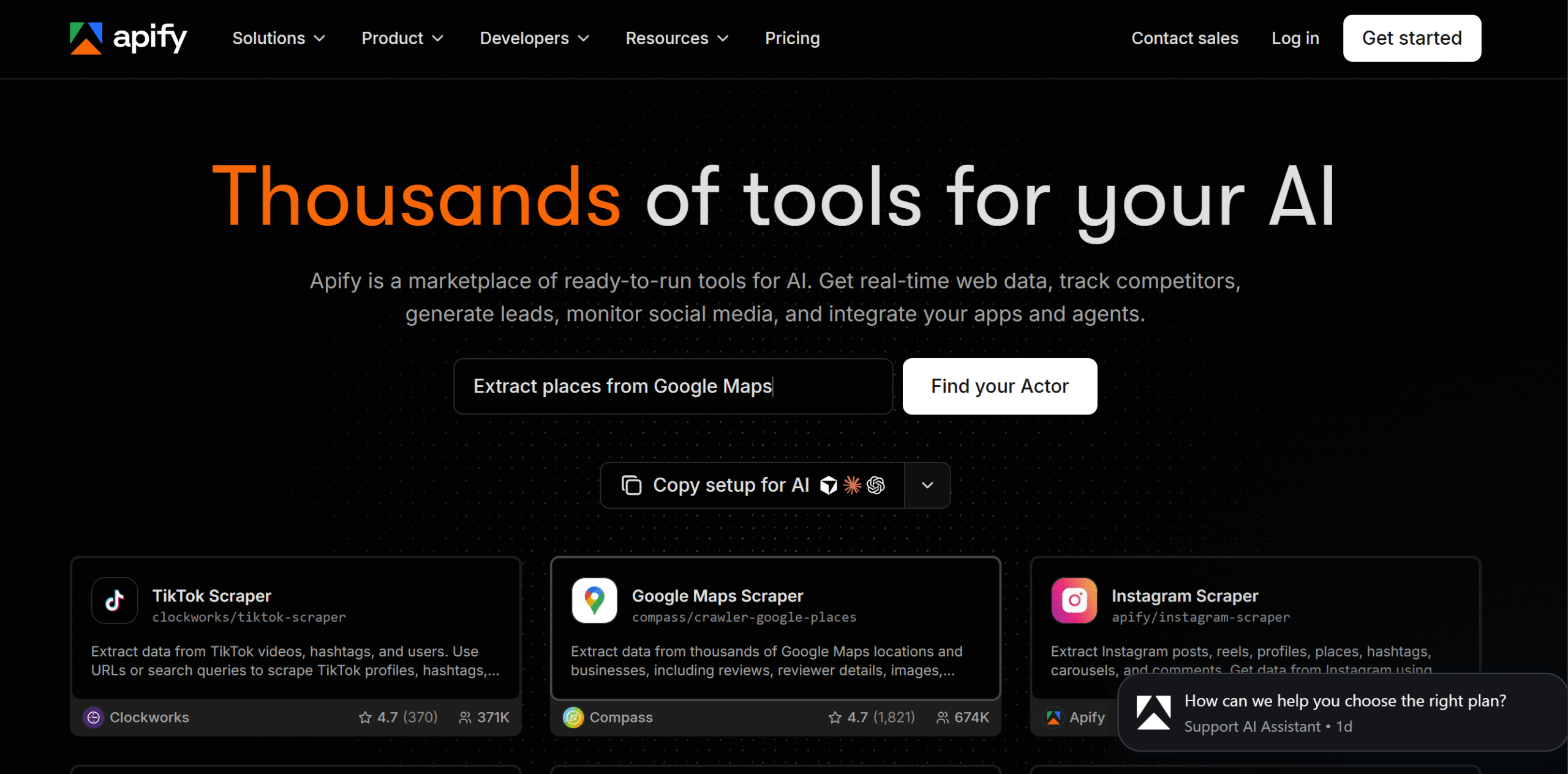
Apify is a web scraping and automation platform. It lets you pull data from Google and AI search engines and integrate third-party tools to automate your workflows.
Some of the data you can extract through Apify includes SERP data, local business listings, AI answers, social media content, and web audit data. Apify stores the results in its datasets, and you can extract them as JSON.
What makes Apify unique is its marketplace of pre-built scrapers called actors.
You can get a ready-made scraper for pretty much everything, including an AI visibility tracker. If you can’t find what you are looking for, you can build your own and run it on Apify.
Limitations
Apify’s actors are built by third-party developers, so the quality might not be consistent.
The pricing is also a little tricky because you pay for usage, not the tools. The platform charges a fixed amount like a prepaid card. The more resources you use, the more you have to pay.
If you exceed your credits, Apify will provide extra credits, but if you have unused credits, they don’t roll over to the next billing cycle.
Core Features
- Provides a wide range of ready-made scrapers.
- Supports both traditional and AI search engines and social media platforms.
- MCP server integration.
- Automates general tasks.
- Supports geo-targeting.
- Exports to JSON, CSV, XLSX, HTML.
What Users Say
“We use Apify in our own projects, including our ad-automation platform, and we’re very happy with it. The scrapers we need just work: Google Maps, website content, ad libraries and social media data all come back clean and structured, without us having to deal with proxies or blocked requests.”—Trustpilot.
“It’s been one of the strategic pieces of our operations. Check it out.”—Trustpilot.
Price
Apify’s subscription starts at $19 per month. You can try it for free.
FAQs About SERP APIs
What is SERP API?
SERP API is a developer tool that helps you pull data from Google and other search engines. Modern SERP APIs can also scrape data from AI engines like ChatGPT.
Can I try the SERP API for free?
Yes. You can try all the above-listed platforms for free.
Which is the best SERP API for SEO?
DataForSEO. It’s more focused on organic results, keyword research, and ranking data.
Are SERP APIs safe?
Yes. They are safe to use, but you should still check their security features before purchasing them.
How much does a SERP API cost?
It depends on the tool. Some offer a fixed subscription, and some charge based on usage. Their pricing structures can also vary.
In general, the basic plans cost around $30 to $50 per month.
Conclusion: Which SERP API Should You Choose?
Did you find what you were looking for?
Before you choose a platform, you should consider how it handles data and pricing.
Can it extract all SERP data and process bulk requests? Does it support AI search? What will I have to pay for the data?
Keep these criteria in mind when you shortlist the tools.
Here are some of my recommendations.
Best for Marketers?
Cloro and Scrapeless.
Cloro helps you extract brand mentions in both traditional and AI search engines. Scrapeless also has good brand visibility tracking capabilities.
Best for SEO Agencies?
DataForSEO and SerpApi.
SerpApi supports a large number of search engines, while DataForSEO provides tailored SEO solutions.
Best for Enterprises?
Oxylabs and Apify.
Both tools offer customization, and both can handle high-volume requests.


 A better way to manage projects and clients for freelancers
 Get through busy days like a breeze with Reclaim.ai