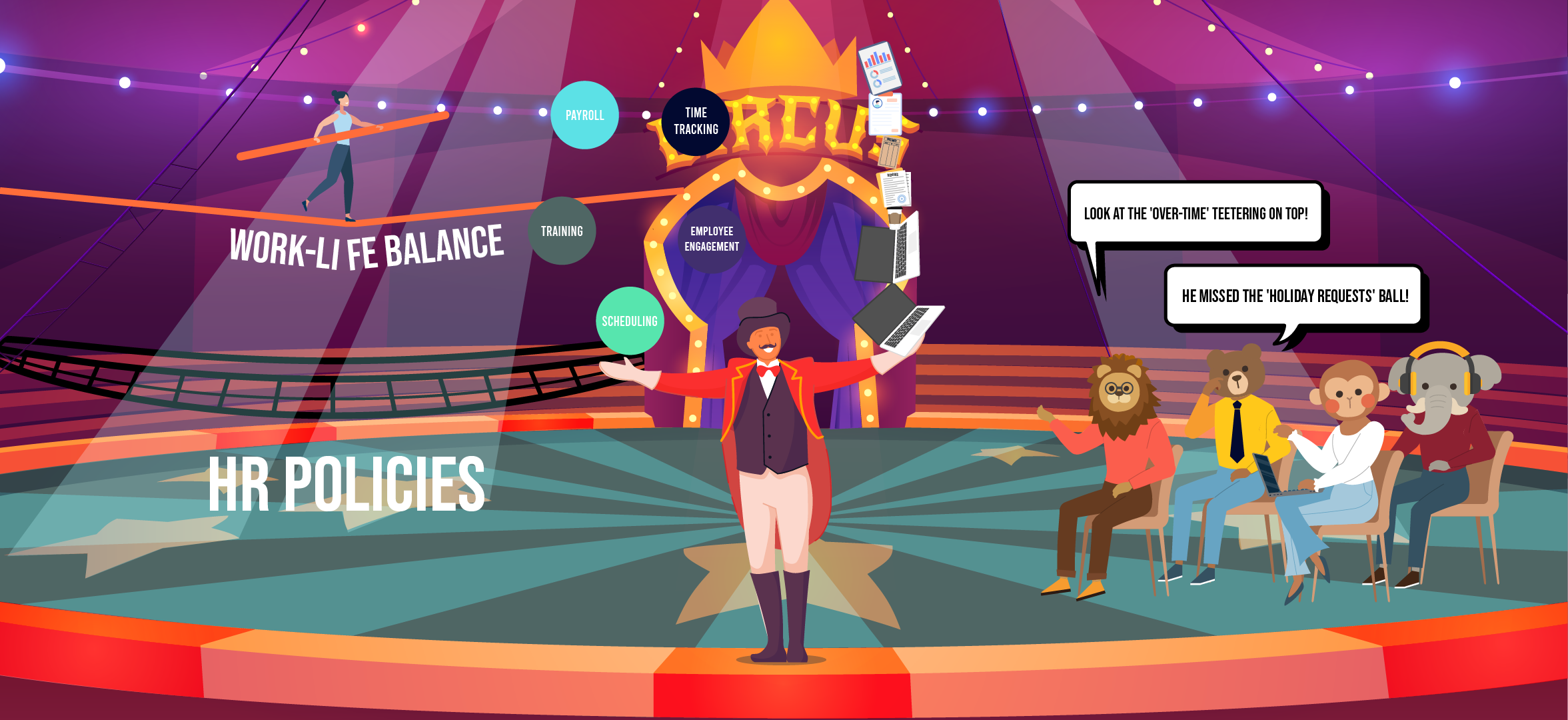
Overseeing staff activities manually often causes compliance errors and payroll miscalculations.
Shift trades, unexpected days off, and inaccurate timesheets are some of the general challenges of WFM, and they can seriously mess up your schedule, making you vulnerable to mistakes.
With a workforce management platform, you can centralize your data and set some jobs on autopilot.
The app not only gives you data visibility but also streamlines your processes.
What is Workforce Management Software and What Platforms Are Right for Your Business?
Workforce management software delivers scheduling, tracking, and compliance tools to allocate and oversee your resources efficiently.
It’s designed for companies that run flexible work schedules or work on specific projects and typically hire temporary or seasonal staff.
Top Features to Look for in a WFM Software;
- A shift schedule builder.
- Timesheets for payroll calculation.
- Mobile app for the remote time clock.
- Dashboard summary or activity report for monitoring.
In this article, I have covered the 12 best workforce management platforms, summarizing their core features and prices. The review should help you choose the right software for your business.
Let’s check them out!
1. Connecteam
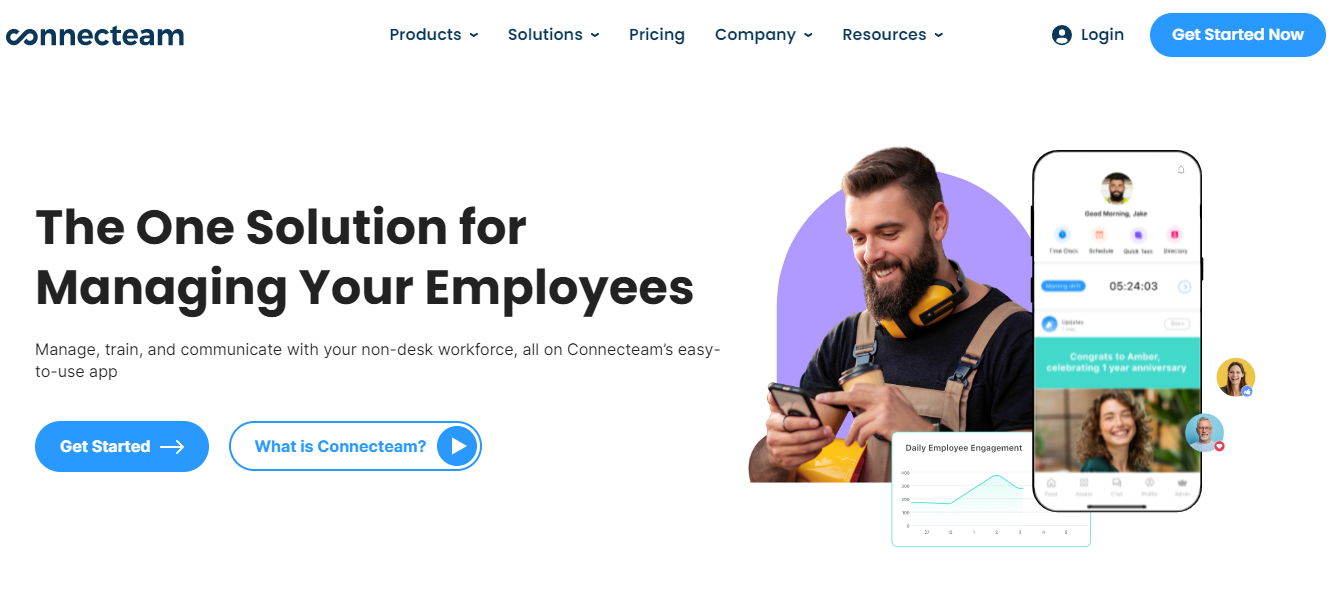
Connecteam is ideal for both remote and on-site workforce management. It’s an employee app that allows you to make online schedules, record working hours, track assigned tasks, and engage employees.
You can create recurring tasks and set deadlines to ensure each job is completed on time. With checklists, status reports, and push notifications, you can supervise each job and maintain an open communication channel with the staff.
To encourage workforce productivity and improve team morale, you can offer incentives and non-monetary rewards to your employees.
Other interesting things you can do include leave management, payroll integration, and employee training.
Core Features
- Onboarding and training.
- Shift schedules and location-based time tracking.
- Timesheets, overtime, and day off.
- Task management.
- Team chat and news feeds.
- Directory and a knowledge base.
- Document organization.
- Engagement tools.
- Mobile app.
- Integrations.
Price
Connecteam’s prices range between $35 and $120.
You can try it for free.
2. Deputy
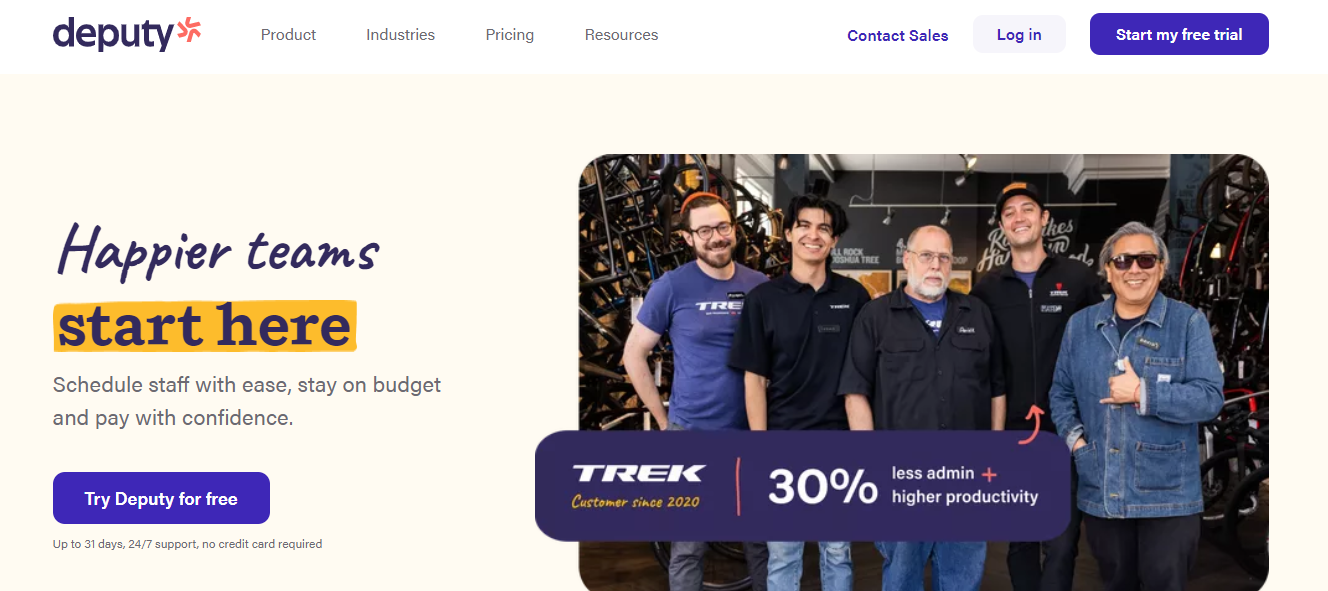
Deputy is an all-in-one platform. It contains employee scheduling, time clock, PTO management, and payroll integration.
You can auto-generate shifts, add meal and rest breaks in between, put a cap on working hours, and monitor time off.
To provide multiple time tracking options to your staff, you can install clocks on-site tables, desktops, and mobile phones.
For communication and updates, the app has a noticeboard. You can publish announcement posts, broadcast events, and send direct messages to individual employees.
Deputy works well with POS, payroll, and human resource software.
Core Features
- Schedule planning and execution.
- Time clock and payroll sheets.
- Absence and break management.
- Work automation.
- Compliance alerts.
- Employee engagement and communication.
- Third-party integrations.
- Mobile app.
Price
Deputy charges start from $4. You can try it for free.
3. PayChex
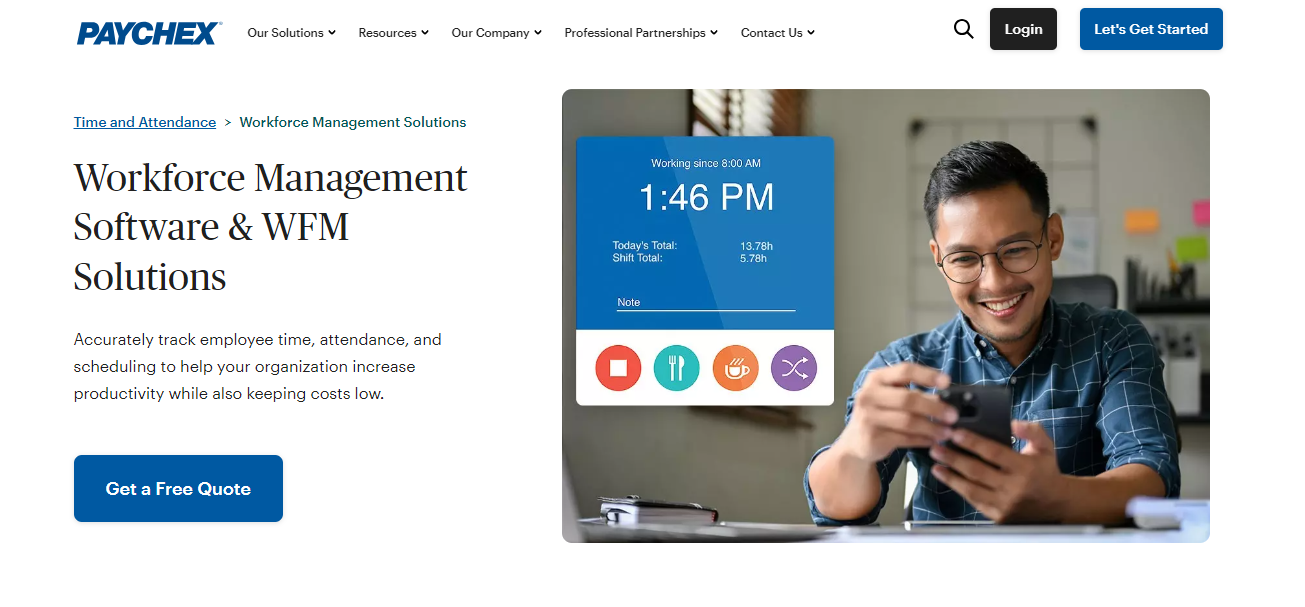
PayChex is built for US-based companies. It enables businesses to manage, track, and pay their workforce online.
Here, you can hire and onboard new employees, centralize staff documents, handle work schedules, and track working hours. In addition, you can calculate salaries and taxes and automate the payroll.
You can simplify onboarding and paperwork with self-service portals, and maintain an employee handbook to make sure new hires are familiar with workplace policies.
Other things you can handle via PayChex include labor costing, benefits administration, and infrequent matters such as unemployment Insurance.
The software works well on desktops and smartphones and can be integrated with third-party tools.
Core Features
- Onboarding and paperwork.
- Time and attendance.
- Payroll and employee benefits.
- Workforce policy management.
- Expense distribution.
- Analytics and reporting.
- Mobile-friendly self-service portal.
- Integrations.
Price
PayChex has three subscription packages. Contact sales to get the quotes.
4. Rippling
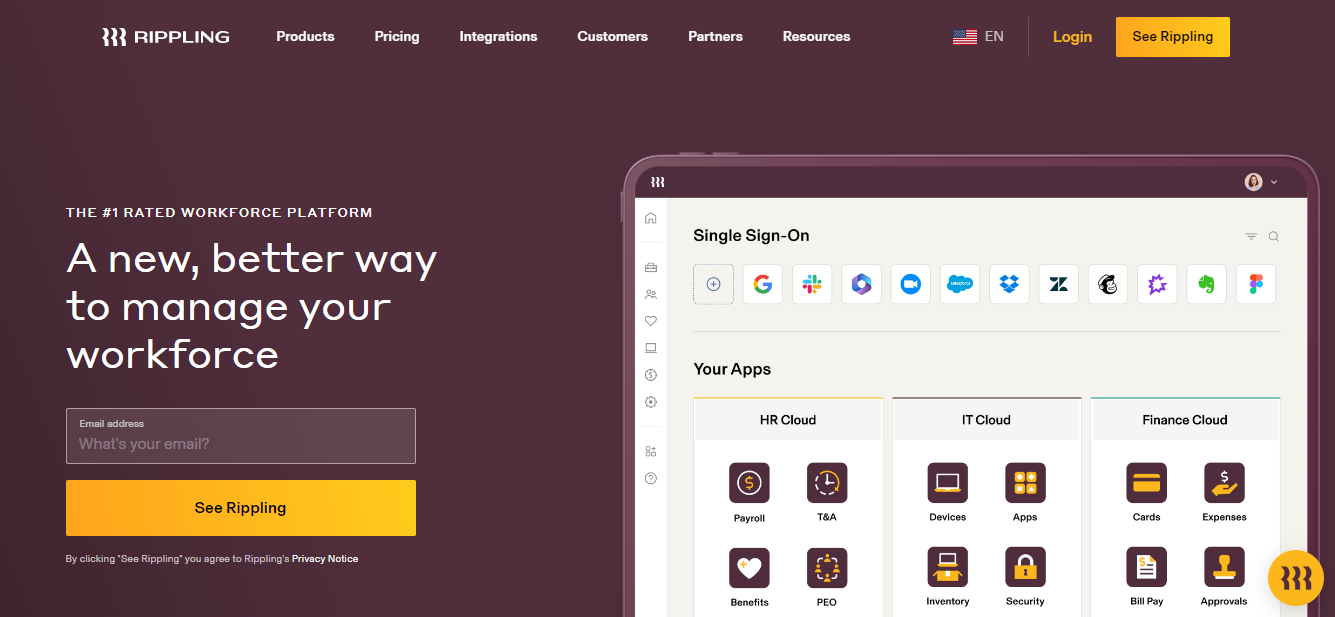
Rippling is a global workforce management platform. It offers HR, IT, and Finance products to hire, manage, and pay employees from one place.
You can store your staff’s data in the system and set up an approval system to delegate jobs.
Using its pre-built templates, you can create proper workflows and automate repetitive actions.
If your company has specific policies attached to some roles, you can design custom policy workflows for that. It saves you from manually changing and applying policies every time someone joins your company or gets a promotion.
With its Finance cloud, you can issue corporate cards, handle reimbursement claims, and run payroll.
Core Features
- Talent management.
- Onboarding and offboarding.
- Global payroll.
- Time and attendance.
- Policy automation.
- Corporate cards.
- Approval system.
- Device management.
- Mobile app.
Price
Rippling shares prices on request. You can purchase HR, IT, and Finance cloud as separate products.
5. Paylocity

Paylocity provides a suite of HR products to help you manage your workforce remotely.
You can use it to recruit temporary and permanent staff, build shift schedules, automate time and attendance, and process payroll.
With workflow automation, you can store documents, collect signatures, delegate jobs, and track tasks.
Your employees can access their accounts from their smartphones to clock time, submit time off requests, and connect with teammates.
If you plan to expand your business and need help with policies and other HR support, you can recruit Paylocity’s in-house team for consultancy services. The software offers tailored solutions for small, medium, and large companies.
Core Features
- Recruitment and onboarding.
- Document management.
- Scheduling and time tracking.
- Payroll.
- Performance management.
- Learning and development.
- Analytics and reporting.
- Third-party integration.
- Mobile app.
Price
Paylocity delivers custom prices. Contact sales for the demo.
6. Velocity Global

Velocity Global is an all-in-one platform that lets you hire, pay, and manage employees anywhere in the world without needing to set up local entities or navigate byzantine employment laws in 185+ countries.
Their core strength is their Employer of Record (EOR) service.
If you’ve never heard of an EOR, think of it as a legal framework that lets you hire people internationally without establishing your own foreign subsidiaries.
But here’s where it gets clever.
Instead of cobbling together different systems for payroll, benefits, and compliance, Velocity Global built what they call their Global Work Platform.
It’s a single interface that handles everything from country-specific onboarding to consolidated invoicing.
It integrates with popular HR tools like BambooHR and Bob, which means you’re not adding another disconnected piece to your tech stack.
The compliance piece is particularly thorough.
Velocity Global bakes compliance into every process, from GDPR data protection (they’re ISO 27001:2013 certified) to local labor laws.
Their payroll system solves one of the trickiest parts of global employment: paying people correctly and on time across different countries.
They handle all the calculations for local taxes and contributions, which is harder than it sounds when you’re dealing with different jurisdictions and constantly changing regulations.
Core Features
- Global Employer of Record (EOR) services in 185+ countries.
- Country-specific onboarding and compliance management.
- Centralized global payroll processing and management.
- Time and expense tracking across regions.
- Immigration and visa processing support.
- HRIS integrations (BambooHR, Bob, Namely).
- Real-time reporting and analytics dashboard.
Price
Velocity Global provides custom pricing based on your organization’s specific needs and requirements. You’ll need to contact their sales team directly for a detailed quote.
7. Verint WFM
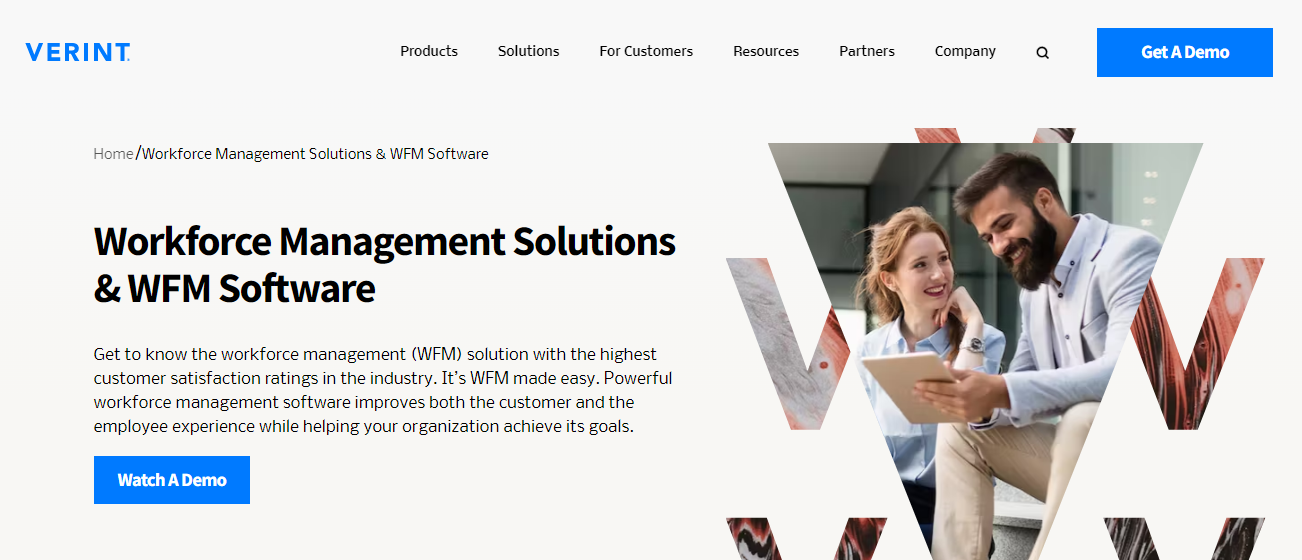
Verint’s workforce software is designed for contact center employee management. It enables you to plan, execute, and manage your field staff online.
Your call agents can access Verint from their smartphones to check their schedules, request time off, and get updates. Via its intuitive dashboard, you can monitor your employees and see who’s working and who’s currently on a break.
With automation, you can set triggers on certain actions and automate a few tasks to save time— like PTO request approval.
Using Verint’s AI forecasting and staff scorecards’ data, you can predict the best shift schedules, discover areas for improvement, and measure team productivity.
Core Features
- Shift schedules.
- PTO, breaks, and leave.
- Performance measurement.
- AI-forecasting.
- Workflow automation.
- Self-service portal.
- Mobile app.
- Analytics.
Price
Verint shares prices on request. Ask for a demo to explore the software.
8. Calabrio (Formally Telepoti)
Calabrio is also a contact center WFM software. With its app, you can plan your budgets, create flexible shifts, supervise staff, and oversee time off.
Calabrio has some of the best self-scheduling features.
You can set certain parameters and let your employees handle their shifts to avoid micromanaging. Via its mobile app, your agents can share availability, check their colleagues’ schedules to trade shifts, change their lunch break time, and request leave.
Other notable features of Calabrio are forecasting, performance tracking, and reporting. The software records all your staff activities and converts them into measurable insights to help you make well-informed decisions.
Core Features
- Shift schedule management.
- Forecasting and planning.
- Self-scheduling.
- Shift trade, time off, overtime, and absence monitoring.
- Chatbot.
- Workflow automation.
- Performance measurement.
- Gamification.
- Analytics and reporting.
- Mobile app.
Price
Calabrio provides quotes on request. Contact sales to know more.
9. Clockify

Clockify core strength lies in time tracking and reporting. It’s a monitoring software that allows you to manage your employees’ schedules and accurately track their working hours.
Its dashboard summarizes all your workforce activities, including expenses, leaves, and overtime.
You can create project timelines, set hourly rates, and assign tasks to your team. With the help of its visual calendar, you can allocate appropriate paid time to each member to ensure no one gets overwhelmed with work.
Using the Kiosk feature and GPS tracker, you can record attendance and keep an eye on your employees.
Clockify also provides an option for remote employee management. If your business has a WFH model, employees can automatically track working hours and breaks from their browsers.
Overall, it’s a user-friendly software product and integrates with third-party applications.
Core Features
- Project management.
- Calendar for scheduling.
- Time tracking and sheet generation.
- Leave and expense management.
- Approval system.
- Reports.
- Third-party integrations.
- Kiosk.
- Mobile app.
Price
You can get started on Clockify for free. Its premium plans range between $4 to $12 per user.
10. Workforce
Workforce delivers a diverse range of tracking and automation tools.
You can build flexible schedules, use pre-built policy templates to set pay rates, and allow employees to self-manage their shifts. To handle unplanned leave and absence, you can automate resource replacement workflows, so no shift remains vacant for long.
With labor forecasting, you can predict human resource requirements and put contingency plans in place to avoid under or overstaffing.
The software shares tons of productivity functions to help you optimize your schedules and manage your staff with ease.
Core Features
- Schedules, timesheets, and leave.
- Chat and broadcast channels.
- Task management.
- Labor forecasting and analytics.
- Workflow automation.
- Policies and compliance.
- Integrations.
- Mobile app.
Price
Workforce shares prices on request. Request a demo to know more.
11. Workday

Workday is a global HR platform. It delivers a suite of products to digitalize various human resource operations.
One of its products cover field workforce management. With this software, you can establish an online system to manage shifts, attendance, and leave.
With AI-powered tools, you can build an adaptable schedule for your employees, giving them the flexibility to pick shifts that work best for them. Through the self-service portal, employees can check in and out, track their time, swap shifts, and get additional paid work.
If you want to manage all related activities from one place, you can opt for the Workday HCM platform. It’s an all-inclusive package that covers recruitment, workforce management, payroll, and strategic planning.
Core Features
- Shift schedules.
- Time and attendance.
- Geofencing.
- Absence management.
- Workflow automation.
- Analytics and forecasting.
- Mobile app.
Price
Workday delivers custom quotes.
12. Microsoft Teams WFM
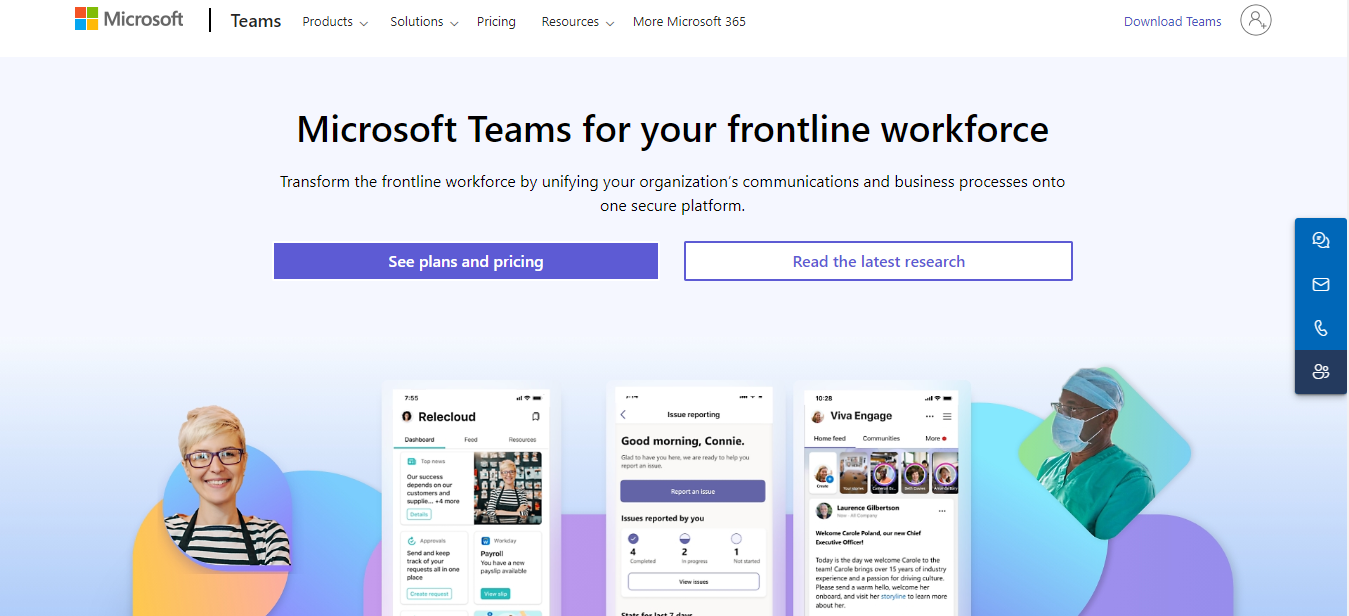
Microsoft Teams is one of the leading applications companies use to manage remote staff. It provides a digital workspace and a suite of tools to help managers stay connected to employees remotely.
The platform shares a separate package exclusively for frontline workforce management. The package includes around two dozen apps and a central place for information and updates.
Some top features of WFM are shift schedules, time and attendance, and a communication hub for your staff. You can create flexible schedules for your workforce and let employees pick their preferred shifts.
Via a self-service portal, your staff can clock their time, swap shifts, and request leave.
Core Features
- Shift scheduling.
- Time and attendance.
- Communication tools.
- Employee self-service.
- Workflow automation.
- Learning and development.
- Integration.
- Mobile app.
Price
Microsoft Workforce suite costs $3 to $4 per user.
Conclusion
When selecting the right platform for workforce management, you should consider your business operations, your company’s budget, and the software’s usability.
Some applications may look perfect for your business, but might not be as user-friendly. Others could be simple but may provide excellent pricing packages.
List down your priorities and compare them with the shortlisted applications to find the best software for your company. Good luck!


 A better way to manage projects and clients for freelancers
 Get through busy days like a breeze with Reclaim.ai