
Unroll Me makes it incredibly easy to declutter your inbox and get rid of newsletters you don’t want anymore.
It brings all your subscriptions into one place, so you can browse the list and decide which ones to keep or remove without searching for them manually.
That said, if you are looking to switch from Unroll Me for privacy or usability reasons, plenty of other options are available.
Most are paid, but you can still find free or cheaper options with better features.
What Is Unroll Me, and What Are Its Best Alternatives?
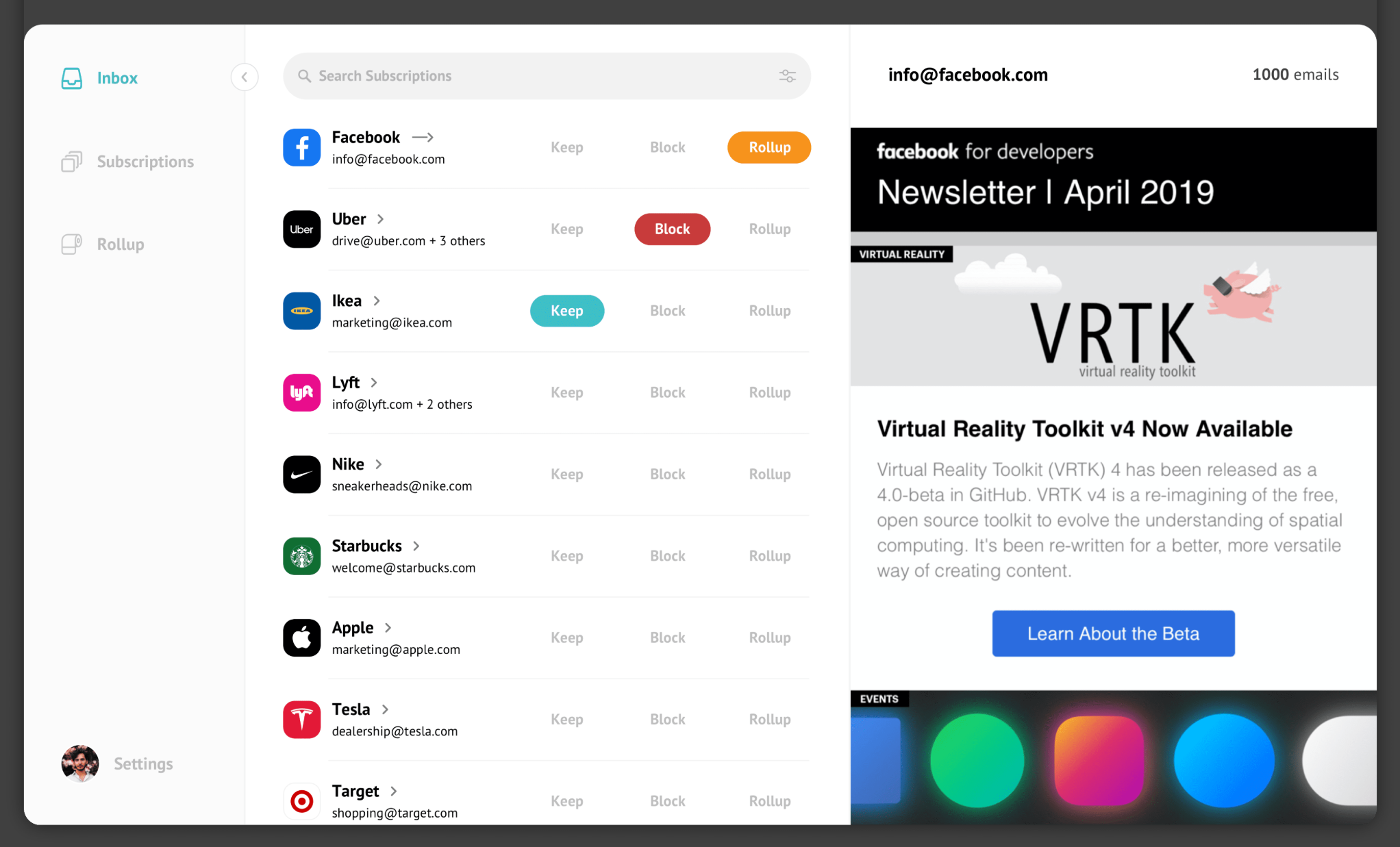
Unroll Me is a free subscription management app. It lets you block unwanted newsletters and roll up the remaining into a daily digest to browse them later.
You can use Unroll Me to unsubscribe from newsletters with one click, block spam senders, and delete emails in bulk.
You’ll have the option to unsubscribe from each newsletter individually or all of them at once. It’s up to you.
If you are looking for an alternative with similar functions, here are the top features to look for.
Top Features To Look For In an Unroll Me Alternative
- Unsubscribing.
- Spam blocking.
- Email cleanup.
- Newsletter management.
- Privacy. (If that’s your main priority.)
- Additional email management tools, if available.
Before we get into details, let me give a quick comparison of tools I’ve reviewed.
Key Takeaways on Unroll Me Alternatives
| Use Case | Recommended Tool |
|---|---|
| You want a free tool to unsubscribe from newsletters | CleanFox |
| You want bulk unsubscribing and a daily digest | LeaveMeAlone |
| You want inbox decluttering and bulk actions | Clean Email |
| You want ongoing inbox management | SaneBox |
| You want to organize and read newsletters with ease | Meco |
Unroll Me Alternatives At A Glance
| S. No. | Tool | Best For | Price (Monthly) | Free Tier | Rating |
|---|---|---|---|---|---|
| 1 | Clean Email | Automated cleaning | $10 | Yes | ★★★★★ 4.6/5 |
| 2 | LeaveMeAlone | Unsubscribing and daily digests | $9 | Yes | ★★★★★ 4.6/5 |
| 3 | Mailstorm | Quick inbox cleanup | $9 | Free trial | ★★★★☆ 4.2/5 |
| 4 | Inbox Zapper | Simple subscription management | $8 | Yes | ★★★★★ 4.8/5 |
| 5 | Inbox Purge | Bulk unsubscribing and deleting old emails | $7 | Yes | ★★★★★ 4.7/5 |
| 6 | Meco | Reading and organizing newsletters | $5 | Yes | ★★★★★ 4.8/5 |
| 7 | SaneBox | Email and newsletter management | $3.49 | Free trial | ★★★★★ 4.8/5 |
| 8 | InboxZero | Control over your data | Self-hosted | Yes | ★★★★★ 4.8/5 |
| 9 | CleanFox | Free newsletter cleanup | Free | Yes | ★★★★★ 4.7/5 |
How We Evaluated Unroll Me Alternatives
For this review, I specifically looked for tools with similar features, budget-friendly prices, and recent reviews. I wanted to make sure the app I review is active and meets the basic feature requirements.
I also diversified my list to add both broad, exclusive, and free tools. The goal was to give you all the available options to make a well-informed decision.
Here are my criteria:
Usability: How easy is it to use, and whether it offers cross-platform support.
Similar Features: Can it unsubscribe from newsletters, block spam, and delete old emails?
Privacy: How it handles your data and what kind of privacy protection it provides.
Pricing: What subscription plans it offers.
User Reviews: What real people say about the app.
1. Clean Email
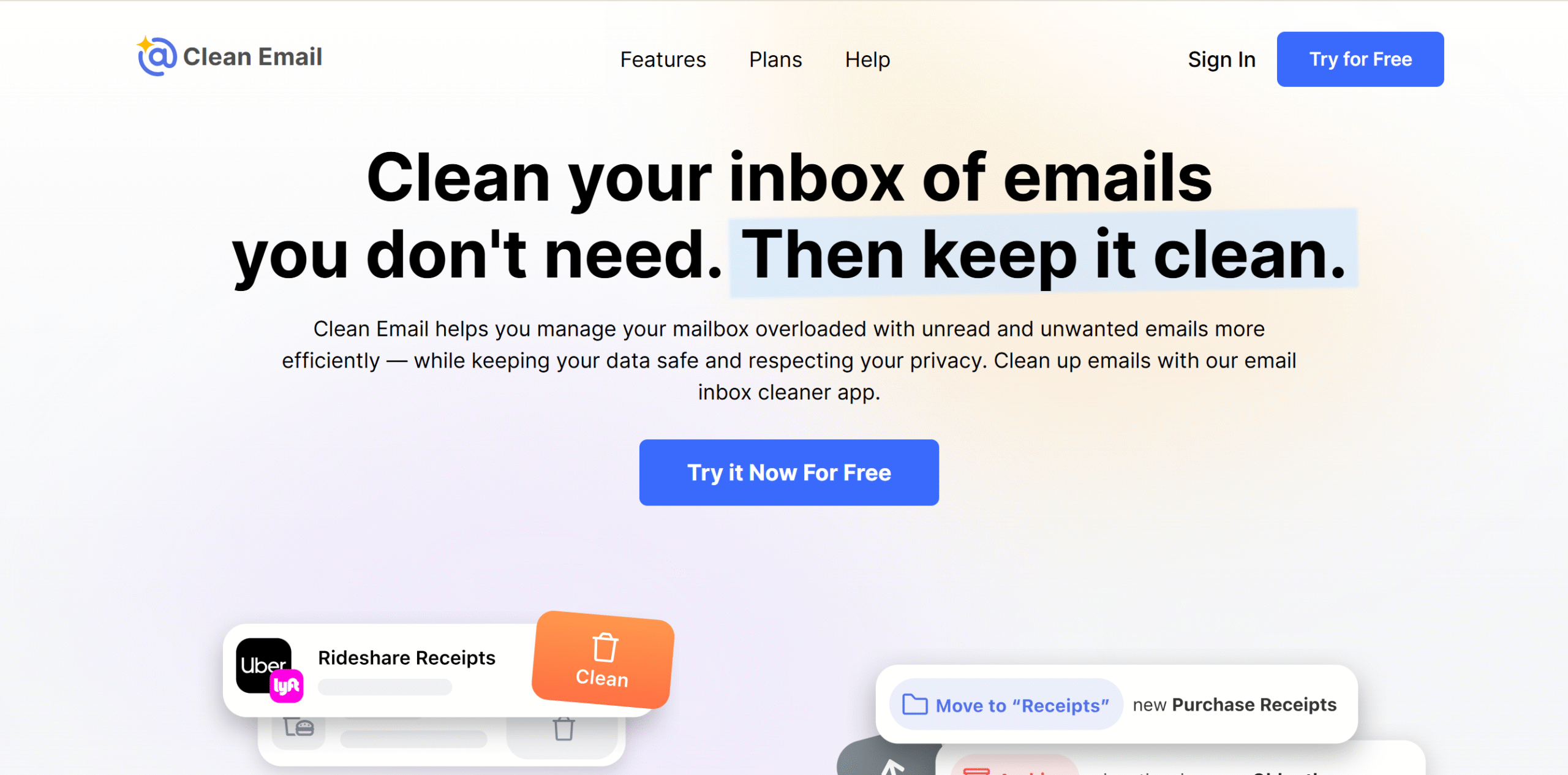
Clean Email helps you declutter your entire inbox, not just newsletters. You can organize your emails, delete unwanted messages, and unsubscribe from newsletters in bulk.
You can also set different auto-rules to customize the cleaning process.
For example, you can set Clean Email to remove social notifications, archive emails from a particular sender, or move newsletters to a separate folder for later.
The app keeps a log of activities, so you can go back and undo those actions if needed.
For subscription management, Clean Email gives a few options. You can keep the newsletters from specific brands, unsubscribe from unwanted ones, and send unopened ones to the trash.
If you want to keep subscriptions but don’t want to see newsletters for a while, you can temporarily block the emails and send them to the trash. Whenever you are ready, you can unpause the sender and start receiving the messages again.
Clean Email works well on both desktops and smartphones.
Limitations
You might face occasional glitches in the automation. It’s not a major problem, but it’s something to consider.
Core Features
- Bulk cleanup.
- Auto-cleaning rules.
- Unsubscribe from newsletters.
- Block senders.
- Archive.
- Smart folders.
- Screener.
- Activity log.
- Integration with popular email providers.
- Mobile app.
What Users Say
“It was so incredibly easy to get going and start cleaning a huge inbox of about 300,000 emails.”—Capterra.
“I’ve found it extremely easy to use and delete my emails efficiently in multiple inboxes that got so full. I’m really glad I came across them!”—TrustPilot.
Price
Clean Email charges $10 for one account. You can buy subscriptions for up to 10 accounts.
2. LeaveMeAlone
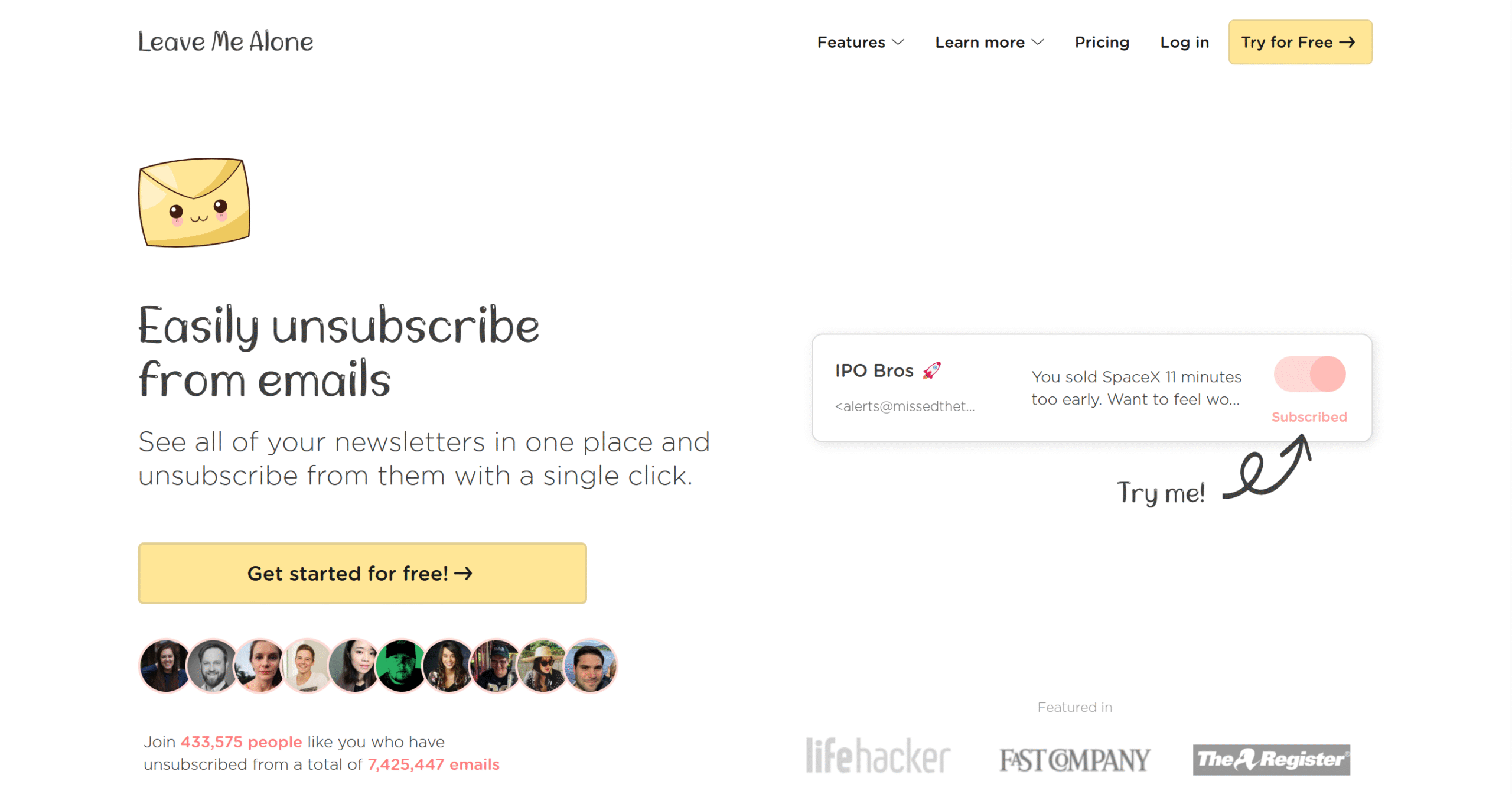
LeaveMeAlone works just like Unroll Me. You can declutter your inbox, manage subscriptions, and compile them into a daily digest for review.
The only main difference is that LeaveMeAlone actually unsubscribes you from the newsletters instantly instead of just setting them aside for later.
You can unsubscribe from 10 emails for free to test the tool, and if you need more time, there’s a one-time 7-day package that lets you run it on two email accounts.
There are also recurring plans for those who want to regularly maintain their inbox. You can connect more email accounts and get advanced features, such as a screener and spam blocker.
The app itself is pretty easy to use and works with most popular email providers, including Gmail, Yahoo, Outlook, and iCloud.
If your email provider isn’t on the list, you can still connect it through manual settings, but that’s something you should check with the sales team first.
Limitations
LeaveMeAlone doesn’t guarantee 100% cleanup. While it does handle most of the workload, there would probably still be some newsletters you might have to manually unsubscribe from.
Core Features
- Unlimited unsubscriptions.
- Rollups.
- Priority emails.
- Screener.
- Spam blocker.
- Pause option.
- Integration with popular email providers.
What Users Say
“Simple, took about 90 minutes to 2 hours across 2 emails, very impressed and will be upgrading.”—TrustPilot.
“Really love this app. I was using something else but Leave Me Alone works properly rather than just deleting things, it unsubscribes. Really great.”—TrustPilot.
Price
LeaveMeAlone prices start at $9 per month. A money-back guarantee is available.
3. Mailstrom
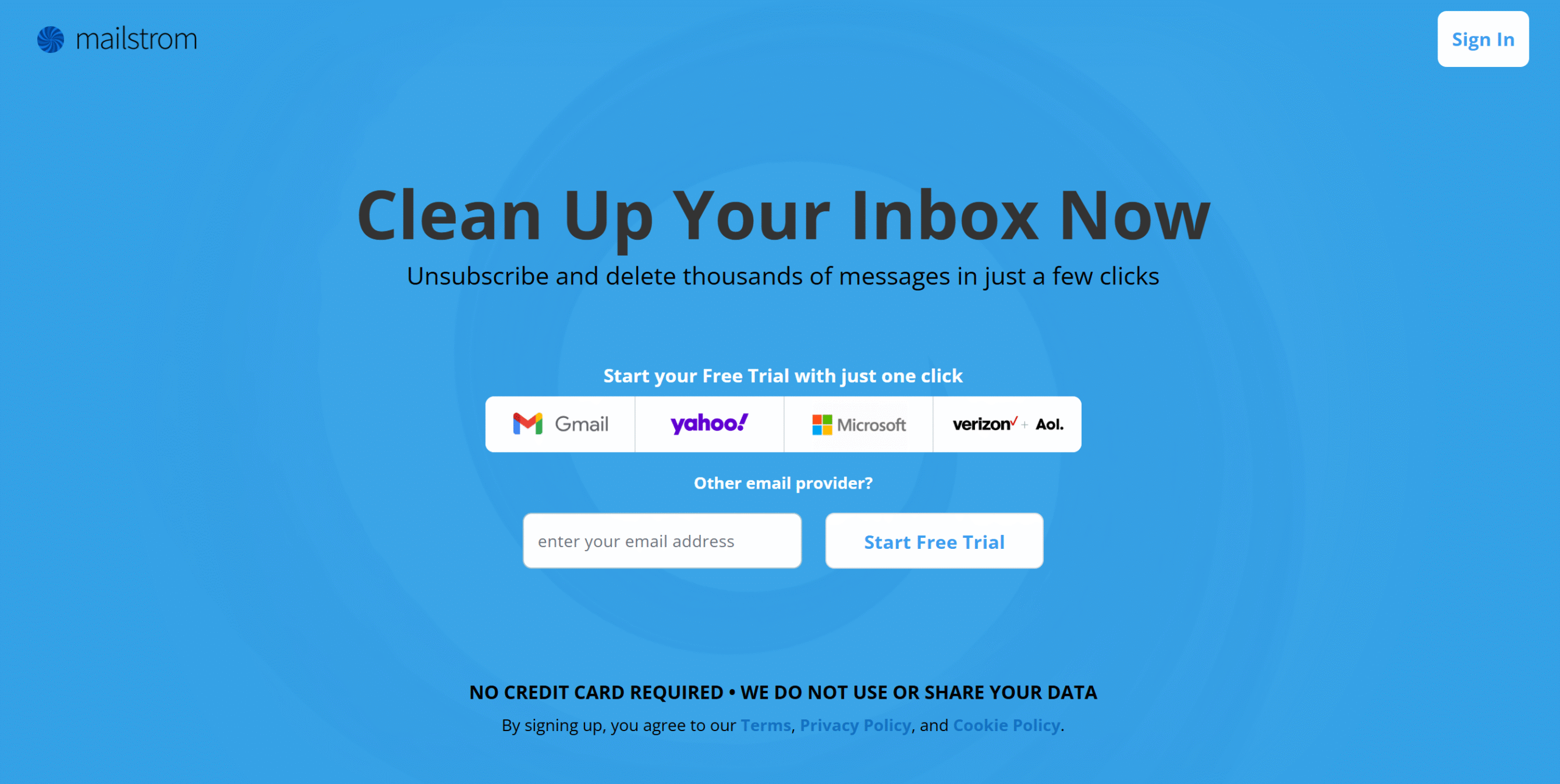
MailStorm is ideal for quick inbox cleaning. Its main strength is bulk actions, which means you can delete or archive thousands of emails at a time.
The best thing about MailStorm is that it doesn’t blindly delete old emails. It offers hundreds of smart filters to group emails by sender, subject, date, and size, then delete them in batches.
And that’s not the only thing it does.
You can also set up various rules to keep your inbox clean, such as adding an expiry date to recurring newsletters so they get automatically deleted after a specific time.
There’s no limit on the bulk actions, and you can manage up to 20 email accounts on one subscription. The software works well with Gmail, Yahoo, and Microsoft.
Limitations
MailStorm’s main drawback is its pricing structure. It requires a monthly subscription, which would be overkill if you just want to clean up your inbox.
A one-time package, like LeaveMeAlone, would make more sense.
Core Features
- Bulk delete and archive.
- Unsubscribing.
- Automation rules.
- Spam blocking.
- Multiple email accounts support.
- Yahoo, Gmail, and Microsoft integration.
- Web-based app.
What Users Say
“I liked that it handled multiple email boxes and you could open one email from a batch ready to delete to see the contents. You can also undelete if you need to.”—G2.
“I use mailstrom.co and it was a huge help…. Not affiliated with it. Just a user. Works for Office and Gmail accounts.”—Reddit.
Price
MailStrom charges $9 to $30 per month. You can take a free trial.
4. Inbox Zapper
Inbox Zapper is pretty straightforward. It consolidates all your newsletters in a list and groups them by sender.
You can manually choose which newsletters to get rid of and delete all the messages from that sender with one click. Inbox Zero keeps the emails in your trash for 30 days, and you can go back and retrieve the deleted newsletter if you want.
It also has a spam blocker that automatically sends future emails from selected senders directly to the trash.
Limitations
You can connect multiple email accounts to Inbox Zapper, but it doesn’t support all the popular providers. The app currently works with Gmail, Outlook, and iCloud.
Core Features
- Unsubscribe.
- Bulk delete newsletters.
- Delete old messages.
- Spam blocker.
- Undo action.
- Multi-account support.
- Mobile app.
What Users Say
“This was very satisfying to use, I got rid of a bunch of junk.”—App Store.
“I’ve tried “organizing & cleaning” apps that attempt to get rid of emails or photos but this app was the most easiest thing I’ve used and I got rid of all of the subscriptions I didn’t want to be connected to AND it can delete all the emails from it. Two in one job! So worth it.”–App Store.
Price
You can download Inbox Zapper for free. The paid version costs $8 to $20 per month.
5. Inbox Purge
Inbox Purge is a simpler version of Unroll Me. You can use it to unsubscribe from newsletters in bulk and clear out old messages.
It also provides a newsletter digest. The digest doesn’t work like Unroll Me, but the idea is similar.
Overall, the software is super easy to use and comes as a Chrome extension.
All you need to do is download the extension and connect it to your Gmail account. The features will appear directly in your inbox.
You’ll also love Inbox Purge’s pricing model.
Its subscription works similarly to LeaveMeAlone. You can buy 7-day unlimited access to clean up your inbox and can later upgrade your plan for ongoing maintenance.
Limitations
Inbox Purge is built for Gmail only. It can handle unlimited accounts as long as they are Gmail accounts.
It also doesn’t have a mobile app. You can use it through its Chrome extension only. It’s not a big deal, but it’s something to think about.
Core Features
- Bulk unsubscribe.
- Quick inbox declutter.
- Unlimited cleanups.
- Digest.
- Gmail integration.
- Chrome extension.
What Users Say
“112 subscriptions cancelled in one workflow!!! I feel like I have my laptop back! I wish this could work for my Microsoft 365 account as well!”—Chrome Web Store.
“The app is super easy and straightforward to use. All my junk emails and subscriptions that have accumulated over the years, all gone and unsubscribed.”—App Store.
Price
You can download Inbox Purge for free. The subscription plans start at $7 per month. For a one-time 7-day pass, it charges $5.
6. Meco
Meco is purely a newsletter tool. It’s designed for those who actually want newsletters but don’t have time to find and read them.
The app gives you two options to organize your newsletters.
You can either use Meco’s separate email address for newsletters, so they don’t clutter your inbox. Or you can connect your Gmail and take out newsletters from your inbox and put them in a separate folder to read them later.
The first one is a free feature, while the second is a pro feature.
Meco also does a lot of other things for you, such as helping you discover new newsletters and unsubscribing from ones you don’t want.
You can organize your newsletters into groups to find them easily and listen to audio summaries to catch up on the latest news.
Limitations
Meco’s core function is newsletter reading, not cleaning. While it can unsubscribe and declutter your inbox, that’s not its main focus. If you need a tool merely for inbox cleaning, this is not the right software for you.
Core Features
- Newsletter organizing.
- One-click unsubscribe.
- Inbox decluttering.
- Dedicated email address for newsletters.
- Highlight and annotate.
- AI summaries.
- Gmail and Outlook integration.
- Newsletter discovery.
- Mobile app.
What Users Say
“So far it is great to have an inbox cleared of all my newsletters.”—GooglePlay.
“I enjoy using Meco for reading my newsletters. It even got better with the latest versions. Plus it takes all newsletters away from my inbox.”—Product Hunt.
Price
You can download Meco for free. The pro subscription costs $5 per month.
7. SaneBox
If you are specifically looking for an inbox assistant, not just a subscriber manager, SaneBox is perfect for you.
It works in the background, sorting low-priority emails into designated folders.
Other tools like CleanEmail and MailStrom can do some of that too, but they are more focused on cleaning up a messy inbox. SaneBox provides ongoing maintenance to keep your inbox from piling up again.
Some of the things SaneBox does include collecting newsletters you want to keep, unsubscribing from unwanted ones, and sending irrelevant emails to a “later” folder.
It also reminds you if you haven’t received a response to a follow-up email. Plus, it can delay incoming messages when you are busy.
All in all, it’s a useful tool.
Limitations
You’d have to train SaneBox to handle emails the way you want by manually rearranging emails in the folders initially.
The software basically learns from your actions and gradually adapts to your work habits, so there might be a bit of trial and error at the beginning.
Core Features
- Old email cleanup.
- Email organizing.
- Unsubscribing.
- Spam blocking.
- Follow-up reminders.
- Snooze.
- Filters.
- Daily summary.
- Cross-platform support.
What Users Say
“I love how SaneBox can be configured so easily to go through my inbox and make sure everything ends up sorted into the right folders for later use. It saves me so much time.”—G2.
“Ten years of a cleaner inbox, less stress, and more time back in my day. SaneBox is literally irreplaceable.”—Capterra.
Price
SaneBox plans start at $3.49 per month. You can try it for free.
8. InboxZero
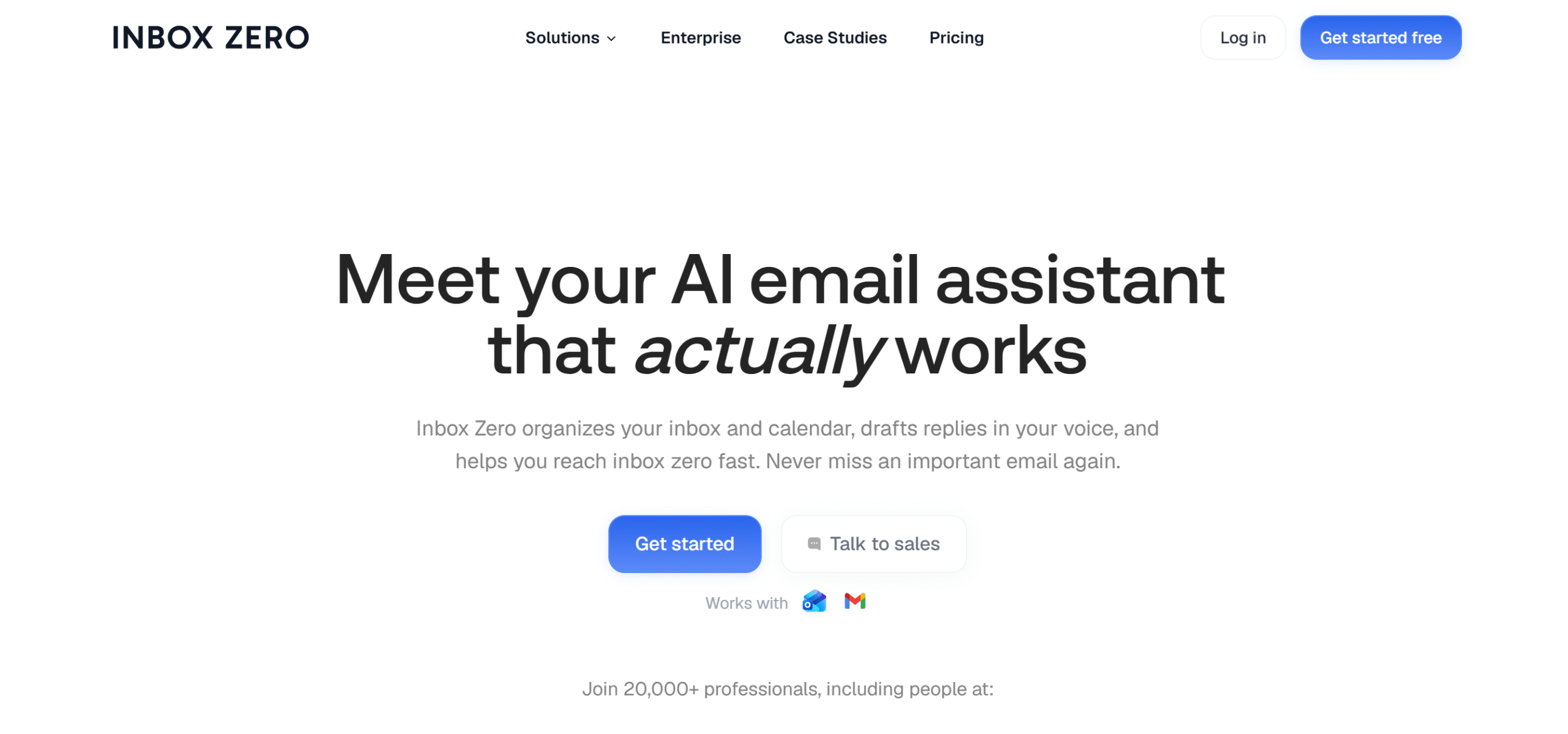
InboxZero is an all-rounder email tool. It not only cleans up your inbox but also automates your email workflows.
What makes it a good alternative to Unroll Me is its self-hosting option. It has an open-source version that gives you more control over your data and lets you use core features for free, too.
For example, if you use the open-source version, you can unsubscribe from newsletters in bulk, block sales emails, archive old emails, and add tags to categorize emails.
The paid subscription naturally provides more advanced features, like managing emails from your Slack and getting daily summaries of newsletters.
Limitations
Inbox Zero’s paid subscription is a bit expensive. If you just want Unroll Me’s core features, then the open-source version is perfect for you.
Core Features
- Email sorting.
- Block cold emails.
- Bulk unsubscribe.
- Daily digest.
- AI reply drafting and note-taking.
- Knowledge base.
- Slack integration.
- Multiple users.
- Analytics.
What Users Say
“Saved me so much time esp across multiple diff accounts.”—G2.
“So far, I’ve used it mainly to unsubscribe from email lists I’ve accumulated over the last five years. I love reading all emails from one sender in one place without searching for anything.”—Product Hunt.
Price
Inbox Zero prices start at $20 per month. You can get the open-source version here.
9. CleanFox
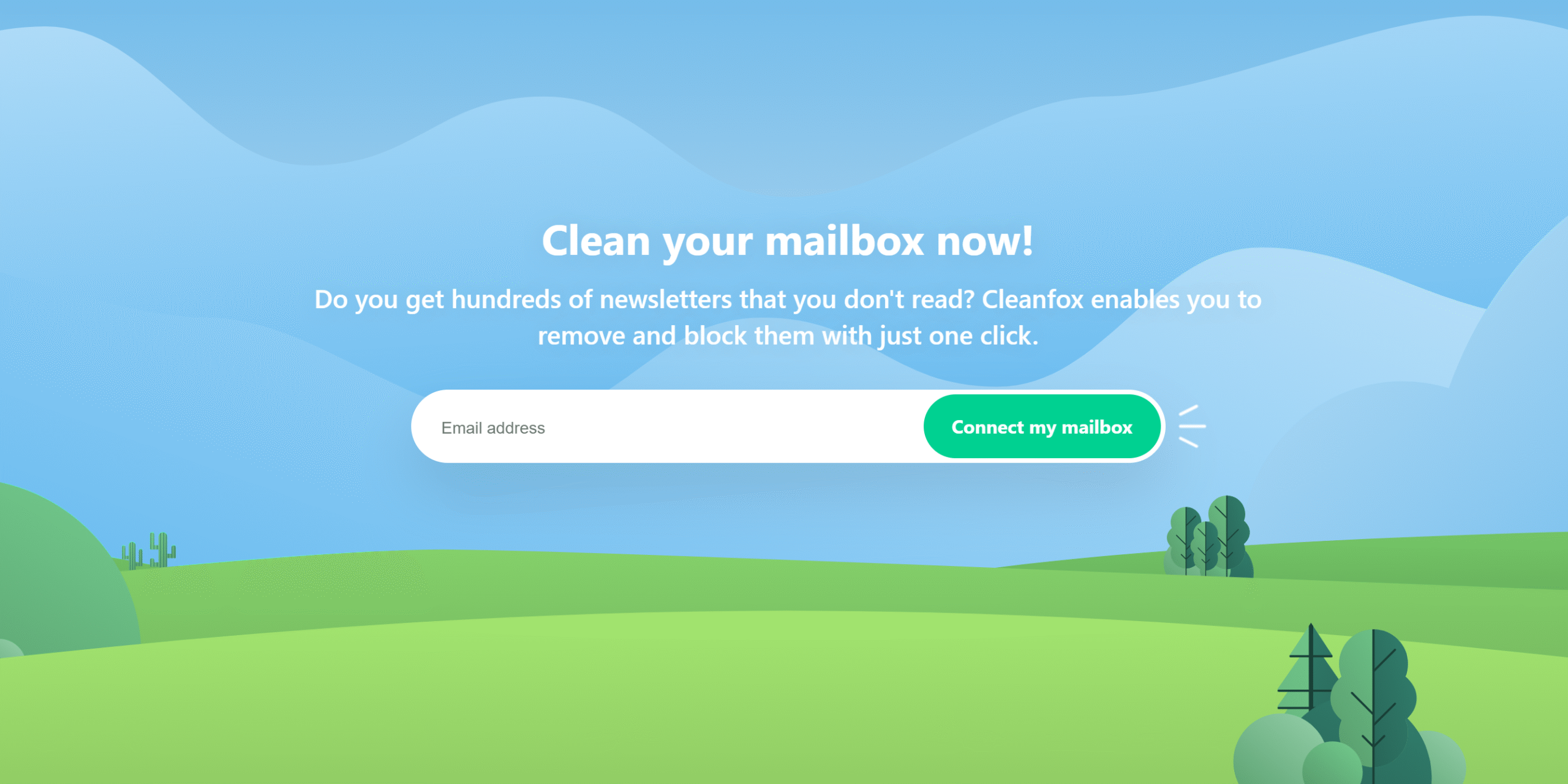
CleanFox is probably the closest alternative to Unroll Me. It’s free, user-friendly, and focuses on newsletter cleanup.
You can use it to scan your inbox and delete old messages and unsubscribe from unwanted newsletters. Any newsletters that CleanFox can’t unsubscribe from go directly to the trash can.
You can choose which newsletter you want to keep or discard. CleanFox only targets specified senders.
You can connect your Gmail, Outlook, Hotmail, Yahoo, and other IMAP accounts. The software can handle multiple email accounts and can perform bulk actions.
There are other side features too. For example, it generates email statistics to let you see how many messages you received or opened. It’s not a notable feature but can still be useful for those who want to track their email workflow.
Limitations
CleanFox doesn’t have a rollup feature.
If you want a tool to mainly manage your subscriptions, this is a good replacement.
But if you also want a daily digest to get a quick look at your newsletters, you’ll probably need a paid tool like LeaveMeAlone.
One more thing. CleanFox monetizes your data, like Unroll Me. If privacy is your main concern, skip this app.
Core Features
- Unsubscribe from newsletters.
- Bulk cleanup.
- Auto-deletion.
- Keep subscriptions you want.
- Email statistics.
- Multiple email accounts.
- Cross-platform support.
What Users Say
“Genuinely impressive service, just wanted to delete the emails and clean up my Gmail account for free, this was perfect for that.”—TrustPilot.
“Free and easy to use. I never clean my email so it cleaned a lot.”—TrustPilot.
Price
CleanFox is a free tool.
Unroll Me Alternatives: Frequently Asked Questions
What Is The Best Alternative To Unroll Me?
It depends on your requirements. If you want to focus mainly on subscriptions, CleanFox, LeaveMeAlone, and Inbox Zapper are worth checking out.
Are There Any Unroll Me Alternatives That Are Free?
Plenty, actually. You can use CleanFox, Meco, Inbox Zero, Inbox Zapper, and Inbox Purge for free. Their free plans might have limitations, but there’s no expiry date.
Is There An Unroll Me Alternative That Provides A Daily Digest/Summaries?
Yes. LeaveMeAlone, Inbox Zero, Inbox Purge, and Meco offer a daily digest. Meco, especially, is best for reading newsletters.
Is There A Self-Hosted Alternative To Unroll Me?
Inbox Zero offers a self-hosting option. You can try Inbox Purge too. It’s not a self-hosted platform, but it’s a browser extension.
Is There A Free Unroll Me Alternative That Doesn’t Sell Data?
Inbox Purge and Meco specifically say they don’t sell data. So, you can explore these options. Another free tool I recommend is Inbox Zero. It’s self-hosted, so you naturally get more control.
To be frank, a free tool is never really free. There’s always a trade-off.
Conclusion: Which Unroll Me Alternative Should You Choose?
Before choosing an Unroll Me alternative, think about the problem you want it to solve for you. Is it a messy inbox, privacy concern, interface, or the budget?
Once you have the idea of what to look for, you can easily find the right tool.
Let me give you some recommendations.
Best For Casual Users
Clean Fox, Inbox Zapper, and Meco are best for people who just want a simple tool to declutter their inbox. They are free apps and generally user-friendly.
Best For Professionals
Tools like SaneBox and Clean Email are ideal for professionals. They not only declutter your inbox but also help you maintain it.
Best For Privacy-Conscious Users
For privacy-conscious users, I recommend LeaveMeAlone and InboxZero. LeaveMeAlone is a close alternative to Unroll Me with more privacy-friendly features, and Inbox Zero is an open-source platform.
Good luck!


 A better way to manage projects and clients for freelancers
 Get through busy days like a breeze with Reclaim.ai