
Inbox zero is a simple and sustainable email management technique.
Once you have set up a system, it takes far less effort to maintain your inbox.
An email management tool makes the process even easier.
The software does most of the heavy lifting, giving you the freedom to focus on what matters.
This guide will help you find the right tool to reach inbox zero. I’ve reviewed the top email management apps and shared their core features and prices for comparison.
What Is Inbox Zero And What Tools To Use To Reach It in 2026
Inbox zero is a productivity method that focuses on sorting emails and decluttering your inbox so you can process messages more effectively.
The goal is to gain control of your inbox and handle day-to-day messages without feeling overwhelmed.
Several email management apps can help you reach inbox zero in 2026. It all depends on your current workflow and the problem you want to solve.
Here are some common features to look for when searching for the best email management tool.
- Email organization.
- Inbox cleanup.
- Unsubscribe management.
- Bulk actions.
- Archive and snooze.
- Spam filtering.
Let’s explore the 15 top email management tools for reaching and maintaining inbox zero.
The best Inbox Zero Tools at a glance
| Tool | Best For | Starting Price | Standout Feature |
|---|---|---|---|
| SaneBox | Automatic inbox organization | $4/month | AI-powered email sorting and smart folders |
| Clean Email | Bulk inbox cleanup | $10/month | Bulk delete, archive, and unsubscribe tools |
| Shortwave | AI-powered Gmail management | Free (Paid from $18/month) | AI assistance with Gmail organization |
| Inbox Zero | AI inbox automation | $20/month | AI organization with bulk unsubscribe |
| Fyxer | AI email assistant | $30/month | AI drafting and meeting notes |
| Spark Mail | All-in-one email client | $10/month | Collaborative Smart Inbox |
| Superhuman Mail | Fast email productivity | $33/month | Speed-focused email workflow |
| Canary Mail | Privacy-focused email management | Free (Paid from $3/month) | Encryption and phishing protection |
| Unroll.Me | Newsletter cleanup | Free | Bulk unsubscribe and Rollup digest |
| Trimbox | Gmail cleanup | Free | Bulk delete newsletters and spam |
| Leave Me Alone | Subscription management | $9/month | Privacy-first bulk unsubscribe |
| Mailstrom | Advanced inbox cleanup | $9/month | Smart filters with bulk actions |
| Chuck Mail | Apple inbox cleanup | Free (Paid from $6/month) | Batch delete and archive for Apple devices |
| Edison Mail | Smart email management | Free | Priority inbox and unified mailbox |
| Mailman | Email batching | $8/month | Delayed email delivery for focused work |
1. SaneBox
SaneBox is widely liked for its usability and convenience.
It works directly with your Gmail and automatically prioritizes emails based on how you manage them.
Let me show you how it works.
When I signed up, SaneBox created separate folders in my inbox to sort emails.
I took this screenshot shortly after signing up, and my emails are already organized. The app uses AI to study your work pattern and adjusts its sorting accordingly.
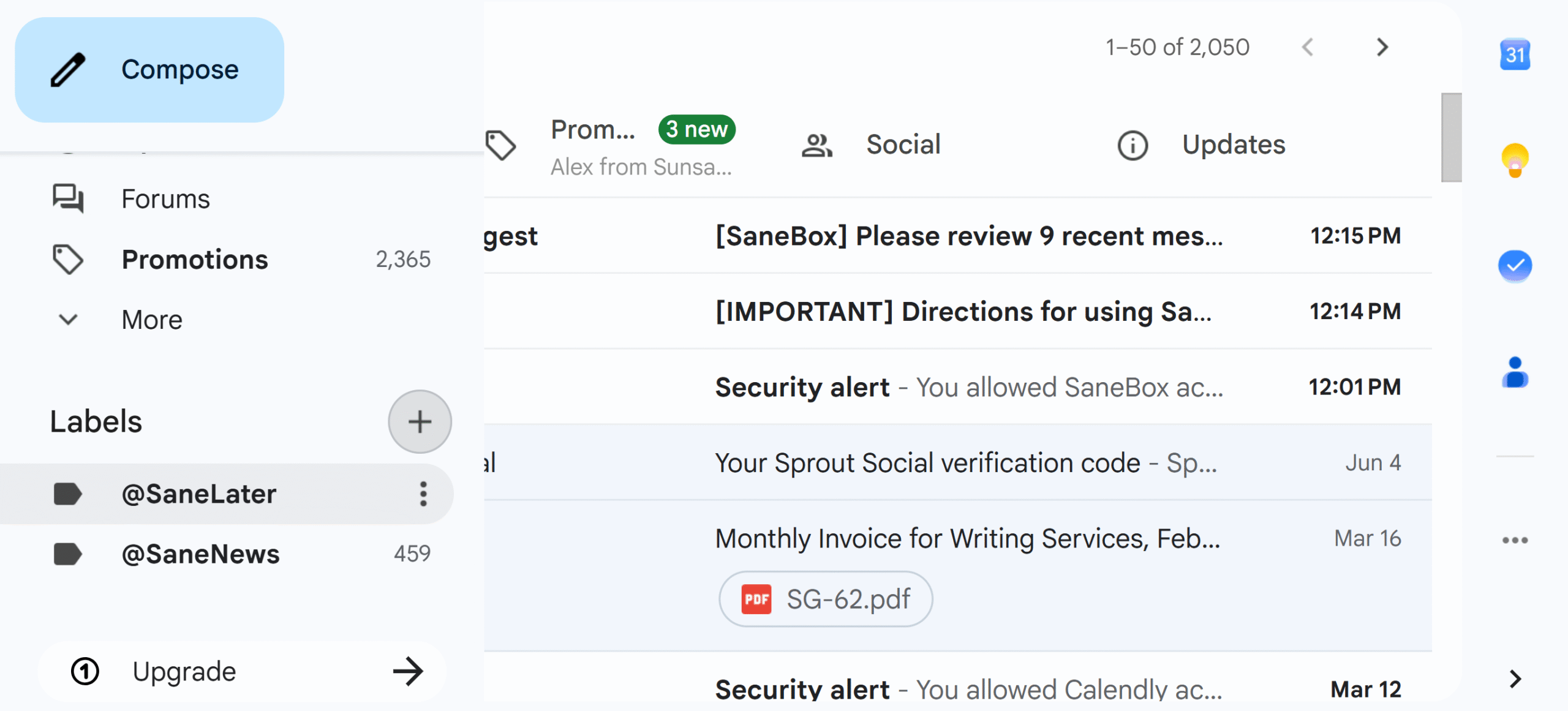
I can create a separate space for newsletters, block unwanted senders, and manually defer some emails for later review.
Not only that, but I can also connect my to-do list and turn emails into tasks directly from my inbox. SaneBox supports TickTick and Todoist.
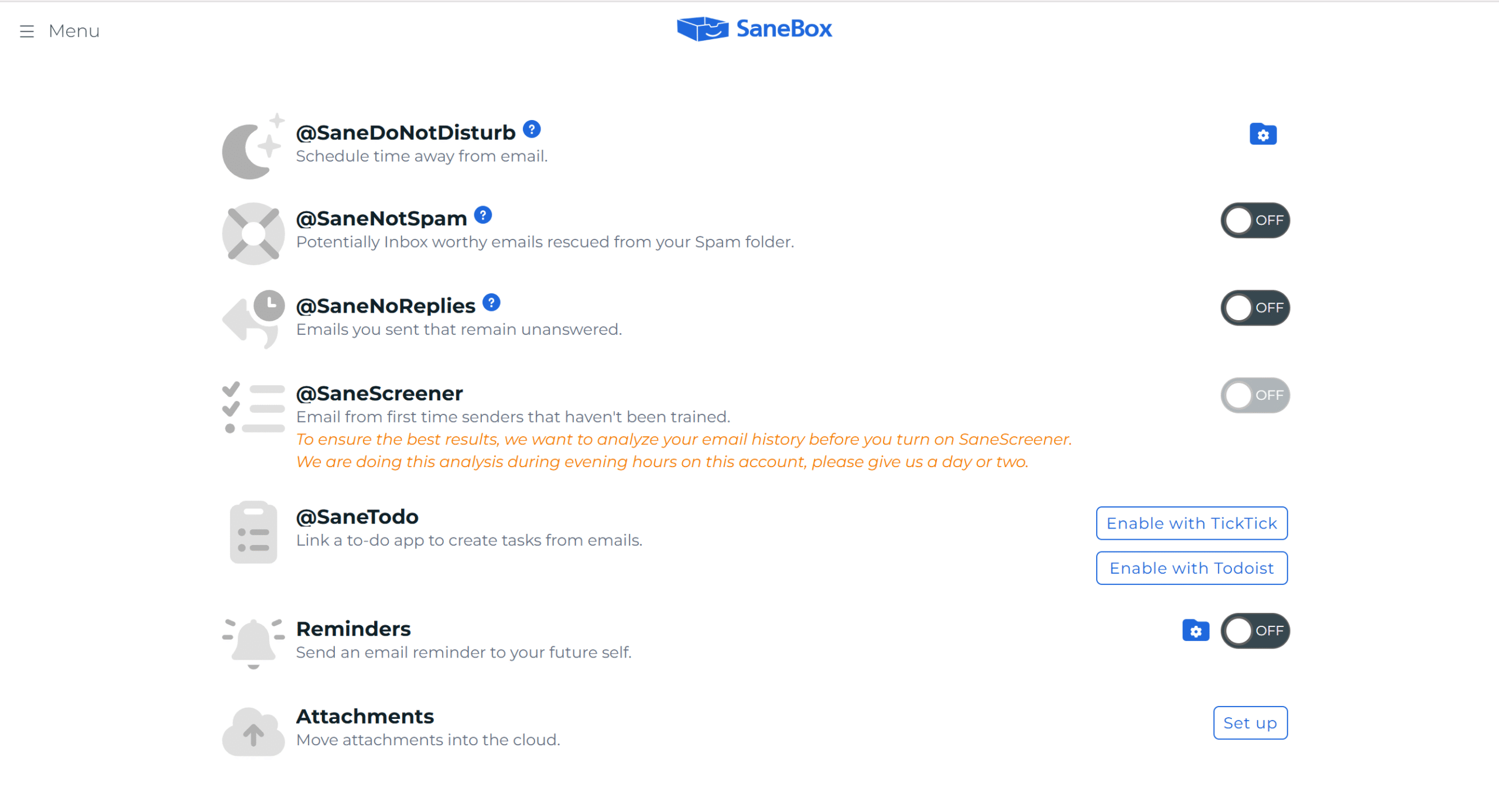
You can enable and disable features at any time from SaneBox’s main dashboard. The activation setting is pretty simple.
Here are some of SaneBox’s key functions.
Core Features
- AI-powered inbox cleaning.
- Email snoozing.
- Newsletters and blocked list.
- Daily email digest.
- Follow-up reminders.
- Advanced filters.
- iOS app.
Pros
- SaneBox is easy to train and works well with popular email providers.
- The subscription packages are flexible and affordable.
Cons
- It only has a dedicated iOS app. If you are an Android user, this might not be an ideal app for you.
Price
SaneBox charges around $4 to $16 per month. You can manage up to 4 email accounts, but you can request more slots.
2. CleanEmail
CleanEmail. Like SaneBox, it helps you reach inbox zero, but its core purpose is a little different.
SaneBox is a smart assistant that sorts important and low-priority emails and organizes them daily.
CleanEmail, on the other hand, excels at bulk actions. It declutters your inbox, removes unwanted messages, and unsubscribes you from newsletters.
Both also work differently.
SaneBox creates separate folders in your Gmail. CleanEmail, however, manages your emails from its main web dashboard.
Here’s how it sorts emails.
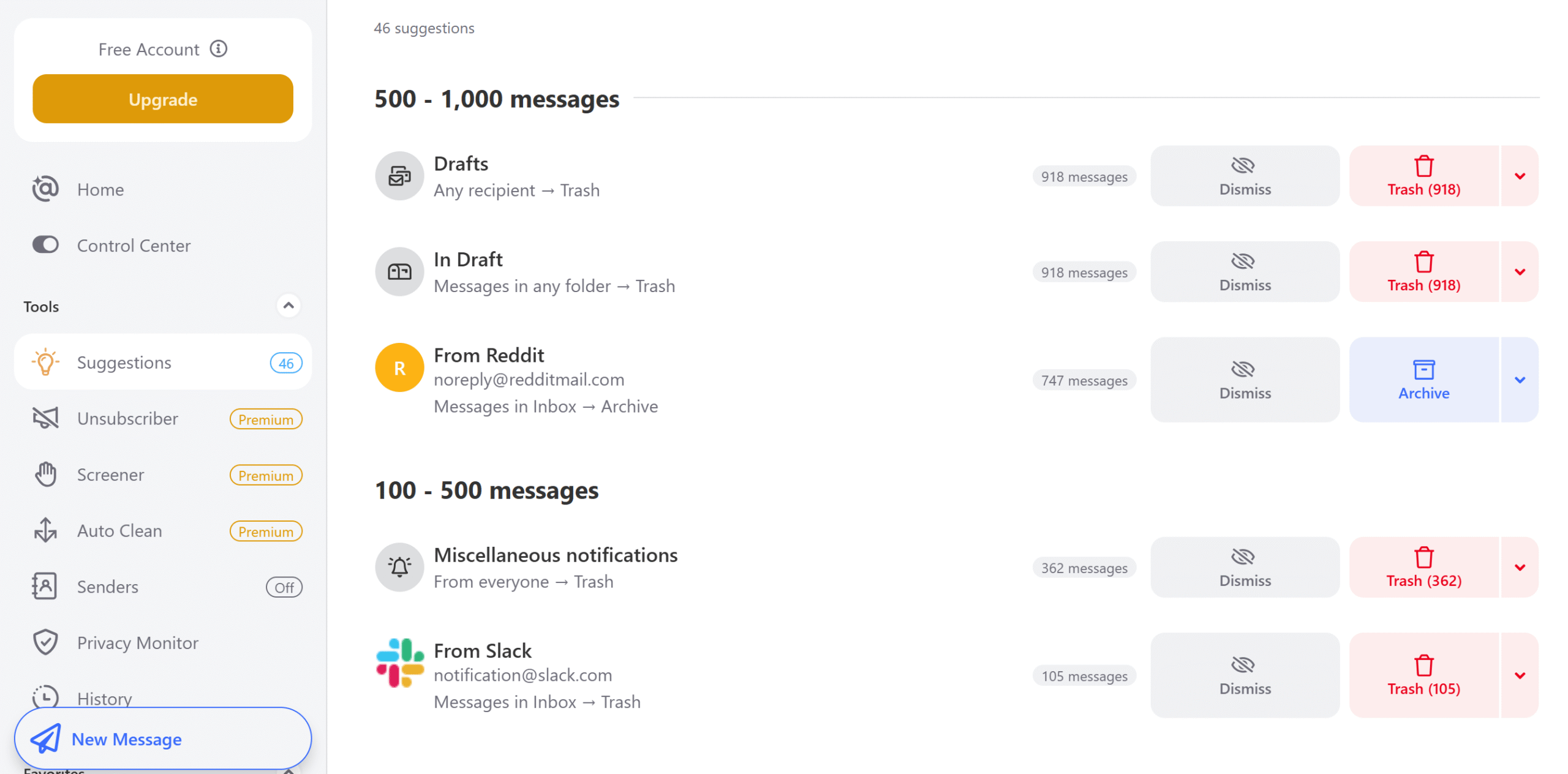
It groups emails by senders so you can delete or archive them at once. It also categorizes newsletters by date to highlight new and old subscriptions.
What I loved about CleanEmail is its automation rules. I can set conditions to let CleanEmail automatically delete specific emails or old messages.
Since the action is reversible, I can get them back if I change my mind.
Core Features
- Auto-cleaning.
- Bulk email cleanup.
- Smart folders.
- Unsubscribe from newsletters.
- Email screener and snoozing.
- Sender blocking.
- Undo history.
- Android and iOS app.
Pros
- You can delete and archive multiple emails at once.
- It works on both desktop and mobile phones.
Cons
- You can sign up for free, but most features are available only in the premium subscription.
Price
CleanEmail’s prices start at $10 per month.
3. ShortWave
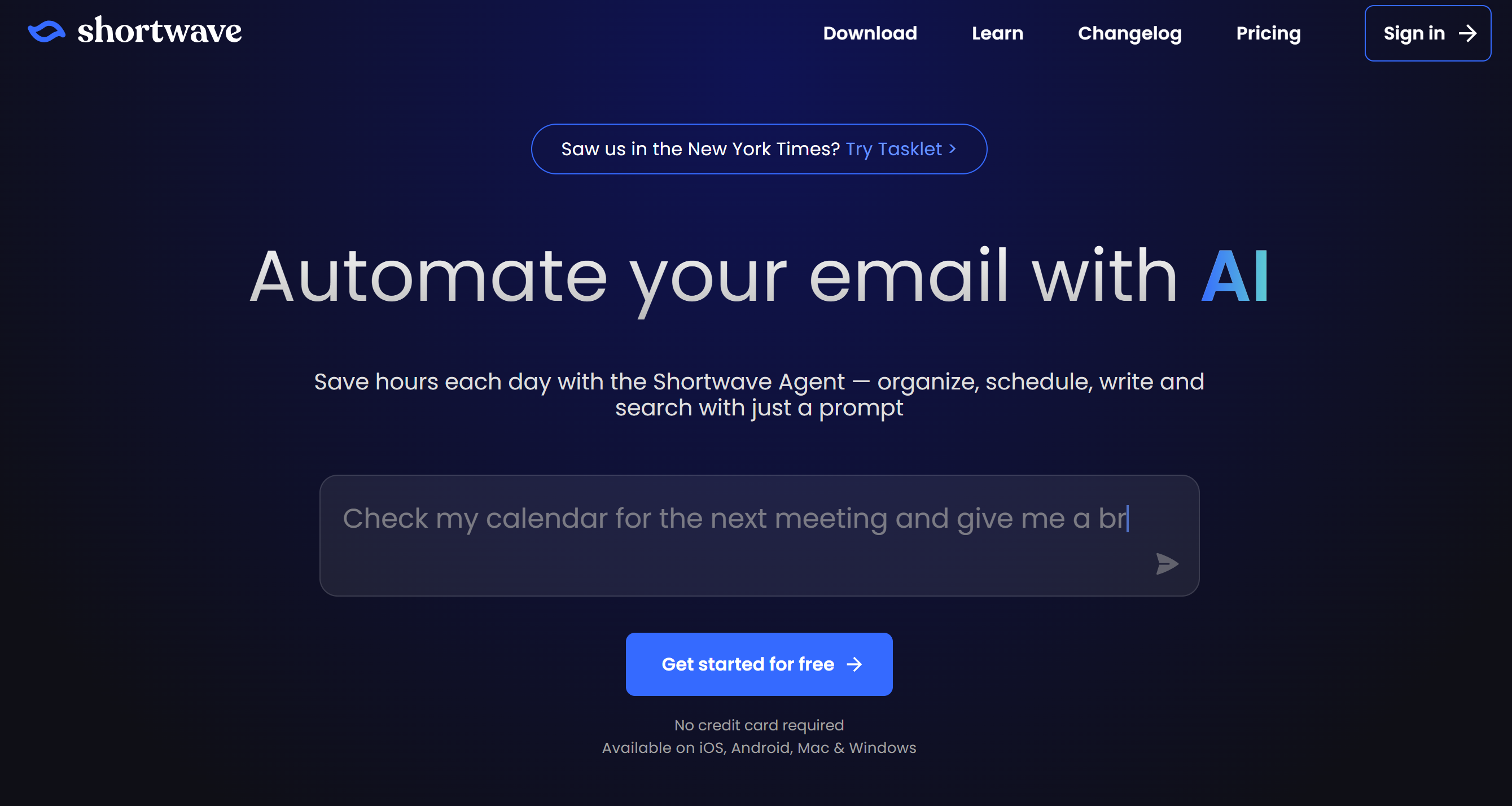
ShortWave is best for those who receive a high volume of emails every day and need a solution to process them faster.
You can automatically flag important messages, summarize conversations, search emails, and draft replies. You can also group similar emails together to delete or archive them in bulk.
One of ShortWave’s standout features is team collaboration. You can share your inbox with others and assign conversations.
I love this feature because it removes the need for a messenger. I can sort emails, automatically draft replies, and tag others all from one place.
You can get started for free and explore its features. I tried its free plan and found it easy to navigate.
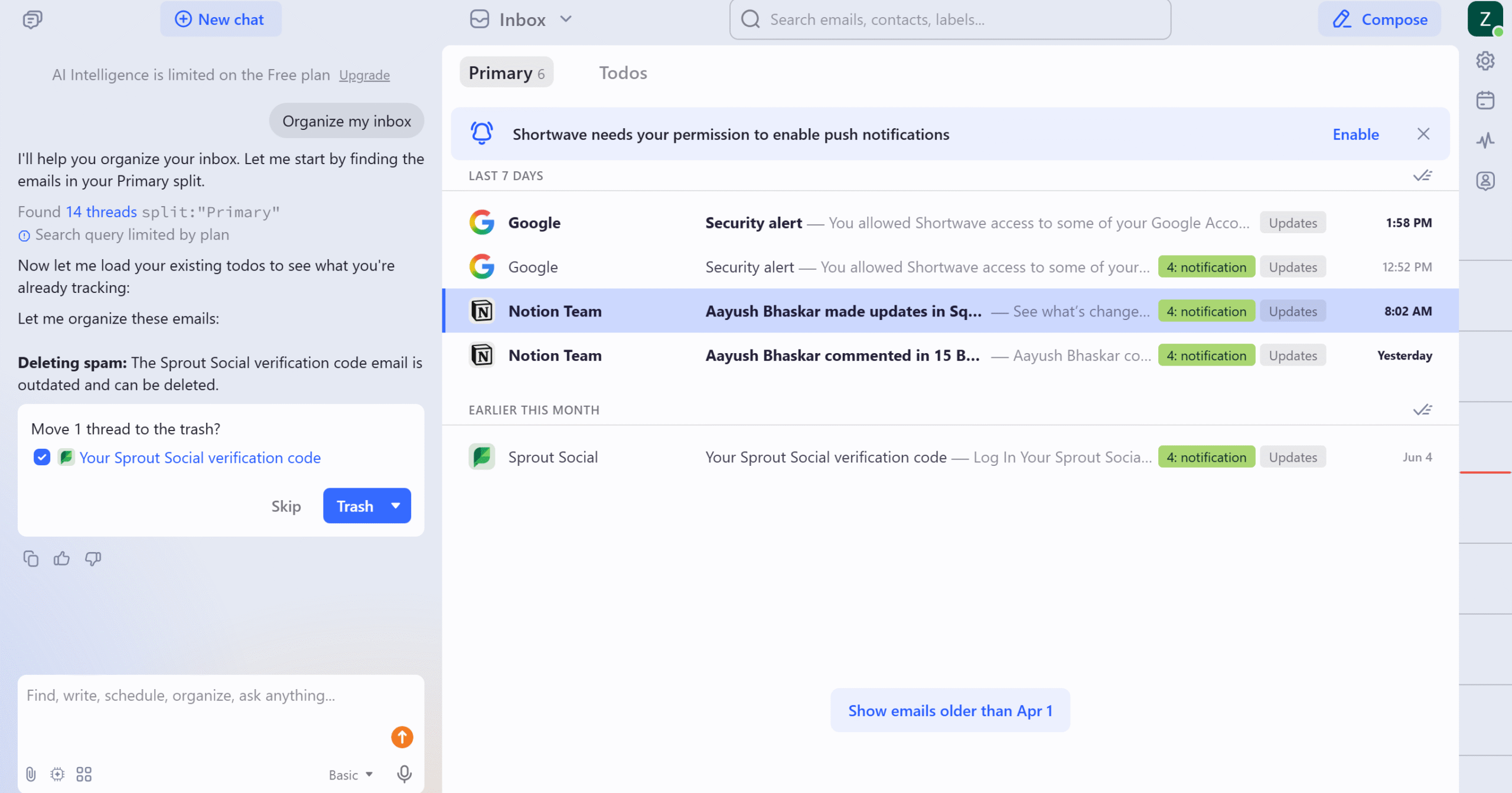
It has a built-in chat that does pretty much everything for you. You can search emails and schedule meetings using natural language.
Core Features
- Gmail organizer.
- Pin important messages.
- Snooze and archive emails.
- Follow-up reminders and read later.
- Bulk actions and filters.
- Collaboration.
- Cross-platform support.
- AI-powered tools.
Pros
- It’s accessible and fast.
- The search feature is powerful.
Cons
- It only works with Gmail at the moment.
Price
ShortWave prices start at $18 per month. The basic plan is free.
4. Inbox Zero
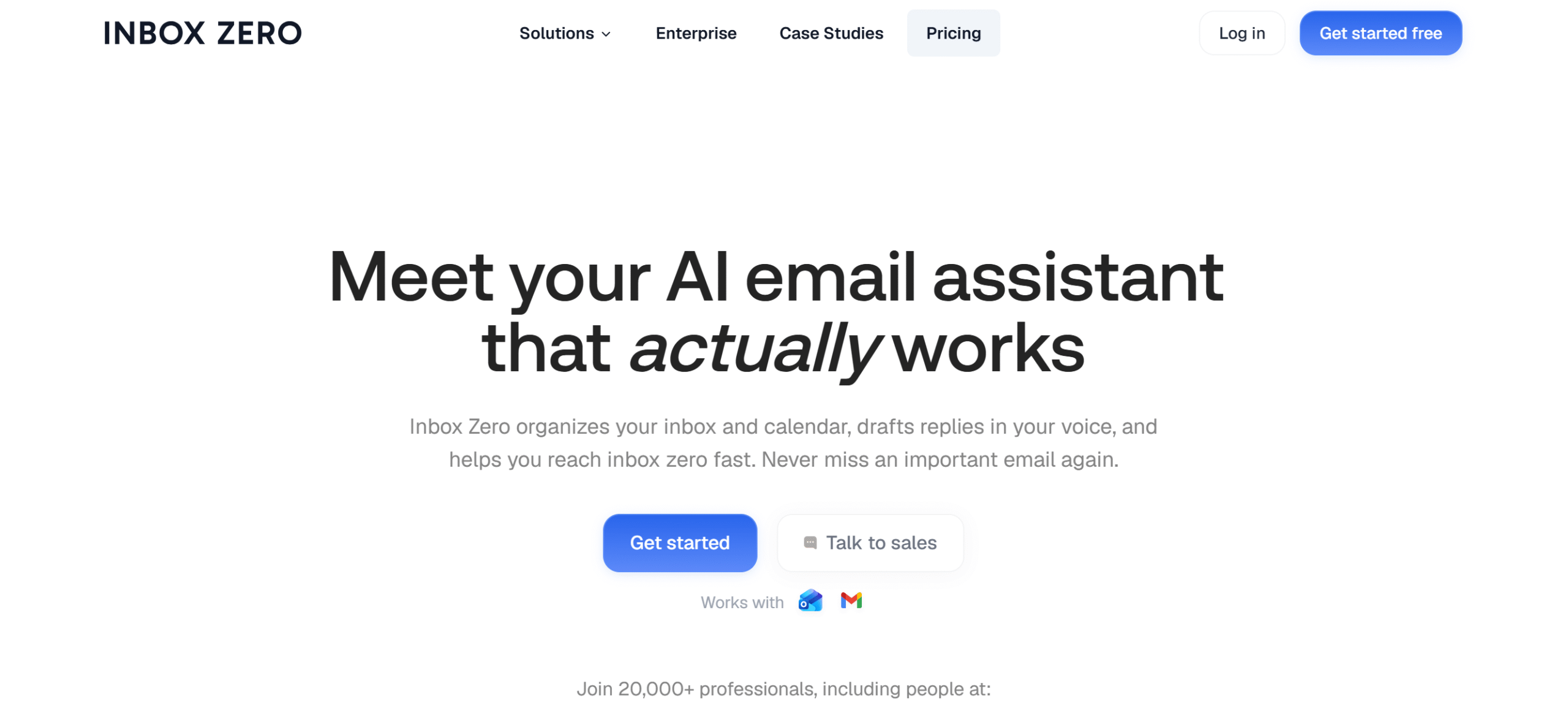
InboxZero is a good alternative to ShortWave. With this tool, you can declutter your inbox and maintain it with ease.
The good thing about InboxZero is that it’s purpose-built for inbox cleanup, which makes it a better option than ShortWave.
I also found it more user-friendly than ShortWave, probably because the interface is familiar. There is literally no learning curve. Everything is laid out clearly.
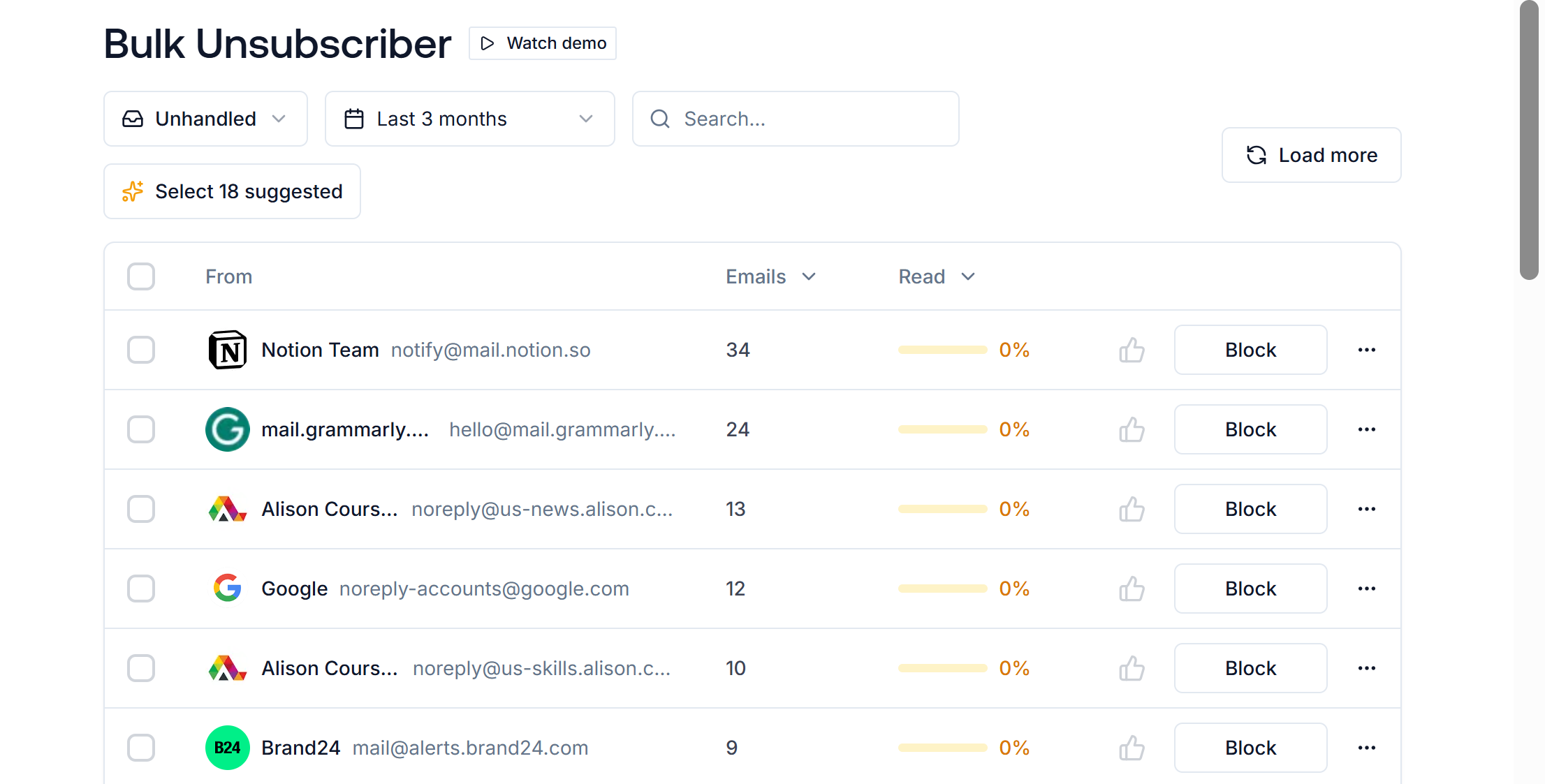
If you work with a team, however, I wouldn’t recommend this app. Its collaboration feature is extremely limited.
You can check out the app for free. InboxZero lets you try any premium subscription for 7 days.
Core Features
- Email organizing.
- AI summary and drafting.
- Bulk unsubscribe.
- Email blocking.
- Slack integration.
- Team analytics.
- Android and iOS apps.
Pros
- It uses AI to sort emails and prioritize messages.
- You can also perform bulk actions and automate repetitive tasks.
Cons
- You can’t connect Gmail and Microsoft at the same time. You can either manage your Gmail or Outlook account.
Price
InboxZero’s starter price is $20 per month.
5. Fyxer
Fyxer serves a dual purpose.
It not only organizes your emails but also helps you improve your response time. You can draft quick replies, generate AI summaries, automatically take meeting notes, and more.
ShortWave also does most of these functions, but its user experience is completely different from Fyxer. Unlike ShortWave, Fyxer works within your Gmail inbox.
This is its core selling point.
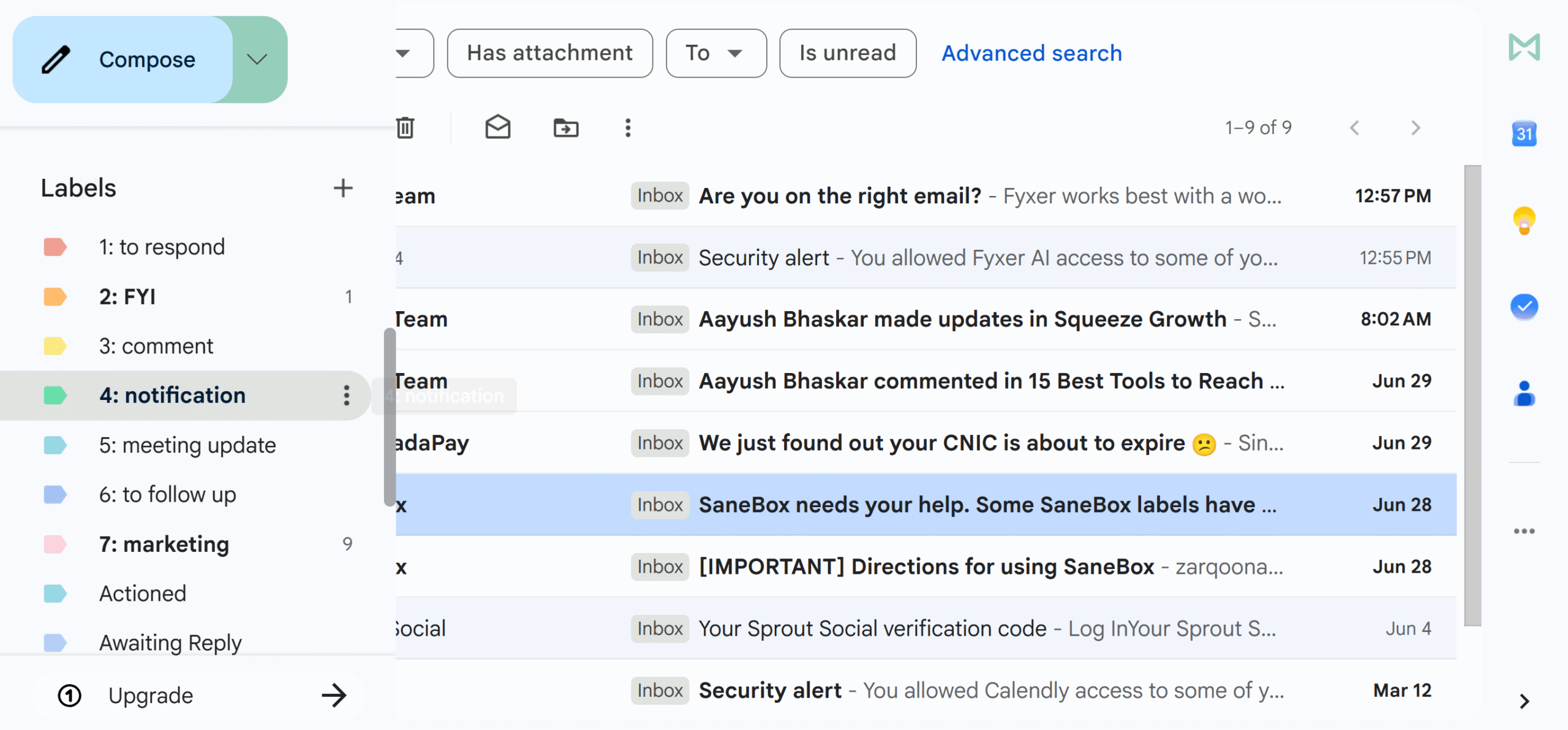
That said, Fyxer uses a lot of color codes to highlight actions.
People who like color-coding will love it. I personally find it extremely distracting.
Apart from that, it’s an excellent tool to reach inbox zero.
Core Features
- Email organizing.
- AI drafts.
- Notetaker.
- Meeting booking.
- Chatbot.
- Team collaboration.
- Gmail and Outlook support.
- Integration.
Pros
- Fyxer doesn’t replace Gmail. It just improves your existing inbox with AI.
- It can also generate meeting notes for you.
Cons
- It doesn’t provide a bulk cleanup function.
Price
Fyxer charges $30 to $50 per month. You can try it for free.
6. SparkMail
SparkMail is an all-in-one inbox management tool. It combines email management, email drafting, and team collaboration into a single app.
With SparkMail, you can automatically sort emails, screen unknown messages, generate quick replies, and archive old emails. You can share your draft with others and make it a team activity.
Snoozing, scheduling, and reminders are all included in the package. You’ll also get some productivity features, like a focus mode, to improve your response time.
Core Features
- Smart inbox.
- Snoozing and reminders.
- Email scheduling.
- Email drafting and summaries.
- Multiple inbox support.
- Meeting notes.
- Team collaboration.
- Integration.
- Cross-platform support.
Pros
- SparkMail offers a collaborative smart inbox.
Cons
- The AI productivity tools are comparatively basic.
Price
SparkMail charges $10 to $20 per month.
7. Superhuman Mail
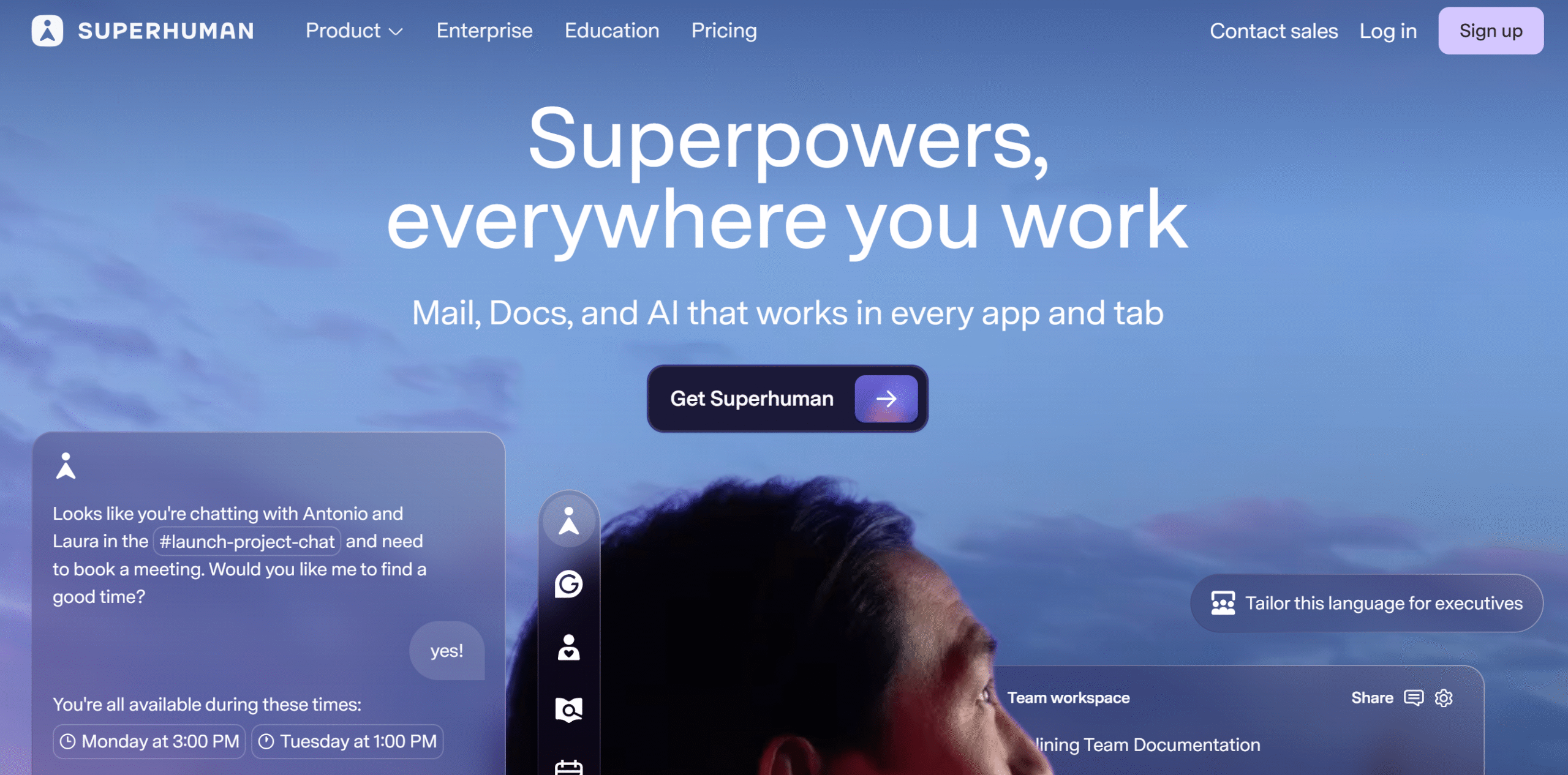
Superhuman Mail is designed with speed in mind.
It offers all the features you’ll find on SparkMail, but its focus is on efficiency.
For example, it splits your inbox into different categories so you can process emails faster. It also provides keyboard shortcuts for instant commands.
I recommend exploring this app. You might not be able to use its Mail features in the free plan, but it should give you some idea of its interface.
Core Features
- Inbox organizing.
- AI writer.
- Reminders and snoozing.
- Unsubscribe.
- Archive and delete.
- Team collaboration.
- Integration.
Pros
- Superhuman Mail is user-friendly and efficient.
Cons
- There are a lot of bells and whistles.
Price
Superhuman Mail costs $33 per month.
8. Canary Mail
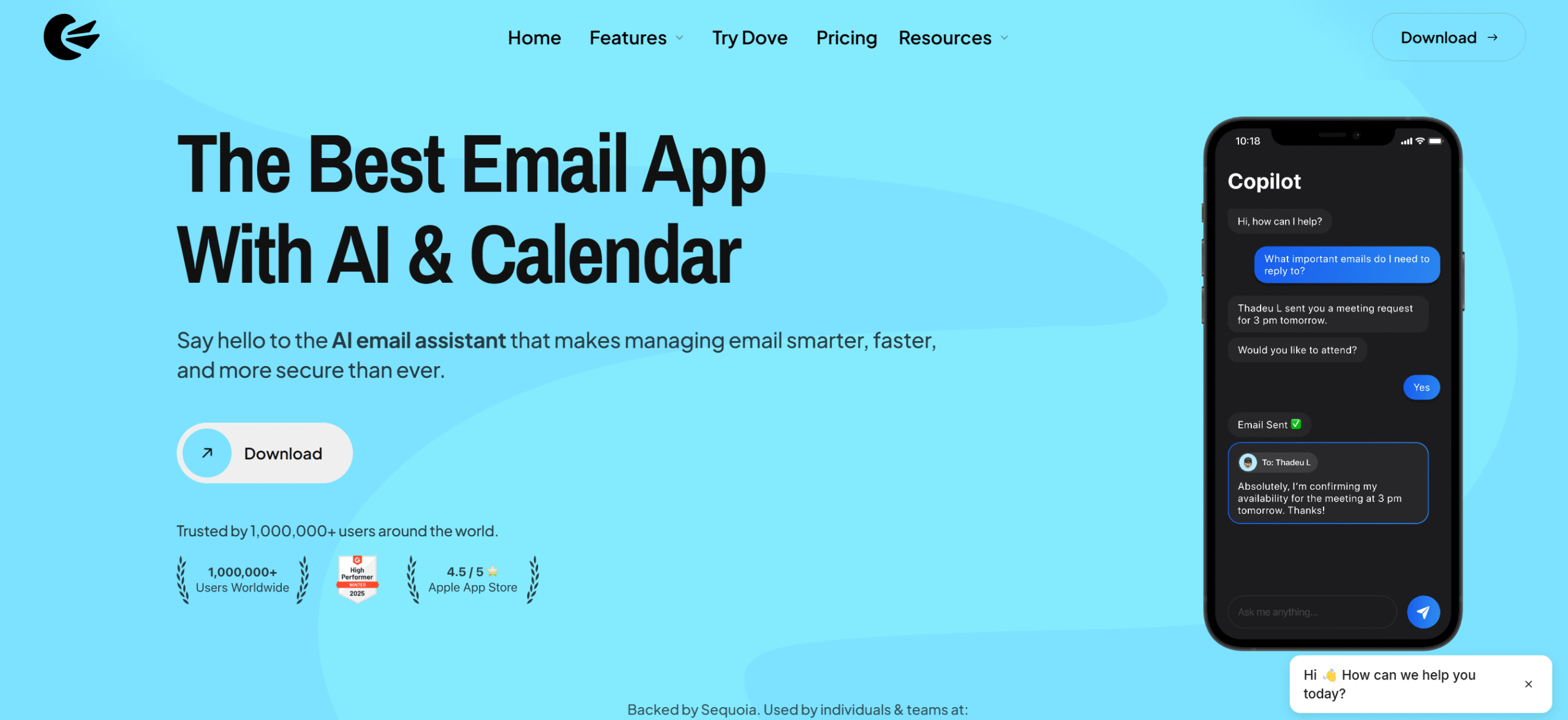
Canary Mail is best for its privacy features.
It encrypts your incoming and outgoing emails and blocks tracking pixels to keep your data private.
It also has a phishing detection that alerts you to suspicious emails. This is an excellent feature for those who deal in communication.
You don’t need any tech skills to operate CanaryMail. The app encrypts everything automatically in the back end.
For email management, you’ll get several productive tools, such as email sorting, drafting, and snoozing. You can delete emails in bulk.
Core Features
- Unified inbox.
- Email sorting.
- Snoozing and scheduling.
- Inbox zero.
- Data encryption.
- Phishing detection.
- Cross-platform support.
Pros
- CanaryMail’s security features are excellent.
Cons
- Inbox organizing is basic.
Price
CanaryMail charges $3 to $10 per month. The basic plan is free.
9. Unroll.Me
If your inbox is cluttered with too many newsletters and promotional emails, UnrollMe is perfect for you.
It helps you manage your subscriptions and removes unwanted messages in bulk.
You can get started for free and download it on both iOS and Android. The free plan covers almost all the essential features.
What’s interesting about Unroll.Me is that it doesn’t just delete newsletters. It provides a system where you can keep, delete, and defer your emails.
Core Features
- Inbox cleanup.
- Block unwanted senders.
- Remove promotional messages in bulk.
- Unsubscribe in bulk.
- Roll-up newsletters.
- Daily digest.
- iOS and Android app.
Pros
- Unroll.Me lets you delete and manage subscriptions.
Cons
- It focuses only on subscriptions. It isn’t a drawback in a technical sense, but it does limit its function.
Price
Unroll.Me is free to download.
10. TrimBox
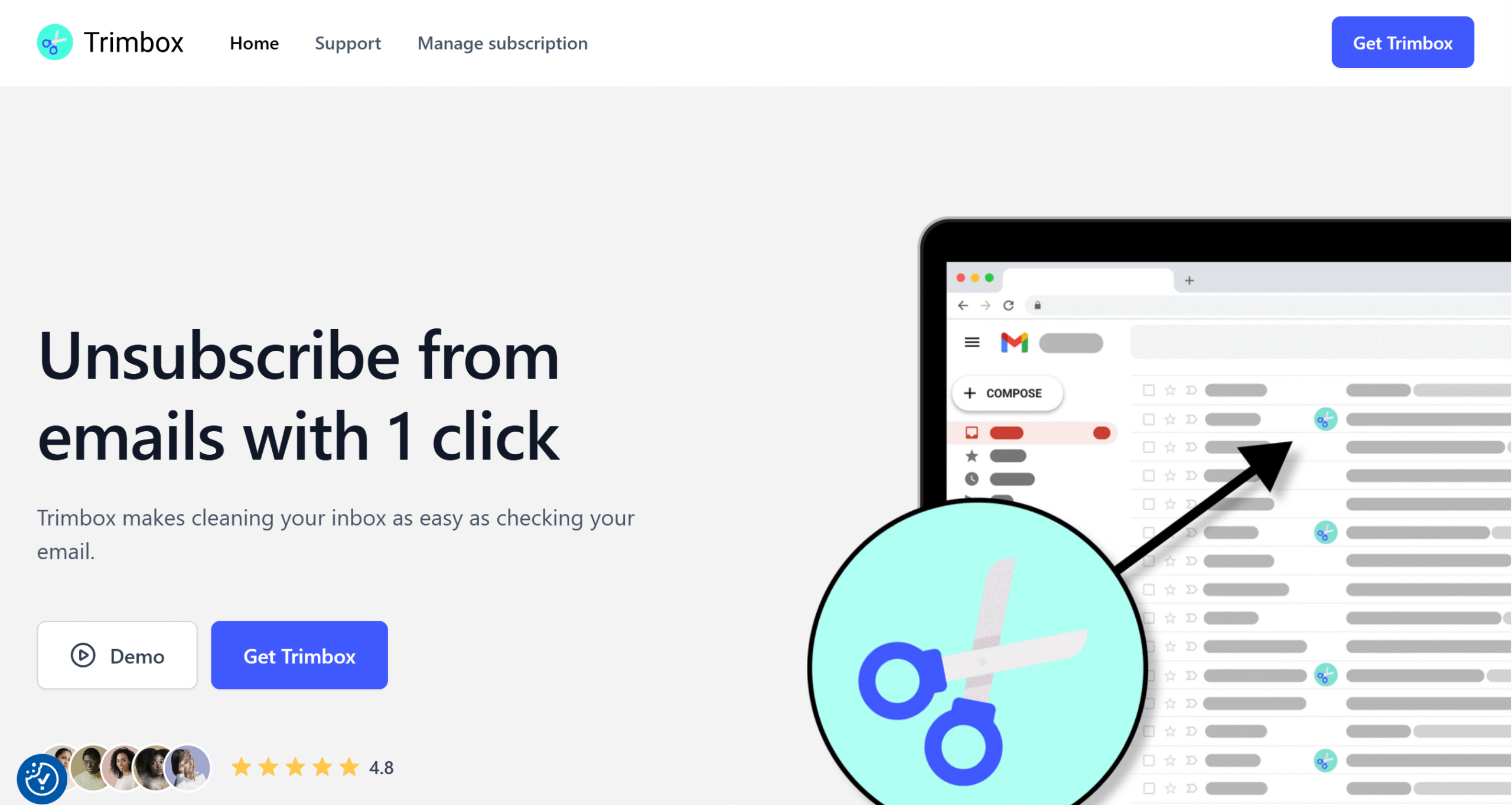
TrimBox is a simpler version of Unroll.Me.
It’s a cleanup tool that helps you unsubscribe from newsletters.
But TrimBox has one thing that Unroll.Me lacks—bulk delete.
Unroll.Me only unsubscribes from emails; TrimBox deletes them in one go.
You don’t have to download any app to use TrimBox. It’s a free Chrome extension and works well with Gmail.
Core Features
- Inbox cleanup.
- Newsletter subscription.
- One-click bulk delete.
- Block spam.
- Chrome extension.
- Multi-account support.
Pros
- TrimBox can remove years of junk mail in bulk.
Cons
- It’s ideal for Gmail only.
Price
You can use TrimBox for free.
11. LeaveMeAlone
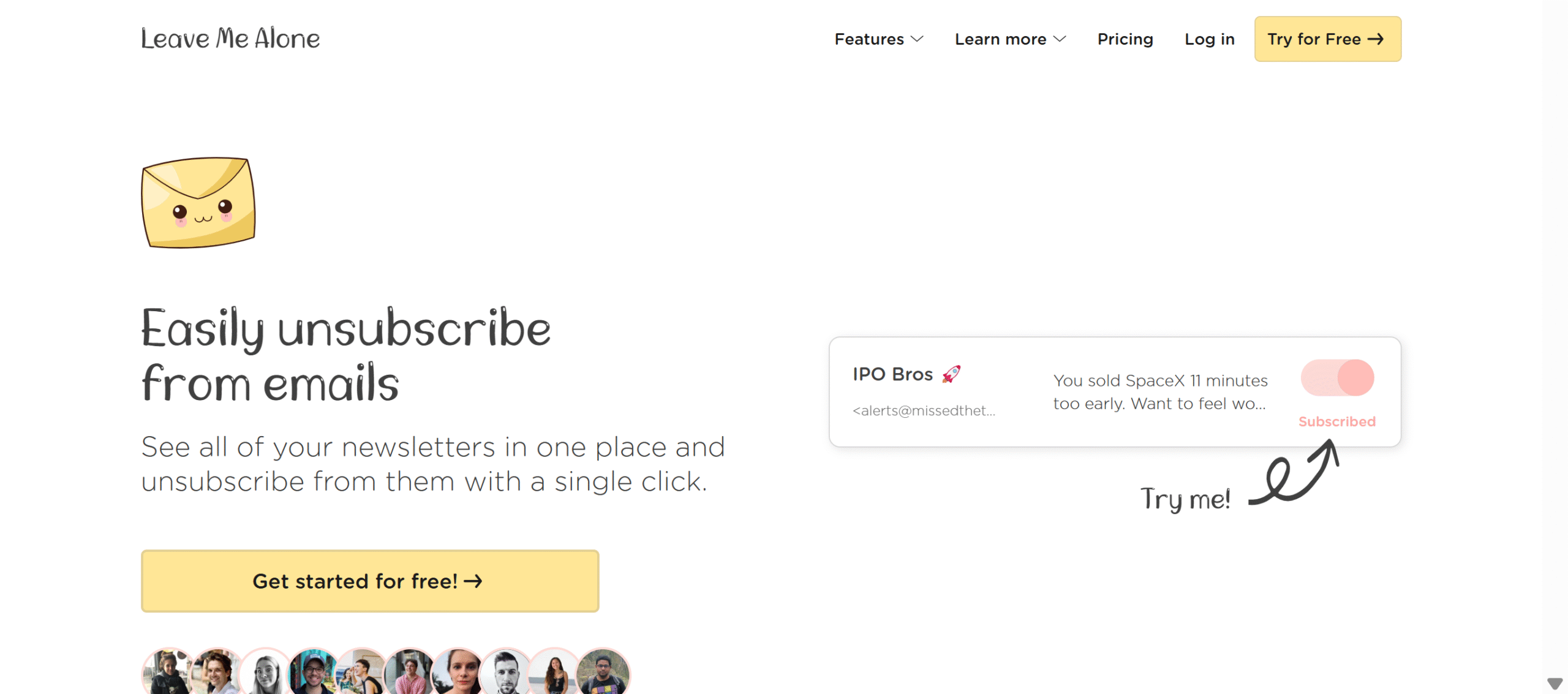
LeaveMeAlone is also a good subscriber management tool. It specializes in bulk action, allowing you to unsubscribe from unwanted emails at once.
But that’s not its unique selling point.
LeaveMeAlone’s most notable feature is privacy.
It only accesses the data it needs to identify the emails to protect your privacy.
It also offers security features such as screening new emails and blocking cold and junk emails.
Core Features
- Unlimited unsubscribe.
- New email screening.
- Spam blocker.
- Do not disturb.
- Rollups.
- Privacy.
Pros
- LeaveMeAlone is user-friendly, affordable, and privacy-focused.
Cons
- Its scope is limited to subscriptions only.
Price
LeaveMeAlone charges $9 to $16 per month. You can buy the basic features for a $19 one-off payment.
12. MailStrom
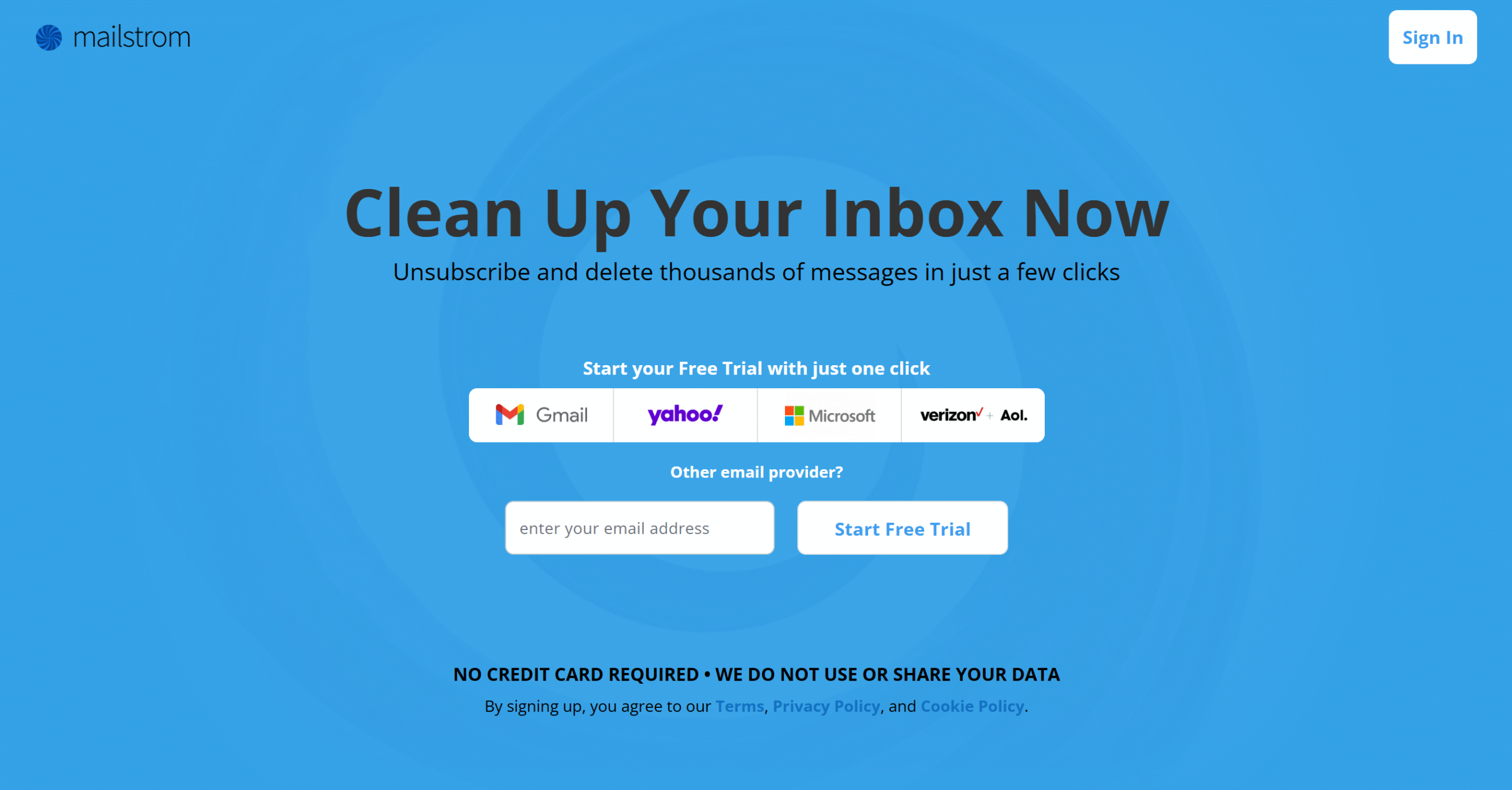
If you want something to clean your entire inbox, not just newsletters, try MailStrom.
It organizes your emails by subject, sender, and date, grouping them into neat little bundles so you can easily delete or archive them.
You can delete hundreds of emails at once, temporarily remove some emails for later, and block unwanted messages. The app has around 1000 smart filters to help you remove spam and reach inbox zero.
Core Features
- Inbox organizing.
- Bulk delete, archive, and move.
- Unsubscribe.
- Block senders.
- Smart filters.
- Chill and expire.
- Multi-account support.
Pros
- MailStrom is a powerful organizer and supports multiple email providers.
Cons
- The official website doesn’t provide much information. You’d have to take a free trial to learn more about it.
Price
MailStrom charges $9 to $30 per month.
13. ChuckMail
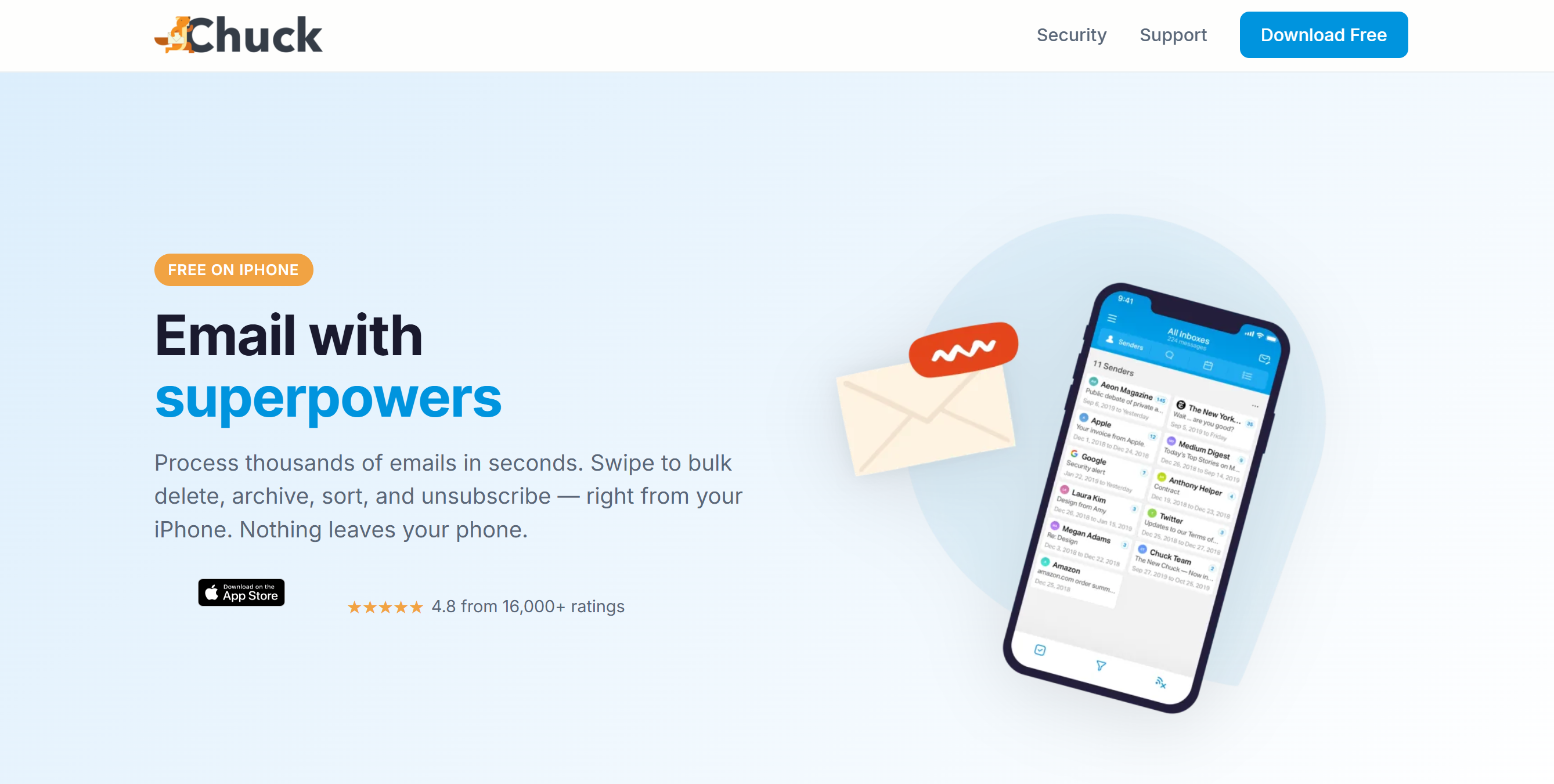
ChuckMail is perfect for Mac and iPhone users.
Its core features include inbox cleaning, email replies, and sender blocking.
You can manage multiple email accounts from one inbox and set up a home widget to get notifications.
ChuckMail highlights important and low-priority emails and lets you delete and move them in bulk.
Core Features
- Inbox cleanup.
- Batch delete and archive.
- Block senders.
- Unsubscribing.
- Homescreen widget.
- AI filters.
- Apple app.
Pros
- You can delete and archive emails in bulk.
Cons
- It mainly works on Apple devices.
Price
ChuckMail charges $6 per month. The basic plan is free.
14. EdisonMail
EdisonMail gives you everything you need to manage multiple email accounts from one place.
With its smart inbox and productivity features, you can improve day-to-day email management.
Let me share some of its core capabilities.
You can process important emails first, set aside low-priority messages, and bring related emails into a conversation thread. Plus, you can delete, archive, move your emails, and unsubscribe from newsletters.
What EdisonMail doesn’t do is inbox automation or advanced bulk cleanup. That’s something exclusive to tools like SaneBox and CleanEmail.
EdisonMail is primarily built to help you manage your inbox. Decluttering is part of the package, but not its core function.
Core Features
- Unified inbox.
- Email management.
- Delete, snooze, and archive messages.
- Priority email detection.
- Block senders.
- Unsubscription.
- Home screen widget.
- Cross-platform support.
Pros
- EdisonMail provides a smart inbox to manage emails better.
Cons
- The bulk cleanup function is available, but it’s basic.
Price
You can download EdisonMail for free.
15. MailMan

MailMan provides a simple system to reach inbox zero.
You can add important contacts to the VIP list to receive their emails first and defer low-priority emails to read them at your convenience.
If you are in a meeting or taking time off, you can pause your inbox temporarily.
For newsletters, MailMan has another solution. It holds them back until you are ready to see them, so they don’t unnecessarily clutter your inbox.
The app then sends a daily digest listing the blocked senders for review.
Core Features
- Priority email sorting.
- Email batching and snoozing.
- Do not disturb.
- Newsletter blocking.
- Custom actions.
- Integrations.
Pros
- MailMan lets you decide which emails to see first and when to receive low-priority emails.
Cons
- It only delays email delivery to reduce clutter. It doesn’t auto-delete them. You still have to do that yourself.
Price
MailMan charges $8 per month.
Conclusion
If you want to reach inbox zero, consider investing in a good tool.
You can manually manage your emails, but the right software can save you time by reducing inbox clutter.
For example, you can use SaneBox to organize your inbox, LeaveMeAlone to handle subscriptions, and CleanEmail to delete messages in bulk.
If you want an all-in-one solution, email client like SparkMail or Superhuman can help you reach inbox zero.
Try some of them and pick one that meets your requirements. Most of them offer free trials.


 A better way to manage projects and clients for freelancers
 Get through busy days like a breeze with Reclaim.ai