
VC analysts review 3,000 pitch decks a year.
They invest in only 9.
And they spend about 3.5 minutes per deck during initial screening. That’s it.
You could have a breakthrough idea, but if your deck doesn’t prioritise clarity and visual hierarchy, you might get overlooked.
Don’t worry!
In this article, I’ll show you how to build a compelling pitch deck from scratch in minutes using Gamma, with the visual hierarchy and appeal that makes investors take notice.
What is Gamma AI?

Gamma turns text into visually appealing decks in less than 60 seconds using AI.
The AI handles text, layout, visuals, and interactive elements, so design experience isn’t a requirement.
It’s built for text-heavy content: pitch decks, presentations, documents, carousels.
You can start with a prompt to build from scratch, or feed Gamma your existing content to convert into slides.
Want full control? Design manually. It works like PowerPoint but way more powerful and easy to use. And you can still use AI to visualise specific sections or generate individual slides.
Gamma also connects with Claude, ChatGPT, and other tools to pull content directly and tweak designs faster.
However, if you need creative designs with custom text placement, unique layouts, and brand-heavy styling, Gamma won’t cut it.
It excels at structured, information-dense content, not art direction.
Key Features
- Prompt-Based Design: Use natural language prompts to generate entire decks from scratch, or to edit existing text, layouts, and images.
- Visual Representation: Visualise complex information into smart layouts, diagrams, charts, and graphs for better clarity.
- AI Editing: AI edits, add, or removes content to match your preferred tone, length and target audience.
- Image Generation: Create high-quality, custom visuals directly within Gamma using simple text prompts.
- Custom Themes: Design and apply brand-specific themes by customising colors, fonts, logos, and overall deck aesthetics.
- Interactive Embeds: Integrate dynamic media such as websites, videos, charts, polls and forms directly into the content.
- Built-in Analytics: Track viewer engagement, traffic metrics, and interaction levels when projects are shared online.
Pricing
Individual
- Free: 400 credits on signup. Once those run out, you need a paid plan.
- Plus: $12 per month (billed monthly) | $9 per month (billed annually)
- Pro: $25 per month (billed monthly) | $18 per month (billed annually)
- Ultra: $100 per month (billed monthly)
Teams
- Team: $20/seat/month (billed annually)
- Business: $40/seat/month (billed annually)
Elements of a compelling pitch deck
A pitch deck determines resources at your disposal, your runway, and how fast you can scale.
Design helps. But the content is what actually wins the room.
Before we get into building one, it’s worth understanding what makes a pitch deck compelling in the first place.
If you’d rather jump straight to building one using Gamma, skip this section.
Non-negotiable elements
1. Problem
43% startups fail solving problems nobody has or aren’t painful enough.
Your pitch needs to show the pain you’re solving and quantify how big it is. “Costs Y number of companies $X annually” beats vague descriptions every time.
Forget user goals or aspirations. Painkillers sell faster than vitamins. Focus on killing the biggest pain.
2. Solution
Show how you’ll solve the problem and why it works.
Quantify the impact if you can. Investors trust numbers over promises.
Feasibility, adaptability, and execution matter here. Can you actually build this? Will people use it? Can it scale?
3. Budget and roadmap
Don’t ask for money without a plan.
Know how much you need, where it goes, what impact it creates, what returns it generates, and when investors see results.
Your projections need to make sense in real market conditions. Unrealistic numbers kill trust instantly.
4. Why you?
This is a big trend in the VC environment.
Startups offering similar products or services have exploded in the past few years and AI makes technology easy to copy.
Investors are betting on people now, not just ideas. They want to know if your team can outperform a competitor with the same resources. Education, work experience, achievements, even a related family business or parent’s profession, all of it matters.
Show why you’re the one who’ll execute this better than anyone else.
Good to have elements
1. Competitor analysis
Compare yourself to leading competitors in your niche. Spot gaps in features, pricing, or user experience.
But don’t just list comparisons. Show how you’re different and why that difference matters for your specific market.
This slide proves you understand the landscape and have a unique angle, not just another me-too product.
2. Traction
Hard numbers beat promises.
If your product is already in the market, show its performance: user count, growth trajectory, feedback, retention rates, revenue, costs. Beta users or a small group works too.
Moving from pre-seed to Series A? These numbers become critical.
3. Market opportunity
Assess the total market size and how much you can capture.
How many users already use similar products? What’s the projected growth? Why will they switch to you?
Pre-seed decks need to prove timing. Why now? Series A decks need to prove scale. How big can this get?
Remember, your numbers and reasoning need to hold up.
Focus on these elements. Build your narrative with stats, observations, analysis and ideas that prove your case.
Pro-Tip: Before you start, browse websites like Best Pitch Deck. It has 1000+ real pitch decks across industries. Steal ideas that fit your story.
Got your outline ready? Let’s move to Gamma.
Step-by-step guide to building pitch decks with Gamma
Step 1: Choose your starting point
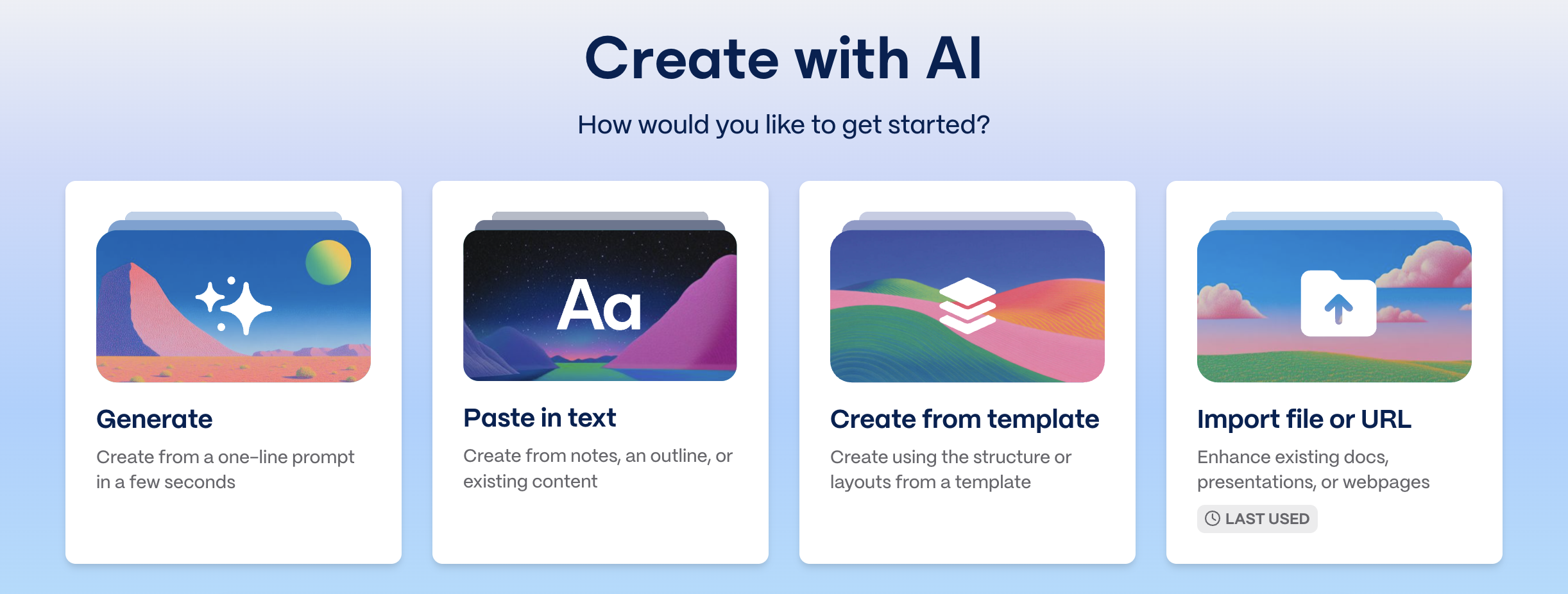
Gamma gives you three options: create from scratch, edit a template, or import text/PDFs to generate a deck using AI.
I’m using an outline I wrote and exported as a PDF.
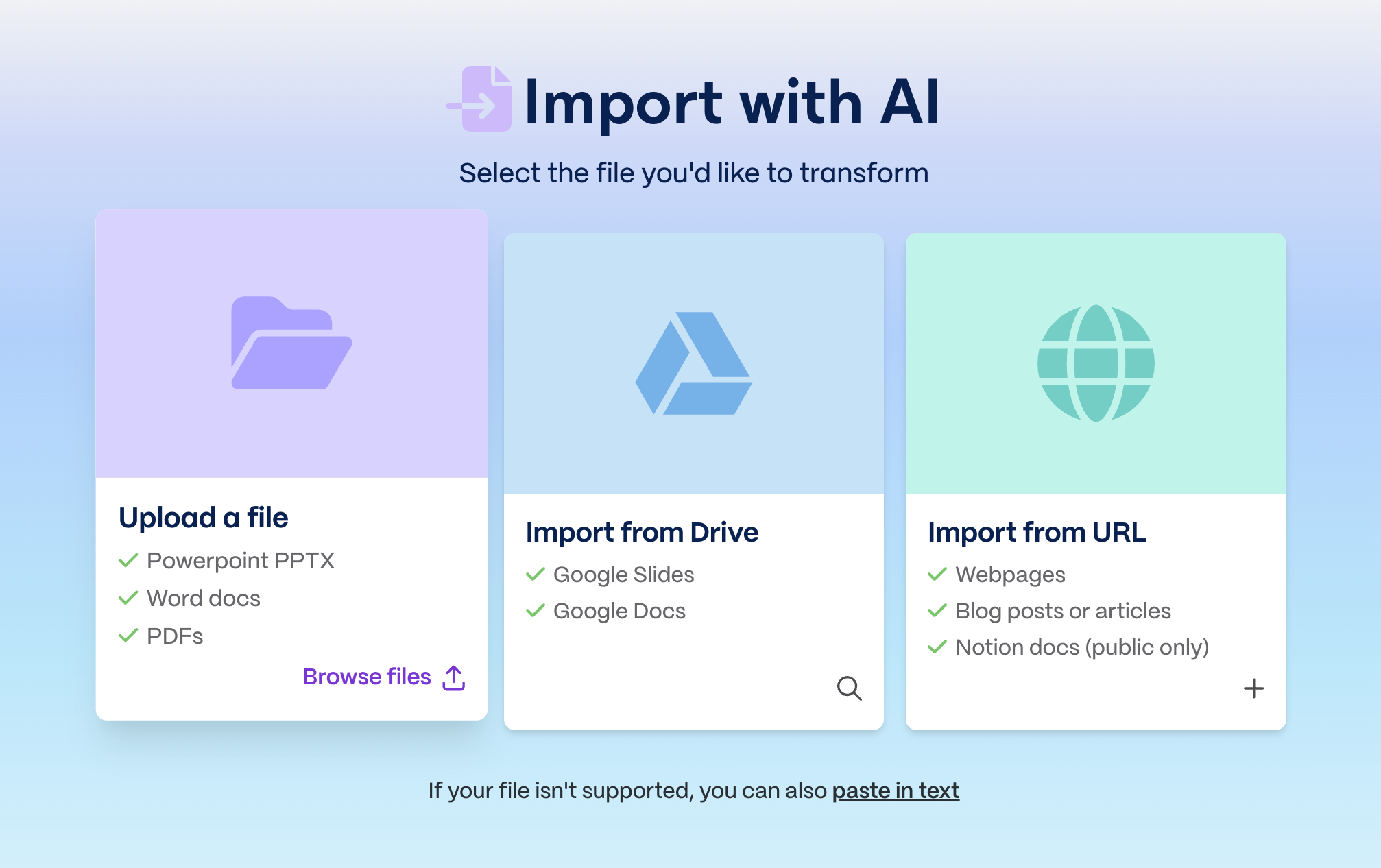
Pasted text and uploaded files work the same way. Gamma treats them identically.
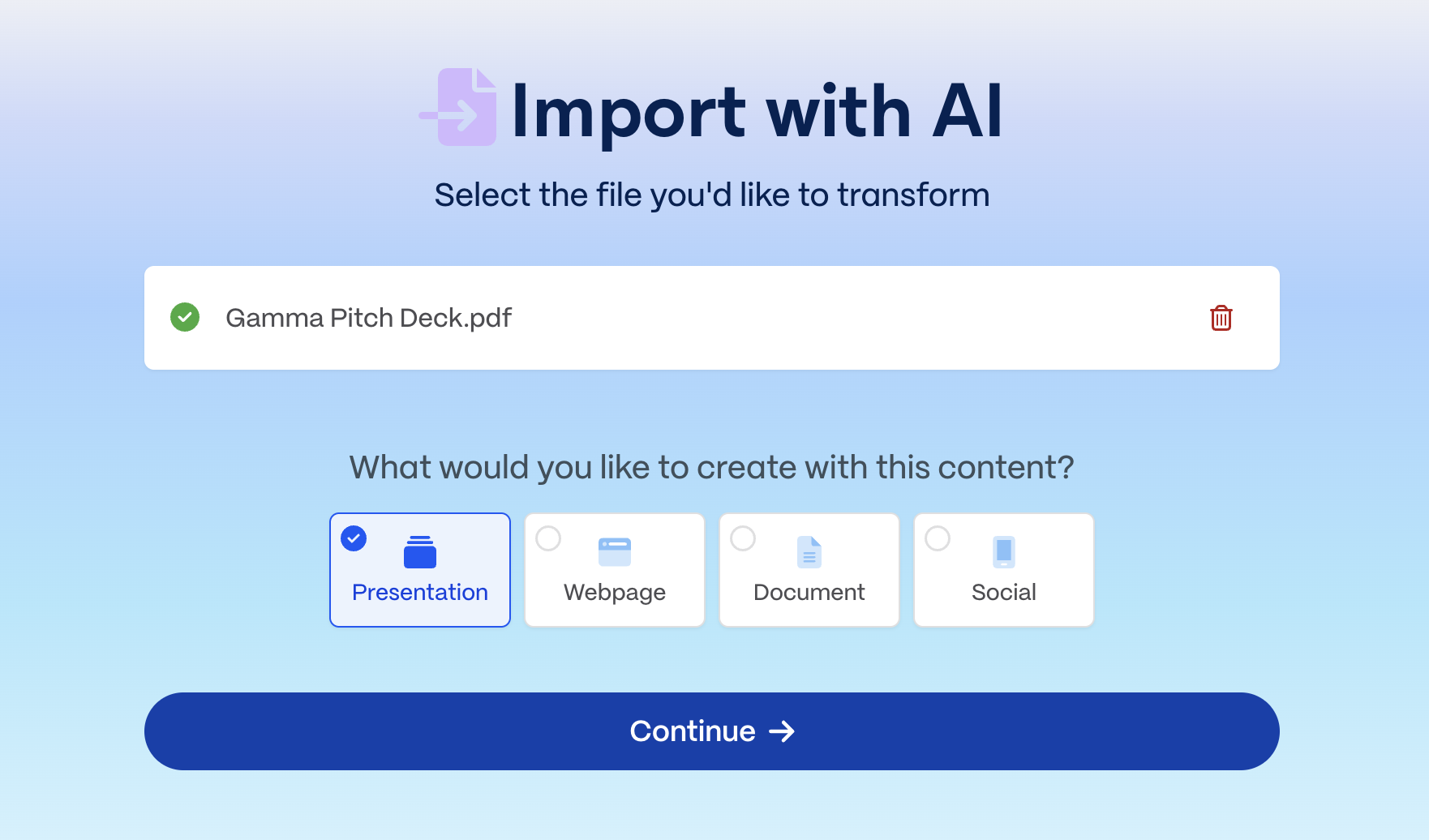
After uploading, Gamma asks what you want to create. Pick “presentation” and hit “continue”.
Step 2: Feed Gamma AI the guidelines
Once you hit “continue”, the prompt editor opens.
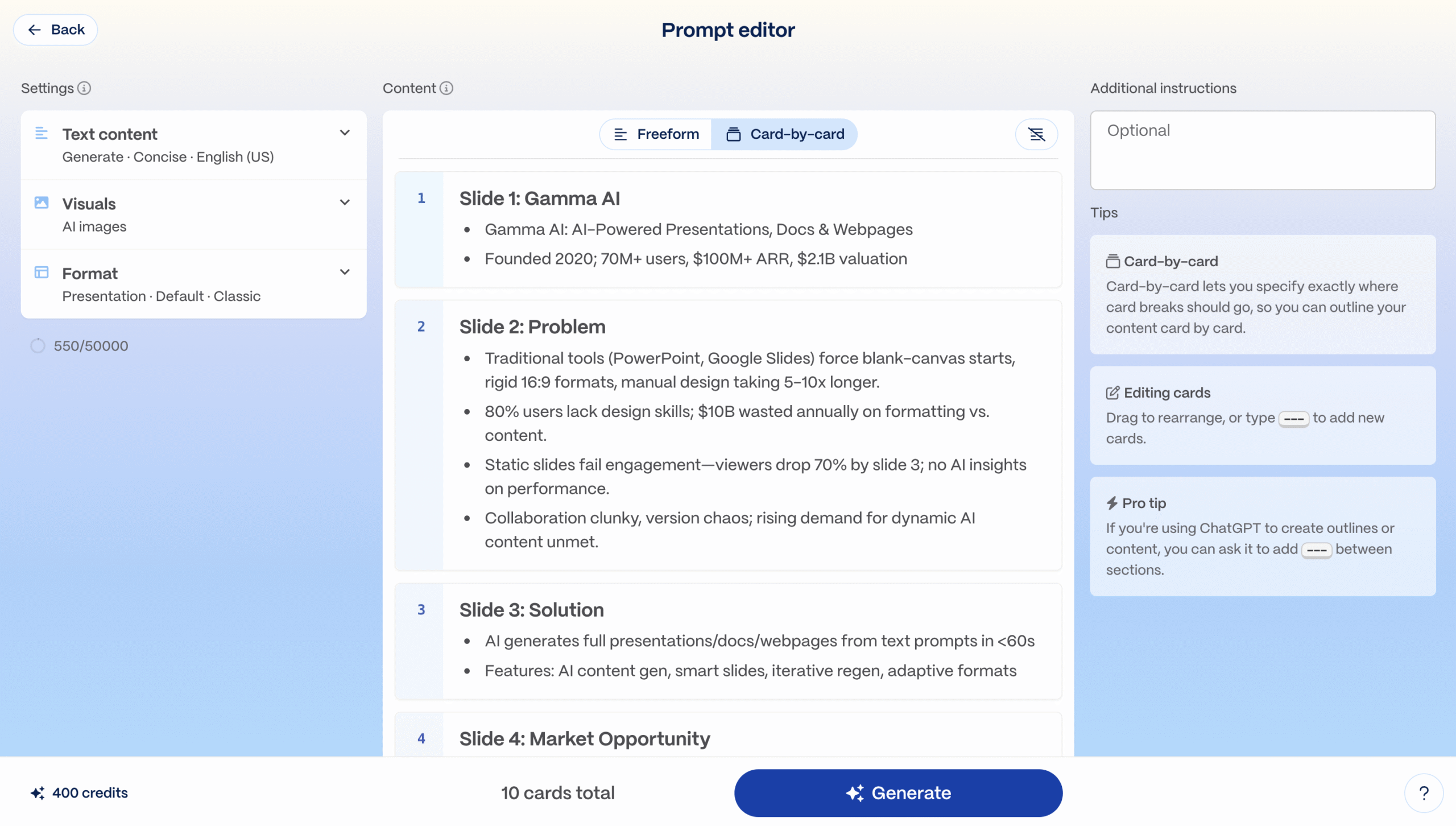
Here’s what you need to configure:
1. Text Content
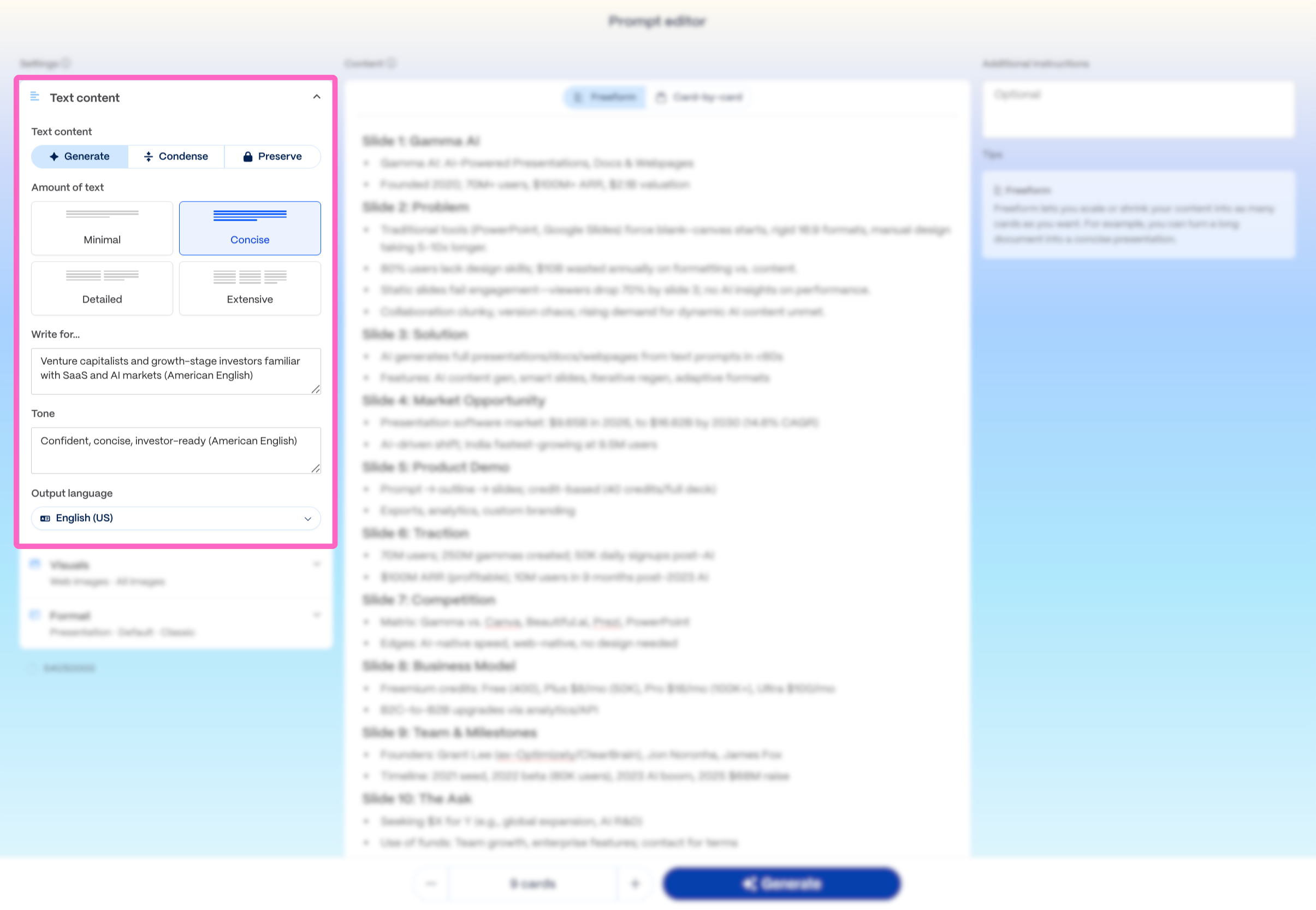
Gamma handles your text three ways.
- Generate: Best for outlines. You specify the target reader and tone, and Gamma writes the content based on your structure.
- Condense: Best for long documents. Converting a report into slides or a blog into an Instagram carousel? Gamma trims your content while keeping what matters.
- Preserve: Best when your copy is final. Gamma only handles design and formatting. No text changes.
You can also set text length: minimal, concise, detailed, or extensive.
I’m using Generate + Concise.
2. Visuals
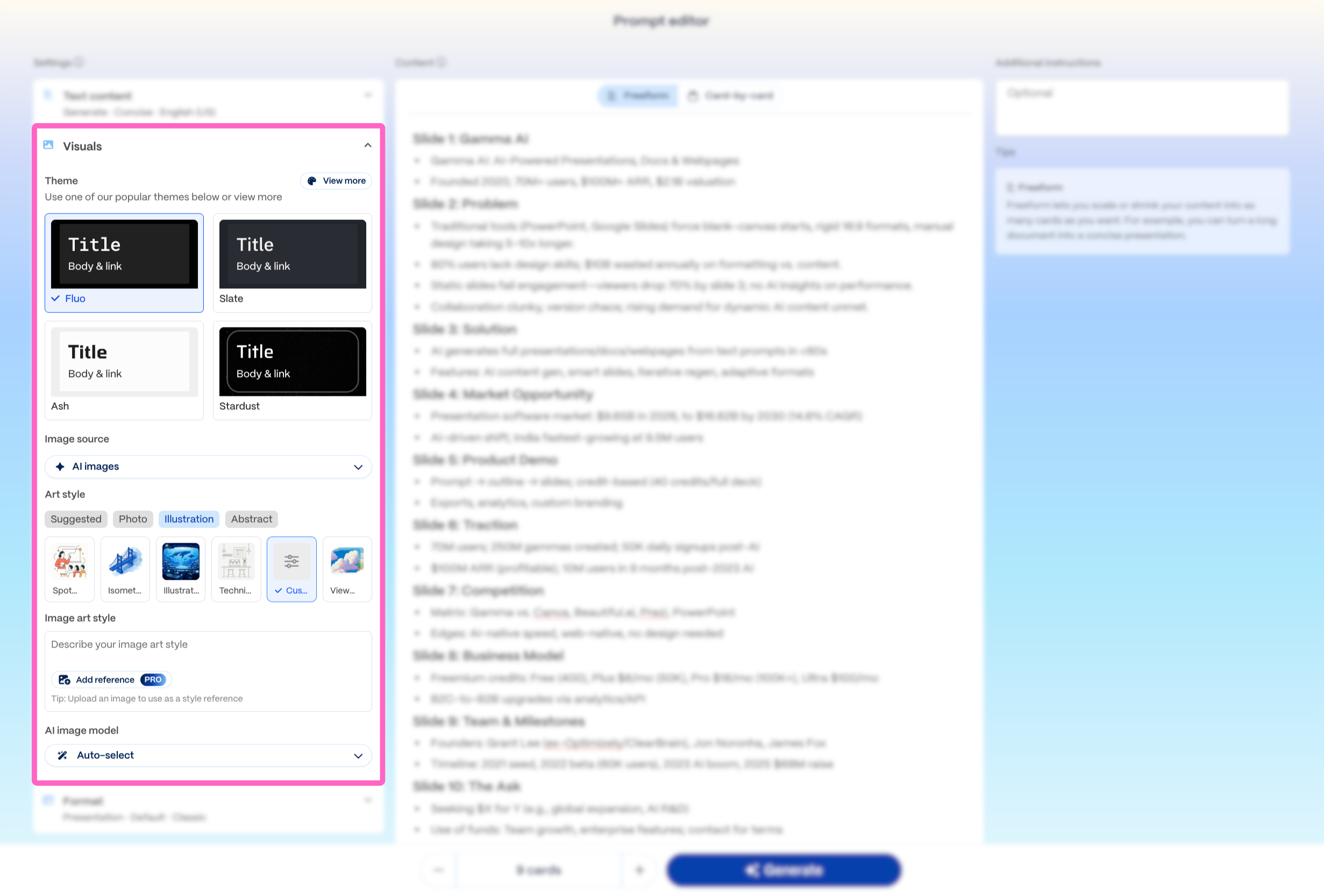
Pick a theme that matches your brand colors and fonts. You can adjust both later.
Choose your image source, pick an art style or describe what you want using text.
You can also select which AI tool generates the images.
3. Format
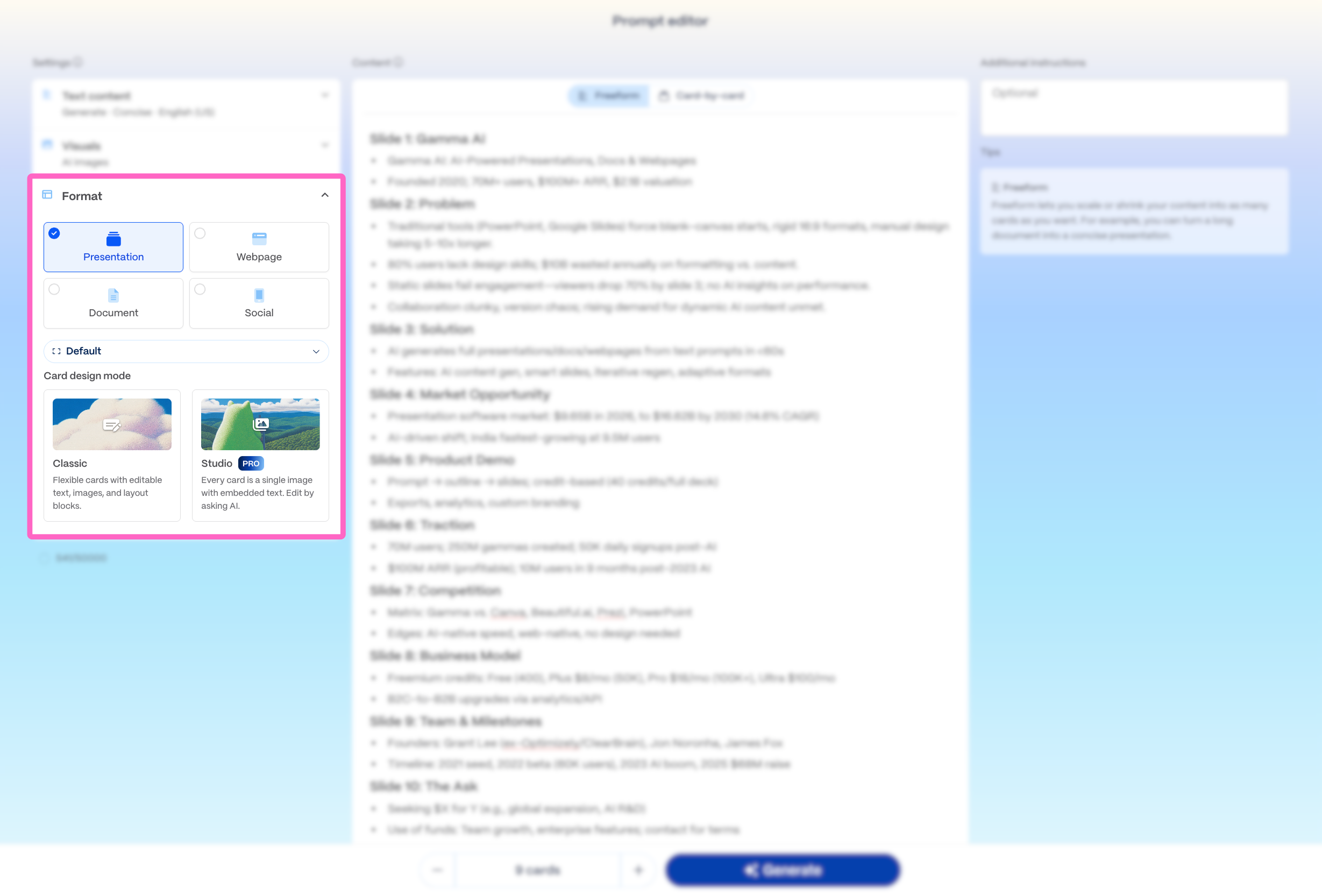
Set your slide ratio here.
Use Classic for card design. Every text block, image, and visual is generated as a separate element you can edit or delete.
Studio bakes everything into a single image that only AI can modify, which gets frustrating fast.
4. Content
You get two options here.
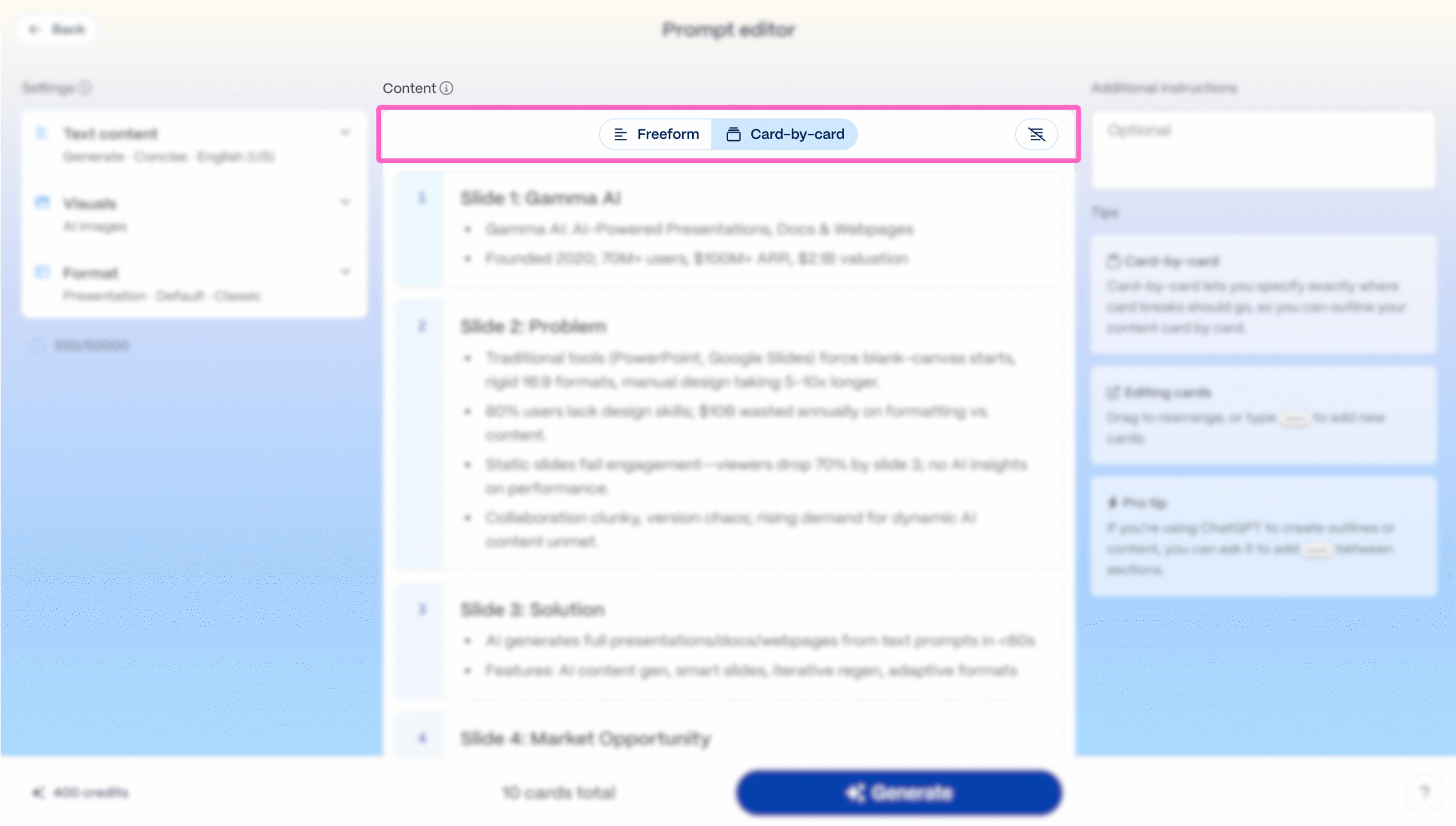
- Upload your document and tell Gamma how many slides you want. It fits everything into that count.
- Divide your content by slide upfront so you control what goes where.
Want to feed more instructions? Use the text box in the top right corner.
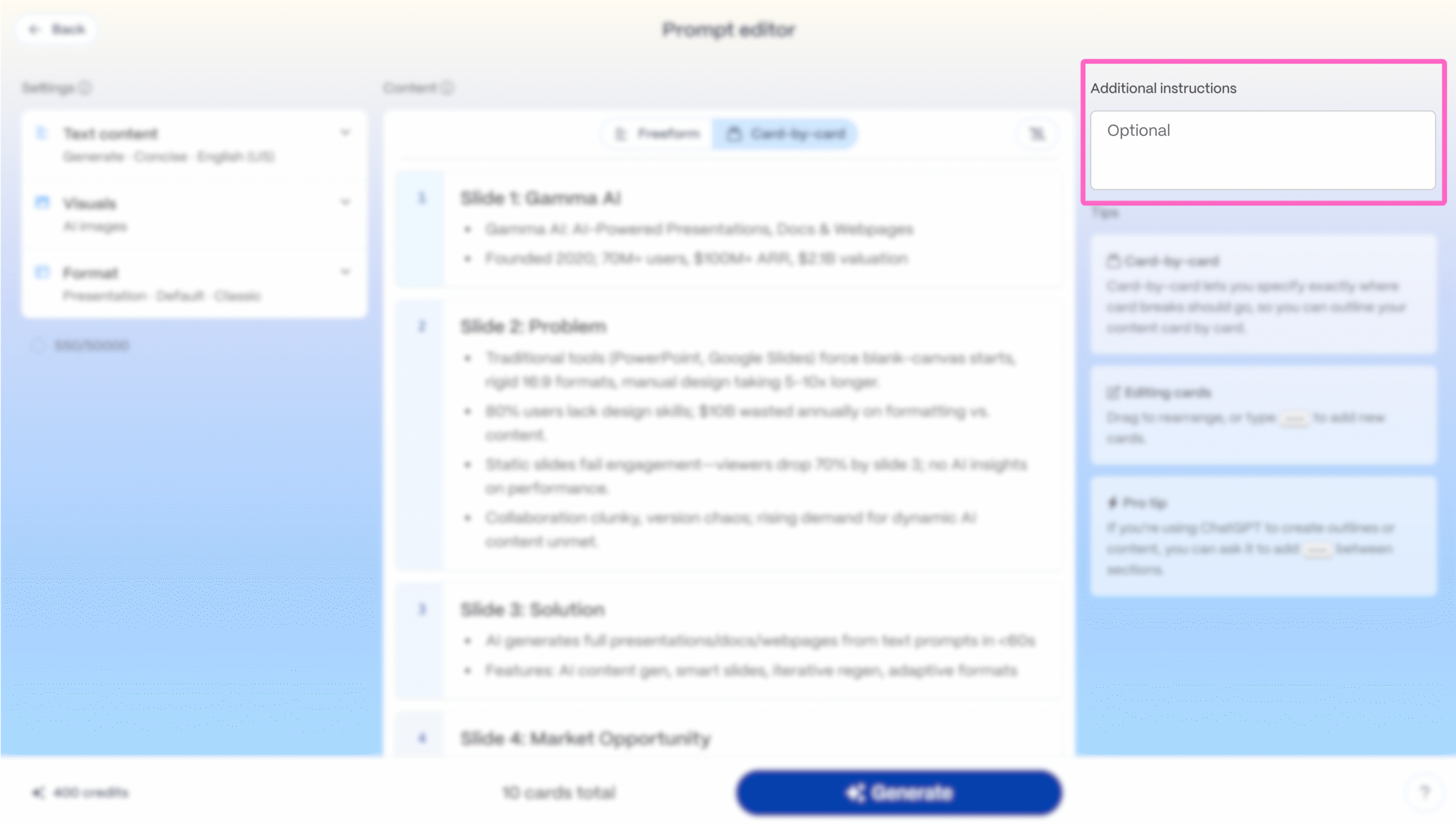
Once you are done with all the steps above, hit “Generate”.
Gamma builds your pitch deck in under 60 seconds!
Step 3: Review and iterate
Check the text, diagrams and images Gamma created and tweak them as you prefer.
I really like how Gamma automatically picks visual layouts based on your content.
Let’s say, we don’t like the visual on one slide, and we want to change it.
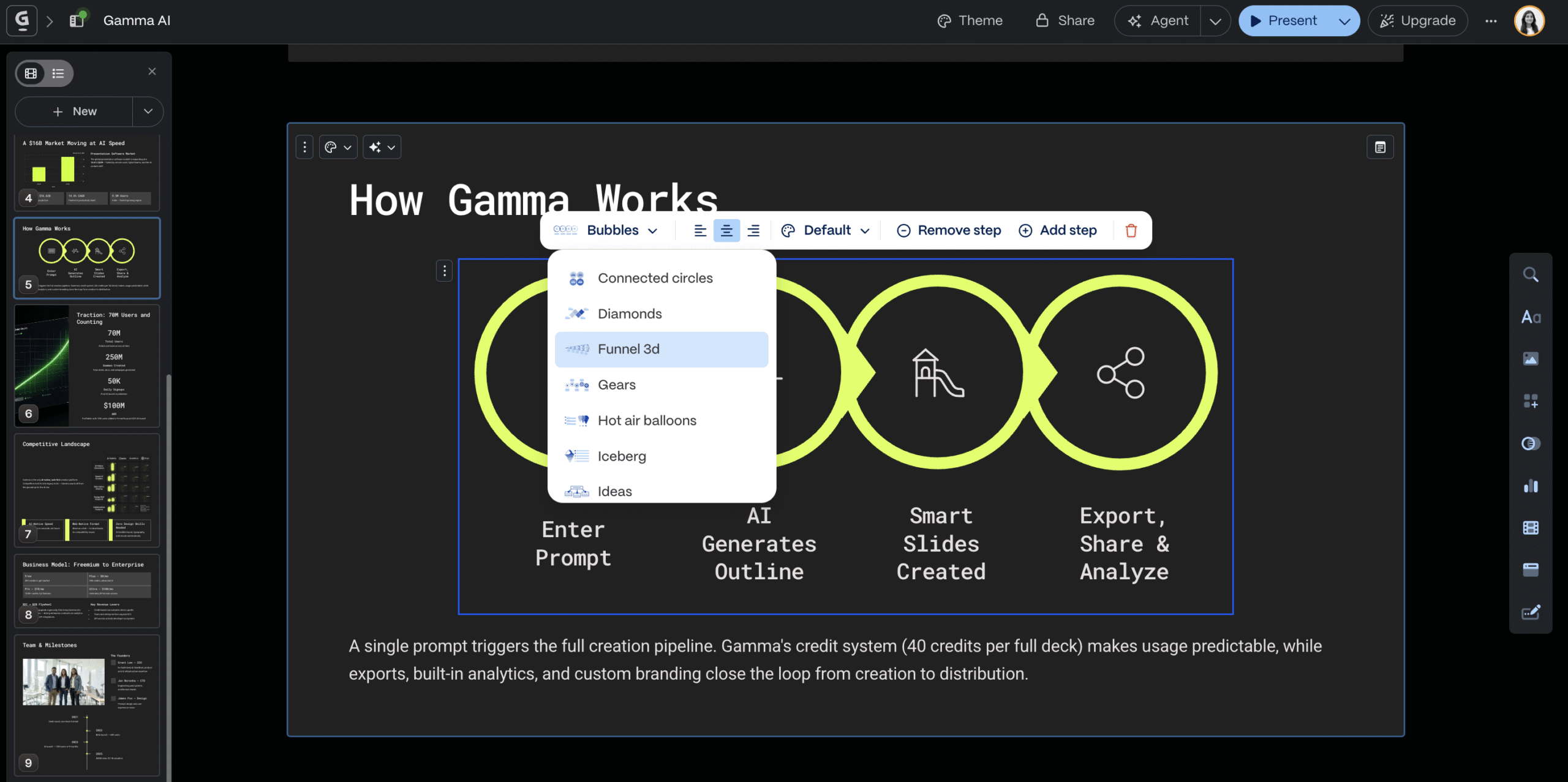
Pick a layout you prefer. Gamma applies it in seconds.
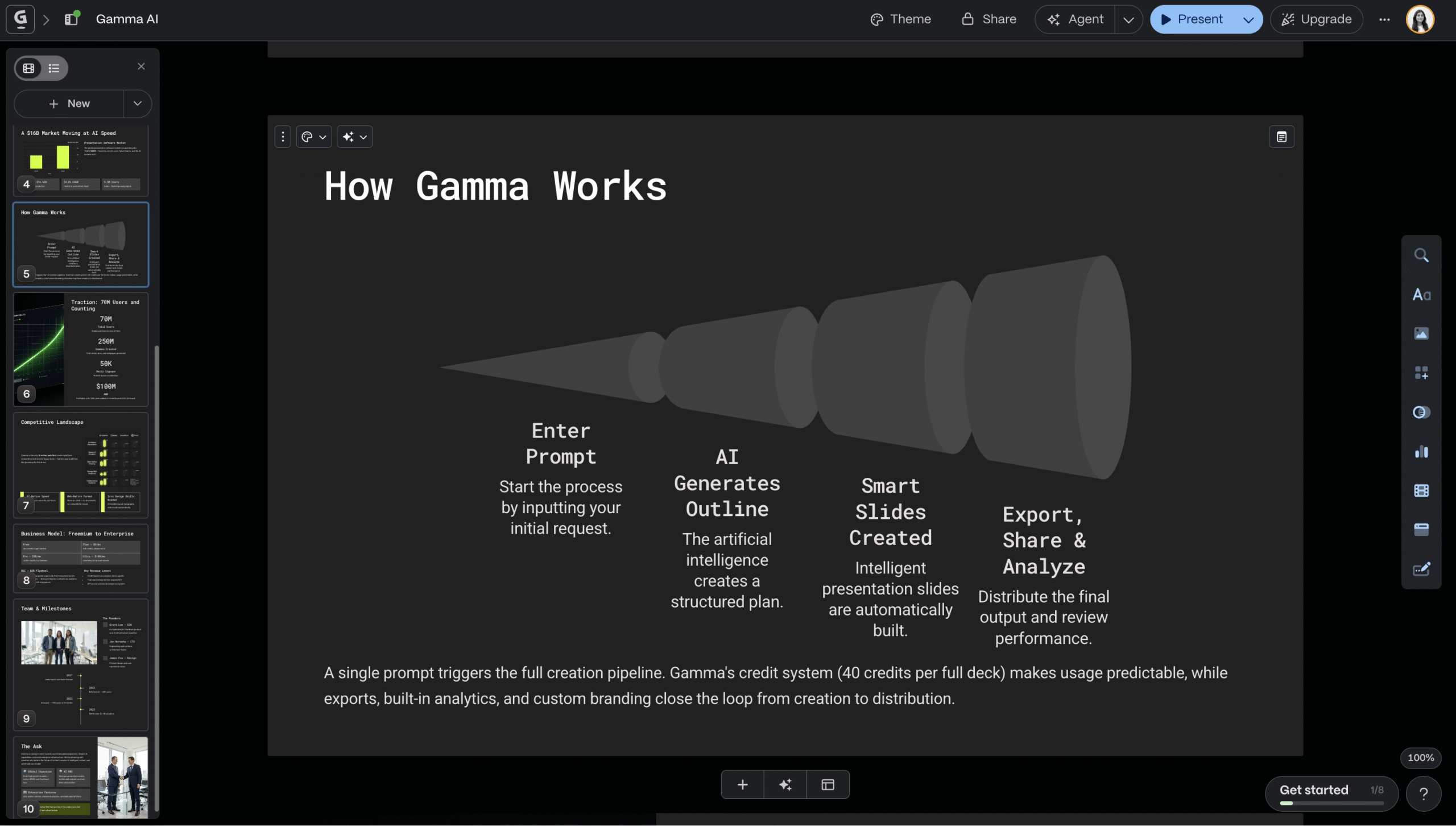
Still not right? You have dozens more options. In fact the left sidebar has every customisation option you’ll ever need.
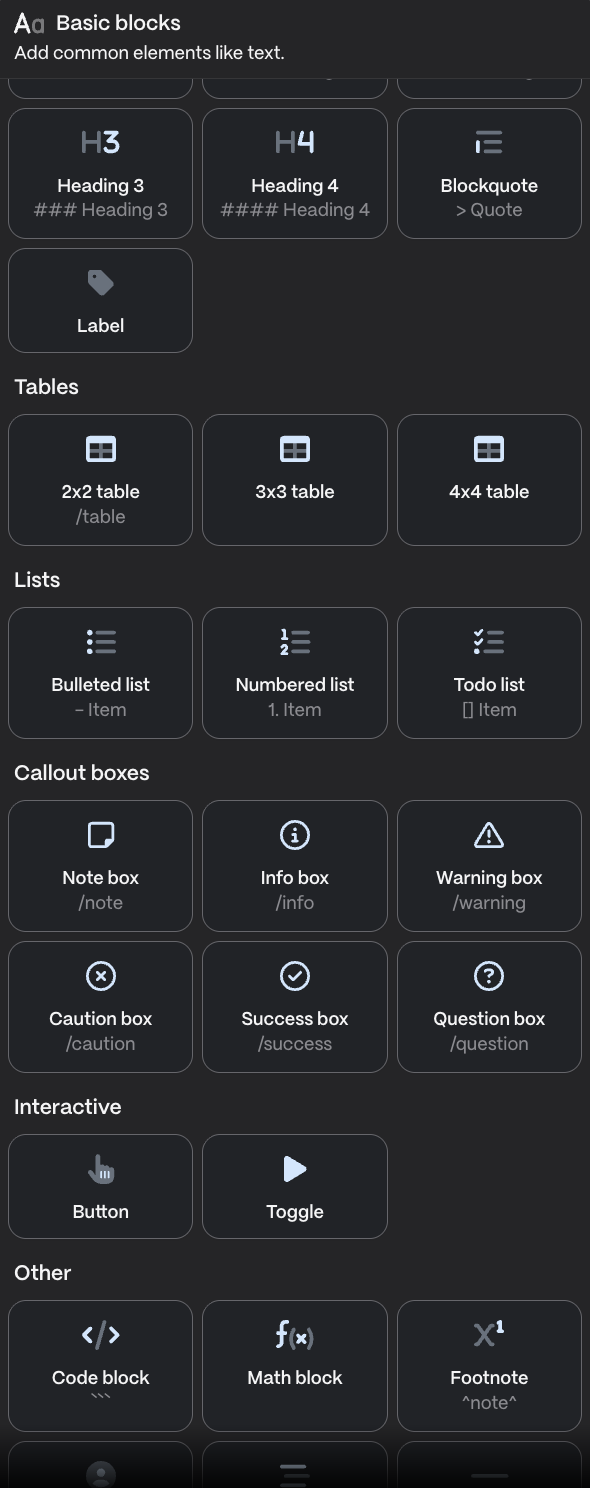
You get basic blocks like tables, lists, callout boxes, and interactive elements.
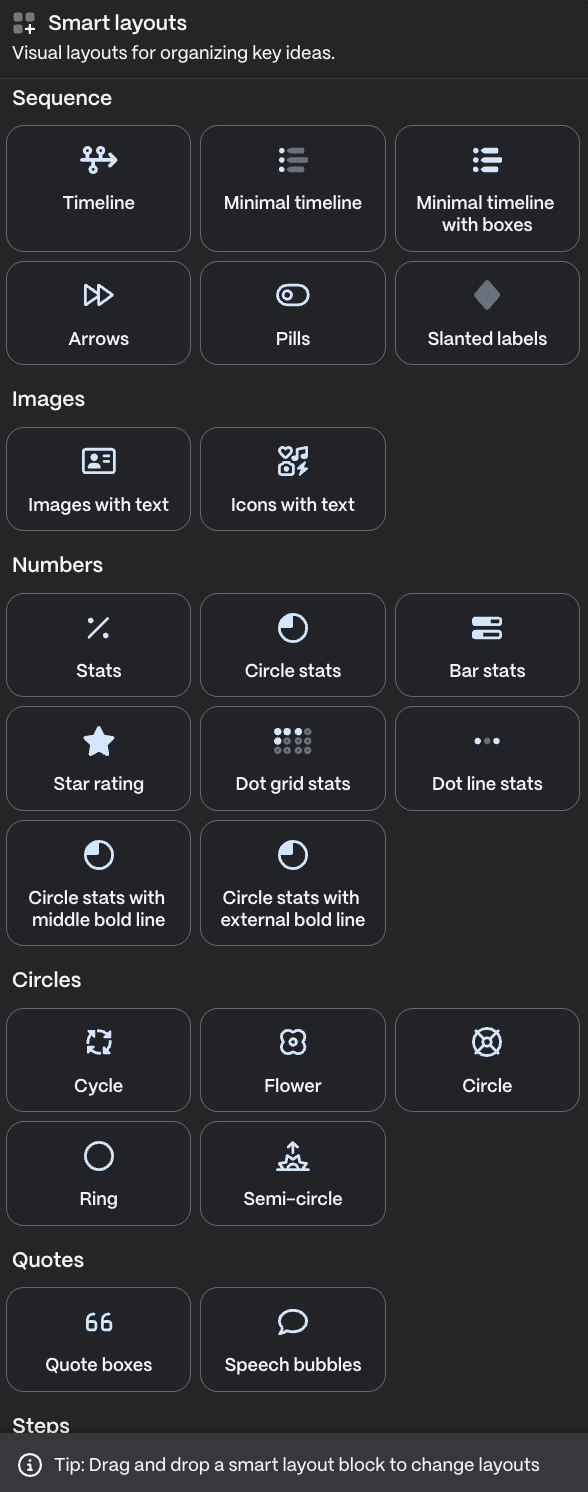
Smart layouts like sequences, steps, numbers and a variety of boxes and bullets.
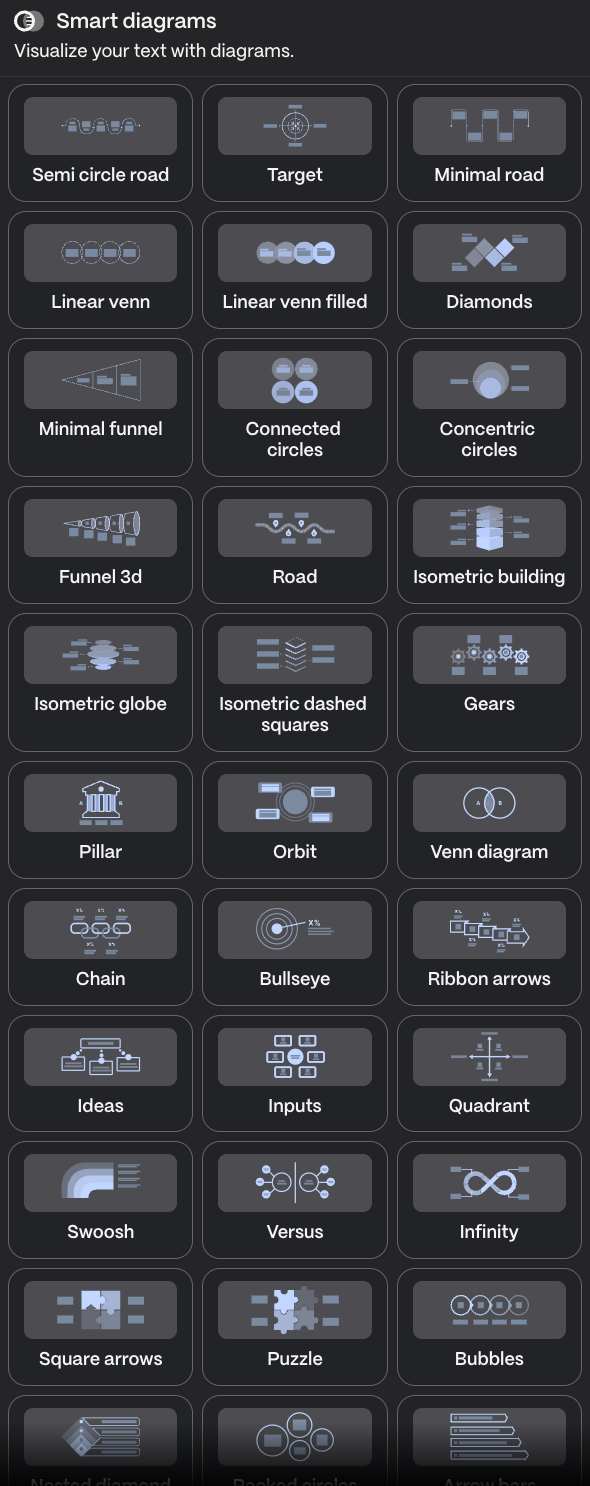
Smart diagrams are my personal favourite.
You get a variety of unique options to visualise information into chains, funnels, quadrants, and more without building them from scratch.
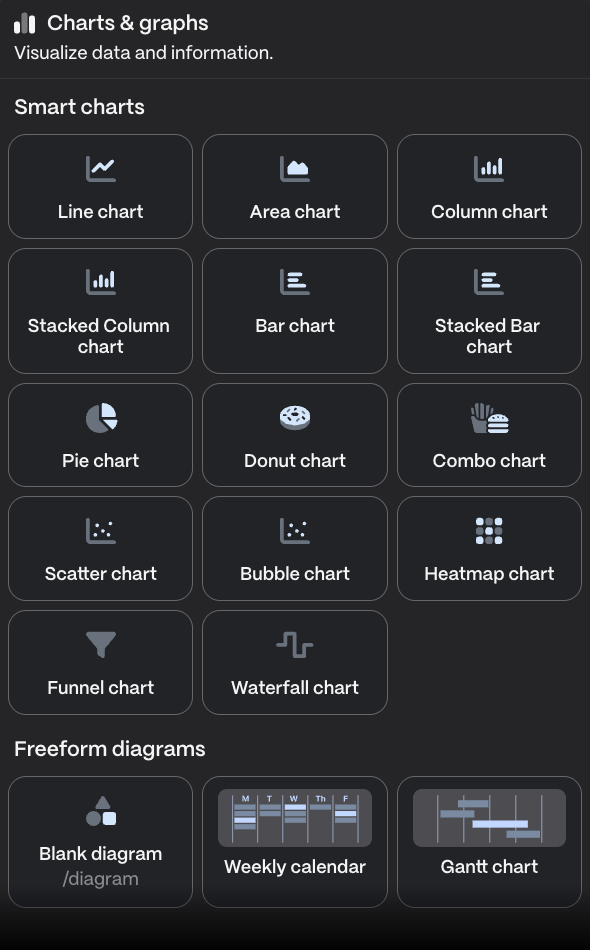
Charts and graphs let you visualise data as donuts, pie charts, stacked bars, and more.
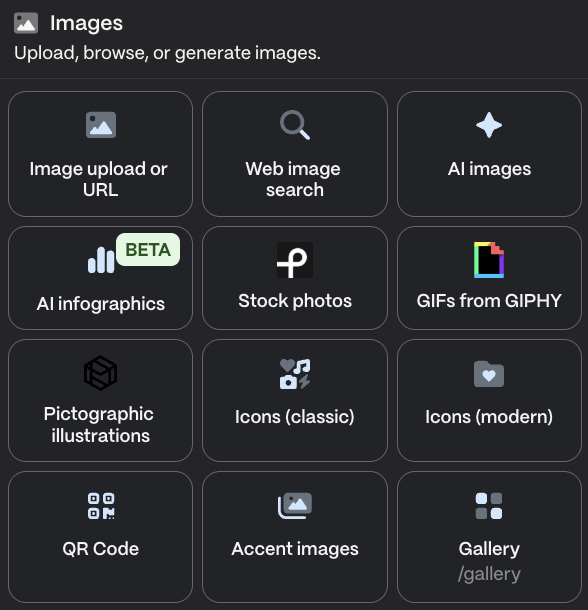
You can upload images, search the web, or generate one with AI. There’s also support for infographics, GIFs, and icons.
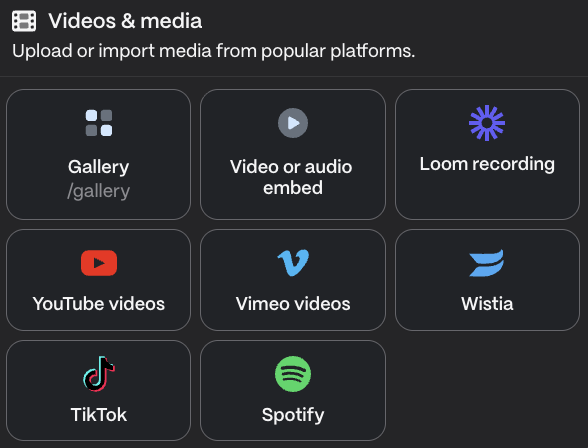
Embed videos and media directly, including YouTube, Spotify, TikTok, or anything from your own gallery.
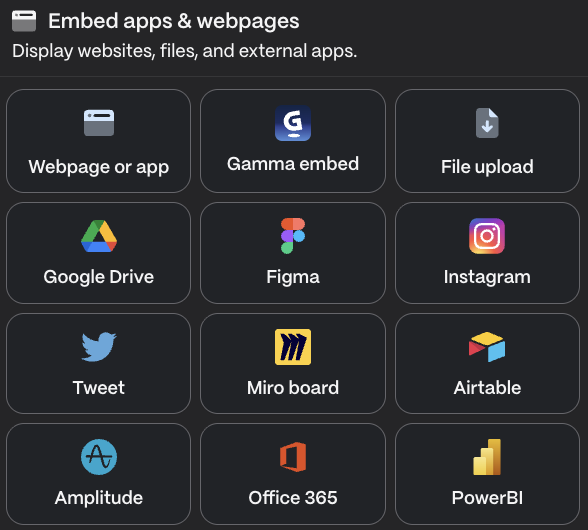
You can even embed apps and webpages directly into slides, like tweets, Instagram posts, or Google Drive files.
That’s not it!
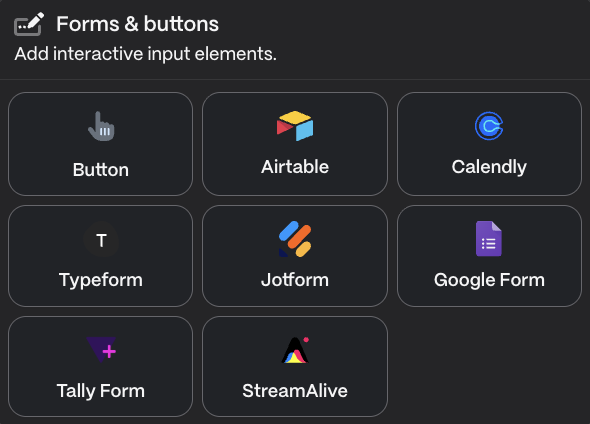
Gamma lets you embed forms and buttons so viewers can interact with or respond to your slides directly.
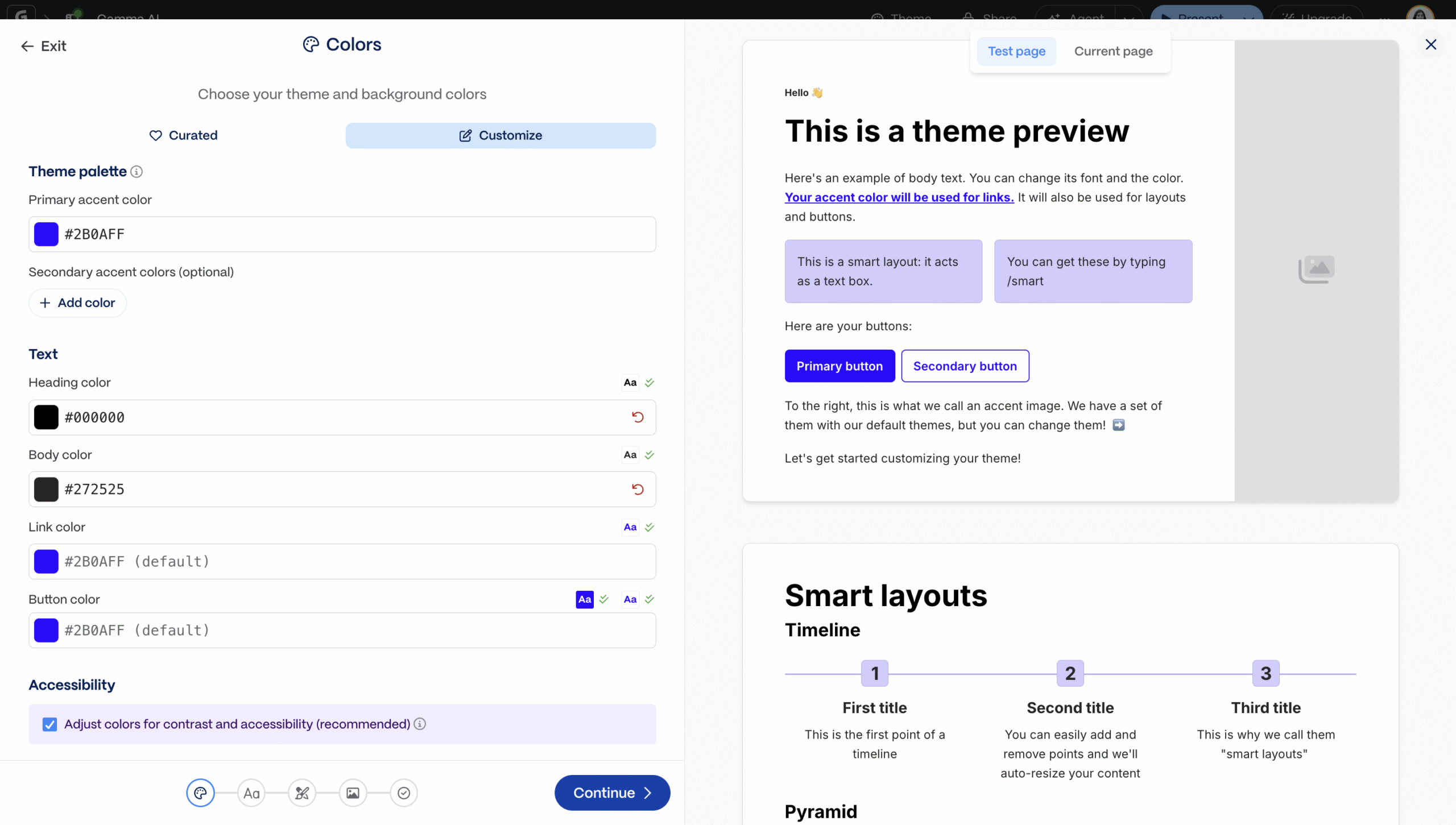
And you can also create a custom theme with your colors, fonts, logo, and box designs, then save it for future decks.
The real advantage?
Even when you change half the generated deck, it still feels effortless. No design skills required. You only need good taste.
Step 4: Export and Share
You can export your Gamma presentation as a PDF, PPT, PNG, or slides and share it directly.
Or you can publish it online and share the link. This works better if you’ve embedded media, webpages or interactive elements like forms.
On the free plan, Gamma adds its branding to each slide. If that’s a problem, export as a PDF and remove the branding in Canva.
Final Thoughts
Pitch decks should never be design heavy. They need clarity.
Too many elements create clutter. The creativity should come from formatting, visual hierarchy, and how you represent information. That’s where Gamma wins.
Whether you use AI or design manually, Gamma’s options give you clean output that fits your content.
But like every AI tool, Gamma only works if you feed it something real. It needs at least a solid outline to work with.
It can generate content from scratch, but you’ll get AI slop wrapped in polished slides.
Do your research and document your pitch deck content first.
Let Gamma handle the design.


 A better way to manage projects and clients for freelancers
 Get through busy days like a breeze with Reclaim.ai