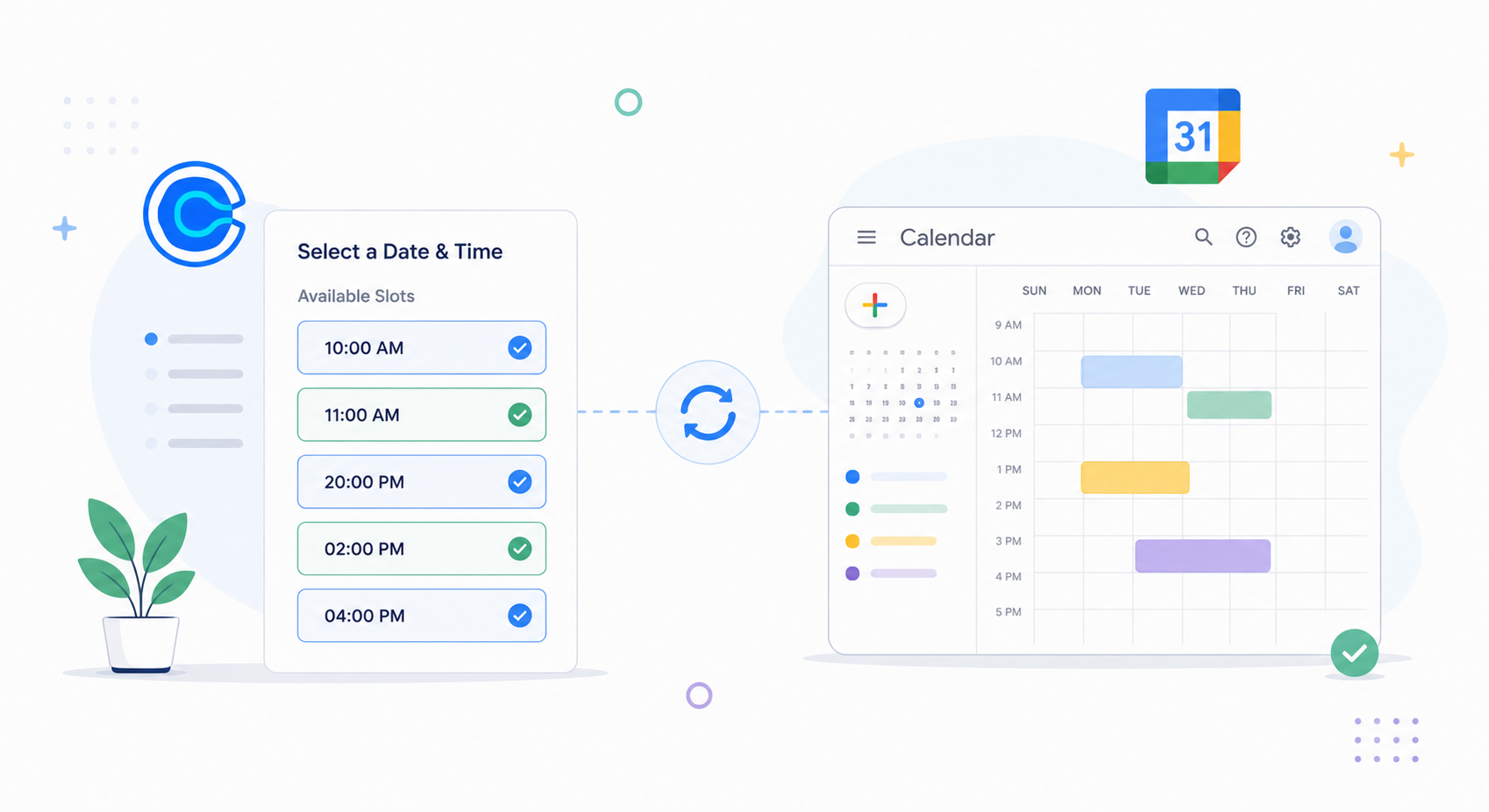
Calendly and Google Calendar are well-known for scheduling meetings.
Most people love them because they make booking meetings effortless and keep your calendar updated without having to constantly check it.
In this article, I have reviewed both tools and compared their main features to give you a clear idea of their core capabilities.
Let’s explore them to see which one fits your work style.
What Is Calendly
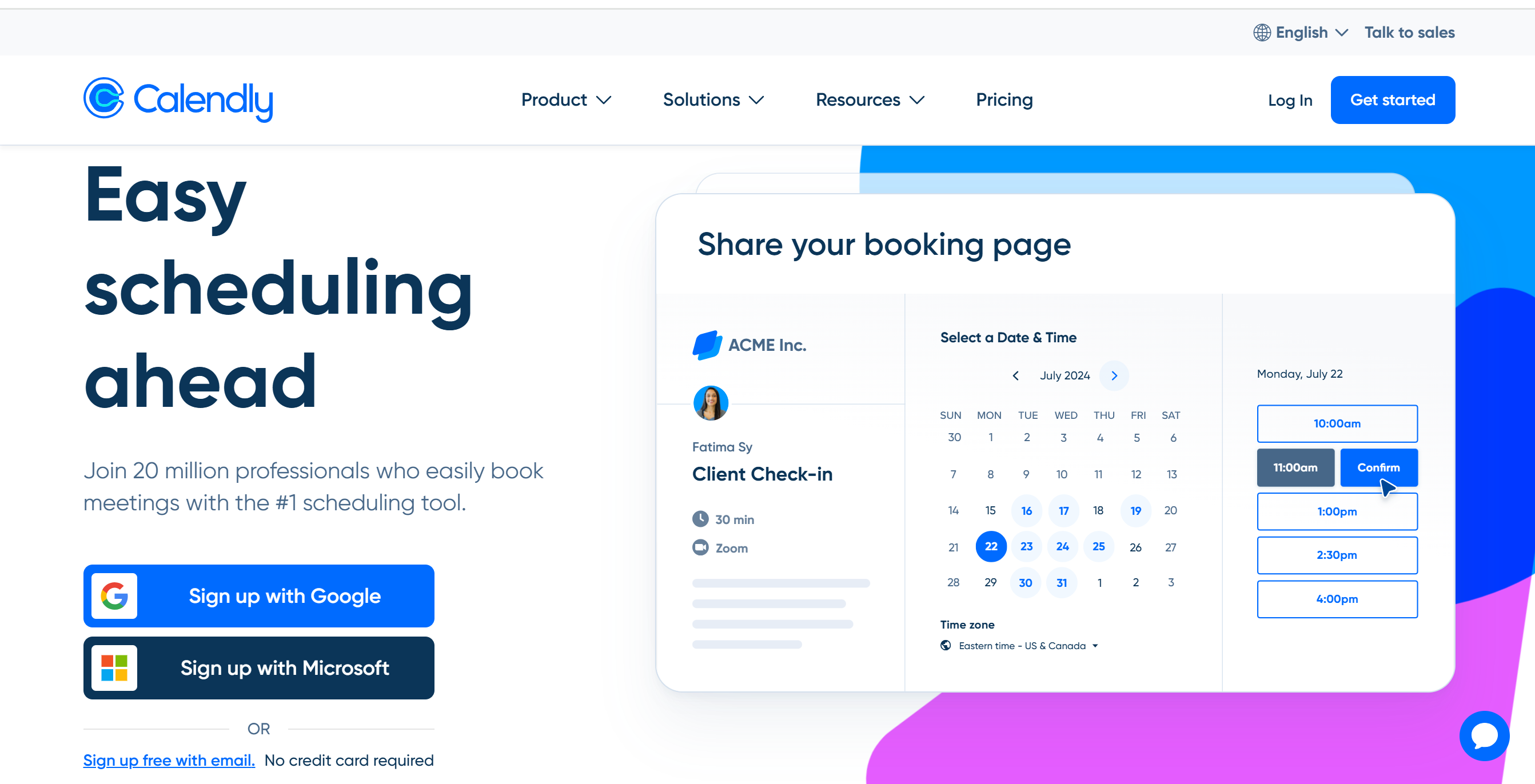
Calendly is an online appointment app that provides a self-scheduling system to eliminate back-and-forth email coordination.
Instead of manually organizing meetings, you can share your availability with others and let them pick a date for the meeting.
The software is incredibly easy to use and covers different meeting scenarios. You can create both one-on-one and group meetings and generate booking links to share available slots.
Also, you can customize your workflows and automate follow-up reminders.
If you want to add a booking option to your website, you can do that as well. Calendly works well with major website providers and can be integrated into pop-up forms.
Overall, it’s a great option for professionals who need a well-structured scheduling system for clients and team meetings.
Core Features of Calendly
- Automated scheduling.
- Availability management.
- Follow-up reminders.
- Branded booking page.
- Website plugin.
- Pop-up forms.
- Team meetings.
- Third-party integration.
- Mobile app and browser extension.
- Analytics.
What Is Google Calendar
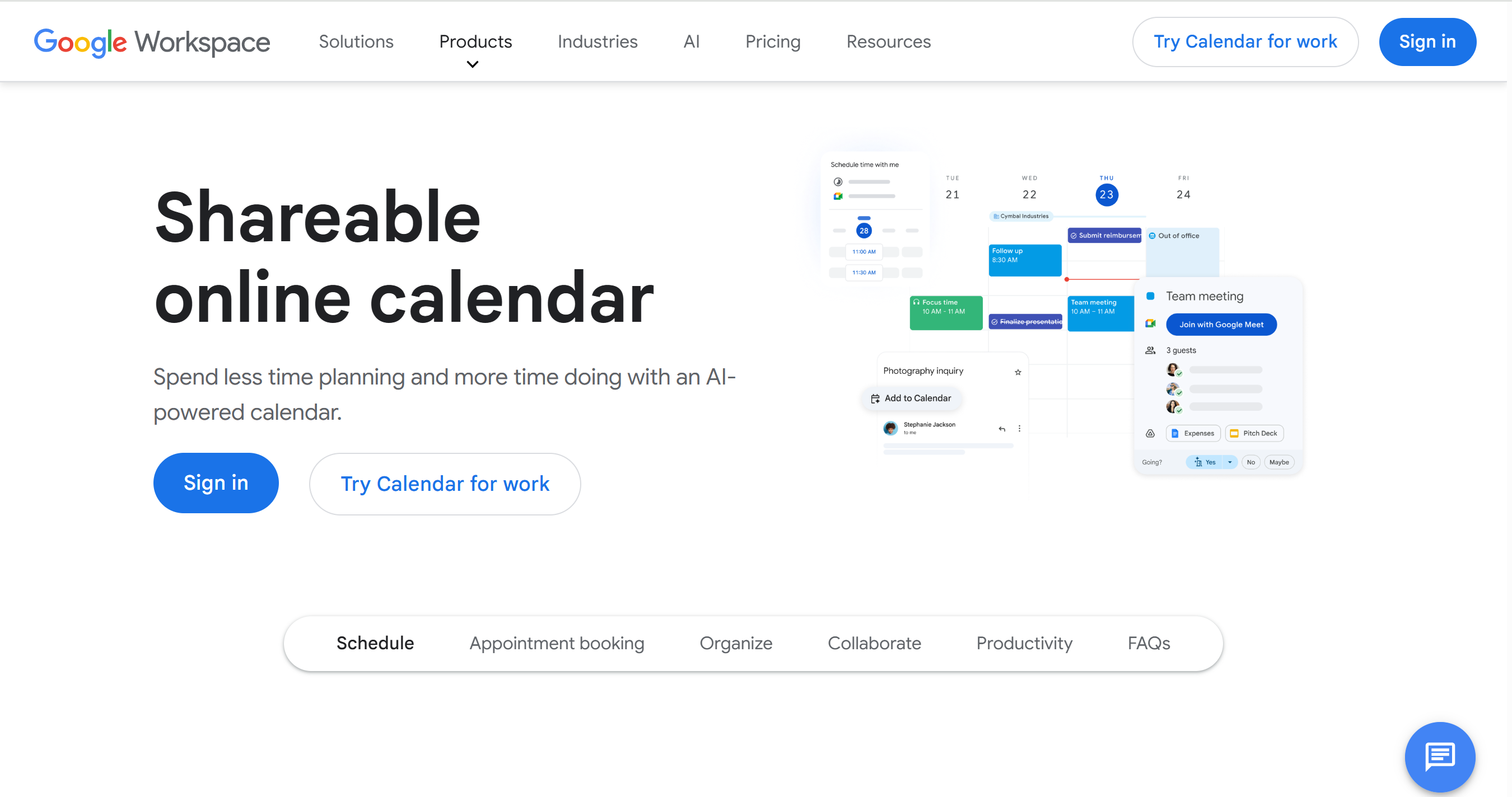
Google Calendar is also an appointment management app.
It provides you with everything you need to manage your appointments successfully.
The app is widely used for its simplicity and accessibility. It offers a simple interface with easy meeting tools, making scheduling convenient for solopreneurs and professionals.
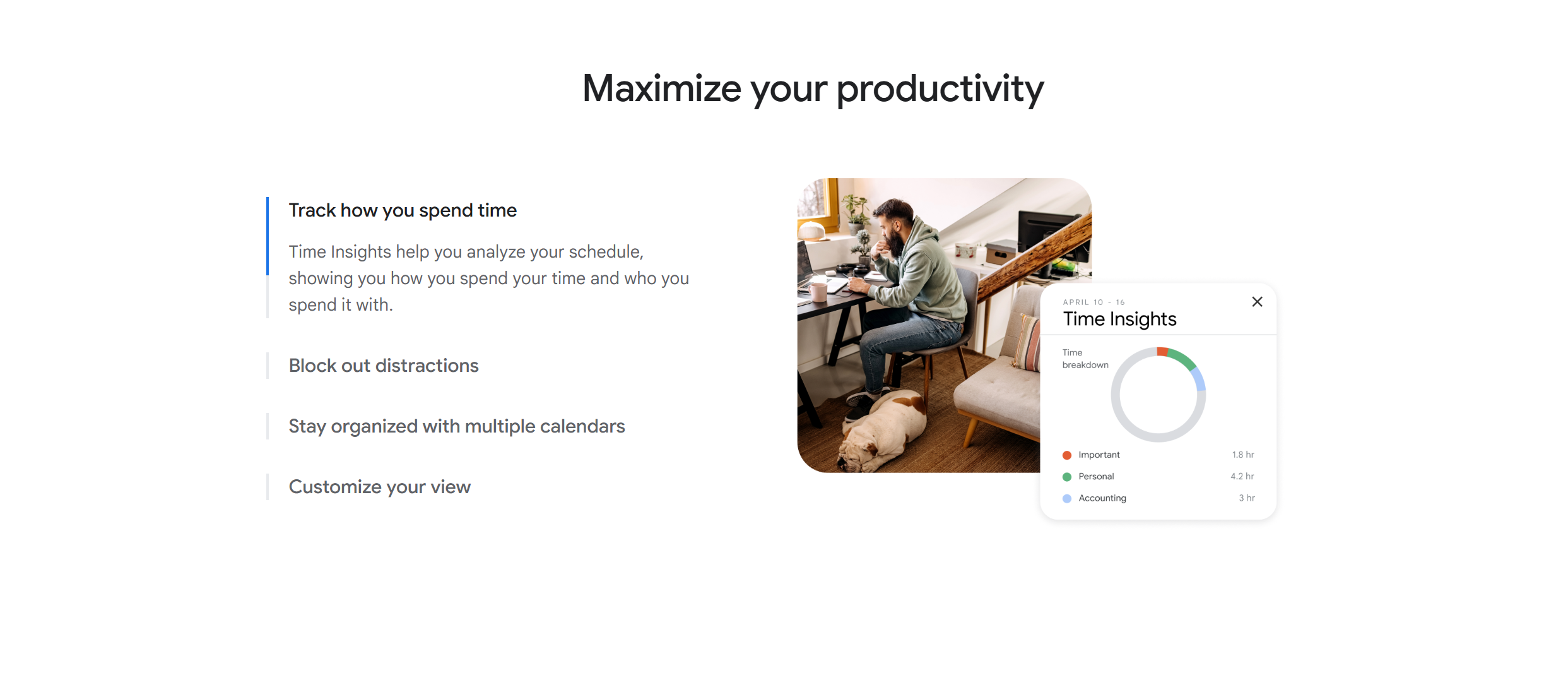
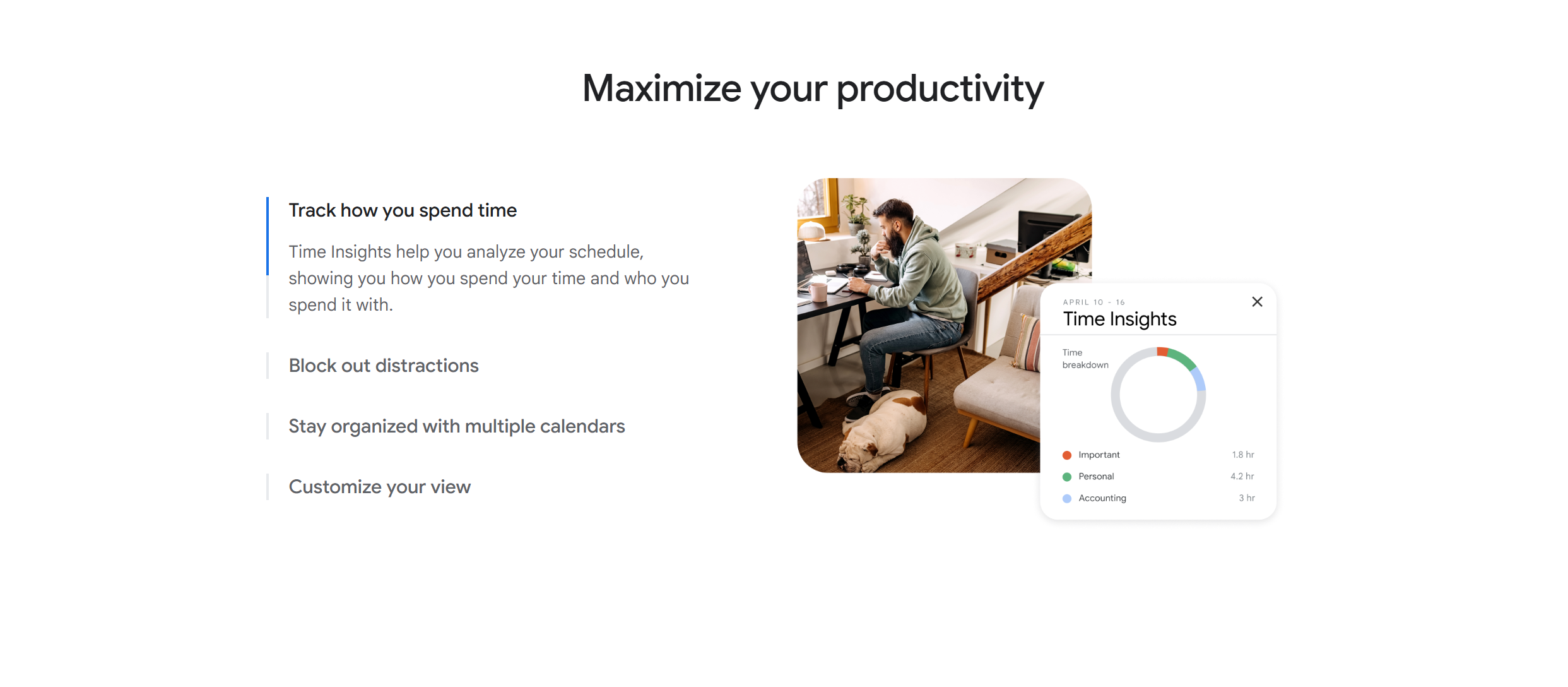
You can manage multiple calendars and share them with others. Not only that, but you can also analyze your work and personal calendar to see how you spend your time.
One of Google Calendar’s best features is its integration. It connects directly to Gmail and Google Meet and works well with almost all the popular third-party productivity tools.
Google Calendar also has a built-in AI that recommends the best time slots and lets you book meetings directly from your Gmail inbox. It’s a premium feature, but it’s worth the price.
All in all, if you need a simple but intuitive scheduling app, Google Calendar is perfect for you.
Core Features
- Tasks and appointment scheduling.
- Availability management.
- Automated reminders.
- Focus time.
- Team collaboration.
- Custom view.
- Gmail syncing.
- Analytics.
- Third-party integration.
- Multi-device support.
Calendly Vs. Google Calendar
Below, I have compared Calendly and Google Calendar’s scheduling, automation, and integration capabilities.
Let’s take a closer look at core functions to see which tool makes scheduling easier for you.
1. Scheduling
Scheduling tools help you organize meetings and manage your availability more efficiently.
They automate the back-and-forth coordination, allowing you to book meetings with ease.
Calendly and Google Calendar both offer booking and availability management tools. Their approach is a little different, but the purpose is the same–to simplify scheduling.
Here’s the summary of their scheduling features.
Calendly
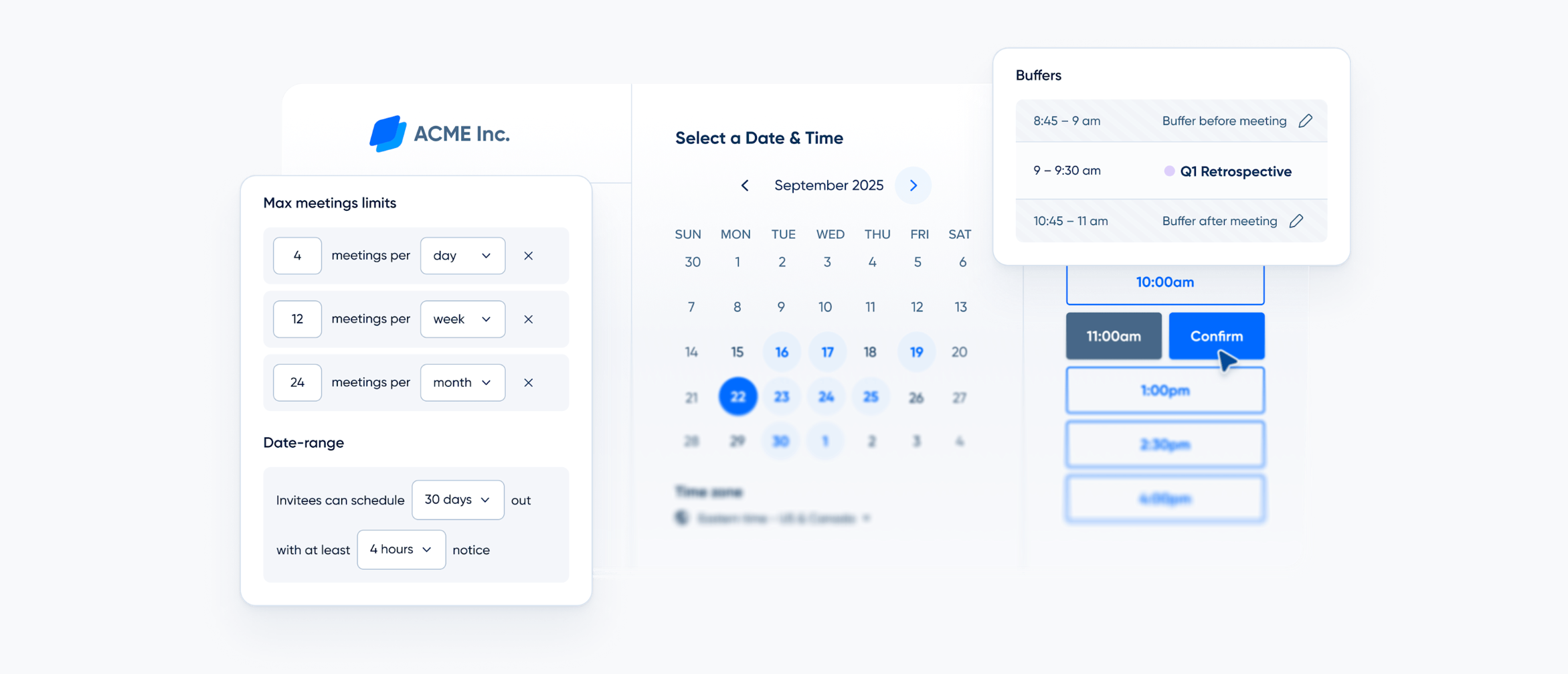
Calendly follows a self-scheduling approach.
Instead of coordinating time and booking meetings yourself, you give your invitee the option to choose the meeting time, making the entire process hassle-free.
When you create an event, Calendly generates a unique booking link that leads the invitees to the booking page.
You maintain control over your availability. You simply hand over the scheduling authority to the invitee.
You can set your own working hours, decide how many meetings you want to attend in a day, and add a buffer between meetings.
You can also choose how you want to invite others. For example, you can add the booking link to your email or embed the calendar into your website. Calendly provides website plugins to add booking to your pop-up forms.
Google Calendar
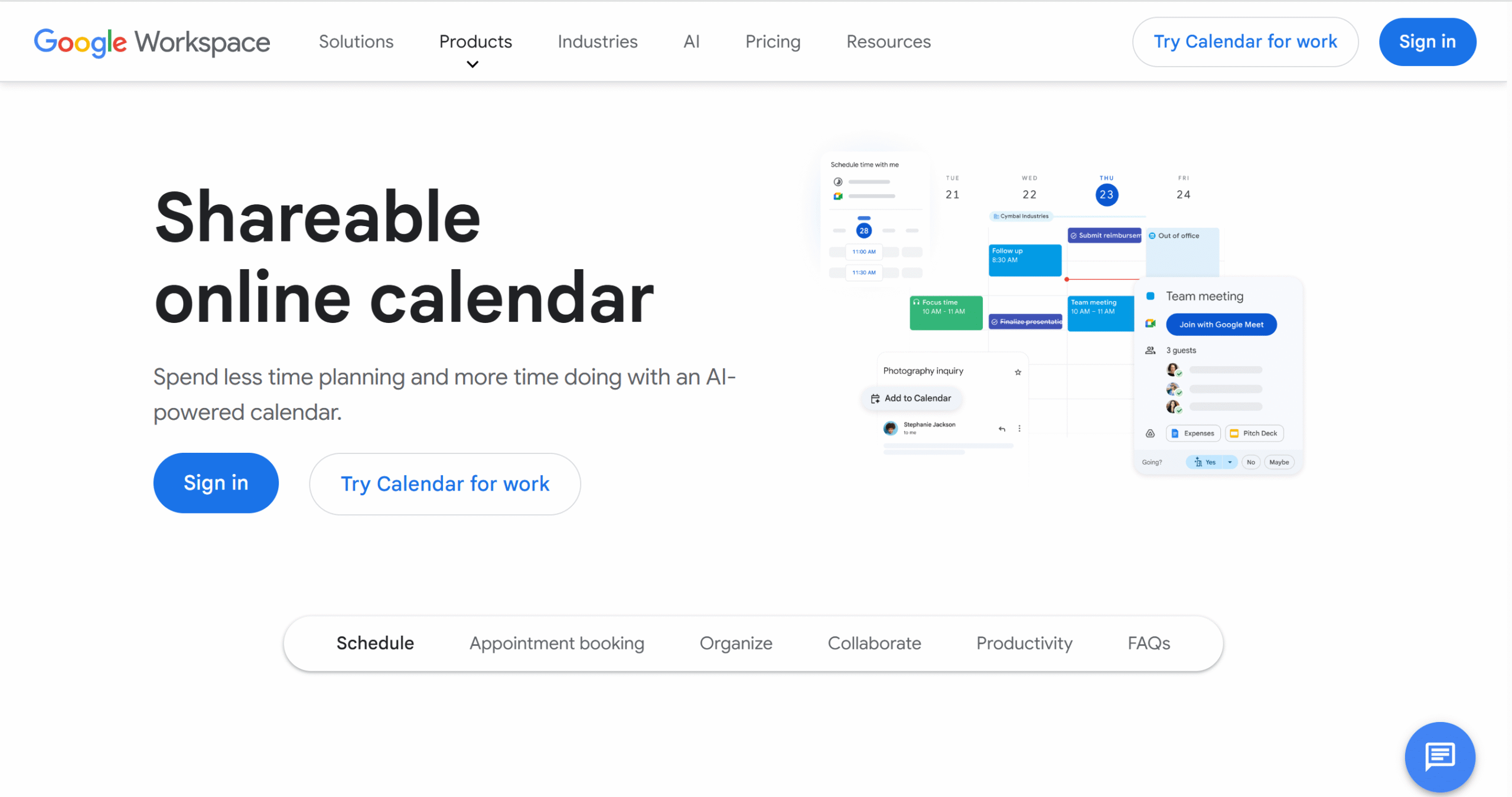
Google Calendar provides both options.
You can either schedule meetings yourself or share your availability and let others pick a time for the meeting.
What makes Google Calendar different from Calendly is its area of focus.
Calendly’s core function is availability management, and it provides a solid self-scheduling system for that. Google Calendar, on the other hand, is a traditional scheduling tool.
While it has a built-in AI assistant to speed things up for you, it’s not its core function.
Google Calendar’s primary focus is manual booking. You create the events, set the meeting times, and choose the location.
You can share your calendar with others to coordinate meetings, but you essentially manage your calendar manually.
Verdict
Calendly specializes in availability management and automating the booking process, while Google Calendar gives you full control over your calendar.
Both are solid choices and excel in their area of strength.
2. Meeting Types
Meeting types are structured formats to organize appointments.
They help you create repeatable workflows to save time and build a consistent schedule.
Calendly and Google Calendar provide several meeting types to accommodate different scenarios. One focuses on convenience, and the other on flexibility.
Let’s check out their meeting types.
Calendly
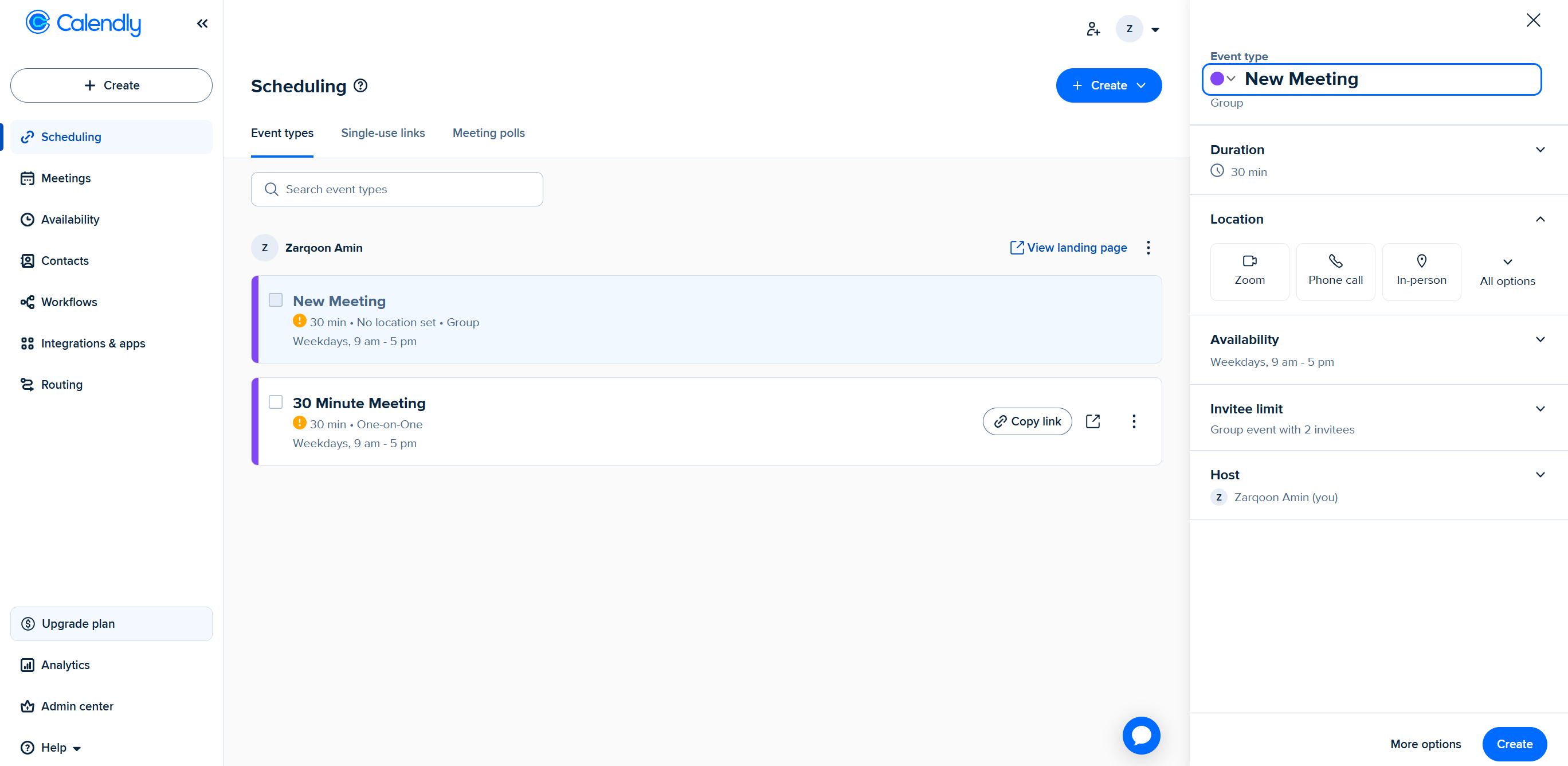
Calendly allows you to create reusable templates for different events.
You can run one-on-one meetings, organize group conferences, arrange panel interviews, and schedule ad hoc meetings.
Calendly also offers additional team features to handle scheduling conflicts. You can automatically direct upcoming meetings to the available member or set polls to let participants vote on meeting times.
Every event you create can be used as a template, so you don’t have to make events from scratch every time a group meeting or a client call comes up.
For example, you can schedule recurring meetings for regular appointments and add Zoom as a location. If some of your clients prefer an in-person meeting, you can create another event and add “in-person” in the location section.
You’ll have the flexibility to set different meeting times, change the location, and even include screening questions to filter leads. Calendly will treat all of them as separate templates.
Google Calendar
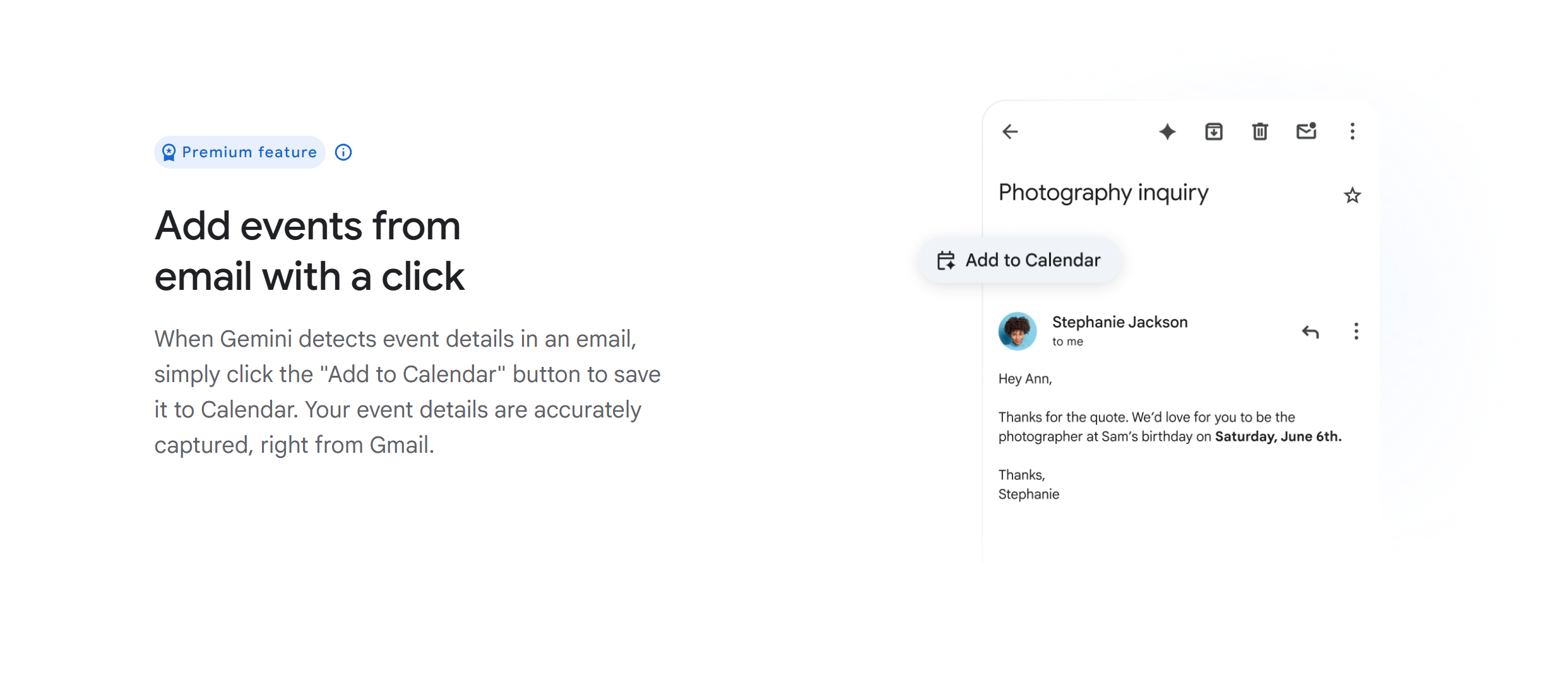
Google Calendar focuses exclusively on one-on-one meetings. While you can, of course, schedule group meetings, that’s not what it’s designed for.
Its real strength lies in its simplicity.
Google Calendar doesn’t define meetings by types; instead, it keeps things straightforward, letting you create events as you see fit.
You can schedule a standard one-time appointment, create a recurring meeting for weekly check-ins, or organize a restricted event. It’s up to you.
With custom options, you can tailor the description, time, and location to specify the details.
Verdict
Calendly is comparatively more structured.
You can use it to create multiple types of custom events and set them as reusable templates.
Google Calendar, on the other hand, is designed for basic appointments.
It’s ideal for those with a predictable schedule who don’t rely on templates to speed things up.
3. Automation
Some scheduling tools come with built-in automation to handle repetitive tasks.
This allows you to focus on meetings instead of administration, freeing up your time for other high-priority jobs.
Calendly and Google Calendar’s automation capabilities are simple but incredibly useful. They handle booking, confirmation, and reminders, saving you time and effort.
Let me summarize their automation capabilities.
Calendly
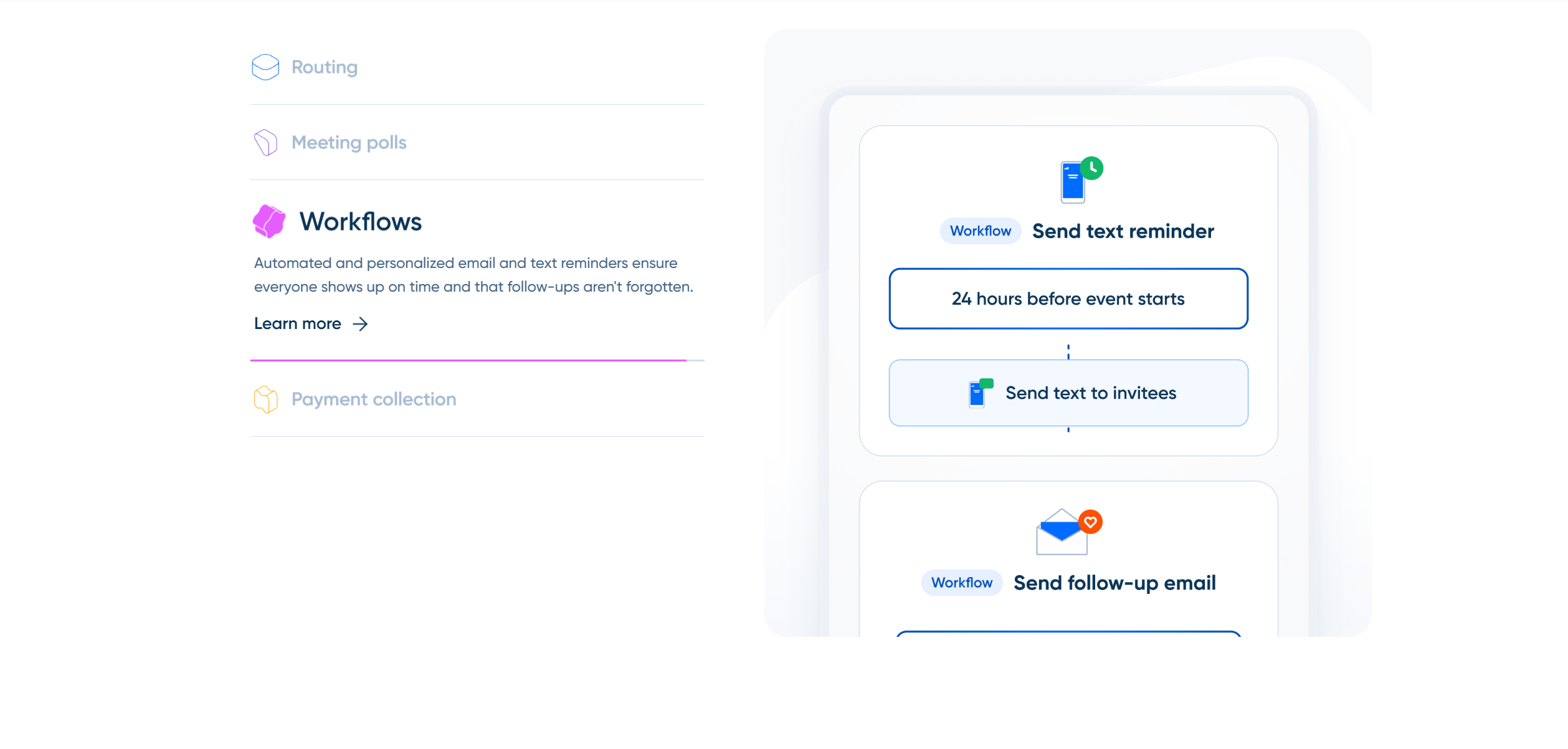
Calendly automates both scheduling and coordination.
When someone books a meeting, Calendly automatically updates your calendar, generates a Zoom link, and sends you a confirmation email.
Additionally, it delivers follow-up messages to the participants to make sure they don’t miss the meeting.
Most of all, it automates your entire availability workflows.
You just need to add your working hours, buffer time, and meeting frequency. Calendly automatically handles block-off times and makes sure there is no double-booking.
Google Calendar
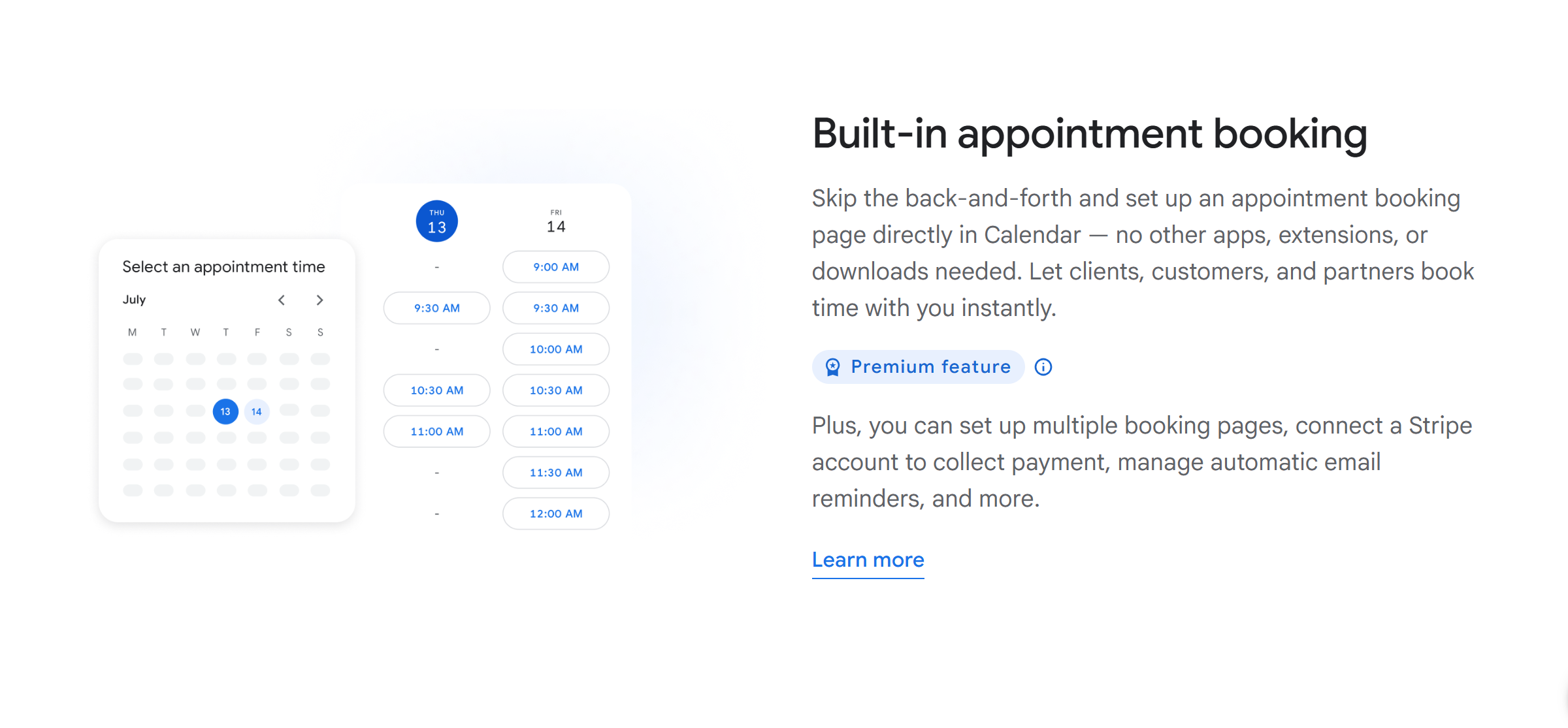
Google Calendar offers similar functions, but on a basic level.
You can automatically update events on your calendar, send confirmation emails, set recurring events, and generate Google Meet links.
You can’t, however, automate the scheduling, like Calendly. But if you use Zapier, you can add trigger actions to automate manual workflows–like notifying teams.
Verdict
Calendly has better built-in automation capabilities than Google Calendar. Here, you can automate the meeting booking, screen leads, handle communication, and track your efforts.
Google Calendar only keeps your day organized. If your focus is self-scheduling, Google Calendar is not for you.
4. Integration
Most calendars offer third-party integration to streamline your workflows.
The idea is to have everything available from your calendar so you don’t have to set up anything manually.
Calendly and Google Calendar both have good integration capabilities. They let you schedule meetings from your inbox, send messages, and take a call directly from your calendar.
Here are the details.
Calendly
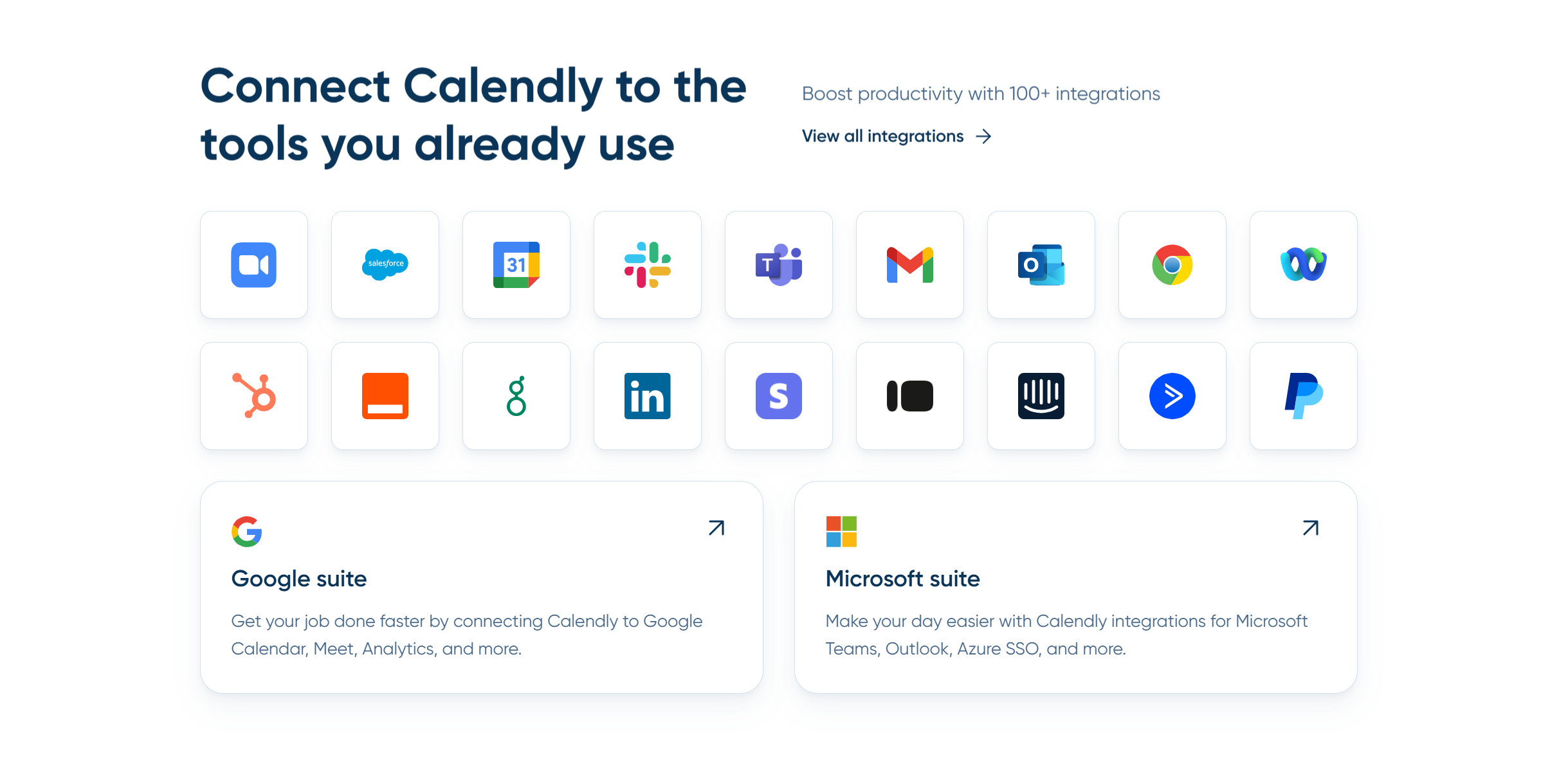
Calendly works well with Google, Outlook, video conferencing tools, and CRM.
You can connect Salesforce to update client details, add Zoom to conduct online meetings, and use MailChimp to automate follow-ups.
If you are a consultant, you can also integrate Stripe to collect payments before the meeting.
Google Calendar
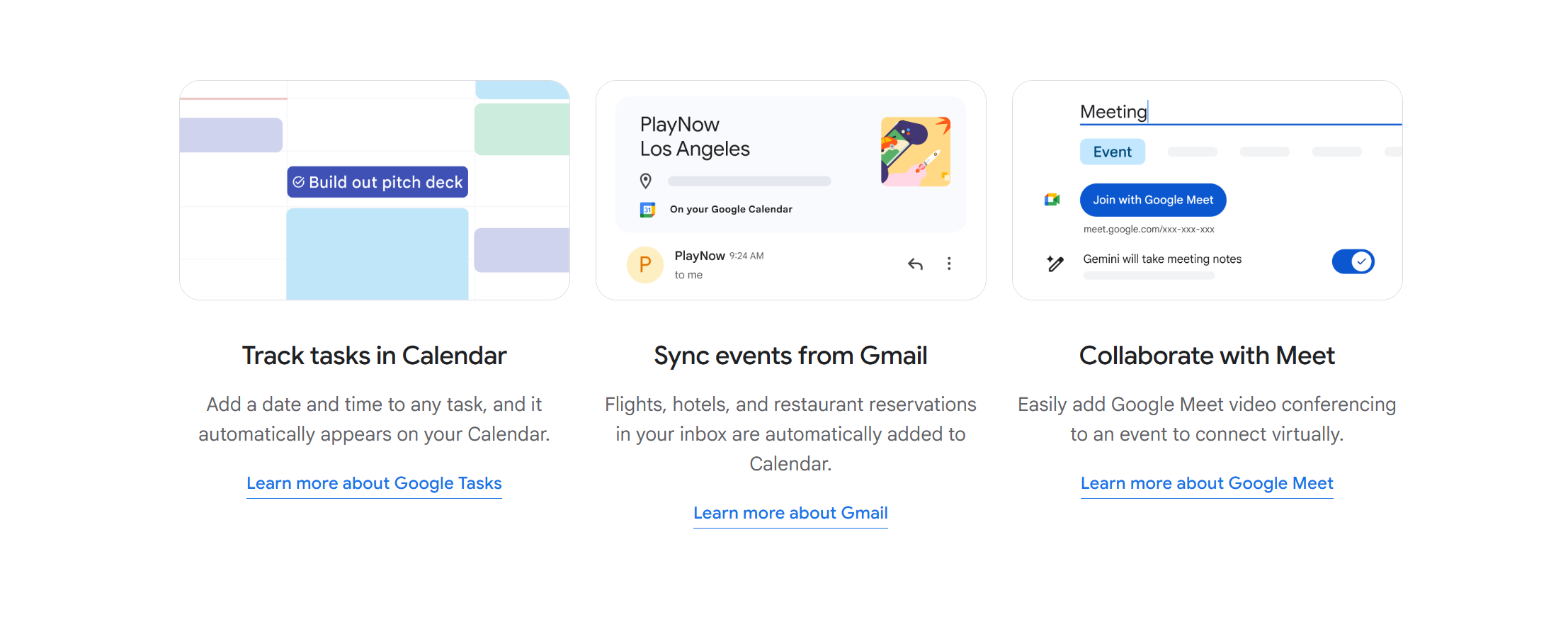
Google Calendar is a go-to calendar app because of its deep integration.
Any business tool you use will probably have a default Google Calendar integration option in it.
You can connect Google Calendar with video conferencing tools, task managers, messengers, automation tools, CRM, and more. You can also integrate it with other calendars, including Calendly, to centralize your events.
Let’s not forget its own ecosystem. Its suite of business tools works seamlessly with the Google Calendar, keeping your emails, tasks, and documents in one place.
Verdict
Google Calendar is a clear winner here.
While Calendly offers all the necessary integrations to manage meetings, it can’t match Google Calendar’s integration capabilities.
5. Price
Calendly and Google Calendar offer monthly subscription packages.
They follow a freemium tier-based pricing model, providing basic features for free and advanced tools at a premium price.
Below is the summary of their prices.
Calendly
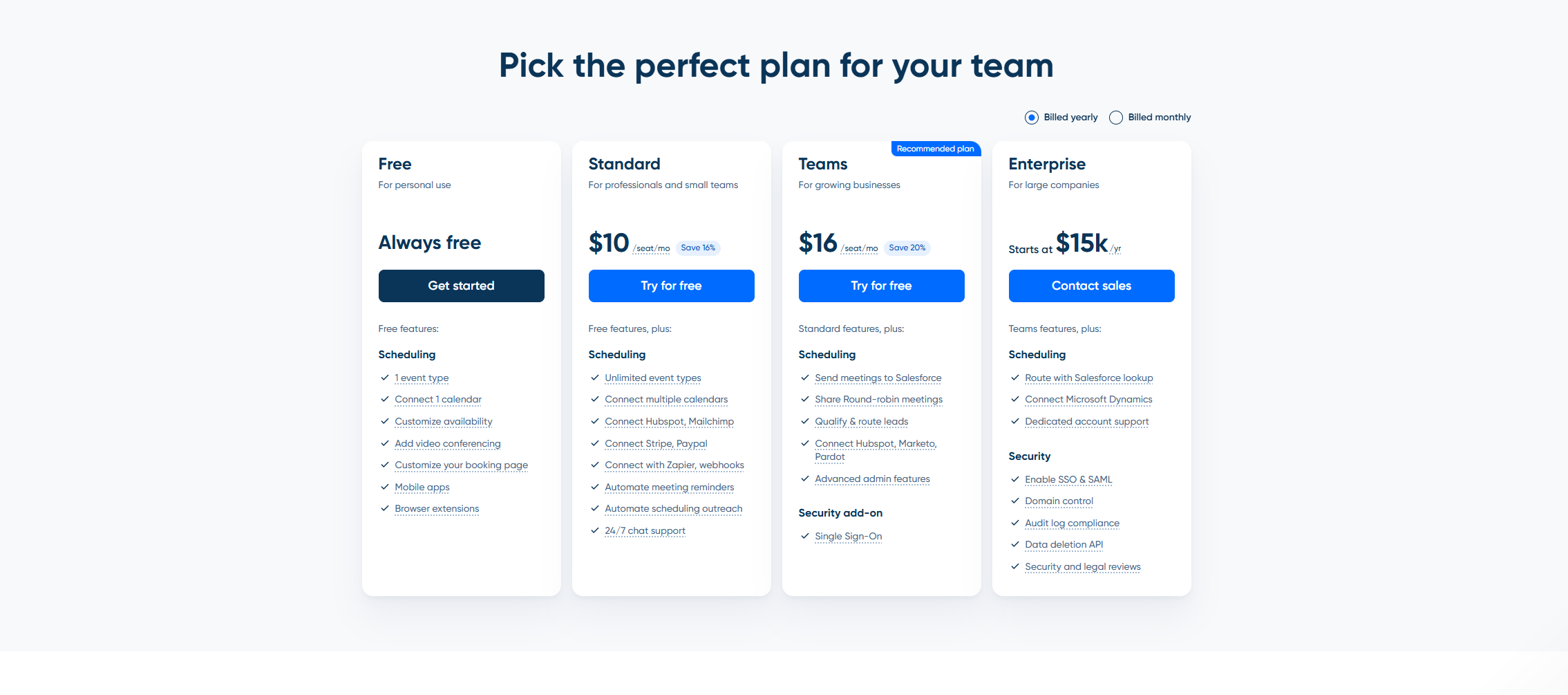
Calendly gives you the option to buy monthly or annual subscriptions. If you choose the annual subscription, you’ll get up to a 20% discount.
Here are its pricing details.
- Standard Plan: It costs $12 per month and includes unlimited events, multiple calendars, third-party integration, and automated reminders.
- Teams Plan: It costs $20 per seat and offers advanced admin tools and Salesforce integration.
- Enterprise Plan: It’s an annual plan that starts at $15k per year. The package contains advanced scheduling tools, security, and dedicated support.
You can try Standard and Team plans for free.
Google Calender
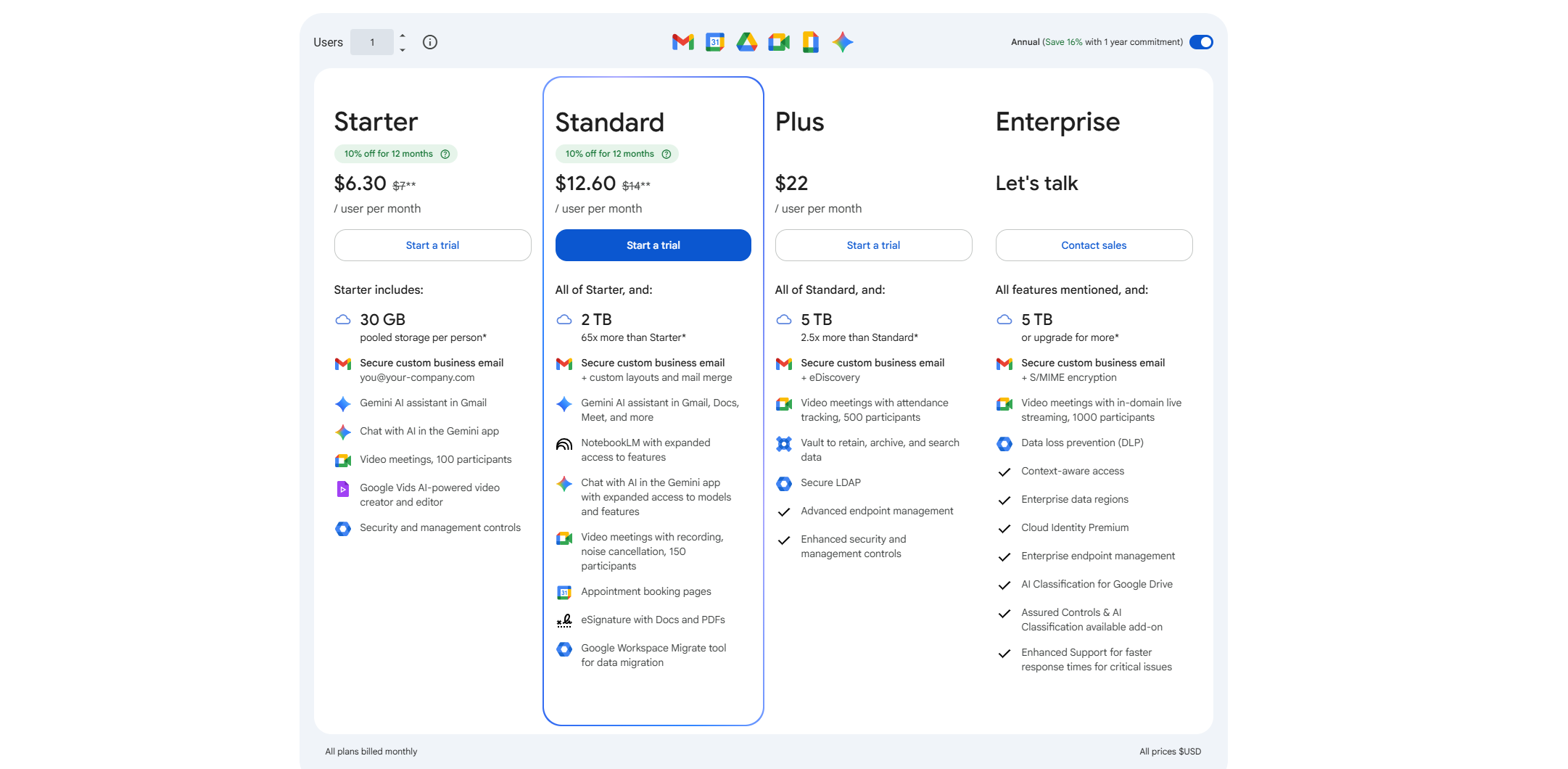
Google Calendar is not a standalone product. It comes with Google Workspace, and its availability management tools are included in the paid plans.
Here are its pricing details.
- Business Starter: It costs $8 per month and almost $7 per month if billed annually. You’ll get shared calendars and conference rooms.
- Business Standard: It costs $15 per month and contains an appointment booking page.
- Business Plus: It costs $26 per month and allows up to 500 participants for video conferencing.
- Enterprise Plan: It’s a custom package that comes with advanced security and administration.
Verdict
Calendly and Google Calendar both offer attractive packages.
Calendly seems a bit expensive comparatively, but for its target audience, it’s actually quite affordable. Because its packages are exclusively designed for businesses.
While you can use Calendly for personal tasks, the tools are purpose-built to support client and team meetings.
Google Calendar suits both personal and business needs.
Many, in fact, stay on the free plan and only switch to premium when they need it for business.
Both apps are also scalable, but in different ways.
Calendly can handle multiple meeting types, while Google Calendar focuses on volume.
Pros And Cons
Below, I have shared a few pros and cons of Calendly and Google Calendar to highlight their strengths and what makes them stand out.
Calendly
Pros
- Calendly is ideal for client and team scheduling.
- It supports several meeting types, including round robin and multi-hosting.
- Its availability management and automation are its best features.
- It works seamlessly with Gmail and Outlook.
Cons
- The free plan is comparatively limited.
- It’s not designed for personal tasks.
Google Calendar
Pros
- It’s one of the most widely adopted tools for its simplicity and collaborative capabilities.
- It’s a budget-friendly solution for solopreneurs.
- It provides an entire ecosystem of related apps and works well with third-party applications.
Cons
- Scheduling and availability management are basic for businesses.
- It has limited automation capabilities.
Conclusion
Calendly and Google Calendar both serve the same purpose but excel in different areas.
The former offers convenience, while the latter provides more flexibility.
If you need a professional calendar with built-in self-scheduling for client meetings, Calendly is the ideal choice.
However, if you want to have full control over your schedule, Google Calendar is the better option.
I recommend exploring their free plan to get a better idea about their usability.


 A better way to manage projects and clients for freelancers
 Get through busy days like a breeze with Reclaim.ai