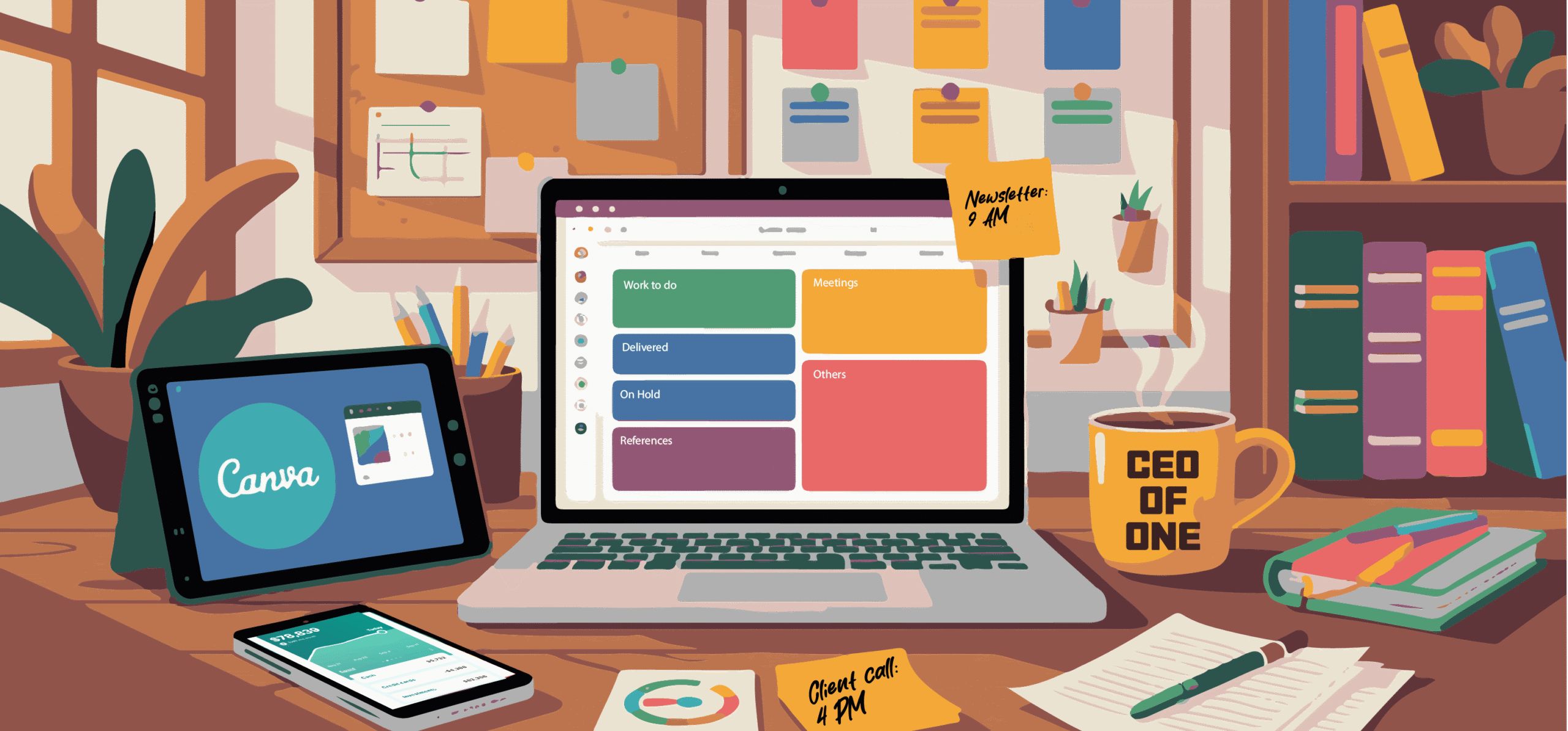
Running a solo business is tough.
You manage day-to-day operations while focusing on business development, which sometimes makes it difficult to handle things, leading to missed opportunities.
With digital tools, you can reduce your administrative workload significantly and ease your work stress. They can help you plan your activities better, centralize your operations, and automate time-consuming workflows.
In this article, I have shared a wide range of tools that are best for solopreneurs. The list covers several productivity and management apps, including planners, project management software, social media marketing tools, and customer relationship platforms.
Let’s explore them one by one.
1. Sunsama
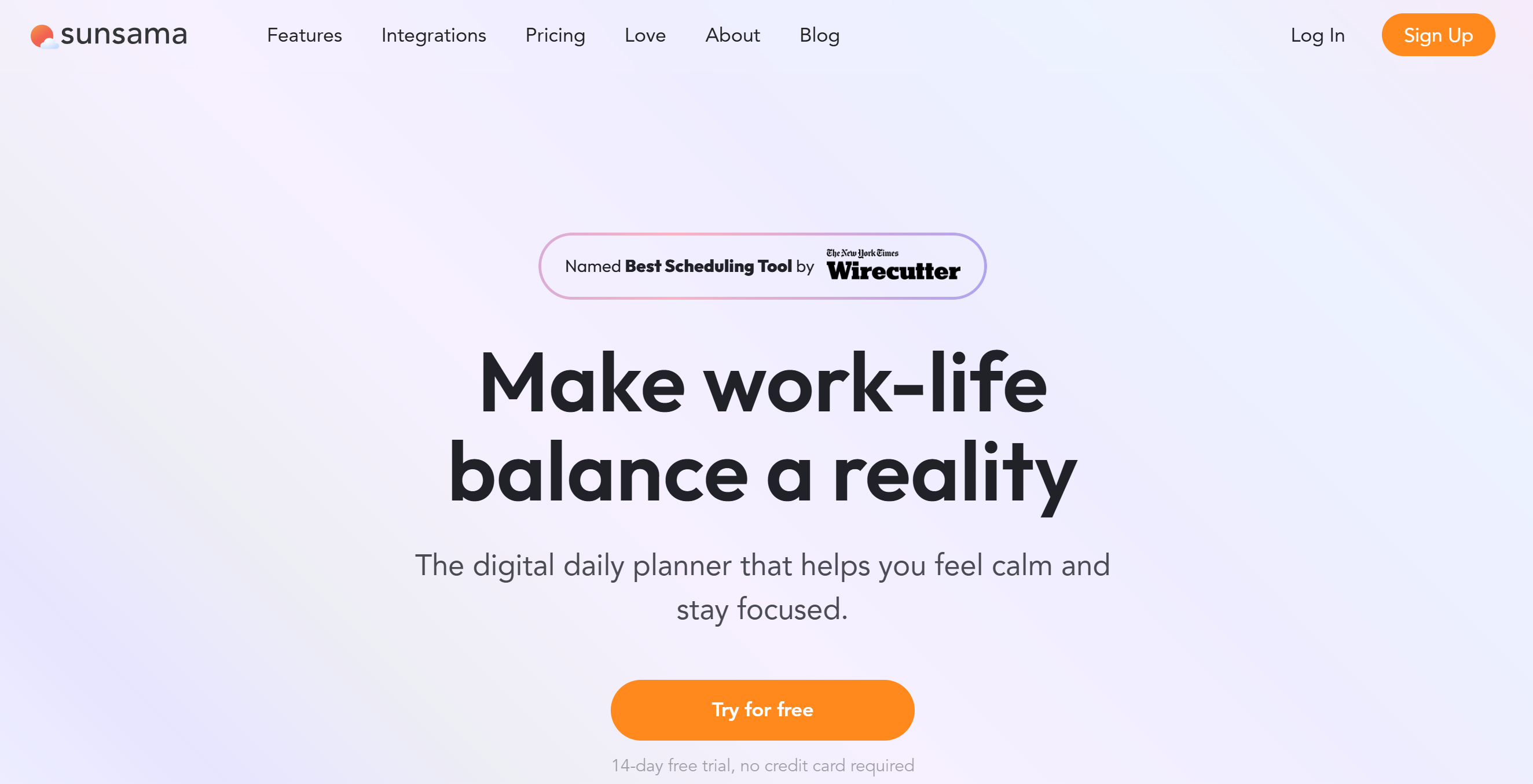
Sunsama is a work planner. With this tool, you can efficiently manage your to-do lists, tasks, emails, and events.
The software is user-friendly and has multiple calendar options. You can easily drag and drop tasks from your to-do list to your calendar and block chunks of time for important jobs.
For emails, Sunsama provides direct integration. You can convert your Gmail and Outlook messages into tasks and set aside time for emails.
You can also turn your Slack messages into tasks and schedule them for later review.
Core Features
- Daily planner.
- To-do list.
- Task manager.
- Kanban board.
- Email into tasks.
- Goals and deadlines.
- Time blocking and auto-scheduling.
- Calendar syncing.
- Focus mode.
- Weekly reviews.
- Analytics.
Price
Sunsama costs $20 per month. You can take a 14-day free trial.
2. Motion
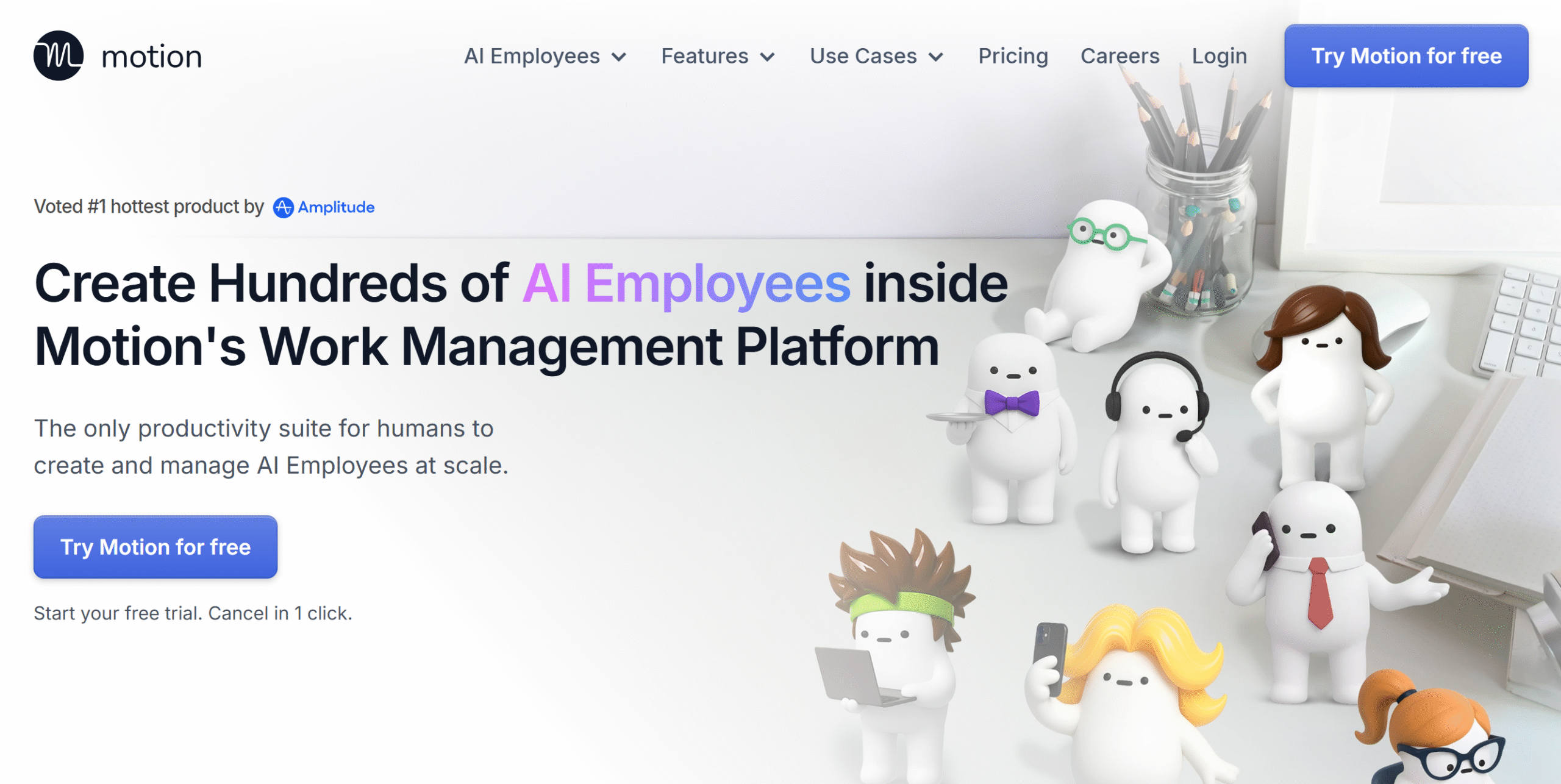
Motion is an amazing tool for solopreneurs. It delivers a smart planner and an AI-powered work management platform.
Via Motion, you can automatically plan your day, organize tasks, schedule meetings, and manage documents. You’ll get timelines and charts to oversee activities and time-tracking tools to log billable hours.
An AI meeting note taker is built into the system to transcribe and summarize conversations. Plus, you’ll get a workflow builder to generate project outlines from prompts.
What I love about Motion is its AI employee bots. They are basically AI assistants for more complex workflows, like lead generation and customer service. You can ask Motion to tailor them for you.
Core Features
- AI planner.
- Auto-scheduling.
- Task and project management.
- Gantt charts.
- Meeting notes.
- Time tracking.
- Document management.
- Dashboard and reporting.
- AI bots.
- Integration.
- Mobile apps.
Price
Motion charges $29 for the AI workspace and $49 per month for AI bots.
You can take a free trial.
3. TickTick
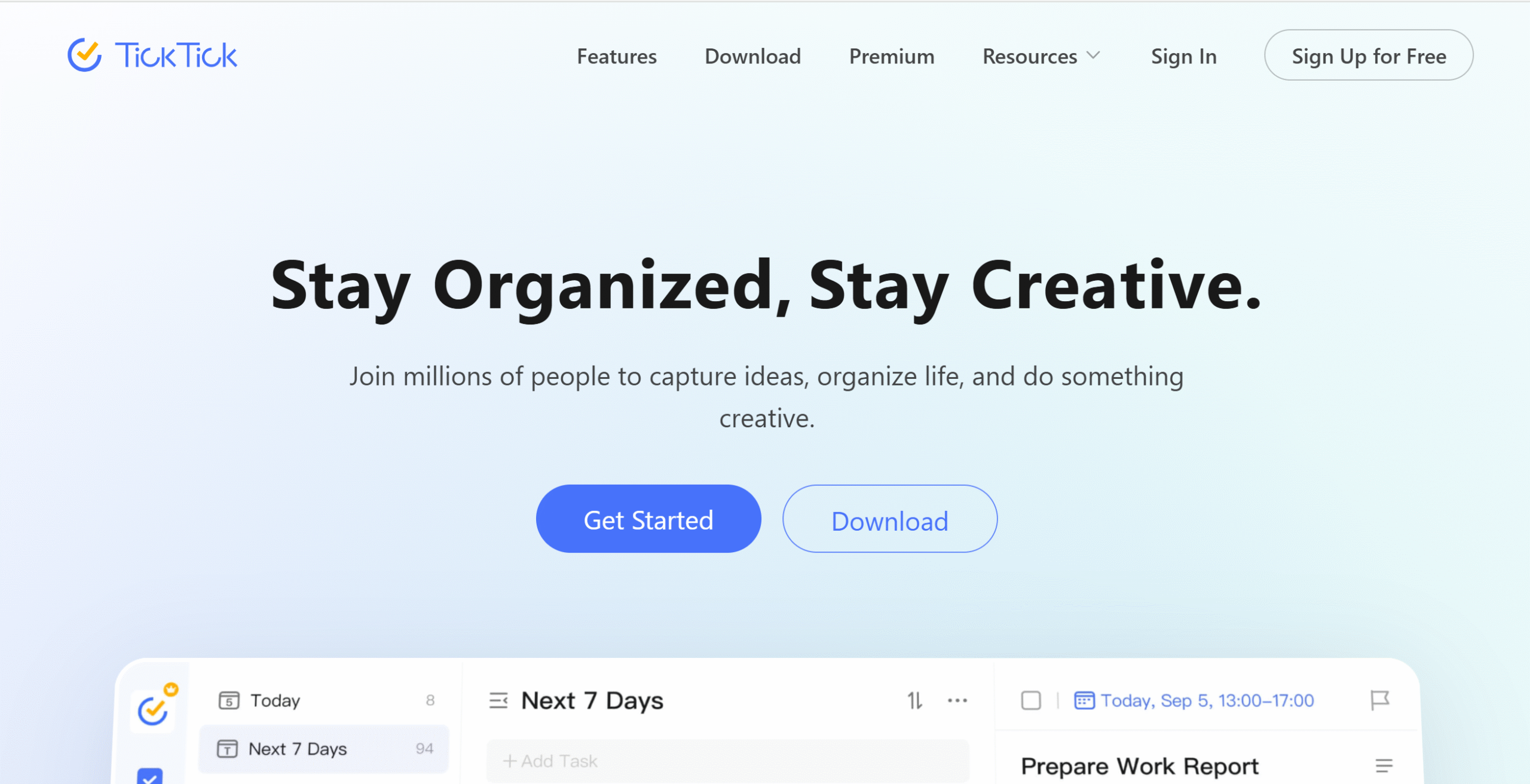
TickTick is a robust organizer app. It lets you capture quick tasks, create to-do lists, schedule events, and track time.
You can record voice and text tasks and set up reminders. TickTick provides several types of reminders to cover indoor and outdoor chores.
With lists, Kanban boards, tags, and filters, you can easily organize and monitor daily activities. TickTick also displays multi-day, weekly, and monthly calendar views.
One more thing. You can add a home screen widget and add tasks from your lock screen. TickTick works well on both desktop and mobile apps.
Core Features
- To-do list.
- Task manager.
- Calendar views.
- Kanban board.
- File organizing.
- Eisenhower matrix.
- Pomodoro timer.
- Habit tracker.
- Flexible reminders.
- Home screen widget.
- Mobile apps.
Price
You can download TickTick for free. The premium features cost around $3 per month.
4. Trello
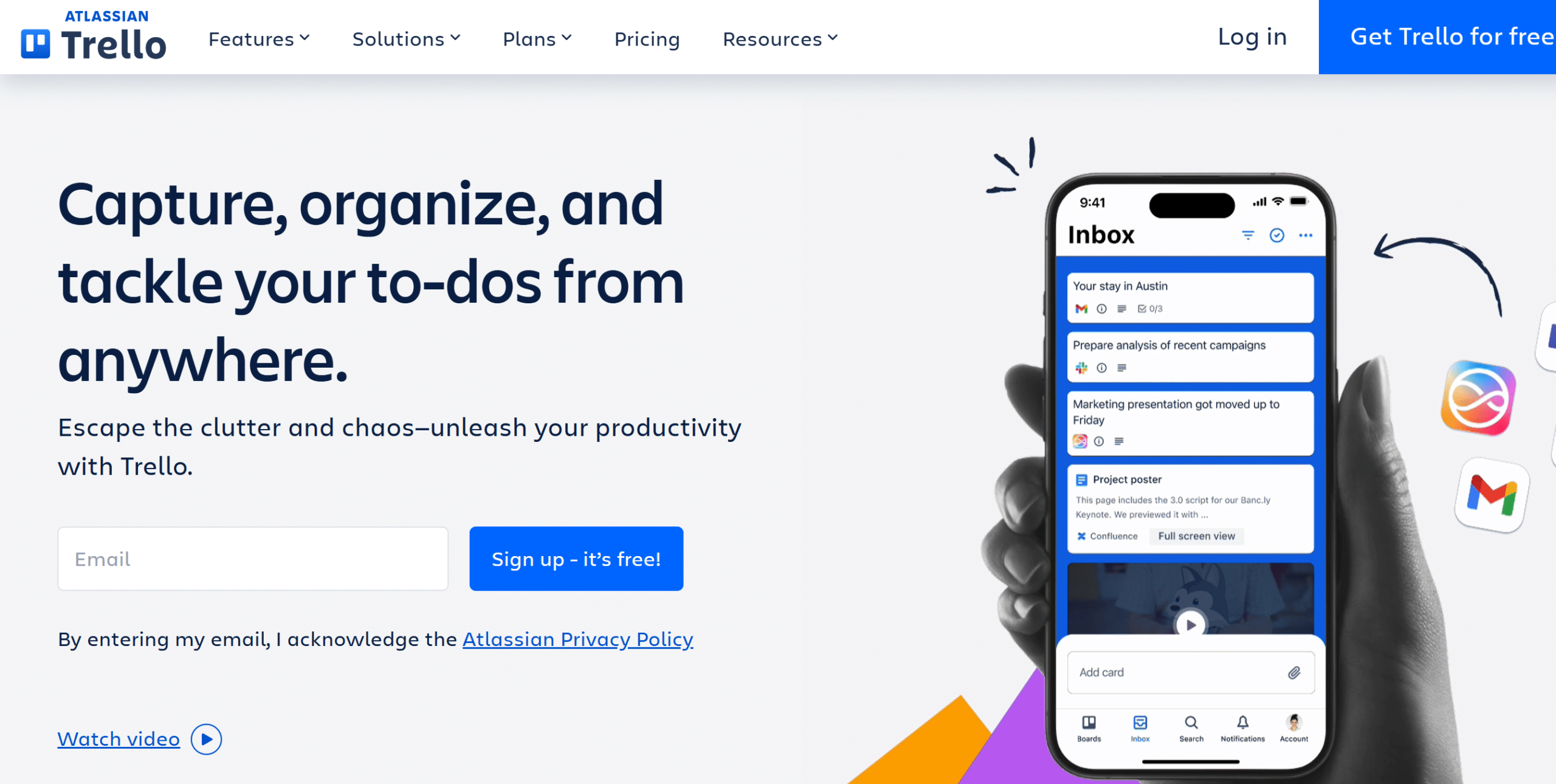
Trello is a budget-friendly project management app. It offers a planner and a Kanban board to create work schedules and oversee your progress.
The software has a lot of productivity features.
You can park unplanned tasks in the inbox, break large projects into manageable tasks, drag emails to your progress board, and prioritize tasks by their level of importance. You’ll get multiple dashboard views to monitor your activities.
If you want to collaborate with others, you can invite them to Trello. You can create a shared inbox for your team and assign tasks.
Trello’s best feature is its automation plugin. You can directly integrate Trello with 200+ third-party apps.
Core Features
- To-do list.
- Planner.
- Task management.
- Emails into tasks.
- Kanban board.
- Multiple dashboard views.
- Workflow automation.
- Team collaboration.
- Templates.
- Direct integrations.
- Mobile apps.
Price
Trello’s basic plan is free, and premium packages range between $5 and $18.
5. Clockify
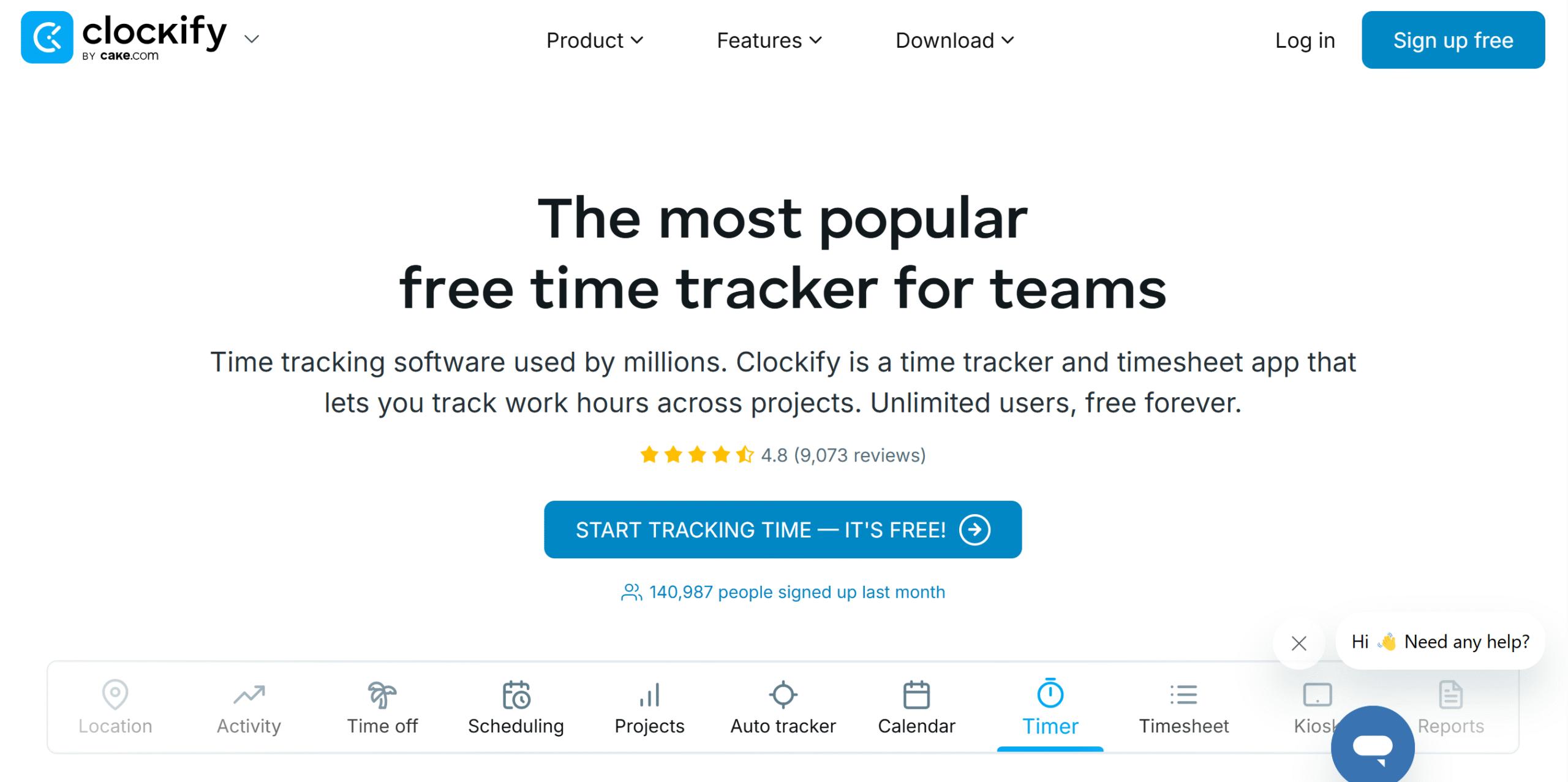
Clockify is time tracking software.
It’s ideal for freelancers, providing timekeeping, management, and reporting tools in a single system.
You can use Clockify to plan your project, schedule tasks, log billable hours, and generate invoices. If you have a small team, you can record their hours as well and create timesheets for payroll.
You can adjust your project estimates based on your client’s budget and set alerts to get notified if the actual cost exceeds the estimated budget. The budget module also lets you track your work expenses and generate reports.
You can track your time via both desktop and smartphone and make changes to the entries. For teams, Clockify provides a kiosk and approval system.
Core Features
- Online and offline time tracking.
- Space for breaks and overtime.
- Planning and budgeting.
- Automation.
- Team collaboration.
- Attendance.
- Timesheets.
- Alerts.
- Reporting.
- Multi-device support.
Price
Clockify monthly prices start at $4. The basic plan is free.
6. Toggl Track
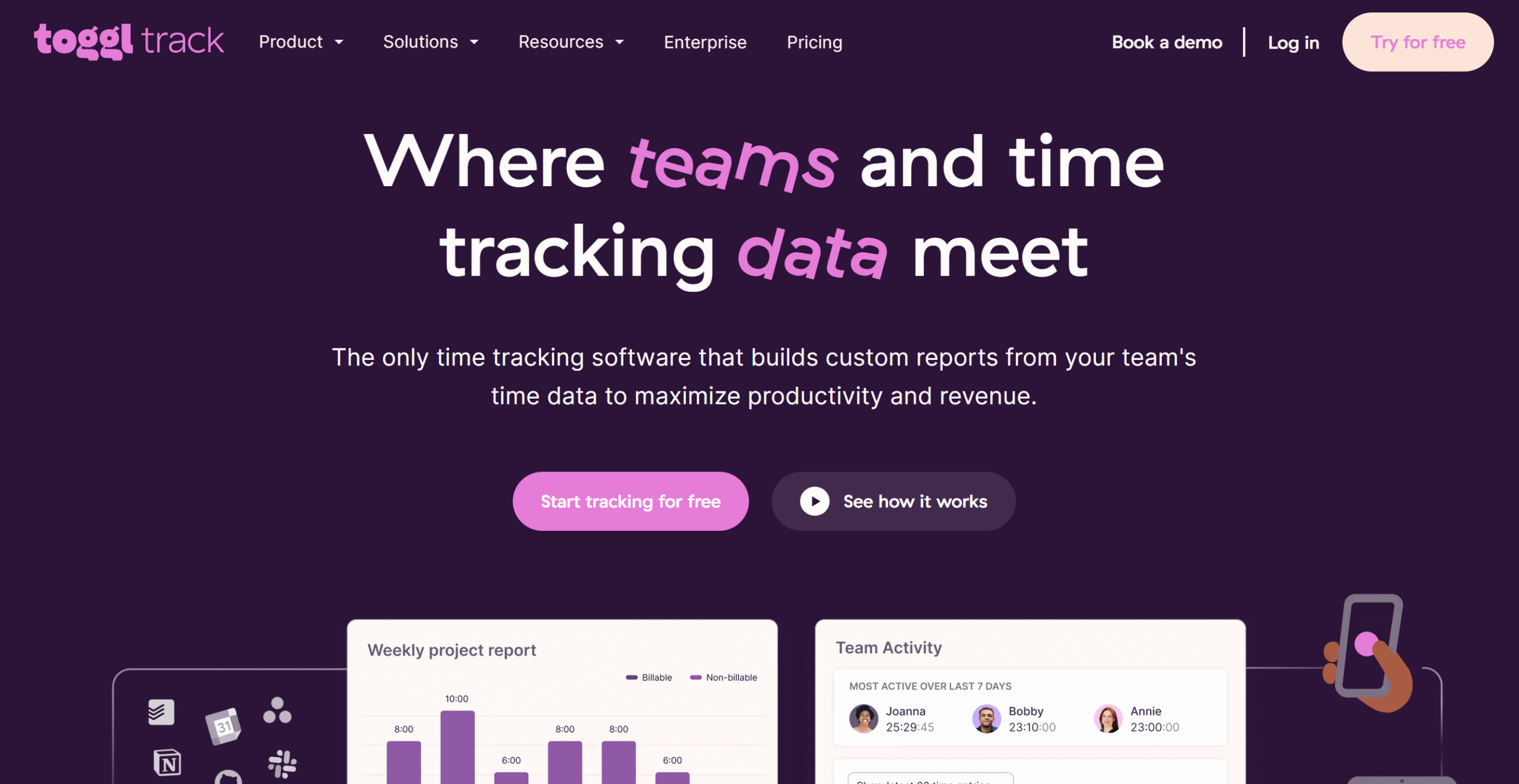
Toggl Track is a close competitor of Clockify.
It offers almost similar features and a user-friendly interface.
Core capabilities of Toggl Track are manual and automatic time tracking, billing and invoicing, reporting, and project management.
You can add as many projects and clients as you want and run both fixed and recurring projects.
Team collaboration is also available. You can record your staff’s billable hours and set up an approval process to supervise their time.
You can download Toggle on both desktop and mobile apps and also download the web extension.
Core Features
- Manual and automatic time tracking.
- Idle time detection.
- Project management.
- Billing and invoicing.
- Reminders.
- Team collaboration.
- Timesheets.
- Reporting.
- Desktop, mobile, and web applications.
- Integration.
Price
Toggl Track charges $10 to $20 per month. The basic plan is free.
7. Canva Pro
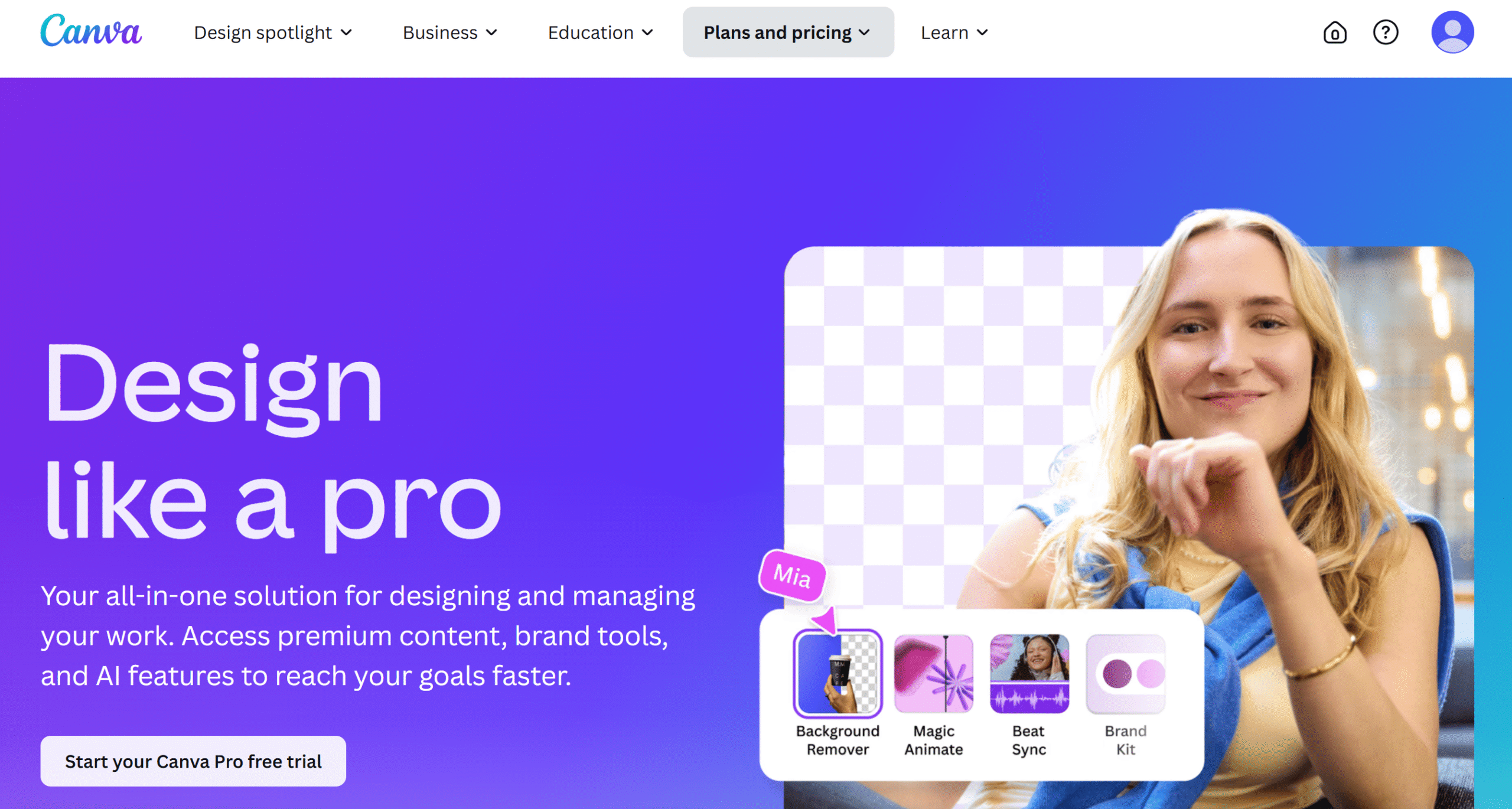
Canva is a go-to design tool for solopreneurs. It provides a drag-and-drop builder to create social media posts, promotional material, presentations, and more.
The app is incredibly easy to use and comes with a range of built-in templates. You don’t need any designing skills for Canva and can create pretty much any brand content with it.
The starter plan is completely free and offers access to basic functions. If you go for its premium subscription, you’ll get over 2M professional templates, 4.5M stock images, 1000+ brand kits, and an AI assistant.
Over 220 million people use Canva to design posts.
Core Features
- Drag-and-drop editor.
- Built-in templates.
- Stock images, graphics, and elements.
- Background removal.
- Brand kits.
- Post scheduling.
- Multiple formats.
- File download and sharing.
Price
Canva Pro costs $4 per month. You can take a free trial.
8. Buffer
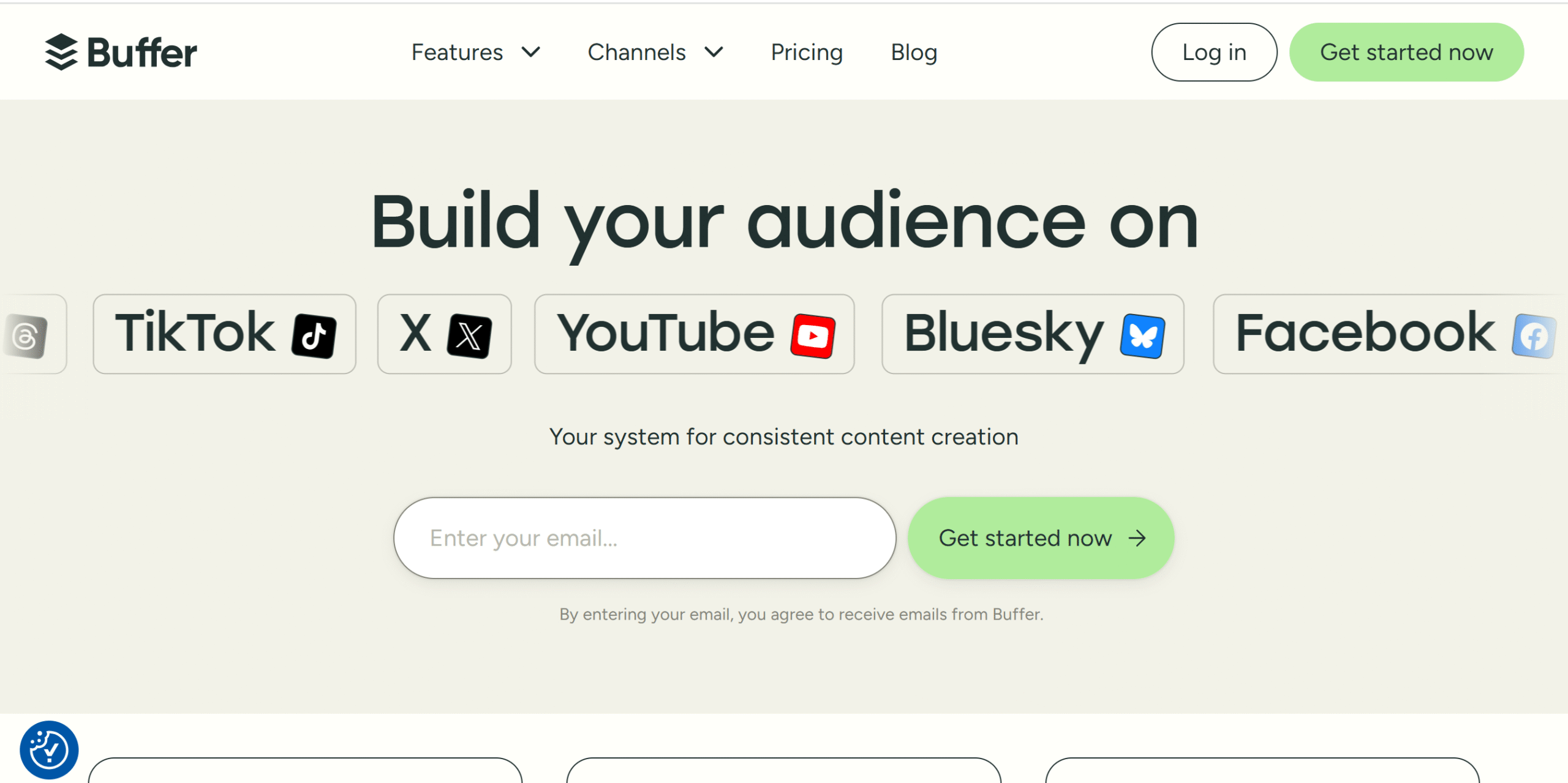
Buffer is one of the best tools for social media management. Most solopreneurs prefer it for its ease of use and budget-friendly packages.
Here, you can create and plan your content ideas in the Kanban board and schedule unlimited posts. You’ll get tags to organize ideas and a calendar to visualize your schedule.
A link in bio is there to help you set up a personalized brand page for your social media accounts. You can connect multiple accounts and create a link in bio for all of them.
Other notable actions you can take via Buffer include optimizing your posting times, bulk scheduling, monitoring post performance, and replying to comments.
You can also invite others and control their access.
Core Features
- Social media post creation and publishing.
- Idea generation and storing.
- Visual calendar.
- Tags and hashtags.
- Kanban board.
- Best time to post.
- Link In Bio.
- Replying to comments.
- Collaboration.
- Analytics and reporting.
- Browser extension.
- Integrations.
Price
Buffer charges $6 to $12 per channel. The basic plan is free.
9. Later
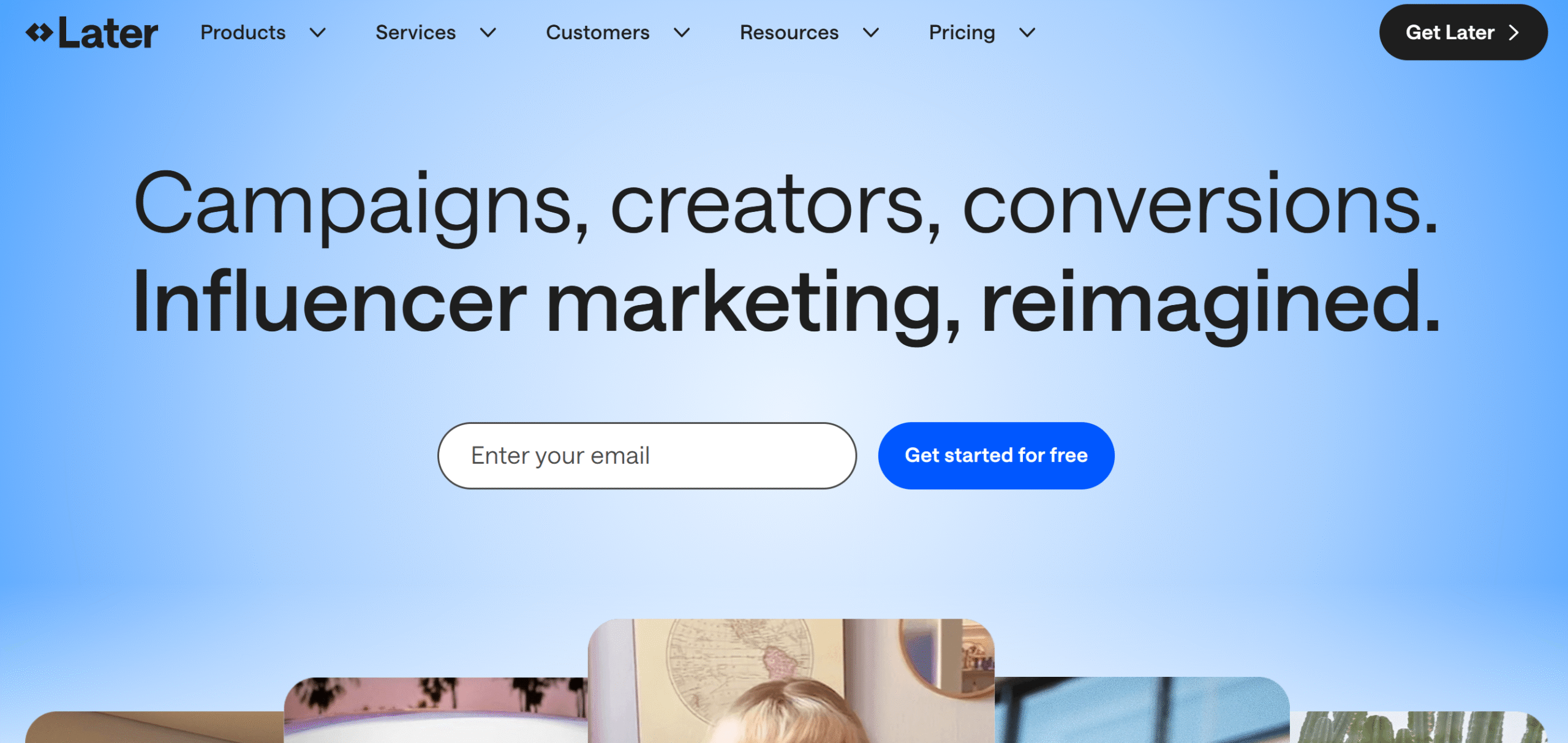
Later is another good option for social media management. The software lets you create, schedule, publish, and manage social media posts.
You can add up to 54 social profiles on Later and publish unlimited posts. The app has idea generation features, creator tools for posts, a social inbox for conversations, and team collaboration options.
Later has also recently added a social listening tool to the package. It’s a premium feature that delivers benchmarking functions and future insights.
What makes Later different from Buffer is its influencer marketing platform.
The platform offers an influencer marketing platform to hire influencers and manage campaigns.
Core Features
- Social media post creation and scheduling.
- Idea generation with a visual planner.
- AI content creation.
- Tagging and hashtag suggestions.
- Best time to post.
- Social inbox.
- Social listening.
- Collaboration.
- Link in bio.
- Analytics and reporting.
- Influencer marketing.
Price
Later prices range between $25 and $110. There’s no free plan, but you can take a 14-day free trial.
10. MailChimp
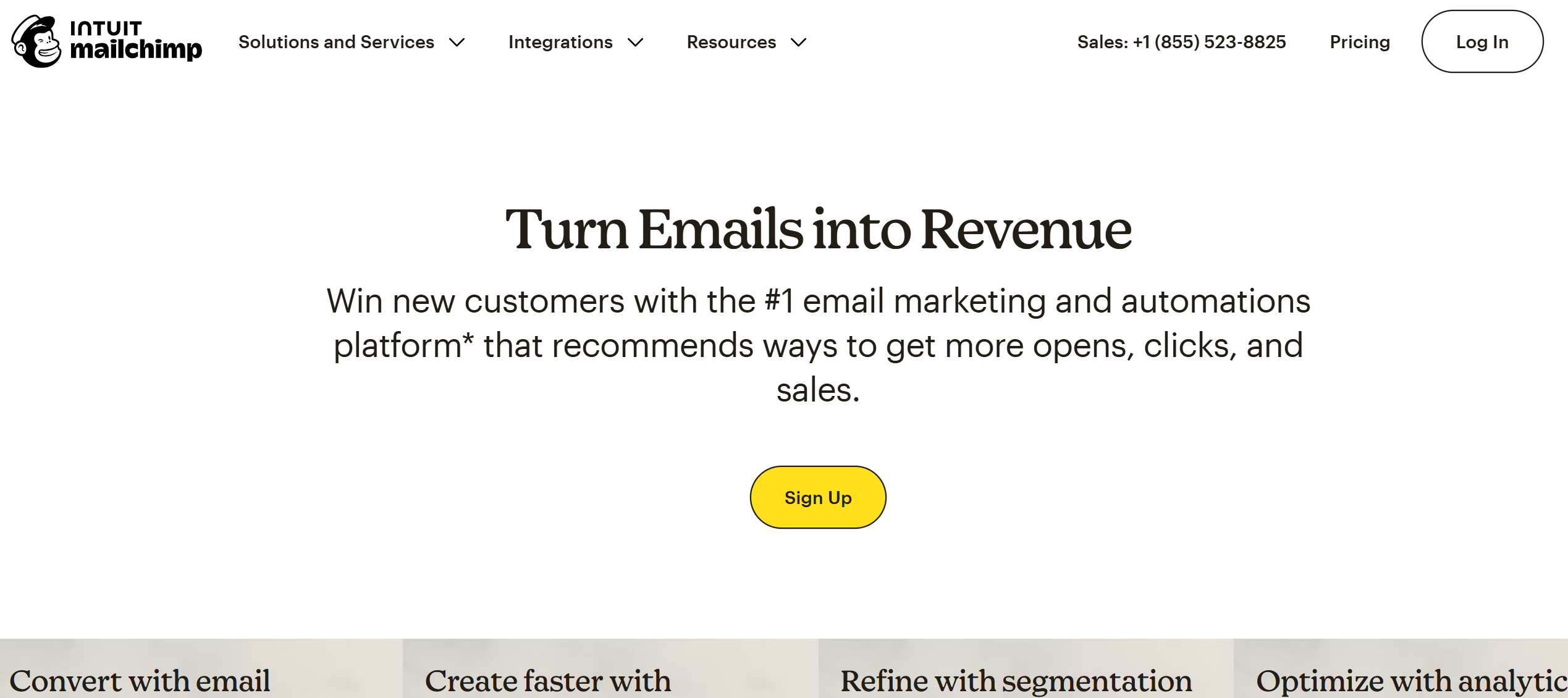
MailChimp is perfect for email management. It provides templates, segmentation, and automation to build personalized email workflows.
You’ll get templates to get started and AI-powered tools with dynamic content options to create targeted emails. You can manage over 10k contacts and get access to up to 200 automation features.
With AI-powered recommendations, you can generate high-converting copies, build custom designs, segment your audience, and optimize your overall content.
Apart from email marketing, MailChimp also offers web features. You can build landing pages, sign-up forms, and surveys.
Tons of other functions are available on MailChimp. Request a demo to learn more.
Core Features
- Email marketing.
- Transaction emails.
- Landing pages and sign-up forms.
- Marketing automation.
- Segmentation.
- AI and automation.
- Templates.
- Content generation.
- A/B testing.
- Reporting and analytics.
- Integration.
Price
MailChimp prices start at $10 per month. The basic plan is free.
11. MailerLite
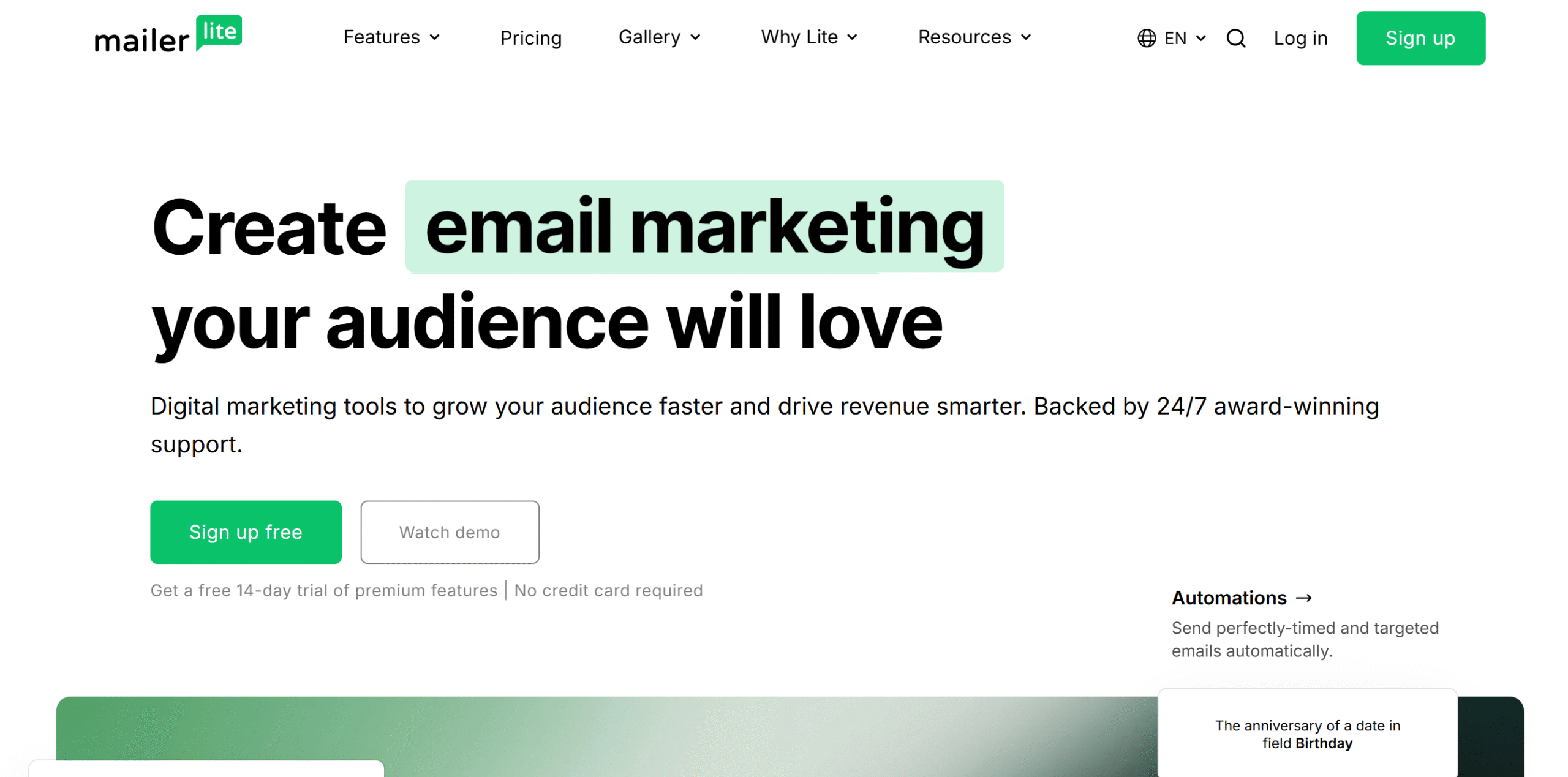
MailerLite is an alternative to MailChimp. It delivers email marketing and transactional email tools.
Top notable features of MailerLite are newsletter creation, email automation, website building, and signup forms. You can create audience segments, send unlimited emails, add multiple automation triggers, and A/B test your campaigns.
MailerLite has some unique features as well.
For example, you can set up a recurring subscription structure for paid newsletters.
Core Features
- Email marketing.
- Transactional emails.
- Landing pages and sign-up forms.
- Segmentation.
- AI writer.
- Templates.
- Marketing automation.
- Paid newsletter subscription model.
- Email verifier.
- E-commerce features.
Price
MailerLite charges $10 to $20 per month. The starter plan is free.
12. Tidio
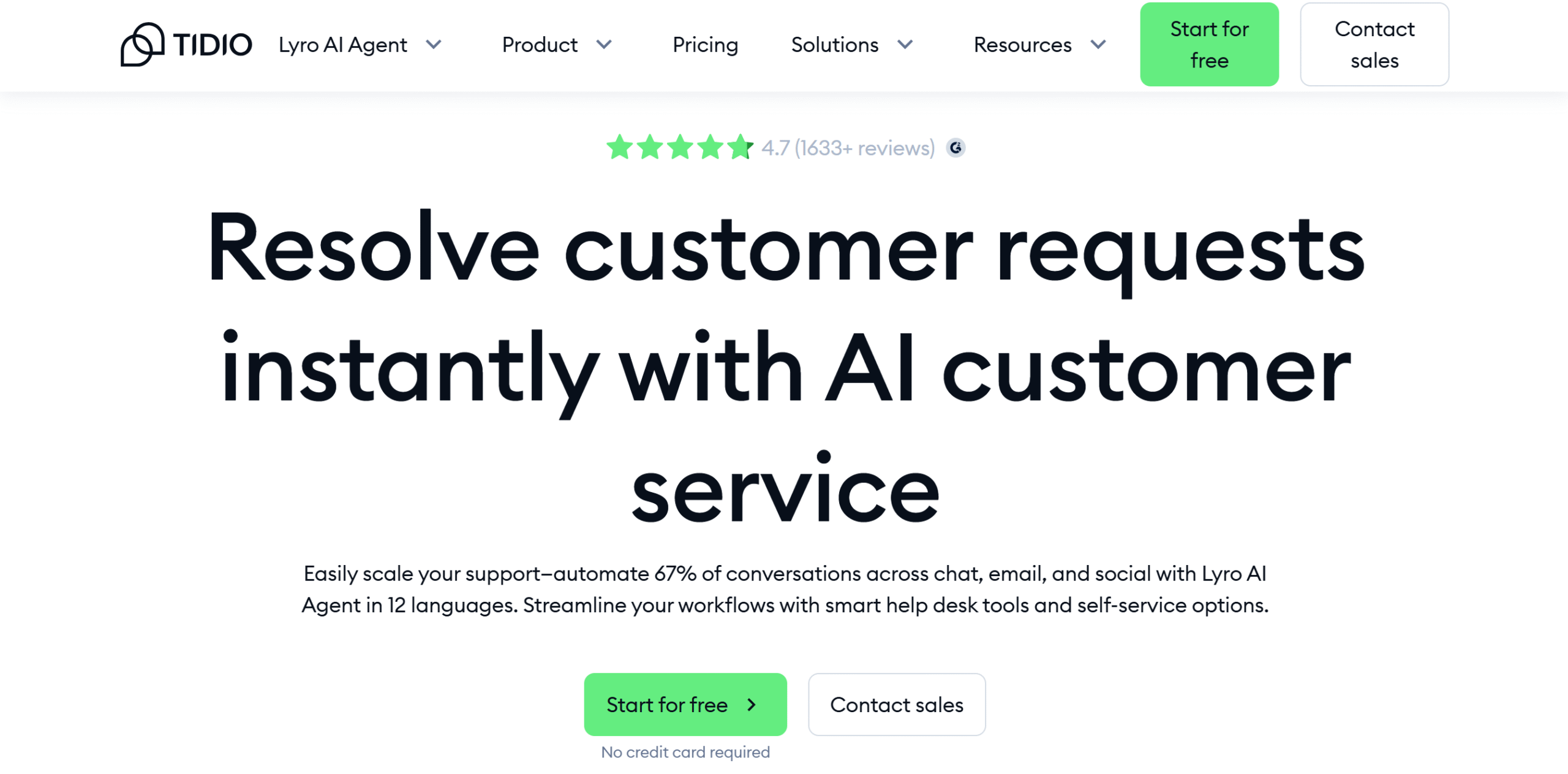
Tidio is an AI-powered customer service app. It delivers live chat and ticket resolution solutions.
The AI chatbot supports both basic and complex tasks, such as lead generation and product recommendations. In addition, it scans your emails and chat messages and directs queries to the human support team.
To manage queries, you can convert messages into tickets, add priority tags to organize them by level of urgency, and automate repetitive workflows. The software provides a visual builder to create auto-workflows.
Tidio works well on both desktop and mobile phones. You can manage live chat, emails, Instagram, Facebook, and WhatsApp messages through this app.
Core Features
- AI chatbot widget.
- Live chat.
- Ticketing.
- Multiple communication channels.
- Order management.
- Canned responses.
- Flow builder for automation.
- Analytics.
- Multilanguage support.
- Desktop and mobile apps.
Price
Tidio monthly prices start at $29. You can try it for free.
13. HoneyBook
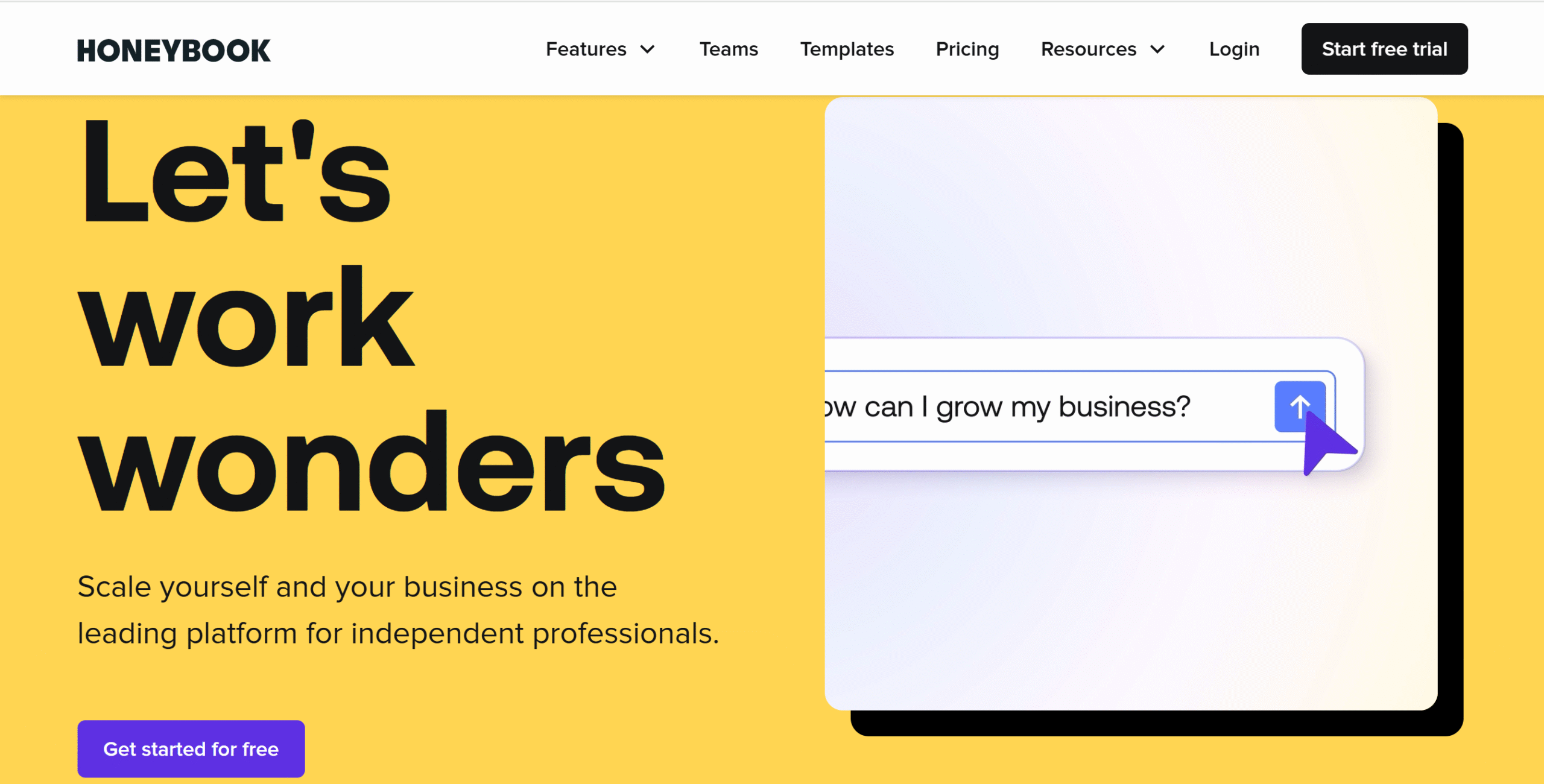
HoneyBook is built for small business owners. It’s a client management platform that lets you handle clients, projects, and invoices in one place.
Some of the things you can do with HoneyBook include booking meetings, sending contracts, managing projects, and getting paid. You can create interactive proposals for e-signing and offer digital portals to your clients.
For project management, HoneyBook has pipelines, time-tracking tools, and workflow automation. You can add unlimited clients and projects and oversee multiple companies from one account.
The payment module is also well-structured. You can set up recurring payment workflows, automate reminders, and send invoices from your smartphone.
Core Features
- Client management.
- Task creation and project tracking.
- Proposals and contracts.
- Invoices and payments.
- Client portal.
- Calendar integration.
- AI and automation.
- Team collaboration.
- Reporting.
Price
HoneyBook prices range between $36 and $129. You can take a free trial.
14. HubSpot
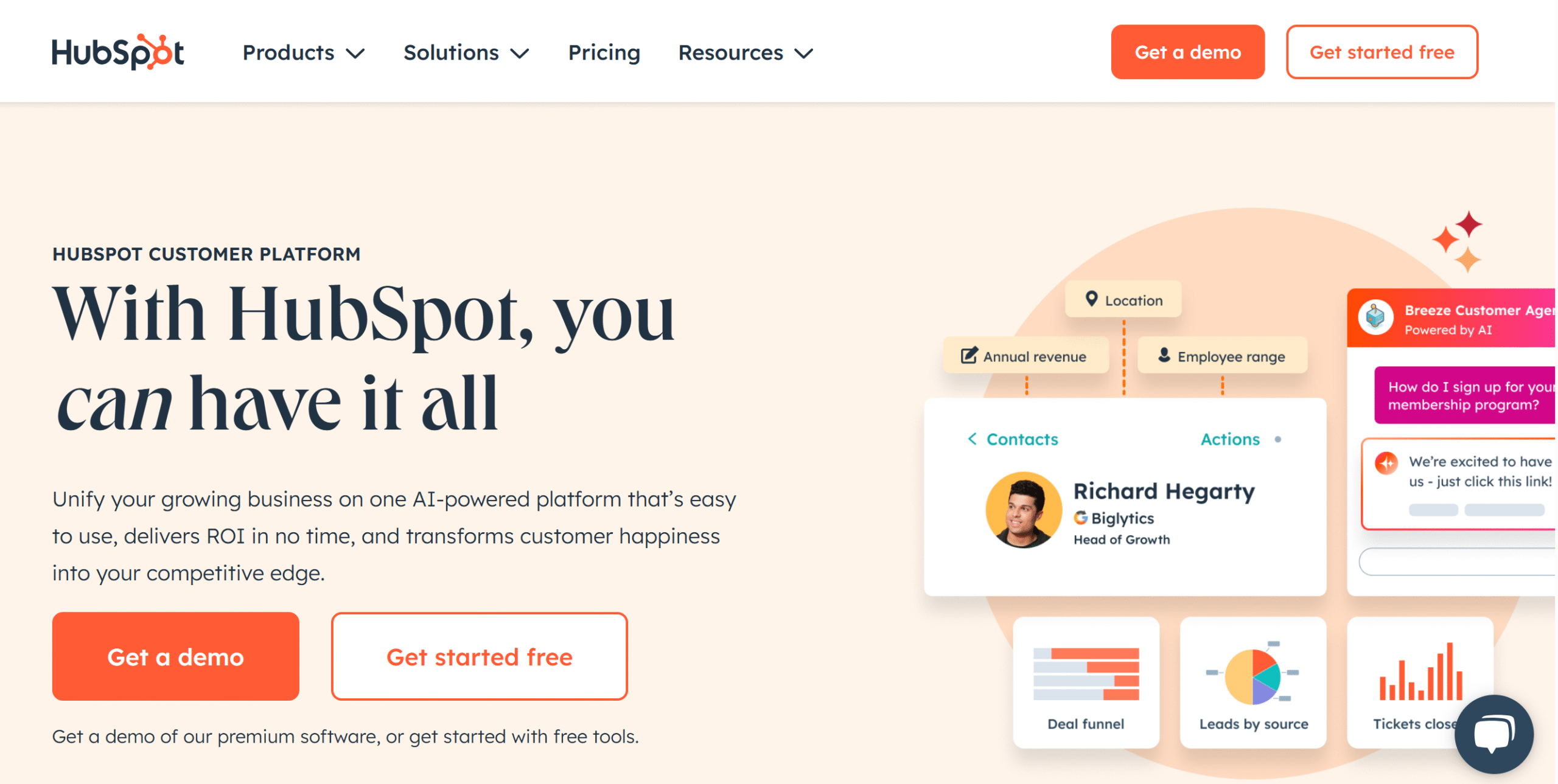
HubSpot is best for marketing and sales workflows.
It’s a CRM platform that offers a wide range of digital products designed to automate your marketing, sales, customer service, and commerce workflows.
You can create a free account to try out some of its functions. The free plan lets you add contacts, build a deal pipeline, track tasks, and manage emails.
Content management is also part of the core software. You can deploy a chatbot for communication and manage all your conversations in a shared inbox.
If you upgrade the plan, you’ll get access to tons of features, including campaign management, sales sequences, a ticketing system, and payments.
Core Features
- Contact management.
- Marketing tools.
- Sales workspace.
- Ticketing.
- Content hub.
- Website builder.
- AI and automation.
- Omnichannel support.
- Invoices and payments.
- Reporting.
Price
HubSpot’s starter plan costs $15 per month.
15. QuickBooks
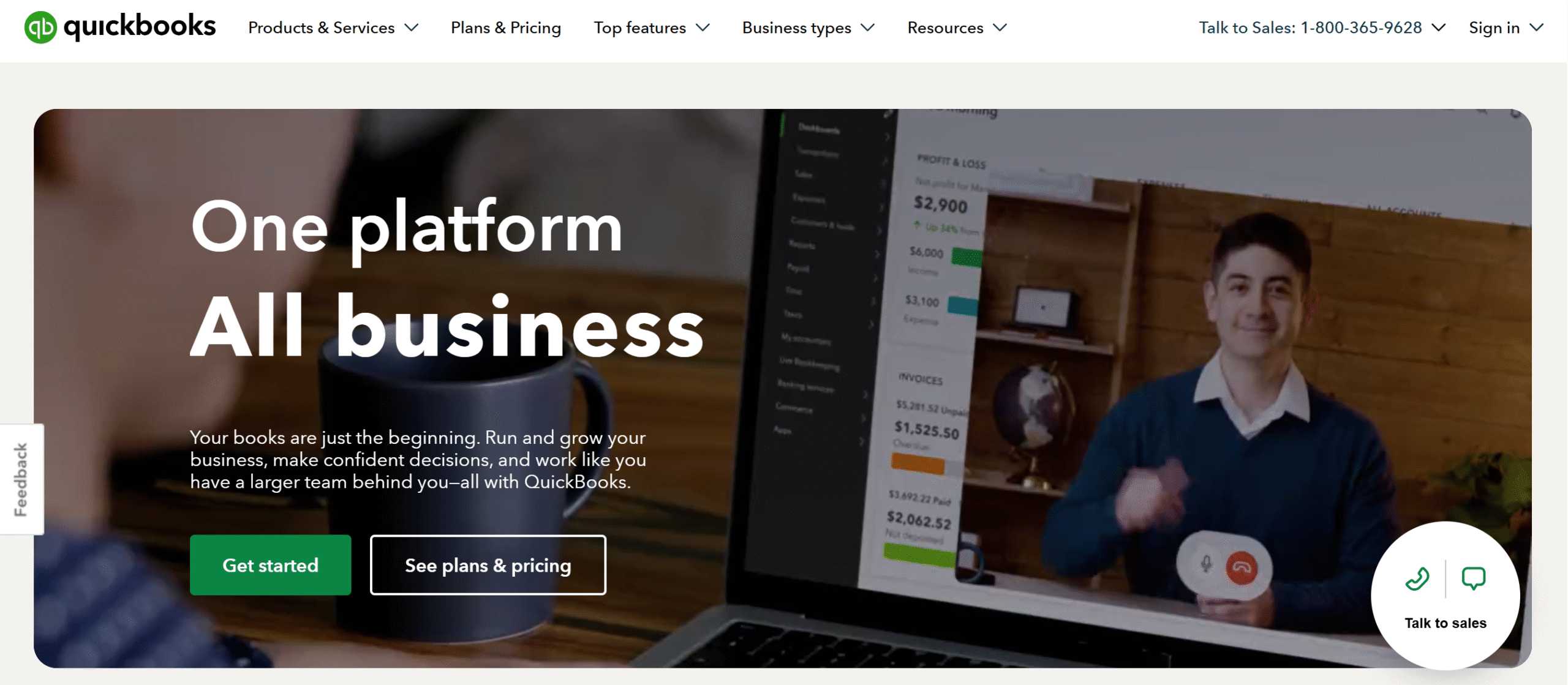
QuickBooks is an online bookkeeping software. Most solopreneurs and small businesses use this platform to manage their revenues, expenses, and taxes.
The software is globally recognized and comes with both desktop and cloud apps. You can automate the bookkeeping and oversee activities from your smartphone.
Cash flows, inventory, project estimates, and time tracking are all part of the system.
You’ll also get customer relationship management tools and a business intelligence module.
Core Features
- Automated bookkeeping.
- Anomaly detection.
- Cash flow and forecasting.
- Bills and invoices.
- Sales and customer management tools.
- Project management.
- Time tracking.
- Inventory management.
- Business intelligence.
- Reporting.
- Integration.
- Mobile app.
Price
QuickBooks Cloud’s subscription costs $4 to $24 per month. You can take a free trial.
Conclusion
Most solopreneurs use various apps to manage different areas of their business.
They help them plan their calendar, oversee day-to-day activities, handle customer communications, and basically ensure things run smoothly.
I have reviewed some of the top digital tools for solo business owners. Try out the above-listed software products, explore their usability, and shortlist apps that meet your requirements. Good luck!


 A better way to manage projects and clients for freelancers
 Get through busy days like a breeze with Reclaim.ai