Google Calendar works well on its own.
But it works better when connected to the right productivity tool.
Pair it with a task manager, and your to-dos live next to your schedule. Pair it with a daily planner, and your whole day plans itself.
The integration does the syncing; you do the work.
I’ve reviewed 12 apps that connect with Google Calendar, including to-do lists, note-takers, daily planners, and project managers, so you can find the one that fits how you actually work.
The best Google Calendar productivity apps at a glance
| Best for | Standout feature | Pricing | |
| Sunsama | Understanding where your day actually went | Daily reflection that compares time estimates to actual time spent | Free trial; $25/month ($20/month billed yearly) |
| TickTick | Task overload without a complex planner | Full-featured to-do list at the lowest price on this list | Free plan available; premium $3/month |
| Reclaim | Protecting focus time from reactive scheduling | Auto-reschedules your calendar when meetings move | Free plan available; paid plans $12–$18/month |
| Akiflow | Inbox-driven workers who plan from messages and emails | Universal inbox pulls tasks from Gmail, Slack, and more | 7-day free trial; $34/month |
| Evernote | Heavy note-takers who want notes tied to calendar events | Records, transcribes, and summarizes meetings | Free plan available; plans from $15/month |
| NotePlan | Plain-text thinkers who want notes, tasks, and a calendar in one place | Google Calendar events appear inline inside your daily notes | Free trial; $9/month |
| Otter | Professionals who live in meetings | Auto-joins calls, transcribes live, and drops notes on the calendar event | Free plan available; premium $17–$30/month |
| Nifty | Teams managing clients, timelines, and documents | Two-way Calendar sync with a full project management suite | Free plan (2 projects); paid plans $39–$124/month |
| Quire | Small teams needing structured task tracking without heavy tooling | Two-way Calendar sync on all plans, including free | Free plan available; paid plans $11–$25/month |
| CalendarBridge | Managing calendars across Google, Outlook, and Apple | AI assistant handles scheduling coordination from your email | Free trial; plans $5–$40/month |
| SingularityApp | One lightweight app for most productivity needs | GPS reminders that trigger when you arrive at a location | Free plan available; premium from $4/month |
| Calendly | Eliminating scheduling back-and-forth with external people | Booking pages that read real availability across all your calendars | Free plan available; paid plans from $12/month |
1. Sunsama
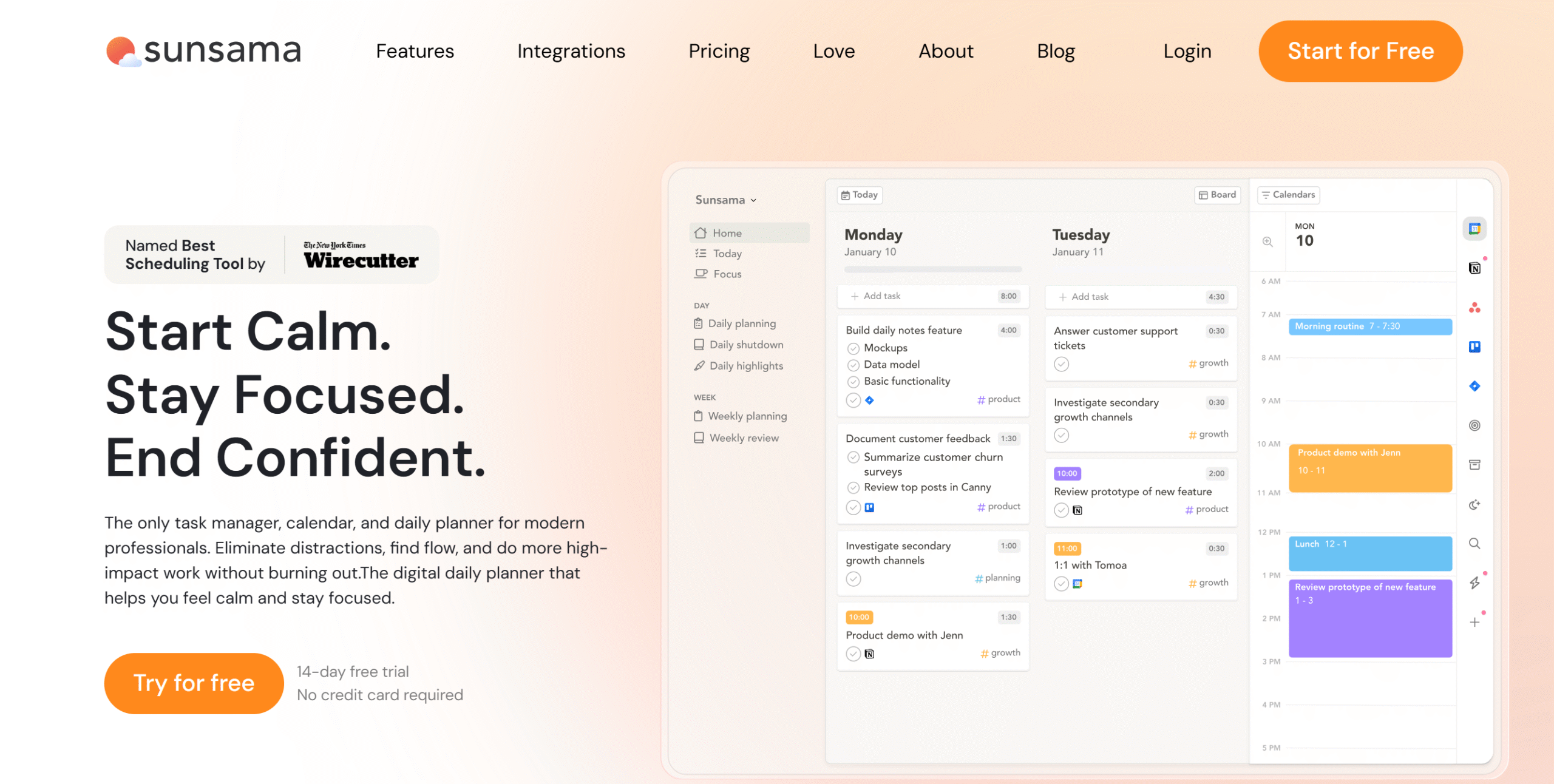
Sunsama is a daily planner built around one idea: planning should improve over time, not just repeat itself.
Most planners let you add tasks and move on. Sunsama does two things differently.
Before your day starts, you estimate how long each task will take. After it ends, you see how those estimates held up. Over weeks, you stop guessing and start knowing how your day actually works.
The daily reflection feature drives this. It’s a short end-of-day review: what got done, what didn’t, and why. It’s the feature that separates Sunsama from a glorified to-do list.
Two-way Google Calendar sync keeps everything current on both sides.
You can pull tasks in from Gmail and Slack, so your day plan reflects your actual workload, not just what you manually added.
At $25/month, it’s one of the most expensive apps on this list. It earns that price if you’re someone who regularly works past 6 PM and can’t explain where the day went. It doesn’t earn it if you just want a prettier to-do list.
Sunsama Features
- Guided planning and auto-scheduling.
- Two-way Google Calendar syncing.
- Task management and time blocking.
- Daily reflection and weekly reviews.
- Focus mode with a Pomodoro timer.
- Import emails, Slack messages, and tasks.
- Cross-platform.
Sunsama Price
Sunsama charges $25 per month (or $20 per month if billed yearly). You can start with a 30-day free trial.
Related reading: Read our complete Sunsama review.
2. TickTick
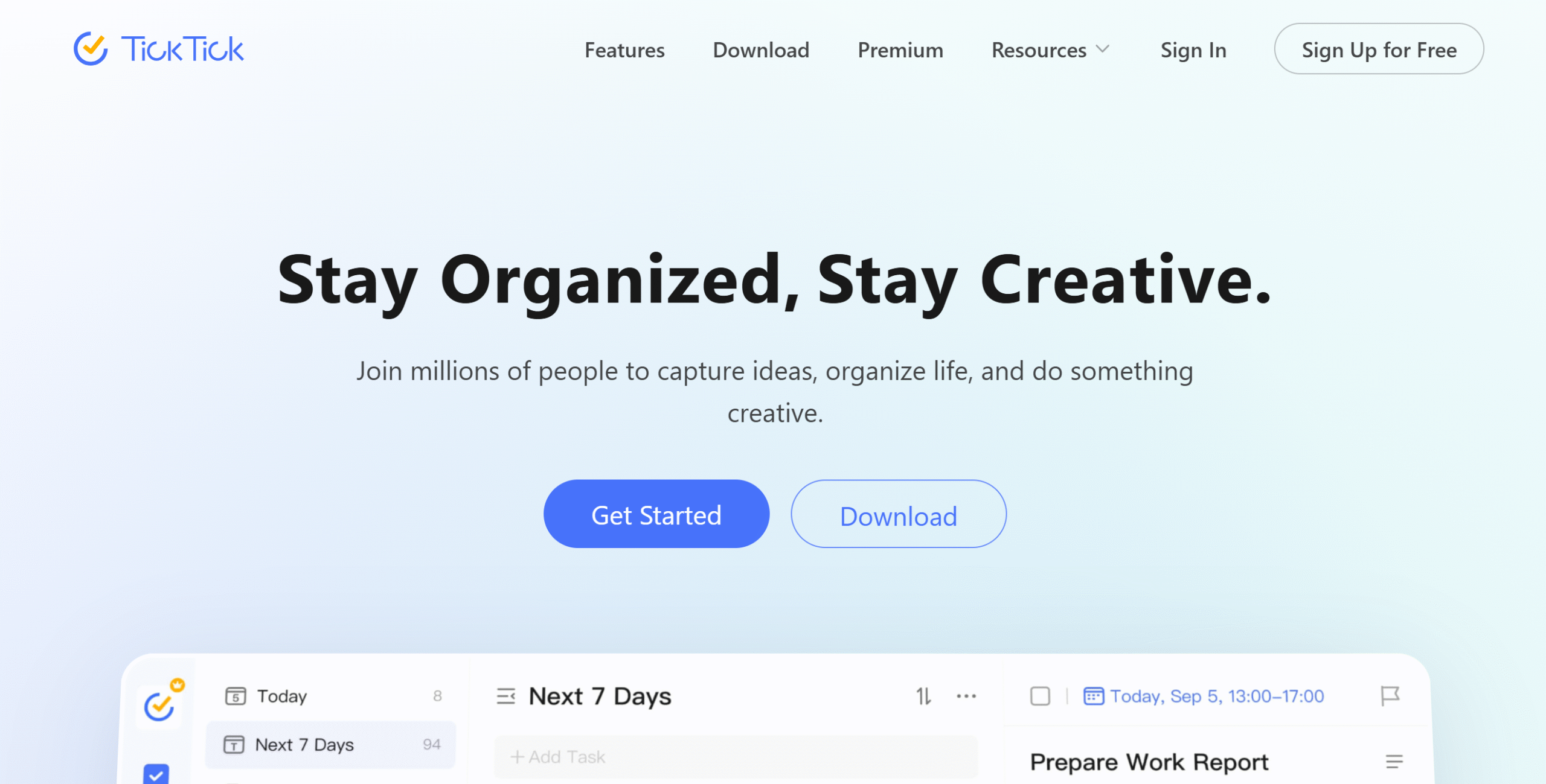
TickTick is a to-do list that also handles your calendar, not a calendar app that also handles to-dos. That distinction matters when you’re choosing.
If your main problem is task overload and your Google Calendar is just where meetings live, TickTick fits well.
You get Kanban boards, reminders, a home screen widget, and a focus mode, all wrapped around a clean task list.
The Google Calendar sync lets you see both your tasks and your events without switching apps.
What it won’t do is help you plan your day. There’s no guided planning, no time estimates, no reflection. You manage the list; you figure out the rest.
At $3/month for premium, it’s the most affordable app on this list by a significant margin.
For freelancers or individuals who need structured task management without the overhead of a full planner, it’s hard to beat TickTick at that price.
TickTick Features
- To-do list with Kanban boards and timelines.
- Google Calendar integration.
- Reminders and focus mode.
- Home screen widget.
- Team collaboration.
- Cross-platform functionality.
TickTick Price
Free plan available. Premium costs $3/month.
3. Reclaim
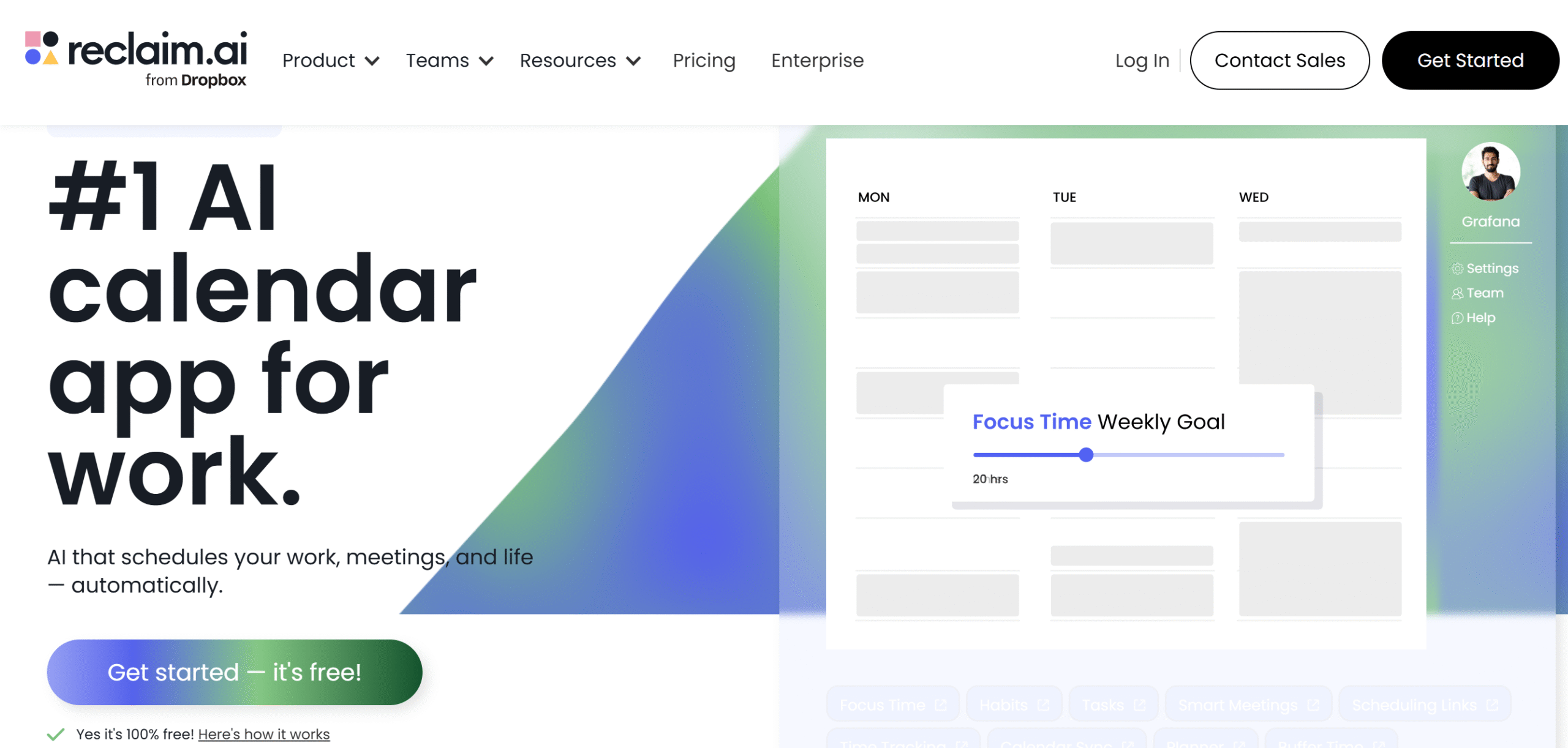
Reclaim isn’t a task manager that happens to sync with Google Calendar. It’s a scheduling optimizer built on top of Google Calendar. That’s a meaningful difference.
The core idea: you tell Reclaim what matters (deep work blocks, meeting prep, personal time, recurring habits) and it finds the space for all of it automatically.
When a meeting gets added or moved, Reclaim adjusts everything around it. You stop manually rearranging your calendar every time something changes.
The meeting tools are where it earns its keep.
You can set availability windows, add buffer time between calls, and auto-reschedule conflicts without touching your calendar.
It also updates your Slack status during meetings, which is a small thing that removes a surprisingly consistent interruption.
It won’t replace a task manager. If you need Kanban boards, project views, or deep task organization, look elsewhere.
Reclaim’s job is to protect your time and fit your work into it, not to manage what that work actually is.
At $12–$18/month, it’s worth it if your calendar is a source of stress and you’re constantly losing focus time to reactive scheduling. It’s overkill if your schedule is light or you already manage it manually without much friction.
Reclaim Features
- AI scheduling built for Google Calendar.
- Time blocking for deep work, habits, and tasks.
- Meeting buffer time and auto-rescheduling.
- Availability management and scheduling links.
- Slack status sync.
- Time tracking and focus mode.
- Team collaboration.
- Mobile-friendly.
Reclaim Price
Free starter plan available. Paid plans run $12–$18/month.
Related reading: Deciding between Sunsama and Reclaim? Read our complete Sunsama vs Reclaim comparison.
4. Akiflow
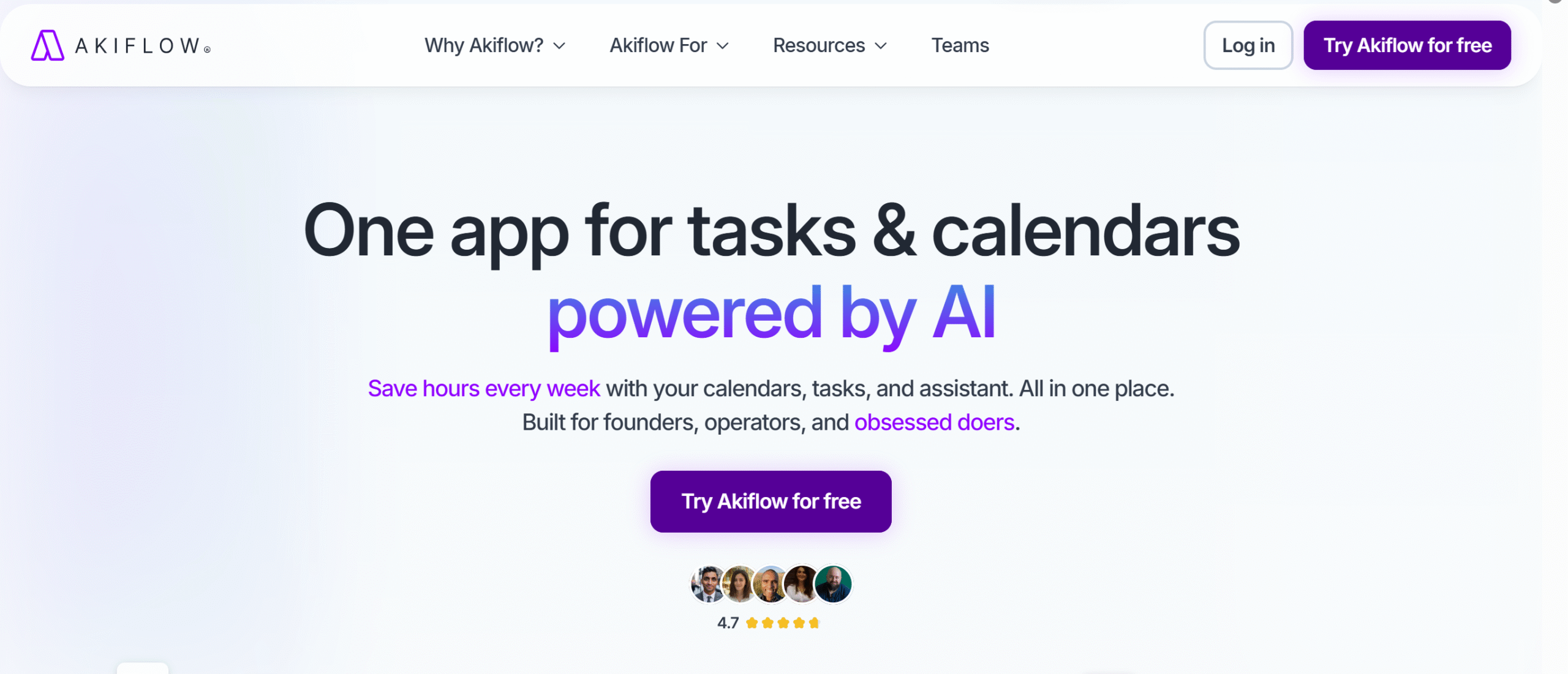
Akiflow’s core idea is to capture everything, then plan.
The universal inbox pulls in tasks from Gmail, Slack, and other tools, so nothing gets missed. Instead of building your day from scratch, you’re triaging what’s already there.
That’s a different workflow from Sunsama or Reclaim, and for some people it’s a better fit, especially if your work arrives as messages and emails more than as pre-planned projects.
Two-way Google Calendar sync keeps tasks and events current on both sides. You can block time for deep work, share availability, and assign tasks to teammates without leaving Akiflow.
The weakness is price.
At $34/month, it’s one of the most expensive apps on this list, and the gap between what it offers and what Reclaim or Sunsama offer at lower prices isn’t obvious, except for its new Aki AI chat assistant.
If your inbox is where your day actually lives, and you want one place to collect, triage, and schedule all of it, Akiflow justifies the cost.
If you just need a planner that syncs with Google Calendar, there are better-value options on this list.
Akiflow Features
- Two-way Google Calendar syncing.
- Universal inbox with Gmail and Slack integration.
- Tasks, events, and auto-scheduling.
- Time blocking and focus mode.
- Availability management and team collaboration.
- Tags, reminders, and analytics.
- Cross-platform functionality.
Akiflow Price
$34/month. 7-day free trial available.
Related reading: Deciding between Sunsama and Akiflow? Let our Akiflow vs Sunsama comparison help you make a confident decision.
5. Evernote
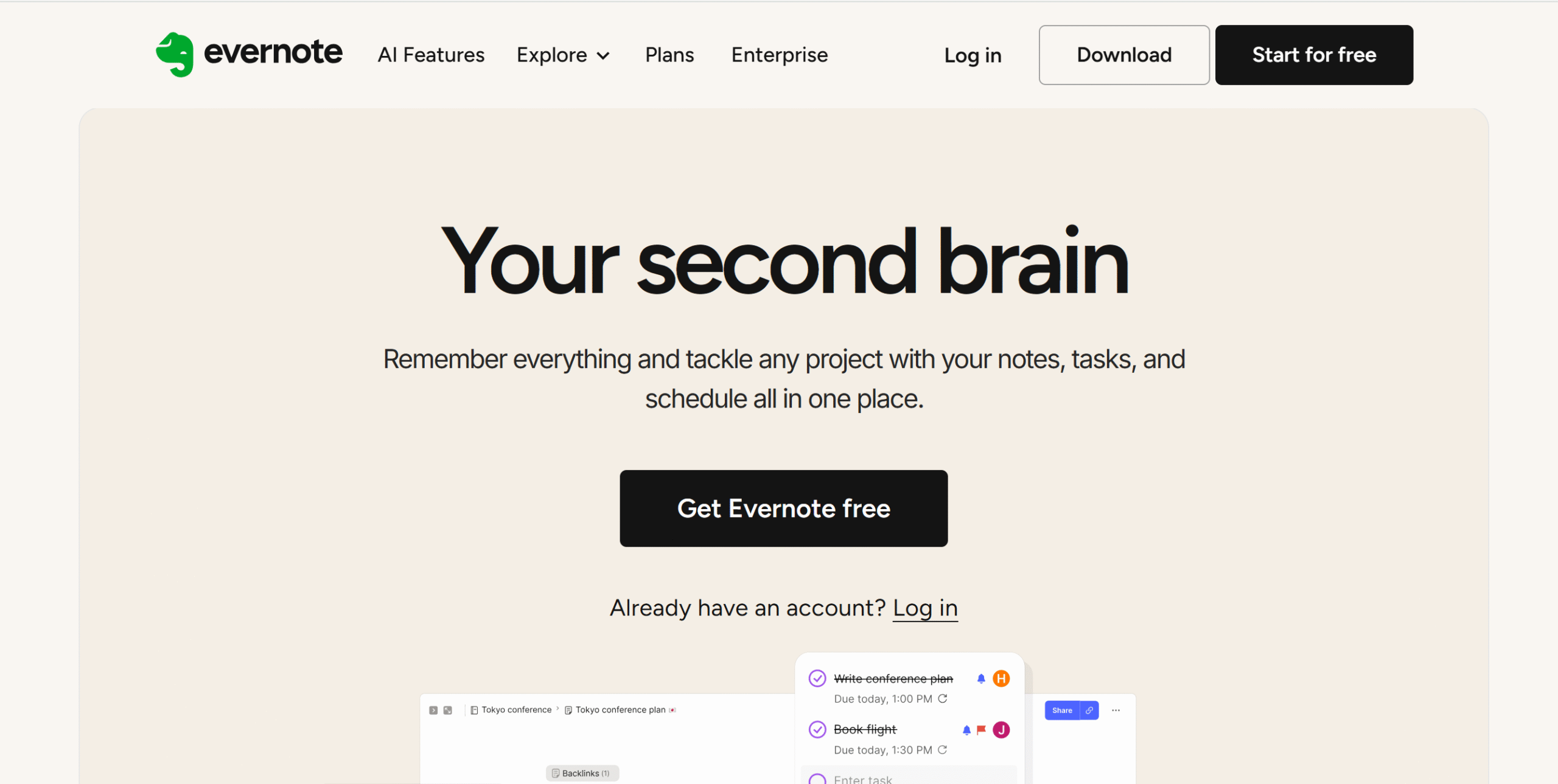
Evernote is a note-taking app first. The Google Calendar integration isn’t there to help you plan your day. It’s there to attach your notes to your schedule.
That’s a narrower use case than most tools on this list, and it’s worth being clear about before you pay $15/month.
Here’s what the integration actually does: your notes attach to calendar events. Before a meeting, your prep is already there. After it ends, your summary lives on the same event.
For people who take a lot of meeting notes and hate hunting for them later, that’s genuinely useful.
The meeting tools back this up. Evernote records, transcribes, and summarizes conversations, and reminds you to take notes before a session starts. It won’t auto-join your calls like Otter will, but the capture and organization are solid.
Evernote has spent years bolting on features, tasks, AI tools, and web clipping, and it shows.
It’s not lean. If you want a focused note-taker, you’ll be navigating around a lot of things you don’t need.
At $15/month, it earns the price if notes are central to how you work and you want them tied to your calendar. If you just want somewhere to jot things down between meetings, it’s overkill.
Evernote Features
- Note-taking with attachments, tags, and web clipping.
- Google Calendar syncing (notes attached to events).
- AI transcription and meeting summaries.
- Advanced search.
- Gmail and Slack integration.
- Offline mode.
- Cross-platform functionality.
Evernote Price
Plans start at $15/month. Free plan available.
Related reading: Do you need a note-taking app with all the best features of Evernote, and then some? Pick your favorite from our list of the 15 best Evernote alternatives.
6. NotePlan
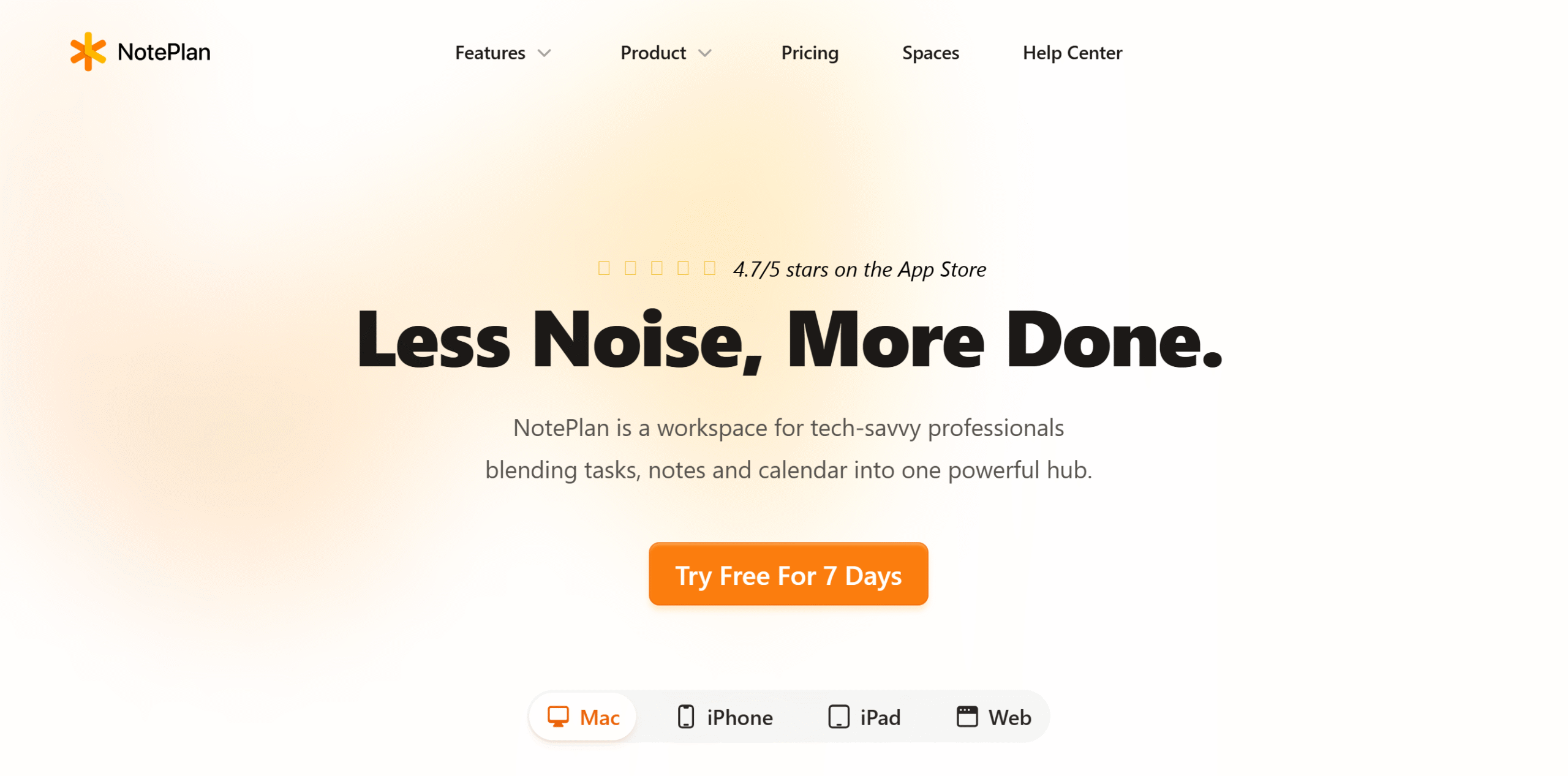
NotePlan is built around a simple idea: your notes, tasks, and calendar should live in the same place, not in three separate apps you’re constantly switching between.
The approach is markdown-first. Your daily note is the center of everything.
Calendar events from Google Calendar appear inline, your tasks sit alongside them, and you link notes together to build a knowledge base over time.
If you think in plain text and already use markdown, this will feel natural immediately.
What makes it different from Evernote is the direction of the relationship. Evernote attaches notes to calendar events.
NotePlan puts your calendar inside your notes. That’s not a small distinction if you’re deciding between them.
It’s not a project manager. If you need Kanban boards, resource management, or team workflows, this isn’t the right tool.
NotePlan works best for individuals who want one frictionless place to capture thoughts, track tasks, and see what’s on their calendar, without context-switching.
At $9/month, it’s one of the better-value apps on this list.
NotePlan Features
- Markdown note-taking with a daily notes format.
- Google Calendar syncing (events appear inline in notes).
- Task management and time blocking.
- Knowledge base with linked notes and search.
- Templates, reminders, and plugins.
- Cross-platform functionality.
NotePlan Price
$9/month. Free trial available.
7. Otter
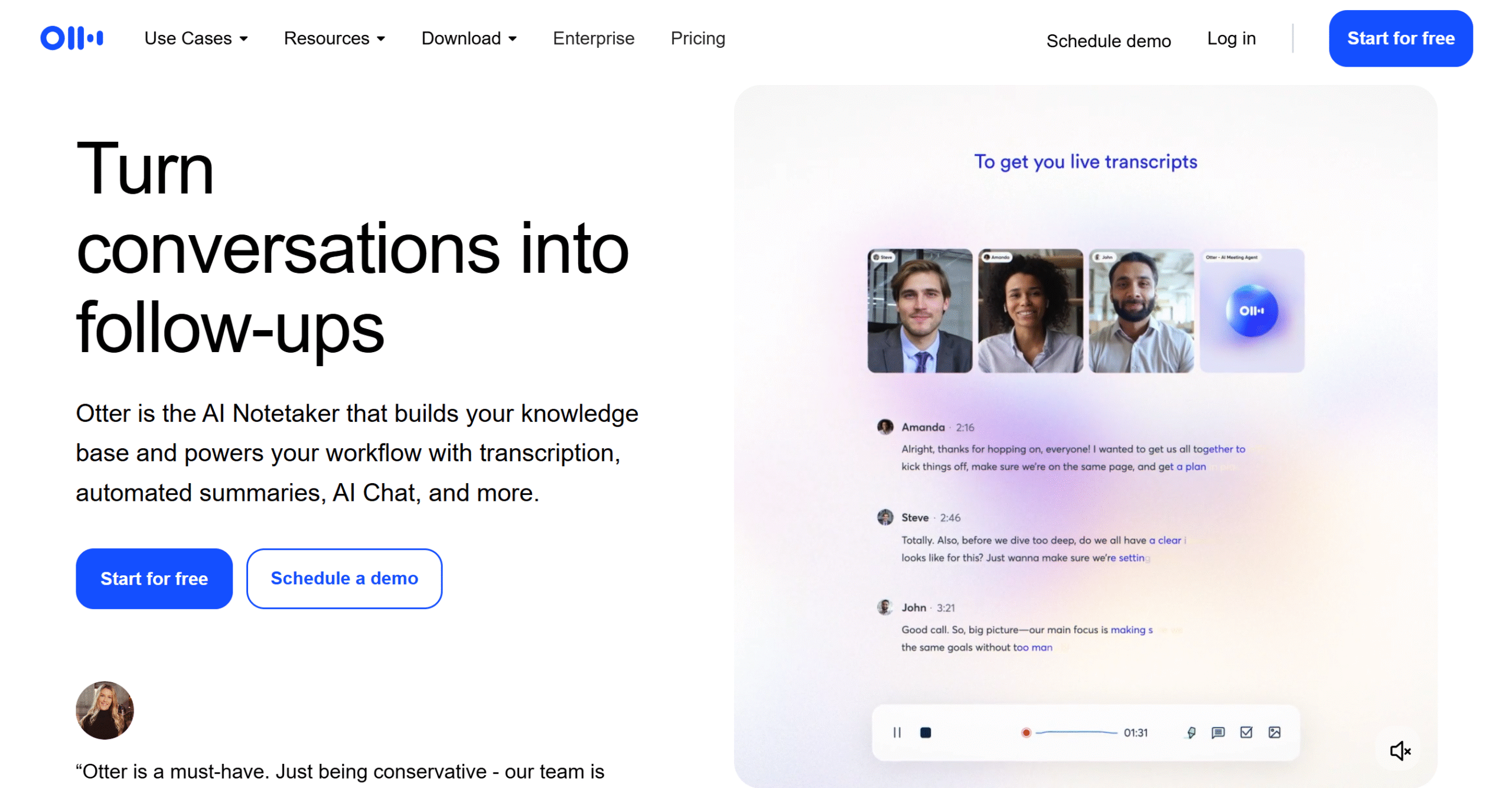
Otter does one thing better than anything else on this list: it walks into your meetings before you do.
Connect it to Google Calendar, and it auto-joins your calls, transcribes in real time, and drops the notes directly onto the calendar event when it’s done. You don’t touch anything.
Where it gets interesting is pre-meeting prep.
If you’re in sales, Otter can pull data from your CRM and surface a customer summary before the call starts. You show up knowing the context, not scrambling to find the last email thread.
That’s where it separates from Evernote. Evernote is where you store notes after a meeting. Otter is active during one.
Outside of meetings, there isn’t much here. No task management, no planning tools, no calendar optimization. If you need more than a meeting assistant, you’re looking at a second app.
At $17–$30/month for premium, it earns the cost if meetings are a big part of your day and you’re tired of chasing notes or asking, “Can someone send the recap?”
It’s hard to justify if meetings are occasional.
Otter Features
- Auto-joins and transcribes meetings via Google Calendar.
- Pre-meeting prep and customer summaries.
- Live transcription and captioning.
- Notes attached to calendar events.
- Audio recording playback.
- Multi-language support.
- Collaboration and note sharing.
- Cross-platform functionality.
Otter Price
Free starter plan available. Premium runs $17–$30/month.
8. Nifty
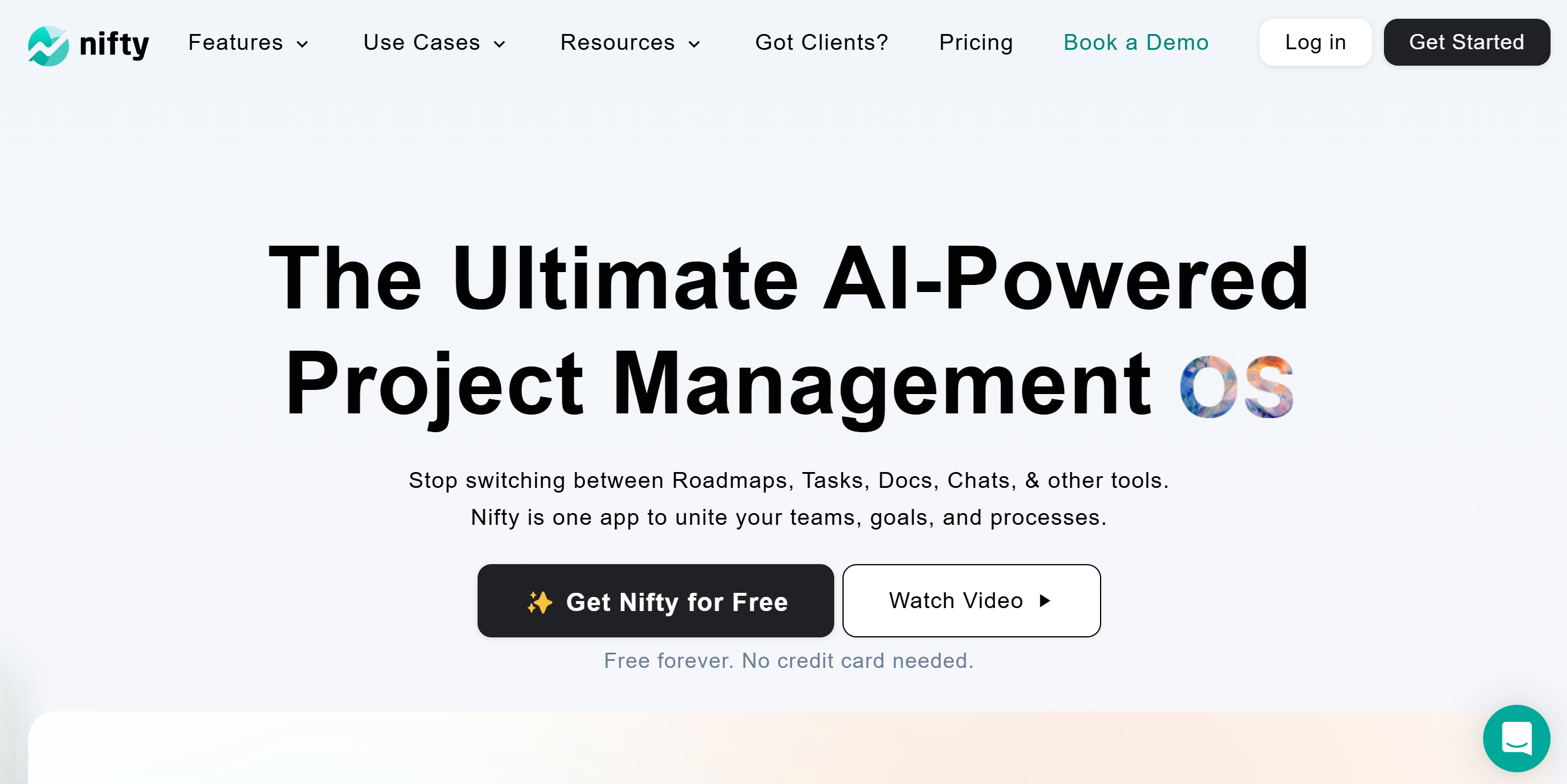
Nifty is a project management app, and it’s one of the few on this list where Google Calendar sync is locked behind a paid plan.
That’s worth knowing upfront. The free plan gives you two projects and a Google login.
Everything else, Calendar sync, automated workflows, and resource management, requires a subscription.
If you’re already running a team with clients, timelines, and documents to manage, that trade-off makes sense.
Nifty handles project work well: task management, time tracking, reporting, file storage, and two-way Calendar sync that keeps your events current on both sides.
If you’re an individual or a small team who just want task management with Calendar integration, the price ($39–$124/month) is hard to justify against what TickTick or Reclaim offer.
Nifty Features
- Task management with team collaboration and resource management.
- Two-way Google Calendar syncing (paid plans only).
- Time tracking and reporting.
- File storage and client/guest access.
- AI and automation.
- Cross-platform functionality.
Nifty Price
Free plan available (2 projects). Paid plans run $39–$124/month.
9. Quire

Quire sits between TickTick and Nifty on the complexity scale: more structured than a to-do list, less heavy than a full project management suite.
The two-way Google Calendar sync works on all plans, free included. That’s a real advantage over Nifty, where Calendar integration is paywalled.
You also get unlimited tasks and subtasks, Kanban boards, time tracking, and a Gmail add-on that lets you create tasks straight from your inbox.
Where Quire earns its place is in nested task management.
If your projects break down into layers, tasks inside tasks inside tasks, Quire handles that without the overhead of a heavier tool.
What it won’t do is manage your team at scale. Resource management, advanced automation, and client tools aren’t here. If you need those, Nifty is the better call.
At $11–$25/month with a free starter plan, it fits small teams or individuals who want structured project tracking with Calendar integration and don’t need everything Nifty brings.
Quire Features
- Project management with unlimited tasks and subtasks.
- Two-way Google Calendar and Gmail integration (all plans).
- Kanban boards, time tracking, documents, and charts.
- Team collaboration and permission controls.
- Cross-platform functionality.
Quire Price
Free starter plan available. Paid plans run $11–$25/month.
10. CalendarBridge
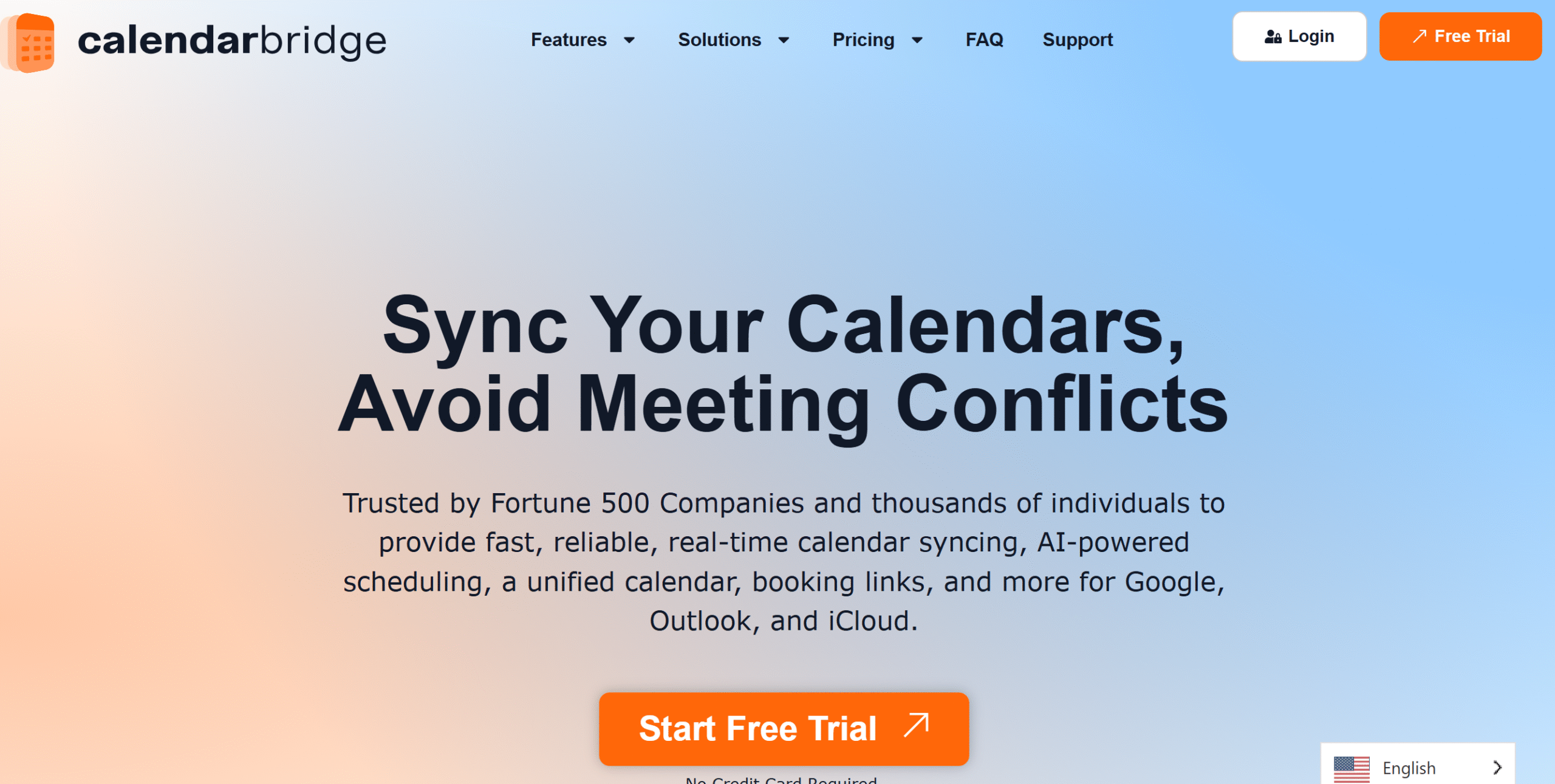
CalendarBridge solves a specific problem: you’re managing calendars across Google, Outlook, and Apple, and they don’t talk to each other.
Double bookings happen. Availability looks wrong. You’re manually copying events between accounts.
That’s the problem it’s built for, and it goes further than syncing to fix it.
The four core features work together.
Real-time syncing keeps all your calendars current across platforms. A unified calendar view lets you see and edit everything in one place.
Scheduling pages work like Calendly, but check availability across all your connected calendars, not just one, so the time slot you share with a client is actually free on every account.
And the AI assistant manages scheduling coordination from your email: CC it on a thread, and it proposes times, follows up, handles rescheduling, and sends the final invite without you reopening your calendar.
That last piece is more capable than it sounds. You can forward it a screenshot of an appointment card or a confirmation email, and it adds the event. It handles natural language. It works with people who don’t have a CalendarBridge account.
CalendarBridge won’t replace a task manager or daily planner. Everything it does is calendar-specific.
But for consultants, fractional workers, or anyone running multiple work identities across different calendar platforms, it solves something no other tool on this list addresses.
At $5–$40/month, the lower tiers are genuinely affordable for what they fix.
Calendar Bridge Features
- Real-time syncing across Google, Outlook, and Apple calendars.
- Unified calendar view with editing across all connected accounts.
- Scheduling pages that check availability across multiple calendars.
- An AI assistant that handles scheduling coordination from your email.
- Privacy controls for what syncs between accounts.
- Color-coded events by source calendar.
- Cross-platform functionality.
Calendar Bridge Price
Individual plans run $5–$40/month. Free trial available.
11. SingularityApp
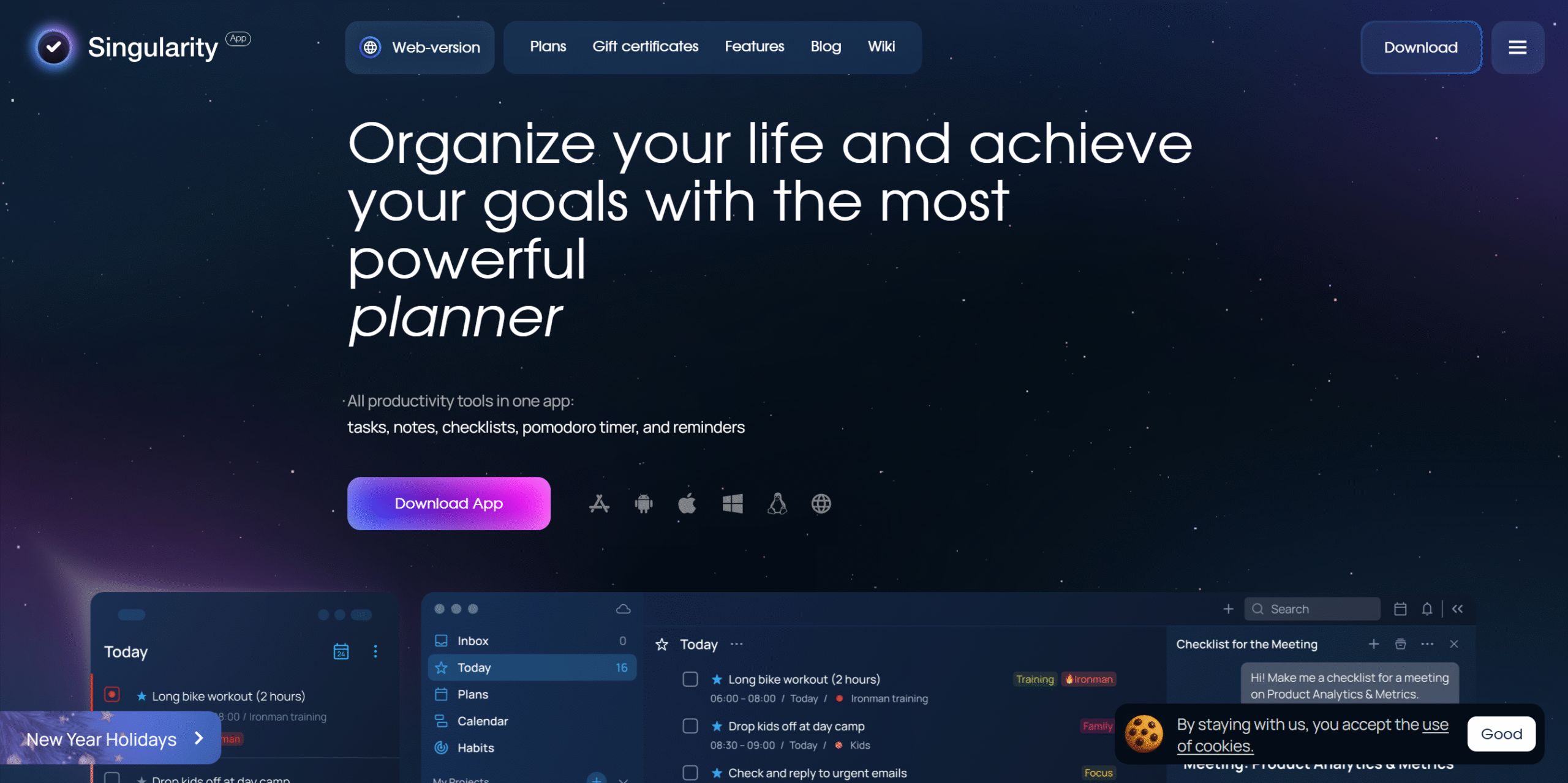
Singularity is a daily planner that covers more ground than its price suggests.
At $4/month for premium, it’s the second cheapest app on this list, and it doesn’t feel like it.
You get a Pomodoro timer, Kanban boards, note-taking, project management, team collaboration, and two-way Google Calendar sync, all in one place.
The feature that stands out is GPS reminders. Set a location trigger, and Singularity alerts you when you’re nearby.
For anyone who forgets to pick something up or consistently misses tasks tied to a place, that’s genuinely useful in a way a standard time-based reminder isn’t.
What’s harder to gauge is depth.
Singularity covers a lot of categories, planner, notes, projects, team tools, but tools that do everything often do nothing particularly well.
If you need serious project management, Nifty or Quire are built for it. If you need a focused daily planner, Sunsama goes deeper.
Where Singularity makes sense is if you want one lightweight app that handles most of your productivity needs without paying for three separate tools.
At $4/month, the cost of being wrong is low.
SingularityApp Features
- Daily planner with Pomodoro timer.
- Two-way Google Calendar integration.
- Projects, tasks, and Kanban boards.
- GPS and time-based reminders.
- Note-taking and sharing.
- Tasks from Gmail (premium).
- Team collaboration.
- Cross-platform functionality.
SingularityApp Price
Free plan available. Premium starts at $4/month.
12. Calendly
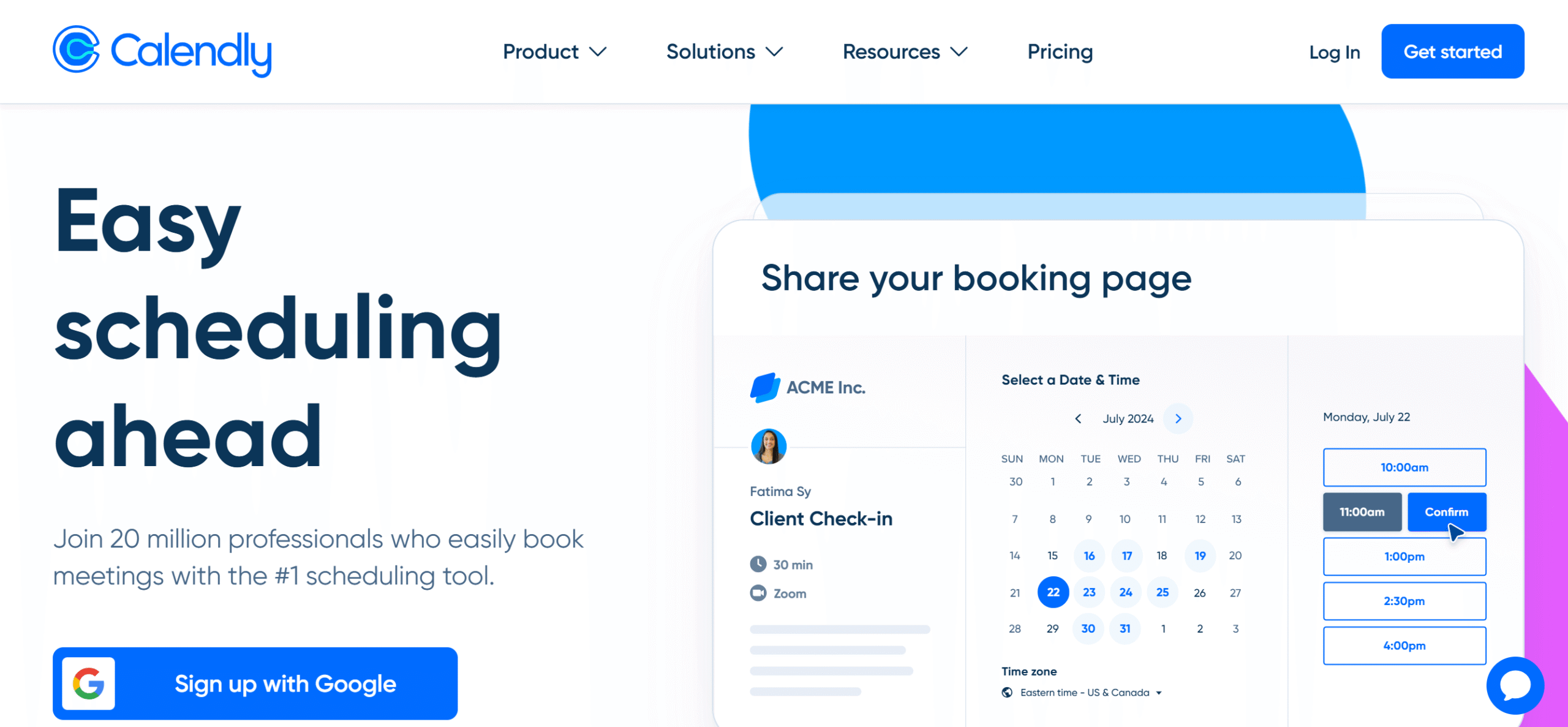
Calendly solves one problem: eliminating the back-and-forth of scheduling.
Share a link, let someone pick a time that works, and the event lands on your Google Calendar automatically. That’s the whole thing, and it does it better than anything else on this list.
Connect it to Google Calendar, and it reads your existing events to show only real availability.
Add buffer time between meetings, so you’re not jumping from call to call. Set up automated reminders and follow-ups so you’re not chasing confirmations manually.
The Gmail integration handles outreach and follow-up sequences, which makes it useful beyond just inbound scheduling.
You can also collect payments at booking via PayPal or Stripe, useful if you charge for consultations or sessions and want to stop invoicing separately.
CalendarBridge also offers scheduling pages, but they’re a feature inside a multi-calendar sync tool. Calendly is built entirely around the booking experience, and the depth shows.
At $12/month, it earns the price if you’re scheduling more than a few external meetings a week. If most of your calendar is internal or self-managed, the free plan handles what you actually need.
Calendly Features
- Scheduling links and custom booking pages.
- Google Calendar integration with real-time availability.
- Buffer time and meeting limits.
- Gmail integration with automated reminders and follow-ups.
- Payment collection via PayPal and Stripe.
- Cross-platform functionality.
Calendly Price
Free plan available. Paid plans start at $12/month.
Start Here
The right app depends on what’s actually broken in your day.
If you’re losing track of where hours go, start with Sunsama or Reclaim.
If meetings are the problem, Otter handles that better than anything else here.
If you just need a cleaner task list next to your calendar, TickTick at $3/month is the lowest-friction place to start.
Everything else on this list solves something more specific. Match it to your problem, not the longest feature list.


 A better way to manage projects and clients for freelancers
 Get through busy days like a breeze with Reclaim.ai