Self-scheduling tools like Zoho Bookings and Calendly can change the way you handle meetings.
Both are designed to save time and reduce manual coordination so you can focus on the meetings, not logistics.
In this article, I have explored Zoho Bookings and Calendly’s core functions to show which one suits your business better.
Both have their unique selling points, and understanding them will help you make a well-informed purchase decision.
What Is Zoho Bookings
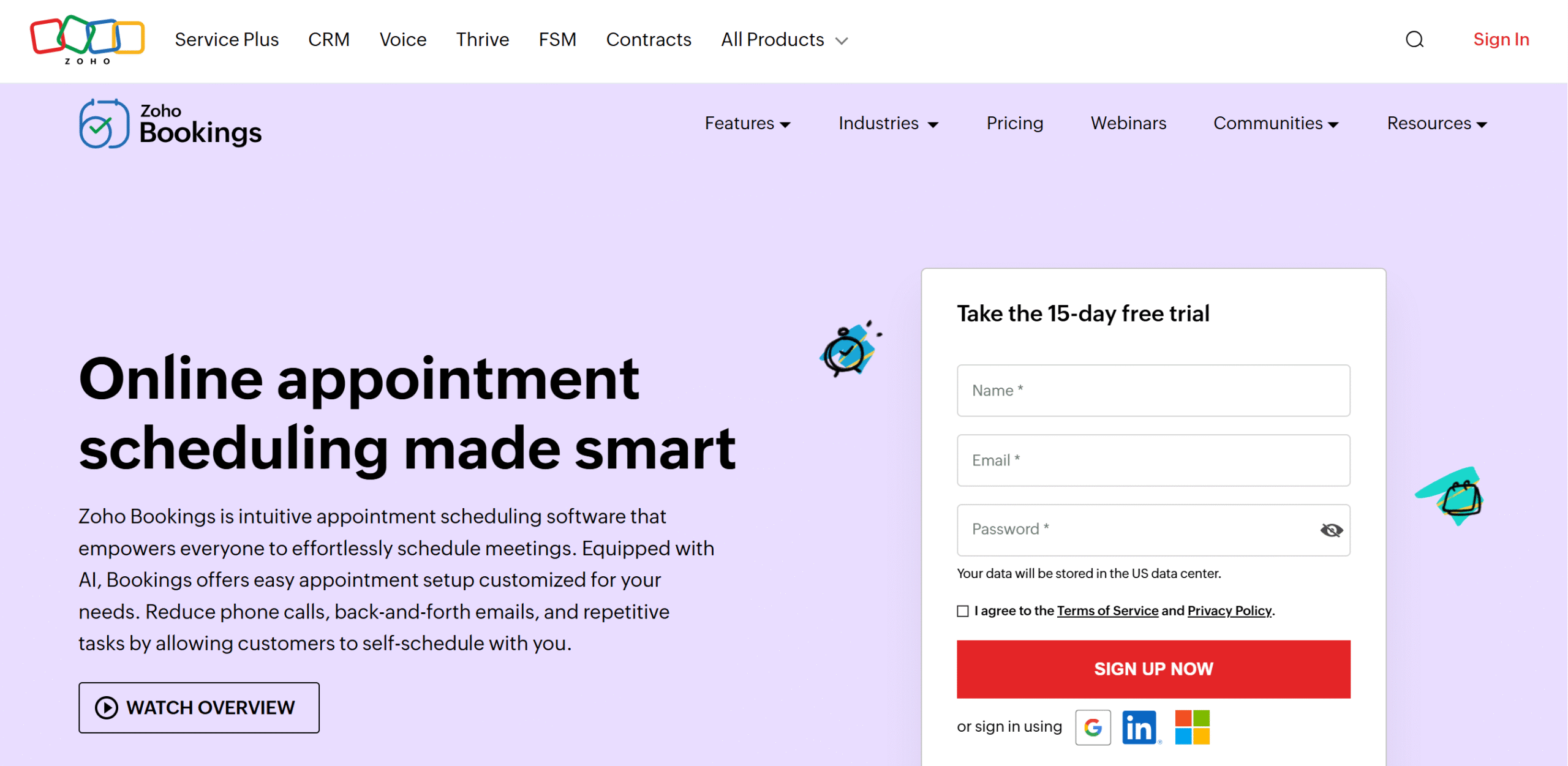
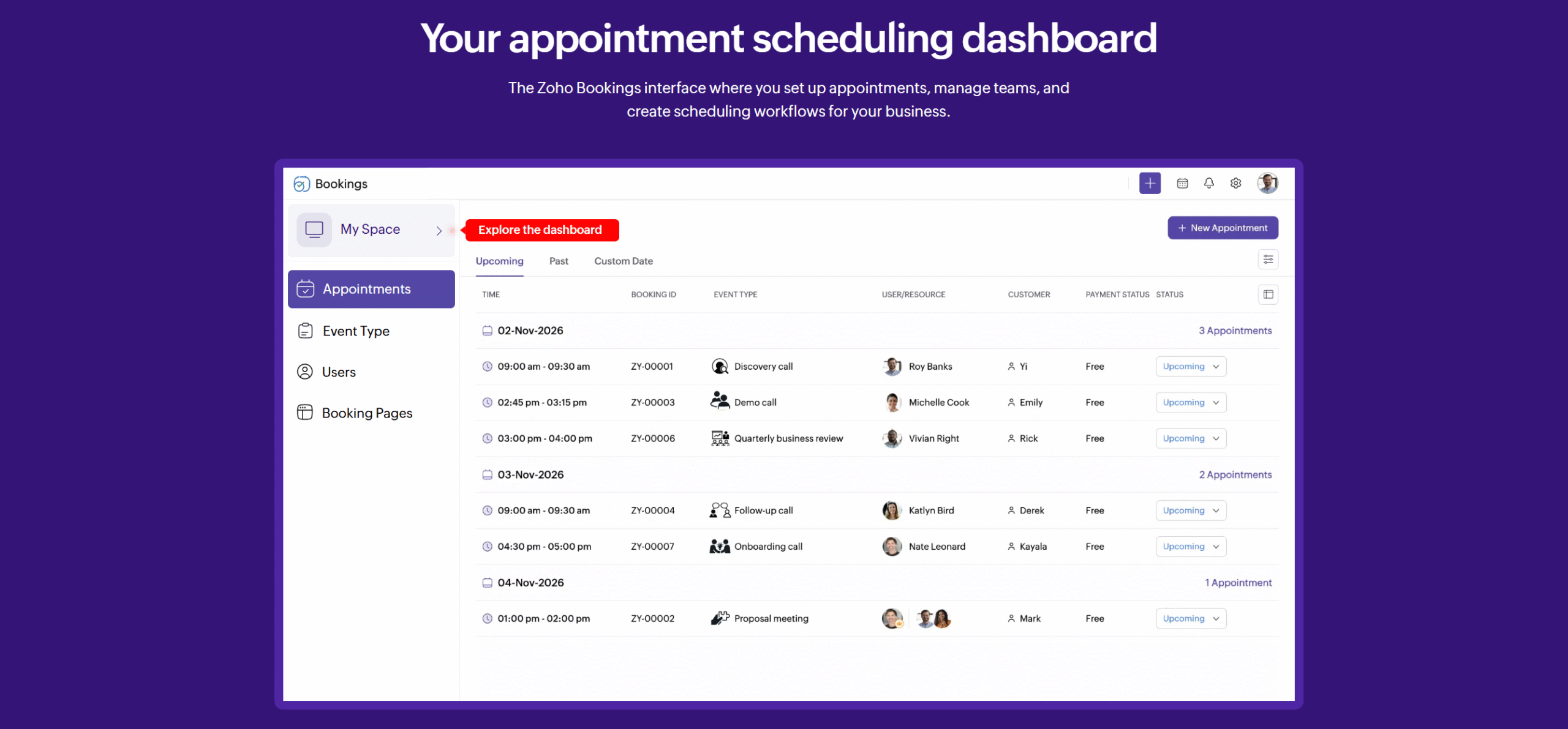
Zoho Bookings is built with business operations in mind.
It doesn’t just offer a booking tool; it provides a workspace to create a full-fledged scheduling flow.
Core capabilities of Zoho Bookings are automated meeting scheduling, availability management, video conference integration, and automated reminders.
You can manage multiple calendars through Zoho and customize your workflows to schedule different types of meetings. You can also build a branded booking page and oversee everything from your smartphone.
One of Zoho Calendar’s best features is its flexibility. It runs an entire ecosystem to provide everything in one place.
All in all, it’s an ideal tool for service-based businesses with repetitive workflows, like recurring appointments and trainings.
Core Features of Zoho Bookings
- Auto-scheduling.
- Availability management.
- Branded booking page.
- Payment collection.
- AI and automation.
- Team scheduling.
- Reporting.
- Custom workflows.
- Third-party integration.
- Mobile app.
What Is Calendly
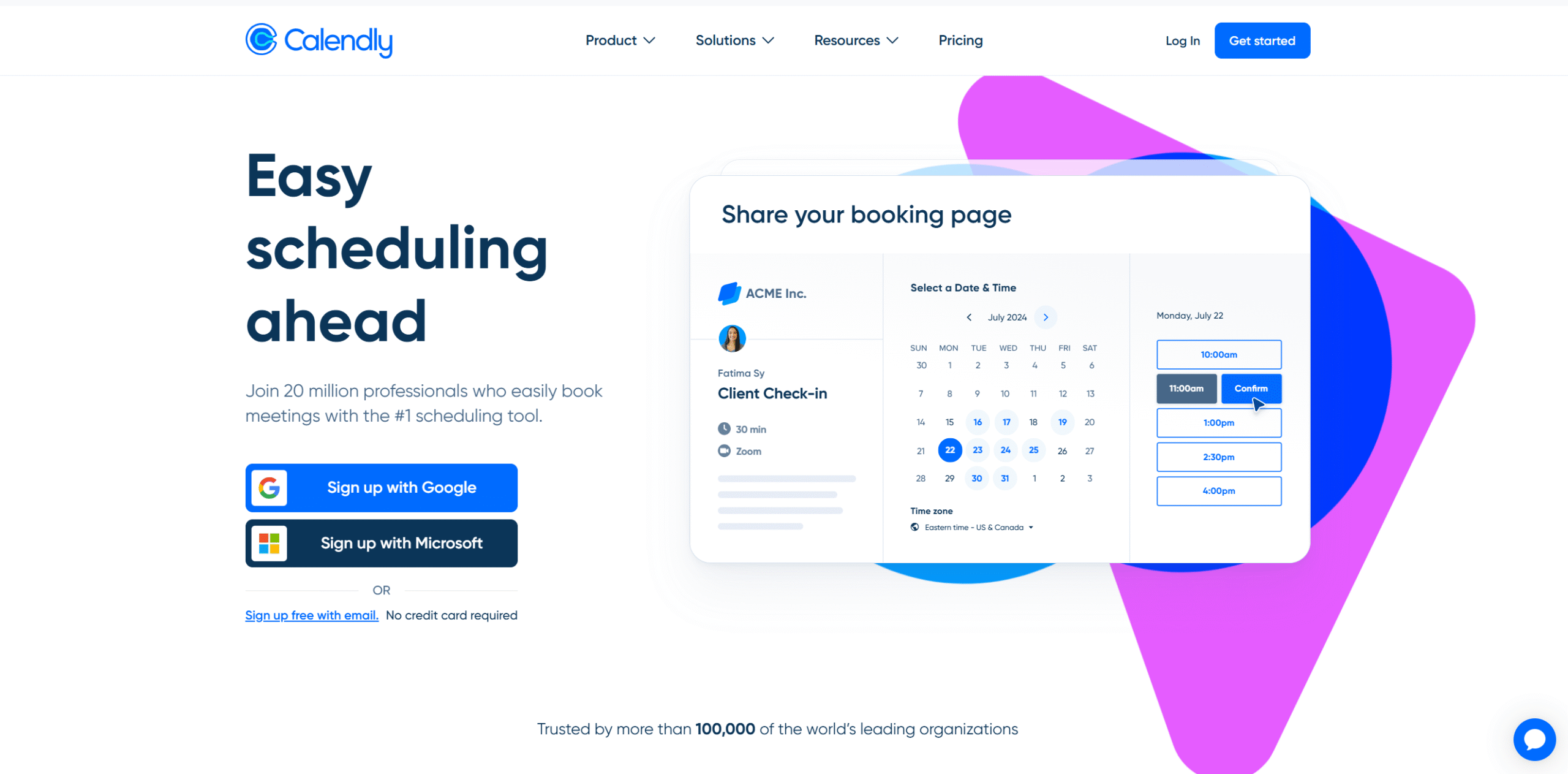
Calendly is an intuitive version of Zoho Bookings.
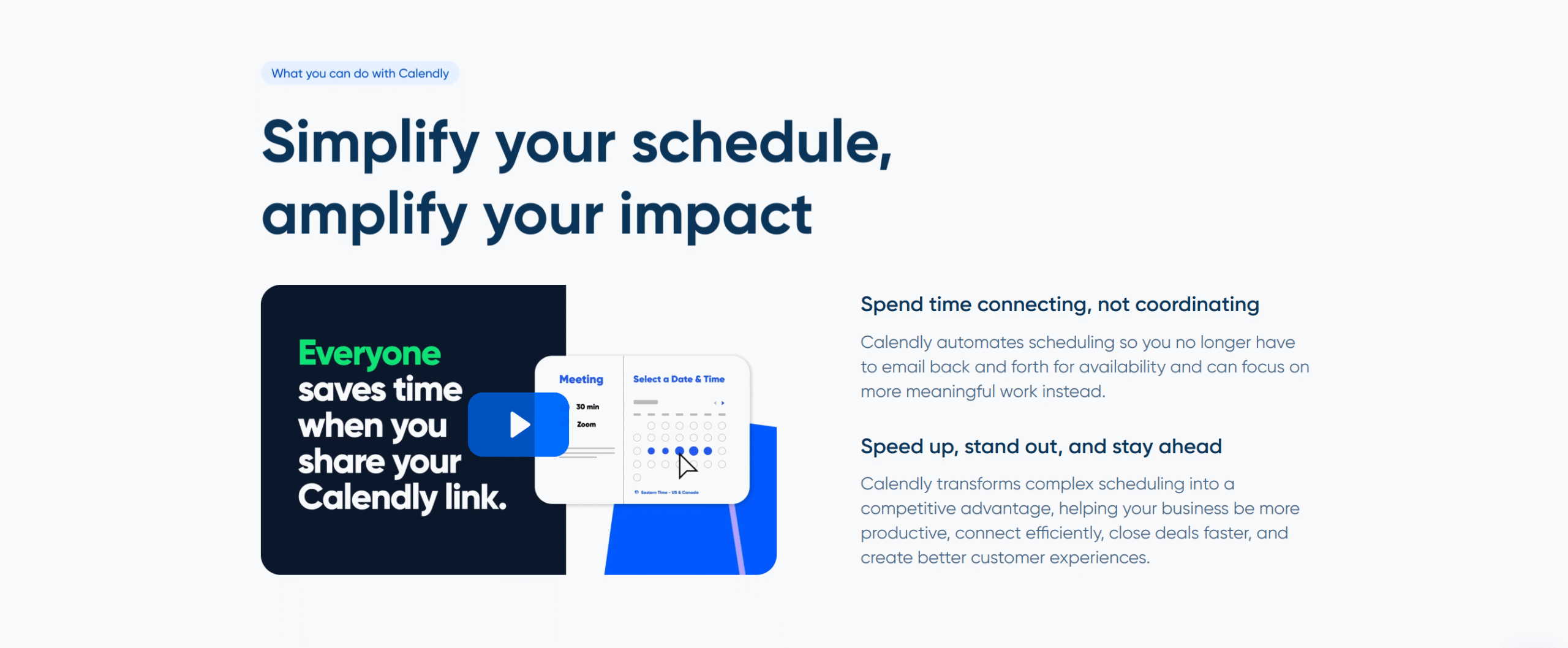
It’s an appointment management system that offers a booking page to manage your availability, eliminating the back-and-forth email communication.
With Calendly, you can share your calendar with the other party and let them choose a meeting time from the available slots.
The software is user-friendly and automatically handles follow-ups, keeping you and participants updated without any manual input on your part.
If you run an online business, you can also embed Calendly in your pop-ups and manage bookings directly from your website. The app works well with many website providers.
Overall, it’s a convenient scheduling tool for solopreneurs and professionals.
Core Features of Calendly
- Easy-to-use scheduling tools.
- Availability management.
- Automated follow-up emails.
- A branded booking page.
- Website plugin and pop-up forms.
- Team features.
- Analytics.
- Third-party integration.
- Mobile app and browser extension.
Zoho Bookings Vs. Calendly
Let’s take a closer look at Zoho Bookings and Calendly’s core functions.
I have compared their primary features, integrations, and prices to highlight their key differences.
1. Meeting Scheduling
Zoho Bookings and Calendly can handle various scenarios.
Whether it’s a client meeting, a panel interview, or team training, you can use them to book meetings with ease.
Here’s the summary of their scheduling features.
Zoho Bookings
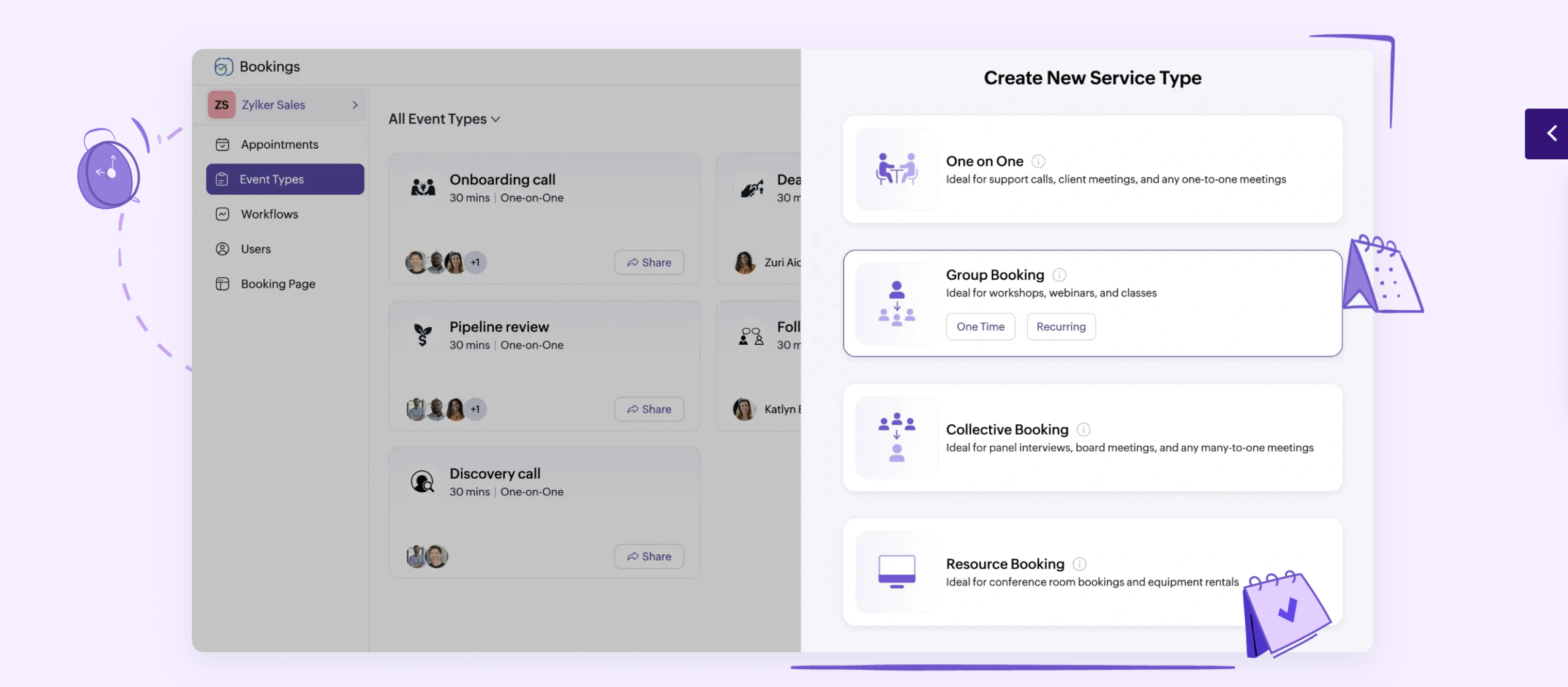
Zoho Bookings has all the essential tools that a typical scheduling app offers. You get shareable booking links, meeting types, time-zone adjustments, and calendar integration.
But what makes it stand out is its management approach.
The software treats each appointment as a separate workflow.
You can segment your meetings by departments, assign them to different team members, add a time limit to rescheduling, and embed a booking page as a widget.
Not only that, but you can also define whether the meeting should be free or premium. Zoho provides business features specifically to help you tailor your meeting types.
Calendly
11
Calendly is ideal for event-based meetings.
If you want to schedule quick calls for client appointments or team meetings, Calendly is perfect for you.
Some of the meetings you can create through Calendly include one-on-one appointments, group workshops, team meetings, and panel interviews.
You can integrate your Google and Outlook calendars to automatically update your calendars and also embed booking links in your email and website.
Verdict
Zoho and Calendly are both excellent for client meetings.
Their scheduling function, however, is a little different.
Calendly provides a quick way to book meetings, while Zoho delivers a full appointment system.
In other words, Calendly is good for sales calls, but Zoho can be used for more complex conversations, like a product demo or client onboarding.
2. Availability Management
Zoho Bookings and Calendly are both self-scheduling apps.
They simplify the coordination process, helping you manage your availability more efficiently.
Here’s the summary of their availability management features.
Zoho Bookings
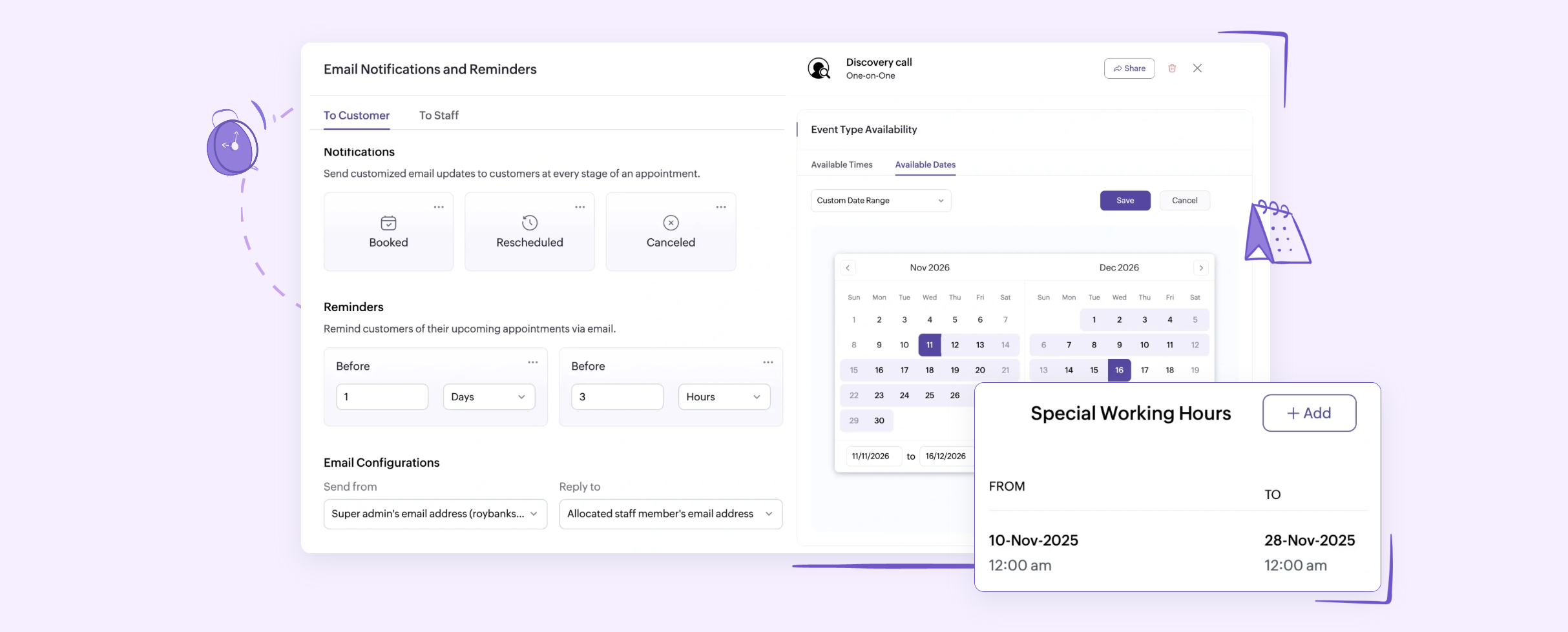
Zoho Bookings lets you tailor your availability as you see fit.
You can create standard events and use them as templates or set different rules for each meeting type.
For example, if you run a consulting business, you can set your availability without any limit but restrict the number of meetings per day. Similarly, if you are running a training program, you can add specific dates for bookings.
You’ll have the flexibility to limit your work hours and set different timings for each meeting. Plus, you can block some slots to add breaks in between.
Your staff can also manage their own schedule and set prices for appointments. This feature is particularly helpful when you run a group practice.
To summarize, you can use Zoho Bookings to set your availability, limit meetings, add a buffer, and manage team schedules.
Calendly
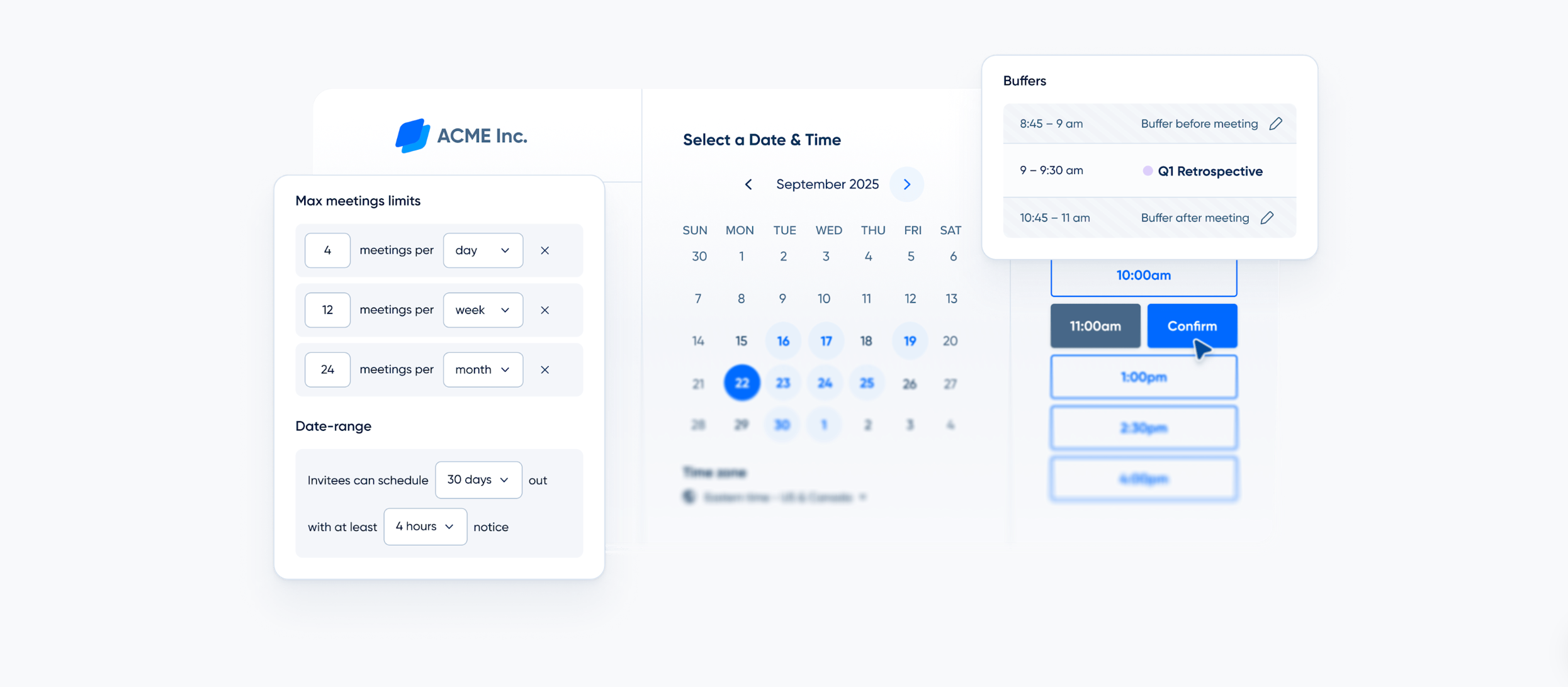
Calendly also has all these features–it’s just more straightforward. The app simply scans your calendars and displays free slots to invitees for scheduling.
You can define your work hours to prevent double-booking and even create an extra schedule for specific events.
Calendly just prioritizes simplicity over granular control.
For example, if you want to schedule a client consultation, Calendly will find the available slot and book their schedule. But Zoho will check your meeting type, scheduling rules, and available resources before booking the date.
Verdict
Calendly generally relies on your and your staff’s calendars to book meetings.
Zoho, on the other hand, supports custom services, advanced scheduling rules, and staff availability.
In short, Calendly is simple, while Zoho is flexible.
3. Automation
Zoho Bookings and Calendly both provide workflow automation to make scheduling easier.
Their level of automation, however, differs slightly.
Where Zoho excels at customization, Calendly focuses on simplicity.
Let me summarize their automation features.
Zoho Bookings
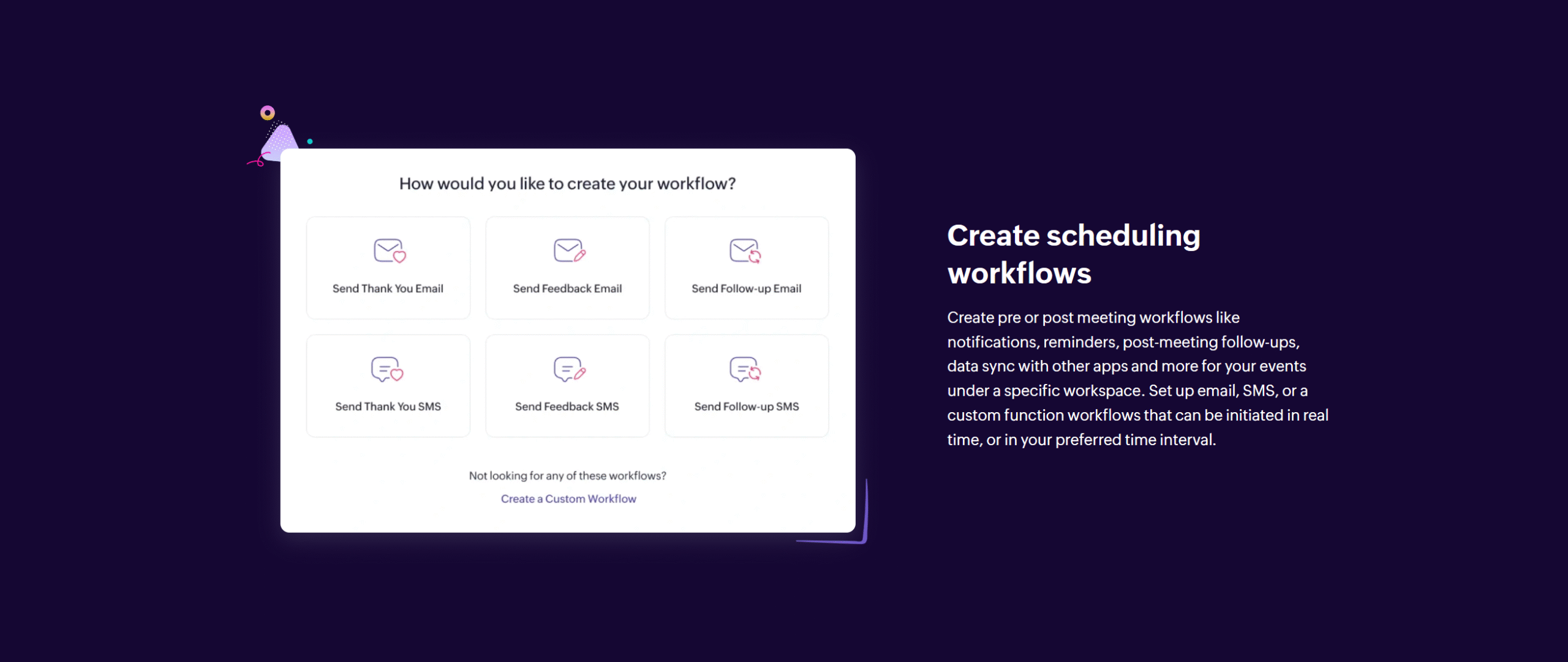
Workflow automation is Zoho Bookings’ unique selling point.
It offers an end-to-end scheduling workflow that automatically sends notifications based on triggers.
You can set up email and SMS notifications for various scenarios, such as confirmation, rescheduling, cancellation, and follow-up. With the dynamic content feature, you can automatically personalize your messages.
You can also add your CRM and payment apps to the workflow. Anytime someone books a meeting, Zoho automatically updates your calendar, enters data into your CRM, collects payment, and sends a follow-up message.
Calendly
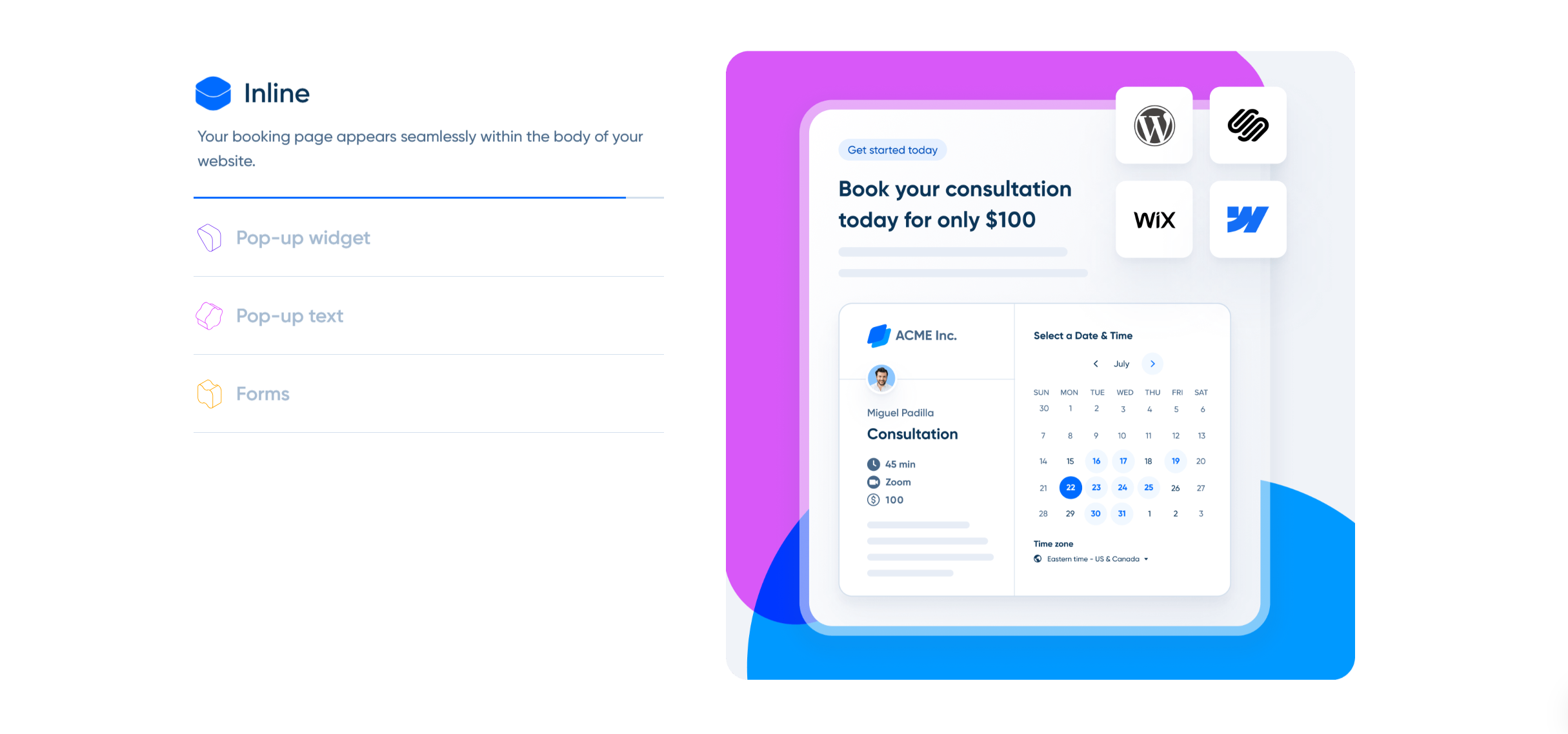
Calendly offers automation to make scheduling as simple as possible.
When someone books a meeting, Calendly sends a confirmation email, updates your calendar, and follows up before the meeting.
If you want to create custom workflows, you can do that as well, but through third-party applications like Zapier. Calendly handles the scheduling while Zapier manages the deeper workflows, like CRM updating.
Verdict
Zoho automation is designed for business workflows. It has AI capabilities that can support complex automations.
Calendly’s automation is comparatively basic. It’s built for its intended purpose–which is hassle-free scheduling.
4. Integrations
Zoho Bookings and Calendly work well with third-party applications.
You can connect them with calendars, communication apps, video conference tools, and payment gateways.
Here are a few details about their integration capabilities.
Zoho Bookings
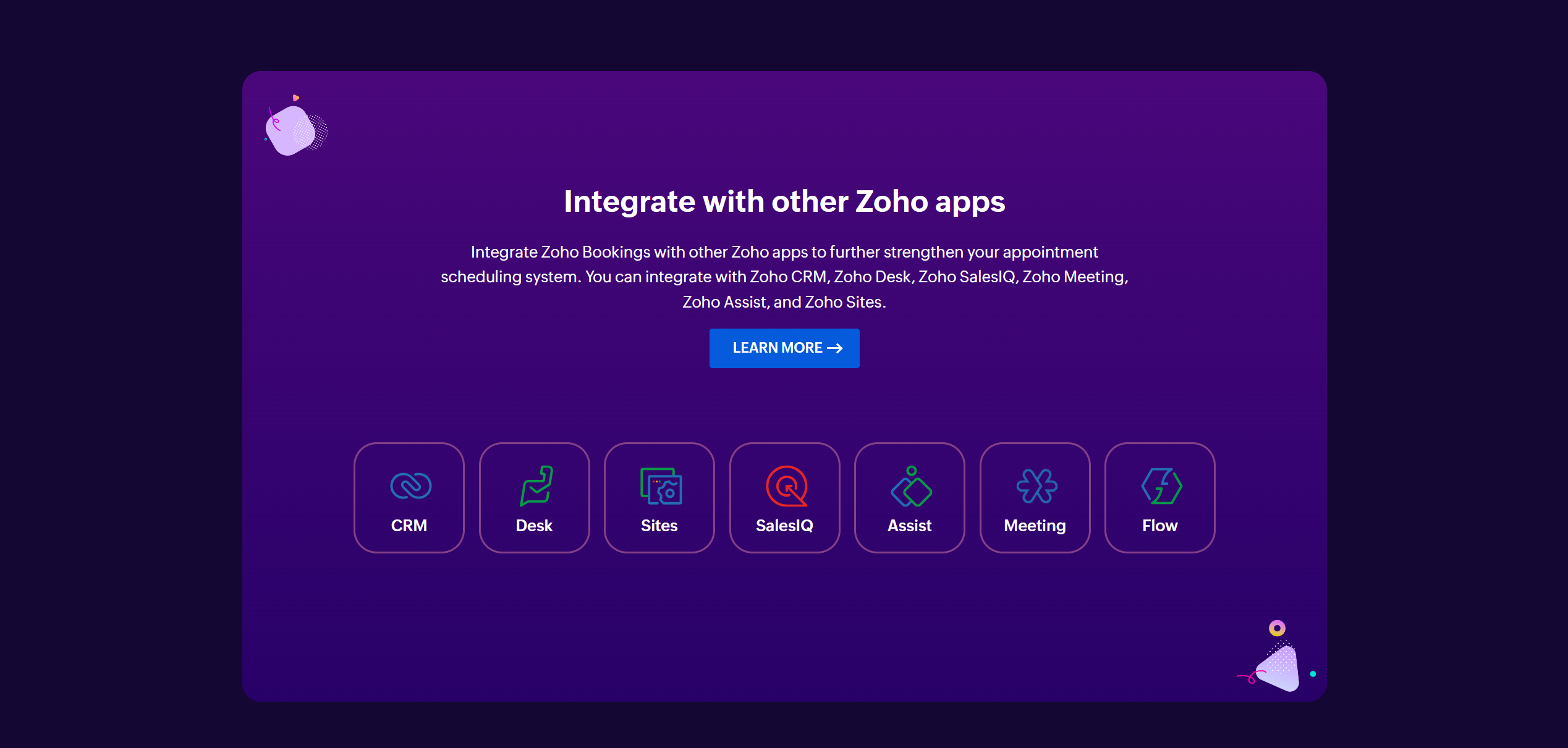
You can connect Zoho with over 30 different third-party applications.
The list covers a diverse range of software products, such as productivity apps, conference tools, marketing software products, and sales tools.
You can also integrate it with Zapier to access other apps and use its API to customize the integrations.
Zoho is especially more powerful when you integrate it with its own suite. For example, you can create a website through Zoho Sites, add the booking as a widget, and connect Zoho Invoice to collect advance payment.
Calendly
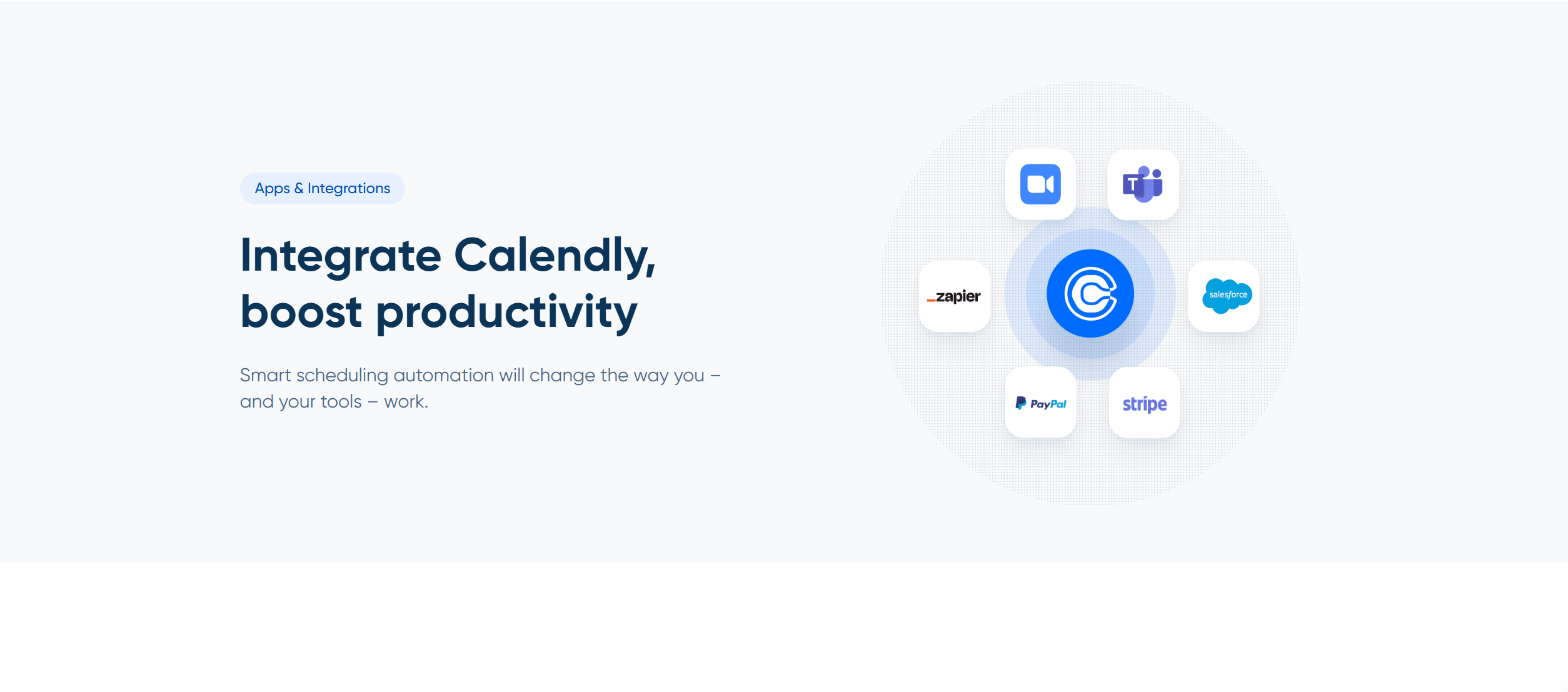
Calendly’s integrations are mostly plug-and-play.
There’s no elaborate process to integrate Calendly with your favorite tool, and you can directly connect it with most supported apps.
Calendly works seamlessly with Google, Outlook, LinkedIn, and Stripe.
API is also available for custom workflows. You can embed Calendly into your product or website and automate the booking process.
Verdict
Zoho Bookings is best for those who already use other Zoho apps.
If you use its CRM and calendar, your scheduling will look almost like a part of your business workflows.
While it does integrate with a variety of third-party applications, like Salesforce and Slack, it works best within its own ecosystem.
Calendly’s integration capabilities are limited, but they are comparatively smooth. It takes little effort to connect Calendly with your calendar, email, and video conference tool.
In my opinion, Calendly handles integration better than Zoho, even though the latter offers more versatile options.
5. Price
Zoho Bookings and Calendly are SaaS products.
They offer monthly and annual subscriptions with free access to the basic features.
You can buy them for both individuals and teams.
You can also invite others to the trial period so they can test the features. Neither Zoho nor Calendly asks for credit card details to sign up.
Here’s the summary of their prices.
Zoho Bookings
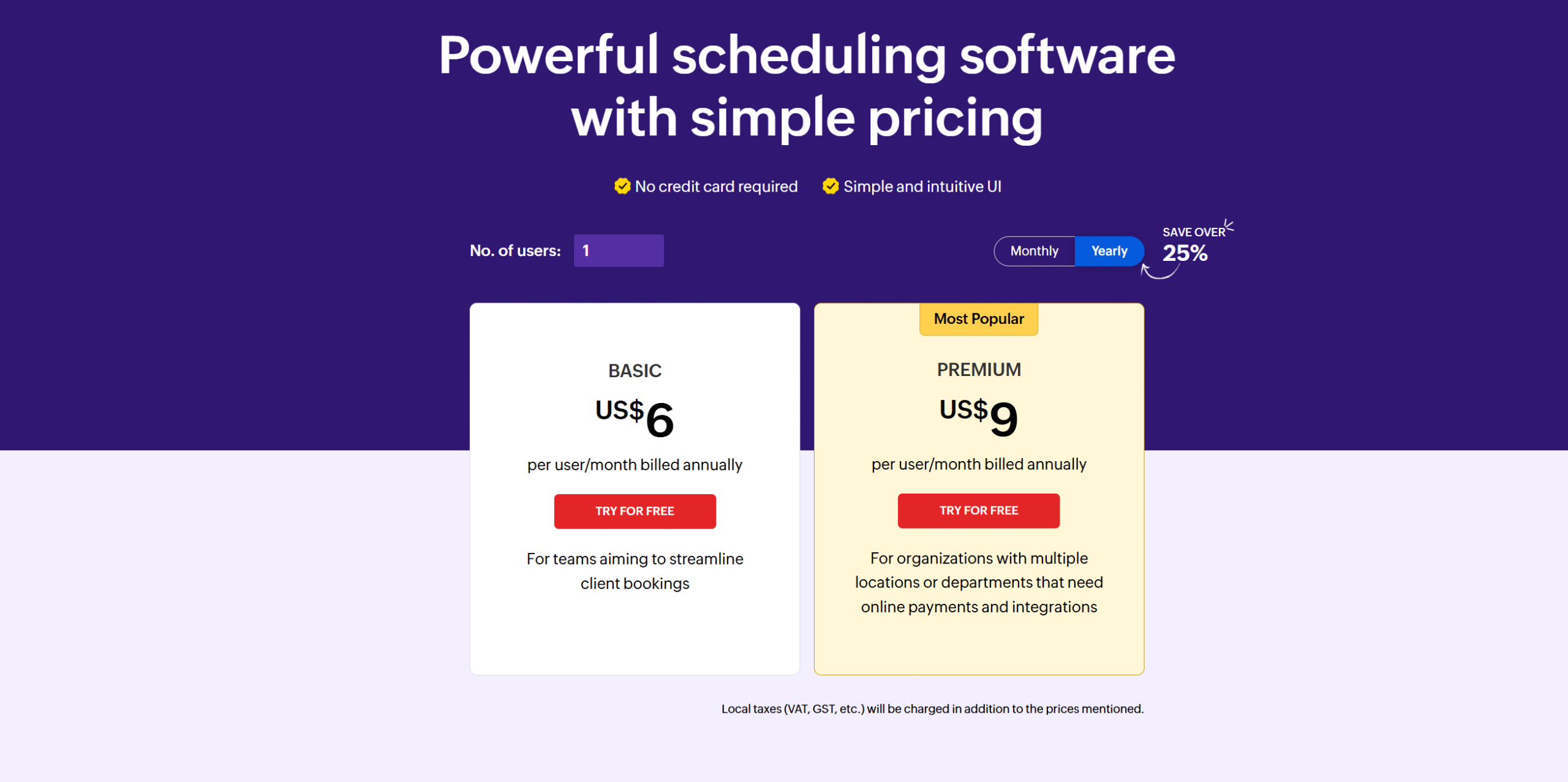
- Basic Plan: It costs $8 per month per user. The package offers one workspace, one-on-one meetings, and a booking page.
- Premium Plan: It costs $12 per month and contains all the basic and advanced functions. You’ll also get a 25% discount on the annual subscription.
Zoho Booking is part of the Zoho One product, but you can purchase it as a standalone product. Also, if you are a growing business with custom requirements, you can tailor your plan.
Calendly
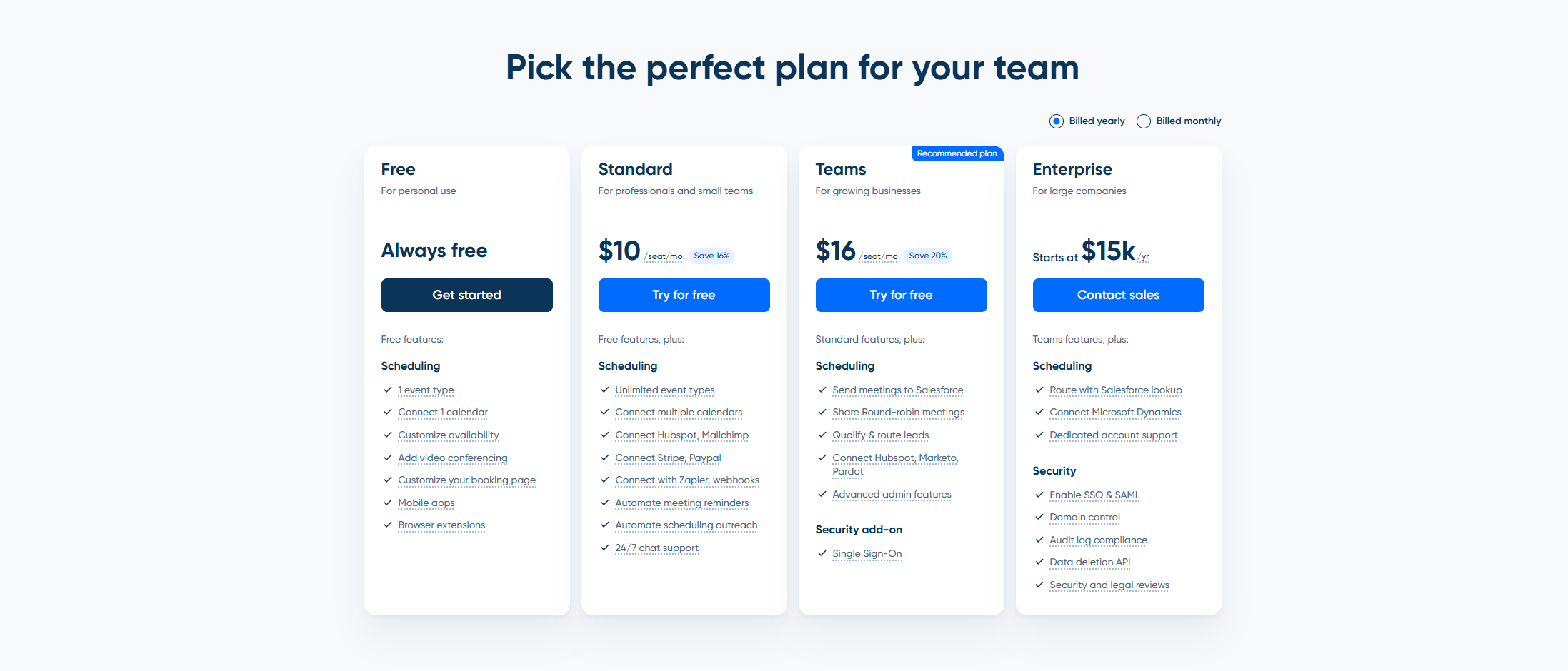
- Standard Plan: The package costs $12 per month. You’ll get multiple calendar syncing, unlimited events, and automated reminders.
- Teams Plan: It costs $20 per month and an extra $20 for each seat. The package offers advanced admin tools and integrations.
- Enterprise Plan: The starting price is $15k per year. You’ll receive advanced scheduling and security features with dedicated support.
Calendly is a standalone product. You don’t need to buy a suite of products to access it.
Verdict
Zoho Bookings is comparatively more affordable.
Its standard plan offers more features at lower prices, and the premium package contains better team features.
Calendly provides most of the good stuff in the premium packages.
The standard package, no doubt, gives you access to all the necessary tools, but compared to Zoho, it’s more restricted.
That said, if you are a freelancer or have a small setup, I still recommend Calendly. It might be a bit expensive, but it’s easy to use, and the price difference isn’t that significant.
Pros and Cons
Below, I have shared a few pros and cons of Zoho Bookings and Calendly.
I have highlighted their key strengths and drawbacks to help you better understand what they offer.
Zoho Bookings
Pros
- It has strong scheduling tools and scalable workspaces.
- It offers custom branding and personalized communication.
- It provides an ecosystem to get all the necessary tools in-house.
Cons
- It might be a bit complex for beginners.
- It’s ideal for Zoho users only. While you can use it as a standalone product, it works best when paired with other Zoho apps.
Calendly
Pros
- It’s incredibly easy to use. It’s one of its unique selling points.
- It has better integration capabilities comparatively. While Zoho offers more options, they are within its ecosystem. Calendly works seamlessly with third-party apps.
- It’s perfect for solopreneurs or sales teams.
Cons
- The customization is limited compared to Zoho Bookings.
- Some may find it a bit pricy.
Conclusion
Zoho Bookings and Calendly have their own unique strengths.
One offers deep customization, and the other provides a hassle-free scheduling solution.
Your choice, ultimately, depends on your workflows.
If you’re looking for something easy for meeting scheduling, Calendly is a good choice. But if you run a service-based business and want better control over your schedule, Zoho Bookings is ideal for you.
My suggestions? List your requirements first and then compare their features to pick the one that fits your workflows.


 A better way to manage projects and clients for freelancers
 Get through busy days like a breeze with Reclaim.ai