
Obsidian is well-known for its flexibility.
It lets you structure the notes however you like, tweak your workflows in different ways, and build a solid knowledge base for yourself.
Your data remains yours only, and you can access your notes from anywhere.
If you are looking for other apps that work like Obsidian, I have found the 12 best alternatives for you.
They are all note-taking apps and offer similar core features.
What Is Obsidian, and What Are Its Best Alternatives?
Obsidian is a popular note-taking and knowledge management app. It provides a flexible workspace to create notes and connect ideas. You can also easily save your files in a plain text format.
The software is incredibly powerful. It delivers a wide range of plugins to help you build customized workflows.
You can brainstorm new ideas and quickly turn them into templates. It even lets you track your progress on a Kanban board.
Top Features To Look For In Obsidian Alternatives
- Note-taking – preferably in text files.
- A knowledge graph.
- Productivity tools like a canvas.
- Collaboration and customization.
Here are the 12 best Obsidian alternatives that offer the above features.
1. Logseq
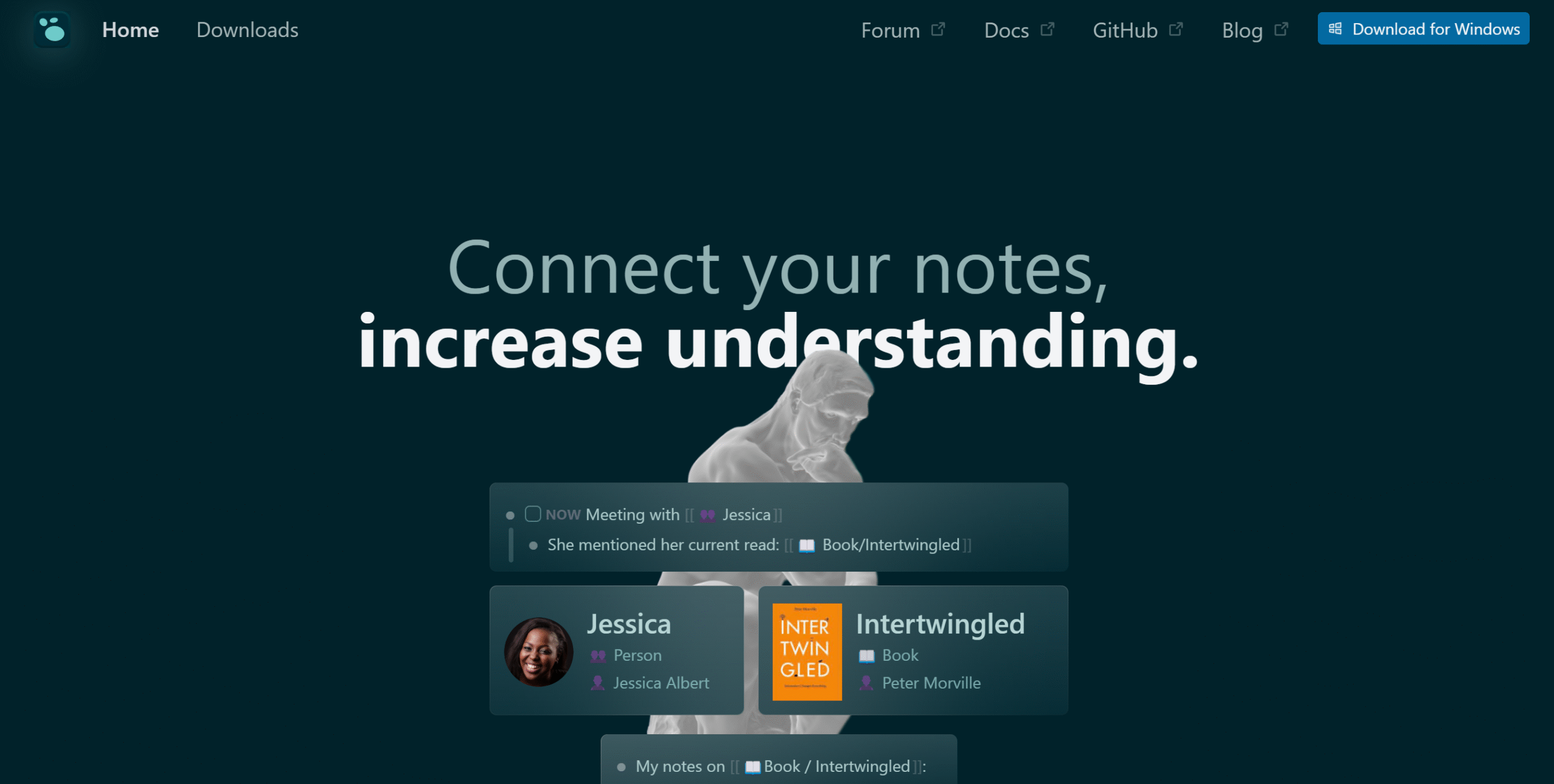
Logseq is ideal for users who prefer organizing thoughts in bullet points. It is an open-source journaling app with an outliner-based interface for capturing and linking notes.
Each bullet point works as standalone content. You can expand it, reuse it as a reference, and combine it with other notes.
You can organize files into folders and add tags for easy navigation. All notes are stored locally, so you can access them in any compatible note-taking app.
Logseq is also working on collaboration features. Some are already in beta and allow limited real-time document editing.
Core Features
- Note-taking in bullet points.
- Knowledge graph and backlinking.
- Folders, tags, and search queries.
- To-do lists, tasks, and canvas.
- Local file storage.
- Data syncing.
- 150+ plugins.
- Templates and widgets.
- Cross-platform support.
Price
Logseq is free to download. The desktop version includes all core features.
2. Joplin
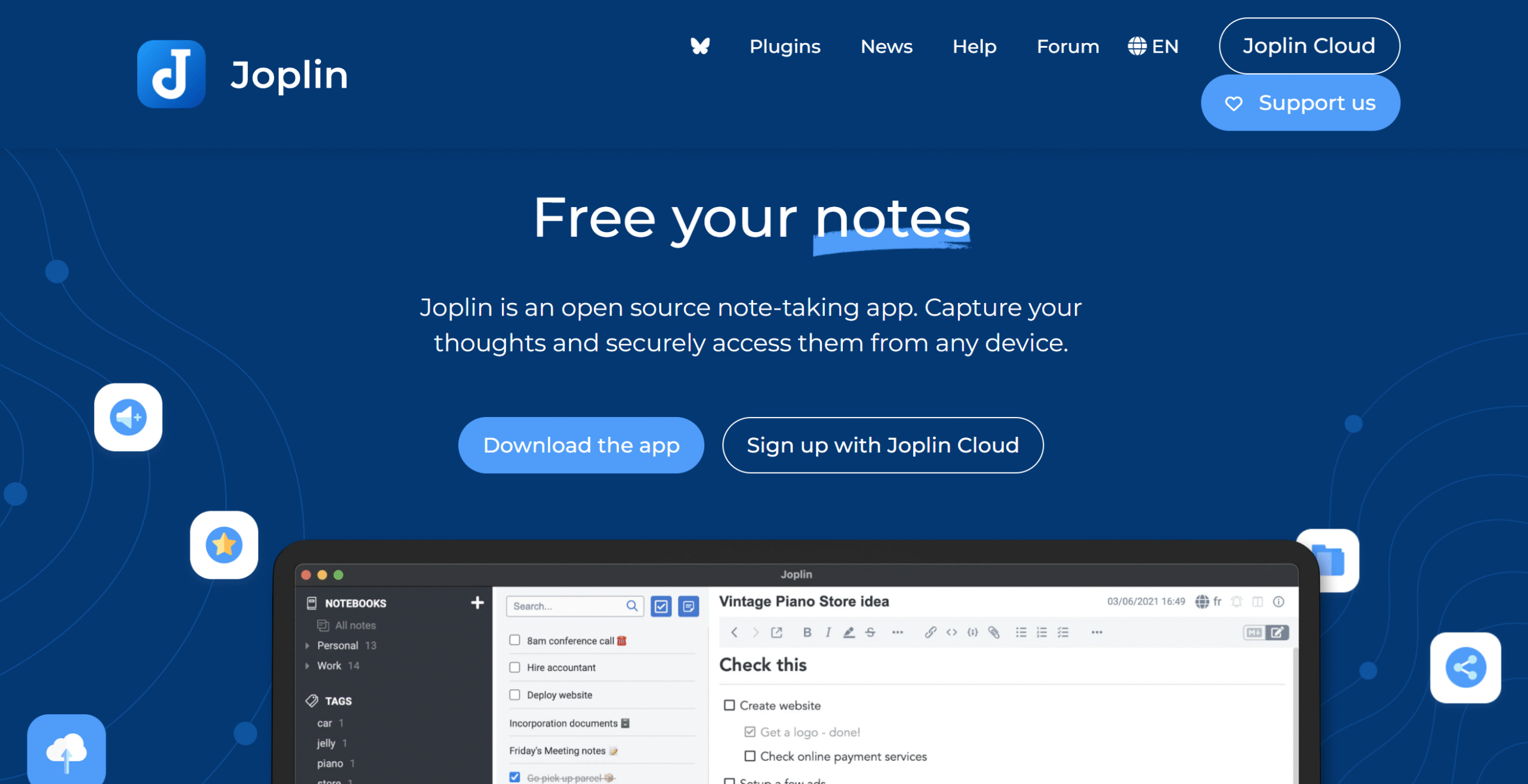
Joplin is a simple note-taking app and a strong alternative to Obsidian. It is open-source and offers a basic editor with flexible export options.
You can write notes, create checklists, attach web clippers, and add multimedia. You can also extend its functionality using plugins.
The app works across multiple devices and systems, including Mac and Linux. It also allows you to switch between markdown and a traditional editor.
You can store notes locally for privacy or sync them online for access across devices. It also supports collaboration when needed.
Joplin does not include a knowledge graph. You can link notes, but you cannot visualize connections.
Core Features
- Note-taking and checklists.
- Multimedia and web clipper support.
- File organization.
- Easy navigation.
- Local file storage.
- Plugin support.
- Built-in productivity tools.
- Cross-platform compatibility.
Price
Joplin is free to download. Its cloud plan starts at around €3 per month.
A self-hosting option is also available.
3. Anytype
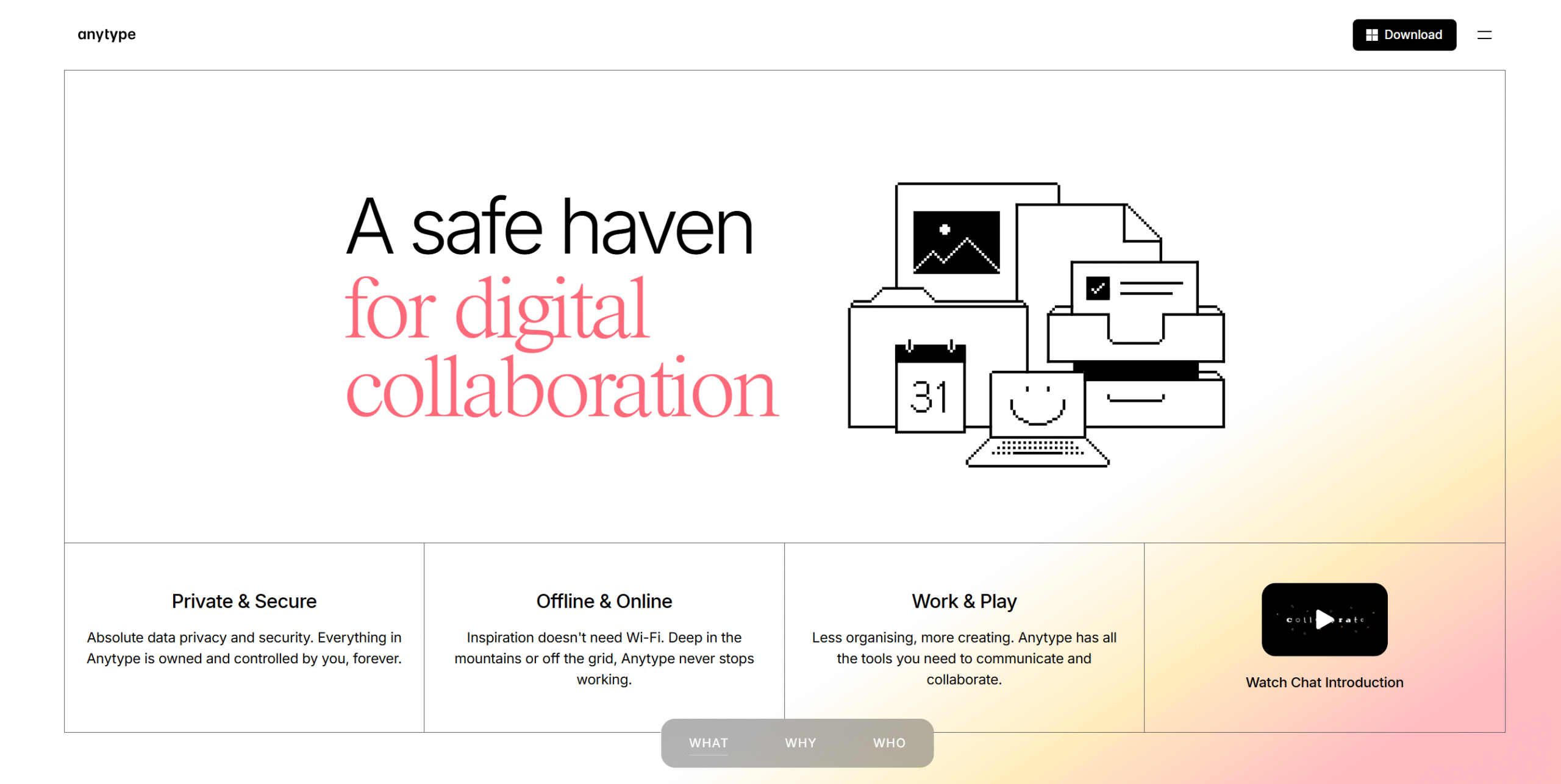
Anytype is a strong alternative to Obsidian that offers most core features along with built-in collaboration. It combines note-taking with a shared workspace for teams.
Notes in Anytype are stored as objects, also called blocks. You can interlink these blocks to create structured connections between ideas.
You can attach files, images, and web clippers to your notes. The app supports both local storage and cloud syncing across devices.
Anytype allows you to create shared channels for collaboration. At the same time, it keeps private content separate and secure.
The platform focuses on privacy. Your data remains protected with local storage and password security while still allowing collaboration.
Core Features
- Note-taking.
- Block-based editor.
- Multimedia and web clipper support.
- Knowledge graph.
- Offline and online access.
- Collaboration workspace.
- Templates and widgets.
- Cross-platform support.
- Password protection.
Price
Anytype offers a free plan. Paid plans range from $4 to $16 per month.
4. Zettlr
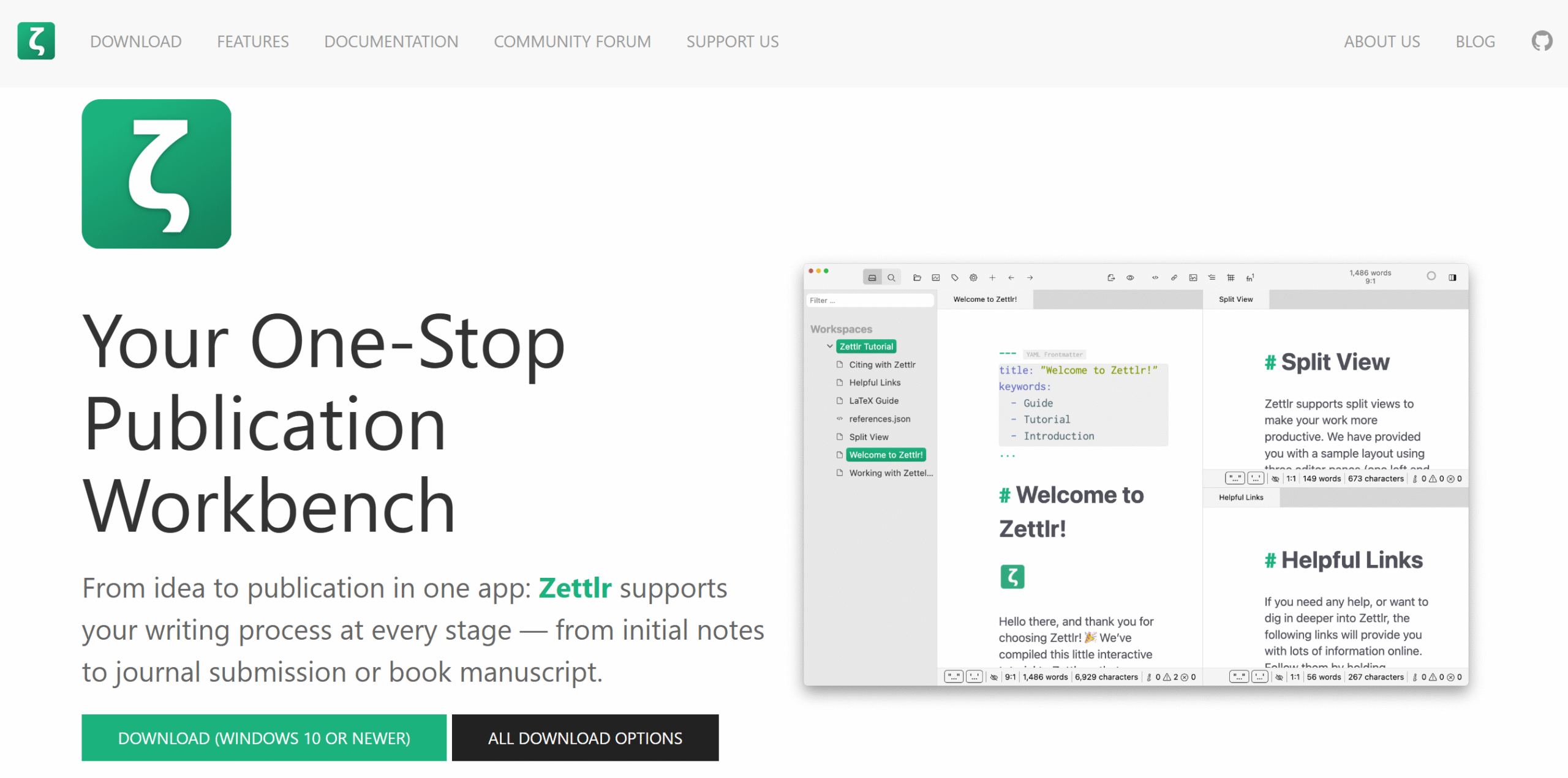
Zettlr is ideal for users who prefer efficiency over visuals. It offers a simple markdown editor for writing, organizing, and exporting files in text format.
You can use Zettlr to manage personal notes, work documents, and research material. It includes built-in features designed for academic writing.
You can view notes side by side and export them in multiple formats. All files are stored locally, ensuring long-term access and control.
Zettlr also includes a knowledge graph for linking and citing notes. This helps you connect ideas and build structured content.
The main drawback is its learning curve. New users may need time to understand the interface and features.
Core Features
- Open-source.
- Markdown editor.
- Knowledge management.
- File organization and export.
- Offline access.
- Productivity tools.
- Customization.
- Desktop support for Windows and Mac.
Price
Zettlr is completely free to use.
5. Capacities
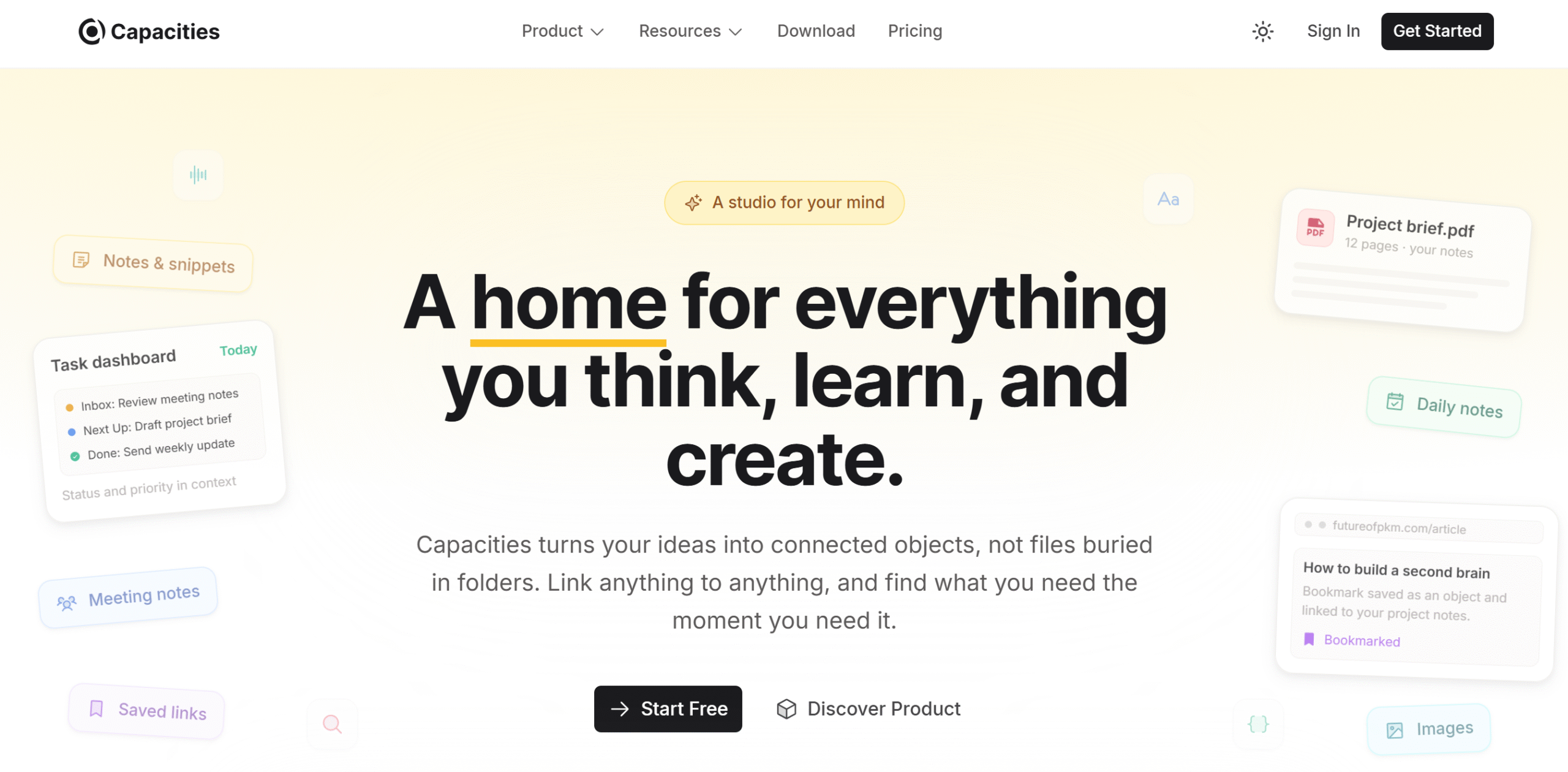
Capacities focuses on organizing notes into structured and visually clear content. It helps make note-taking more engaging and easy to navigate.
You get a dedicated space for daily notes along with a knowledge graph to connect ideas. Each note is time-stamped, allowing you to track and revisit entries easily.
You can store content from platforms like WhatsApp and Twitter. The app also supports images, videos, files, and web clippers.
Capacities includes a built-in AI assistant. You can use it to brainstorm ideas, search content, and summarize notes.
Core Features
- Note-taking and reading.
- Tasks and actions.
- Multimedia, web clippers, and file attachments.
- Social media content saving.
- Knowledge graph.
- AI assistant.
- Cross-platform support.
- Offline access.
- API and integrations.
Price
Capacities offers a free plan. Paid plans start at $12 per month.
6. Standard Notes
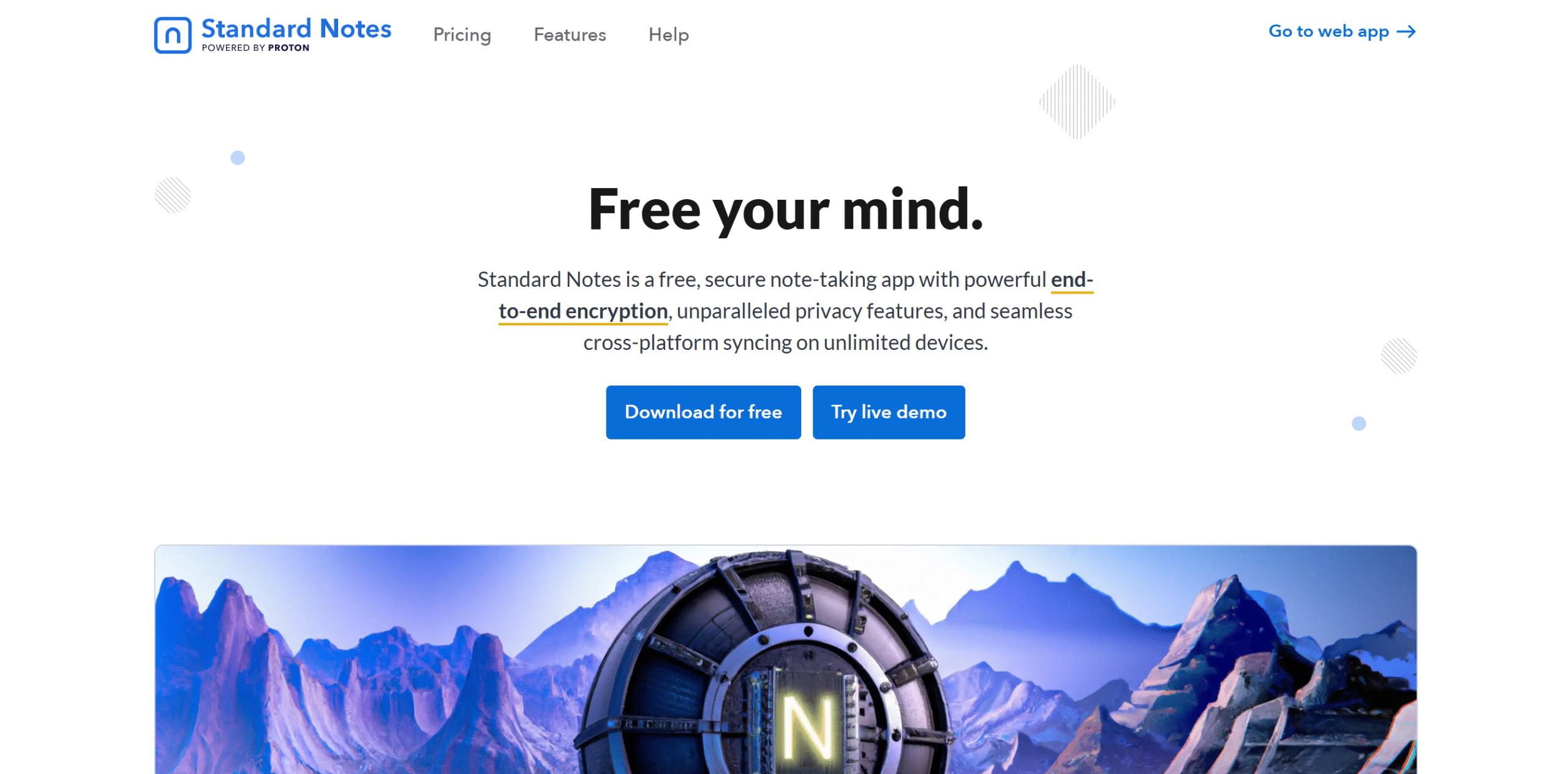
Standard Notes focuses on privacy and secure note-taking. It uses end-to-end encryption, so only you can access your notes.
The app includes essential features like journaling, tagging, organizing, and data export. It also adds password protection for extra security.
Standard Notes offers version history to track edits. You can restore previous versions or create new copies when needed.
It also provides encrypted email backups. This allows you to keep a secure copy of your notes outside the app.
Core Features
- Notes and spreadsheets.
- File organization and storage.
- Web clipper.
- Note history.
- Productivity tools.
- Password protection.
- Offline access.
- Email backups.
- Cross-platform support.
Price
Standard Notes offers a free plan. Premium plans start at $90 per year.
7. NotesNook
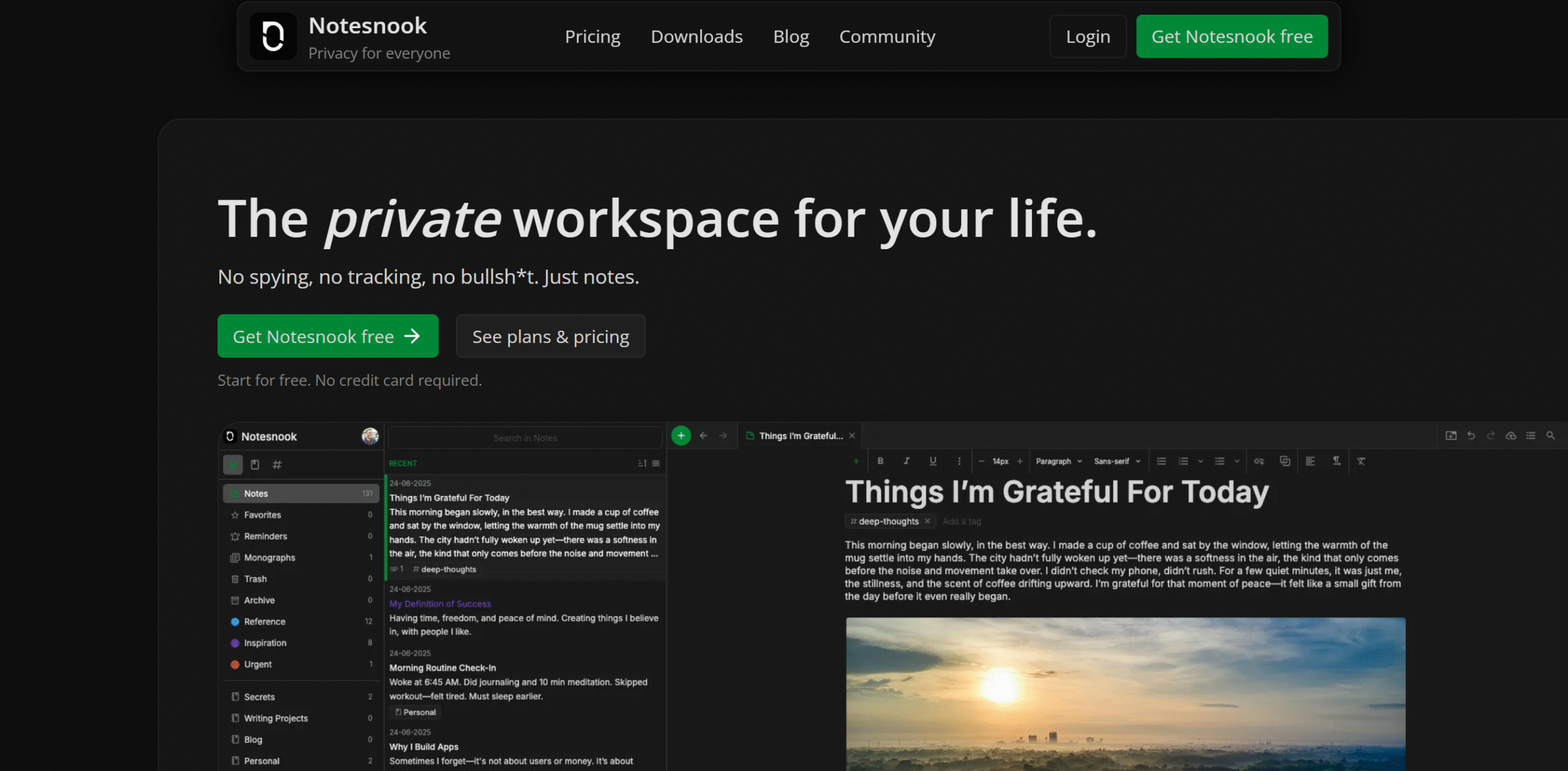
NotesNook is a privacy-focused note-taking app. It encrypts all notes and keeps backups secure.
You can access your notes across devices and store them both online and offline. This gives you flexibility without compromising security.
You can attach web articles to your notes. The app automatically encrypts saved content for protection.
NotesNook also includes a self-destruct feature. You can set notes to delete automatically after a specific time when sharing sensitive information.
Core Features
- Note-taking.
- End-to-end encryption.
- Offline and online access.
- Automated backups.
- Web clipper.
- Note linking.
- Reminders.
- Cross-platform support.
Price
NotesNook offers a free plan. Premium plans range from $2 to $9 per month.
8. Octarine
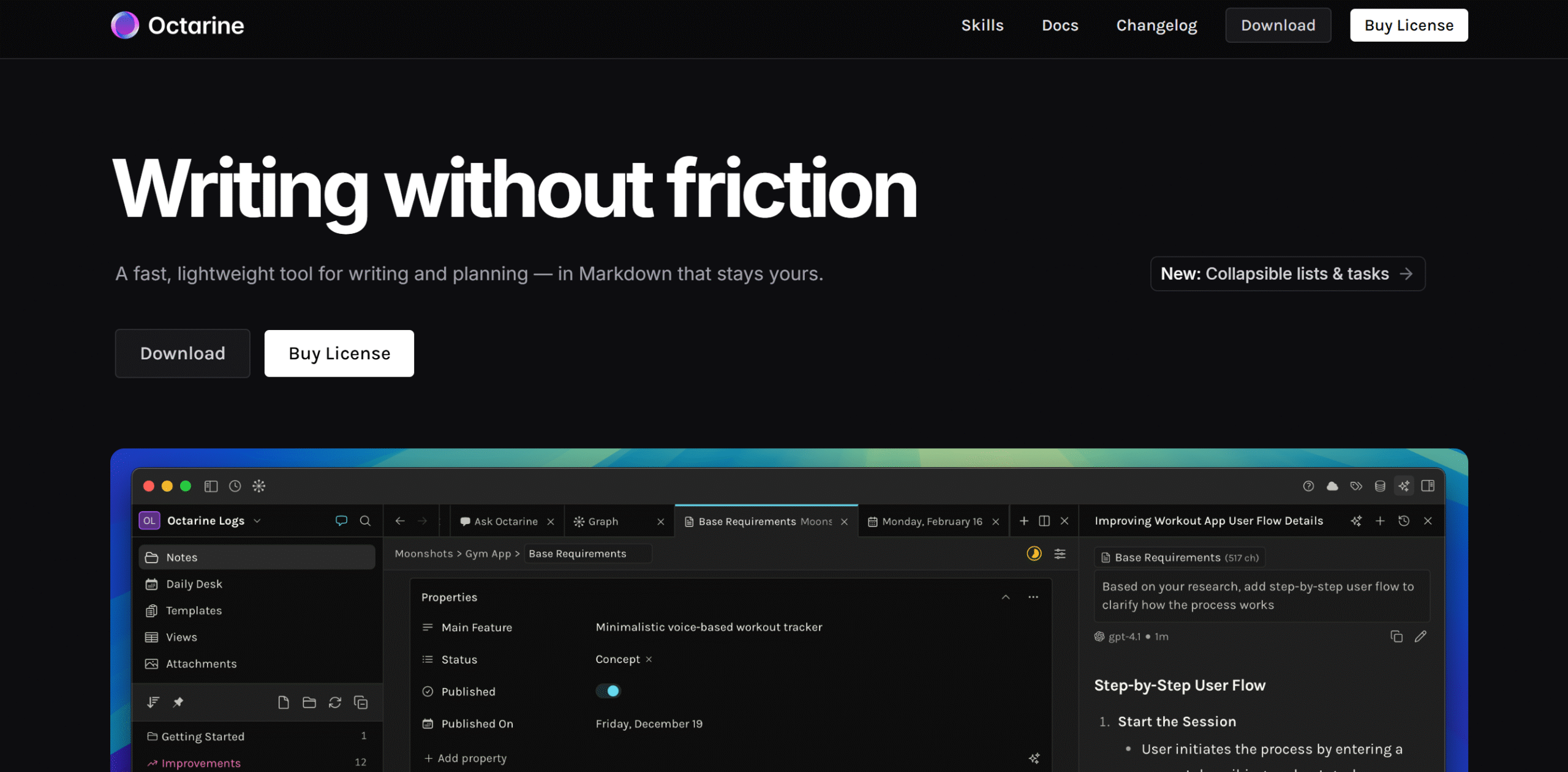
Octarine is a lightweight alternative to Obsidian. It offers similar features with a familiar interface, making it easy to switch.
You can organize notes, build a knowledge graph, and store files locally. The app also includes search navigation to quickly filter and find information.
Octarine is still developing and does not yet have a mobile app. However, it offers a solid set of core features.
Core Features
- Note-taking.
- Knowledge graph.
- Markdown support.
- Workspaces and file organization.
- Search navigation.
- AI capabilities.
- Customization.
- Focus mode.
- Cross-platform support.
Price
Octarine is free to download. A premium license costs $79.
9. Reflect Notes

Reflect Notes is designed for capturing ideas and reviewing them later. It works as a digital notebook for structured thinking.
You can record notes, link them together, and organize them with tags. It also allows you to set reminders for revisiting your content.
All notes are stored on the cloud, making them accessible from anywhere. The app is web-based and supports offline reading.
Core Features
- Note-taking and journaling.
- Web clipper.
- Interlinked notes.
- Reflection prompts.
- File organization and syncing.
- Search filters.
- Cloud storage.
- Password protection.
- Cross-platform support.
- Integrations.
Price
Reflect Notes offers a free trial. Paid plans start at $10 per month.
10. RemNote
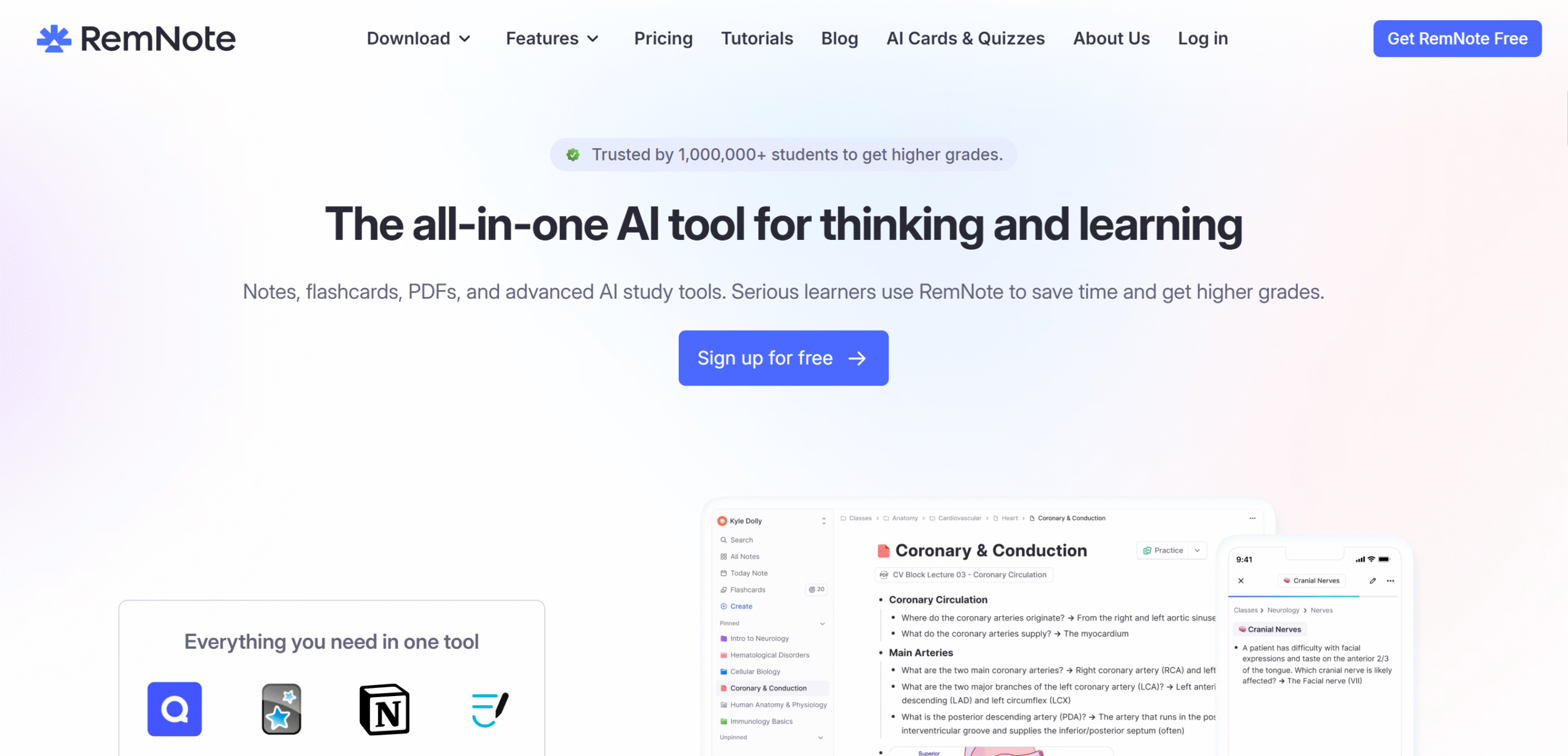
RemNote combines note-taking with productivity tools. It helps you write, organize, and retain information effectively.
You can store unlimited notes and structure them into a knowledge base. The app supports text, handwritten notes, drawing, and annotations.
It includes flashcards and task management tools like a Kanban board. These features help you schedule study sessions and improve retention.
RemNote also offers a built-in AI tutor. You can use it to generate study material or review concepts interactively.
Core Features
- Note-taking, drawing, and annotation.
- Organizing and linking.
- Flashcards and productivity tools.
- Recorder.
- AI tutor.
- Templates.
- Plugins and themes.
- Cloud backups.
- Export to text files.
- Cross-platform support.
Price
RemNote offers a free plan. Premium plans start at $10 per month.
11. Trilium
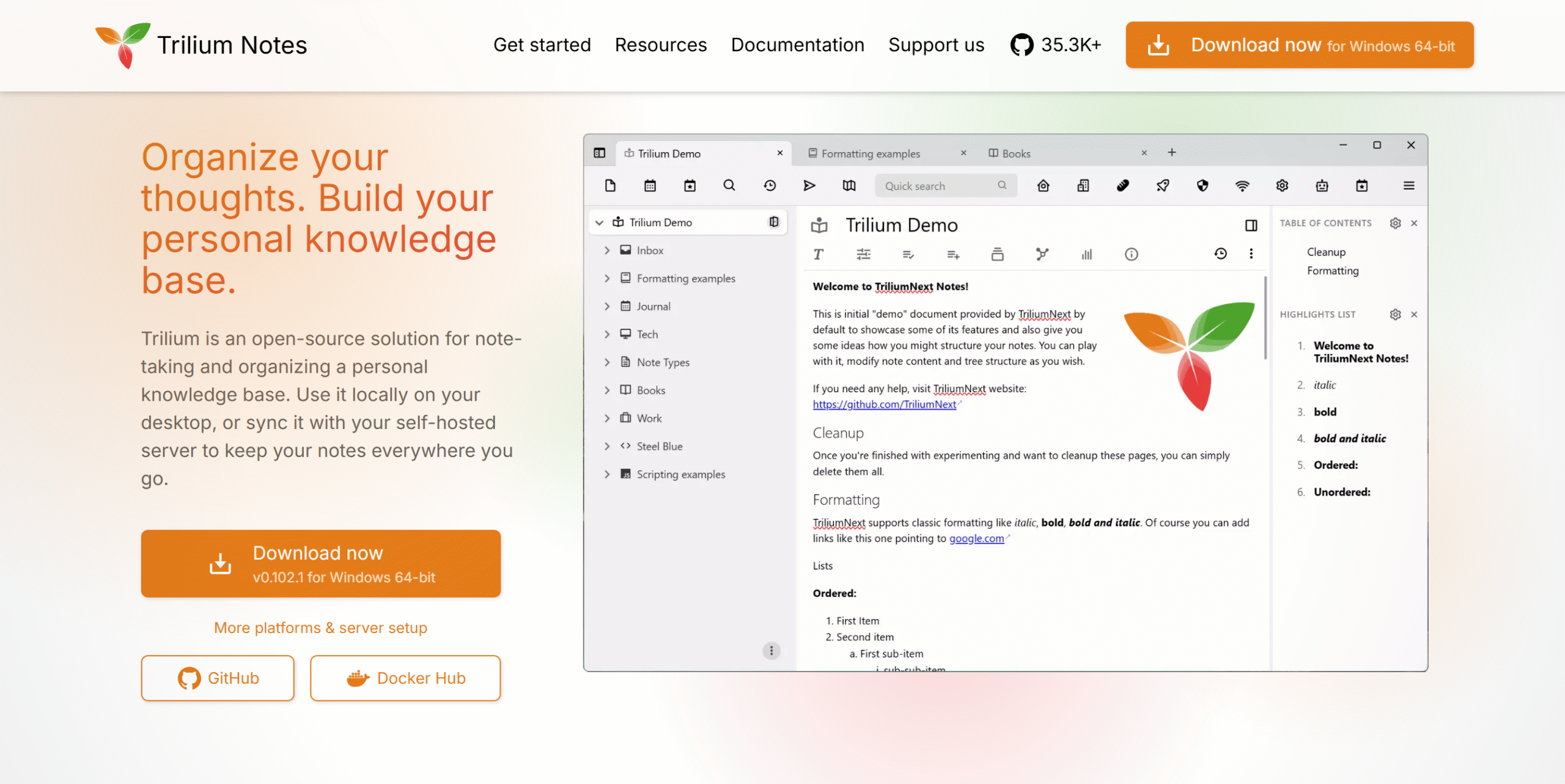
Trilium helps you build and manage a structured knowledge base. It allows you to write, connect, and organize notes efficiently.
The app uses a hierarchical structure where you can create sub-notes under any note. You can also clone notes and reuse the same content across multiple locations.
Any changes made to a note are automatically updated across all its clones. This ensures consistency throughout your knowledge base.
You can access Trilium across devices and sync your notes easily. It also allows you to export files as text for local backup.
Trilium offers advanced customization and strong privacy features. However, its complexity may not suit users looking for a simple interface.
Core Features
- Note-taking.
- Knowledge base management.
- Password protection.
- Local file storage.
- Search filters.
- Web clipper.
- Customization.
- Productivity tools.
- Cross-platform support.
- Export and sharing.
Price
Trilium is open-source and completely free.
12. Bear Notes
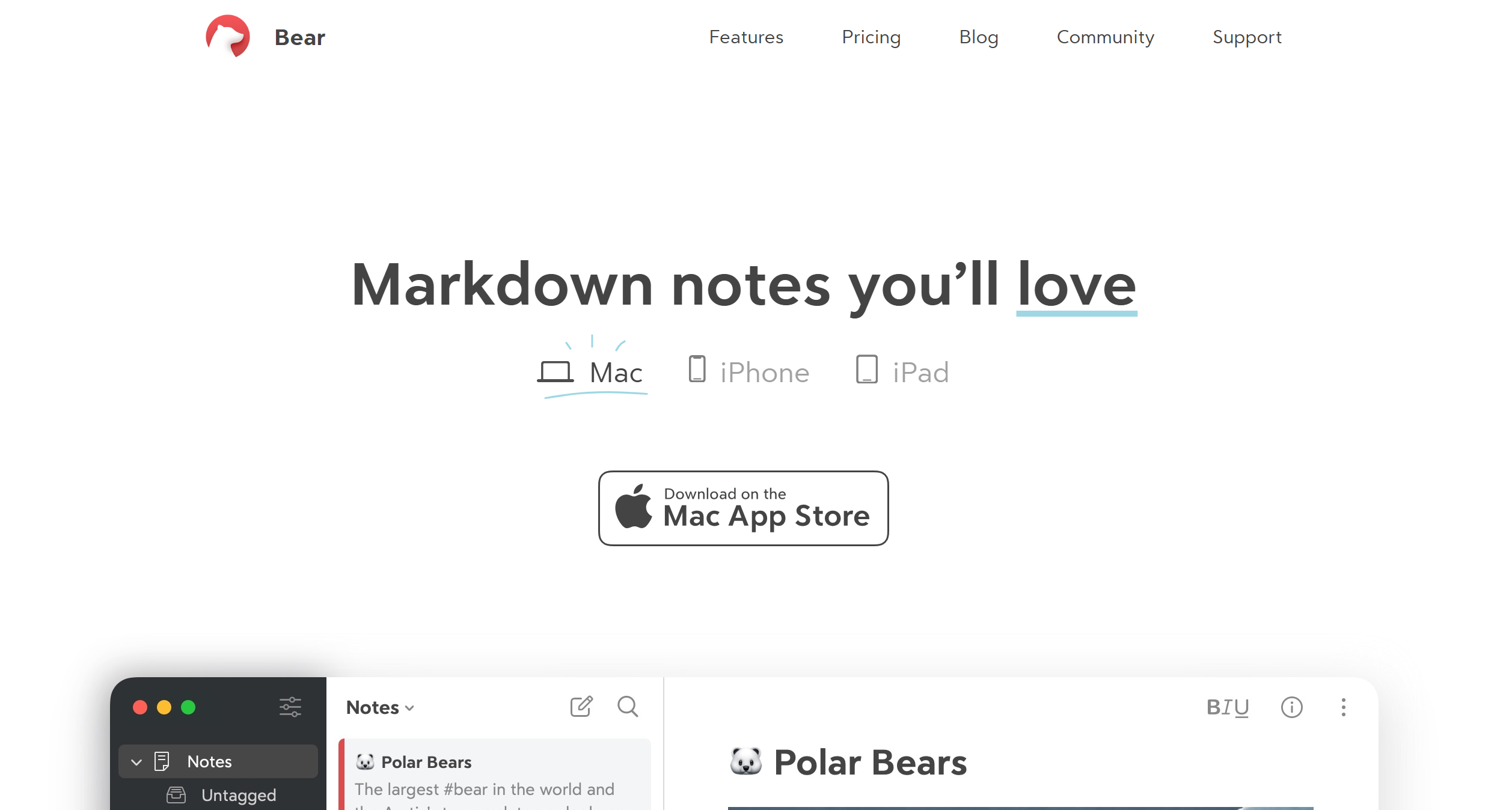
Bear Notes is a strong Obsidian alternative for Apple users. It offers a clean interface with markdown support and backlinking features.
You can write notes, insert images, attach PDF files, and organize content using tags. It also allows you to extract information from both text and images.
Files can be stored online or locally. You can sync them across devices and protect your content with a password.
Core Features
- Note-taking.
- Markdown editor.
- Notes linking.
- PDF and image attachments.
- Organization tools.
- Data protection.
- Search navigation.
- File syncing and local storage.
- Cross-platform support.
Price
Bear Notes offers a free plan. Premium plans start at around $3 per month.
Conclusion
Obsidian offers strong flexibility and customization for note-taking. It remains one of the most powerful tools in this category.
However, different tools suit different needs. The right choice depends on how you prefer to manage notes and workflows.
If privacy matters most, Standard Notes and NotesNook are reliable options. For simplicity, Joplin and Zettlr work well.
Choose a tool based on your workflow and requirements. Testing a few options can help you find the right fit.


 A better way to manage projects and clients for freelancers
 Get through busy days like a breeze with Reclaim.ai