Cloud storage software is an incredibly convenient tool.
It lets you safely store your data online and access files and photos from anywhere.
In this article, I have reviewed some of the best applications that deliver secure file storage and backup services.
You can use any of the apps for both personal and business purposes.
What Is Cloud Storage Software and What Apps Are Best For You
Cloud storage software is an online platform that saves your files, folders, and photos on a remote server.
With this tool, you can set up an accessible backup, so you can retrieve files wherever you are and easily share them with others.
Top Features To Look For In Cloud Storage Software
- File storage and sharing.
- Syncing and backup.
- Collaboration tools.
- Cross-platform support.
Below is the list of the 12 best cloud storage software products.
1. ProtonDrive
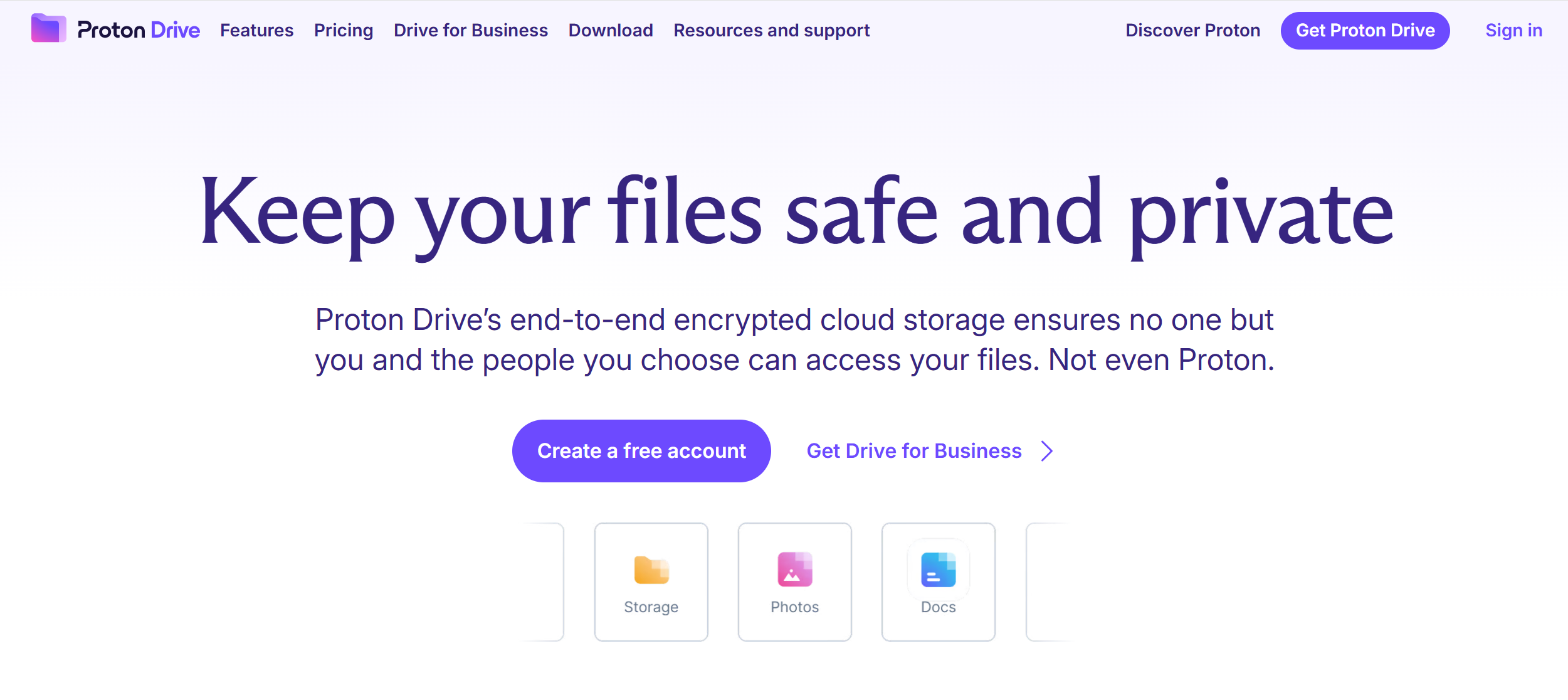
ProtonDrive is built for Windows or Mac.
It offers up to 1TB of storage, with an online document editor and collaboration tools.
With ProtonDrive, you can save encrypted files, edit them online, sync them across multiple devices, and share them with others.
In addition, you can automatically back up your files, photos and videos, and retrieve them anytime. Proton can support large files.
With collaboration tools, you can share password-protected documents and work together on the shared file in real-time.
Other cloud services, like email, calendar, and VPN, are also included in the subscription. I recommend exploring its Unlimited and Due package for details.
Core Features
- 1TB of cloud storage.
- Encrypted files.
- Document editor.
- Recover previous files.
- Collaboration.
- Password-protected sharing links.
- VPN, email, and calendar.
- Multiple users.
Price
Proton Drive monthly subscriptions start at $5. You’ll receive 5GB for free.
A 30-day money back guarantee is also available.
2. IDrive
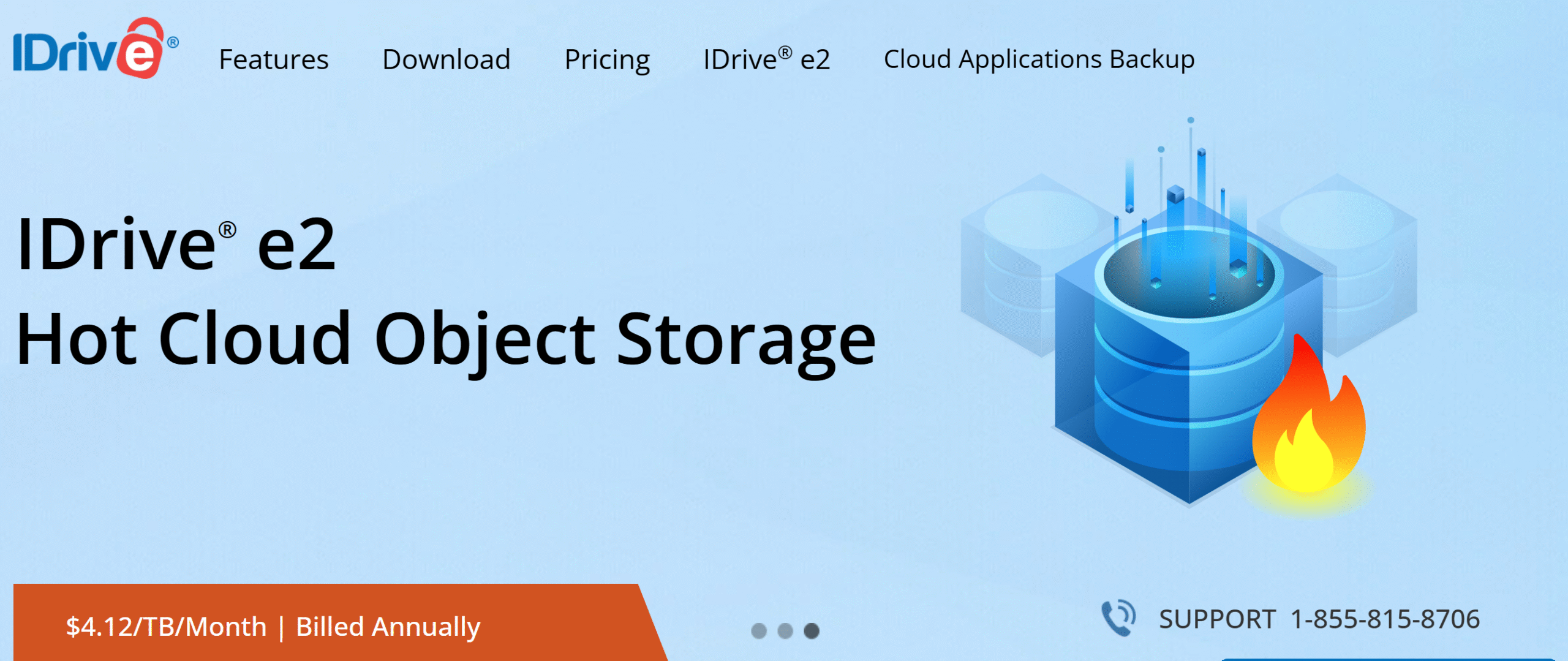
IDrive specializes in file backup.
You can use it to create an online backup for multiple devices and even add a server backup as an add-on. The software supports all the major operating systems and some external devices as well.
Anything from contacts, files, photos, and system files can be stored on this cloud server. You can encrypt the content to secure the data before sharing.
You can also connect popular collaborative storage services, like Google Drive and OneDrive, to back up that data as well.
A central console is built into the system to manage the data remotely. You can retrieve your data anytime and generate reports to keep track of everything.
You can sync all your files in real-time across all the connected devices and keep a historical record of changes.
Core Features
- Cloud storage up to 100TB.
- Multiple computer support.
- External hard drive integration.
- Advanced backup capabilities.
- Bulk data retrieval.
- Automated updates.
- A central dashboard.
- Multiple users and collaboration.
- Server backup.
- Third-party integration.
Price
IDrive charges $10 to $50 per month. The basic plan is free.
3. pCloud
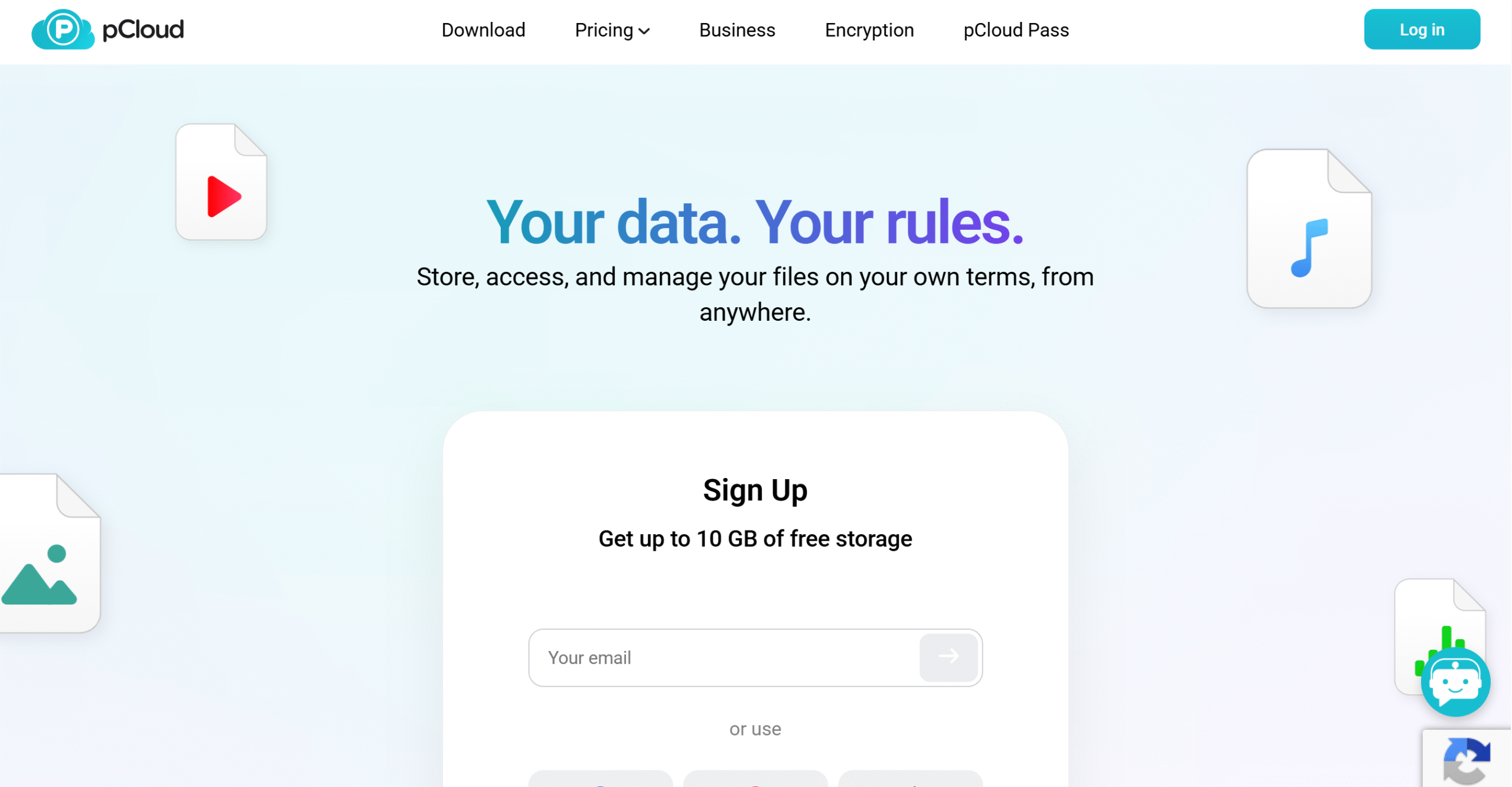
pCloud and Icedrive are close competitors.
Both offer similar features and user-friendly interfaces.
Core capabilities of pCloud are online storage, file management, collaboration, and backups. Like Icedrive, you can mount pCloud on your computer and access the files offline.
You can encrypt your files to protect your data and back them up continuously. You can also integrate third-party cloud drives and social media platforms, and upload their data to the cloud storage.
pCloud supports all operating systems and offers desktop, mobile, and web apps.
Core Features
- Cloud storage up to 10TB.
- Virtual drive.
- Encryption.
- File sharing and collaboration.
- File management.
- Media streaming.
- Online and offline access.
- Third-party backup.
- Multi-device support.
Price
pCloud provides 10GB for free. The monthly subscription costs $5 to $20. You can buy a lifetime plan for $200. Several options are available.
4. Trisorit
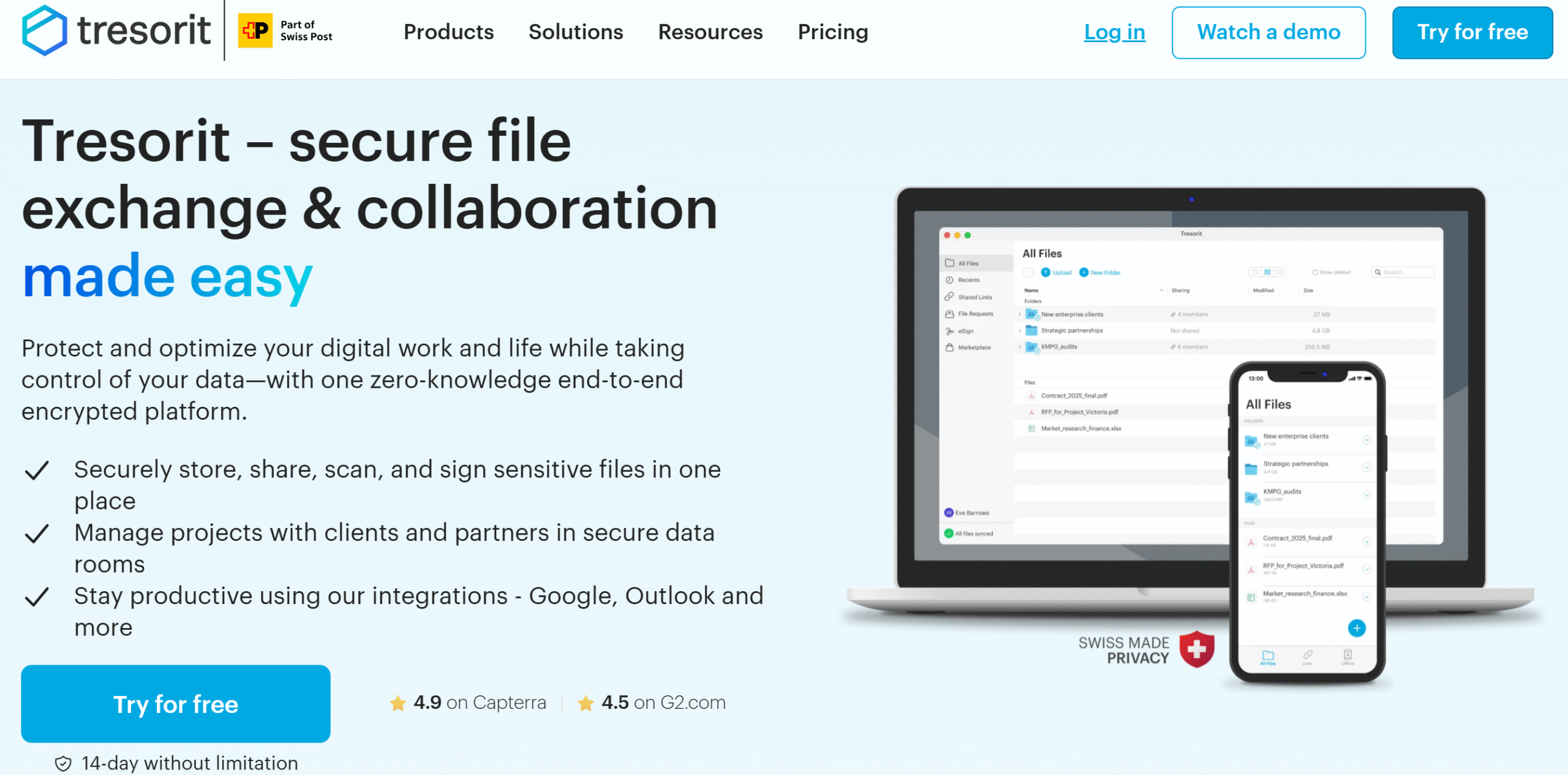
Trisorit has some great cloud storage features for businesses.
You can upload heavy files, generate branded corporate links to collaborate with external users, and automatically delete shared sensitive files.
Not only that, but you’ll get end-to-end encryption to protect your files and two-factor authentication and permission levels to deter unauthorized access.
Trisorit’s personal packages are also good. You can receive up to 4TB, with secure file sharing and auto camera upload. Plus, you can remotely wipe your data in case of theft.
Trisorit works well on all the major operating systems and can be synced to multiple devices.
Core Features
- Custom cloud storage.
- File encryption.
- Secure sharing and corporate links.
- Auto camera upload.
- Document scanning.
- Remote data wipe.
- Version history.
- Link tracking.
- Multi-device support.
- Third-party integration.
Price
Trisorit charges $5 to $28 per month. You can take a free trial.
5. Nordlocker
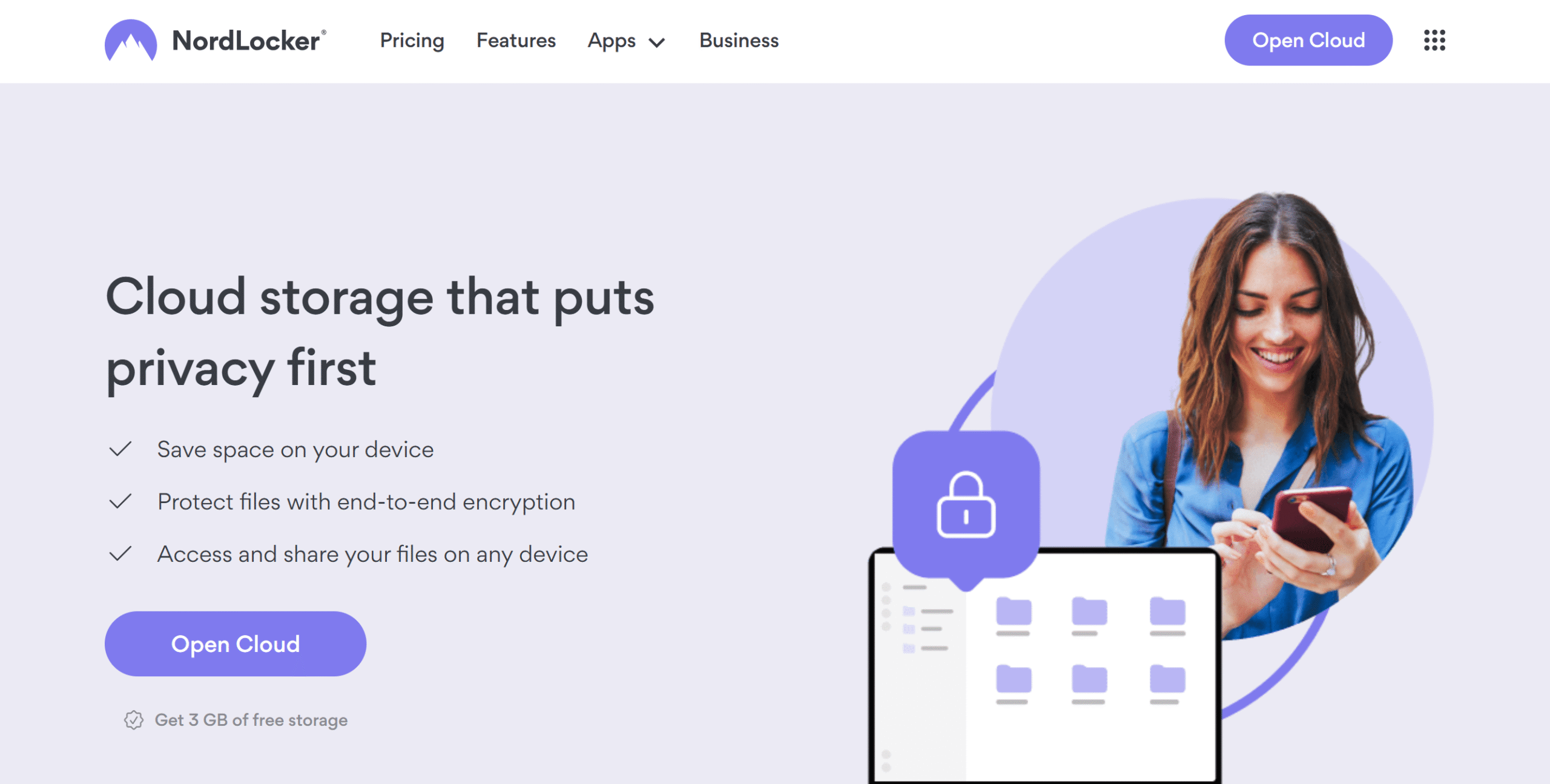
Nordlocker is a relatively simple cloud storage service.
It’s designed for people who want a user-friendly drive to save and share files.
Here, you’ll get 2TB of storage and end-to-end encryption.
You can upload any type of file and share it privately via email or a link.
You can get started on Nordlocker for free and try its basic functions. The free plan offers up to 3GB and data protection.
File sharing, however, is available in the premium subscription only.
Core Features
- 2TB of cloud storage.
- Data protection.
- Password manager.
- File sharing.
- Private links.
- Multi-device support.
- Other cloud services.
Price
Nordlocker charges $8 to $20 per month. All packages have a 30-day money back guarantee.
6. Icedrive
Icedrive is ideal for those who need secure cloud storage without advanced enterprise features.
It lets you upload encrypted content and keep all versions of modified files.
The software has a clean interface and essential collaborative features for file sharing. You can get up to 10TB and affordable packages for personal use.
One of Icedrive’s notable features is its virtual drive. You can attach it to your computer, like a hard drive, and use it as a portable app. This would allow you to access data and edit it without waiting for file syncing.
Core Features
- Cloud storage up to 5 TB.
- File sharing with a timeout feature.
- Client-side encryption and password protection.
- File previews and media streaming.
- Versioning.
- Mounted virtual drive.
- Multi-device support.
- Offline access.
Price
Icedrive charges $6 to $20 per month. You can buy a lifetime deal for $200 to $450.
7. Mega
Mega is a European-based cloud storage software. It’s a popular choice because of its privacy-focused features and a combination of other services.
You’ll get a free plan to explore the platform.
The free plan contains 20GB with automated backups and secure file sharing. You can encrypt your files before sharing and add an expiry date to ensure safe transfer.
Mega also offers some communication tools and basic customer support in the free plan.
If you upgrade the package, the platform will unlock the limit on storage and advanced functions like data privacy. You’ll get up to 20TB of storage, plus a password manager and VPN.
For businesses, Mega has flexible packages. You can extend the storage limit to 10PB and add multiple users.
Core Features
- Cloud storage up to 10PB.
- File encryption and sharing.
- Password manager.
- VPN.
- Chat and meeting tools.
- Screen sharing.
- Automated backups and trash emptying.
- Multiple users.
- Analytics.
Price
Mega prices start at €4.99.
8. Dropbox
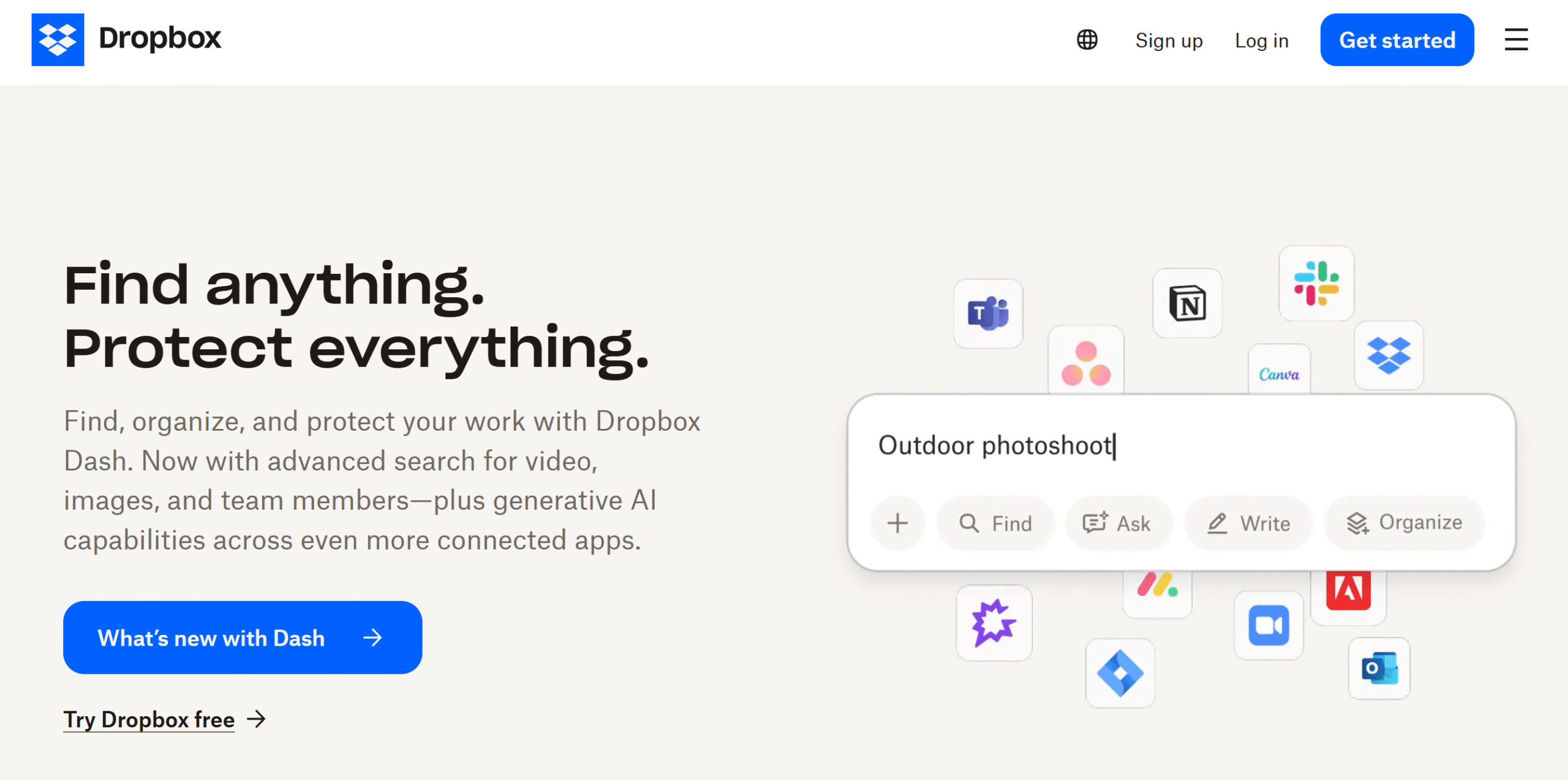
Dropbox is a well-known cloud storage service. With this app, you can organize your files online and access them anytime.
The software is best for both private and business use. You can sync all your files, share documents with others, and protect them from unauthorized access.
There’s no limit on the device integration. You can connect as many devices as you want and add multiple users. Data is automatically backed up on the cloud, and you can restore deleted files.
A few other good features are also part of the subscription. For example, you can set up alerts against suspicious activities and remotely wipe your data from specific devices.
Core Features
- 5TB of cloud storage.
- Encryption.
- Secure file sharing.
- Automated backup.
- Version history.
- Remote wipe.
- Anomaly alert.
- Custom branding.
- Multi-device support.
- Some productivity tools.
Price
Dropbox’s basic plan is free, and premium packages cost $12 to $18 per month.
9. Google Drive
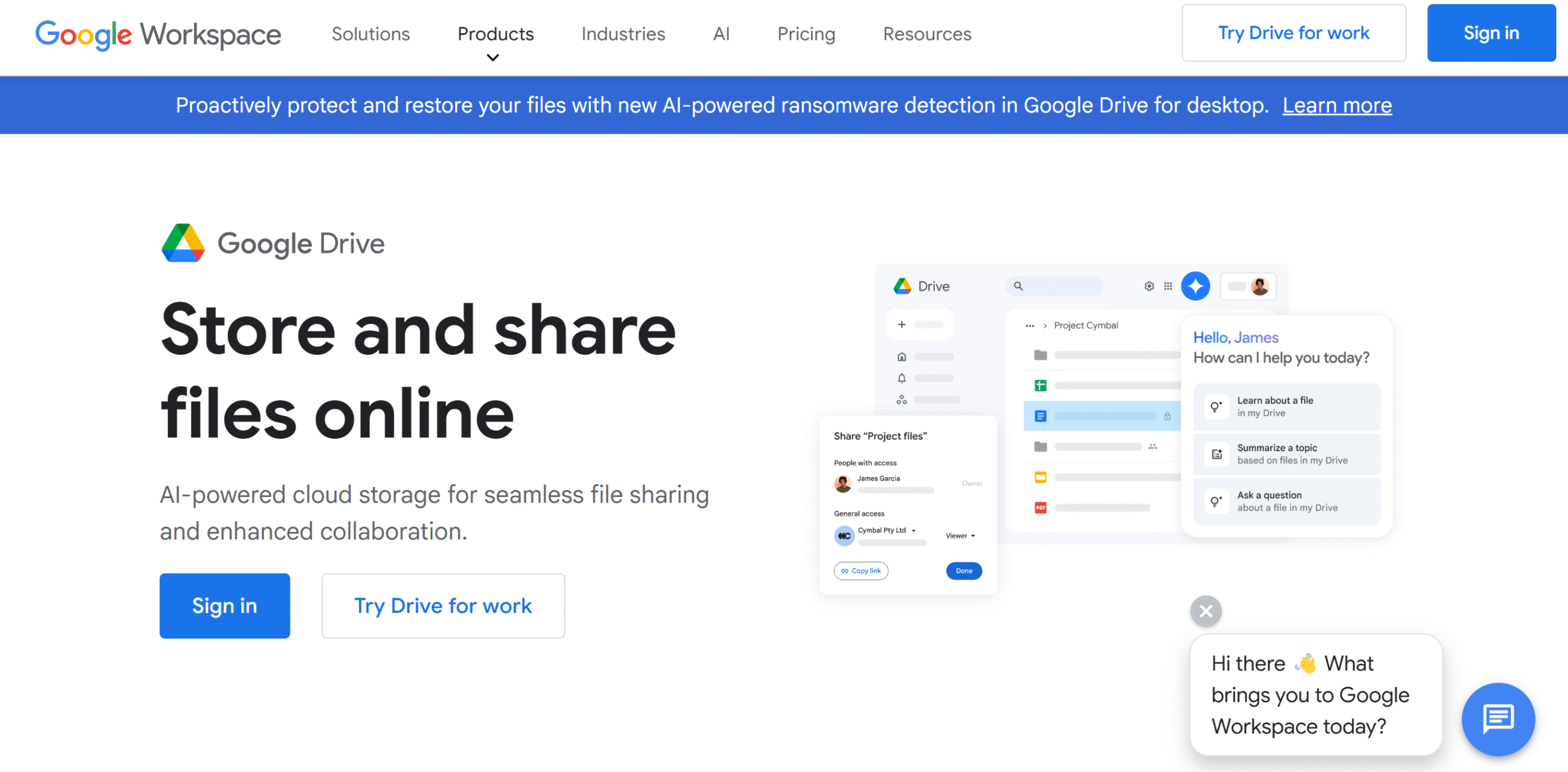
Google Drive is widely liked for its good accessibility.
It connects with all your Google products and allows you to collaborate on files in real time.
You’ll get up to 15 GB for free. The free plan also gives you access to almost all the file management and collaboration features.
The premium subscription increases your storage to 5TB or more. It also unlocks some advanced features such as e-signing.
Security features are mostly available on the enterprise plan, but you’ll get some basic protection in the business packages. Google has several data security tools, including file encryption and ransomware detection.
Core Features
- 5TB of cloud storage.
- Encryption.
- File management and sharing.
- Supports 100 file types.
- E-signatures.
- Robust collaboration.
- AI-powered tools.
- Third-party integrations.
- Mobile apps.
Price
Google Drive is part of the Workspace package. The starter plan costs $8 per month.
You can take a free trial.
10. OneDrive
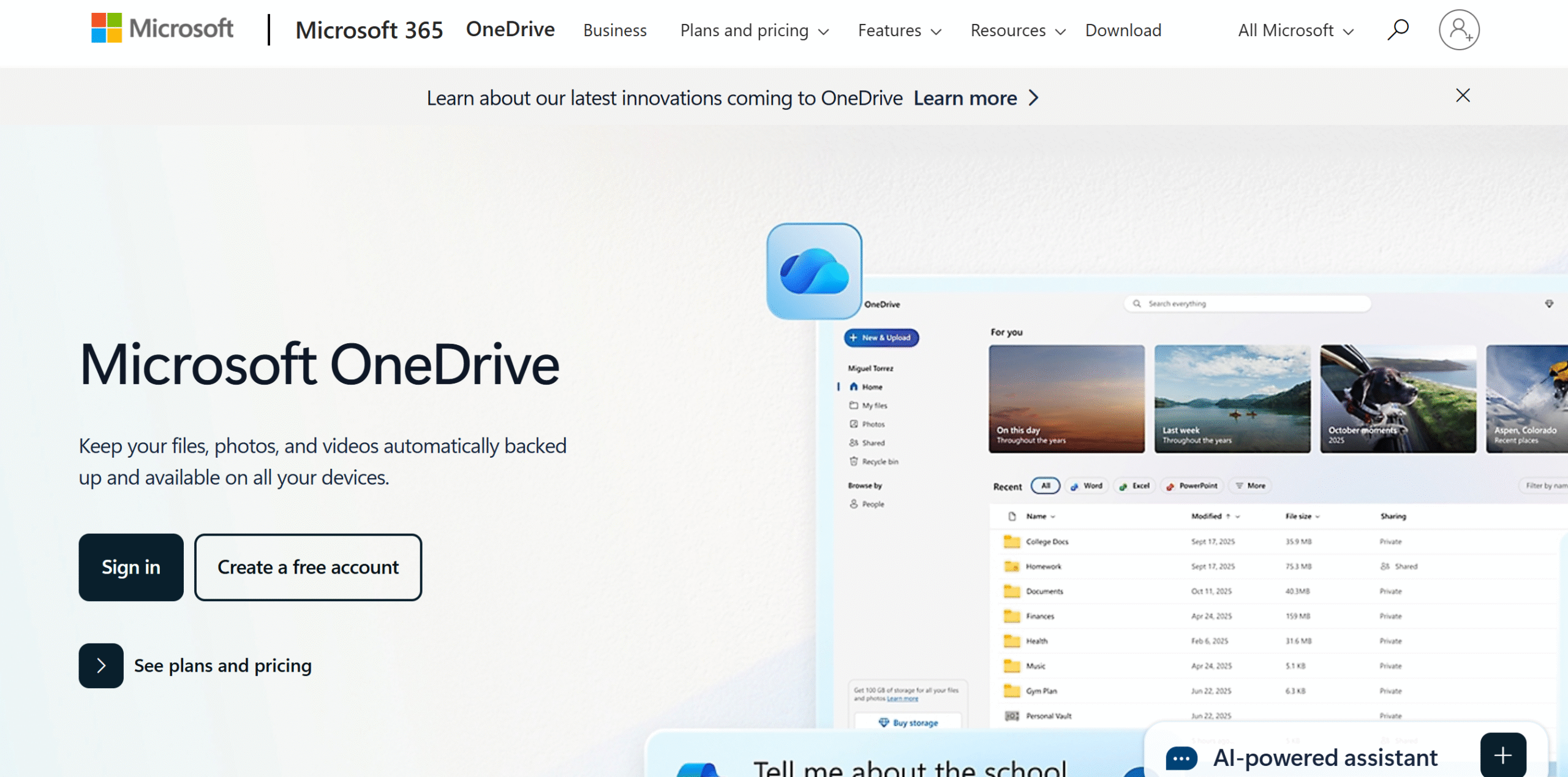
OneDrive is a Microsoft cloud product.
It integrates with Microsoft’s other business tools and works on both desktop and mobile phones.
Through OneDrive, you can automatically back up your files and sync them across your devices. OneDrive is built into Windows by default, but you can also purchase it as a standalone product.
The basic plan is free, containing 5GB of cloud storage and 15GB of mailbox storage. If you purchase its premium subscription, you’ll receive up to 6TB of storage and multi-user accounts.
Overall, it’s a convenient option for Windows users.
Core Features
- 6TB of cloud storage.
- Separate storage for the mailbox.
- Data security.
- Collaboration and file sharing.
- Version history.
- Offline access.
- Ransomware protection.
- Multi-device support.
- Microsoft products integration.
- Add-on storage option.
Price
OneDrive prices start at $2 per month.
11. JottaCloud
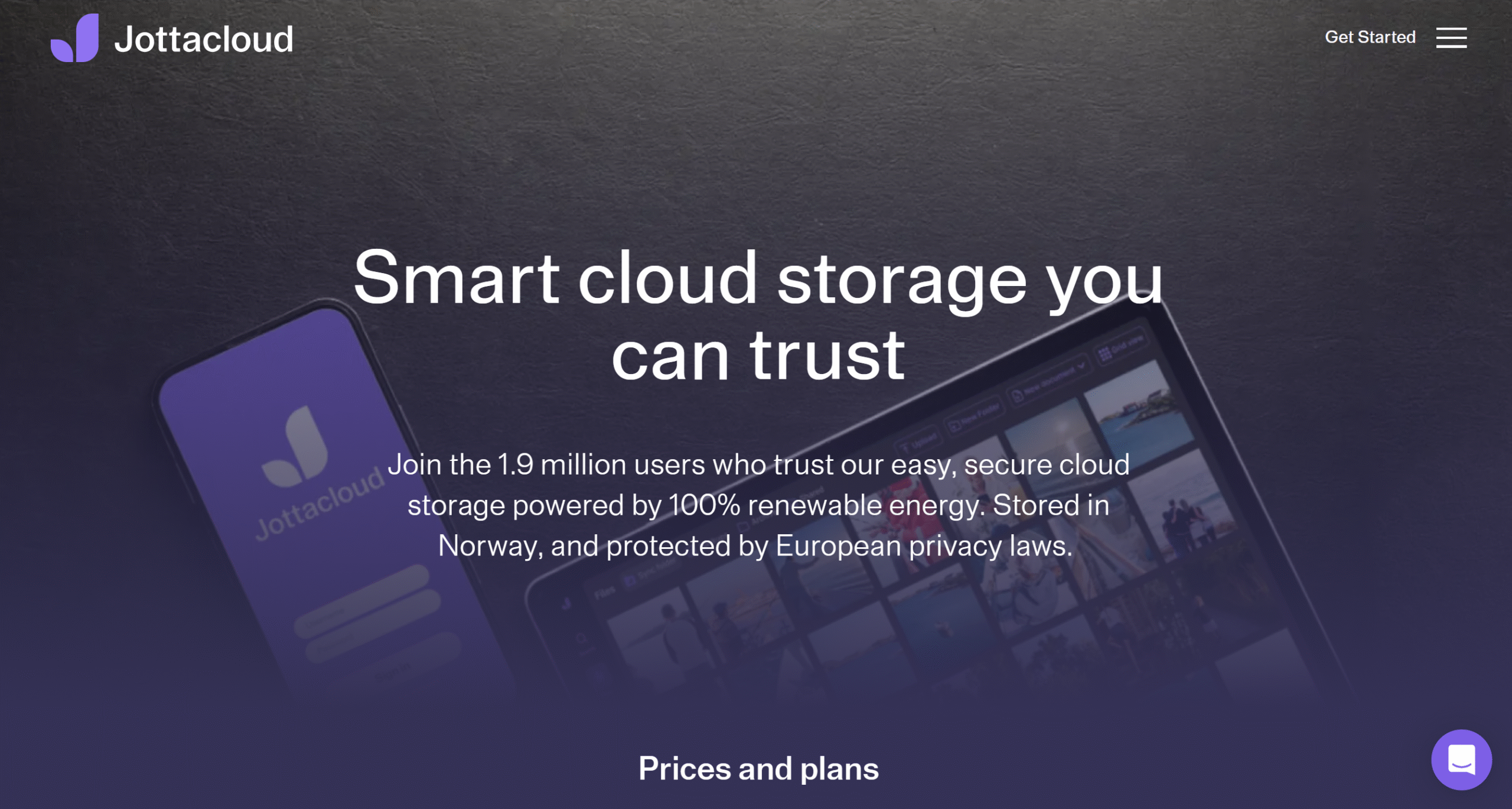
JottaCloud has everything you need to manage a secure cloud drive.
It offers unlimited storage, file encryption, automated backups, and easy file sharing.
You can back up all desktop and mobile data and access it from anywhere. JottaCloud works on all the popular operating systems and supports various file formats.
You can upload large files and create a shared folder for others. If you lost a file, you can easily recover it. JottaCloud keeps deleted files for 30 days.
Core Features
- Unlimited cloud storage.
- File encryption.
- Automated backup.
- Version history.
- Collaboration and file sharing.
- Large file size support.
- Document preview.
- Photo search.
- Multi-device support.
Price
JottaCloud sells both personal and business packages. The personal plans cost $12 to $16 per month, and business packages start at $13 per month.
You can try it for free.
12. OwnCloud
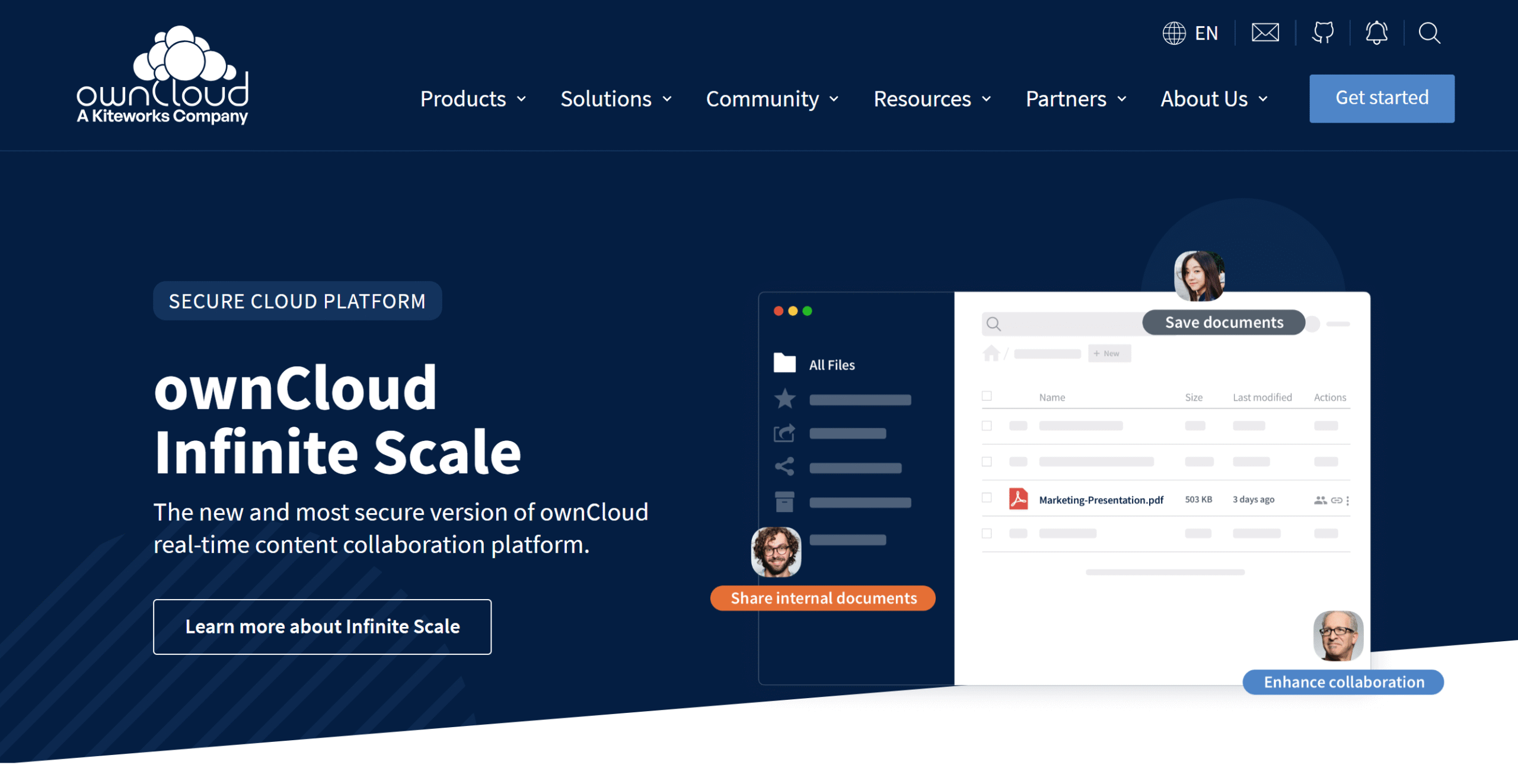
I wanted to share some self-hosted options with you, and OwnCloud fits the bill perfectly.
It’s an enterprise-grade platform that offers both self-hosted and cloud products.
The cloud product delivers 1TB of storage with end-to-end encryption and multi-factor authentication. You can add multiple users, collaborate on documents, and protect your files from viruses.
Secure file view features are also built into the system. You can safely view and share confidential files and access them on desktops and smartphones.
The self-hosted package is slightly more flexible. It offers unlimited file size support, custom branding and file protection, function extension, and Microsoft Office integration.
Core Features
- Cloud and on-premises.
- External storage.
- File sharing and locking.
- End-to-end encryption.
- Multi-factor authentication.
- Real-time collaboration.
- Antivirus.
- Document scanner.
- Third-party integration.
Price
OwnCloud shares prices on request. You can take a 30-day free trial and ask for the demo.
Conclusion
Tons of good cloud storage software products are available on the market.
Some specialize in data privacy, and some focus on sharing and collaboration.
Look for a platform that meets your requirements and budget.
For example, if you need cloud storage that can support high volume and multiple computers, services like MEGA and IDrive are good for you.
If you just want to create a backup of personal photos and files, any of the apps would work for you.
Find out what you need and shortlist apps that fit your requirements and budget. Good luck!


 A better way to manage projects and clients for freelancers
 Get through busy days like a breeze with Reclaim.ai