If the past few years taught us anything, it’s that distributed and hybrid teams are here to stay.
As of 2023, about 30% of full-time employees work in a hybrid model, splitting time between the office and home.
Yet keeping a group of employees engaged, unified, and feeling like an interconnected crew can prove challenging when collaborating through screens.
Though productive, many leaders find that motivation, camaraderie, and even output sink over time among remote staff members dealing with grueling feelings of disconnection or isolation.
The solutions lie in consciously curating collaborative spaces that foster Employee interactions, nourishing personal relationships through listening and empathy, and leveraging digital tools to recreate communal experiences.
This will not only boost inclusion and togetherness, but directly impact productivity, retention, creativity, and your bottom line.
In this blog post, we’ll explore actionable tactics utilizing Google Workspace apps like Meet, Docs, and Jamboard that help leaders effectively engage detached yet valuable remote team members.
Let’s get started!
Leadership Strategies
Building on the introduction about the value of engagement, here are 5 key strategies leaders can employ to actively engage distributed team members using Google Workspace:
1. Have Regular 1-on-1 Video Meetings
Scheduling weekly or biweekly one-on-one meetings with each direct report using Google Meet allows you to check in on progress, provide feedback, and build relationships critical for remote work.
For example, 33% of remote workers reported loneliness as their biggest personal struggle. But managers who have regular video calls create spaces for personal connection.
2. Host Virtual Team Events
Organize informal social events like Friday trivia nights or coffee chat sessions for the team over Google Meet.
Having close friendships at work makes employees more likely to stay at their company. Virtual team events can facilitate those interpersonal bonds.
3. Publicly Recognize Achievements
When team members do great work, publicly praise them by recapping accomplishments in the team-wide email newsletter or a public Google Chat room.
Highlights like “Ryan launched a key feature this week” or “Sarah’s design won our client’s approval” motivate individuals with recognition (source).
4. Enable Ongoing Discussions
Have topic-specific Chat rooms in Google Chat for ongoing conversations about projects. This facilitates alignment through transparency.
Build company culture by allowing casual water cooler Chat rooms for non-work banter, too.
5. Overcommunicate Context
Set expectations upfront via email newsletters and recorded Meet sessions. Summarize key takeaways afterward.
Without body language cues, overcommunication prevents misalignment about priorities across distributed teams.
Team Member Habits
Here are 3 key habits individual team members can adopt to promote better engagement on distributed teams:
1. Overcommunicate in Google Spaces
Actively sharing in Spaces channels keeps everyone aligned. Give status updates, ask opinions, and share new learnings.
For example, developer Sangita posts her latest code for review in the “Project Tango” Space. Now the whole team can provide feedback instead of just 1 person. This transparency allows faster iteration.
2. Attend Casual Meet Video Chats
Hopping on video chats not related to work helps nurture relationships in remote teams.
3. Share Calendars Broadly
Enabling calendar access provides awareness around availability and capacity.
Distributed team members staying engaged ultimately drives better outcomes. These habits facilitate the communication, coordination, and relationships vital for high performance.
With that said, let’s get straight into using Google Workspace apps for better engagement while working remotely.
Utilizing Tools
1. Meet
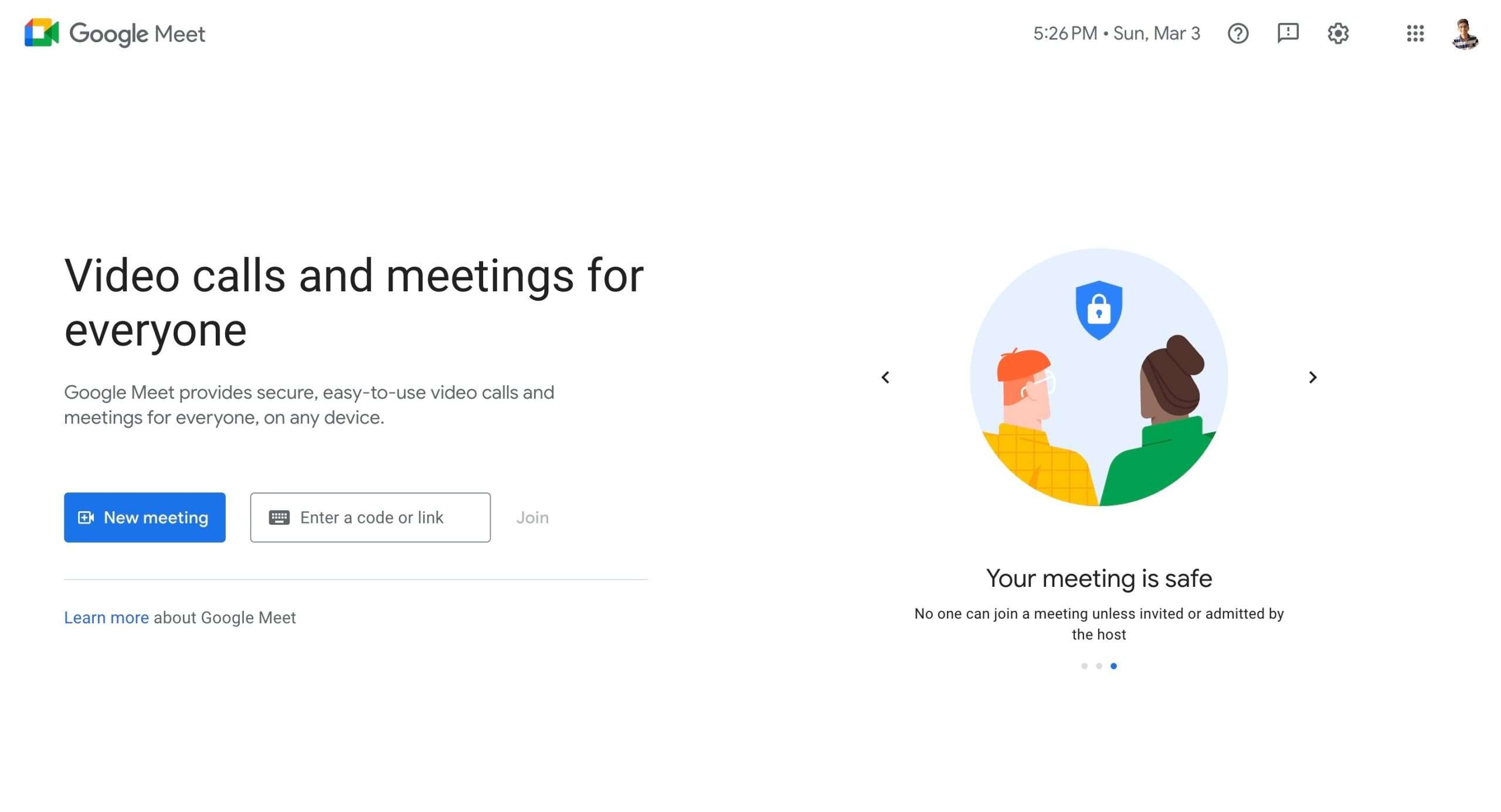
With in-person interactions limited, Meet becomes your conduit for spontaneous conversations and creative collaboration that remote teams crave.
Facilitating engaging video calls not only nurtures inclusion but directly boosts productivity among disconnected groups.
So how can managers maximize Meet to promote engagement across distributed crews?
Tips for Leaders Running the Meeting
As host, focus on driving two-way dialogue by:
Sprinkling open-ended questions throughout your presentation using Meet’s built-in Q&A feature, polls, or simply unmuting participants to chime in verbally.
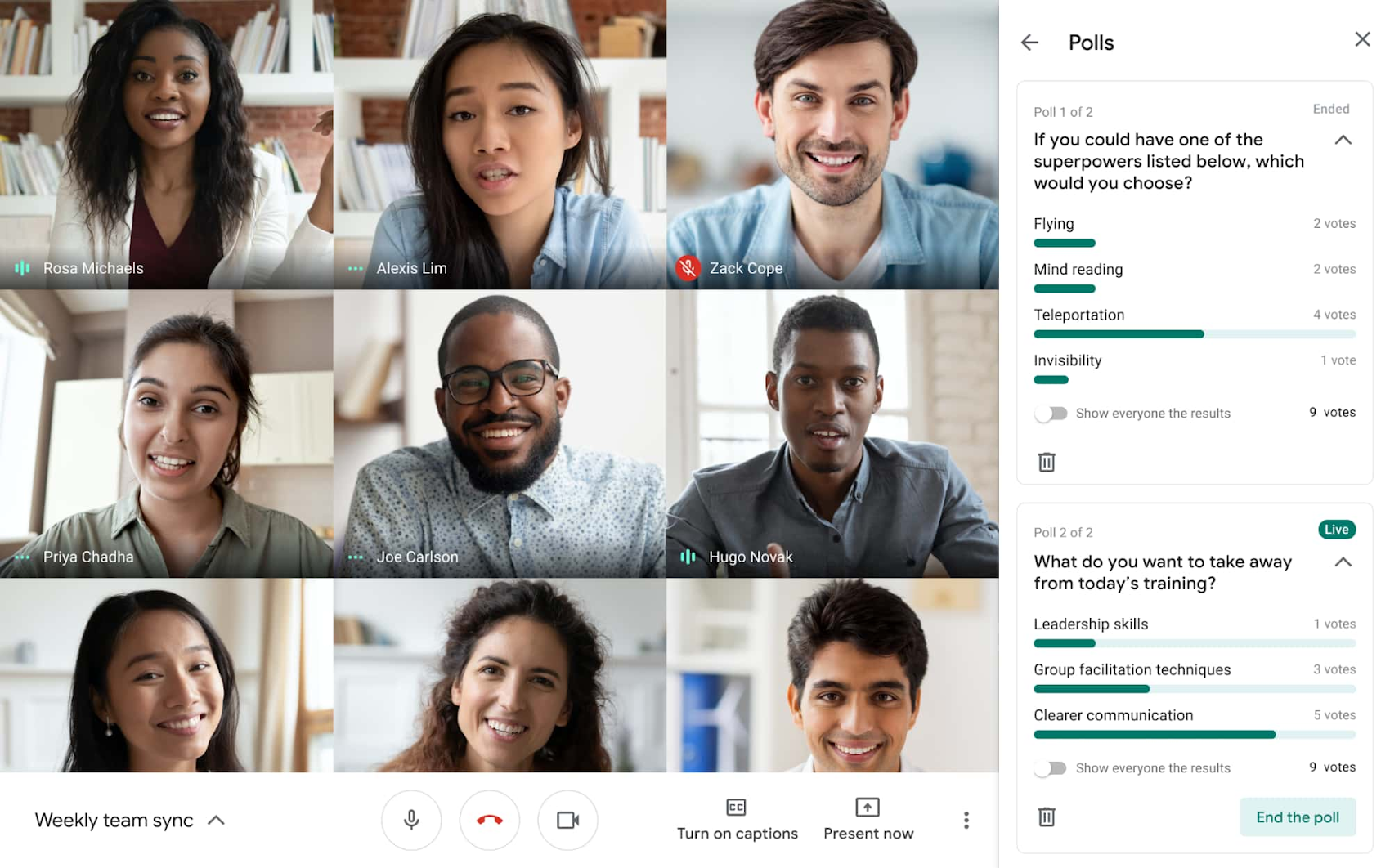
Image credits: Google Workspace
Allocating time for informal discussions in your agenda. Having casual water cooler moments to bond personally makes professional coordination smoother.
Following up with key takeaways via email including decisions, action items, additional resources, and feedback surveys.
Seeking explicit reactions via Meet’s emojis or Thumbs Up/Down icons. Real-time nonverbal feedback is limited remotely, so reactions provide visibility into agreement levels.

Tips for Members Joining the Meeting
As an attendee, you directly impact session effectiveness by:
Keeping your camera on with proper framing and lighting. Nonverbal cues get lost remotely, so seeing faces builds rapport.
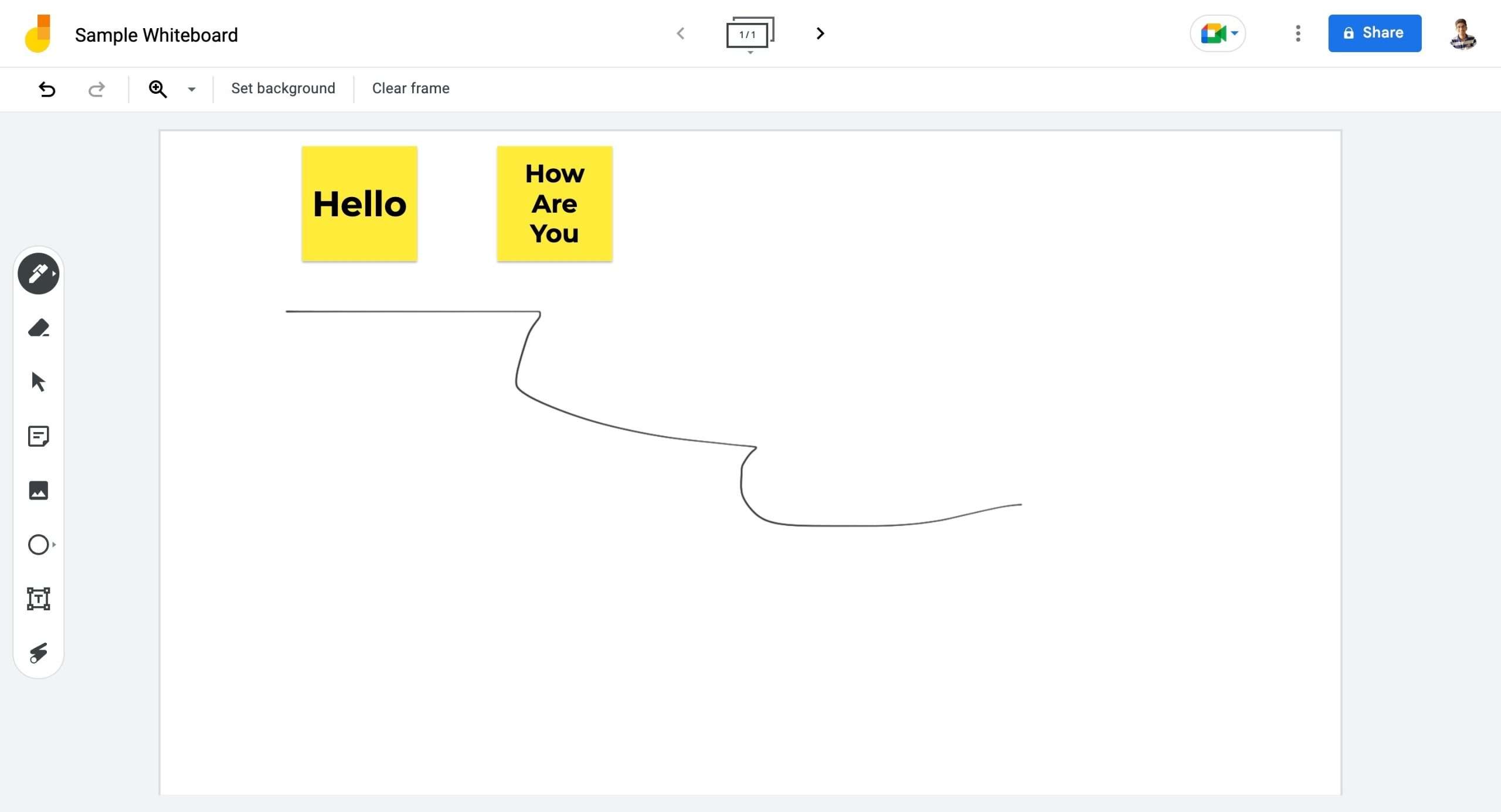
Selectively sharing your screen or working in breakout rooms to present demos, sketches, etc. Interactive collaboration facilitates lively discussion. Jamboard comes in handy here.
Asking questions or giving reactions in the chat when you want to chime in without interruption. The host can circle back to engage.
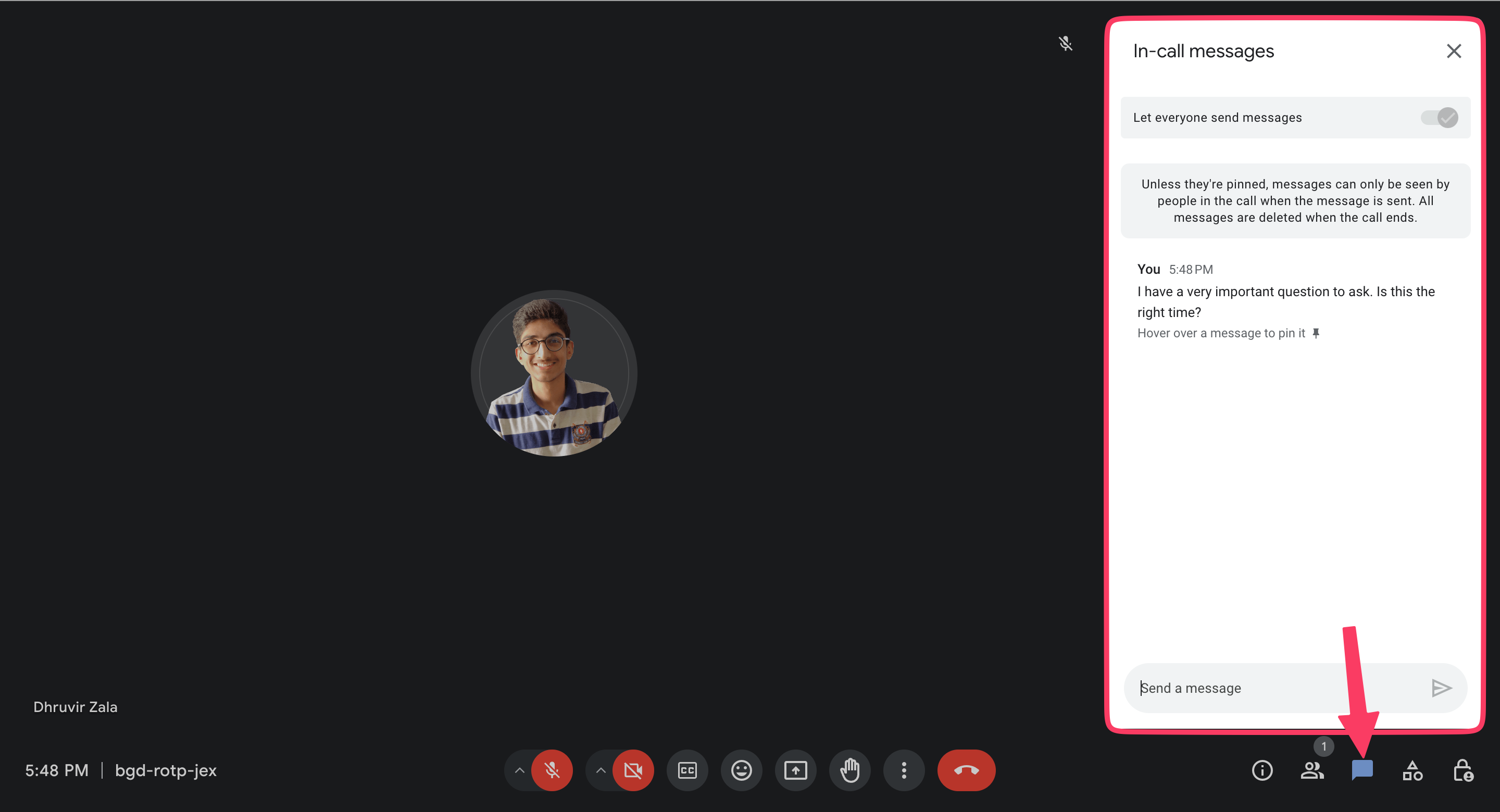
Being judicious about muting/unmuting to minimize background noise. Clarity of communication prevents misalignment.
Google Meet powers impactful engagement for distributed teams when intentional meeting design keeps remote employees connected.
2. Gmail

Gmail facilitates quick communication and seamless collaboration—both essential when engaging distributed teams.
Utilize Gmail for:
1) Everyday Conversations:
Casual chat instead of formal email between colleagues facilitates relationship building. The instantaneous back-and-forth creates a natural “water cooler conversation.”
Group email lists simplify sending updates to the whole team at once instead of individual emails to each person.
2) Streamlining Work:
Shared inboxes allow smooth collaboration by giving multiple people access to team emails that anyone can respond to, rather than siloed individual inboxes. Software like Streak for Gmail even helps organize shared mailboxes for remote work coordination.

Templates save time for frequently sent communications like weekly project status updates or common FAQs.
Gmail allows quick communication for alignment, plus opportunities to collaborate and chat informally—all essential ingredients for engaging distributed teams.
3. Google Drive

If your remote team feels disconnected, Google Drive enhances transparency and seamless coordination—getting everyone re-engaged.
Here’s how to tap into its capabilities.
Unified Access
With Drive, files stay securely stored in one place rather than scattered across devices or inboxes. This central “source of truth” allows uniform access and visibility.
So whether working from your home office in Toronto, a café in Berlin, or a co-working space in Bangalore City, all team members access the latest versions.
Real-Time Collaboration
Drive houses Docs, Sheets, Slides—Google Workspace’s office apps. But unlike standalone documents, these cloud-native files allow simultaneous editing by distributed colleagues.
No waiting around for someone to finish adding their piece or having to manually integrate changes from multiple versions.
For example, your marketing and product teams can together refine messaging in the same Doc without override headaches. Everyone stays perfectly in sync.
Manage Changes
Every tweak made in Drive files gets recorded for posterity. Dive into any file’s version history to view, compare, or restore previous iterations.
So your designers can boldly experiment on a proposed logo but still revert to earlier drafts if needed. It’s more nimble than tracking individual drawing files.
4. Google Docs, Sheets & Slides
Whether collaborating on documents, analyzing data, or designing presentations, Google’s Office Suite apps empower teams to work together from anywhere.
Their cloud-based real-time editing and centralized access help remote teams stay tightly aligned.
Specifically, you can use Google Docs to:
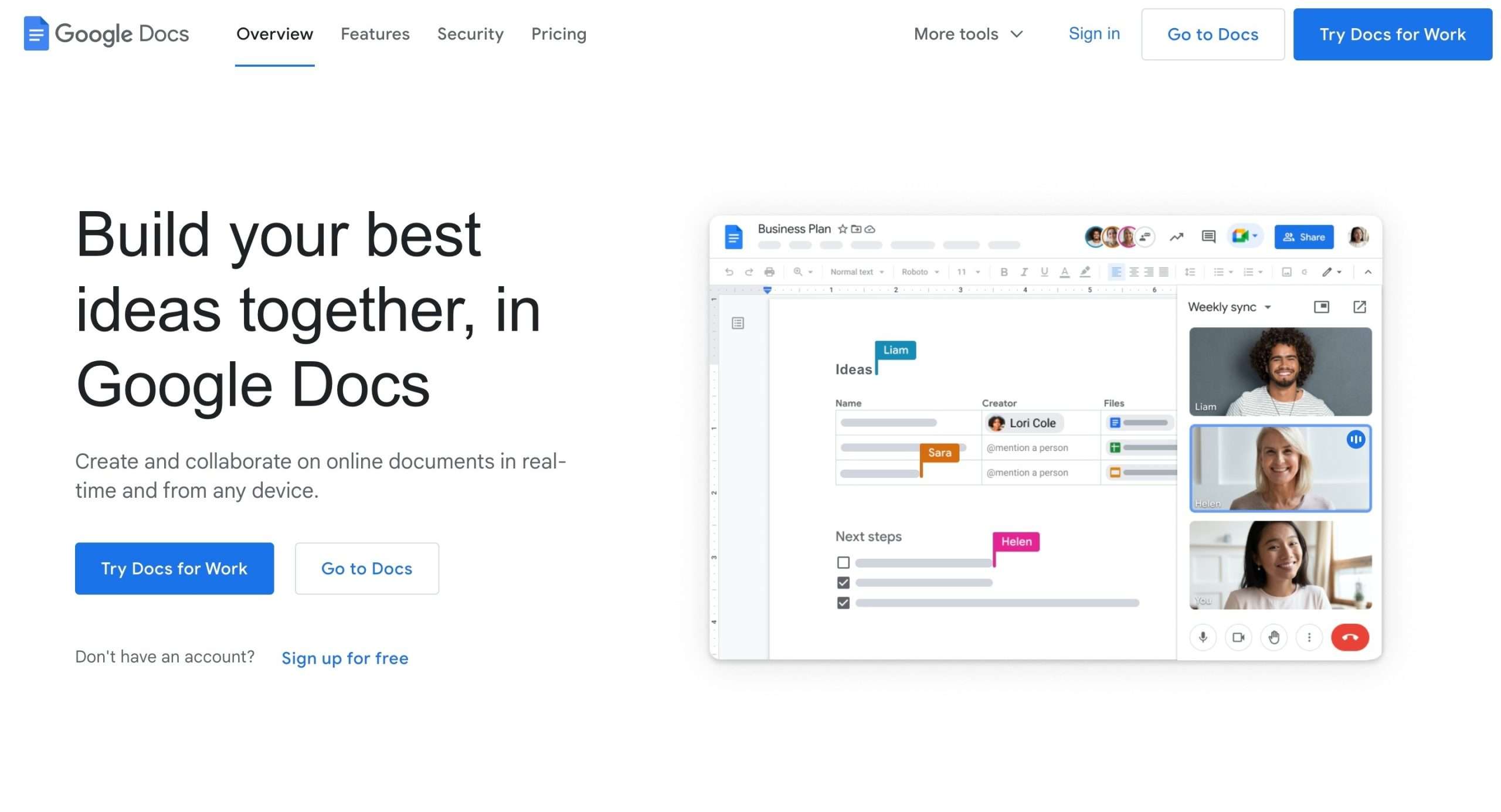
- Create wikis as shareable hubs for project information like status, member roles, and key links. Everyone references one source of truth.
- Take collaborative meeting notes, then circulate recaps to update remote attendees.
Leverage Google Sheets for:
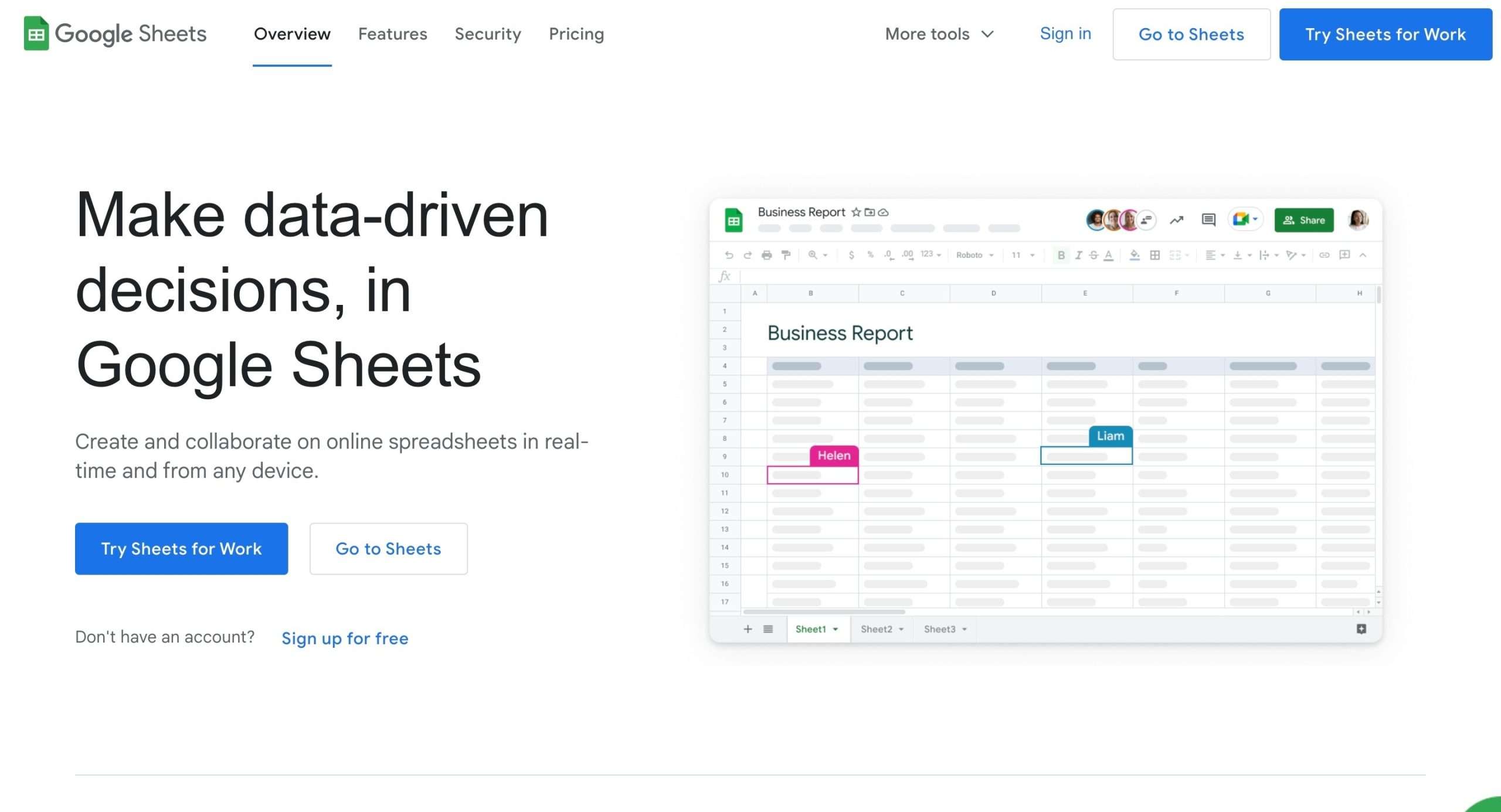
- Tracking project timelines with due dates, status, and assignee. Your remote team coordinates seamlessly.
- Analyzing data via imported metrics to uncover insights for decisions. Share interactive dashboards.
And rely on Google Slides to help:

- Brainstorming sessions with co-created decks.
- Interactive wireframes and prototypes with comments from dispersed reviewers. Rapid remote feedback.
The real-time, multi-user editing that Google Docs, Sheets, and Slides provide is invaluable for engaging teams with members worldwide across multiple time zones.
5. Google Calendar
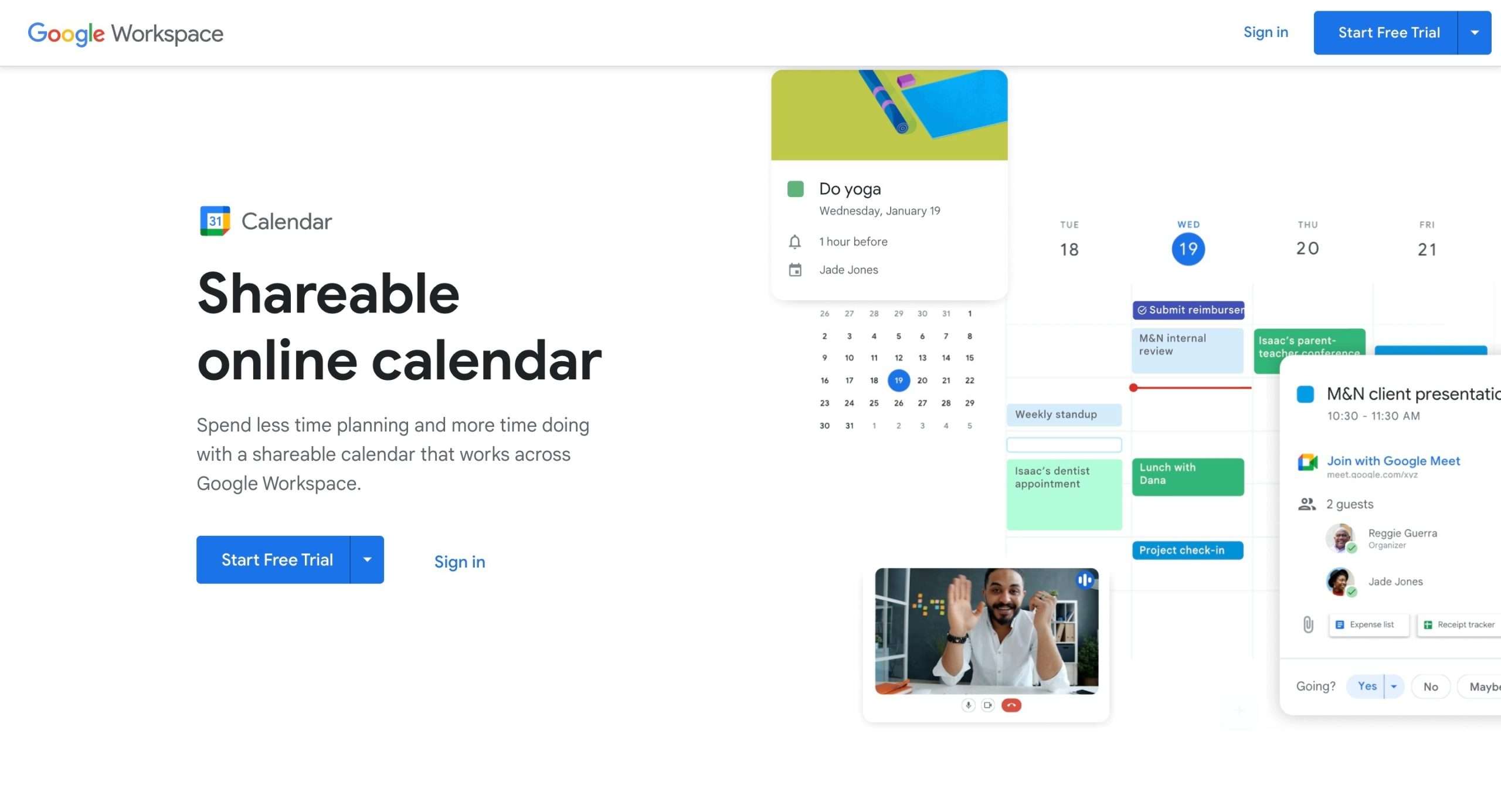
Staying in sync is tricky for distributed teams. But Google Calendar enhances visibility into schedules and events to align everyone.
Shared team calendars ensure transparency around:
- Working hours and time off
- Meetings, deadlines, and events
- And focus time blocks for heads-down work.
For example, social media manager Ishita would mark when she’s offline for content planning. Seeing this block of “me time”, co-workers know not to disturb her focus.
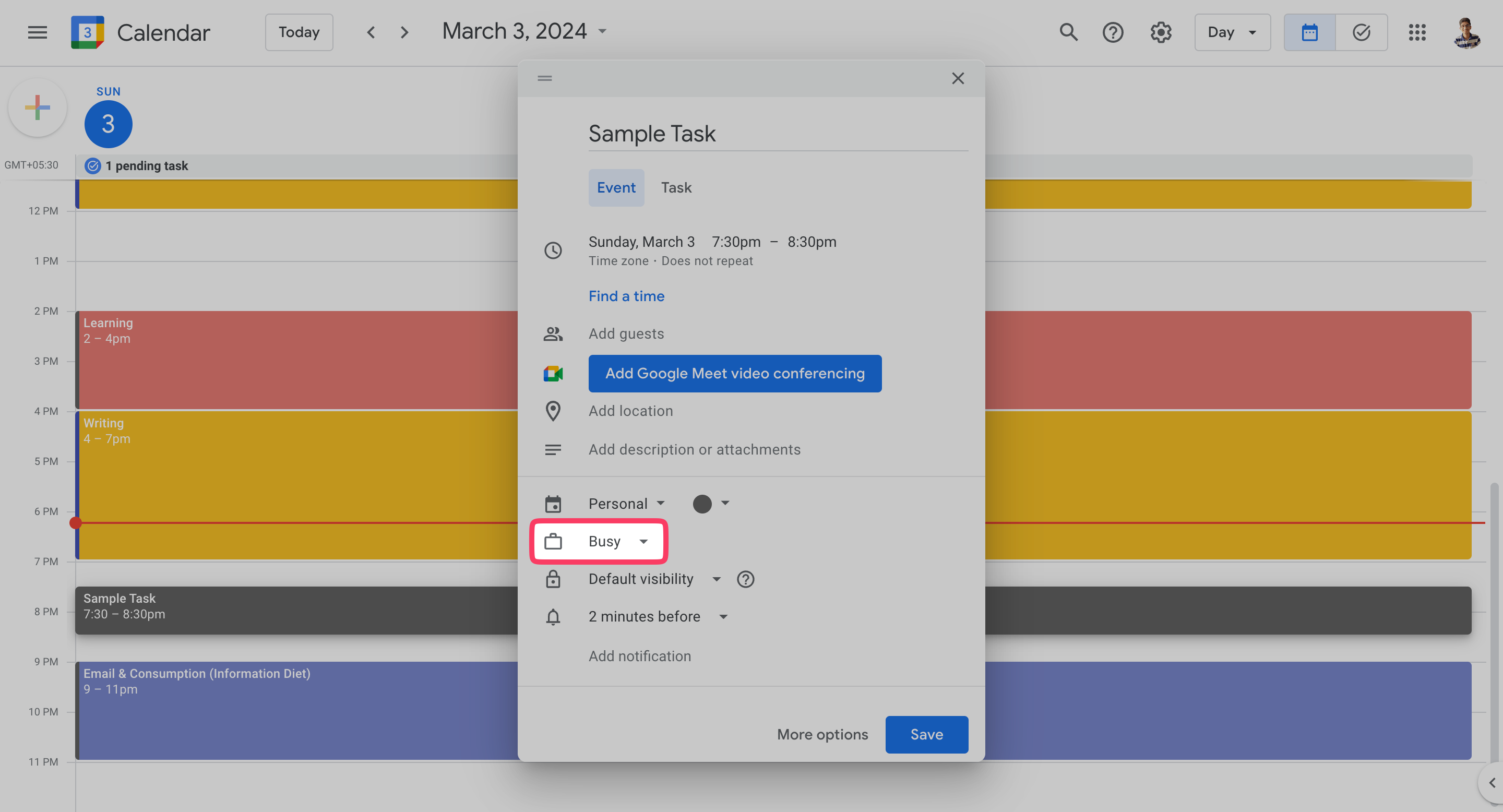
Calendar integration with Gmail also automatically shows declines if a meeting invites conflict with existing events. This awareness prevents double bookings that leave remote folks out.
Use Calendar invitations to schedule remote social hours like Friday trivia.
Sending calendar invites rather than arranging events through Slack or text makes attendance tracking and reminders easier. Automated reminders also increase participation.
Shared calendars aligned with mail integration, notifications, and automated events remove coordination headaches.
With that out of the way, let’s explore how you can fight some potential remote work challenges that may come your way.
Try Google Workspace Free for 14 Days
Responding to Remote Work Challenges
Isolation and lack of connection are common challenges for remote teams. However, several strategies can help:
Build Community Through Non-Work Channels
Encourage the use of non-work channels in Google Chat/Spaces around common interests like pets, hobbies, etc. This allows for casual social connections.

Organize virtual lunch groups, coffee breaks, or “water cooler” discussions where team members can chat informally.
Have a #random channel for sharing funny memes, videos, and stories to give that “workplace vibe”.
Allow Flexibility
- Have no-video days on Meet calls to prevent fatigue.
- Survey team members anonymously on what they need to prevent burnout.
- Allow flexibility in working hours to accommodate different schedules/time zones.
Foster Social Connections
- Play games like Kahoot and Gartic Phone on Meet to spark creativity and fun.
- Organize virtual happy hours, cookalongs, or other activities to socialize.
- Send care packages with company swag to make remote staff feel valued.
The key is using the right tools for the right purposes and establishing norms around asynchronous communication.
Measuring Engagement
Keeping distributed teams engaged over the long run requires consciously measuring participation, collaboration, and connectivity.
Google Workspace provides effective tools to gather these insights.
Surveys
Pulse surveys created in Google Forms help assess engagement by gathering regular feedback.

For example:
- Ask rating questions after meetings about organization, interactivity, and effectiveness. Track trends.
- Send monthly Forms surveys covering satisfaction, communication, and productivity—segment results by attributes like tenure, location, and role.
Dashboards
Visual dashboards in Google’s Looker Studio quickly communicate engagement levels:
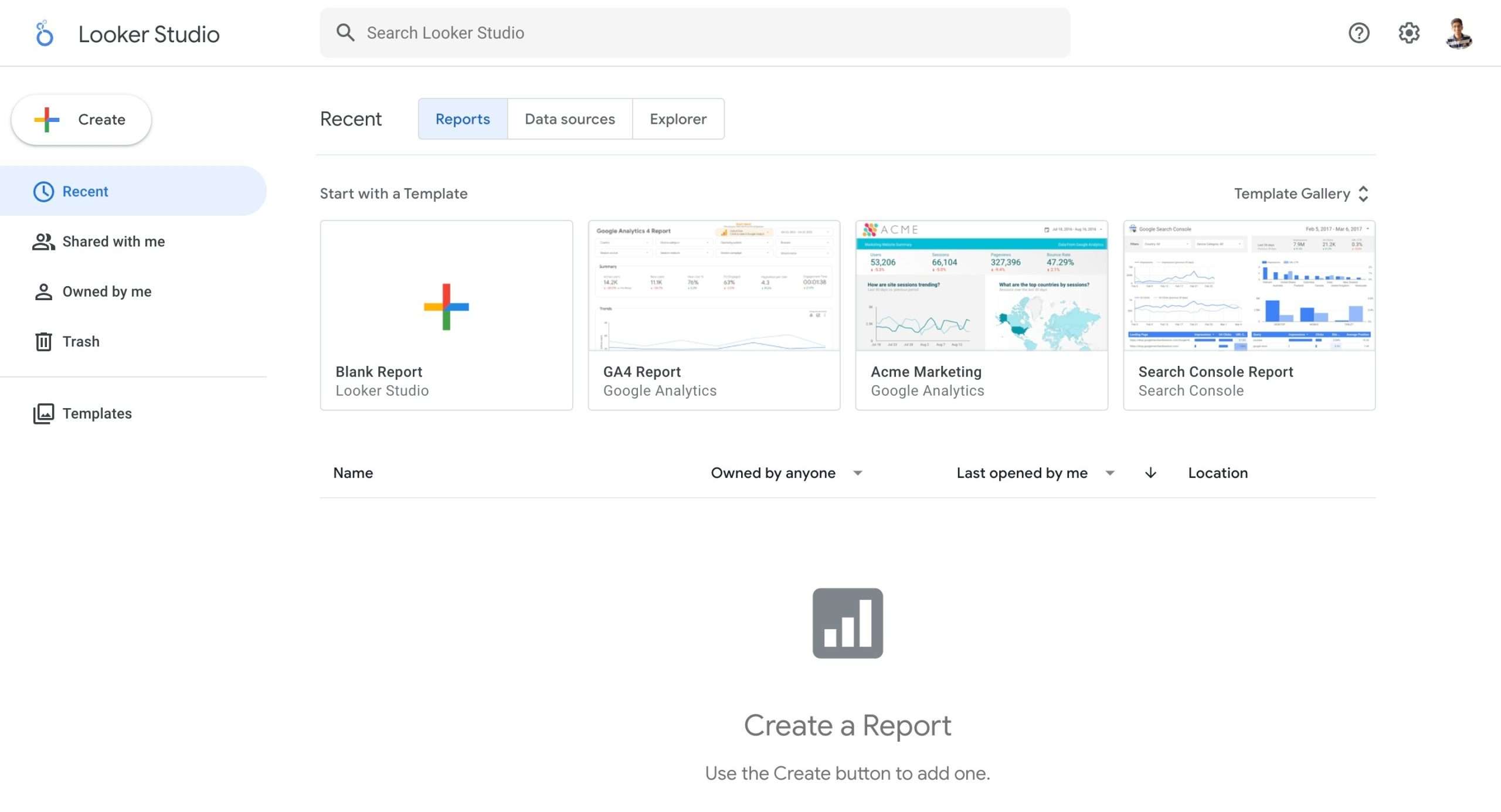
- Incorporate Meet attendance and Google Docs usage data to see participation.
- Add metrics from tools like Chat, and Calendar into one cross-functional view.
The key is choosing connected metrics and gathering consistent data to uncover trends. This allows for addressing issues proactively.
Conclusion
Distributed teams are proven to boost productivity and access global talent if consciously engaged.
As covered through tips utilizing Meet, Docs, and more, Google Workspace even remotely provides customizable channels for that connection.
Sustaining participation, camaraderie, and transparency rely on leaders regularly assessing engagement too.
Remember, today’s tools erase yesterday’s boundaries.
So implement suggested tactics bit by bit, then watch closely. With care and intention, your dispersed yet cohesive team will soon be unstoppable.


 A better way to manage projects and clients for freelancers
 Get through busy days like a breeze with Reclaim.ai