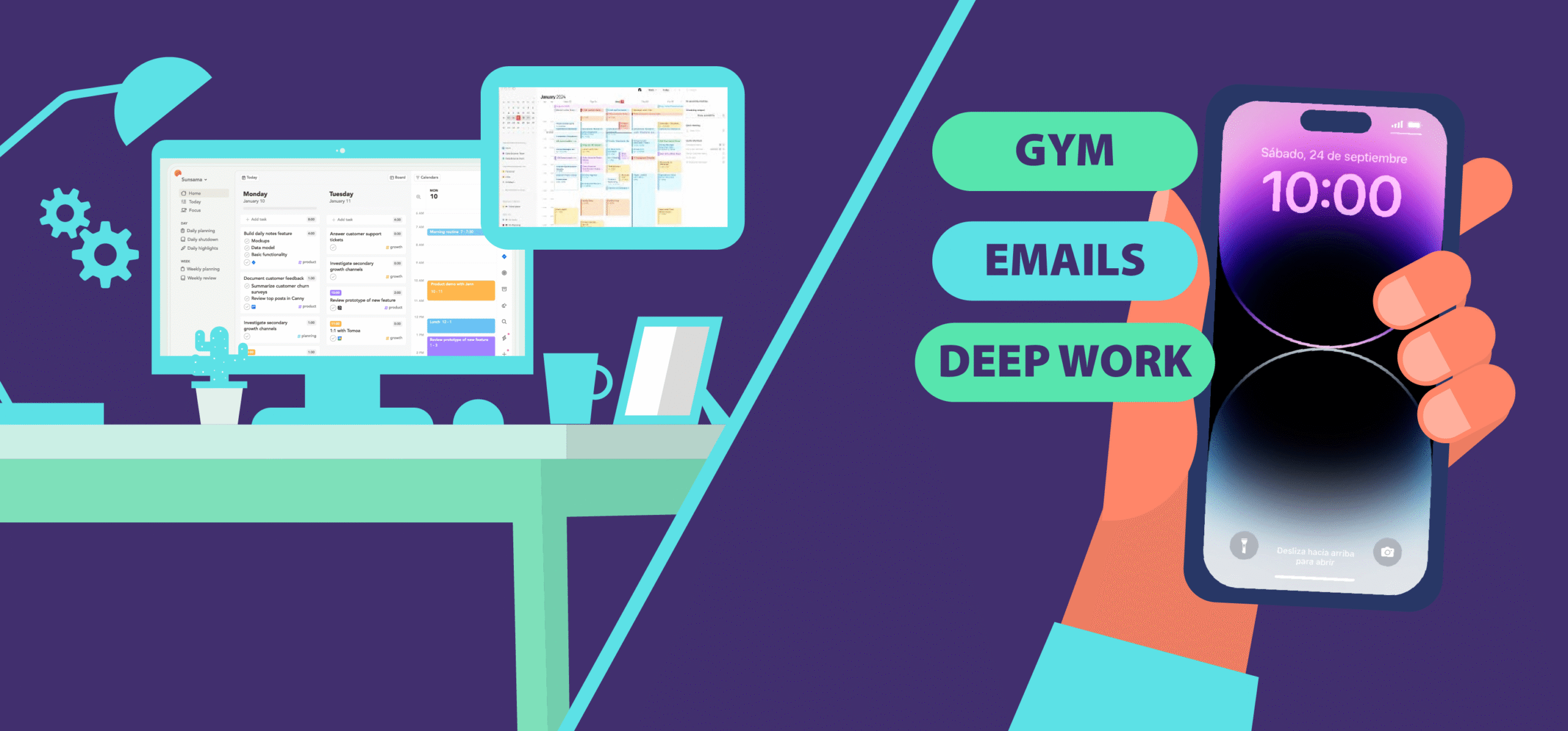
Sunsama and Structured are both designed to simplify daily planning.
They combine your tasks and calendar events into one view, giving you the visibility needed to plan your day effectively.
Below, I review Sunsama and Structured in detail, comparing their core features and pricing.
My goal is to highlight their usability and key differentiators so you can make a well‑informed purchase decision.
First, here’s some background on Sunsama and Structured.
What Is Sunsama?
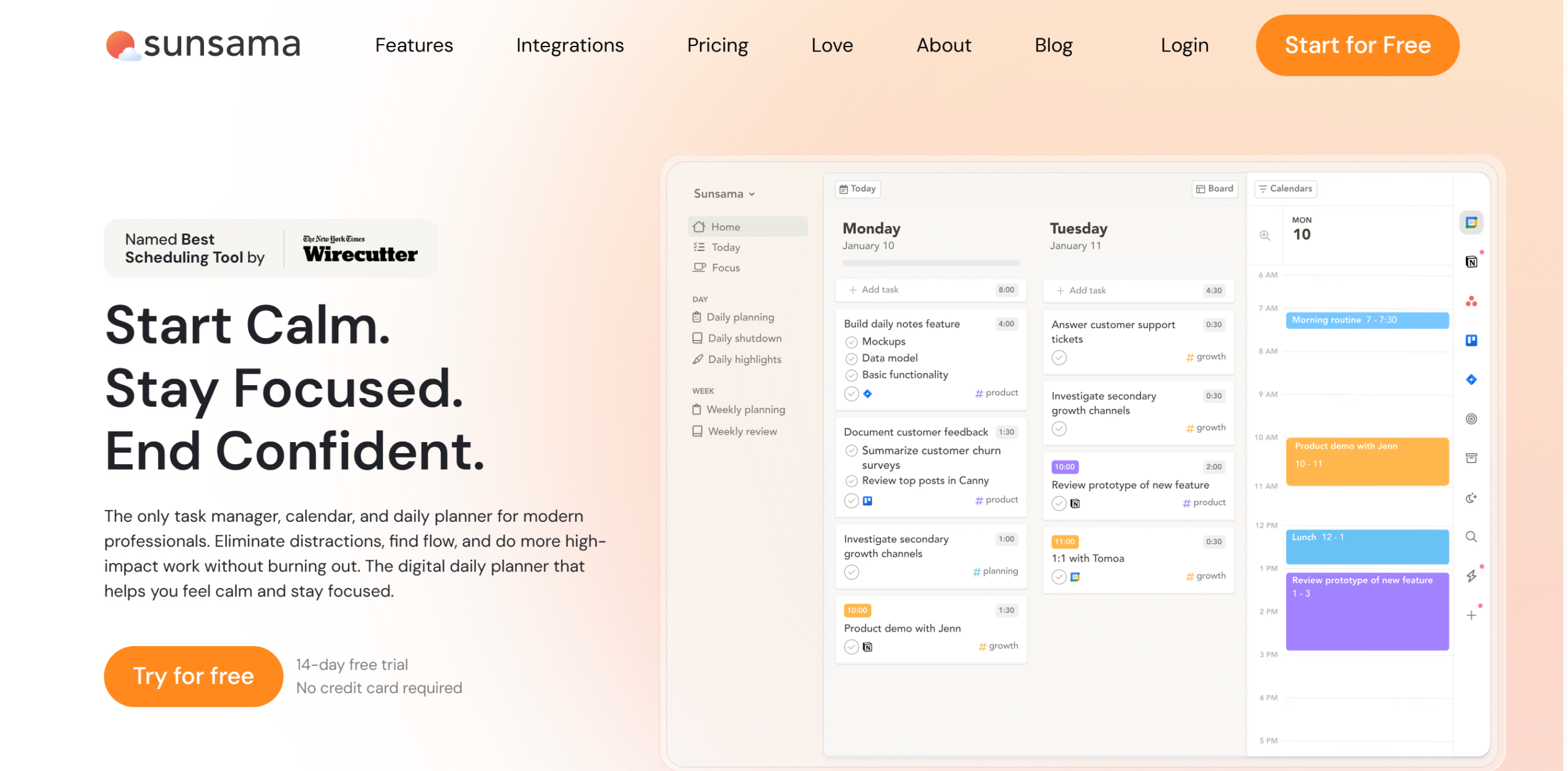
Sunsama isn’t just a task manager — it’s a daily planning system that helps you take control of your time.
It helps you organize your work and plan your day intentionally, not just efficiently.
That’s why professionals use Sunsama to plan each day with clarity and focus.
Built around planning, not cramming, Sunsama helps you create a realistic schedule based on your time, energy, and priorities.
The result?
Less overwhelm. Better focus. A workday that finally feels under control.
Sunsama backs its philosophy with powerful features that simplify your workflow.
Use guided planning and daily highlights to structure and review your day.
Focus mode and reminders keep you on track for both deep work and quick tasks.
Its biggest strength: integrations.
Connect calendars, email, and project tools in one place, so you’re not constantly switching between apps just to manage your day.
Sunsama Key Features
- Guided daily planning workflow
- Time blocking and auto-scheduling
- Kanban-style task management
- Focus mode with built-in Pomodoro timer
- Daily shutdown and highlights
- Email and task import
- Calendar syncing (Google, Outlook, etc.)
- Productivity insights and analytics
- Seamless third-party integrations
What Is Structured?
Structured is a simpler, faster alternative to Sunsama, made for people who want to plan their day without overthinking it.
Instead of a rigid, step-by-step flow, Structured focuses on speed with a clean visual timeline that lets you plan your entire day in seconds.
Your schedule looks clear and easy to follow at a glance. You can quickly add tasks, schedule events, adjust your day, and automate recurring work.
With a built-in AI assistant to organize your tasks and speed up planning, Structured is best for people who value simplicity and speed over complex planning systems.
Structured Key Features
- Daily planning
- Visual timeline view
- Tasks and subtasks
- Inbox for quick capture
- Checklists
- Pomodoro timer
- AI-assisted scheduling
- Calendar syncing
- Third-party integrations
- Mobile app
Now that you understand how both tools work individually, let’s compare them side by side.
Sunsama vs Structured: Detailed Feature Comparison
Both Sunsama and Structured are built for daily planning — but they approach it very differently.
Sunsama focuses on intentional, guided planning to help you stay realistic and focused.
Structured, on the other hand, prioritizes speed and simplicity with a visual timeline.
Let’s break down how they compare.
1. Planner: Daily Planning Experience
A planner is a scheduling tool that helps you organize your day.
It functions as a digital notebook, showing your upcoming tasks and events so you can easily keep track of your activities.
Sunsama and Structured are both designed primarily for daily planning.
They provide a digital space where you can create tasks and organize them into a clear, well-structured schedule.
Here’s a summary of how their planners compare.
Sunsama Planner
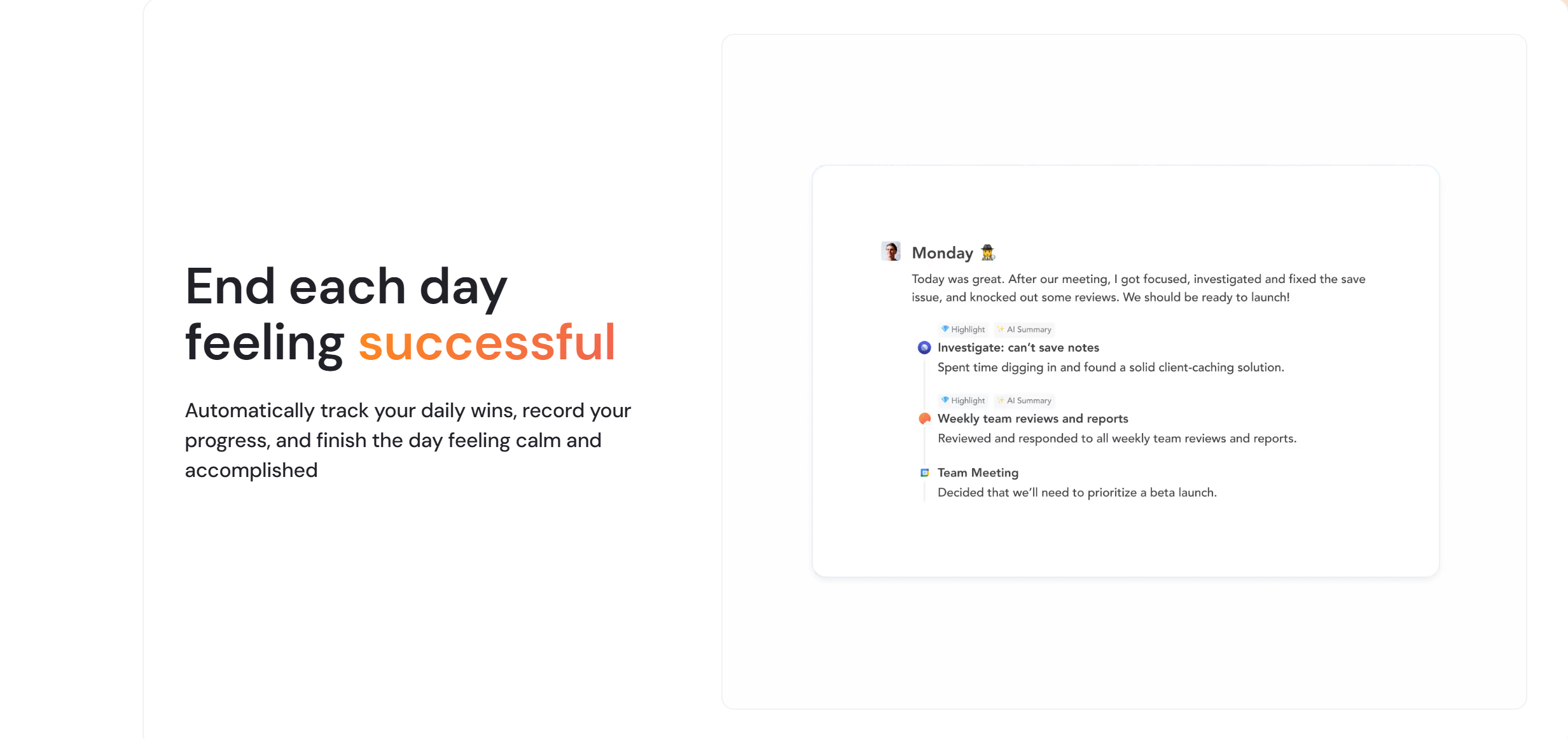
Sunsama is designed for intentional planning.
It guides you to plan your day step by step, helping you set realistic goals instead of overloading your schedule.
If your tasks don’t fit your available time, it alerts you — so you stay in control.
It also carries unfinished tasks forward and helps you reflect on your day with daily highlights and weekly insights.
This makes it ideal for professionals who want structure, clarity, and long-term consistency.
Structured Planner
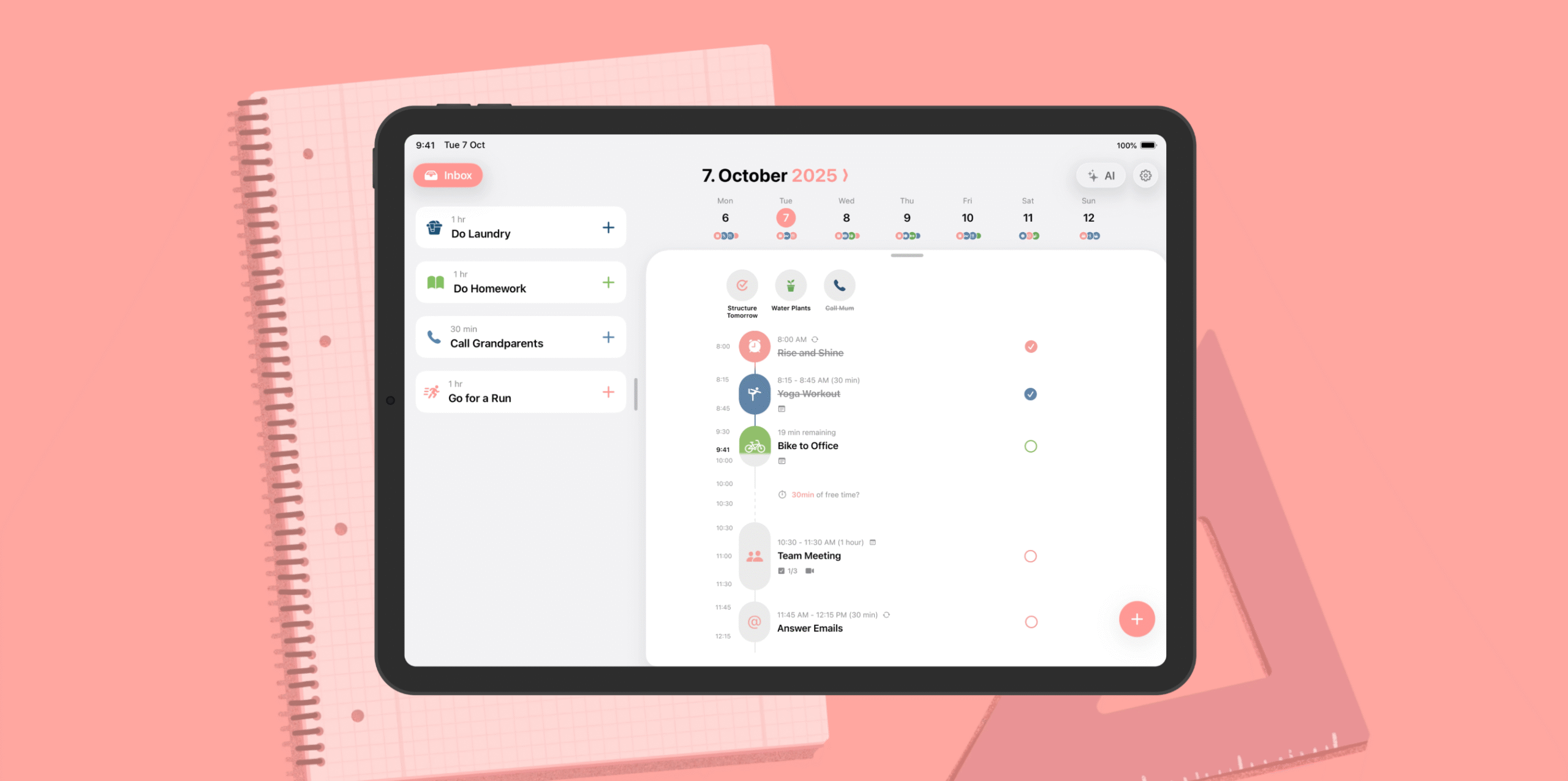
Structured takes a simpler approach.
Instead of guiding your planning, it lets you quickly organize tasks using a visual timeline.
You can drag, reschedule, and adjust tasks easily, making it fast and flexible.
It also includes helpful features like reminders, widgets, and a built-in Pomodoro timer.
This makes it perfect for users who want a clean, no-friction way to plan their day.
Planner Verdict (Which App Helps You Plan Better?)
If you want a structured system that guides your planning and helps you stay consistent, Sunsama is the better choice.
But if you prefer speed, simplicity, and a visual way to manage your day, Structured is a great fit.
In short:
Sunsama = clarity and control
Structured = speed and simplicity
2. Time Blocking: How Each App Schedules Your Day
Time blocking is where Sunsama and Structured start to feel very different.
Both let you schedule tasks into your calendar — but how they do it changes your entire workflow.
Sunsama Time Blocking
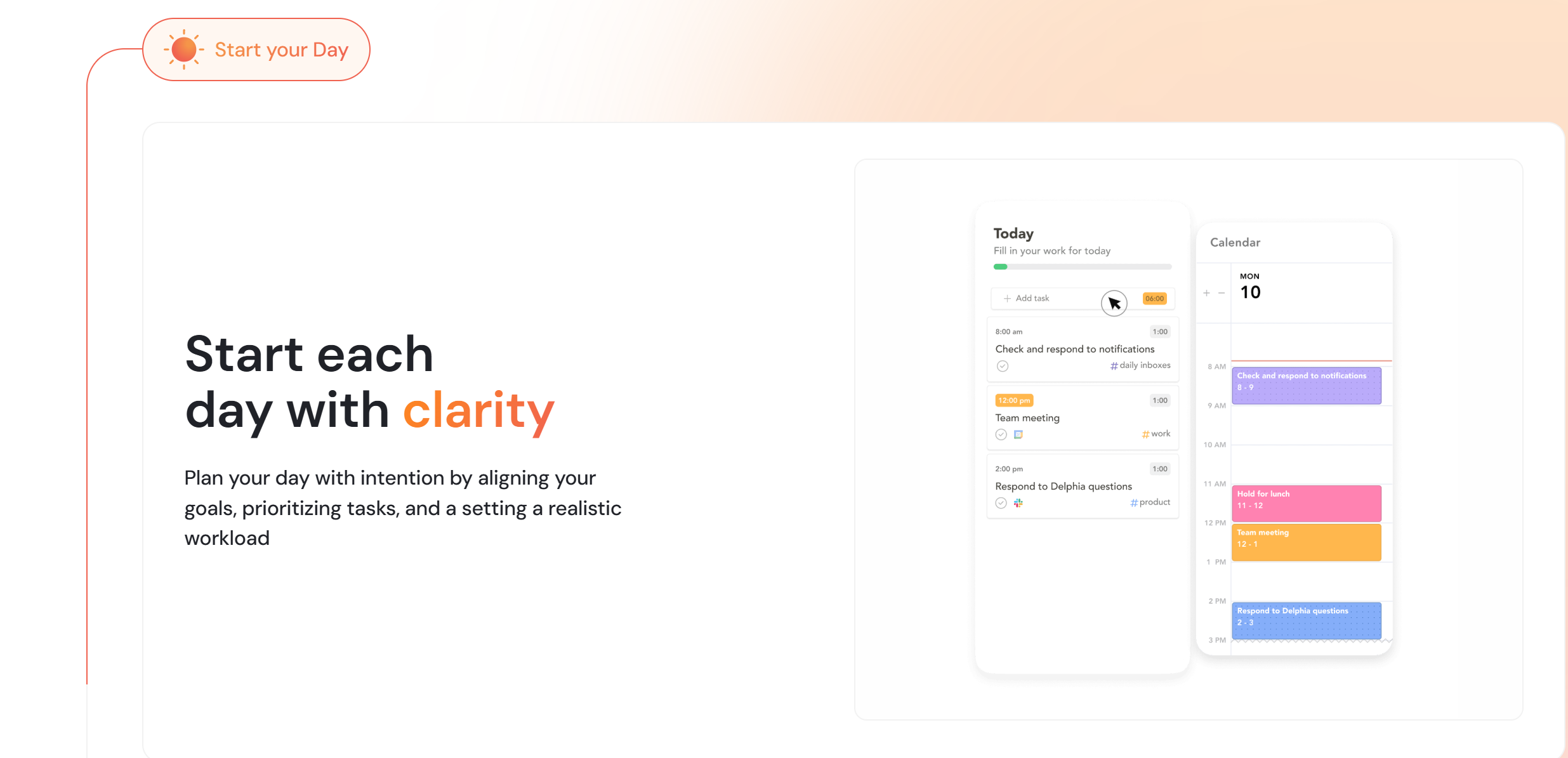
Sunsama approaches time blocking with intention.
You first plan your tasks, then assign them to specific time slots — helping you build a realistic schedule.
It allows you to drag tasks directly into your calendar and adjust them easily.
You can also import tasks from tools like Slack, Gmail, and other apps, keeping everything in one place.
This makes Sunsama ideal for users who want structure and control over their time.
Structured Time Blocking
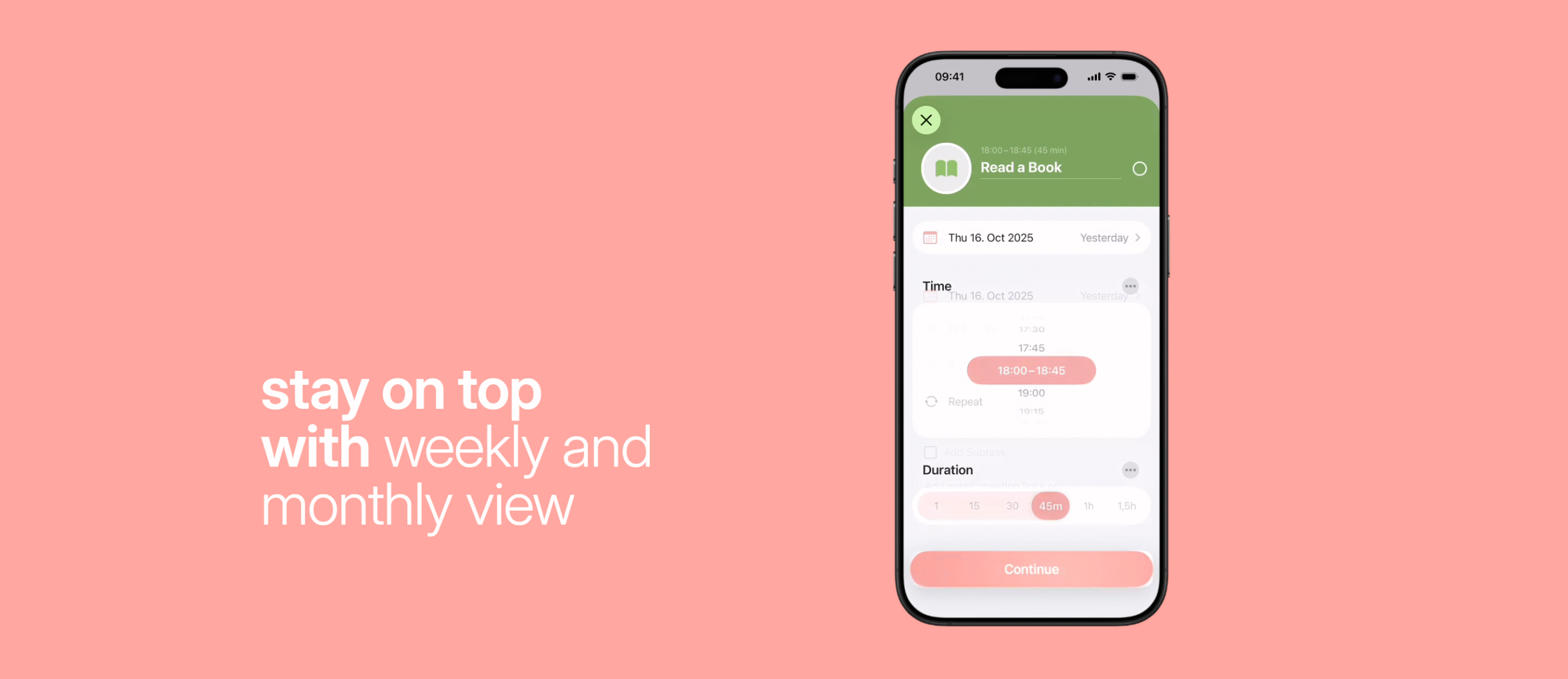
Structured takes a faster, more flexible approach.
You can create tasks directly on your calendar and adjust them instantly.
It’s designed primarily for mobile users, making it quick and easy to plan on the go.
While it doesn’t support deep integrations like Sunsama, it makes up for it with simplicity and speed.
This makes it perfect for users who want quick execution without overthinking.
Time Blocking Verdict (Flexibility vs Simplicity)
Sunsama is better if you prefer planning first and scheduling after.
Structured is better if you want to plan directly on your calendar and move fast.
In short:
Sunsama = intentional planning
Structured = quick execution
3. Integration: How Well They Fit Your Workflow
Integrations are where Sunsama and Structured differ the most.
One is built to connect everything, and the other keeps things minimal.
Sunsama Integrations
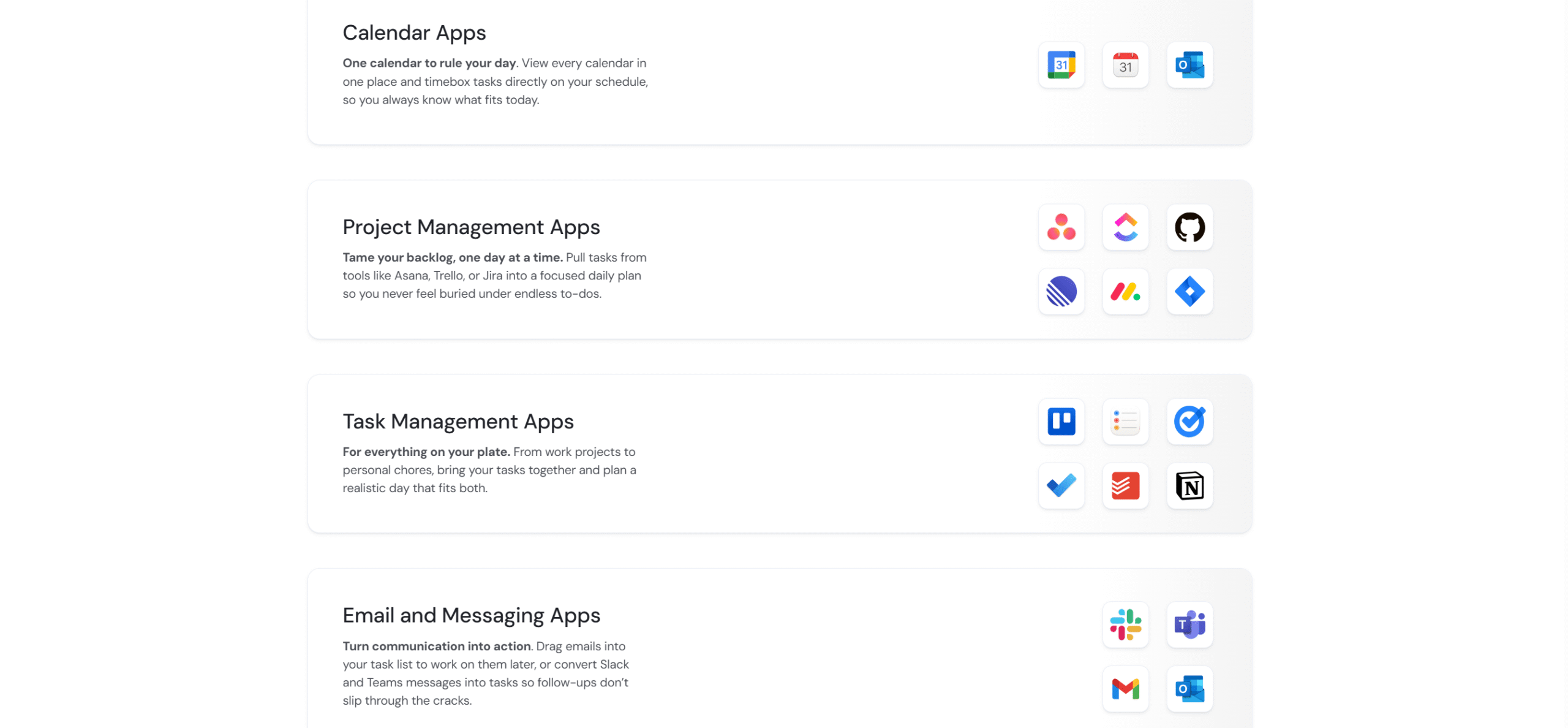
Sunsama is built around deep integrations.
You can connect tools like Gmail, Slack, and project management apps to bring all your tasks into one place.
It supports two-way calendar syncing, so your schedule stays updated automatically.
You can drag tasks directly from these tools into your daily plan without switching apps.
This makes Sunsama ideal for managing complex workflows across multiple platforms.
Structured Integrations
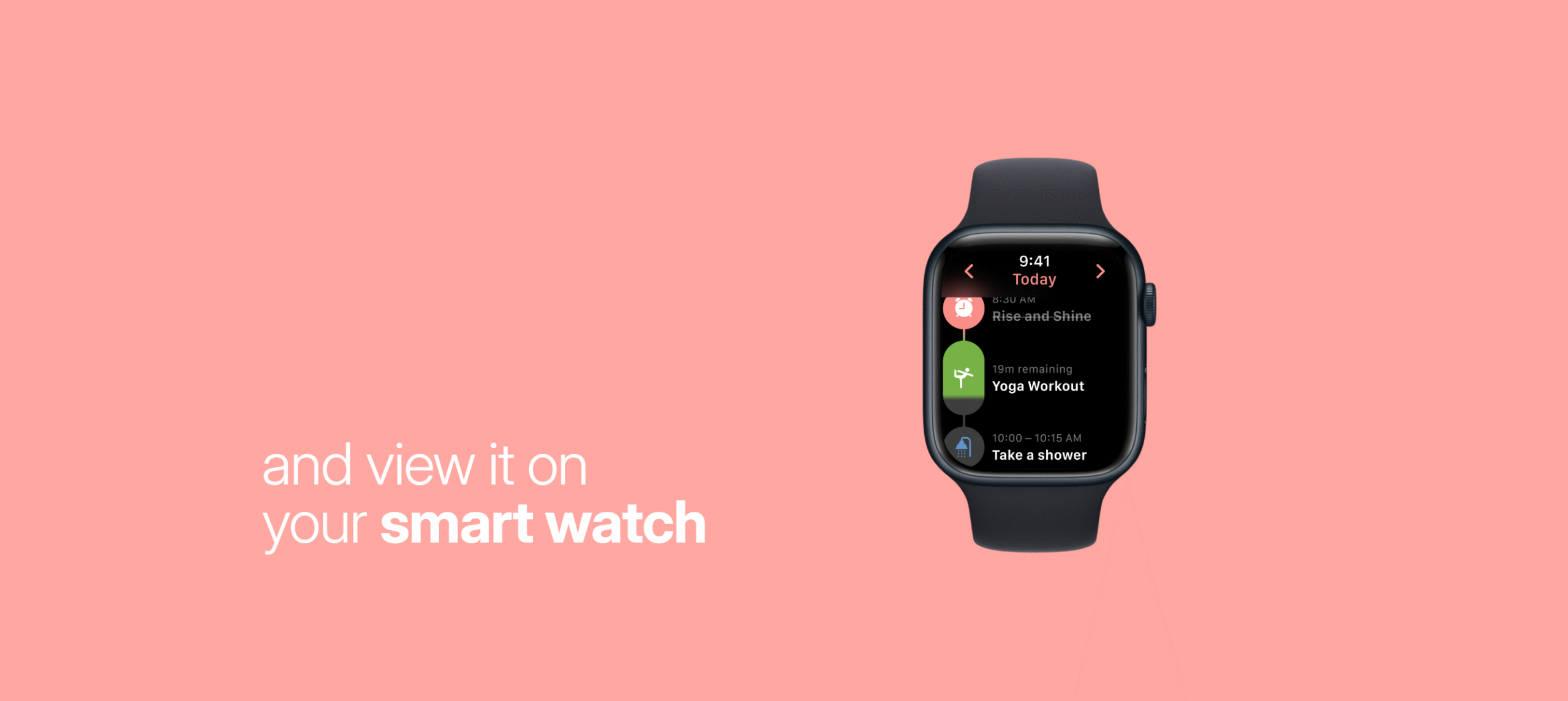
Structured takes a much simpler approach.
Its integrations are limited mainly to calendar syncing and Apple Reminders.
It works best within the Apple ecosystem, with support for iPhone, iPad, and Apple Watch.
While it lacks deep integrations, it keeps the experience fast and distraction-free.
This makes it a better choice for users who prefer simplicity over connectivity.
Integration Verdict (Power vs Simplicity)
Sunsama clearly wins in integrations.
It connects with multiple tools and keeps everything in sync.
Structured is more limited, focusing mainly on calendars and Apple Reminders.
In short:
Sunsama = powerful integrations
Structured = simple ecosystem
4. Pricing: Which Planner Offers Better Value?
Sunsama and Structured follow completely different pricing models.
One is premium, and the other is freemium.
Sunsama Pricing
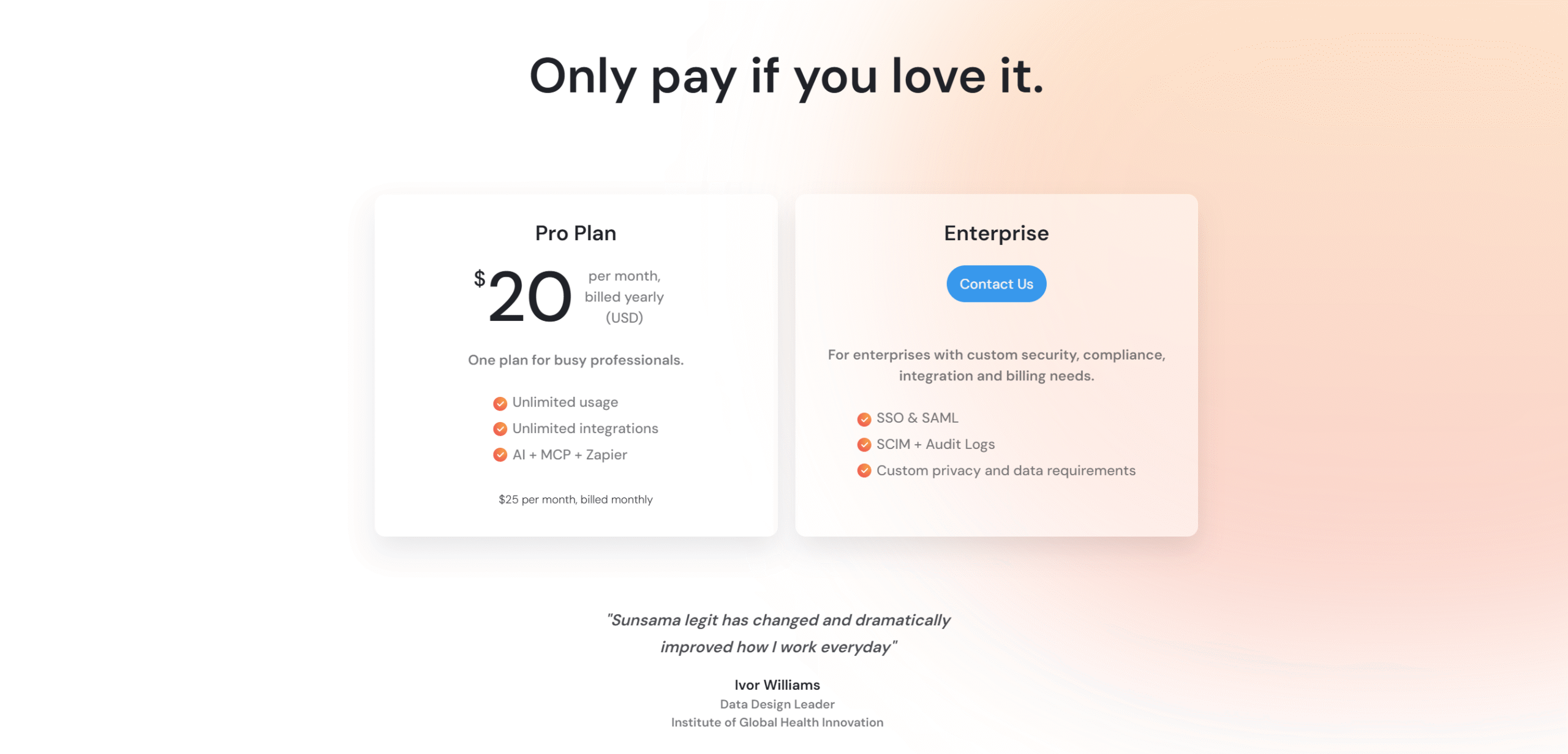
Sunsama follows a premium pricing model.
It costs $25 per month, with a discount on annual billing.
There are no multiple tiers — you get full access to all features in one plan.
It also offers a free trial, so you can test the product before committing.
This makes Sunsama simple, but relatively expensive compared to other planners.
Structured Pricing
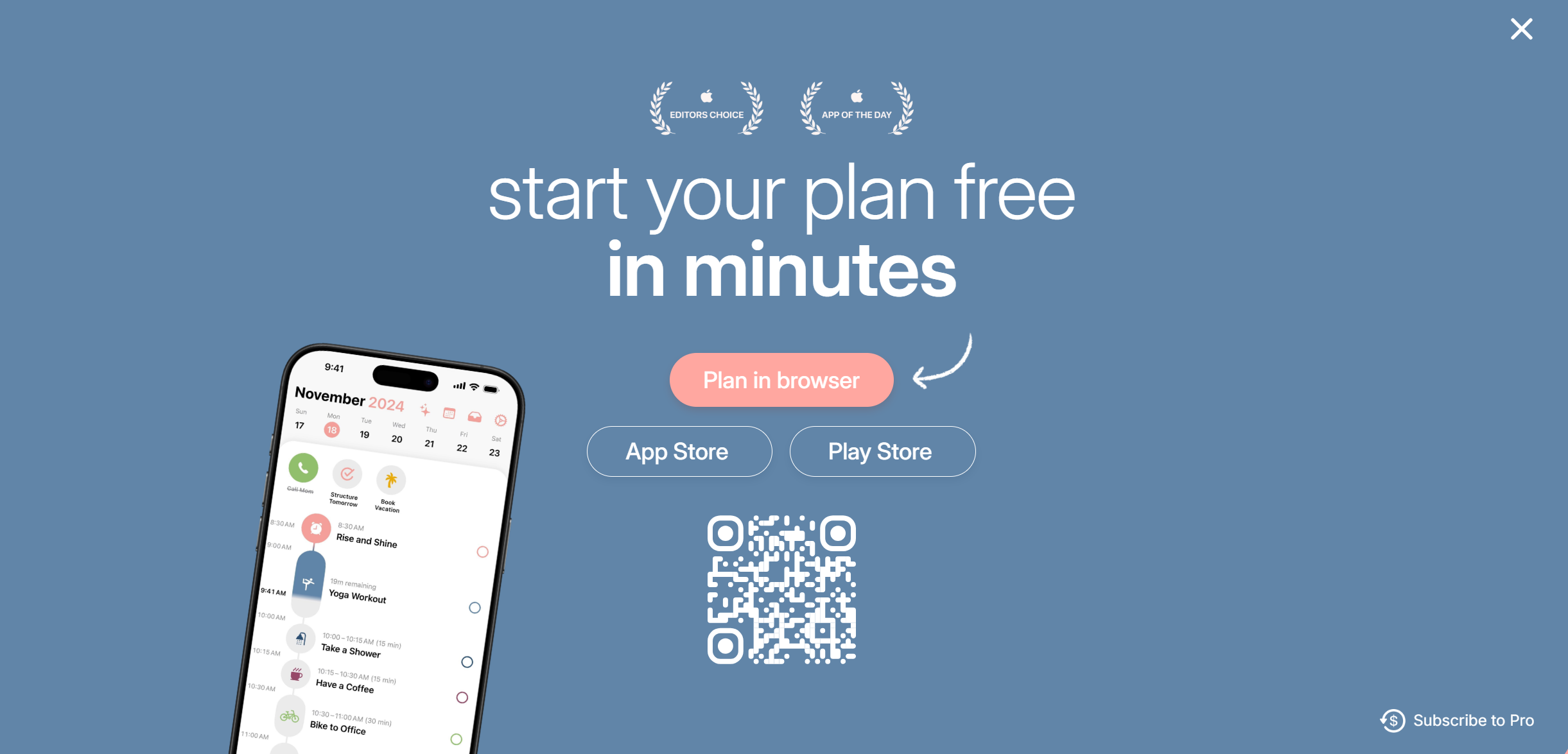
Structured follows a freemium model.
You can use the core features for free without any time limit.
To unlock advanced features, it costs around $5 per month or a one-time lifetime purchase.
This makes Structured significantly more affordable and accessible.
Pricing Verdict (Cost vs Value Comparison)
Structured clearly wins on price.
It offers a free plan and low-cost premium options.
Sunsama, on the other hand, is significantly more expensive but includes all features in one plan.
In short:
Structured = budget-friendly
Sunsama = premium investment
Pros And Cons
Here’s a quick breakdown of where each tool excels — and where it falls short.
Sunsama: Strengths & Limitations
Pros
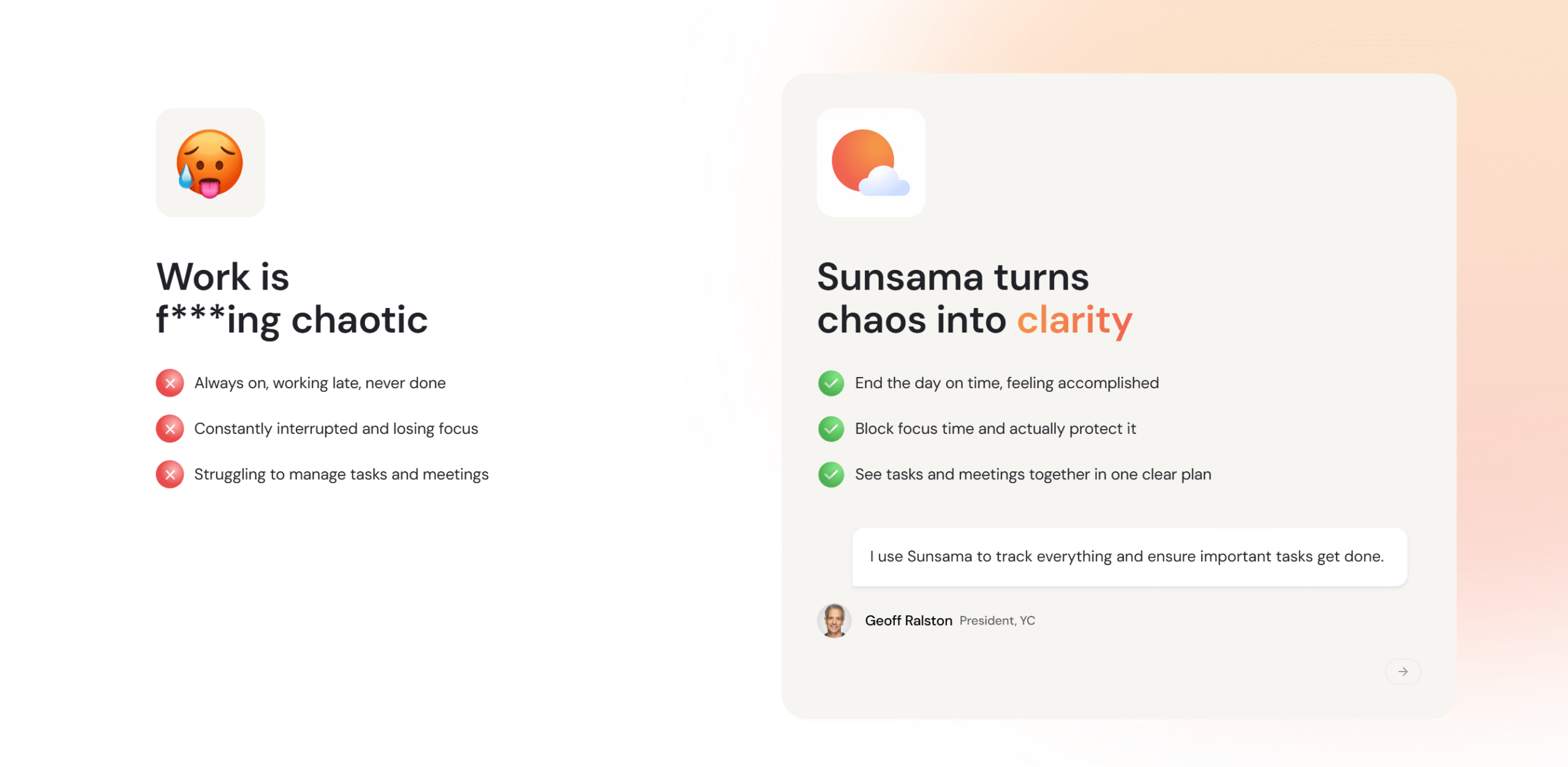
Helps you plan realistically and avoid burnout
Combines tasks, emails, and calendar in one workflow
Encourages deep work and better daily structure
Ideal for professionals managing complex schedules
Cons
No free plan (only a limited free trial)
Requires manual daily planning (can feel slow at first)
Mobile experience is limited compared to desktop
Structured: Strengths & Limitations
Pros
Clean and visually appealing interface
Extremely easy to use and quick to set up
Works well for simple daily planning
Free plan available with affordable upgrades
Great mobile experience
Cons
Limited integrations compared to Sunsama
Not ideal for complex work workflows
AI and advanced features are relatively basic
Better optimized for iOS than Android
Final Verdict: Sunsama vs Structured (Which One Should You Choose?)
Sunsama and Structured are built for different types of users.
Sunsama is designed for professionals who want a structured, distraction-free workflow and don’t mind paying for it.
Structured, on the other hand, is better for individuals who want a simple, fast, and affordable planning tool — especially on mobile.
If your priority is deep work and control → go with Sunsama.
If your priority is speed, simplicity, and cost → go with Structured.
The right choice depends on how you plan your day — not just what features you need.


 A better way to manage projects and clients for freelancers
 Get through busy days like a breeze with Reclaim.ai