
Many AI workflow automation tools look good on paper.
But once you start comparing them, you’ll notice the differences in their capabilities, with each having its own strengths and limitations.
What matters is whether those capabilities can actually make your workflow more efficient.
Because the last thing you need from an AI tool is to add more steps to your existing workflow.
In this article, I’ve compared the 15 best AI workflow automation software based on popularity, core features, and ease of use.
I’ve also highlighted what each tool is best for, so you can see which one works for your business operations.
Disclosure: Some links in this article may be affiliate links. If you buy through them, Squeeze Growth may earn a commission at no extra cost to you.
What Is AI Workflow Automation Software And What Tools Are Best For You
AI workflow automation software connects the apps you use and automates the tasks between them.
It works like any other automation workflow, but its built-in AI can adjust the actions based on the situation.
Some AI tools don’t even need step-by-step instructions. You can simply tell them what you want in plain language, and they can handle the tasks for you.
Top Features To Look For In AI Workflow Automation Software
- Workflow builder.
- AI agent.
- Customization.
- Integrations.
Takeaway
| Use Case | Recommended Platform |
|---|---|
| New to AI workflow automation | Zapier |
| Cheaper options but with more control | Make |
| Intuitive AI agents | Lindy |
| Open-source tools | Active Pieces |
| Custom automation | n8n |
| Microsoft-based automation | Power Automate |
| Enterprise solution | UiPath |
AI Workflow Automation Software and Tools Comparison
| Name | Target Audience | Pricing | Deployment | Free Plan | Rating |
|---|---|---|---|---|---|
| Zapier | Beginners and small business owners | Starts at $30/month | Cloud | Yes | ⭐ 4.5/5 |
| Make | Small businesses and growing teams | Starts at $11/month | Cloud | Yes | ⭐ 4.6/5 |
| Lindy | Professionals who want an AI assistant | Starts at $30/month | Cloud | Free trial | ⭐ 4.9/5 |
| Bardeen | Sales and marketing teams | Starts at $10/month | Cloud + browser | Yes | ⭐ 4.8/5 |
| Active Pieces | Businesses that want more control over their automation | $20/month | Cloud + self-hosted | Yes | ⭐ 4.8/5 |
| Marblism | Professionals and entrepreneurs who want to automate administration. | $24/month | Cloud | No | ⭐ 4.5/5 |
| n8n | Developers who need more flexibility. | Starts at $24/month | Cloud + self-hosted | Free trial | ⭐ 4.7/5 |
| Gumloop | Marketing teams | Starts at $37/month | Cloud | Free trial | ⭐ 4.8/5 |
| Relevance AI | Businesses wanting multiple AI agents | Pricing on request | Cloud | Yes | ⭐ 4.3/5 |
| Power Automate | Businesses already using Microsoft tools | Starts at $15/month | Cloud + desktop | Free trial | ⭐ 4.4/5 |
| Pipedream | Developers | Starts at $29/month | Cloud | Yes | ⭐ 4.6/5 |
| StackAI | Established businesses | Pricing on request | Cloud + on-premises | Yes | ⭐ 4.5/5 |
| Automation Anywhere | Large businesses and enterprises | Pricing on request | Cloud + enterprise deployment | Yes | ⭐ 4.5/5 |
| UiPath | Enterprises with high volume | Starts at $25/month | Cloud + on-premises | Free trial | ⭐ 4.6/5 |
| Kore | Large companies | Pricing on request | Cloud + on-premises | No | ⭐ 4.6/5 |
Methodology
I’ve compared the fifteen tools by looking at their usability, unique selling points, AI capabilities, and user feedback.
Here are my criteria:
Usability: How easy is it to set up and use, and how much can you customize your workflows
AI Capabilities: What can AI do, and how does it improve your workflows?
Unique Selling Points: What makes it different from others?
User Feedback: What do people like and dislike about the software?
These points gave me a good idea of what each software offers and which ones are best for small, growing, and established businesses.
Let’s start the review with one of the most commonly used automation tools—Zapier.
1. Zapier
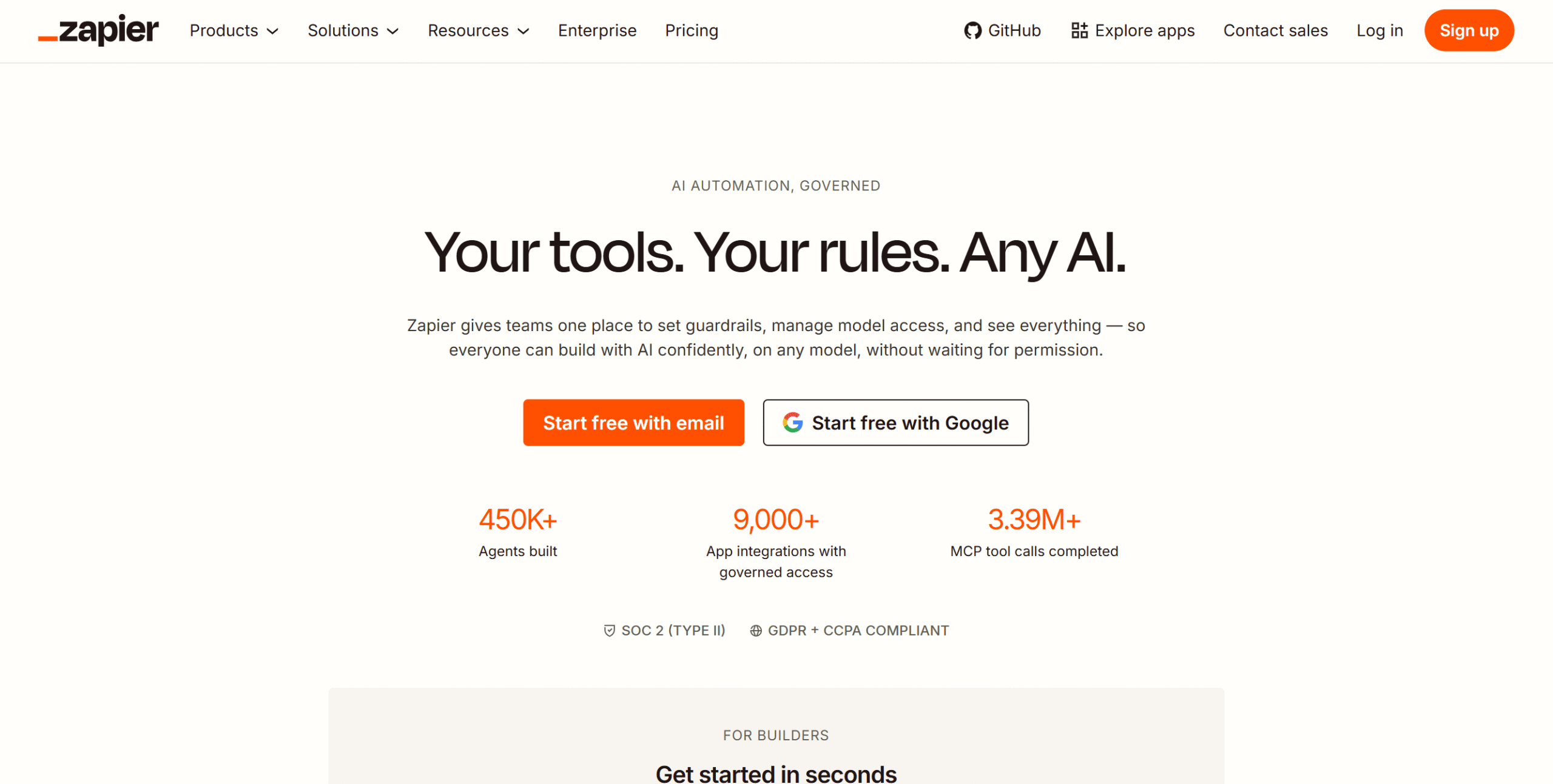
If you are new to AI automation and don’t know where to begin, Zapier is a good starting point.
It’s one of the easiest AI workflow automation tools to use and has a huge library of integrations.
You can create both basic and advanced automations on Zapier and add AI into your workflow to perform specific tasks. The AI can analyze the request, figure out what’s required, and check your connected tools for relevant details.
It can actually do much more, but I recommend sticking to simpler workflows because that’s what Zapier does best.
Core Features
- Unlimited workflows.
- Multi-step automation.
- Versions.
- Collaboration.
- AI agent.
- Error notification.
- 9000+ integrations.
- Customization.
What Users Say
“I am still incredibly happy with Zapier, and they have certainly improved the integrations.”—G2.
“Zapier has always been the easiest money I’ve spent. So much capability for the money.”—Reddit.
Price
Zapier prices start at $30 per month. The basic plan is free.
2. Make
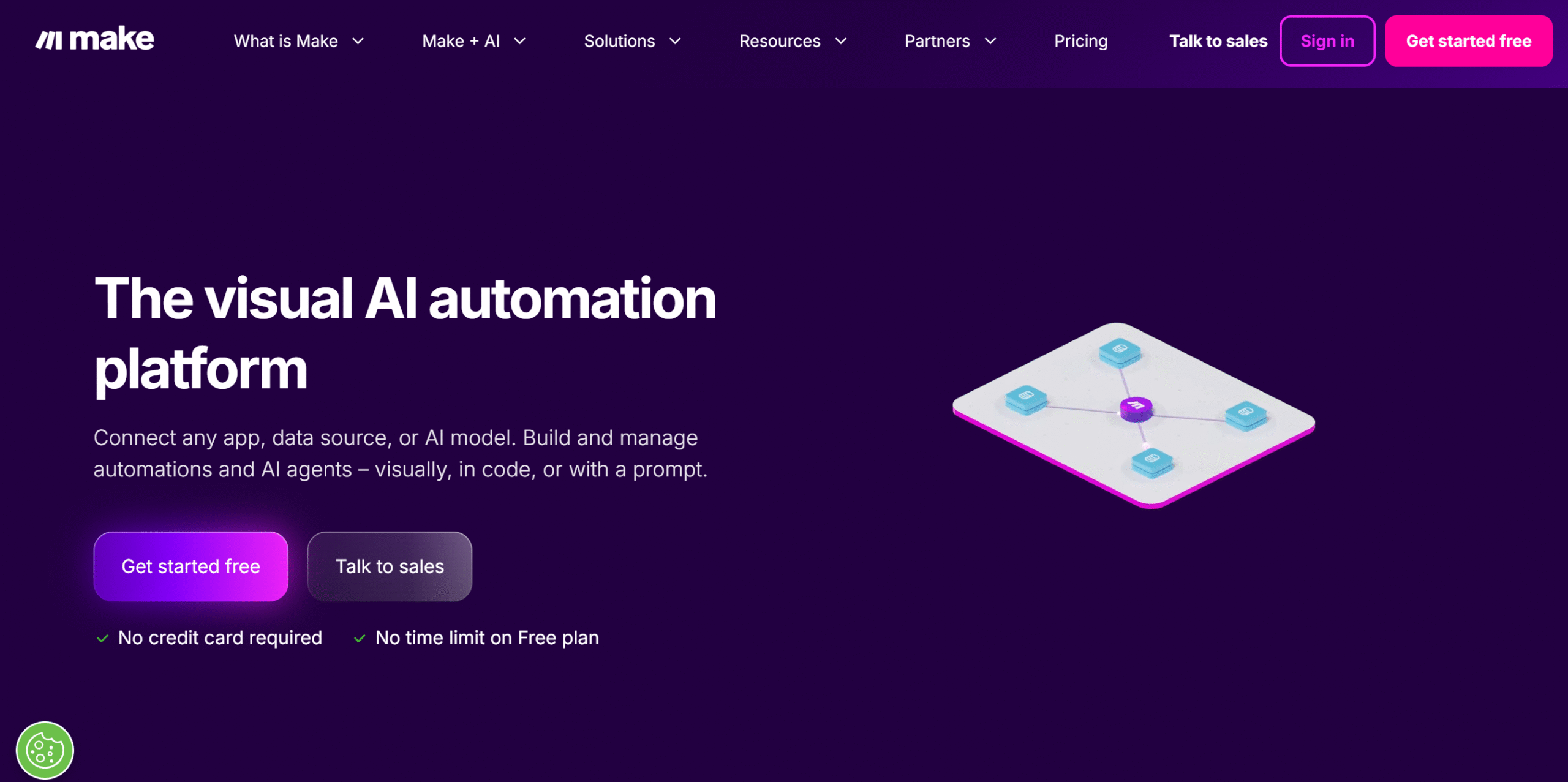
Make is a robust version of Zapier. It gives you more control over your workflows and costs less.
The catch is that it has a learning curve. You don’t have to be a developer to use it, but it still takes some effort to get the hang of it.
It also has fewer integrations than Zapier. You can, however, still connect to over 3000 third-party applications, including popular business tools.
As for the AI features? Zapier and Make both have good AI capabilities; they just use them differently.
Zapier leverages AI to simplify workflow automation, while Make uses it to handle more complex workflows.
Core Features
- Visual builder.
- Unlimited scenarios.
- AI and automation.
- Real-time monitoring.
- Customization.
- 3000+ app integrations.
- Collaboration.
- Mobile app.
What Users Say
“I love the ability to create automations with almost any platform and how Make is constantly evolving to make automations easier and better.”—G2.
“Once I got Make set up, it was a breeze. If there are any problems, an email is sent to me, which is very, very rare.”—Software Advice.
Price
Make prices start at $11 per month. The basic plan is free.
3. Lindy
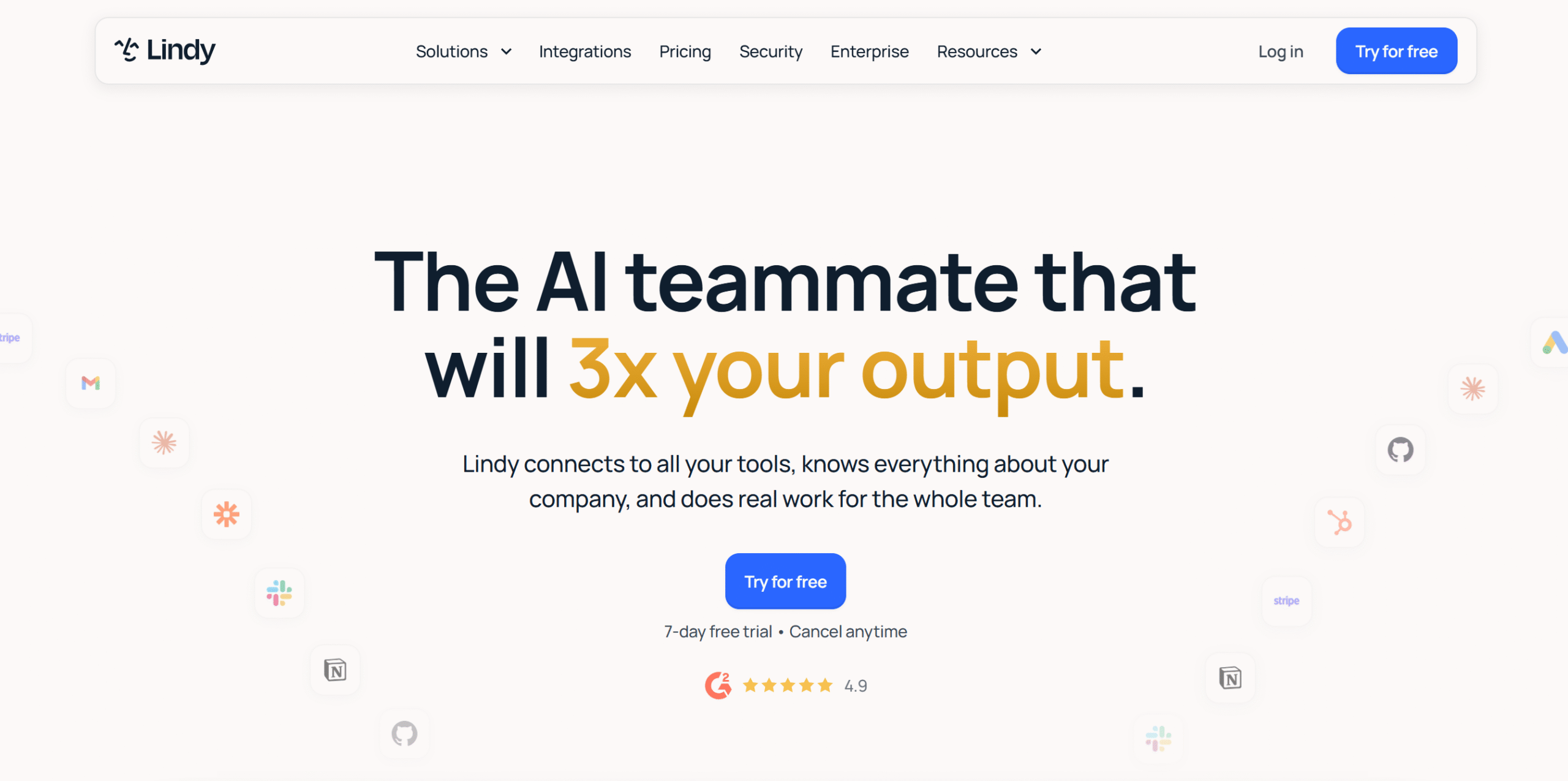
Lindy works more like an AI assistant than a traditional automation tool.
That means, unlike Zapier and Make, the AI isn’t just an add-on. It’s a core part of Lindy.
Instead of manually creating step-by-step workflows or scenarios, you just give Lindy a prompt, and it automatically creates the workflows.
This system works brilliantly for open-ended tasks, like responding to emails, following up with a lead, or handling tickets.
Lindy also provides ready-made skills to help you get started.
Core Features
- AI agent builder.
- 40+ ready-made skills.
- Meeting scheduling.
- Content generation.
- Built-in approval.
- Slack integration.
- Other third-party integrations.
- Team collaboration.
What Users Say
“I really like Lindy for its ease of use in building AI workflows.”—G2.
“I started to use Lindy on 3 email inboxes to filter my email to zero inbox. Also do meeting notes with it and automation of the outreach.”—Reddit.
Price
Lindy prices start at $30 per month. You can try it for free.
4. Bardeen
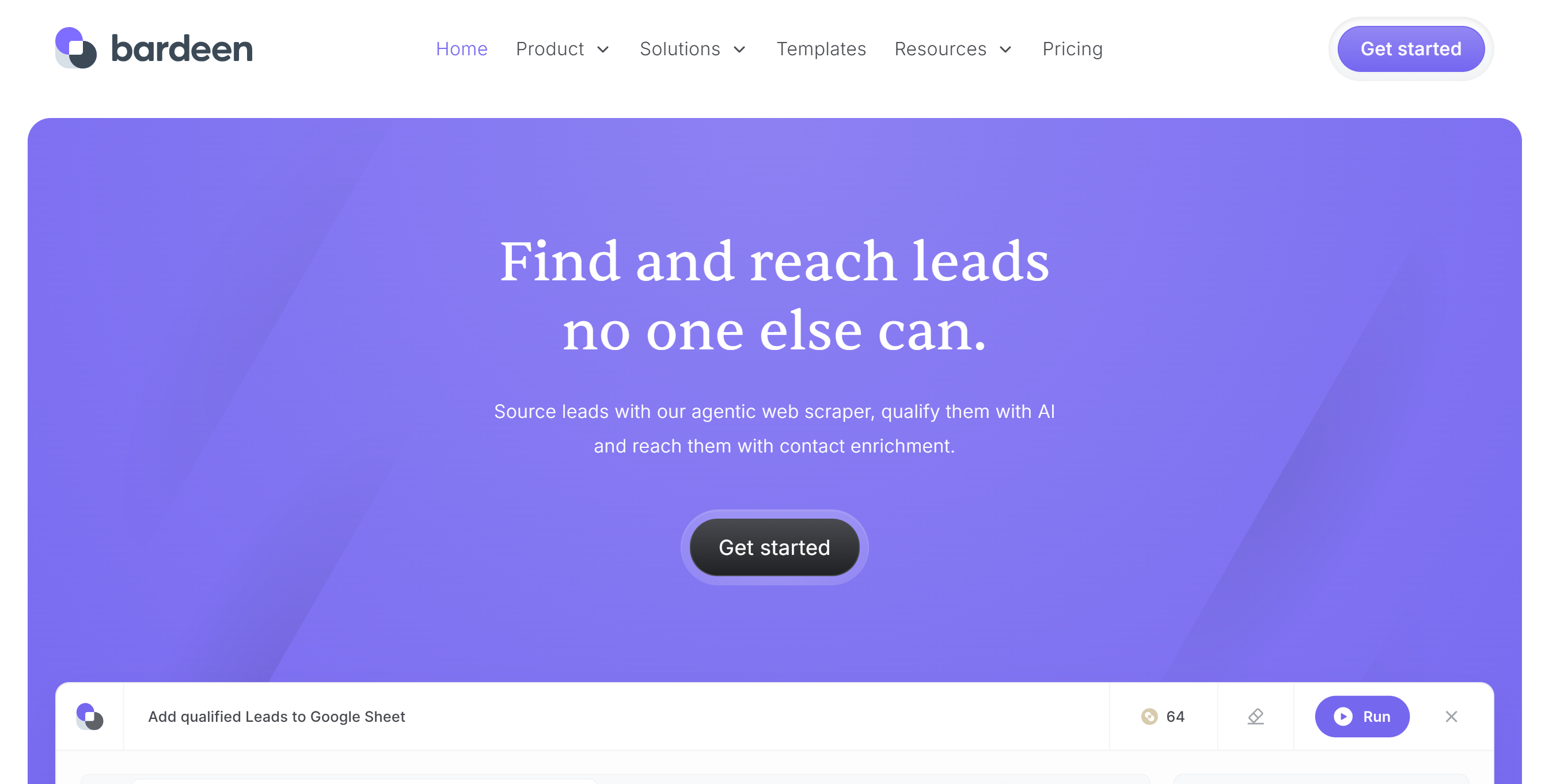
Bardeen is specifically designed for lead generation workflows.
It’s an AI web scraper tool that automatically scans websites, collects lead data, summarizes information, and adds it to Google Sheets.
Not only that, but it also shortlists qualified leads from your list and auto-generates outreach emails.
And that’s just a basic use case.
You can use Barteen to automate other repetitive browser tasks too, such as collecting feedback from review sites and using AI to analyze sentiment.
Core Features
- Web search.
- Data enrichment.
- AI and automation.
- Lead finder.
- Content generation.
- Templates.
- Integration.
- Export.
What Users Say
“I love that you can create automations without much technical knowledge, especially in combination with the pre-made playbooks.”—G2.
“I’ve been using Bardeen for a while, and it really fits into my workflow.”—Product Hunt.
Price
Bardeen prices start at $10 per month.
5. Active Pieces
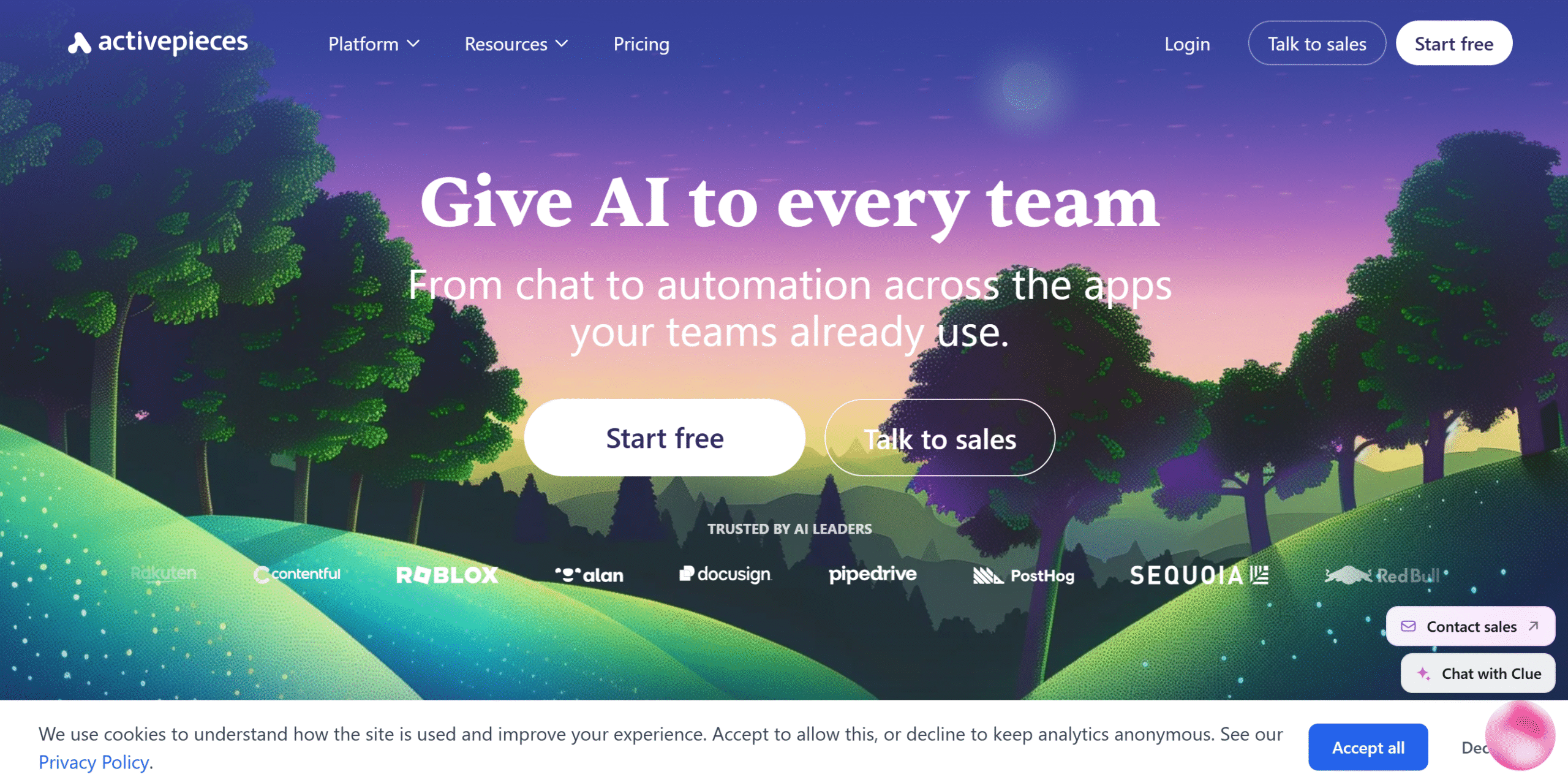
Active Pieces takes a different approach. It offers the core software for free and sells advanced functions as an add-on.
The core software doesn’t include AI features, but you can connect third-party AI assistants like ChatGPT to your workflows.
If you upgrade, you’ll get commercial features, including AI agents and white-labeling. You can self-host it too.
The platform is still young, so expect occasional bugs or issues.
Core Features
- Open source.
- Unlimited flows.
- AI agents and automation.
- API and integration.
- Team collaboration.
- White-label solution for SaaS businesses.
What Users Say
“Unlimited automations, plus it offers a generous free tier, and the MCP server is included as well!”—G2.
“I recently bought this product and the UX is by far the best of all automation tools I’ve tried.”—Product Hunt.
Price
ActivePieces is free. The paid subscription starts at $20 per month.
6. Marblism
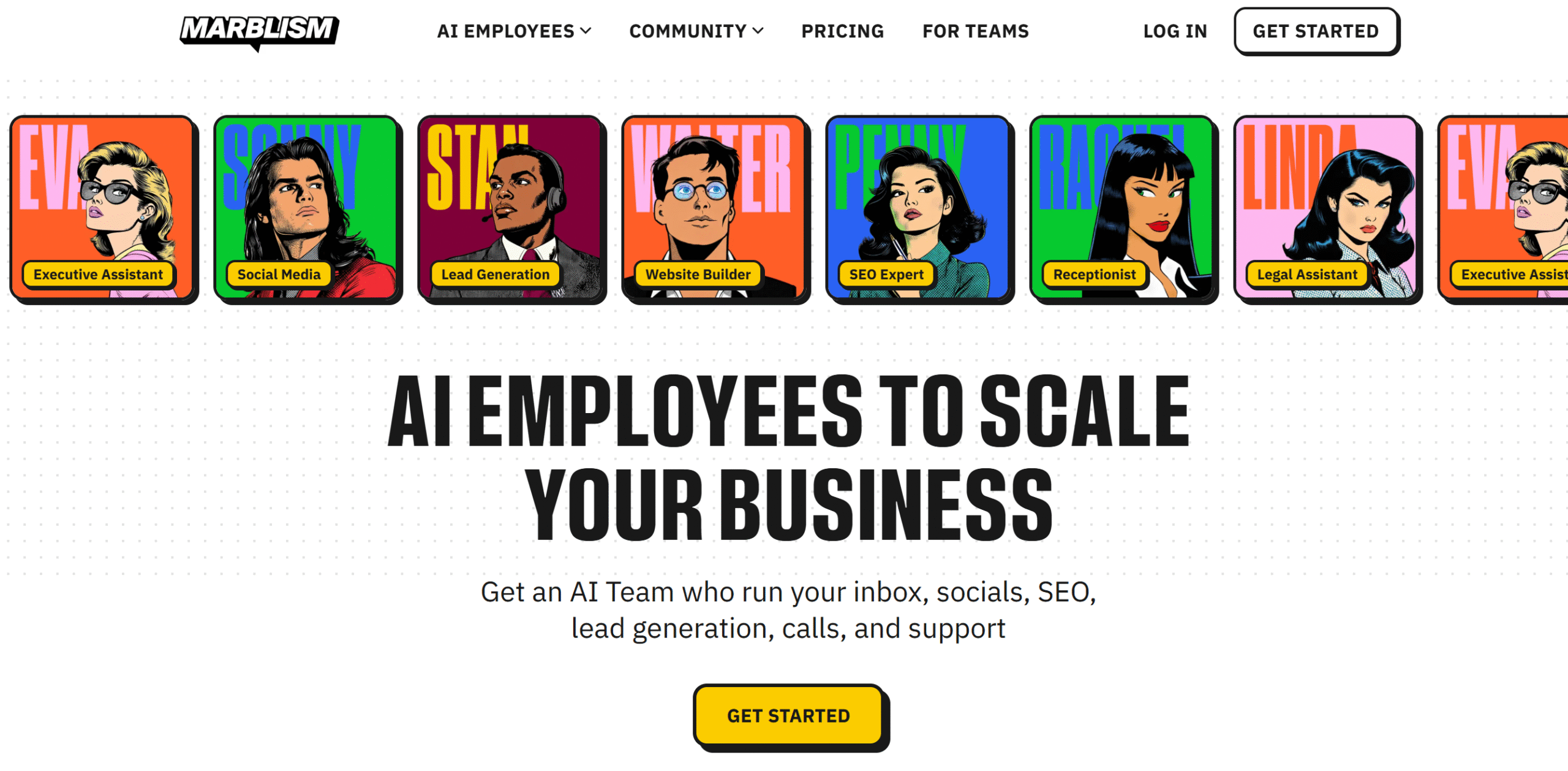
Marblism is perfect for solopreneurs.
You can automate almost all the administrative work, from lead generation and social media management to email handling and customer support.
It also has a team mode in addition to the individual AI assistants. You can set up a shared AI assistant that the whole team can work with.
The downside of Marblism is rigidity. You can customize the pre-built AI agents, but you can’t create your own from scratch.
Core Features
- Pre-built AI employees.
- Task automation.
- Customization.
- Personal and team mode.
- Unlimited users.
- Integrations.
- Mobile phone.
What Users Say
“I’m using Marblism for admin/repetitive work, lead follow-ups, and content drafts (mostly for LinkedIn as of now). It saves at least 2 hrs a day for me.”—Reddit
“Marblism is top tier. They truly have the best AI agents in the business and a price that would blow your mind.”—TrustPilot.
Price
Marblism charges $24 per month. There’s no free trial, but you can ask for a demo.
7. n8n
If you want custom solutions, n8n is ideal for you.
The software is incredibly robust and flexible, allowing you to build your own AI agents and add manual approvals so you have more control over your automation.
You can also embed n8n capabilities into your product and sell it as your own. You just can’t remove the branding.
The platform offers both cloud and self-hosting options, plus a flexible visual editor where you can add custom code if you want.
Self-hosting, however, is available in the higher-tier plans. So, if you run a small business, self-hosting can cost you a lot.
The downside? n8n has a steep learning curve.
It’s more suited to people with a tech background.
Core Features
- Custom AI agents.
- Visual editor.
- Templates.
- Developer tools.
- Unlimited users.
- Analytics.
- API and integration.
- Cloud and self-hosting.
What Users Say
“Honestly, it’s the sheer versatility. Whenever we hit a wall or run into a limitation with another platform, n8n is our go-to fix.”—G2.
“My overall impression is that n8n is definitely a powerhouse. Feature-wise, it’s probably one of the most complete workflow automation tools I’ve tested.”—Reddit.
Price
n8n prices start at $24 per month. You can try it for free.
8. Gumloop
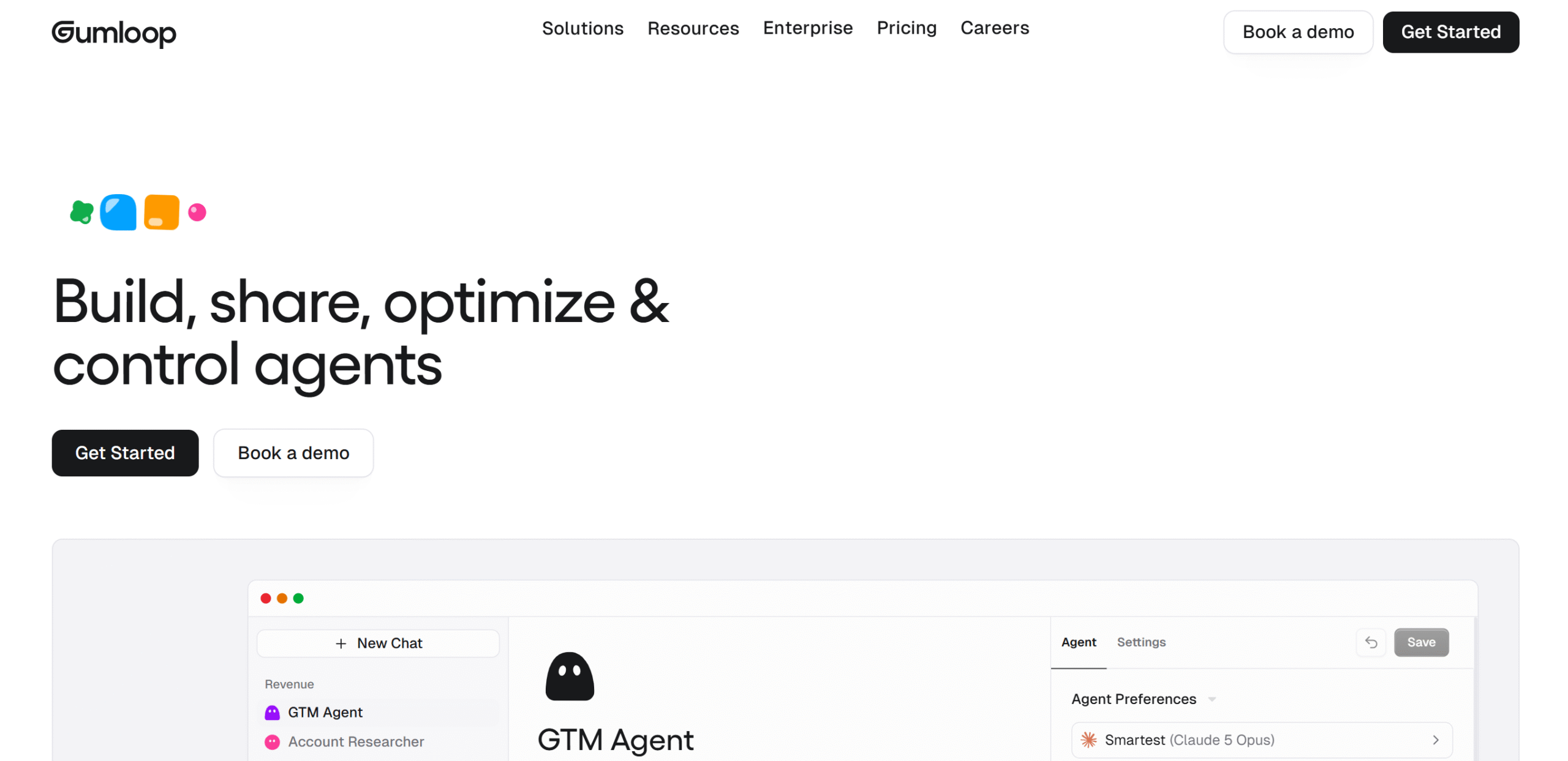
Gumloop helps you automate web research and workflows using AI agents.
For example, you can use it to scrape websites, extract data, analyze results, and update your records. You can also automate other tasks that require reasoning, like finding and qualifying leads.
The software is essentially a traditional automation platform with deep AI integration.
You can connect Gumloop with both popular business tools and custom apps.
Core Features
- AI agents.
- Visual workflow builder.
- AI models.
- Web research.
- Team collaboration.
- Insights.
- API and integration.
What Users Say
“My experience has been nothing but great.”—Capterra.
“Most automation tools treat AI like an extra feature, while Gumloop seems designed around multi-step reasoning workflows from the start.”—Reddit.
Price
Gumloop prices start at $37 per month. You can take a free trial.
9. Relevance
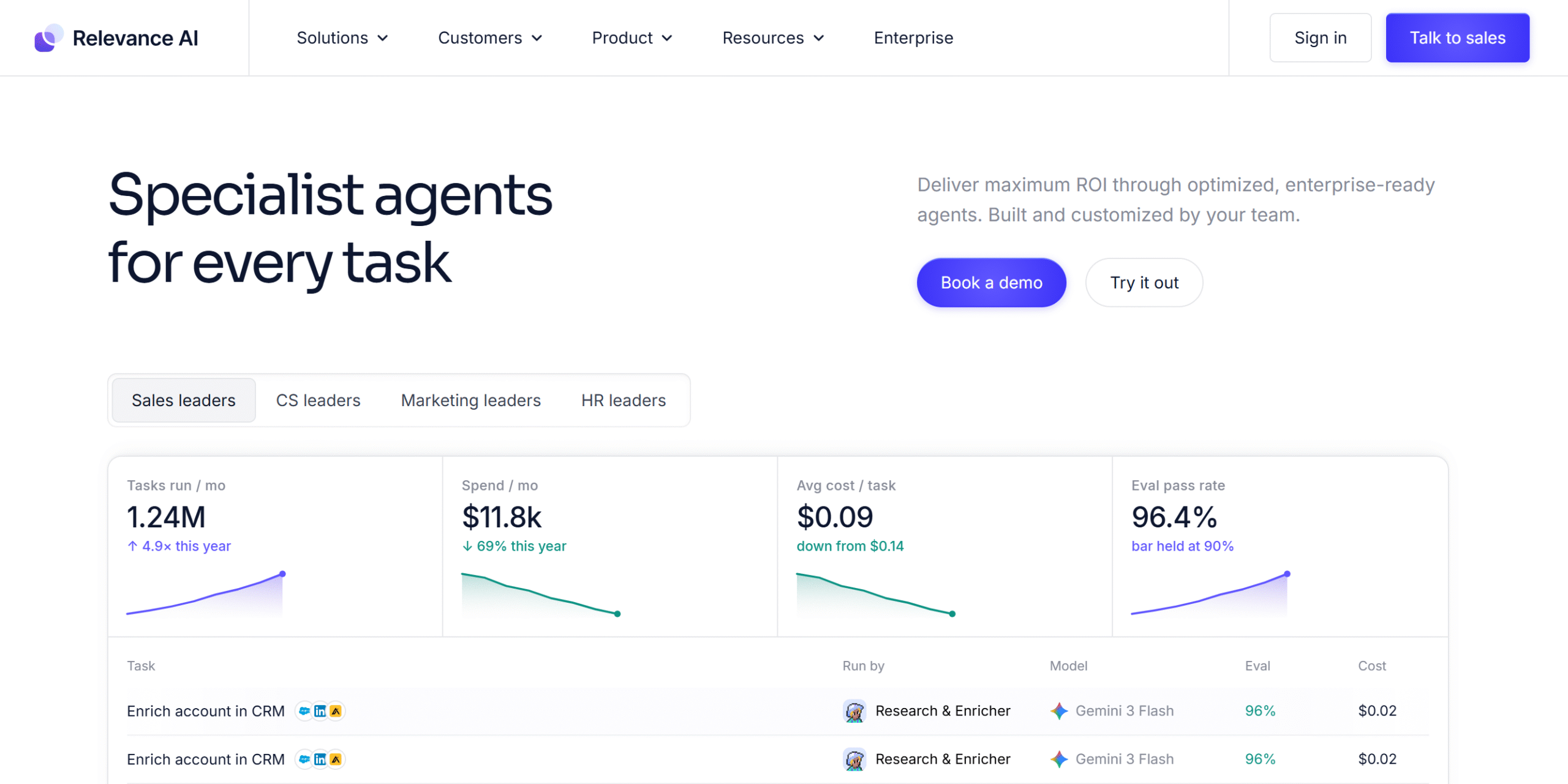
Relevance works like Gumloop, but it’s more focused on AI agents.
You can build multiple agents for individual tasks and use them together to automate complex processes.
You can also deploy agents to messengers like Slack for your team.
Pre-built agents are available to help you get started, but you can create your own from scratch. Relevance gives you several ways to build agents, making it flexible enough for non-technical users.
That being said, making agents work together might take some trial and error.
It’s a good tool for quick deployment, but as you move to more complex processes, you’ll probably need something like n8n to get reliable results.
Core Features
- Custom AI agents.
- Multi-agent workflows.
- Pre-built templates.
- Knowledge base.
- Team collaboration.
- Enterprise-grade tools.
- Analytics.
- A/B testing.
- Integration.
What Users Say
“I find setting up Relevance AI fairly easy, and the team is supportive, making onboarding smooth.”—G2.
“I really appreciate how flexible Relevance AI is and how you can add custom Python code to your agent.”—G2.
Price
Relevance shares pricing on request.
10. Power Automate
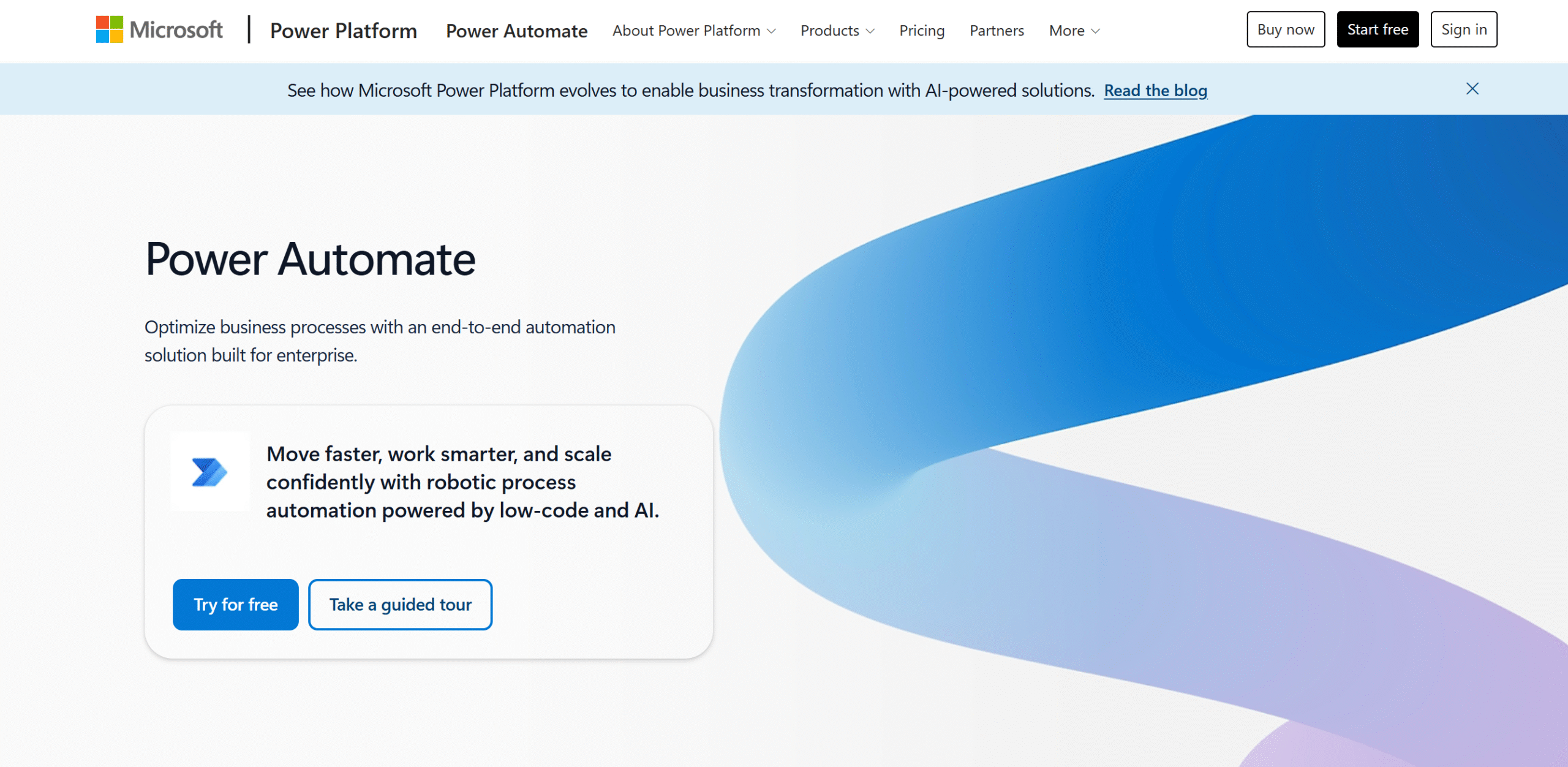
Power Automate is an enterprise-grade automation platform.
It offers a broad set of AI capabilities, from analyzing processes and extracting information to automating entire workflows.
What makes Power Automate appealing is the Microsoft ecosystem. You can connect other Microsoft tools without any third-party integrations.
Power Automate also offers both cloud and desktop automation. That means you can automate tasks on your computer too.
What Users Say
“I love the possibility of automating my entire Microsoft environment in my company, as we work with the entire Microsoft Power Platform ecosystem.”–G2.
“Overall, my experience with Power Automate has been very strong.”—Capterra.
Price
Power Automate prices start at $15 per month. You can try it for free.
11. Pipedream
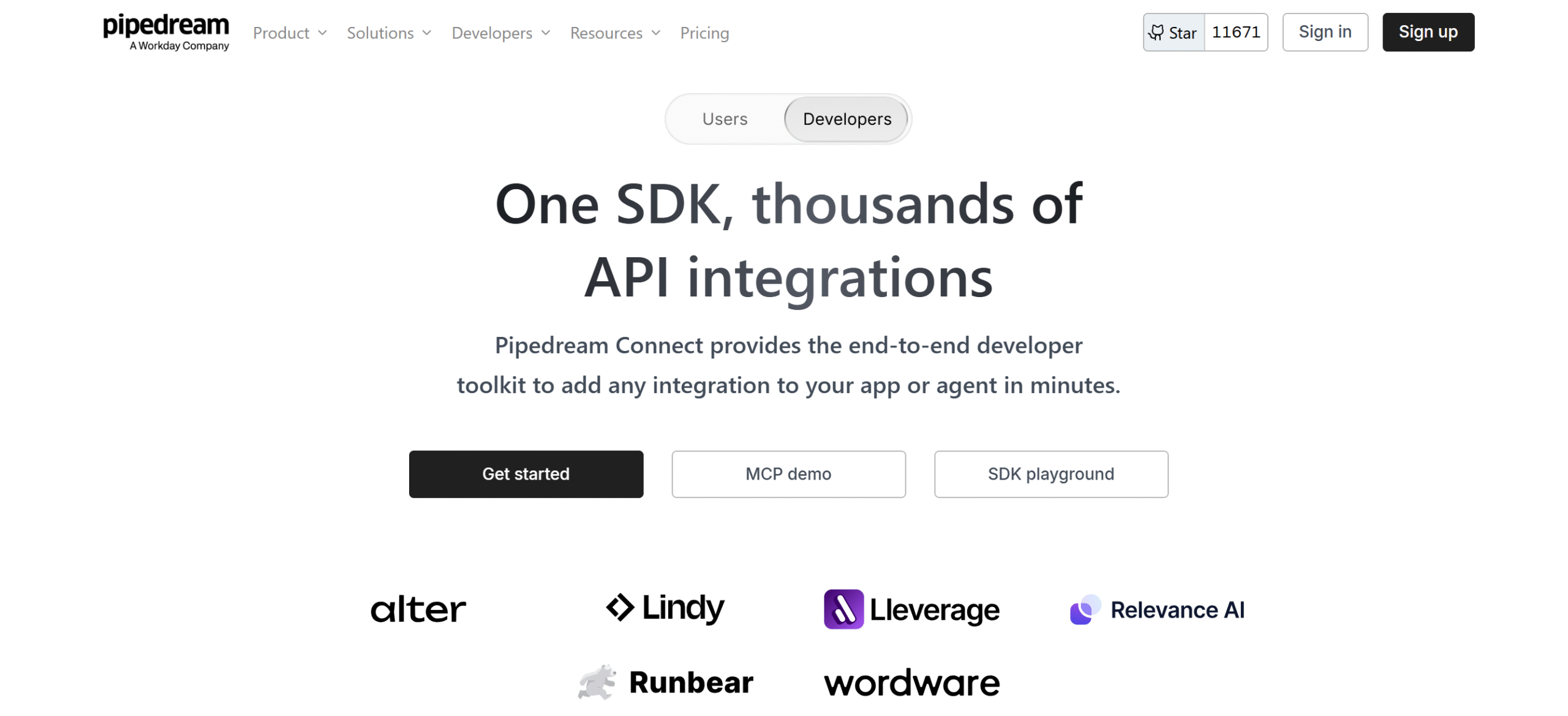
Pipedream is built for developers. Think of it as an n8n with less focus on visuals and more on custom coding.
You’ll get an extensive library of pre-built triggers and integrations to get started, but you can customize your workflows and set up your own triggers.
You can build multi-step workflows, add if/then conditions, and set up scheduled triggers.
If something goes wrong, Pipedream immediately sends an alert.
Figuring out the issue, however, is a different story. I recommend trying the free plan to see how it works.
Core Features
- Multi-step workflows.
- Pre-built triggers and integrations.
- Custom coding.
- Scheduled triggers.
- Error handling.
- Workflow testing.
- Unlimited users.
What Users Say
“We can write custom logic to trigger any event, and based on the event, can fetch the trigger logs.”—G2.
“It’s been great, and I’m happy overall. It’s easy to add an API to it.”—Capterra.
Price
Pipedream prices start at $29 per month. The basic plan is free.
12. StackAI
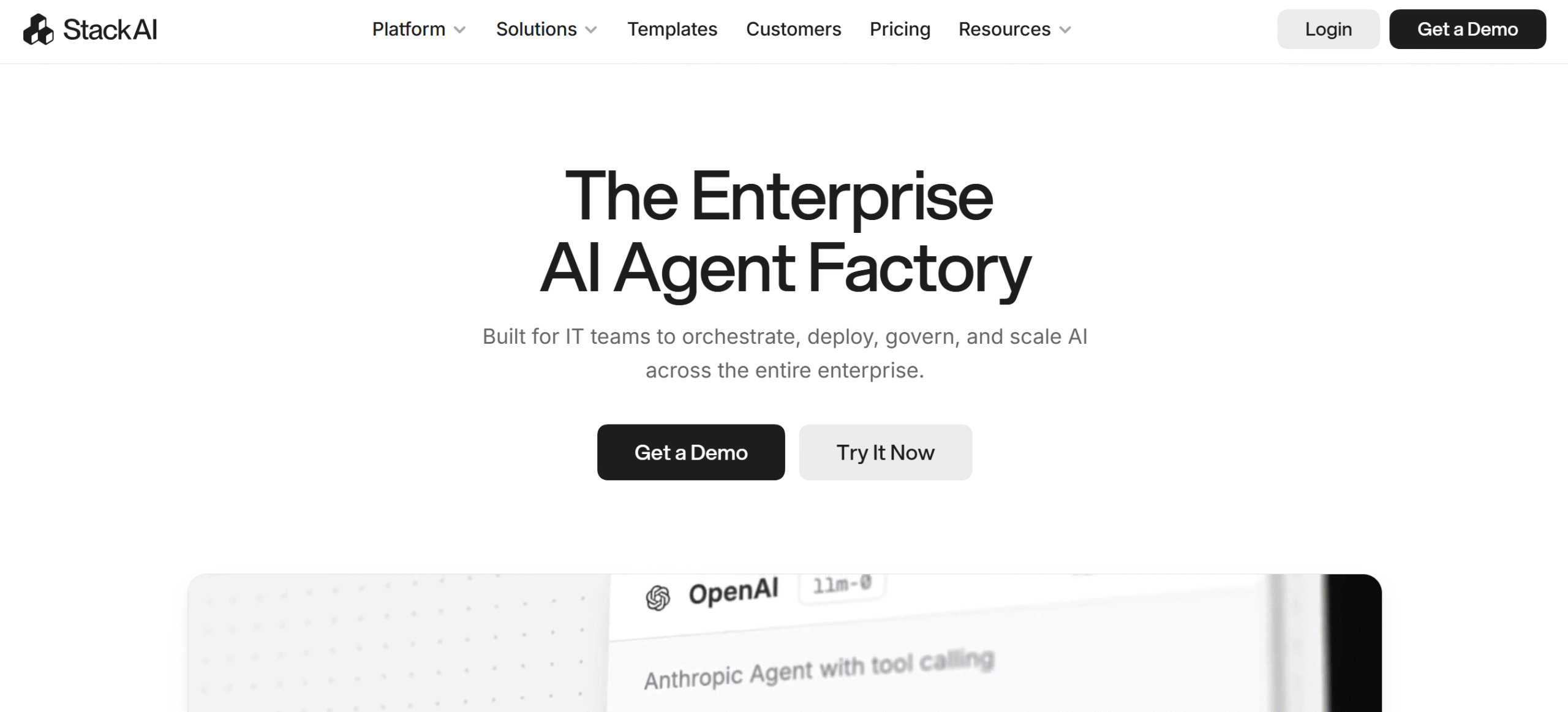
StackAI is specifically built for enterprise workflows.
It supports complex AI workflows and provides on-premises deployment, security, and access control.
Top notable features of StackAI include a user-friendly visual builder, enterprise-grade integrations, human approval processes, and knowledge bases.
You can create unlimited projects and use the workflows as many times as you want.
Its AI capabilities are also pretty strong. You can build AI agents using natural language and connect them to your data and tools.
It has a bit of a learning curve, though, especially when you start building complex workflows.
Core Features
- Multi-step workflows.
- Web scraping.
- AI and automation.
- Knowledge base.
- Document reader.
- Analytics.
- Plugins.
- On-premise.
What Users Say
“I use StackAI for building and automating AI-driven workflows without heavy coding. I love how it turns ideas of automation into reality without needing to write extensive code.”—G2.
“It covers the core use case well and is relatively easy to get started with.”—G2.
Price
StackAI shares pricing on request. You can try it for free.
13. Automation Anywhere
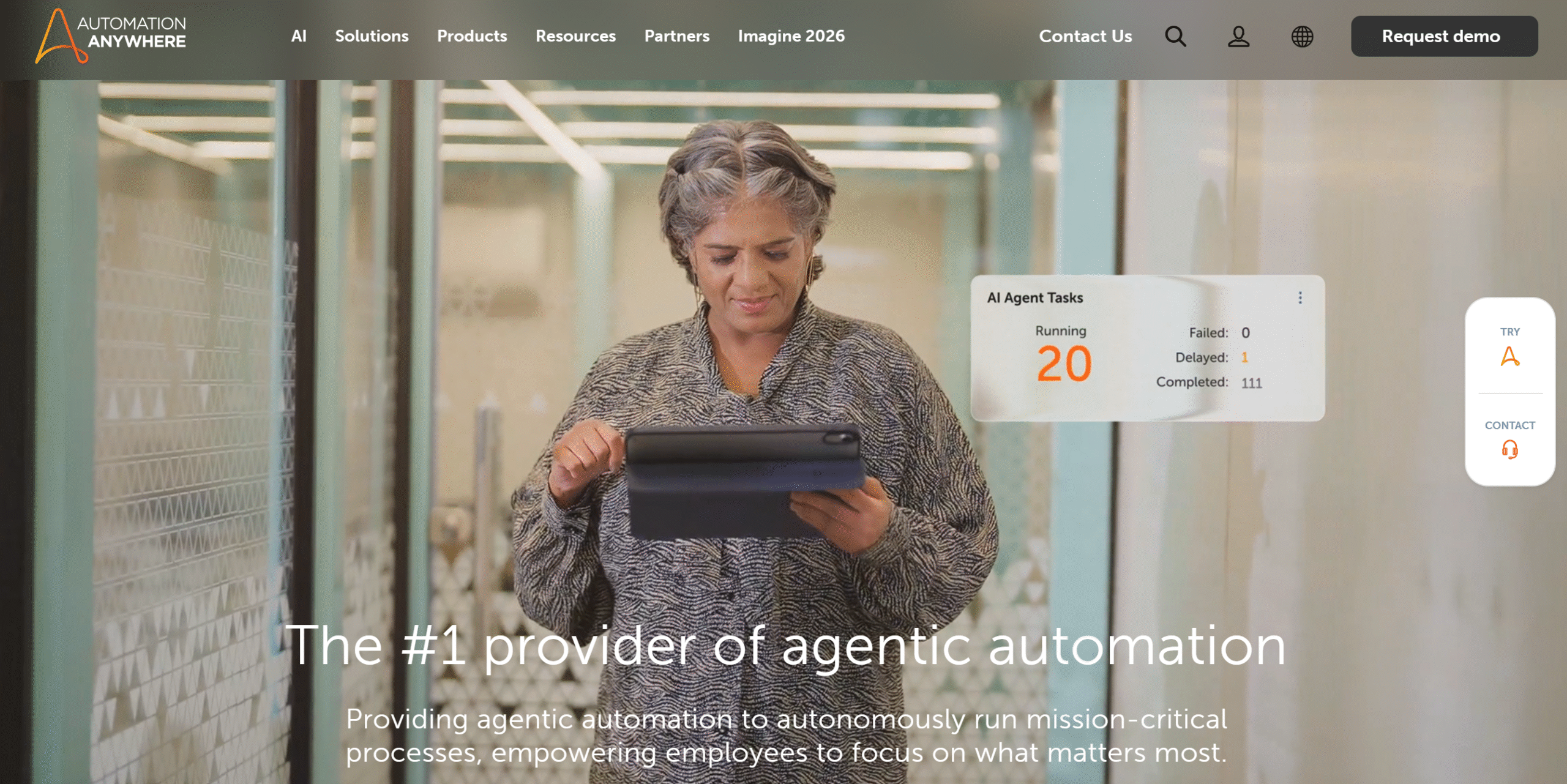
Automation Anywhere provides a complete automation package.
You can deploy RPA bots to automate repetitive business tasks, use AI agents to handle online workflows, and include human approval to keep things under your control.
And that’s not even its biggest selling point.
Automation Anywhere can combine all three capabilities in a single workflow, giving you end-to-end AI workflow automation.
Several side features are also available to improve your processes. For example, you can let it analyze your existing workflows to spot issues and find areas for improvement.
Core Features
- RPA workflows.
- Enterprise-grade AI agents.
- Human approval.
- Workflow orchestration.
- Testing.
- Process mining.
- API and integration.
- Analytics.
- On-premise.
What Users Say
“Overall experience is very good, and it is adaptable to most of the software.”—Capterra.
“The most useful part is that we can transition from traditional RPA to an agentic process with less overhead. Its ability to make decisions, rather than completely relying on rule-based logic, is the best feature.”—G2.
Price
Automation Anywhere shares pricing on request. You can book a demo.
14. UiPath
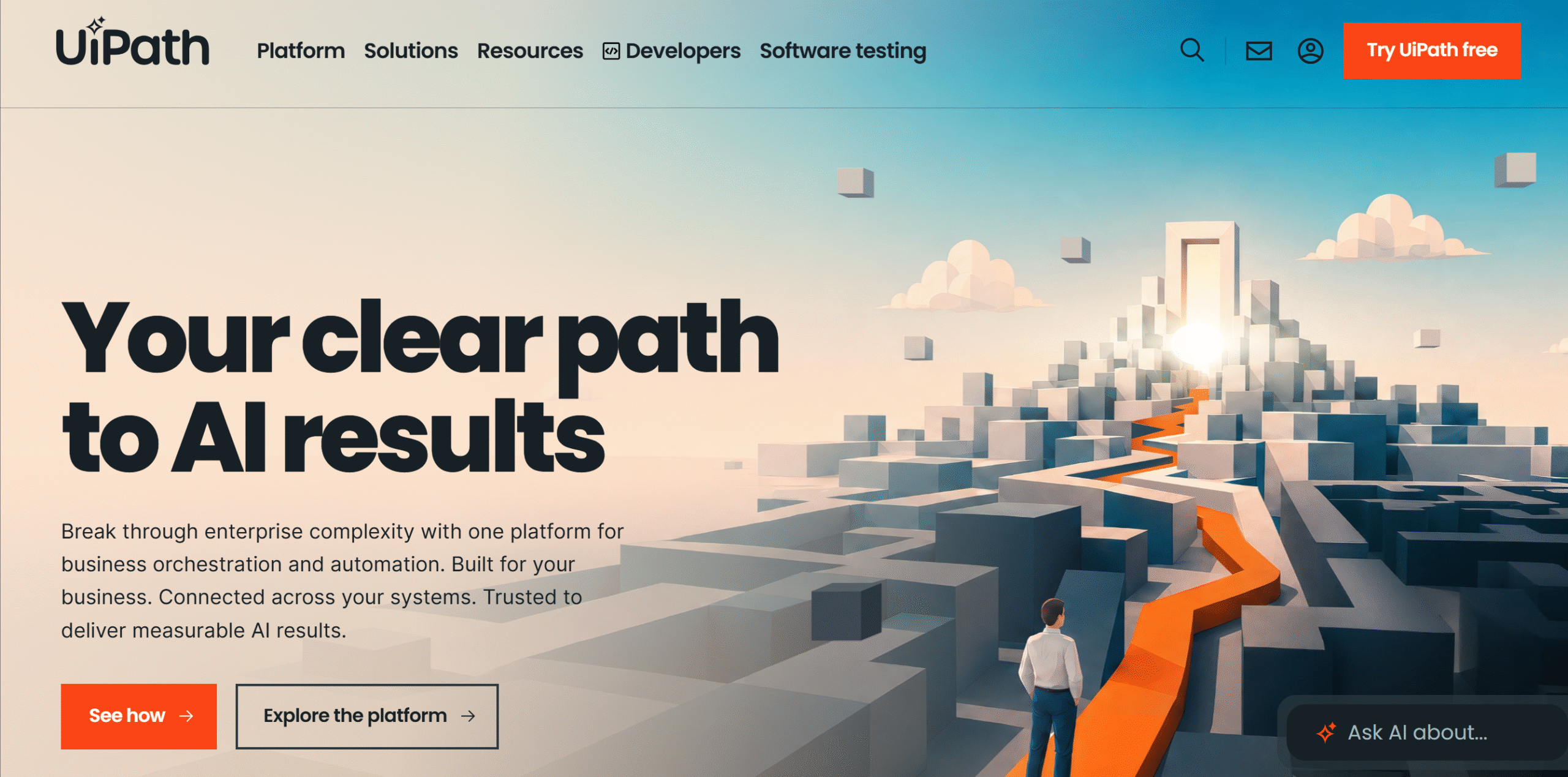
UiPath is similar to Automation Anywhere. You can create AI workflows using RPA bots, AI agents, APIs, and human approvals.
Their AI capabilities are also pretty similar.
The main difference is that UiPath is more developer-friendly.
It also has a broad range of integrations and a large community, giving you more resources to build custom automation.
Core Features
- RPA bots and AI agents.
- Process discovery.
- Human approval.
- Workflow orchestration.
- Document automation.
- Process simulation.
- API and integrations.
- On-premise.
What Users Say
“UiPath is probably the best and most sophisticated automation platform out there.”–Reddit.
“UiPath, in my current opinion, is the most powerful and usable of the RPA tools.”—Capterra.
Price
UiPath prices start at $25 per month. You can try it for free.
15. Kore
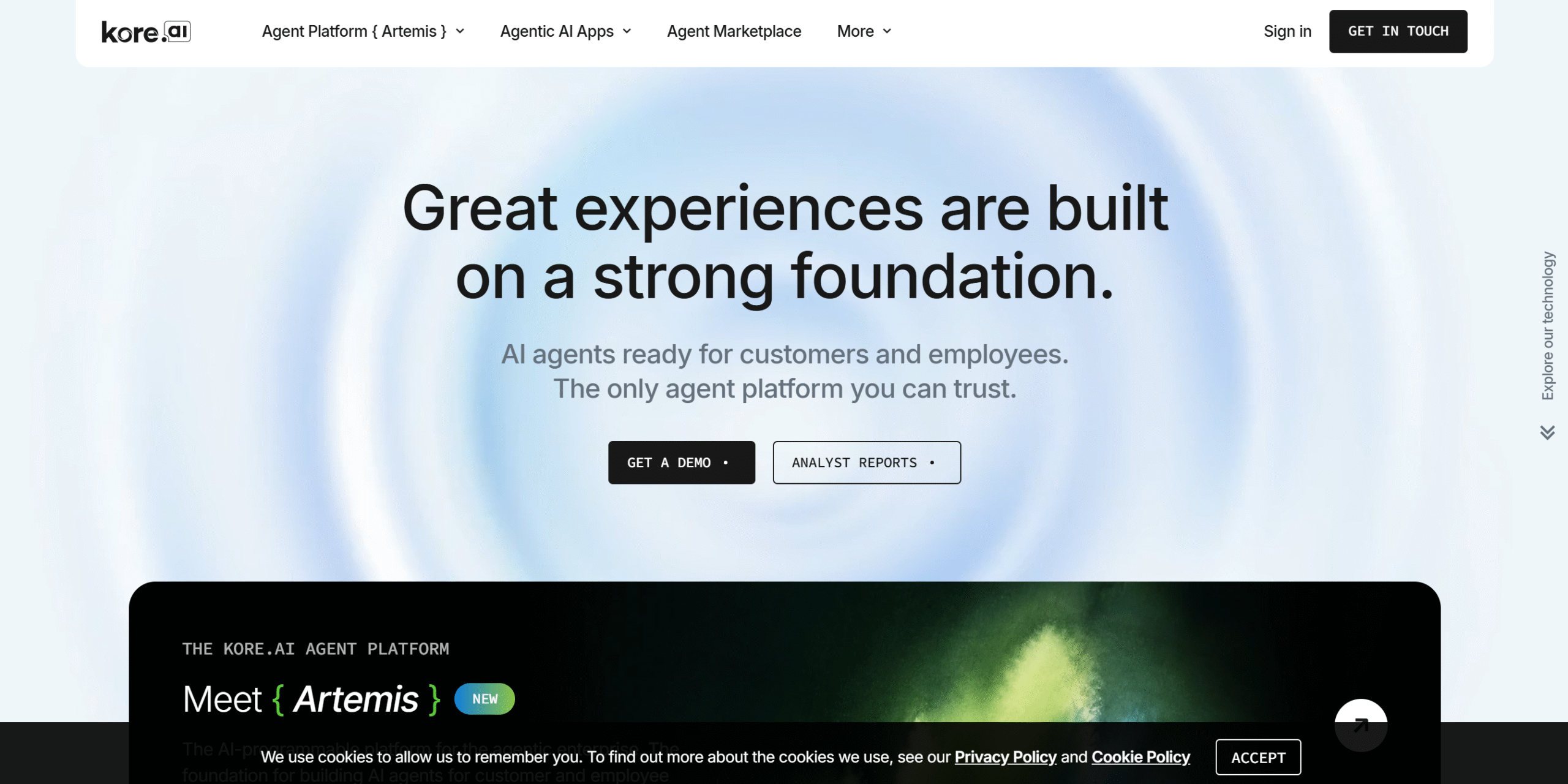
Kore looks like a regular chatbot, but it does more than just talk to people.
It’s an enterprise-grade AI agent designed to work with other tools and automate multi-step business processes.
For example, you can build an HR agent that interacts with employees, accepts their leave requests, and submits them to the designated manager for approval.
The same HR agent can also handle other things like retrieving company policies and creating tickets.
The downside is that it can feel a bit sluggish sometimes. Kore was initially a conversational chatbot, and generative AI is a recent addition, so you’ll probably run into occasional bugs.
But its AI agents are pretty useful for everyday tasks.
Core Features
- Pre-built AI agents.
- Custom agents.
- Workflow automation.
- Enterprise-grade tools.
- Analytics.
- Integration.
What Users Say
“I’ve had a good experience using Kore.ai. The interface is clean and easy to navigate, so it doesn’t take long to get comfortable with the platform.”—G2.
“It has basically made developers’ lives easier. We don’t need to write the prompts ourselves, and we can also track the AI model when it fails to see where it went wrong.”—G2.
Price
Kore shares pricing on request.
FAQ
- What Is AI Workflow Automation Software?
It’s an app that automates repetitive workflows and uses AI for tasks that need reasoning.
- How Much Does It Cost?
It depends on the software. Prices usually start at just under $20 per month, but some tools also have free plans.
- Do I Need Coding Skills To Use an AI Workflow Automation Software?
Not necessarily. Unless you plan to use an enterprise tool or a developer-focused app like n8n, most are designed for non-technical users.
- Is AI Workflow Automation Software Difficult To Set Up?
No. The initial setup is easy, but advanced workflows can get technical.
- Which Automation Tool Gives You The Best Flexibility?
n8n. It’s by far the best tool for custom workflows.
Conclusion
Theoretically, AI workflow automation software should remove friction, not add more work.
But in practice, things aren’t that straightforward. Some tools are best for simple workflows, and some can handle complex operations.
The goal is to find the software that actually fits your business needs.
If you need recommendations, here are my suggestions.
For Small Businesses
Zapier and ActivePieces are perfect for small businesses. They are quick to set up, easy to use, and affordable.
For Growing Businesses
Growing businesses need more flexibility to handle dynamic situations, so AI workflow automation software like Make or n8n is a good choice.
For Established Businesses
UiPath and Power Automate are excellent options for established businesses. They offer RPA and AI agents and give you more control over security and permissions.
Good luck!


 A better way to manage projects and clients for freelancers
 Get through busy days like a breeze with Reclaim.ai