
Productivity tools enable you to increase your work efficiency and handle multiple clients with ease.
Irrespective of your field and industry, you can use these tools to optimize your workspace and manage various projects simultaneously.
In this article, I have reviewed the 12 best productivity apps that are perfect for freelancers. Check out the list to find the types of apps you can use to improve your productivity.
What is a Productivity Tool, and Which Ones Are Best for Freelancers?
Productivity tool is an umbrella term. It covers a wide range of applications designed to make your job more manageable.
You can use productivity apps to plan your tasks, track billable hours, collaborate with clients, and automate repetitive work. They not only save you time and effort, but also offer accessibility.
Top Features to Look for in Productivity Tools:
- Planning.
- Task management.
- Time tracking.
- Collaboration.
Tons of good productivity software have task management and collaboration capabilities. You can find all-in-one apps offering general features or exclusive apps with specific functionality.
Below, I have reviewed various productivity software products to give you some options for comparison. The list includes CRMs, time-tracking tools, project management software, and planners.
1. Sunsama
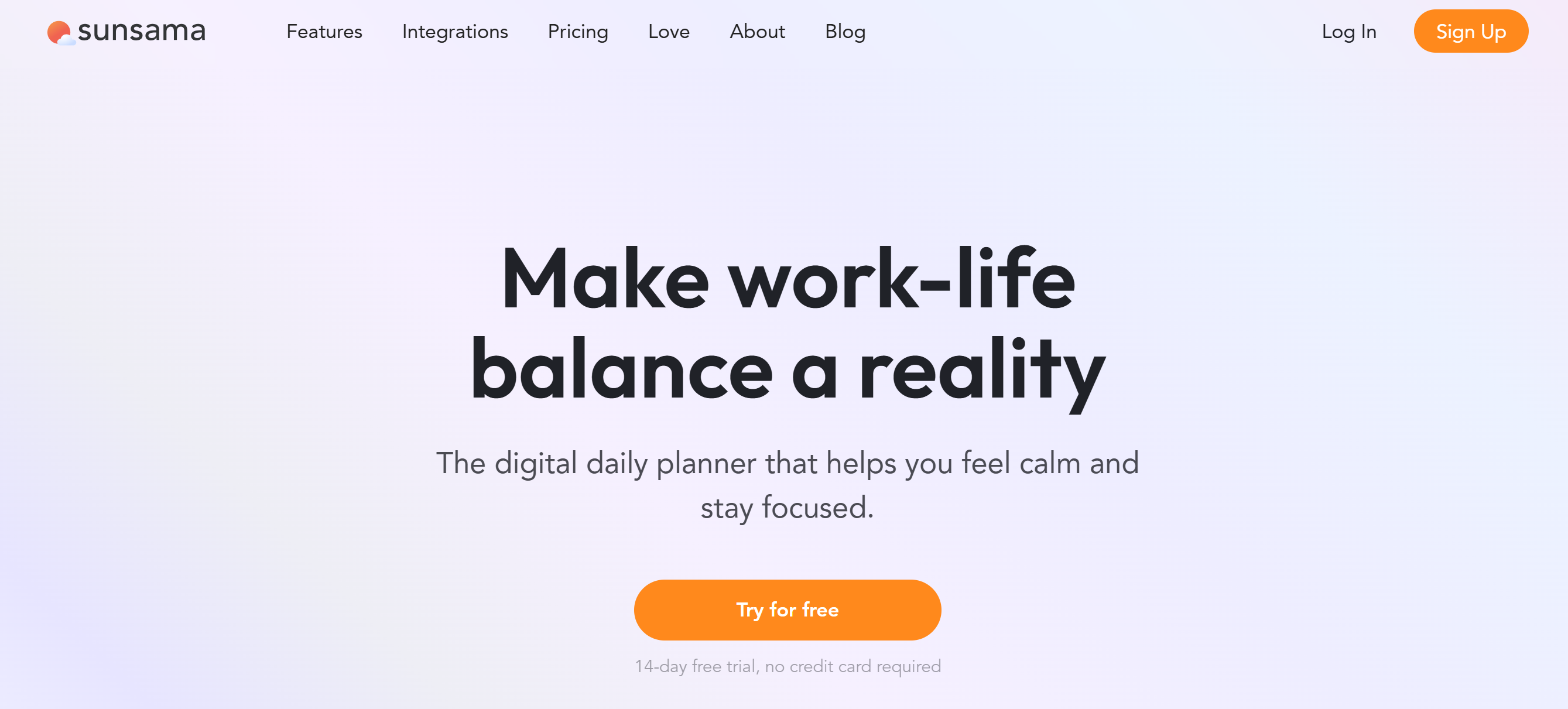
Sunsama is a smart daily planner. It centralizes your tasks, messages, and emails on an intuitive board to help you keep track of everything.
You can create projects, schedule tasks, block time, and set up daily highlights. Sunsama also lets you pull emails and messages from Slack and convert them into tasks so nothing falls through the cracks.
For those who use multiple calendars for work, Sunsama seamlessly syncs with Google Calendar, Outlook, and iCloud. This allows you to create realistic schedules and avoid overbooking.
Some side productivity features are also built into the system. For example, you can turn on focus mode to prioritize jobs and get stats to measure your productivity.
Core Features
- Daily Planner.
- Timeboxing.
- Task management.
- Email into tasks.
- Auto-scheduling
- Calendar syncing.
- Keyboard shortcuts.
- Analytics.
- Mobile apps.
- Third-party integration.
Price
Sunsama charges $20 per month. You can take a 14-day free trial.
2. Trello
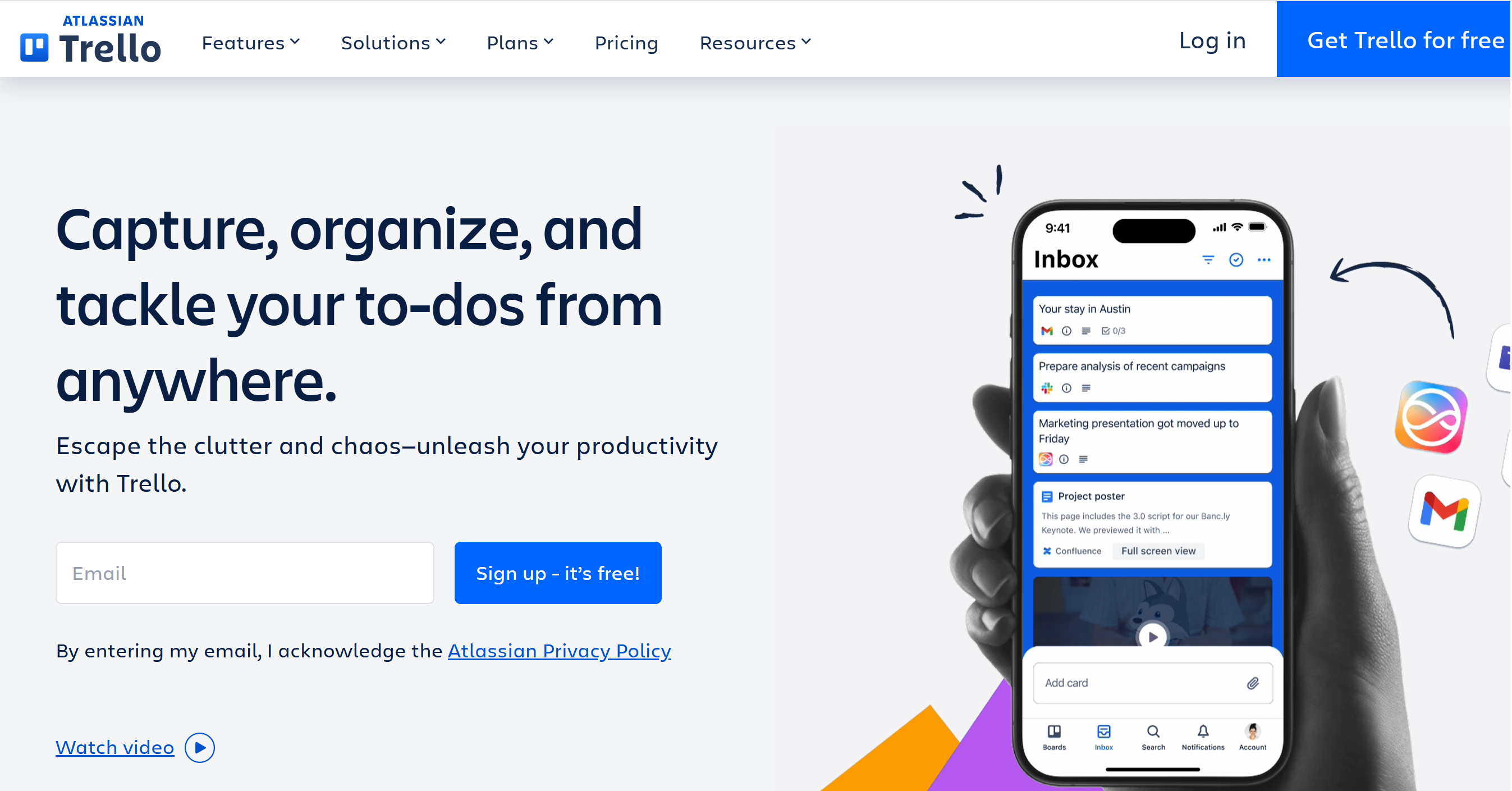
Next up is Trello. It’s a traditional to-do list software, but freelancers love it for its simple interface and helpful features.
You can build separate Kanban boards for each client and create tasks with deadline alerts. Its drag-and-drop interface and card system make it easier to monitor your current status and update it instantly.
For to-do lists and low-priority projects, Trello has an inbox feature. You can add non-essential items there and pick them up when needed.
You’ll get some AI capabilities and automation as well. For example, you can instantly capture and convert messages into tasks and generate a quick description. It isn’t much, but it can save time.
You can sync your calendars and connect to third-party platforms. The software supports 200+ platforms, including Google, Zoom, and whiteboard apps like Miro.
Trello has both desktop and mobile applications.
Core Features
- To-do list.
- Planner.
- Task management.
- Email into tasks.
- Inbox.
- AI and automation.
- Calendar syncing.
- Mobile apps.
- Third-party integration.
Price
You can try Trello for free. Basic package starts at $6 per month.
3. Asana
Asana is a project management platform. It’s essentially developed for teams, but it’s ideal for freelancers as well.
The app comes with tons of productivity features to manage multiple projects and clients. There’s no limit on the tasks, messages, and clients, giving you the freedom to manage as many projects as you want.
For task management, you’ll get boards, deadline alerts, a time-tracking feature, and an inbox. You can create a to-do list for future projects and add them to the calendar to plan your week.
To connect with clients, you can integrate several communication tools, such as your email providers, messengers, and calling apps. You can also connect Stripe and Xero to manage your finances.
Core Features
- Project and task management.
- Scheduling.
- To-do lists.
- Inbox.
- Status updates.
- AI and automation.
- Time tracking.
- Calendar view.
- Reporting.
- Integration.
- Mobile apps.
Price
Asana’s basic plan is free, and premium plans start at $14 per month.
4. Notion
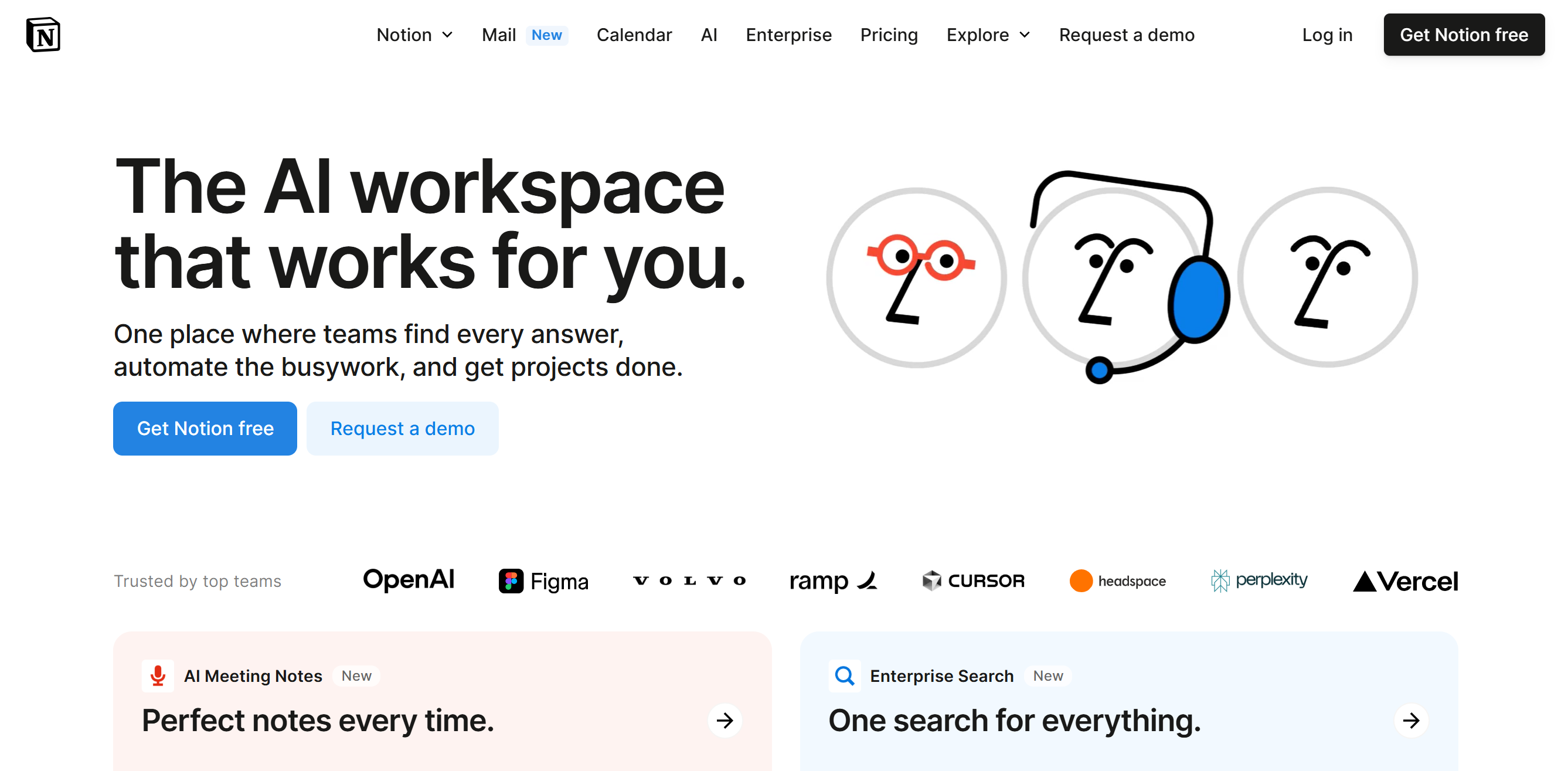
Notion is a versatile productivity app. You can use it as a digital journal, a to-do list, a project manager, or a content database.
You’ll get multiple views to schedule and track your projects, with a calendar to block time. You can set up different time zones and share availability links with your clients.
Tasks here are organized as cards with priority tags and deadlines. You can invite your client as a guest and have a conversation inside the cards.
The best feature of Notion is its AI assistant. You can use it to draft content, conduct research, create a summary for clients, and more. The AI add-on is a little expensive for solopreneurs, but you’ll only have to pay for the feature you want.
Core Features
- Project management.
- To-do lists and note-taking.
- Kanban boards.
- Calendar view.
- Mail syncing.
- Inbox.
- Wiki docs.
- Collaboration.
- AI and automation.
- Mobile app.
- Integrations.
Price
Notion prices range between $12 and $24. The basic plan is free.
5. ClickUp
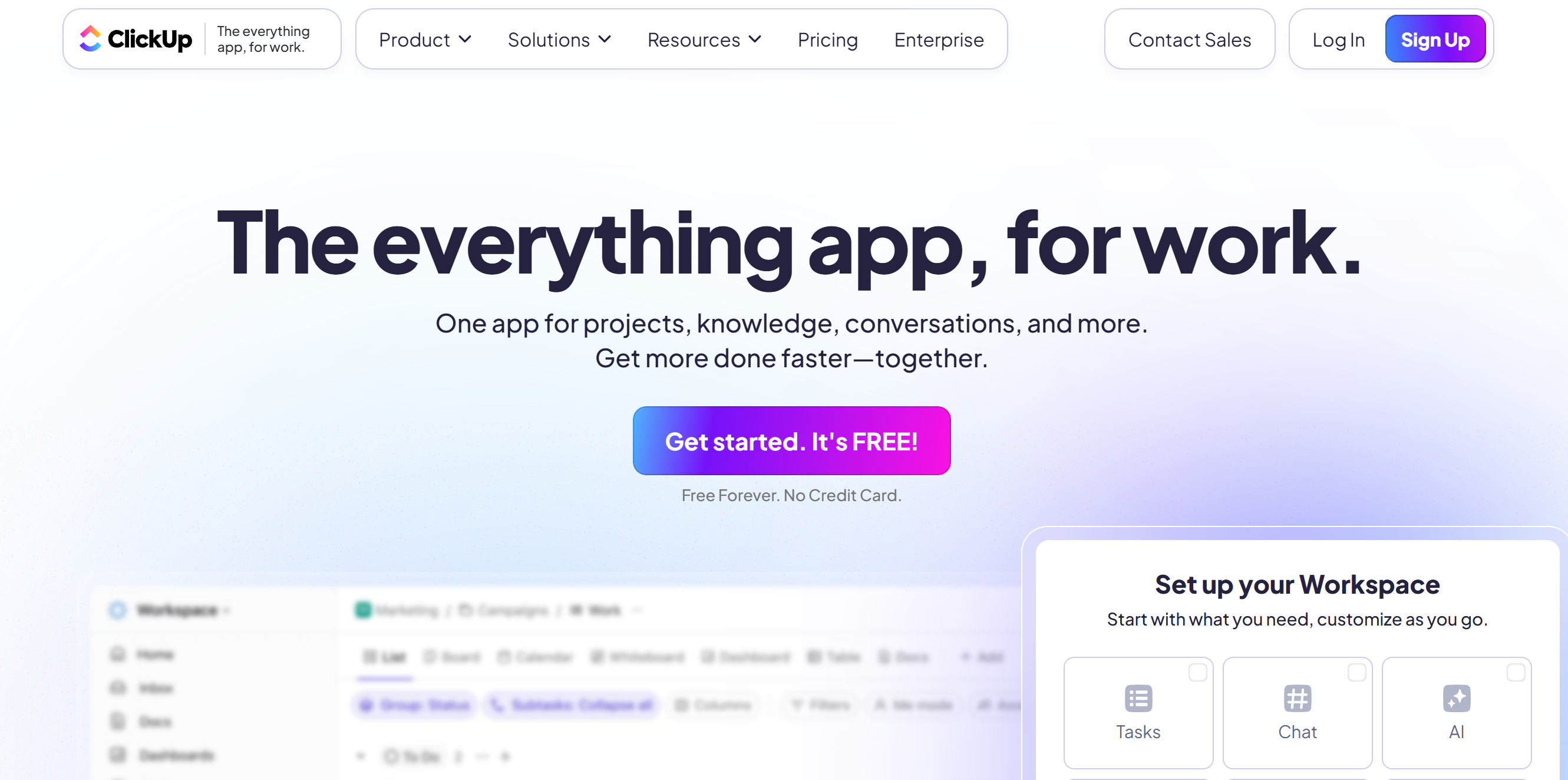
ClickUp offers a centralized platform for project management and client communication.
Instead of switching between different programs for tasks, documents, chats, and planning, you can do everything from one dashboard.
Here, you can create to-do lists, oversee projects on visual Kanban boards, and send messages. You will get features like time tracking and workload balancing to prevent burnout.
Some collaboration tools are also available for client management. For example, you can create a shared document or a whiteboard for the initial discussion and feedback.
You can set up a knowledge base for context and use AI to access the information quickly. The built-in AI helps you work faster by finding information across all your connected apps, summarizing notes, or even suggesting ideas.
ClickUp can be connected to 1,000+ applications.
Core Features
- Project management.
- To-do lists.
- Time tracking.
- Collaboration.
- Inbox and chat.
- Knowledge base.
- AI and automation.
- Reporting.
- Calendar sync.
- Integration.
- Mobile apps.
Price
ClickUp’s basic plan is free. For the premium subscription, it charges $10 to $19 per month.
6. Toggle Track
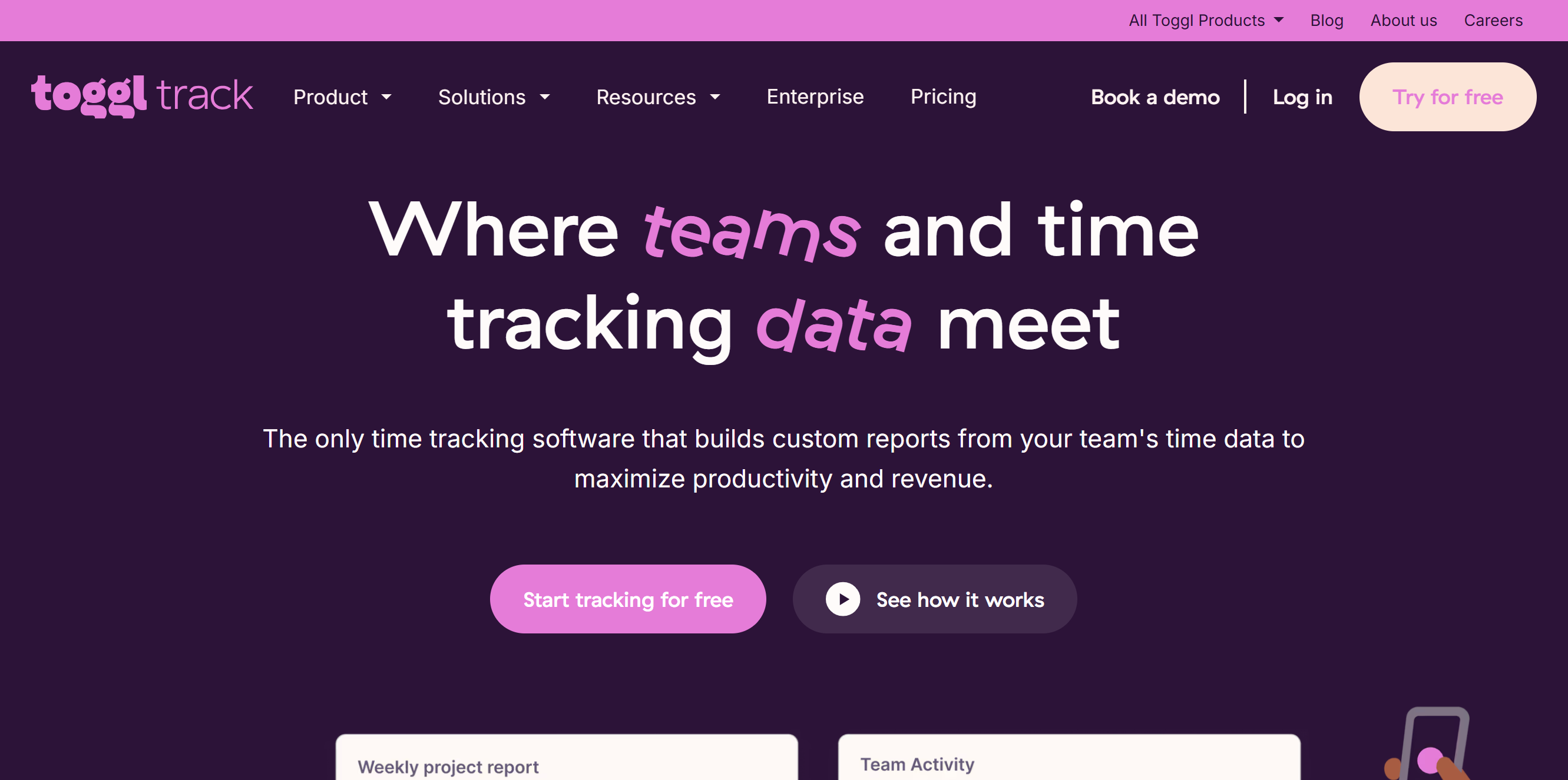
Toggle Track is a simple time-tracking software, but it’s an excellent productivity tool for freelancers.
You can record billable hours and generate invoices directly from the app. With one click, you can automatically track time in the background or add it manually.
Also, you can measure your work capacity and plan your schedule accordingly. Toggle has a feature that lets you compare the estimated time with the actual time.
Reporting is Toggle’s best feature. You can see how much time different projects take, which tasks eat up most hours, and whether you’re staying on budget. You can also send auto-reports to clients for status updates.
Toggle Track works on desktops and smartphones and can be connected to several third-party applications.
Core Features
- Automated time tracking.
- Task management.
- Project estimates.
- Deadline alerts.
- Invoice generation.
- Estimated and actual comparison.
- Collaboration.
- Client reporting.
- Mobile apps.
- Integrations.
Price
Toggle costs $10 to $20 per month. A free plan is available.
7. Jira
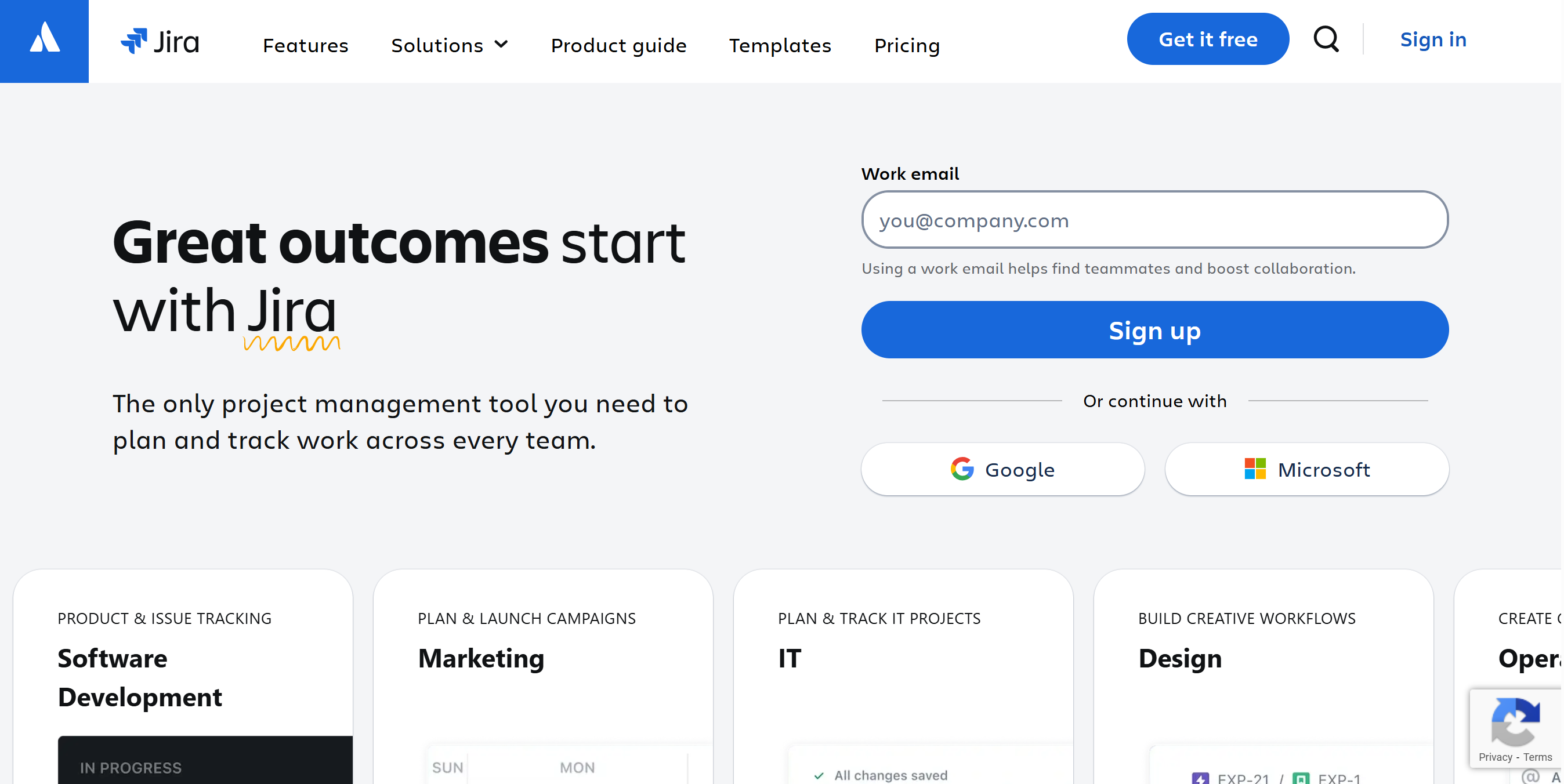
Jira is intuitive project management software. With it, you can plan and organize clients’ projects, track your work progress, create project timelines, and get summaries.
The app has a real-time dashboard with multiple views to oversee different projects. You can offer guest access to clients for feedback and updates.
Jira also has AI and automation capabilities. You can set some workflows on autopilot and auto-generate summaries.
Another thing. There are free templates and over 3000 apps in the Atlassian marketplace that can be connected to Jira. The software is flexible and highly accessible.
Core Features
- Planning.
- Project management.
- Kanban board.
- Calendar.
- Dashboards and reports.
- AI and automation.
- Guest invitation and collaboration.
- Mobile apps.
- Integration.
Price
You can get started on Jira for free. The premium plan starts at around $8 per month.
8. Moxie
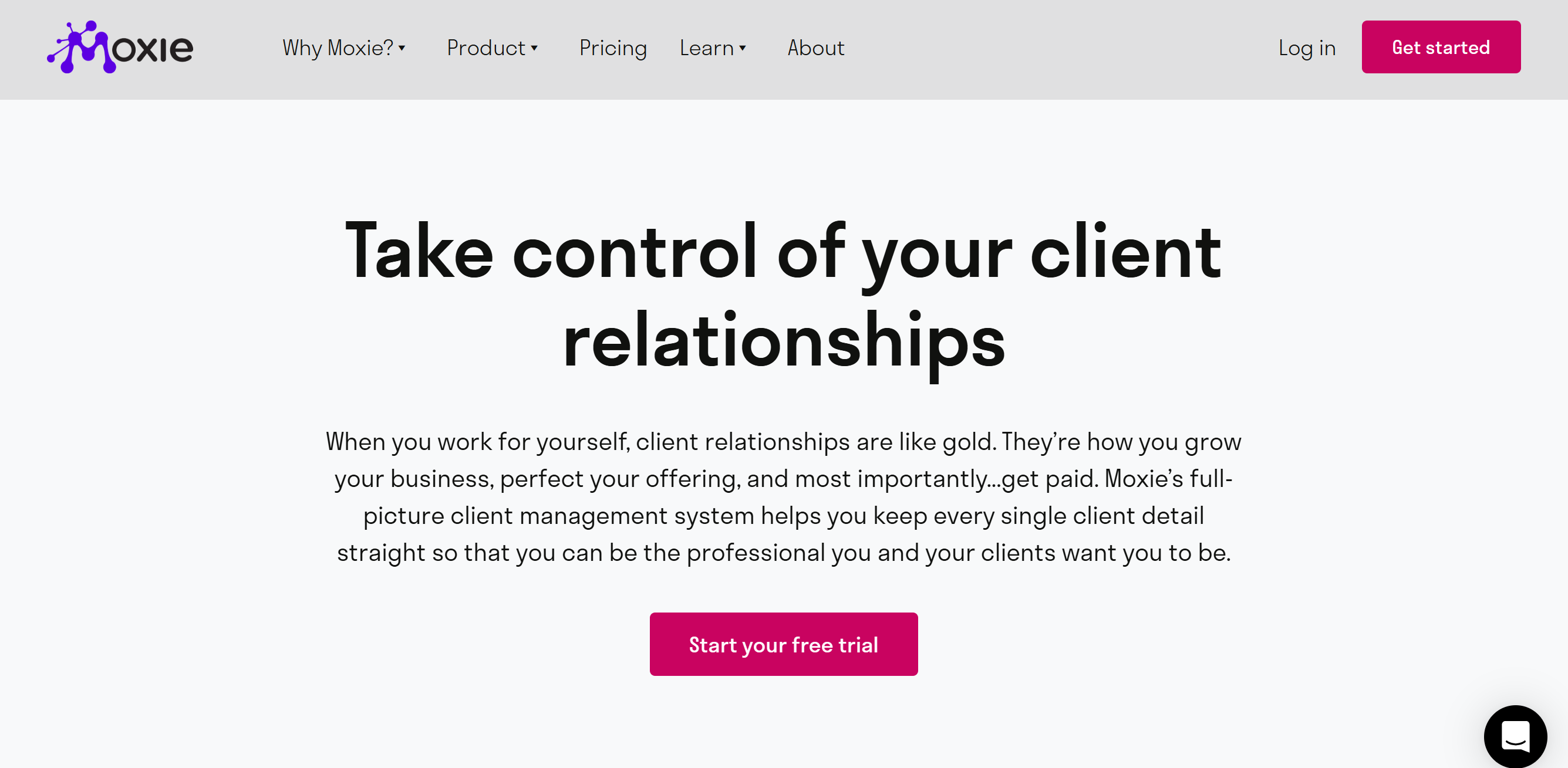
Moxie is a client management system for freelancers. It offers a suite of products designed to cover every aspect of freelancing.
You can use Moxie to manage multiple clients, projects, contracts, and invoices. You’ll receive Kanban boards, a calendar, and a deadline feature with collaboration tools to connect with clients.
Time tracking is also available. You can record entries from your smartphone and add them to your invoice. Moxies delivers a project estimate and invoice builder to handle contracts and payments.
What makes Moxies more attractive is its AI assistant. You can auto-generate forms, summarize discussions, draft emails, and more.
Other notable features of Moxie are the client portal, meeting scheduler, accounting, and integration.
Core Features
- Project management.
- Time tracking.
- Proposals and invoices.
- Client portal.
- Calendar.
- Inbox.
- AI assistant.
- Meeting scheduler.
- Mobile app.
- Integration.
Price
Moxie’s starter plan costs $12 per month. You can try it for free.
9. Honeybook
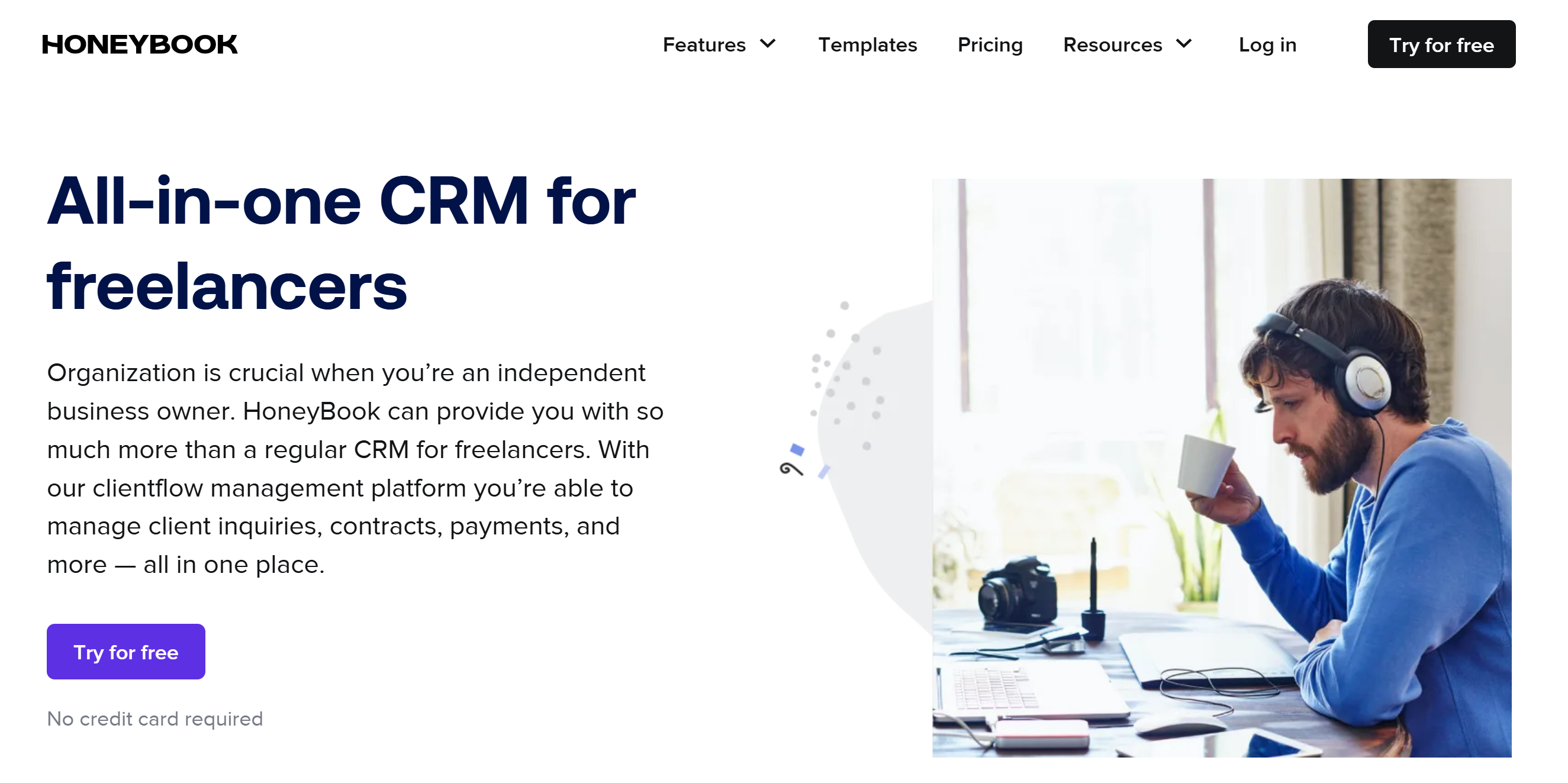
HoneyBook is also a client management platform.
The monthly subscription is comparatively higher, but you can handle everything here, from contracts and projects to invoices and payments.
Some of the things you can do with Honeybook include booking meetings, sending contracts, managing projects, and processing payments. The software offers several payment gateways with a proper system for dispute resolution.
What really saves time are its automation features. You can create follow-up email sequences to automate some of your conversations. For example, if you get paid every week, you can set reminder emails to ensure you receive payments on time.
The platform also has a separate finance section to track revenues, expenses, and savings.
Core Features
- Project management.
- Scheduling.
- Time tracking.
- Client communication.
- Contracts and invoices.
- Expense tracking.
- Calendar.
- AI and automation.
- Finances.
- Mobile app.
- Integration.
Price
Honeybook’s paid plan starts at $36 per month. You’ll receive a 60-day money-back guarantee.
10. Basecamp
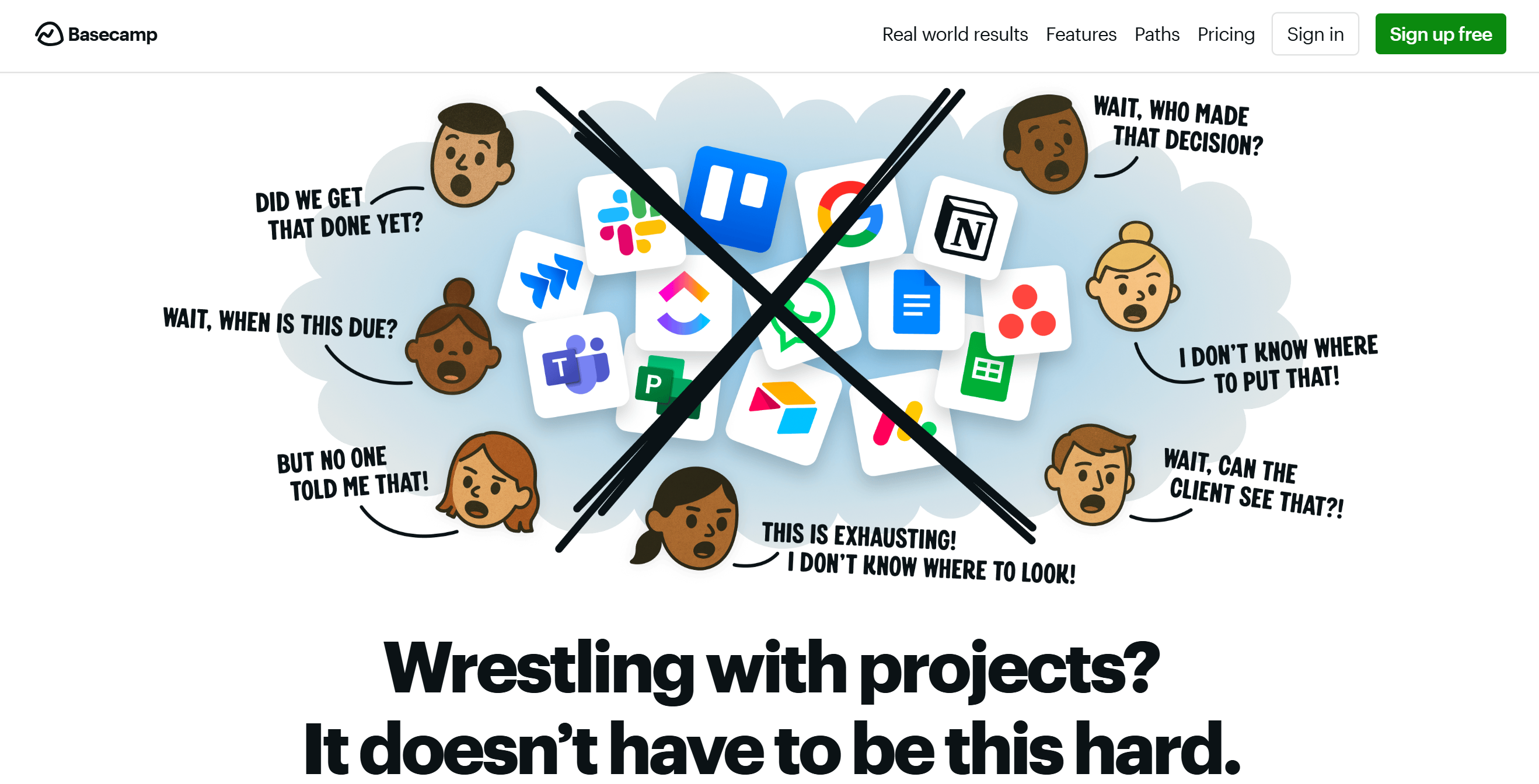
Basecamp is a good project organizer. It keeps your tasks, schedules, and conversations in one place.
You can create to-do lists, schedule your projects, set up deadlines, and receive daily reports. The software delivers a Kanban board for status tracking and a doc file to store documents.
A message board is built in for internal announcements. If you work with someone, you can use it as an email alternative. You can also invite clients and offer them limited access to provide status updates and approvals.
Core Features
- To-do lists.
- Task management.
- Kanban board.
- Calendar.
- Centralized dashboard.
- Daily status update.
- Client collaboration.
- Message boards.
- Reporting.
Price
Basecamp’s basic plan is free, and a paid subscription costs $15 per month.
11. Flowlu
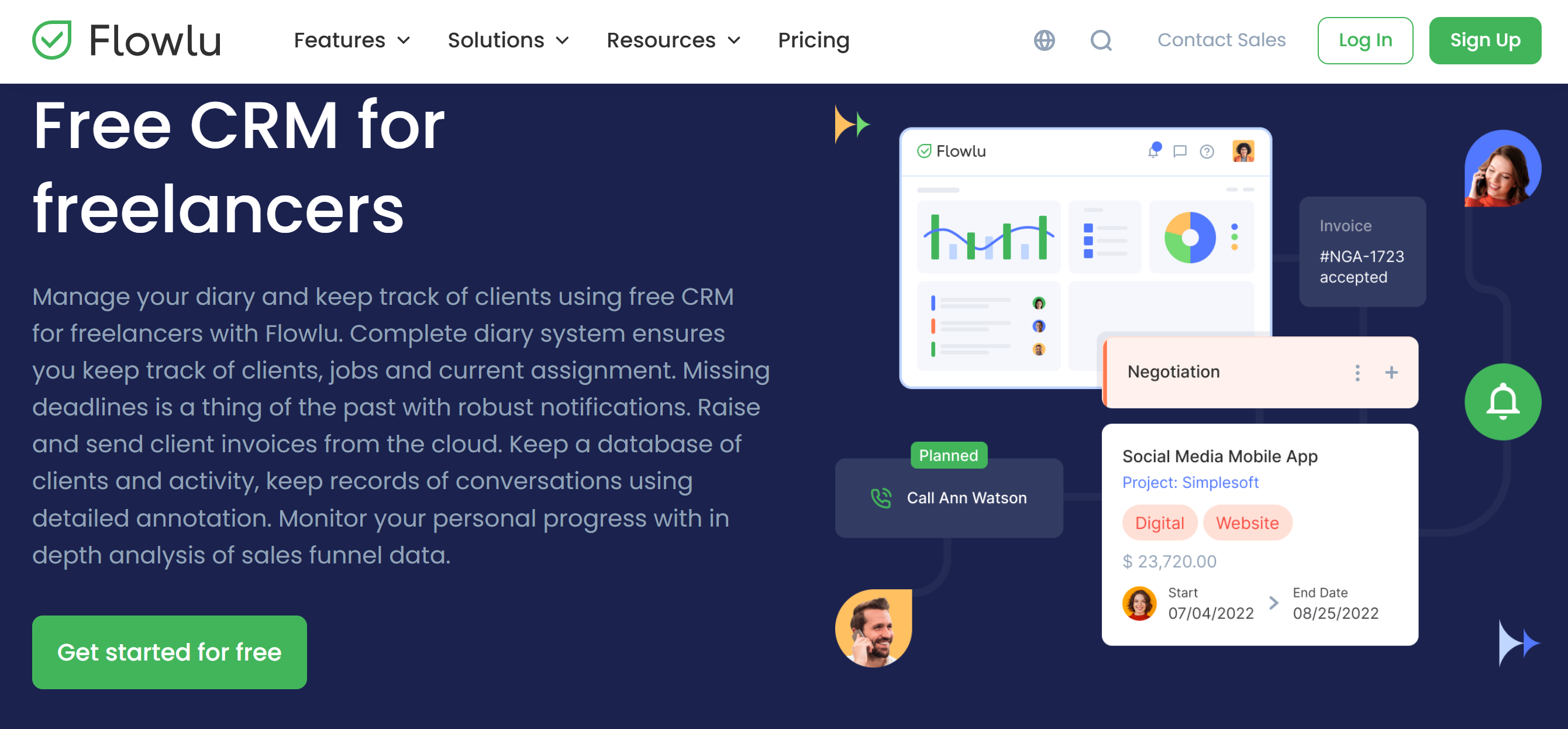
Flowlu delivers project, client, and invoice management tools. Top notable features of Flowlu are task creation, calendar management, time tracking, and client communication.
You can create lead pipelines to manage potential customers and set up multiple boards for each client. You can integrate your email for communication and give your client access to your Kanban boards for progress updates.
Via the client portal, you can share documents and send invoices.
Tons of other features are available on Flowlu, like mind maps for brainstorming, and finance modules for cash flow management.
Core Features
- Productivity tool.
- Lead pipelines.
- Project Management.
- Kanban boards.
- Invoicing.
- Client portal.
- Knowledge base.
- Collaboration.
- Financials.
- Integrations.
Price
Flowlu charges $49 to $99 per month. The basic plan is free.
12. Monday
Monday is a robust project management software. It provides a workspace for project tracking and a CRM for client management.
The software is AI-powered and comes with flexible tools. You can customize your workspace and connect it with third-party applications.
Different views are available for project monitoring. You can build separate boards for projects and track time spent on each task.
One of Monday’s standout features is collaboration. You can offer guest access to clients and create shared documents to receive feedback.
Overall, it’s an excellent productivity tool for freelancers juggling multiple clients.
Core Features
- Project management.
- Multiple views.
- Kanban board.
- Calendar.
- Guest access.
- Shared document.
- Workflow automation.
- Time tracking.
- Reporting.
- Mobile apps.
- Integration.
Price
Monday prices range between $9 and $19. The starter plan is free.
Conclusion
Productivity tools help you work smarter, not harder.
They can improve the way you handle client projects and reduce your workload to some extent.
Explore applications that meet your basic requirements and match your budget. You can compare their usability, core features, and packages to make an informed purchase decision. Good luck!


 A better way to manage projects and clients for freelancers
 Get through busy days like a breeze with Reclaim.ai