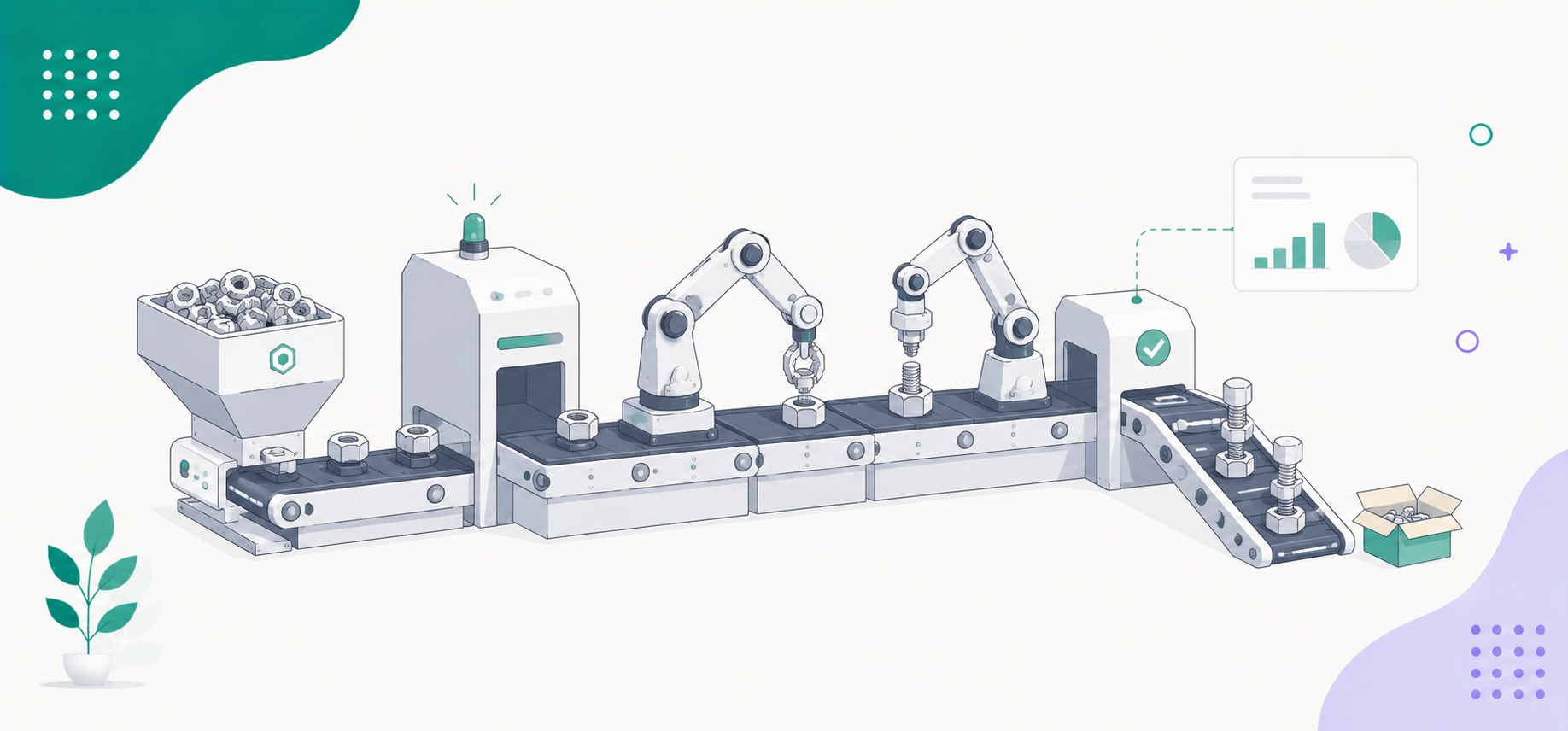
Business process management software can save almost 50% of your time.
With a BPM tool, you can not only automate day-to-day workflows, but also optimize your administration, improving transparency and work efficiency.
If you are looking for the right software, several good BPM apps are available on the market, offering robust automation, visibility, and scalability. They cater to a wide range of industries and provide flexible packages to suit different budgets.
What Is Business Process Management And What Tools Are Best For You?
Business process management is an administrative approach to finding efficient ways to get things done.
It involves mapping out key processes, identifying bottlenecks, improving the current workflows, and monitoring their performance.
BPM software provides you with tools to simplify and automate the above processes. It goes beyond simple workflow creation, combining low-code app builders with process designers to create tailored systems.
Here Are The Top Features To Look For In BPM Software
- Process designing.
- Workflow automation.
- Monitoring and reporting.
- Third-party integrations.
Takeaway
| Business Need | Recommended Platform |
|---|---|
| Best overall BPM platform | Appian |
| Best for small businesses | Cflow |
| Best workflow automation | Make |
| Best app integrations | Zapier |
| Best no-code BPM | Kissflow |
| Best process modeling | Bizagi |
| Best document workflows | Nintex |
| Best AI-powered BPM | Pega |
| Best open-source BPM | Flowable |
| Best for SOPs and recurring workflows | Process Street |
| Best for project-driven teams | Monday.com |
| Best for self-hosted automation | n8n |
Business Process Management Software and Tools Comparison
| Platform | Target Audience | Pricing | Deployment | Free Trial | Rating |
|---|---|---|---|---|---|
| Cflow | Small businesses | From $22/user/mo | Cloud | Yes | ⭐ 4.7/5 |
| Zapier | Small businesses | Free; From $30/mo | Cloud | Yes | ⭐ 4.8/5 |
| Monday.com | Small-mid teams | Free; From $12/seat/mo | Cloud | Yes | ⭐ 4.7/5 |
| Make | Growing businesses | Free; From $11/mo | Cloud | Yes | ⭐ 4.7/5 |
| Process Street | Operations teams | Custom | Cloud | Yes | ⭐ 4.7/5 |
| Kissflow | Business teams | Custom | Cloud | Yes | ⭐ 4.3/5 |
| n8n | Developers | From $24/mo | Cloud, Self-hosted | Yes | ⭐ 4.8/5 |
| Nintex | Mid-large enterprises | Custom | Cloud, On-premises | Yes | ⭐ 4.3/5 |
| Bizagi | Enterprises | Custom | Cloud, On-premises | Demo | ⭐ 4.6/5 |
| Flowable | Developers & enterprises | Free; Enterprise | Cloud, On-premises | Yes | ⭐ 4.3/5 |
| Appian | Large enterprises | Custom | Cloud, On-premises | Demo | ⭐ 4.5/5 |
| Pega | Large enterprises | Custom | Cloud, On-premises | yes | ⭐ 4.2/5 |
Methodology
Different businesses have different requirements. Not everyone wants enterprise-grade software or developer-friendly tools.
To keep things practical, I have chosen the tools based on target audience, core capabilities, usability, pricing, deployment, and real users’ reviews.
Here’s what I looked at;
- Ease of Use: How easy it is to navigate.
- Core capabilities: What the software can do.
- Customization: Can it be tailored to meet your requirements?
- Integrations: Does it support third-party applications?
- Deployment: Is it a cloud, on-premise, or self-hosted platform?
- Pricing: What are its packages?
- User feedback: What users think about the software. I explored G2, Capterra, TrustPilot, and Reddit.
These criteria can help you quickly narrow down the platforms and find the one that matches your business needs.
Let’s check out the 12 best business process management tools and software. All of them support multiple industries.
1. Cflow
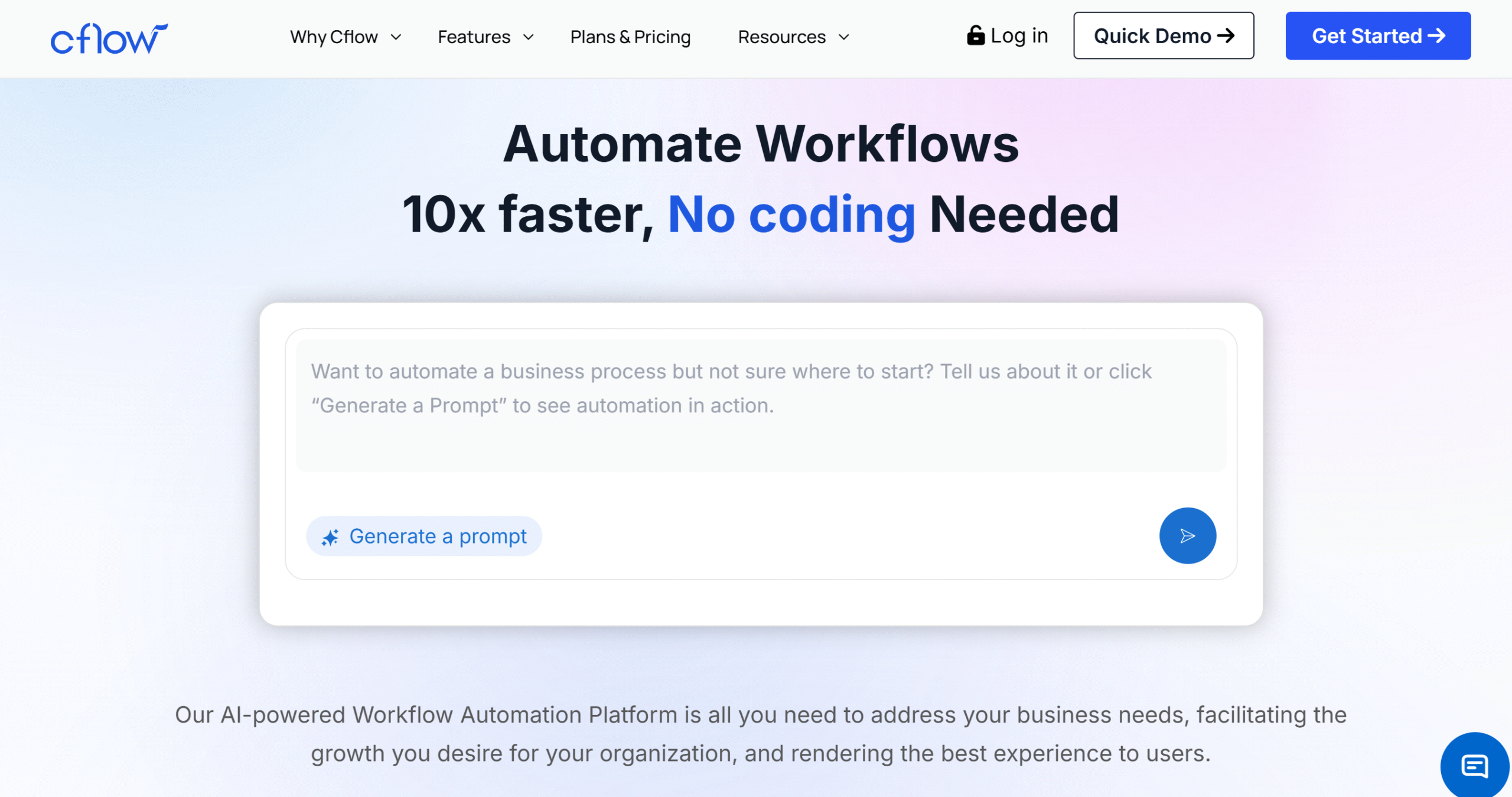
Cflow is well-liked for its simplicity. Non-technical users can easily create multi-level approval systems with its drag-and-drop builders.
Some of the workflows you can design on Cflow include schedules, internal approval systems, and different forms and documents. Document storage is built into the system for your ease, and an e-signature option is also available.
You can connect multiple workflows to streamline your processes and set up various routing and notifications, such as auto-approvals and email alerts.
Core Features
- No-code visual builder for business process modeling.
- Operations, finance, documents, and project workflows.
- Templates and e-signatures.
- Email notifications and alerts.
- Multi-level approval with department integration.
- Analytics and reporting.
- OCR and Kanban board.
- AI and automation.
- Real-time tracking.
- Third-party integrations.
- Mobile app.
What Users Say
“What I like best about Cflow is how easy it makes managing day-to-day workflows. We handle a lot of approvals and internal requests, and Cflow keeps everything organized in one place.”—G2.
“I liked how organized and easy to use it is. Creating forms and workflows has an incredible user interface and user experience, even if you don’t speak English, you can use it.”—Capterra.
Price
Cflow charges $22 to $32 per month. You can take a free trial.
2. Monday
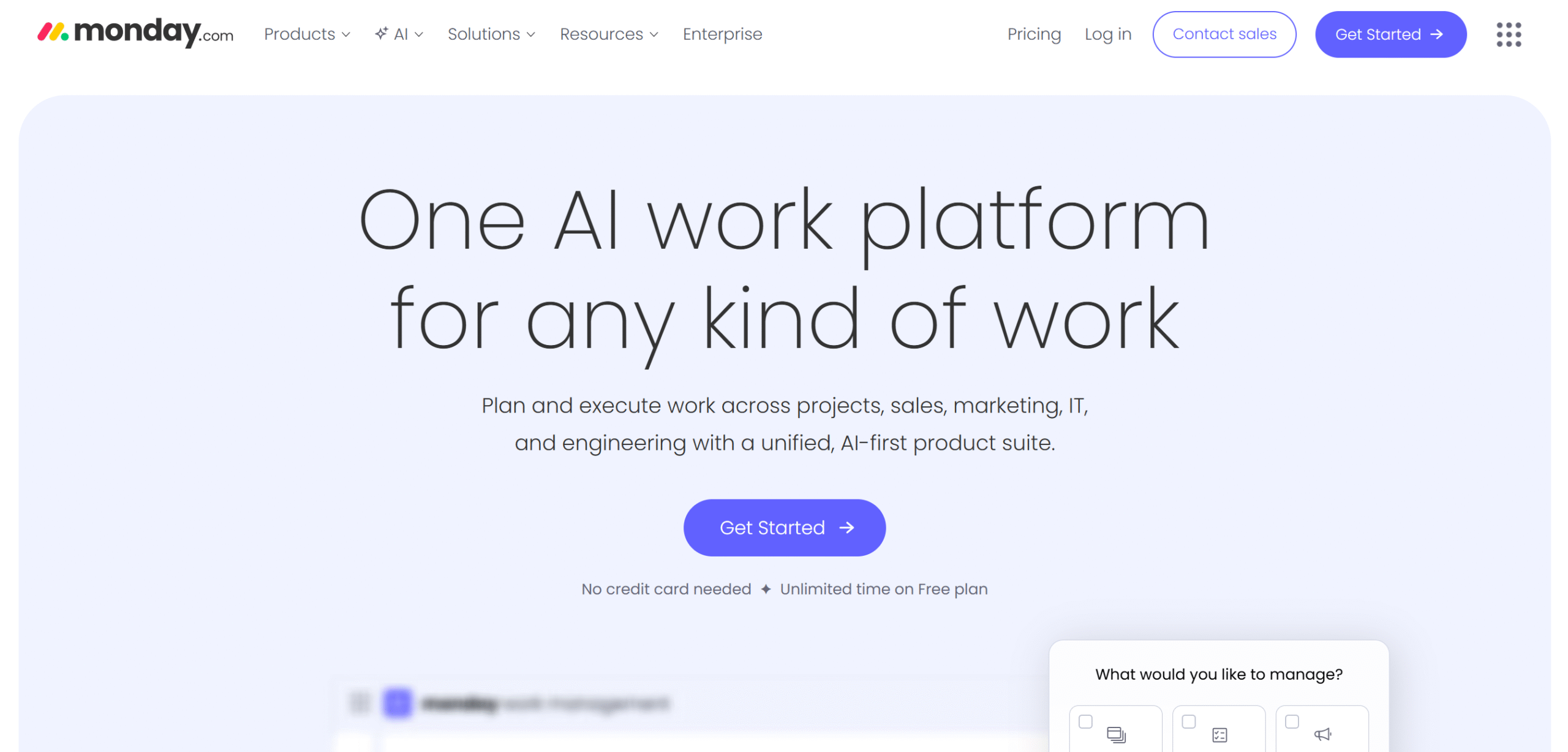
Monday is technically a workforce management platform, but it’s a good option for business process management as well.
The software helps you plan and track projects, giving you the visibility to manage your business operations.
With Monday, you can build sales pipelines, HR processes, marketing strategies, and project workflows. You’ll get templates to get started and resource management tools to make smart decisions.
If you run a tech startup, marketing agency, or consultancy company and need a platform to digitize your operations, Monday is best for you. Over 250k companies across the globe are currently using this software.
Monday has desktop and mobile apps.
Core Features
- Projects, operations, sales, and marketing.
- Kanban boards, charts, calendars, and pipelines.
- Checklists, follow-ups, and status tracking.
- 200+ templates and automation.
- Content and document management.
- Teams and clients.
- Resource allocation and time tracking.
- Analytics and reporting.
- Third-party integrations.
- Mobile apps.
What Users Say
“I like that it makes messy cross-department work visible and trackable without forcing everything into a rigid project-management format.”—G2.
“Monday.com has helped our team stay organized. The ability to customize boards for different projects is a major advantage, and automations reduce manual tasks.”–Capterra.
Price
Monday’s basic plan is free, and premium packages range between $9 and $19.
3. Process Street
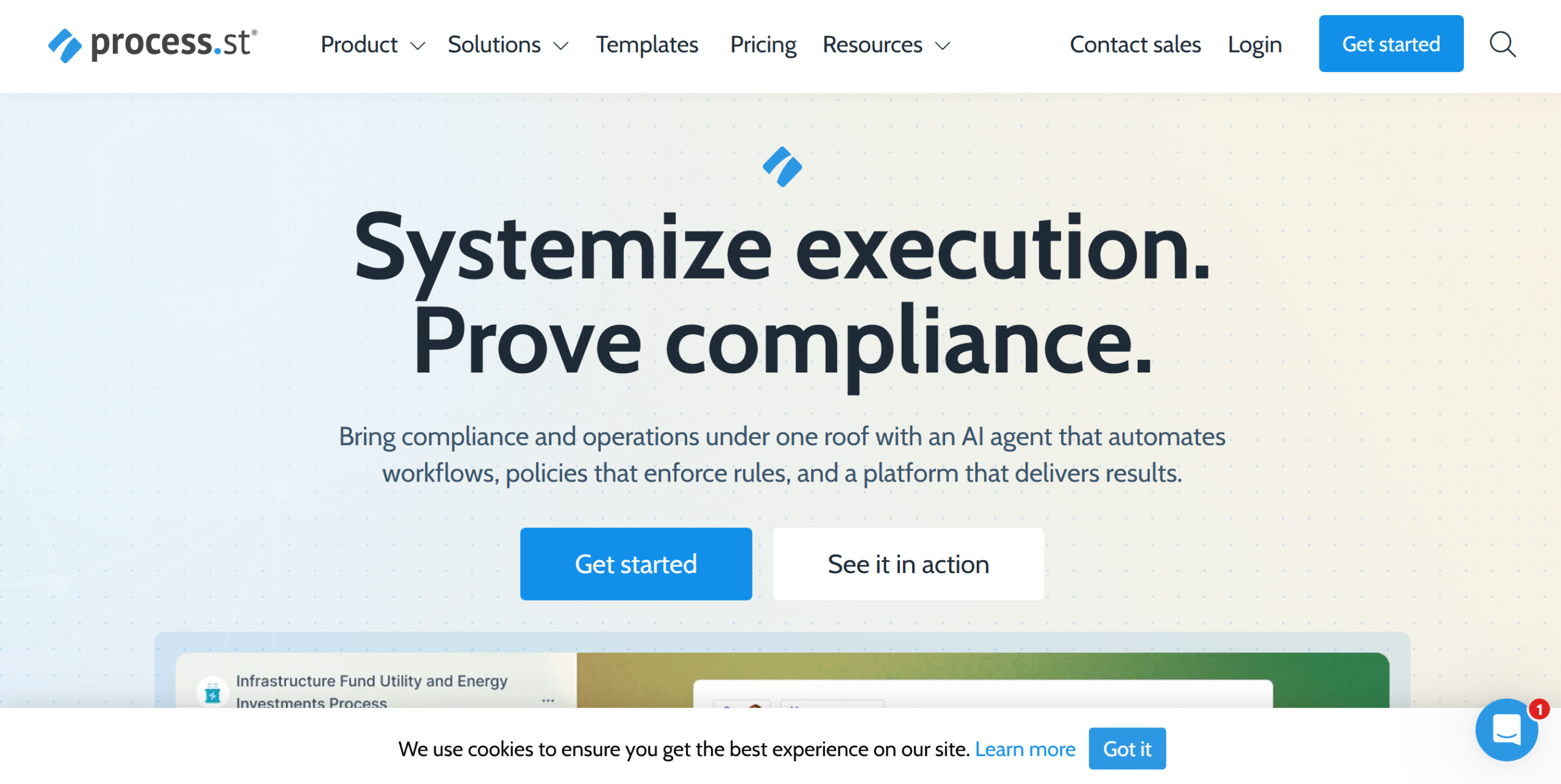
Process Street specializes in SOPs and recurring workflows. You can use it to create work policies and checklist-based workflows, like onboarding and quality control.
There’s no limit on the tasks and workflows. You can build diverse procedures and turn them into a step-by-step guide for everyone.
Tons of other side features are also available to help you implement company policies.
For example, Process Street has integrated AI into its document and operation module to audit logs and detect anomalies. This improves your monitoring and speeds up troubleshooting.
You can also collaborate on documents and track the changes. You’ll get approval systems and permission levels to control access.
Core Features
- SOPs builder with templates.
- Unlimited tasks and workflows.
- Document editor with shared access.
- Team collaboration and approval system.
- AI and automation.
- Monitoring and error alerts.
- Analytics and reporting.
- Third-party integrations.
- Mobile apps.
What Users Say
“Well-designed, simple SOP workflows with powerful logic and integrations.”—G2.
“Overall, my experience with Process Street has been very positive. It has helped our team standardize our recurring processes and improved our collective productivity.”—Capterra.
Price
Process Street sells three packages. Contact sales for the prices.
4. Zapier
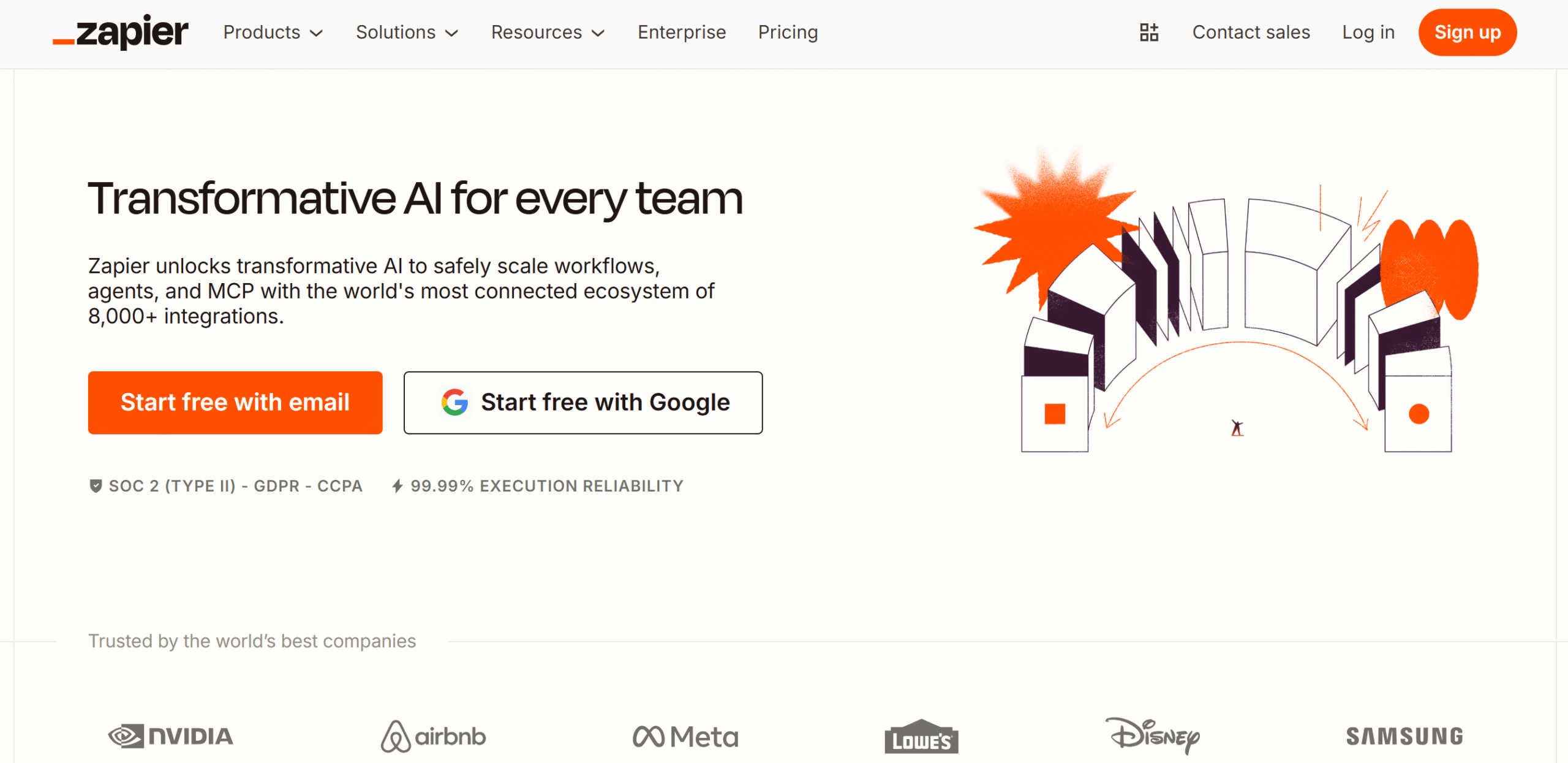
Zapier offers better integrations than Make. While Make has comparatively advanced automation capabilities, Zapier wins on versatility.
The software is designed specifically for small workflows, such as recruitment, onboarding, lead management, and e-commerce orders. If there’s a niche business, you’ll definitely find related integrations on Zapier.
Zapier has recently upgraded its AI tools, introducing chatbots that let you create multistep processes using natural language. You can now utilize different data formats to build automation.
Team collaboration is also part of the package. You can add up to 25 users and connect their business apps for team use.
Core Features
- No-code builder and unlimited automation.
- Multistep workflows with filters and paths.
- AI agents and chatbots.
- A large app marketplace.
- Team collaboration with approval workflows.
- Analytics and alerts.
- Cross-platform functionality.
What Users Say
“What I liked was that it is super easy to pick up and get started. The interface is intuitive and clean, especially if you’re new to automation.”—Reddit.
“Easy to use with a huge range of integrations.”–G2.
Price
Zapier’s monthly subscription starts at $30. The basic plan is free.
5. Make
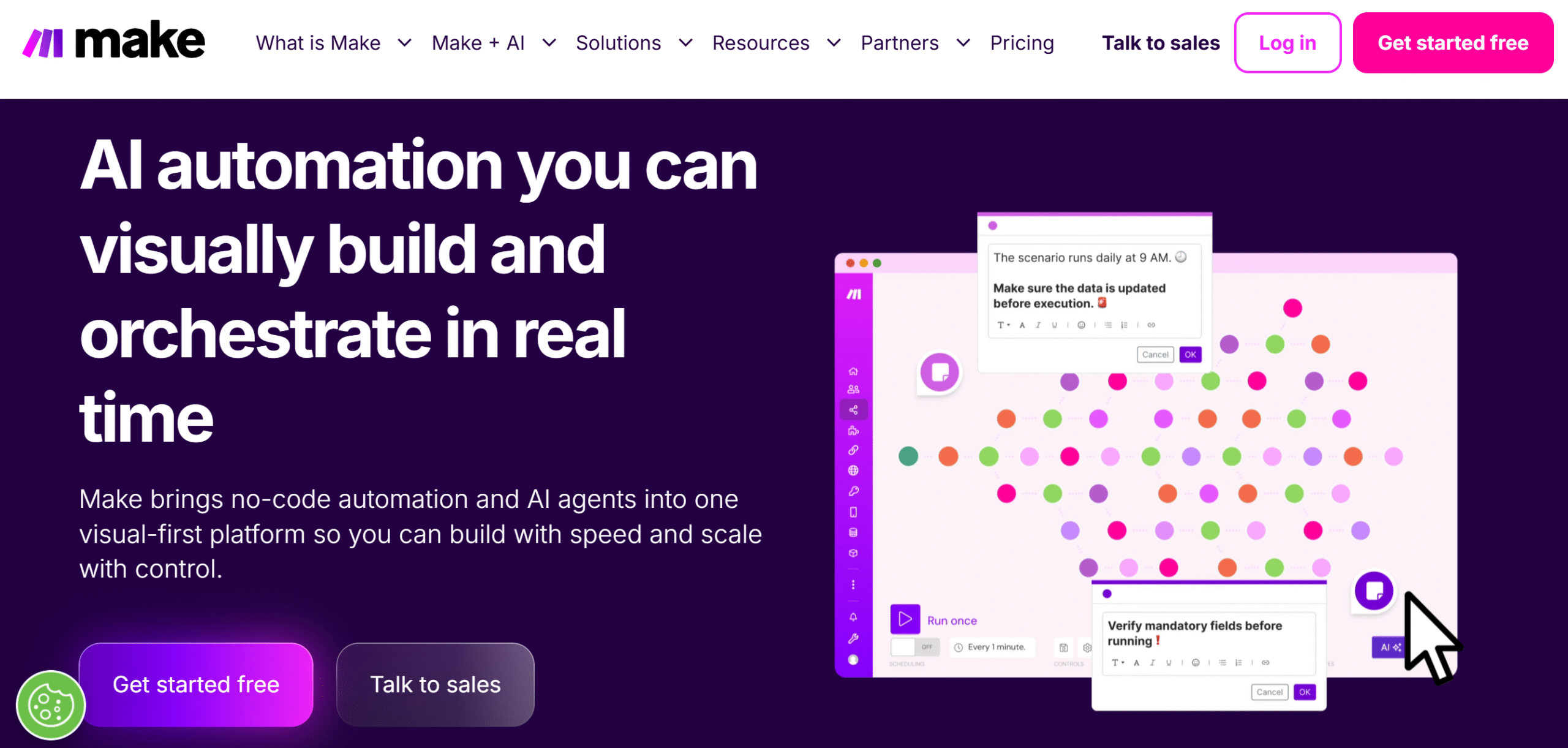
Make lets you connect different tools to create dynamic business workflows.
The software is easy to use and comes with a library of over 3000 pre-built apps.
You can run unlimited scenarios and monitor them in real-time. With visual mapping, conditional logic, and a content extractor, you can design efficient processes and convert them into templates for reuse.
Make is available in both desktop and mobile versions.
Core Features
- No-code visual builder with conditional logic and triggers.
- Unlimited active scenarios and execution in real-time.
- Routers and filters.
- Team collaboration and scenario sharing.
- AI and automation.
- Analytics and reporting.
- Over 3000 app integrations.
- On-premises agent to work with business apps.
- Mobile apps.
What Users Say
“Make does everything we need – easy to use, great UI, and simple monitoring”—G2
“It’s powerful, flexible, and allows you to build workflows for almost any use case.”–TrustPilot.
Price
Make’s basic plan is free, and premium packages start at $11 per month.
6. N8N
N8N’s biggest strength is its flexibility. It’s a self-hosted business management software that gives you full control over your automation.
You can use it to build tons of business processes, including data pipelines, approval workflows, finance and billing, and compliance. The app comes with diverse triggers and templates to make things easier for you.
N8N is developer-friendly and sells both cloud and self-hosted products.
You can also buy an enterprise package to scale your operations. This would allow you to run unlimited active workflows and save up to 50k executions.
Core Features
- Business process automation.
- Cloud and self-hosting options.
- Unlimited workflows and users.
- A vast library of templates and triggers.
- Developer-friendly tools for customization.
- An AI assistant for efficient results.
- Key metrics and insights.
What Users Say
“What I like best about n8n is its flexibility and the balance it strikes between a visual workflow builder and the ability to add custom logic when needed.”–G2.
“I run a few workflows on n8n with voice agent, it is very powerful tool for process automation. Saves me many hours everyday.”–TrustPilot.
Price
N8N’s starter package costs $24 per month. You can take a free trial.
7. Kissflow
Kissflow helps you build applications without relying on IT. It’s specially built for non-technical business teams who want to build their own workflows instead of consulting IT for everything.
Top notable features of Kissflow include app builder, process builder, workflow orchestration, and project boards.
You don’t need to buy its enterprise plan to create unlimited workflows. Kissflow offers unlimited apps, workflows, and integrations in the basic plan.
The enterprise package comes with advanced functionality and AI capabilities. It also contains external portals for vendors, clients, and contractors.
A full package comparison is available on the website. Just share your business email and get a PDF list.
Core Features
- Low-code app and process builder.
- Unlimited workflows and integrations.
- External portals for clients and contractors.
- A monitoring board and analytics.
- 25+ AI tools.
- Collaboration and internal control.
- Mobile app.
What Users Say
“I would highly recommend this platform as it is very easy to use and the support provided is outstanding!”–Capterra.
“We use Kissflow for all document approvals, eliminating paper shuffling across the entire organisation. Highly recommended any day!”–G2.
Price
Kissflow prices start at $2,500 per month. You can ask for a free trial.
8. Nintex
Nintex is built for companies that frequently deal with contracts, forms, approvals, and other documents. Its deep integration with Microsoft makes it easier to standardize processes.
You can get both cloud and self-hosted systems on Nintex. It also offers exclusive software for Salesforce, which customizes your sales processes and stores documents.
If you go for the cloud product, you’ll get workflow automation, application development, process management, and documentation. You can customize and save steps as templates and apply them to other workflows.
The self-hosted product offers the same features, but it gives you more control over your operations, upgrades, and security.
Monitoring and reporting are built into both systems. Nintex provides a centralized dashboard to view multiple workflows, track your business processes in real time, and keep an eye on key metrics.
Core Features
- App development and business process management.
- Document automation and e-signature.
- AI automation and customization.
- Templates for reuse.
- Analytics and monitoring dashboard.
- Governance and security.
- Cloud, self-hosted, and Salesforce products.
- Integrations and a mobile app.
What Users Say
“Nintex has a seamless integration with SharePoint and other Microsoft applications that results in faster workflow development for our team.”–G2.
“Great, over the years I have used many workflow engines. Nintex has been around forever and keeps getting better year on year.”—Software Advice.
Price
Nintex shares prices on request. You can ask for a demo and a free trial.
9. Bizagi
Bizagi’s strength lies in process modeling. It helps you identify bottlenecks and build automation.
With Bizagi, you can design complex workflows, automate your business processes, integrate data, and more. The software is low-code and powered with AI features to help you create processes with ease.
The prices are usage-based, so you only pay for what you use. You can start small and scale it as you see fit.
There is no limit on the users and apps. Plus, you can download the core modeler for free. The paid subscription unlocks collaboration tools, connecting people with the systems.
Bizagi is available in both desktop and mobile versions.
Core Features
- Business processes and app development.
- Low code and AI-powered.
- Visual modeler and automation.
- Team collaboration and sharing.
- Monitoring and analytics.
- Third-party integration.
- Cross-platform functionality.
What Users Say
“Bizagi helps bridge the gap between business management and IT development.”—G2.
“I like that Bizagi forces me to think out of the box and focus on processing instead of simply documenting things.”—G2.
Price
Bizagi shares prices on request. You can ask for a demo.
10. Flowable
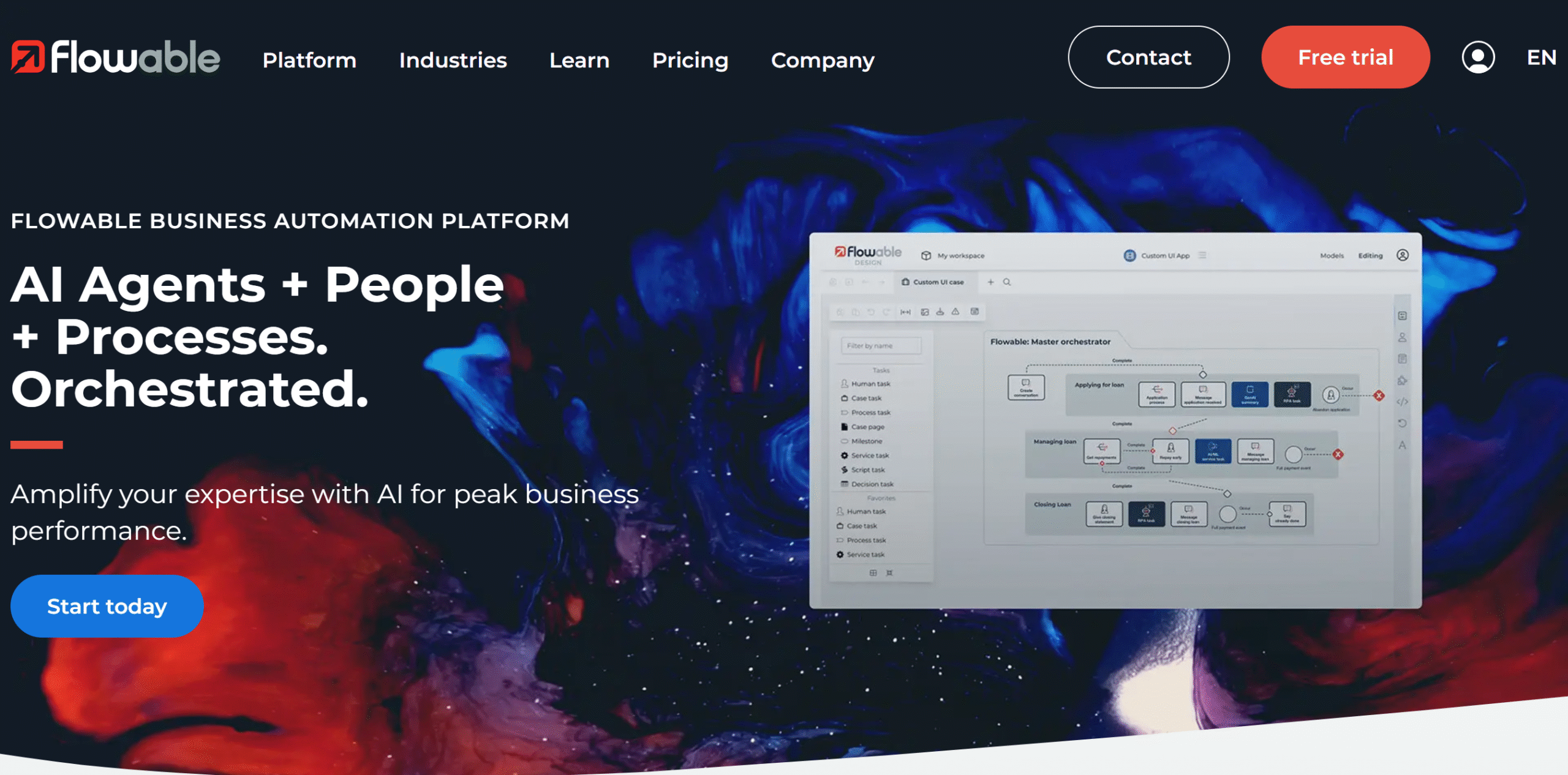
Flowable is a BPM for developers.
It’s an open-source platform that has all the necessary modules to build workflows and embed them into your system.
You can design complex processes and set up a routing and approval system to allocate tasks. You can also handle ad hoc requests and apply rules to automate some of the decisions.
Monitoring, tracking, and performance measurement are all included in the app. There’s a separate module for content management as well.
Overall, Flowable is robust and sells both cloud and on-premises solutions.
Core Features
- Business process management.
- Designing and automation.
- AI capabilities.
- Monitoring and reporting.
- Case management.
- Content management.
- On-premises and cloud products.
- API and integration.
- Mobile app.
What Users Say
“My overall experience with Flowable, from a modeller’s perspective, has been very positive. I was able to get the hang of the tool quickly and deliver promising results to the business.”—Capterra.
“Flowable has great UI and an extensible framework to customise and personalize for your own needs and use.”–G2.
Price
You can use Flowable for free. For premium subscriptions, contact sales.
11. Appian
Appian doesn’t just automate processes; it orchestrates them.
It connects different systems, teams, and workflows so you can manage your entire business process from one place.
Not only that, but you can also visually monitor your processes and get AI recommendations to improve them.
Document management is also another core part of Appian. AI is integrated into the document center to process any type of document and extract relevant information when needed.
Appian works well on both desktop and mobile apps. You can access it from any device, and some of its features are even available offline.
Core Features
- Apps and business processes builder.
- Visual editing and pre-built templates.
- Document management.
- Analytics and reporting.
- Case management.
- AI and automation.
- Cloud and self-hosting.
- Unlimited portals with offline access.
- Cross-platform functionality.
What Users Say
“I like the combination of workflow automation, case management, and process visibility within a single platform with Appian.”—G2.
“I really like Appian’s ability to automate complex business processes while still being relatively easy to build and maintain compared to traditional development approaches.”–G2.
Price
Appian shares prices on request. You can book a demo.
12. Pega
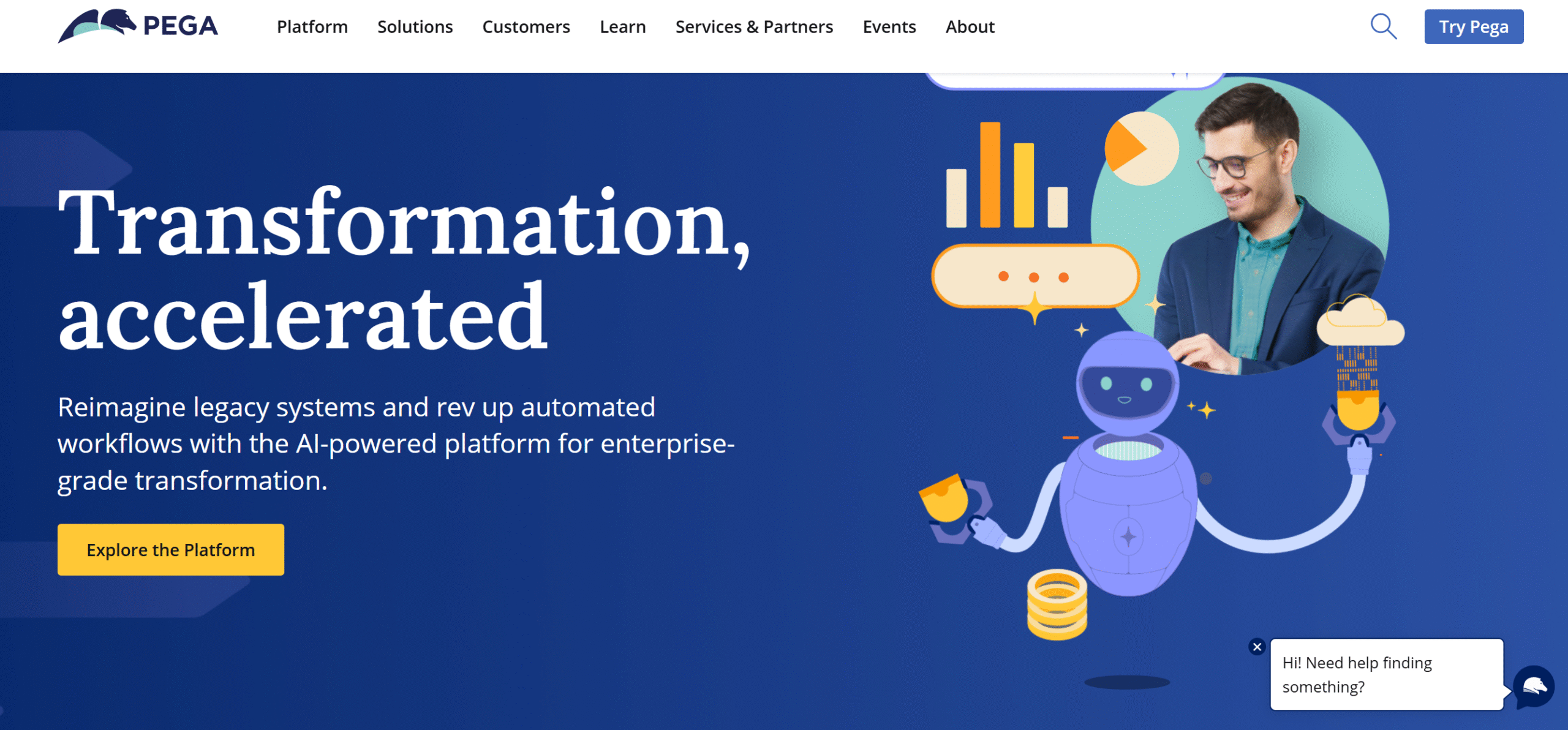
Pega stands out for its case management capabilities. It doesn’t just automate work; it uses AI to recommend the best course of action.
Core capabilities of Pega include workflow building, process automation, case management, and integration. It provides scalable business process management solutions with managed services as an add-on.
Team collaboration is a core part of Pega, allowing you to route tasks to the right person. With AI agents and performance measurement, you can manage both your workflows and employees.
Pega is low-code and flexible. You might need some technical knowledge to operate it, but its builder is generally user-friendly.
Core Features
- Workflow and app builders.
- AI agents and smart insights.
- Case management and automation.
- Team collaboration.
- Low-code app development.
- Analytics and reporting.
- Enterprise-grade capabilities.
- Third-party integrations.
- Cross-platform functionality.
What Users Say
“What I like most about the Pega Platform is how it lets you automate complicated processes without needing to code. The case management is seriously strong.”—G2.
“It’s very powerful. The adaptation to the latest technologies is amazing. Customization, integrations, blueprint, AI, decisioning… nothing left out.”—G2.
Price
Pega shares prices on request. You can try it for free.
FAQ
- What is business process management software?
Business process management software helps you organize daily operations and automate workflows.
- What processes does BPM automate?
BPM software automates repetitive admin tasks, like employee onboarding, internal approvals, purchase orders, project management, and invoice processing.
- Is BPM only for large organizations?
No. Both small and large organizations can use BPM.
- What is the difference between ERM and BPM?
ERM manages your business data, such as inventory and financials, while BPM automates actual processes, such as approvals.
- Can I build workflows without coding?
Depends on the software. But generally, yes. Most modern BPMs have drag-and-drop builders to create workflows.
Conclusion—Which BPM Platform Should You Choose
Choosing the right BPM tool for your business requires a bit of trial and error.
By exploring several products, you can understand their capabilities better and make a well-informed decision.
Here are some of my personal recommendations.
For Small Business Owners
Clfow, Monday, and Zapier are best for small businesses. They are budget-friendly, easy to set up, and can automate routine processes.
For Growing or Mid-Size Businesses
Growing businesses need tools to help them improve their current processes and manage paperwork. Bizagi and Nintex are excellent choices for that purpose.
You can also check out Kissflow. It supports multi-department workflows and can be used by department teams.
For Large Organizations
Apian and Pega are best for large organizations. They are scalable and can handle complex workflows.
Try the above tools and find the one that works for you. Good luck!


 A better way to manage projects and clients for freelancers
 Get through busy days like a breeze with Reclaim.ai