
Creative thinkers often find it hard to stay organized.
With scattered ideas, random bursts of inspiration, and multiple projects in the pipeline, they struggle to execute their ideas and manage things more efficiently.
The good news is, you can build a system to organize your work while maintaining your creativity.
There are various software products available in the market that can help you bring structure to your life and optimize your creative process.
Below, I have shared a list of tools every creative thinker should use to stay organized. The list covers digital planners, smart note-taking apps, time tracking tools, and mind-mapping software.
Let’s explore them.
1. Sunsama
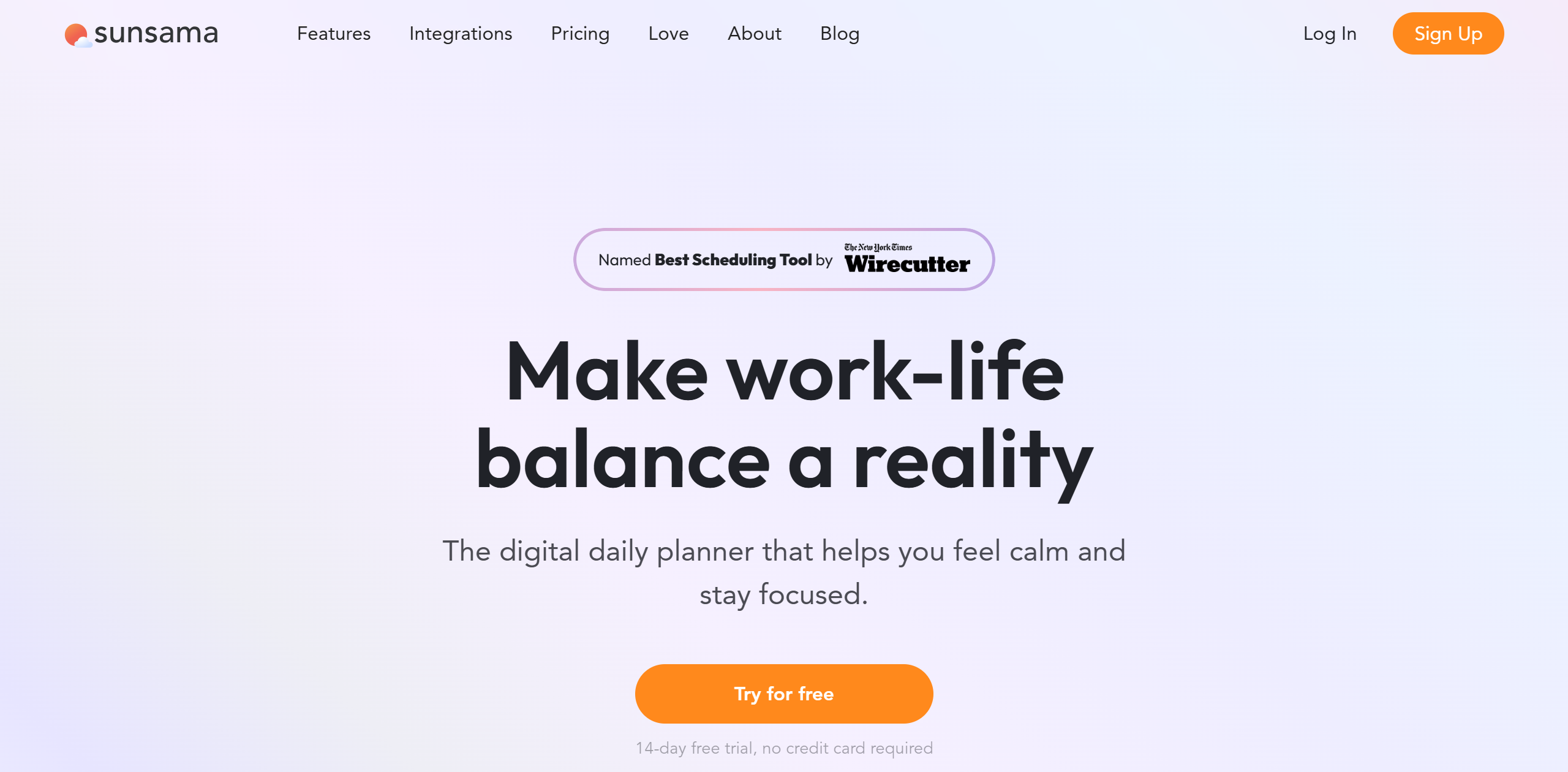
Sunsama is a handy app for creative thinkers. It provides a visual planner with time-blocking and task management tools.
You can create a to-do list of daily chores, schedule them directly on your calendar, set realistic goals, and turn on focus mode to concentrate on the work.
The software has a simple drag-and-drop interface, which makes it easier to organize and rearrange tasks.
You can import tasks from other project management applications and drag them to your to-do list. You can do the same with your emails and Slack messages.
Keyboard shortcuts are available to speed things up. You can also set the scheduling on autopilot.
Core Features
- Visual planner.
- Kanban board.
- Timeboxing.
- Multiple calendar syncing.
- Auto-scheduling.
- Focus mode.
- Emails and messages into tasks.
- Weekly reviews.
- Shared workspace.
- Analytics.
- Integrations.
- Mobile app.
Price
Sunsama charges $20 per month. If you invite friends, you’ll be charged the full amount.
You can get a discount on the yearly subscription. There’s also a 14-day free trial.
2. Notion
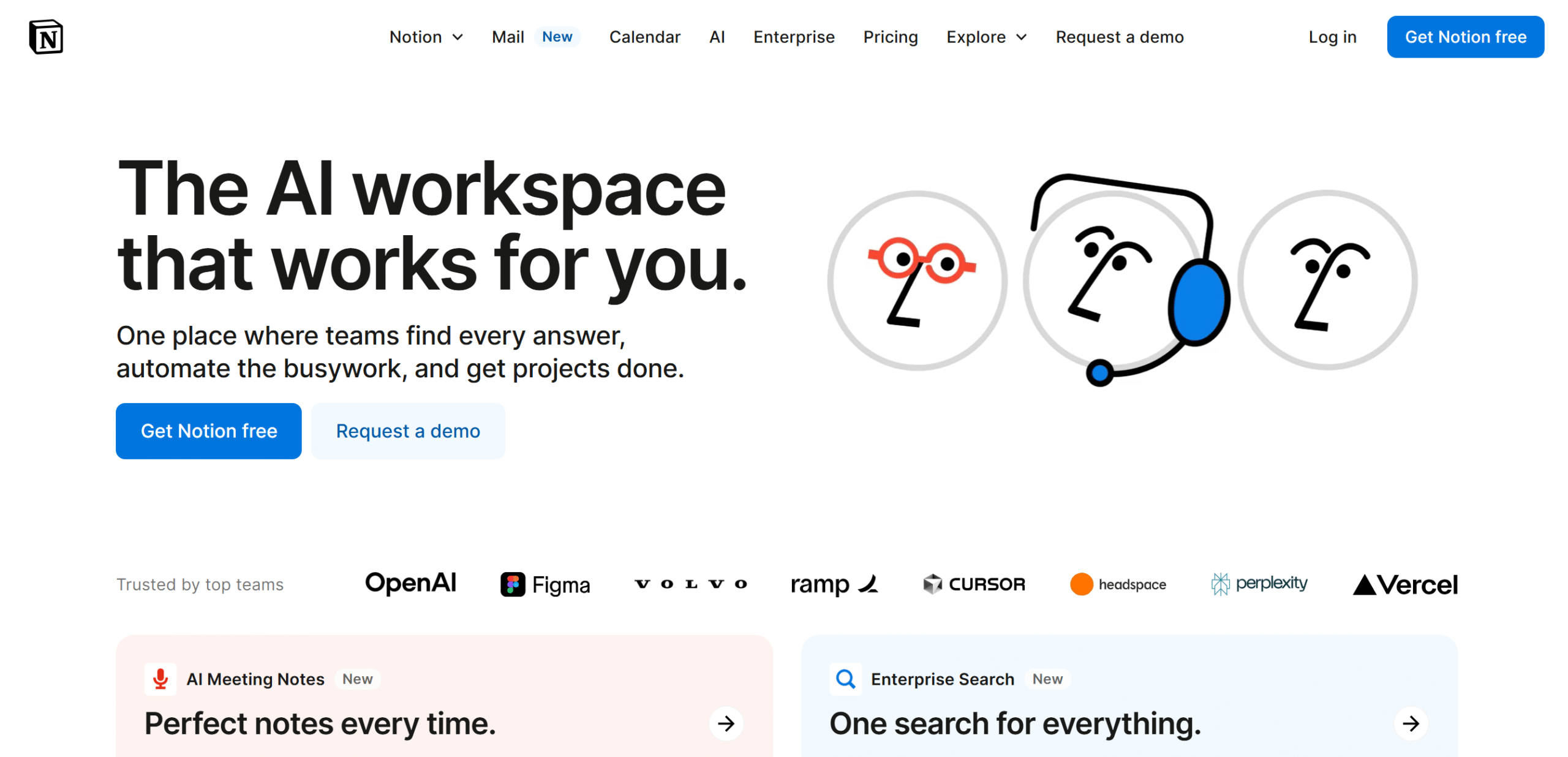
Notion is an excellent app for creative thinkers. It has everything you need to think, plan, and organize your work.
You’ll get a blank space and a calendar to plan your day, a doc to record daily activities, a place to store your content, and a checklist to tick off tasks.
You can invite your team to your digital workspace and allow them to edit and comment on the document. Notion has several collaboration features, including a kanban board for project management.
You’ll receive some templates to get started and AI tools to automate time-consuming jobs, like email writing. AI features are included in the business plan.
Core Features
- Calendar and planner.
- Wiki docs and web publishing.
- Checklists.
- Organizing.
- Kanban board and task management.
- AI and automation.
- Team collaboration.
- Guest invitation.
- Integration.
Price
Notion’s basic plan is free, and premium packages start at $12 per month. There’s a 20% discount on the yearly package.
3. Todoist
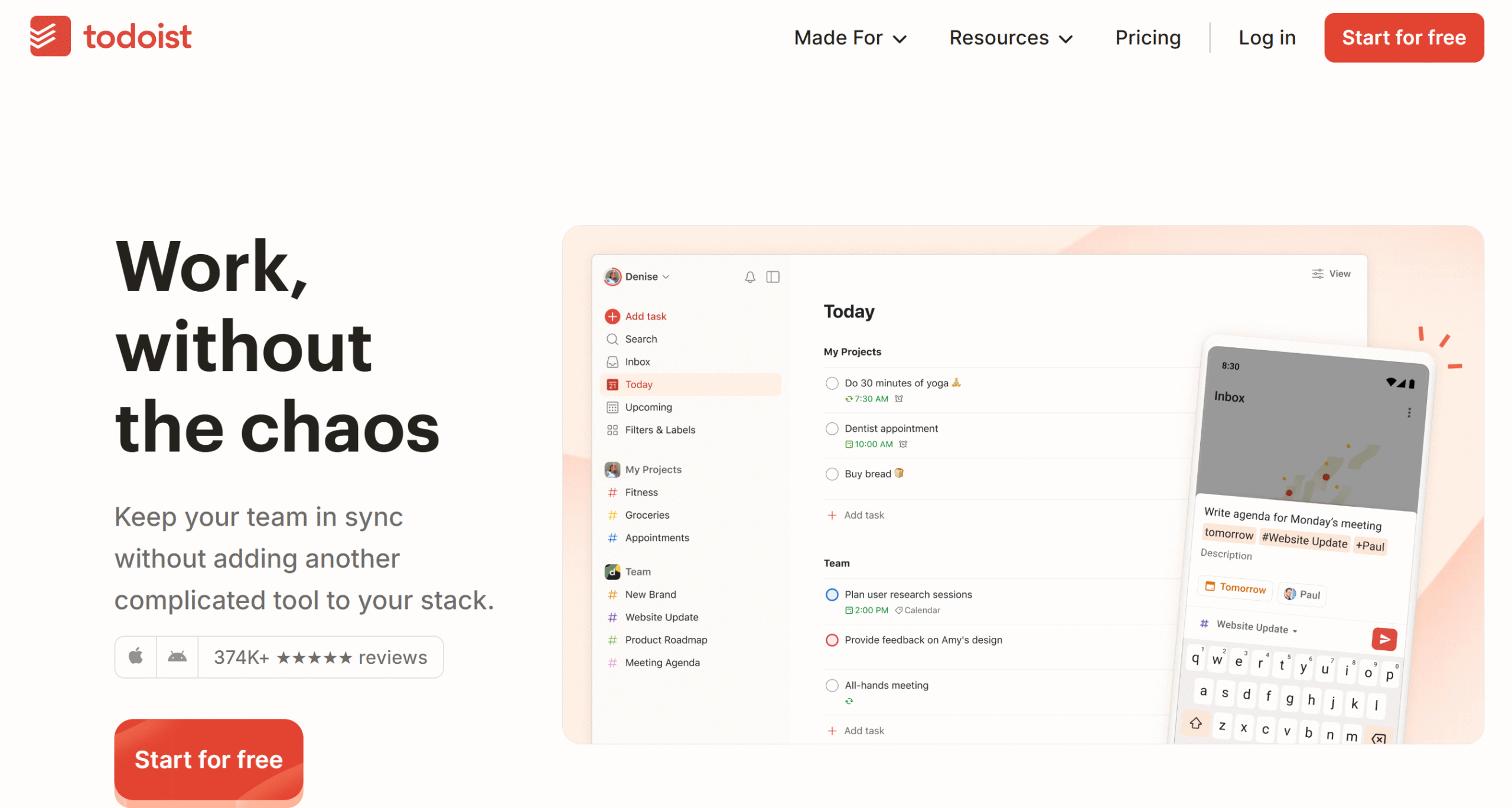
Todoist is a budget-friendly task manager. It’s ideal for both work and personal chores and has a collaboration space for teams.
You can create tasks, schedule one-time and recurring activities, convert emails into tasks, and assign work to team members. With filters and labels, you can organize your tasks and keep your personal and team jobs separate.
You can integrate Google Calendar for scheduling and use a Kanban board for progress tracking. A separate calendar layout is also built into the system for your ease.
Core Features
- Planner with a calendar layout.
- Labels and filters.
- Task and project management.
- Productivity visualization.
- Team collaboration.
- Kanban board.
- Recurring tasks and reminders.
- Customization.
- AI assistant.
- Integrations.
Price
Todoist costs $5 to $8 per month. The basic plan is free.
4. Motion
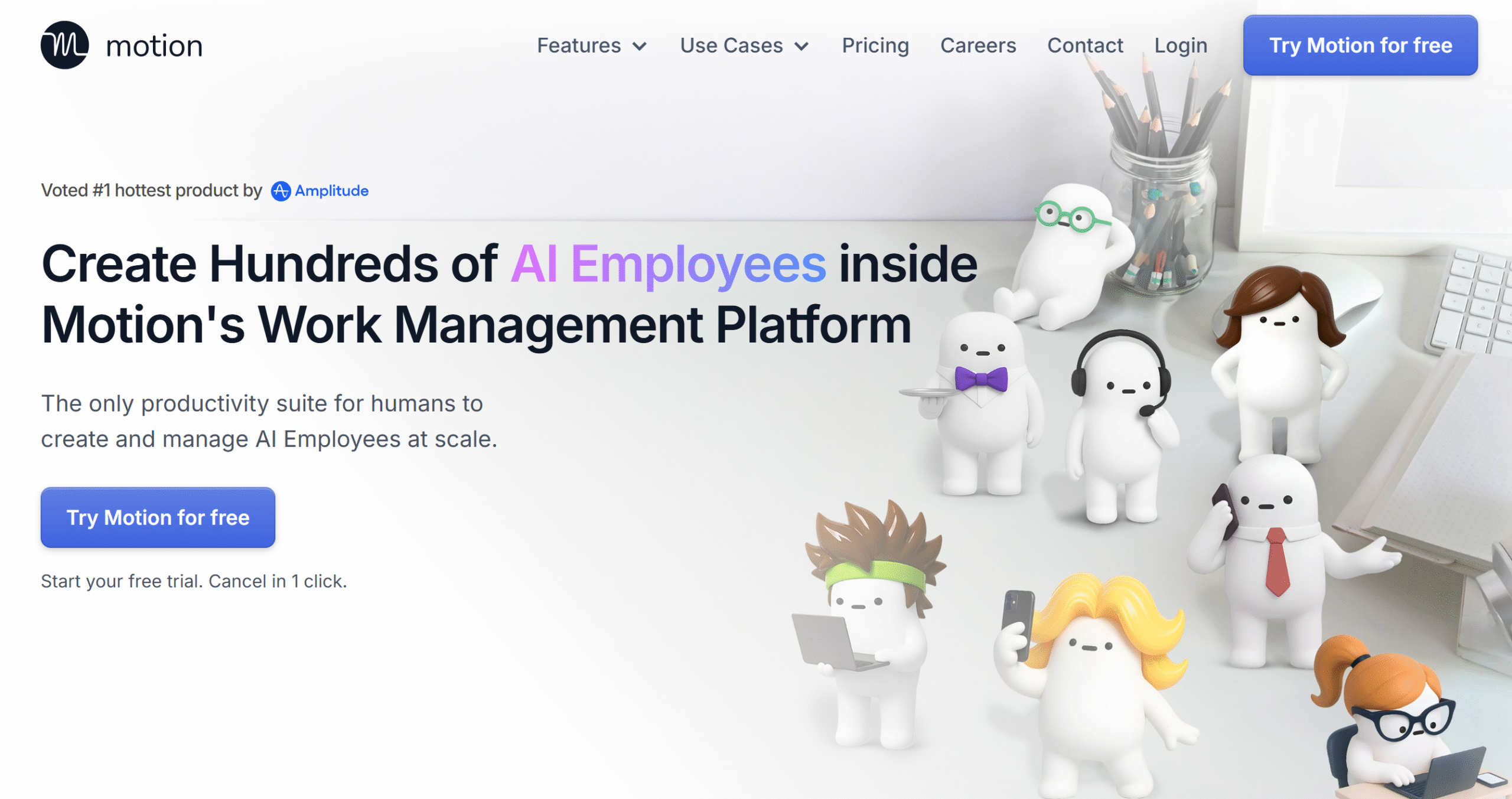
If you need a smart manager, Motion is perfect for you. It provides an AI workspace to plan chores, manage tasks, and organize notes.
AI is integrated into almost all its modules.
You can automatically create daily plans, schedule and adjust your planner, capture meeting notes, and generate tasks for teams. Motion flags tasks that risk delay to help you plan a realistic schedule.
You can customize your to-do list and add labels to prioritize tasks. Additionally, you can color-code your projects to track progress easily.
One of Motion’s best features is its AI workflow builder.
If you are working on an idea and can’t spare time to plan the project, Motion can automatically generate a project and assign it to your team based on their availability.
There’s also an AI employee package that contains an AI assistant for pretty much everything.
Overall, it’s an excellent app for creative thinkers, specifically team leads.
Core Features
- AI planner and calendar.
- Task and project management.
- Meeting notes.
- AI doc assistant.
- AI workflow builder.
- Time tracking.
- Visual charts.
- Team collaboration.
- API and integration.
- Mobile apps.
Price
Motion basic plan costs $29, and the premium subscription costs $49 per month. If you buy the team package, you’ll get a 40% discount.
A free trial is available.
5. Toggl Track
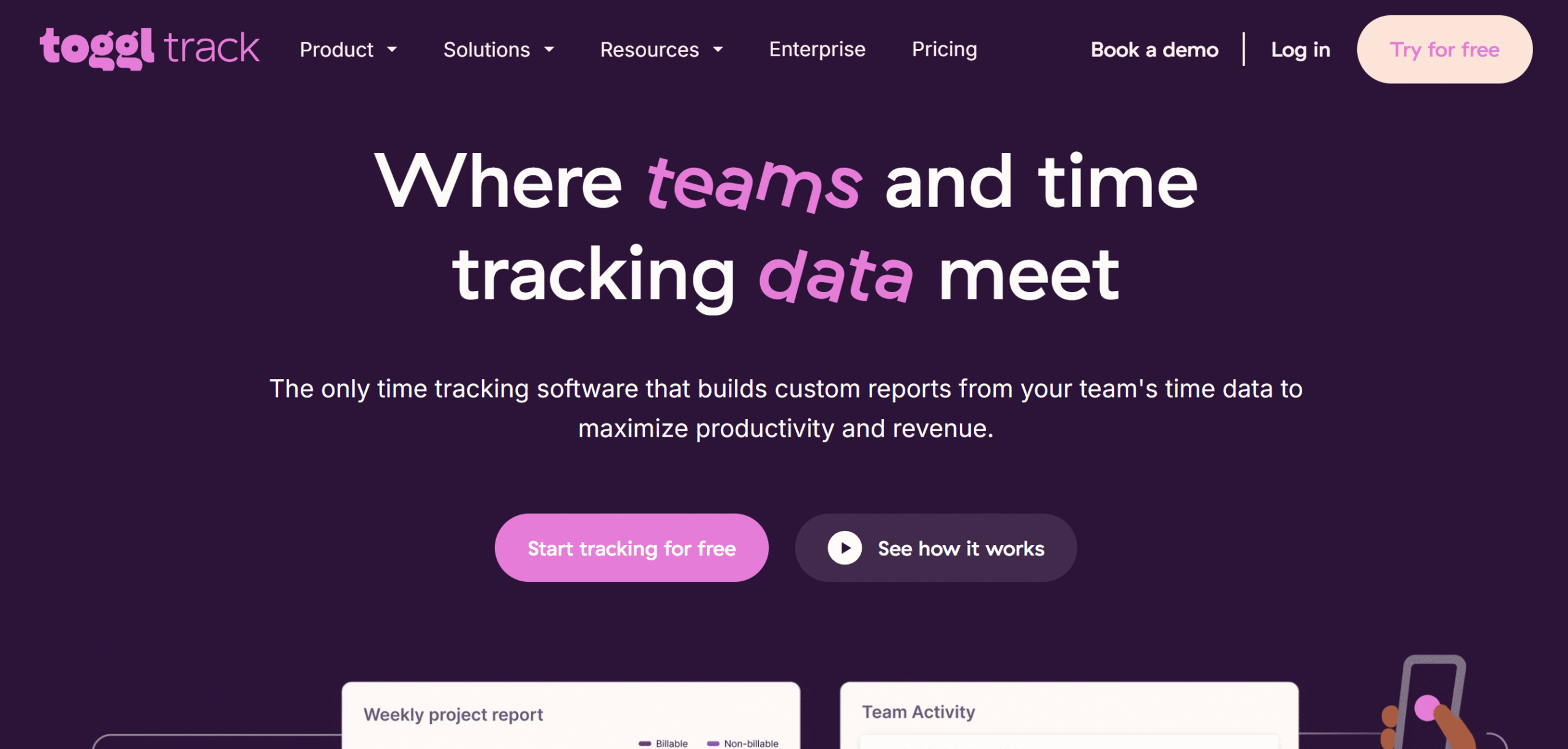
Toggl Track is an advanced time tracker. It helps you plan your day, track time, and bill clients.
The app comes with a visual calendar to plan tasks and flexible tracking tools to log billable hours from any device. You can handle unlimited clients and projects and invite team members.
In addition to the timer tracker, Toggl Track also generates project forecasts and labor costs. You can create estimates and compare them with actual results.
Time sheets, invoicing, and reports are all part of the software.
Core Features
- Calendar, projects, tasks, and clients.
- Online and offline time tracking.
- Automation.
- Team collaboration.
- Time sheets and invoices.
- Project forecasts.
- Reporting.
- Google and Outlook integration.
- Web, desktop, and mobile app.
Price
Toggl Track charges $10 to $20 per month. The starter plan is free.
You can also take a 30-day free trial to test the premium features.
6. TickTick
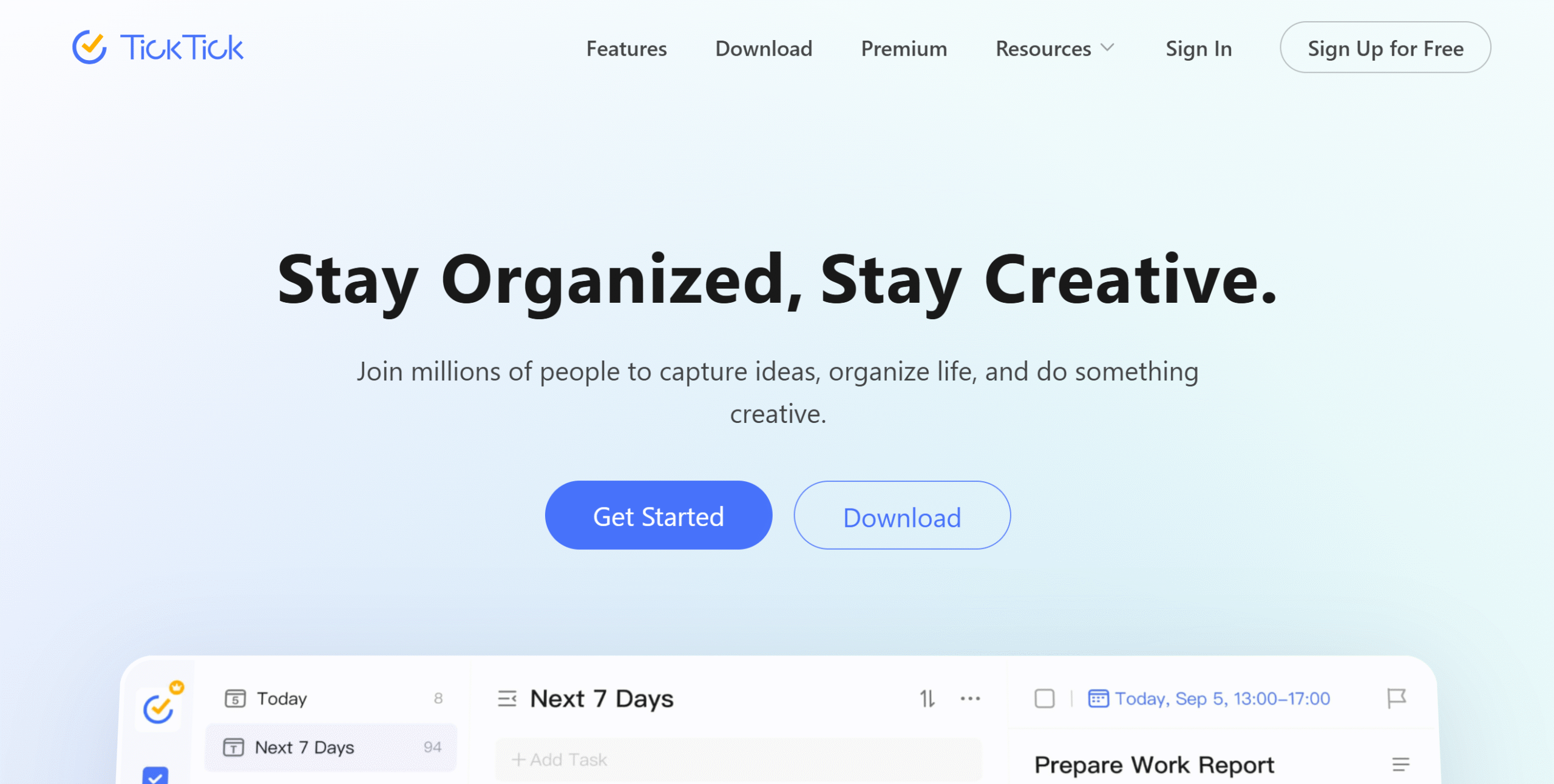
TickTick is a robust organizer.
It delivers a visual calendar, an efficient to-do list, a task manager, and a pomodoro timer.
The software has tons of interesting productivity features.
You can create instant tasks, organize them into lists, set up different reminders, and schedule them on the calendar. TickTick offers multiple layouts to track progress and an Eisenhower Matrix to manage time.
You can set up a home widget to get instant access to your checklist and add ad hoc tasks directly from your home screen.
You can also share your to-do list with others and keep a historical record of changes made by your team.
Core Features
- To-do list with a home screen widget.
- Multiple calendar views.
- Planner and task manager.
- Quick task capture.
- Kanban board, lists, and timelines.
- Filter and tags,
- Flexible reminders.
- Pomodoro timer.
- Analytics.
- Multi-device support.
- Integration.
Price
You can download TickTick for free. The premium version costs around $3 per month.
7. Evernote
Evernote is a note-taking app.
It’s a pretty simple tool, but creative thinkers will find it incredibly helpful.
You can create unlimited books and notes, add tasks with deadlines and reminders, apply tags to organize files, and export files to share notes.
Apart from that, you can scan and store any document and add web clippers like articles and images. Evernote automatically syncs and updates your notes so you can access them both online and offline.
There’s also a calendar feature for scheduling. You can create events and link your notes to them.
One more thing.
Evernote has several AI capabilities. You can transcribe videos and audio and generate text. Plus, you can use AI to search notes.
Core Features
- Note-taking.
- Task creation.
- Document scanning.
- Web-clippers.
- Calendar.
- AI transcribing and writing.
- Advanced search.
- Collaboration.
Price
Evernote charges $15 for personal use and $18 per month for professional features.
You can try it for free.
8. Obsidian
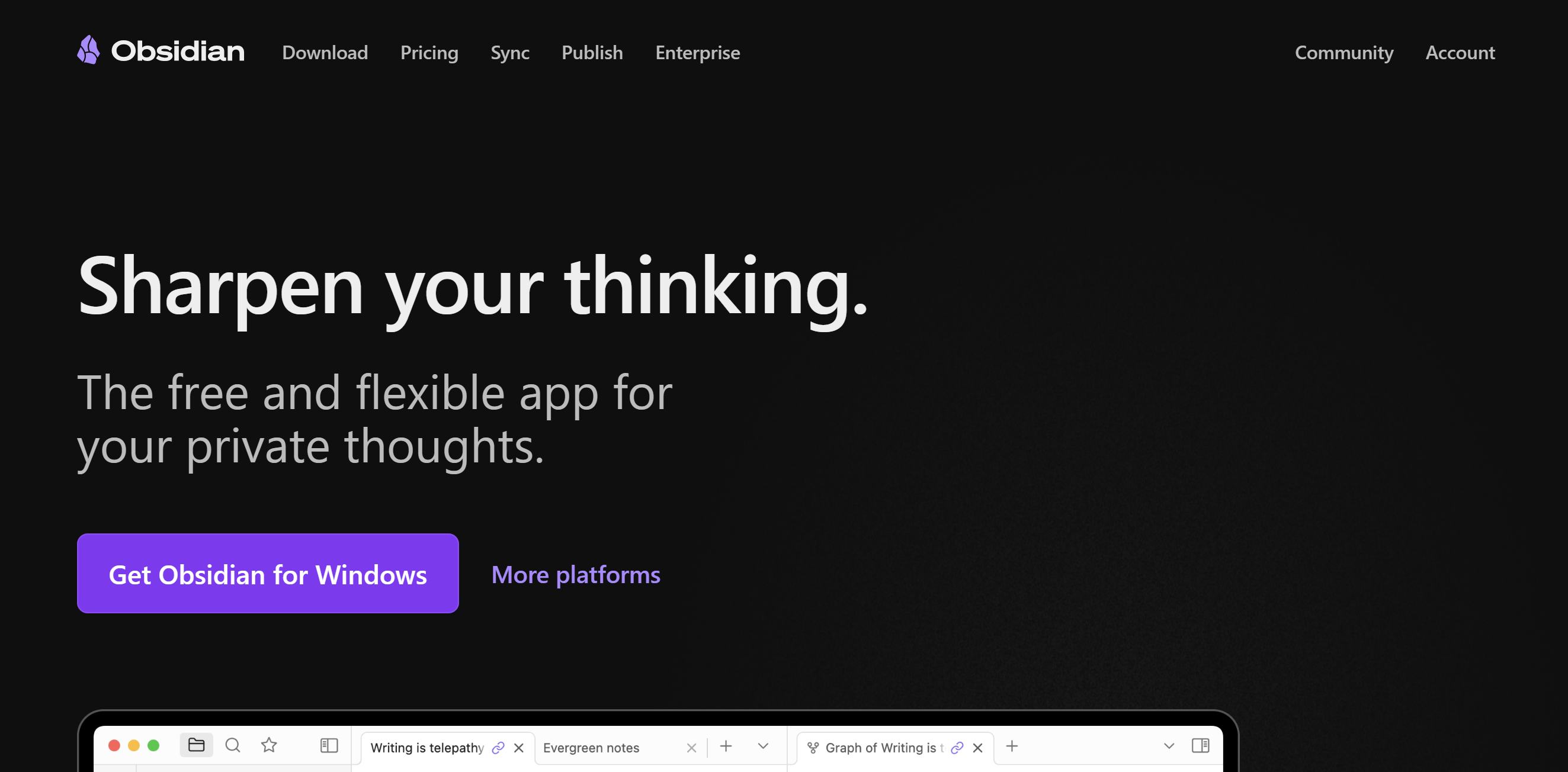
Obsidian is a note-taking and knowledge-base software. It allows you to record notes, brainstorm ideas, store your content, and access it from any device.
This is an amazing app for creative thinkers. You receive a blank canvas with hyperlinking and visual graphing capabilities to gather your content and link ideas.
You can connect third-party plugins to extend the software’s functionality.
You can also sync Obsidian with multiple devices and share your content with others.
Core Features
- Note-taking.
- Content storage.
- Note linking.
- Visual graph.
- Hyperlinking.
- Publishing.
- Multi-device support.
- Community plugins.
Price
You can download Obsidian for free. Its premium subscriptions start at $5 per month.
9. Reflect
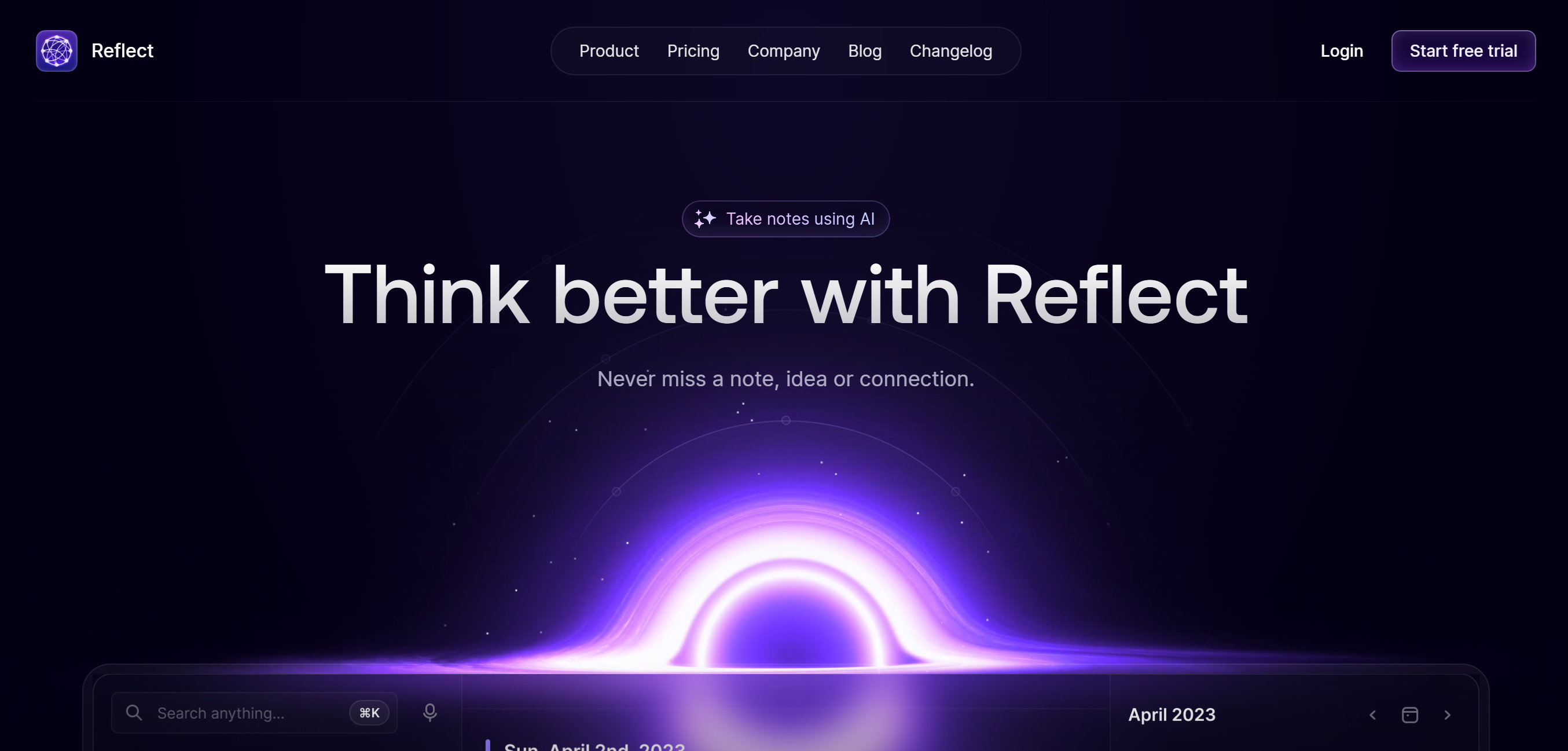
Reflect is a good alternative to Obsidian. It’s an iOS app with AI capabilities and calendar integration.
Top notable features of Reflect are network note-taking, web clipping, and publishing. You can sync your notes across all devices and encrypt them, so only you can open your notes.
The best feature of Reflect is its AI assistant. It enables you to transcribe voice notes, convert them into well-structured outlines, organize your content, and search notes.
You can access your notes both online and offline, and integrate Reflect with Zapier and Google.
Core Features
- Note-taking.
- Web clipper.
- Search tool.
- Note linking.
- Calendar integration.
- Syncing.
- End-to-end encryption.
- AI assistant.
iOS app.
Price
Reflect costs $10 per month. You can take a 14-day free trial.
10. Miro
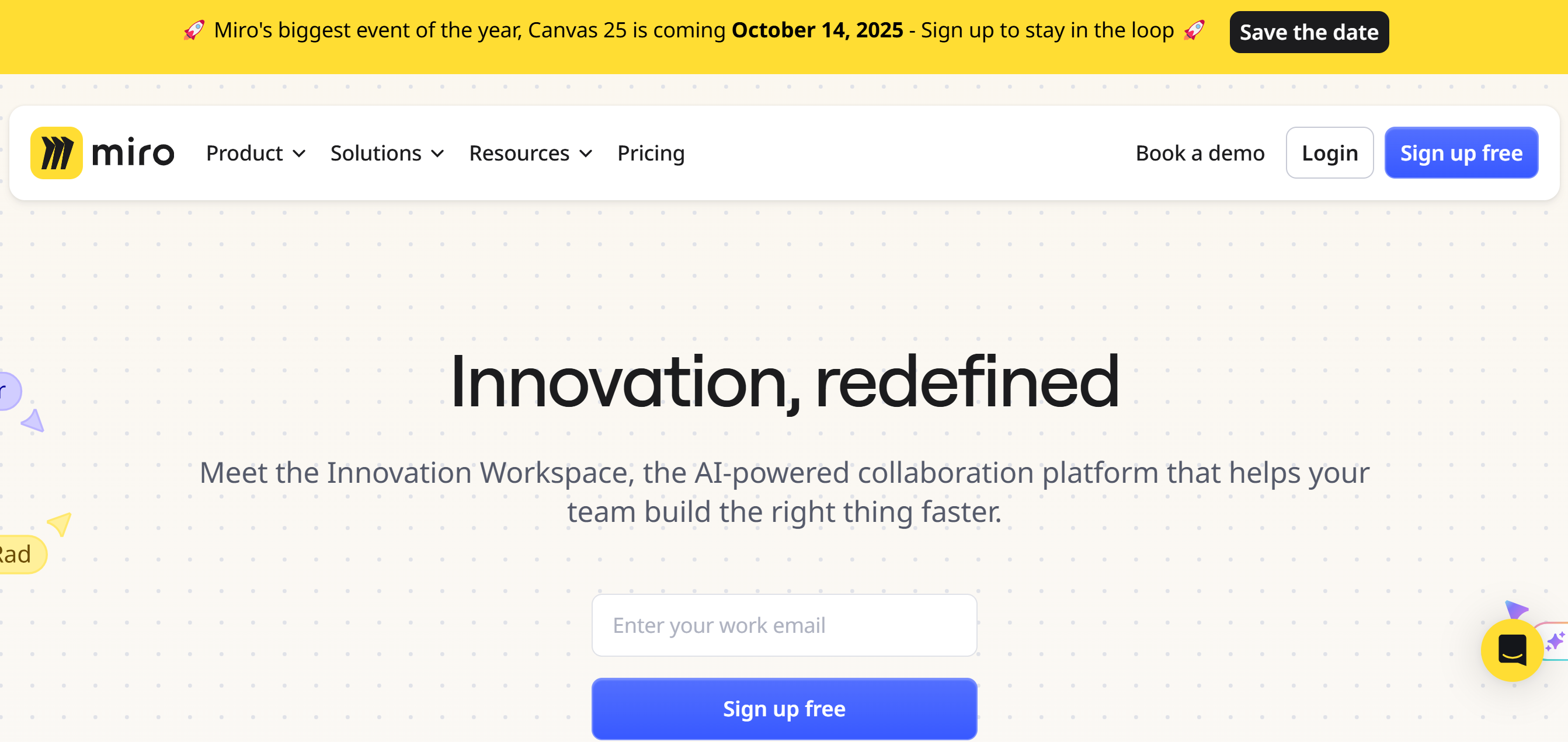
Miro is a visual organizing and brainstorming tool for creative thinkers. It delivers an AI-powered whiteboard to structure ideas and share projects.
The canvas comes with several widgets to help you organize things.
For example, you can convert your whiteboard into documents and let AI generate summaries and notes for you. Plus, you can create timelines and tables from your notes.
With Miro’s drag-and-drop functionality and space blocks, you can easily move and rearrange your content.
Templates are available to get started, but you can make your own templates as well. Miro lets you create unlimited whiteboards, build private workspaces and project folders, and invite your team for collaboration.
Core Features
- Whiteboard.
- Sticky notes to documents.
- Timelines, tables, and diagrams.
- Workspaces and folders.
- AI capabilities.
- Team collaboration.
- 5000+ Templates.
- Interactive presentation mode.
- Integration with 160+ third-party apps.
Price
Miro’s basic plan is free, and the starter package costs $8 per month.
11. MindNode
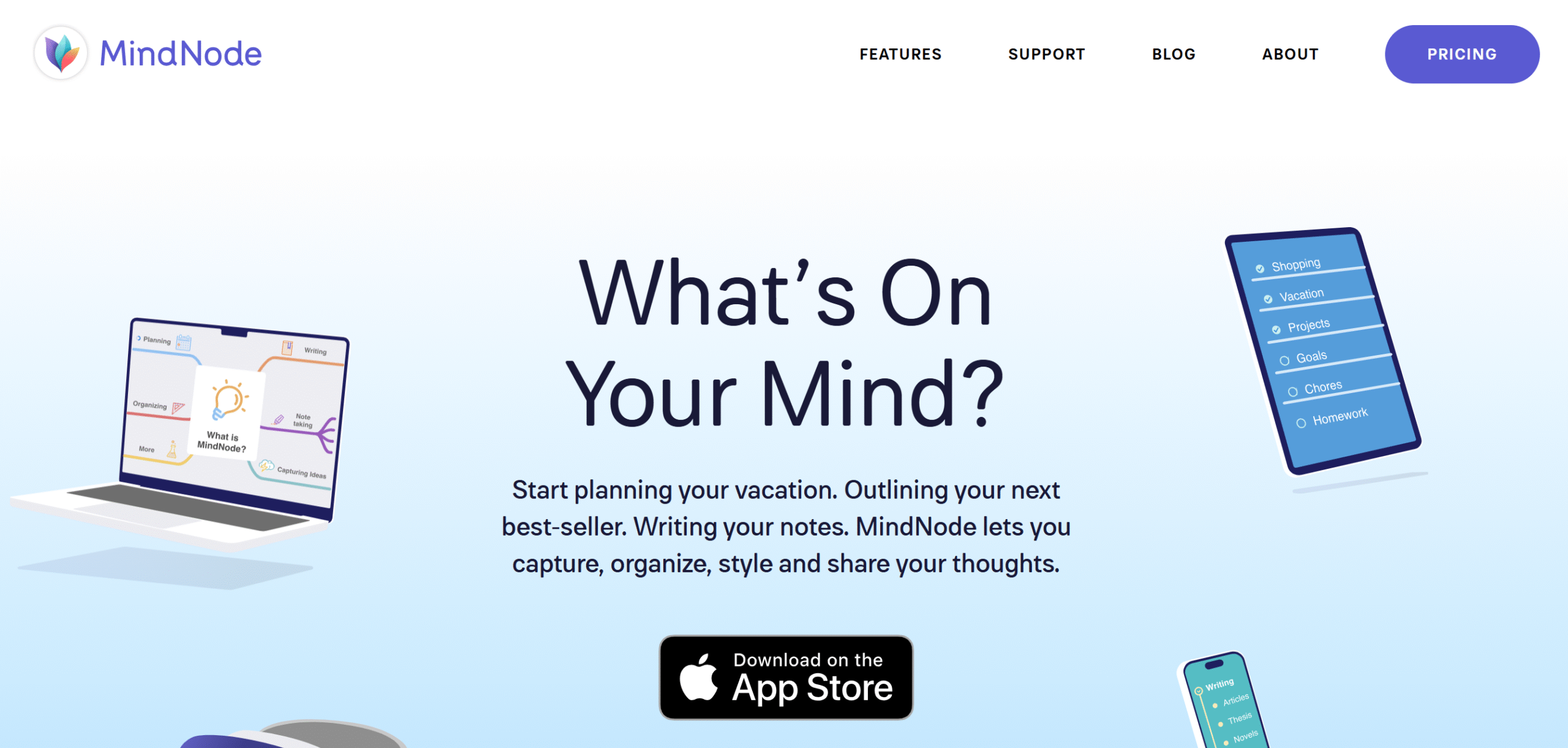
MindNode is an iOS mind-mapping software. With this tool, you can create tasks, write outlines, build mind maps, and organize notes.
The app is user-friendly and comes with an infinite canvas. You’ll get 250+ stickers with emojis and images to visualize ideas and personalize your content.
With the focus mode, you can easily remove distractions and concentrate on specific tasks.
Collaboration is also a core part of the software. You can invite your team and work with them in real time.
You can use MindNode on Mac, iPad, and iPhone. The app automatically syncs your notes to access them offline.
Core Features
- Note-taking.
- Task outlines.
- Mind mapping.
- A range of visual assets.
- Tags and links.
- Document management.
- Collaboration.
- Multi-device support.
- iOS app.
Price
MindNode is a freemium app. You can download it for free and get premium features for $3 per month.
12. Pinterest

Pinterest is one of the best organizers for creative thinkers. Over 570 million people from all around the world use this tool to organize and store ideas.
The app works like a bookmark. You discover interesting ideas, pin them to your boards, create separate boards to organize pins, and share them with others.
You can publish your own ideas as well. Pinterest lets you schedule posts and make your pins both private and public.
Pinterest also offers a free business account to emerging entrepreneurs. You can use it to run ads and access audience insights.
Overall, if you are a creative thinker and need an app to store ideas, Pinterest is perfect for you.
Core Features
- Idea discovery.
- Pin creation.
- Pinboards.
- Public and private boards.
- Messages.
- Advertisement.
- Audience insights.
Price
Pinterest is a free app.
Conclusion
Creative thinkers have a lot of potential.
But they often struggle to convert their ideas into actionable plans, resulting in poor time management and missed opportunities.
With the above-mentioned tools, you can set up an efficient system to store ideas and handle your workflows. These apps can help you manage your time better and organize your workspace.
Try some of the tools to compare their functions and usability.
If you need suggestions, I recommend Sunsama for daily planning, Evernote for quick notes, Obsidian for organizing, and Miro for brainstorming. Good luck!


 A better way to manage projects and clients for freelancers
 Get through busy days like a breeze with Reclaim.ai