
An internal wiki or a knowledge base is a go-to source for information.
It gives employees one place to find documents, answers, and guidelines, cutting down the search time by 35%.
This leaves more time for your team to focus on their actual work.
That means you don’t have to keep getting pulled away from your work just to explain the same process over and over again.
In this article, I’ve reviewed the best internal wiki and knowledge base tools for company documentation. There’s also a comparison table to help you quickly scan the tools.
What Is an Internal Wiki and Knowledge Base?
An internal wiki is a digital workspace where you can create, store, and manage your company’s internal documents.
A knowledge base, on the other hand, is a centralized space for organizing and managing information that can be used for both internal and external documentation.
If you are exploring software to build an internal wiki or knowledge base, here are some features to keep in mind.
Top Features To Look For
- Content creation and organizing.
- A good search feature.
- Collaboration.
- Access control.
TakeAway
| Use Case | Recommended Platform |
|---|---|
| You want deep Jira integration | Confluence |
| You want a flexible workspace | Notion |
| You need to keep internal knowledge accurate | Guru |
| You want a simple and user-friendly knowledge base | Slite |
| You want to self-host your wiki | Wiki.js |
| You need to manage a large amount of content | MediaWiki |
Internal Wiki And Knowledge Base Software At A Glance
| Name | Best For | Pricing | Deployment | Free Trial | Rating |
|---|---|---|---|---|---|
| Confluence | Large organizations using Atlassian tools | Starts from $6.70/month | Cloud | Yes | ★★★★☆ 4.1 |
| SharePoint | Businesses using Microsoft 365 | Starts from $5.40/month | Cloud | Yes | ★★★★☆ 4.0 |
| Notion | Teams that want flexible documentation | Starts from $12/month | Cloud | Yes | ★★★★☆ 4.6 |
| Coda | Teams that want interactive documentation | Starts from $13month | Cloud | Yes | ★★★★★ 4.6 |
| Guru | Companies that need accurate internal knowledge | Contact for pricing | Cloud | Yes | ★★★★★ 4.7 |
| Slite | Small teams that want simple documentation | Starts from $10month | Cloud | Yes | ★★★★★ 4.6 |
| Tettra | Small companies using Slack | Starts from $10/month | Cloud | Yes | ★★★★★ 4.7 |
| Outline | Teams that want straightforward documentation | Starts from $10/month | Cloud / Self-hosted | Yes | ★★★★☆ 4.4 |
| Hudu | Technical teams and IT providers | Starts from $30/month | Cloud / Self-hosted | Yes | ★★★★★ 4.7 |
| Slab | Small companies wanting a dedicated wiki | Starts from $8/month | Cloud | Yes | ★★★★★ 4.6 |
| Nuclino | Small and growing teams | Starts from $8month | Cloud | Yes | ★★★★★ 4.7 |
| Wiki.js | Teams wanting a self-hosted wiki | Free | Self-hosted | Yes | ★★★★☆ 4.3 |
| BookStack | Teams wanting simple navigation | Free | Self-hosted | Yes | ★★★☆☆ 3.5 |
| DokuWiki | Teams wanting a simple wiki | Free | Self-hosted | Yes | ★★★★☆ 3.9 |
| MediaWiki | Teams managing lots of content | Free | Self-hosted | Yes | ★★★★☆ 4.4 |
Methodology
Here, I have looked at the tools from a team’s perspective and picked the ones that are genuinely useful, rather than simply comparing their features.
These are the criteria I used to compare each tool;
- User Reviews: What real users say about the software?
- Content Creation: How easy is it to create and manage documentation
- Collaboration: Can your team edit and comment?
- Usability: How easy is it to set up and use?
Use these criteria when comparing the tools to decide which one makes the most sense for your company.
1. Confluence
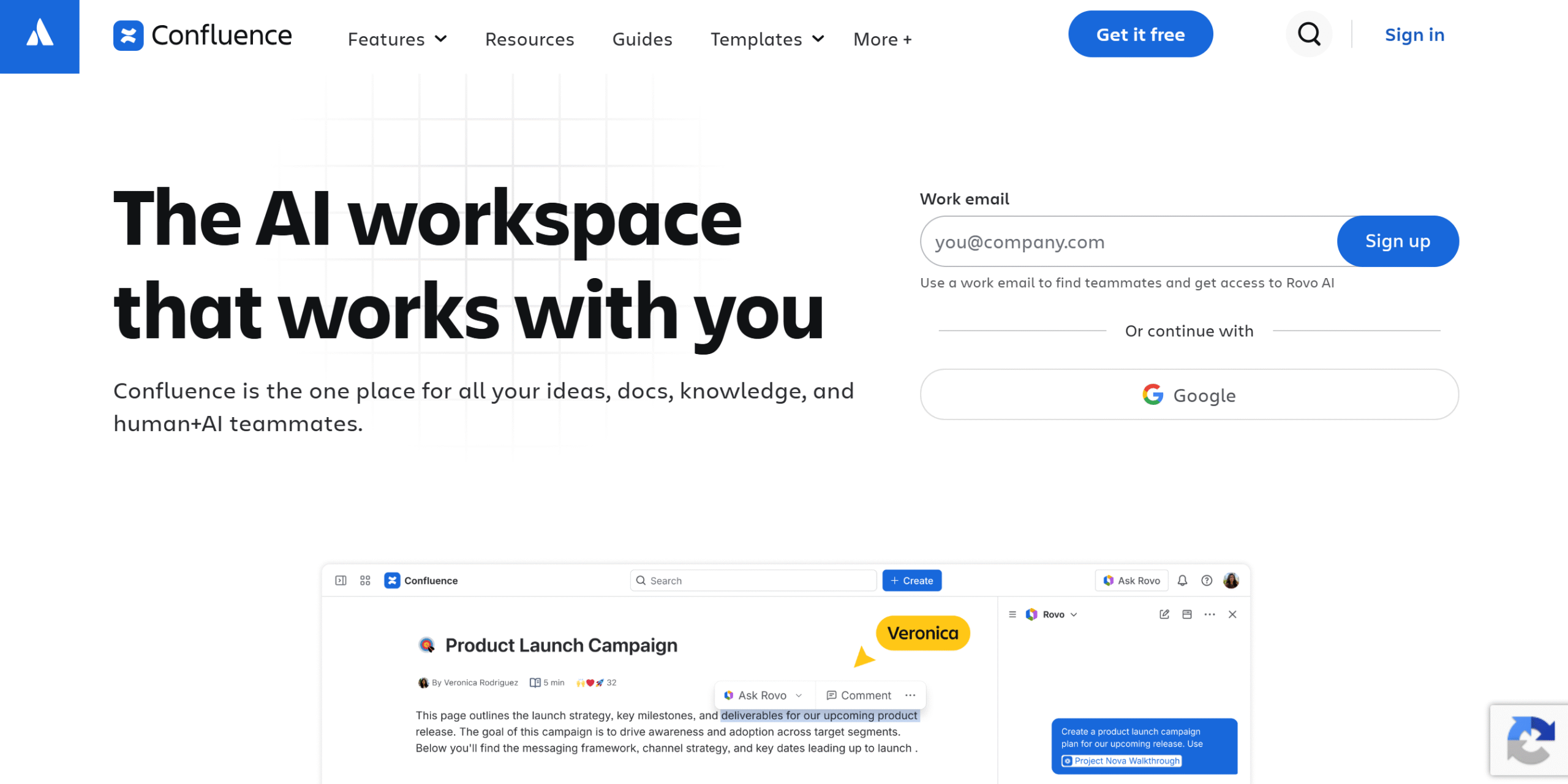
Confluence is designed with large organizations in mind.
It’s an enterprise-grade knowledge base for managing both company-wide and team documentation.
Most people love Confluence because of its deep integration with Jira. They are both Atlassian products and designed to work as one workflow.
This makes Confluence a practical choice for companies that are already using Atlassian’s other products.
The only complaint a lot of people have with this tool is its search feature. It’s good but not great.
Core Features
- Visual database.
- Whiteboard, pages, folders, and tree hierarchy.
- Templates and page versioning.
- Real-time editing and commenting.
- Collaboration, communication, and notification.
- AI and automation.
- Insights.
- Jira integration.
What Users Say
“One of the better wiki-style platforms I’ve used.”—Reddit.
“What I like most about Atlassian Confluence is how it keeps team knowledge centralized and easy to find”—G2.
Price
Confluence’s basic plan starts at $6.70 per month. You can try it for free.
2. SharePoint
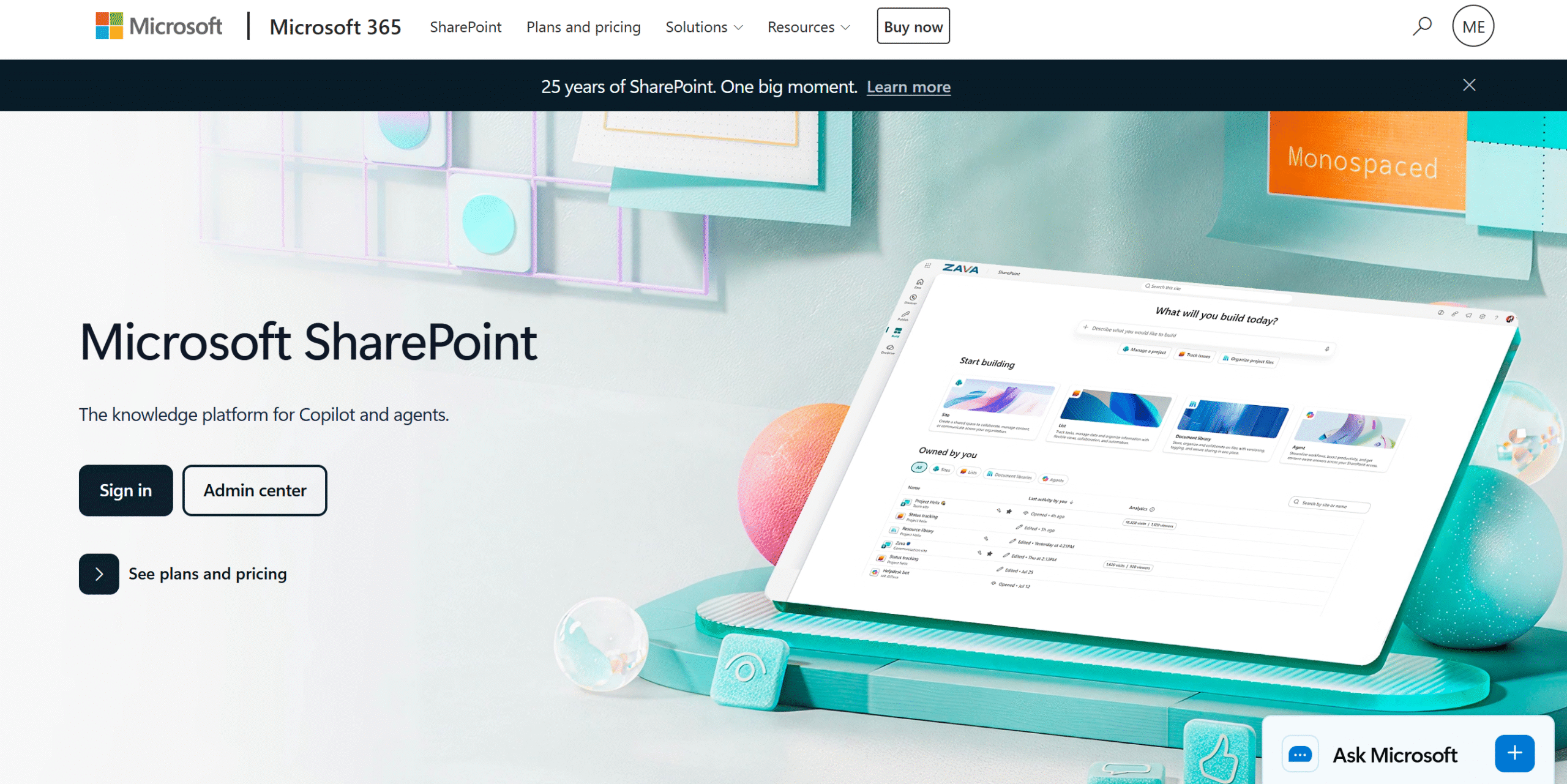
SharePoint is a knowledge base for Microsoft users.
You can connect it with OneDrive, Excel, and Outlook to create a shared workspace for the company’s documentation.
The best part of SharePoint is that you can use Copilot inside the knowledge base.
Copilot can help you create sites and pages, organize and summarize files, and find information faster.
It might be a little overkill for small teams, but it can be a huge advantage for large companies.
Core Features
- WikiPages and document management.
- Internal company site.
- Search filter with built-in AI.
- Version history.
- Collaboration.
- Access control.
- Template.
- Microsoft 365 integration.
- Mobile app.
What Users Say
“Overall, my experience has been really positive. It acts as our main hub for everything we do, keeping all our project information safe and easy to find.”—Capterra.
“The best part is that I can save as many documents as I want without losing them. That’s great for accessibility.”—G2.
Price
SharePoint’s basic plan costs $5.40 per month. If you already have a Microsoft 365 business plan, you don’t have to pay extra for the tool.
3. Notion
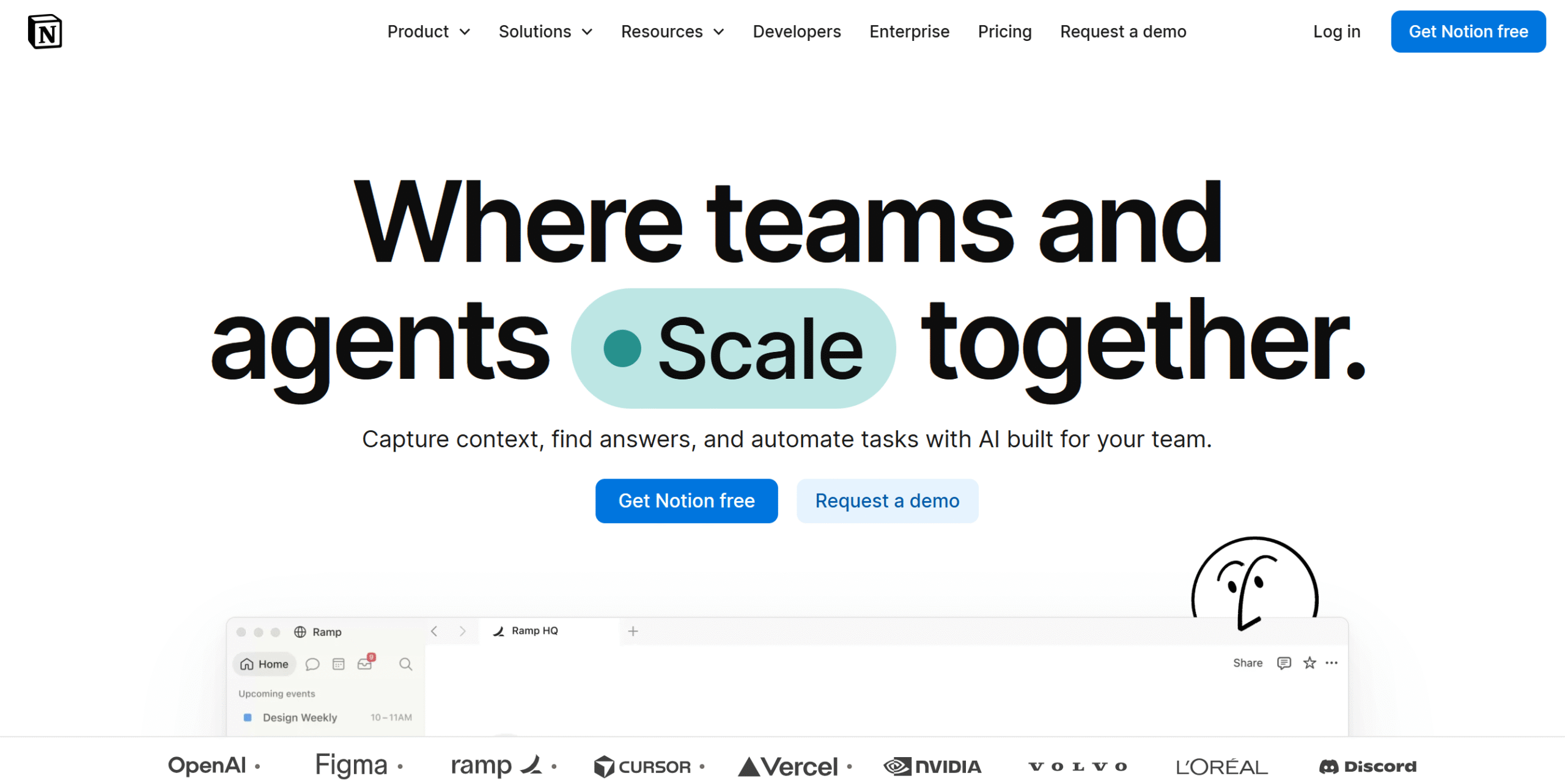
Notion’s unique selling point is its flexible nature.
It isn’t just a project management app or a knowledge base; it’s an adaptable workspace for small businesses.
That means you can use Notion as a personal organizer, content hub, project manager, CRM, company wiki, and knowledge base.
The catch?
The same adaptability that makes Notion stand out can also become a double-edged sword as you grow.
Since anyone can create pages their own way, it can cause work inconsistencies, making the knowledge base difficult to navigate.
If you can maintain your workspace, Notion can be perfect for both internal and external documentation.
Core Features
- AI workspace.
- Pages, docs, databases, multiple views, dashboards.
- Version history and publishing.
- Project management.
- Templates.
- Collaboration and communication.
- Integration.
- Mobile app.
What Users Say
“We are primarily a small boutique IT consulting company and the developers and engineers really enjoy Notion.”—Reddit.
“I like Notion because it combines documentation, task management, collaboration, and knowledge sharing in one place.”—G2.
Price
Notion’s basic plan is free, and premium packages start at $12 per month.
4. Coda (Now SuperHuman Doc)
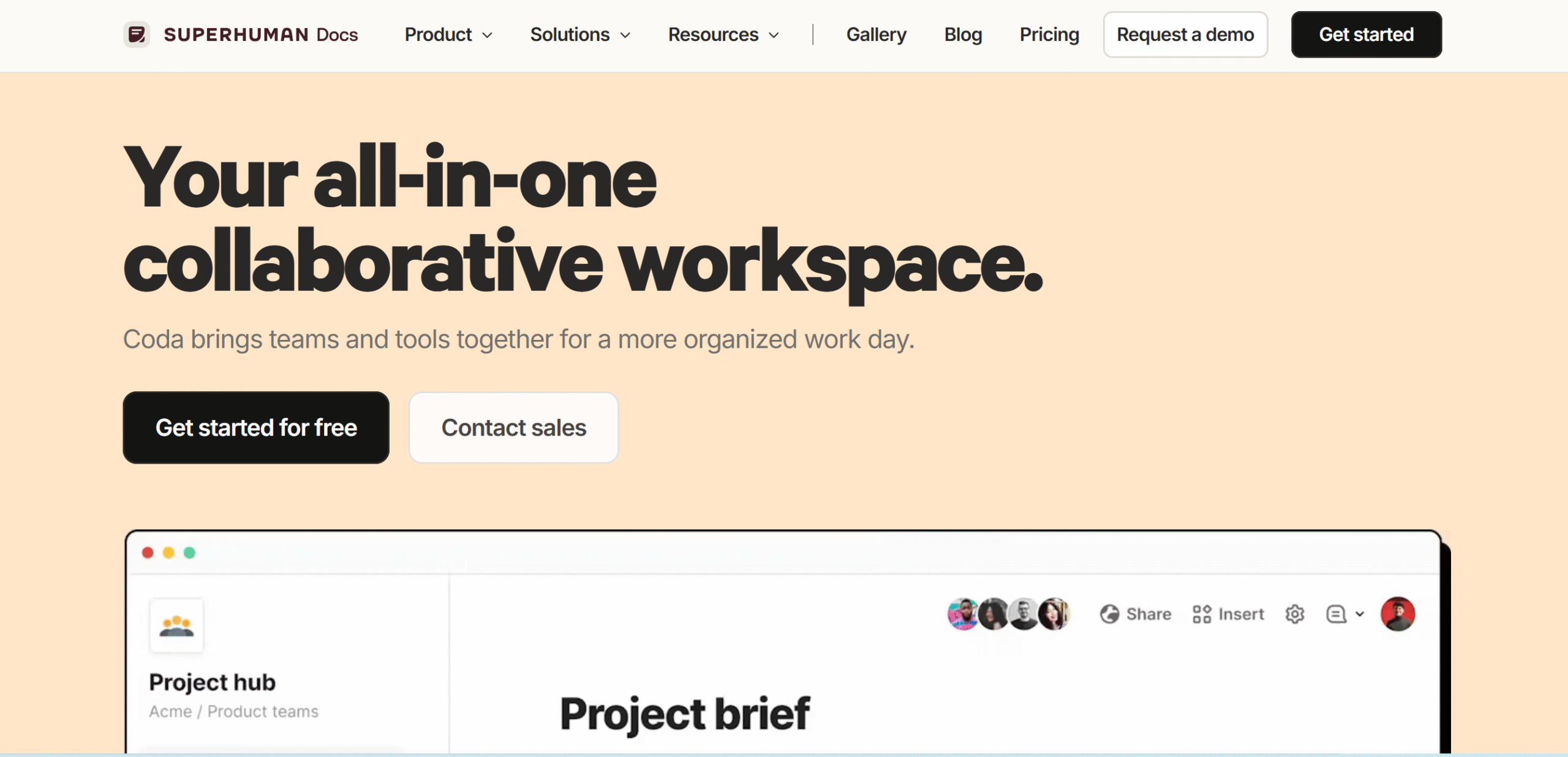
Coda turns your documents into interactive workspaces.
You can draft guidelines and add interactive elements such as dropdowns, formulas, tables, forms, and buttons.
For example, you can embed a “Report A Problem” button into the SOP page and connect it to your Slack. If someone clicks it, Coda sends a Slack notification to the specified channel or person.
A tracking system is also available to monitor team activities. You can see when someone viewed the document, who collaborated on it, and who made changes.
Core Features
- Pages, docs, databases.
- Interactive elements.
- Activity analytics and tracking.
- AI and automation.
- Team collaboration.
- Version history.
- Integrations.
- Mobile app.
What Users Say
“My team all use Coda. We build our docs there. We manage our backlog as tickets in there. We have endless data/analytics in there for various things.”—Reddit.
“The ease with which you can bring teammates in to collaborate live on knowledge base, software development, or sales enablement content has brought real buy-in on a knowledge system for the first time at our company.”—Capterra.
Price
Coda charges $13 to $33 per month. The basic plan is free.
5. Guru

Guru helps you keep your company’s internal data accurate and up to date.
It has a built-in AI that maintains your knowledge base by flagging outdated content and fixing duplicate or missing data.
You can also set up a manual review cycle every month or six months and assign it to a team member. When the date is due, Guru automatically sends a reminder to verify the document.
And that’s just a small part of what it can do.
For example, if you connect it with Slack, Guru can work inside your channel and turn your latest conversations into FAQs, guidelines, and articles.
Core Features
- AI knowledge base.
- Short-form and long-form content storage.
- Automated verification.
- Slack conversations into content cards.
- Scheduled review cycle.
- AI search.
- Third-party integration and permission levels.
- Analytics.
What Users Say
“Guru is its clean, modern interface and smooth user experience. Everything feels well organized and easy to navigate, so you don’t waste time figuring things out.”—G2.
“It’s a game changer! Especially for our support team to document scenarios and have knowledge accessible.”—Capterra.
Price
Guru shares prices on request.
6. Slite
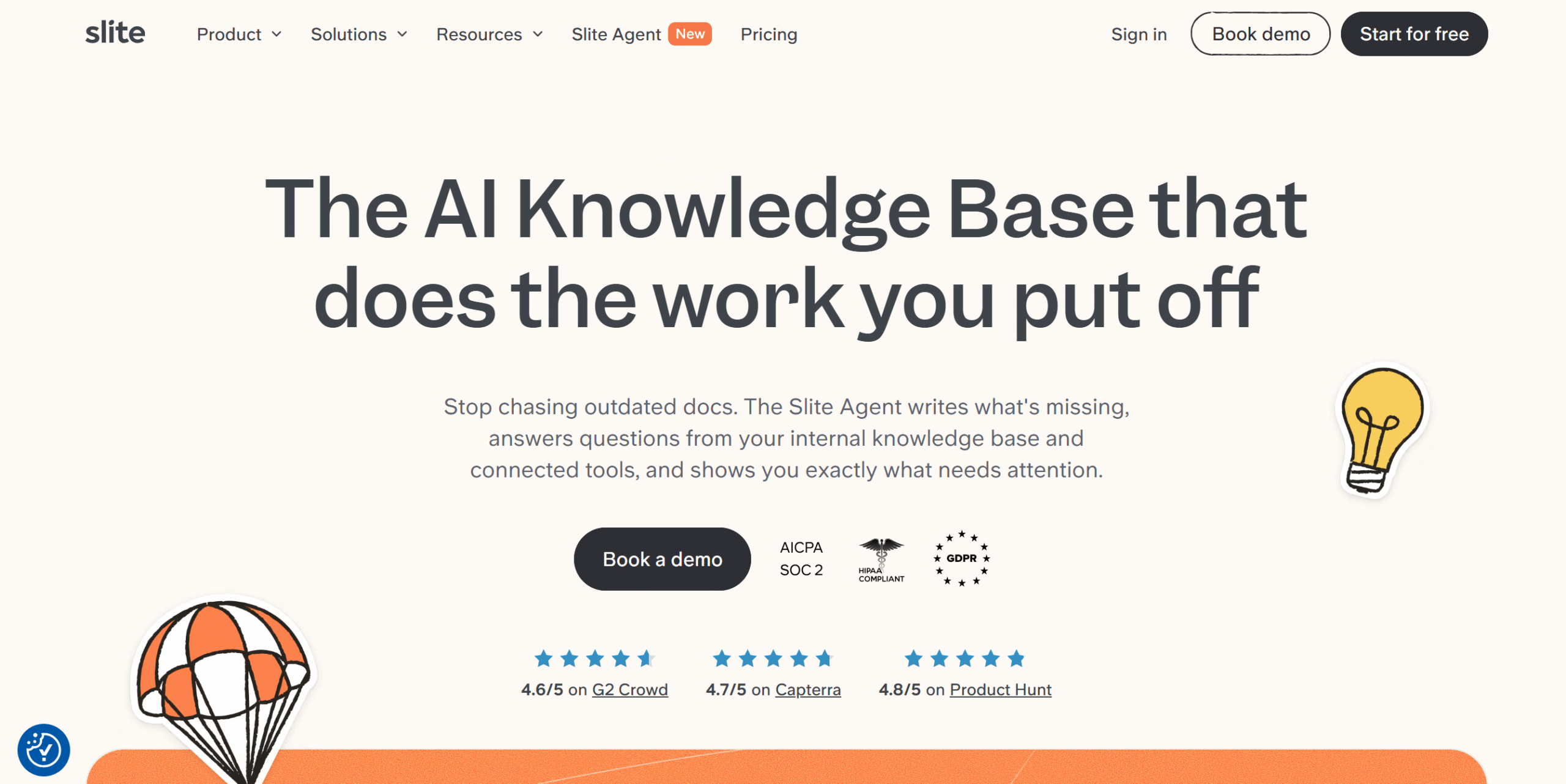
Slite works a lot like Guru, but it’s more straightforward and user-friendly. Its clean interface and simple organizing structure make document management much easier.
Some of the notable features it offers include drafting, real-time editing, AI search, and automatic maintenance notifications.
Its AI tool can scan both your knowledge base and connected apps like Slack to find answers.
Slite also has templates to help you get started, but honestly, if you use Google Docs, you’ll have no trouble navigating the editor.
Core Features
- Knowledge base.
- Real-time editor.
- AI search assistant.
- Doc maintenance.
- Templates.
- Collaboration.
- Version history.
- Integrations.
What Users Say
“I really like Slite’s AI Search feature. Initially, I thought it might be gimmicky, but it works pretty well.”—G2.
“I really like Slite for its straightforward and simple user experience at a surface level. I think that’s super important.”—G2.
Price
Slite costs $10 to $20 per month. You can take a free trial.
7. Tettra
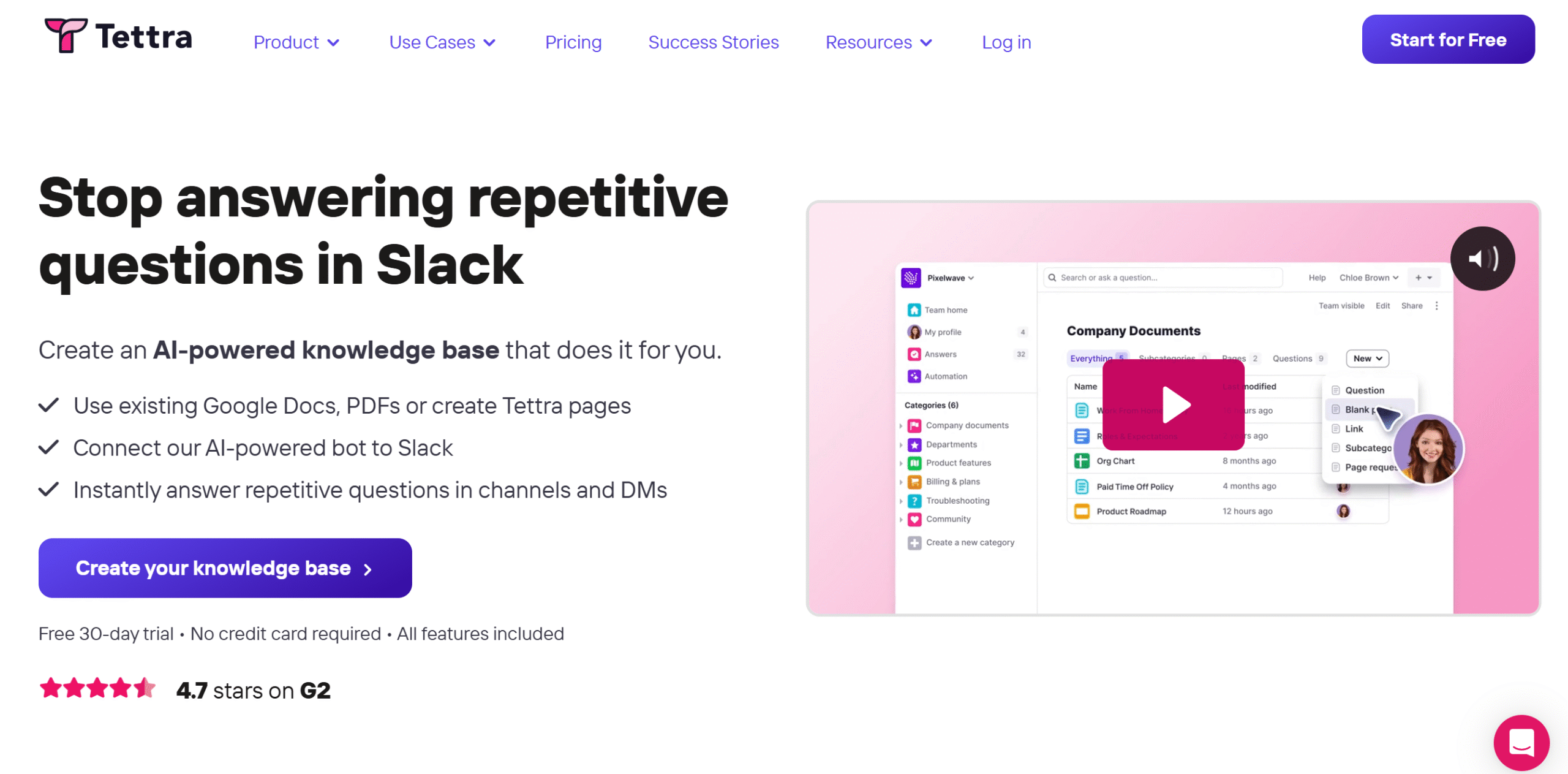
Tettra is ideal for companies that mainly use Slack for team communication.
It lets you create a knowledge base and add a bot to your Slack workspace so your team can get the information they need directly from the bot.
You can also integrate Google Drive and embed files into the Tettra knowledge base. Any changes you make to your Google doc are automatically updated in the knowledge base.
Tettra has a verification system too to keep the knowledge base up to date.
All in all, if you need a simple and efficient knowledge base for a small team, Tettra is worth considering.
Core Features
- AI knowledge base.
- AI assistant in Slack.
- Google Doc linking.
- Verification system.
- Clean-up suggestions.
- Publishing.
- Analytics.
- API and integration.
What Users Say
“I like how easy it is to update documentation and keep it current.”—G2.
“We’ve been using Tettra for years, and it just works.”—Product Hunt.
Price
Tettra’s basic plan costs $10 per month. You can try it for free.
8. Outline
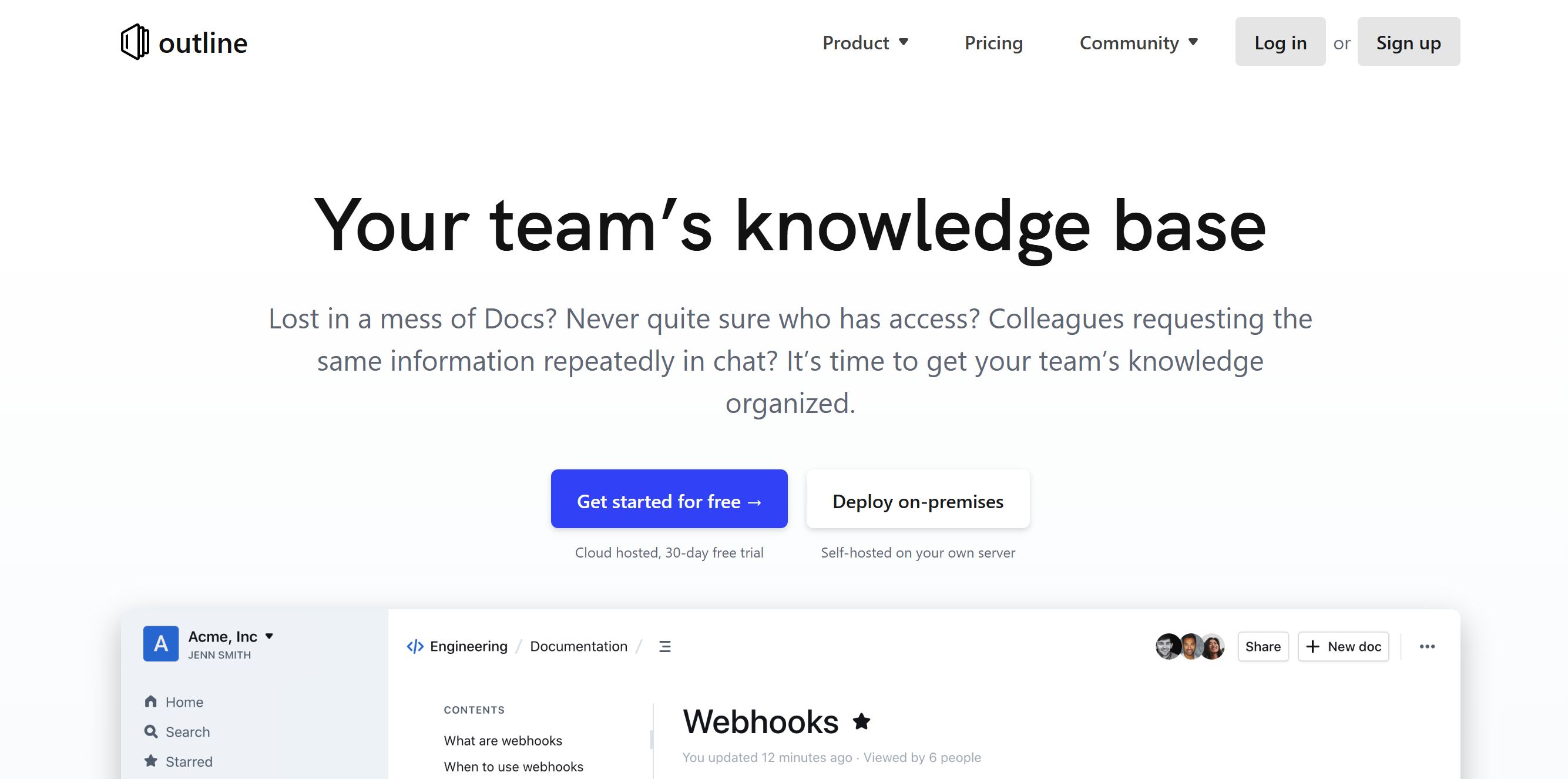
Outline keeps things pretty simple. It has a clean, responsive UI, and it’s focused on documentation.
You can create unlimited documents, translate them to multiple languages, and turn them into templates. You’ll get all the common formatting options, including headings, lists, tables, images, and inline highlighting.
If you have a team, you can collaborate in real-time. You can automatically log revisions made by your team members and restore the original versions if needed.
One more thing.
Outline offers both cloud and self-hosting options. You can download the app for free to explore it.
Core Features
- Knowledge base.
- Doc editor and version history.
- Real-time collaboration.
- AI search.
- Templating.
- Multilingual.
- Integrations.
- Self-hosting.
What Users Say
“Outline has become my main wiki for daily use. It’s fast, stable, and enjoyable to write in – something many knowledge bases fail at.”—Capterra.
“I love the speed, and the self-hosted option is a big plus.”–G2.
Price
Outline pricing starts at $10 per month.
9. Hudu
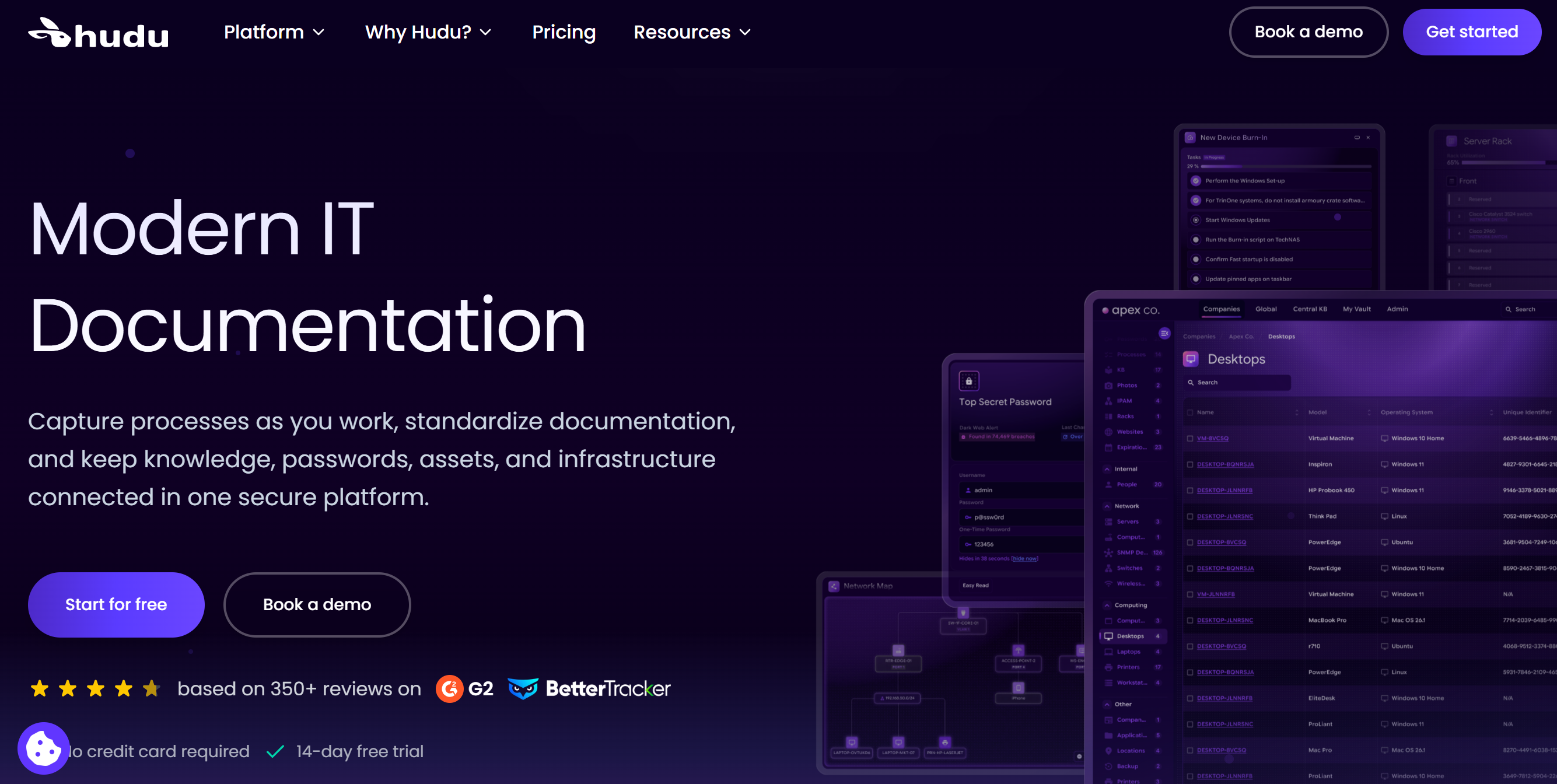
Hudu is built for technical documentation. You can use it to organize SOPs, credentials, client information, and asset details.
The software comes with a built-in editor for creating documents and version history to track changes.
You can also link assets, passwords, and other related documents to each client so you don’t have to look them up separately.
Maintenance is also part of the package. You can set maintenance frequencies and expiration dates to get reminders about upcoming tasks.
Overall, the software is easy to navigate, customizable, and integrates with third-party tools.
Core Features
- IT documentation and linking.
- Asset and password management.
- Knowledge base.
- Search.
- Expiration tracking and alerts.
- Customization.
- Client portal.
- Integrations.
- Self-hosting option.
What Users Say
“The ability to self-host (which we do for security reasons) is a big plus for us. We can also completely customize the system to fit our needs. The UI recently received an update, and it looks great.”—G2.
“I am only a one-man band, and without Hudu I’d be lost.”—Reddit.
Price
Hudu prices start at $30 per month. You can take a free trial.
10. Slab
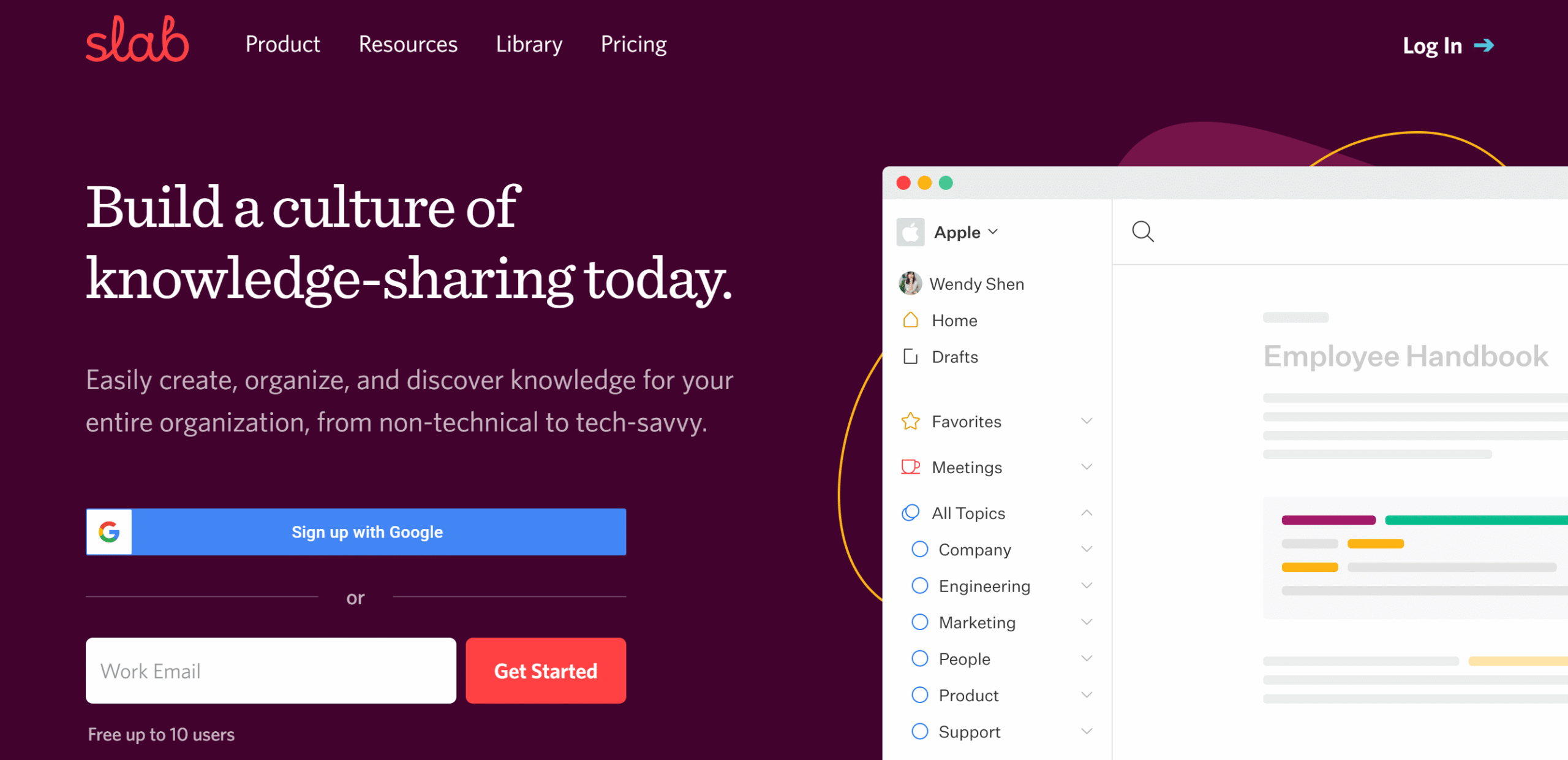
If you need an exclusive internal wiki tool for your small company, Slab is worth considering.
It lets you create documents, organize them into topics, and set up regular verification to keep the knowledge base up to date.
You can control who can see and edit documents and choose which ones to share with customers.
If you need to find specific information, you can run a unified search and pull information from both Slab and your business tools.
What you’ll love most about Slab is that almost every feature is designed to make your company wiki better.
It doesn’t try to be a jack of all trades, and even the advanced features are there to support documentation.
Core Features
- Text editor.
- Unlimited documents.
- Collaboration.
- Verification.
- AI writer.
- Templates.
- Unified search.
- Analytics.
- API and integration.
What Users Say
“Been using Slab for years now. It’s fantastic and keeps getting better.”—Reddit.
“I liked how easily I can create and share the documents with the team.”—G2.
Price
Slab’s basic plan is free, and premium packages start at $8 per month.
11. Nuclino
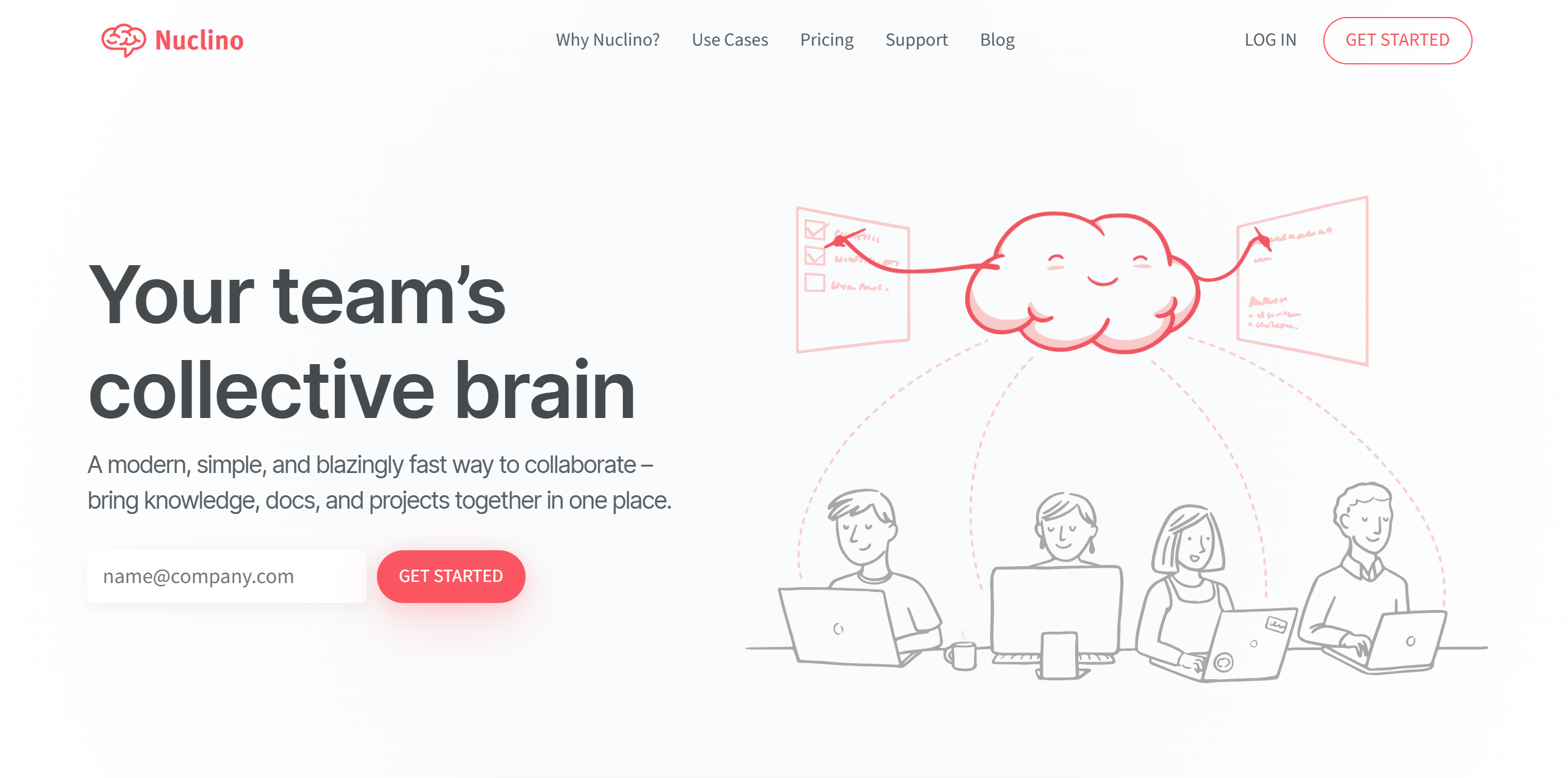
Nuclino’s main focus is on speed and efficiency, so you can get started quickly and move through your documentation without any hassle.
Core capabilities of Nuclino are drafting, collaborating, internal linking, and sharing. You can create internal processes in both text and visual formats and use its AI for drafting.
If you want to build a knowledge base for your customers, you can also create separate private and public workspaces for internal teams and external users.
Your customers will be able to access the knowledge base on both desktops and mobile phones.
Core Features
- Documents and whiteboards.
- Multiple views.
- Version history.
- AI assistant.
- Real-time collaboration.
- API and integrations.
- Private and public workspaces.
- Cross-platform support.
What Users Say
“A very simple, nice knowledge base. I even use it as a roadmap for my product.”—G2.
“Nuclino integrated well into our team as a small to medium-sized company that needs a simple but effective way to document your work.”—Capterra.
Price
Nuclino charges $8 to $12 per month. The basic plan is free.
12. WikiJS
WikiJS’s biggest advantage is its self-hosting option.
The platform is customizable, scalable, and most of all, open source. That means you have more freedom to build and manage your wiki.
It’s also rich in features.
You’ll get both a text and a visual editor to draft documents, version history to track and compare changes, and flexible storage to create multiple backups. You can also decide who can access pages and edit them.
The only major drawback is its navigation. It isn’t as polished as other modern knowledge base apps.
Core Features
- Text and visual editor.
- Version history.
- Authentication.
- Search.
- Local and cloud storage.
- Rules and permissions.
- Customization.
- Multilingual.
What Users Say
“The best thing about this software is the fact that content is written using Markdown syntax and all the content is directly synced with git.”—G2.
“It’s very fast and flexible with multiple DB options.”—Reddit.
Price
WikiJS is free to download.
13. BookStack
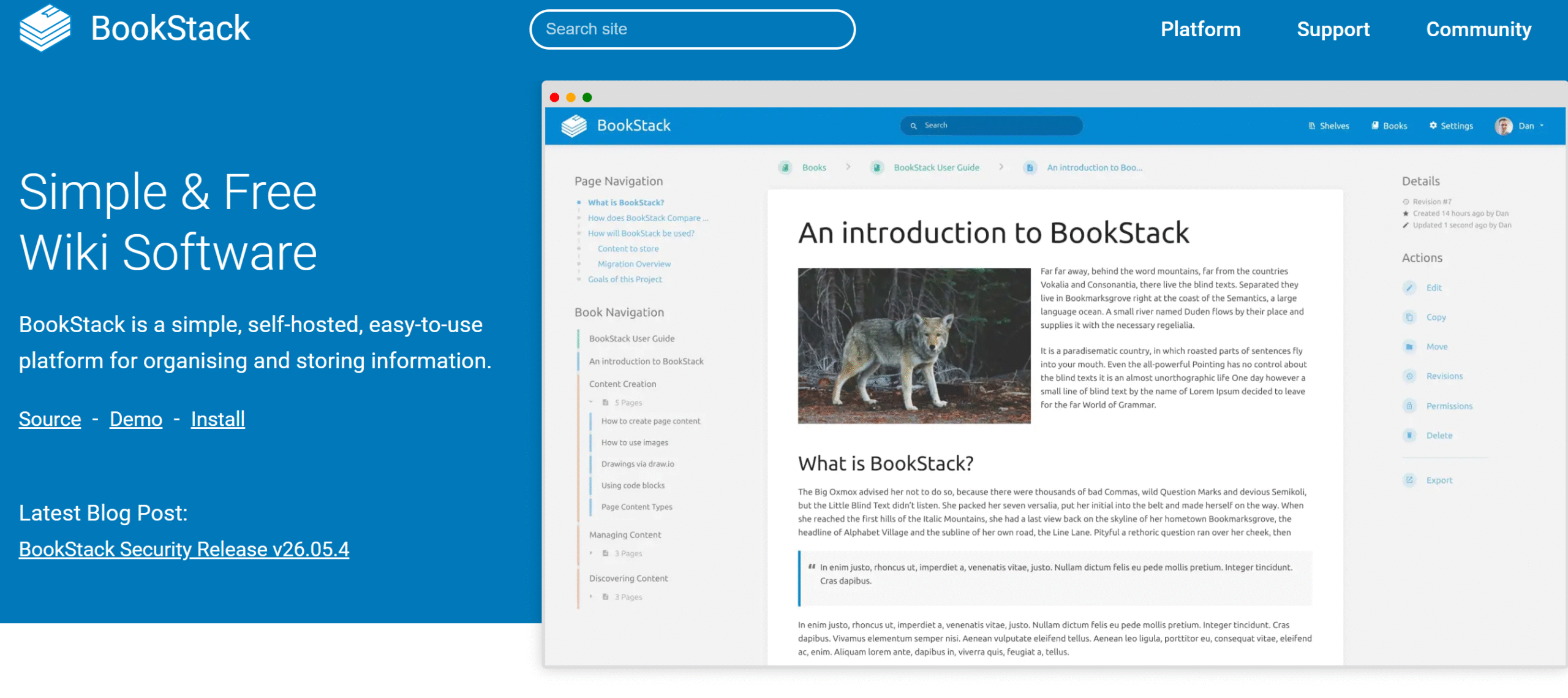
BookStack is another good open source knowledge base to consider if you want more control over your data.
You can store the documents on your computer, create your own backups, and export content in multiple formats. Plus, you can set permissions at the page level to control who can access your documents.
What sets BookStack apart from other open source tools like WikiJi is its navigation. It follows the simple shelving structure, where you can organize your content into books, chapters, and pages.
The familiar hierarchy makes it easier to use and browse.
Core Features
- Open source.
- Pages, chapters, books, and shelves.
- Document linking.
- Text editor.
- Search.
- Authentication.
- Permissions.
- Multlinguil.
- Integration.
What Users Say
“I have used Bookstack for years. Love it. People complain about its ‘limited’ hierarchy, but that is a strength. Forces you to be logical.”—Reddit.
“I use it to document my home lab. I find the hierarchical arrangement of information makes it really good for organizing and finding technical notes.”—Reddit.
Price
BookStack is free to download.
14. Dokuwiki
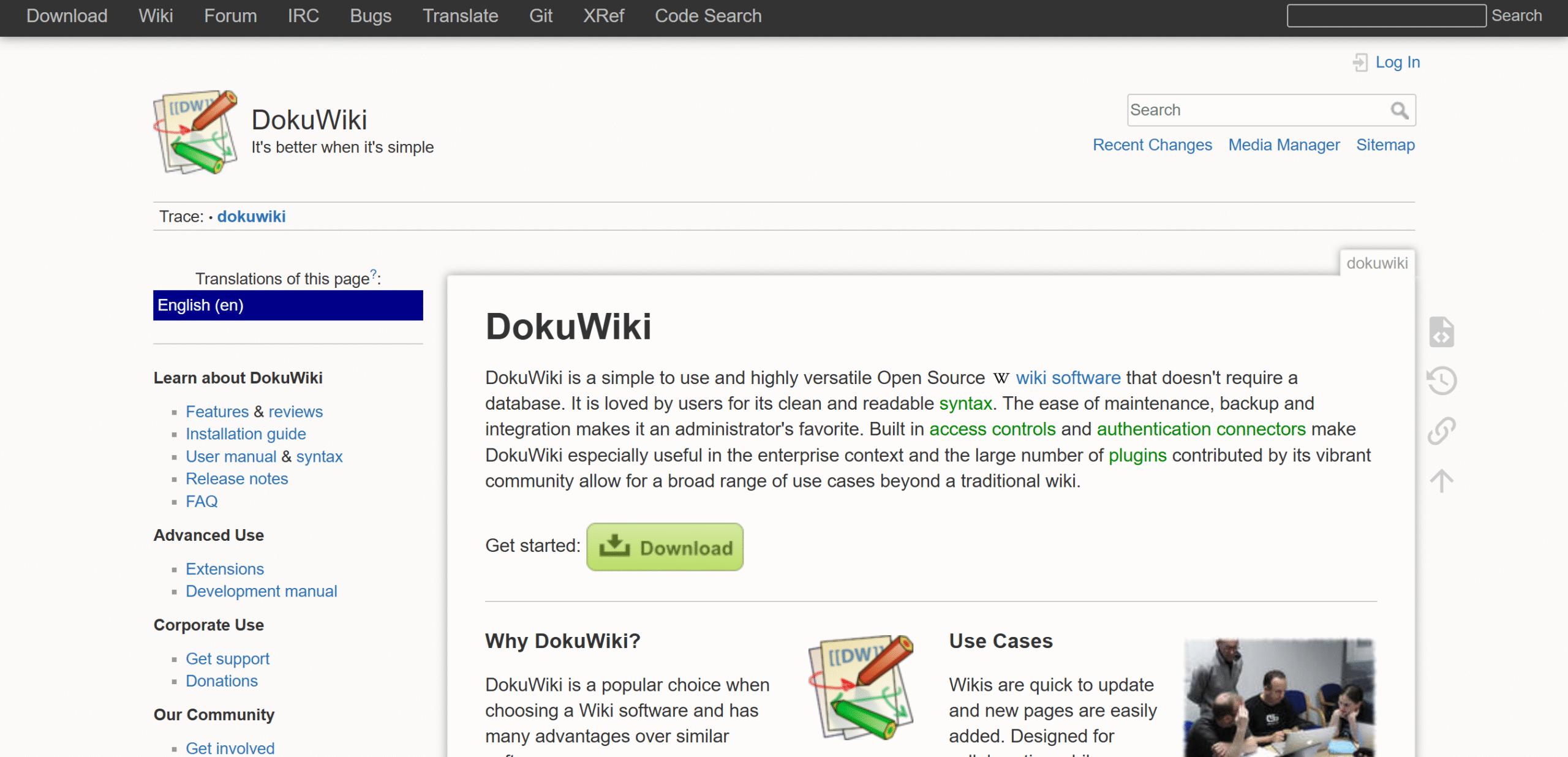
Dokuwiki is pretty old school, but its no-frills UI is actually one of its greatest strengths.
You can save your content as plain text files, making it easy to back up or move your wiki.
Dokuwiki also doesn’t need a database to store your content, so there’s one less thing to maintain.
The downside is that Dokuwiki has a bit of a learning curve.
Its editor uses a different formatting system, which might take some practice. Other than that, it’s a solid tool for building a knowledge base.
Core Features
- Text-based editor.
- Revision history.
- Search.
- Linking.
- Media management.
- Templates and plugins.
- Customization.
- Access control.
- Multilingual.
What Users Say
“Dokuwiki takes a little getting used to but is amazing once you get used to the ancient UI. But it’s by far my favorite of the ones I tried.”—Reddit.
“DokuWiki is a very solid solution for creating a wiki system, both on a personal and corporate level. In my company, it is used as a multi-user knowledge base.”—G2.
Price
Dokuwiki is free to download.
15. MediaWiki
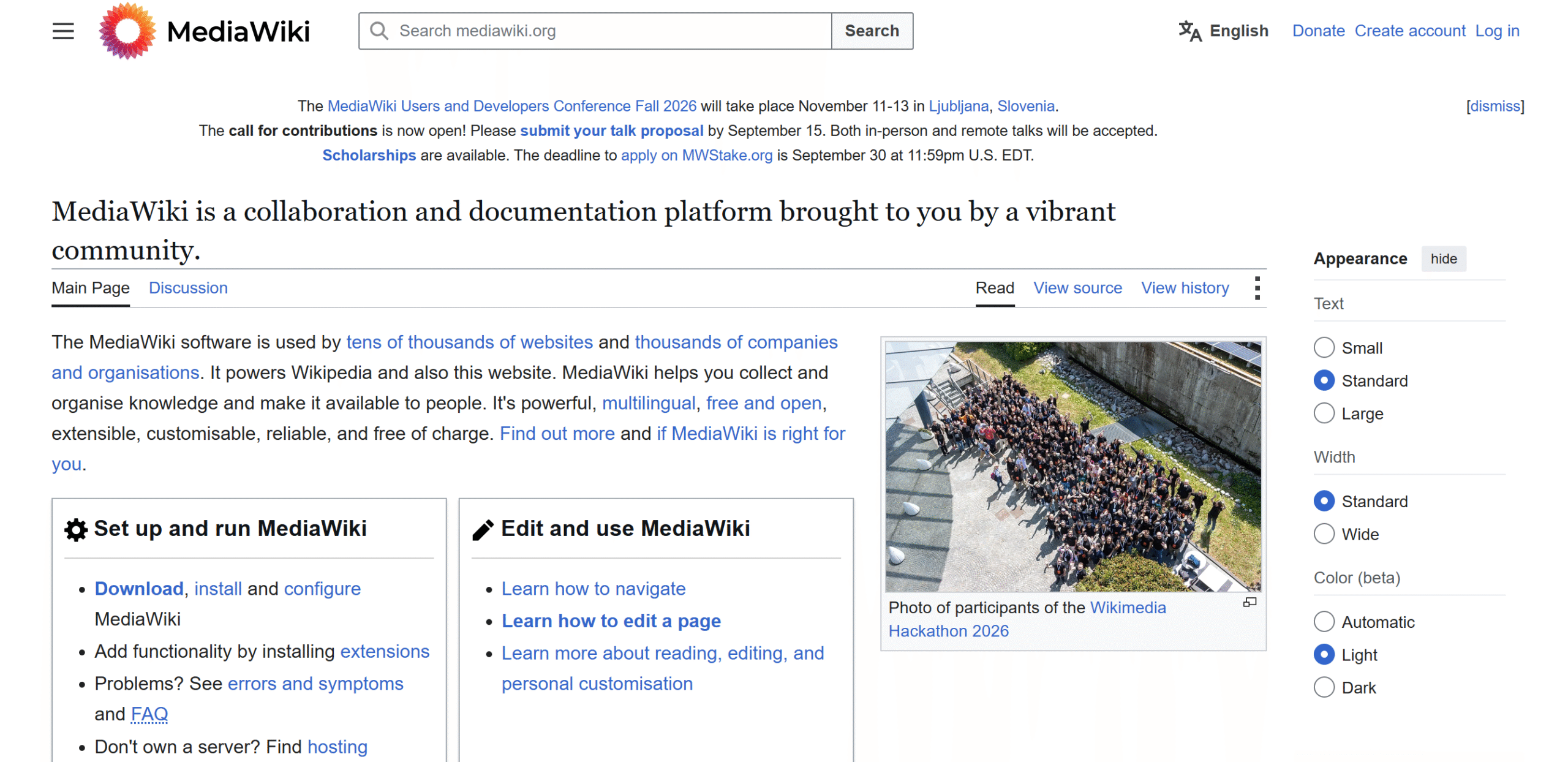
MediaWiki is a good choice if you have a lot of content to maintain but don’t have a big budget.
It’s comparatively more mature and stable and offers a huge collection of extensions to tailor your knowledge base to your needs.
With MediaWiki, you can create and organize documents, invite people to make changes, and control who can edit them. Through plug-ins, you can get more functionality, like visual editing, search, and moderation.
Customization is probably one of MediaWiki’s biggest advantages.
Apart from plugins, you can also change your page layouts and save them as reusable templates.
Core Features
- Wiki pages.
- Self-hosting.
- Search and version history.
- Permissions.
- Templating.
- Extensions.
- Collaboration.
- Multilingual.
What Users Say
“I worked 5+ years with MW. It has a clean interface and a fast appearance, with good transparency.”—Capterra.
“In close to 10 years we never had to mess with the MediaWiki configuration – it just ran and ran with no intervention.” —Reddit.
Price
MediaWiki is open source and free.
FAQ
- What is the difference between an internal wiki and a knowledge base?
An internal wiki is mainly for in-house teams, while a knowledge base can be used by both employees and customers.
- Do small companies really need an internal wiki?
Yes. You don’t have to be a large company to benefit from an internal wiki. Budget-friendly tools are available for small businesses.
- What should I consider when choosing an internal wiki or knowledge base?
Look at its usability, collaboration, and integration capabilities. If you can easily manage documents, or if it meets your specific needs, it’s a good tool for you.
- What is the one feature that’s a must in an internal wiki or knowledge base?
Search. Almost every wiki and knowledge base has built-in search, but how well it works can vary.
Conclusion
One of the best ways to choose the right internal wiki or knowledge base is to think from a user’s perspective.
Who’s going to use it? Is it a small team, a growing company, or a large organization?
Every business has different needs, and a tool that works for one company might not be best for another.
Here are my recommendations.
For Small Business
If you want to get started, try Notion. It’s flexible, intuitive, and affordable.
Terra is also a good option for small teams. You can embed it into your Slack, so your team can access the knowledge base directly from the messenger.
For Growing Businesses
I recommend Coda and Slite.
Coda creates interactive documents, which is its biggest selling point. Slite, on the other hand, helps you keep your knowledge base up to date. Both tools save time and resources.
For Established Organization
Confluence and SharePoint.
With Confluence, you can create a centralized internal wiki, while keeping separate spaces for each department. As for SharePoint, it’s part of the Microsoft ecosystem, making it a practical choice for established companies.
Try these tools, compare their core functions, and pick the right internal wiki and knowledge base. Good luck!


 A better way to manage projects and clients for freelancers
 Get through busy days like a breeze with Reclaim.ai