
Technology adoption isn’t easy, but DAP platforms can make the process a lot smoother.
They are more effective than user manuals and can help users get familiar with the software faster.
The only tricky part is finding the one that actually fits your needs.
What Is a Digital Adoption Platform And What Tools Are Best For You?
Have you ever tried an interactive software demo?
It usually comes with a step-by-step guide that walks you through the product and shows you where to click next.
That’s what a digital adoption platform does.
A DAP is an application that applies the interactive guidance to other software. The guide typically contains tooltips, hotspots, and an AI assistant to make navigation easy.
It also gives you insights into user behavior to help you improve the onboarding experience.
You can use a DAP for both employee training and customer onboarding. While the use cases are different, you’ll need more or less the same tools to create them.
Top Features To Look For In A DAP
- Interactive walkthroughs.
- Tooltips and checklists.
- Knowledge base.
- Analytics.
I have reviewed the 15 best digital adoption platforms that are well-suited for both employee training and customer onboarding. But let me give a quick comparison before we move to the individual reviews.
Key Takeaway
| Business Need | Recommended Platform |
|---|---|
| Large enterprises that need a flexible DAP | WalkMe |
| Enterprise digital adoption with on-premise deployment | Whatfix |
| Employee training and compliance | Apty |
| SaaS companies that want to personalize user onboarding | UserPilot |
| SaaS companies that need product analytics with adoption tools | Pendo |
| Companies that want to improve Microsoft and Copilot adoption | VisualSP |
| SaaS companies that want strong onboarding and product adoption tools | Appcues |
Digital Adoption Platform Software And Tools Comparison
| Name | Best For | Pricing | Deployment | Free Trial | Rating |
|---|---|---|---|---|---|
| WalkMe | Large enterprises | Custom | Cloud | No | 4.5 ⭐ |
| TTS Performance | Enterprise digital adoption and employee learning | Custom | Cloud & self-hosted | No | 4.5 ⭐ |
| Whatfix | Enterprise digital adoption | Custom | Cloud, self-hosted & on-premise | No | 4.6 ⭐ |
| Apty | Employee training and compliance | Custom | Cloud | Yes | 4.7 ⭐ |
| Userlane | Easy-to-manage enterprise DAP | Custom | Cloud | No | 4.7 ⭐ |
| Pendo | Product analytics and adoption | Custom | Cloud | Yes | 4.4 ⭐ |
| Stonly | Interactive self-service guides | Custom | Cloud | Yes | 4.8 ⭐ |
| ClickLearn | Enterprise training documentation | Custom | Cloud | Yes | 4.5 ⭐ |
| Appcues | SaaS onboarding and product adoption | Custom | Cloud | Yes | 4.6 ⭐ |
| VisualSP | Microsoft ecosystem adoption | From $1,680/month | Cloud | Yes | 4.9 ⭐ |
| Userpilot | SaaS onboarding and product adoption for midsize companies | From $299/month | Cloud | Yes | 4.6 ⭐ |
| UserGuiding | SaaS onboarding for startups | From $174/month | Cloud | Yes | 4.7 ⭐ |
| Tango | Software guides and SOPs | From $15/month | Cloud | Yes | 4.7 ⭐ |
| Inline Manual | SaaS onboarding and employee training | From $158/month | Cloud | Yes | 4.6 ⭐ |
| Jimo | Lightweight SaaS onboarding | From $249/month | Cloud | Yes | 4.6 ⭐ |
Methodology
For this review, I focused on three core areas: product features, usability, and reviews.
I looked at each platform’s features and pricing, checked how user-friendly and scalable they are, and what people say about them.
Here’s my criteria:
- Interactive Guides: What can you create, such as product tours, business processes, in-app guides, etc.
- Target Audience: Who is the software for?
- Ease of Use: Is it easy to use and maintain?
- Analytics: Can it track user behavior?
- User Feedback: What do real users like and dislike about it?
Let’s look at each platform and see what they offer.
1. WalkMe
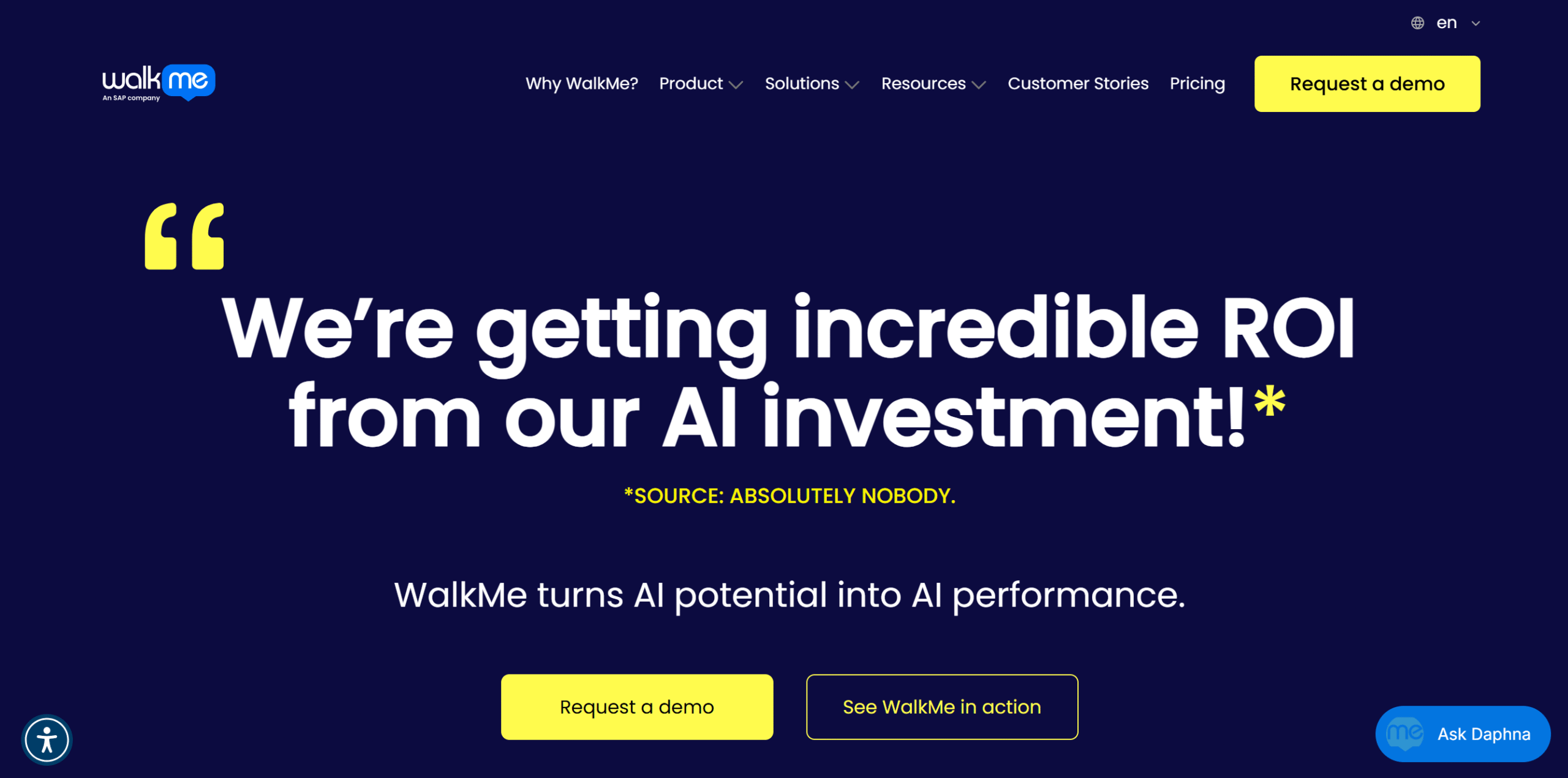
WalkMe is a preferred choice for large organizations because of its enterprise-grade adoption solutions.
It provides a reliable platform that can be customized and scaled to fit your business needs.
You can use WalkMe to create in-app guidance for popular enterprise software, including SAP, Salesforce, Workday, and NetSuite. It offers interactive features, content authoring, and automation.
You can also create different guides for different roles in the organization and monitor user experience to identify areas for improvement.
There are tons of other features available in the package. WalkMe is incredibly broad.
Core Features
- In-app guides for employees.
- AI-powered surveys.
- Segmentation.
- User behavior analytics.
- Workflow automation
- Real-time collaboration.
- Multilingual support.
- White labeling.
What Users Say
“WalkMe keeps surprising me with how well thought out it is. When I’m building new content and need to tackle a tricky scenario, I often find that all the options I need are already available right in the editor.”—G2.
“What we like most about WalkMe is how quickly we can spin up solutions to solve a wide range of problems.”—G2.
Price
WalkMe shares pricing on request. You can ask for a demo.
2. TTS Performance
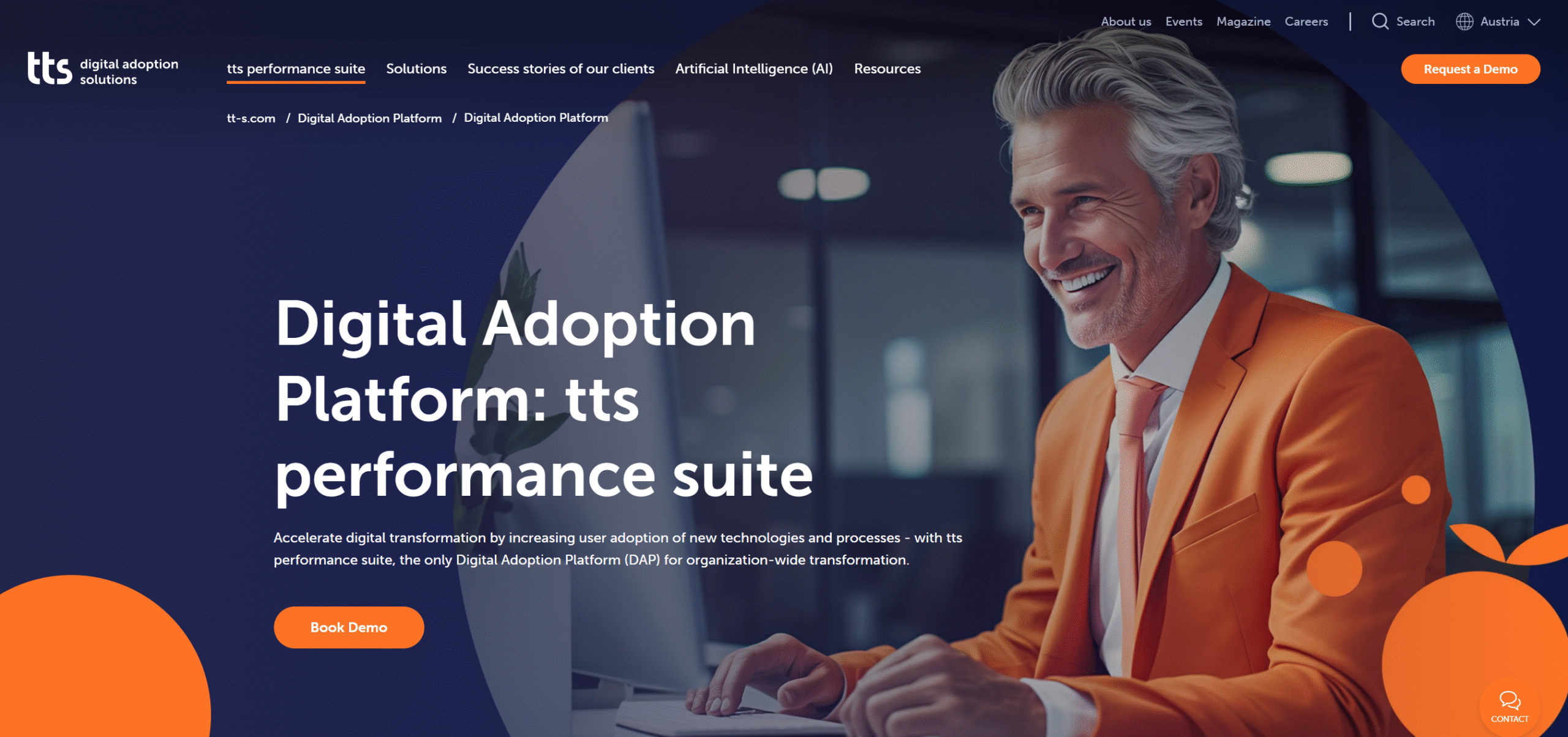
TTS Performance is a lot like WalkMe, but it’s more geared toward learning and knowledge management.
You can use it to combine formal learning with interactive guides, giving your employees a central place to find training material.
The major differentiator, however, is the deployment.
While WalkMe delivers a cloud-based app, TTSPerformance offers both cloud and on-premises options. This makes it perfect for companies with their own IT setup.
Core Features
- Interactive in-app guides.
- Knowledge and learning management.
- Content authoring.
- Analytics.
- Cloud and on-premises.
- Integration.
- Multilingual.
What Users Say
“We are very happy with the ttps product. It is the technological piece of our digital adoption services for large clients.”—Capterra.
“Great experience, great software, great people. It is amongst the best such software I have used, and I have used many similar software tools over 20 years. I will certainly be recommending it in future.”—Software Advice.
Price
TTS Performance shares pricing on request. You can book a demo.
3. WhatFix
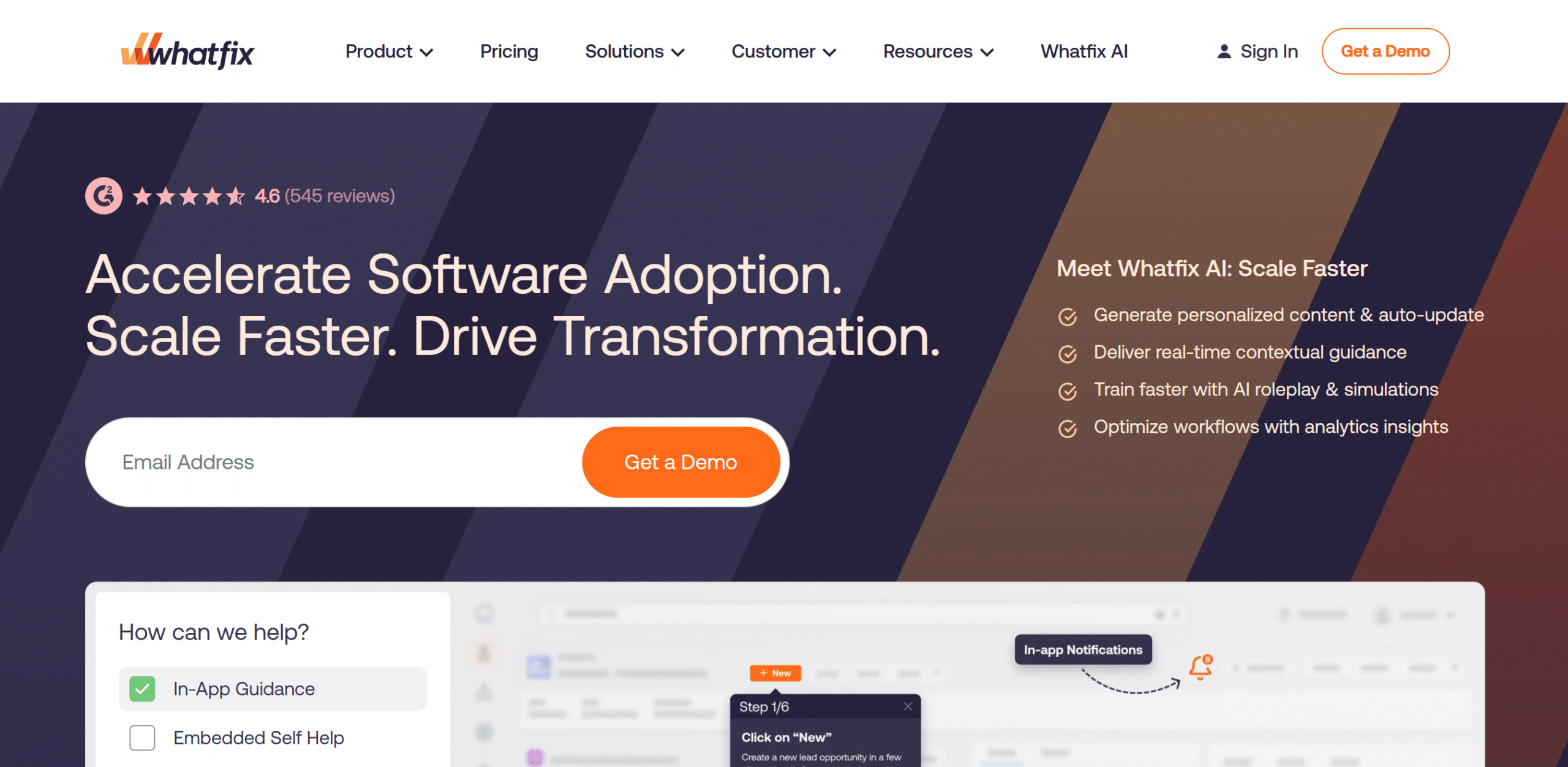
WhatFix doesn’t just offer interactive training guides, it also makes them easier to update.
You can create a guide once and export it as a video, a PDF, and other training material. Any time you need to update something, you just update the main guide and export a new copy.
A content authoring tool is also available to make training material. Plus, you can create a mirror copy of your application for training practice so your employees can learn without risking the live workflows.
Core Features
- In-app guidance.
- Content repurposing.
- Feedback surveys.
- Content management.
- User behavior analytics.
- Auto testing.
- Integration.
- Cross-platform.
What Users Say
“Fantastic product, easy company to work with. Highly recommend!”—G2.
“What I like most about Whatfix is how easy it is to create, manage, and maintain in-app guidance and content.”—G2.
Price
WhatFix shares pricing on request. If you pick the enterprise plan, the starting price per user is $53. Talk to sales for more details.
4. Apty
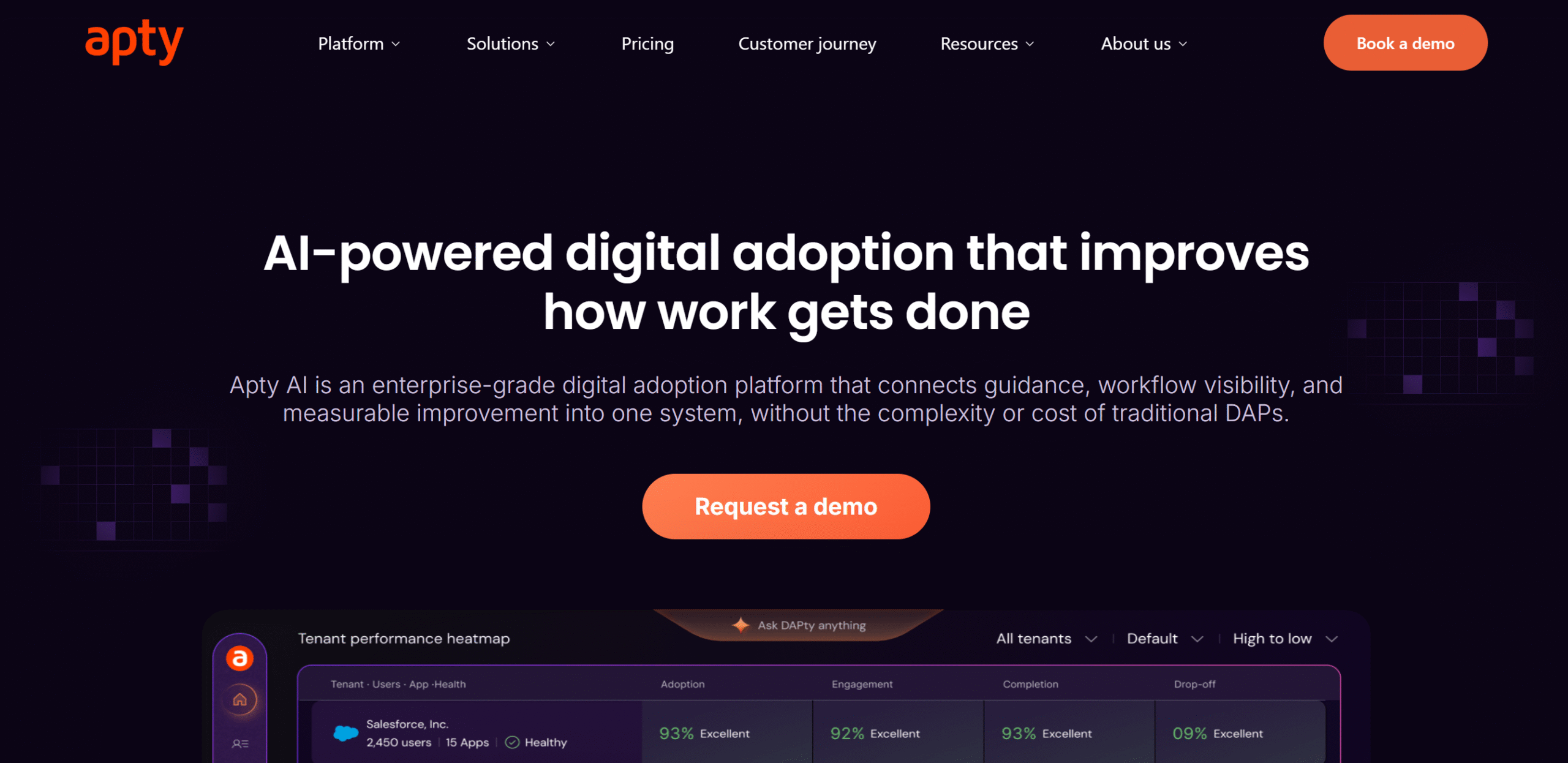
If training compliance is your company’s major challenge, Apty is ideal for you.
The app analyzes your business processes and then helps you create interactive guides to make them easier to follow. So instead of guessing where your employees struggle, you can use Apty to pinpoint the problems and fix them.
It’s also quicker to implement and easier to use compared to other enterprise DAPs like WalkMe.
On the flip side, it’s not as customizable as WalkMe, so that’s something to consider before making your purchase decision.
Core Features
- Content authoring and no-code builder.
- In-app guidance, tooltips, and announcements.
- Content export.
- Segmentation.
- Workflow analysis.
- Multilingual support.
- Integration and API.
What Users Say
“Everything I like about this and using this. There’s nothing to dislike about Apty.”—G2.
“We couldn’t have expected any better product at this price point. Makes the life of the admin easy and users engaged. A complete package, we are delighted.”—Capterra.
Price
Apty prices start at $9500 per app. You can book a demo.
5. Userlane
Userlane is one of the easiest enterprise DAPs to manage. Both tech and non-tech teams in your company can work with it easily.
It also helps companies figure out how employees are actually using their software and where tooltips and walkthroughs are needed.
The downside? It’s only best suited for software products that are web-based applications, such as Salesforce and Microsoft Dynamics 365.
Core Features
- Interactive walkthroughs and tooltips.
- In-app announcements and surveys.
- Heart analysis.
- User segmentation.
- AI assistant.
- Integration.
What Users Say
“I like the ease of creating guides, tooltips, and announcements. Our developers really like how easy it is to embed the Userlane code snippet and adjust it as needed.”—G2.
“Better training sessions with integration of Userlane Guides.”—Capterra.
Price
Userlane shares pricing on request. You can book a demo.
6. Pendo
Pendo has a powerful analytics section. It’s specifically designed for enterprise SaaS companies to increase product adoption.
The software analyzes both real users and your AI tools to show how they use your product so you can see what’s working and where the problem is.
Based on these insights, you can create targeted contextual guides and run feedback surveys.
That said, Pendo isn’t easy software to master. It has a steep learning curve.
I recommend taking a demo to explore its interface and feature usage.
Core Features
- Interactive in-app guides.
- Announcements.
- Product analytics.
- Session replays.
- Feedback surveys.
- AI prediction.
- Integration.
- Cross-platform.
What Users Say
“We’ve had a good experience with Pendo, even though we don’t use all of its features.”—G2.
“We’ve been using it for a few years. All in all, we’ve been pretty happy with it. Has a learning curve like any robust tool, and there is good support for it.”—Reddit.
Price
Pendo shares pricing on request. You can take a free trial.
7. Stonly
If you want to convert your knowledge base into step-by-step interactive guides, Stonly is an ideal tool for you.
It specializes in customer support, helping you build guides for both customers and support agents.
You can create personalized guides for different users and embed them on any webpage and application. Stonly is generally easy to use, and there’s no limit on how many workflows you can build.
Core Features
- Interactive knowledge base.
- Unlimited guides and triggers.
- Segmentation.
- Analytics.
- Team collaboration.
- Custom branding.
- Multiple languages.
- Integration.
What Users Say
“Stonly is one of the best apps I’ve used in terms of its balance between ease of use and powerful capabilities.”—G2.
“It’s very easy to implement and get started with. You can have a good guided tour up and running in minutes.”—Capterra.
Price
Stonly shares pricing on request. You can take a free trial.
8. ClickLearn
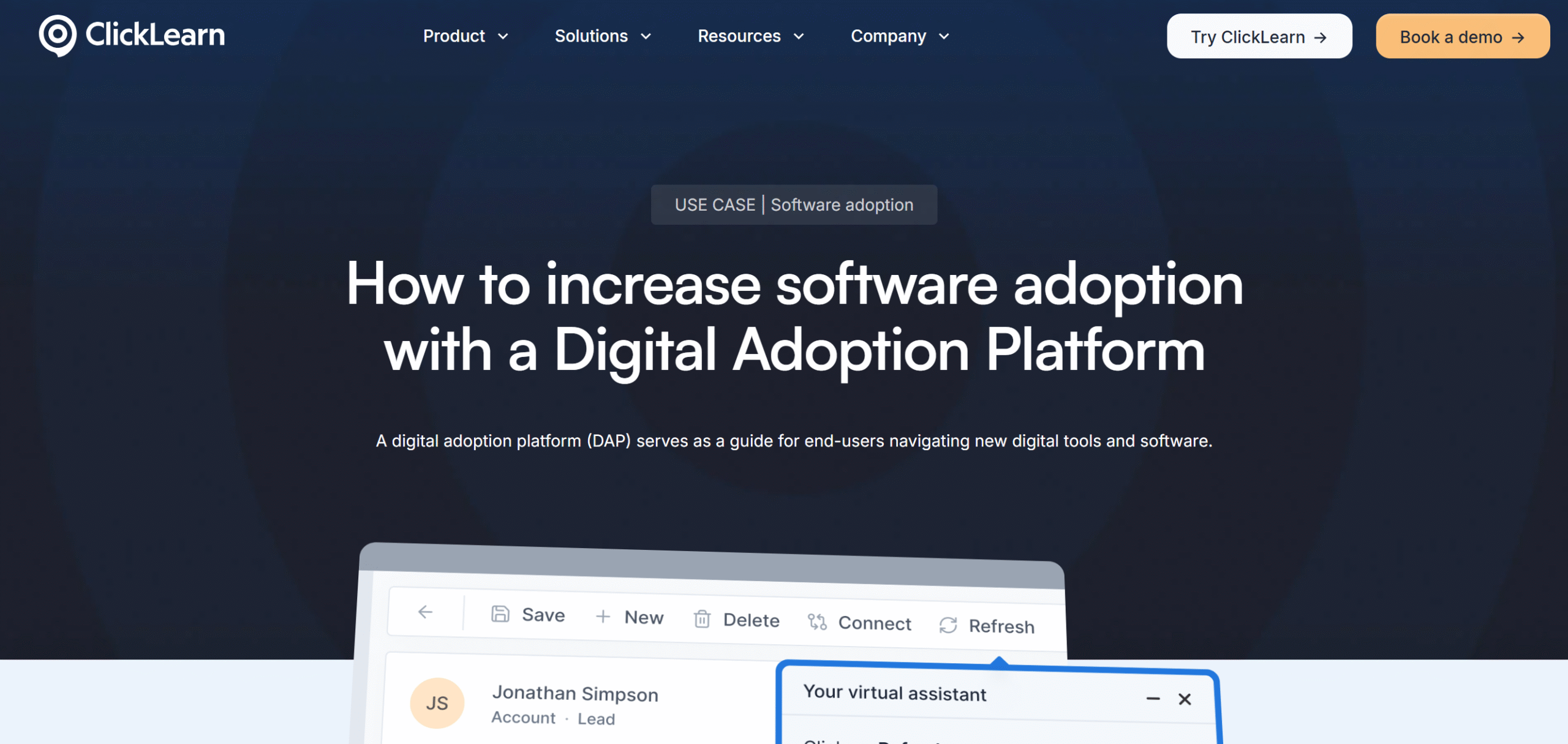
ClickLearn helps you create training material for enterprise systems, like SAP and Dynamics 365. It records business processes and turns them into interactive guides, videos, PDFs, and PPTs.
What’s notable about ClickLearn is that an interactive walkthrough isn’t its core function—it’s just one of its supported formats.
The software is much broader and lets you build guides in seven different formats.
If I had to summarize ClickLearn in one sentence, I’d call it a training documentation platform with DAP features.
Core Features
- Process recording.
- 7 learning formats, including interactive walkthroughs.
- Team collaboration.
- AI chat.
- Analytics.
- Multiple languages.
- Integration.
What Users Say
“I like the way ClickLearn can walk a learner through the process, both with “Show Me” and the assist tool.”—G2.
“Love this service and customer service was very helpful when I reached out for a bit of help. Would recommend!”—Software Advice.
Price
ClickLearn shares pricing on request. You can book a demo.
9. Appcues
Appcues sits somewhere between basic and enterprise-grade DAPs. It provides solid onboarding and product adoption tools for both web and mobile apps.
What I like about Appcues is its new Workspace. It lets you group different in-app content, so you can track their performance with ease. For example, if you have launched a new feature, you can put the announcements, tooltips, and surveys into one campaign.
It’s mainly designed for SaaS companies that want to improve user onboarding without managing each flow separately.
The downside is that Appcues can get expensive if you want to access all its features.
Core Features
- In-app onboarding flows.
- Announcements and banners.
- Segmentation.
- Surveys.
- Integration.
- Mobile support.
What Users Say
“The ability to build and deploy in-app experiences without engineering involvement is the biggest win.”—G2.
“I like that Appcues is configurable a lot and it’s much more powerful than I initially found. We can configure it according to our design system and design line.”—G2.
Price
Appcues shares pricing on request. You can take a free trial.
10. VisualSP
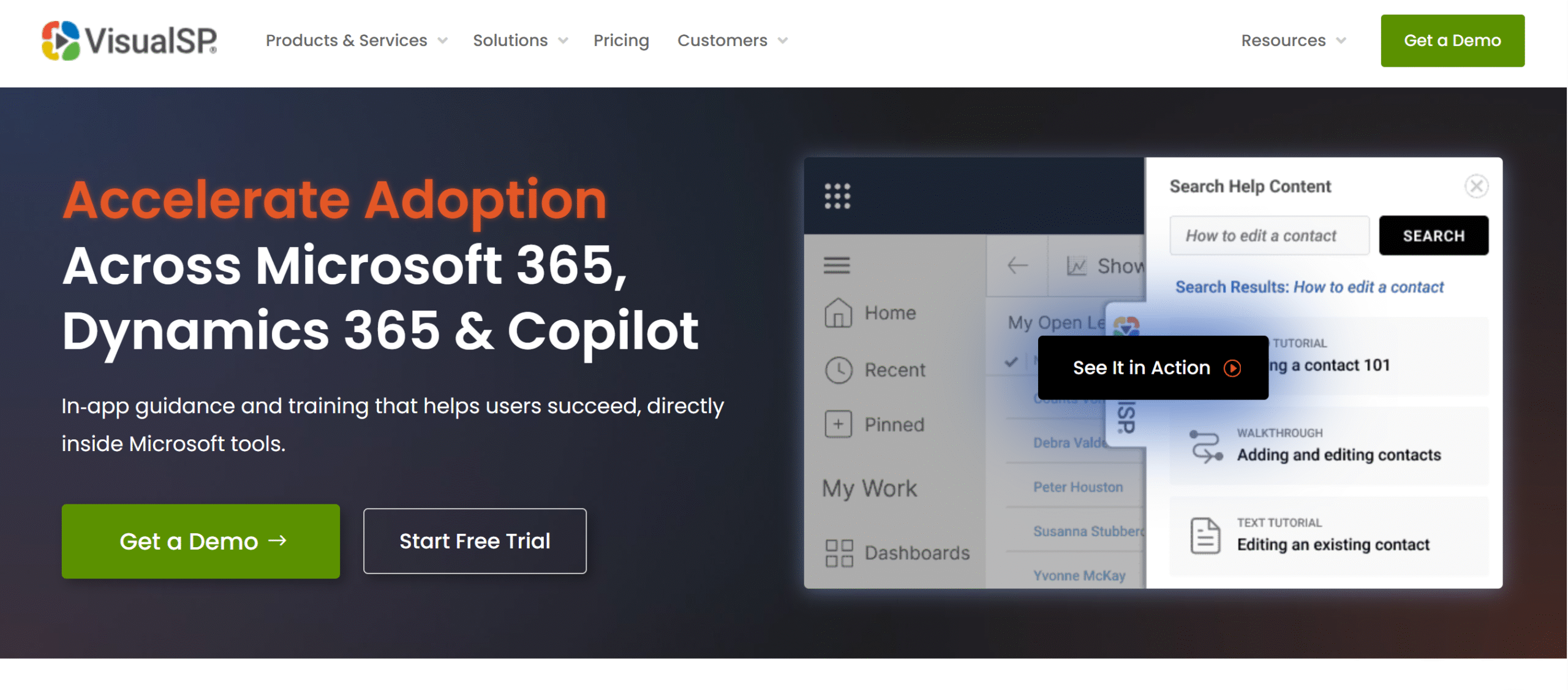
VisualSP creates in-app guides for Microsoft Dynamics 365 and Copilot.
While it supports other enterprise platforms, like Salesforce, it’s really built for the Microsoft ecosystem.
With VisualSP, you can create interactive walkthroughs, contextual tips, and in-app announcements. The software allows cross-platform workflows, making it easier to create guides that involve multiple tools.
You can also add self-service support inside the app so users can find answers themselves without relying on IT teams.
All in all, it’s a solid app, specifically for companies aiming to improve Copilot adoption.
Core Features
- In-app guidance.
- Announcements and banners.
- Self-service support.
- Cross-platform workflows.
- Personalization.
- Analytics.
- Microsoft ecosystem support.
- Integration.
What Users Say
“It sits right on top of our apps, so users get help without leaving the screen.”—G2.
“Smooth, easy to use. Highly recommend.”—Capterra.
Price
VisualSP prices start at $1,680 per month. You can take a free trial.
11. UserPilot
UserPilot is a good choice if you want to optimize customer onboarding. It has great segmentation features that let you create personalized in-app guides for new users.
It also includes A/B testing and product analytics, so you can see how people interact with your software and whether your onboarding flow is working.
The pricing is reasonable as well, making it ideal for small to mid-size SaaS companies.
Core Features
- In-app onboarding.
- Announcements and banners.
- Surveys.
- Session replays.
- Product analytics.
- A/B testing.
- Segmentation.
- Reporting.
- Integrations.
- Mobile app.
What Users Say
“Userpilot is so friendly and easy to use. We find that our customers are more able to navigate our pages with ease because of them.”—G2.
“Experience was great, we implemented it pretty quickly and my team started to build experiences on day one and everybody learned very fast how to use it.”—Capterra.
Price
UserPilot prices start at $299 per month. You can try it for free.
12. UserGuiding
UserGuiding is well-suited for startups that need good onboarding tools without the cost and complexity of enterprise platforms.
The platform is affordable and easy enough for small teams to manage.
Some of its core features include session replays, hotspots and banners, surveys, and an AI assistant.
You can personalize onboarding flows and embed a self-service widget in your app so users can find answers without contacting customer support.
Core Features
- Interactive guidance.
- Session replays.
- AI assistant.
- Banners.
- Knowledge base.
- Resource center.
- In-app surveys.
- Segmentation.
- Analytics.
- Integration.
What Users Say
“I like how easy it is to use UserGuiding, and I appreciate being able to tailor add-ons to my needs.”—G2.
“The overall experience so far has been fantastic. It is very easy to use and, more importantly, to integrate into any web application with a few simple lines of code.”—Caterra.
Price
UserGuiding prices start at $174 per month. You can try it for free.
13. Tango
Tango is a lightweight alternative to full-fledged DAP and training platforms. It lets you create quick software guides and SOPs at an affordable price.
Top notable features of Tango include workflow capture, annotation and blurring, AI documentation, and in-app walkthroughs.
You can turn any process into a step-by-step interactive guide and embed it into your Slack, project manager, and knowledge base.
Core Features
- Interactive walkthrough.
- Process recording.
- Screenshots and annotation.
- Embed links and export.
- Team collaboration.
- Custom branding.
- Integration.
What Users Say
“I love that I can capture processes easily from my desktop or a browser.”—G2.
“I love Tango’s guide me function. Being able to superimpose the process or procedure I’m teaching over the software my colleagues are using is an absolute game changer.”—G2.
Price
You can try Tango for free. The premium package starts at $22 per month.
14. Inline Manual
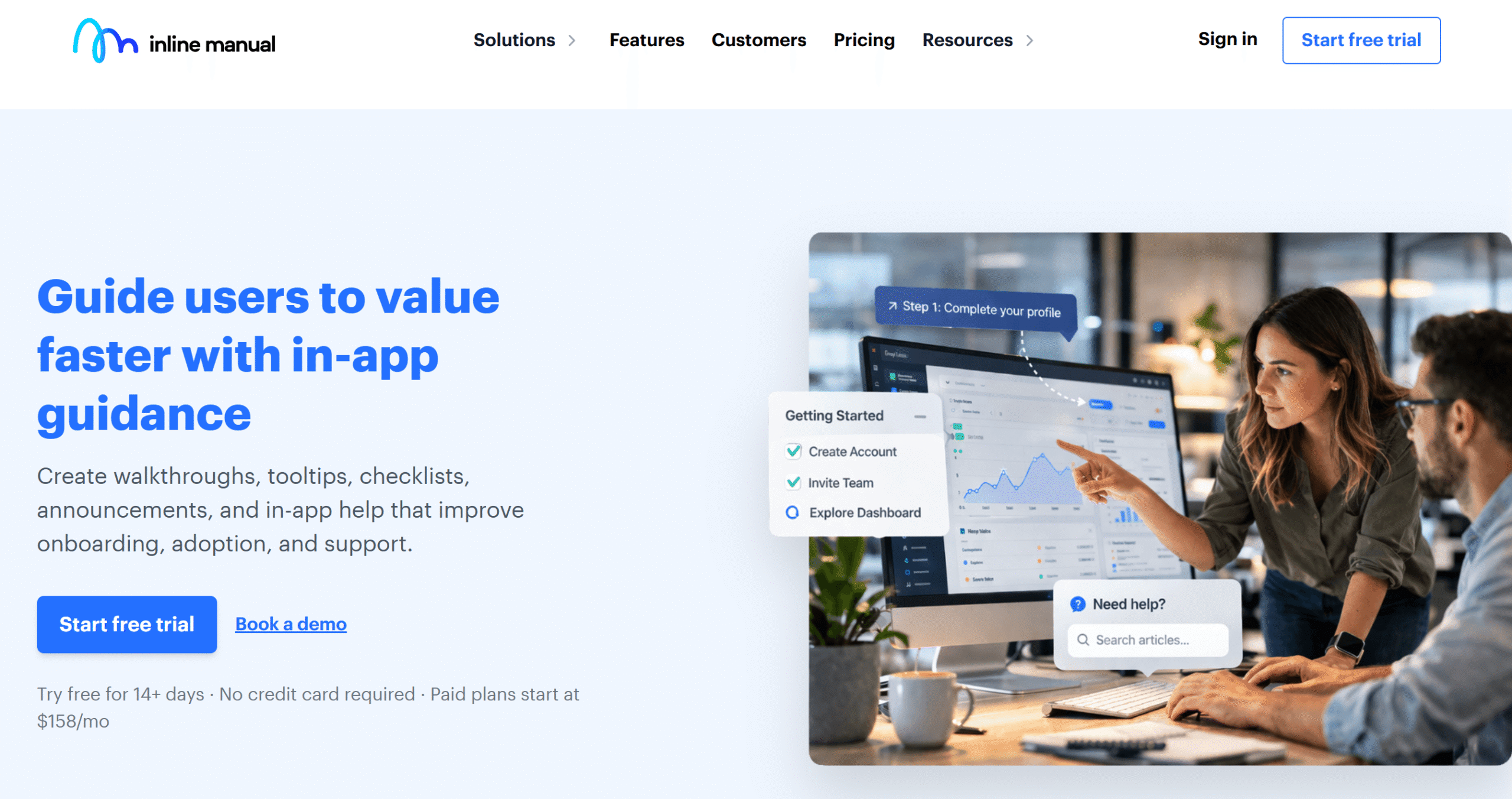
Inline Manual is built for SaaS companies that need customer onboarding and employee training both.
You can create onboarding flows for your own software products and interactive walkthroughs to train employees on third-party apps like Salesforce and SAP.
Tooltips, banners, checklists, and segmentation are all included in the package. Inline Manual also supports multiple languages, including right-to-left languages such as Arabic and Persian.
Core Features
- Interactive walkthrough.
- Banners and tooltips.
- Surveys.
- Widgets.
- Segmentation and customization.
- Multilingual.
- Integration.
- Analytics.
What Users Say
“Very customizable tool, easy to integrate within our product. The multilingual support is also a huge benefit that saved us a lot of time.”—G2.
“Affordable pricing for deep functionality.”—G2.
Price
InlineManual prices start at $158 per month. You can take a free trial.
15. Jimo
Jimo is pretty intuitive and straightforward. You might need a developer initially, but once it’s implemented, you can create workflows easily.
Some of the things you can create with Jimo include product tours, surveys, announcements, and in-app self-service support.
You can personalize your flows to target different users and track how they use your product.
Jimo works on both desktop and mobile browsers. However, it isn’t designed for native mobile apps. So, if you have a mobile SaaS app, it may not be the best choice for you.
Core Features
- Interactive walkthrough.
- Checklist and banners.
- Surveys.
- Segmentation.
- A/B testing.
- Analytics.
- Team collaboration.
- Integration.
What Users Say
“I appreciate the simplicity in using Jimo – without any training, different users can create entire modals or surveys.”—G2.
“I like Jimo’s capability to run experiences without any need for coding, which is a substantial advantage as it simplifies the process significantly.”—G2.
Price
Jimo prices start at $250 per month. You can take a free trial.
FAQ
What is a digital adoption platform?
A digital adoption platform creates in-app interactive guides to help users learn software while they are using it.
What can I use DAP for?
You can use DAP for customer onboarding, employee training, software adoption, and customer support.
How much does a DAP cost?
It depends on the platform, company size, and features you need. Prices can range from $150 to thousands of dollars per month.
Do small businesses need a DAP?
Not really. If you are launching an app, then yes, having a DAP makes sense. But for a small in-house team, you can just record your screen and create manual training material.
Can a DAP work with any software?
No. You should check whether the platform supports your software before exploring it.
Conclusion—Which DAP Platform Should You Use
Most DAP platforms do pretty much the same thing, but their areas of focus are often different.
Some target large organizations, offering more flexible systems, while others provide targeted solutions, like customer onboarding.
So, if you are looking for the right DAP, think about the size of your company and what you actually want to use it for.
Here are my recommendations.
For Large Organization
WalkMe and WhatFix are ideal for large organizations. Both can handle complex software adoption.
For Mid-size Companies
Pendo and Userlane are good choices for mid-size companies. Pendo isn’t that user-friendly, but I picked it for its deep analytics. Userlane, however, is easier to use across different departments and offers enterprise-grade tools.
For SaaS Businesses
Userpilot and Appcues are perfect for SaaS businesses. Userpilot provides better personalization, but Appcues lets you manage product marketing and onboarding in one place.


 A better way to manage projects and clients for freelancers
 Get through busy days like a breeze with Reclaim.ai