
Keeping track of time and managing your hectic schedule can often be a struggle, so you need a software assistant to keep track of your schedule. The Clockwise app is a calendar assistant that helps you examine your schedule, locate the optimal meeting times, and cooperate with your team.
There is no doubt that clockwise is a great assistant tool but it is important for you to choose a tool that perfectly aligns with your needs and preferences.
Several factors should impact your decision in considering a clockwise alternative. Perhaps you need a more comprehensive package of productivity tools than meeting schedules, or you feel Clockwise’s cost or feature set does not match your needs.
A different tool might be a better fit if you’re looking for specialized features like AI-driven scheduling or advanced analytics.
I’ve done some research, and I’ll be giving you the 12 best clockwise alternatives, all you have to do is compare and choose the one that resonates with your specific needs.
Why Switch to Other Clockwise Alternatives?
Like every other tool, clockwise has its pros and cons. Below, we’ll look at why you might want to check out Clockwise alternatives.
1. Pre-set Timezone for Calendar Optimization
One disadvantage of Clockwise is that it schedules your calendar optimization every day at 4 p.m. based on the time zone of the first user to sign up.
If most of your team members later discover that they live in a different time zone, scheduling problems or inefficiencies may arise. Changing this setting requires contacting support, which may not be as convenient as you would want.
2. Integration Capabilities
While Clockwise excels in optimizing meeting schedules, its integration capabilities might be a limitation for you. Although it integrates with popular calendar platforms, the depth and breadth of its integration ecosystem compared to other productivity suites might be narrower.
If you rely on a specific tool or platform that isn’t supported by Clockwise, it could hinder your workflow and force you to use multiple tools to manage your schedule.
3. Lack of Multiway Calendar Syncs
Another challenge of using Clockwise is that it does not offer multiway calendar synchronization. For example, Clockwise does not allow you to sync business and personal calendars by indicating “Busy” for overlapping events.
Other software can make this rather simple. Simply pick the calendars you want to sync, and they will take care of the rest, ensuring that all of your schedules are matched without any more effort on your part.
What Should You Look for in Clockwise Alternatives?
An efficient scheduling and calendar management software should recognize complex tasks and tailor them to your individual time management requirements.
Depending on your work style, this could include offering insights and context, protecting concentration time, and improving collaboration with algorithms and automation.
Here are things to look out for in a Clockwise alternative;
- Smart scheduling capability: A tool with intuitive scheduling skills knows and adjusts to your routine, preferences, and priorities.
- Analytics and insights: Analytics capabilities help you recognize patterns, find areas for improvement, and make informed decisions about how you spend your time
- Automation, rescheduling, and easy adaptability: Prioritize tools that cater to your specific workflow and preferences. Look for solutions that automate common processes, such as locating appropriate meeting times or rescheduling disputes.
- User-friendliness: A friendly interface is vital for a positive experience, so look for options that are easy to use and offer the best scheduling tools without additional complexity.
The 12 Best ClockWise Alternatives
The following are some of the top alternatives to Clockwise (both free and paid) in the market today:
1. Sunsama

Sunsama is a productivity software that combines time management, task management, and goal setting into a unified system. Sunsama focuses on creating a structured daily routine where you can divide your day into focus blocks, meetings, and admin time.
It suggests optimal scheduling based on user preferences and calendar data, helping to minimize distractions and maximize productivity.
Beyond time management, Sunsama also incorporates task management features, allowing you to create and prioritize tasks, set deadlines, and track progress.
This integration of time management and task management provides a comprehensive overview of daily activities and helps you stay organized.
Key Features
- Time Blocking
- Task Management
- Calendar Integration
- AI-Powered Suggestions
- Focus Mode
Pros of Using Sunsama
- Focus and Productivity: By prioritizing tasks and creating dedicated focus blocks, Sunsama helps you improve concentration and efficiency.
- Time Optimization: Sunsama’s AI-driven suggestions will help you make the most of your time by optimizing schedules and minimizing unproductive activities.
- Work-Life Balance: Sunsama’s focus on creating a structured daily routine contributes to better work-life balance.
- Task Management Integration: By connecting with existing task management tools, Sunsama provides a centralized hub for managing all tasks and projects.
- User-Friendly Interface: The clean and intuitive design makes it easy to adopt and use effectively.
Cons of Using Sunsama
- Sunsama finds it difficult to organize larger-scale undertakings.
- It is only appropriate for teamwork not appropriate for individual use.
- It doesn’t sync meetings and other documents with Google Drive or Confluence
Pricing Plan
- 14-day Free Trial
- Yearly Subscription Plan: $16/month
- Monthly Subscription Plan: $20/month
2. Time Doctor
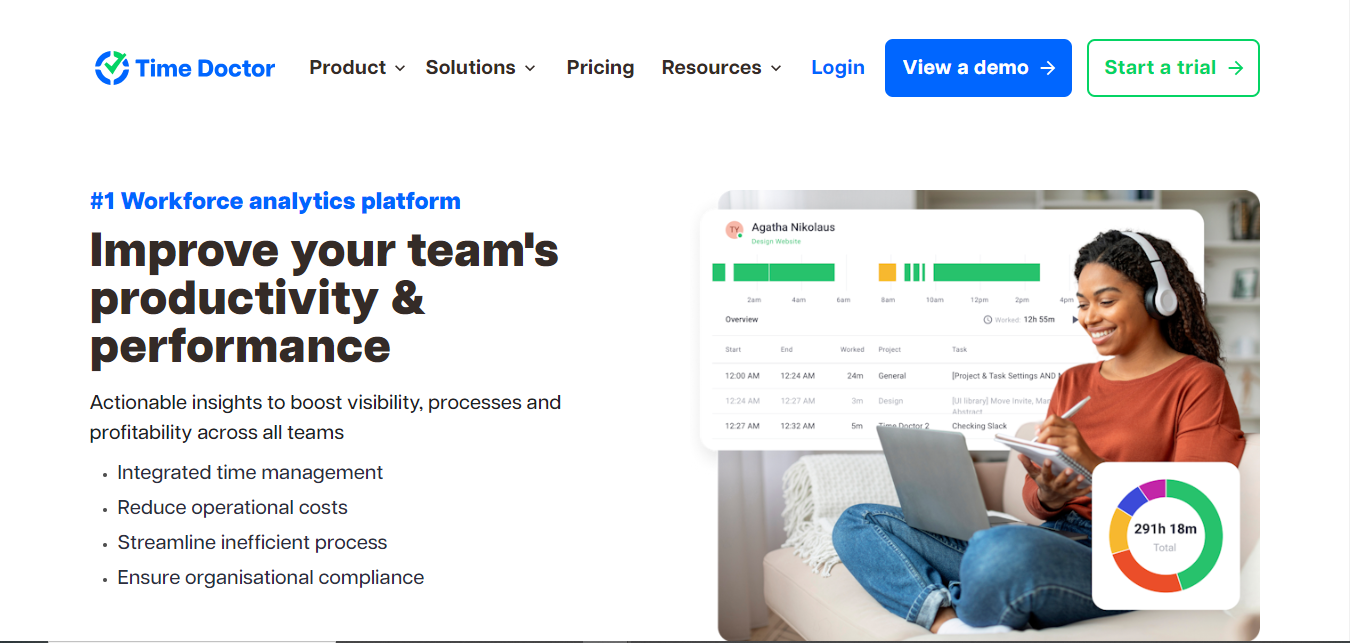
Time Doctor is a time-tracking and productivity software designed to help you and your team manage your time effectively. It provides detailed insights into how time is spent on different tasks and projects.
It operates by tracking computer activity, website visits, and application usage. Employees can manually log time for specific tasks or projects, or rely on Time Doctor’s automatic tracking features.
It generates comprehensive reports on time spent, productivity levels, and project progress. Beyond time tracking, Time Doctor offers additional features such as screenshots, URL monitoring, and idle time detection to ensure accurate time recording and prevent time theft.
Key Features
- Time Tracking
- Website and App Monitoring
- Screenshot and Screen Recording
- Idle Time Detection
- Productivity Reports
- Project Management
Pros of Using Time Doctor
- Accurate Time Tracking: Provides detailed records of time spent on tasks, projects, and eliminating the need for manual timekeeping.
- Improved Productivity: By identifying time-consuming tasks and unproductive activities, Time Doctor helps you focus on high-impact work.
- Enhanced Accountability: The software’s features, such as screenshots and idle time detection, promote accountability and transparency.
- Data-Driven Insights: Generates comprehensive reports to help understand team performance, project progress, and resource allocation.
- Payroll Accuracy: Simplifies payroll processing by providing accurate time records.
- Remote Team Management: Effectively monitors and manages remote teams by tracking their activity and productivity.
Cons of Using Time Doctor
- The mobile app lacks some of the features that make Time Doctor’s desktop version so useful
- Inconsistent updates
- The free plan is restricted to a single user and comes with basic elements only
Pricing Plan
- 14-day free trial
- Basic Plan: $7/month/user
- Standard pPan: $10/month/user
- Premium Plan: $20/month/ user
3. Motion

Motion is an AI-powered productivity tool that optimizes your schedule and improves focus. It goes beyond typical calendar management by providing intelligent scheduling recommendations and time management tools.
Motion analyzes your calendar patterns, work habits, and preferences to create a personalized productivity plan. It automates time-consuming scheduling tasks, identifies focus blocks, and prioritizes tasks to improve efficiency.
It also uses the calendar schedules you provide to automatically discover a free time window. You can sync the app with your work or personal calendar to transfer over any events you’ve added.
Key Features
- Intelligent Scheduling
- Task Prioritization
- Focus Time
- Meeting Optimization
- AI-Powered Insights
- Integrations
Pros of Using Motion
- Enhanced Focus and Productivity: By creating dedicated focus blocks and minimizing distractions, Motion helps you achieve a higher level of concentration and efficiency.
- Optimized Scheduling: The AI-powered scheduling features save time and reduce stress by intelligently suggesting optimal meeting times and buffer periods.
- Improved Time Management: By providing insights into time usage and identifying unproductive activities, Motion empowers you to make data-driven decisions about how to allocate their time.
- Better Work-Life Balance: Motion’s focus on creating a structured daily routine contributes to a healthier work-life balance by preventing burnout.
- Increased Organization: Task management and goal-setting features help you stay organized and focused on priorities.
Cons of Using Motion
- The process of setting up schedules and preferences can be time-consuming.
- While convenient, the feature of emailing tasks to Motion might not always function as expected.
- The customization options for scheduling and task management are somewhat restricted.
Pricing Plan
- Individual plan: $19/month
- Team plan: $12/month
4. Reclaim
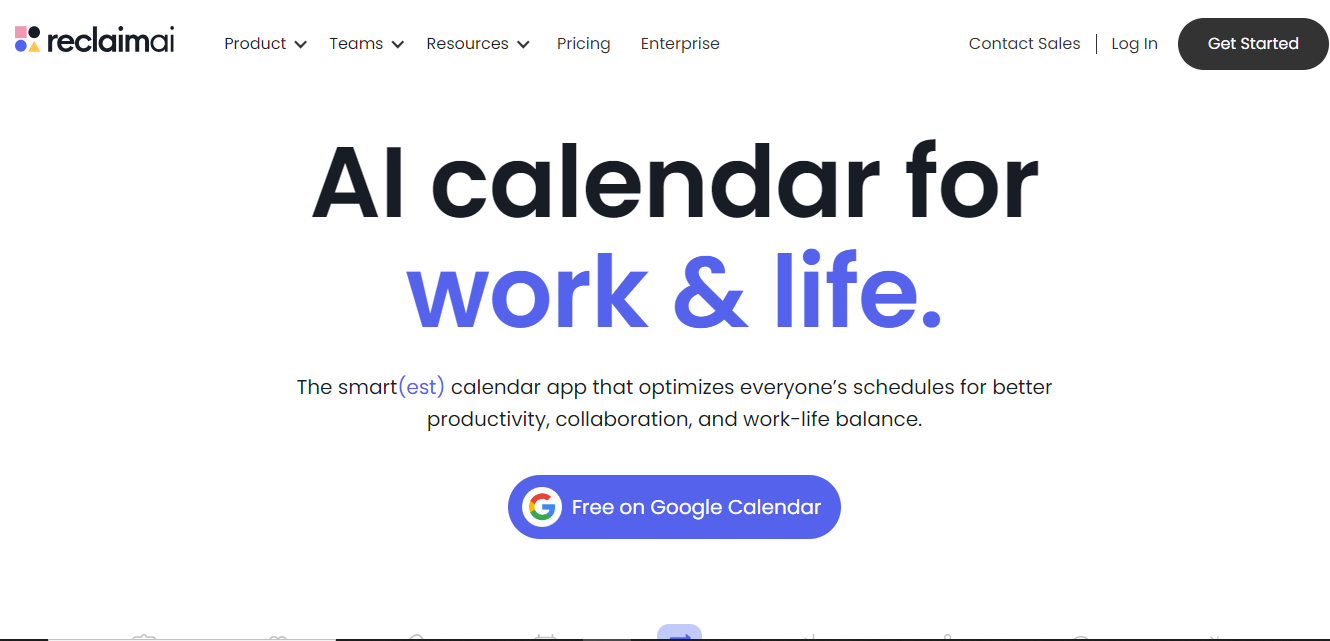
Reclaim is an AI-powered scheduling app that lets you manage numerous calendars from a single window. You can use it to collaborate better by subscribing to other calendars, whether for work, family, or school.
Reclaim’s user-friendly UI, collaborative capabilities, and seamless integrations allows you to manage your schedules and increase overall productivity.
By understanding your work habits and preferences, reclaim automatically identifies focus blocks within your day, allowing you to dedicate uninterrupted time to important tasks. It also helps to prevent overbooking by suggesting ideal meeting lengths and buffer times
Key Features
- Focus Time Blocking
- Task Integration
- Calendar Integrations
- AI-Powered Suggestions
- Meeting Optimization
Pros of Using Reclaim
- Time Optimization: By intelligently analyzing calendar patterns, Reclaim helps you maximize productive time and minimize meeting conflicts.
- Focus Time Prioritization: It automatically creates focus blocks, allowing for uninterrupted work sessions.
- Intelligent Scheduling: Reclaim suggests optimal meeting times based on your preferences and availability, saving time and effort.
- AI-Powered Insights: It provides data-driven recommendations to improve time management habits.
Cons of Using Reclaim
- Reclaim’s habit feature is difficult to set up.
- Integrations with engineering task management solutions aren’t flexible enough for real-world use.
- There may be some delays when using the Slack integration option.
Pricing Plan
- Free Forever
- Starter Plan: $8/month/ user
- Business Plan: $12/month/ user
- Enterprise Plan: $18/month/user
5. Routine
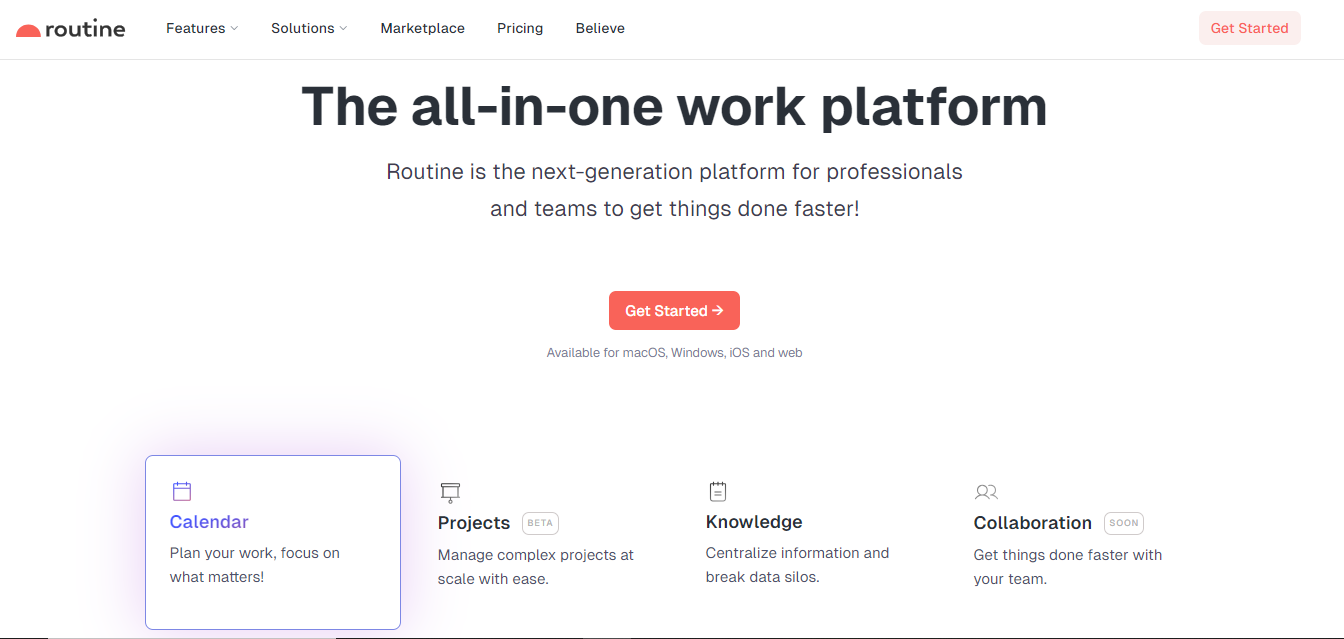
Routine is a time management application to explore if you are looking for alternatives to Clockwise. From task creation to priority and deadline setting, this software is logical and simple to use.
It allows you to visually plan your day, breaking it down into focused work blocks, meetings, and personal time. This approach helps to minimize distractions and improve overall productivity.
Routine also offers features like habit tracking, goal setting, and task management, providing a comprehensive solution for time management. It is also important to know that routine learns from your behavior by adjusting to your work patterns, understanding priorities, and recommending the optimum times to do various chores.
Key Features
- Calendar and Scheduling
- Task Management
- Habit Tracking
- Note Taking
- Reminders
- Integrations
Pros of Using Routine
- Increased Focus: By structuring your day into focused work blocks, Routine helps minimize distractions and improve concentration.
- Improved Time Management: The software’s emphasis on scheduling and task management allows you to prioritize tasks effectively and avoid time wastage.
- Better Work-Life Balance: By creating a clear separation between work and personal time, Routine contributes to a healthier work-life balance.
- Enhanced Productivity: Through features like habit tracking and goal setting, Routine helps you identify areas for improvement and achieve greater efficiency.
- Reduced Stress: A structured day can lead to reduced stress and anxiety by providing a sense of control and predictability.
Cons of Using Routine
- There is no mobile app for Android users.
- The platform is still in its early stages, with several paid services marked as ‘coming soon’.
Pricing Plan
- Free Forever
- Professional Plan: $12/month per user
- Business Plan: $15/month per user
- Enterprise Plan: Custom pricing
6. AttendanceBot
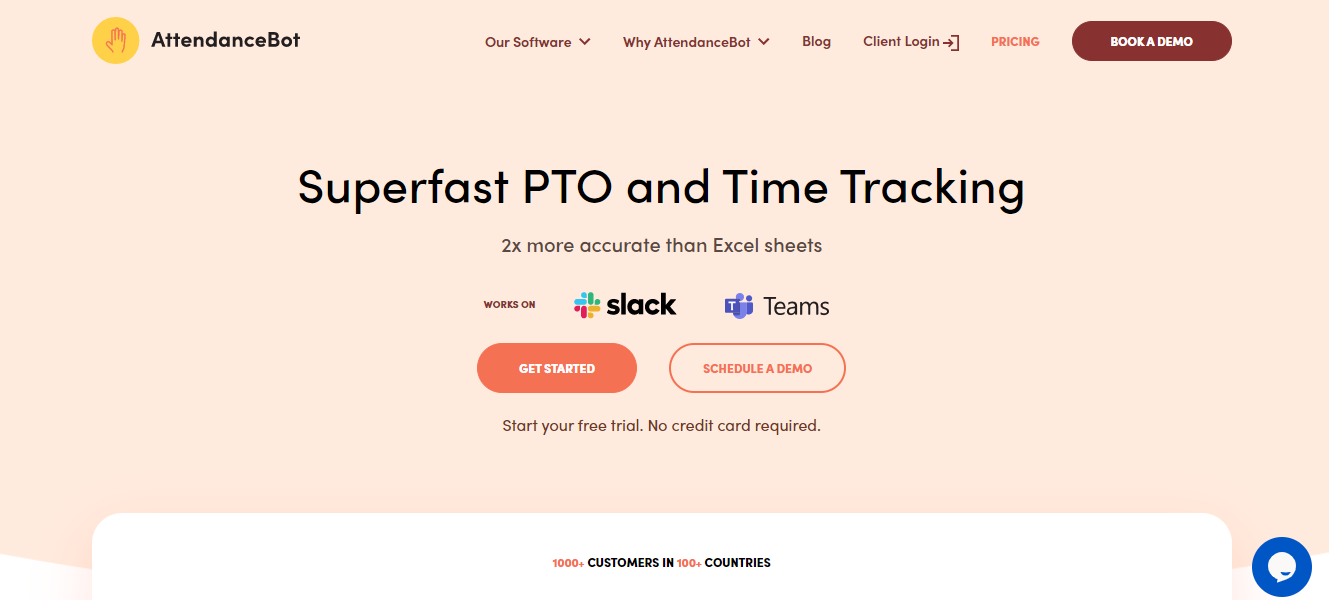
AttendanceBot is a fantastic addition to the collection of Clockwise alternatives. This software simplifies and optimizes time management for teams of all sizes.
Managers and enterprises can track attendance in real time by identifying who is at work, on break, and running late. AttendanceBot also provides geolocation tracking to teams with remote workers.
AttendanceBot allows you to create personalized attendance policies. Use it to specify overtime restrictions, add grace periods, and tailor the software to your specific requirements.
Key Features
- Time Tracking
- Shift Scheduling
- Automated Reminders
- Reporting and Analytics
- Integrations
- Overtime Calculation
- Leave Management
Pros of Using of AttendanceBot
- Increased Efficiency: It automates time tracking and leave management processes, saving time for HR and employees.
- Improved Accuracy: Reduces errors in time tracking and payroll calculations.
- Enhanced Compliance: Helps ensure adherence to labor regulations and company policies.
- Better Data Insights: It provides valuable data on employee attendance, productivity, and overtime.
- Improved Employee Experience: Simplifies the time tracking process for employees and reduces administrative burdens.
Cons of Using AttendanceBot
- Editing timesheets can be time-consuming for new users
- You can customize leave types like Flex and Vacation but can’t set different tracking methods for them
- The lack of proper learning modules gives the tool a steep learning curve
Pricing Plan
- 14-day Free Trial
- Standard Plan: $4/month/r user
- Pro Plan: $6/month/user
- Premium Plan: $10/month/ user
7. Acuity

Acuity is a clever tool that streamlines appointment management for both personal and commercial use. Its adaptability to various corporate requirements makes it simple to set up and adjust to changing demands.
It also allows you to create customizable booking pages, where you can easily select available time slots.
Acuity integrates with popular calendar applications like Google Calendar and Outlook, ensuring accurate availability and preventing scheduling conflicts.
Key Features
- Group Scheduling
- Waiting List
- Automated Reminders
- Buffer Time
- Payment Processing
- Calendar Integration
- Appointment Scheduling
Pros of Using Acuity
- Time-Saving: It automates the scheduling process, reducing back-and-forth communication and freeing up time for other tasks.
- Increased Efficiency: Streamlines operations by eliminating manual scheduling and reducing no-shows.
- Professional Image: Creates a polished and professional image for your business.
- Improved Customer Experience: Acuity gives you a convenient and user-friendly booking process.
- Flexibility: Provides customization options to tailor the scheduling process to specific needs.
Cons of Using Acuity
- Lacks the feature that distinguishes between active and inactive customers.
- Acuity’s free plan is limited in terms of essential features (for instance, reminder emails and payment methods are only found in paid plans)
- Lacks native integrations to third-party calendars
Pricing Plan
- 7-day Free Trial
- Emerging Plan: $16/month/user
- Growing Plan: $27/month/ user
- Powerhouse Plan: $49/month/ user
8. Integrately
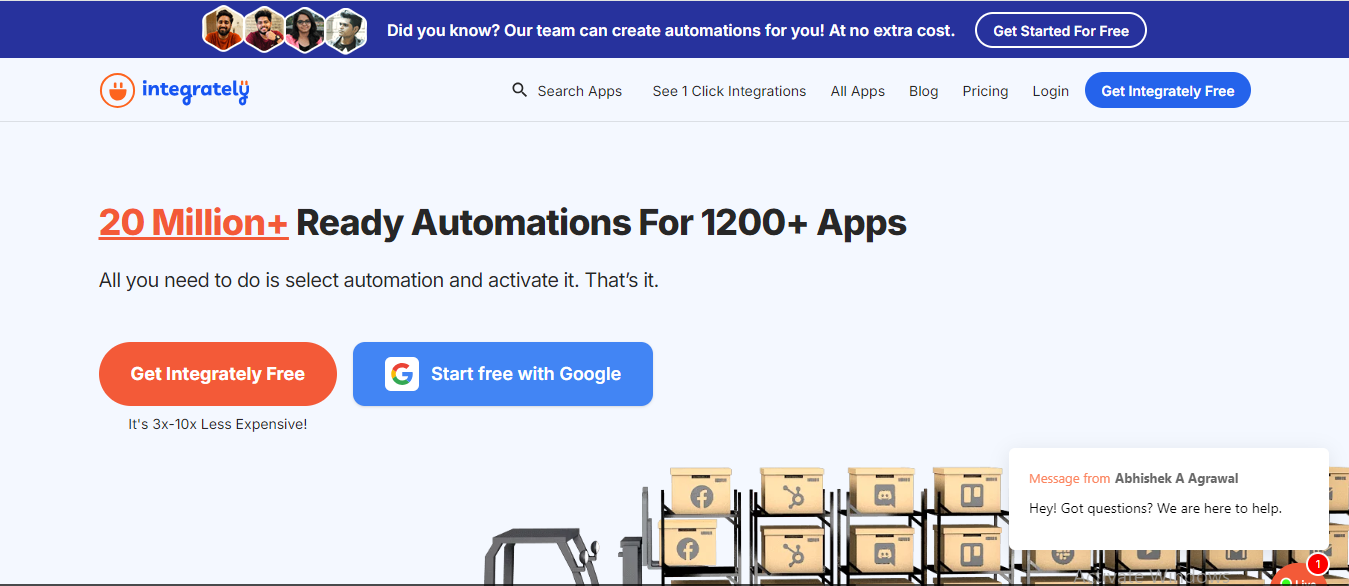
Integrately is a cloud-based integration platform for connecting various software applications. It acts as a bridge, allowing data to flow seamlessly between different tools and systems.
At its core, Integrately simplifies automation. With a user-friendly interface, you can connect numerous apps and create custom workflows without needing coding expertise. For instance, you can automatically sync customer data between your CRM and email marketing tool, or trigger social media posts based on calendar events.
The platform has prebuilt, reusable connectors and workflows for all integration requirements. It also has a web-based interface for designing, documenting, and testing APIs.
Integrately is great for marketers, students, and business professionals, who are searching for alternatives to Clockwise.
Key Features
- Pre-built Integrations
- Custom Integrations
- Workflow Automation
- Data Mapping
- Conditional Logic
- Real-time Data Synchronization
Pros of Using Integrately
- Time Savings: Automating repetitive tasks, Integrately frees up valuable time for you to focus on more strategic initiatives.
- Increased Productivity: Streamlined workflows and reduced manual data entry enhances overall productivity.
- Improved Data Accuracy: Automating data transfer between applications minimizes errors and ensures data consistency.
- Enhanced Collaboration: Improved data flow between teams and departments fosters better collaboration.
- Scalability: Integrately can accommodate businesses of all sizes, from startups to large enterprises.
- Customizable Workflows: You can create tailored automation processes to meet specific business requirements.
Cons of Using Integrately
- Integrately could improve on their reporting clarity for better understanding and experience
- Implementation of client-side IO can be difficult sometimes
- People find the appearance of the website complex and hard to adapt
Pricing Plan
- Free Forever
- Starter Plan: $29.99/month/user
- Professional Plan: $49/month/user
- Growth Plan: $124/month/ user
- Business Plan: $299/month/ user
9. Fellow
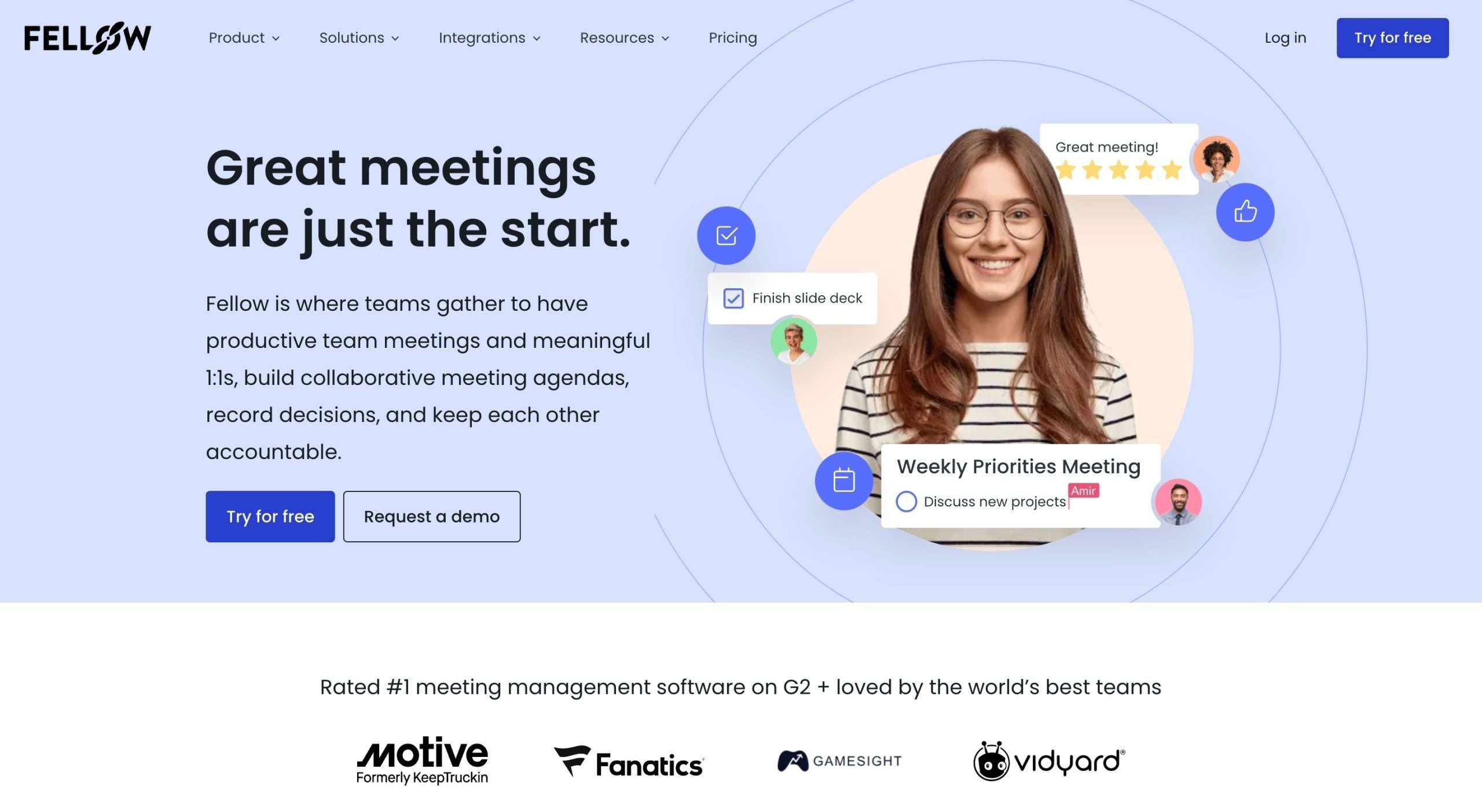
Fellow is your scheduling companion for efficient team collaboration, work allocation, and project management. It accomplishes everything, including managing large projects, keeping the team updated, and arranging your work.
Fellow allows you to share and post files in a shared workspace. The software generates meeting plans and ensures that everyone adheres to them.
It also automatically records meeting minutes and provides a flexible digital workspace for participants to collaborate. Write down your daily tasks, take meeting notes, create reminders, and never miss a beat.
Key Features
- AI-Powered Meeting Summaries
- Action Item Tracking
- Meeting Templates
- Real-Time Collaboration
- Mobile and desktop apps
Pros of Using Fellow
- Improved Decision Making: By capturing key points and action items, Fellow helps teams make better decisions and follow through on commitments.
- Enhanced Accountability: Assigning action items and tracking their progress promotes accountability among team members.
- Better Meeting Focus: By providing a structured framework for meetings, Fellow helps teams stay on topic and achieve meeting objectives.
- Knowledge Retention: Meeting summaries and notes serve as a valuable resource for future reference and knowledge sharing.
Cons of Using Fellow
- Fellow lacks integrations with Apple Reminders
- Doesn’t support the capability to take and store handwritten notes as actual handwritten content
- The 360° Feedback feature isn’t customized enough to allow anonymous feedback
Pricing Plan
- Free Forever
- Pro Plan: $7/month/ user
- Business Plan: $10/month/ user
- Enterprise Plan: Custom pricing
10. OneCal
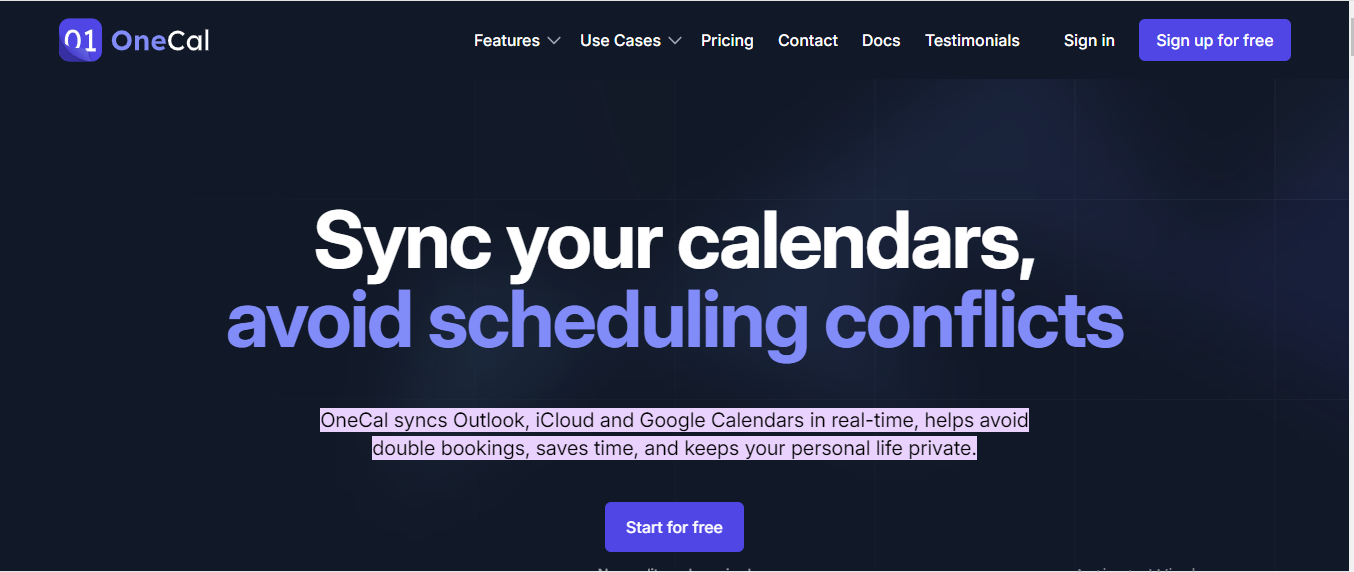
OneCal is a group scheduling tool that simplifies the process of determining a time that works for everyone involved in a meeting. It removes the back-and-forth emails and calendar juggling that are commonly involved with scheduling.
It allows you to generate a scheduling link that can be shared with attendees. Each participant can then review available time slots and suggest alternatives. OneCal analyzes these suggestions to identify probable meeting times that are convenient for everyone.
OneCal saves time and effort in meeting coordination by automating the scheduling process and offering a centralized platform for participants to exchange availability.
Key Features
- Collective Booking Links
- Time Zone Management
- Customizable Booking Pages
- Meeting Room Integration
- Real-time Availability Checks
- Calendar Integration
Pros of Using OneCal
- Time-Saving: It significantly reduces the time spent coordinating schedules through back-and-forth emails.
- Efficiency: Streamlines the meeting booking process, allowing you to quickly find a suitable time.
- Reduced Scheduling Conflicts: Helps avoid scheduling conflicts by providing real-time availability information.
- Improved Collaboration: Facilitates team collaboration by allowing multiple participants to contribute to the scheduling process.
- Flexibility: Offers customization options to fit different scheduling needs and preferences.
Cons of Using OneCal
- The free plan has limitations on the number of participants or scheduling options.
- OneCal relies on calendar integration to function effectively.
- While user-friendly, there might be a slight learning curve for those unfamiliar with online scheduling tools.
Pricing Plan
- 14 days Free Trial
- Starter Plan:$5/month/user
- Essential Plan: $10/month/user
- Premium Plan: $25/month/user
11. Calendly
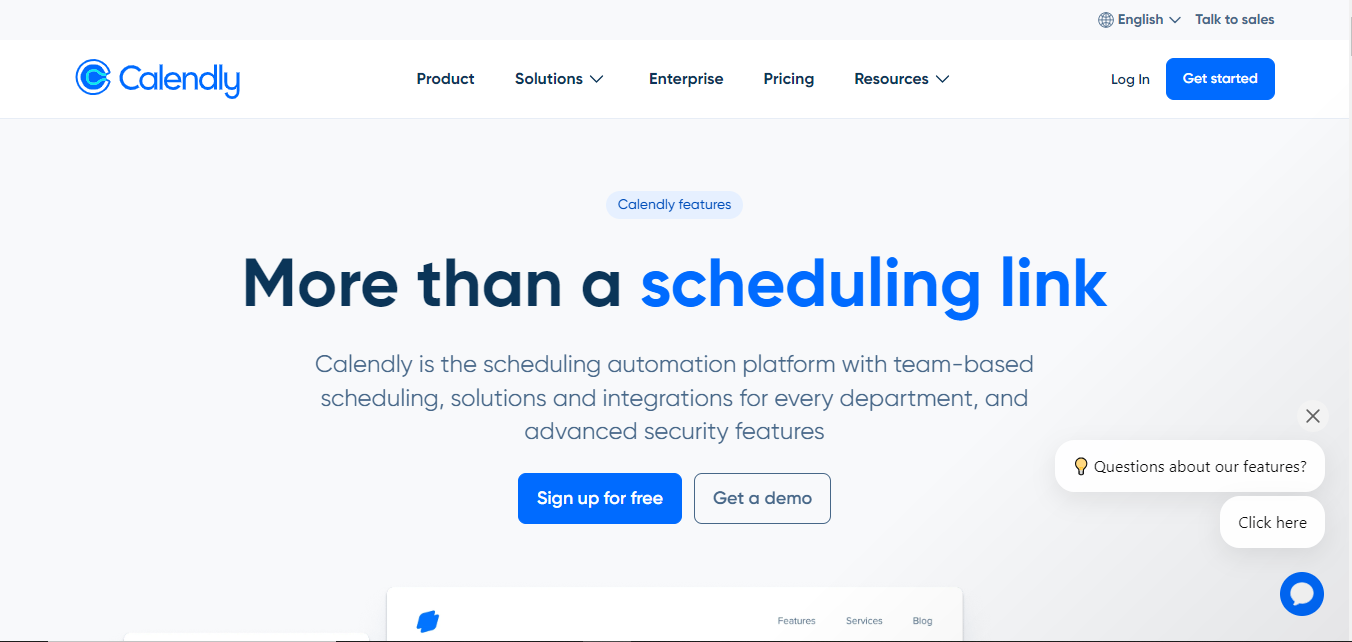
Calendly is a popular appointment scheduling tool used to streamline the process of booking meetings and appointments. It automates most of the back-and-forth involved in traditional scheduling, saving time for both you and your customers.
At its core, Calendly allows you to create a personalized booking page that displays your available time slots. The tool syncs with your calendar, preventing double bookings and ensuring accurate availability.
It also integrates with popular calendar platforms like Google Calendar, Outlook, and Office 365, making it a versatile tool for individuals and teams alike.
Key Features
- Event Types
- Booking Pages
- Calendar Integration
- Team Scheduling
- Customizations
- Reminders and Notifications
Pros of Using Calendly
- Time-Saving: Calendly automates the scheduling process, eliminating back-and-forth emails and saving valuable time.
- Increased Efficiency: By streamlining appointment booking, Calendly allows you to focus on more important tasks.
- Professional Image: A customized Calendly booking page can enhance your professional image.
- Flexibility: Offers various customization options to fit different scheduling needs and preferences.
Cons of Using Calendly
- The paid version offers several features that you may not need or use but would still require you to pay for it
- Calendly’s occasional mix-ups with Google Calendar will most likely confuse your customers about the availability of free time slots
Pricing Plan
- Free Forever
- Standard Plan: $10/month/ user
- Teams Plan: $16/month /user
- Enterprise Plan: $15K/year
12. Timely
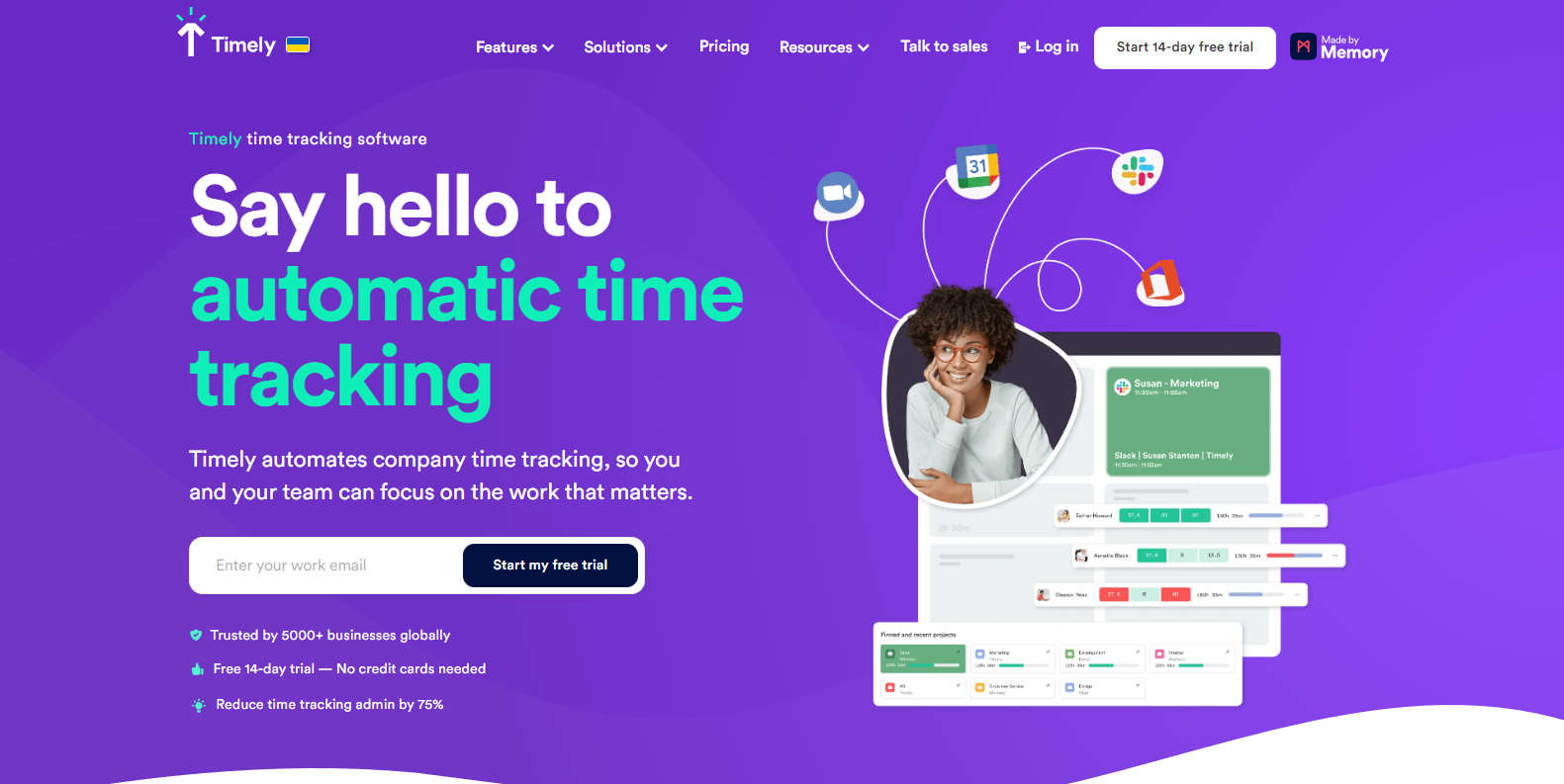
Timely is an AI-driven time-tracking and project management tool that automates the process of documenting time spent on various jobs and projects.
It uses advanced algorithms to correctly track time spent on numerous programs and websites. The “Memory” function is an important element of Timely.
This AI-powered solution automatically captures your daily activities, eliminating the need for human time monitoring. Timely analyzes your computer usage to create detailed information on time spent on various projects and tasks.
Beyond time tracking, Timely includes project management, team collaboration, and invoicing, making it a full solution for both enterprises and freelancers.
Key Features
- Automatic Time Tracking
- Memory Feature
- Project Management
- Team Collaboration
- In-Depth Reporting
- Integrations
Pros of Using Timely
- Accurate Time Tracking: The AI-powered automatic time tracking eliminates the need for manual time entries.
- Improved Project Management: Offers tools to manage projects, track progress, and allocate resources effectively.
- Data-Driven Insights: Provides detailed reports and analytics to optimize workflows and resource allocation.
Cons of Using Timely
- With so many real-time updates and individualized content recommendations, it’s easy to become overwhelmed with information.
- It is intrusive because it tracks programs used and webpages visited. Thus, there are certain privacy problems.
- Like any other software, there are some frequent bugs or glitches that could affect tracking accuracy or overall user experience.
Pricing Plan
- Free Plan
- Starter Plan: $9/month
- Premium Plan:$16/month
- Unlimited Plan: $2/month
Final Thoughts
Selecting the right scheduling tool is important for optimizing your time and maintaining efficiency. With different options available, it’s essential to carefully evaluate your specific needs and preferences.
Consider factors such as the size of your team, the complexity of your scheduling requirements, and the level of integration with your existing tools.
By thoroughly comparing each platforms I mentioned above, you can find the ideal solution to streamline your scheduling process and boost productivity.
Remember, the best tool is the one that seamlessly fits into your workflow and enhances your overall efficiency.


 A better way to manage projects and clients for freelancers
 Get through busy days like a breeze with Reclaim.ai