AI time management tools are designed to help you utilize your time more efficiently.
They improve your routine with smart productivity features, allowing you to make the most out of your day.
In this article, I have compiled a list of apps that offer excellent AI time management functions.
If your current approach isn’t working and you need a better time management system, these apps are ideal for you.
What Is An AI Time Management Tool And What Apps Are Best For You
AI time management tools are productivity apps that utilize artificial intelligence to automate and simplify your workflows.
They can help you plan your day better, focus on priority tasks, reduce unnecessary work stress, and maintain the work-life balance.
If you are looking for a decent app to assist you with time management, find out what specific function you want and explore apps that offer those tools.
For example, if your main job requires email communication, an inbox organizer would save a lot of your time. Similarly, if you manage appointments daily, a planner would work well for you.
Here Are The Top Features To Look For In An AI Time Management Tool
- Organizing and scheduling.
- Time tracking and focus mode.
- AI and automation.
- Useful insights.
Let’s take a look at the list of the nine best AI time management tools.
I have included planners, time trackers, task managers, note-taking apps, and email organizers.
1. Sunsama
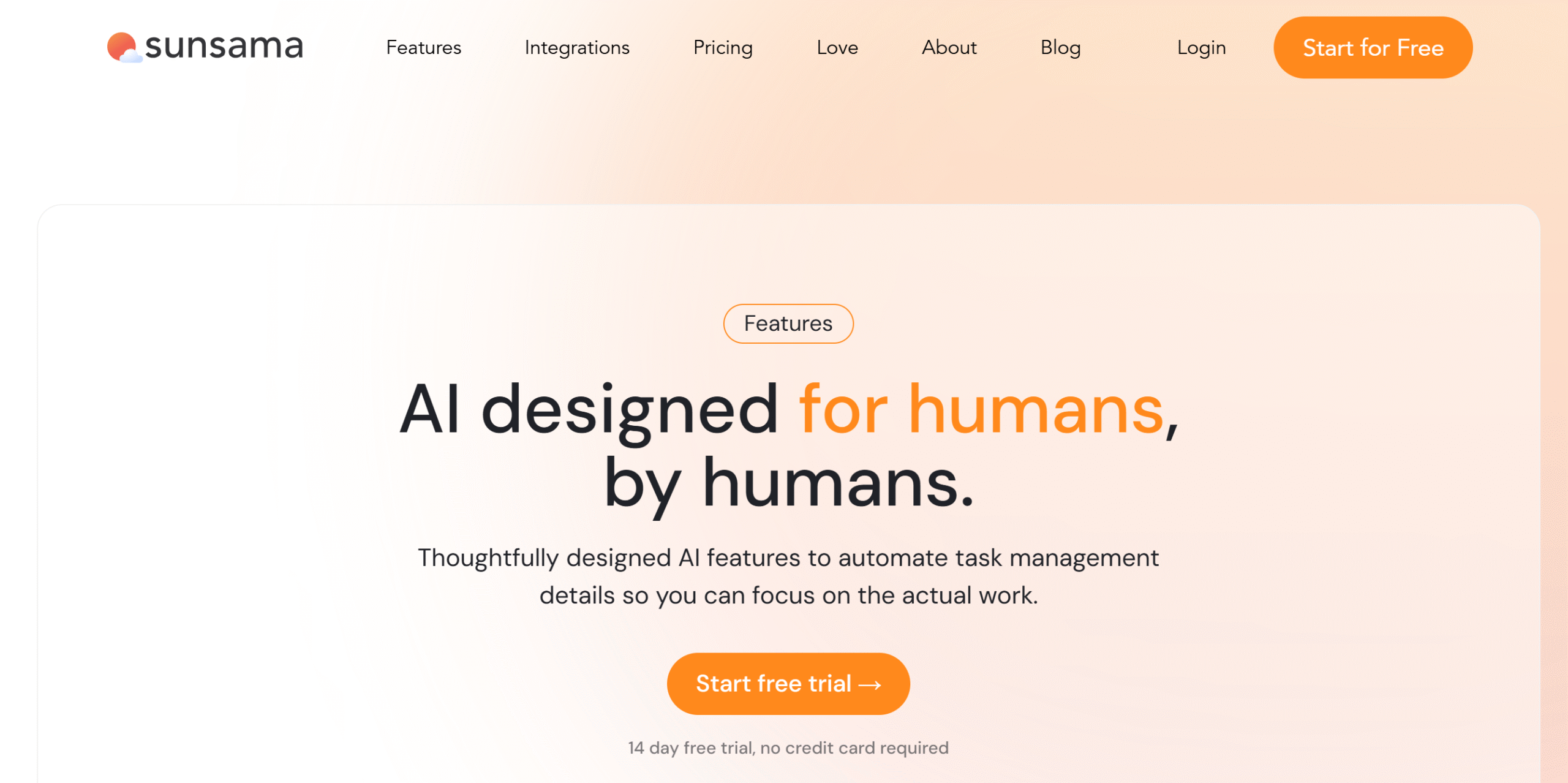
Sunsama is a daily planner with AI time management tools. You can use it to establish a sustainable work routine.
Here’s how you can utilize its AI-powered functions to manage your time.
There’s a guided planning feature that provides step-by-step scheduling instructions based on your working hours and capacity.
You will be asked to build a checklist of daily chores and possible distractions, so you can create a schedule that you can realistically follow.
Sunsama also recommends the estimated time duration of each new task to avoid over-scheduling. This is a minor function, but it can save you a lot of time.
Several automation features are available as well to help you manage your time better.
For example, when you turn on its focus mode, Sunsama automatically records your time and compares your actual time with the estimated one to show a gap in your planning.
You can use Sunsama on both desktops and mobile apps.
Not ideal for: Users who prefer loose task lists or spontaneous workdays.
Works best when: Your day needs intentional time blocking and capacity control.
Core Features
- AI-powered guided planning.
- Time blocking and auto-scheduling.
- Estimated time recommendation.
- Estimated and actual time comparison.
- Emails and messages into tasks.
- Calendar syncing and third-party integration.
- Desktop and mobile app.
Price
Sunsama charges $20 per month. You can take a 14-day free trial.
2. Reclaim
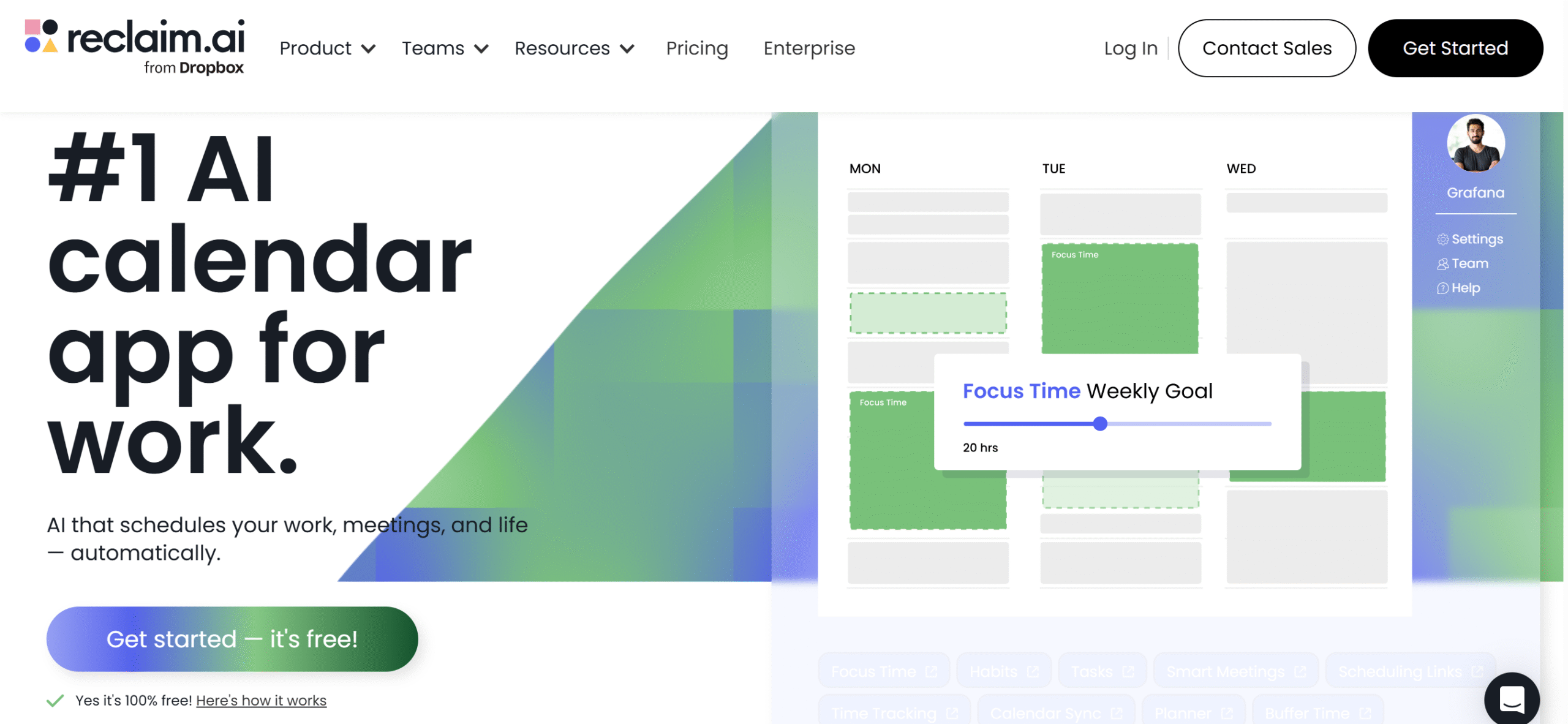
Reclaim is another good planner with AI time management features.
It analyzes your priorities and commitments and automatically plans your day and week.
Most of its functions are AI-powered to help you make the best use of your time. You can automatically break large projects into manageable tasks, block slots for deep work, and reserve some time for travel and breaks.
If you attend meetings frequently, Reclaim can organize your schedule, add no-meeting days, and reshuffle your commitments to make space for ad hoc meetings.
You can also let Reclaim manage your availability and automatically update your Slack status.
There’s no limit on the calendars and meetings. You can integrate all your Google Calendars and schedule up to 12 weeks in advance.
Not ideal for: People who dislike automatic rescheduling or AI-driven decisions.
Works best when: Meetings constantly disrupt your planned work.
Core Features
- AI-powered daily and weekly planner.
- Automate scheduling and time blocking.
- Smart meetings and availability management.
- Focus time and buffer days.
- Calendar and third-party app syncing.
- Time tracking and weekly productivity report.
- Individual and team plans.
Price
Reclaim’s basic calendar features are free. For premium features, it charges $12 to $18 per month.
You can buy an enterprise plan as well.
3. RescueTime
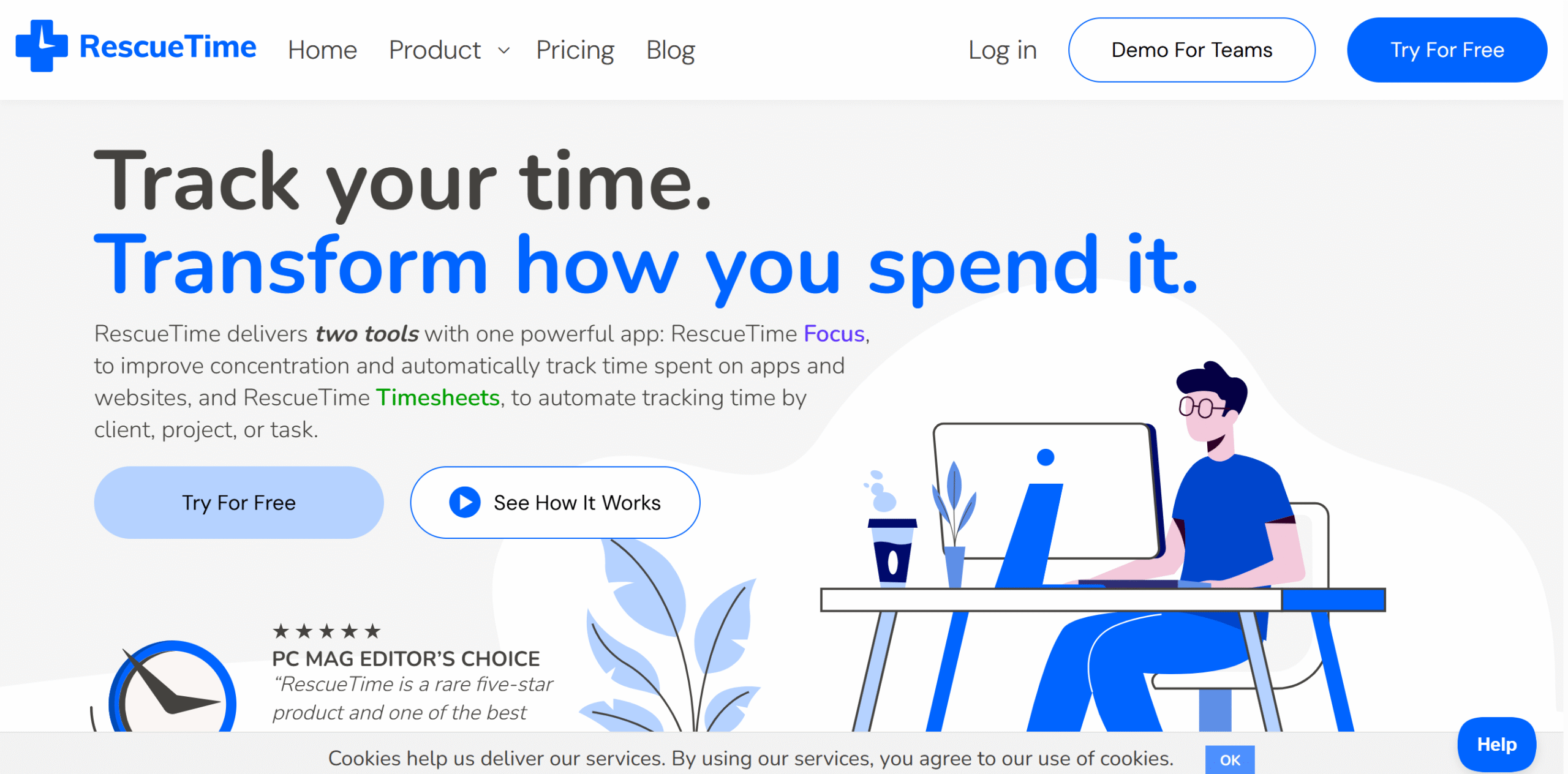
RescueTime is an AI-powered time tracker. It’s designed for both professionals and team managers, helping them organize their time by clients and projects.
Core capabilities of RescueTime include automated time and activity tracking, focus sessions, daily highlights, and weekly summaries.
You can enable real-time alerts to notify you of upcoming events and also send alerts when you get distracted.
Aside from time tracking, RescueTime keeps a log of your online and offline activities in a user-friendly timeline. You can customize the timeline to display only priority jobs and generate timesheets for billing.
If you choose the RescueTime team package, you’ll be able to manage team calendars, track their active and idle time, and generate individual and team productivity reports.
The app has an amazing reporting section that tracks your team’s work patterns to identify times when they are most productive.
RescueTime works on both desktops and smartphones.
Not ideal for: Privacy-sensitive users or those uncomfortable with activity tracking.
Works best when: Distraction and untracked work are hurting output.
Core Features
- Online and offline time tracking.
- Active and idle time detection.
- Focus zone detection and sessions.
- Timelines and team calendars.
- AI assistant for daily notifications.
- Project management tools.
- API and integrations.
- Desktop and mobile apps.
Price
RescueTime prices range between $9 and $18 per month. You can try it for free.
4. Notion AI
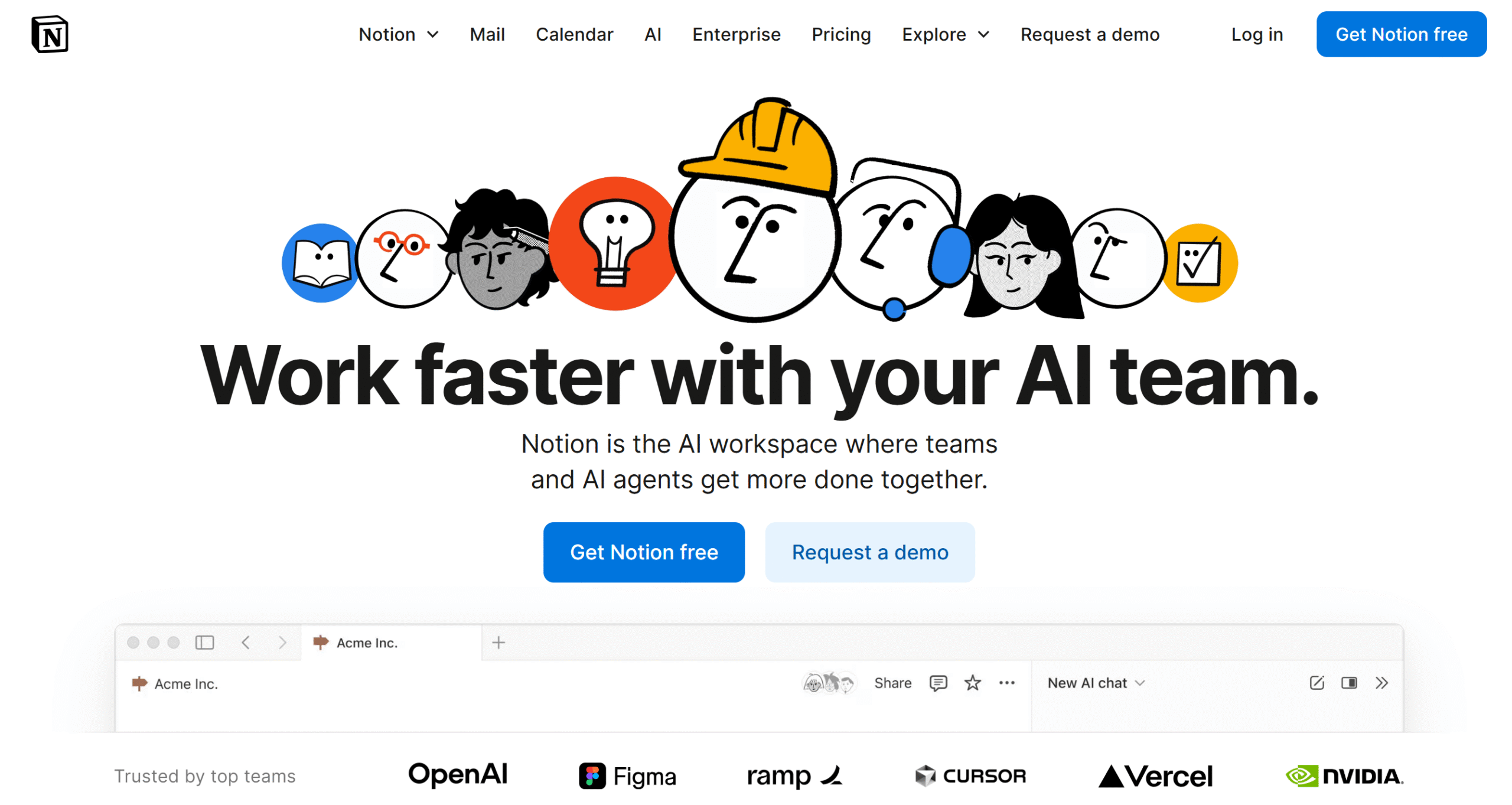
Notion is a multipurpose productivity app. With this tool, you can create daily planners, manage work projects, build a knowledge base, and store documents.
The software is incredibly robust and user-friendly. You can try its basic features for free and integrate third-party applications, like Gmail and Slack, to streamline your workflows.
Notion is also AI-powered, which makes it efficient and time-saving. You can automatically generate content, draft emails, create meeting notes, and schedule your calendar.
In addition, you can use AI to research content and brainstorm ideas with your team. The software has an excellent workspace for collaboration and team management.
You can buy specific AI functions with the core package or all of them; it’s up to you. Notion sells AI as an add-on and charges separately for each extra function.
You can access Notion on both desktops and smartphones.
Not ideal for: People looking for a simple, opinionated time planner.
Works best when: Your work requires customization and cross-team collaboration.
Core Features
- Notes and content organizing.
- To-do lists and task management.
- Calendars, kanban boards, and timelines.
- Document collaboration and storage.
- Real-time collaboration and task monitoring.
- Templates and business workflows.
- AI, automation, and integrations.
- Desktop and mobile apps.
Price
Notion’s basic plan is free, and premium packages cost $12 to $24 per month. An enterprise plan is available as well.
5. Tiimo
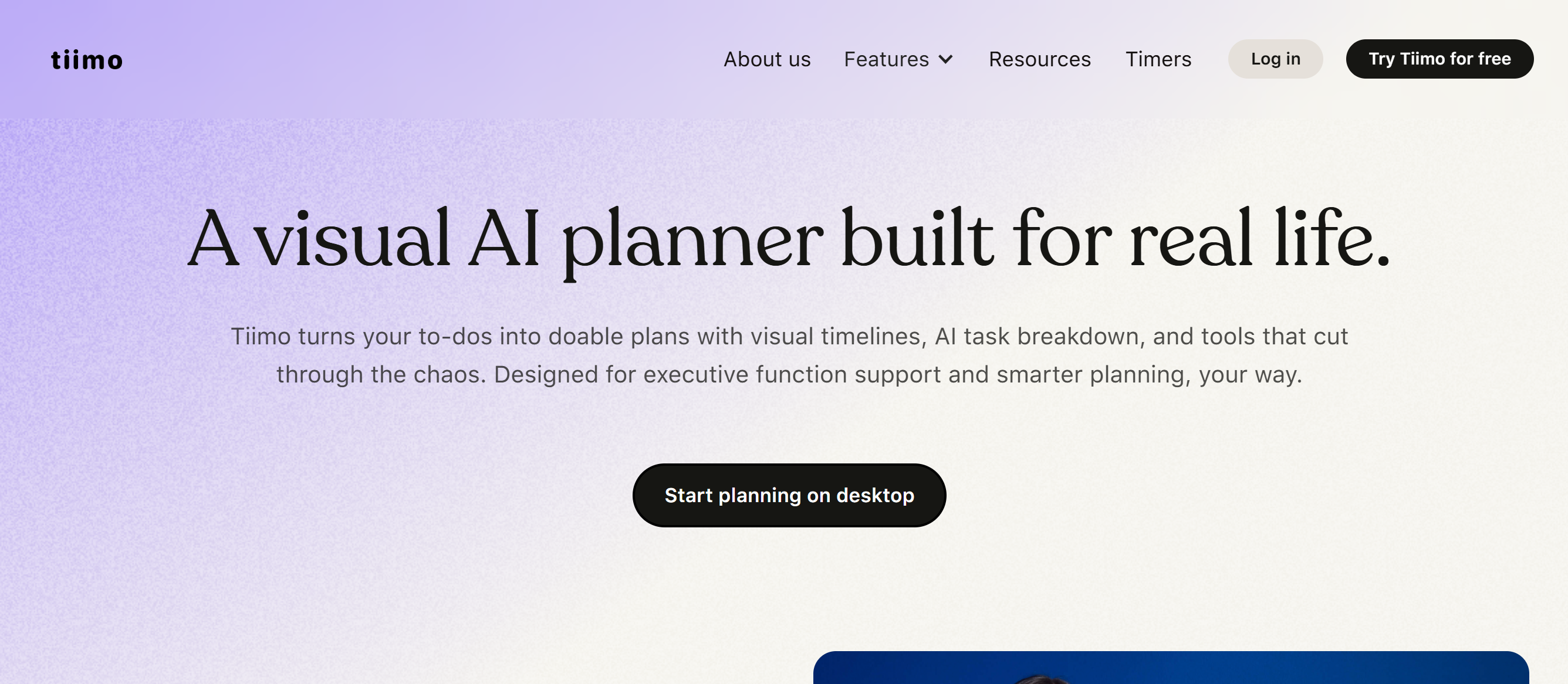
Tiimo is an ADHD-friendly planner. With its visual planner and built-in AI, you can easily organize your personal and work life.
Let me share some of its most useful features.
The app uses natural language to understand your requirements and convert them into a to-do list. Just type what you plan to do today, and Tiimo breaks it into actionable tasks that are easy to follow.
You can add priority tags or organize your chores based on their level of urgency and sync your planner across multiple devices to check your calendar from anywhere. Tiimo provides home screen widgets to make things simple for you.
For deep work, you’ll get a visual timer. Your to-do list and timer are displayed together, so you don’t need to go back and forth to check your list.
Mood check-ins are also available to track your daily mood. It’s not a time management function, but it’s a complementary feature that can identify tasks that drain your energy.
Not ideal for: Traditional managers or spreadsheet-first planners.
Works best when: Visual cues and gentle structure improve follow-through.
Core Features
- ADHD-friendly visual planner.
- Daily, weekly, and monthly views.
- AI to-do list with priority tags.
- Drag-and-drop interface.
- A visual focus timer.
- Home screen widgets and live monitoring.
- AI assistant for smart scheduling.
- Cross-platform support.
Price
You can try Tiimo for free. Premium prices are not listed on the website.
6. TimeHero
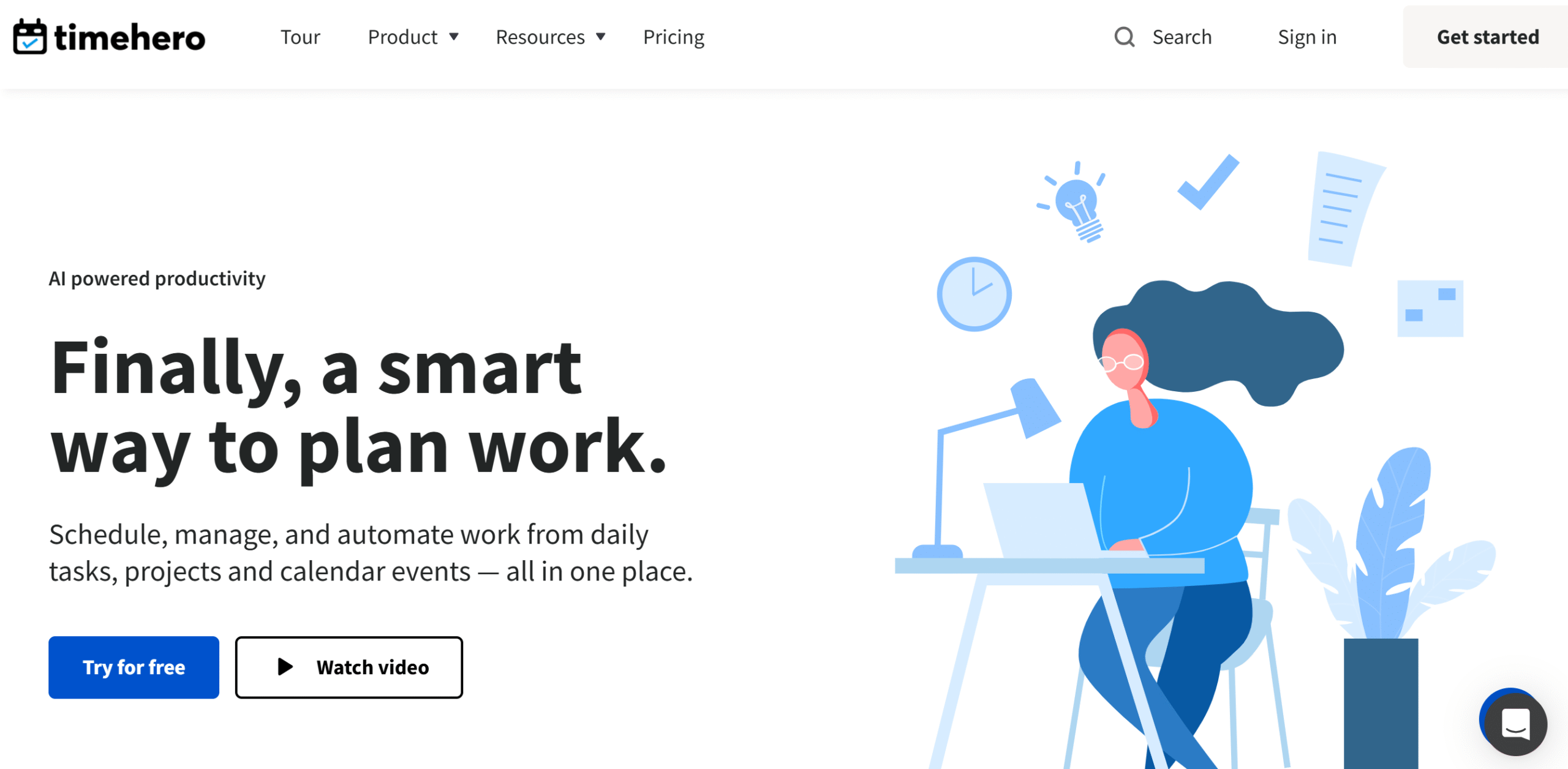
TimeHero is an excellent time management app.
It lets you pull events from your Google and Microsoft calendars and automatically organize them together. It also connects with your Gmail and Slack, allowing you to create tasks from your inbox.
With TimeHero, you can build an adaptable planner that changes with your activities to ensure you don’t have to reorganize your calendar manually every time.
Using its timer and timesheets, you can record all your activities and compare allocated and actual time spent to measure your productivity.
Several project management features are built into the system as well.
You can both create and import tasks, assign projects to your team members, and temporarily place unplanned jobs in your inbox.
If you have recurring tasks, you can set the frequency level and let TimeHero adjust them in your weekly schedule.
Through analytics, you can identify your team’s work capacity and ensure no one is overworked.
Overall, TimeHero is a convenient tool.
Not ideal for: Solo users who only need a basic personal planner.
Works best when: Task dependencies and workload balancing matter.
Core Features
- Google and Microsoft calendar integration.
- Task management from Gmail and Slack.
- AI planner with an adaptable schedule.
- Recurring tasks and timer.
- Estimated and actual time comparison.
- Teal collaboration and work capacity planning.
- Insights and reporting.
Price
TimeHero’s monthly subscriptions range between $5 and $27. You can try it for free.
7. Fireflies
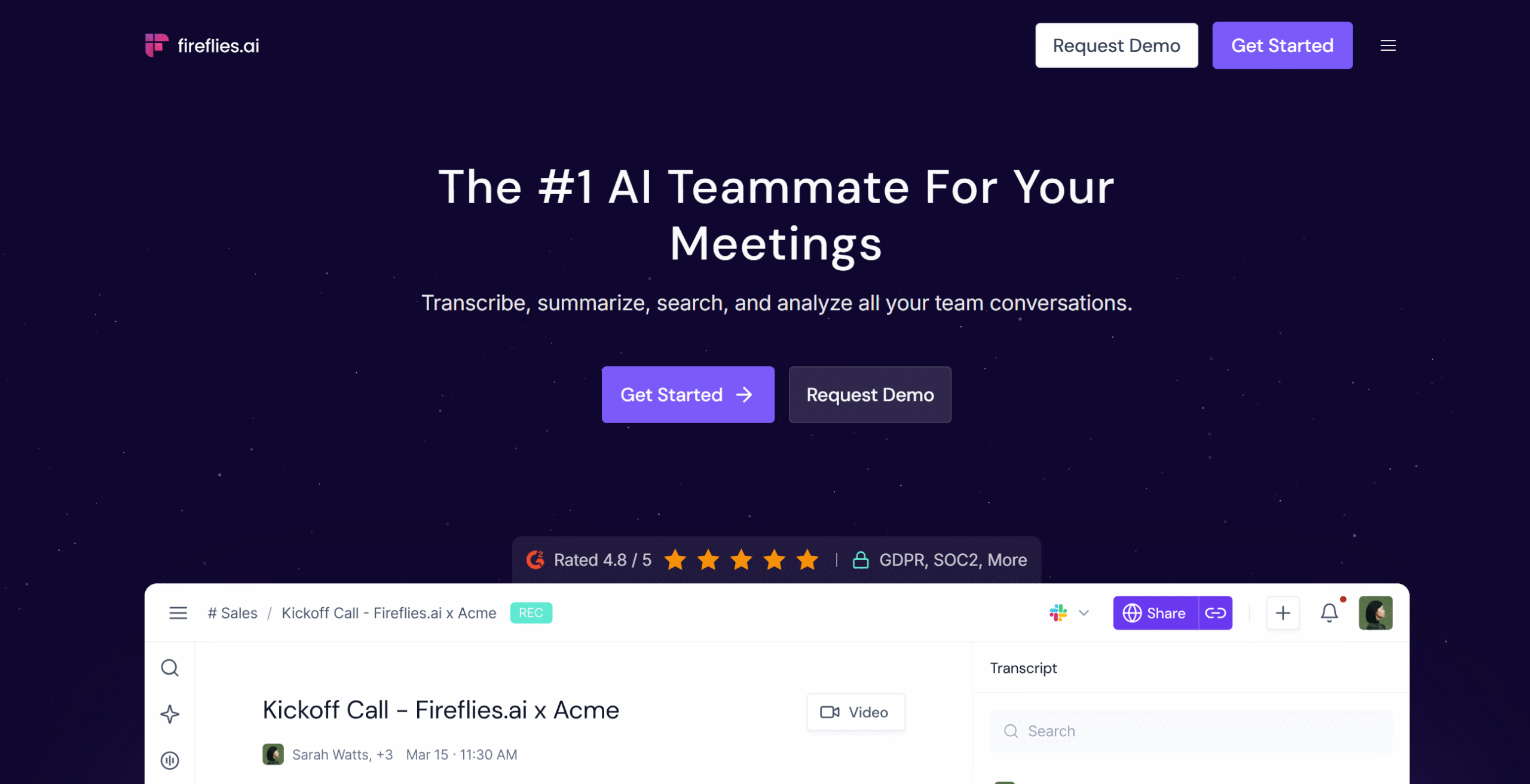
Fireflies is an AI-powered note taker.
It automatically generates meeting notes for you, so you can focus on conversations instead of taking minutes.
Some of its core features include video recording, playback, real-time transcription, and live note-taking. You’ll get a Chrome extension to record any video and cross-platform functionality to take notes on your smartphone.
Team collaboration is part of the package. You can create different channels for each department and set up rules to automatically share meetings.
What I love about Fireflies is its smart data extraction. You can generate pre-meeting briefs to attend a meeting with a clear agenda and bookmark key information for later review.
You can also run sentiment analysis and get a feel for your team’s current mood.
This data saves a lot of time, providing actionable insights to make data-driven decisions.
Not ideal for: Roles with minimal meetings or strict confidentiality rules.
Works best when: Meetings consume time but insights are not captured.
Core Features
- AI meeting note taker.
- Unlimited transcription, AI summaries, and notes.
- Real-time notes and transcription.
- Popular video conference tools integration.
- Multilingual and auto-language detection.
- Team workspaces and channels.
- Sentiment analysis and team insights.
- Cross-platform support.
Price
Fireflies’ prices start at $18 per month. The basic plan is free.
8. Twos
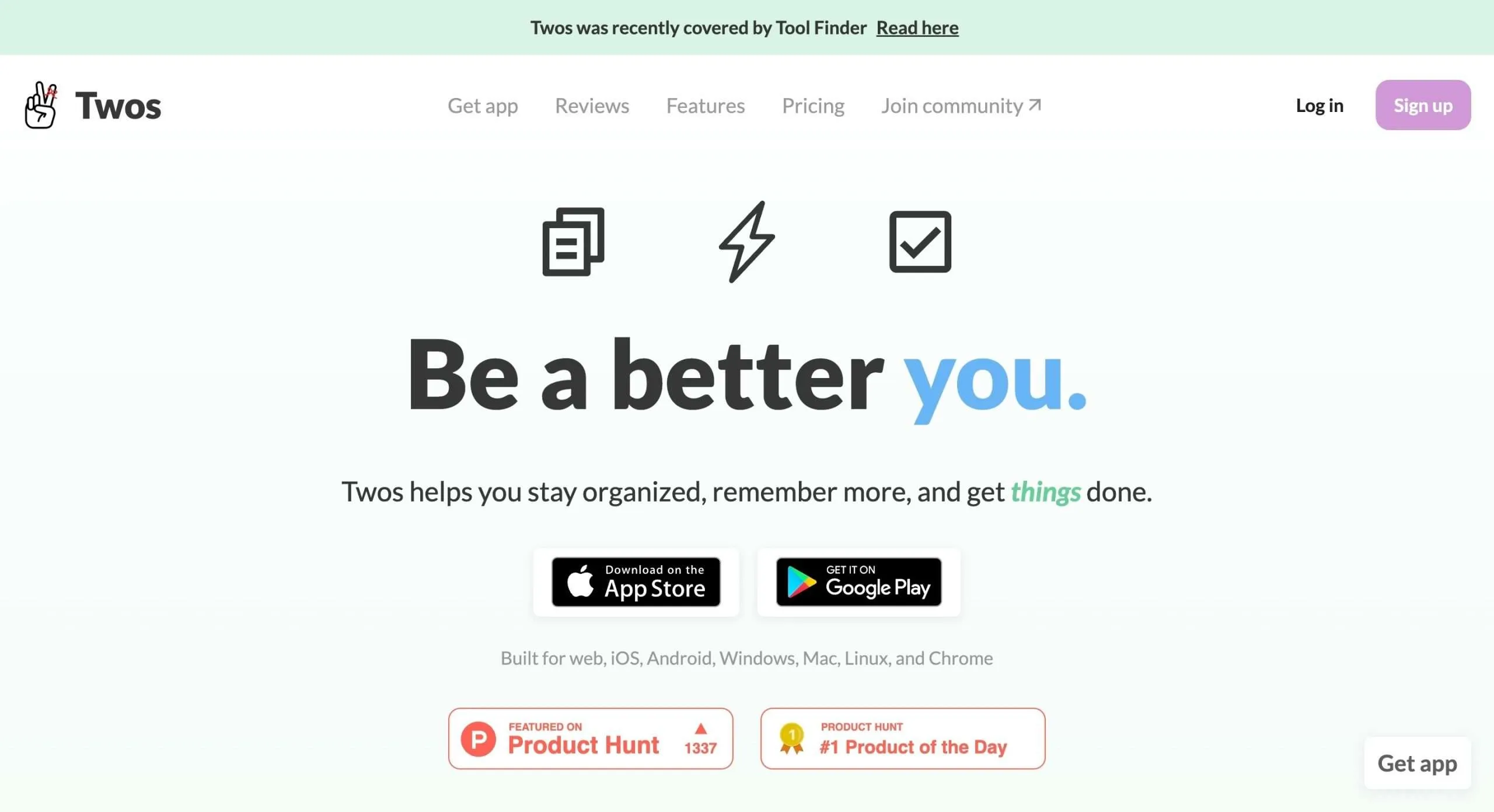
Two is an AI organizer.
It leverages AI to help you manage your to-do lists, notes, and calendar events.
The app works like a smart assistant.
It gives you a space to jot down quick thoughts and automatically converts them into actionable tasks. If you miss any chore, it forwards unfinished tasks to the next day.
Twos also offers smart suggestions.
For example, if you write “visit XYZ,” Twos will quickly pull up directions for your convenience.
You can share your list with others and send it as both text and images. Your friends don’t need to download Twos to view your to-do list.
All in all, Twos is designed to save your time and make things easier.
You can access the app from anywhere and add the widget to your home screen.
Not ideal for: Complex project planning or team-level coordination.
Works best when: You need a frictionless daily dump that turns into action.
Core Features
- To-do list, notes, tasks, and events.
- Carry forward unfinished chores.
- Smart suggestions and automatic task creation.
- Tags and reminders.
- Collaboration and link sharing.
- Calendar, email, and WhatsApp integration.
- Desktop, mobile app, and Chrome extension.
Price
You can download Twos for free. The premium subscription costs just $2.
9. SaneBox
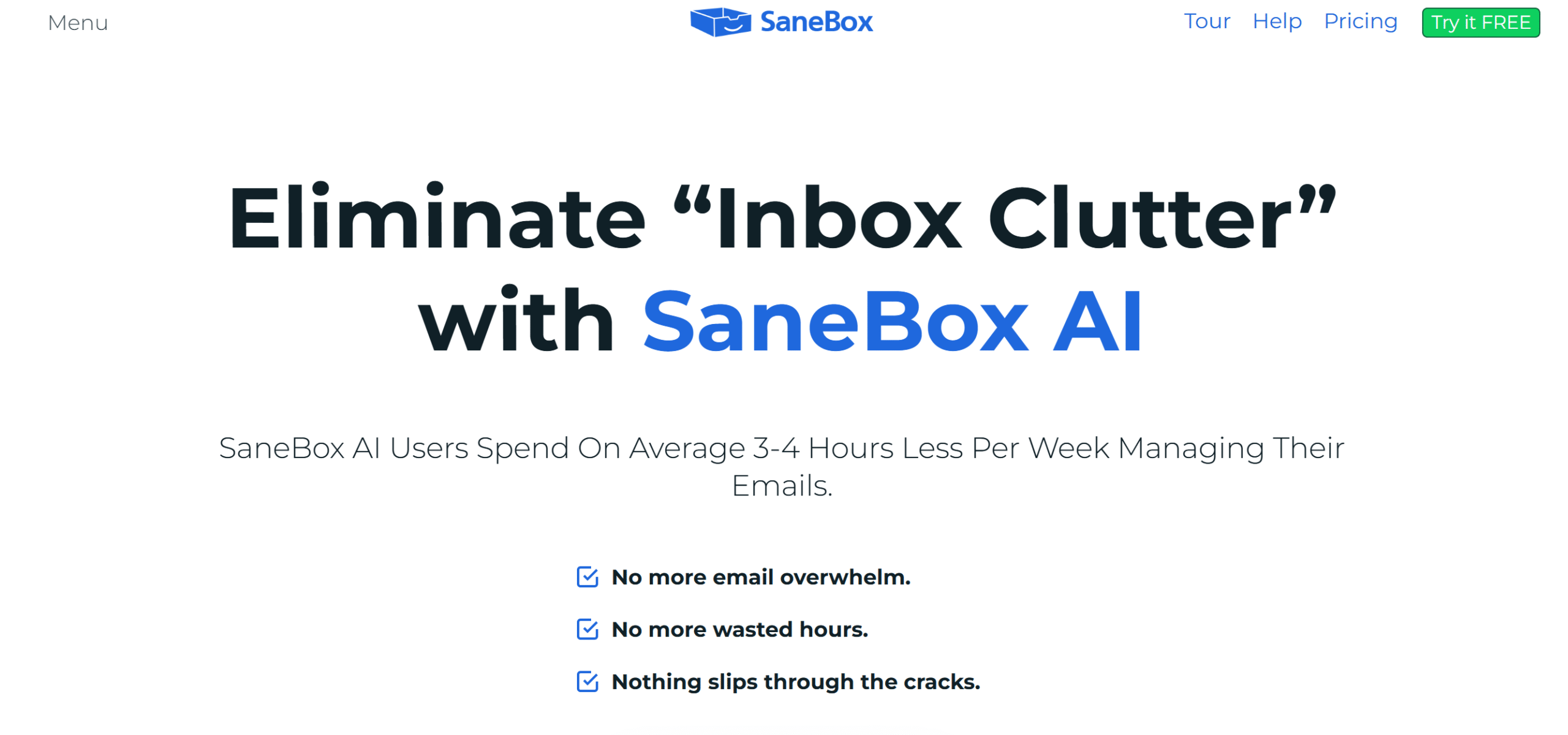
SaneBox is an amazing AI time management tool.
It’s an email organizer that declutters and optimizes your inbox, improving your response time.
Top notable features of SaneBox include prioritizing important messages, filtering non-essential emails, and unsubscribing from old newsletters.
The app studies your inbox activity and sorts emails into designated folders.
You can do a lot of other things with SaneBox. For example, you can set aside emails and add alerts to remind you about them later.
You can also add reminders to follow up on emails and receive a notification if you don’t receive a response.
SaneBox supports almost all the major email providers. You can manage up to four email accounts in one subscription.
Not ideal for: Users with already minimal inbox traffic.
Works best when: Email constantly interrupts focused work.
Core Features
- Email sorting and cleaning directly from your inbox.
- Newsletter and spam folders.
- Follow-up reminders with a snoozing option.
- Email screening feature.
- Daily digest, summarizing actions.
- Automatic inbox organizing.
- Integration.
Price
SaneBox charges around $2 to $10 per month. You can take a 14-day free trial.
AI Time Management Tools FAQ
What is an AI time management tool?
An AI time management tool is a productivity app that uses automation and machine learning to plan schedules, prioritize tasks, track time, and adjust plans when workloads or meetings change.
How are AI time management tools different from regular planners?
Regular planners rely on manual updates. AI time management tools automatically reschedule tasks, protect focus time, and adapt your plan when new commitments appear.
Do AI time management tools replace discipline?
No. They reduce planning effort and coordination overhead. Execution and consistency still depend on the user.
Which AI time management tool should I choose?
The right tool depends on your main time constraint. Calendar overload favors Sunsama or Reclaim. Distraction and time leakage favor RescueTime. Meetings favor Fireflies. Email overload favors SaneBox.
Are AI time management tools suitable for teams?
Yes. Tools like Reclaim, RescueTime, TimeHero, and Notion AI offer team planning, workload visibility, and productivity reporting.
Are AI time management tools safe to use?
Most follow standard security practices. Tools with activity tracking or email access may not be suitable for highly regulated or privacy-sensitive environments.
Conclusion
AI time management tools make your day more productive.
They automate not only time-consuming jobs but also optimize your time, helping you work smarter.
Check out the list and take free trials to see for yourself. Good luck!


 A better way to manage projects and clients for freelancers
 Get through busy days like a breeze with Reclaim.ai