
Cross-platform productivity apps are incredibly convenient for entrepreneurs and remote teams.
They give you the flexibility to work anywhere, anytime, without relying on your work laptop to get things done.
Whether you are at work, at home, or traveling somewhere, you can easily stay connected to your job and conduct your business remotely.
What Is A Cross-Platform Productivity App, And What Tools Are Best For You?
A cross-platform productivity app is an online tool that’s compatible with popular systems, such as Windows and iOS, and works well across multiple devices.
You can use this software on both desktops and smartphones and automatically sync your data in real-time to stay updated.
Top Features To Look For In A Cross-Platform Productivity App
- Multi-device support.
- Cloud syncing.
- Productivity tools, like task management.
- Collaboration or sharing.
- Third-party integration.
Here are the 12 top cross-platform productivity apps for 2026. The list covers planners, project managers, to-do lists, note-takers, appointment booking apps, and focus tools.
1. Sunsama
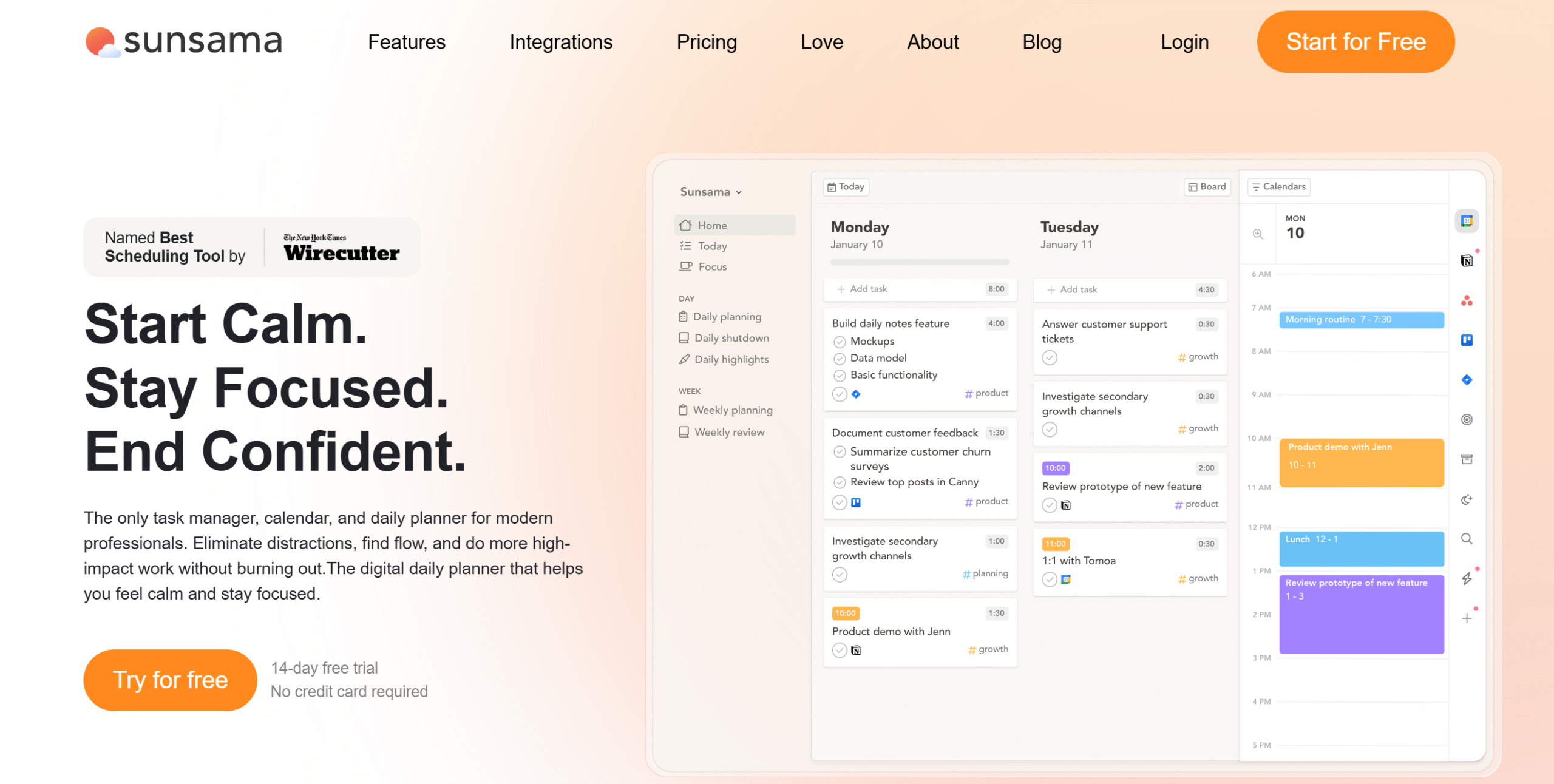
Sunsama is an excellent daily planner. It works perfectly on desktops and mobile phones and delivers a centralized dashboard for task management.
The app comes with a clean interface and drag-and-drop functionality to move tasks around with ease. Your calendar and task manager are displayed side by side, allowing you to directly drag items to the task board or schedule them on the calendar.
You can connect your email and Slack with Sunsama to reserve a block of time for emails and other messages. Plus, you can sync your calendars and update your schedule in real time.
What makes Sunsama attractive is its unique approach to daily scheduling. The app emphasizes intentional planning, helping you turn scheduling into a daily ritual.
You can download Sunsama on Windows, Mac, Linux, iOS, and Android.
Core Features
- Daily planner.
- Task management.
- Emails and messages into tasks.
- To-do list.
- Daily reflection.
- Calendar syncing.
- Time blocking.
- Focus mode.
- Cross-platform support.
- Third-party integration.
- Mobile app.
Price
Sunsama charges $20 per month. You can take a 14-day free trial.
2. Motion
Motion is an AI-powered daily planner. It works a little differently from Sunsama, focusing on speed and efficiency rather than intentional planning.
You can automatically create a work schedule on Motion based on your priorities and availability. Motions analyzes your hours, breaks, and work style and generates a tailored schedule to help you make the most of your time.
AI is the core part of Motion. It’s integrated into its task manager, calendar, document editor, and meeting assistant. You can automatically arrange meetings, take notes during meetings, and generate a list of tasks from notes.
Motion also has good cross-platform functionality. You can use it on both desktop and mobile phones and sync the data across all devices in real time.
Core Features
- Daily planner.
- Task management.
- Automated scheduling.
- Priorities.
- AI note taker.
- Chat.
- Writer and editor.
- Calendar syncing.
- Team collaboration.
- Cross-platform.
- Integrations.
Price
Motion sells separate packages for individuals and teams. The basic plan starts at $29 per month.
You can try it for free.
3. Trello
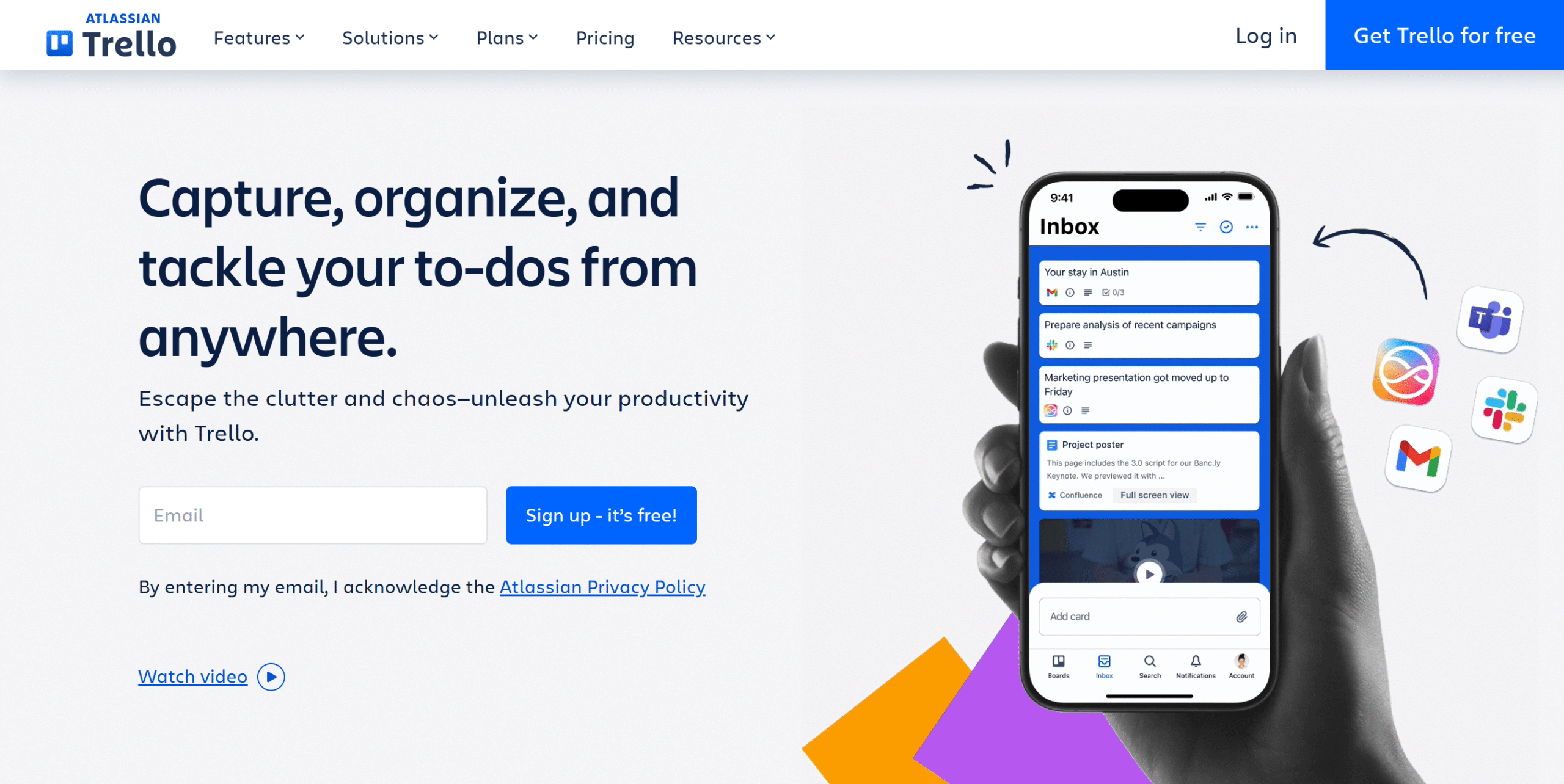
Trello is a lightweight work management software. With this tool, you can create to-do lists, plan your schedule, track tasks, and collaborate with your team.
The app delivers visual boards, lists, an inbox, and a calendar. You can build a shared workspace for your team, organize tasks into trackable cards, and assign due dates to oversee work progress.
Multiple dashboard views are built into the system to increase visibility, and templates are included to help you get started.
You can integrate your business tools directly with Trello and create tasks from your to-do list, emails, and Slack messages.
With Trello’s cross-platform capabilities, you can easily manage your calendar from your desktop, mobile phone, and web browser.
Core Features
- To-do list.
- Planner.
- Task management and templates.
- Inbox.
- Multiple views.
- Team collaboration.
- AI capabilities.
- Cross-platform functionality.
- Integration with 200 apps.
Price
Trello’s basic plan is free, and premium packages range between $5 and $18 per month.
4. TickTick
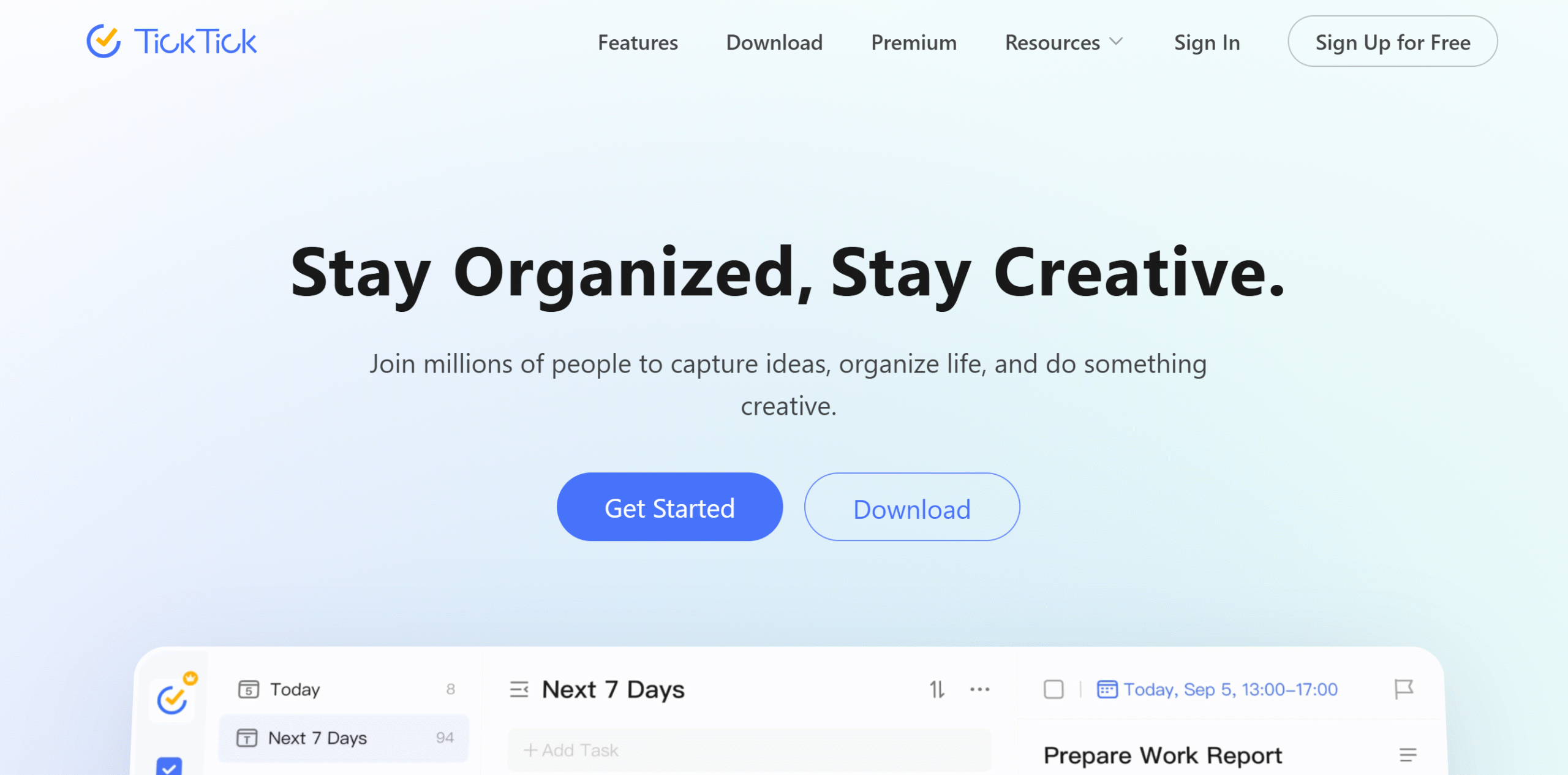
TickTick is a robust cross-platform productivity tool.
It’s a to-do list app that’s user-friendly, feature-rich, and highly accessible.
On TickTick, you can create tasks in multiple ways, organize them by categories, and schedule them by color codes. It provides kanban boards with flexible reminders, so you can keep track of your jobs with ease.
A pomodoro timer is included in the package to help you stay focused. You can apply priority tags to optimize your schedule and use Pomodoro to manage your work.
You can download TickTick on Windows, Linux, Mac, Android, and iOS. A browser extension is also available.
Core Features
- To-do list.
- Task creation.
- Scheduling.
- Kanban board.
- Multiple dashboard views.
- Pomodoro timer.
- Priority tags.
- Flexible reminders.
- Collaboration.
- Cross-platform functionality.
- Integrations.
Price
You can download TickTick for free. For premium features, it charges around $3 per month.
5. Notion
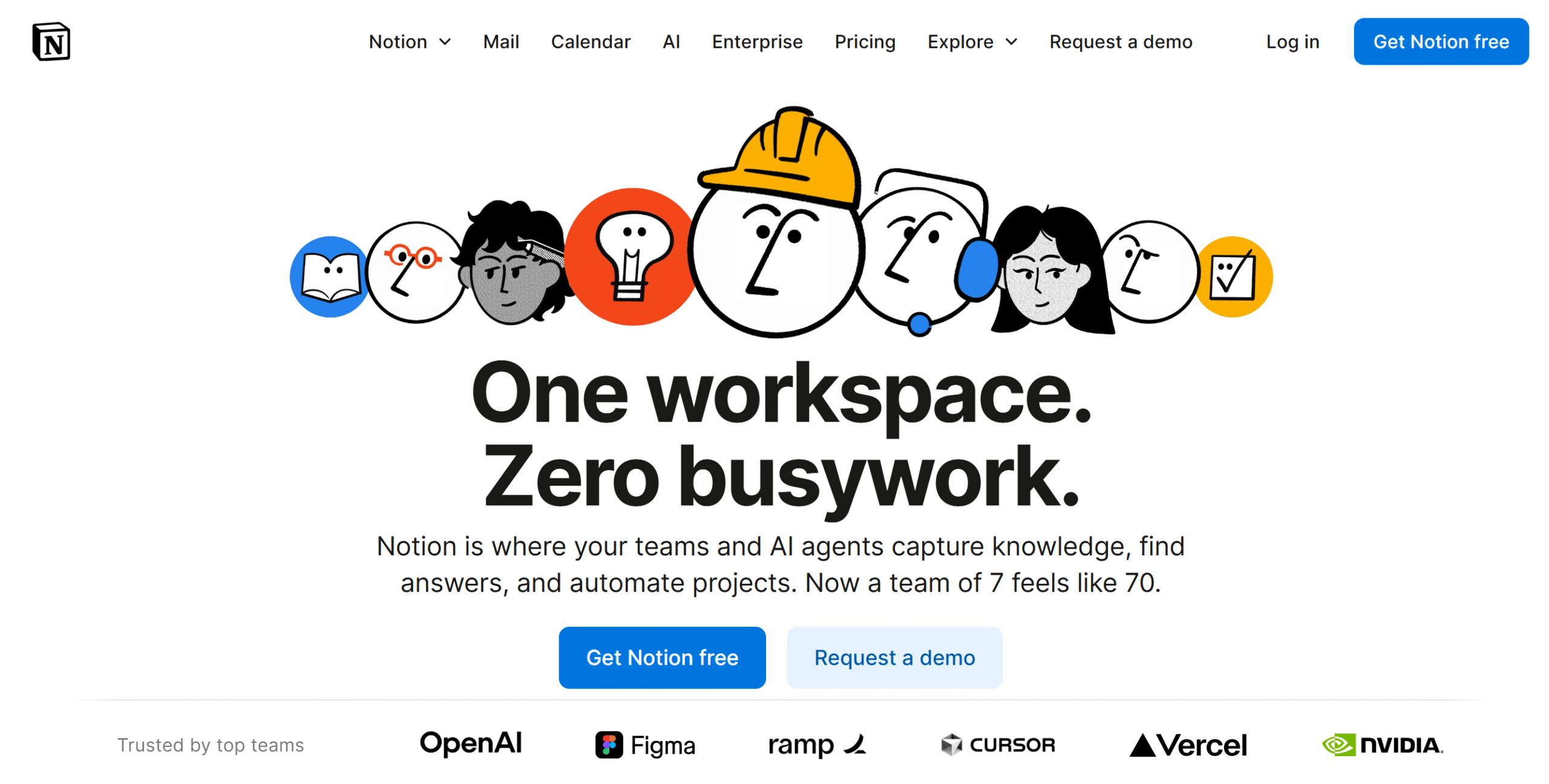
Notion is popular for its productivity and flexibility. It’s a collaborative workspace that can be used for calendar planning, project tracking, a knowledge base, and team management.
You can get started on Notion for free and use most of the core features on the basic plan. If you upgrade the plan, you can access team collaboration and AI-powered functions.
Mail and calendar are part of the package, but you can sync your own emails and calendars with Notion. You can also integrate other third-party applications.
Notion supports all the major platforms, including web browsers and mobile apps.
Core Features
- Planner.
- Project management.
- Kanban board.
- Wiki and meeting notes tools.
- Mail and calendar.
- Collaboration.
- AI capabilities.
- API and integrations.
- Cross-platform functionality.
Price
Notion’s basic plan is free, and premium plans start at $12 per month.
6. Evernote
Evernote is a cross-platform note-taking app. It’s designed for accessibility, allowing you to store and access notes from anywhere.
You can create up to 50 notes for free and apply tags to retrieve them at any time. Its note-taking capabilities include recording text and voice notes, scanning documents, adding files, and attaching web clippings.
A task manager is also available on Evernote. You can create tasks, assign due dates, and schedule them on the calendar.
There’s no limit to the number of devices on the premium packages. You can connect as many devices as you want and use Evernote on both desktops and smartphones.
Core Features
- Text and voice notes.
- Tags and search.
- Media file support.
- Web clipping.
- Task manager and calendar.
- Sharing and offline access.
- AI capabilities.
- Cross-platform functionality.
- Integrations.
Price
You can try Evernote for free. The premium plans cost $15 to $25 per month.
7. Joplin
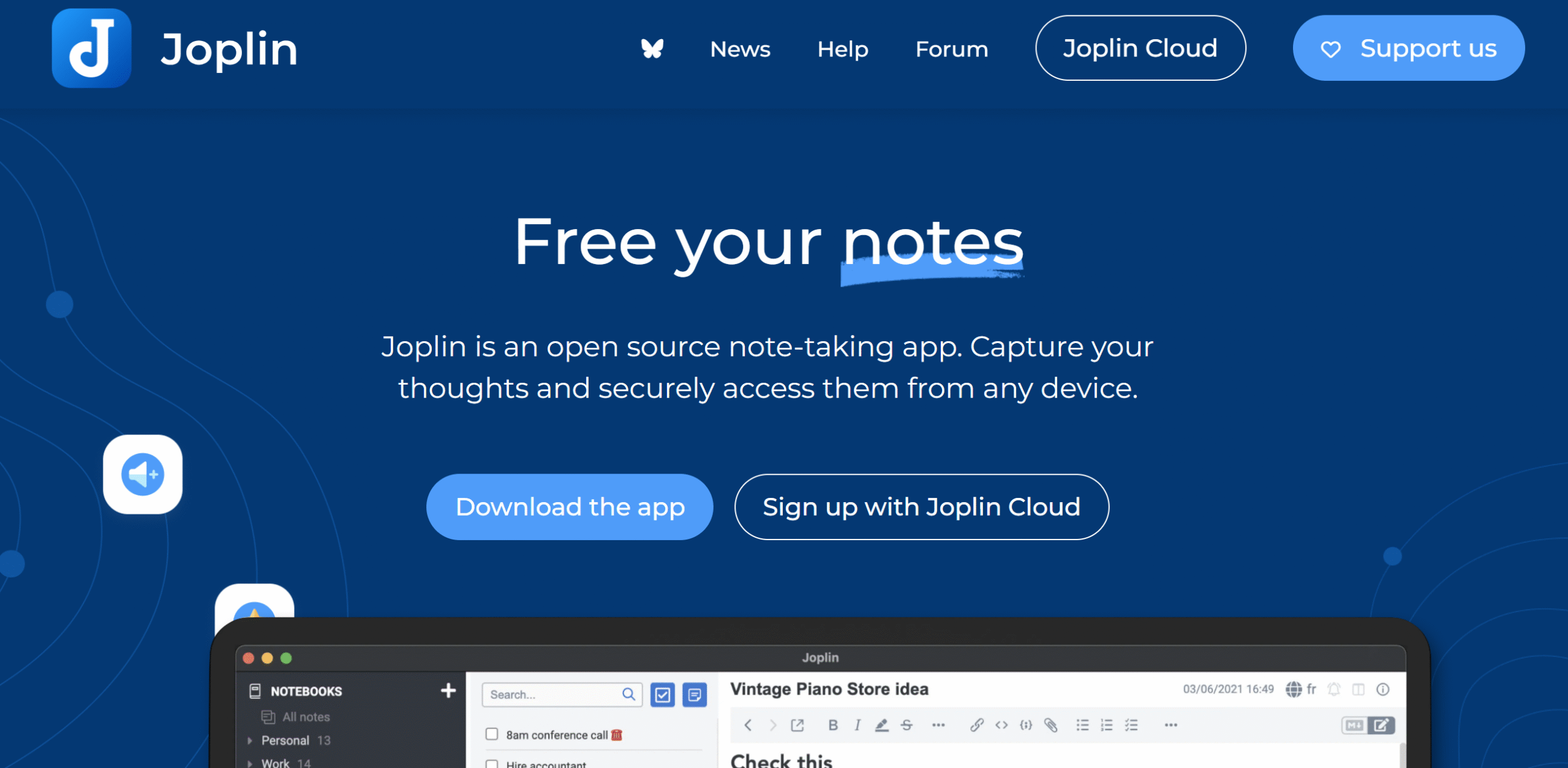
Joplin is also a good note-taking software.
It’s an open-source platform with full note-taking functionality and cross-platform support.
Here, you can write text, add images, attach files, and even convert emails into notes. Plus, you can attach web clippers or take screenshots and store them in your notes.
You can publish and share your notes with others and collaborate on your notebook.
If you want to customize your files, you can do that as well. Joplin works well with several plugins.
Both desktop and cloud options are available on the platform.
You can download the app on your desktop and mobile phone, or purchase its cloud packages. Joplin supports Windows, Mac, Linux, Android, and iOS.
Core Features
- Notebooks and notes.
- Media file attachment.
- Web clippers.
- Emails to notes.
- Search filter.
- Collaboration.
- Customization.
- Offline access.
- Cross-platform support.
- API and integration.
Price
Joplin’s desktop application is free, and cloud products start at around $4 per month.
8. Toggl Track
Toggl Track is perfect for freelancers and small businesses.
It’s a time-tracking tool that lets you record your and your team’s billable hours and generate timesheets.
You can automatically track time both online and offline on Toggl Track.
The app also has an idle detection option that alerts you when your desktop shows no recent activity while your timer is still on.
In addition to time tracking, Toggl Track has project management and invoicing features as well. You can create tasks with estimates, assign them to team members, and generate invoices for clients.
Your team can access their account via desktop, mobile phone, and browser.
Core Features
- Online and offline time tracking.
- Automated tracking.
- Built-in Pomodoro.
- Idle detection.
- Project and team management.
- Invoicing.
- Timesheets.
- Analytics.
- 100+ integrations.
- Cross-platform support.
Price
Toggl Track charges $10 to $20 per month. The starter plan is free.
9. Harvest
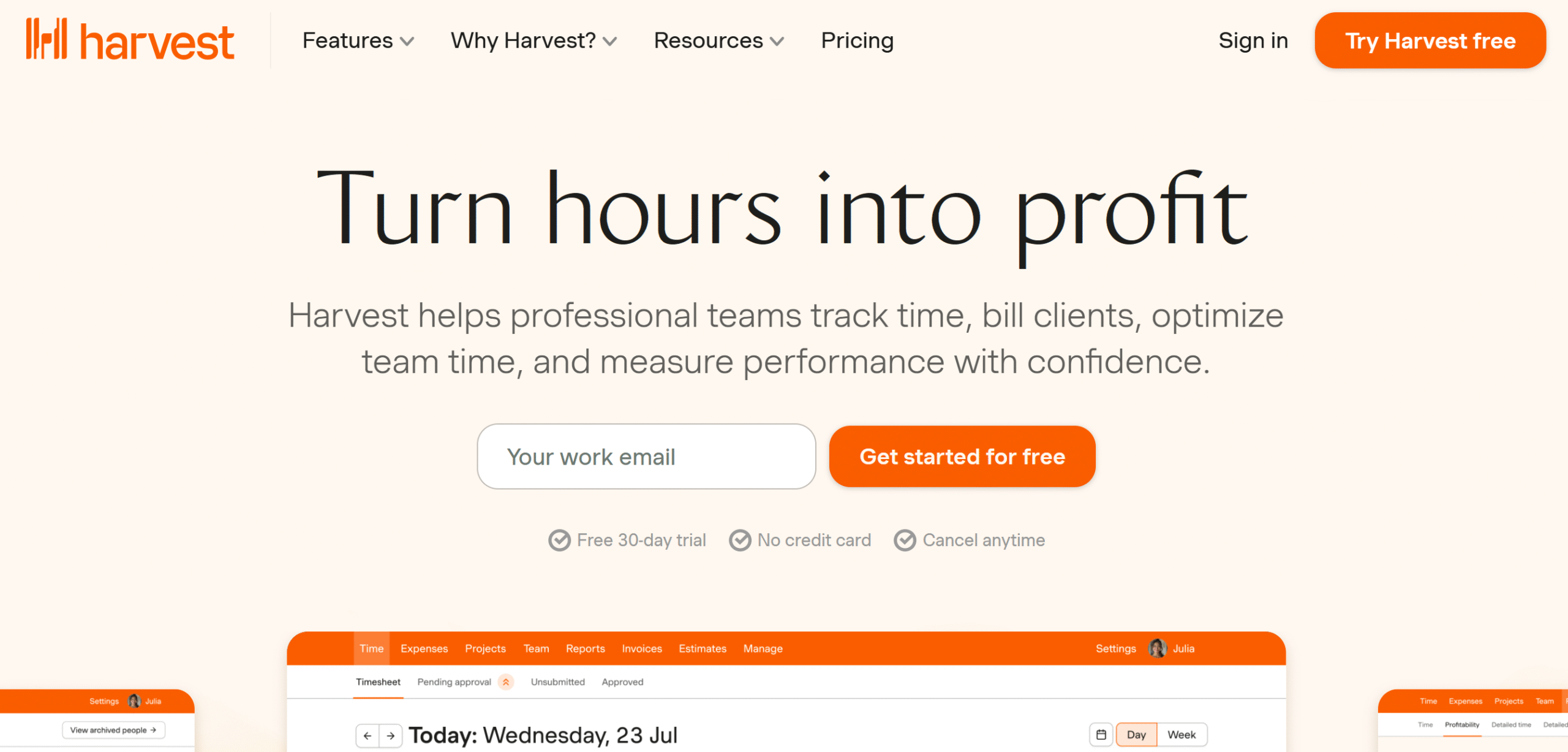
Harvest is another time-tracking app with cross-platform functionality. You can track your time, create invoices, and receive payments from clients.
The software saves a lot of your time with automated tracking and billing. You can capture time on any device, organize your billable hours by clients or projects, and generate weekly timesheets for payments.
There’s also an option to scan receipts and track your expenses.
You can connect Harvest with your calendar and PayPal to log entries and receive payments. With third-party integration, you can automatically sync and update your financial data.
Harvest works on the web, desktop, and mobile phone.
Core Features
- Time and expense tracking.
- Project creation.
- Invoice payments.
- Team collaboration.
- Timesheet approval.
- Reporting.
- 50+ integrations.
- Desktop, mobile, and web.
Price
Harvest charges $11 per month. The basic plan is free.
10. HoneyBook
HoneyBook is designed for client management.
It’s a cross-platform productivity app that helps you centralize your projects, clients, teams, and payments.
You can add unlimited projects on HoneyBook, generate proposals and contracts for clients, automate your workflows, and build schedules. Plus, you can integrate your calendar to share your availability and book meetings.
HoneyBook’s core function is CRM. You can store information, generate leads, assign tasks to team members, and communicate with clients. Also, you can track time to record billable hours.
There are other side features as well. For example, you can generate AI summaries of your projects for upcoming meetings and automatically take notes.
HoneyBook supports desktops, web, and mobile phones.
Core Features
- Client and project management.
- Lead generation.
- Proposal and contracts.
- Data management.
- Scheduling.
- Time tracking.
- Team collaboration.
- Invoicing and payments.
- Cross-platform functionality.
- Integrations.
Price
HoneyBook’s starter plan costs $36 per month with a 60-day money back guarantee.
You can take a free trial.
11. Calendly
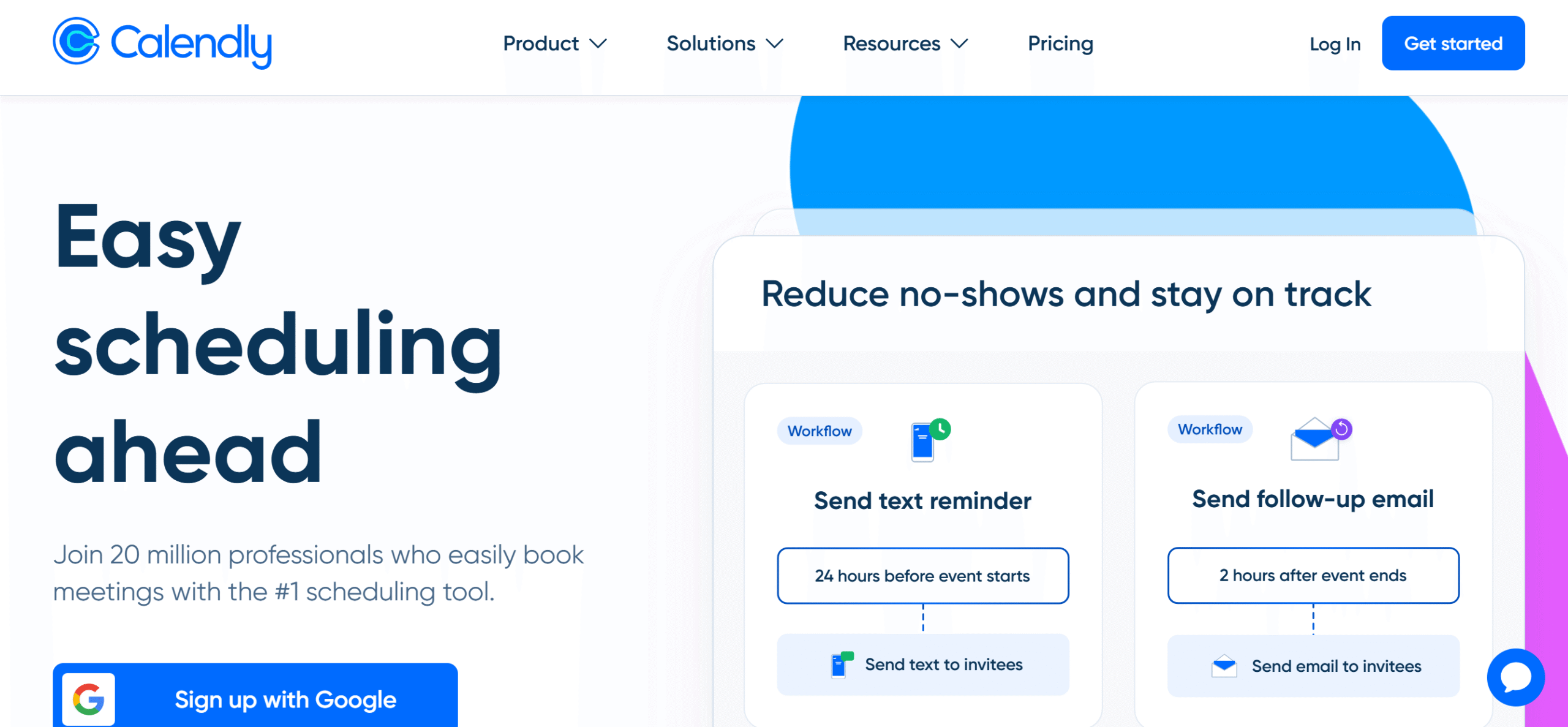
Calendly is a standalone availability management software. It lets you connect your calendars and manage appointments.
Top notable features of Calendly are meeting arrangement, automated scheduling, and communication. You can integrate your Gmail and Outlook with Calendly and set up reminder emails to coordinate meetings.
Both one-on-one and group meetings can be arranged via Calendly. The app has also recently introduced a meeting notes-taker that records meetings and generates project summaries.
One more thing. If you have a website, you can embed a custom booking page and route requests to the assigned person. Alternatively, you can send the booking link via email.
Calendly works perfectly on desktops and mobile phones. You’ll also get a browser extension to organize meetings from your inbox.
Core Features
- Appointment booking.
- Calendar syncing.
- Automated scheduling.
- Availability management.
- Embedded booking page.
- Email reminders.
- Cross-platform functionality.
- Team collaboration.
- Integration.
Price
You can try Calendly for free. The premium subscription ranges between $12 and $20 per month.
12. Forest
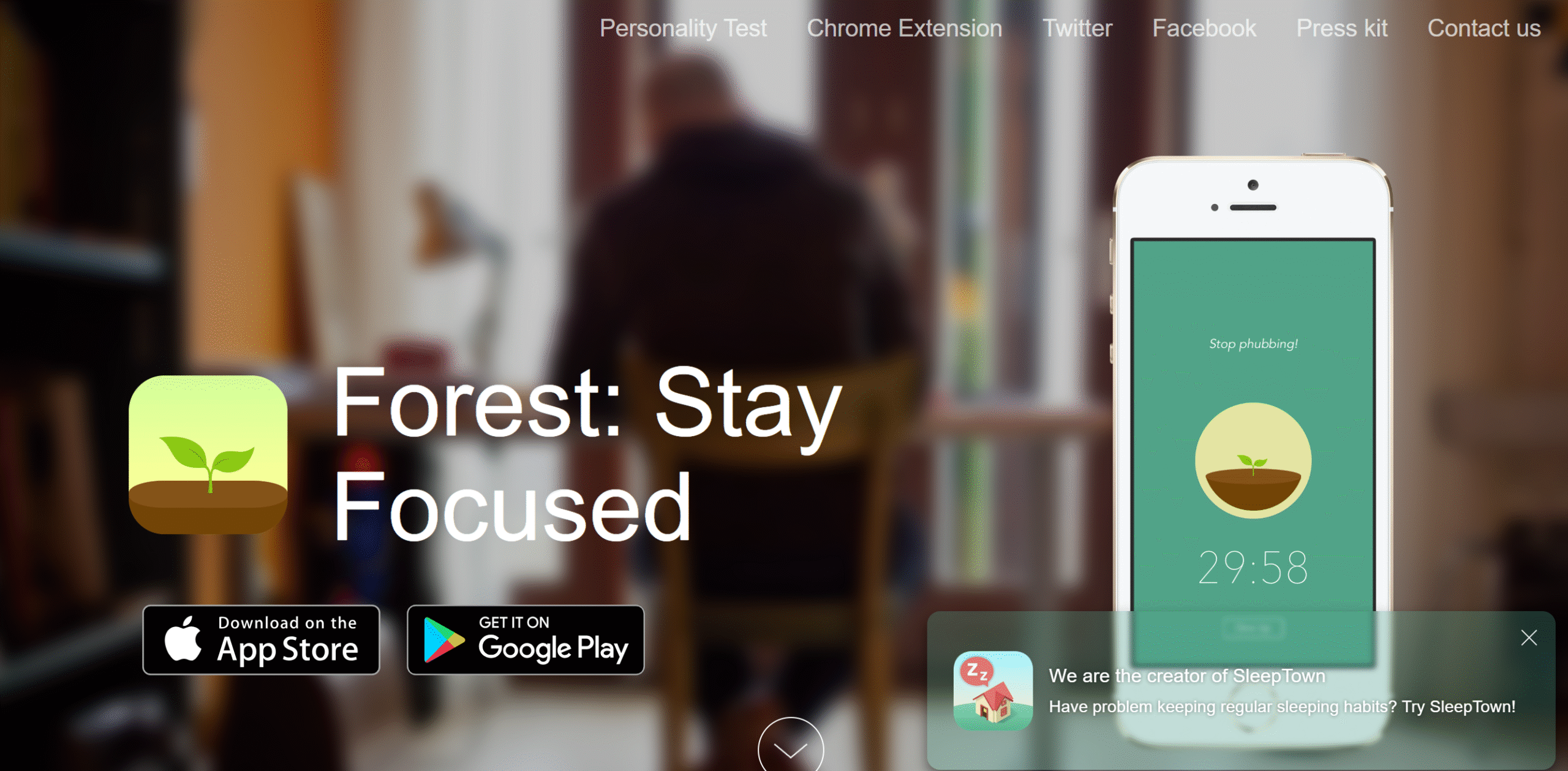
Forest helps you reduce procrastination and get more done in less time.
The software works like a Pomodoro timer but with a gamification tool to keep you focused and motivated.
When you turn on the timer, a plant appears on your screen that grows with time. The more you stay focused, the quicker it grows.
If you leave in the middle, it withers. You have to complete the sessions to prevent the plant from dying.
It’s an incredibly engaging productivity tool and comes with a browser extension.
Core Features
- Focus tool.
- Timer.
- Gamification.
- In-app rewards.
- Progress tracking.
- Collaboration and accountability.
- Cross-platform support.
- Chrome extension.
Price
You can download the Forest app for free on Android. The other versions cost around $4.
Conclusion
A cross-platform productivity app helps you stay organized and connected without putting in extra effort to update data on all devices.
With its real-time data syncing capabilities, it automatically updates your files, making it easier to jump back to work from any device.
All the apps I reviewed above have cross-platform capability. They’re user-friendly, efficient, and compatible with Windows, Mac, Android, and iOS.
Try some of these software products to get a general idea of their usability and pick the one that matches your work style. Good luck!


 A better way to manage projects and clients for freelancers
 Get through busy days like a breeze with Reclaim.ai