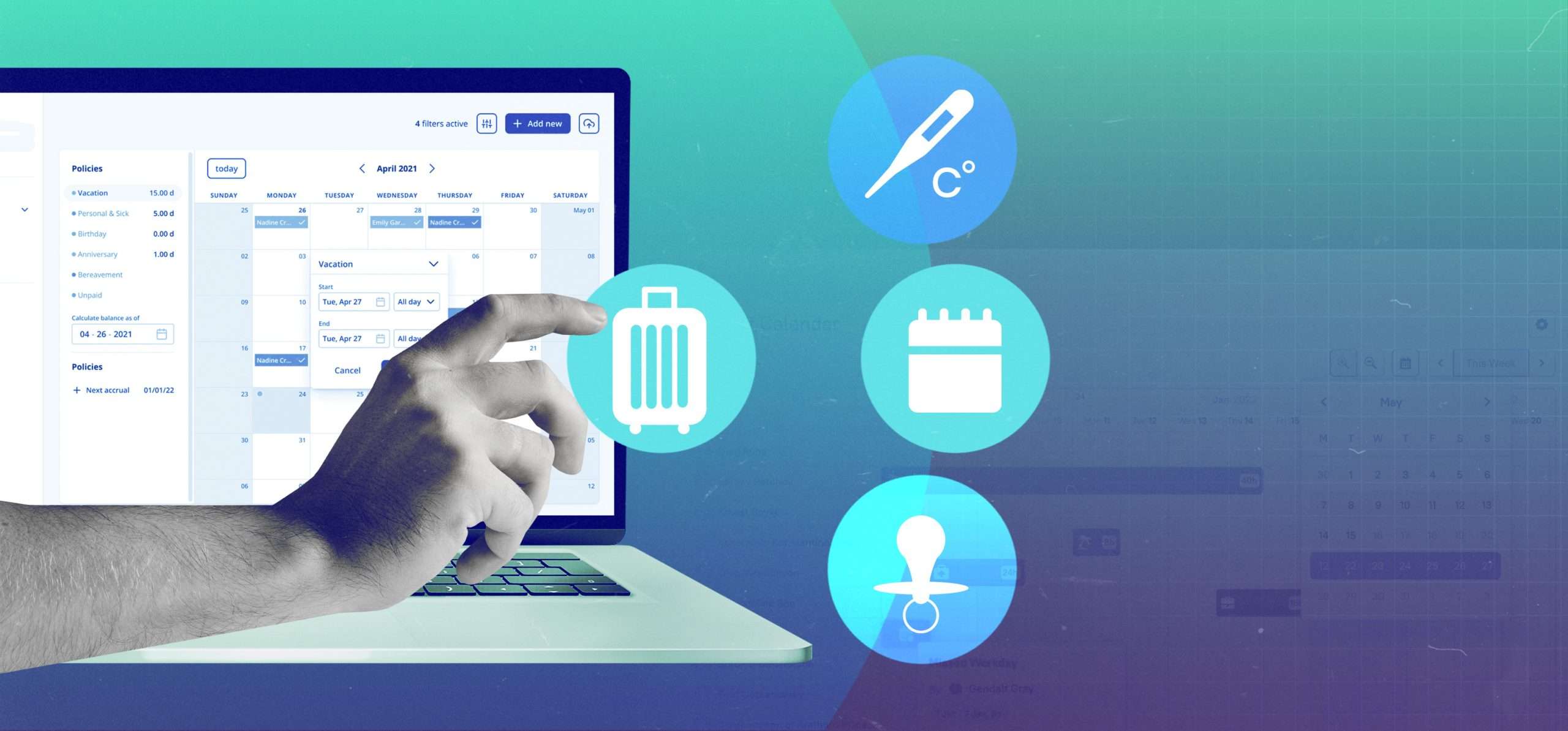
Time off is an essential part of your workforce management.
Via this system, you can track your staff’s paid and unpaid leave and keep an eye on their well-being.
In this article, I have reviewed several good software products that offer time off management.
You can check their features and prices to see if any tool matches your requirements.
What is Time Off Management Software and what Apps are Best for You?
Time off management software is an online tool that provides a system that automatically keeps track of employees’ paid and unpaid leave.
You’ll typically get a digital portal to handle time off requests, a dashboard to monitor leave, a policy creation option, and real-time alerts.
Top Features to Look For In Time Off Management Software;
- Calendar integration.
- Single or multi-approval workflow.
- Time off notification.
- If possible, a mobile-friendly system.
A time tracker or an HR platform can also help you centralize your attendance, leave, and payroll. Multipurpose software products often offer productivity tools to increase your work efficiency.
For your ease, I have covered a diverse range of applications. You’ll find exclusive apps, global platforms, shift-based software products, and time trackers.
Let’s explore them.
1. BambooHR
BambooHR is best for those who want an all-in-one HR platform to manage everything, including time off. You can use it to hire, onboard, pay, and supervise your staff.
The app has all the necessary PTO features. You’ll receive a leave calendar to track your staff’s time off, an approval workflow to manage requests, and a reporting tool to keep an eye on your employees.
For the staff, BambooHR provides a PTO calculator. They can use it to check their remaining leave.
With other core modules, you can digitalize your employees’ data, track their work hours, and measure their performance. Bamboo delivers a mobile-friendly time tracker as an add-on feature.
Core Features
- Core HR functions.
- Leave calendar.
- PTO requests.
- Approval workflow.
- Custom policies.
- Reports.
- Integration and API.
- Time tracker and Payroll add-ons.
- Mobile-friendly.
Price
BambooHR shares prices on request. You can try it for free.
2. Buddy Punch
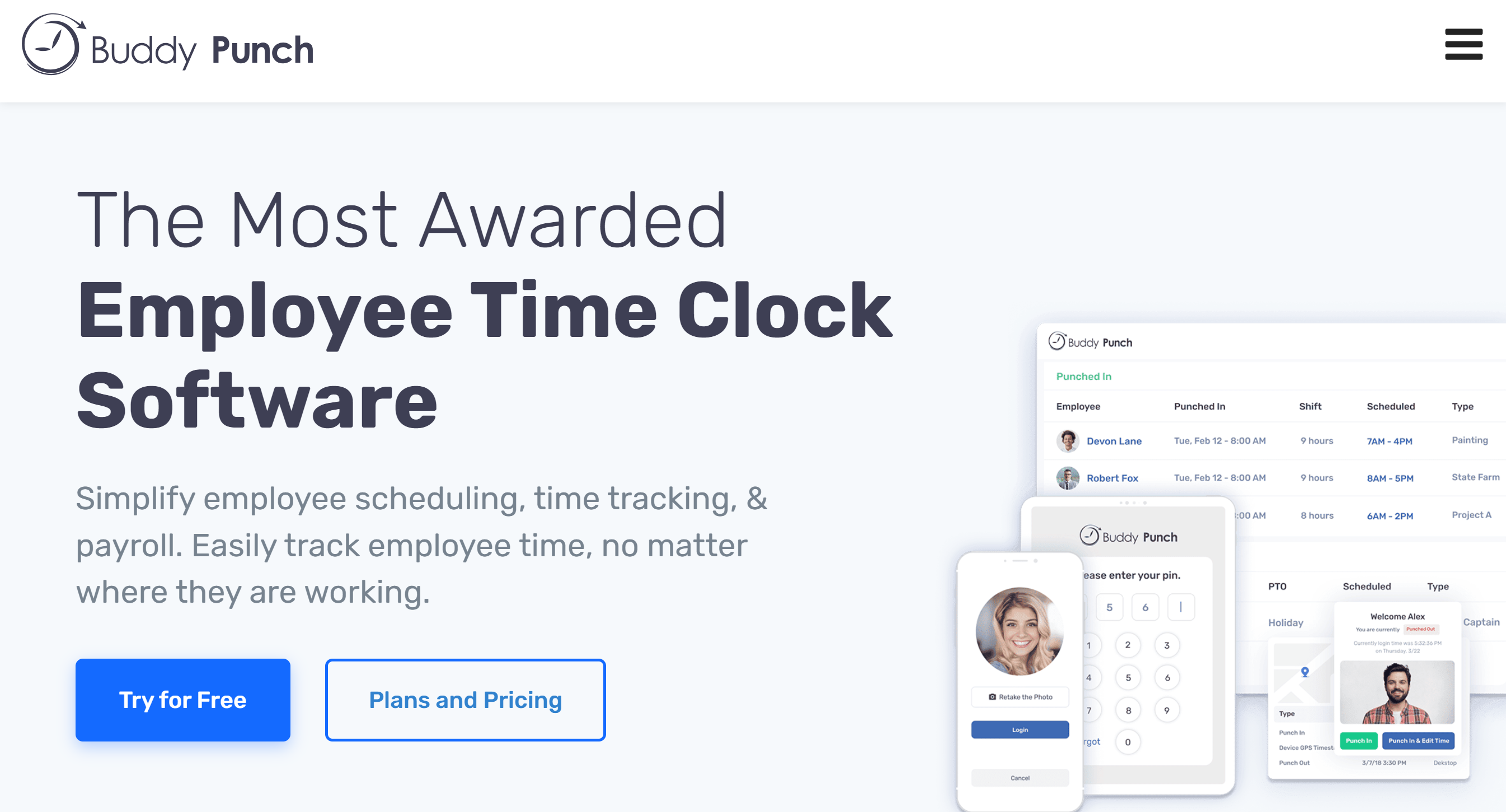
If you run shift-based operations, try Buddy Punch. It’s a workforce tool that allows you to create shift schedules and manage time off.
The software runs on multiple devices and provides Zapier integration.
It’s also rich in features.
You’ll get visual identification and GPS functions to record attendance and breaks. Plus, with the drag-and-drop function, you can plan, adjust, and re-arrange the shift schedule.
For leave requests, your employees will receive self-service portals. They can apply for PTO from their smartphones.
Your staff see each other’s leave schedules and manage their own PTO.
To reduce your administrative load, you can automate PTO request approval, or create departments and delegate approval authority.
Core Features
- Time tracking.
- PTO management.
- Breaks, overtime, and leave accruals.
- Shift scheduling.
- Attendance tools.
- Approval.
- Automation.
- Third-party integration.
Price
Buddy Punch charges $4 to $7 per user. You can ask for custom quotes.
A free trial is also available.
3. Connecteam
If you’re looking for one app to manage operations and HR, Connecteam is a good option. Like BuddyPunch, it supports shift-based businesses and delivers essential HR and team management functions.
You can create custom leave policies, tackle approval requests, and monitor your staff’s PTO. You’ll receive a time clock to record attendance, breaks, and overtime.
To manage day-to-day operations, you can make shift schedules. Also, you can stay connected to your staff through the built-in chat.
What makes Connecteam a good choice is its flexibility. Your shift schedule, time clock, and leave systems are interconnected, allowing you to manage shifts and time off together.
This app is helpful for the on-site staff as well. They can check their shifts and submit time off requests remotely.
Core Features
- Shift calendar.
- Custom leave policies.
- Time off requests.
- Approval system.
- Time clock.
- Chat and notifications.
- Integrations.
- Mobile apps.
Price
You can get started on Connecteam for free. To know more about its features and prices, book a demo.
4. Deel
Deel is a payroll platform for international teams. It enables you to onboard overseas workers and manage their payments and time off.
The platform delivers a free HRIS system to oversee routine activities. You’ll receive an online portal, an activity dashboard, and data storage for employee records. You’ll also get all the help with cross-border policies to ensure everything is done compliantly.
You can view pending requests on the dashboard and approve or decline them from the main panel. If you’re busy, you can automate the approval process.
Your employees can load documents, request time off, and receive payslips via self-service portals.
Deel can be integrated with third-party applications. There’s even a plugin for Slack for your ease.
Core Features
- HR platform with international hiring services.
- Global payroll.
- Time off management.
- Approval workflow.
- Automation.
- Self-service portal.
- Third-party integration.
Price
Deel’s HR platform is part of its managed services. The prices start at $49. You can try the digital platform for free.
5. Rippling
Rippling is also a global HR platform. But it’s much more versatile.
You’ll receive a core HR platform with add-ons to manage various HR functions, such as payroll, leave, benefits, and recruitment.
The time off feature here is built for hourly-based work. For example, you can handle paid and unpaid breaks, overtime, and days off. To track billable hours and overtime, you’ll get a time clock.
You can apply country-specific leave policies and offer PTO as perks to long-term employees. With groups and triggers, you can create tailored policies and set them on autopilot.
Overall, Rippling is best for both local and overseas workflows.
Core Features
- International HCM platform.
- HRIS.
- Time tracking.
- Paid and unpaid leave management.
- Breaks and overtime recording.
- Approval system.
- Automation and customization.
- Other core HR functions.
- Mobile friendly.
Price
Rippling’s per-user price begins at $8. You can add and remove extra modules.
6. Day Off
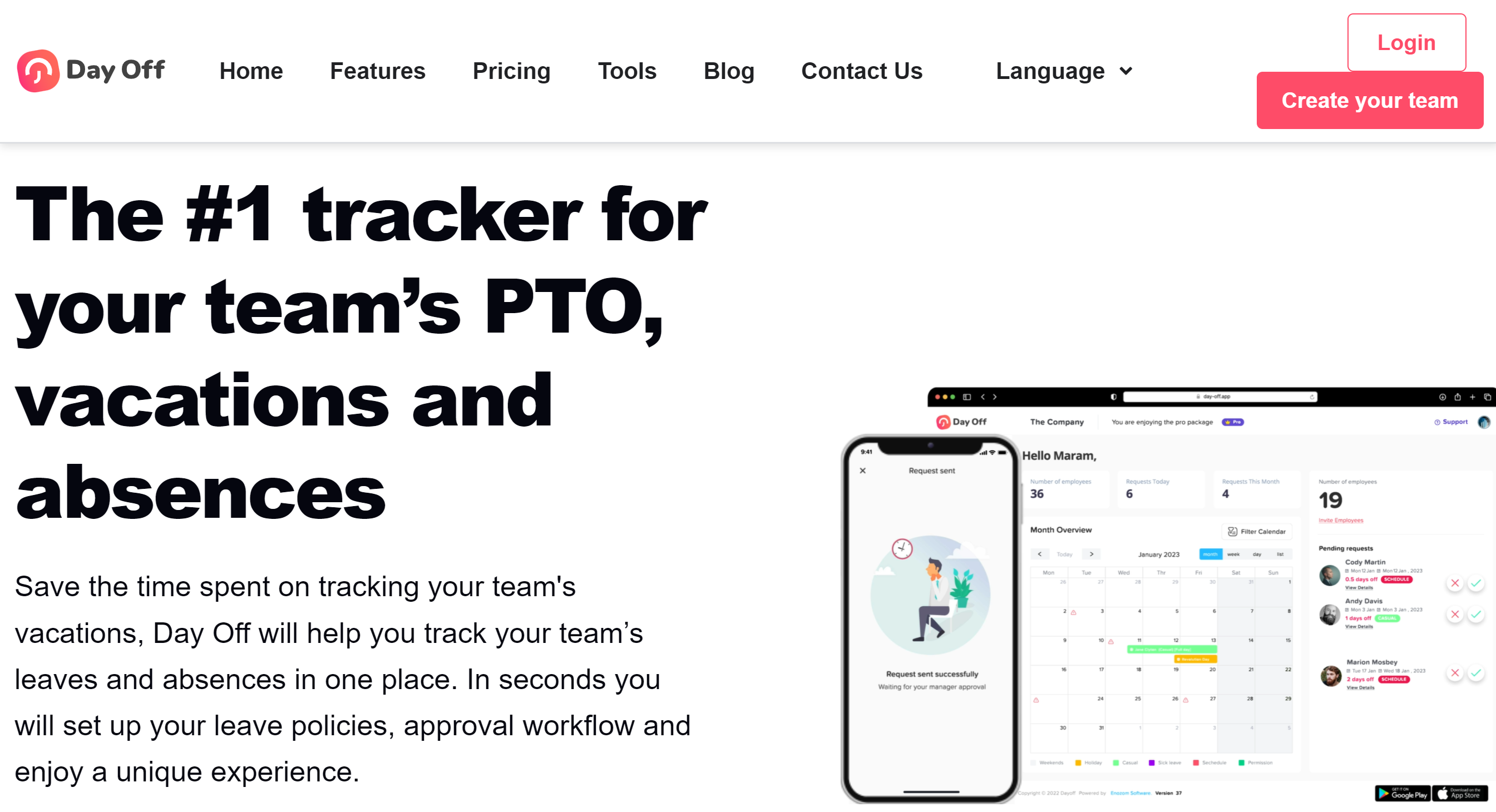
Day Off is a user-friendly PTO tracker. It charges $1 per employee and delivers a flexible leave management system.
You can create subgroups to represent departments and form different leave policies for each group if needed.
If your company allows carryovers, you can let your staff utilize their available leave at their convenience. You can, however, block some dates for mandatory attendance.
One other good feature of Day Off is multilocation support. Via the dashboard calendar, you can oversee all your staff leave, holidays, and PTO.
You can download Day Off’s mobile app and manage day-to-day activities remotely. It has both Apple and Android versions.
Day Off can also be integrated with third-party applications. You can add your Slack, Teams, Outlook, and Google Calendar.
Core Features
- Time tracking.
- Leave approval.
- Dashboard calendar.
- Accruals and carryovers.
- Multilocation.
- Mobile apps.
- Third-party integration
Price
Day Off’s basic plan is free, and the pro account costs $1 per user.
7. Vacation Tracker
Vacation Tracker and Day Off share several features. For example, the tracker app allows you to set up different departments and manage multiple branches from one place.
You can customize your time off policies and create a leave quota for each employee. You’ll also have the option to offer hourly PTO and TOIL (time off in lieu) benefits to dedicated employees.
With self-service portals, employees can submit time off requests and view their leave balance. You can build an approval system to manage requests with ease.
Some add-ons are also available to include more functions. You can offer additional PTO perks to senior employees or top performers.
Core Features
- Time off, vacation, leave management.
- Custom policies.
- Hourly PTO tracking.
- TOIL (time off for extra work).
- Auto-approval.
- Absence notification.
- Reports.
- Third-party integration.
Price
Vacation Tracker charges $1 per employee. A minimum of 25 users are required to purchase the package.
You can take a free trial.
8. Pause
Pause is designed for remote teams. It allows you to manage employee time off from your Slack account.
You can create flexible leave policies to accommodate your distributed team members and let your staff apply for PTO from Slack. Also, you can block dates for work and reserve a period for mandatory leave.
You can assign leave quotas for easy tracking and monitor overlaps to avoid staff shortages. Employees can also check their colleagues’ leave calendars to ensure they have space to apply for the PTO.
You’ll receive notification of any upcoming leave and public holidays as reminders.
Core Features
- PTO tracker for Slack users.
- Calendar feed.
- Flexible leave options.
- PTO overlap alerts.
- Compulsory booking.
- Birthday, anniversary, and public holiday reminders.
- Multi-approval system.
- Integration.
- Mobile and web app.
Price
Pause charges $1 per user. You can take a 30-day free trial.
9. Timetastic
Timetastic offers simple and intuitive features.
You’ll get a built-in shared calendar to manage your staff’s leave and a mobile app to supervise routine work remotely. Plus, you’ll receive a daily report to get a summary of all employees on time off.
Each leave type has distinct icons for visibility, and pending requests are highlighted on the calendar. If someone doesn’t apply for PTO, you receive a burnout notification.
You can create departments to distribute your authority and add team leads to the approval chain. You can also build work schedules for each employee and restrict PTO on some leave types.
Core Features
- Shared wall chart.
- Departments.
- PTO requests.
- Approval workflow.
- Leave types.
- Burnout alert.
- Absence insights and reports.
- Integration.
- Mobile app.
Price
Timetastic’s basic plan costs $1.50 per user, and the Pro account costs $2.50. You can take a 30-day free trial.
10. Replicon
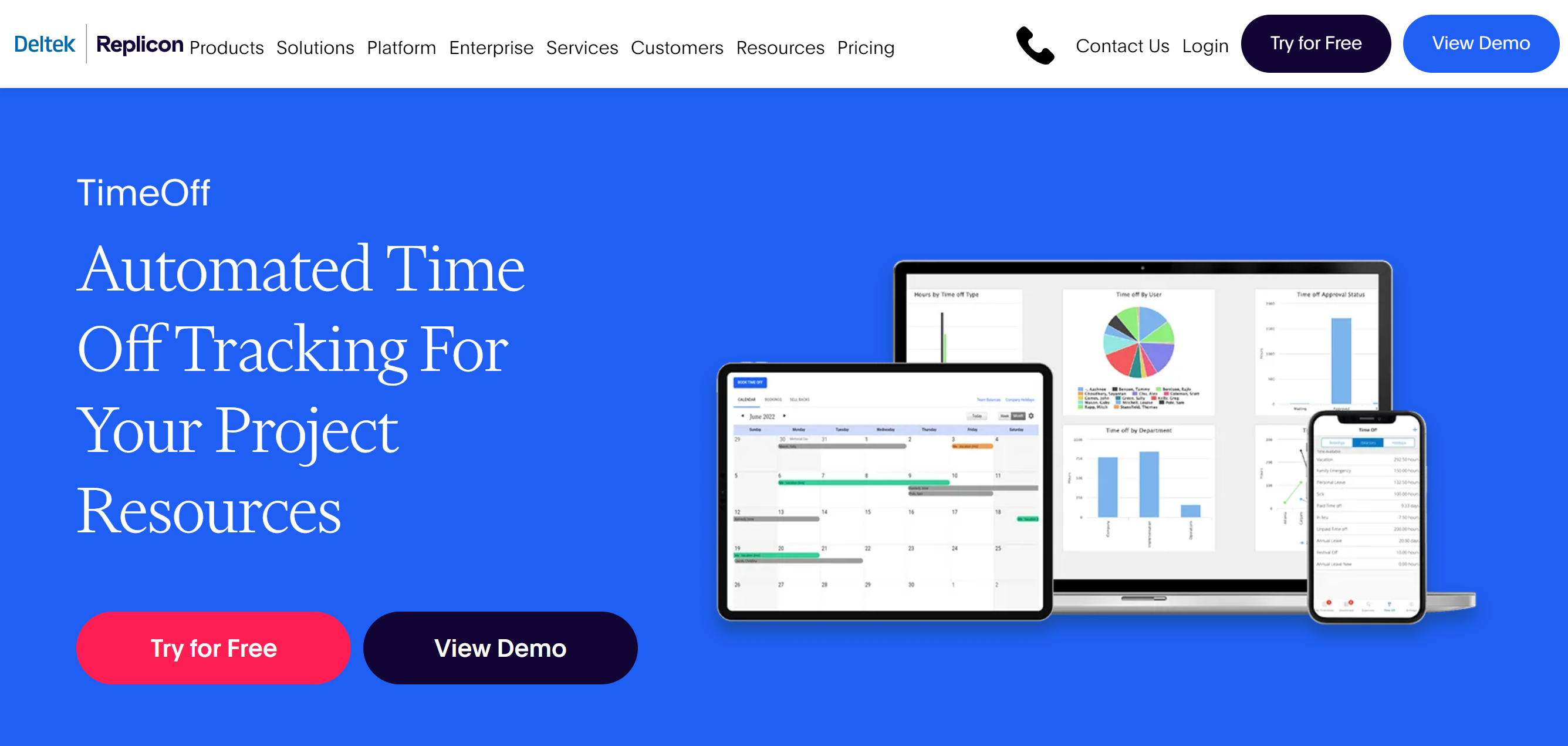
Replicon is ideal for project-based operations. It sells Project Tracking and Attendance apps.
The time-off feature is available in both products. Attendance software is comparatively advanced, but you can easily manage your employee leave in the project tracking app.
You can make some policies flexible to allow your team half-days off. For leave requests, you can create approval workflows and add your clients and team leads.
Via the dashboard calendar, you can easily see who’s available and on leave.
You can set a limit on time off to manage your project resources. You can also increase the limit to reward dedicated employees.
Time and expense tracking are other core functions of Replicon. You can track both billable and non-billable hours.
Core Features
- Team calendar.
- Time off requests.
- Approval chain.
- Diverse leave types.
- Customization.
- Project time and expense tracking.
- Integration.
- Multi-device support.
Price
Replicon prices start at $6. You can take a free trial.
11. LeaveDates
LeaveDates has intuitive time off management features. It provides a shared wall chart accessible to all your employees, so they can see who’s on leave and plan their own PTO accordingly.
The software is built to reduce your administrative work. Your staff can manage their leave balances, but you’ll have control over approving and declining PTO requests.
You can tailor your leave policies and reserve dates for public holidays for accuracy. If your employees work overtime, you can add TOIL to compensate them for the extra effort.
For your convenience, LeaveDates offers mobile apps. You and your staff can access leave calendars on their smartphones.
Core Features
- Shared wall.
- Custom leave policies.
- Leave balance management and PTO requests.
- Approval system.
- TOIL.
- Reports.
- Third-party integration.
- Mobile apps.
Price
You can add five users for free. Onwards, you may have to pay $1 per user.
You’ll have the flexibility to make monthly or annual payments.
12. Clockify
Clockify is a time-tracking software with attendance and time off features.
The app is incredibly flexible when it comes to policy customization. You can let your staff take a whole or partial day off and even apply for hourly PTO. Clockify automatically adjusts the leave balance to show the remaining quota.
To help you improve your work efficiency, Clockify provides filters and user groups.
You can assign approval authority to other departments and add filters to track particular entries–like PTO or vacations quickly. Through the calendar timeline, you can easily monitor available and away employees.
All in all, you can track your employees’ billable hours, paid breaks, sick leave, and vacations.
Core Features
- Attendance.
- Breaks, time off, and vacation tracking.
- Custom policies.
- Approval.
- Calendar timeline.
- Reporting.
- Multi-device support.
- Third-party integration.
Price
Clockify is a web, desktop, and mobile app. You can use it in a browser or download it to your laptop or smartphone. Its basic plan is free, and premium plans start at $4.
Conclusion
Time off is a core function, and it’s generally available in most HR and workforce management apps.
If you are looking for exclusive software, however, several excellent options are available, such as Day Off, Leave Dates, and Pause.
You can also consider multi-function apps for time off management.
For example, Clockify has some good PTO features with the time tracker. Replicon helps you track your project’s billable time and employee leave. Deel and Remote are specifically designed for distributed teams.
Go ahead and explore the list to make a well-informed purchase decision. Good luck!


 A better way to manage projects and clients for freelancers
 Get through busy days like a breeze with Reclaim.ai