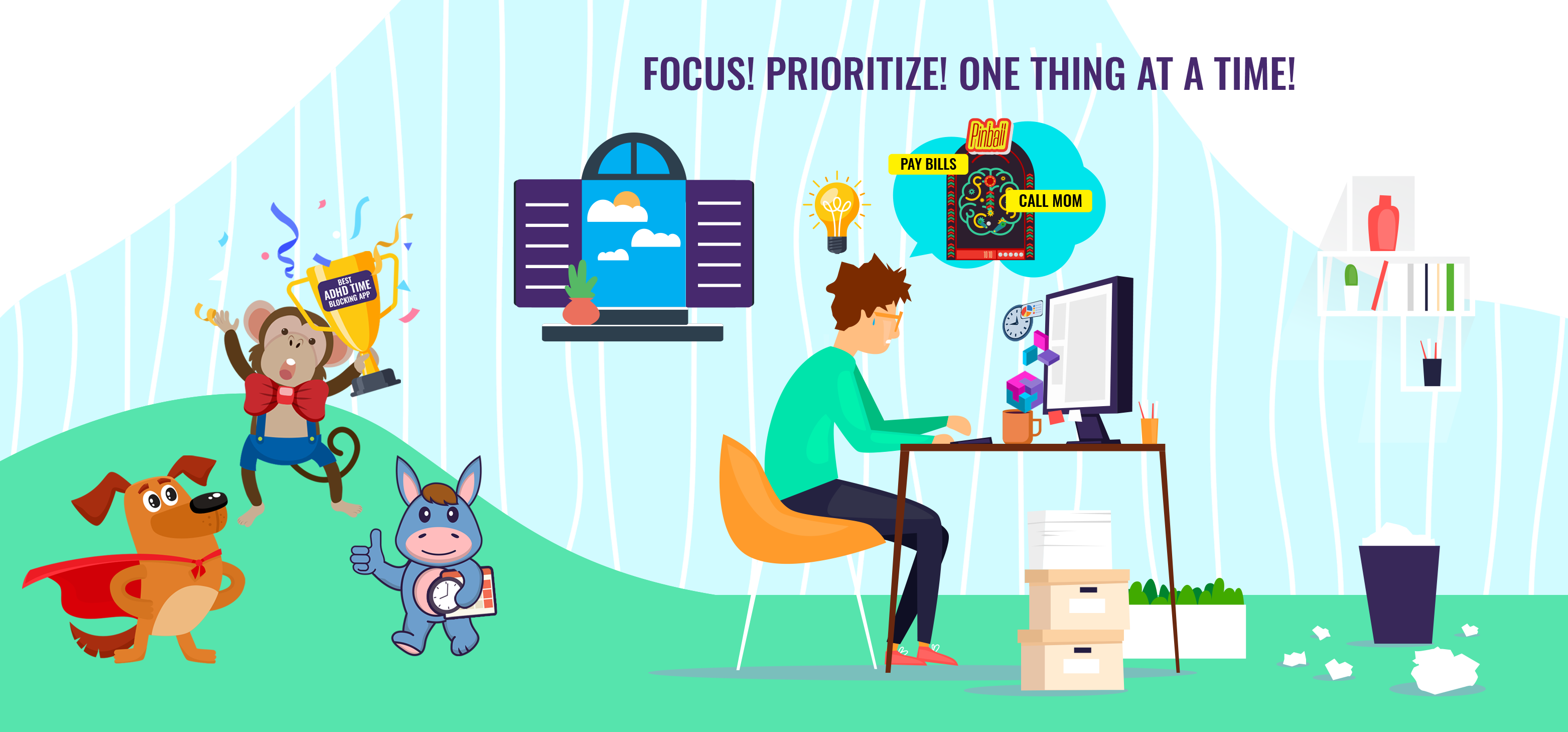
Look around yourself: in most cases, you’ll find out that an average human sucks at managing their time.
And once you mix in some ADHD symptoms like short attention span, forgetfulness, and even ADHD paralysis, staying focused on tasks becomes a struggle.
The result?
Individuals with ADHD often struggle with procrastination, missing deadlines, and feeling overwhelmed by everything they need to get done.
But unlike all the surrounding pessimism, there is good news.
With the right strategies, you can learn to manage your time more effectively, thanks to time blocking.
In this article, we share 12 excellent time-blocking apps for ADHD.
Before we begin, let’s understand why time blocking is significant in the first place.
Why Is Time Blocking Important With ADHD?
Time blocking involves scheduling specific blocks of time for different tasks.
Generally speaking, the main reason why a time-blocking app is important is that it eliminates the need for constant decision-making about what to tackle next.
It helps in managing time, prioritizing tasks, and reducing procrastination.
Time blocking creates a structured environment, breaks tasks into smaller, manageable blocks, and helps in prioritizing tasks.
Additionally, time blocking can mitigate challenges such as ADHD paralysis, transitioning between tasks, and getting started.
It also provides a sense of urgency, which can be beneficial for managing procrastination, again, a common challenge for people with ADHD.
Why Trust Squeeze Growth
At Squeeze Growth, we have been studying ADHD for a while now. We have a dedicated ADHD section where we cover all things related to ADHD to help individuals find proven tools, methods, and protocols for managing ADHD.
In addition to theory, we rely on our empirical instincts to resonate and write for people with ADHD.
To quote Nietzsche, “What doesn’t kill you makes you stronger.” We look at ADHD through the same lens to help you change your perspective by making ADHD your biggest superpower.
1. Motion
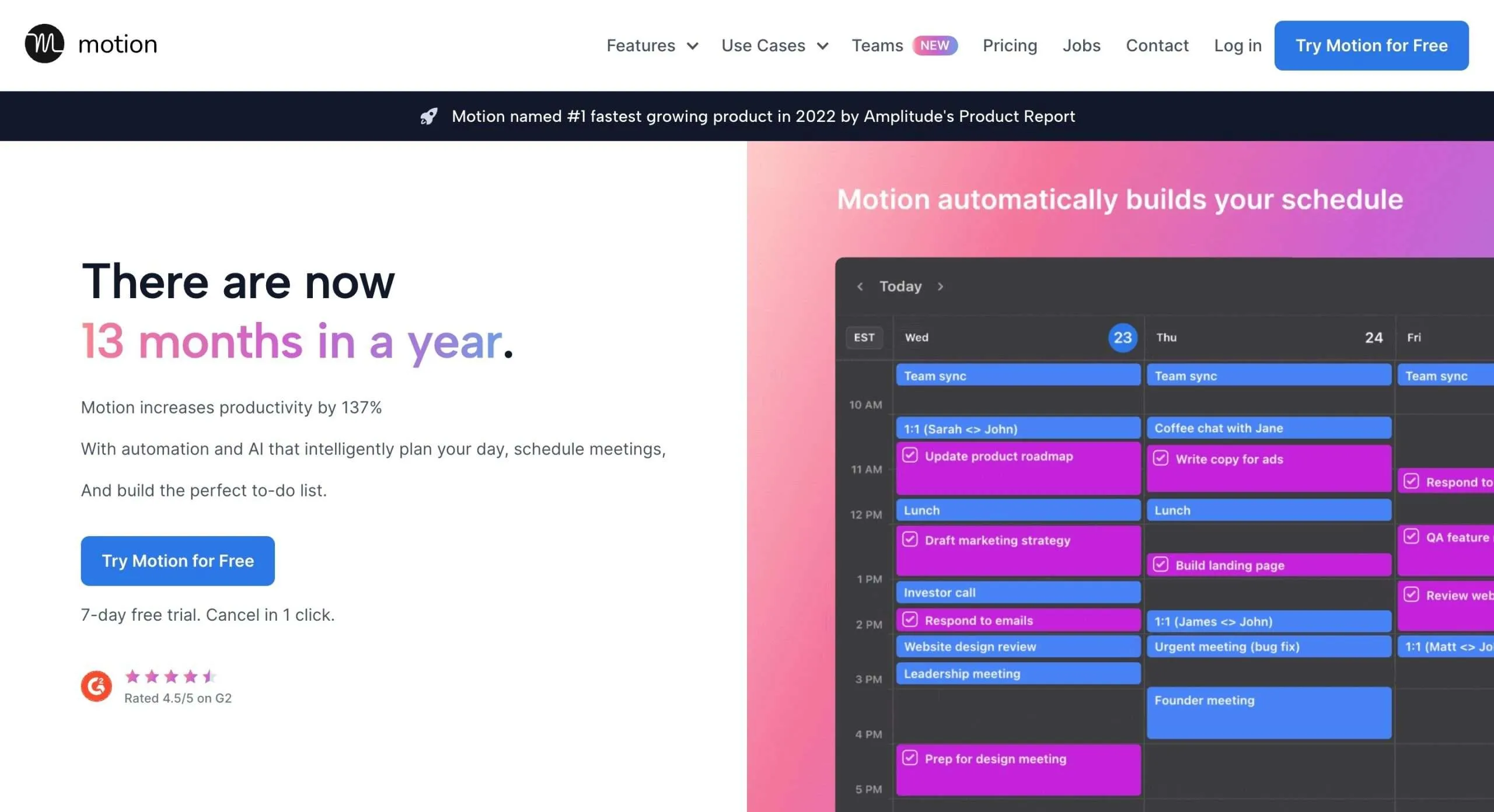
Motion helps you be more productive by leveraging the power of AI to manage your calendar, to-dos, and meetings.
Motion enables you to intelligently construct the perfect daily schedule for you, factoring in your tasks, priorities, and even your personal happiness preferences!
Motion makes it stupidly simple to visualize your upcoming day.
Its Intelligent Calendar learns your working style and automatically prioritizes the tasks that matter most to you and your deadlines.
You’ll be able to see your whole schedule laid out clearly in terms of importance.
Furthermore, Motion’s Automatic Task Manager allows you to whip up a task in like 10 seconds flat.
You can then sit back and let its smart algorithms determine the best time to schedule that task to keep you progressing smoothly.
Key Features
- Automated scheduling
- User-friendly interface
- Intelligent calendar
- Automatic task & project manager
- Meeting scheduler
Price
Motion offers a 7-day free trial. The Individual plan starts at $34 per month ($19 per month on annual billing). Moreover, the Team plan costs $20 per member per month ($12 per member per month on annual billing).
2. Sunsama

Sunsama is a digital daily planner and a time management tool that transforms how you manage your work and personal life.
With Sunsama’s guided daily planning features, you can intentionally block out time for your most important tasks and goals each day, while also scheduling time to unwind and recharge.
I like that Sunsama brings all your tasks, calendar appointments, emails, and messages together into one unified daily view.
Sunsama also helps you set realistic daily goals based on the time you have available. This way, you don’t overschedule yourself and risk burning out.
The built-in timeboxing makes it simple to allocate specific blocks of time for each task or appointment, too.
Whether you need to focus, catch up on busy work, or just relax and rejuvenate, Sunsama’s focus modes give you the structure and space to work, think, and live intentionally.
With seamless integrations with your existing tools like Todoist, Trello, Gmail, and more, Sunsama brings everything together into one frictionless workflow.
Key Features
- Guided daily planning
- Unified daily view
- Realistic daily goals
- Timeboxing
- Email and Slack integration
Price
Sunsama offers a 14-day free trial. The monthly subscription costs $20 per month ($16 per month on annual billing.
3. Akiflow

Akiflow is a digital planner and calendar app that brings all your tasks and schedules into one place to help you stay focused and organized.
Akiflow is all about time blocking. It lets you divide your day into blocks of time dedicated to specific tasks.
You can drag and drop tasks and events into place on your calendar, assigning the right time commitments.
Akiflow makes it easy to collect all your tasks across the different apps and bring them into a single universal inbox.
It also automatically links relevant files and content to each task, so you have everything you need in one view.
Features like keyboard shortcuts, upcoming task view, quick task creation through the command bar, and smart labels to color code tasks make it simple to manage your days.
Recurring tasks with customizable schedules further help build routines that work for ADHD minds.
Key Features
- Universal Inbox to consolidate tasks from multiple apps
- Time blocking to schedule focused work sessions
- Quick task actions via keyboard shortcuts
- Share availability feature for easy scheduling
- Support for recurrent tasks on custom schedules
- Time zones displayed for coordination
Price
Akiflow offers a 7-day free trial with their monthly plan starting at $9.99 per month.
4. Amie
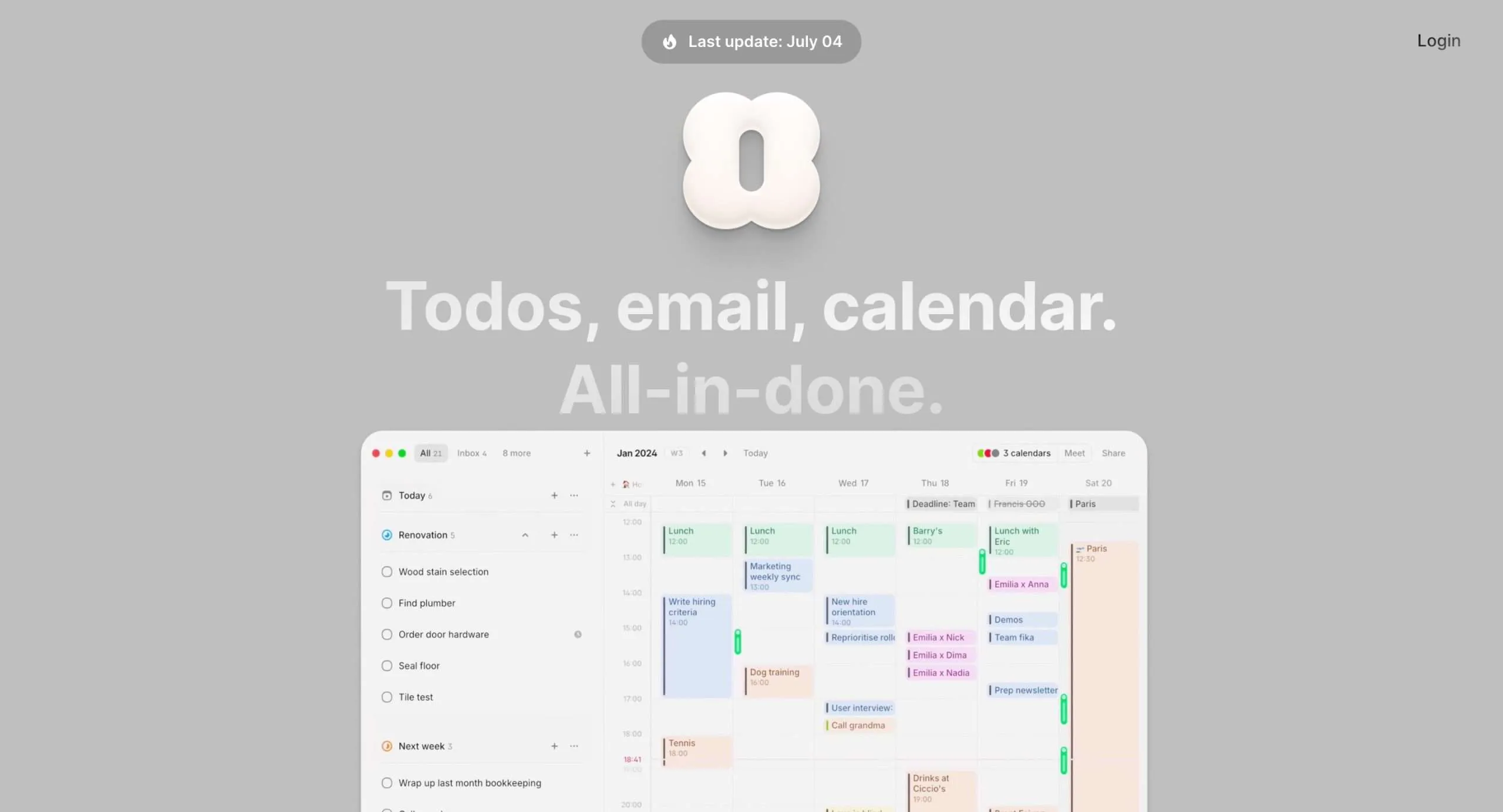
Amie is basically a productivity app that smashes together your calendar, to-do list, and email.
Sounds like a recipe for overwhelm, right?
But here’s the thing – it actually makes sense for our ADHD brains.
First off, Amie lets you connect all your calendars in one place. Google, Outlook, whatever you use – it’s all there. That’s a huge win for us ADHD folks who struggle with time blindness.
But here’s where it gets good for time blocking. You can drag and drop your tasks right onto your calendar.
You can see exactly when you’re going to do what, which is super helpful when you’re trying to break that multitasking habit.
And yes, Amie has a built-in Pomodoro timer.
If you haven’t tried the Pomodoro technique, it’s a game-changer for ADHD. Work for 25 minutes, take a 5-minute break. It helps you stay focused and avoid burnout.
Now, if you’re willing to shell out a few bucks for the Pro version, you get this cool natural language scheduling feature.
Just type “Meet John for coffee next Tuesday at 2 pm” and boom, it’s in your calendar. For those of us who get overwhelmed by too many clicks and options, this is gold.
You can use Amie on your Mac, Windows, iPhone, or web browser.
Key Features
- Offers a minimalist, distraction-free interface
- Allows dragging and dropping tasks onto the calendar
- Includes a built-in Pomodoro timer for focused work sessions
- Offers natural language scheduling in the Pro version
- Provides shareable availability links for easy meeting scheduling
- Supports multiple time zone management
- Features desktop and mobile widgets for quick info access
Price
Amie provides a forever-free plan with features like connecting unlimited calendars, basic tasks, and email management.
For unlimited access to all the premium features, upgrade to their Pro plan which costs $6 per month (or $4 per month on annual billing).
5. Amazing Marvin
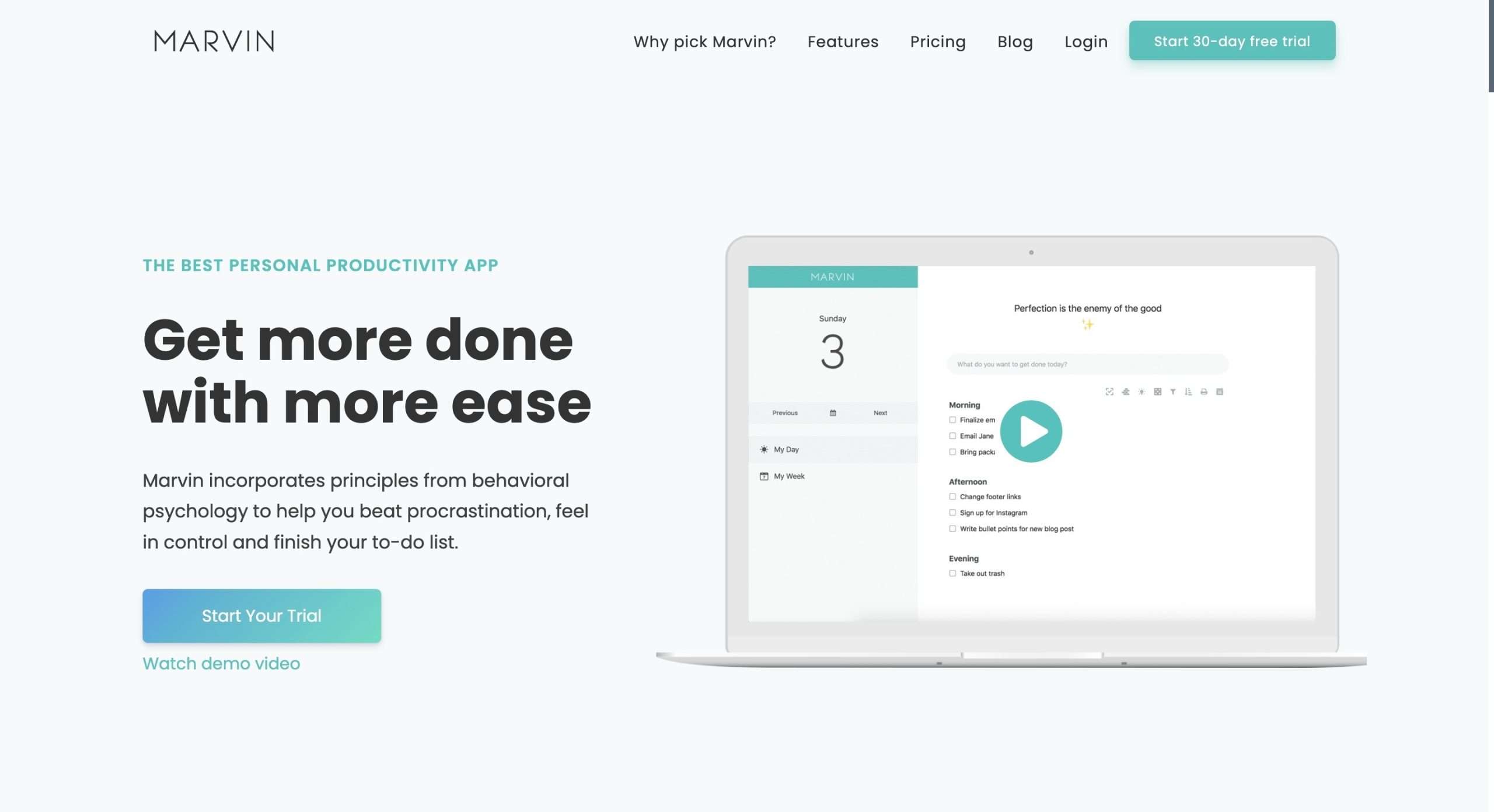
Amazing Marvin is a customizable task manager and daily planner to help you organize your responsibilities and focus your time.
With Marvin, each day gets its to-do list, so you can zero in on daily priorities without getting overwhelmed by everything on your plate.
It offers a full calendar where you can schedule events and link tasks to specific dates or times.
You can assign due dates, do dates, start dates, and end dates to your tasks and projects. So if you need to defer something to next week, just set the start date.
Marvin also allows you to set recurring tasks that automatically appear on certain days.
So that weekly team meetings will always show up on your Monday to-do list without you having to remember to add it each week.
To help with time management, Marvin has built-in timers like a Pomodoro counter. Marvin even tracks how much time you’ve spent on tasks, so you can see where your time goes.
Key Features
- Day planner with daily to-do lists
- Full calendar with events integration
- Recurring tasks and projects
- Built-in timers Like Pomodoro
- Habit tracking features
- Time tracking for productivity insights
Price
Marvin has a 30-day free trial. The monthly subscription is $12 per month ($8 per month when billed yearly). There is also a lifetime plan at $300.
6. Fantastical

Fantastical is a user-friendly calendar and tasks manager that makes it effortless to schedule events and stay organized.
With its beautiful interface, Fantastical creates a pleasing user experience across Mac, iPhone, iPad, and Apple Watch.
One standout feature is Fantastical’s innovative focus view.
This filters your calendar to only show relevant events and tasks based on what you’re working on right now.
Scheduling meetings and events is also simpler in Fantastical.
It serves up suggested times that work with your availability, taking the pain out of finding times that work for everyone.
Fantastical even automatically detects when you receive a conference call invite and adds the details right to your calendar.
For people struggling with time blindness and meeting overloads, Fantastical’s conference call detection could be a total game changer.
Key Features
- Focus view to filter the calendar by relevance
- Automatic conference call detection & notifications
- Time zone support for global scheduling
- 14 customizable widgets for quick access
- Event & task templates
Price
Fantastical comes with a 14-day free trial. The paid plan starts at $4.75 per month on annual billing.
7. TickTick

TickTick is a user-friendly task management app that helps you organize everything in life. It reminds you about important deadlines and tasks.
The interface is intuitive enough for first-timers but powerful enough for productivity gurus.
The customizable reminders can be set to go off anytime, anywhere thanks to seamless syncing across devices.
With 5 different calendar views to choose from, you can visualize your schedules and to-dos in a way that makes sense for your brain.
TickTick makes it easy to see what your day, week, or month looks like at a glance.
Collaborating on projects is also simple with TickTick. You can share task lists with family, friends, or coworkers and assign responsibilities.
TickTick works across 10+ platforms, so you can access all your up-to-date task lists from multiple devices.
Whether you prefer Mac, Windows, iPhone, Android, or the web, your tasks stay in sync.
Key Features
- Intuitive interface
- Customizable reminders across devices
- 5 calendar views to visualize schedules
- Collaborate by sharing lists and assigning tasks
- Sync seamlessly across 10+ platforms
Price
TickTick has a free plan and a premium plan that costs $35.99 per year, which equals less than $3 per month.
8. ClickUp
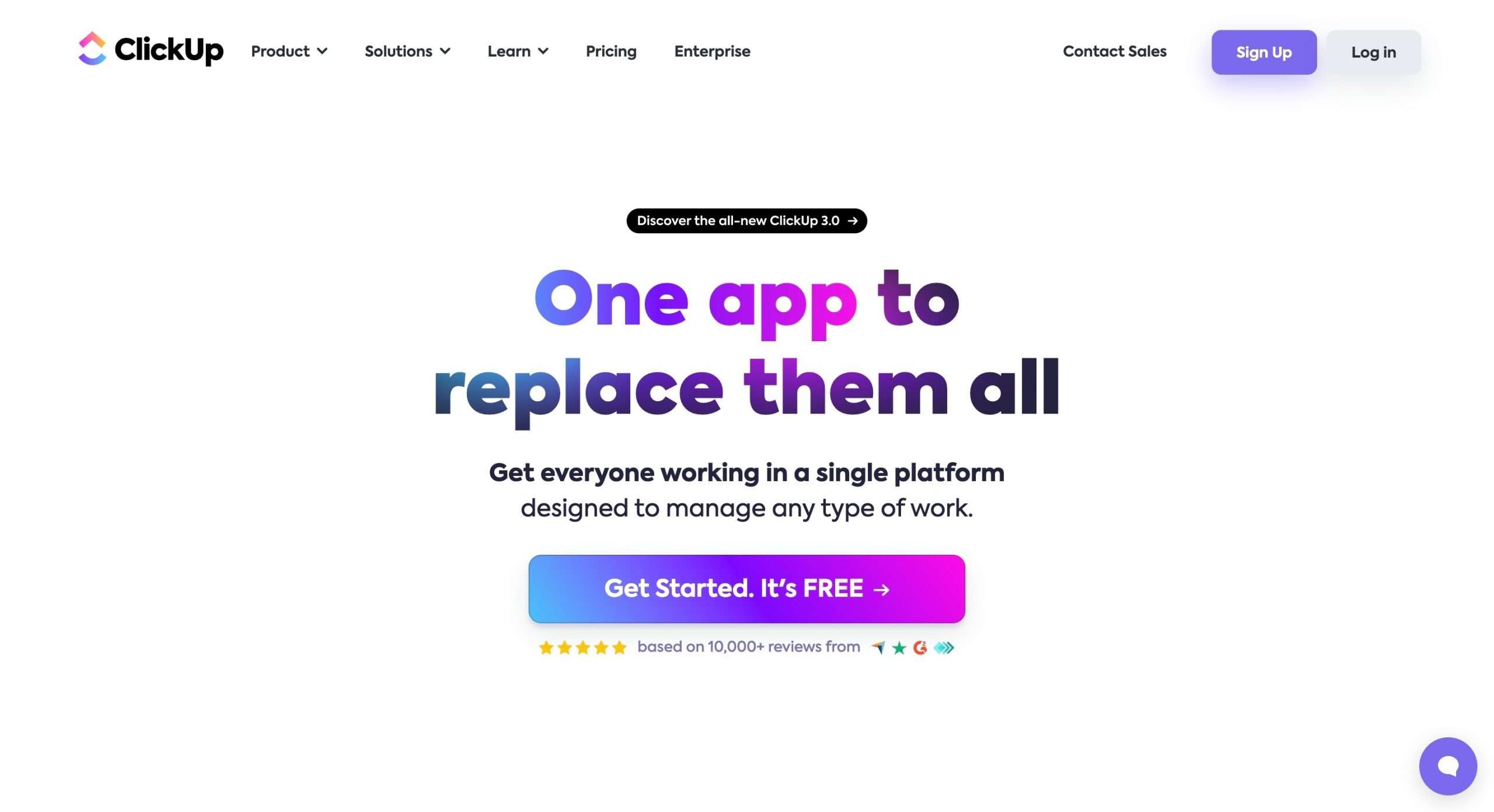
ClickUp is a robust project management platform with a ton of features that can be tailored to individuals and teams.
One of the coolest things about ClickUp is its Hierarchy feature.
You can create a structure that scales up easily as your needs change, from a small team to a large company.
Everything view gives you an awesome bird’s-eye look at all your tasks across the whole Hierarchy.
You can quickly find and filter tasks to save you time.
You can supercharge your task management by choosing from 35+ ClickApps. These let you customize things like setting automations, assigning points, adding custom fields, and more.
With 15+ powerful views, you can come at your work from different angles.
Furthermore, smooth teamwork is a breeze with collaboration features like Whiteboards, Comments, Proofing, Email and Chat.
Finally, ClickUp neatly integrates 1000+ tools like calendars, messaging, and cloud storage into one smooth workflow.
Key Features
- Time management made easy
- Customizable tasks with ClickApps
- Powerful views for versatile work approaches
- Collaboration features for seamless teamwork
- Real-time reporting for goal-tracking
Price
ClickUp has a free plan where you get 100 MB of storage and the ability to create unlimited tasks. The Unlimited plan starts at $10 per month ($7 on annual billing). Finally, the Business plan costs $19 per month ($12 when billed annually).
9. Google Calendar

I’m sure many of you already use Google Calendar. It may not be specifically designed for ADHD brains, but with some tweaking, it can help keep you organized and on track!
I love how easy Google Calendar makes it to block off time for specific tasks or events.
You can color code things, set reminders, and create different calendars if you want to separate work and personal stuff.
It’s great because pretty much everyone uses Google for email and other things already, so adding Calendar to your store is a no-brainer.
You can view your schedule in different formats—agenda, day, week, month.
You can create tasks or events and set them to repeat daily, weekly, monthly, or yearly even.
Key Features
- Multiple calendar view options
- Color coding for events and calendars
- Set repeating events for recurring activities
- Share calendars and collaborate with others
- Public calendar link to embed on websites
Price
Google Calendar is free to use and available on all devices.
10. Clockwise

Clockwise is an AI-powered scheduling assistant that optimizes calendars to create focus time for deep work while automatically adjusting meetings and other commitments.
Clockwise conducts continual calculations to test potential schedule arrangements across an organization in real time.
This AI-enabled precision scheduling allows Clockwise to respond immediately to shifting calendars.
You can mark meetings as flexible, giving them control over when and how meetings move.
Clockwise opens up long blocks of uninterrupted time by reshuffling existing meetings.
You can also take advantage of flexible holds to automatically adjust time for important tasks, routines like lunch, or external commitments.
What’s more, Clockwise introduces features like automatic gaps between lengthy meetings, no-meeting days, out-of-office syncing, and team analytics.
Key Features
- AI-powered customized scheduling
- Automatic meeting adjustments
- Deep focus time
- Team collaboration features
Price
Clockwise comes with a free plan with basic time management and integration functionalities. The team plan starts at $6.75 per month. Business plan costs $11.5 per month (both on yearly billing).
11. Llama Life

Llama Life is an ADHD-friendly time-blocking app that helps you stay focused and productive.
Its innovative Task Timer feature allows you to set fixed durations for each item on your to-do list.
Visibility into start times, end times, and total estimated completion times aids in daily planning and task management.
The Break-it-Down capability is particularly useful for tackling complex jobs, automatically separating intimidating tasks into smaller, more manageable chunks.
Llama Life also makes starting your day smoother through features like Random Task Selection and Preset Lists.
Gentle Chimes provides subtle reminders to help you stay on track, while customization options like colors, emojis, and soundscapes promote an encouraging environment.
Seamless Todoist integration, Smart Shortcuts, and innovative Pie Time and Task Reporting features enhance time-blocking capabilities.
Key Features
- Task Timers for focused attention
- Random Task Selection to overcome starting inertia
- Chimes for gentle reminders to stay on track
- Preset Lists to quickly load commonly grouped tasks (templates)
- Seamless integration with tools like Todoist
- Task Reporting for time analysis and optimization
Price
Llama Life has a 7-day free trial. The monthly plan costs $6 per month (or $27.3 per year). The Lifetime plan is available at $99.
12. TimeTree
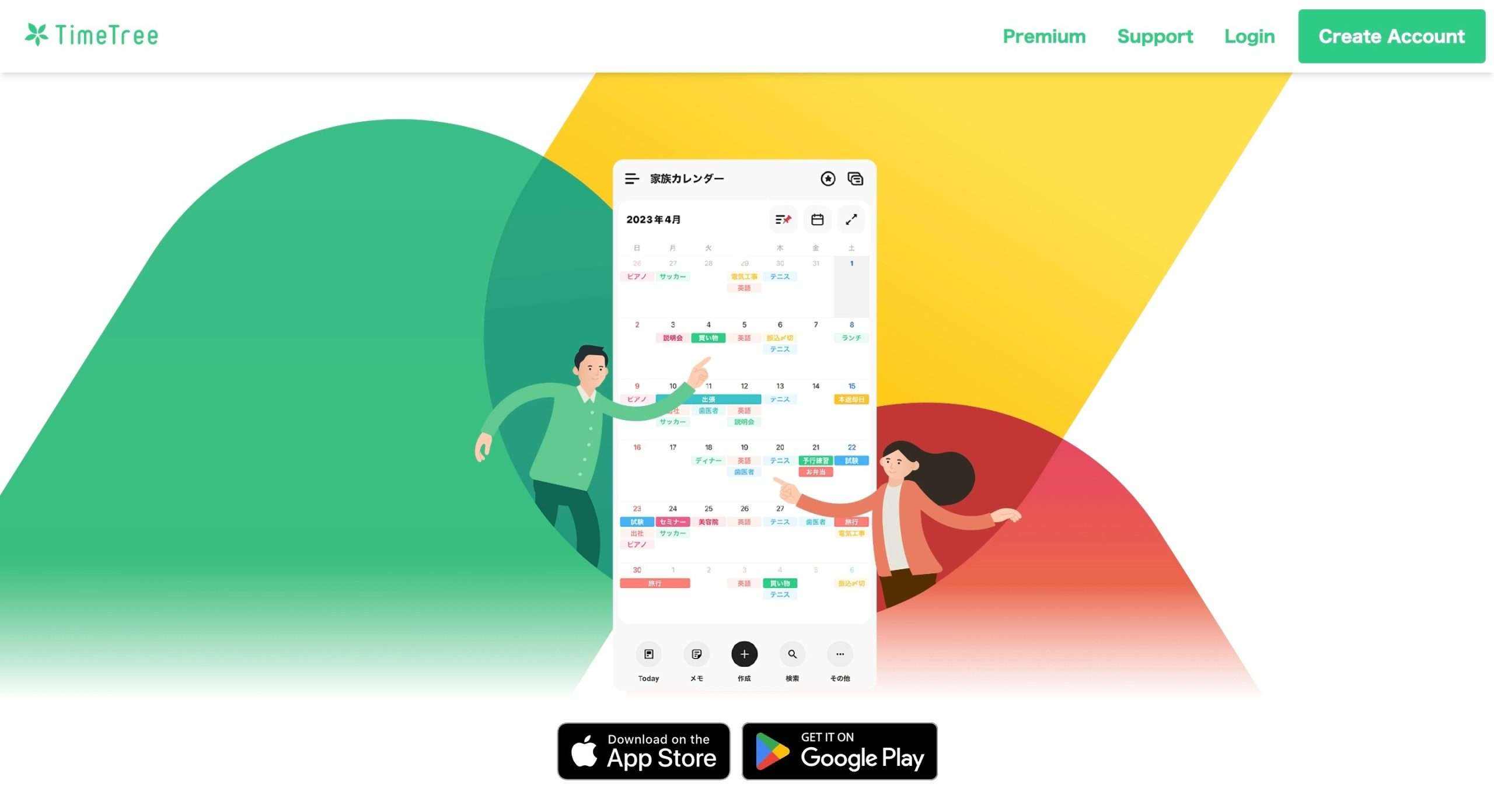
TimeTree makes calendar coordination and scheduling incredibly seamless.
Going beyond a traditional calendar, TimeTree streamlines the process of sharing plans, organizing events, and staying up-to-date on the latest schedule changes.
As an intuitive calendar-sharing platform, TimeTree allows you to instantly coordinate multiple schedules within a centralized interface.
It automatically syncs events and reminders across connected calendars, eliminating the hassle of manual notifications.
You also benefit from seamless messaging and file-sharing capabilities consolidated into one convenient platform.
Some standout features that enable simplified scheduling include customizable calendars, real-time update notifications, TimeTree Public Calendars for easily publishing event details online, and a Premium offering.
Key Features
- Centralized calendar interface for effortless scheduling
- Automatic event and reminder syncing across connected calendars
- Seamless messaging and file-sharing capabilities
- Real-time update notifications for staying informed
Price
TimeTree has a forever-free plan. The premium plan offers a 30-day free trial and then costs $4.49 per month (or $44.99 per year).
Wrapping Up
Now you have the list of the right time-blocking tools you need to fight your ADHD symptoms.
Although an app in itself doesn’t let you be magically productive, it does act as a strong and consistent nudge to get you into work.
Time blocking doesn’t have to be all complicated.
Start by picking an app you like, create your daily schedule, and dump it into your app at the desired timeframes.
Pro Tip: If you need a routine inspiration or want to experiment with different ones, try creating a sample routine with Claude, ChatGPT, or Google’s Bard.


 A better way to manage projects and clients for freelancers
 Get through busy days like a breeze with Reclaim.ai