
People who keep switching productivity systems usually do it for a variety of reasons.
Some switch apps to look for a better setup to optimize their workflows and boost work efficiency, and some do it simply because they find the experience engaging.
Irrespective of your reasons, you’ll eventually need a set of core tools to rely on for getting things done.
And I can help you with that.
Below, I have reviewed the 15 best software products that can easily be integrated into your routine. They offer useful functions and accessibility, making them perfect for time and task management.
Let’s explore them.
1. Sunsama
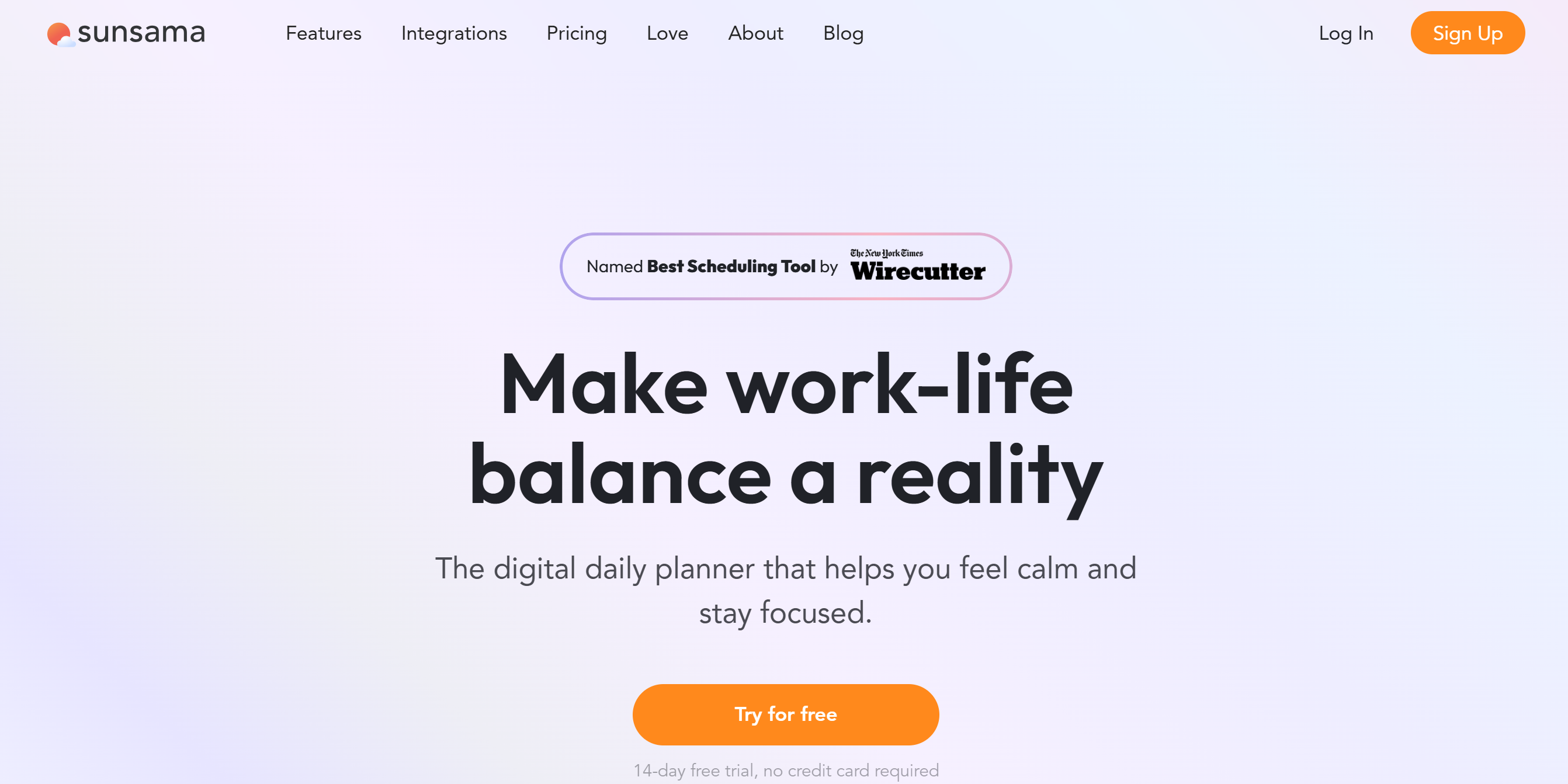
Sunsama is an ideal work planner for people who keep switching productivity systems.
The app features a drag-and-drop interface and quick task capture tools to manage to-do lists, tasks, emails, and your calendar.
You can connect multiple calendars and sync them to keep them up to date automatically. Plus, you can integrate your email and Slack accounts to convert messages into tasks.
Other notable features of Sunsama are auto-scheduling, weekly reviews, focus mode, and analytics.
A mobile app is also available for quick access. You can find it on Google Play and the Apple Store.
Core Features
- Visual planner.
- Auto-scheduling.
- To-do list.
- Task management.
- Time blocking.
- Emails into tasks.
- Unified view.
- Focus mode.
- Integrations.
- Mobile app.
Price
Sunsama’s monthly subscription costs $20. You can take a 14-day free trial and get discounts on the yearly subscription.
2. Todoist
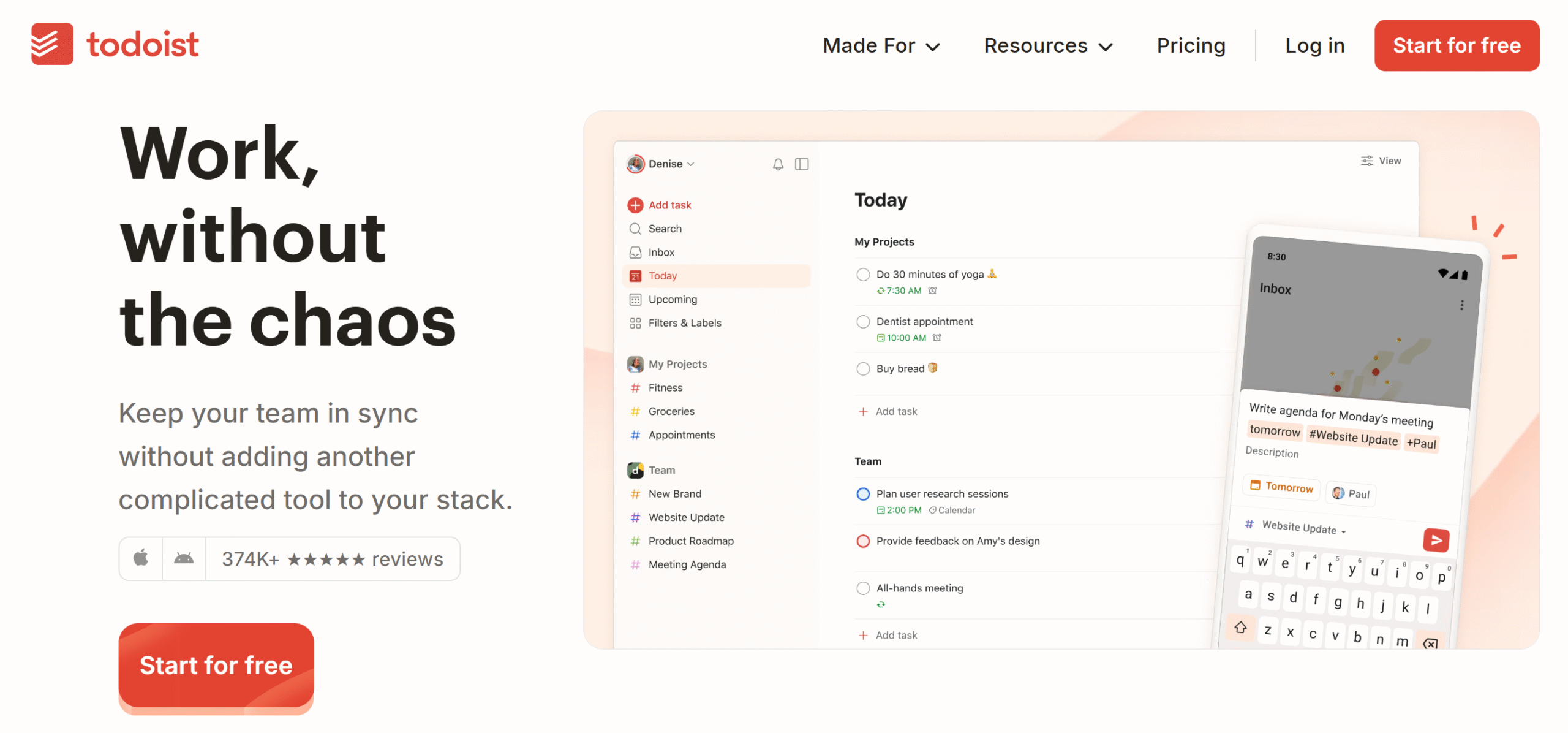
Todoist is also a great app for people who struggle to stick to any one productivity system. It offers a mobile-friendly system and a set of productivity tools designed to help you build a routine.
Some of the things you can do with Todoist include day planning, time management, habit tracking, and task management. You’ll get reminders, priority levels, and due dates to organize and monitor your tasks.
Multiple layouts are built into the system for your convenience. You can see your tasks in a list, a Kanban board, or a calendar.
If you work with a team, you can create a team workspace and collaborate on projects.
You can also connect Todoist with over 90+ third-party applications.
Core Features
- To-do list.
- Planner.
- Project and task management.
- Kanban board.
- Priority levels.
- Custom reminders.
- AI assistant.
- Team collaboration
- Integration.
- Mobile app.
Price
Todoist charges $5 to $8 per month. The basic plan is free.
3. TickTick
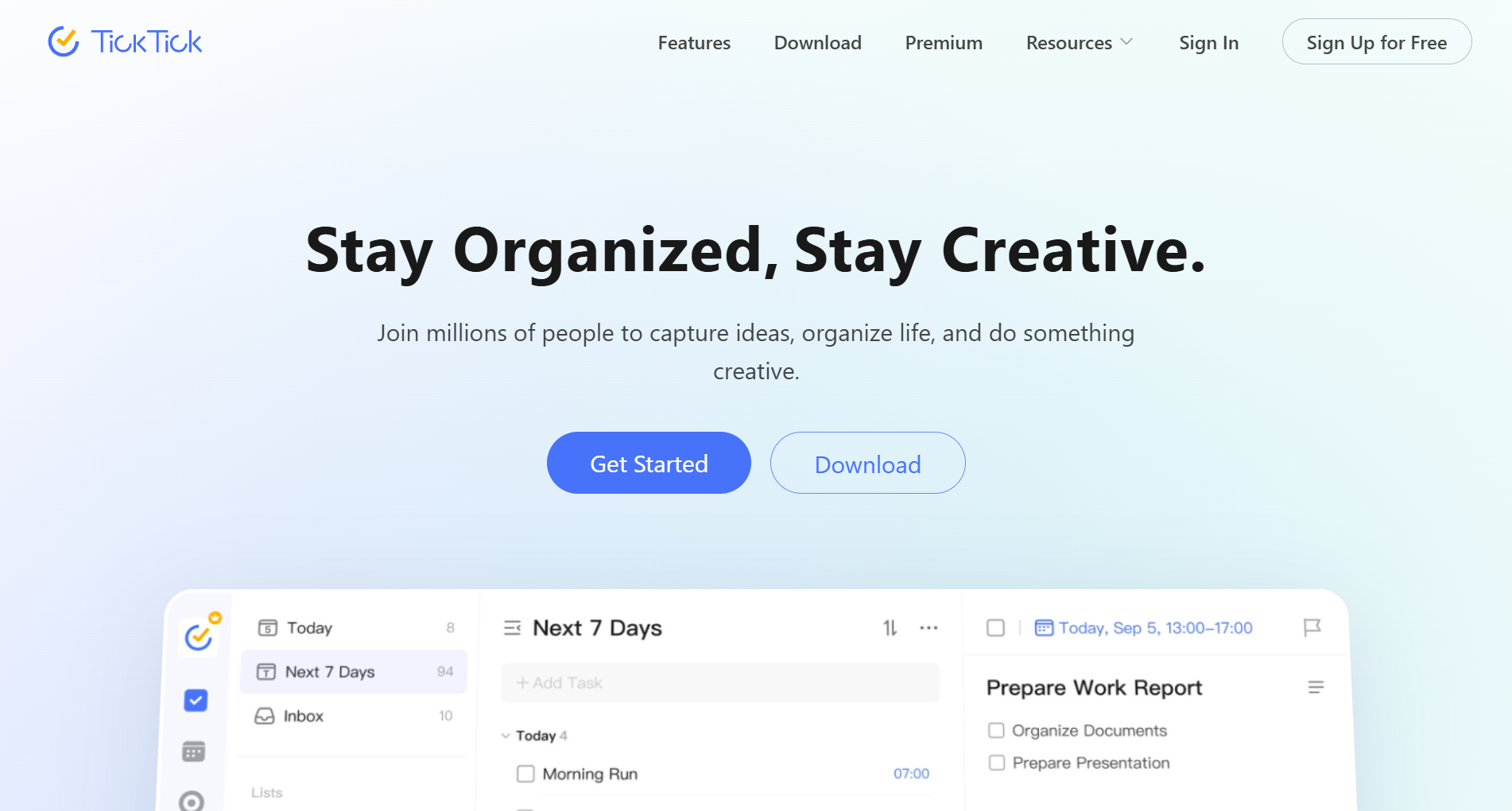
TickTick is a good alternative to Todoist. It offers a planner, a to-do list, and a task manager.
The software has flexible task creation tools and a home screen widget. You can add tasks via text and voice message and add tags to organize your chores.
With smart filters, various reminders, and a pomodoro timer, you can focus on priority jobs and manage your time better.
For scheduling and monitoring, you’ll get a visual planner.
You can download TickTick on Windows, Mac, iOS, and Android. A browser extension is also available.
Core Features
- Visual planner.
- Quick task capture.
- Kanban board.
- Priority levels.
- Flexible reminders.
- Pomodoro timer.
- Calendar widget.
- Premium themes.
- Integrations.
- Mobile app.
Price
TickTick is free to download. For the premium upgrades, it charges $3 per month.
4. Trello
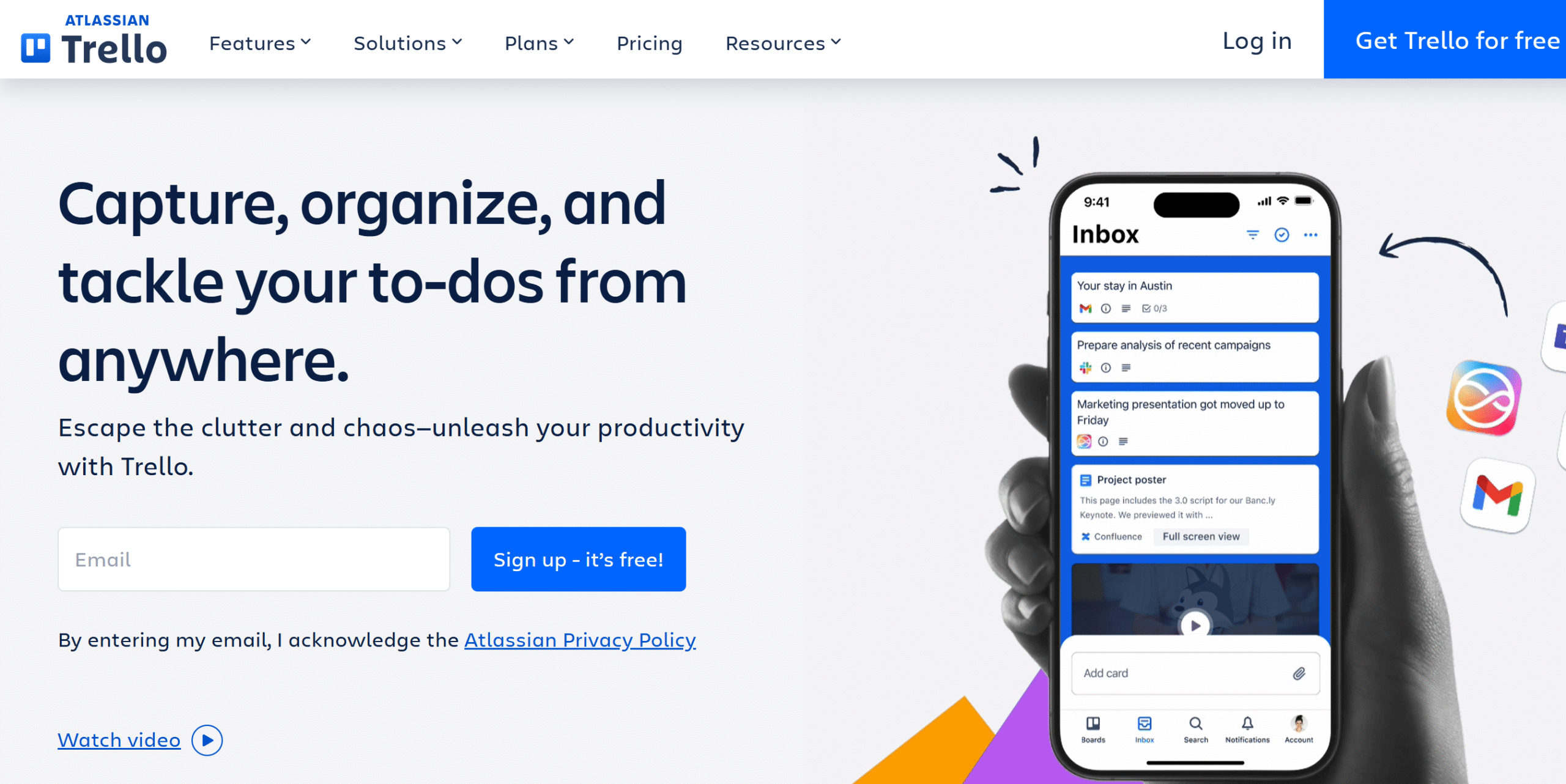
Trello is popular for its visual project management features. Most people also prefer it because it’s simple, affordable, and easy to use.
You can download Trello for free and use its templates to get started. The free plan has limited access, but you can try the free trial to explore its premium features.
You can break large tasks into subtasks and add them to your calendar. With the quick capture tool, you can create tasks from your to-do lists, notes, emails, and Slack.
For teams, Trello provides a collaborative workspace. You can assign due dates to each task and use a Kanban board for progress tracking.
Overall, it’s an excellent project management app.
Core Features
- Visual planner.
- Project and task management.
- Inbox.
- Multiple layouts, including a Kanban board.
- Collaborative workspace.
- AI and automation.
- Templates and custom backgrounds.
- Direct integrations.
- Mobile app.
Price
Trello charges $5 to $18 per month.
5. Notion
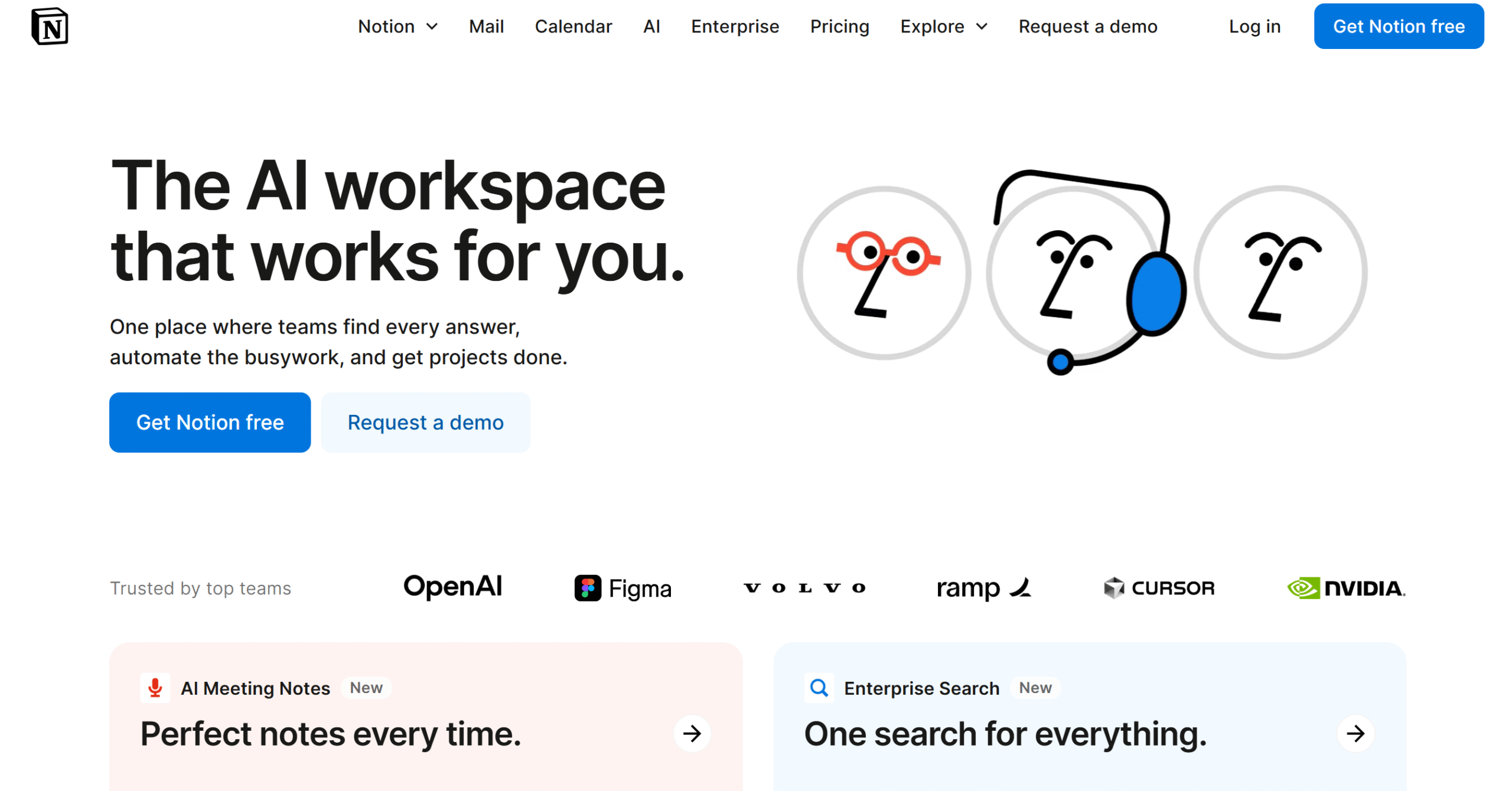
Notion is one of the most recommended productivity apps. Over 100 million people use it as an organizer and task manager.
Notion is perfect for both individuals and teams.
You can create a personal space to store ideas, make to-do lists, track chores, and write notes. You’ll get AI-powered writing tools to help with content generation and meeting notes.
If you work with a team, you can build a collaborative workspace. The software has a Kanban board for progress tracking and an inbox for communication.
You can download Notion on both desktop and mobile apps.
Core Features
- Wiki pages and blocks.
- Calendar.
- Kanban board.
- Priority levels and due dates.
- Collaborative workspace.
- Inbox.
- AI writer.
- Analytics.
- Integrations.
- Mobile app.
Price
Notion prices start at $12. The basic plan is free.
6. Motion
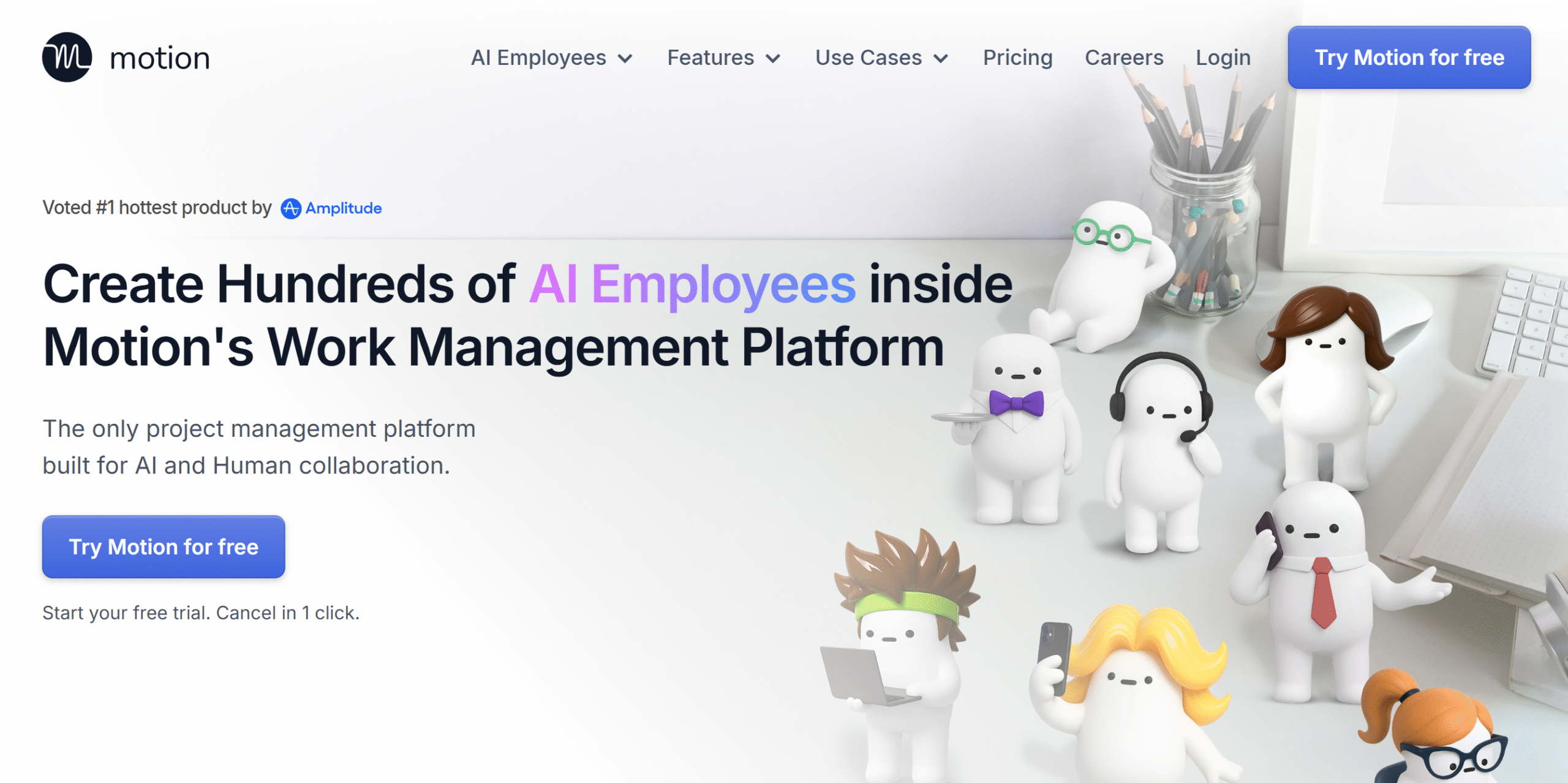
Motion is an amazing organizer. It delivers an AI workspace with automation tools to help you automate your planner.
You can use Motion to auto-schedule tasks, manage projects, automate repetitive workflows, and develop a knowledge base. You can manage your calendar from both your desktop and smartphone.
Motion also sells various AI assistants to cover different areas. For example, if most of your time is spent on meetings and communication, you can use AI to draft emails, schedule meetings, take notes, and coordinate with your team.
Core Features
- Smart planner.
- AI project and task manager.
- Time tracking.
- Meeting assistant.
- Workflow automation.
- Document management.
- Dashboard and reporting.
- Integrations.
- Mobile app.
Price
Motion charges $29 to $49 per month. You can try it for free.
7. Things3
Things3 is best for iPhone users. It’s a to-do list app with task management capabilities.
You’ll get several supporting features with the core to-do list to manage your routine. You can add tags to categorize tasks, create a checklist of daily tasks, take notes to add context, and set reminders to alert you to upcoming chores.
If you have a high email volume, you can convert priority messages into tasks and add them to your schedule.
You’ll receive a home screen widget to see upcoming jobs and a quick search tool to find specific tasks.
Core Features
- To-do list.
- Task organizing.
- Project creation.
- Checklists.
- Emails into tasks.
- Inbox
- Reminders.
- Split view.
- Drag-and-drop interface.
- Calendar integration.
Price
Things3 costs around $10.
8. OneNote
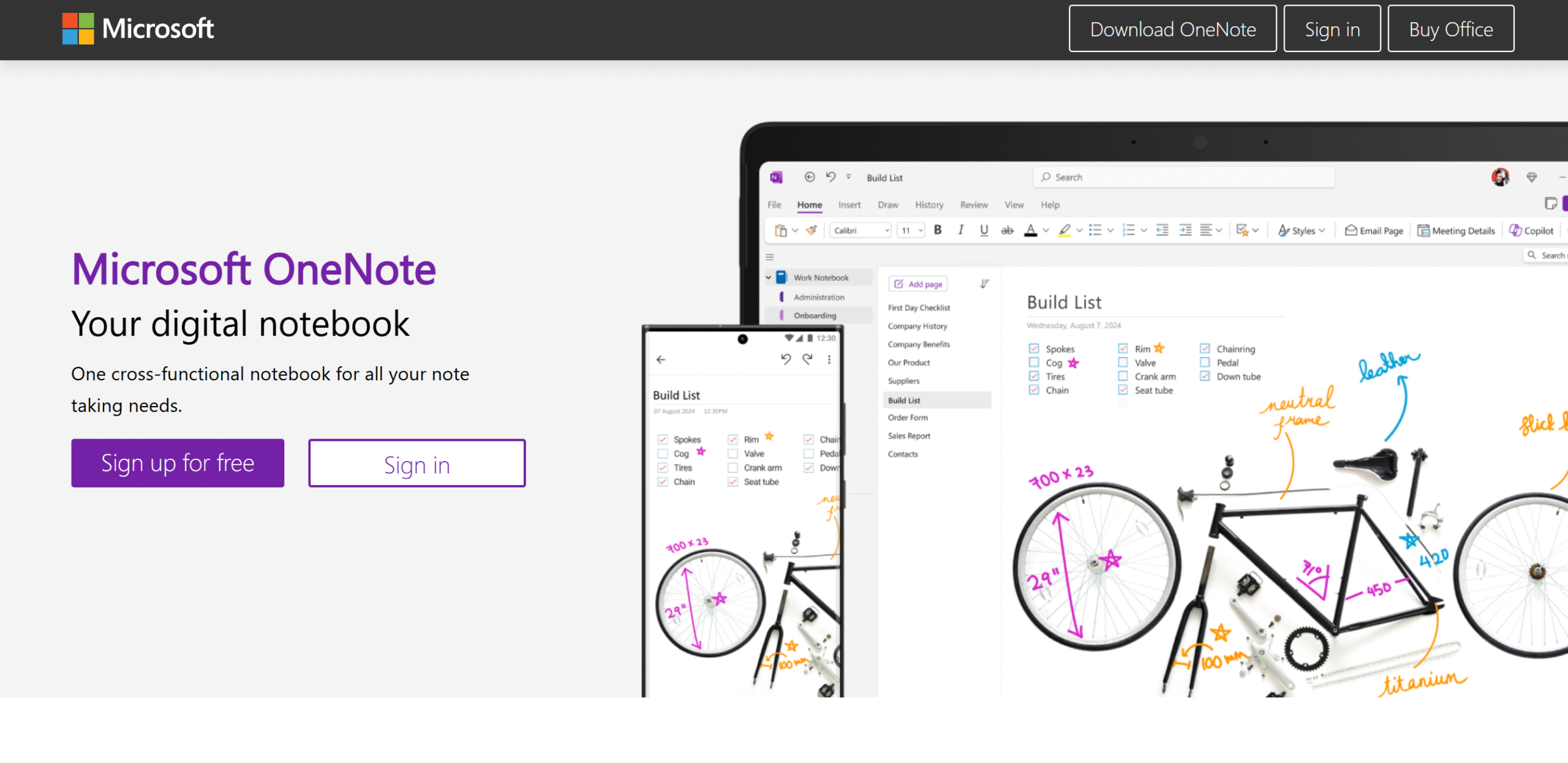
OneNote is a digital journal. You can use it to write, annotate, and draw anything.
You’ll get a proper writing editor with sketching tools for freehand writing. OneNote also has a voice transcription feature that lets you capture notes quickly.
You can insert images, links, tables, files, and audio into your notes. Additionally, you can create prompts and auto-generate lists and summaries.
With the collaboration feature, you can share your entire notebook or send specific page links.
All in all, it’s a convenient option for MS Office users.
Core Features
- Note-taking.
- Sketching.
- Annotation.
- Media, file, and link inserting.
- Writing editor.
- Voice transcription.
- AI assistant.
- Immersive reader.
- Sharing.
- Mobile app.
Price
You can download OneNote for free. It only charges for in-app purchases.
9. Microsoft To-Do list
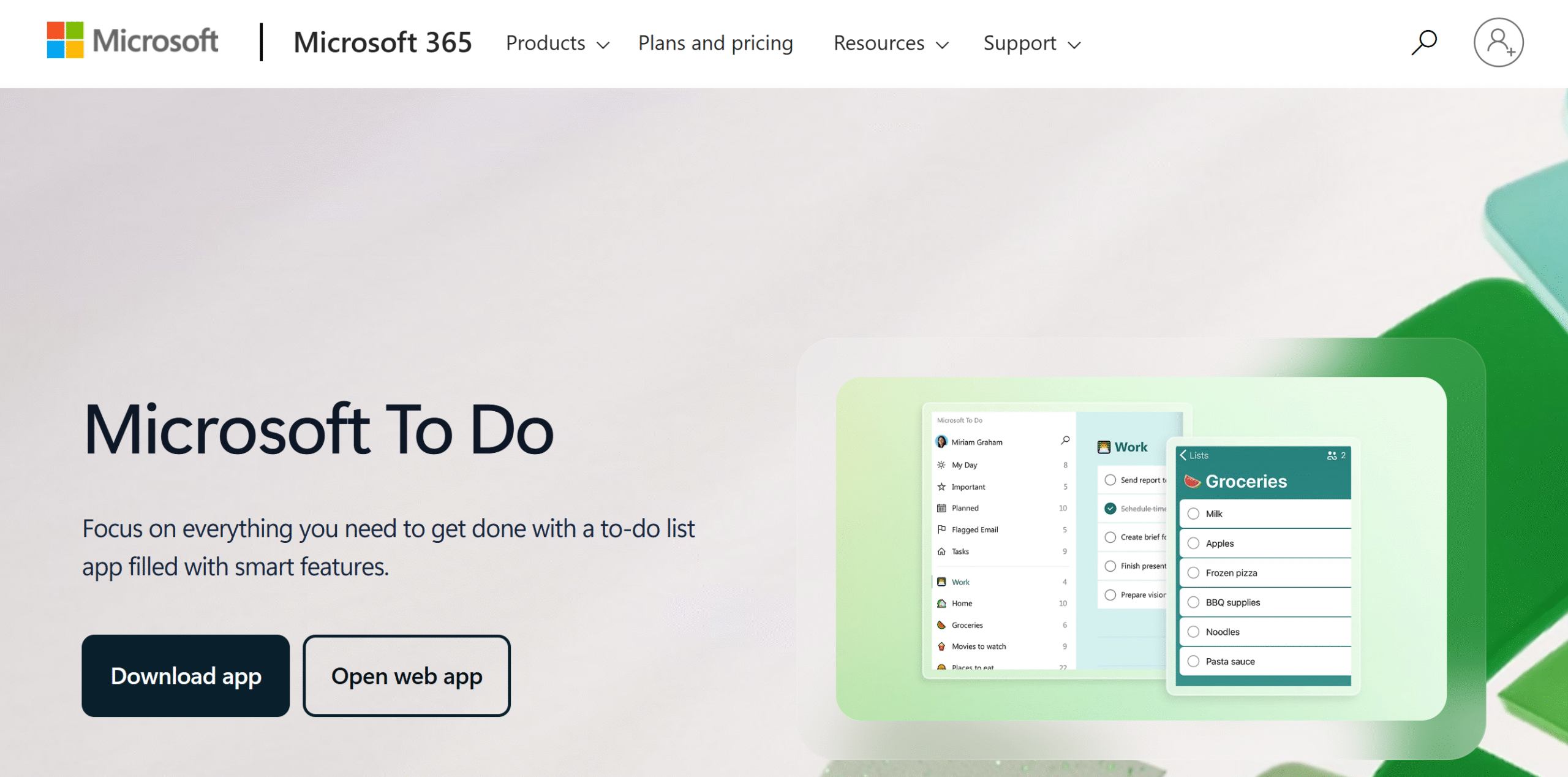
Microsoft offers another good productivity tool for people who often switch between productivity systems.
It’s a simple planner with a to-do list function to manage daily tasks.
The software works well with Outlook tasks and can be accessed from the browser, desktop, and smartphone. You can break large projects into small tasks and add due dates with reminders.
Microsoft To-Do list also has a collaboration feature. You can share your to-do list with your friends and family.
Core Features
- Planner.
- To-do list.
- Task organizing.
- Sub-tasks.
- Due dates.
- Reminders.
- Collaboration.
- Desktop, web, and mobile app.
- Integration with other tools.
Price
Microsoft To-Do is available for free to all 365 users.
10. EverNote
EverNote is a note-taking application. It lets you create notes in multiple formats and manage your to-do lists and tasks.
You’ll get around 20 GB of storage for notes and the option to add up to five calendars. You can turn your to-do lists into tasks and set priorities and due dates to organize them.
Also, you can scan documents, clip articles, and edit PDFs.
Some AI features are available as well. For example, you can use AI to extract information from your notes and convert raw data into well-written summaries.
With EverNote’s collaboration feature, you can give your team access to your notes.
Core Features
- Note-taking.
- To-do list.
- Task manager.
- Web clipper.
- Document scanning.
- Advanced search.
- AI assistant.
- PDF editor.
- Collaboration.
Price
EverNote charges $15 for the personal account and $18 for the professional account.
The basic plan is free.
11. Pomofocus
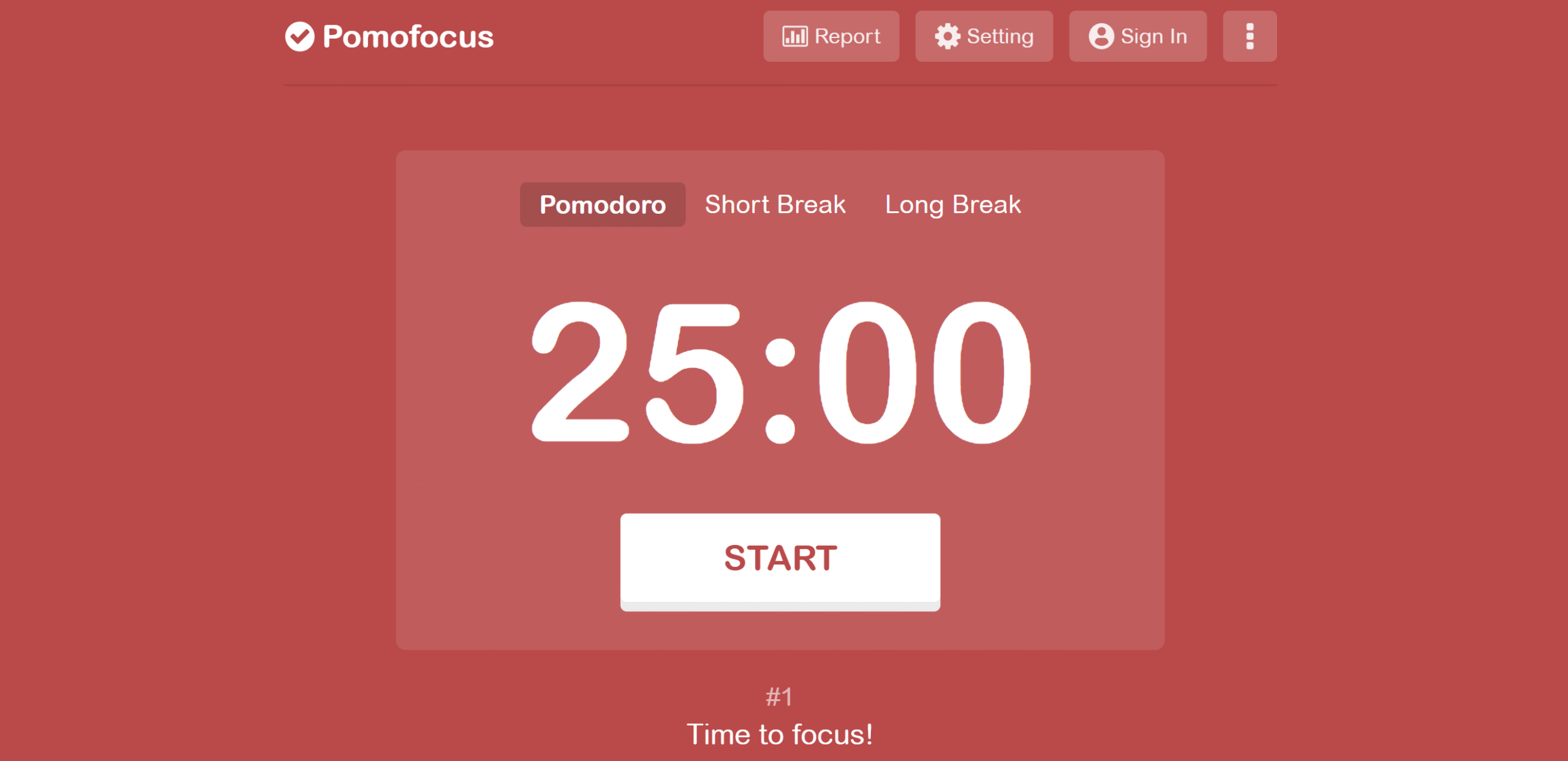
Pomofocus is my favorite app. It’s a time-tracking tool that follows the Pomodoro principle, helping you manage your time better.
The timer has a default 25-minute cycle with five minutes and 15 minutes of breaks. You can change the default setting and customize the number of break intervals.
If you upgrade your plan, you can extend the software functionality and add more features, such as adding projects. This would allow you to track time spent on each project.
You can use Pomofocus on desktop and mobile apps.
Core Features
- Timer.
- Short and long breaks.
- Task creation and time tracking.
- Templates.
- Reports download.
- Integration.
- Mobile-friendly.
Price
You can download Pomofocus for free. The premium plan costs $3 per month.
You can buy a lifetime package as well. It costs $54.
12. Forest
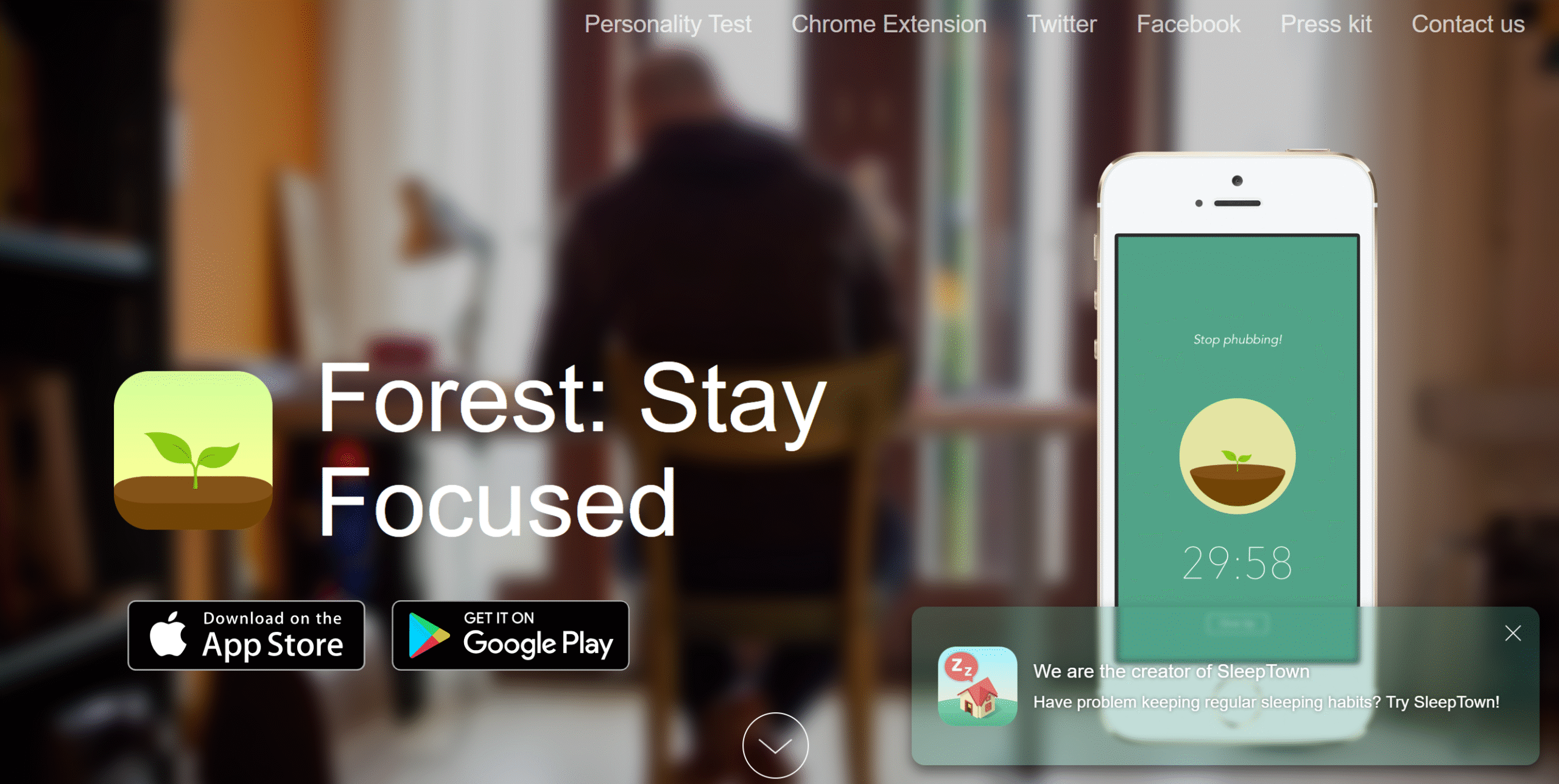
Forest is designed to improve your focus. It uses gamification to help you reduce procrastination.
The app works like a timer but with a simple twist. Whenever you start on a project, you turn on the timer and plant a tree. The longer you stay focused, the more it grows.
The tactic works brilliantly because millions of people are using the app. You can monitor stats to see your work progress and compete with your friends.
Core Features
- Timer.
- Gamification.
- Allow and block lists.
- Deep focus.
- Collaboration.
- Time tracking.
- Statistics.
- Widget.
- Chrome extension.
- Mobile app.
Price
Forest costs $4.
13. Obsidian
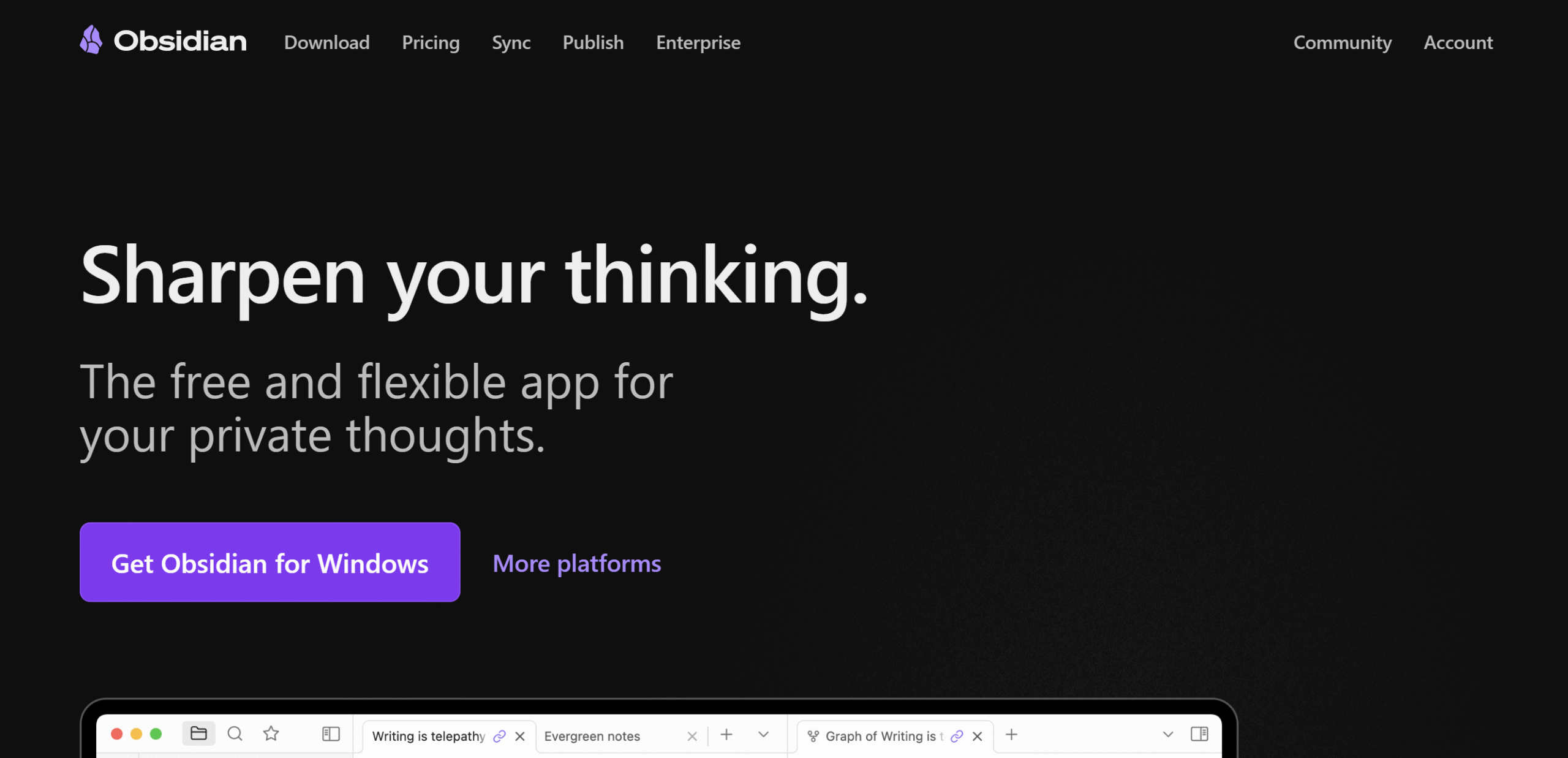
Obsidian is built for students, creative professionals, and researchers. With this tool, you can take notes and create an accessible knowledge base.
You can use Obsidian as a thinking board, storing notes and linking them together. The software provides a blank canvas for the thought process and displays the connection between notes in a visual graph.
A range of plugins is available to extend the software functionality. You can integrate a calendar, a to-do list, a timer, and a Kanban board.
Obsidian can be connected to multiple devices to sync the notes and share files with others.
Core Features
- Note-taking.
- Visual graph.
- Publishing.
- Infinite canvas.
- Hyper-linking.
- Collaboration.
- Device syncing.
- Custom themes.
- Plugins.
Price
You can download Obsidian for free. Its premium subscriptions start at $5 per month.
14. Loop Habit
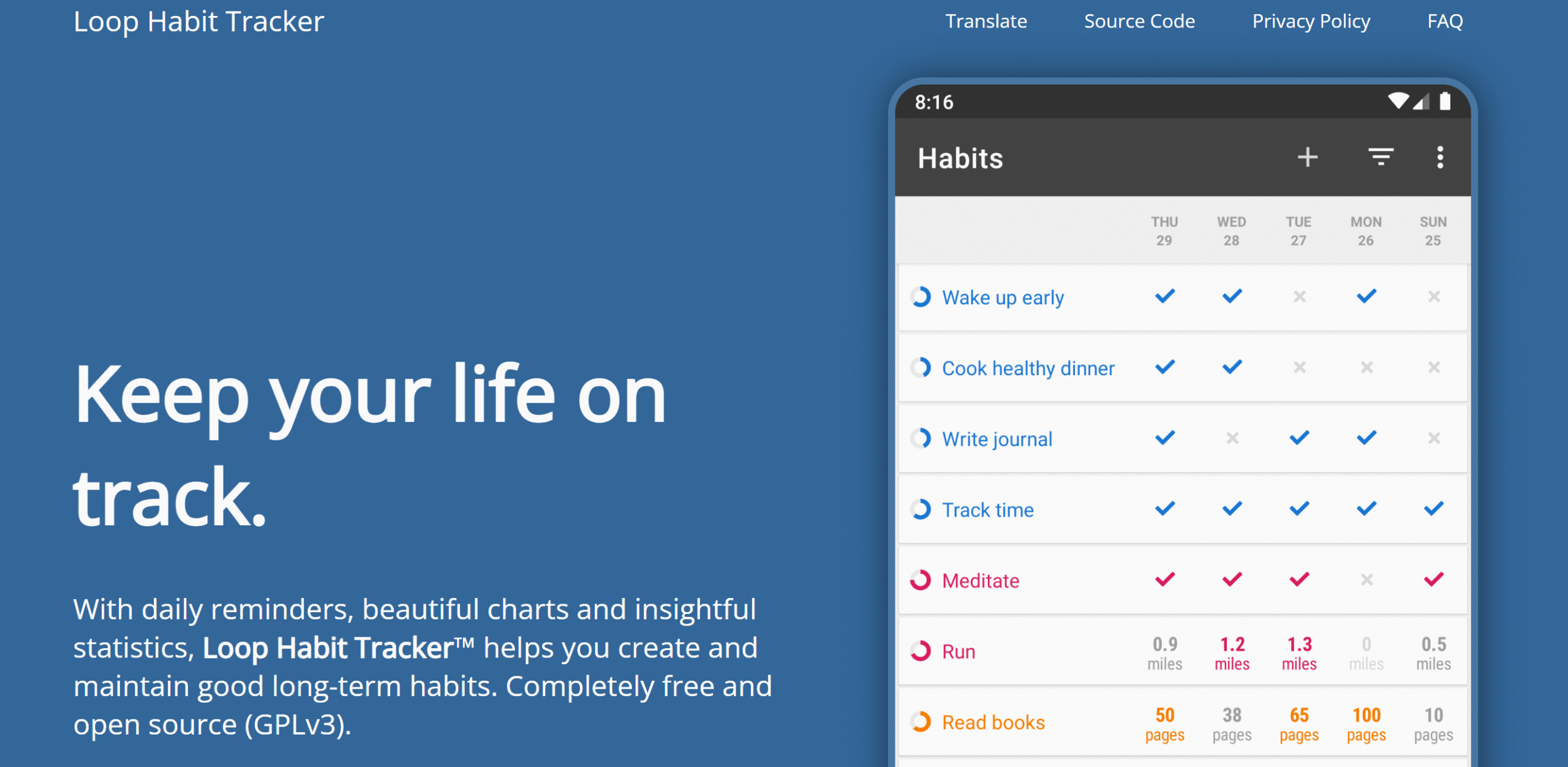
Loop is a habit-tracking app. It provides a simple system to create a routine.
The software has a list view that displays your habits, days, and completed tasks. With its built-in calendar and streaks, you can easily track your habits.
You’ll also get charts and stats to measure your efforts and see how rigorously you follow certain tasks.
You can change the frequency and add skips to your streaks. Loop Habit supports both daily and odd schedules.
Core Features
- Task creation.
- Streaks.
- Calendar.
- Habit score.
- Flexible frequency.
- Skips.
- Reminders.
- Mobile app.
Price
Loop Habit is an open-source Android app. You can use it for free.
15. Raindrop
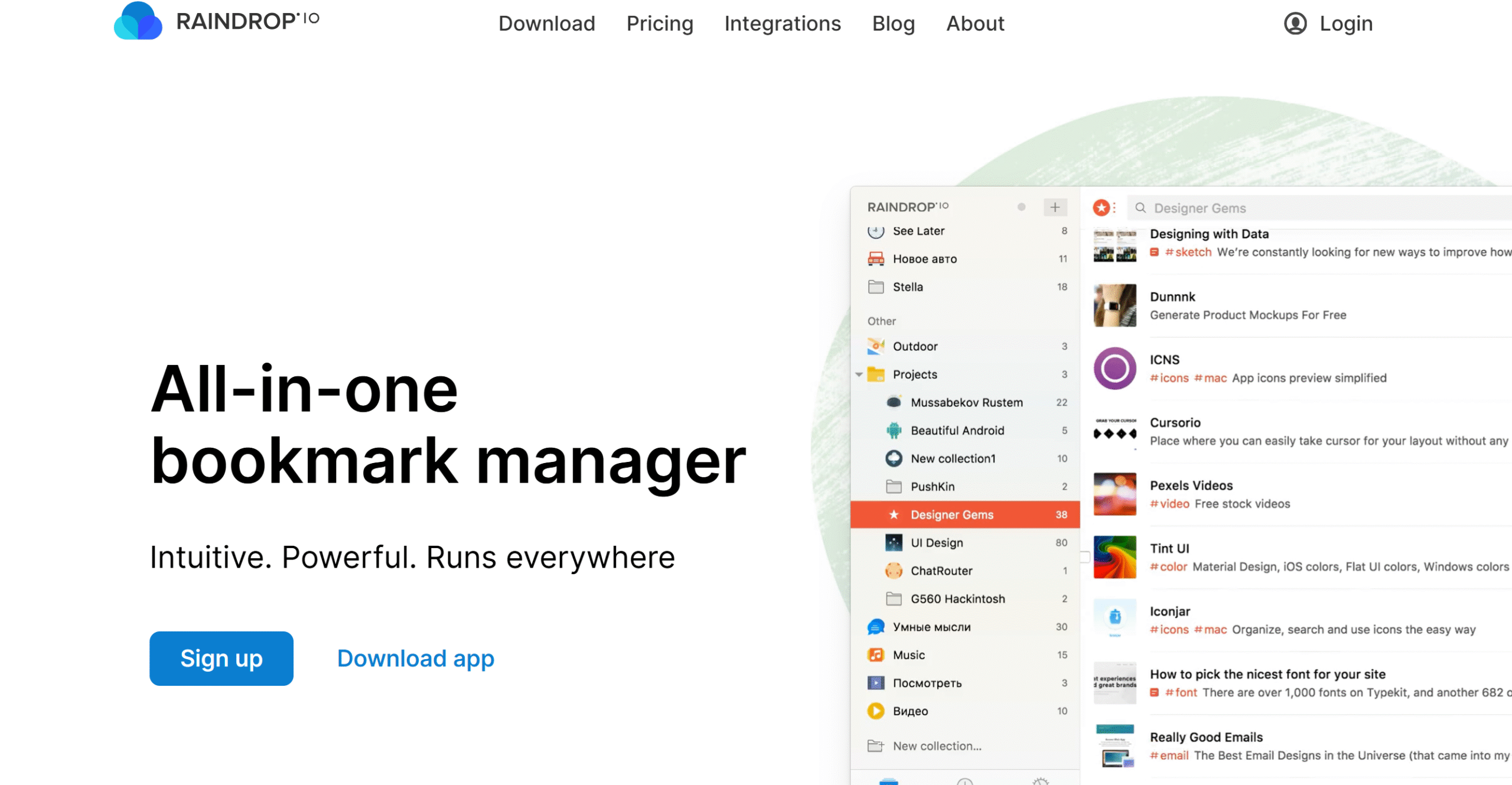
Raindrop is a bookmark manager. It’s an incredibly robust tool with cross-platform functionality and collaboration capabilities.
Through Raindrop, you can organize your bookmarks into groups, add tags to categorize them further, and remove broken and duplicate pages. Raindrop automatically suggests groups and tags for your convenience.
You can view your bookmarks in different modes and run an advanced search to find specific content. If you have any articles saved, you can highlight passages and share the page with others.
There’s no limit on the number of bookmarks saved. You can create auto-backups to store your data and access it from anywhere.
Core Features
- Unlimited bookmarks and groups.
- Tagging.
- Article preview with highlighting and annotation.
- Reminders.
- Duplicate and broken link finder.
- Multiple views.
- AI capabilities.
- Auto-backups.
- Cross-platform functionality.
- Collaboration.
- Integrations.
Price
You can use Raindrop for free. It charges $3 for the premium subscription.
Conclusion
So, what do you think about the review? Did you find what you were looking for?
If you need suggestions, I recommend Sunsama for daily planning, TickTick for to-do lists, Notion and Trello for task management, EverNote for note-taking, and Pomofocus for time management.
Try these apps yourself to make an informed decision. Good luck!


 A better way to manage projects and clients for freelancers
 Get through busy days like a breeze with Reclaim.ai