
An AI calendar assistant is ideal for anyone who has a difficult time meeting deadlines.
It cuts down your daily planning time with smart scheduling, making it easier to manage a heavy workload.
If you are not sure which tool to go for, I have reviewed the 12 top AI calendar assistants for you.
They work well with popular calendars and offer user-friendly features.
What Is An AI Calendar Assistant And What Tools Are Best For Smart Scheduling
An AI calendar assistant is a productivity tool that uses AI to help you build the most efficient schedule.
It automates time-consuming chores and provides an easy way to manage personal and work tasks.
Top Features To Look For In An AI Calendar Assistant
- Smart scheduling.
- Task management.
- AI and automation.
- Integrations.
Check out the list and compare top AI calendar assistants to find the best app for scheduling.
1. Sunsama
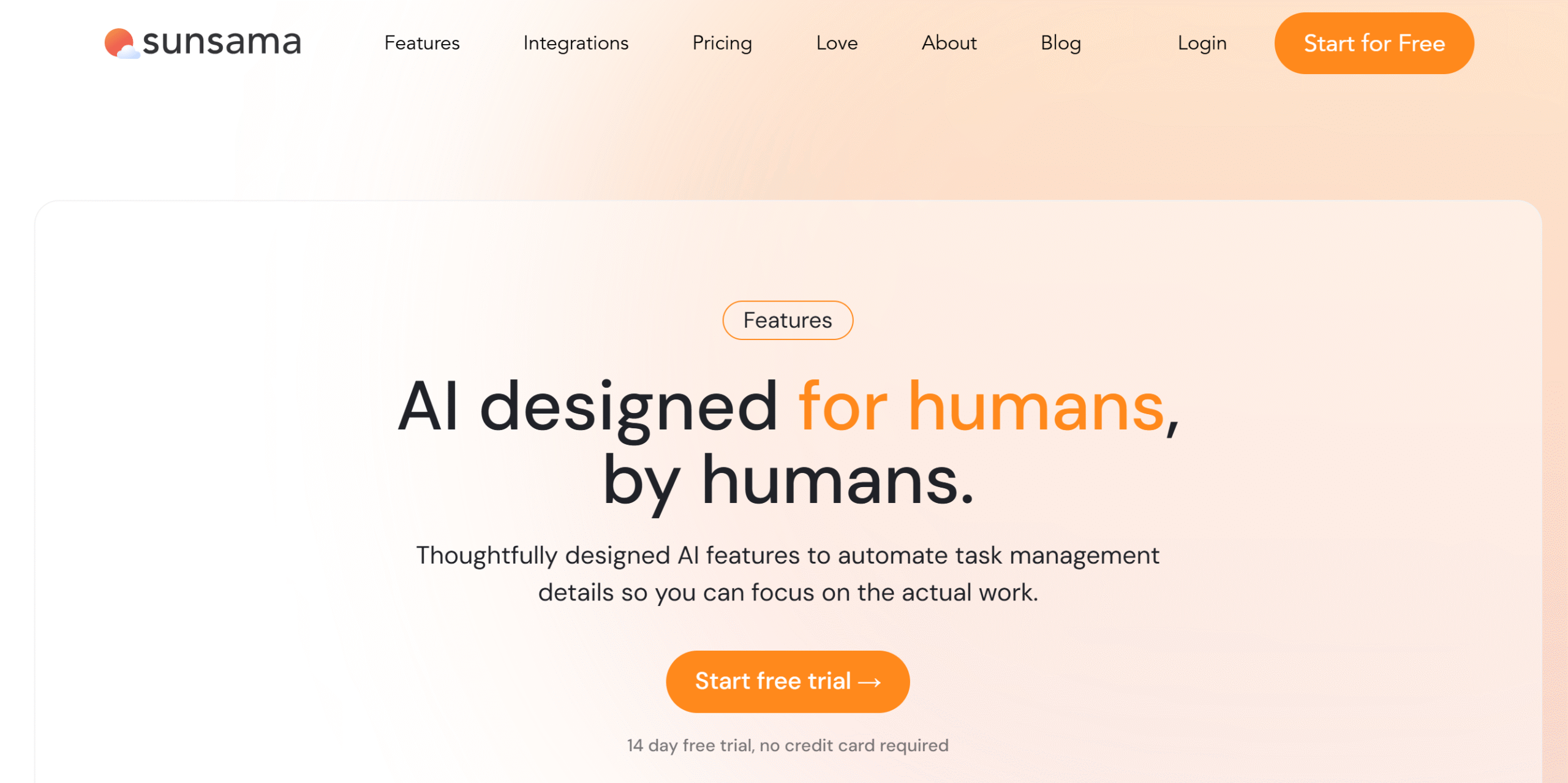
Sunsama is a smart daily planner.
It has an integrated AI calendar assistant that focuses on intentional planning, guiding you through each step to build realistic schedules.
You can easily create a checklist of daily chores, convert them into tasks, add them to your calendar, and keep track of everything.
Whenever you add a new task, Sunsama automatically tags the item and assigns an estimated completion time.
You can sync multiple calendars with Sunsama and automatically update your schedule.
Sunsam also supports task importing. If you spend a significant amount of time on emails and messages, you can drag them from your Gmail and Slack to the app and turn them into tasks.
Core Features
- Guided daily ritual.
- Calendar syncing.
- Auto-scheduling.
- AI task manager.
- Time blocking.
- Focus mode with a pomodoro timer.
- Emails and messages into tasks.
- Daily reflection and weekly objectives.
- Analytics.
- Cross-platform.
- Integrations
Price
Sunsama charges $20 per month. You can take a 14-day free trial.
2. Reclaim
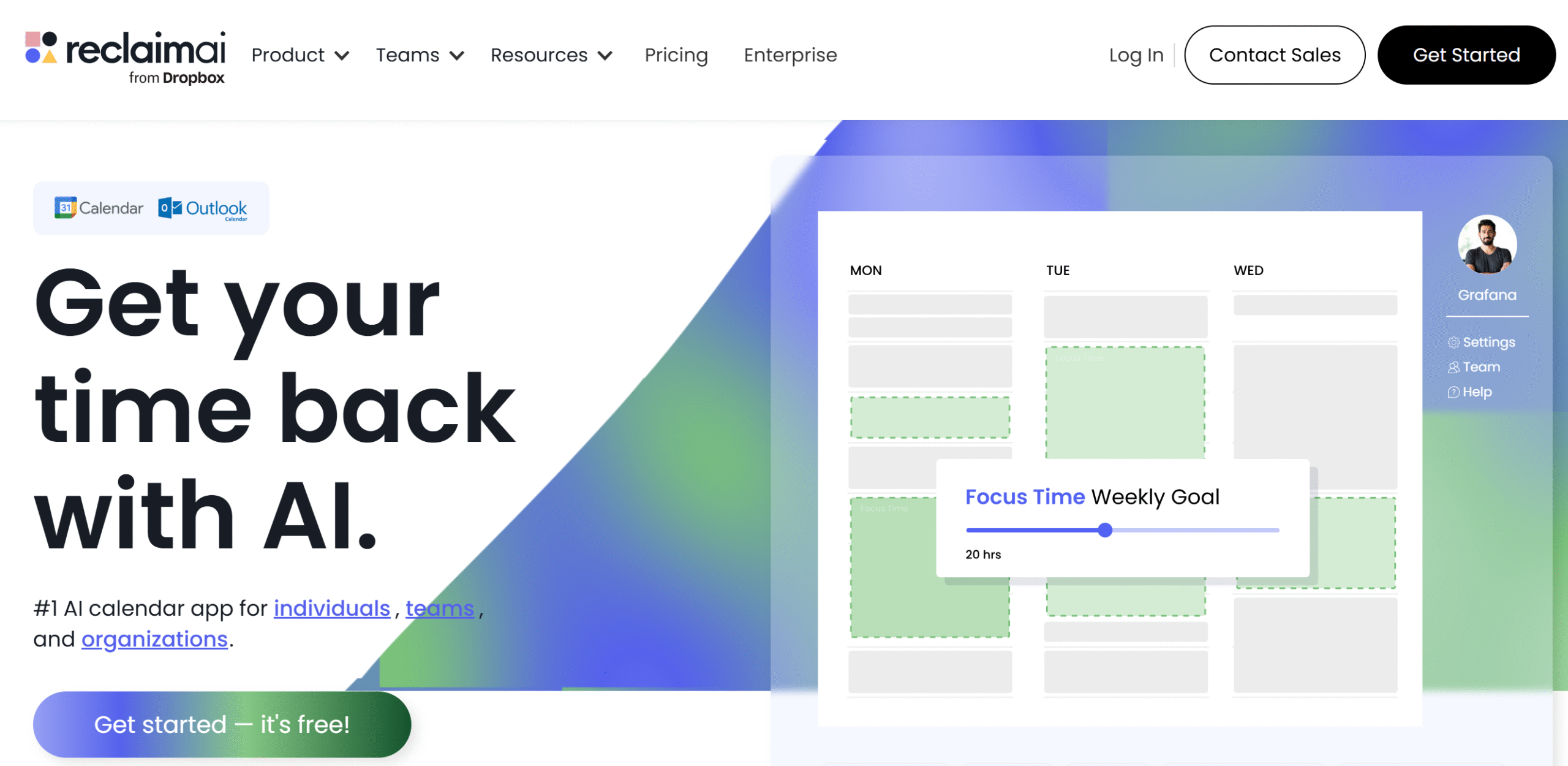
Reclaim is one of the best AI calendar assistants for smart scheduling.
It’s completely automated and comes with several smart tools to optimize your work schedule.
Let me share how it works.
Reclaim analyzes your priorities, expectations, and work hours and automatically generates a planner that suits your work style. Each day, it studies your work pattern and tailors your schedule to maximize productivity.
You can organize meetings, set aside time for deep work, add travel times, and include buffers in your schedule. If you miss a meeting, Reclaim automatically adjusts your calendar and reschedules it for you.
Both individuals and teams can use Reclaim for daily planning. The software is user-friendly and works well with Google and Outlook.
You can also integrate third-party apps, like Gmail, to import tasks and messages.
Core Features
- Google and Outlook calendar syncing.
- Smart meeting tools.
- Automated planner.
- Task management.
- Focus mode and time tracking.
- Analytics and productivity tracking.
- Team collaboration.
- Cross-platform.
- Integrations.
Price
Reclaim charges $12 to $18 per month. The basic plan is free.
3. Motion
Motion and Reclaim have several common features.
Both automate your calendars based on your priorities, and both offer smart meeting tools.
Motion’s task management function, however, is comparatively more robust.
You can handle complex projects in Motion and plan your team’s schedule based on their work capacity.
Motion also has other helpful tools, like knowledge management and AI workflows, to store documents and automate repetitive workflows.
If you are looking for an AI calendar assistant that can support large projects, Motion is the best option.
Core Features
- Automated scheduling.
- Project and task management.
- Meeting booking and note-taking.
- Time tracking.
- Document organizing.
- AI and automation.
- Team collaboration.
- Email and chat.
- Analytics.
- Cross-platform.
- Integration.
Price
Motion sells individual and team packages separately. The basic plan starts at $29 per month.
You can try it for free.
4. Clockwise
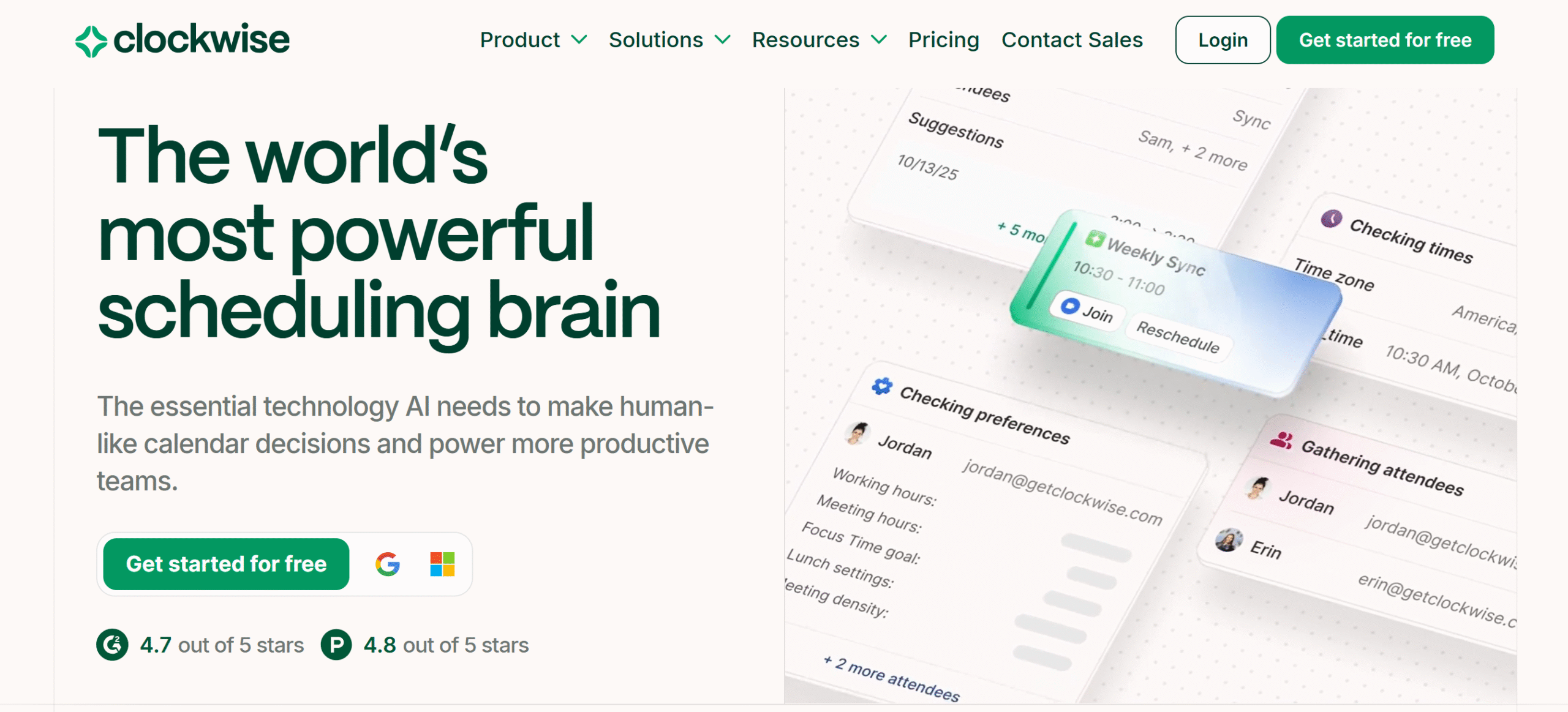
Clockwise manages work and personal calendars with smart scheduling.
It’s an AI calendar assistant that syncs all your calendars and sets everything on autopilot.
Some of the things you can manage through Clockwise include to-do lists, tasks, meetings, and off-site jobs. You can make space for both priority tasks and to-do lists on your calendar and let Clockwise rearrange your schedule each day.
For teams, you’ll get a shared calendar. You can add off-site events and no-meeting days to your shared calendar to manage your availability.
Clockwise can be integrated with Google, Outlook, and Slack.
Core Features
- Auto-scheduling.
- Multi-calendar syncing.
- Smart meetings.
- Focus time.
- To-do list.
- Off-site calendar syncing.
- No-meeting days.
- Team collaboration.
- Browser extension,
- Integrations.
Price
Clockwise’s basic plan is free, and premium packages range between $7 and $12 per month.
An enterprise plan is available.
5. Morgen
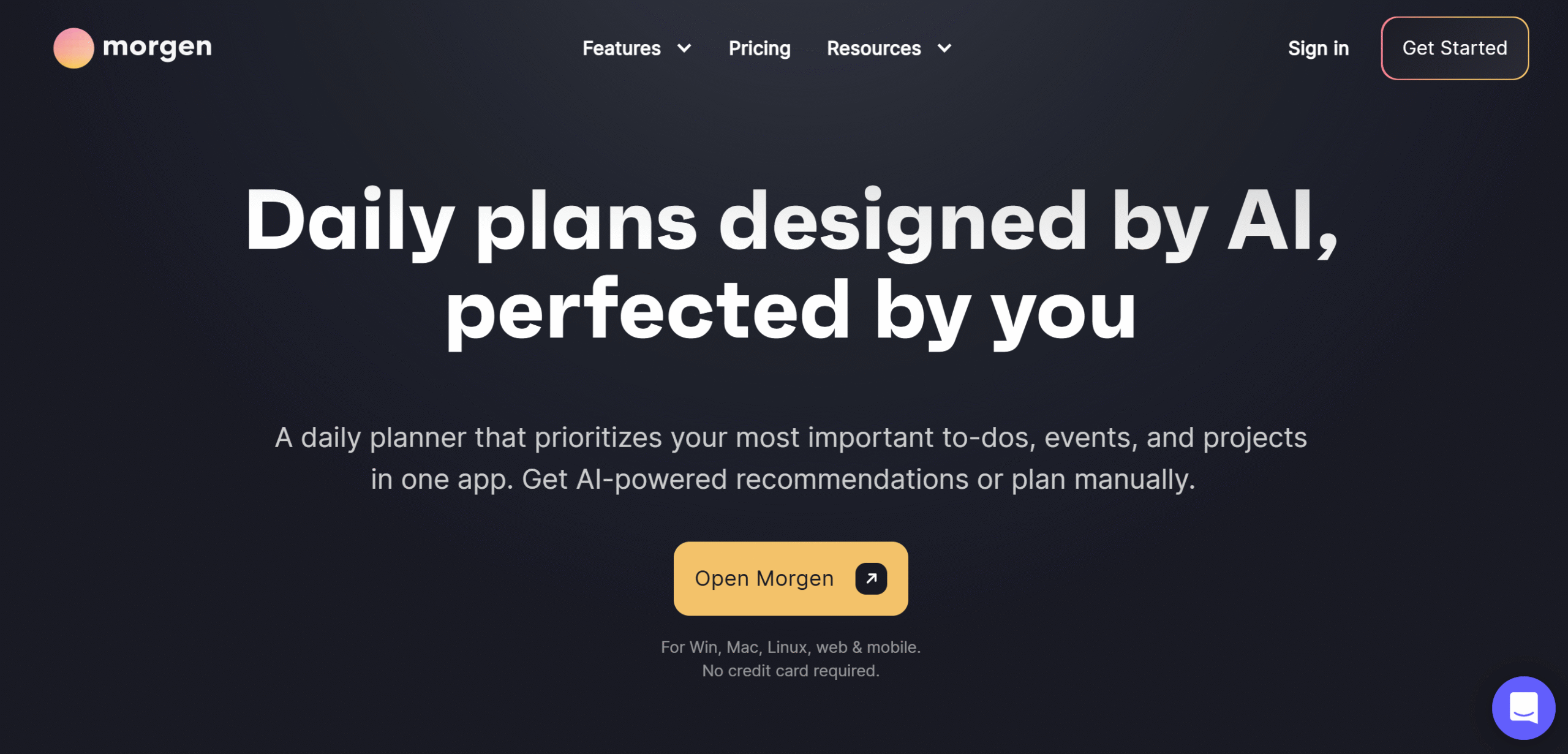
Morgen is an excellent AI planner.
It has time-blocking tools, meeting scheduling capabilities, calendar integration, and automation options.
You can manually and automatically manage your calendar events and tasks and integrate third-party tools. Morgen supports several task managers and to-do lists, including ClickUp, Todoist, and Notion.
There’s no limit on the calendar and task integration. You can sync all your calendars and access them from anywhere at any time.
Deadlines and alerts are built in to help you stay on track. Plus, you can automatically rearrange your schedule based on your work capacity and circumstances.
If you work with a team, Morgen can manage each member’s schedules and availability. You can see who is available, who is busy, and when is the best time for a meeting.
Core Features
- Auto-scheduling.
- AI assistant.
- Calendar syncing.
- Task management.
- Time blocking.
- Team collaboration.
- Availability management.
- Meeting tools.
- Analytics.
- Cross-platform.
- Integrations.
Price
Morgen charges $30 per month for the individual plan and $25 per month for its team plan. A 30-day money back guarantee is included in all the plans.
You can take a free trial.
6. SkedPal
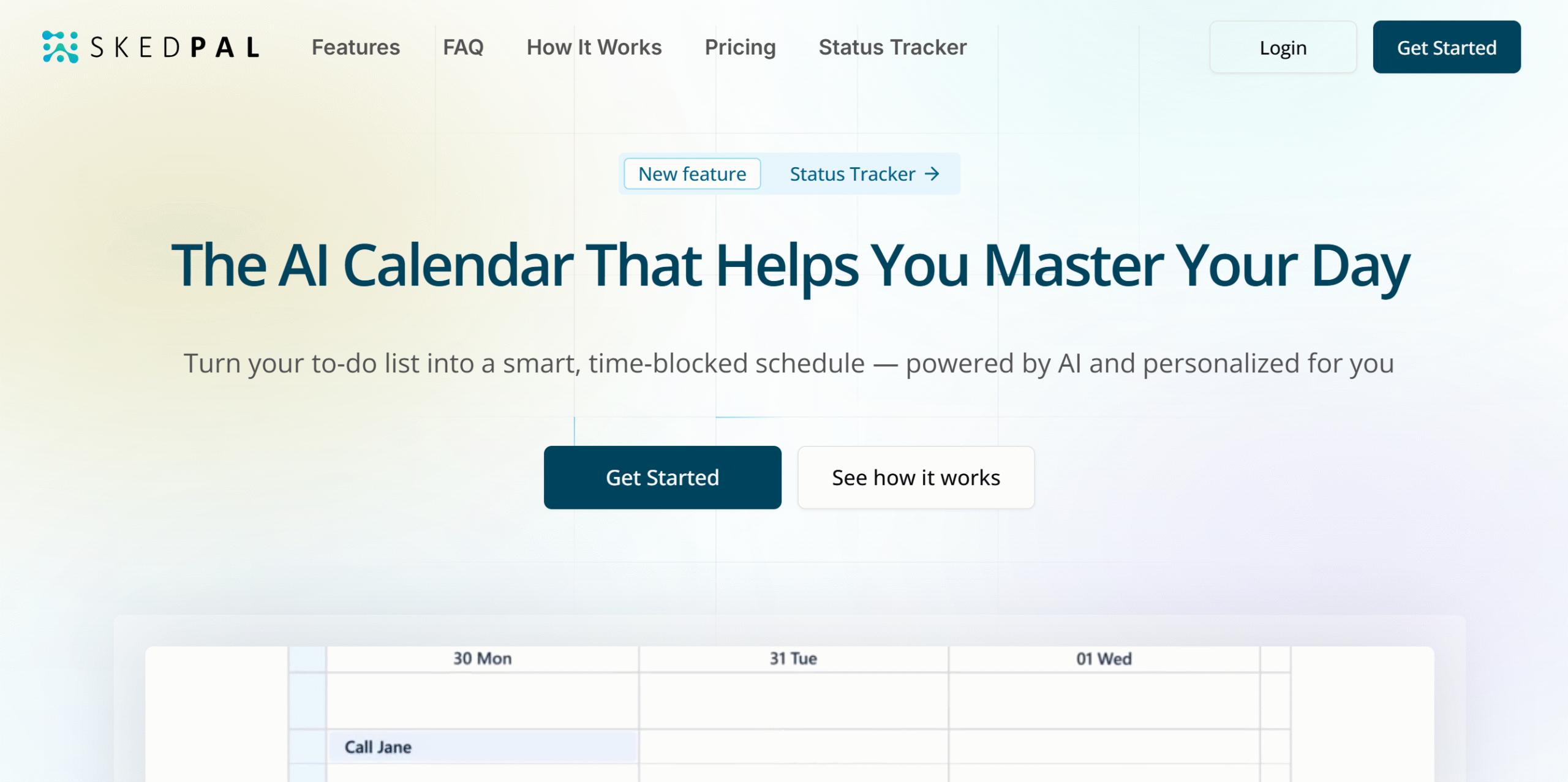
SkedPal delivers AI-powered calendar and time management tools. You can sync unlimited calendars and automatically run your schedules.
Core capabilities of SkedPal include AI-powered scheduling, task management, prioritization, and analytics. You can allocate jobs to specific groups and enable two-way calendar syncing to update your calendars.
Both one-time and recurring jobs can be managed via SkedPal. You can break large projects into small tasks and set aside time for deep work.
One of SkedPal’s interesting features is the status tracker. It monitors your activities in real-time, notifies you of potential problems, and reshuffles tasks.
This saves you from manually adjusting your schedule.
Core Features
- Calendar syncing.
- Task management.
- Smart scheduling and notifications.
- Prioritization.
- Time budgeting.
- Status tracker.
- Time tracking.
- Analytics.
- Cross-platform.
- Integration.
Price
SkedPal charges $14 to $21 per month. You can take a 14-day free trial.
7. BeforeSunset
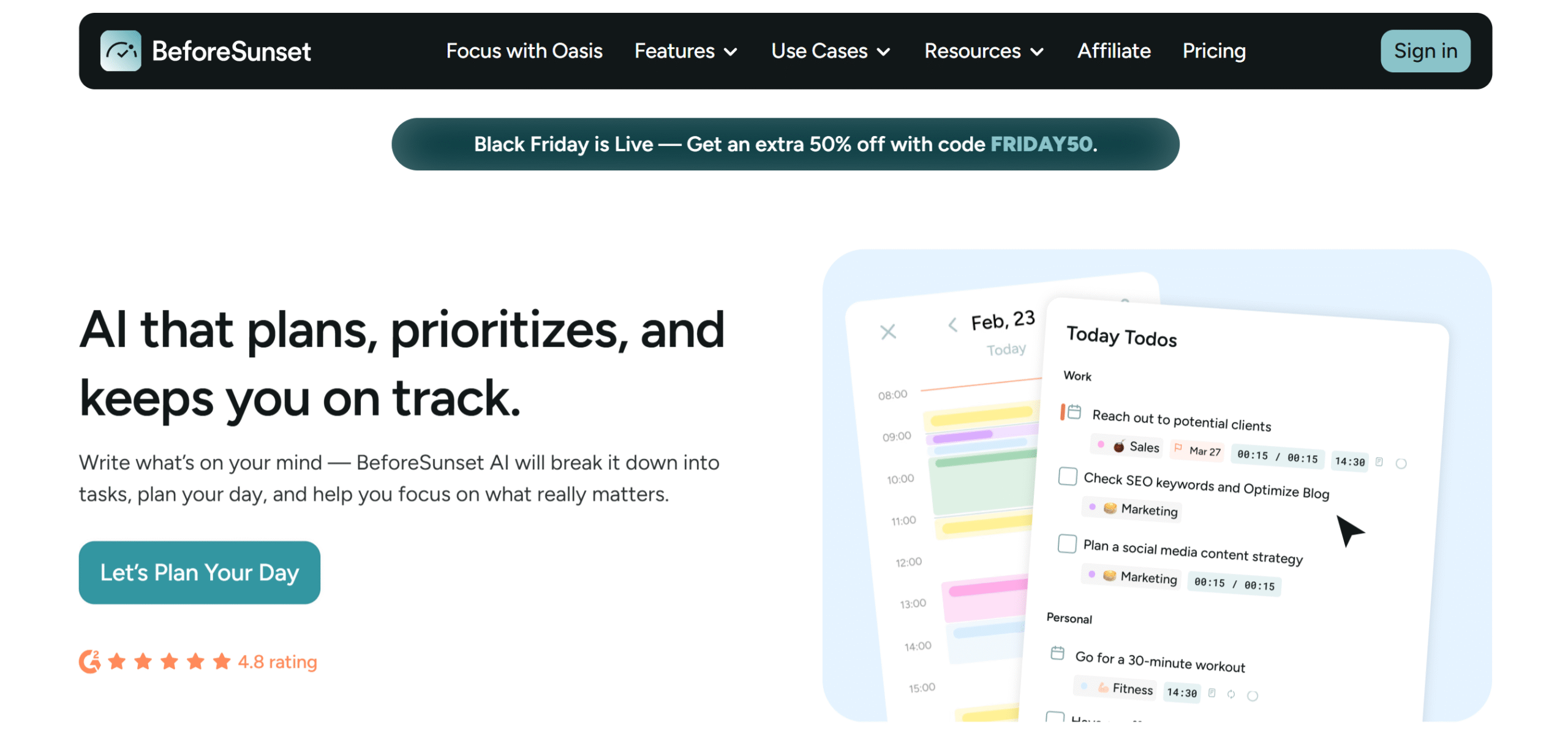
BeforeSunset is a hassle-free planner.
It converts your to-do lists into actionable tasks and automatically books time for each event.
It also offers an AI-powered focus mode that removes distractions, helping you concentrate on your current project.
What I loved about BeforeSunset is its simplicity and selective AI capabilities. The software doesn’t take over your day-to-day planning; it only makes things easier for you.
For example, when you create a task in your to-do list, you don’t have to create a precise event. Just mention what you plan to do throughout the day, and the app automatically breaks it down into a task list with estimated durations.
You can integrate BeforeSunset with Google, Outlook, and Apple Calendar.
Core Features
- AI planner.
- To-do lists into tasks.
- Subtasks.
- Priority tags and deadlines.
- Notes.
- Time blocking.
- Focus mode.
- Weekly analytics.
- Team collaboration.
- Cross-platform.
- Calendar syncing.
Price
BeforeSunset charges $18 to $20 per month.
8. Toki (formerly Dola)
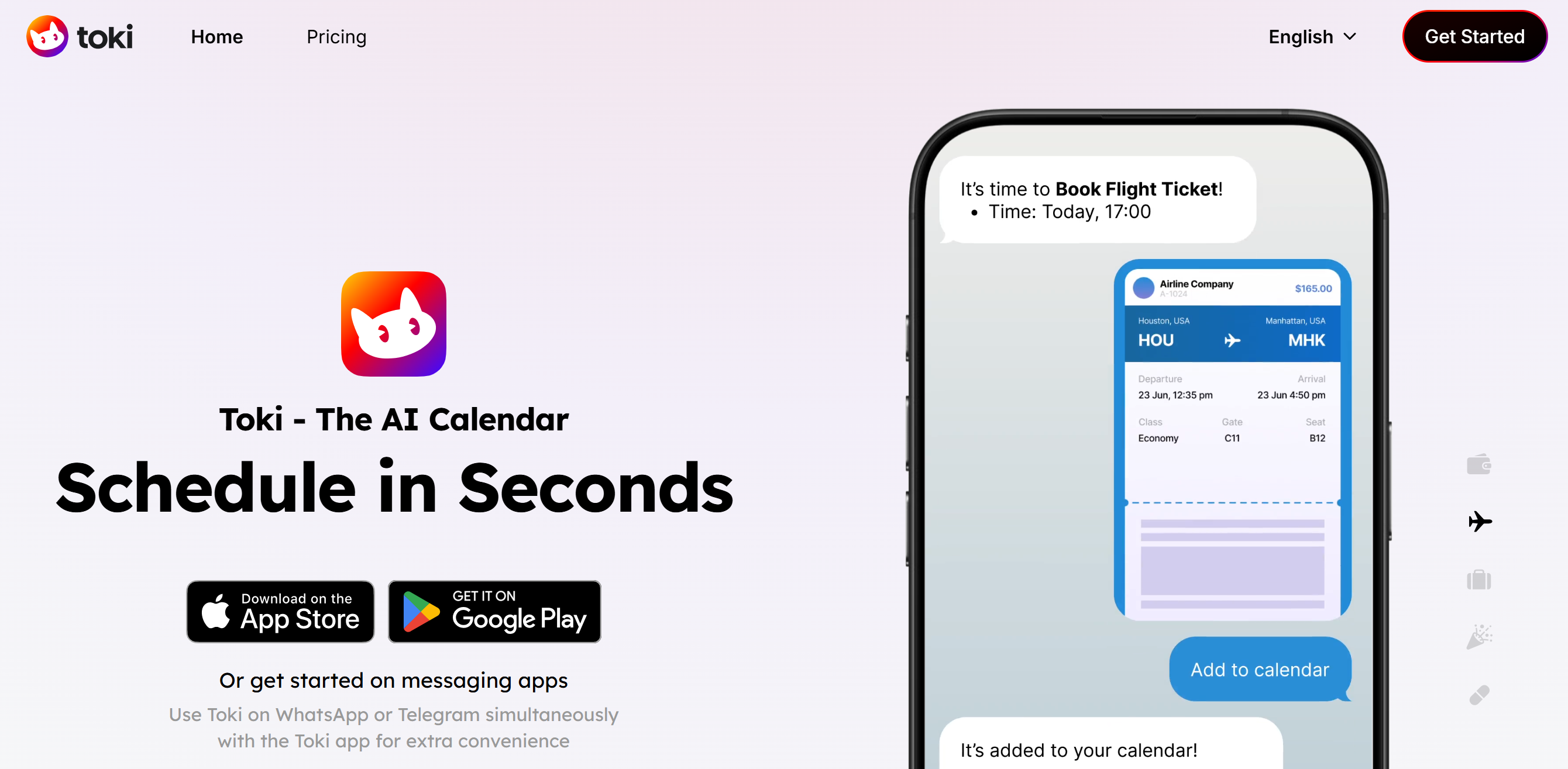
Toki is a mobile calendar assistant.
It works on your WhatsApp as a bot, helping you manage your schedule like a chat.
The app is incredibly simple.
You can add an event and update your calendar through simple text or voice and even use screenshots if you are busy.
With Toki’s smart alerts, you can keep track of all your events and avoid overlapping things. Toki alerts you through calls, making sure you don’t miss any events.
Overall, it’s a decent calendar assistant for people who travel a lot.
You can download it on both Android and iOS, or connect it with WhatsApp and Telegram.
Core Features
- AI calendar assistant.
- Text, voice, and image event creation.
- Call alerts.
- Conflict detection.
- Google Meet links.
- Personalization.
- WhatsApp and Telegram integration.
- Calendar syncing.
- Android and iOS mobile apps.
Price
You can download Toki for free. Its premium subscription costs $4 to $7 per month.
9. Akiflow
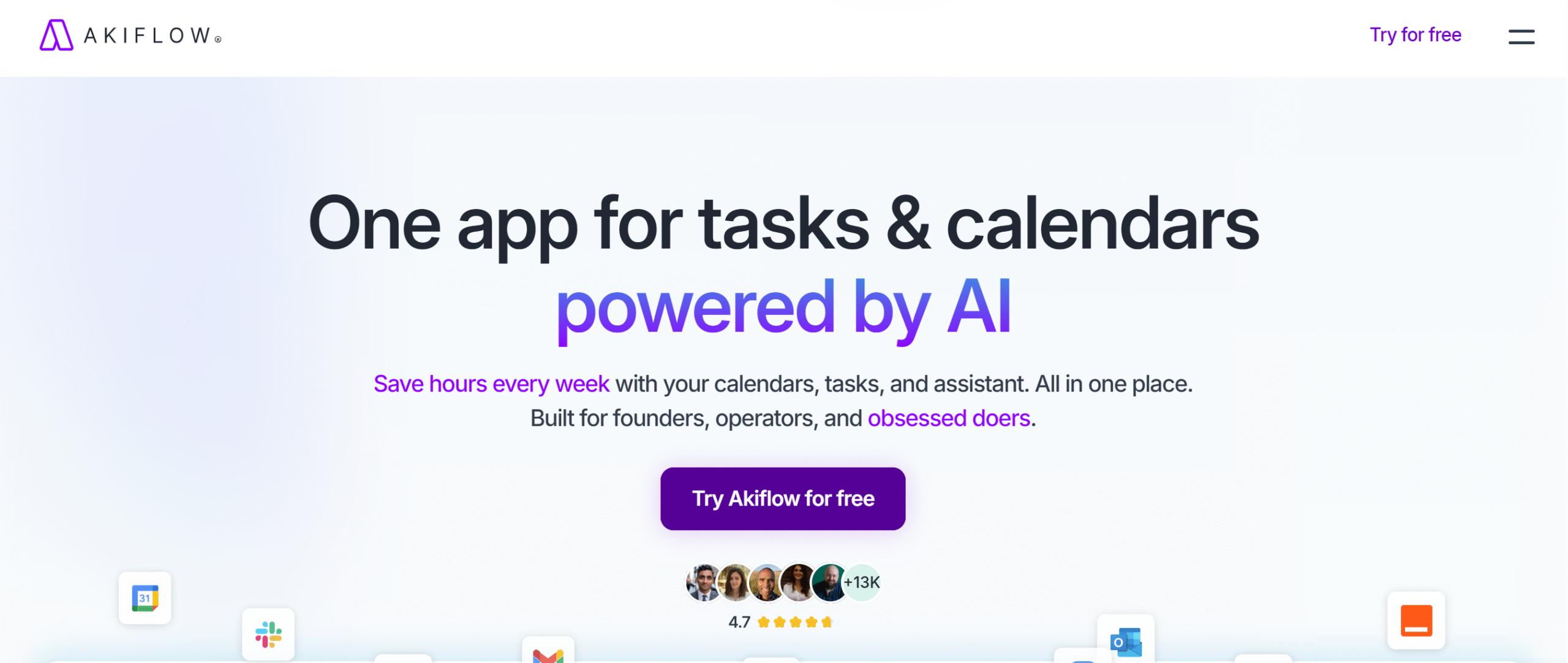
Akiflow consolidates your calendar, task manager, and inbox into one centralized dashboard.
With its AI capabilities, you can manage work and personal schedules effortlessly.
The app uses natural language to speed up task scheduling and offer a universal inbox to import tasks from third-party applications.
You can automatically plan your day, set aside time for priority tasks, turn emails and messages into tasks, and smartly block your time.
Project organizing, focus time, and meeting coordination are all available. You can even manage your team calendars to arrange meetings.
With Akiflow, you can essentially build weekly rituals and reflect on your work style and progress.
Akiflow’s AI assistant is still in the beta phase, but it’s worth checking out.
Core Features
- AI planner.
- Auto-scheduling.
- Smart task creation.
- Meeting and availability management.
- Rituals.
- Focus time.
- Team collaboration.
- Cross-platform.
- Integrations.
Price
Akiflow prices start at $34 per month. You can take a 7-day free trial.
10. ClickUp
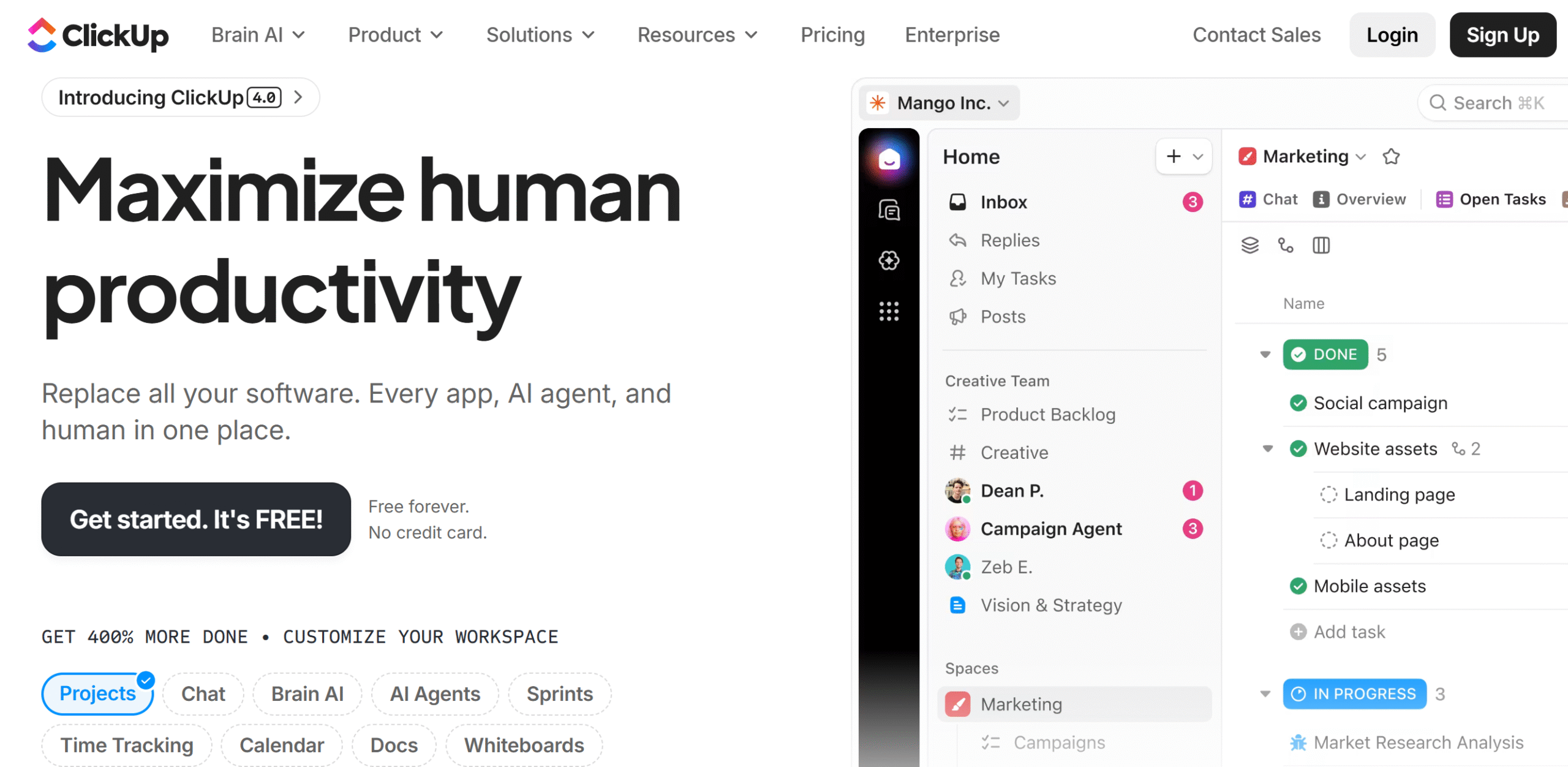
If you need a more versatile tool for work, try ClickUp.
It delivers project and calendar management functions to track events and team activities.
The software is user-friendly and rich in features. It’s designed to boost your productivity, providing over a dozen AI-powered tools to improve work efficiency.
You can schedule meetings, take notes, create tasks, and assign work. Not only that, but you can also prioritize tasks and block time automatically.
The app offers an entire AI workspace to help you automate your workflows.
All in all, it’s a good software to consider for calendar management. You can integrate it with several third-party applications and access the workspace from both desktop and smartphone.
Core Features
- AI workspace.
- Scheduling and task management.
- Meeting assistant.
- Note-taking.
- Time tracking.
- Team collaboration.
- Sprint management.
- Document management.
- Reporting.
- Cross-platform.
- Integration.
Price
ClickUp’s basic plan is free, and premium packages start at $10 per month.
11. Trevor AI
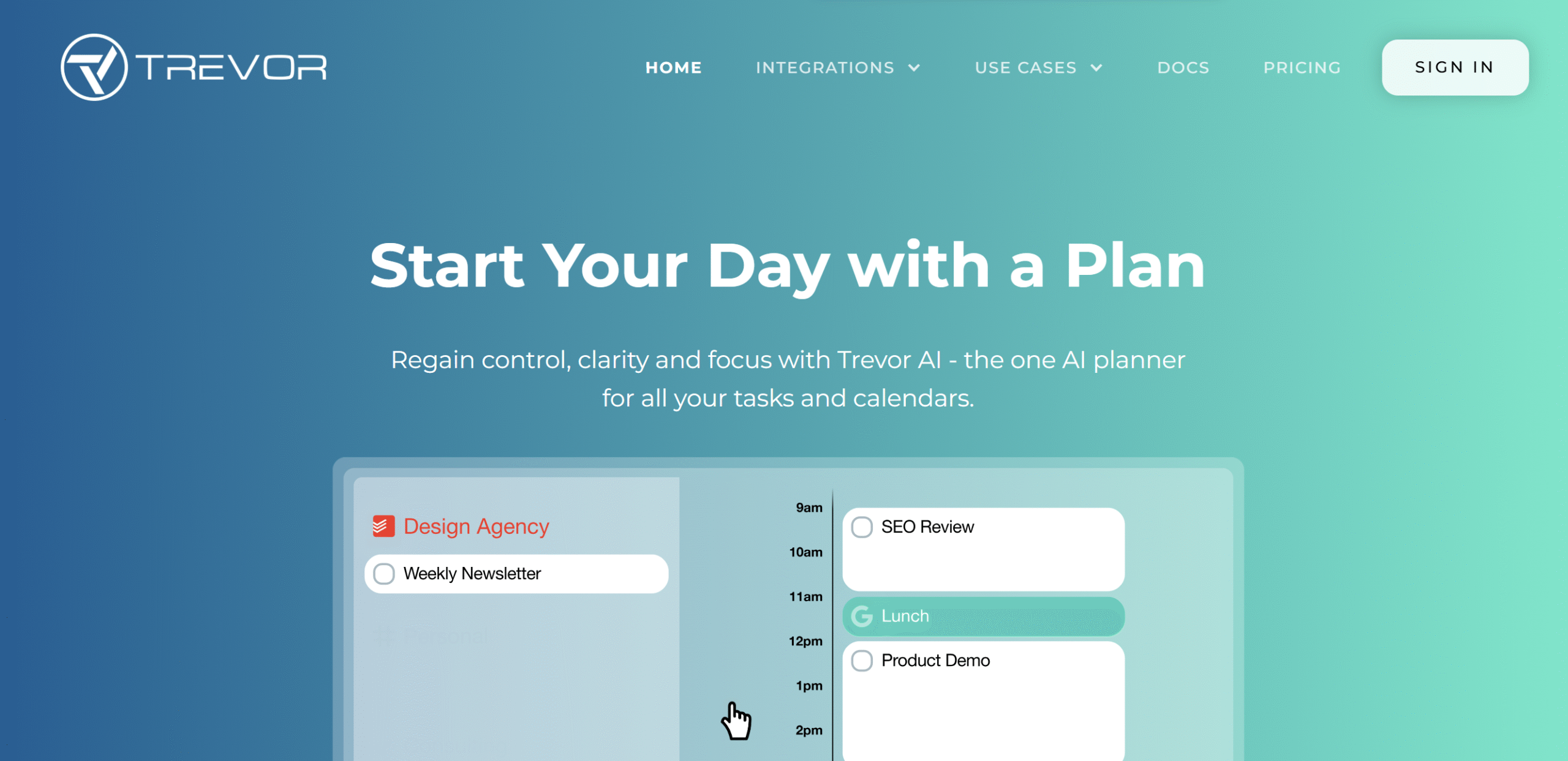
Trevor is smart scheduling and task management software.
It comes with all the planner features and AI tools for smart scheduling.
Top notable AI features of Trevor include day planning, time blocking, rescheduling suggestions, and task management.
The AI calendar assistant studies your work pattern and predicts time durations of each task to help you create realistic schedules.
With Trevor’s daily progress reports, you can monitor your work pattern and measure your productivity.
Several other helpful tools are available as well for your convenience. For instance, you can create a to-do list and let Trevor schedule them automatically.
You can connect multiple calendars with Trevor and sync them in real time.
Core Features
- AI calendar.
- Task management.
- Task completion prediction.
- Time blocking.
- Daily progress report.
- Focus mode.
- Analytics.
- Cross-platform.
- Integration.
Price
Trevor’s basic plan is free, and the premium subscription costs $6 per month.
A 30-day money back guarantee is part of the package.
12. Vimcal
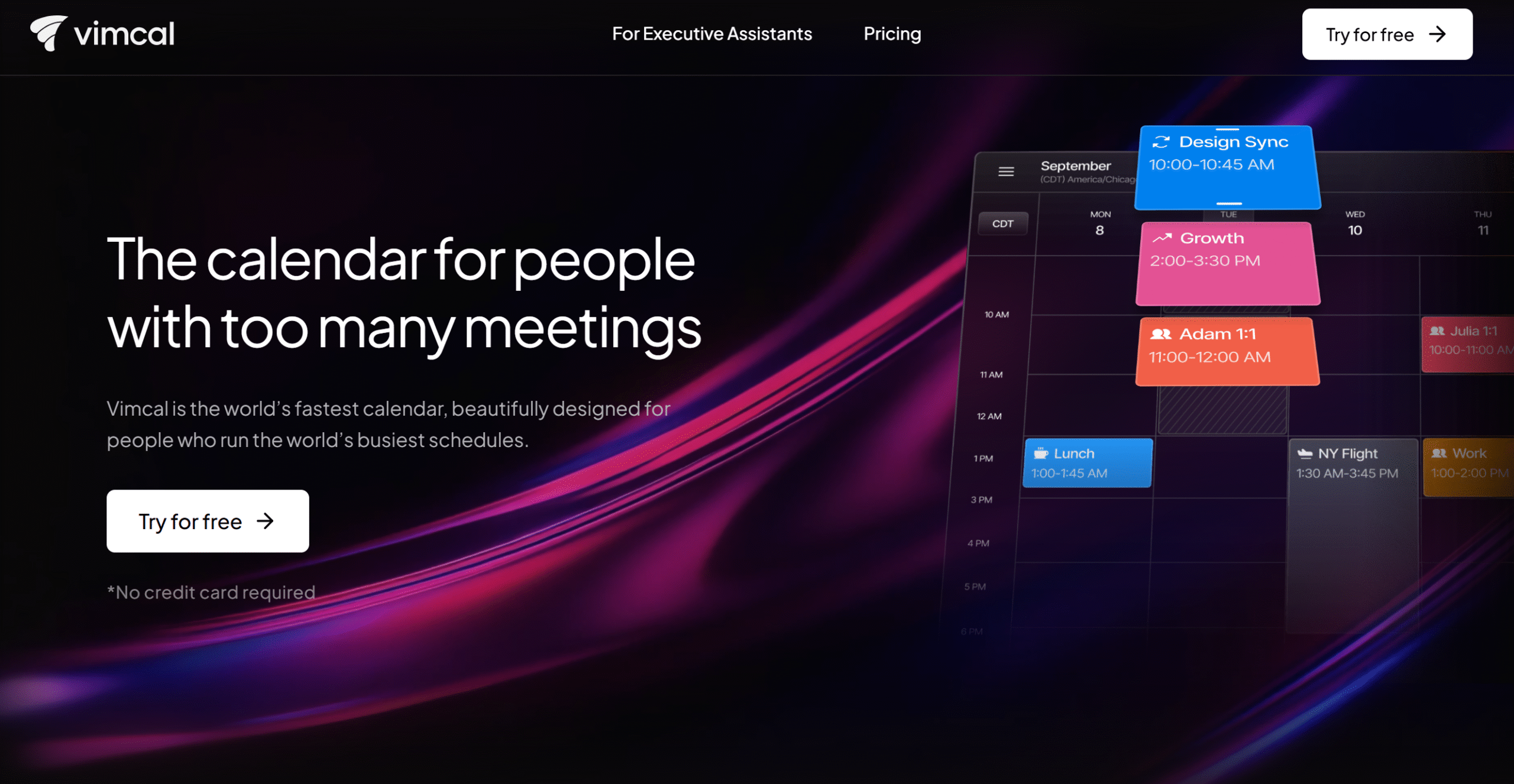
Vimcal is built for meetings.
With this tool, you can manage your availability, schedule meetings, and handle different time zones.
The app uses AI for both scheduling and meeting setup. You can quickly create events using natural language and find out whether the other person is available for a call.
During deep work, you can turn on the pomodoro timer and block your calendar from booking.
What makes Vimcal interesting is its fusion of automation and manual tools. While the app focuses on efficiency, it also gives you control over your schedule.
For example, Vimcal automatically overlaps different time zones to save time but lets you manually select open time slots to show your availability.
This feature is completely different from traditional AI tools that automatically manage your meeting times.
Vimcal provides both desktop and mobile apps. The mobile version, however, is available for iOS devices only.
Core Features
- iOS calendar.
- Meeting scheduling.
- Availability management.
- Personal booking links.
- Remove duplicate events.
- Team collaboration.
- Pomodoro timer.
- Shortcuts.
- Cross-platform.
- Integrations.
Price
Vimcal prices start at $20 per month. The basic plan is free.
Conclusion
An AI calendar assistant is perfect for professionals with tough schedules.
It keeps you on top of your deadlines with smart planning, helping you stay organized and productive.
For example, Sunsama simplifies daily planning with smart rituals. Reclaim automatically generates and updates your calendar. Clockwise helps you manage your availability. And Toki offers a quick way to schedule events.
Explore the tools, take free trials to test their interface, and shortlist apps that feel right to you.


 A better way to manage projects and clients for freelancers
 Get through busy days like a breeze with Reclaim.ai