
Digital decluttering hinders your productivity.
You struggle with files, miss important emails, respond to queries late, and generally feel overwhelmed. It eventually affects your work efficiency, making you feel demotivated.
The good news is that you can easily fix that problem.
With minimalist productivity tools, you can organize your professional and personal life, focusing on what matters most.
In this guide, I’ve curated the 12 minimalist productivity tools that are specifically designed to help you declutter your digital workspace.
Whether you’re struggling with emails, files, or browsing, these apps can organize your space.
What Is a Minimalist Productivity App and What Tools Are Best For You?
A minimalist productivity app provides a clean interface with essential organizing tools to help you make your workspace more manageable.
It typically covers particular areas that take up most of your time, such as task management, daily planning, file organizing, and emails.
Top Features to Look for in Productivity Tools;
- Task management.
- Calendar.
- Organizing tools.
- Accessibility.
In the list below, you’ll find several apps with basic to advanced productivity features. I have included planners, task managers, email cleaners, and file organizers.
1. Sunsama
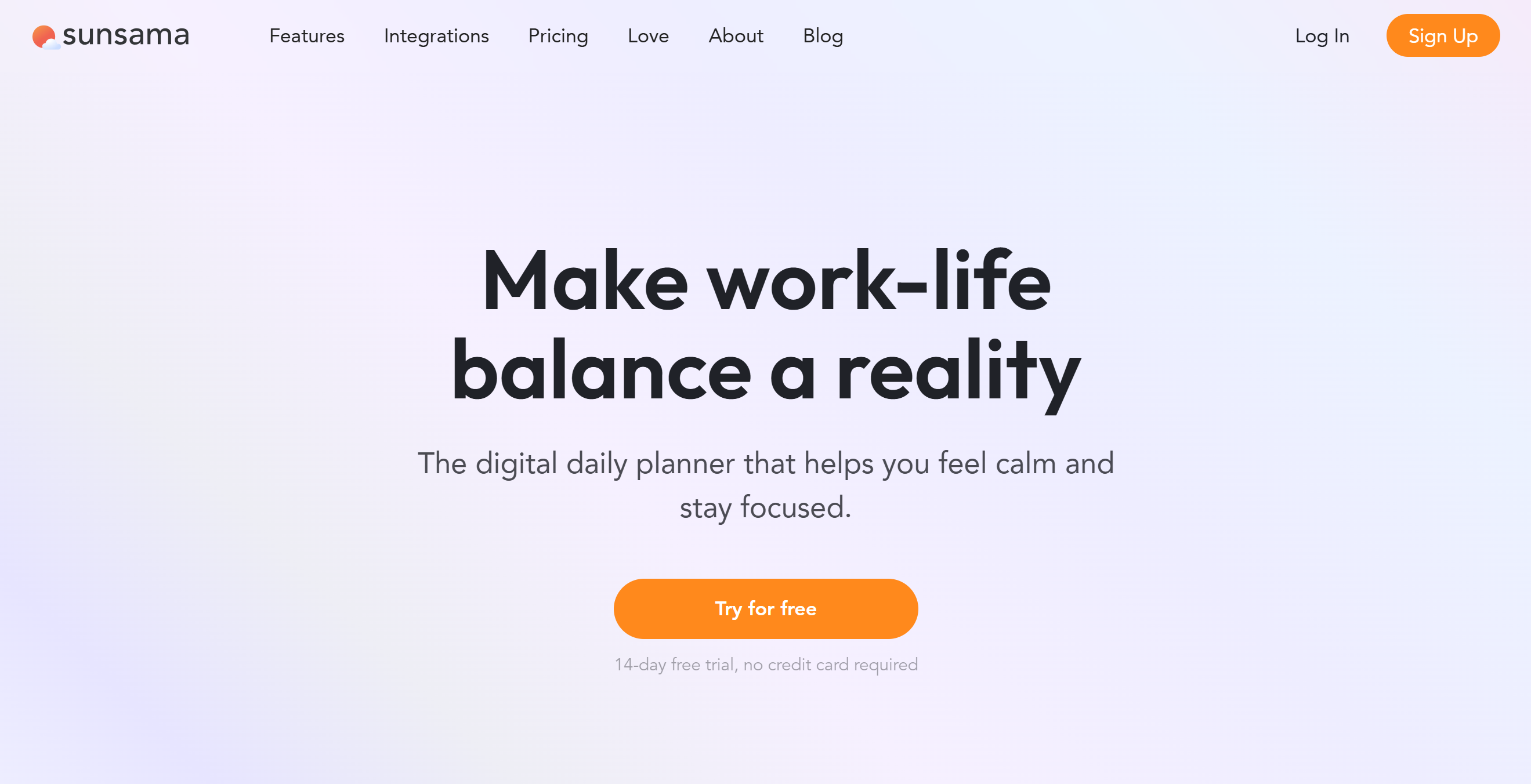
Sunsama is a user-friendly daily planner and task management tool. With this app, you can declutter and organize your work life.
Here you can start each day by planning your tasks, setting priorities, and scheduling time blocks. You can sync it with Google Calendar, Outlook, and other tools to pull in meetings and deadlines automatically.
With the focus mode, you can pull back non-essential items and concentrate on one task at a time. Sunsama also helps handle Slack messages and emails by quickly converting them into actionable tasks for later review.
At the end of the day, you can review what you accomplished and carry over unfinished tasks to the next day, keeping your workflow smooth and stress-free.
Core Features
- Daily planning.
- Task management.
- Timeboxing.
- Automation.
- Email into tasks.
- Calendar integration.
- Focus mode.
- Analytics.
- Mobile app.
Price
Sunsama’s paid plan starts at $20 per month. You can take a 14-day free trial.
2. TickTick
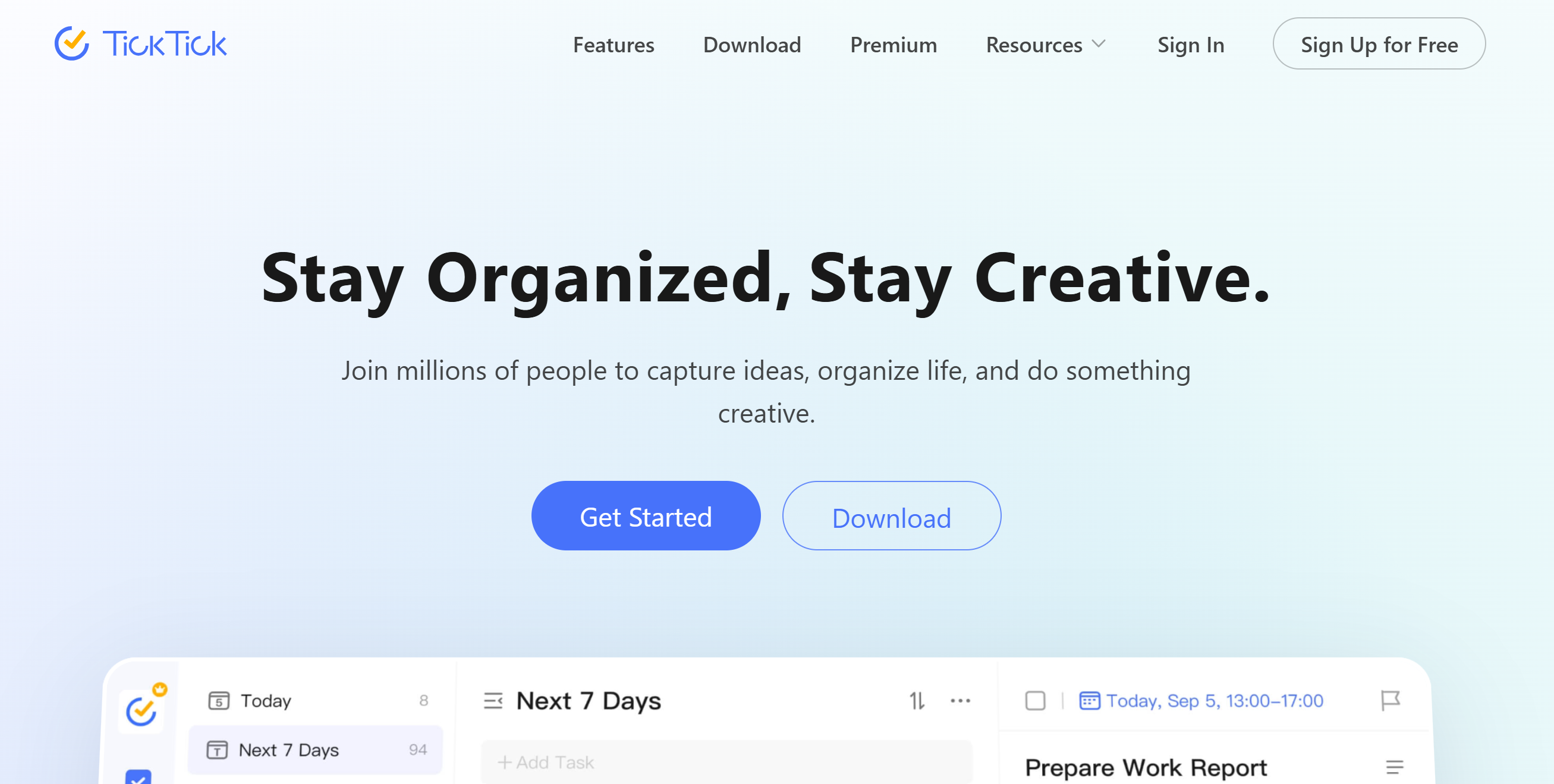
TickTick is a simple but robust task manager. You can use this minimalist app to manage your work, personal chores, daily habits, and social life.
For example, you can create simple to-do lists with tags and filters to prioritize your upcoming tasks and set up notifications as reminders. You’ll have multiple reminder options for indoor and outdoor tasks.
The calendar is flexible, displaying a day, a week, and a monthly view. You can see your schedule at a glance and send reminders so you never miss an important deadline.
If you’re trying to build good habits, like drinking more water, reading daily, or exercising, you can do it with TickTick’s habit tracker.
There’s also a built-in Pomodoro timer to create a healthy work schedule.
TickTick works on desktops and mobile phones both.
Core Features
- To-do list.
- Scheduling.
- Task management.
- Calendar widget.
- Reminders and deadlines.
- Habit tracking.
- Sticky notes.
- Collaboration.
- Focus Timer (Pomodoro).
- Cross-platform syncing.
- Statistics.
Price
You can use TickTick for free. For the premium features, it charges around $40 per year.
3. Tana
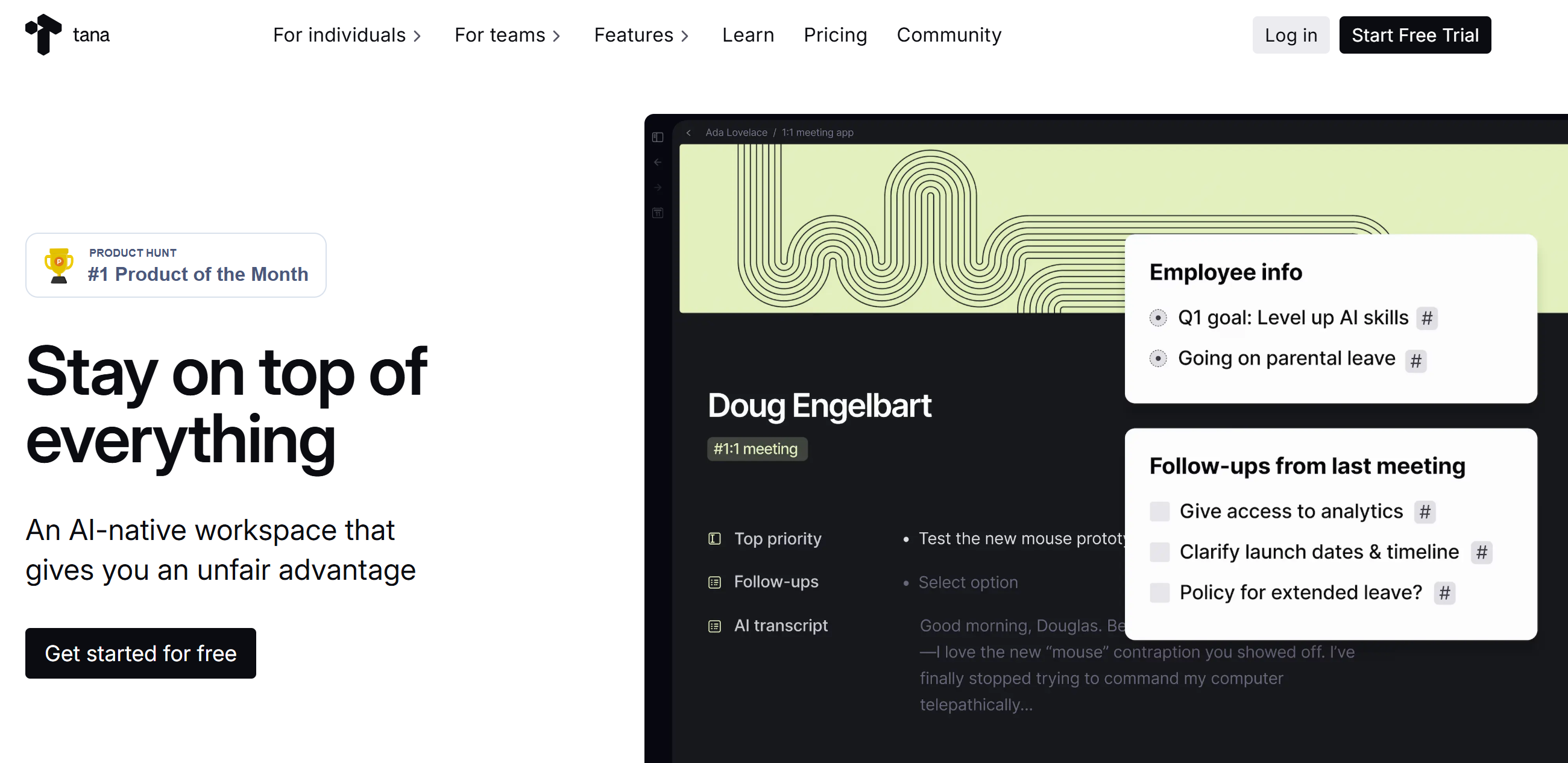
Tana is an excellent productivity tool for digital decluttering. It allows you to write notes, track tasks, and organize files.
Here, you can instantly turn voice recordings into actionable items and convert notes into tasks, goals, and documents. You’ll get a daily blank page to write whatever you want and plan your day.
Tana lets you structure your content into web pages, projects, and other formats, like meeting agendas, daily prep notes, and weekly reflections. Other things you’ll get include kanban boards for task management and super tags for file organizing.
Tana has AI capabilities as well. You can automatically summarize notes, pull up information from your files, and get suggestions.
Core Features
- Voice memos into tasks.
- Kanban boards.
- Calendar syncing.
- AI capabilities.
- Super tags.
- Research assistant.
- Daily notes.
- Shared workspace.
- Cross-platform.
- Mobile app.
Price
Tana charges $10 to $18 per month. The basic plan is free.
4. Todoist
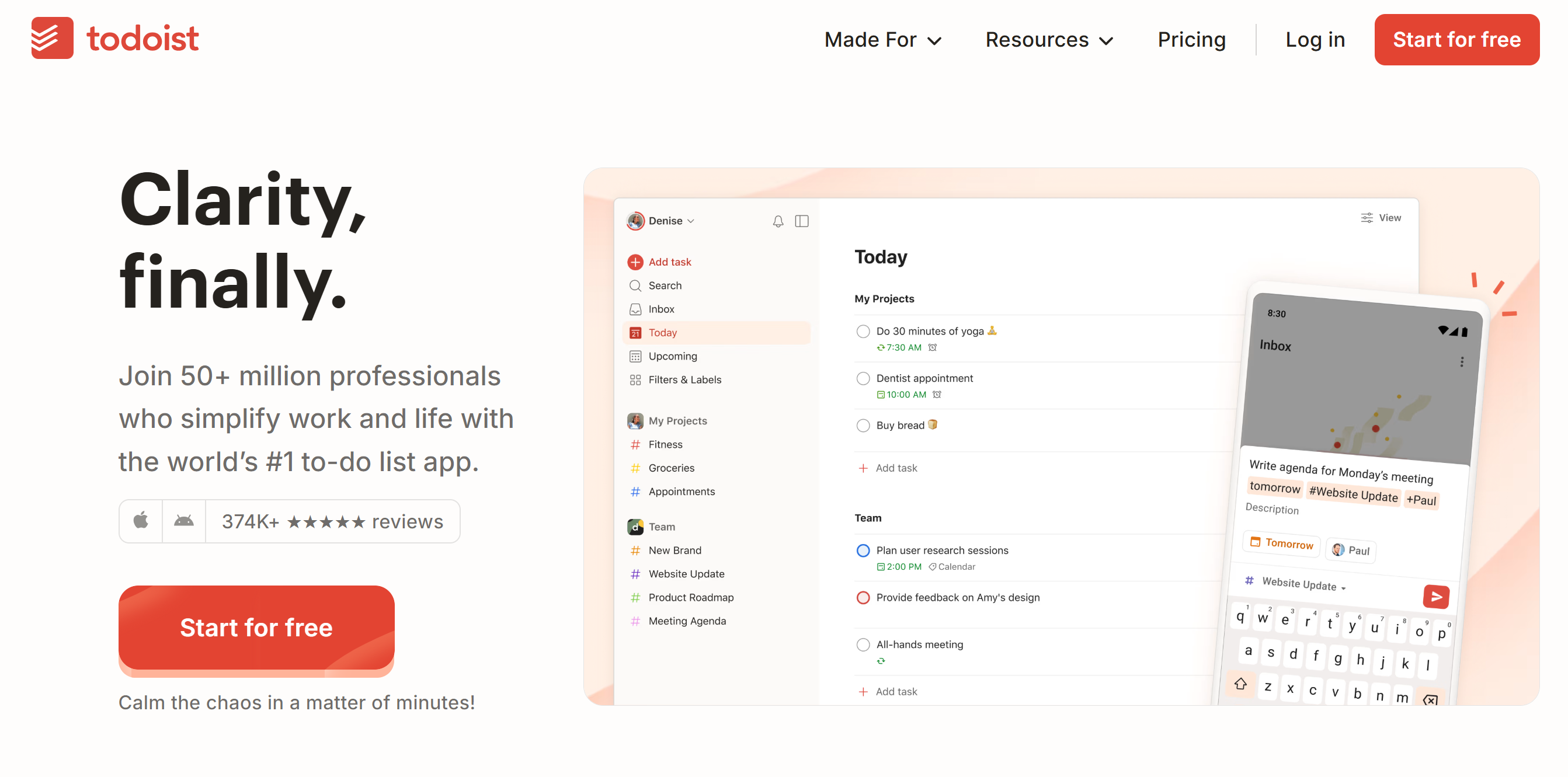
Todoist is a clean, intuitive, and minimalist to-do list app. It’s perfect for digital decluttering, providing you with tools to organize your work and personal life.
The software has AI capabilities, making it easier to handle daily activities. You can quickly add tasks using natural language, like “Remind me to pay the bill on the 15th of every month,” and it will automatically convert them into tasks with due dates.
You’ll have the flexibility to break big projects into smaller steps, set up recurring tasks, and prioritize your upcoming jobs. The app also helps you stay organized with labels and filters.
If you’re working with others, you can share projects, assign tasks, and leave comments. You can create a shared workspace for your team and guests.
Everything on Todoist is organized, visible, and accessible.
Core Features
- Quick task creation.
- To-do list.
- Recurring tasks.
- Tags and filters.
- Calendar.
- Kanban board.
- Reminders and due dates.
- Shared workspace for teams.
- AI assistant.
- Integration.
- Mobile app.
Price
Todoist’s monthly subscription costs $5 to $8. You can try it for free.
5. Notion
Notion offers notes, tasks, planners, and document management.
You’ll receive blank blocks to set your daily agenda with tasks and checklists. You’ll get around 50+ types of content in your blocks to organize your thoughts.
You’ll also find templates for everything from meeting notes to habit trackers.
Separate Wiki pages will be available to build a digital knowledge base. You can store any type of information on pages and share it with others.
For project management, Notion provides kanban boards and calendars. You can switch your view from tables and boards to calendars with just one click.
Notion is primarily desktop software, but you can download its mobile app as well.
Core Features
- Document management.
- Project tracking.
- Calendar.
- To-do lists.
- Notes.
- Multimedia support.
- Shared workspace.
- Cross-platform syncing.
- Mobile app.
Price
Notion prices start at $12 per month. You can create a free account.
6. EverNote
Evernote is widely used for its minimalist interface and convenient features. It’s a note-taking app that lets you record meeting points, attach web articles, upload photos, and even add voice memos.
You can create to-do lists with reminders, scan and organize documents online, and save emails directly into your notes. Using its AI assistant, you can clean up and summarize your notes.
Evernote’s best feature is its search tool. It can find any information, including text from images.
The software provides 20GB of space and multi-device support. You can save up to 500k notes and access them offline.
Core Features
- Note-taking.
- To-do lists.
- Email into notes.
- Multimedia upload.
- Web clippers.
- Organizing.
- Task management.
- Document scanning.
- Powerful search.
- Collaboration.
- AI capabilities.
- Cross-platform syncing.
Price
You can try Evernote for free. Starter plan costs $15 per month.
7. Routine
Routine has a clean interface with minimalist features. The app helps you manage tasks, calendars, and notes in one place, allowing you to organize daily activities with ease and improve your focus.
You can create tasks with natural language and drag them to your calendar for better visibility.
The built-in notes let you jot down meeting points or ideas without switching apps, while Focus Mode helps you concentrate on one task at a time. With a universal inbox, you can convert your emails and messages into tasks and gather them in one place.
Routine works well on both desktops and smartphones, making it extremely convenient for daily activity recording. You’ll also get a menu widget and reminders to get a quick summary of daily activities.
Core Features
- Task management.
- Universal inbox
- Calendar.
- Note-taking.
- Quick Capture
- Time blocking and tracking.
- Focus mode.
- Collaboration.
- Cross-platform support.
- Minimalist design.
- Mobile apps.
Price
Routine charges $12 per month for the premium subscription. The basic plan is free.
8. DropIt
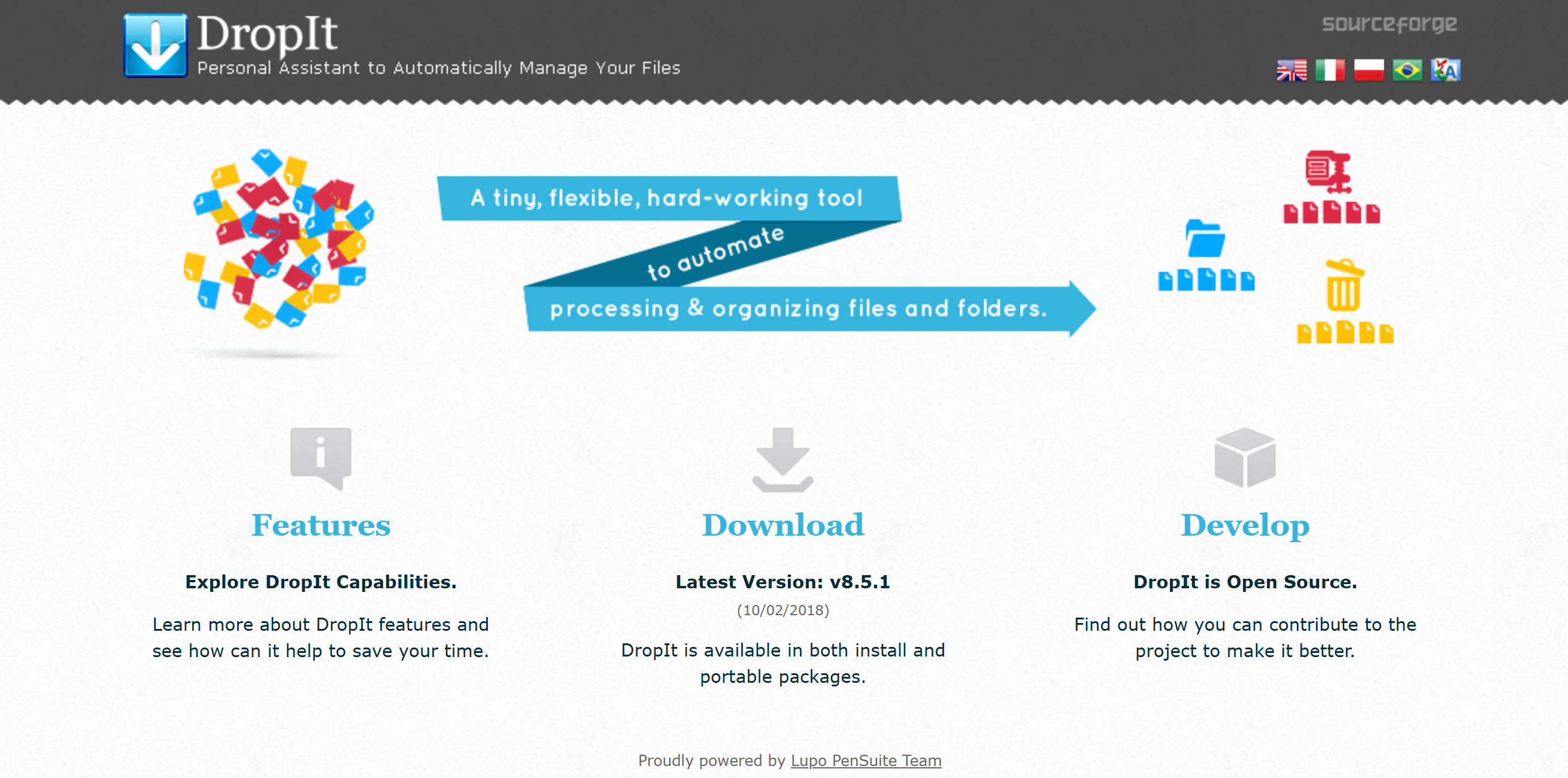
If you want an app to sort a cluster of random files, DropIt is best for you. It’s a file organizer that helps you build a proper file database.
The app has a minimalist interface and good organizing tools. You can categorize your files by name, date, and size, and use filters to retrieve relevant information quickly.
Around 21 actions can be performed here. You only need to set up rules just once, like “move all photos to the Pictures folder,” and the app does the rest.
With a simple upload and drag-and-drop design, you can easily move, copy, split, and join different files.
Another great thing about DropIt is its targeted action. You can ignore specific files while transferring and send them to different locations based on their type or content.
Core Features
- Smart sorting.
- One-click processing.
- File Management.
- Bulk action.
- Advanced filters.
- Automation.
- Multilingual.
Price
Droplt is free to use.
9. TagSpaces
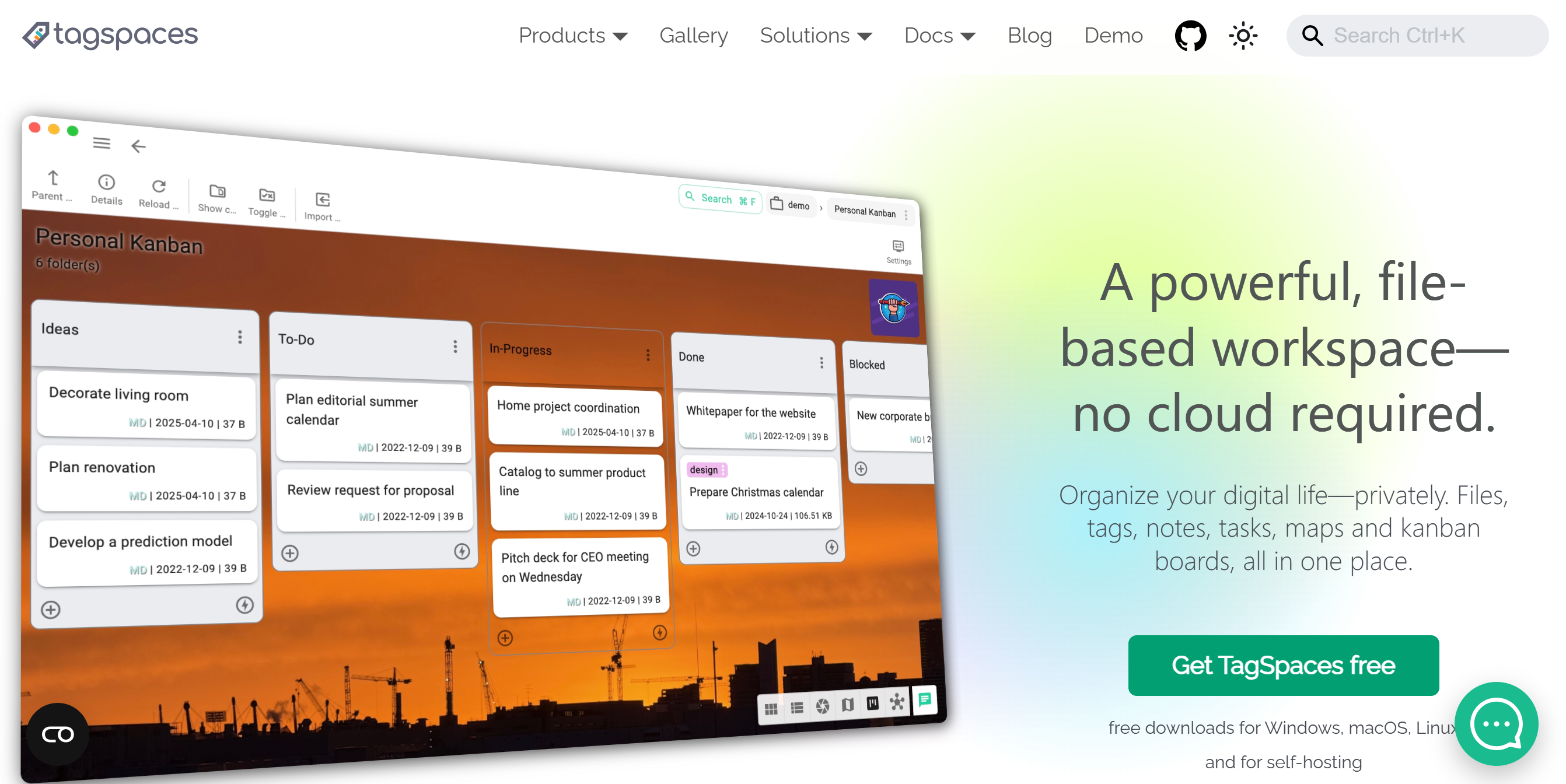
TagSpaces offers a fresh approach to file organization.
Instead of using rigid folder structures, it lets you tag your files with multiple labels – like #work, #important, #projectX – so you can organize your files the way you want.
For example, the work presentation can be tagged as both #marketing and #clientA, making it easier to categorize. You can also tag files on the map to display information at specific locations.
You can preview documents, images, and notes without opening other apps, and use advanced search to retrieve any file. TagSpaces additionally provides task management features, such as to-do lists, kanban boards, and web article capture.
What makes TagSpaces a good option is its offline access. It’s a desktop app that doesn’t require an internet connection to work.
Core Features
- Smart tagging and annotation.
- File management.
- File preview.
- Advanced search.
- Note-taking.
- Mind maps, kanban boards.
- Customizable.
- Offline access.
- AI capabilities.
- Cross-platform support.
Price
TagSpaces is free to download. For the premium features, it charges $44 per year.
10. Ellie
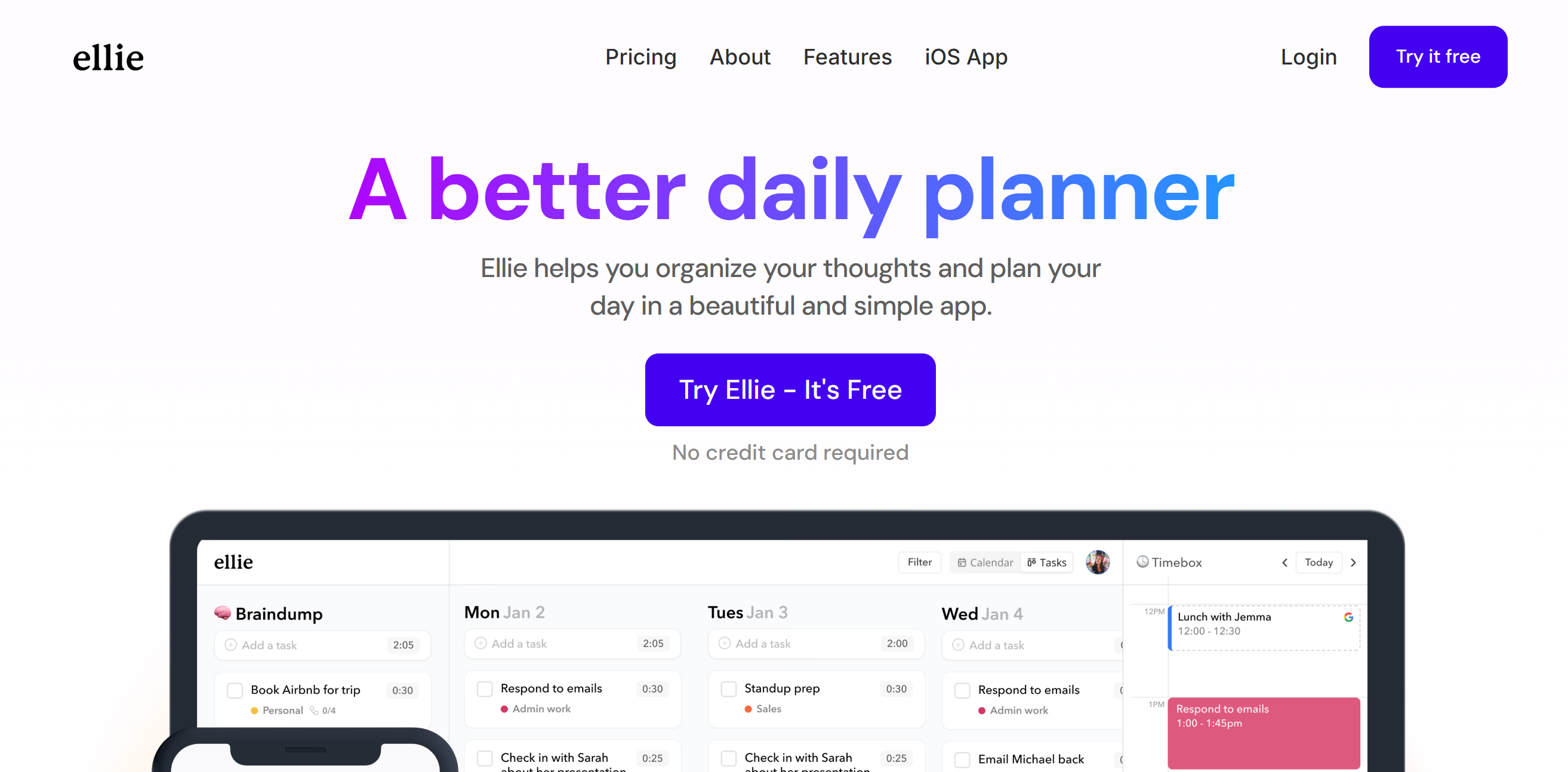
Ellie is an aesthetically appealing daily planner. It’s a robust yet minimalist productivity app, offering good task management and to-do list features.
The planner is designed to organize and centralize daily activities. You can see everything at a glance and place unplanned tasks in a separate folder.
Time blocking feature is also available. You can drag tasks to the calendar and reserve space for specific errands. You’ll get the option to connect your Google or Apple Calendar with Ellie to synchronize events.
Aside from to-do lists and task management, Ellie has other useful features, like labels for organizing tasks, the ability to set up recurring tasks, and a lock screen widget.
PS: Ellie is an Apple app.
Core Features
- Daily planner.
- To-do list.
- Brain dump folder.
- Labels for organization.
- Time blocking.
- Recurring tasks/subtasks.
- Calendar integration.
- Cross-platform.
Price
Ellie’s basic plan is free, and the pro plan costs $10 per month. You can also make a one-time purchase for $300.
11. Clean Email
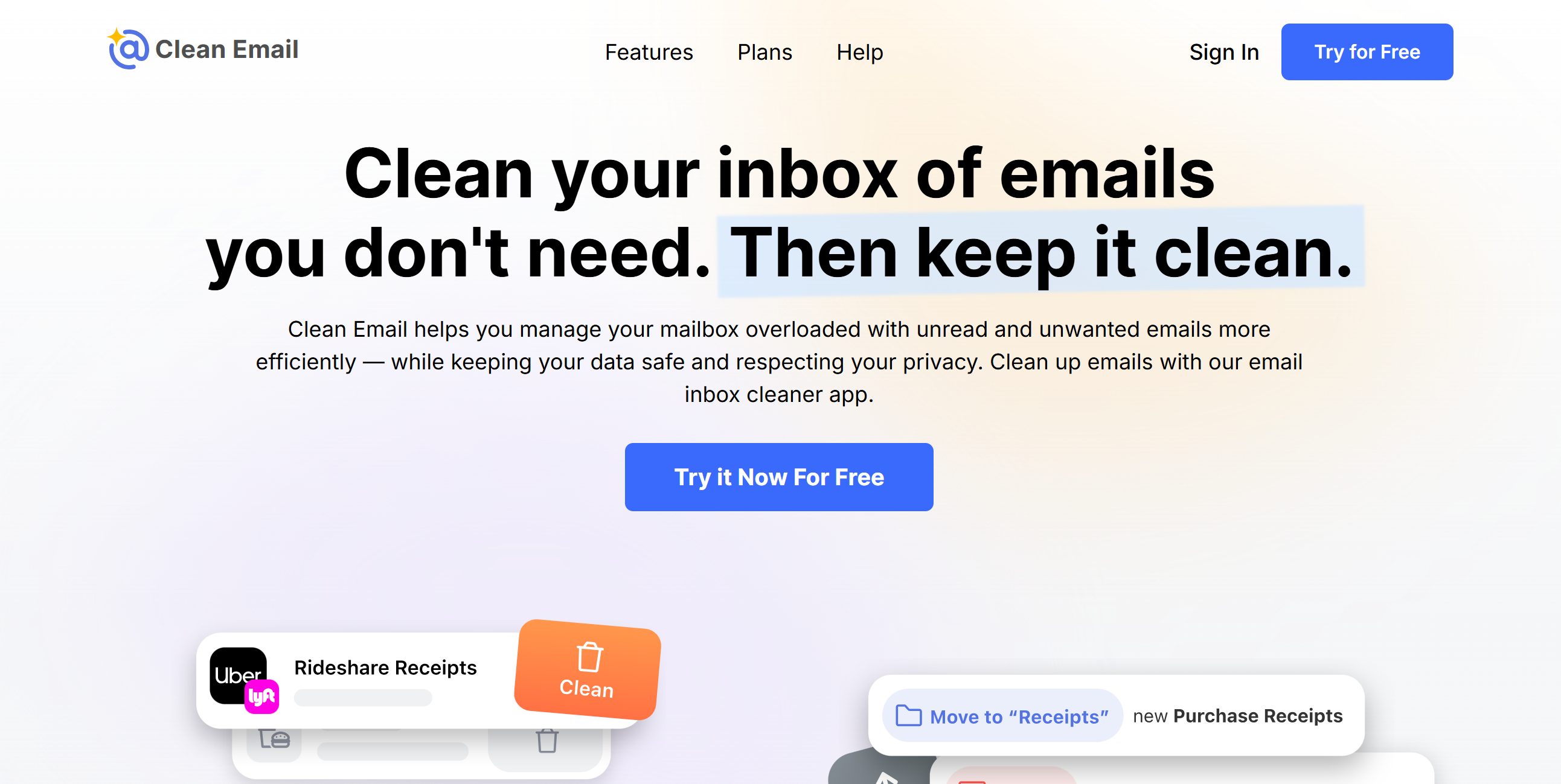
Clean Email does exactly what it says. It declutters and cleans your inbox.
The app works with all major email providers, including Gmail, Outlook, and iCloud.
You can sort, clean, and maintain your inbox with minimal effort and set up rules to automatically organize incoming emails.
With features like one-click bulk actions, you can archive or delete hundreds of similar emails at once. You’ll also get an unsubscribe assistant to quickly identify and cancel unwanted subscriptions.
One more thing. You can temporarily snooze low-priority messages and park them in a separate folder. Plus, you can block specific senders and set up filters to remove auto-generated emails.
All actions are logged, allowing you to review them later.
Core Features
- Smart auto-clean.
- Email management.
- One-click bulk actions.
- Snoozing.
- Blocking.
- Pinned messages.
- History log.
- Reminders.
- Integration.
- Mobile apps.
Price
Clean Email prices range between $10 and $30. You can try it for free.
12. GetToby
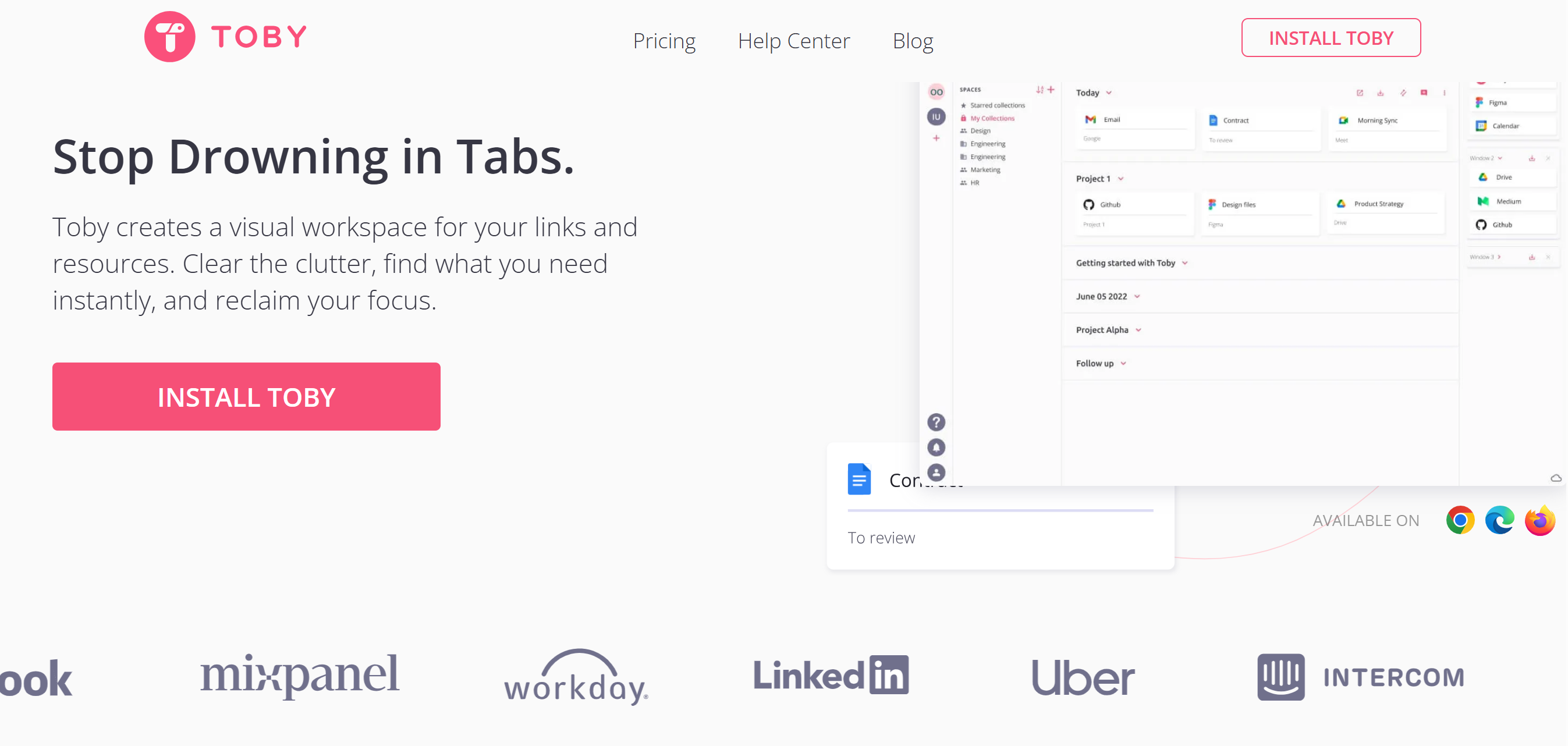
Toby is browser tab management software. It lets you organize and manage bookmarked tabs with ease.
Some of the things you can do with Toby include categorizing tabs, managing links, and saving unfinished sessions for later viewing. With one click, you can save all your open tabs as a session and neatly organize them into collections.
You’ll receive search filters to quickly find your desired tabs and a smart assistant to sort relevant tabs together. A note-taking option is also built into the system for ad hoc notes and reminders.
Core Features
- Tab management.
- Session saving.
- Smart collection.
- Search filter.
- Toby links.
- Quick access.
- Note-taking.
- Light and dark mode.
Price
You can download Toby in Chrome. Its premium subscription costs $6 per month.
Conclusion
A cluttered digital workspace slows you down, but the right tools can simplify your life.
With minimalist productivity software, you can clean your workspace and manage your digital life with ease.
Explore the listed apps and pick one that meets your requirements and budget. Good luck!


 A better way to manage projects and clients for freelancers
 Get through busy days like a breeze with Reclaim.ai