
Decision-making fatigue is a productivity killer that reduces your capacity to make good decisions.
It drains your mind to the point that even simple actions make you feel tired and overwhelmed.
Luckily, there are plenty of apps that can reduce your decision-making fatigue.
These tools help you simplify daily planning, automate repetitive decisions, and focus your mental energy on actual work instead of endless micro-choices.
What Is Decision-Making Fatigue and Which Apps Help Reduce It?
Decision-making fatigue occurs when you overwork your brain with constant decisions, quickly wearing yourself out mentally.
It lowers your energy and productivity, leading to poor choices and errors.
You can easily manage this challenge with productivity apps. They are designed to save your time and improve your work efficiency.
Here’s a list of the 12 best tools to reduce decision-making fatigue at work. The list covers planners, meeting tools, note-taking software, and focus apps.
1. Sunsama
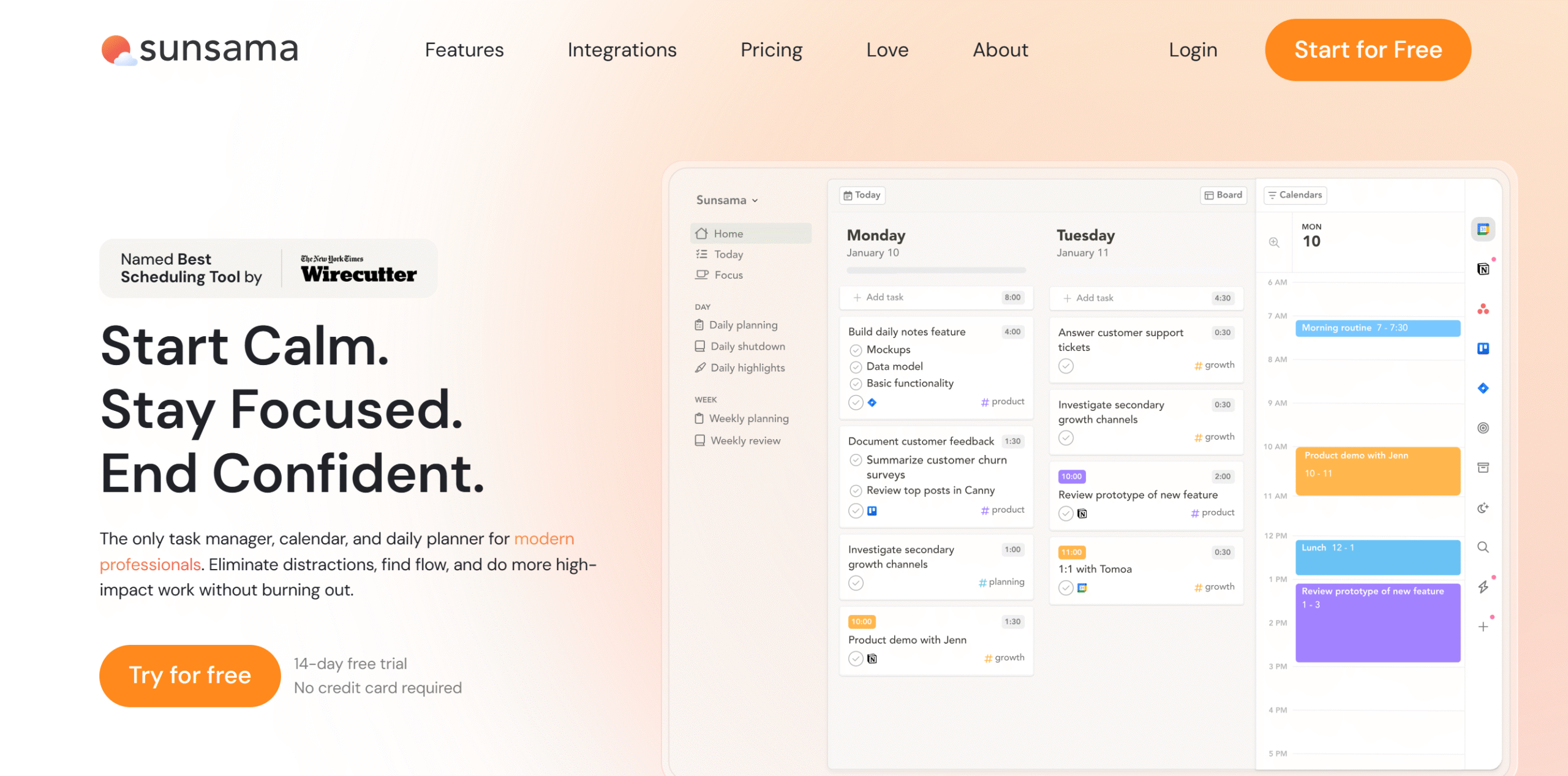
Sunsama is a daily planner.
It guides you through your daily routine, giving you the clarity you need to get things done without making frequent decisions.
You can use Sunsama to centralize all your tasks, plan your day, and set aside time for important tasks. You’ll get time blocking and focus mode to allocate time and meet deadlines comfortably.
With Sunsama’s daily review, you can easily tick off completed tasks and prioritize remaining jobs.
What makes Sunsama attractive is its unified workspace. You can import tasks, messages, and emails from other applications and add them to your task manager.
This enables you to bring all your pending work in one place and get a full picture of your workload so you can plan efficiently. You can access the planner from your smartphone and rearrange tasks anytime.
Core Features
- Guided planning.
- Time blocking.
- Task management.
- To-do list.
- Daily reflection.
- Focus mode.
- Emails and messages into tasks.
- Calendar syncing.
- Third-party integrations.
- Mobile app.
Price
Sunsama charges $20 per month. You can take a 14-day free trial.
2. Reclaim
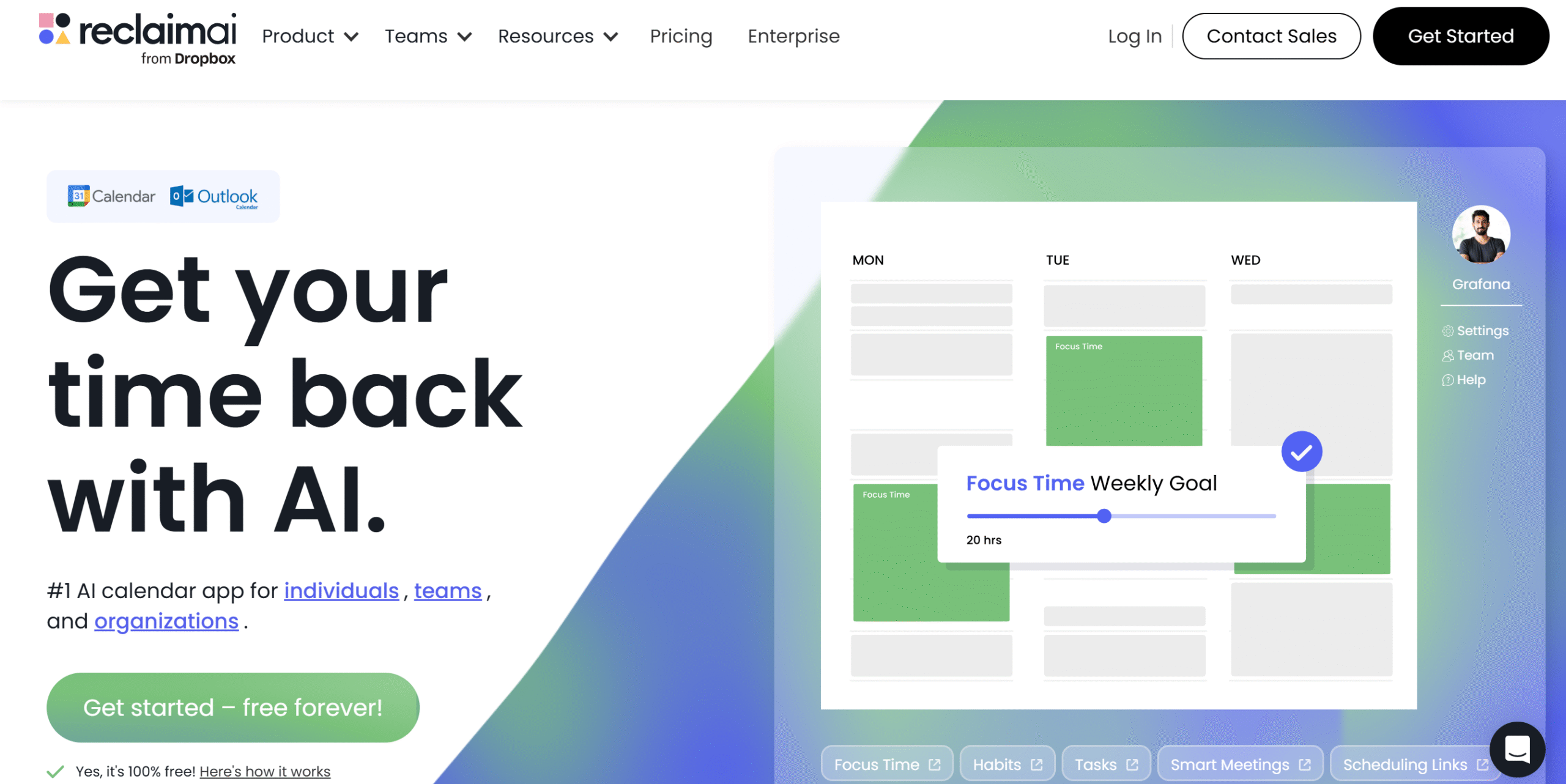
Reclaim offers AI-powered tools to help you plan your day.
It automatically schedules your work tasks and meetings based on your priorities and availability, reducing decision-making fatigue.
Through Reclaim, you can create and schedule tasks, book time for 752686, and set up a daily routine. The software automatically reschedules unfinished jobs and meetings, saving you the hassle of scheduling manually.
Availability management is one of Reclaim’s best features. The app automatically finds availability slots, so you don’t have to coordinate meeting times with your team.
Reclaim also has good meeting tools. You can add no-meeting days to balance your work and meeting times and add buffer times to build realistic schedules.
Core Features
- Daily planner.
- Calendar integration.
- Focus time.
- Smart meetings.
- Buffer time.
- Auto-rescheduling.
- Team collaboration.
- Task import.
- AI capabilities.
- Integrations.
Price
Reclaim’s basic plan is free, and its premium packages range between $14 and $21 per month.
3. Motion
Motion is ideal for project management.
It has AI capabilities that automate most of your repetitive workflows, eliminating the need for micro-decisions.
Top notable features of Motion include calendar and meeting management, document editing, note-taking, and task management. There’s an AI assistant for pretty much every department, with a customization option to tailor the AI bot.
You’ll also have AI built into your main dashboard to predict project completion and identify bottlenecks.
You can use Motion on both desktops and smartphones and integrate it with your business tools. Motion supports over 100 integrations.
Core Features
- Project and task management.
- AI-powered assistants.
- Daily planner.
- Meetings and note-taking.
- AI chat.
- Document editing.
- Dashboard and reporting.
- Workflow automation.
- API and integration.
- Mobile apps.
Price
Motion sells a variety of subscription packages. The starter plan costs $29 per month.
You can take a free trial.
4. Trello
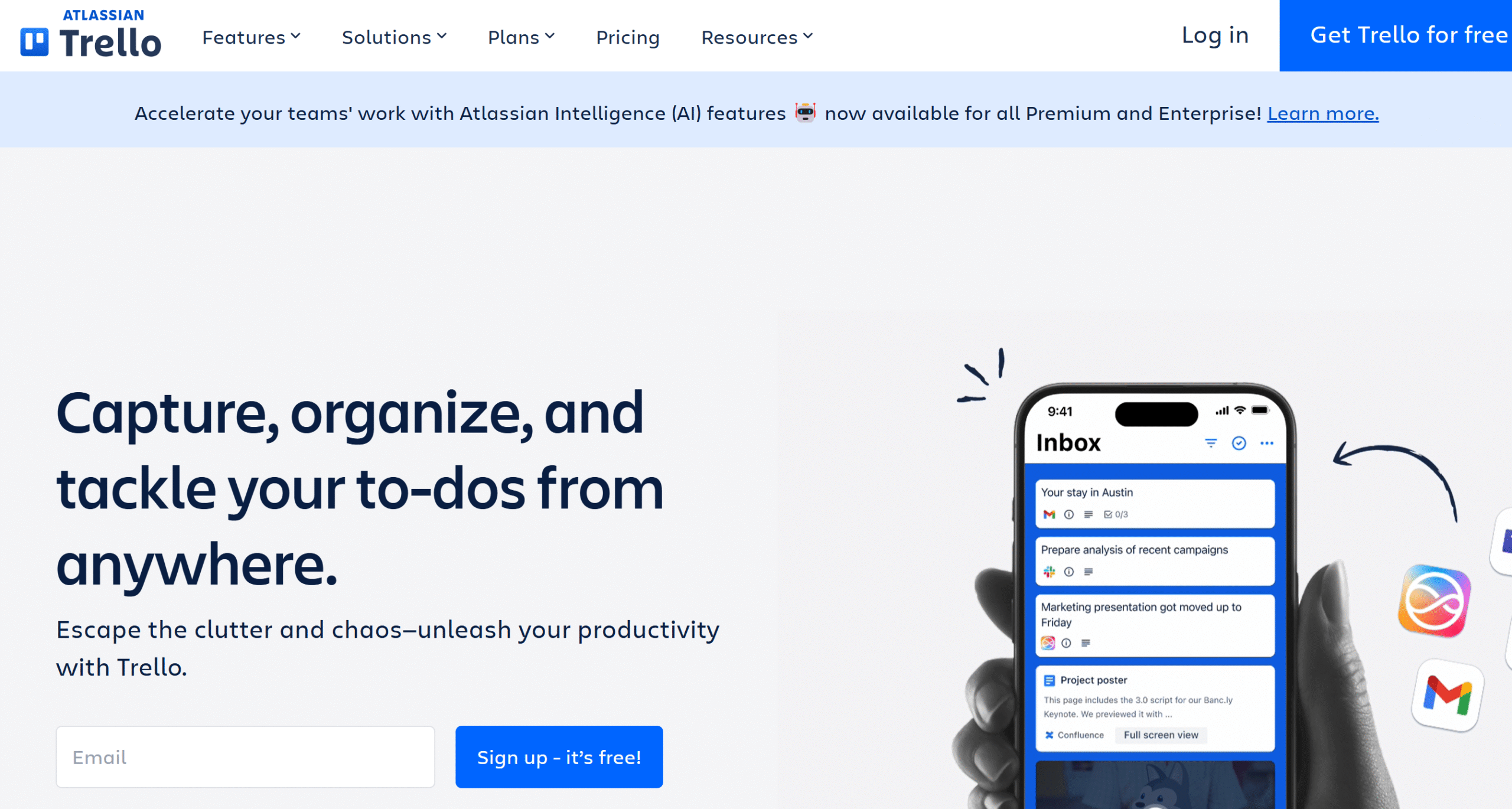
Trello is an incredibly helpful app for managers. It provides visual tools to plan your work calendar and manage your team activities.
Some of the things you can do on Trello include to-do lists, task creation, event scheduling, and collaboration. You’ll get multiple views to keep an eye on things and direct integration with over 200 apps to streamline your workflows.
You can get started on Trello for free and use built-in templates to set up a quick team workspace. Trello also offers some basic automation.
Overall, if you need a tool to organize the work schedule and manage your team, Trello is best for you.
Core Features
- Calendar.
- Task creation and scheduling.
- Kanban board, list, and timeline views.
- Inbox.
- Team collaboration.
- Template and automation.
- 200+ plugins.
- Checklists.
- Custom dashboard.
- Integration.
- Mobile app.
Price
Trello charges $5 to $18 per month. The basic plan is free.
5. Todoist
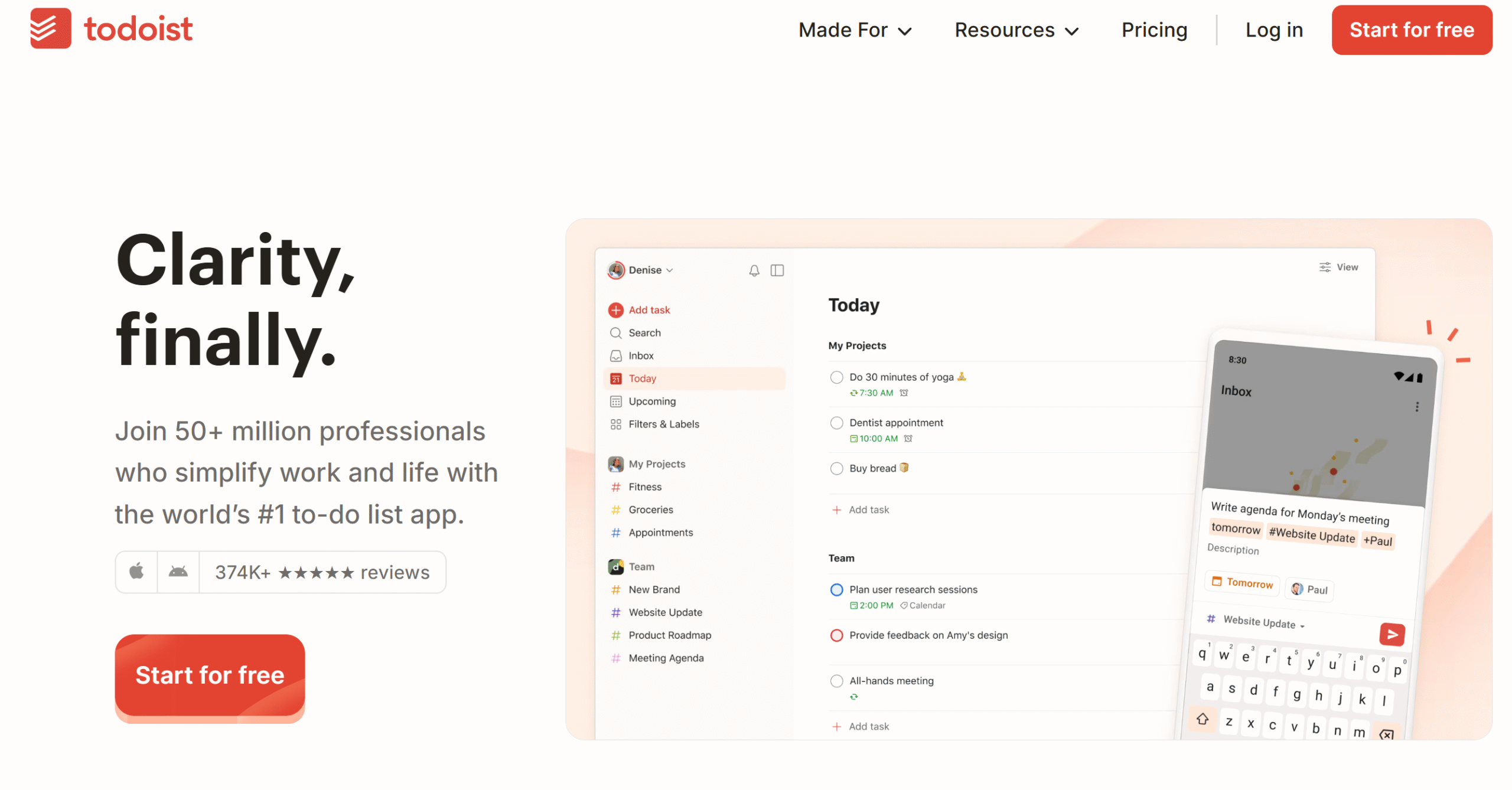
Todoist is well-known for its simple interface and robust features.
The app’s distraction-free interface and intuitive features make monitoring easier and reduce decision-making fatigue.
You’ll get a separate space to park unplanned tasks and a Kanban board to allocate jobs. You can share your calendar with your team and track various projects in one place.
With flexible reminders, you can get things done on time, whether you are on-site or off-site. The software has trigger-based reminders that send notifications when you reach a certain destination.
With Todoist, you can easily manage your schedule and work with your team.
Core Features
- To-do list.
- Kanban board.
- Calendar.
- Emails into tasks.
- Flexible reminders.
- Team collaboration.
- AI and automation.
- Analytics.
- Integrations.
- Mobile app.
Price
Todoist’s monthly subscriptions cost $5 to $8 per month. The basic plan is free.
6. ClickUp
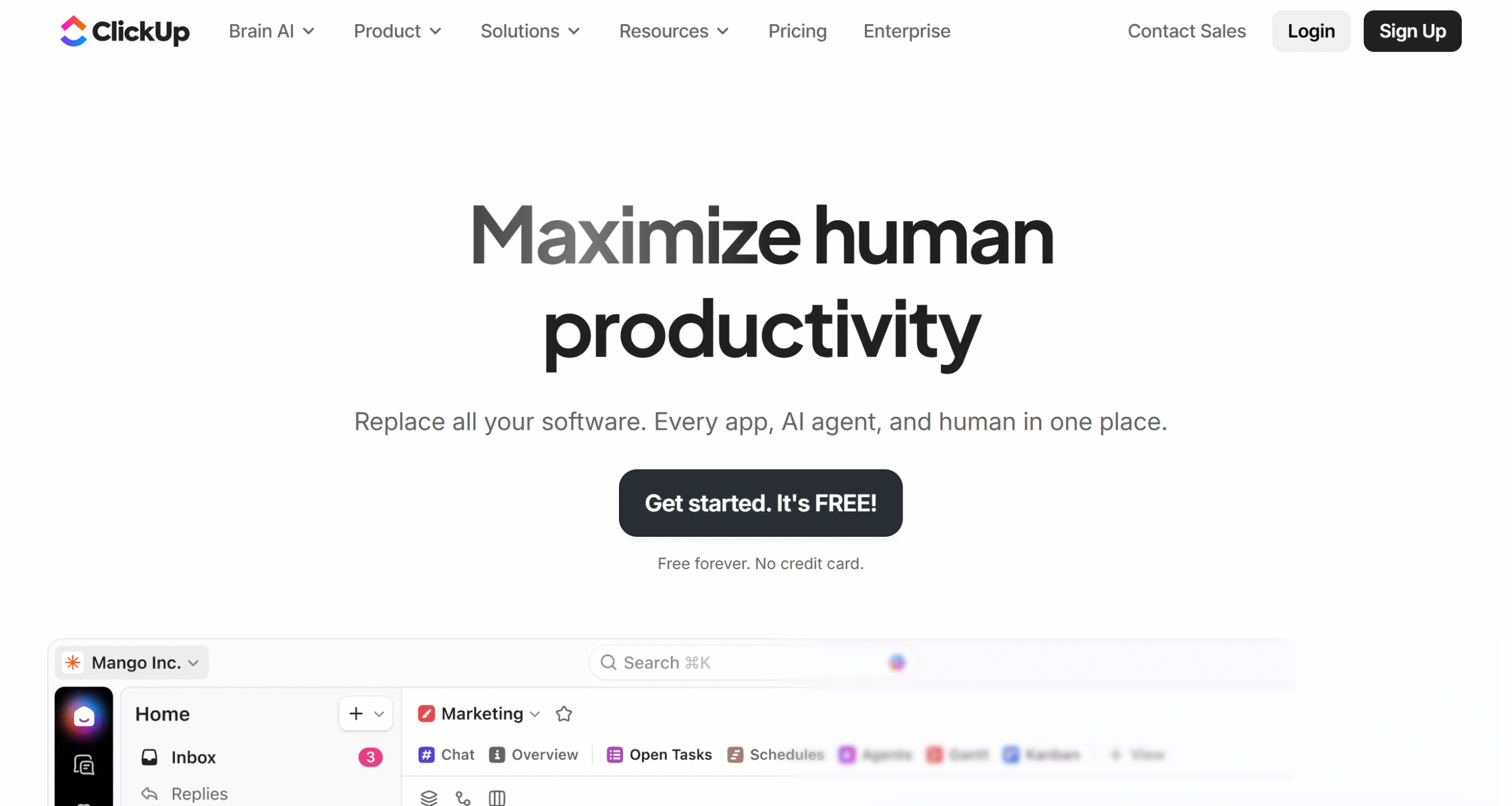
ClickUp serves multiple purposes.
One, it delivers project management, communication, and doc management tools in one place, so you don’t need to switch between apps to get things done.
Second, it provides a collaborative space to work with others and an intuitive dashboard to keep an eye on team activities.
Third, it offers Kanban boards and task management features, reducing decision-making fatigue.
ClickUp also has built-in AI to speed up your workflows. You can use it to generate briefs, draft content, and structure meeting notes.
Tons of other features are available on ClickUp. I recommend exploring its pricing page to get a general idea.
Core Features
- Project management.
- Collaborative workspace.
- Scheduling.
- Time tracking.
- Kanban board.
- Note-taking.
- Documents and whiteboard.
- Communication.
- AI capabilities.
- Integration.
- Mobile app.
Price
ClickUp charges $10 to $19 per month. The basic plan is free, and you can get a money-back guarantee on the premium subscription.
7. Calendly
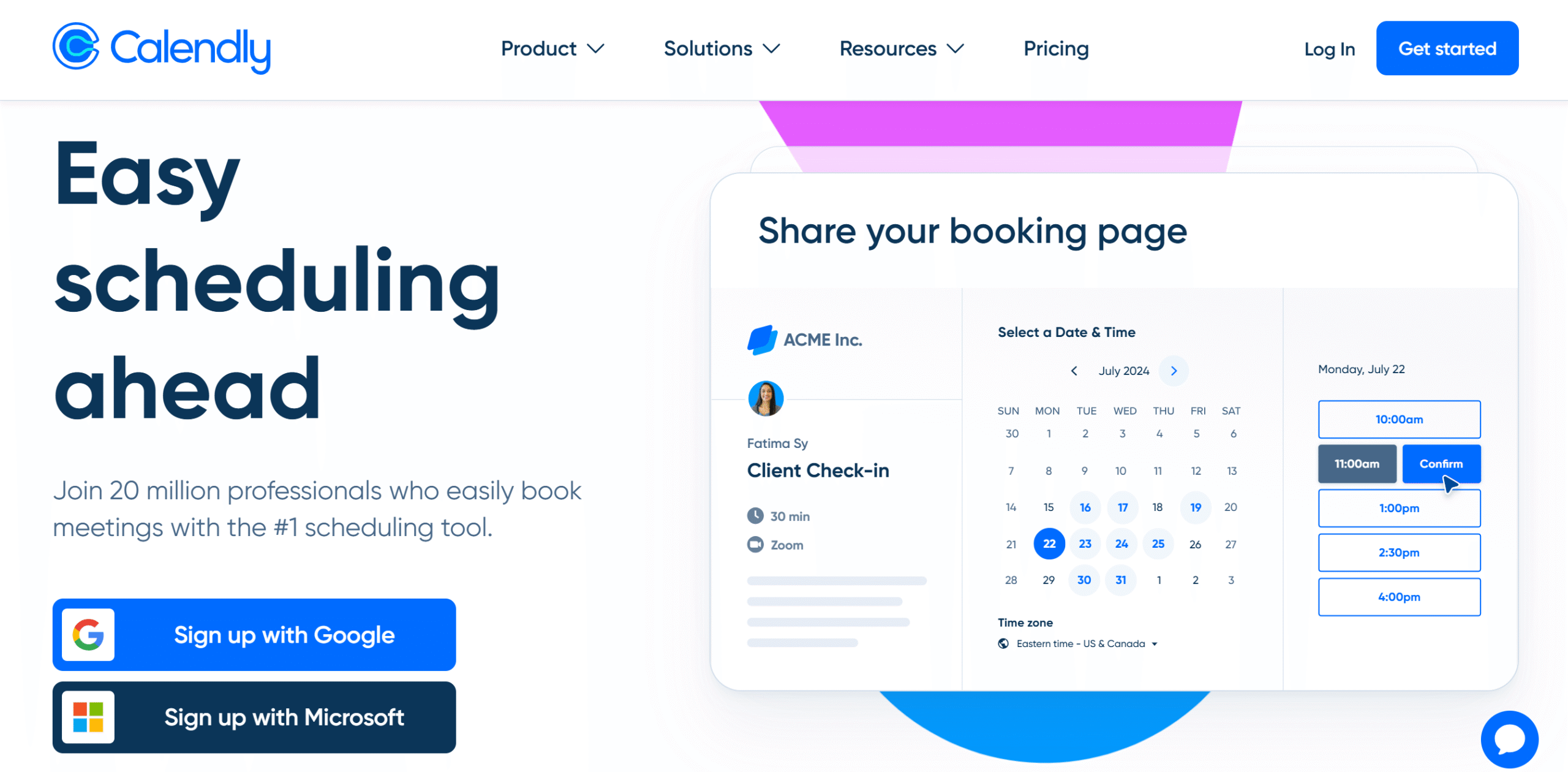
Calendly is appointment management software.
You can use it to sync your calendars and manage your availability.
There are two ways Calendly can reduce decision-making fatigue.
It schedules meetings based on your working hours and availability, eliminating the need for back-and-forth coordination.
Second, it records your meetings and generates relevant notes, saving you time and effort. For example, you can create a follow-up email that summarizes the meeting with action items for the team.
You can also chat with the note-taker to get specific information.
Booking links, meeting reminders, and video integrations are all available for your ease. The app is user-friendly and works well on both desktops and smartphones.
Core Features
- Meeting scheduling.
- Availability management.
- Scheduling link.
- Automated reminders.
- Note-taking.
- Team features.
- Custom branding.
- Integrations.
- Mobile apps and browser extensions.
Price
Calendly costs $12 to $20 per month. The software is free for personal use.
8. Clockwise
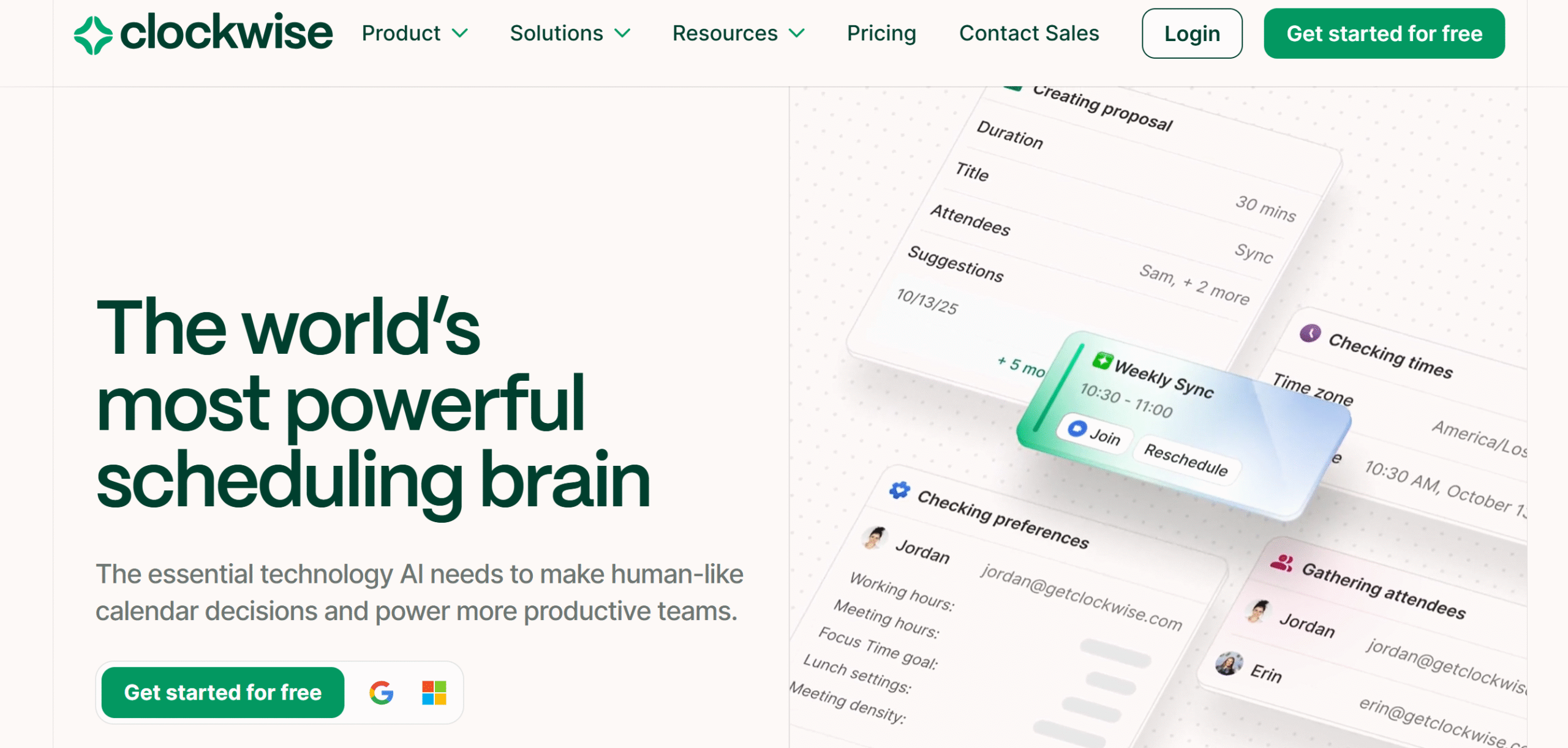
Clockwise is also a good availability management app. It analyzes your calendar and finds the best times for meetings and other events.
Core capabilities of Clockwise include automated scheduling, workload management, rescheduling, and task management. You can build to-do lists of upcoming tasks and let Clockwise adjust them in your schedule.
Clockwise can also be customized to suit your work style.
For example, you can specifically ask the app to rearrange your schedule to create a space for deep work. If you are spending less time on deep work, Clockwise automatically sends an alert to let you know.
You can add both recurring and one-time tasks to the calendar. Clockwise will automatically reserve blocks of time for your daily routine.
Core Features
- Auto-scheduling.
- Availability management.
- Focus time.
- Recurring and one-off tasks.
- Automated reminders.
- AI capabilities.
- Admin control.
- Analytics.
- Integrations.
- Mobile app.
Price
Clockwise’s basic plan is free, and monthly subscriptions cost $7 to $12.
9. Tactiq
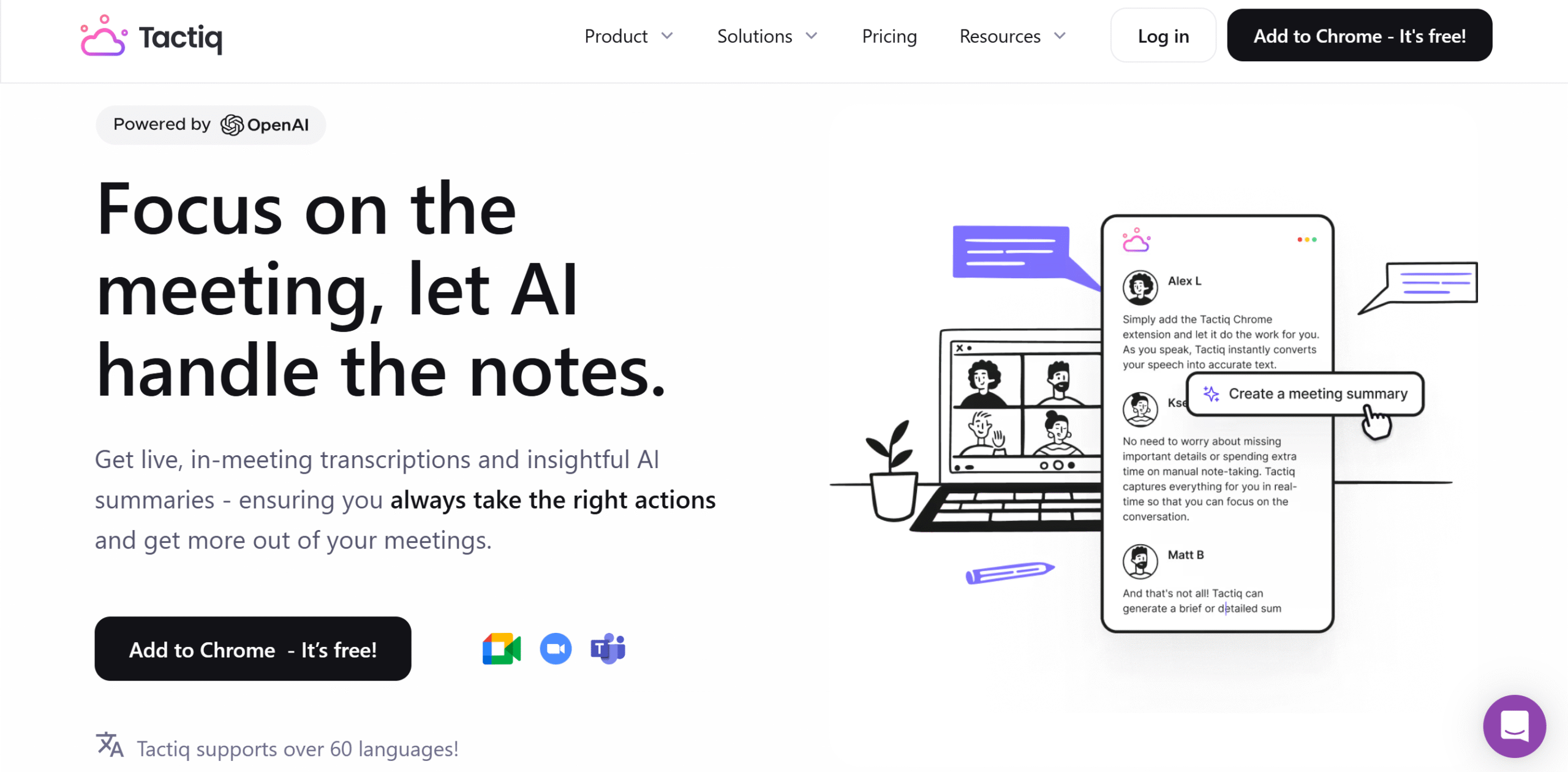
Tactiq is an AI-powered meeting note-taking app.
It reduces decision-making fatigue by transcribing and converting meeting notes into actionable plans.
With Tactiq, you can prepare for meetings in advance, gather content for context, summarize your meetings, and generate helpful insights.
You can send meeting summaries to your CRM to create tickets and share highlights with your team on Slack.
You can integrate Tactiq with all popular video conferencing tools and transcribe meetings in real time.
One of Tactiq’s best features is its real-time summary. If you get distracted during the meeting, you can generate a running summary of the conversation to catch up.
Core Features
- AI note-taking.
- Real-time transcription.
- Post-meeting action items.
- Instant summarizes.
- Advanced search filters.
- AI workflow builder.
- Collaboration.
- Share and export notes.
- Daily digest.
- Integration.
- Chrome extension.
Price
Tactiq monthly subscriptions range between $12 and $40. The basic plan is free.
10. Fireflies
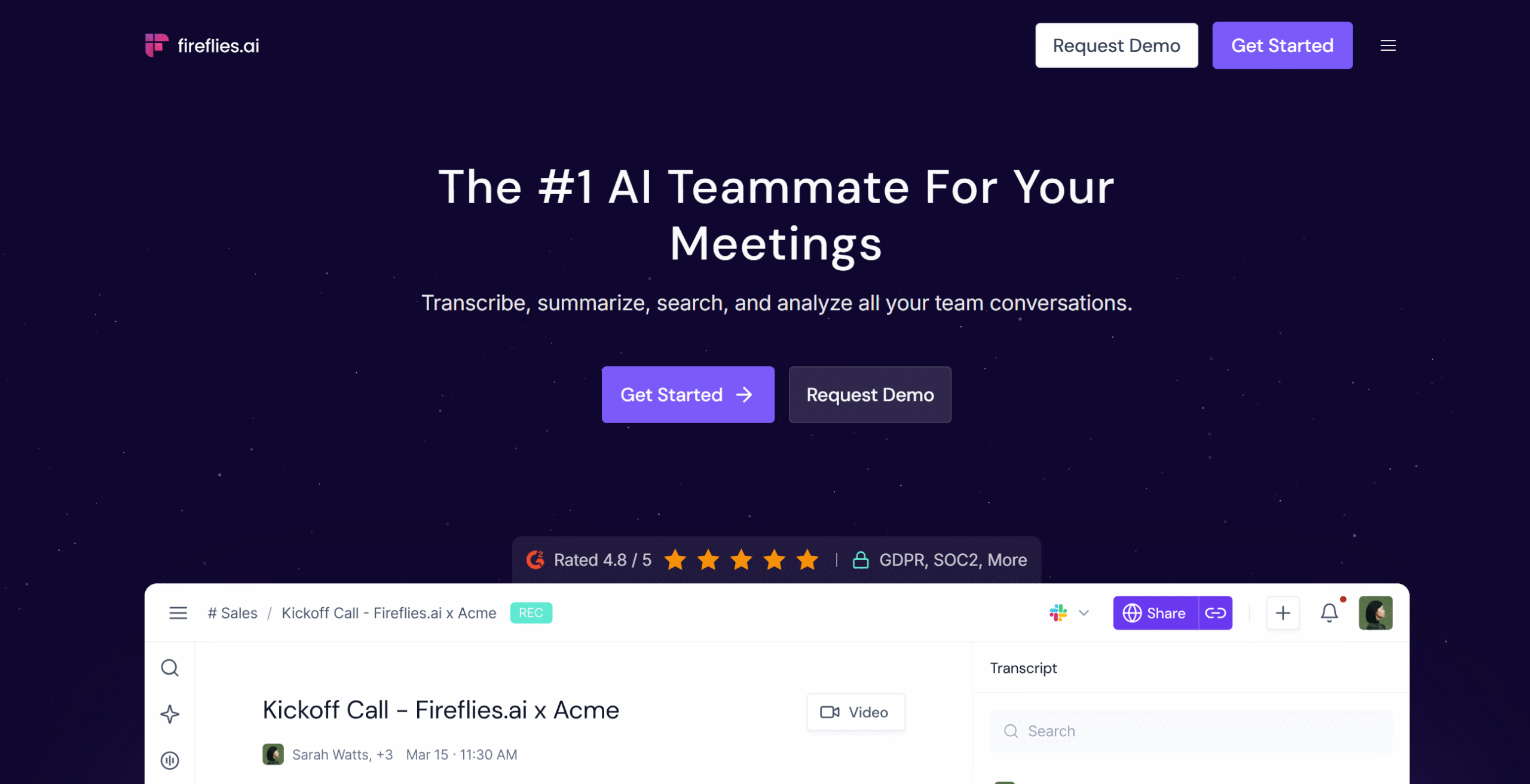
Fireflies is a scalable AI meeting tool. It lets you generate unlimited transcriptions, AI summaries, notes, and insights.
You can access the app from your smartphone and try it for free. With the free plan, you can connect video conferencing tools, switch the language, take notes in real-time, and generate post-meeting summaries.
If you upgrade the plan, you’ll get more storage, advanced summaries, unlimited integrations, and a task manager.
The premium package also offers several collaboration and analytics features. You can share snippets of meetings on Slack and allocate follow-up action items.
Overall, it’s a good app to consider for meetings. You can connect it with third-party applications and use the API for customization.
Core Features
- Transcription.
- Live notes.
- AI summaries.
- Team collaboration.
- Advanced search.
- Conversation intelligence.
- Multilingual.
- API and integrations.
- Chrome extension.
- Mobile app.
Price
Fireflies subscription costs $18 to $39 per month. The basic plan is free.
11. Focusmate
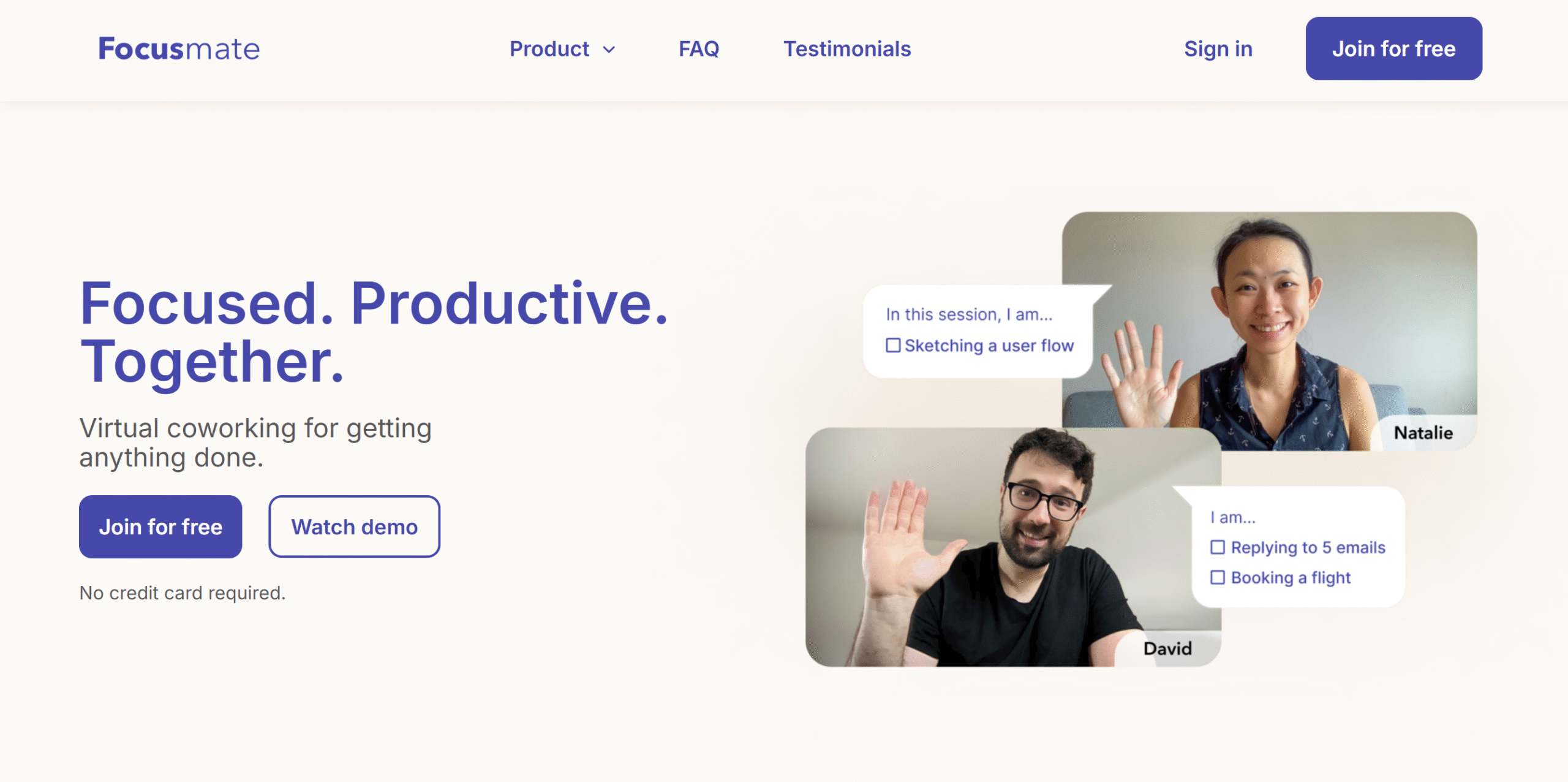
Focusmate is an accountability app. It provides you with tools to collaborate with your partner and get things done together.
Focusmate can be a really helpful tool to reduce decision-making fatigue.
You don’t have to constantly figure out what to do next and when to do it. Focusmate runs a global community and automatically matches you with a partner to complete your to-do list together.
With this exercise, you can eliminate procrastination and actually enjoy your work.
You can create a free account on Focusmate and try a few sessions for free. The forever free plan offers three sessions per week.
Core Features
- Global community.
- Focus video sessions with a partner.
- Task modes.
- Calendar invites.
- Built-in chat.
- Video background and effects.
- Screen sharing.
- Quiet mode.
- API and integration.
Price
Focusmate charges around $10 per month.
12. Focusbuddy
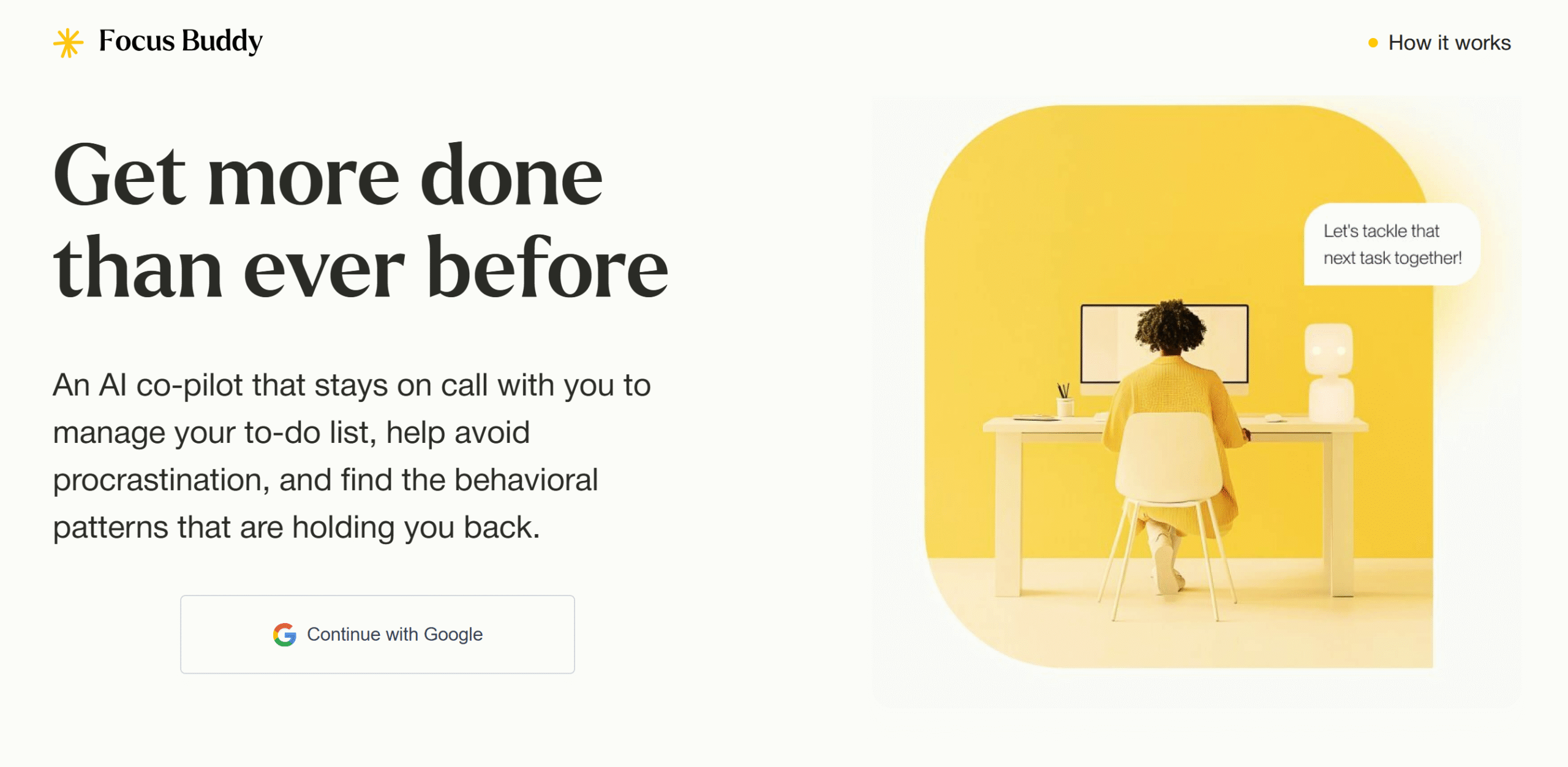
Focusbuddy is another excellent app you can use to improve your focus and reduce decision-making fatigue.
The software provides pre-defined deep work sessions, making it easier to decide how long to work on a certain project. What’s more, it continuously updates your to-do list, bringing your attention to the priority tasks.
An AI coach is built into the system to keep you on track. It offers constructive feedback on your work style, like redirecting you from focusing on one project.
The app is still in the early stages and plans to introduce more features soon.
Core Features
- Pre-defined focus sessions.
- AI coach.
- Productivity insights.
- Automated to-do list update.
- ADHD-friendly tools.
- Web App.
Price
Focusbuddy is currently free for all users. There might be some features not available on the free plan. You can reach out to the sales team for details.
Conclusion
Decision-making fatigue wastes a lot of your time.
You spend a large part of your day on unnecessary decisions, leaving you tired and less productive.
Try a few of the above productivity apps to see if you can overcome some of your challenges.
If you need suggestions, I can offer some recommendations.
Use Sunsama to create a realistic daily planner, Todoist to build checklists, Calendly to automate your appointments, and Tactiq to ensure your meetings run smoothly.
Take free trials and compare these apps to make an informed decision.


 A better way to manage projects and clients for freelancers
 Get through busy days like a breeze with Reclaim.ai