
ADHD-friendly calendars offer productivity tools to help you manage your week better.
These apps are designed to simplify your life, allowing you to allocate your time well and stay on track.
In this article, I have reviewed some of the best software products with ADHD-friendly calendar features. You can compare their core functions and prices to find the app that fits your needs.
What Is An ADHD Calendar App and What Tools Are Best For You?
ADHD (attention deficit hyperactivity disorder) is a neurological disorder. It’s marked by forgetfulness and disorganization, making day-to-day chores highly challenging.
ADHD calendar provides timeboxing and reminder features to help you plan your day and stay focused.
With these tools, you can optimize your schedule and be more productive and organized.
Top Features to Look for In An ADHD-Friendly Calendar App;
- Calendar integration.
- Scheduling.
- Color coding.
- Alarms and reminders.
Let’s look at the 12 best ADHD-friendly apps available on the market. I have covered planners, calendars, and task managers to diversify the list.
1. Sunsama
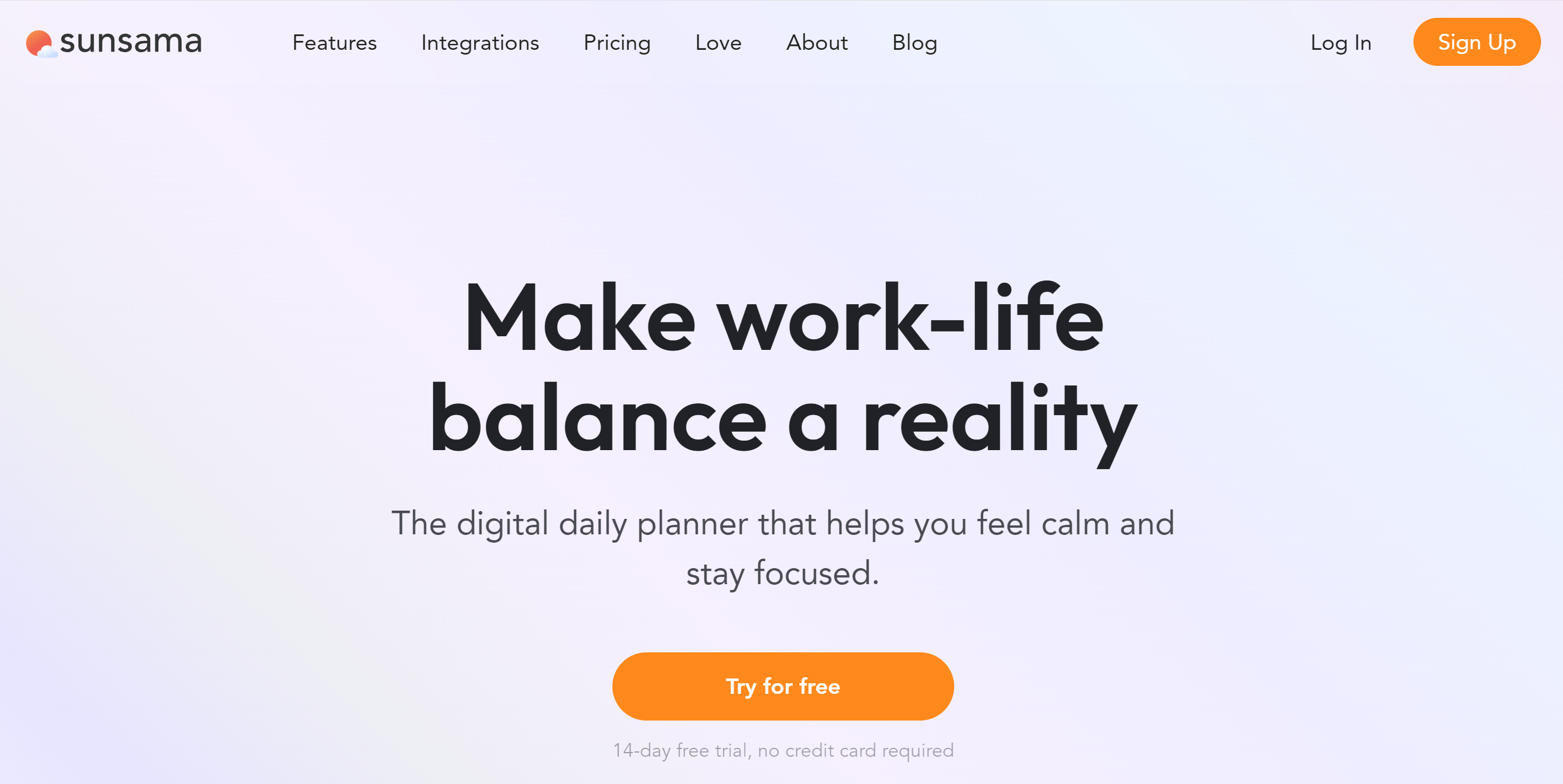
Sunsama is a desktop work calendar. You can use it to manage your tasks, emails, projects, and goals.
The software has a drag-and-drop functionality to move entries visually and re-arrange the tasks.
You can import your emails to the to-do list and drag them to your day’s schedule. You can do the same with your Slack messages.
With third-party integration, you can import tasks from your project management software and automatically schedule them. Sunsama auto-updates the changes in other apps to save time.
You’ll get a unified view to plan your day and a built-in focus mode to attend to priority tasks.
Core Features
- Calendar integration.
- Scheduling.
- Unified view.
- Task creation.
- Time boxing.
- Email and Slack message import.
- Focus mode.
- Third-party integration.
- Desktop and mobile version.
Price
Sunsama charges $20 per month. You can take a 14-day free trial and get 20% off on the annual plan.
2. Simple Calendar Pro
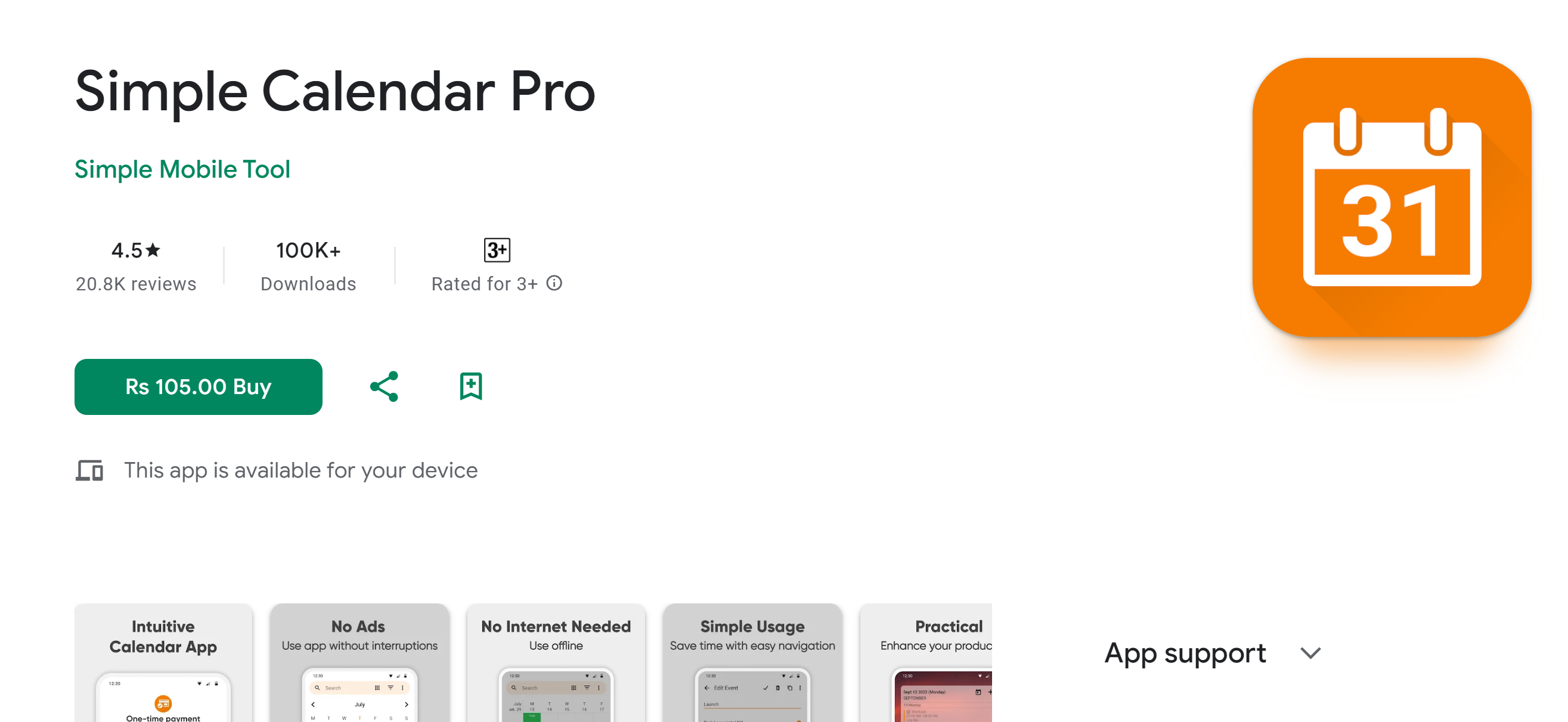
Simple Calendar Pro is a basic Android app. It has a clean interface and user-friendly scheduling tools.
You can create multiple tasks with this software and add them directly to the calendar.
Using the scheduling feature, you can set up an alarm for appointments and events.
You can schedule your day, week, and month and change the view to see the breakdown of your week or month.
You can also customize the background theme to make it fun and add color codes for identification.
Core Features
- Multiple calendar views.
- Task or event creation.
- Color coding.
- Alarm/ reminders.
- Custom themes.
- Home screen widget.
- Android app.
Price
Simple Calendar Pro is a premium app. A free version is also available.
3. ADHD Calendar
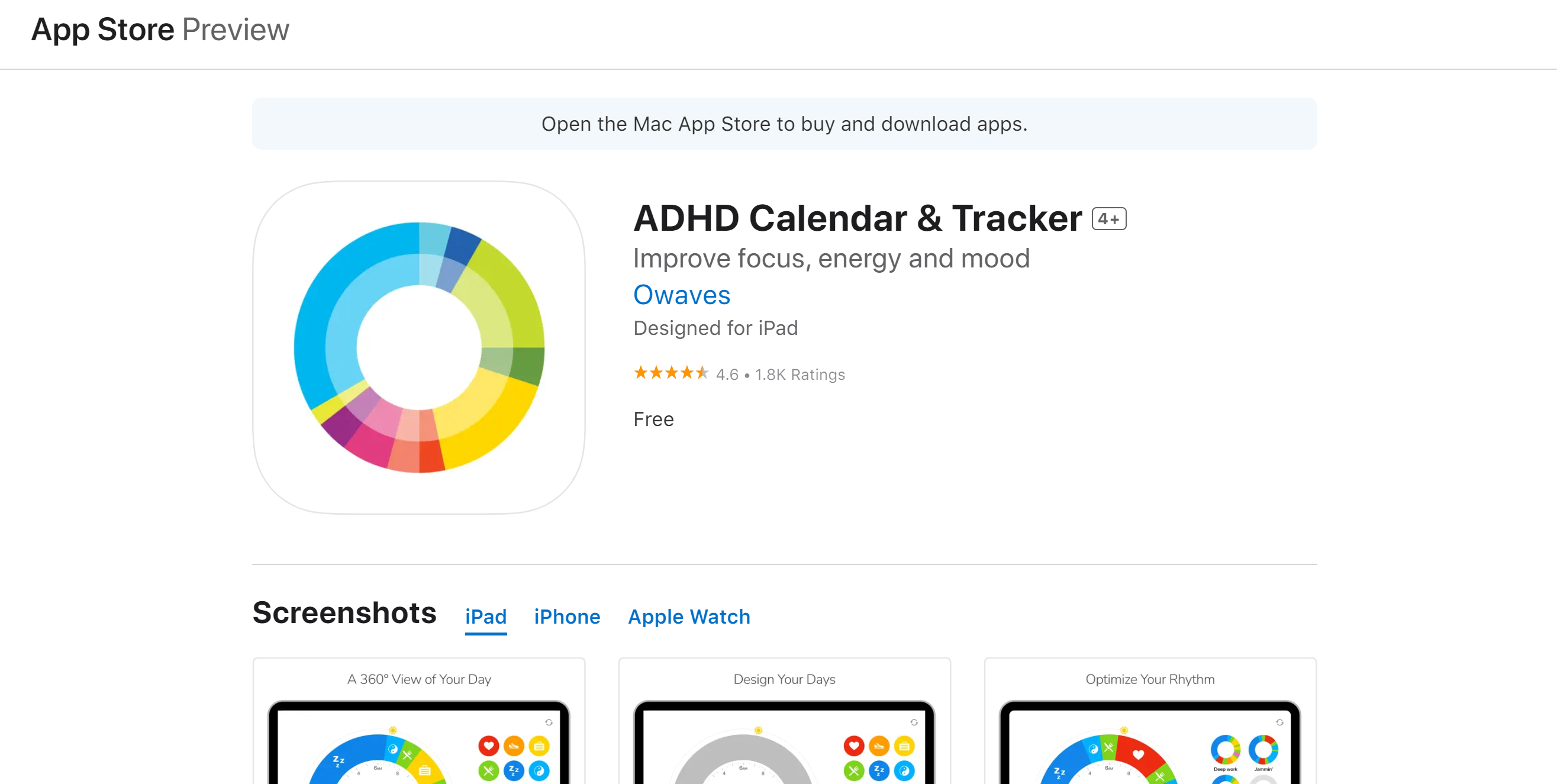
ADHD Calendar helps you plan your day around your circadian rhythm (body clock). It has an interesting design, consisting of a circular calendar outlined by the sun and moon.
You’ll receive a list of healthy activities, color-coded for personalization. You can customize the activity titles and the background theme to personalize the app’s look.
In addition to the clock calendar, ADHD also provides a tracker. You can view your daily activities and track your progress.
ADHD has recently introduced a new feature that allows you to invite friends and family and create your own social community. You can see what activities your friends are involved in and share your support with likes.
Core Features
- Circular day calendar.
- Pre-defined activities.
- Color codes.
- Progress tracker.
- Social feed.
- Custom theme.
- Multi-device support.
- iOS app.
Price
ADHD Calendar is free to install. You can download it on iPhone and iPad.
4. Motion
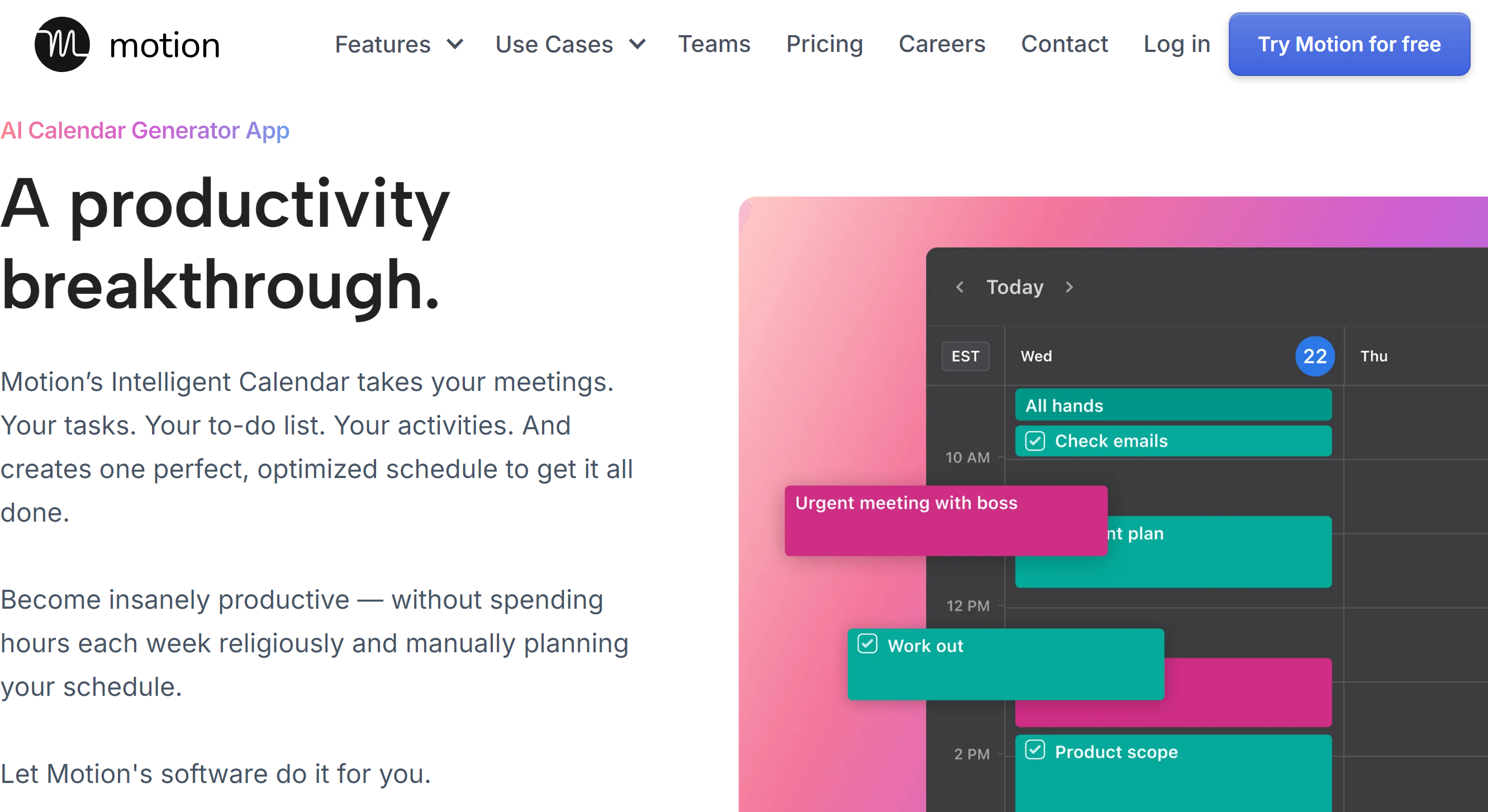
Motion is an AI-powered calendar. It automatically builds a work schedule based on your priorities and availability.
The app is ideal for those whose work revolves around meetings and projects. You can let Motion adjust your tasks and meeting times and keep some slots for breaks.
You can manually create daily and recurring tasks and auto-schedule your task list. Motion syncs your work calendars to ensure you don’t miss any events.
You can set a limit on your meetings and share your calendar with your team. If you work with external clients, you can create a page for booking and leave some slots open.
Motion has desktop and mobile versions both.
Core Features
- Calendar integration.
- Auto-scheduling.
- Recurring tasks.
- Meeting scheduling assistant.
- AI capabilities.
- Project management.
- Third-party integration.
- Mobile app.
Price
Motion charges $19 for individuals and $12 for teams. You can try it for free and ask for the enterprise package.
5. Reclaim.ai
Reclaim works the same as Motion. It automatically plans your day and blocks time for meetings and breaks.
You can connect it to your Google calendar for free and build a routine. Reclaim allows you to plan your three weeks for free.
With premium access, you can extend the range to 12 weeks. The premium package offers unlimited calendar integration and smart automation.
One of Reclaim’s core functions is time tracking. You can measure the time you spend on tasks, meetings, breaks, and personal chores. Time Tracker also comes with analytics to help you optimize your work-life balance.
Another core function of Reclaim is the habit tracker. You can create recurring tasks and let Reclaim fit them into your schedule.
Core Features
- Calendar integration.
- Tasks, habits, and breaks.
- Auto-scheduling.
- Color coding.
- Availability management.
- Smart meeting.
- Time tracking.
- Productivity statistics.
- Third-party integration.
Price
Reclaim’s basic plan is free, and premium packages range between $8 and $18. Discounts are available for startups.
6. Skedpal

Skedpal is another good app with AI capabilities. For $14 a month, you can get excellent AI productivity tools and all the features.
Some of the things you can do with Skedpal include task management, auto-scheduling, checklists, and note-taking. The app uses AI to automatically block your time and helps you set realistic goals.
For task tracking, you’ll get a Kanban board. You can integrate your Google calendar and see upcoming tasks on the board.
Skedpal is a web app, but both iOS and Android versions are available.
Core Features
- Calendar integration.
- AI time boxing.
- Task management.
- Checklists and notes.
- Kanban board.
- Integration.
- Mobile apps.
Price
Skedpal’s monthly subscription costs $14, and the annual package costs $9 per month.
You can take a 14-day free trial without providing credit card details.
7. Routine
Routine is good for workaholics. You can centralize all your personal and work calendars and manage your schedule in one place.
The app has a simple interface and essential scheduling features. You can add both tasks and events and set alerts as reminders. You can also convert your emails and messages into tasks and schedule them.
Everything is color-coded for good visibility. You can also use a hotkey to get a quick view of upcoming tasks on your home screen.
A few other side features are included in the package. For example, you can join meetings with one click and take meeting notes without leaving your call.
Routine is available in desktop and mobile apps.
Core Features
- Unified calendar.
- Task creation.
- Time boxing.
- Emails into tasks.
- Note-taking.
- Dashboard shortcut.
- Integration.
- Mobile app.
Price
Routine is still in the early phase and offers free access to the software.
8. TimeTree
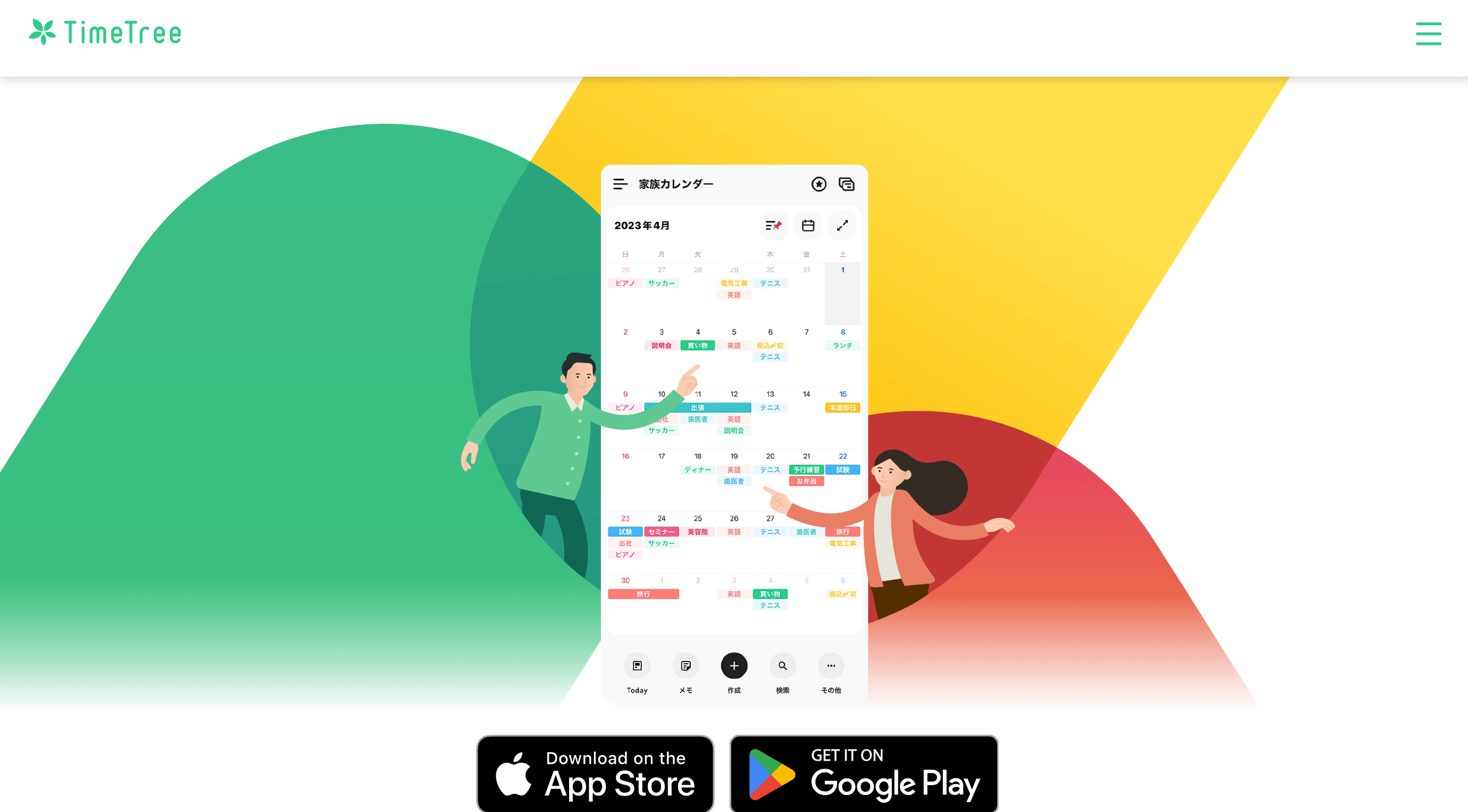
TimeTree is a calendar-sharing app. Via this tool, you can create a shared calendar and let others access your schedule.
This app is ideal for people with ADHD. Your work partner or family member can keep an eye on your schedule and add tasks and events you might have missed.
You can create separate calendars for work and personal life. Anytime someone makes an entry, everyone receives notifications. You’ll get a chatroom to connect with others.
Notes, to-do lists, and media imports are side features of TimeTree. It also comes with a home screen widget for quick access.
TimeTree is available on the Apple and Google Play stores.
Core Features
- Shared calendar.
- Task creation.
- Scheduling.
- File attachment.
- Chat room.
- Notes and to-do list.
- Home screen widget.
- Android and iOS apps.
Price
You can download TimeTree for free. Its premium subscription costs $5 per month. You’ll get a one-month free trial.
9. TickTick
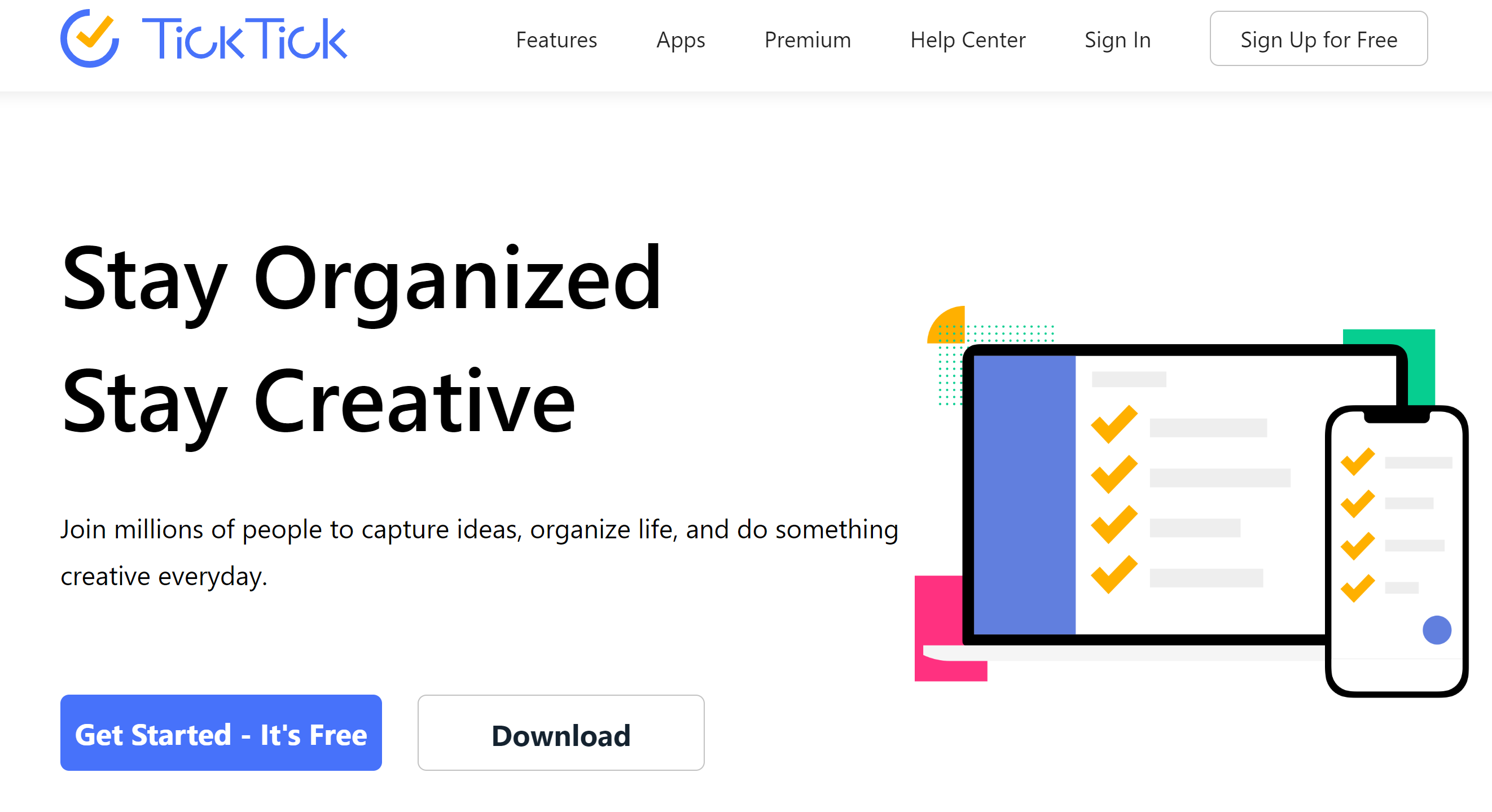
TickTick is one of the best ADHD apps. It’s distraction-free, user-friendly, and rich in great features.
You’ll get voice input for quick task creation and an annoying alert for repeated reminders. You can set different reminders to optimize your schedule.
To prioritize tasks, you can organize your to-do list and add tags. You can convert your emails into tasks and assign some items to others.
You can color-code your entries and view your calendar by day, week, and month. More views are available in the premium version.
TickTick is compatible with multiple devices. You can use it on a desktop, mobile phone, or smartwatch. You can also get extensions and add-ons.
Core Features
- Quick task creation.
- Color coding and tags.
- Annoying alert.
- Location-based reminders.
- Multiple calendar views.
- Pomo timer.
- Collaboration.
- Home screen widget.
- Integration.
Price
TickTick is free to download. You can upgrade your account for $3 a month.
10. Amie
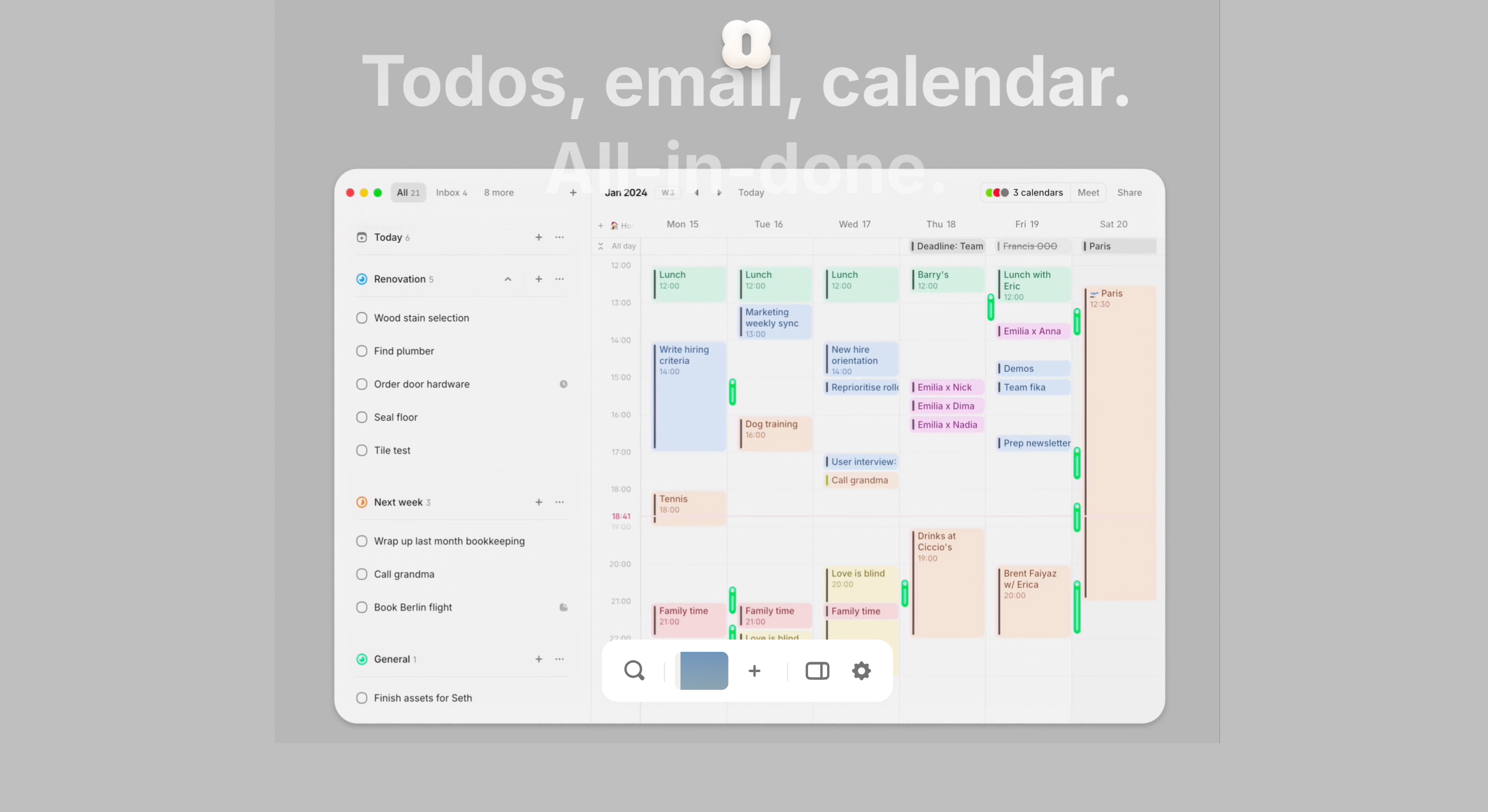
Amie is an aesthetically pleasing calendar. You’ll get simple but fun timeboxing and collaborative tools.
You can create your to-do list and drag tasks to your calendar to book the time. You can also schedule your emails and meetings through Amie. You’ll get the option to add guests and share scheduling links with them.
You can use Amie on your desktop and smartphone. It currently offers Windows and iOS apps but plans to introduce other versions soon.
Core Features
- Google Calendar integration.
- To-do list.
- Timeboxing.
- Drag-and-drop.
- Email, task, and meeting scheduling.
- AI capabilities.
- Calendar sharing.
- Other third-party integration.
- Desktop and mobile app.
Price
You can get started on Amie for free. Its pro version costs $6 per month.
11. Fantastical
Fantastical is also visually appealing. And it comes with some interesting side features.
You can get the day, week, month, and yearly views and integrate Google tasks into your main calendar. Not only that, but you can also create a location-based calendar, which automatically switches when you reach that location.
Scheduling function here is advanced. You can create events and send invitations, with the option to accept or reject them. For conference calls, you can integrate Zoom, Meet, Teams, and Webex.
One more thing. Fantastical has weather forecasts and “time to leave” alerts. You’ll receive notifications for your upcoming events with the weather updates.
Fantastical is an Apple app. You can use it on Mac, iPad, iPhone, and Apple Watch.
Core Features
- Multiple calendar views.
- Tasks and events.
- Notifications and reminders.
- Scheduling and time zones.
- Collaboration.
- Weather forecast.
- Home screen widget.
- Integration.
Price
Fantastical prices start at $4.75. You can try it for free.
12. Prosper
Prosper is a mobile calendar and a task manager. It has a simple timeline view that shows your scheduled tasks.
You can create your task list and add items to the calendar to block time. If you have some tasks you plan to tackle in the future, you can park them in your inbox for later.
To reschedule tasks, you can simply drag them up and down. With reminders, you can get things done on time.
You’ll get a home screen widget for quick view as well.
Basic states are also built into the app. You can use it to measure your current streak and overall completion rate.
Core Features
- Calendar.
- Task manager.
- Reminders.
- Inbox.
- Rescheduling.
- Timeline view.
- Home screen widget.
- Statistics.
- Android and iOS apps.
Price
Prosper is free to install. It charges for in-app purchases only.
Conclusion
Today, plenty of calendars have ADHD-friendly features. You can find basic to advanced tools tailored to meet your specific preferences.
For instance, Sunsama is ideal for work tasks. You can connect your email and schedule your messages with events.
Motion is best for those who struggle with planning. You only need to share your task list, and the app will arrange everything.
Amie is perfect for those who prefer aesthetics. It looks fun, which, in turn, makes scheduling engaging.
I recommend exploring the listed tools to pick the software that works well for you. Good luck!


 A better way to manage projects and clients for freelancers
 Get through busy days like a breeze with Reclaim.ai