Whether you’re a freelancer, coach, consultant, or business owner, you need a simple way to manage your cashflow and keep your books organised.
The good news is, you don’t need to learn accounting or hire anyone, especially when you’re just starting out.
Modern accounting software manages transactions, tracks cash flow, prepares financial reports, and keeps your books ready for tax season.
Many of these tools also offer much more than that, like insights to maximise profits and tools to manage clients, projects and inventory.
But there’s no one-size-fits-all solution. It depends on your business and specific needs.
Pick a tool with too many features and you’ll waste money while adding unnecessary complexity. Go too lean and you’ll deal with manual workarounds, lost time, and possible compliance risks.
If you’re unsure which tool suits your business, you are in the right place.
In this article, we’ll compare the three most popular options Wave, FreshBooks, and QuickBooks; each suited to different business types, so you can find the best fit for your business.
Let’s begin.
Ratings
| Aggregator | Wave | FreshBooks | QuickBooks |
| G2 | 4.3/5 | 4.5/5 | 4/5 |
| Capterra | 4.4/5 | 4.5/5 | 4.3/5 |
| GetApp | 4.4/5 | 4.5/5 | 4.3/5 |
| TrustRadius | 7.5/10 | 8.7/10 | 8.1/10 |
Wave Overview
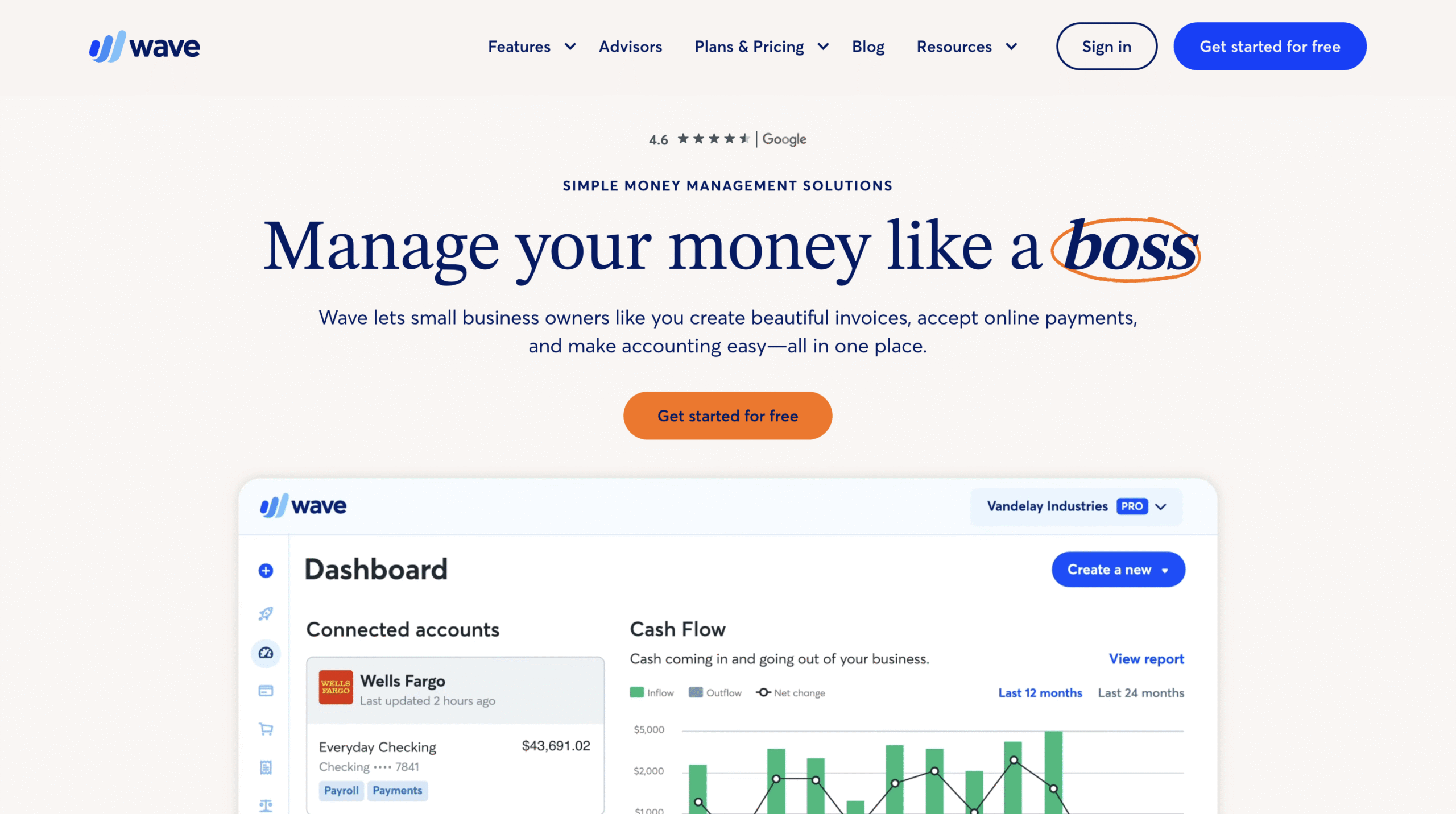
Wave only supports businesses in Canada and the U.S.
It offers essential features like invoicing, receiving payments, tracking expenses, and generating basic financial reports.
Wave is the only accounting software among the three that provides a free plan.
It also offers payroll services as an optional add-on to pay your team or contractors. You can even add it on the free plan, and only pay for payroll services.
Wave focuses on budget-friendly simplicity rather than advanced technology, and that’s what it’s known for.
FreshBooks Overview
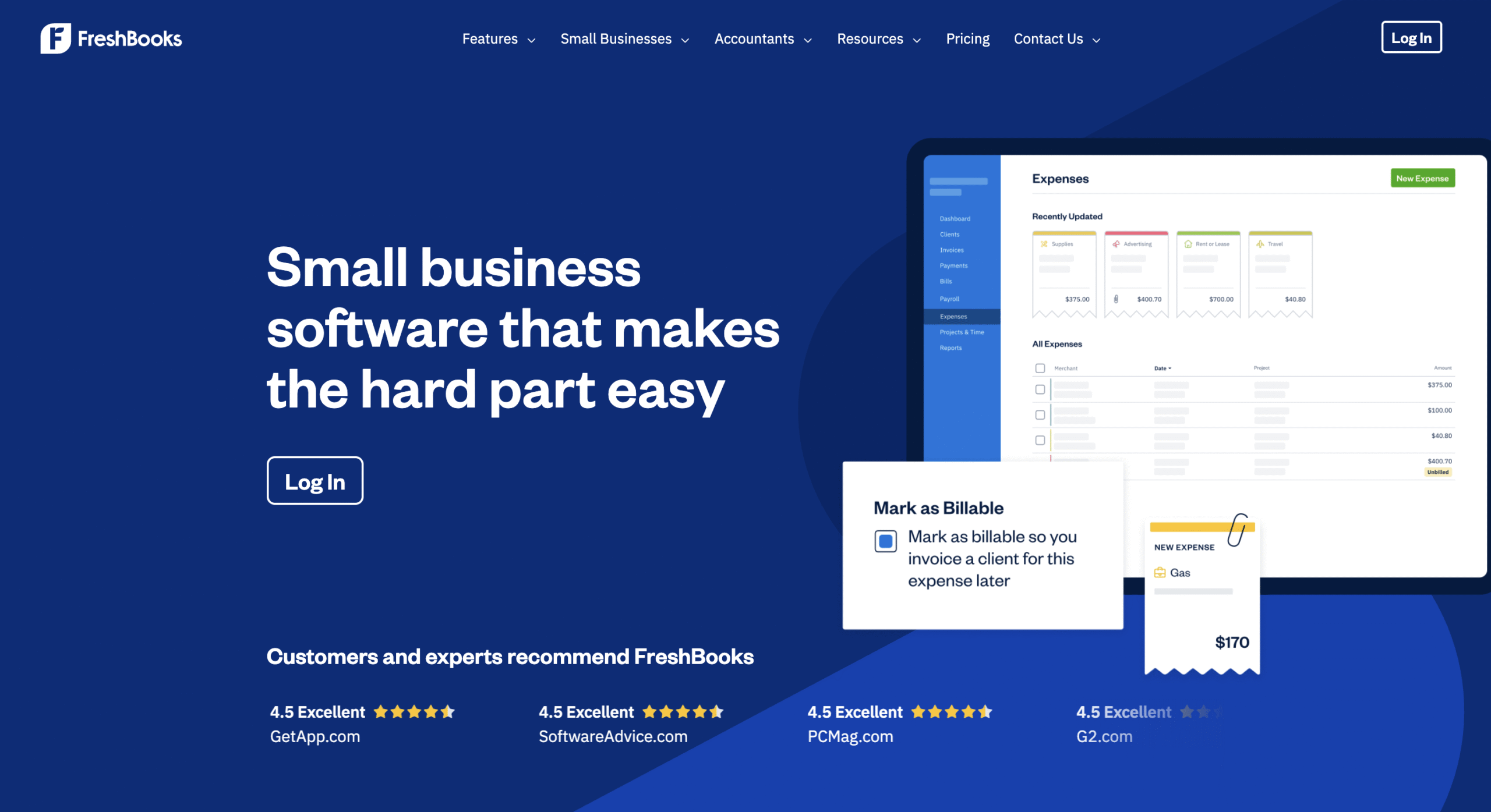
FreshBooks supports users in over 160 countries.
It’s simple, full of useful tools, and easy to use.
FreshBooks outperforms Wave in almost every aspect with more depth and offers more features like time tracking, mileage tracking, team collaboration and client communications.
It makes working with clients really smooth. However, FreshBooks is still quite basic.
It lacks advanced features such as inventory management, custom reporting, business intelligence and AI features that QuickBooks provides.
QuickBooks Overview
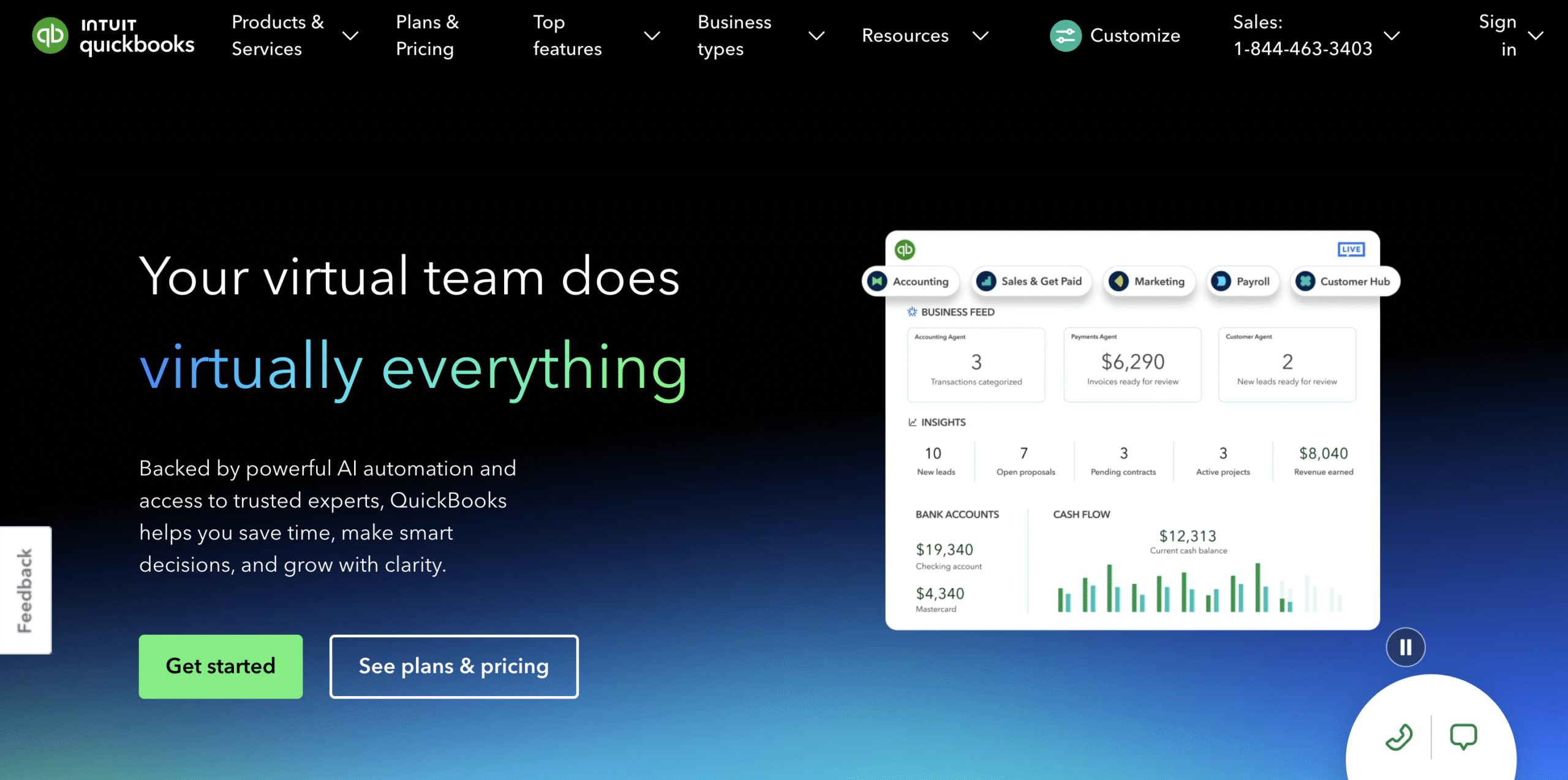
QuickBooks offers multiple products, but here we’ll focus on QuickBooks Online and its add-ons.
QuickBooks Online is one of the most powerful accounting software which supports businesses in more than 170 countries.
It doesn’t just handle accounting and bookkeeping, but it also provides a suite of business intelligence tools to help you maximise profits.
A standout feature is its five AI agents, each designed to manage different aspects of your business, boost efficiency, and help you make smarter decisions.
It’s also the only tool on this list that offers inventory management and much more.
Among all the tools mentioned, QuickBooks delivers the most advanced features and caters best to MSMEs or growing businesses with needs beyond the basics.
What features do Wave, FreshBooks and QuickBooks offer?
Here’s a snapshot of the key features of Wave, FreshBooks, and QuickBooks:
| Features | Wave | FreshBooks | QuickBooks |
| Invoicing | ✓ | ✓ | ✓ |
| Receive Payment | ✓ | ✓ | ✓ |
| Expense Tracking | ✓ | ✓ | ✓ |
| Financial Reports | ✓ | ✓ | ✓ |
| Payroll Management | ✓ | ✓ | ✓ |
| Accounts reconciliation | ✕ | ✓ | ✓ |
| Time Tracking | ✕ | ✓ | ✓ |
| Mileage Tracking | ✕ | ✓ | ✓ |
| Inventory Management | ✕ | ✕ | ✓ |
| Customer Management | ✕ | ✕ | ✓ |
| Business Intelligence | ✕ | ✕ | ✓ |
| Custom Reports | ✕ | ✕ | ✓ |
Features Comparison
Here’s a clear feature-by-feature comparison of Wave, FreshBooks and QuickBooks:
1. Invoicing and payments
Wave lets you create branded bills and add payment buttons to invoices. It also supports automated recurring invoices. However, Wave only accepts bank transfers, credit cards, and Apple Pay.
FreshBooks allows more customisation on invoices and also supports PayPal. You can automate late fees, reminders, and include billable hours and expenses in your invoices.
It also offers Buy Now, Pay Later to get paid immediately while your client pays FreshBooks later.
QuickBooks supports the widest range of payment methods; bank transfers, credit cards, PayPal, and digital wallets.
It doesn’t offer Buy Now, Pay Later, but it does support progressive billing based on project milestones.
QuickBooks also automates both incoming and outgoing recurring payments, tracks due dates, and sends reminders for better cash flow.
FreshBooks and QuickBooks both let clients sign invoices with digital signatures.
All three let you send proposals and estimates, track their status, and convert them into invoices once approved.
2. Accounting and Book-Keeping
Wave offers the most basic bookkeeping features. You can create unlimited records and generate core reports like profit and loss statements and balance sheets.
With the Wave Pro plan, you can also automatically import, merge, and categorise bank transactions.
FreshBooks builds on this by adding automated bank reconciliation and custom accounting reports to give a clearer view of overall financial health.
QuickBooks goes way further by automatically categorising transactions, cleaning records, and using its accounting agent to suggest invoicing strategies, performance insights, and future planning.
All three software also offer expert assistance to help manage bookkeeping and accounting tasks.
3. Payroll Management
Payroll is available as an add-on in all three platforms.
Each supports direct deposits, tax tracking, employee and employer tax forms, one-click payroll runs, and automatic payroll tax filing.
Every pay run is recorded to keep reports accurate and books organised. All three also offer expert help with payroll tax filing.
However, QuickBooks stands out with built-in HR tools, employee benefits like insurance and retirement plans, and a Payroll AI agent for smarter management.
You can contact FreshBooks team to include employee benefits in a custom payroll plan
4. Time tracking
Wave doesn’t include built-in time tracking. You’ll need to enter hours manually or connect a third-party app.
FreshBooks includes time tracking in every plan. You can log hours by client or project from web or mobile, then add them directly to invoices.
QuickBooks offers advanced time-tracking, but as a paid add-on. Teams can log hours from their phones even offline and submit timesheets for approval. It also includes geofencing to prompt clock-ins and outs based on current location.
5. Mileage Tracking
Wave does not offer mileage tracking.
FreshBooks and QuickBooks let you track every trip, categorise it as business or personal, and calculate tax deductions based on business miles. You can review and manually edit past trips.
QuickBooks also automates mileage tracking using GPS. You simply review the entries and get detailed mileage reports.
6. Inventory Management
Only QuickBooks offers inventory management.
It lets you monitor stock levels, set restock alerts, and generate reports on top-selling products and order estimates based on past trends.
You can also connect it with Amazon, Etsy, or Shopify for smoother inventory sync.
QuickBooks even includes an inventory calculator to help prevent under-stocking or over-stocking, plus access to detailed inventory reports.
7. Customer Management
Wave doesn’t offer built-in customer management tools.
FreshBooks includes a client portal for collaboration and file sharing. You can view detailed reports to track revenue, time entries, and profitability by client.
QuickBooks goes further with tools for lead tracking, appointment scheduling, reputation management, and access to a dedicated customer support AI agent for automation and efficiency.
8. Project Management
Wave doesn’t offer any project management features.
FreshBooks supports basic collaboration and helps you track costs, expenses, un-billed hours and more, to assess project profitability.
It may work well for co-ordination but FreshBooks definitely falls short for complex project management.
QuickBooks tracks every project expense including payroll, time, and materials, to help you measure overall profitability. It also includes a Project Management Agent to manage budgets, control costs, and track timelines for ongoing work.
You can even set alerts, generate detailed reports, and monitor project performance with precision on QuickBooks.
9. Business Intelligence
Wave and FreshBooks offer basic bookkeeping with no built-in business intelligence tools.
QuickBooks, on the other hand, includes a full suite of business intelligence features to analyse operations and improve profitability.
You get custom reports, KPI scorecards, forecasting, budgeting, and cash flow planning.
It also includes an AI-powered finance agent that tracks progress toward your KPIs, runs scenario planning, and helps you make faster, data-backed decisions.
10. AI features
QuickBooks is the only accounting software among the three that leverages AI and it does so extensively.
It offers five AI-powered agents for finance, accounting, payments, sales tax, customer, and project management.
These agents help automate tasks across your business like expense categorisation, cash flow forecasts, payment tracking, lead management, and goal tracking.
You also get AI-generated insights for every area of your operations, helping you make faster and smarter decisions.
What plans and pricing does Wave, FreshBooks and QuickBooks offer?
Wave
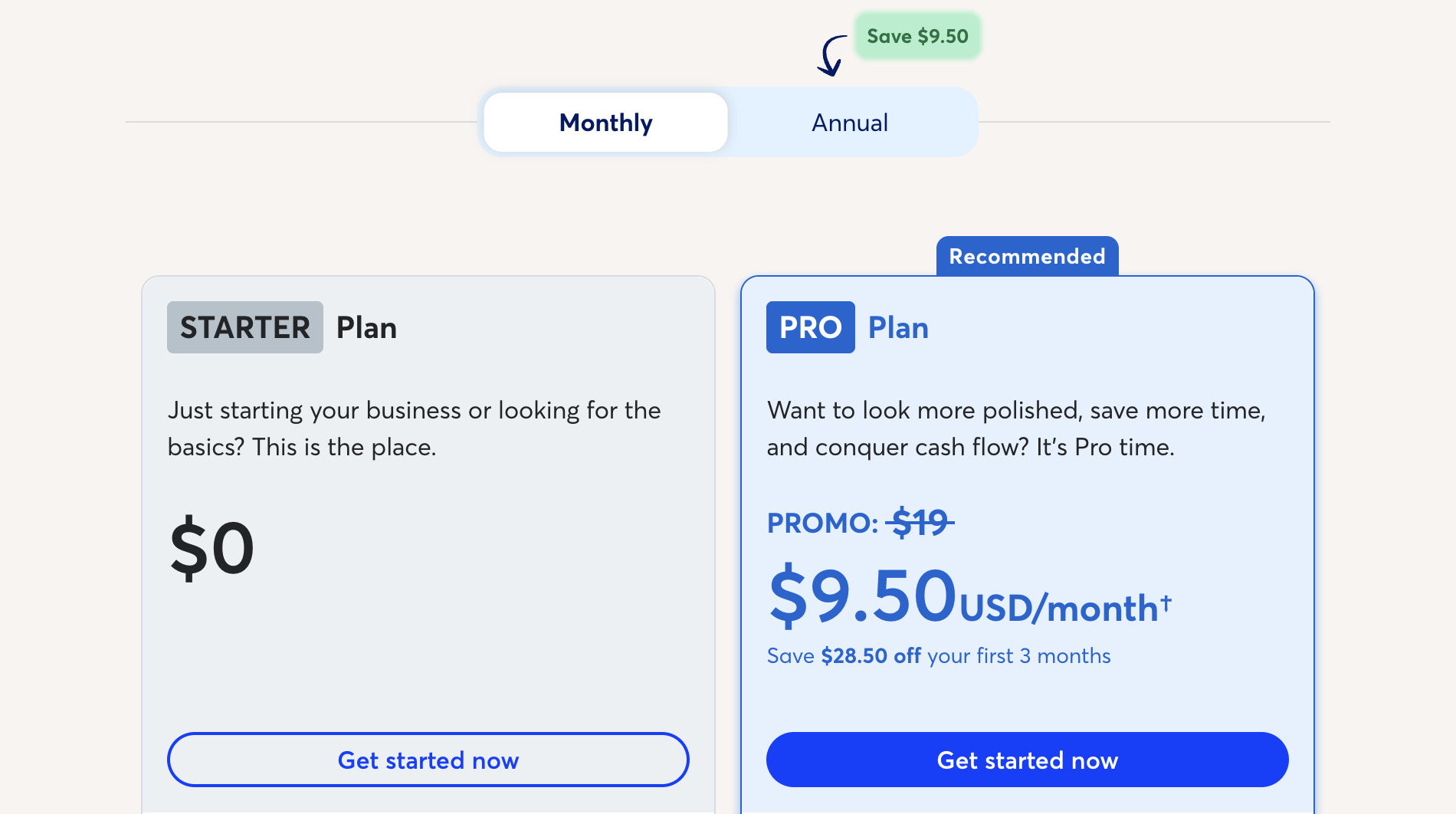
1. Starter: Free
Description: Bill up to 5 clients, accept payments (add-on), auto-import bank data, track expenses, view basic reports, and invoice via mobile.
2. Pro: $20/month (billed monthly) | $190/year (billed annually)
Description: Allows unlimited clients and adds branded invoices, auto payment reminders, invoice attachments, reusable templates, client credits, transaction auto-categorisation, and full dashboard reports.
3. Pro+ Book Keeping support: $129/month
Description: Assigned in-house book-keeper, monthly reconciliation and more on top of everything in pro
4. Pro+ Accounting Coach: $199 one-time
Description: Adds a one-time coaching session to review your setup, tax-readiness, and best practices, with support up to 30 days.
Add-on:
- Payroll: $40/month + $6/employee/month + $6/independent contractor paid/month
FreshBooks
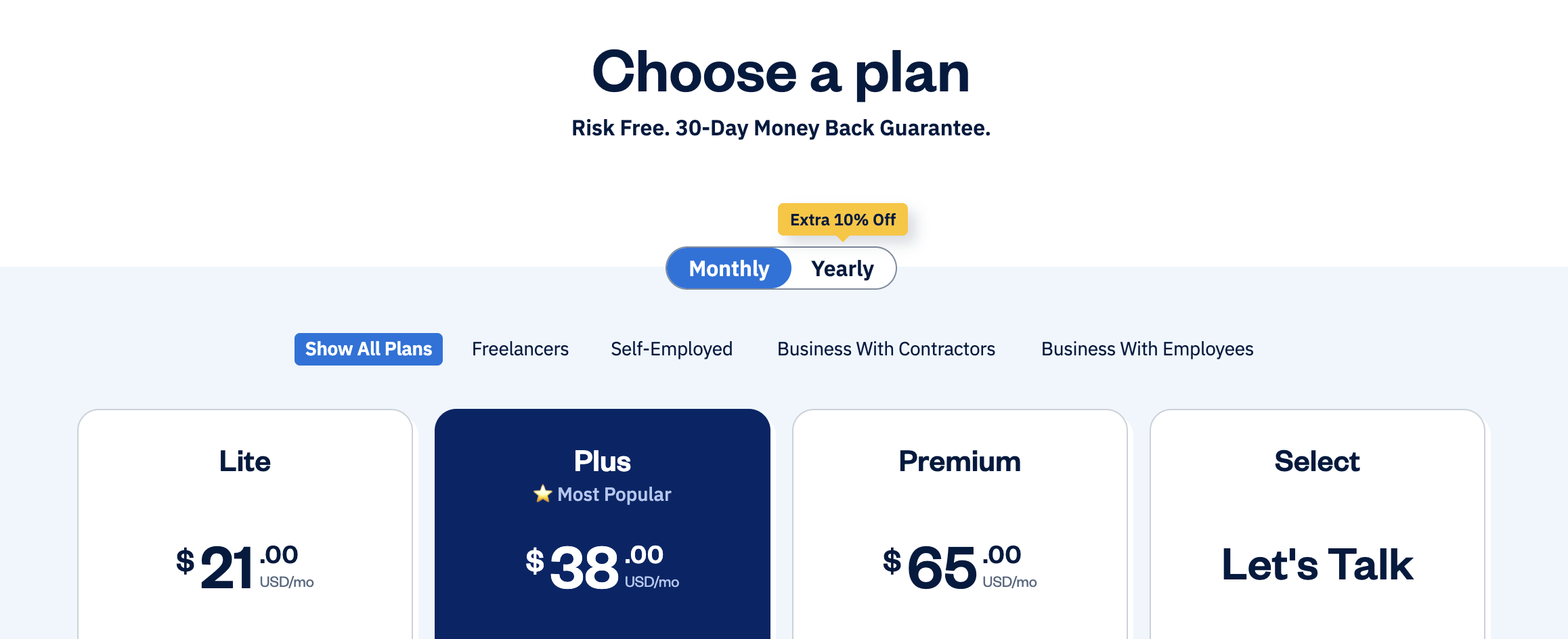
1. Lite: $21/month | $266.60/year
Description: Supports 5 clients. Includes unlimited invoices and estimates, online payments, expense tracking, time tracking, mileage tracking, basic reports, and client portal.
2. Plus: $38/month | $410.40/year
Description: Supports 50 clients. Adds e-signatures, automated recurring invoices, late fees, proposals, project budgeting, client credits, bank reconciliation, accountant access, custom email templates, and mobile receipt upload.
3. Premium: $65/month | $702/year
Description: Supports unlimited clients. Adds client retainers, advanced reporting, double-entry accounting, email receipt forwarding, bill receipt data capture, project profitability, and accounts payable.
4. Select: Custom pricing
Description: Includes all Premium features plus 2 team accounts, reduced payment processing fees, priority support, personalized onboarding, and assisted data migration.
Add-ons
- Team members: $11/member/month
- Advanced payments: $20/month
- FreshBooks Payroll: $40/month + $6/user/month
Start with Freshbooks for free →
QuickBooks
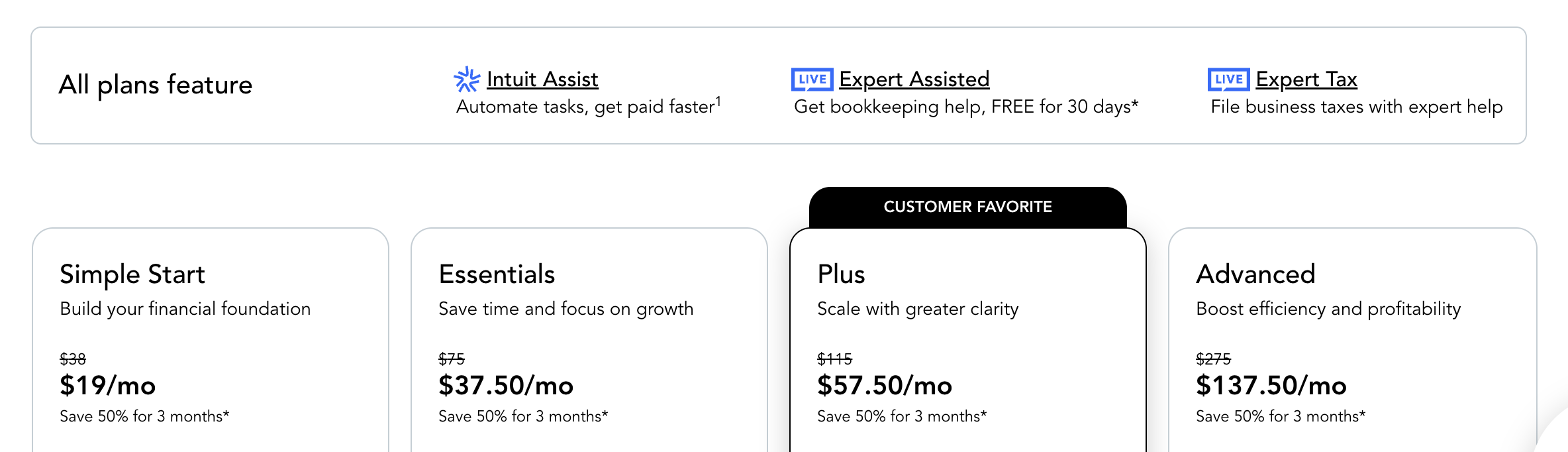
1. Solopreneur: $20/month
Description: Track income and expenses, send invoices, capture receipts, run basic reports, and access smart expense organization. No support for contractors, bills, or multi-user access.
2. Simple Start: $38/month
Description: Adds tax deductions, auto-categorisation, mileage tracking, basic reporting, and expert-assisted bookkeeping. Still limited to 1 user and no bill management or time tracking.
3. Essentials: $75/month
Description: Adds bill management, time tracking, support for up to 3 users, recurring invoices, class/location tracking, and role-based permissions. Also includes payments agent and customer notes.
4. Plus: $115/month
Description: Adds project tracking, profitability reports, inventory tracking (basic), purchase and sales orders, budget creation, and 5-user access with advanced roles. Enables basic project management and agent tools.
5. Advanced: $275/month
Description: Adds forecasting, custom reports, dashboards, workflow automation, advanced project profitability, enhanced inventory, 25 users, custom permissions, HR support, and access to AI-powered agents and insights.
Add-ons
Payroll and HR:
- Payroll Core + Simple start: $88/month + $6.50/employee/month
- Payroll Core + Essentials: $125/month + $6.50/employee/month
- Payroll Premium + Plus: $203/month + $10/employee/month
Time tracking:
- Time Elite: $20/month + $8/user/month
- Time Premium: $40/month +$10/user/month
Payroll and Time:
- Payroll Premium: $88/month + $10/employee/month
- Payroll Elite: $134/month + $12/employee/month
Start with Quickbooks for free →
Pricing Comparison
Wave is the most affordable option.
FreshBooks markets itself as cheaper than QuickBooks, but in many scenarios, QuickBooks can actually cost less.
Let’s look at when that happens:
| 1. Single user + up to 5 clients/month | |
| Wave | Free |
| FreshBooks | $20/month |
| QuickBooks | $20/month |
| 2. Single user + unlimited clients | |
| Wave | $20/month |
| FreshBooks | $65/month |
| QuickBooks | $20/month |
| 3. Single user + unlimited clients + payroll | |
| Wave | $60 + $6/employee/month |
| FreshBooks | $105 + $6/employee/month |
| QuickBooks | $88 + $6.5/employee/month |
However, the catch is:
- QuickBooks user limits are fixed per plan. FreshBooks lets you add users to any plan at $11/user/month.
- Time tracking is included in all FreshBooks plans. With QuickBooks, it costs $20/month extra.
Also, FreshBooks Premium costs $65/month, QuickBooks Advanced costs $275/month.
But, there’s another catch here. QuickBooks Advanced includes 25 users by default.
So, if your team has 20 users or more, QuickBooks Advanced can end up being cheaper than FreshBooks premium.
Verdict
If you’re in the US or Canada and need a budget friendly tool for billing, getting paid, managing books and paying your team or contractors without extra features, Wave works well.
If you’re a freelancer, coach, consultant, or service-based business owner who needs advanced invoicing with more customisation and automation, along with time tracking, mileage tracking, or client collaboration; FreshBooks is a strong choice.
It’s simple, intuitive, and built for client facing businesses.
But, if you sell physical products, QuickBooks is your only option with built-in inventory tracking.
For growing businesses, teams of 20+, or anyone who values features over price, QuickBooks delivers the most depth with tools to manage, optimise, and scale every part of your operations.
Also, if you’re a solopreneur billing more than 5 clients in a month and don’t need payroll, QuickBooks Solopreneur and Wave Pro cost the same, while QuickBooks gives you much more features.
That’s it.
Hope this helps you pick the right accounting software for your business!


 A better way to manage projects and clients for freelancers
 Get through busy days like a breeze with Reclaim.ai