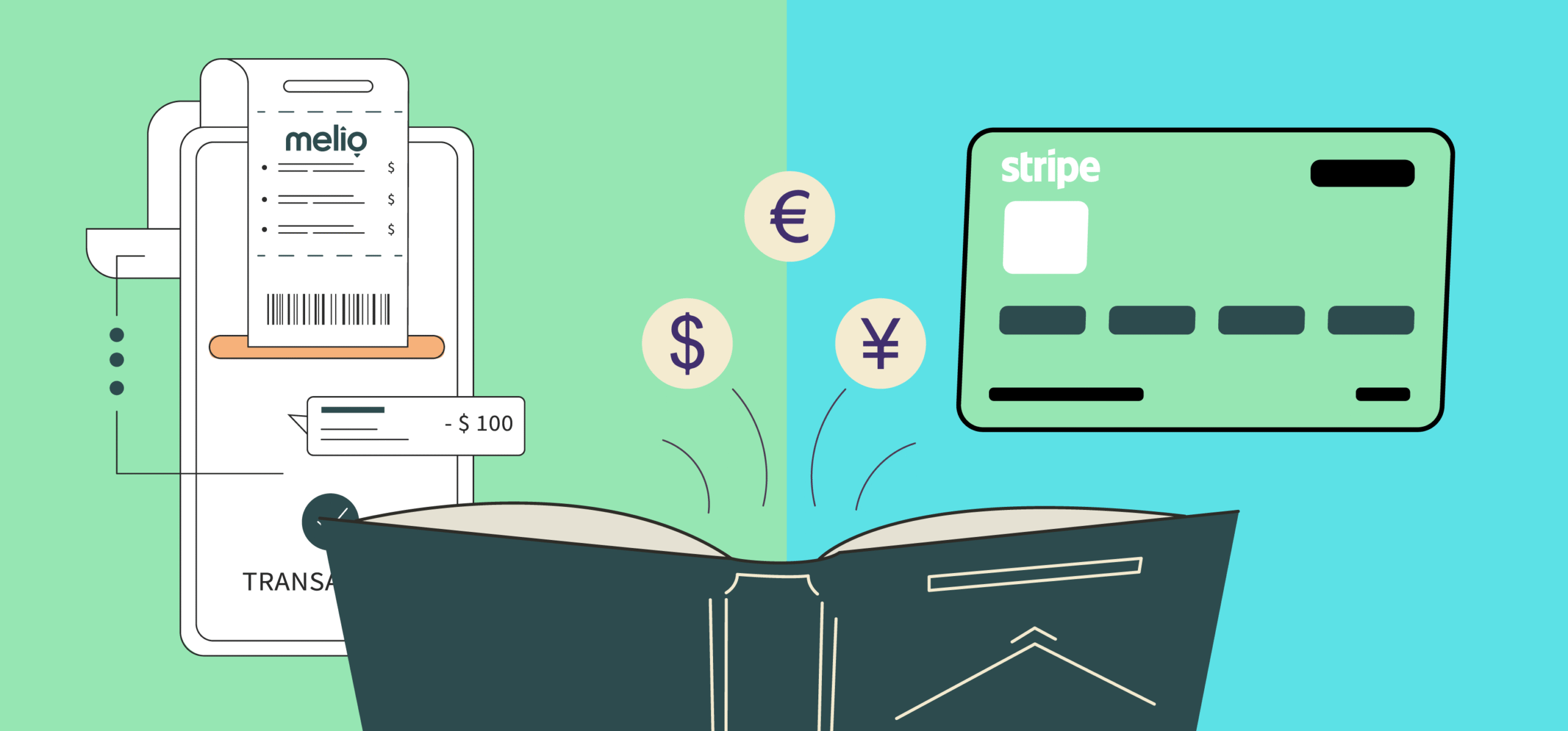
Businesses balance bills, invoices, and customer payments every single day. The wrong tool slows you down. The right one saves hours, cuts costs, and keeps your cash flow predictable.
That’s where Melio and Stripe come in. Both promise to make payments easier, but they’re built for very different needs.
Melio is built for U.S.-based small businesses that want simple accounts payable and receivable. It handles vendor bills, ACH transfers, and even check payments, all without heavy setup.
Stripe, on the other hand, is a global payments infrastructure trusted by online businesses of all sizes, from startups to global marketplaces.
It’s built to handle complex payment flows, whether that means splitting payments between sellers, supporting digital wallets, or managing subscriptions at scale.
In this guide, we’ll break down features, pricing, pros and cons, and use cases so you know exactly which one is right for your business.
Best for Whom: TL;DR
Here’s the quick breakdown:
- Melio is best for: U.S.-based small businesses that want a simple way to pay bills and manage vendors. It lets you send payments directly from your bank account (ACH transfers) for free within a specific plan. If you pay by card, a 2.9% fee applies, and sending money to international vendors incurs a flat $20 fee.
- Stripe is best for: Online businesses with customers worldwide. Stripe supports payments in over 135 currencies and works in more than 40 countries, and goes beyond simple transactions. You can use it to charge for subscriptions, like Netflix’s monthly auto-payments, or to power marketplaces, like Etsy-style platforms, where one payment is split between the platform and service providers.
In short, local, service-based businesses should go with Melio. Online businesses selling across borders should choose Stripe.
What is Melio?
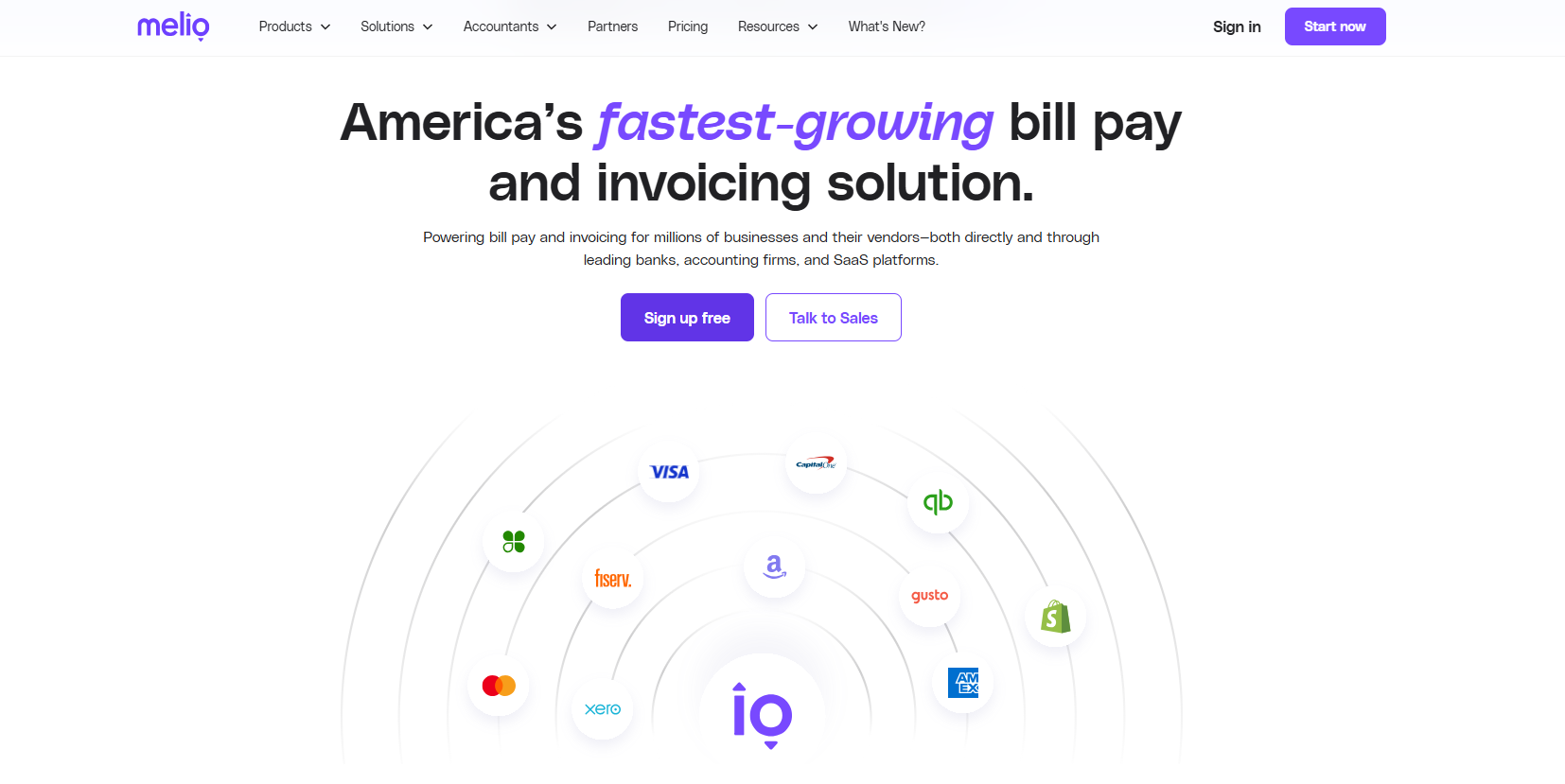
Melio is a payment platform that helps you pay bills and get paid faster by streamlining the entire process. But you’ll need a valid U.S. bank account to use it.
Once you have that, you can pay vendors, schedule bills ahead of time, and send money directly from your bank. These transfers happen through the U.S. banking system (called ACH), which is similar to a direct bank-to-bank payment.
It also connects with accounting tools like QuickBooks and Xero, so every payment you make in Melio shows up automatically in your accounting system.
Melio also does some manual legwork for you. Like, if you have to pay someone through a paper check, instead of writing and submitting it to the bank, you can pay that amount to Melio through your card, and it will do the entire process on your behalf.
This suits small and mid-sized businesses, accountants, and freelancers who want a simple, reliable way to manage vendor payments without adding extra complexity.
What is Stripe?
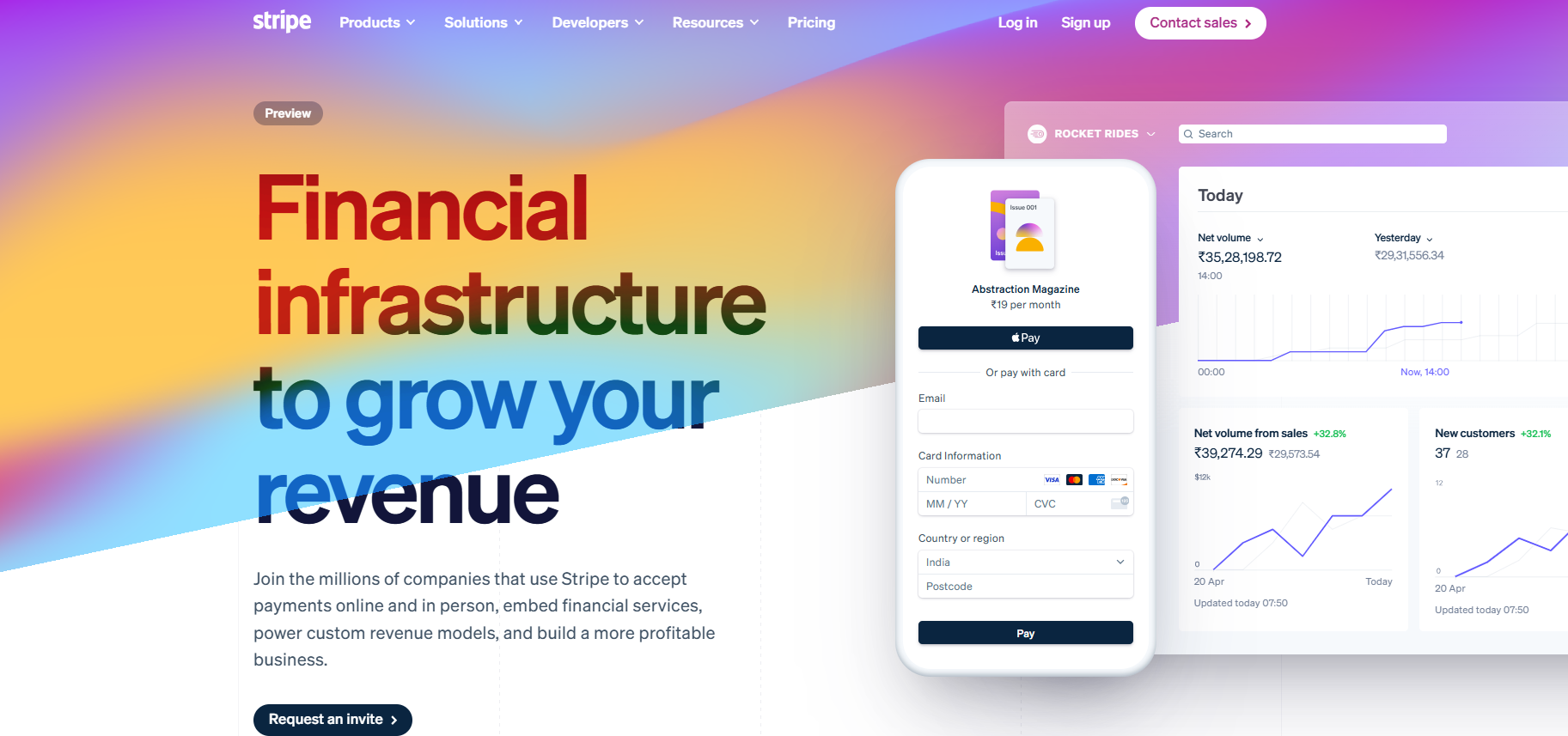
Stripe is an online payment processing platform that lets businesses accept payments, manage subscriptions, and run recurring billing where customers are charged automatically on a set schedule.
It also includes fraud protection to keep transactions secure, along with developer tools that let companies customize Stripe and connect it with their websites, apps, or other software.
Because of this, Stripe is especially useful if you run a digital-first business like a startup, SaaS platform, or online marketplace. It can come in handy for your business right from day one and continue to scale as you grow into new markets.
In India, Stripe is still in preview. You can sign up and process payments, but access is limited, and local methods aren’t supported yet.
What do Melio and Stripe primarily do?
When you compare Melio and Stripe, the first thing to understand is what each platform is actually designed to do.
Melio
Melio’s core purpose is vendor bill payments. It’s built to help you manage the money your business owes to others, whether that’s suppliers, contractors, or service providers.
If you still deal with checks or scattered bank transfers, you know how messy and time-consuming it can get. Melio simplifies this by putting all your payments in one place and giving you a clear process for handling them.
Stripe
Stripe, in contrast, is centered on customer payments. Its main job is to make sure you can collect money from the people who buy your products or services online.
When someone purchases something from your store or signs up for your subscription, Stripe runs in the background to process that payment.
By handling these transactions securely and quickly, Stripe saves you the hassle of building a payment system from scratch.
My Pick
If your biggest need is organizing and paying your vendors, Melio is the better choice.
But if your focus is on getting paid by customers, especially online, Stripe is the one to go with.
Where to use Melio and Stripe?
When comparing Melio and Stripe, it helps to first look at where you can actually use them.
Melio
Melio is designed exclusively for businesses operating within the United States. To sign up, you’ll need a bank account based there, and all of its services are tied to the local financial system.
This makes it a reliable choice if your company operates locally. However, if you plan to expand outside the U.S. or already serve international customers, Melio won’t be an option since its scope is limited to the American market.
Stripe
You can use Stripe when you need to take payments across channels, not just on a website.
You can start fast with Payment Links or a hosted Checkout page, send Invoices for B2B, add Billing for subscriptions/usage, and take in-person payments with Terminal/Tap to Pay, all managed in one dashboard.
My Pick
If you run a business that is strictly U.S.-based, Melio covers your needs without overcomplicating things.
If your business is already operating across borders, Stripe’s international reach makes it the stronger option.
What are the payment methods in Melio & Stripe?
One of the key areas where Melio and Stripe differ is in the types of payments they allow.
Melio
Melio focuses on the basics with ACH bank transfers, debit or credit cards, and mailed checks. For most small businesses, these options are often all you need to manage vendor payments.
A helpful feature is that you can still pay online with your card even if a vendor only accepts checks, because Melio will handle the check for you. This bridges the gap between traditional vendors and modern payment habits.
Stripe
Stripe goes much further by supporting a wide range of payment methods. Alongside credit and debit cards, you can also use digital wallets like Apple Pay and Google Pay, direct bank debits, and well-known local methods such as SEPA transfers in Europe.
By offering these choices, Stripe helps you meet customer expectations and reduce barriers at checkout, especially if you’re selling across regions with different payment preferences.
My Pick
If your payments are mainly limited to U.S. vendors and you are comfortable with basic options, Melio has you covered.
But if you want flexibility to offer many ways to pay and appeal to customers in different markets, Stripe is the stronger option.
What’s the global reach of Melio & Stripe?
Another key difference between Melio and Stripe is how far each platform can take you outside your home market.
Melio
Melio’s global reach is limited to outbound vendor payments. This means you can send money to suppliers or service providers in other countries, but each payment comes with a $20 fee.
It can work if you only need to make occasional international payments, but it isn’t cost-effective if you regularly pay vendors overseas.
Stripe
Stripe is designed for businesses that want to operate globally. Its wide international coverage makes it easier to sell to customers around the world.
It can also handle multi-country setups. For example, if you sell in the U.S., Europe, and Australia, your customers can pay in dollars, euros, or Australian dollars. Stripe will process those payments in their local currency, so you don’t need to set up separate systems or accounts in each region.
In India, Stripe is still in its preview stage. Businesses can register and process payments, but access is limited, and popular local methods such as UPI are not yet available.
My Pick
Use Melio if you only occasionally pay vendors overseas.
Go with Stripe if global customers are core to the business, because it’s built for multi-country, multi-currency selling.
What integrations do Melio and Stripe offer?
How well a platform connects with the tools you already use can make a big difference in day-to-day operations.
Melio
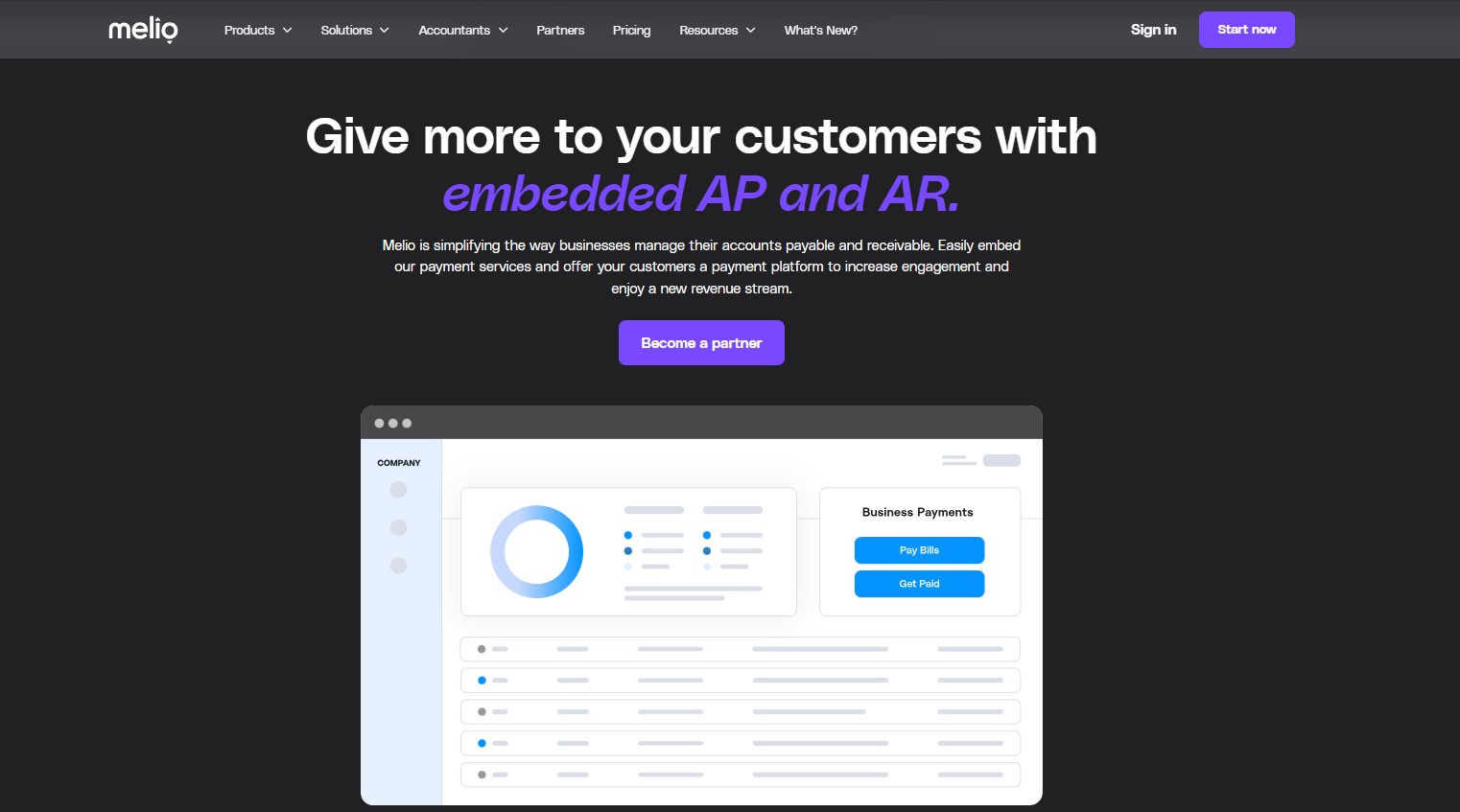
Melio keeps things straightforward with two-way sync to QuickBooks and Xero. Pay a bill in Melio, and it’s automatically marked paid in your ledger with the date, method, and reference, no double entry. Vendor records and approvals stay aligned in both places.
For example, your bookkeeper enters a $2,450 supplier bill in QuickBooks due Friday. It appears in Melio for approval; you schedule an ACH for Thursday.
When it clears, Melio closes the bill in QuickBooks, posts the payment details, updates the vendor balance, and logs a remittance. You can email the supplier.
Month-end is cleaner and faster because approvals, payments, and reconciliation live in one flow.
Stripe
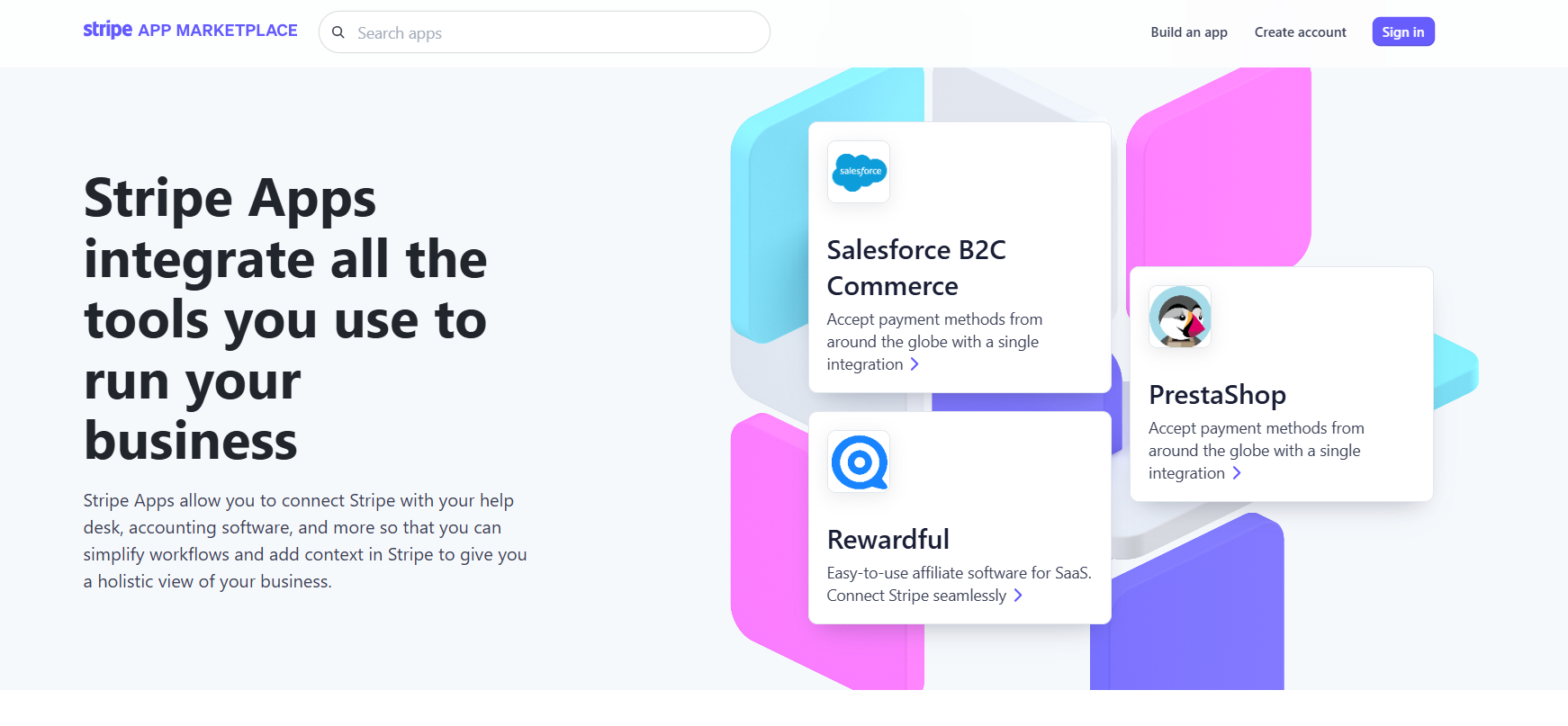
Stripe offers much broader integrations. It connects with hundreds of apps across e-commerce, analytics, finance, and support tools.
Major companies like DoorDash, Booking.com, and Instacart rely on Stripe to handle complex payment flows, scale globally, and keep customers and partners connected through one platform.
It also provides developer APIs and webhooks. APIs are tools that let your developers connect Stripe with other software. Webhooks are alerts that Stripe sends out whenever something happens, such as when a payment is processed or fails.
For instance, when a payment succeeds, a webhook can automatically update your inventory, send a receipt, or notify your shipping software. This makes it easier to keep all your platforms in sync without extra manual work.
My Pick
If your main requirement is syncing payments with your accounting software, Melio does the job well.
If you expect to integrate payments into multiple tools or build custom workflows, Stripe offers more flexibility.
Which has better ease of use: Melio or Stripe?
How easy a platform is to use can often decide whether a business sticks with it long-term.
Melio
Melio is the easier start if your job is paying vendors. You connect a U.S. bank, sync QuickBooks or Xero, and your open bills appear in Melio. Approve a bill, choose ACH (free within plan) or card (fee applies), pick a date, and Melio handles the rest, including mailing a check if the vendor only takes paper.
After settlement, the bill is closed in your books with the payment details, so there’s no double entry.
First-week reality: you’ll set roles/approvals, add a few vendors, and schedule a small batch run. The only friction you might hit is bank verification (can take a day if micro-deposits are used) and entering SWIFT/IBAN for international vendors.
Otherwise, day one to first payment is straightforward, no code, no widgets, no developer time.
Stripe
Stripe can be very easy or quite involved, depending on the path you choose. The fast path is no-code: create a Product and Price in the Dashboard, generate a Payment Link or hosted Checkout, and share the link; you can accept a card payment right away. This works well for one-off payments, simple plans, and quick pilots.
The custom path is where most teams end up: implement Elements/Checkout, set up webhook endpoints (e.g., payment_intent.succeeded, invoice.paid) to update your app, and configure Billing for subscriptions, trials, proration, and dunning.
You’ll also need to handle extras like setting up taxes, adding your business name on statements, verifying your domain for Apple Pay/Google Pay, and onboarding sellers with KYC if you’re running a marketplace. Stripe can do all of this, but you’ll need a developer to set it up properly.
My Pick
If you want a tool that is quick to set up and easy to run day-to-day, Melio is the better choice.
If you are comfortable investing time and resources into setup because you need more control and customization, Stripe is worth it.
Pricing
Melio
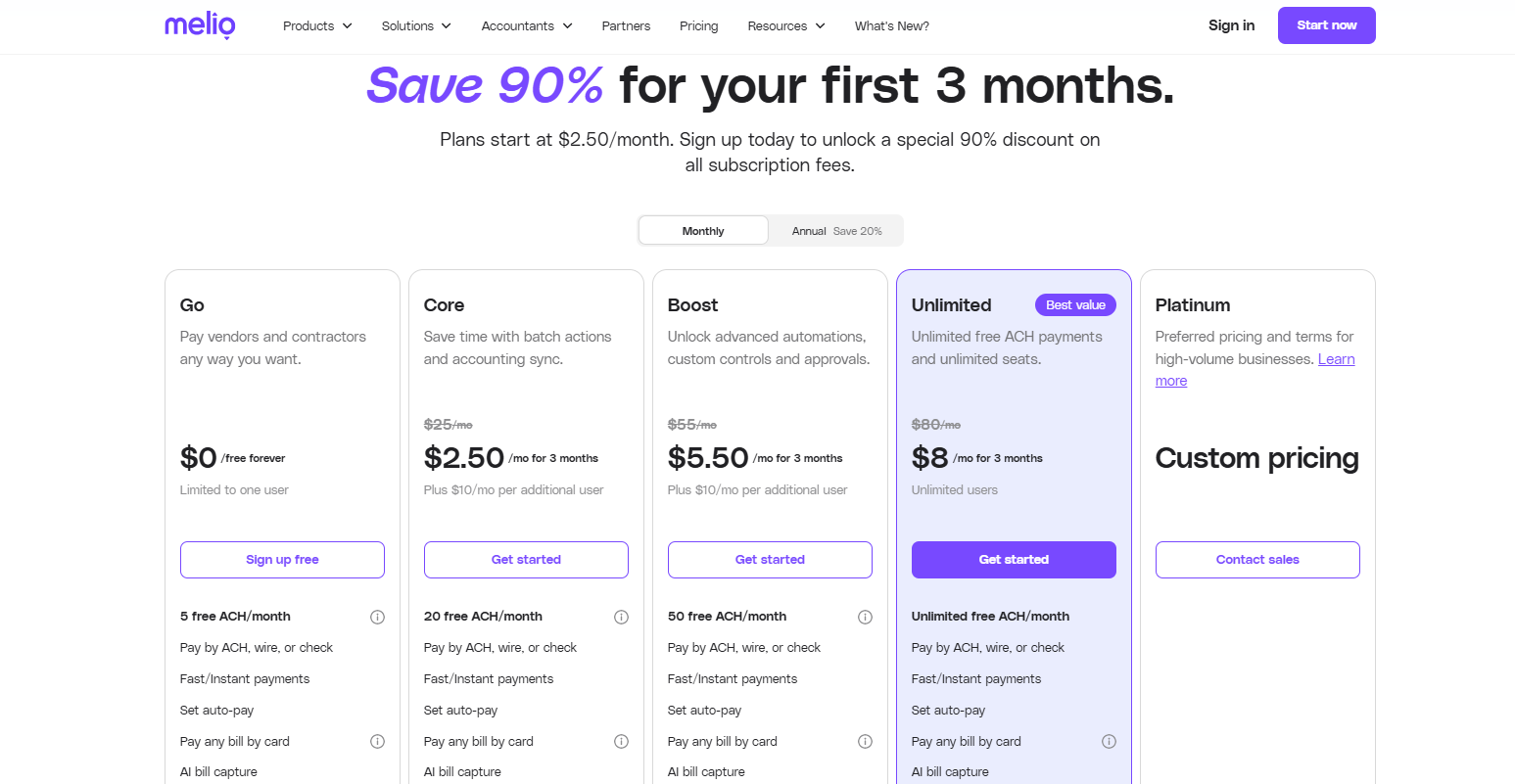
Melio has both plans and transaction fees.
Discounts: New users get 90% off for the first 3 months. Annual billing saves about 20%.
Plans include:
- Go: Free (1 user, 5 free ACH transfers/month, $0.50 per extra ACH)
- Core: $25/month (20 free ACH transfers, batch payments, approval workflows, W-9 collection, priority chat support)
- Boost: $55/month (50 free ACH transfers, advanced roles, vendor credits, custom controls, dedicated bills inbox, priority support)
- Unlimited: $80/month (unlimited ACH, unlimited users, premium support, all features included)
- Platinum: Custom pricing (for high-volume businesses, negotiated terms and support)
Other fees:
- ACH: Free within plan quota, then $0.50 per extra payment
- Card payments: 2.9%
- International vendor payments: Flat $20
- Expedited checks: $20 (3 days) or $50 (overnight)
- Fast/instant transfers or wires: Around 1% (capped, varies by method)
Create your Free Melio Account
Stripe
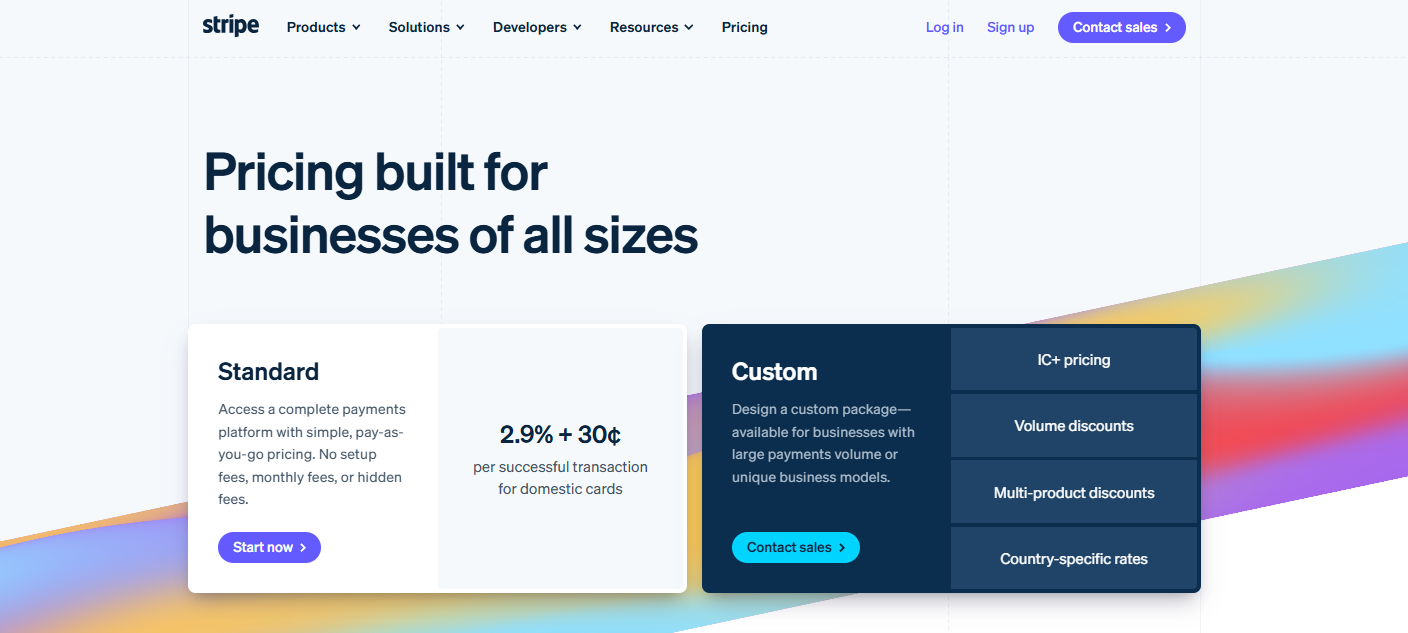
Pricing (U.S.) includes:
- Online domestic payments: 2.9% + 30¢ per transaction
- In-person payments (Stripe Terminal): 2.7% + 5¢ per transaction
- International cards: +1.5% on top of base fee
- Currency conversion: +1% if conversion is required
- Dispute fee: $15 (refunded if the business wins the dispute)
- Instant payouts: 1% of payout amount (minimum $0.50)
- Set up or monthly fees: None under standard pricing
Create your Free Stripe Account
Pros and Cons
Every tool has its strengths and trade-offs. Here’s how Melio and Stripe compare when you look at the pros and cons.
Melio
Pros:
- Vendors don’t need to sign up
- Clean, minimal interface that’s easy to learn
- Works well for accountants managing multiple clients
- Dedicated bills inbox for easier document management
Cons:
- Integrates mainly with QuickBooks and Xero only
- Standard check delivery can take several business days
- Focused only on vendor bill payments, not customer transactions
Stripe
Pros:
- Detailed documentation for developers
- Built-in financial reporting and analytics
- Easy to test features in the developer sandbox
- Extra products like Radar (fraud prevention), Tax, and Atlas
Cons:
- Limited phone support availability
- Settlement takes 2 to 7 days by region
- Customer support response can be slow
Melio vs Stripe: Which one should you pick?
Melio and Stripe may both be payment platforms, but they serve very different purposes.
Melio is built for businesses that need a simple, affordable way to manage vendor and bill payments. It takes the hassle out of sending checks, keeps ACH transfers free within plan limits, and syncs with accounting tools so small business owners and accountants can save time.
If your focus is on paying suppliers and contractors in the U.S., Melio gives you a clean and reliable solution.
Stripe, on the other hand, is designed for digital-first businesses selling to customers online. Beyond global coverage, it also offers tools for subscriptions and marketplaces, giving your growing business the options it needs.
While setup can be more technical, the reach and customization Stripe offers are unmatched.
The right choice depends on your geography and payment needs. Some businesses find it useful to use both: Melio for U.S. vendors and Stripe for international customers.


 A better way to manage projects and clients for freelancers
 Get through busy days like a breeze with Reclaim.ai