
Melio and Bill are business apps for small businesses.
They automate your accounts payable and receivable workflows, making it simple to manage day-to-day business transactions.
If you are exploring Melio and Bill, I have shared a detailed review covering their common features, prices, automation, and integrations.
By the end of the article, you will have a good idea of both platforms to make a well-informed purchase decision.
Let’s start with Melio.
Melio Overview
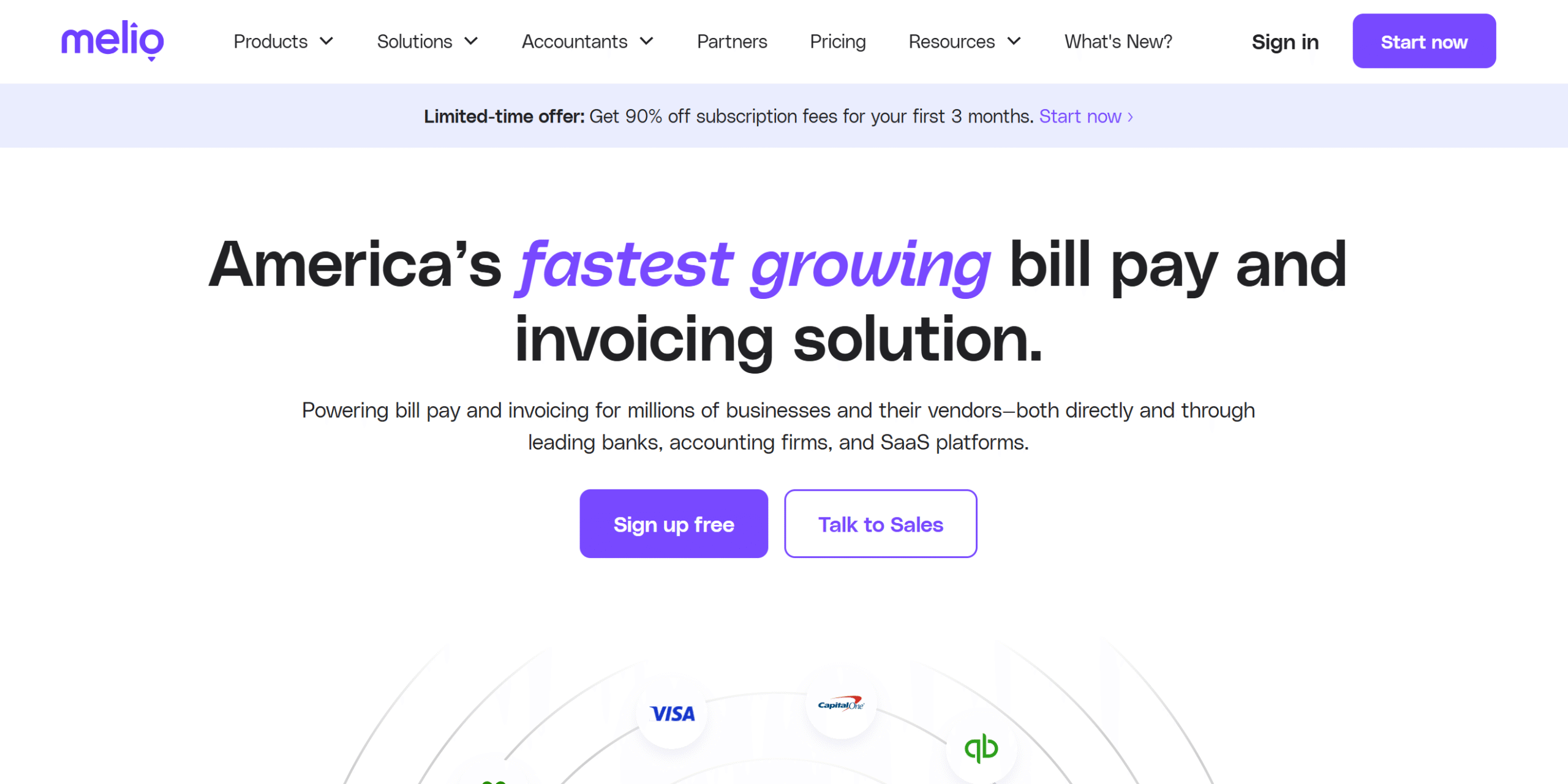
Melio is an accounts payable (AP) and accounts receivable (AR) automation platform. It’s a product of Xero (a popular software provider) and is well-liked for its user-friendly interface and affordability.
This app is specifically designed for small business owners who need a simple way to manage both their vendor and customer payments.
With Melio, you can easily make payments to vendors and collect payments from your clients. You can use both traditional and online payment gateways to manage transactions and offer flexible options to customers.
What makes Melio useful is its workflow automation.
The platform has several automation and integration capabilities to help you reduce your administrative workload. It also delivers a mobile app to manage your operations from anywhere.
Here are the core features of Melio:
- Bill capturing capabilities and vendor management.
- Payments by bank, card, and check.
- Batch scheduling and instant transfers.
- Create and share payment requests with customers.
- Receive payments from clients.
- Domestic and international transactions.
- Tracking and reporting.
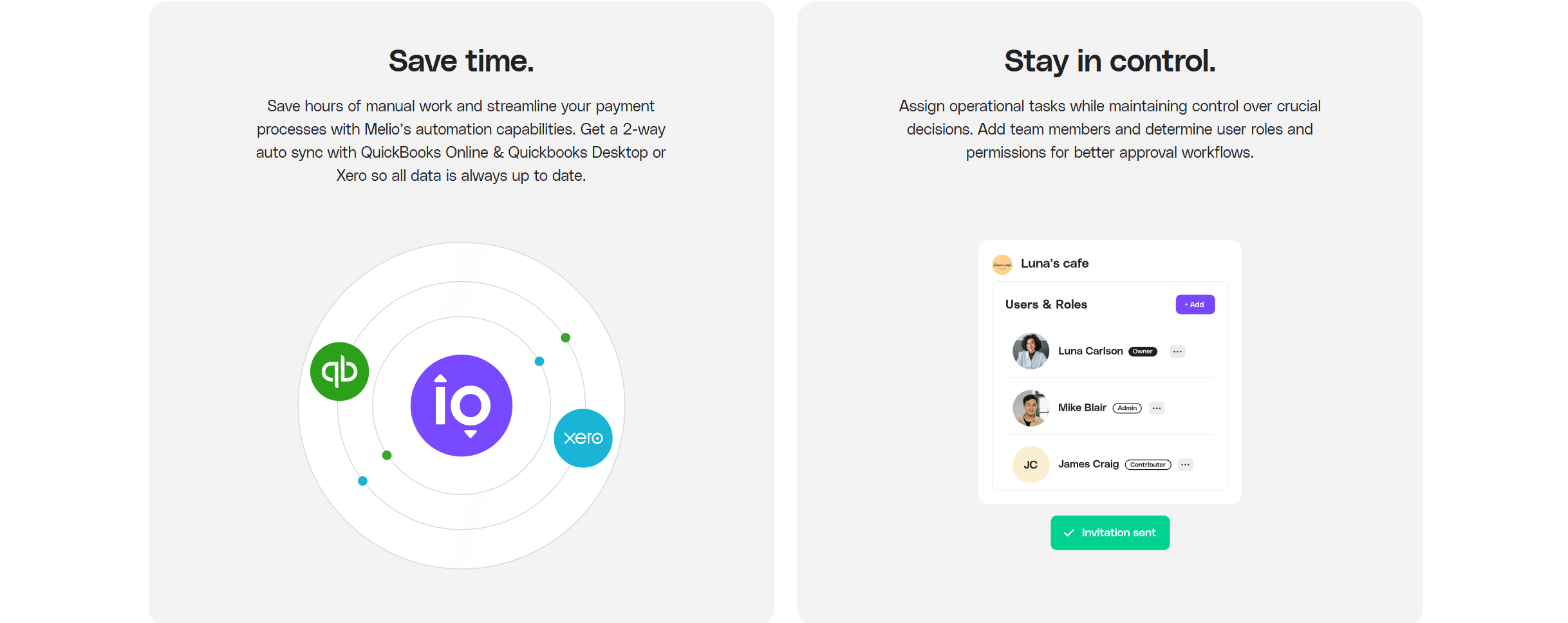
- Team collaboration with approval workflows.
- QuickBooks & Xero integration.
- Multi-entity support.
- Mobile app.
Bill Overview
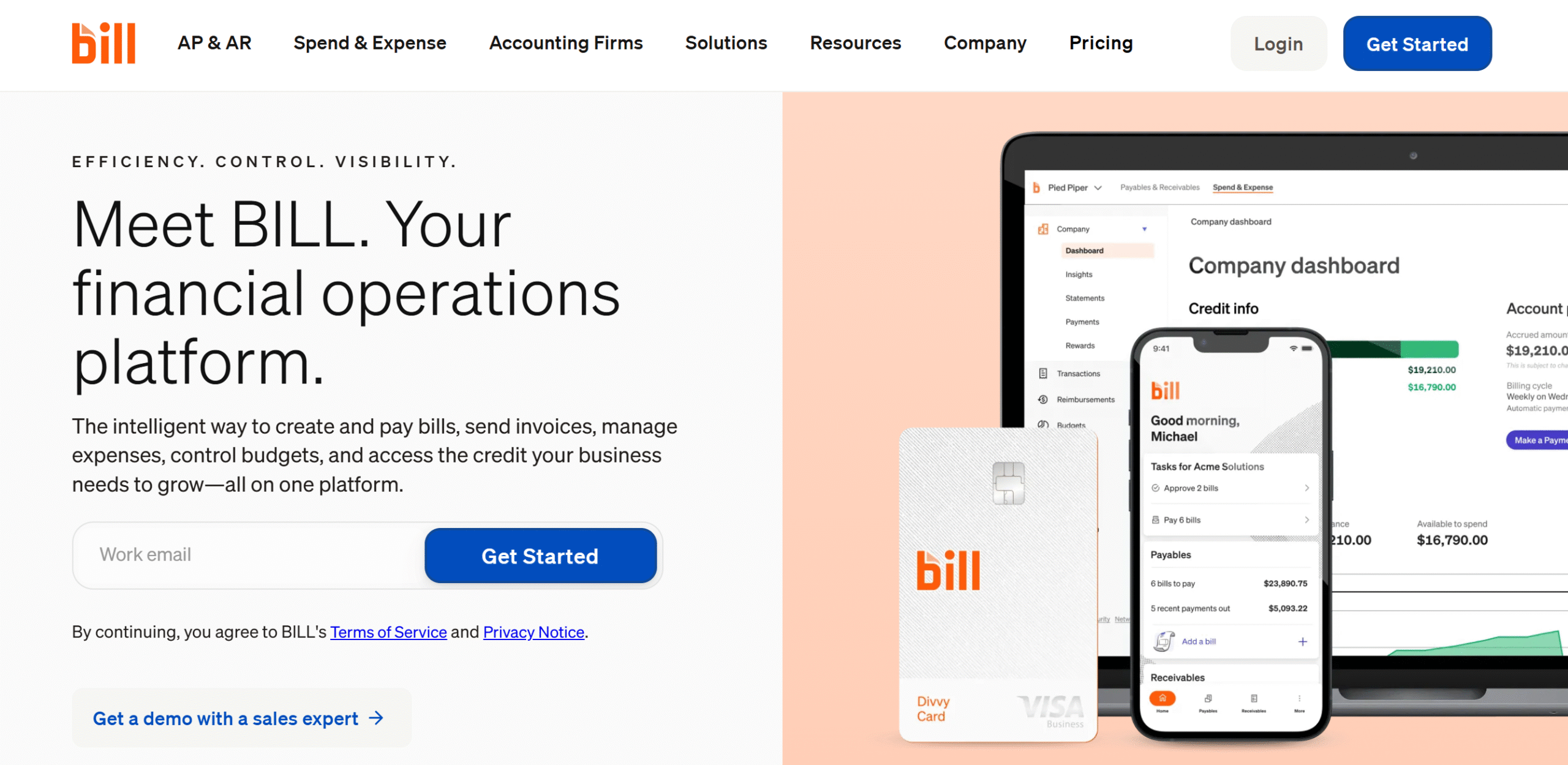
Bill, like Melio, is an automation software for financial operations.
It offers accounts payable, receivable, and spend management tools to help small businesses oversee their accounts from one place.
The platform was launched in 2006 and enjoys over 400k active users. It delivers an excellent accounts payable system with workflow automation and team collaboration.
You can sync it with your accounting software to reconcile entries and manage operations from your smartphone. Payments are also flexible, and you can set up both basic and advanced workflows.
One of Bill’s unique features is its spend management. It allows you to avail credit for daily operations, set a limit to control your budget, and track business expenses.
Here are the core features of Bill:
- Bill capturing and management.
- Create an invoice and get paid.
- Custom approval workflows.
- Batch processing and auto-pay.
- Reminders and tracking.
- Domestic and international transactions.
- Spend management and cash flow forecasting.
- Multi-entity support.
- Accounting software integrations
- Mobile app.
Feature Comparison: Melio vs. Bill
Both Melio and Bill are powerful money management tools, built to provide businesses with an easy way to handle transactions.
They have both domestic and international transaction capabilities and offer almost similar features.
Despite their similarities, they differ slightly.
I have compared their core functions and integrations, highlighting the key difference between the two.
The review covers all the necessary areas, including accounts payable, receivable, workflow automation, and pricing.
1. Accounts Receivable (AR)
Accounts receivable (AR) is an accounting term for the payment owed to the business for goods and services.
When you provide an upfront service with the promise to receive payments later, you record your transaction as accounts receivable.
It’s a fairly common practice in a B2B setting, allowing entrepreneurs to secure long-term sales agreements.
Melio and Bill both have AR capabilities. They provide easy data entry solutions and flexible payment options.
Let’s compare their features:
Melio
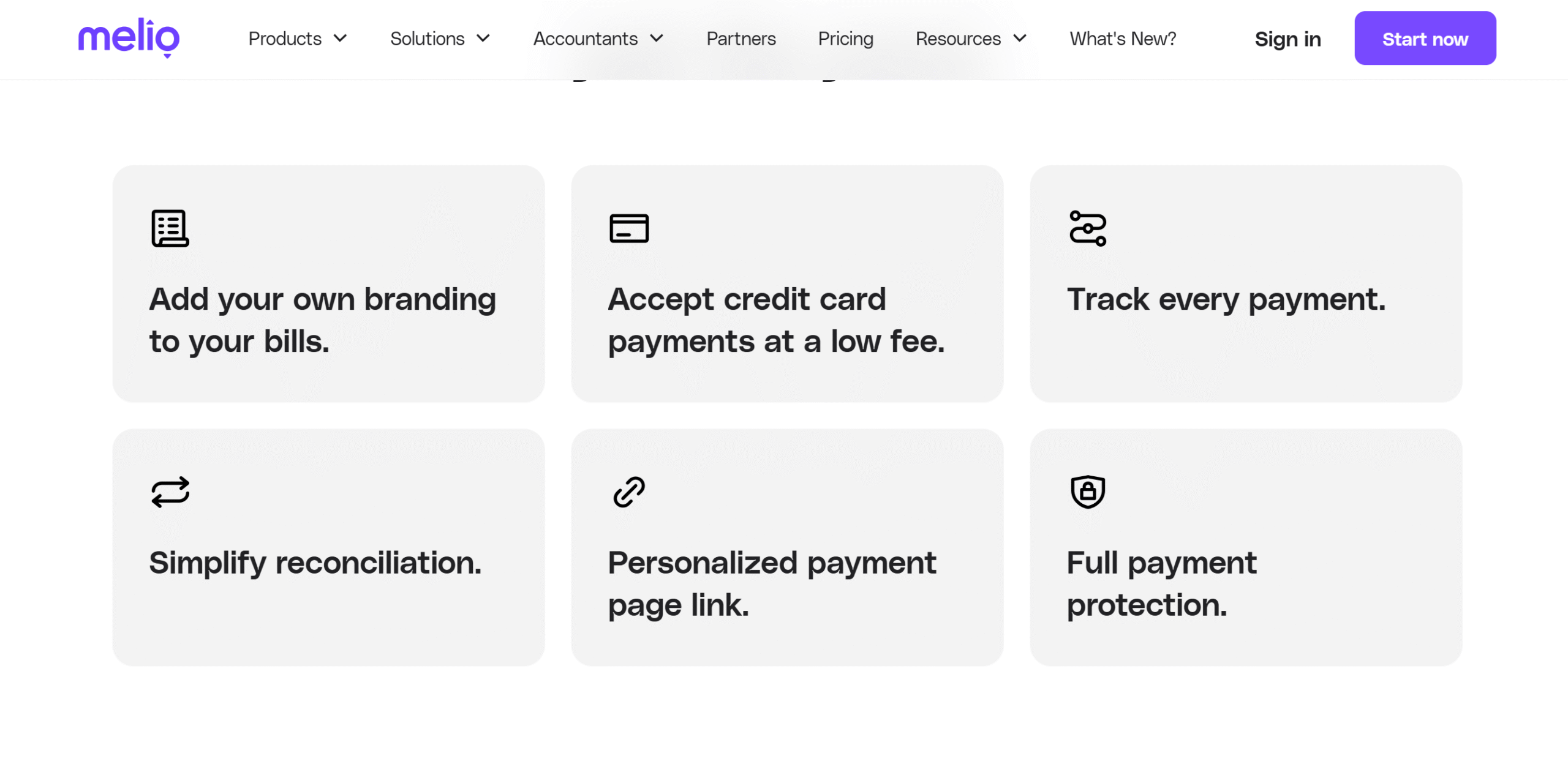
Melio’s accounts receivable module is basic but fully functional. You can send payment requests to customers with invoices and offer them multiple payment options.
The invoice comes with a built-in payment button for the client’s convenience and allows you to choose who covers the card transaction fee. You can also track all your payments and reconcile them automatically.
One more thing. You can create both fixed and recurring invoices. Melio offers full payment protection and custom branding options to personalize the client experience.
Bill
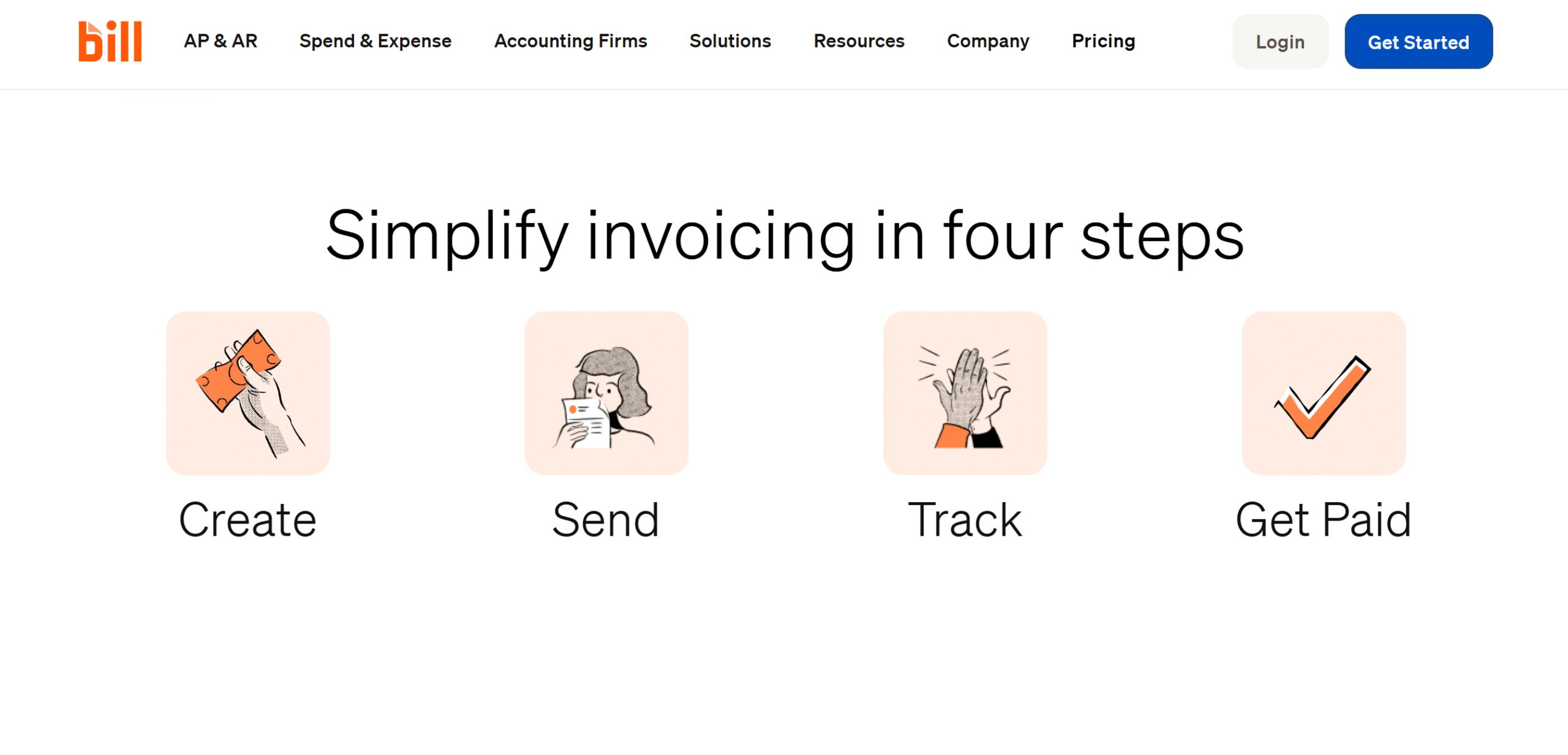
Bill’s accounts receivable product is ideal for growing businesses.
Here, you can create branded invoices, schedule recurring payments, and provide convenient payment options to customers, including ACH and credit card transactions.
Bill automatically sends reminders when payments are due, and you can charge extra fees for late payments.
You can automate the entire accounts receivable workflow with Bill and collect payments from both domestic and international clients.
Verdict
Bill and Milo both provide a basic module for accounts receivable. But if I compare their capabilities, Bill appears to have a better system for AR.
Bill also offers a separate package for accountants to handle multiple clients from a single dashboard.
While Melio does have a multi-entity feature, I don’t believe it has a centralized dashboard.
2. Accounts Payable (AP)
Accounts payable records all the money your business owes to others.
They are usually short-term liabilities you pay within 30 or 60 days, such as staff salaries, vendor payments, loan installments, and taxes.
A good AP system helps you organize payments, control cash flow, and avoid late fees while saving time. With Melio and Bill, you can easily track your upcoming payments and plan your monthly expenses with ease.
Let’s explore their AP features.
Melio
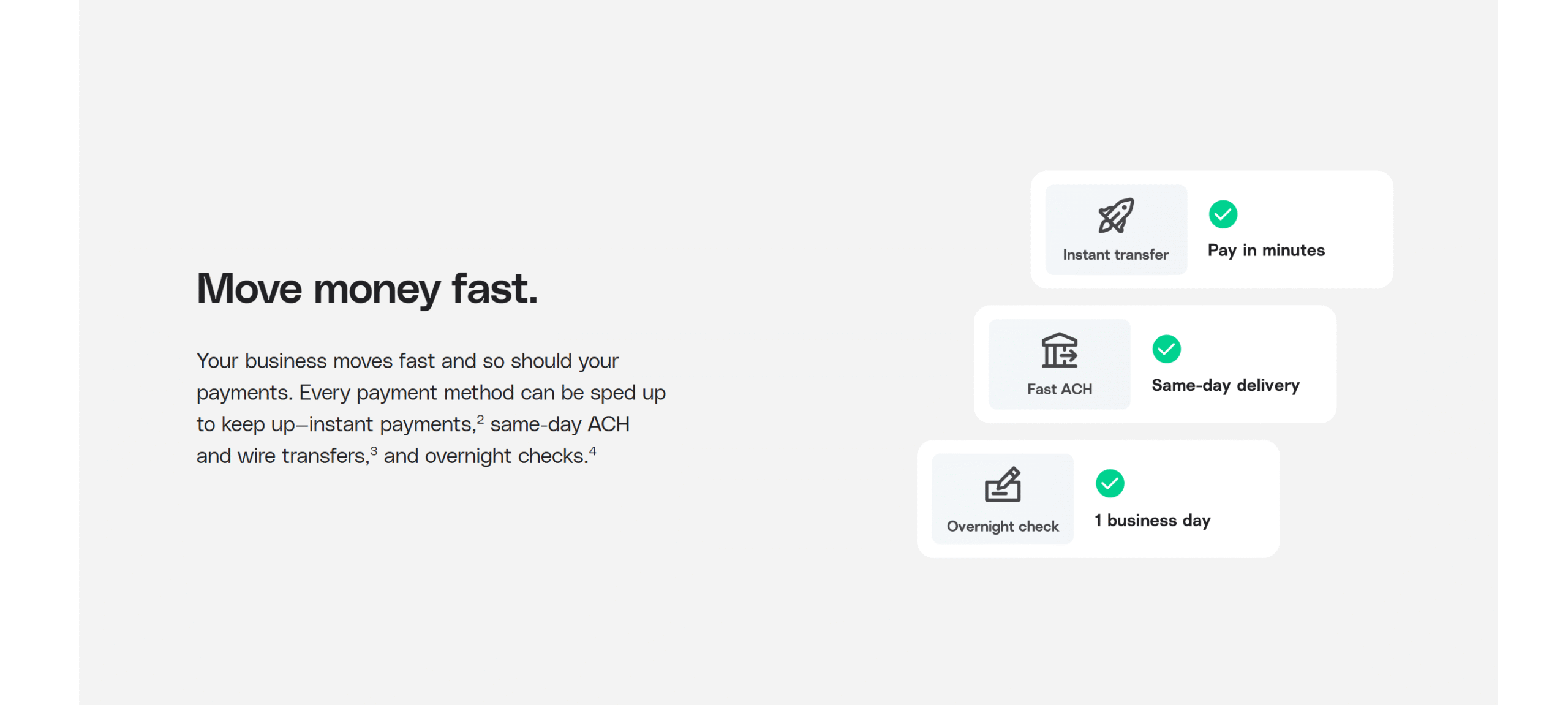
Melio has a simple system to manage liabilities.
You can scan bills to avoid manual data entry, schedule payments in batches, and make both split and full payments. In addition, you can set up recurring payments for domestic and overseas vendors.
You can pay people through direct bank transfers, by card, and by paper check. Melio supports same-day bank transfers, overnight checks, instant digital payments, and installments. Its ability to split large bills into small installments makes it an excellent choice for small businesses.
You can track every payment on Melio and also set up a basic approval system to monitor each transaction. The app has a team collaboration feature that contains six user roles and a multistep approval process.
Bill
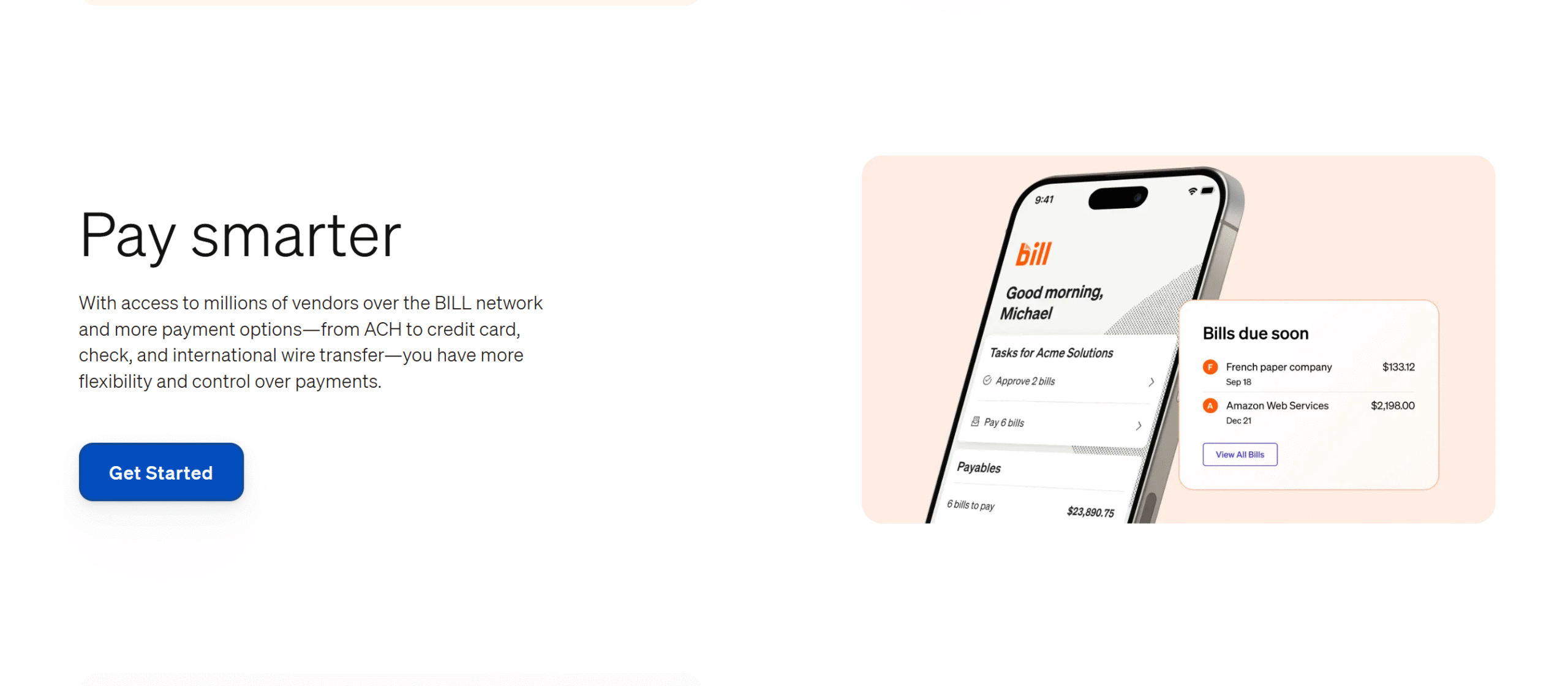
Bill has powerful AP automation tools.
You can manage your bills from a centralized inbox, set up a custom approval system, and integrate multiple payment gateways to work with international vendors.
You can create up to six user roles to set up a multistep approval process and monitor both approvals and upcoming payments. Bill also records each action to track the staff’s activities.
Apart from the AP product, Bill has a separate spend management module.
You can issue virtual cards for business expenses with different spending limits for each employee. Plus, you can create groups for managers and assign a budget to let them handle their departmental expenses.
With real-time tracking, you can easily monitor and control your expenses.
Verdict
Melio offers a straightforward payable workflow for small businesses.
Bill, on the other hand, helps you manage both liabilities and cash flows. Its AP and spend management module is comparatively advanced, designed to scale with your business.
3. Workflow Management
Workflow management refers to how a system organizes and automates operations.
A well-designed workflow saves time, eliminates errors, and gives you better control over your finances.
Both Melio and Bill.com offer AI and automation to help small businesses improve their workflows. You can reduce your manual entries, automate the tracking process, and delegate work.
Let’s compare Melio’s and Bill’s workflow management features.
Melio
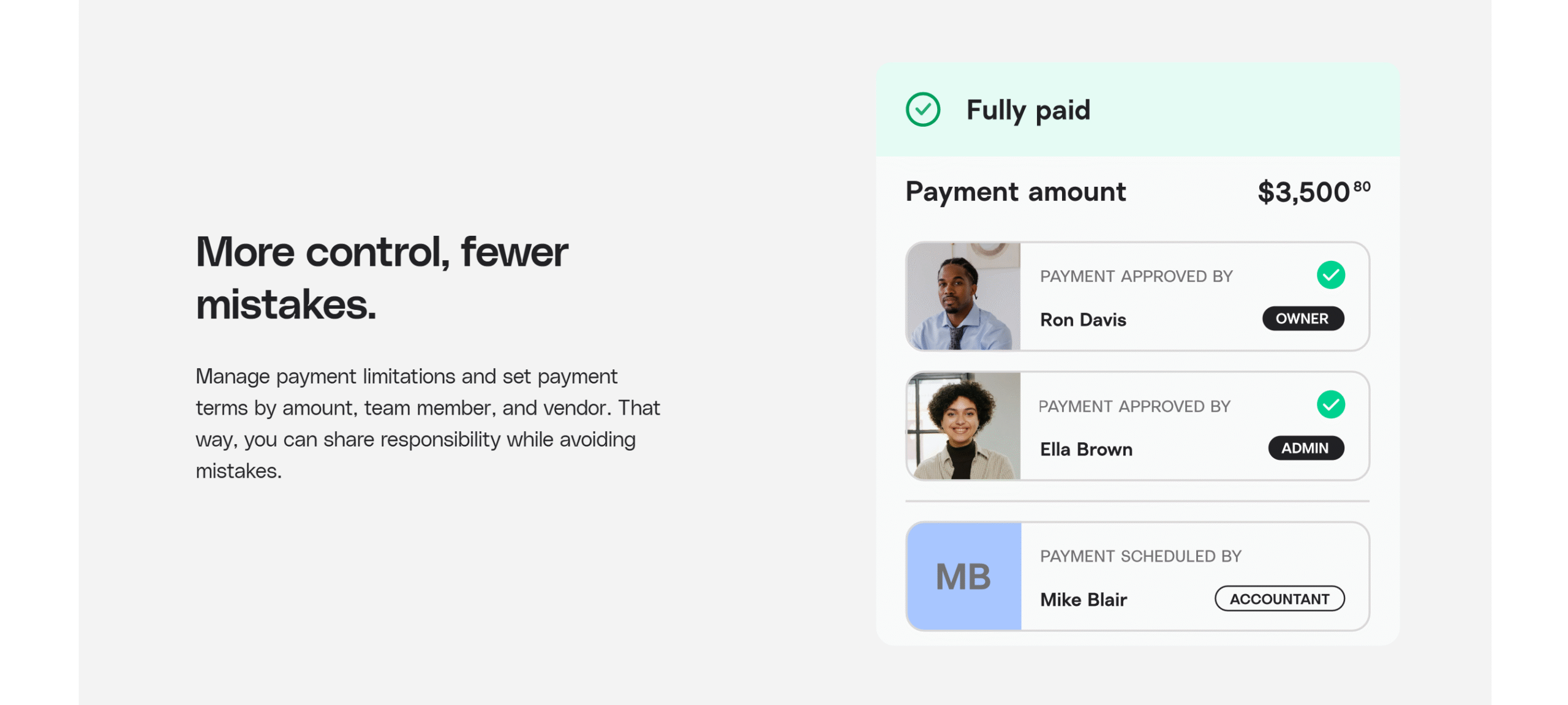
Melio automatically scans and captures your bill details, tracks transactions, and reconciles entries.
You can connect your Gmail to import invoices and approve bills from your smartphone.
If you have a team, you can add multiple approvers to your workflows and modify them later.
With Melio’s recurring payment workflows, approval systems, and batch processing capabilities, you can automate manual tasks and speed up the payment process.
For tracking and monitoring, you can set auto-reminders.
Melio also syncs vendors’ tax information for easy filing. It has an excellent vendor management section to organize suppliers’ information.
Bill

Bill handles multiple workflows for you.
You can automatically generate fixed and recurring invoices for clients, schedule invoices, send reminders, and reconcile payments.
To automate AP, you can capture your bill information, auto-match expense receipts, and flag duplicates. Plus, you can track entries and detect fraudulent activities.
You can set up role-based permissions to control who can approve payments or access financial data.
There’s also a vendor portal for suppliers to update their information and check payment status, reducing back-and-forth emails.
Verdict
Melio’s AP workflows are good, but AR capabilities are comparatively basic.
Bill’s AR and AP workflow management tools are both excellent.
4. Tracking and Reporting
AP automation tools often have built-in tracking and reporting capabilities to provide visibility into your financial operations.
They help you track your payments, analyze spending patterns, and monitor your cash flow.
Both Melio and Bill have tracking tools for transaction monitoring. Their levels may differ, but they cover essential areas.
Here’s a summary of their reporting section.
Melio
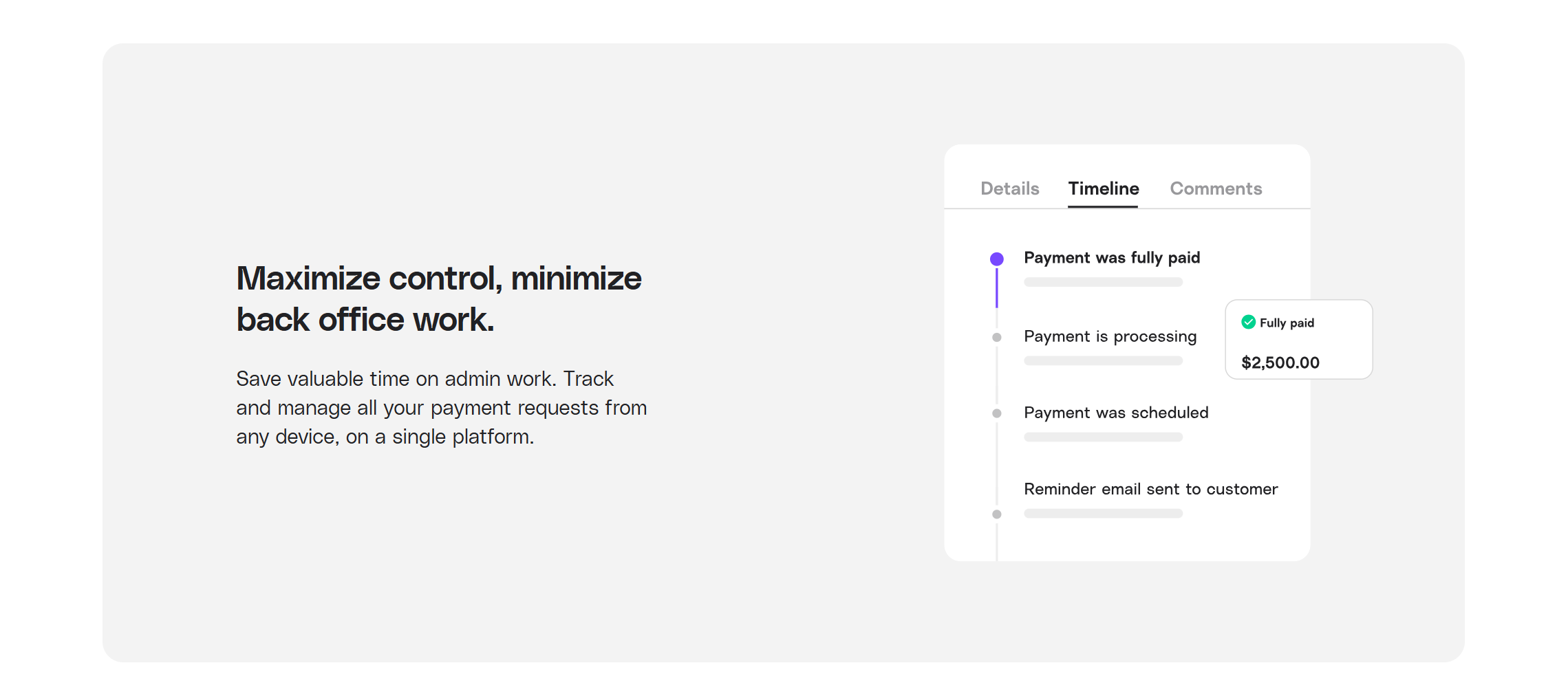
Melio has a decent tracking system to supervise the payment journey.
As an AP automation tool for small businesses, it primarily focuses on delivery, providing trace numbers and an audit trail to ensure all actions go smoothly.
You can see if your vendor has received the check, track ACH payments, and find out the status of income transactions. You can apply filters to monitor specific bills, like failed transactions.
The export option is also available. You can generate your payment history and export it in a CSV file.
Bill

Bill’s reporting tool is comparatively advanced.
It monitors not only the payment journey but also tracks your cash flow to help you see your money movement.
Some of the data you can extract through Bill includes invoice status, payable insights, and business expenses. You can also generate a yearly cash flow forecast to plan your budget.
A central dashboard is built into the system to help you keep an eye on AP, AR, and cash flow.
Verdict
Bill has better tracking and reporting tools than Melio.
While Melio provides payment history for record-keeping, Bill gives you actionable insights to make data-driven decisions.
5. Integration and Accessibility
Integration refers to the software capabilities to connect with third-party applications, while accessibility means how convenient the app is for users.
A software has to be adaptable enough to not only work with other business apps but also make the data easily available so that you can supervise activities remotely.
As Melio and Bill are built to simplify financial operations, both offer integration and mobile accessibility.
Let me summarize their tech specs.
Melio
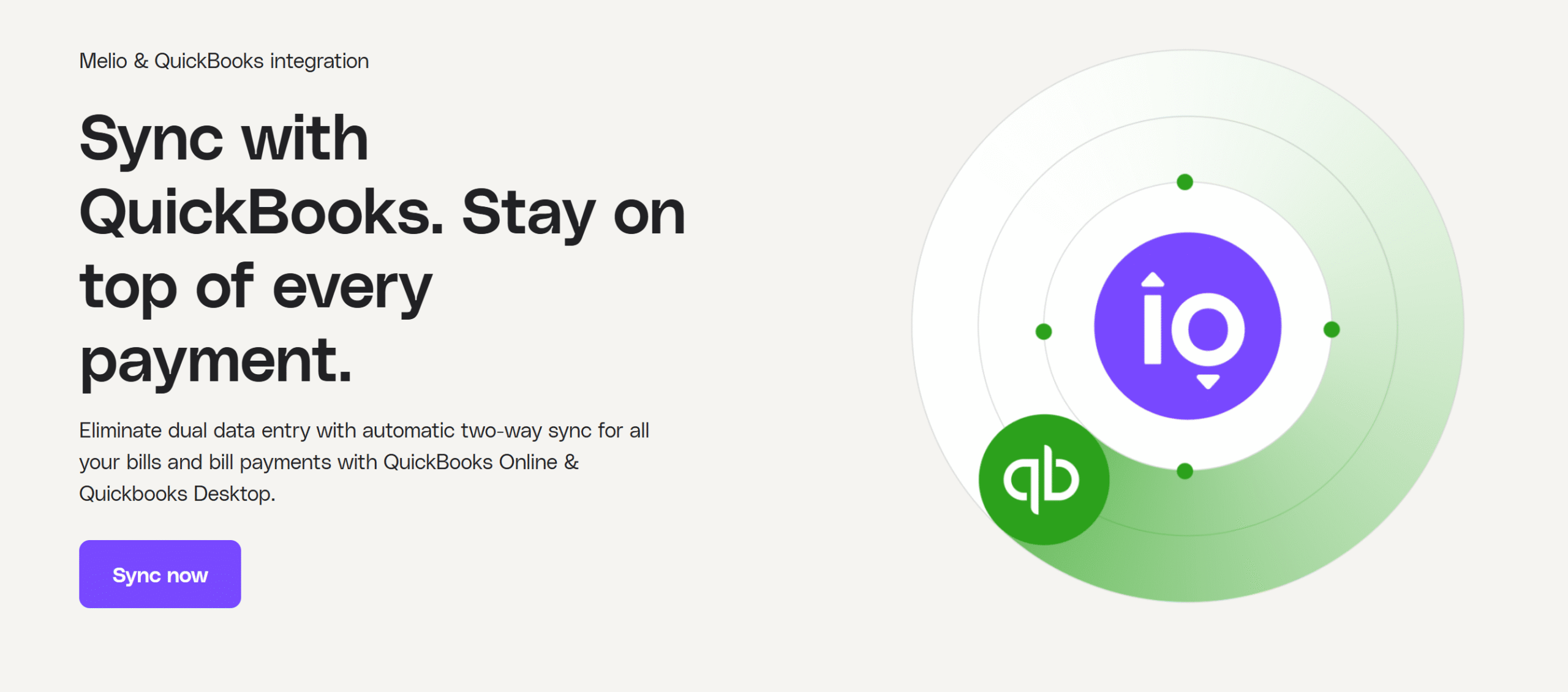
Melio delivers several integration options.
You can connect it with Amazon to import invoices, and QuickBooks and Xero to sync your payment activities.
For smooth payments, Melio provides integration with financial institutions, including Gusto and Clover.
It has also recently introduced a new feature, which allows you to add a QR code to invoices for quick payments.
You can download Melio on your laptop and smartphone and manage your payments remotely.
Bill
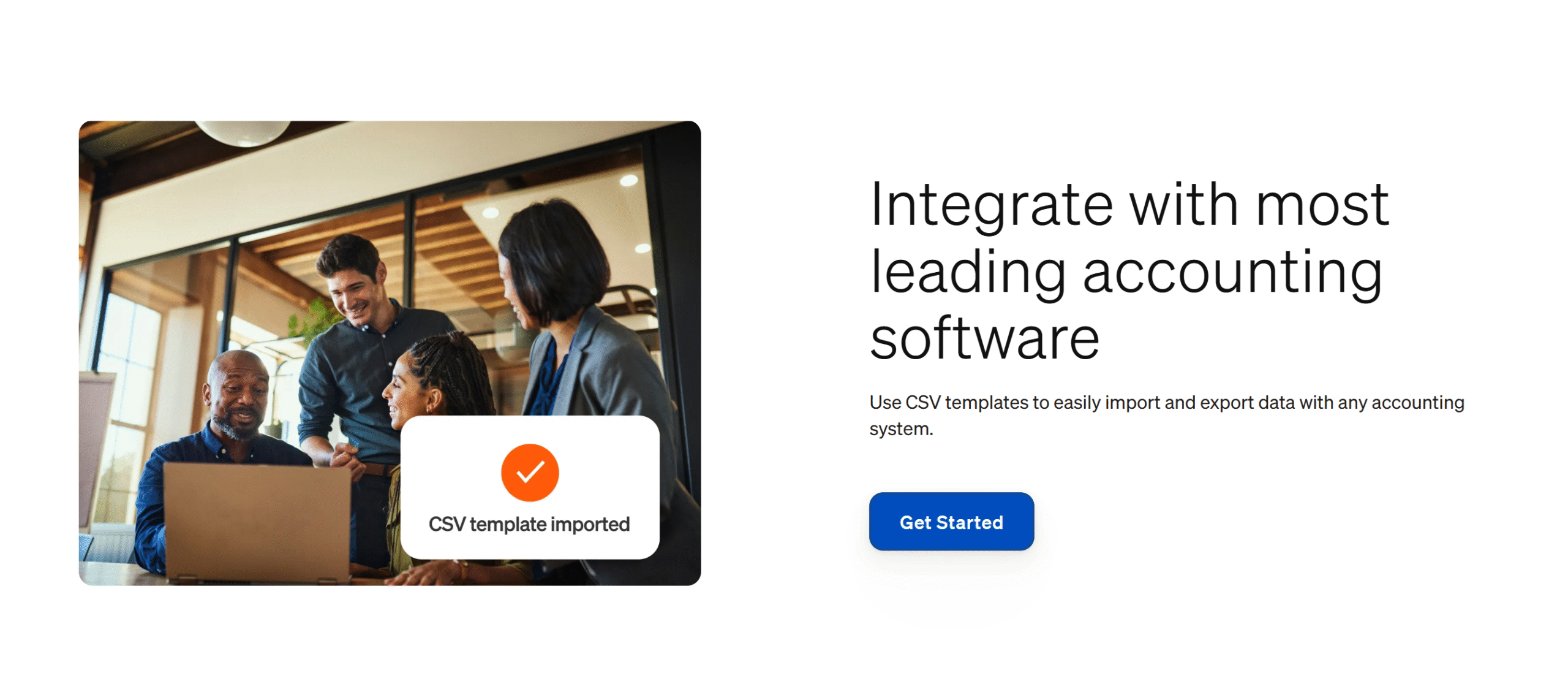
Bill can be integrated with all the popular accounting software.
You can connect it with QuickBooks, NetSuite, Xero, and Sage Intacct. In addition, you can integrate expense and tax management services, including Tallie and tax1099.
Bull also offers other integration options to help you make your operations more efficient. For example, you can connect it with Slack for communication and integrate it with your HRIS to sync vendor information.
API access is available as well. It’s included in all the plans.
You can handle multiple companies from one account and supervise them remotely. You’ll get the option to approve payments and monitor your cash movement securely from your smartphone.
Verdict
When it comes to integrations and accessibility, Bill is the winner.
Melio, while user-friendly, is comparatively limited.
6. Price
Melio and Bill use a tier-based SaaS pricing model.
Melio sells four packages with discounted prices for the first three months.
Bill also has four packages, but its pricing model is comparatively complex.
Let’s break down their pricing structures to see which suits your business budget and requirements better.
Melio
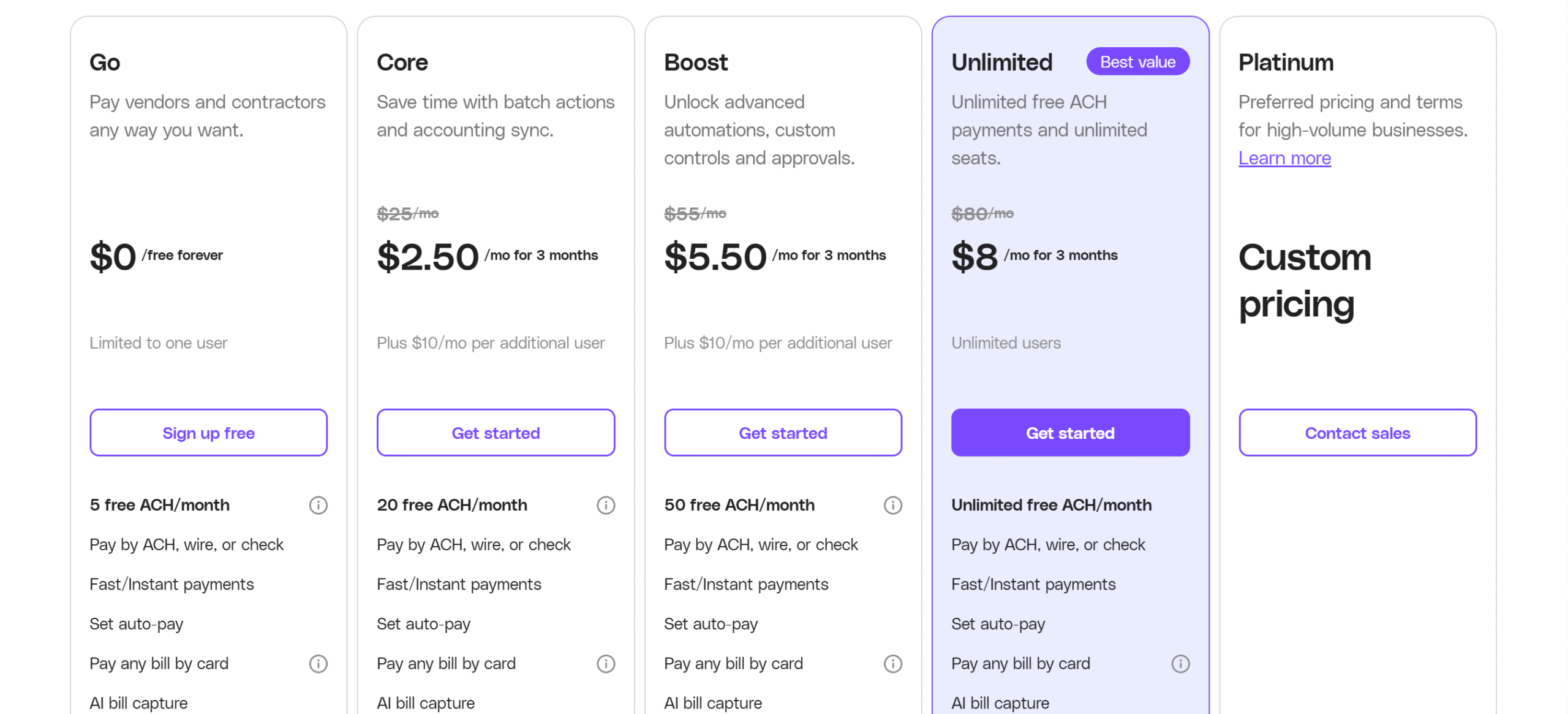
Melio’s payment subscription includes a basic free plan and four premium packages, including a custom plan for high-volume transactions.
You can buy both monthly and annual packages and get almost 90% off on your first purchase.
Here’s a summary of Melio’s prices:
- Go: It’s a free plan that allows you to make five ACH transactions per month. You’ll get access to both AR and AP modules with limited integrations.
- Core: The plan costs $25 per month, plus an additional $10 for each team member. It allows 20 ACH payments and offers some premium features.
- Boost: The package costs $55 per month, but around $6 for the first three months. It included everything.
- Unlimited: This package unlocks the limit on ACH payments. The original price is $80 per month, which would reduce to $8 per month for three months.
- Platinum: It’s a custom plan for high-volume businesses. For prices, you may have to contact sales.
All the transaction fee details are available here.
Bill
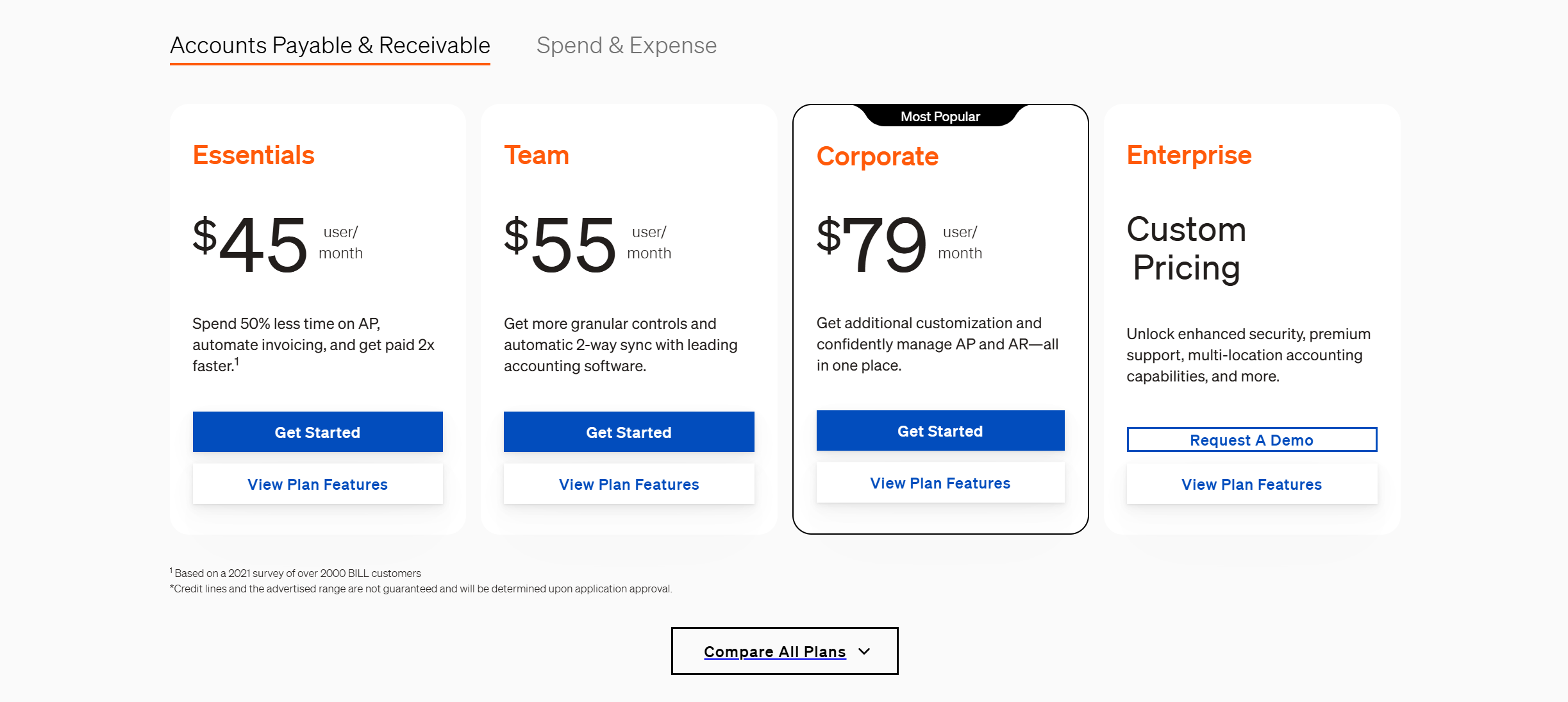
Bill offers four packages, plus a separate plan for the accounting firms.
There is no free starter plan, but Bill lets you receive and pay payments from other Bill users for free.
Here’s a summary of Bill’s prices:
- AR/AP Packages: Bill charges $45 to $79 per month for its AR/AP plans. You can ask for an enterprise package and request a demo.
- Spend and Expense: It’s a free add–on product.
- For Accountants: You can get started for free and upgrade to the plan for $49 per month.
The transaction fee details are available here.
Verdict
Melio prices are comparatively more budget-friendly. You can access the basic features for free and get discounts on the premium packages.
Bill offers more functions, but it’s a little costly.
Melio vs Bill: Pros and Cons
Below are some of Melio and Bill’s pros and cons.
I have highlighted their unique selling points and limitations for comparison.
Melio
Pros:
- Easy to use.
- A free plan to get you started.
- Budget-friendly for small businesses.
Cons:
- Good AP features, but basic AR functions.
- Fewer tracking and reporting capabilities.
- Limited international support.
Bill

Pros:
- Full AP & AR automation.
- A separate spend management tool.
- Global access.
- Scalable functions.
Cons:
- Comparatively expensive.
- No free tier.
- Slightly complex.
Conclusion
Melio and Bill are perfect for small businesses. However, they have slightly different capabilities.
Bill is comparatively more robust, with advanced automation and scalable features, which makes it ideal for both small and growing businesses.
Melio, on the other hand, is designed to be simple and user-friendly, making it a good choice for small business owners. It’s also more budget-friendly.
Take their free trials, see how they work, and pick the app that suits your current business workflows and volume. Good luck!


 A better way to manage projects and clients for freelancers
 Get through busy days like a breeze with Reclaim.ai