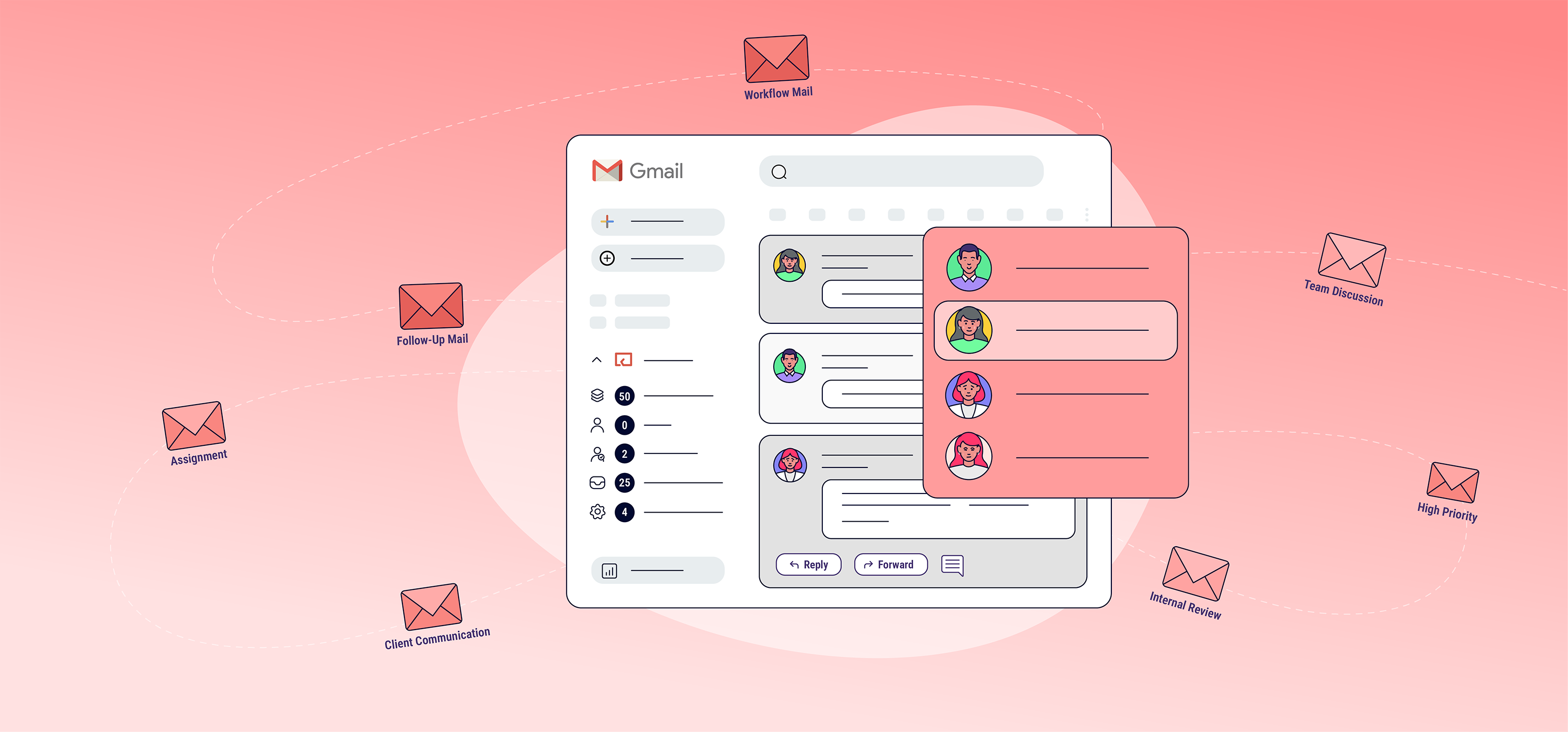
If you run a large business, chances are that your team spends a lot of time responding to email. According to reports, it’s estimated that each person sends and receives an average of 127 business emails daily.
This may sound large, but most email clients have features like labels and filters that can help you tame your inbox on an individual level.
Things start to get tricky when email duties need to be shared across a team. If that sounds like your business, you may want to consider a shared inbox.
These tools not only help in distributing tasks but also in tracking responses, maintaining accountability, and improving productivity. Below is a detailed guide on the 12 best-shared inbox software for Gmail that can optimize your workflow and boost team collaboration.
But first,
What is a shared inbox?
A shared inbox is a centralized email account that multiple people can access, manage, and collaborate on, typically used by teams to streamline communication. Instead of forwarding or copying emails to different team members, a shared inbox allows everyone to see and work on the same set of emails from a single place.
Here are the core aspects of a shared inbox:
- Shared Access
- Multiple team members can access, read, reply to, and manage emails from one email address (e.g., [email protected] or [email protected]) without forwarding emails to individual accounts.
- Collaboration
- Team members can assign specific emails to individuals, leave internal comments or notes on email threads, and collaborate in real-time, reducing duplicate work and missed messages.
- Accountability
- With email assignment and tracking features, your team can monitor who is handling which email, ensuring accountability and avoiding confusion.
- Improved Efficiency
- Shared inboxes often include task management features like tagging, prioritizing, and setting deadlines, helping teams to respond faster and maintain an organized workflow.
- Enhanced Customer Support
- For customer support teams, a shared inbox allows multiple agents to handle incoming inquiries from a single point, ensuring that no emails fall through the cracks and improving response times.
- Transparency
- Everyone in the team has full visibility into the email correspondence, which fosters transparency and ensures that all communications are consistent, especially in customer-facing interactions.
Now, with those aspects in mind, below are my top recommendations for the best Gmail inbox software.
1. Hiver
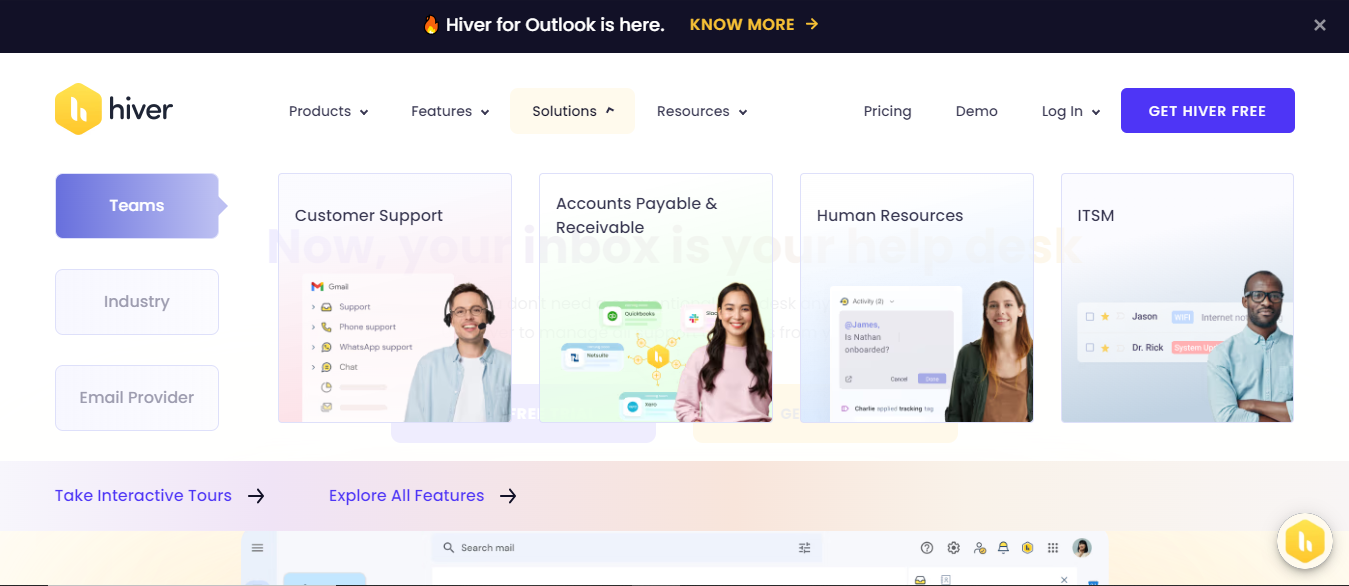
Hiver’s strength lies in its ability to streamline email communication and task management directly within Gmail, reducing the need for external tools. For customer support, it eliminates the complexities of switching between different software by keeping all interactions within a familiar Gmail interface.
You can assign specific emails to team members, transforming email management into a collaborative task, with clear responsibilities for handling different conversations.
Additionally, Hiver enhances transparency and accountability by providing features like status tracking and internal notes. Team members can see at a glance who is responsible for each email, the status of the response, and add context or comments without having to reply to the customer. This significantly improves coordination and prevents miscommunication.
For management, Hiver’s analytics and reporting tools are particularly valuable. They offer insights into team performance, response times, and workload distribution, making it easier to identify bottlenecks or areas for improvement.
By analyzing these metrics, teams can fine-tune their customer service processes and ensure that all communications are handled efficiently. Hiver’s simplicity and focus on customer-facing tasks make it especially well-suited for small to medium-sized businesses that heavily rely on email for customer interactions.
Key Features:
- Shared Inbox: Convert Gmail into a shared inbox for better collaboration.
- Email Assignment: Assign incoming emails as tasks to team members.
- Internal Notes: Add private notes to emails for team collaboration.
- Email Tracking: Track email responses and statuses.
- Analytics & Reporting: Gain insights into team performance and efficiency.
Pros:
- Seamless integration with Gmail, meaning no additional tools are needed.
- Simple, intuitive user interface that feels natural for Gmail users.
- Helps track team productivity and accountability with analytics.
Cons:
- Lacks some advanced automation features available in other tools.
- Limited to Gmail, so it’s not suited for teams using other email platforms.
Pricing:
- Lite Plan: $1/month
- Growth Plan: $29/month
- Pro Plan: $49/month
2. Gmelius

Gmelius is a collaboration platform designed to integrate with Gmail, transforming it into a shared workspace for teams. It offers features like shared inboxes, email assignments, and internal collaboration tools, allowing teams to manage emails, tasks, and projects without leaving their inbox.
Gmelius also includes automation workflows, Kanban boards, email tracking, and CRM integration, making it an all-in-one solution for productivity. It’s ideal for remote and distributed teams looking to streamline communication and task management in a familiar Gmail environment.
Key Features of Gmelius:
- Shared Inbox: Teams can collaborate on emails directly within Gmail.
- Automation: Automate tasks, such as assigning emails or creating workflows.
- Kanban Boards: Visual task management for emails and projects.
- Email Tracking & Scheduling: Track opens, schedule sends, and set follow-up reminders.
- CRM Integration: Sync with tools like Slack, Trello, and more for seamless workflow.
Pros:
- Intuitive integration with Gmail.
- An all-in-one solution combining email, task, and project management.
- Strong automation features.
Cons:
- May be overwhelming for small teams needing simple solutions.
- Limited reporting compared to dedicated CRM platforms.
Pricing:
- Lite Plan: $10/month
- Growth Plan: $24/month
- Pro Plan: $36/month
3. Front
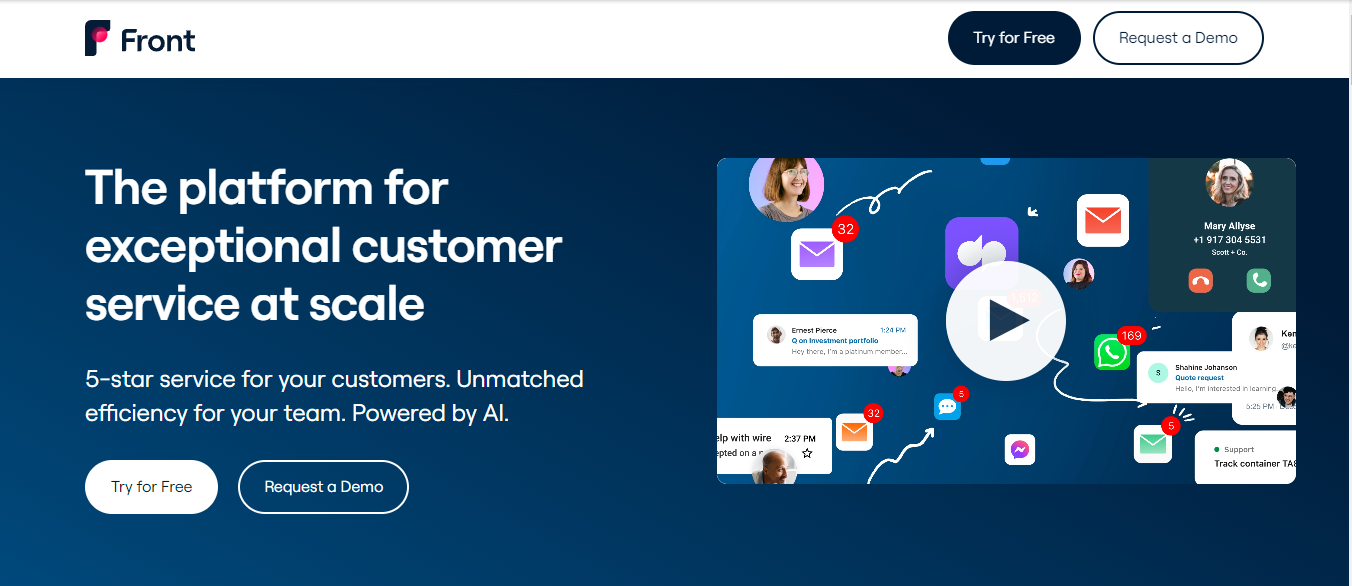
Front is a customer communication platform that consolidates email, SMS, social media, and other communication channels into a single shared inbox. It allows teams to collaborate efficiently by assigning, tracking, and responding to messages while keeping all interactions centralized.
With its real-time collaboration features, users can comment, tag teammates, and create custom workflows directly within the shared inbox, helping teams to stay organized and respond faster to customer inquiries.
Front also offers advanced analytics and reporting tools, giving teams insights into performance metrics like response times, workload distribution, and customer satisfaction.
Its integrations with popular tools like CRM systems, project management software, and more make it ideal for customer support and sales teams handling a large volume of customer interactions. This all-in-one solution helps boost productivity and ensures that teams maintain a high level of service quality across multiple channels.
Key Features:
- Shared Inboxes: Allows teams to manage shared email accounts (e.g., [email protected]) in one place, making it easier to collaborate on responses.
- Collaboration Tools: Includes internal chat and commenting features to discuss emails and tasks without leaving the platform.
- Automation: Offers workflow automation to handle repetitive tasks like tagging, assigning emails, and sending templates.
- Integrations: Connects with various apps and services (e.g., Slack, Salesforce, Google Drive) to centralize communication and streamline processes.
- Analytics and Reporting: Provides insights into team performance, email response times, and workload distribution.
- Customizable Workflows: This lets you set up rules and workflows that match their specific needs and processes.
- Shared Templates: Enables teams to create and use standardized email templates for consistency and efficiency.
Pros:
- Enhanced Team Collaboration: Streamlines communication within teams by integrating email management with internal collaboration tools.
- Improved Efficiency: Automation and workflows help reduce manual tasks, making it easier to manage high volumes of email.
- Flexibility: Supports integration with a wide range of third-party apps and services, allowing customization according to team needs.
- Centralized Communication: Combines email with internal messaging and task management, which can reduce the need for multiple communication tools.
- Detailed Analytics: Provides valuable insights into team performance and email handling, which can help in optimizing workflows.
Cons:
- Learning Curve: May take time for team members to get used to the platform and fully utilize its features.
- Cost: This can be relatively expensive, especially for smaller teams or organizations with limited budgets.
- Complexity: The extensive features and customization options may be overwhelming for teams that need a simpler solution.
- Dependence on the Internet: Requires a stable Internet connection to function effectively, which could be a drawback in areas with unreliable connectivity.
- Integration Issues: Occasionally, users may experience challenges integrating with certain third-party applications or services.
Pricing:
- Free Plan
4. HelpScout
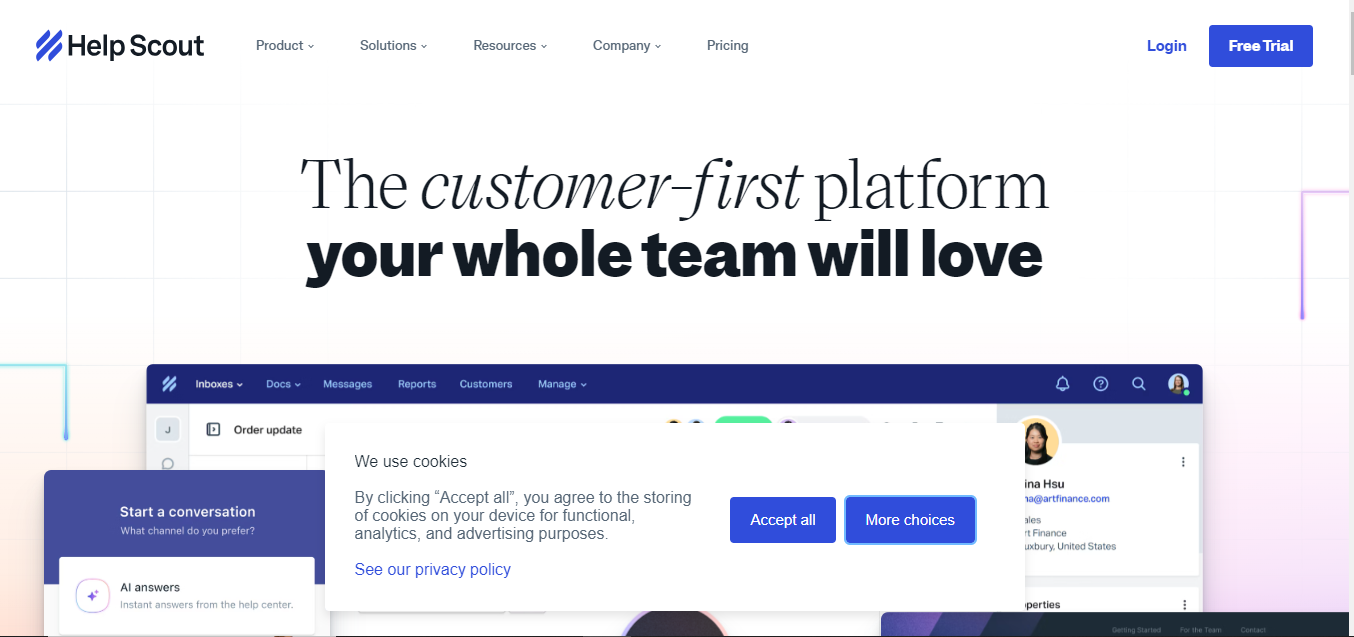
Help Scout is a customer service platform for enhancing support interactions by offering a unified and intuitive interface for managing customer inquiries.
Unlike traditional helpdesk systems, Help Scout focuses on providing a more personal touch with its shared inboxes, which allow teams to collaboratively handle customer emails without losing the personal connection.
In addition to its core support functionalities, Help Scout offers a range of tools to improve the overall customer experience. This includes detailed reporting and analytics to track team performance and customer satisfaction, as well as a knowledge base feature that lets teams create self-service help articles for customers.
Help Scout’s emphasis on simplicity and user-friendliness helps teams deliver consistent and empathetic support, ultimately aiming to build stronger customer relationships and enhance overall service quality.
Key Features:
- Shared Inboxes: Allows teams to manage and respond to customer emails from a unified inbox, facilitating collaboration and ensuring no message is overlooked.
- Automated Workflows: Offers automation tools to streamline repetitive tasks, such as assigning conversations, tagging, and setting up email rules.
- Knowledge Base: Provides a self-service portal where your customers can find help articles and FAQs, reducing the volume of direct support requests.
- Reporting and Analytics: Includes tools to track key metrics like response times, customer satisfaction, and team performance to help optimize support operations.
- Customizable Workflows and Templates: Allows teams to create and use customized email templates and workflows tailored to their specific needs.
Pros:
- User-Friendly Interface: Designed to be intuitive and easy to navigate, reducing the learning curve for new users and improving overall usability.
- Personalized Customer Interactions: Enhances the personal touch of support with shared inboxes and individual email threads, fostering better customer relationships.
- Efficient Workflow Automation: Streamlines repetitive tasks, which helps increase team productivity and reduce manual effort.
- Comprehensive Reporting: Provides actionable insights into support performance and customer interactions, aiding in continuous improvement.
- Scalability: Suitable for businesses of various sizes, from small teams to larger organizations, thanks to its flexible features and integration options.
Cons:
- Limited Advanced Features: While it covers many essential features, it may lack some advanced functionalities offered by more complex support systems.
- Integration Challenges: You might face difficulties with integrating certain third-party applications, which can impact workflow continuity.
- Knowledge Base Setup: Setting up and maintaining a knowledge base might require additional effort to ensure it remains up-to-date and relevant.
- No Phone Support: Help Scout primarily focuses on email and chat support, and does not offer native phone support, which could be a limitation for teams needing comprehensive multichannel support.
Pricing:
- Standard Plan: $22/month
- Plus Plan:$44/month
- Pro Plan:$65/month
5. Drag

Drag revolutionizes how teams manage and collaborate on incoming emails. Unlike traditional shared inbox systems that simply centralize email communication, Drag converts the inbox into a dynamic task management board. This transformation allows teams to handle emails as actionable tasks rather than just messages.
Each email can be moved through various stages (e.g., “To Do,” “In Progress,” “Done”) within customizable boards, and tasks can be assigned to specific team members. This approach ensures that every email is tracked and managed effectively, preventing tasks from being overlooked and improving overall workflow.
Furthermore, Drag enhances team collaboration within the shared inbox environment. It enables you to comment on emails, assign tasks, set due dates, and track the progress of each task directly from the inbox.
By integrating task management features with email communication, Drag reduces the need for separate project management tools and helps teams stay organized and coordinated.
Key Features:
- Task Management Boards: Converts the email inbox into a task board where emails can be organized into columns (e.g., “To Do,” “In Progress,” “Done”), allowing for visual management of tasks.
- Email-to-Task Conversion: This enables you to turn emails into tasks, assign them to team members, and track their progress directly from the inbox.
- Collaborative Tools: Includes features for team collaboration, such as internal comments on tasks, task assignments, and shared task lists.
- Integration with Gmail and G Suite: Seamlessly integrates with Gmail and G Suite, allowing users to manage tasks and emails within their existing email environment.
- Task Assignment and Due Dates: Allows for assigning tasks to specific team members and setting due dates to ensure timely follow-ups.
- Real-Time Updates: Provides real-time notifications and updates on task progress, helping teams stay aligned and informed.
Pros:
- Enhanced Organization: Transforms the inbox into a visual task management system, making tracking and managing tasks directly from email easier.
- Improved Collaboration: Facilitates better team coordination with features like task assignments, internal comments, and shared boards.
- Integration with Existing Tools: Works seamlessly with Gmail and G Suite, integrating task management within familiar email environments.
- Streamlined Workflow: Reduces the need for separate project management tools, consolidating task management and email communication in one platform.
- Real-Time Tracking: Offers real-time updates and notifications, helping teams stay on top of task progress and deadlines.
Cons:
- Gmail and G Suite Only: Currently, Drag is limited to integration with Gmail and G Suite, which may be better for teams using other email providers.
- Learning Curve: Adapting to the task board system and incorporating it into existing workflows may require some time and adjustment for users.
- Limited Advanced Features: While it covers essential task management needs, it may need more advanced features offered by dedicated project management tools.
Pricing:
- Starter Plan: $8/month
- Plus Plan: $14/month
- Pro Plan: $20/month
6. Missive

Missive is a shared inbox tool designed to streamline team collaboration by integrating email, chat, and task management into one unified platform. Unlike traditional email clients, Missive enhances the shared inbox experience by allowing teams to collaborate directly within the email thread.
Team members can comment on specific emails, assign tasks, and even draft responses together in real-time, ensuring that everyone is aligned and communication is clear.
This collaborative approach helps your teams handle customer inquiries, support requests, and internal communications more efficiently, eliminating the need for external tools to manage conversations or tasks.
Beyond its shared inbox functionality, Missive offers advanced tools for workflow automation, such as email templates, rules, and integrations with third-party services like Slack, Trello, and Salesforce. It also supports multi-channel communication, allowing users to manage emails, SMS, Twitter, and other social media messages in one place.
By bringing all communication channels into a single platform, Missive helps to reduce clutter, improve response times, and ensure that no message is missed. This makes it an ideal solution for businesses that need to manage high volumes of customer communication while keeping their teams organized and responsive.
Key Features:
- Shared Inbox: Allows teams to manage emails collaboratively, allowing for seamless delegation, shared threads, and discussion directly within email conversations.
- Collaborative Email Drafting: Multiple people can work together to draft email responses in real-time, ensuring alignment before sending.
- Internal Chat and Comments: Allows you to comment and chat within email threads, facilitating internal discussions without leaving the inbox.
- Unified Communication Channels: Supports email, SMS, Twitter, Facebook Messenger, and WhatsApp, letting teams manage all customer communication in one place.
- Task Assignment and Management: You can assign tasks directly from emails and track progress within the same platform.
Pros:
- Comprehensive Collaboration: Enables real-time collaboration on emails, task management, and internal discussions, making teamwork more efficient.
- Unified Communication: Combines email, social media, and messaging channels, allowing teams to manage customer interactions in one place.
- Productivity Boost: Automation, templates, and task assignments help streamline workflows, saving time and improving response efficiency.
- Multi-Channel Support: Ability to handle various communication channels like SMS, social media messages, and chat alongside email.
- Customizable Workflows: You can set custom rules to automate repetitive tasks and manage complex workflows effortlessly.
Cons:
- Learning Curve: Teams new to multi-functional platforms may face a learning curve to fully utilize its features, particularly in setting up automation and integrations.
Complexity for Smaller Teams: Some of the advanced features may be unnecessary for smaller teams, making it potentially more complex than simpler shared inbox tools.
- Mobile App Limitations: The mobile app needs some of the advanced functionalities of the desktop version, which could hinder on-the-go productivity.
- Limited Free Tier: The free version has limited features, requiring a subscription to access its capabilities fully.
Pricing:
- Starter Plan: $14/month
- Productive Plan: $24/month
- Business Plan: $36/month
7. SharedInbox
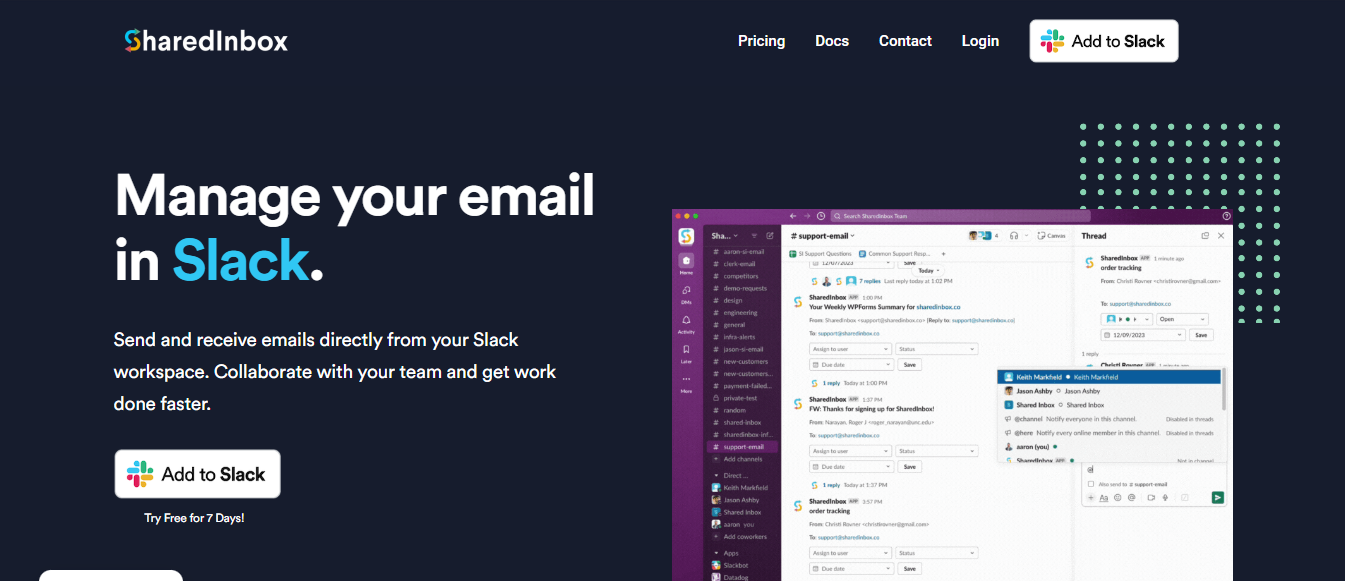
SharedInbox.co simplifies email collaboration by providing a shared inbox solution for teams. It allows multiple team members to access, manage, and respond to emails from one inbox, making it ideal for customer support, sales, and general team communications.
In addition to email collaboration, SharedInbox.co also offers integrations with other tools like CRMs and task management platforms, enabling teams to streamline their workflows.
It enhances productivity by allowing you to track and prioritize emails efficiently while maintaining transparency and accountability across the team. It’s an effective tool for improving customer service and team collaboration through centralized communication.
Key Features:
- Shared Inbox Access: Multiple users can manage and respond to emails from a single inbox.
- Email Assignment: Assign emails to specific team members to streamline task distribution.
- Internal Collaboration: Add internal comments and tags for team coordination.
- Integrations: Supports CRM and task management tool integrations for a unified workflow.
Pros:
- Simplifies email management for teams.
- Encourages accountability with email assignments.
- Easy integration with other tools.
Cons:
- Limited automation features.
- Might lack advanced reporting and analytics.
Pricing:
- Go Plan: $9/month
- Starter Plan: $29/month
- Business Plan: $79/month
8. Loop Email
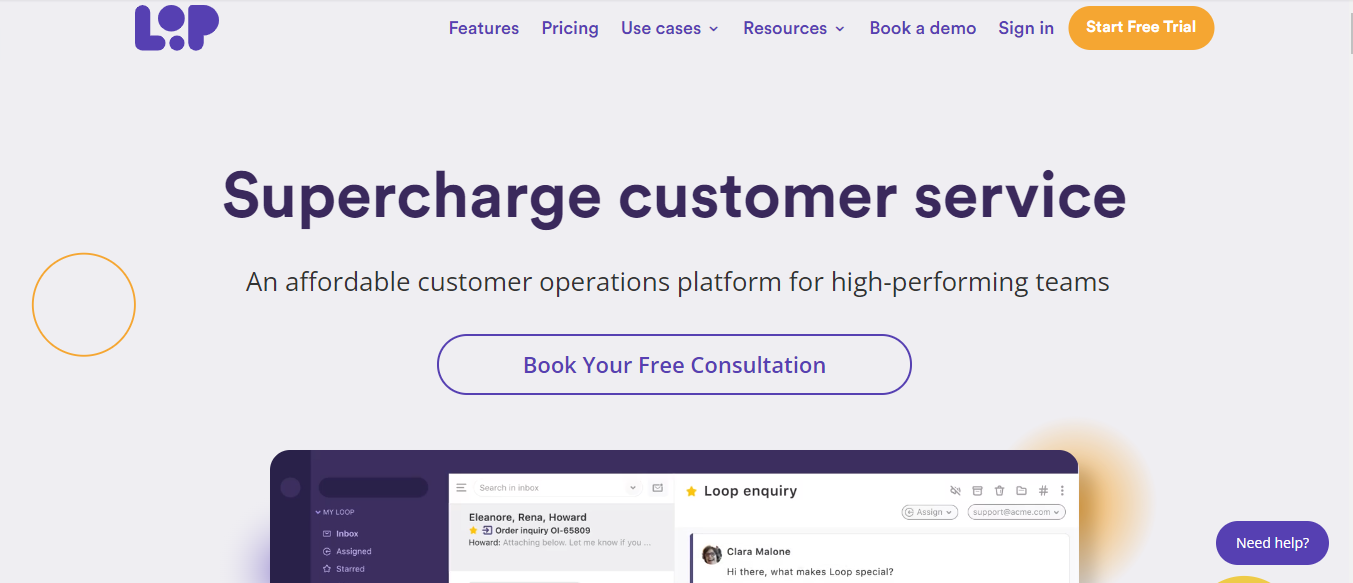
It is a communication and collaboration tool designed to help teams manage emails and customer inquiries efficiently. It provides a shared inbox where multiple team members can view, respond to, and collaborate on messages from customers, allowing for seamless team communication.
Loop Email is handy for businesses looking to centralize their support and communication efforts, offering features like email assignments, internal notes, and message tracking.
In addition to basic inbox functionality, it integrates with various tools and CRMs to enhance workflow automation.
Its interface is user-friendly, making it simple to assign tasks, prioritize responses, and maintain accountability within the team. Focusing on improving response times and collaboration ensures that teams can provide a more efficient and organized customer experience.
Key Features:
- Shared Inbox: Allows teams to collaborate on customer inquiries within one centralized inbox.
- Email Assignment: Assign emails to team members for clear ownership and accountability.
- Internal Notes: Add private notes to email threads for internal communication.
- Integrations: Connects with various CRMs and tools to streamline workflows.
Pros:
- Easy collaboration within a familiar inbox environment.
- Boosts team productivity with task assignments and internal notes.
Cons:
- Limited automation features compared to advanced platforms.
- It may not support extensive analytics and reporting.
Pricing:
- Starter Plan: 15€
- Pro Plan: 30€
9. Kayako
Kayako is a customer service platform designed to streamline support and communication for businesses by offering an integrated helpdesk solution.
It allows team members to manage customer inquiries across multiple channels, including email, live chat, social media, and more, all from a unified inbox. Kayako enhances collaboration within support teams by enabling agents to track customer interactions, share internal notes, and resolve issues more efficiently.
Additionally, Kayako offers automation tools for ticket management, performance analytics, and customer insights. Its focus on personalized customer service helps businesses provide a seamless and consistent support experience across various touchpoints.
Key Features:
- Unified Inbox: Manage your customer inquiries from multiple channels (email, chat, social media).
- Collaboration Tools: Agents can share internal notes and track customer interactions.
- Automation: Automates ticket management and routine tasks.
- Customer Insights: Provides detailed analytics on customer interactions and team performance.
- Live Chat Integration: Real-time support for customer queries.
Pros:
- Centralizes customer communication across channels.
- Automation improves team efficiency.
- Easy collaboration within support teams.
Cons:
- Limited customization options.
- May require time to fully implement and integrate.
Pricing:
- Essential Plan: $39/month
- Professional Plan: $99/month
10. Spark
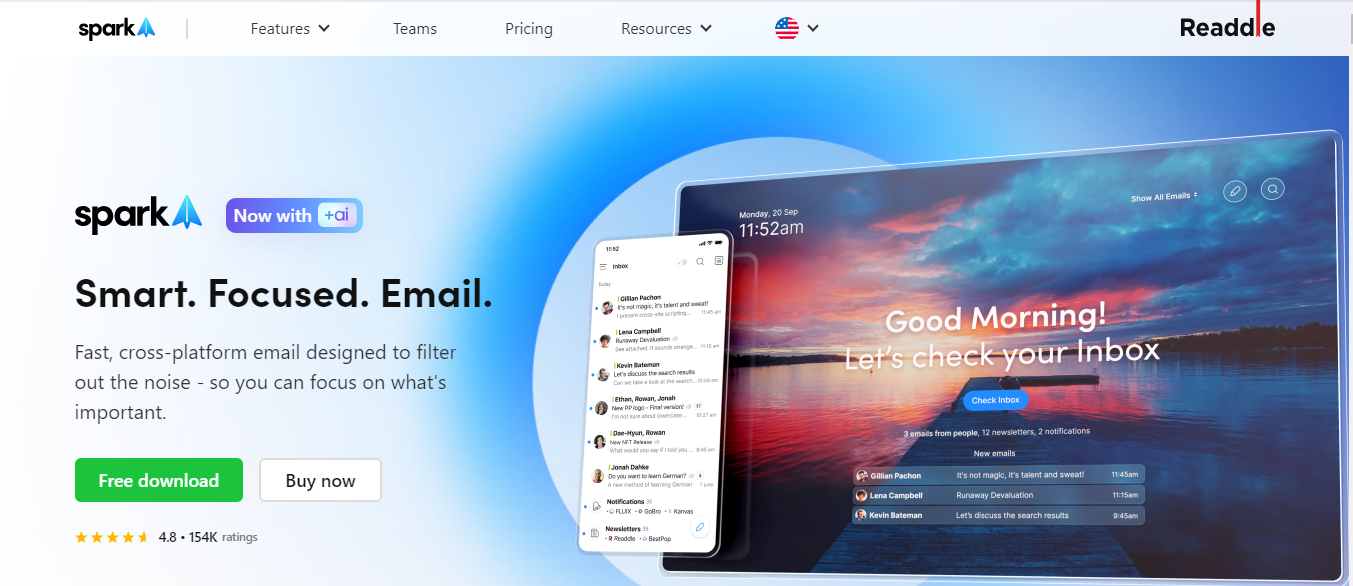
Spark is a feature-rich email tool to help you manage your inboxes with ease and collaboration in mind. It offers a smart inbox that automatically categorizes emails into groups like personal, newsletters, and notifications, allowing you to prioritize your most important messages.
For teams, Spark enables real-time collaboration, including shared drafts and internal discussions about specific emails. Additional productivity features, like snooze, follow-up reminders, and email templates, make it an efficient tool for both individual and team-based email management.
Key Features
- Smart Inbox: Automatically sorts emails into categories (Personal, Notifications, Newsletters).
- Collaborative Email: Teams can share drafts, comment, and discuss emails in real time.
- Snooze & Follow-ups: Postpone emails and get reminders for important follow-ups.
- Integrations: Supports tools like Google Drive, Dropbox, and Trello.
- Custom Email Templates: Create and reuse email templates for consistent communication.
Pros:
- Clean, intuitive interface.
- Excellent for team collaboration.
- Customizable email handling.
Cons:
- Limited advanced automation features.
- The free version has fewer collaboration tools.
Pricing:
- Free Plan
- Best Value Plan: €5.83
- Premium Teams: €6.99
11. Zoho TeamInbox
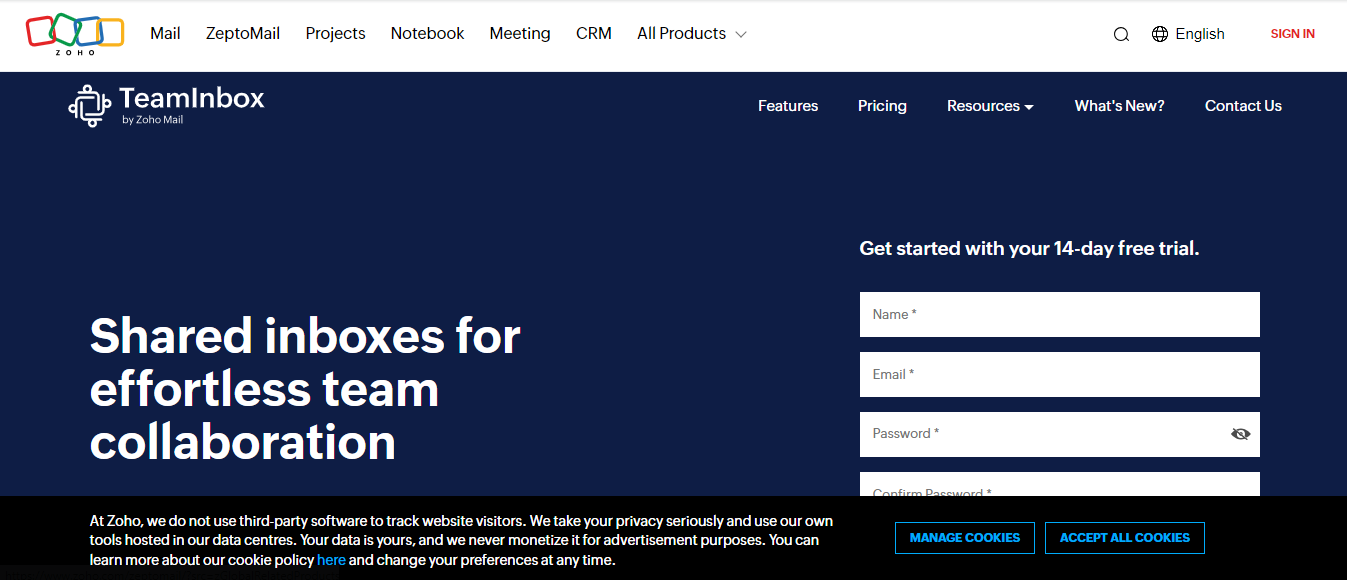
Zoho TeamInbox is a shared inbox solution for streamlining team collaboration and communication. It allows multiple team members to manage group emails from a single, centralized inbox, ensuring better transparency and efficiency. You can assign emails, track conversations, and add internal comments, making it easy for teams to stay organized and on the same page.
The platform also integrates with other Zoho apps and third-party tools, providing a cohesive workflow. With features like automation, analytics, and task assignment, Zoho TeamInbox helps businesses manage customer inquiries and internal communication effectively.
Key Features
- Shared Inbox: Centralizes group emails for teams to manage collaboratively.
- Email Assignment: Assign emails to team members for better task distribution.
- Internal Collaboration: Add comments and notes within email threads for team communication.
- Automation: Automate workflows and repetitive tasks.
- Integrations: Syncs with Zoho apps and third-party tools.
Pros:
- Enhances team transparency and collaboration.
- Seamlessly integrates with Zoho’s ecosystem.
- Improves efficiency with task assignment and automation.
Cons:
- May require onboarding for new users.
- Limited advanced customization options.
Pricing:
- Starter Plan: €5
- Professional Plan: €7,50
12. Helpmonks

Helpmonks is a shared inbox solution that helps to streamline team email collaboration and customer support. It allows you to centralize your communications by providing a shared inbox where teams can assign emails, add internal notes, and collaborate on responses in real-time.
With built-in features like email templates, automation rules, and tagging, Helpmonks enhances productivity by organizing and prioritizing email workflows.
Additionally, Helpmonks integrates with popular CRMs, collaboration tools, and other third-party apps, making it easy for businesses to maintain seamless communication. Its focus on customization and automation allows teams to tailor their email management to fit specific operational needs.
Key Features:
- Shared Inbox: Centralizes team communication and collaboration.
- Email Assignment: Assign emails to team members for better task management.
- Internal Notes: Collaborate privately within email threads.
- Automation: Create rules for automated workflows and email organization.
- Integrations: Connects with CRMs and productivity tools.
Pros:
- Improves team productivity with task assignment and internal collaboration.
- Automation and customization features streamline workflows.
Cons:
- Advanced features may require a learning curve.
- Some integrations may be limited without additional setup.
Pricing:
- Starter Plan: $19/month
- Bliss Plan: $49/month
- Unlimited Plan: $899/month
Conclusion
When choosing the best-shared inbox software for Gmail, it’s important to consider team-specific needs, like ease of collaboration, task management, and integration capabilities. The 12 tools mentioned provide a wide range of solutions that can enhance email productivity, foster internal communication, and streamline workflows.
Each platform brings unique features to the table, from simple team collaboration to advanced automation. By assessing the strengths and weaknesses of each option, your team can find the ideal shared inbox tool that aligns with your operational goals and fosters efficiency.
As your businesses continueS to scale, managing communication through shared inbox software becomes essential for maintaining efficiency. These tools provide a centralized way to handle emails, ensuring that no message is overlooked and your team members can collaborate seamlessly.


 A better way to manage projects and clients for freelancers
 Get through busy days like a breeze with Reclaim.ai