
Hypefury is a social media tool that optimizes your Twitter content strategy with AI and automation.
The app is specifically designed to save time, offering features like scheduling and analytics to help you grow your presence on Twitter.
In this article, I have reviewed some of the best social media apps that can be used as Hypefury alternatives. These platforms have common features and offer excellent packages for both brands and agencies.
What is Hypefury and What to Look for In an Alternative
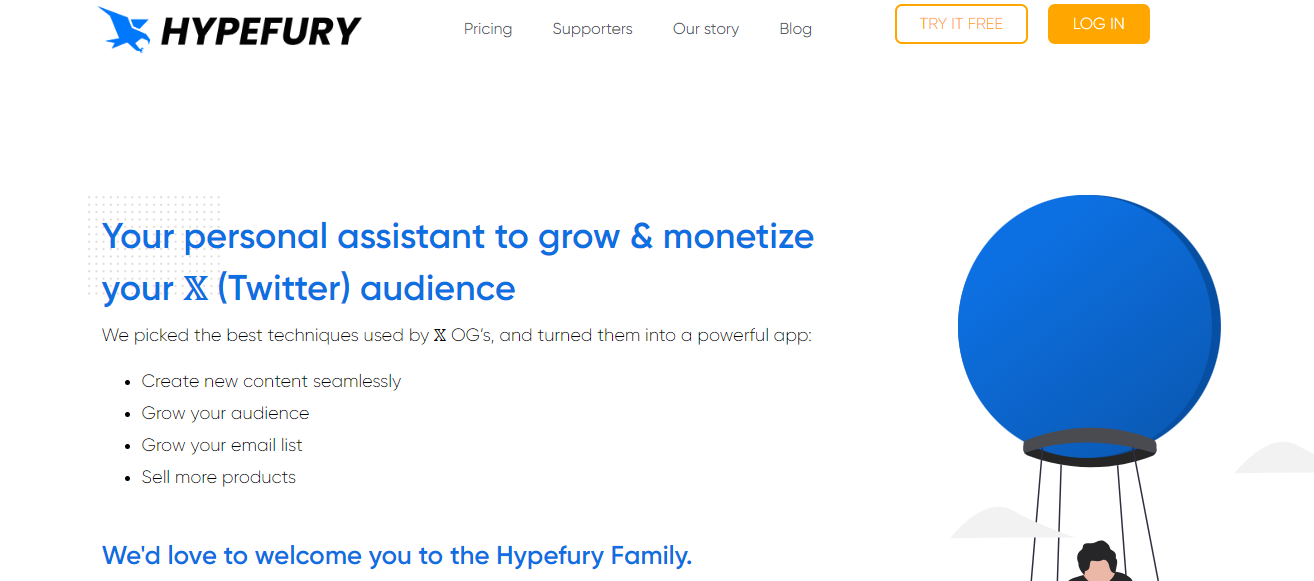
Hypefury is an online Twitter scheduling and automation platform. It provides you with tools to generate continuous tweets and threads and set post-publication on autopilot.
The app is user-friendly and works well on smartphones. You can also use it for other social media channels, such as LinkedIn, Instagram, and Facebook.
Top Features to Look for In Hypefury Alternative;
- Content creation.
- Scheduling and publishing.
- Audience engagement.
- Integrations.
Below are the 15 best alternatives to Hypefury. You can purchase any of the software products to manage Twitter and other social media channels.
1. TweetHunter
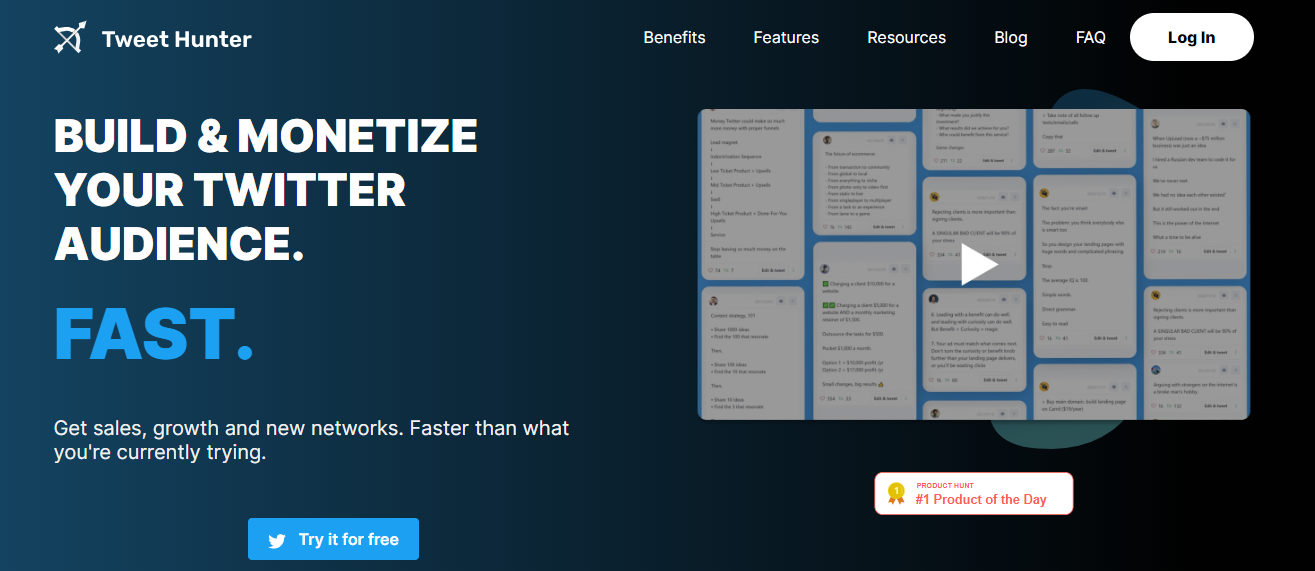
TweetHunter is a good alternative to Hypefury. It helps you generate content ideas for tweets and schedule monthly posts.
You can get content from its built-in library and use its AI writer to find inspiration. With automation tools, you can retweet old posts, send personalized DMs, and auto-reply to comments.
Via analytics, you can keep an eye on key metrics and identify best-performing posts.
There’s no limit on the accounts, and you will receive a 30-day refund option on all plans. You can also take a 7-day free trial to explore the app.
Core Features
- 3M viral tweets.
- AI writer.
- Scheduling.
- Automation.
- Retweet.
- Evergreen posts.
- Auto-DM and reply.
- Post sharing.
- Analytics and prediction.
- CRM.
Price
TweetHunter prices start from $49.
2. Publer

Next up is Publer. It’s a social media management platform that allows you to oversee multiple accounts and automate workflows.
Top features of Publer are calendar view, bulk scheduling, content recycling, and sharing.
You will receive an editor to compose posts and an AI assistant to generate ideas. With the recycling tool, you can automatically reuse old content.
For contractors and agencies, Publer delivers workspaces. You can use it to manage client accounts and work with your team.
Core Features
- Curated content.
- Editor.
- Calendar view.
- AI assistant.
- Post scheduling.
- Automation.
- Browser extension.
- Workspace.
- Analytics.
- Social media integration.
Price
You can get started on Publer for free. Its premium packages begin at $12.
3. Feedhive
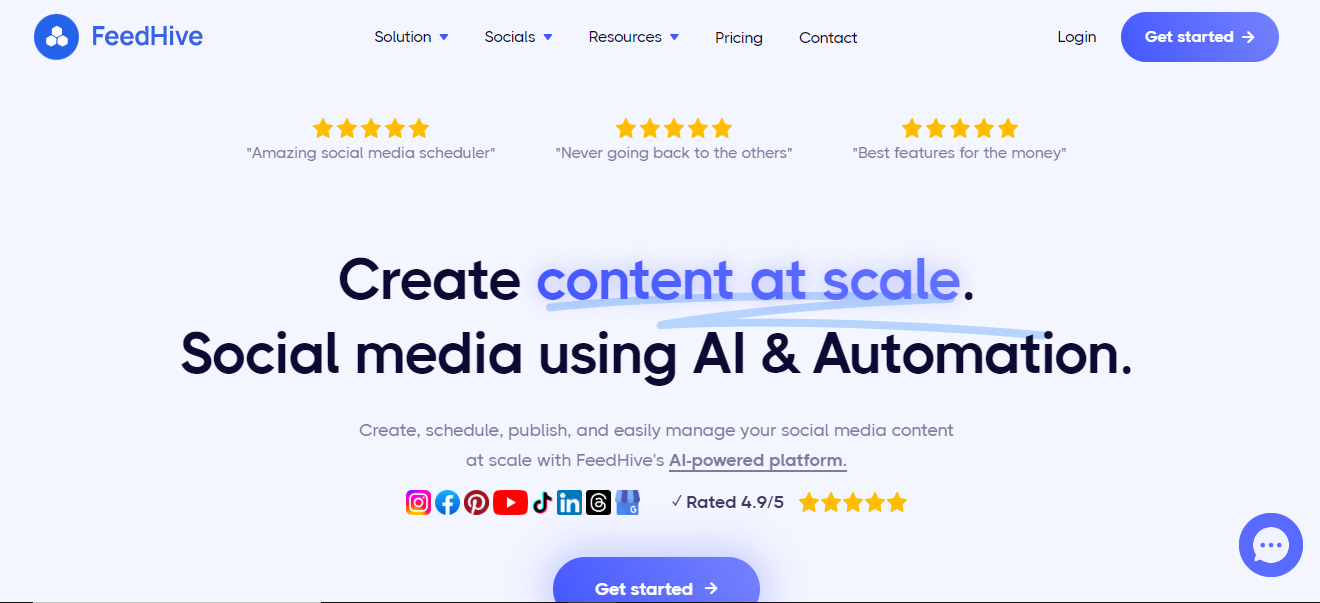
Feedhive provides content creation, scheduling, and automation tools. You can use this app to design social media posts and publish them to all your accounts, including Twitter.
The package allows up to 500 social accounts, 100 workspaces, and white labeling. You’ll get a visual builder to schedule posts and over 5000 templates to find inspiration.
Via Feedhive’s unified social inbox, you can easily respond to likes, mentions, and comments.
If you work with a team or clients, you can invite them to your workspace and share posts for approval. You can also collaborate with your team members and delegate tasks.
Core Features
- Scheduling.
- Unified social inbox.
- Workspace.
- Templates.
- AI writer.
- Automation.
- Team collaboration.
- White labeling.
- Analytics.
Price
Feedhive prices range between $19 and $299. You can take a free trial.
4. Buffer
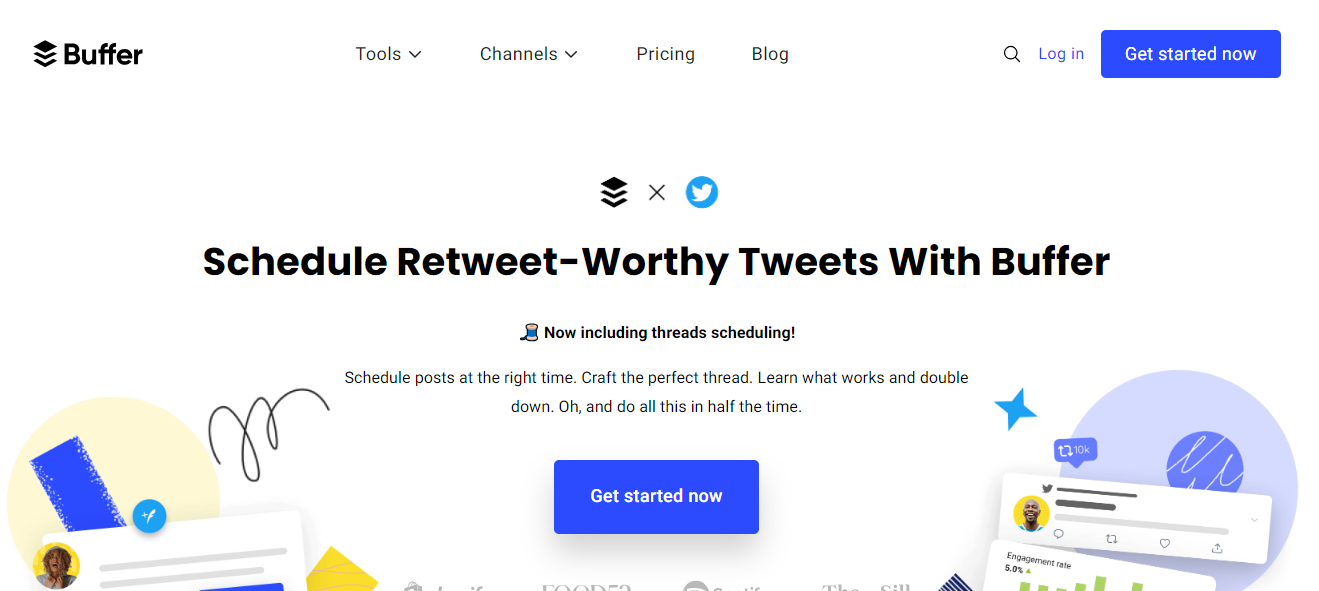
Buffer is a well-known social media management platform. With it, you can quickly design posts for multiple social media channels and monitor audience engagement from one place.
You will get an AI writer to help you with content creation and custom scheduling tools to build a social calendar. The platform has also introduced a new feature that allows you to schedule Twitter threads.
You can create up to 2000 threads in advance and extract content from other platforms to convert them into Twitter posts. You can also find relevant hashtags and add them to your posts.
Buffer works on mobile phones and comes with a browser extension.
Core Features
- Post creation and publishing.
- Landing page builder.
- Scheduling.
- Automation.
- Twitter thread.
- Engagement.
- AI writer.
- Analytics.
- Mobile app.
Price
Buffer prices start at $6. You can try it for free.
5. Hootsuite
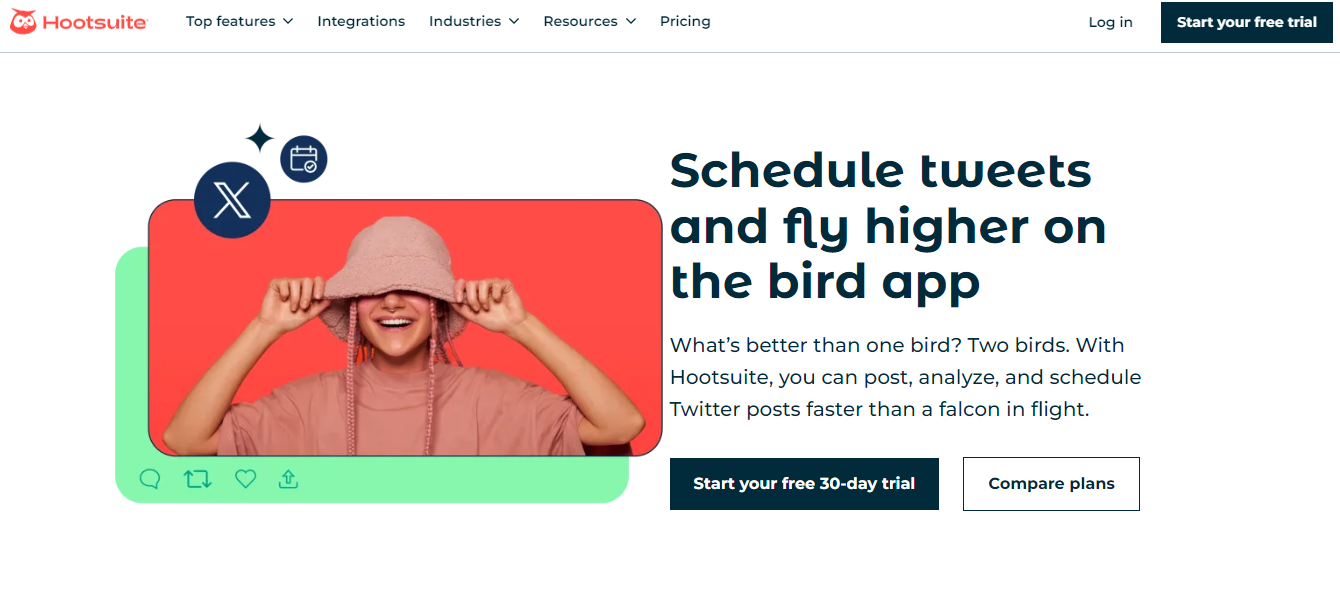
Hootsuite is an all-in-one management platform. It delivers creation, publishing, and analytics tools to manage several social media accounts.
Some publishing features included in the subscription plan are a content calendar, bulk scheduling, and post approvals. You can monitor your competitors’ content and find the best hashtags for your posts.
You can also track brand mentions and respond to them directly from your inbox.
One other interesting feature of Hootsuite is employee advocacy. You can create posts for your team and encourage them to share brand content on their social media accounts.
Core Features
- Publishing and scheduling.
- Caption and hashtag generator.
- Social inbox.
- Best time recommendations.
- Listening and analytics.
- Employee features.
- Campaign management.
- Social selling.
- Integrations.
- Mobile app.
Price
Hootsuite charges $99 to $249 per month. You can take a free trial.
6. Circleboom
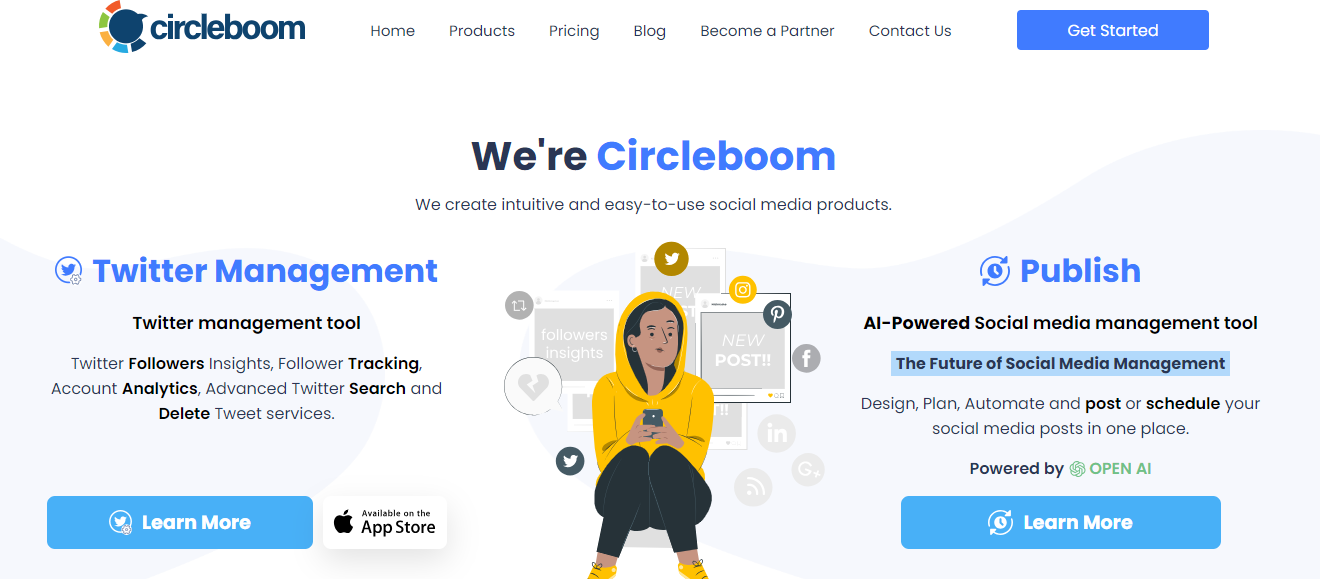
Circleboom offers social media publishing and Twitter management tools. Both are separate products and target different areas.
For instance, the former allows you to automatically generate content and hashtags and schedule your tweets. While the latter delivers analytics and discovery tools to grow followers.
You can access Circleboom from your mobile phone and try the Twitter features for free.
Core Features
- Drafting and publishing.
- Scheduling.
- AI writer.
- Follower management.
- Smart search.
- Analytics.
- Mobile app.
- Add-ons.
Price
Circleboom prices range between $28 and $248. You can take a free trial and get excellent benefits on the annual subscription.
7. Planly
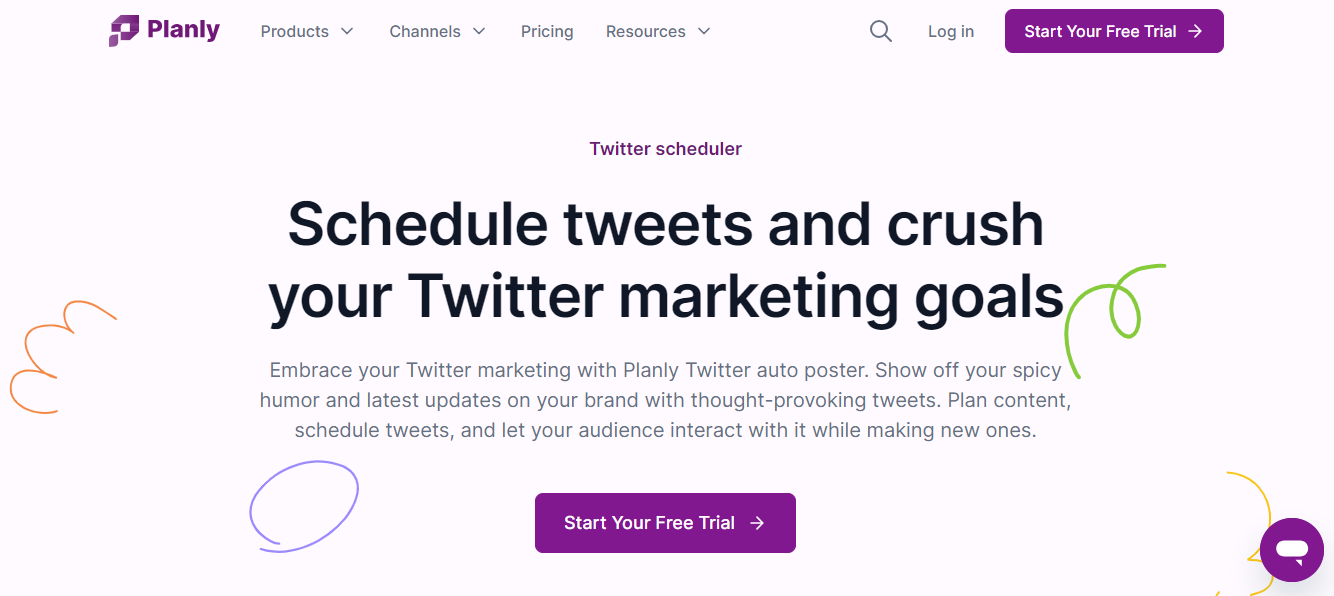
Planly is a scheduler tool. Via this app, you can plan your content calendar in advance and discover the best time to publish posts.
You can schedule as many posts as you want and publish them on eight major social media channels. With AI assistant and hashtag suggestions, you can create a large volume of content and optimize the posts.
A landing page builder is also included in the package. You can launch a small brand website specifically for your social media accounts and display featured content there.
Core Features
- Scheduler.
- Posting time recommendation.
- AI content generator.
- Hashtag suggestions.
- Landing page builder.
- Team management.
- Analytics.
- Integration.
Price
Planly charges $15 to $80 per month. A 14-day free trial is available.
8. Loomly
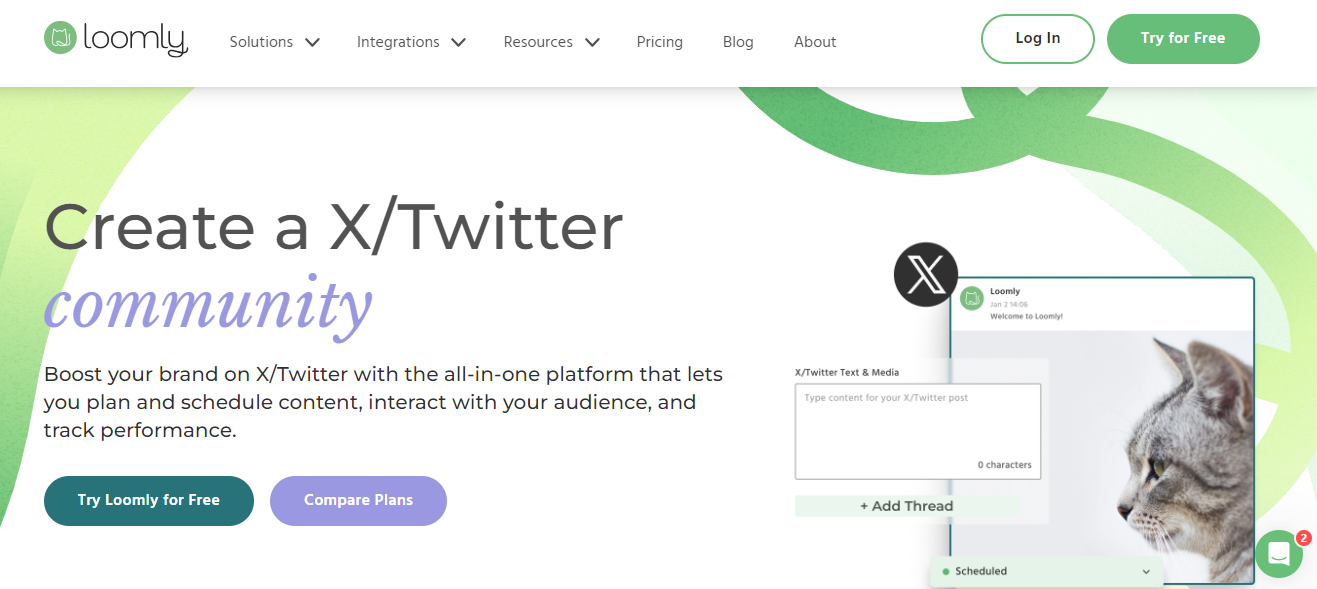
Loomly supports nine popular social media channels and allows unlimited post-scheduling. You can add up to 50 accounts on Loomly and manage your client calendars with your team.
The software has a content creation module with custom branding and auto-publishing to build social calendars for Twitter. You can include an approval workflow to control post publishing and download its mobile app for monitoring.
For engagement, Loomly provides a unified inbox and an audience analytics tool. You can keep an eye on your Twitter and other social media campaigns and save standard replies to speed up the response time.
Core Feature
- Content creation.
- Scheduling and auto-publishing.
- Content optimization.
- Hashtag manager.
- Unified inbox.
- Collaboration.
- Analytics.
- Mobile app.
- Integration.
Price
Loomly’s basic plan costs $42. You’ll get a 15-day free trial to test the features.
9. Socialbee

Socialbee helps you keep your Twitter fans engaged. The app comes with an AI assistant that regularly generates content for tweets and finds relevant hashtags.
You can bulk edit and schedule your posts and recycle your old content. You’ll receive posting time recommendations, so you can share tweets at the right time.
For your team, you will get workspaces, user roles, approval workflows, and feedback tools. Your team members can access drafts for review and add notes for editing.
Core Features
- Content creation.
- Bulk editing.
- Hashtag generator.
- Scheduling and publishing.
- Social inbox.
- Automation.
- Team collaboration.
- Analytics.
- Multi-network support.
- Integration.
Price
Socialbee charges $29 to $99 per month. You can take a 14-day free trial.
All plans have a 30-day money-back guarantee.
10. SocialPilot
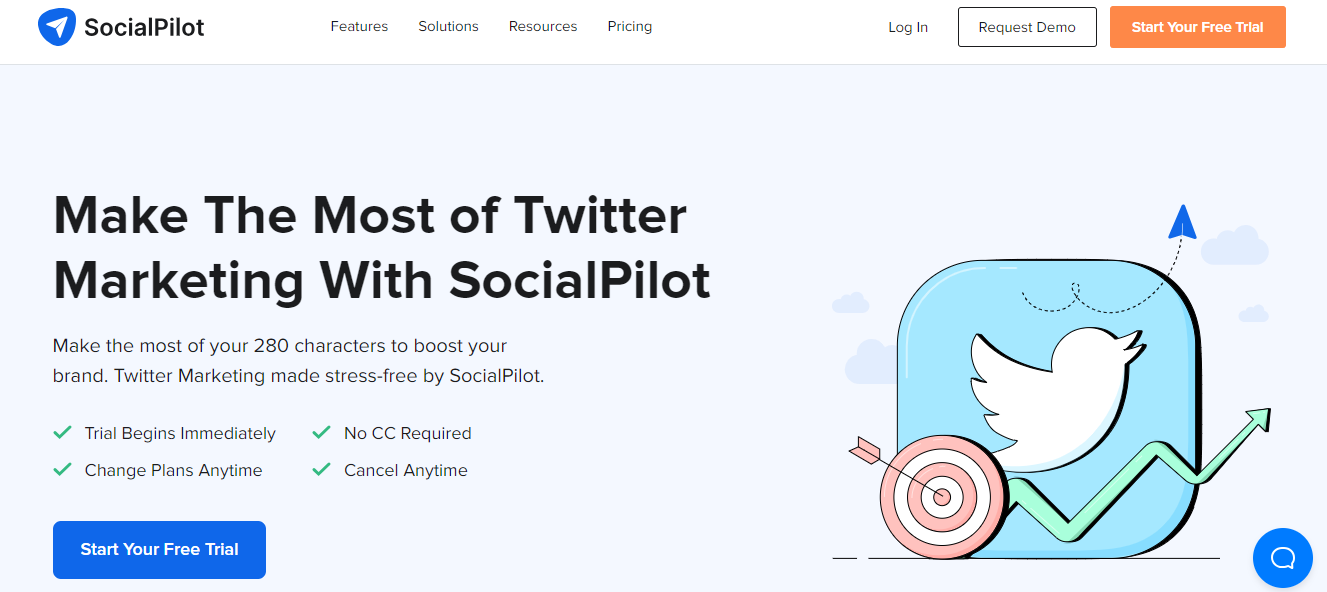
SocialPilot enables you to create and automate your social media posts.
Here, you can easily find topic ideas and quickly generate tweets and other social media posts. With its editor and bulk scheduler, you can plan your calendar and create custom posts for each social media channel.
You’ll get a mobile app and a browser extension to manage your accounts remotely, and Slack integration to send notifications to your team. You can also invite team members and assign them roles and access to handle client accounts.
Core Features
- Content creation.
- AI assistant.
- Scheduling and publishing.
- Calendar view.
- Social inbox.
- Team and client collaboration.
- Analytics.
- Integration.
- Mobile app.
Price
SocialPilot’s basic plan costs $30, and the agency plan costs $200. You can take a free trial.
11. Coschedule
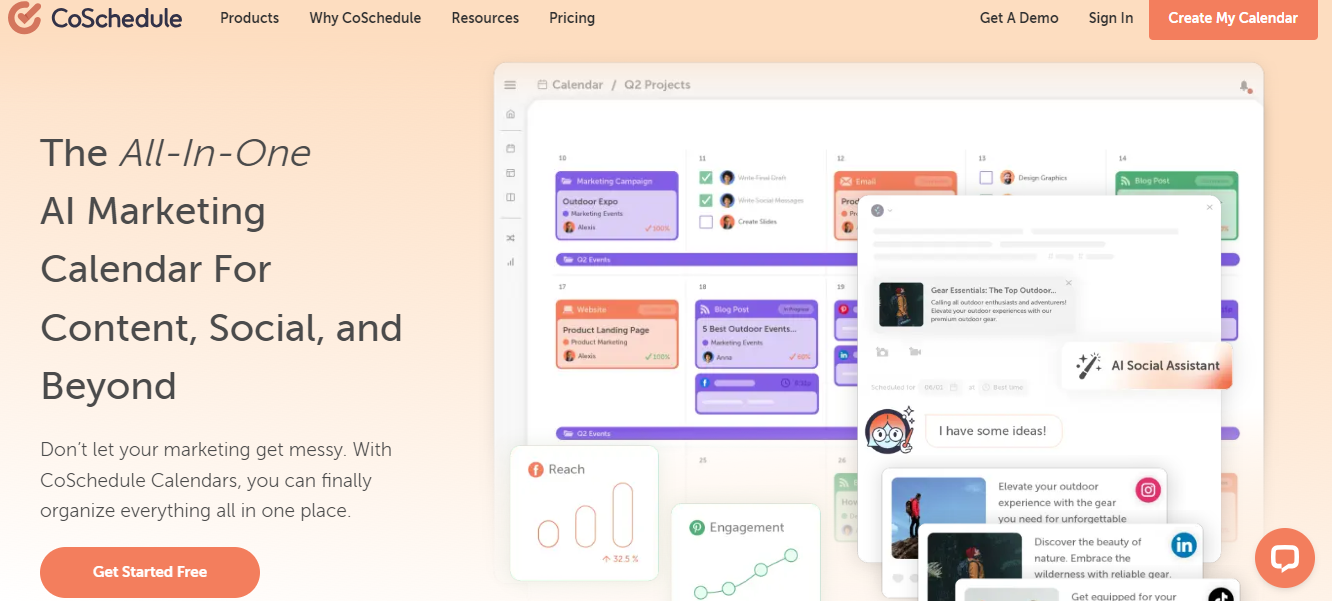
Coschedule is a content calendar app. It delivers publishing tools and Kanban boards to manage social media posts.
You can buy its calendar as a standalone product or get a marketing suite for the team. You’ll receive around 500 marketing prompts with an AI assistant to create social media content.
Campaign building, optimizing, and publishing features are all in the subscription plan. You can connect ten social channels to centralize your workflows and download its mobile app to schedule posts from your smartphone.
Core Features
- Social calendar with a customizable Kanban board.
- Content creation
- AI assistant.
- Post optimization.
- Bulk scheduling.
- Templates.
- Team management.
- Analytics.
- Mobile app.
Price
Coschedule’s basic plan is free, and the premium calendar costs $19.
12. Typefully
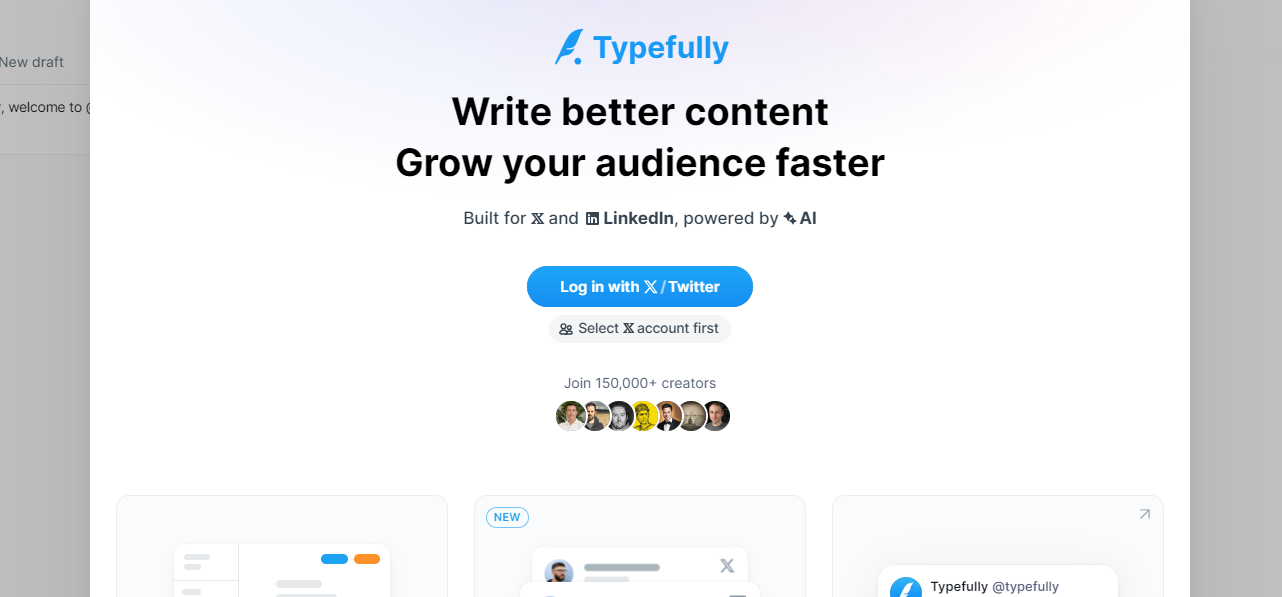
Typefully and Hypefury have several common features. Both provide Twitter scheduling and publishing tools, and both generate content ideas for tweets.
You can connect multiple Twitter accounts with Typefully and manage posts in a calendar. You can engage your audience directly from the dashboard and set your DM on autopilot to send quick responses.
With Typefully’s team collaboration, you can add members and share drafts with your staff. There’s no limit on the user number, and the controls are available to manage access.
Core Features
- Content ideas and tweet generation.
- Scheduling and publishing.
- Calendar view.
- DM automation.
- Audience engagement.
- Team collaboration.
- Analytics.
- Integration.
Price
Typefully plans range between $13 and $80. You can sign up for free.
13. RecurPost
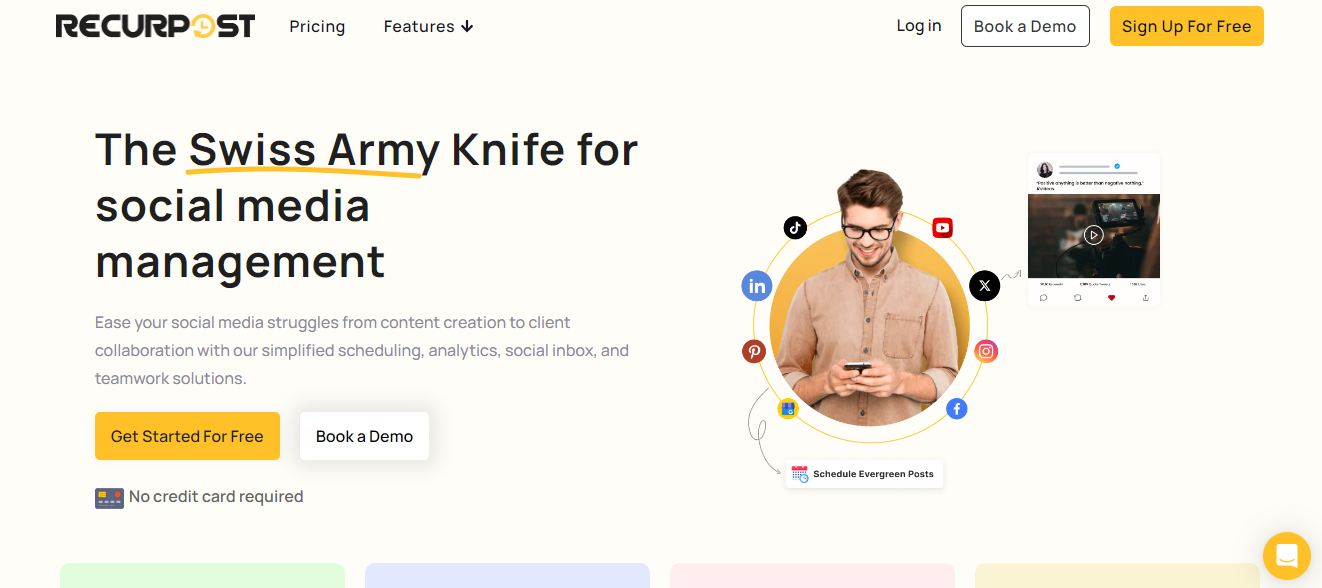
RecurPost has all the essential elements for Twitter management.
You can generate daily content ideas, plan and schedule multiple posts, recycle best-performing tweets, and manage comments from a social inbox. The content calendar on RecurPost is editable and shareable, making it easier to manage campaigns.
If you run a blog, you can convert your site content into a tweet and post it on your account. To manage a high volume, you can create workspaces and invite team members to assign tasks.
RecurPost supports several social channels and offers global coverage.
Core Features
- Content creation.
- AI writer.
- Social calendar and inbox.
- Scheduling and publishing.
- Recycle tweets.
- Blog import.
- Team collaboration.
- Integration.
Price
RecurPost charges $25 to $80 per month. You can take a free trial.
14. ContentStudio
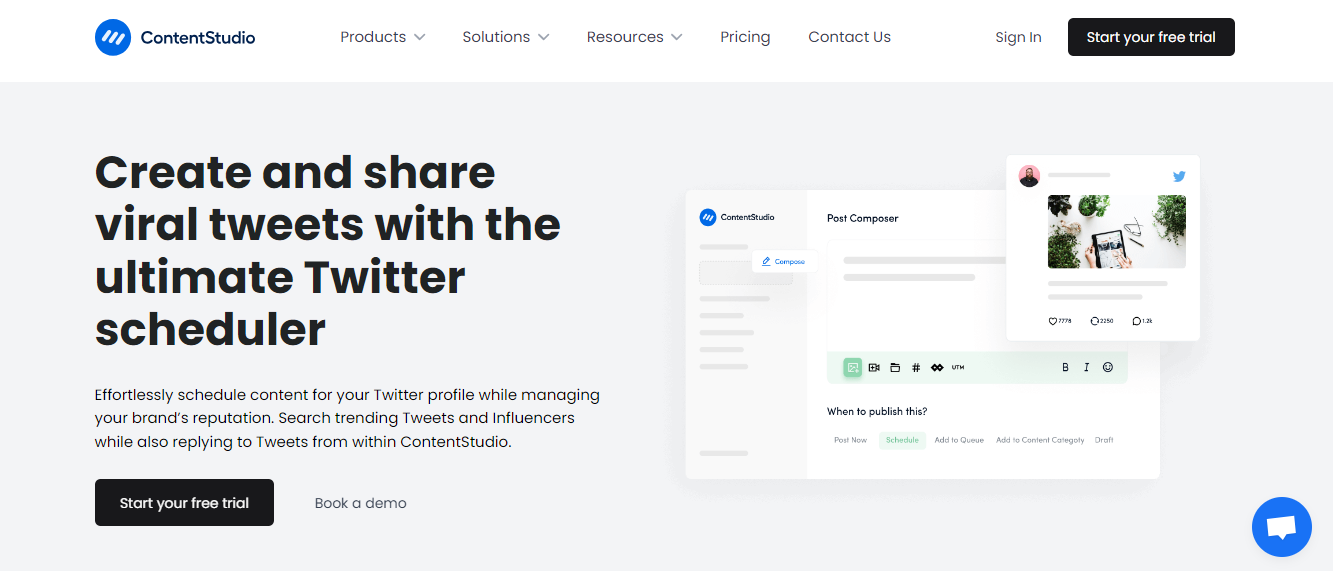
ContentStudio delivers a content generator, a scheduling tool, and a social inbox. You can use it to build your tweet calendar and engage your audience.
You’ll get several scheduling options in the package with a posting time recommendation feature to publish tweets at peak times. You can build separate workspaces for each brand and create a media library to store content.
The best feature of ContentStudio is the discovery tool. You can search Twitter influencers and trending topics to plan marketing campaigns.
Core Features
- Content creation.
- AI assistant.
- Social inbox and saved replies.
- Scheduling.
- Posting time recommendation.
- Discovery.
- Collaboration.
- Analytics.
- Integration.
- Mobile app.
Price
ContentStudio’s starter plan costs $25. You can take a free trial.
15. Fedica (Formally Tweetsmap)
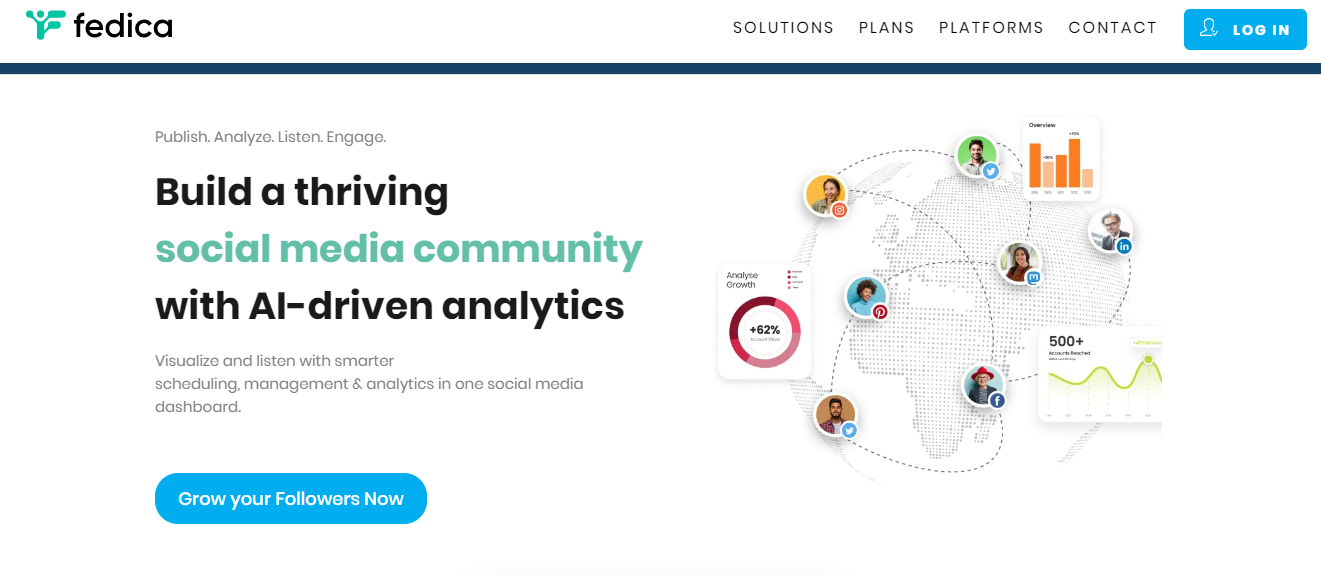
Fedica is a scheduling and analytics platform. It allows you to automate Twitter threads and posts, and measure audience engagement.
You can connect multiple social channels to Fedica and create a social calendar to automate your posts. Using analytics, you can categorize your target audience and monitor your followers.
Other notable features of Fedica are community building, influencer discovery, social listening, and content optimization.
Core Features
- Social calendar.
- Posts, threads, and polls.
- Hashtag suggestions.
- Audience segmentation.
- Follower tracking.
- Influencer discovery.
- Engagement.
- Listening.
- Community builder.
- Mobile app.
Price
Fedica’s basic plan is free, and the premium packages start at $10.
Conclusion
Hypefury’s core strength is Twitter management. It generates, publishes, and recycles your tweets so you can focus on your growth strategy.
Look for some of these features while shortlisting the apps. You can choose the software products based on their interface and automation.
Good luck!


 A better way to manage projects and clients for freelancers
 Get through busy days like a breeze with Reclaim.ai