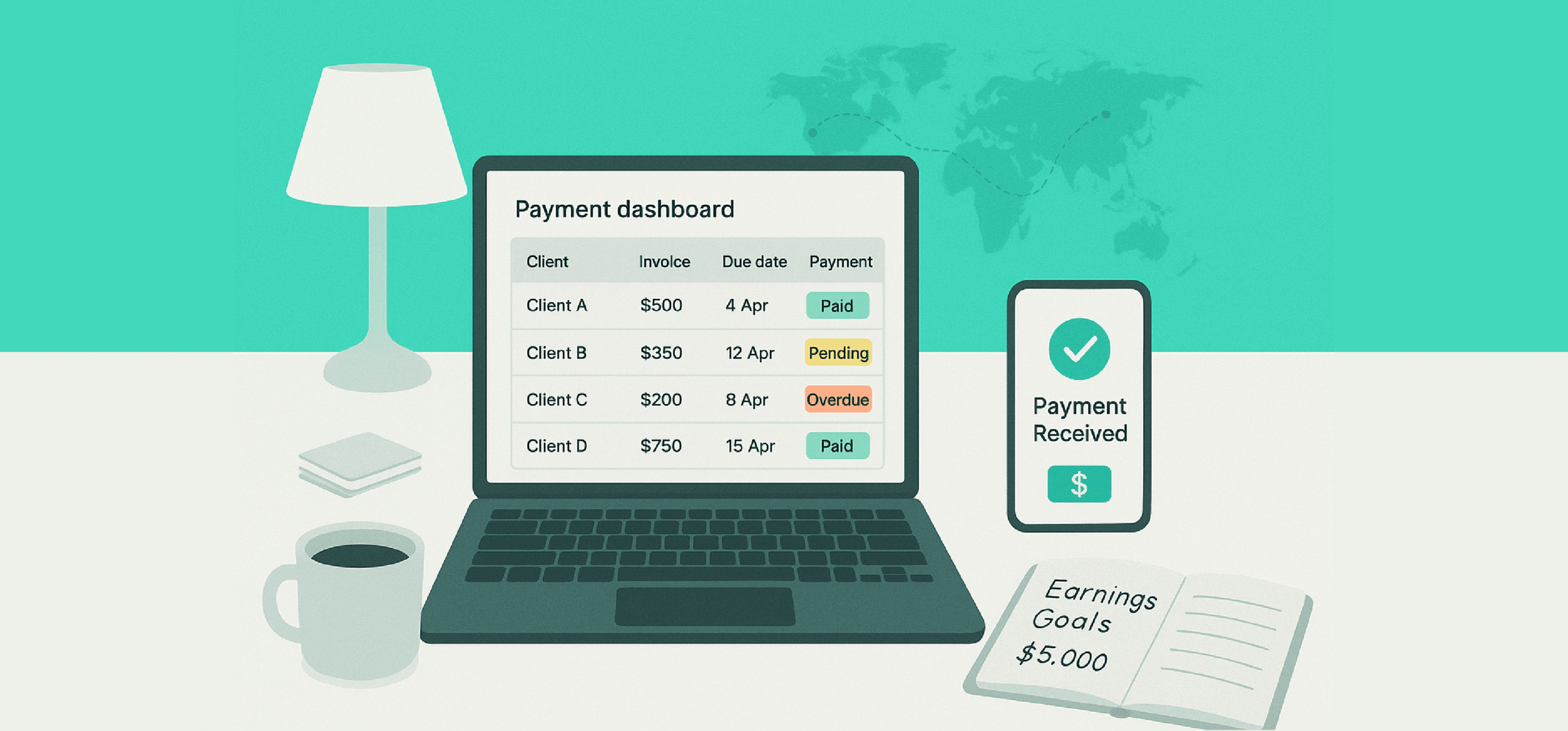
Freelancers typically rely on multiple payment methods to manage their transactions.
This gives them the freedom to distribute their risk and work seamlessly with clients who prefer different payment platforms.
But juggling multiple payment systems can put a strain on your workload.
You end up tracking each transaction manually and using various third-party apps to deal with administrative tasks.
A payment management tool can solve this particular problem.
It’s specifically designed to centralize and streamline your payments, reducing unnecessary admin work.
What Is A Payment Management Tool And What Platforms Are Best For Freelancers?
A payment management tool is an online app that helps you organize and track your finances.
It consolidates your invoicing, payments, and client management into a single place, making things a lot easier for you.
Top Feature To Look For In a Payment Management Tool
- Multiple payment modes.
- Invoicing and billing.
- Reminders and tracking.
- Client information.
Below I have shared the 12 best payment management tools that are perfect for freelancers.
The list includes client management apps, tracking tools, exclusive payment platforms, and accounting software.
1. PayPal
 PayPal is an international payment platform for freelancers.
It was one of the earliest digital platforms that introduced a global solution for independent contractors, making it the first affordable option for cross-border payments.
The app is easy to use and accessible to anyone. You can process both local and global payment routes through PayPal and keep track of everything.
All popular freelancer platforms, including Upwork and Fiverr, can be integrated with PayPal. You can also generate invoices for private clients and get paid via email and text.
If you are on a retainer, you can set up recurring billing as well. PayPal keeps a record of all pending and paid transactions.
Core Features
- Global payment gateway.
- Invoicing.
- Flexible payment options.
- One-time and recurring billing.
- Fraud protection.
- Payment history and tracking.
- Multicurrency support.
- Cross-platform.
Price
You can create a free account on PayPal. It charges transaction fees.
Best for:
International transactions from overseas clients and marketplaces like UpWork.
Not ideal for:
Large-scale transactions and refunds.
Payment types supported:
Credit and debit cards, bank transfer, and PayPal balance.
2. Payoneer
Payoneer is an alternative to PayPal.
It covers the Asian market, offering global payment services to freelancers.
You can receive payment from both freelancer marketplaces and private clients. Tracking IDs are built into the system to help you monitor your transactions.
You can access around 190 countries and get paid with minimal fees. With its integrated invoicing software, you can generate quick invoices for clients.
If you outsource some of your work to other contractors, you can send their cut to their local accounts as well. Payoneer also lets you pay others through your Payoneer balance, credit card, or direct bank transfer.
Core Features
- Flexible payment receiving methods.
- Invoicing software.
- Contractor and supplier payment option.
- Global access.
- Multi-currency support.
- Transaction tracking.
- Integration with marketplaces.
- Mobile app.
Price
Payoneer’s account is free for freelancers. The platform charges transaction fees.
Best for:
Freelancers residing in the Asia region.
Not ideal for:
Local and high-volume transactions.
Payment types supported:
Local bank transfer, Payoneer balance, and third-party marketplaces.
3. WISE
WISE is ideal for both personal and professional payments.
You can send and receive money from peers, get paid for services rendered, and send payments to contractors. WISE operates in 170+ countries and allows multi-currency transactions.
Apart from payment transfer, WISE also offers several finance management features.
For example, if you subcontract your work, you can issue debit cards to your team for ad hoc expenses. You can set up an approval workflow to manage the cash flow and add permission levels to control access.
There’s another feature that lets you earn a return on your freelance income. It’s incredibly flexible and doesn’t affect your withdrawals.
Core Features
- International payment.
- Personal and business transactions.
- Contractor payment.
- Debit card.
- Tracking.
- Interest on earnings.
- Accounting software integration.
- Mobile app.
Price
WISE is free for freelancers. It charges for transactions and other financial services.
Best for:
Freelancers working with overseas subcontractors.
Not ideal for:
Local transfer and mass payouts.
Payment types supported:
Multicurrency transactions, bank transfer, credit and debit cards, and WISE balance.
4. Stripe
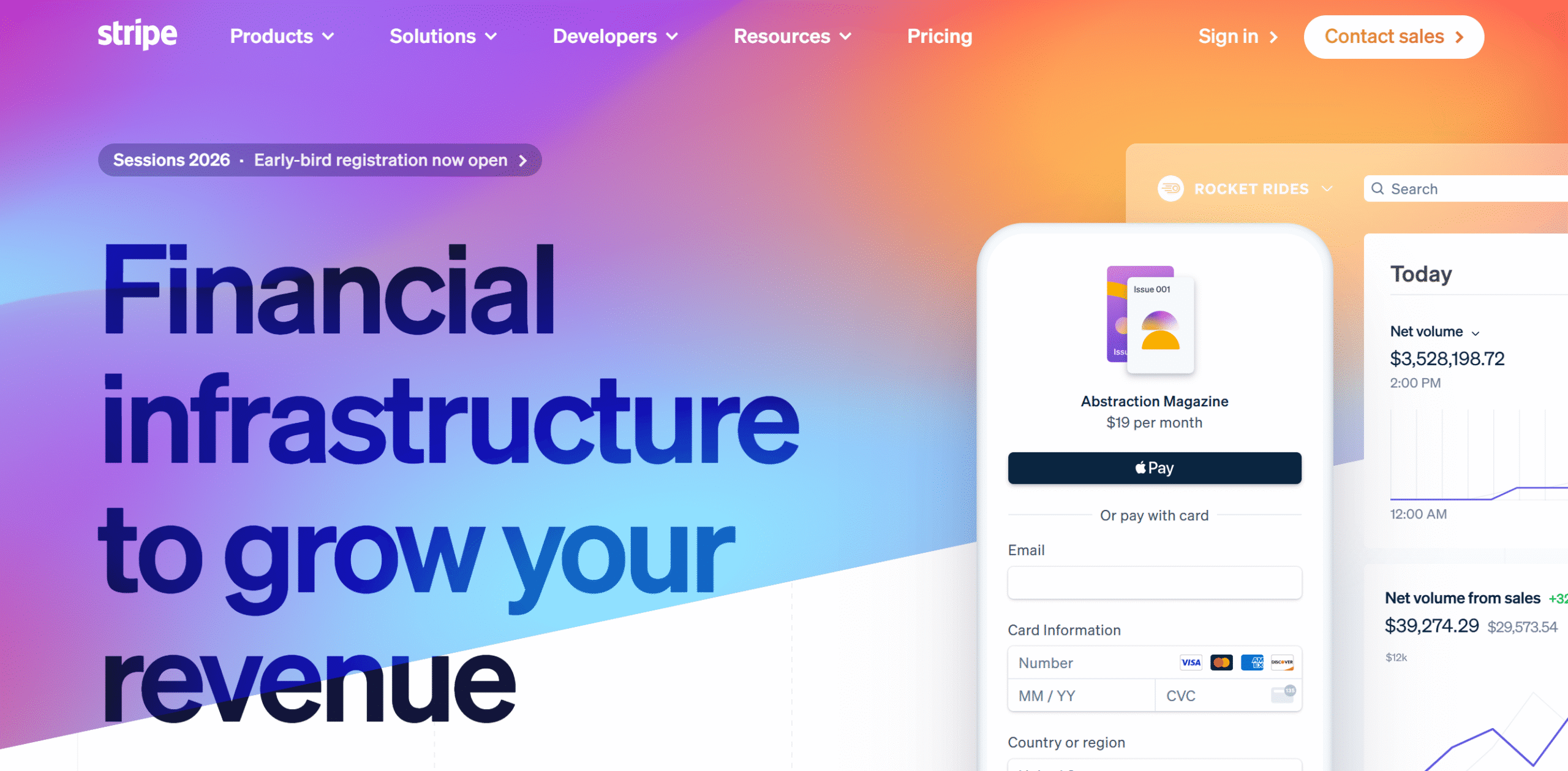
Stripe is a go-to payment method for small businesses, but it’s also a good option for freelancers residing in the western region.
The platform enables you to conduct in-person and online transactions and receive payments in 195+ countries.
You can use multiple ways to get paid, including credit card transactions, and also record your taxes. If you have a website, you can embed the Stripe option and get paid directly through your site.
Invoicing software is available as well. You can automate the billing and receive recurring payments.
Core Features
- Local and global payments.
- Invoicing.
- Website integration.
- Flexible payments.
- Receive and send.
- Multi-currency support.
- Compliance and fraud protection.
- Credit card transactions with retries.
- Integration.
- Mobile app.
Price
Stripe charges 2.9% + 30¢ per transaction.
Best for:
Freelancers running their own website for clients and payment management.
Not ideal for:
Freelancers who earn from third-party marketplaces.
Payment types supported:
Credit and debit cards, digital wallets, bank transfer, and international transactions.
5. Wave
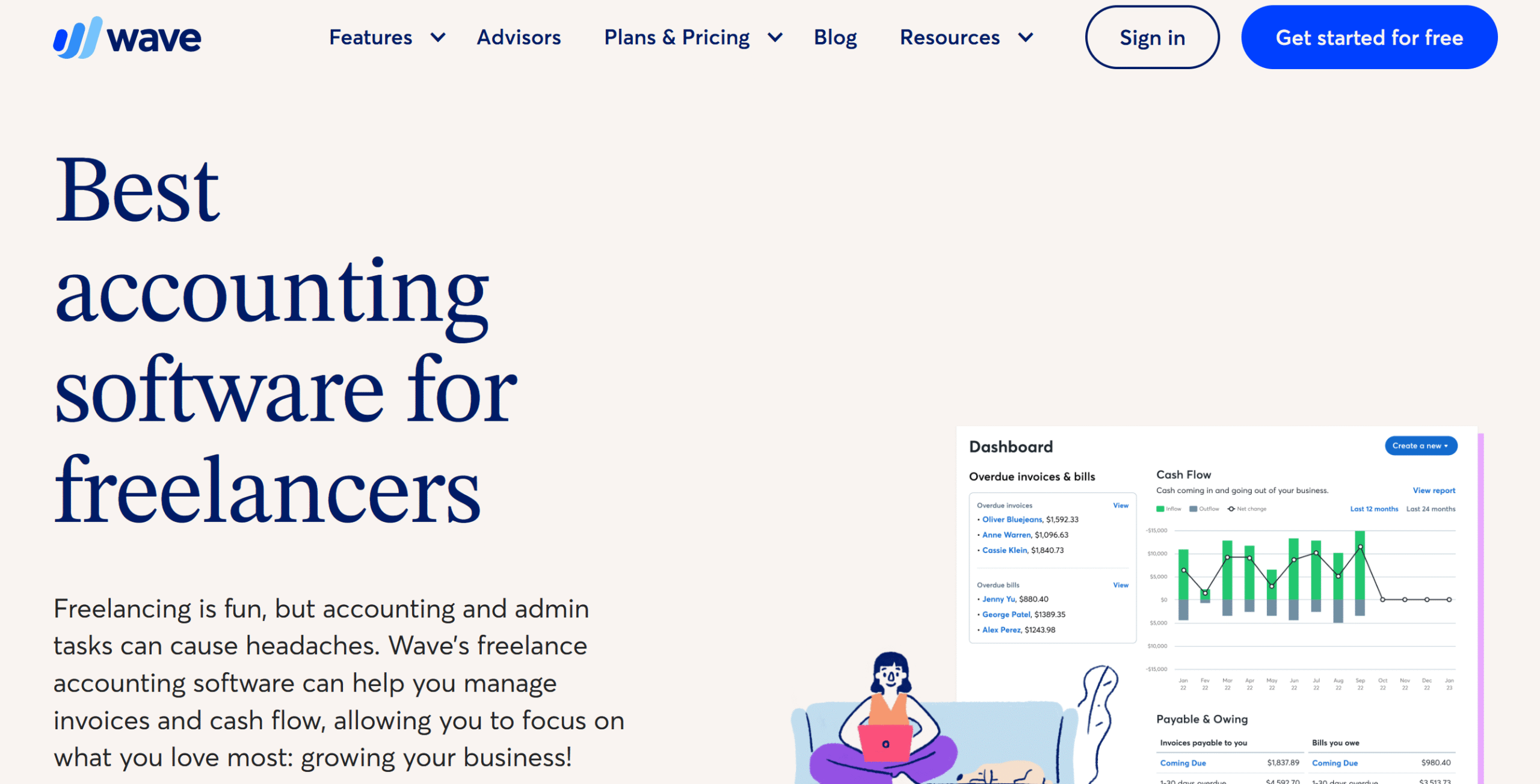
Wave is accounting software for solopreneurs and freelancers.
It provides an integrated payment system and money management tools, giving freelancers the flexibility to handle their bookkeeping and finances from one place.
Here, you can store your client information, generate professional invoices, get paid via multiple methods, and track your income and expenses. You can manage both one-time and recurring payments and set up some automations to save time.
A mobile app is part of the package for your convenience. You can create quick invoices from your smartphone and monitor financial activities remotely.
Wave also has a project estimate feature. You can calculate tentative project costs to collect upfront payments from clients.
Core Features
- Invoice generation.
- Project estimates.
- Flexible payments.
- Reminders.
- Income and expenses tracking.
- Client data.
- Reporting.
- Cross-platform.
- Integration.
Price
Wave’s basic plan is free, and the premium package costs around $10 per month.
Best for:
Freelancers who want an integrated bookkeeping and payment system.
Not ideal for:
Large-scale and international payments.
Payment types supported:
Credit and debit cards, bank transfer, and digital wallets.
6. Paymo
Paymo provides project and payment tracking in one app.
With this tool, you can create estimates, track your tasks, generate invoices, and get paid online.
You can get started for free on Paymo and test its basic features.
On its premium subscription, you’ll get unlimited clients, time-tracking tools, one-time and recurring invoices, and kanban boards.
The payment button is integrated into your invoices for fast payments. Your clients can pay you through credit card and ACH.
Team collaboration is also available if you subcontract your work. You can assign projects, track their progress, and generate timesheets.
Core Features
- Invoices and estimates.
- Clients and projects.
- Project profitability.
- Task management.
- Time and expense tracking.
- Online payments.
- Recurring invoices.
- Team collaboration.
- Cross-platform.
- Integrations.
Price
Paymo charges around $10 for the solo package and $16 to $24 for the team package. The basic plan is free.
Best for:
Freelancers who offer project-based services.
Not ideal for:
Freelancers looking for a simple payment gateway.
Payment types supported:
Credit and debit cards, and bank transfer.
7. Zoho Invoice
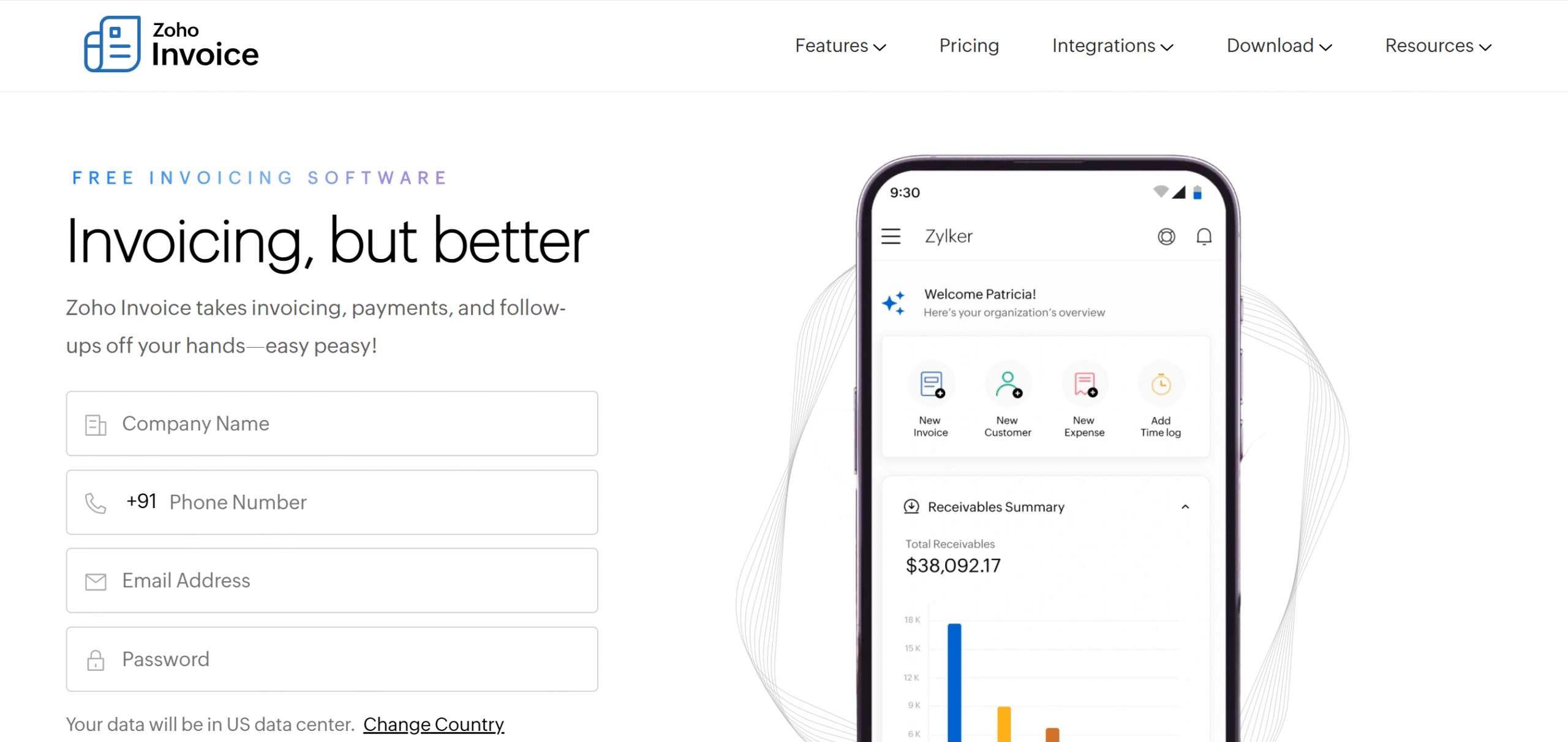
Zoho Invoice is decent software for payment management.
You can use it to generate taxable invoices and offer multiple payment options to your client.
It also has a good system for refunds. If you take upfront payments, you can issue a credit note to adjust extra deposits.
The software has several other helpful features to optimize your payment workflow.
You can create project estimates, record your expenses, generate recurring invoices, and set up payment reminders.
If your client requests any ad hoc projects, you can generate quick payment links and receive the payment separately for that particular project.
For clients, Zoho provides an online portal. You can upload estimates, invoices, and documents there and get approvals and payments without back-and-forth emails.
Core Features
- Invoices and estimates.
- Flexible payments and refunds.
- Recurring invoices.
- Time and expense tracking.
- Reminders.
- Client portal.
- Reports.
- Cross-platform.
- Integrations.
Price
You can try Zoho Invoice for free. For the paid subscription, contact sales.
Best for:
Freelancers who are looking for an invoicing software with an integrated payment and tax management system.
Not ideal for:
Simple payment transactions.
Payment types supported:
Credit and debit cards, payment gateways, and bank transfers.
8. Invoice Ninja
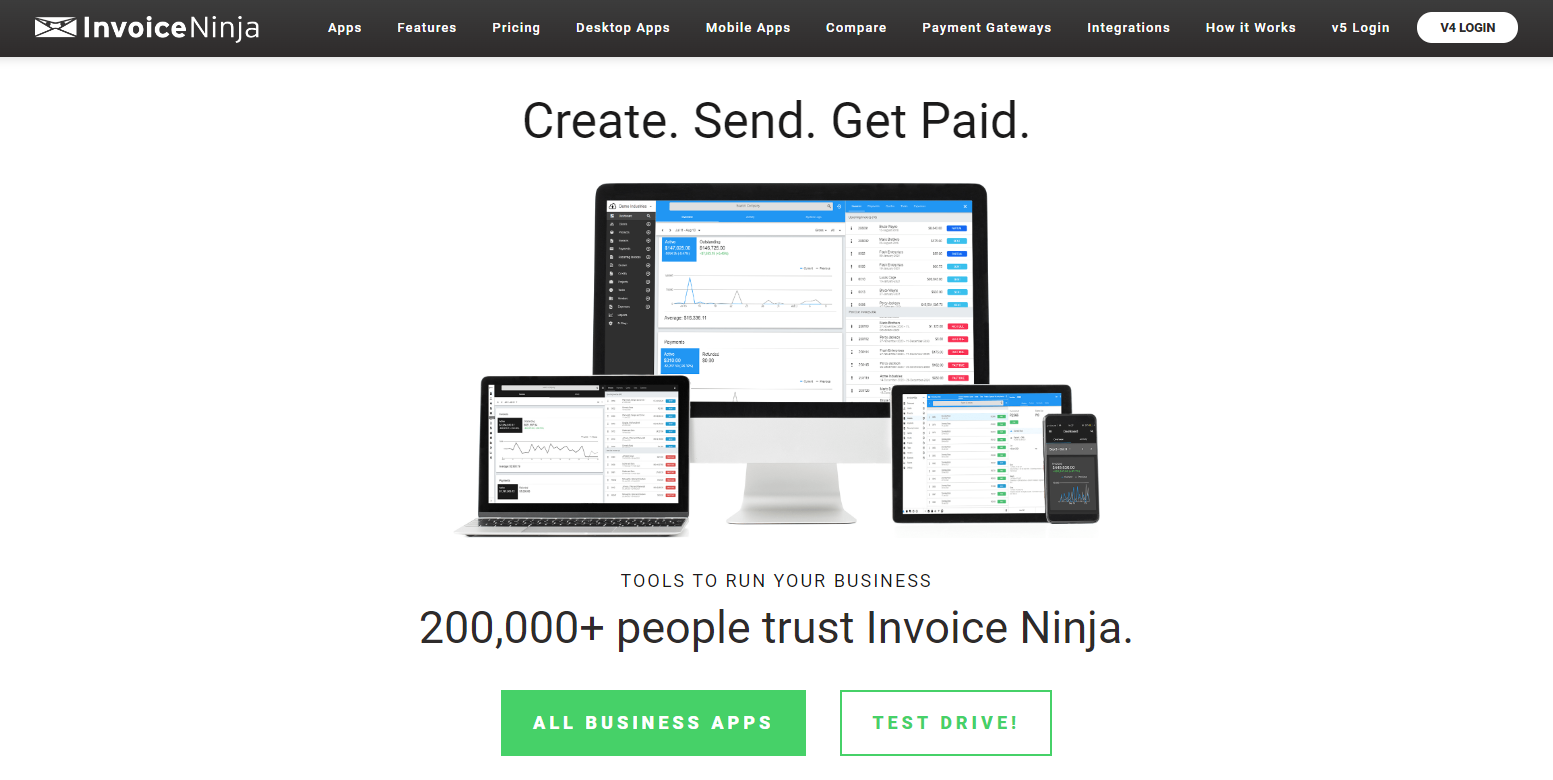
Invoice Ninja is also a good payment management tool for freelancers.
It has everything you need to handle clients and payments.
Core capabilities of Invoice Ninja include project estimates, billing, online payments, and expense tracking. You can set up auto-payments and receive alerts when your clients open and pay invoices.
Full and partial payments, upfront deposits, and recurring invoices are all available on Invoice Ninja. Some project management features are also built into the system to track your jobs.
You can easily create branded invoices and integrate a signature option for approval.
Invoice Ninja has some templates to help you get started.
Core Features
- Quotes and invoices.
- Flexible payment options.
- Project and expense tracking.
- Full and partial payments.
- Automated alerts.
- Client portal.
- Multi-currency support.
- Customization.
- Cross-platform.
- Integrations.
Price
Invoice Ninja charges $12 to $16 per month. The starter plan is free.
Best for:
Freelancers who are looking for a payment management tool with time tracking and project management features.
Not ideal for:
Freelancers who want a robust payment management system.
Payment types supported:
Credit and debit cards, payment gateways, bank transfers, crypto, and partial payments.
9. Hiveage
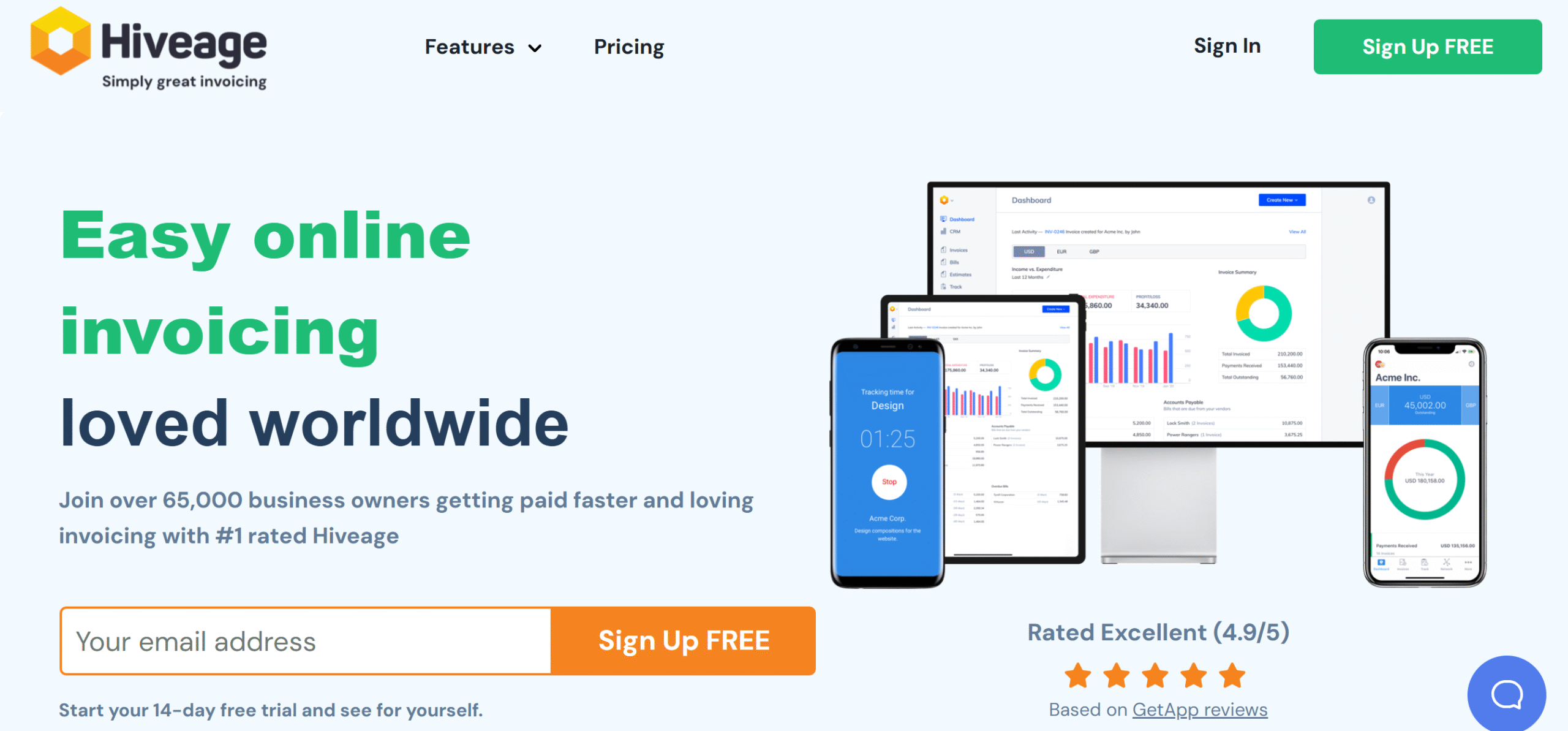
Hiveage is simple, flexible, and affordable.
You can manage up to 50 clients for $19 per month and easily receive payments from customers.
There’s no limit on the invoices, estimates, and time tracking. Hiveage charges by client and premium features, allowing you to send invoices and get paid even on the free plan.
Hiveage supports over a dozen payment gateways.
You can get paid via debit card, credit card, and digital wallets.
These gateways are integrated into your invoice software, simplifying the entire process. You can also offer partial and offline payment options to customers.
One more thing. The app has a built-in financial reporting section. You can view your outstanding invoices by client and share the report with them.
Hiveage works well on both desktops and mobile phones.
Core Features
- Estimates and invoices.
- Multiple payment methods.
- Partial and full payments.
- Time and expense tracking.
- Recurring invoices.
- Reporting.
- Cross-platform.
- Integrations.
Price
Hiveage monthly subscriptions range between $19 and $49. The basic plan is free.
Best for:
Freelancers with multiple clients, looking for a user-friendly setup.
Not ideal for:
Large-scale or complex payment workflows.
Payment types supported:
Credit and debit cards, payment gateways, and bank transfers
10. Bonsai
Bonsai is comparatively more versatile.
It’s a client management platform with both customer and financial management capabilities.
Some of the things you can do on Bonsai include project estimates, time tracking, invoicing, and online payments. You’ll get templates for estimates and invoices and a client portal to connect with customers.
An entire CRM is built in to manage clients. You can centralize all your client information, store agreements and documents, create deal pipelines, and schedule meetings.
Third-party integration is also available on Bonsai. You can connect your accounting software to sync financial data and use its reporting charts to forecast your revenues.
Core Features
- Estimates and invoices.
- Credit card and ACH payments.
- Time and expense tracking.
- Recurring invoices.
- Project management.
- CRM.
- Reporting.
- Multi-currency support.
- Cross-platform.
- Accounting software integration.
Price
Bonsai prices range between $15 and $59 per month. You can try it for free.
Best for:
Freelancers who want a full-fledged client management software.
Not ideal for:
Emerging freelancers with basic payment requirements.
Payment types supported:
Credit and debit cards, bank transfers, and payment gateways.
11. HoneyBook

HoneyBook, like Bonsai, is a CRM for freelancers and small businesses.
You can use it for proposals and contracts, invoicing, online payments, and client management.
HoneyBook also has a calendar management function that lets you share your availability with clients and organize meetings.
With its AI and automation capabilities, you can simplify some of your workflows to communicate with clients efficiently.
What I liked about HoneyBook is its financial section.
You can get paid via credit card, bank transfer, and digital wallets, and turn on auto-pay to receive funds on time.
Once you receive the payment, you can automatically save a small portion of each transaction for expenses, taxes, and other things. It’s a plus point, in my opinion.
Core Features
- Proposals and contracts.
- Invoicing.
- Flexible payments.
- Scheduling.
- Money management.
- AI and automation.
- Reporting.
- Client portal.
- Cross-platform.
- Integrations.
Price
HoneyBook starter plan costs $29 per month. You can try it for free.
Best for:
Freelancers who want to manage their proposals, clients, invoices, and payments from one place.
Not ideal for:
Emerging freelancers with basic payment requirements.
Payment types supported:
Credit and debit cards, bank transfers, and digital wallets
12. Harvest
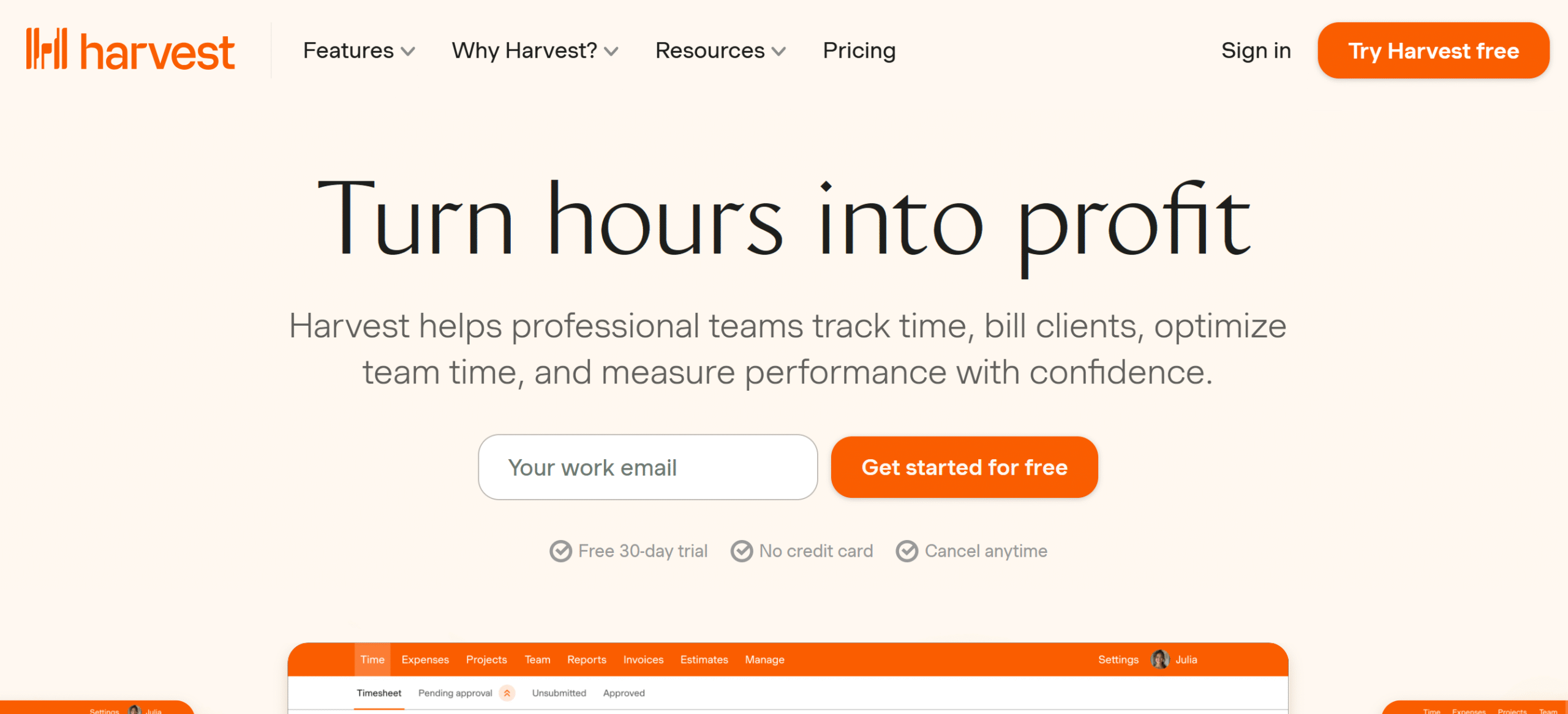
Harvest is incredibly simple and convenient.
It’s an invoicing app via which you can log billable hours and get paid online.
Top notable features of Harvest include project estimates, time and expense tracking, invoicing, and reminders. You can attach expense receipts to your invoices and embed a PayPal or Stripe option to receive direct payments from clients.
The free plan is specifically built for emerging freelancers to help them establish their business. You can manage two projects for free and track time from your smartphone.
Harvest can be integrated with over 50 third-party applications.
Core Features
- Project estimates.
- Time and expense tracking.
- Accounting and payment integration.
- Invoices.
- Reminders.
- Reporting.
- Calendar syncing.
- Team collaboration.
- Cross-platform.
Price
Harvest charges around $14 to $18 per month. The starter plan is free.
Best for:
Hourly basis payment workflows.
Not ideal for:
Freelancers who need full-fledged client management software.
Payment types supported:
Credit cards and debit cards, payment gateways, and bank transfers.
Conclusion
As a freelancer, it’s important to choose a platform that truly fits your business.
If a simple payment gateway like PayPal works for you, by all means, go for it.
If you need more support, pick more versatile apps, like Paymo or HoneyBook.
I recommend exploring a few tools and comparing their systems to see which one meets your specific requirements better. Good luck!
FAQ
1. What is a payment management tool for freelancers?
A payment management tool is an online app that helps you process client payments and track your finances.
2. Do freelancers need payment management software?
Yes. With payment management software, freelancers can generate invoices, receive payments, and track transactions more efficiently.
3. What is the best payment tool for international freelance payments?
For international clients, PayPal, Payoneer, and WISE are the best options. For client management, invoicing software, and CRM are ideal tools.
4. Can payment management tools handle taxes and invoices?
Yes. Most payment management tools can handle basic invoices and taxes.


 A better way to manage projects and clients for freelancers
 Get through busy days like a breeze with Reclaim.ai