WhatConverts and CallRail are designed for marketing agencies and businesses to track and attribute leads.
They show where your leads come from and which channels drive more conversions.
If you are considering both WhatConverts and CallRail for lead tracking, I have compared their core functions and pricing to highlight what sets them apart.
Let’s explore them.
What Is WhatConverts?
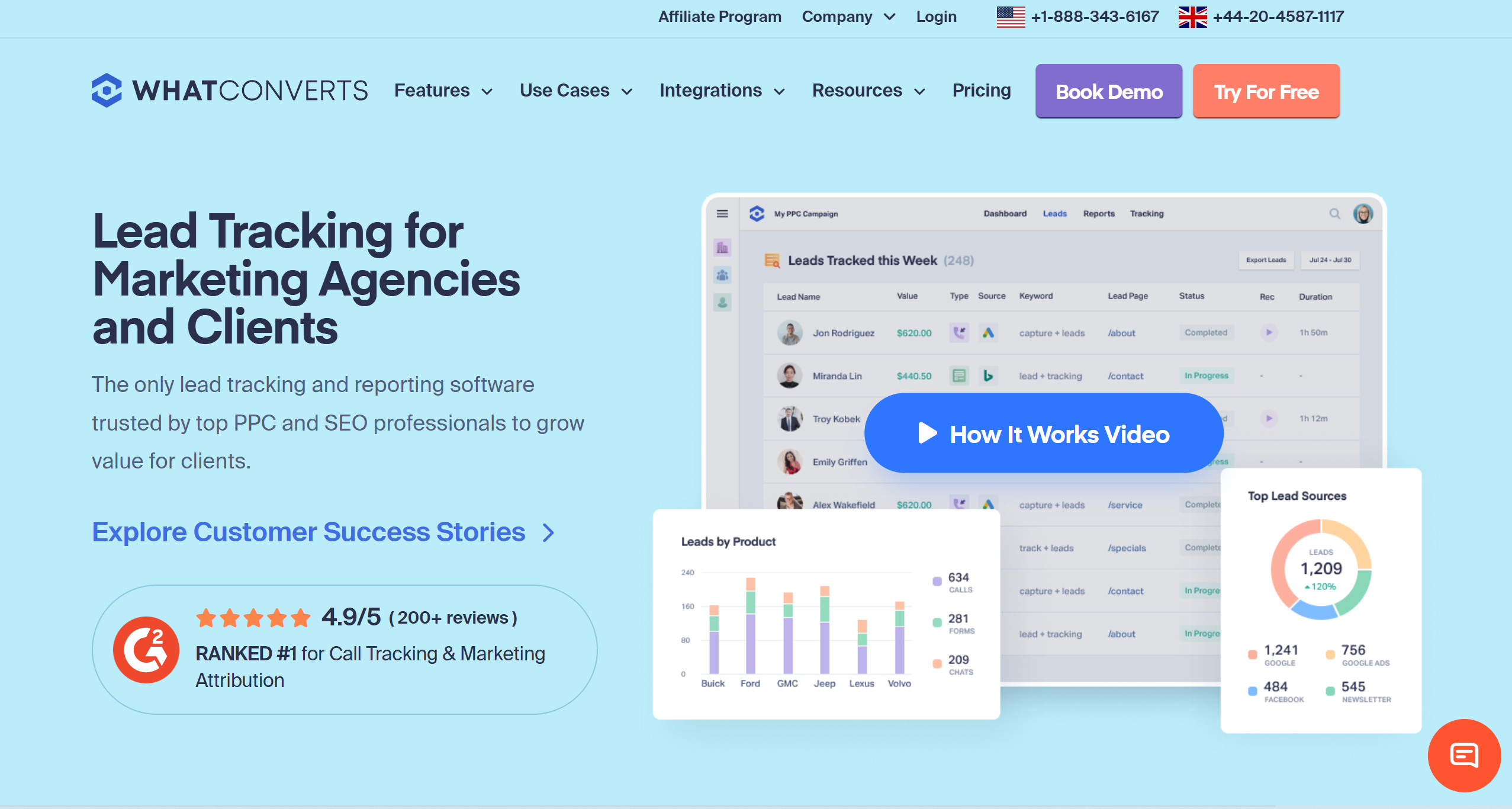
WhatConverts offers a multi-channel lead tracking and management solution.
With this tool, you can track your calls, forms, website, and sales.
Not only that, but you can also manage your leads and integrate third-party apps to streamline your workflows.
What makes WhatConverts stand out is its funnel-tracking capabilities.
It isn’t just a lead tracking app. It evaluates your marketing performance and tells you which channels or campaigns are driving more revenue.
Basically, you can find out whether you’re getting a good return on your investment.
You can use WhatConvert on your desktop, mobile phone, Windows, and Mac. It’s web-based and works seamlessly on any device.
Here Are The Core Features Of WhatConverts
- Call and text tracking.
- Form, chat, and e-commerce tracking.
- Multi-click attribution.
- Lead filter and management.
- Call routing.
- Marketing intelligence.
- Real-time reporting.
- White label.
- Third-party integrations and API.
- Cross-platform support.
What Is CallRail?
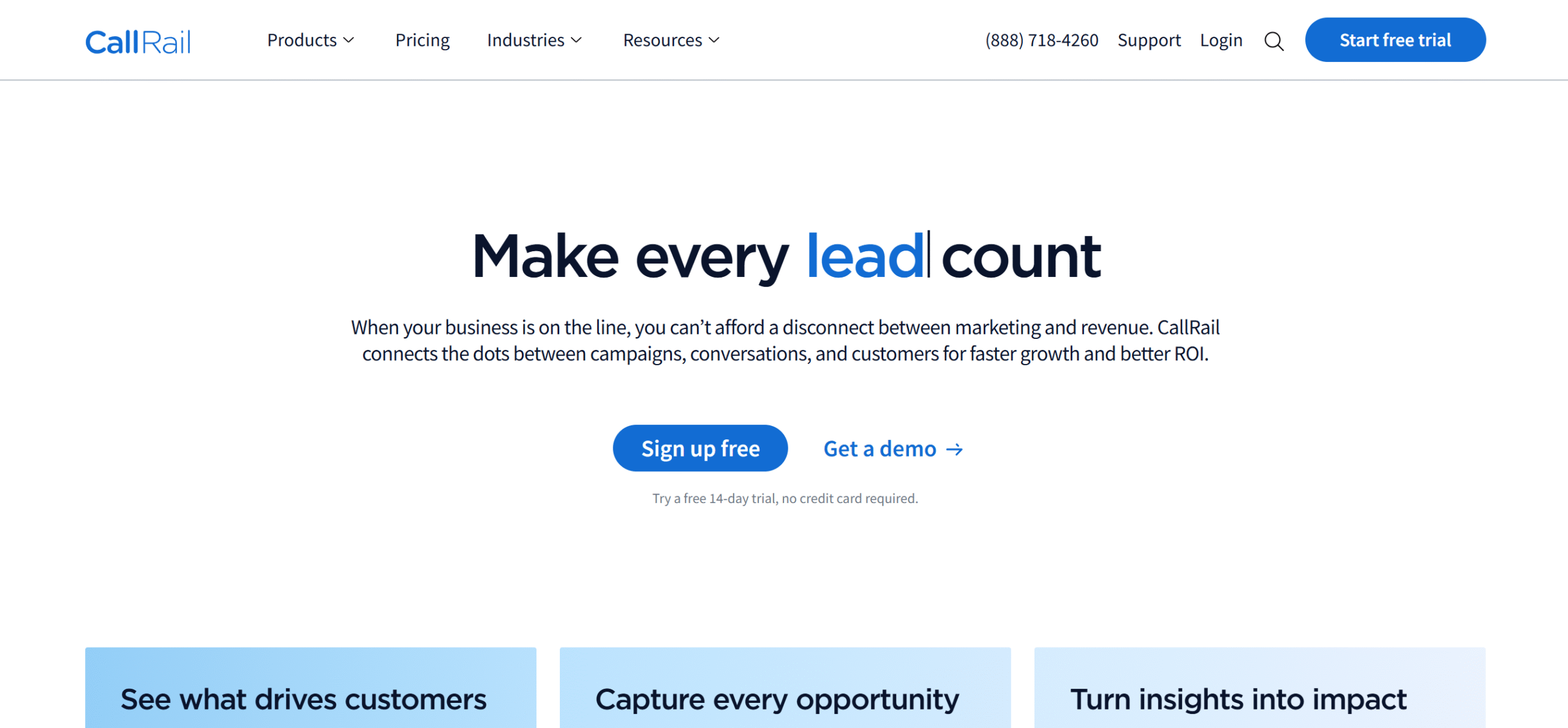
CallRail is also a lead tracking app, but it primarily monitors call-based leads.
The software records conversions and connects leads to your marketing campaigns.
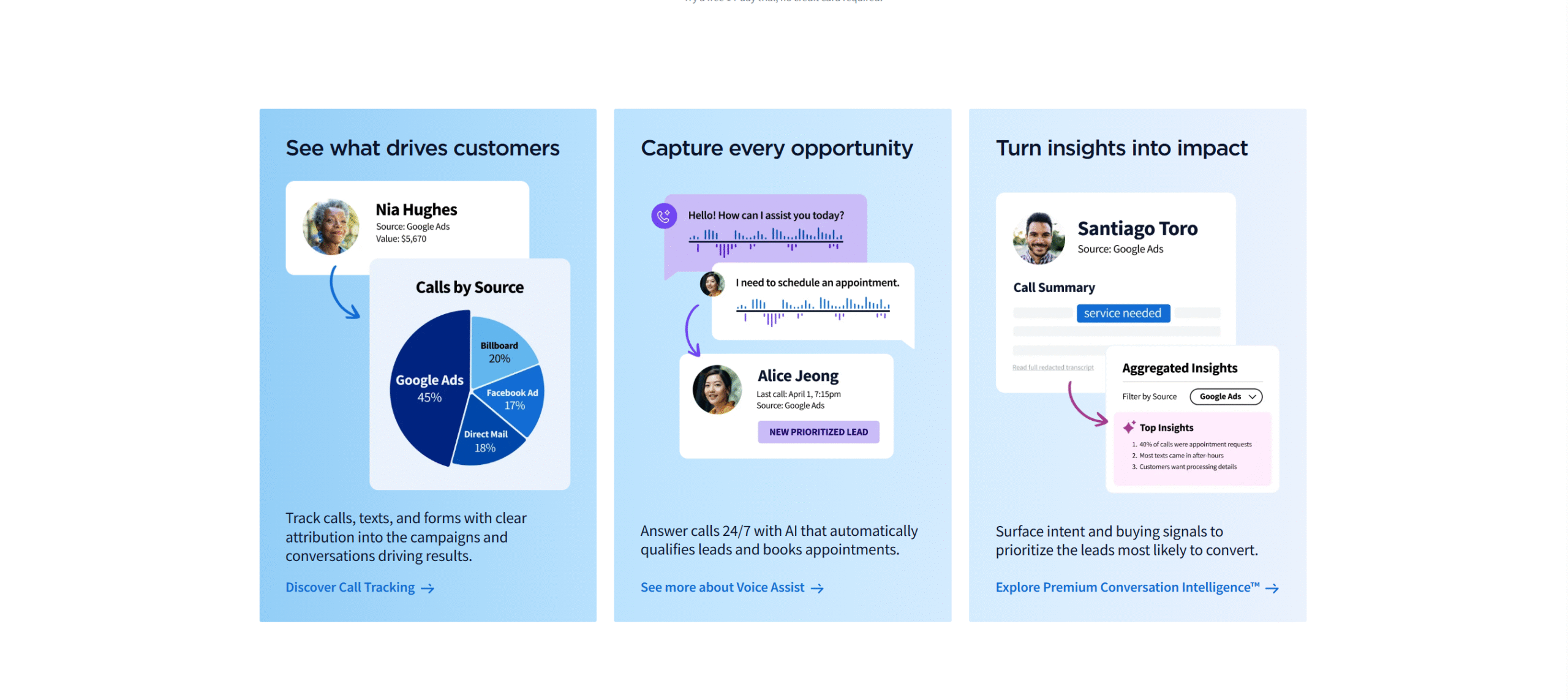
With CallRail, you can see where most calls are coming from, analyze those calls to identify qualified leads, and help sales teams convert leads into customers.
Form tracking and multi-touch attribution are also built into the system, but they aren’t its core strength. You can, however, use its integration to build better marketing flows.
One of CallRail’s best features is its AI assistant. It has a powerful AI system that spots opportunities and offers suggestions to improve conversions.
Overall, it’s a decent app for businesses that rely heavily on calls to generate leads.
Here Are The Core Features Of CallRail
- Call and form tracking.
- Call and text attribution.
- Call recording, routing, and analysis.
- Conversion intelligence.
- AI and automation.
- Reporting.
- Third-party integration.
- Cross-platform support.
WhatConverts vs. CallRail–Feature Comparison
Let’s take a look at WhatConverts and CallRail’s core functions.
I have compared their lead tracking and management tools, analytics, integration capabilities, and pricing.
1. Lead Tracking
Lead tracking tools record all your brand interactions and track them back to the source.
Whether it’s a phone call, form submission, or live chat, you can capture your lead’s journey with these tools.
Let’s check out the lead tracking capabilities of WhatConverts and CallRail.
WhatConverts
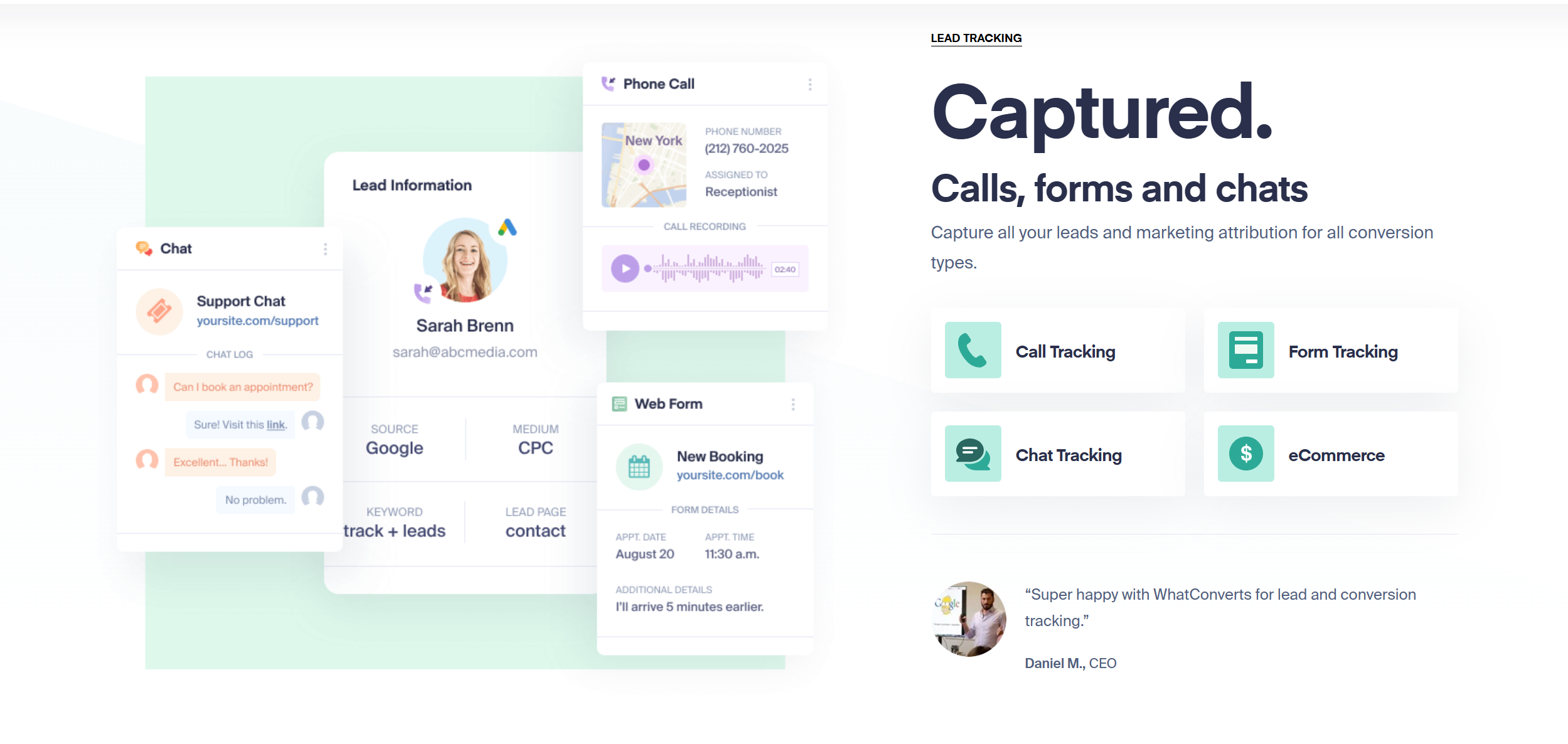
Lead tracking is WhatConvert’s core function. The software scans multiple marketing channels and tracks all types of inbound leads.
You can capture your web calls, opt-in forms, chat conversations, emails, and online purchases. WhatConverts provides tracking codes and dynamic numbers to help you trace your leads.
To summarize, WhatConvers tracks almost every channel your lead might use to reach out and shows the source of your leads.
CallRail
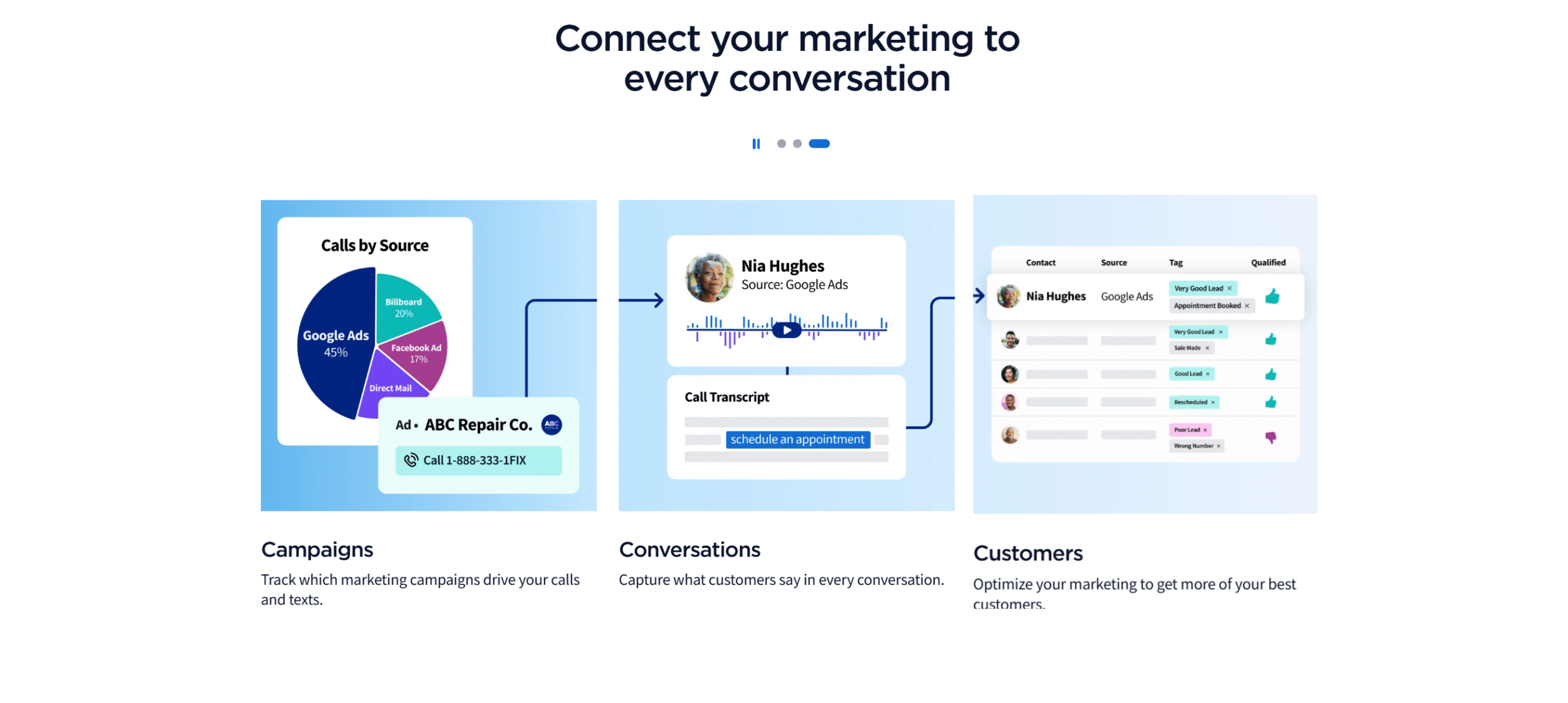
CallRail tracks your calls, texts, and webforms.
You can capture calls from your marketing ads and website, record SMS conversations, collect data from your opt-in forms, and monitor website visitors.
The form tracking is pretty basic, but the call and text features are powerful.
You can add unique numbers to each channel for better tracking and add dynamic numbers to improve your visitors’ experience. You can also assign separate phone numbers to each campaign to know whether your leads come from Google or Facebook Ads.
Verdict
WhatConverts’s lead tracking is more versatile.
Unlike CallRail, it monitors five different marketing channels and tracks both native and third-party forms.
CallRail’s strength lies in call and text monitoring.
While WhatConverts also offers call tracking, it doesn’t track SMS like CallRail. So, if text is your main marketing channel, CallRail is perfect for you.
2. Lead Management
Lead management refers to organizing, qualifying, and tracking leads.
If your software has a lead management system, it can store all your captured leads in one place for analysis and follow-up.
WhatConverts and CallRail both can store and organize captured leads. Their approach is a little different, but both can maintain structured lead data.
Here’s a summary of their lead management capabilities.
WhatConverts

When WhatConverts captures your leads, it doesn’t just turn them into a simple list. It centralizes all your leads data and provides filters to organize them.
Meaning, you can filter out unrelated leads and create groups to classify your target audience.
That’s not all. You can also assign a value to each lead to measure your ROI.
I do want to point out that WhatConvert is not a CRM. It does have several client management features, but it only prepares the lead data for your sales pipelines.
Think of it as a bridge between lead tracking and CRM.
CallRail
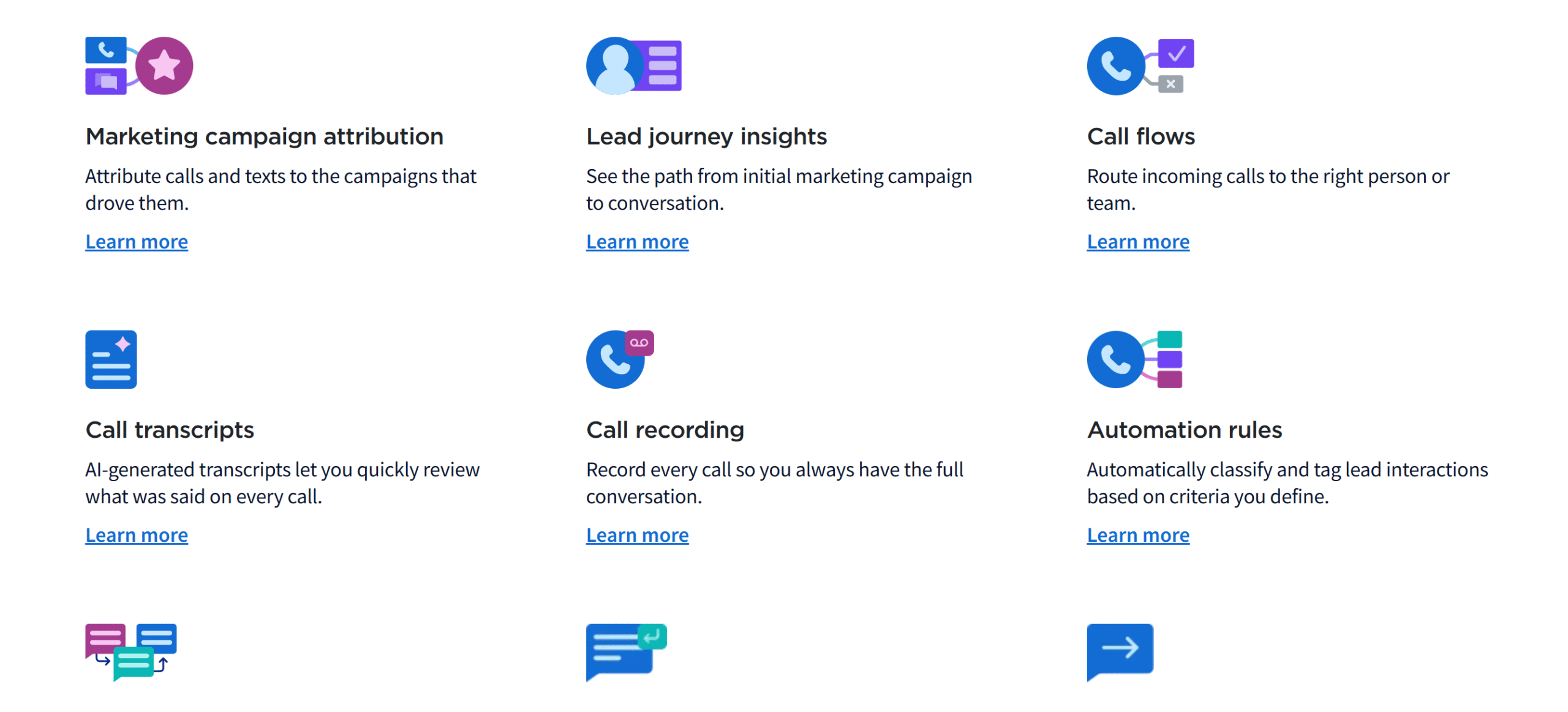
CallRail mainly focuses on conversation management.
While it has all the essential features for lead management, they are tailored for sales teams.
Let me explain its lead management function.
You’ll get a central inbox to collect all your leads (or conversations) and collaboration tools to assign leads to your team. You can use labels and filters to convert your leads into contacts, so your team can easily check history for context.
You can also let team members respond to calls and texts from CallRail.
This is actually one of CallRail’s unique features. You can not only organize your leads but also engage them.
Verdict
WhatConverts and CallRail both have excellent lead management features. They can organize, categorize, and send leads to your CRM efficiently.
If you compare their lead management features based solely on their flexibility, however, WhatConverts has a slight edge due to its diversity.
CallRail, no doubt, handles calls and texts efficiently, but WhatConverts has advanced filters and a well-structured system.
In my opinion, WhatConverts is better at lead management.
3. Analytics
One of the core functions of WhatConverts and CallRail is analytics.
Their level of analytics varies, but they give you all the necessary data to optimize your marketing strategies.
Here’s the summary of their analytics and reporting capabilities.
WhatConverts
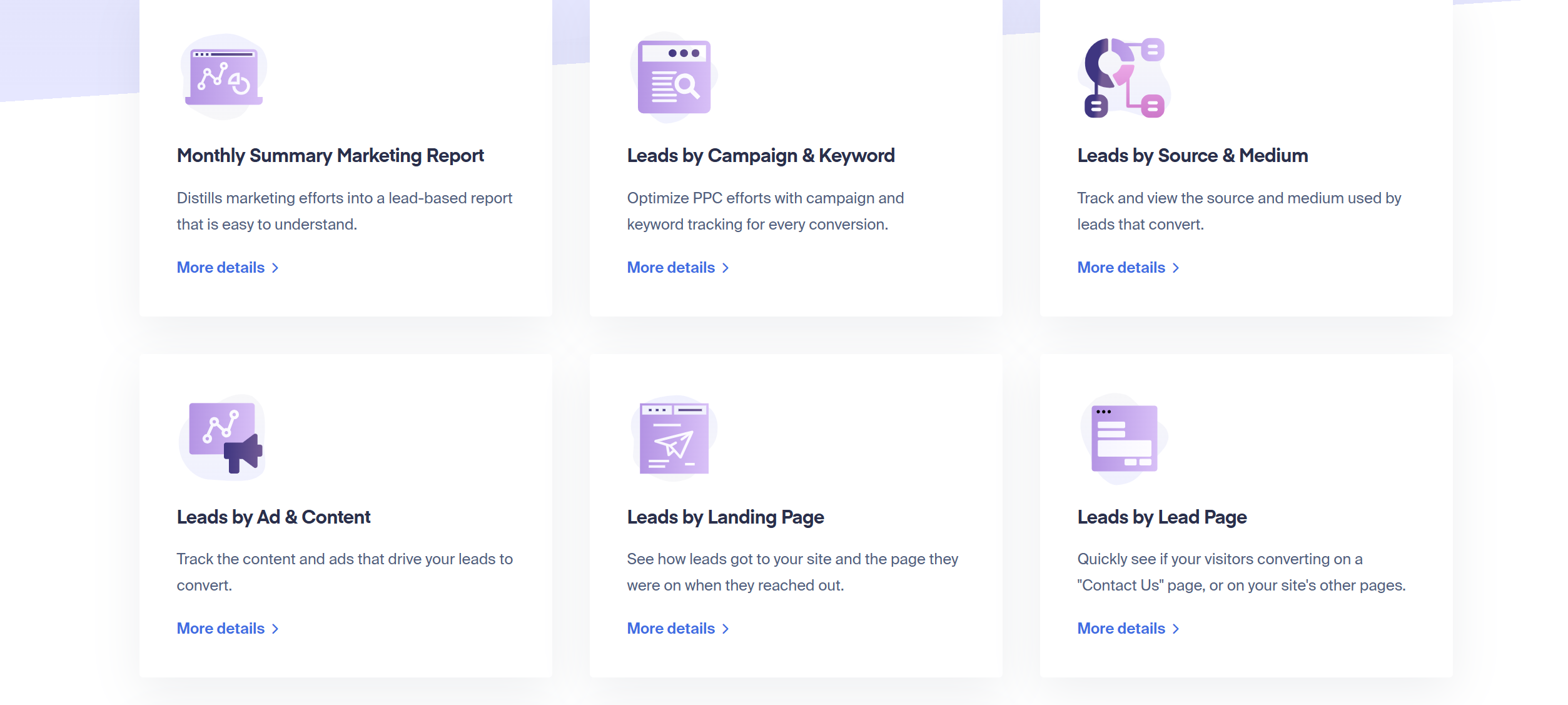
WhatConverts uses multiple filters to generate lead insights.
It tracks leads by campaigns, keywords, source, advertisements, and landing pages, and also highlights the day and week you get the most visits.
The analysis doesn’t end here.
The software compares your marketing data over time and lets you know which of your strategies are working well.
You can accumulate that information into readable reports and customize the charts to get the exact data you want.
The reporting section of WhatConverts is specifically excellent for agencies.
They can pull relevant data from their dashboard and show tailored reports to their clients. To save time, they can create their own reports with their branding and save them as templates.
Dashboard reporting is also available for monitoring.
The software sends instant notifications whenever a new lead appears and updates the data in real time to give you an accurate picture.
CallRail
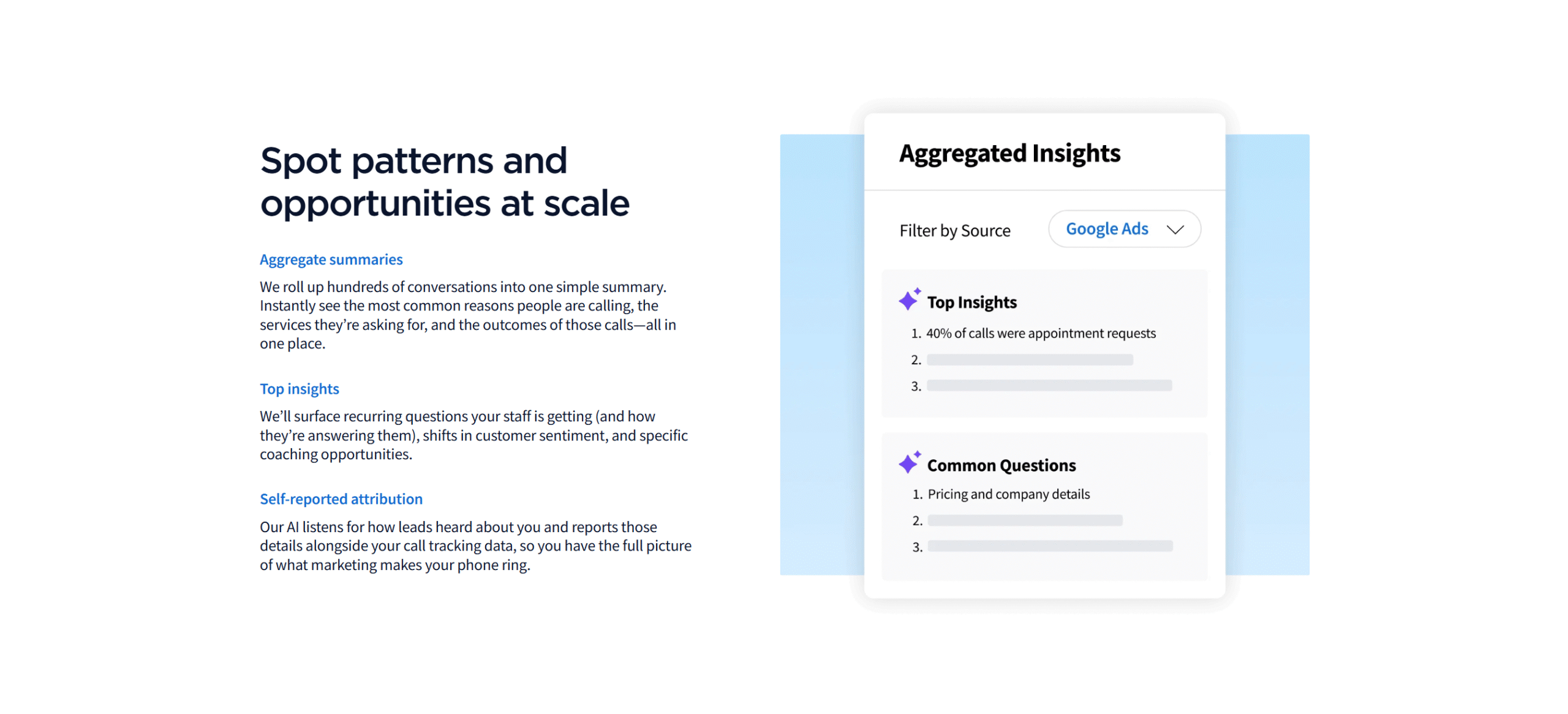
CallRail’s analytics and reporting are more restricted but beginner-friendly.
The app uses AI-powered tools to make the data easier to read.
For example, when a call comes, CallRail summarizes your conversation and shares smart recommendations to win the job. You don’t have to “think” about what to do next or draft a response; CallRail does it for you.
In other words, CallRail records your calls, analyzes them, offers an actionable plan, and drafts the follow-up response.
For lead tracking, you’ll get a centralized dashboard.
You can keep an eye on your leads, see how well your staff performs, and measure the return on your investment.
Verdict
WhatConvert’s analytics is more in-depth and data-driven, but it might feel complex to some.
CallRail, on the other hand, is smart and easy to understand. If usability is your main priority, CallRail is best for you.
That said, if you compare their level of insight, WhatConverts is a clear winner. It not only covers more channels but also delivers better insights.
4. Integration
Integration means connecting your business tools to synchronize your data.
They are part of your software functionality that enables you to share information without updating anything manually.
Here’s the summary of WhatConverts and CallRail’s integration.
WhatConverts
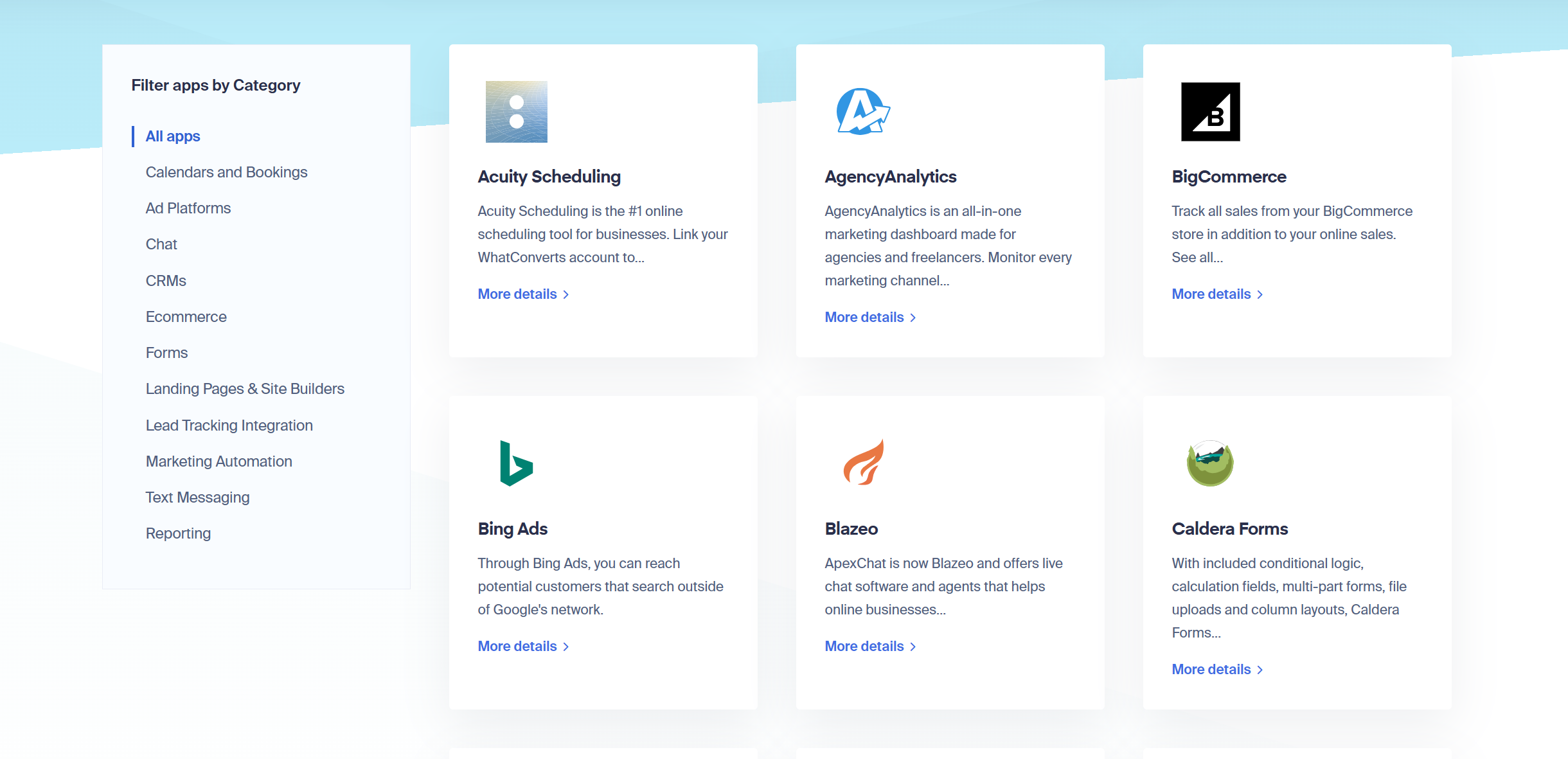
WhatConverts supports over 1000 third-party applications.
You can connect it to your calendar, CRM, e-commerce platform, and messengers.
If you can’t find what you are looking for, you can add your own integrations through the API.
The software also works well on different devices. While it doesn’t have a mobile app, you can still use it on your smartphone.
CallRail
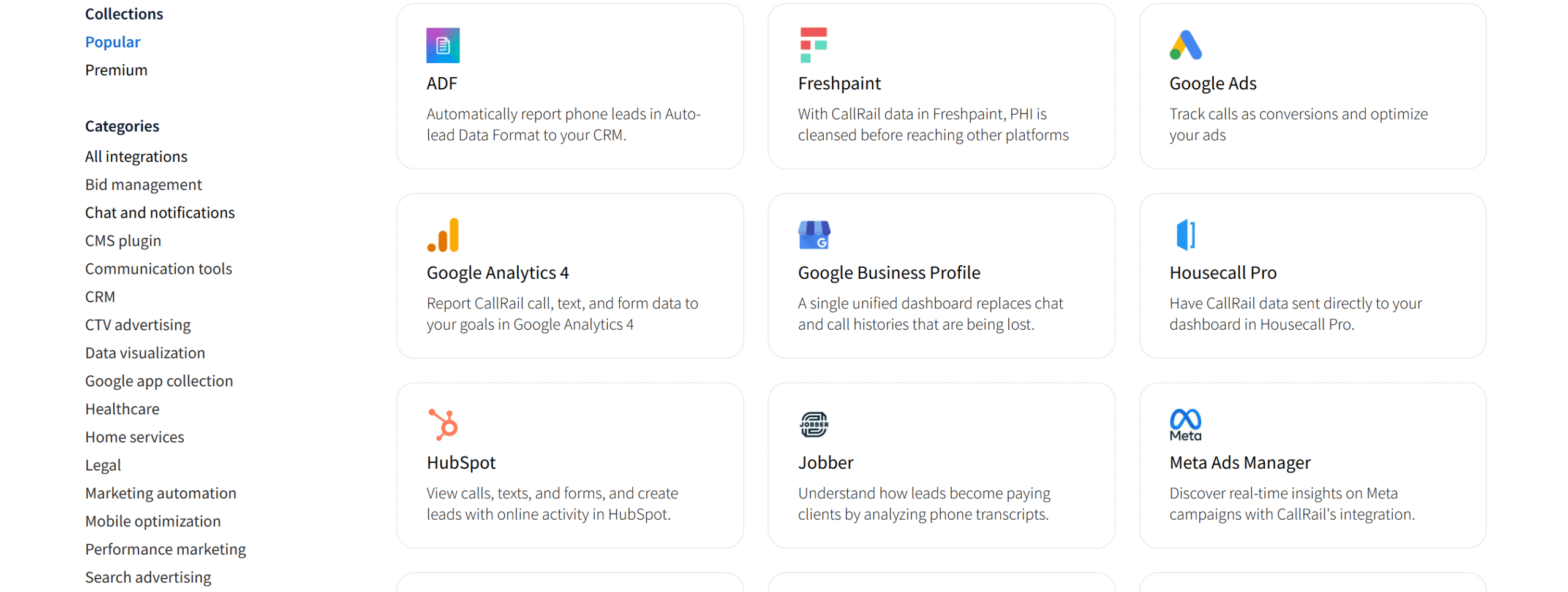
CallRail also has good integration capabilities.
You can connect it to a variety of third-party applications, including your CRM, communication tools, advertisement platforms, and more.
API is also available for custom integrations. If you don’t want customization but need any specific integration, you can send your request to the tech team.
Verdict
WhatConverts integrations are designed for agencies and are comparatively broader and more flexible.
The platform aims to provide everything in one place, and its integration capabilities reflect this approach.
CallRail’s integration is more plug-and-play. It’s easy to set up, but it has limited capabilities.
5. Price
WhatCoverts and CallRail’s pricing model is usage-based.
Both sell monthly subscriptions, but their prices increase with your call volume and tracking usage.
You can take free trials to explore both platforms and also request a demo. WhatConverts may ask for credit card information, but CallRail lets you take a free trial without credit card details.
Here’s their pricing summary.
WhatConverts
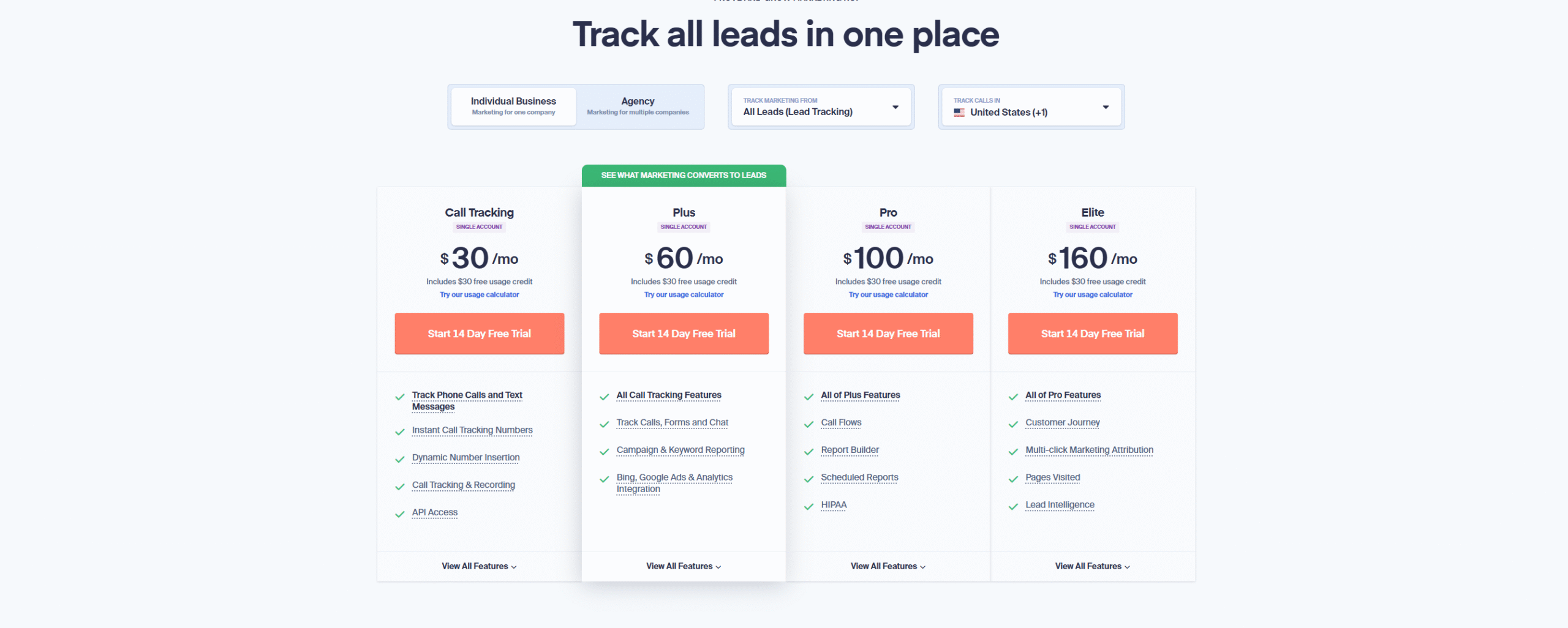
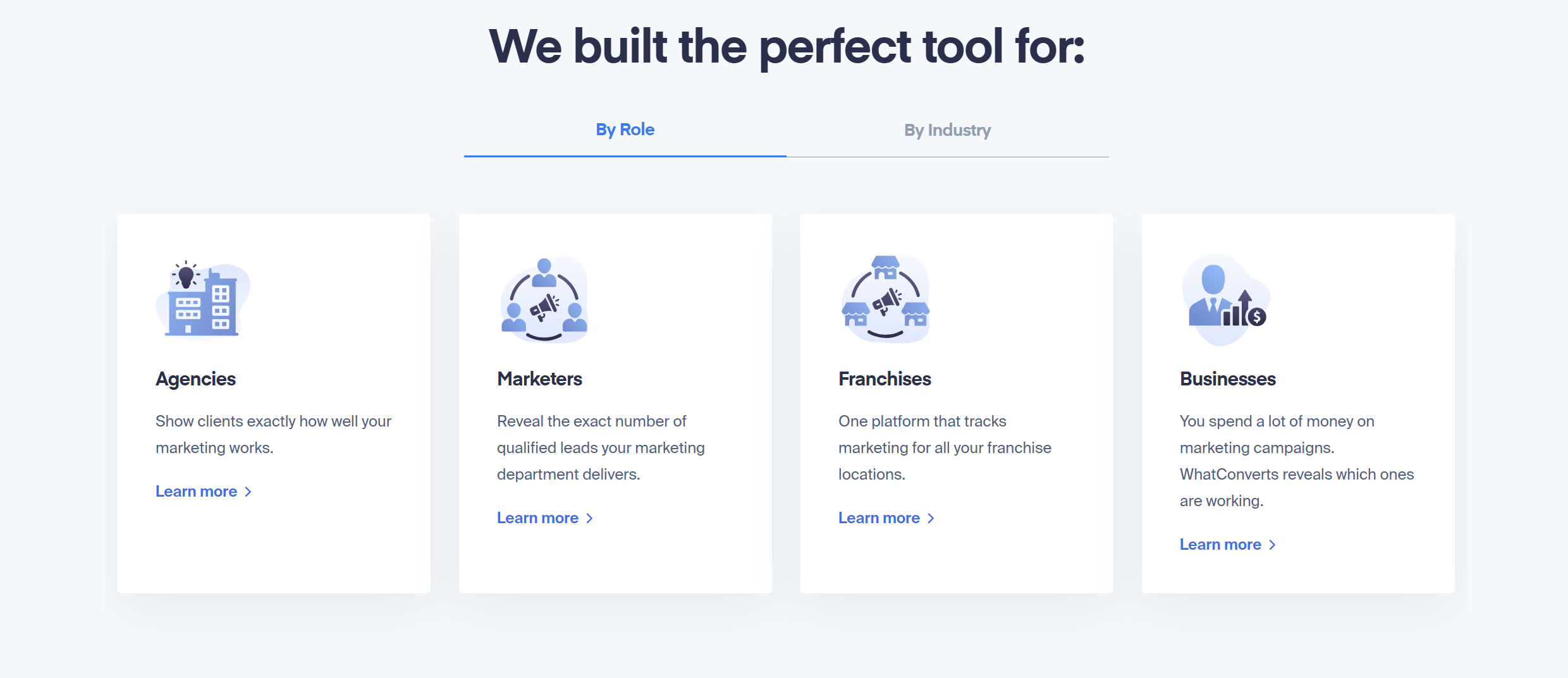
WhatConverts sells separate packages for small businesses and agencies.
If you are an individual business, you can get an affordable package for call tracking and attribution.
The agency packages, however, start at $500 per month. You can tailor the package to fit your budget and business requirements.
Here’s the summary of WhatConvert’s subscriptions.
- Individual Basic Plan: It costs $30 per month, covering basic call tracking and API.
- Individual Plus Plan: It costs $60 per month and gives access to other lead tracking tools.
- Individual Pro Plan: It costs $100 per month and contains call flows and advanced reporting.
- Individual Elite Plan: It costs $160 per month and provides multichannel marketing attribution.
The agency packages range between $500 and $1,250 per month. You can create unlimited accounts in the agency plan.
CallRail
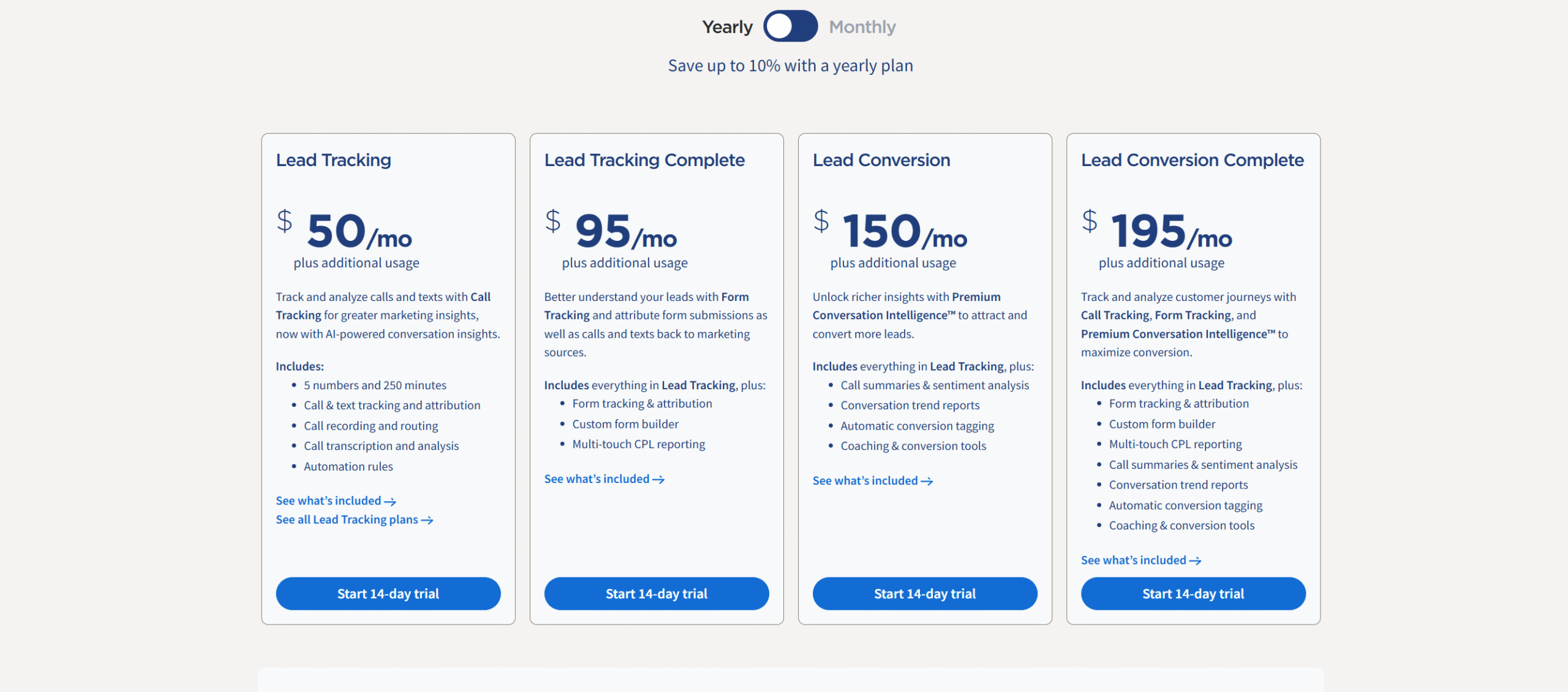
CallRail’s subscription is comparatively more straightforward. The platform offers four subscription packages with the option to get monthly or annual billing.
If you go for the annual billing, you’ll get up to a 10% discount on the gross amount.
Here’s the summary of CallRail’s subscriptions.
- Lead Tracking: It costs $55 per month. The package contains basic call recording and tracking tools.
- Lead Tracking Complete: It costs $105 per month and offers attribution with the call tracking.
- Lead Conversion: It costs $165 per month and unlocks advanced AI insights.
- Lead Conversion Complete: It costs $215 per month and provides access to all features.
CallRail also sells an AI voice assistant as an add-on feature.
The starting price is $95 per month, which covers call attending, appointment booking, and information collection.
Verdict
The WhatConverts pricing model is better for agencies, and CallRail’s packages are perfect for small businesses and sales teams.
Pros and Cons
Now that you have a general idea of WhatConverts and CallRail, here are a few pros and cons to consider before you make your final decision.
WhatConverts
Pros
- It provides an all-in-one lead tracking solution.
- You’ll get a good lead management system.
- The reporting section is flexible.
Cons
- It’s a little harder to use than Callrail.
- Its call tracking feature is limited.
- AI capabilities are basic.
CallRail
Pros
- It’s more user-friendly.
- The call tracking feature is its strong point.
- You’ll get advanced AI insights.
Cons
- While its call tracking is powerful, its other lead tracking abilities are limited.
- The software sells many features as add-ons, which may increase the starting price.
- You’ll get call tracking in limited countries.
Conclusion
If you are not sure whether to go for WhatConverts or CallRail, start by looking at your current lead management workflow.
Do you need visibility across all your marketing channels, or are you mainly focused on call tracking and analytics?
Understanding your core requirements will make the decision much easier.
Just a recap, WhatConverts tracks multiple lead channels, while CallRail records and analyzes your calls.
Try both tools and see them in action before making your final choice.


 A better way to manage projects and clients for freelancers
 Get through busy days like a breeze with Reclaim.ai