
According to marketers, email constantly remains a key strategic channel for sales and brand awareness, but choosing the right email marketing platform is a key factor for business growth.
iContact and Mailchimp are two of the most popular email marketing platforms available. Both provide a variety of features to help businesses engage with their customers, but they serve different purposes and preferences.
In this article, we’ll compare iContact and Mailchimp in several key areas to help you make an informed decision.
Understanding iContact and Mailchimp
Everyone probably knows MailChimp (it’s the popular jingo), but iContact is actually older.
iContact was founded in 2003 and presently delivers billions of emails each month. Most of its customers are small businesses, but some large enterprises like NASA and Habitat for Humanity used it over the years.
iContact is known for simplicity and has built a name in the competitive market.
Mailchimp started in 2002 and has grown rapidly over the years. It is known as one of the first email marketing platforms to provide a substantial free plan for users.
Mailchimp has continued to add different features that business owners need to grow their customer base. Its extensive feature set appeals to a wide range of organizations, from SAAS to e-commerce.
Features of iContact and Mailchimp
1. Automation
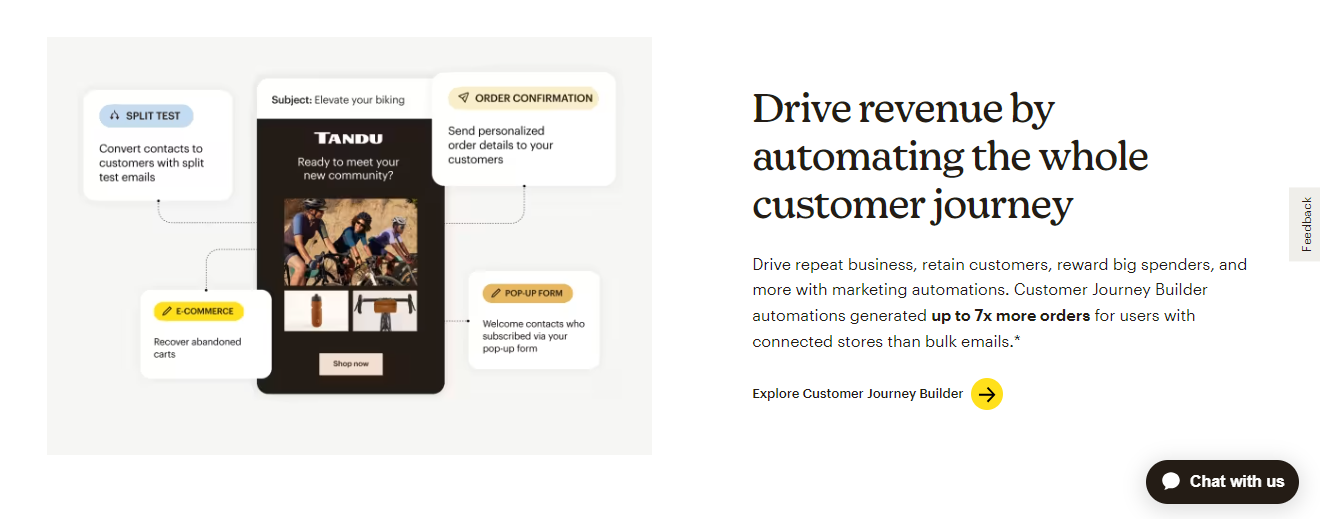 Mailchimp has a powerful automation feature such as complex triggers, segmentation, scheduling, and workflows. The intuitive drag-and-drop builder makes it simple to create complex automation without coding.
Mailchimp supports the if/then logic for creating automation workflows. You can create sequences like “If a subscriber clicks link A, send email B.” If they don’t click in two days, send email C.” This generates personalized messaging based on the user’s activities.
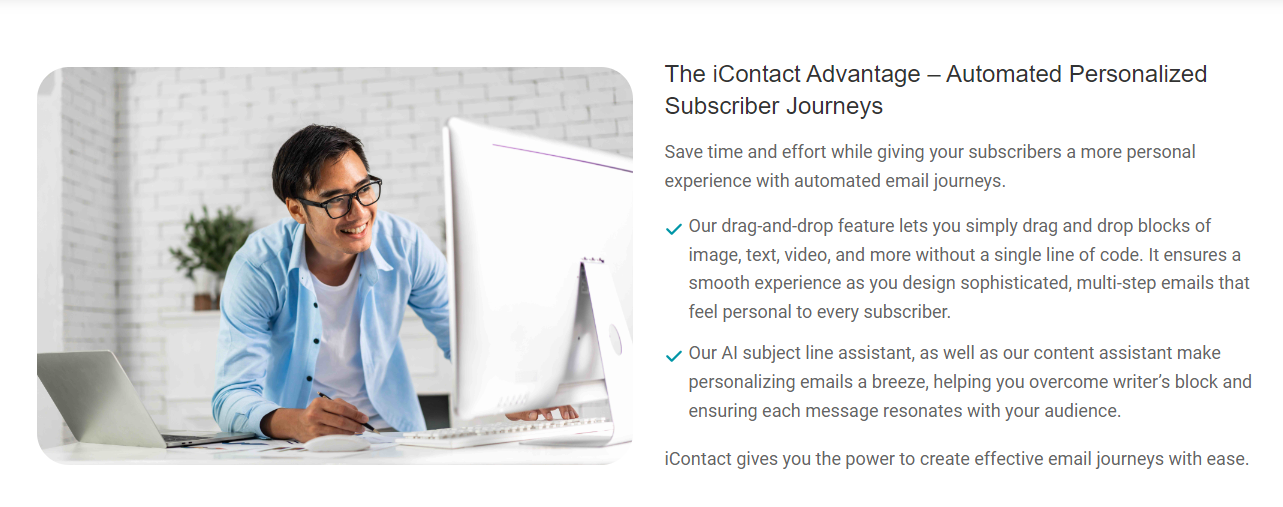 iContact supports automation features such as welcome emails and action-triggered sequences. You can send templates based on a subscriber registration form or ecommerce purchases. It is also known for supporting simple segmentation by list, geography, and email domain.
However, it offers fewer customization options for automation than Mailchimp. There is a limited possibility to create if-then processes based on numerous subscriber actions. iContact also lacks strong segmentation based on subscriber behavior and attributes.
2. Email Templates
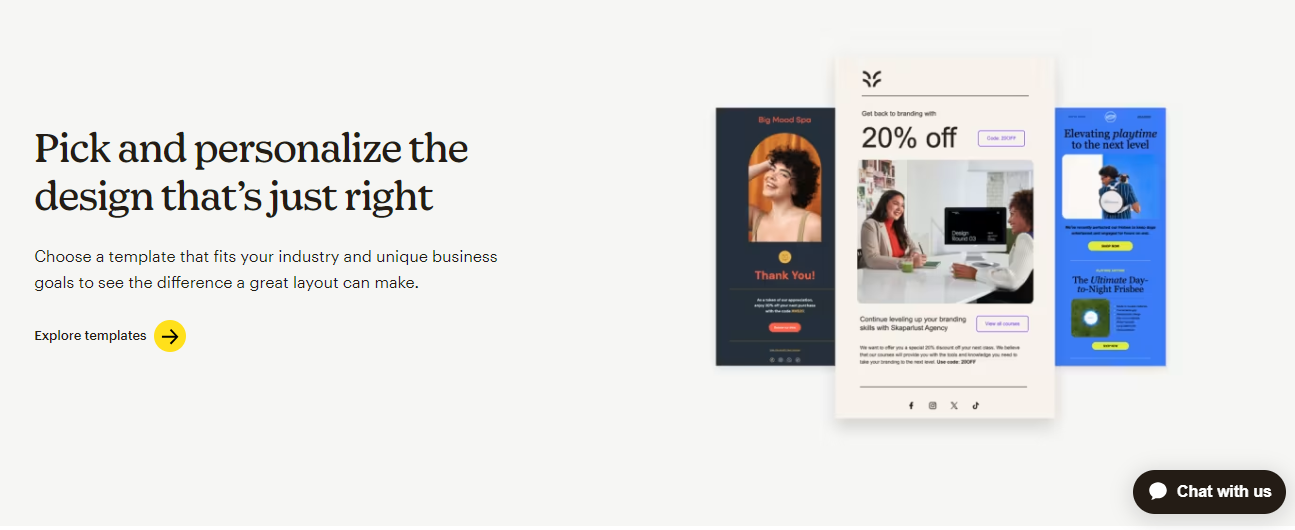
Mailchimp has hundreds of professional-designed email templates that you can pick from. The templates are organized by industry and campaign type, such as announcements, newsletters, promotions, and more.
You can personalize designs by uploading images, altering colors, and adjusting layouts.
The template editor allows you to easily drag and drop design elements. You can also use Mailchimp’s pattern library to ensure brand consistency.
Mailchimp also has free and paid custom templates, the paid templates have exclusive features like animated images.
iContact has a free template library that is organized by category, like newsletters, launches, and events. They also offer a paid premium plan.
The template editor allows customization like adding images, changing colors, and adjusting column layouts. Although, there are limited options for more advanced design tweaks.
Even though the templates are mobile-responsive, there is no desktop/mobile preview. To see how emails are rendered, you must toggle between views. The template designs also appear to be more old or outdated than Mailchimp’s modern options.
3. List Management
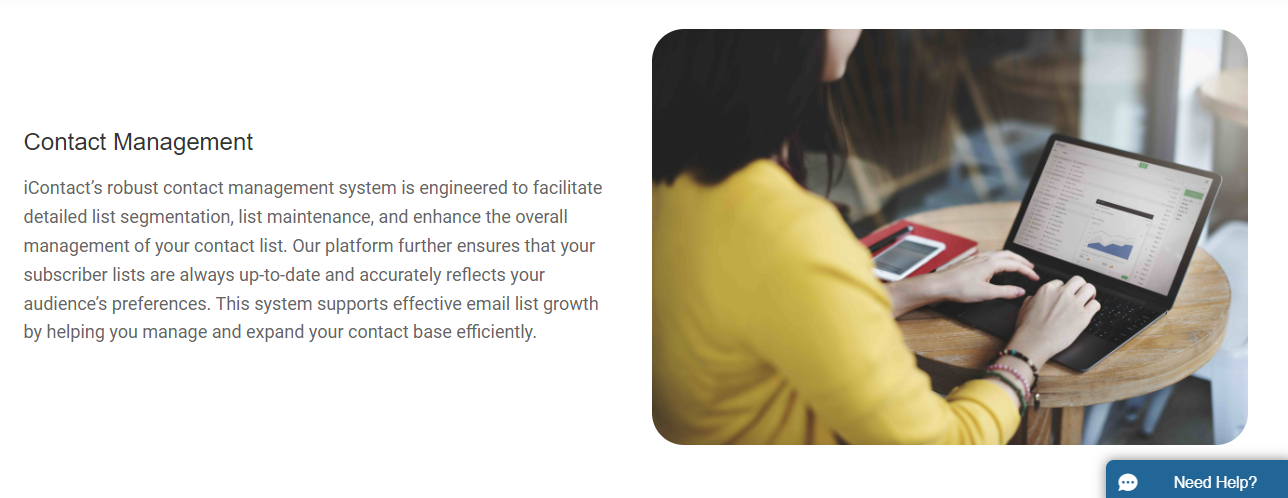
The list management options on iContact are simple and enough for some business. You can check how many contacts you have and filter them down based on simple criteria like which lists they are on.
But you cannot search for specific parts of your lists, such as the most or least active subscribers, or even apply custom tags to them.
That limits your automation options, but if all you need is a simple list to send emails to, iContact provides the absolute minimum.
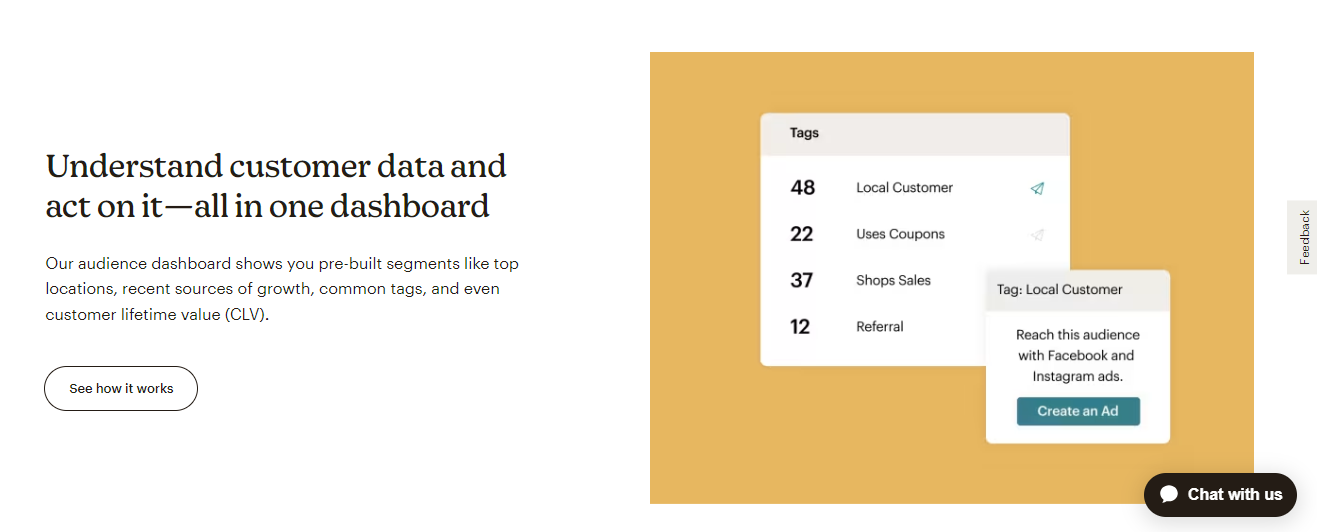
Mailchimp can create custom segments of your lists on a wide variety of actions, like how many emails they’ve opened or links they’ve clicked in recent campaigns.
Once you’ve created a segment, you can then send individual emails to those subscribers, and also include it in your automation workflows.
4. Forms and Lead Generation

A lot of popular email marketing platforms have poor form builders that are difficult to customize, but iContact stands as an exception. Its form looks very good out of the box with a few different theme options, and the editor is extremely simple to use.
It has a basic landing page builder, but no templates. As a result, you’ll need to drag and drop each element to change it.
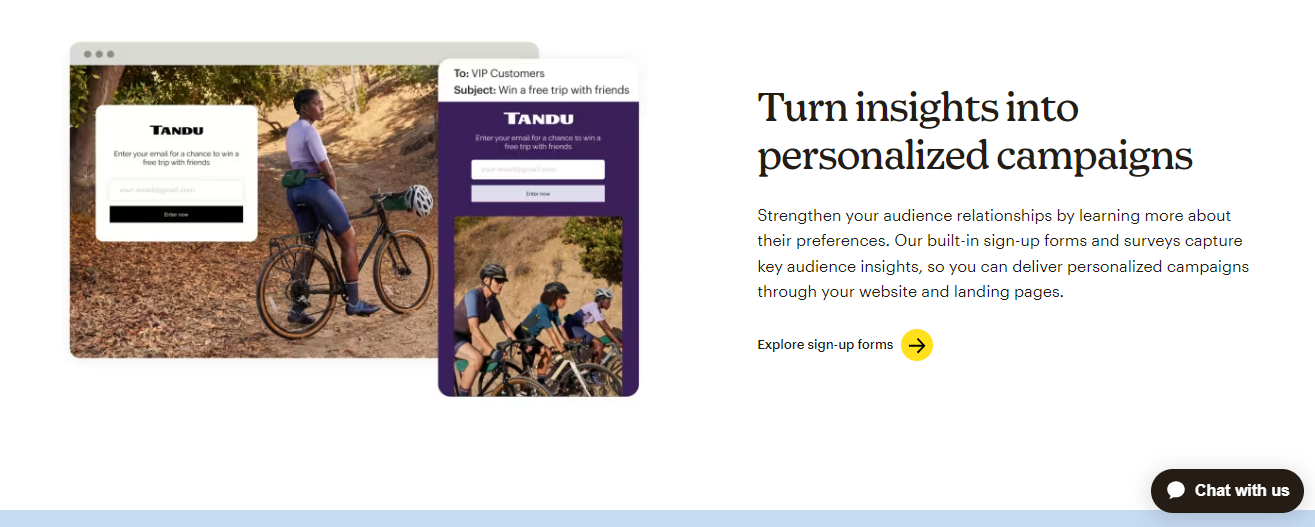
Mailchimp provides both embedded and pop-up forms, but it has very few style options.
It will give you the option to apply custom CSS to the form, but for small business owners, editing CSS is not easy.
Many users end up using a relatively more customizable Mailchimp form builder plugin on WordPress (or whatever CMS they use), which comes with more difficulties.
5. Reporting and Analytics
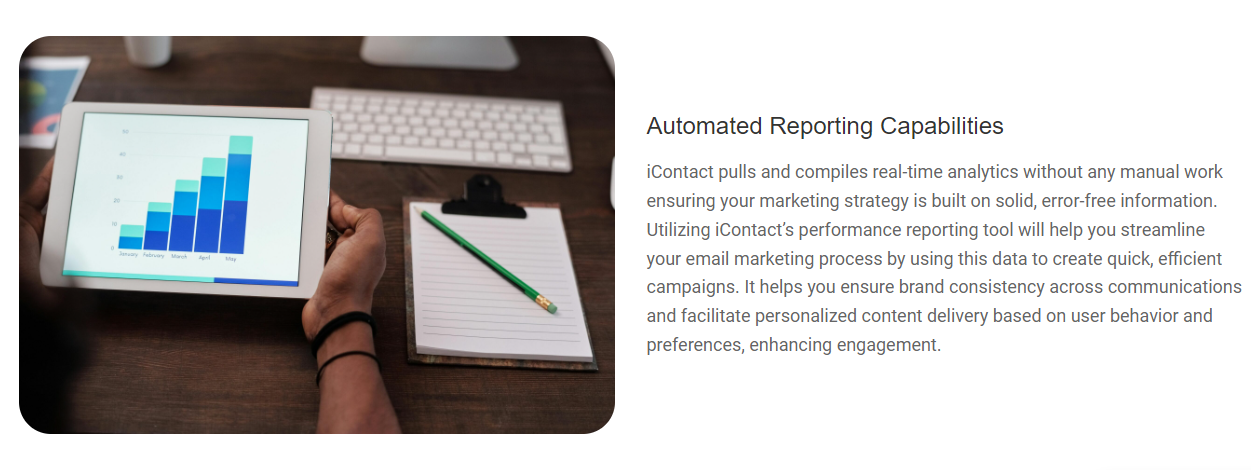 iContact provides extremely basic reporting features. You can examine opens, bounces, clicks, and other basic statistics for each email, but that’s all you can see. This can be sufficient for most small businesses.
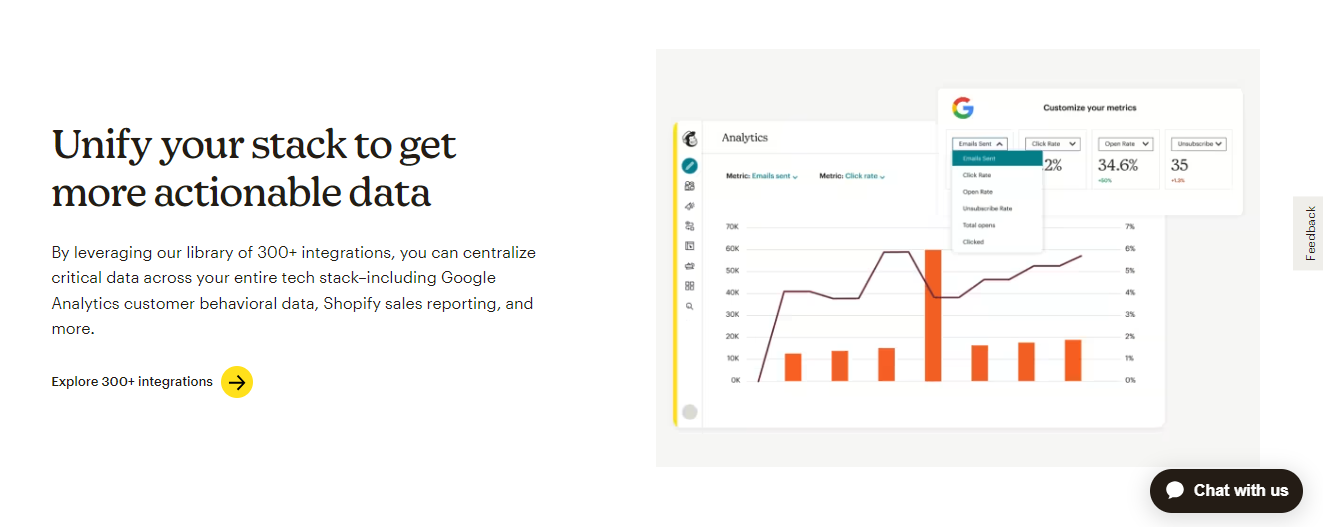 In addition to standard statistics, Mailchimp reporting provides you with details on specific link clicks, social media activity, and sales that come from a certain email, among other things.
6. Pricing
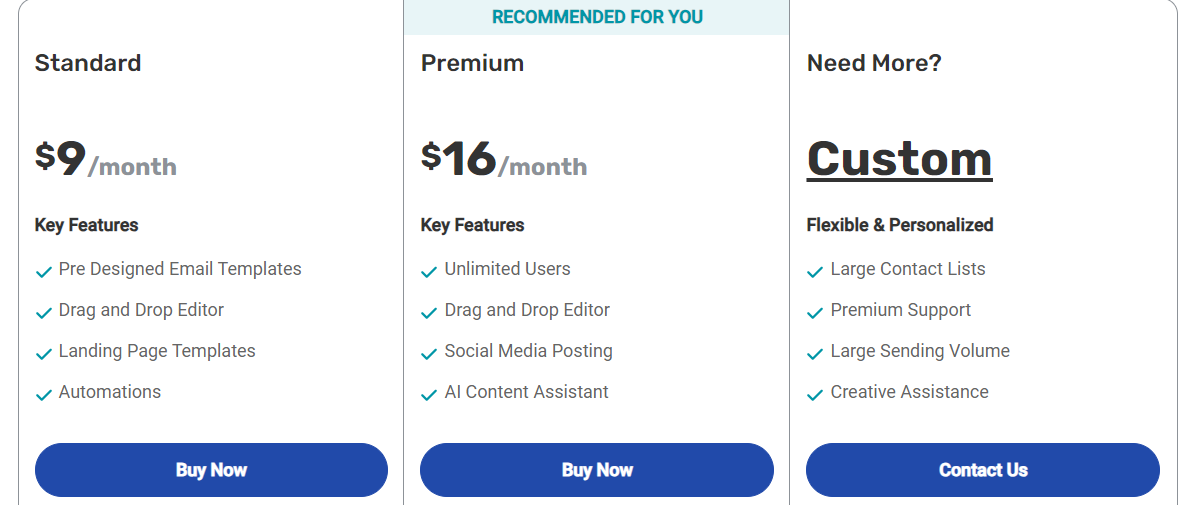
Mailchimp and iContact both allow free trails.
MailChimp provides a free account to test the basic functions, while iContact offers 30-day free access to its premium features.
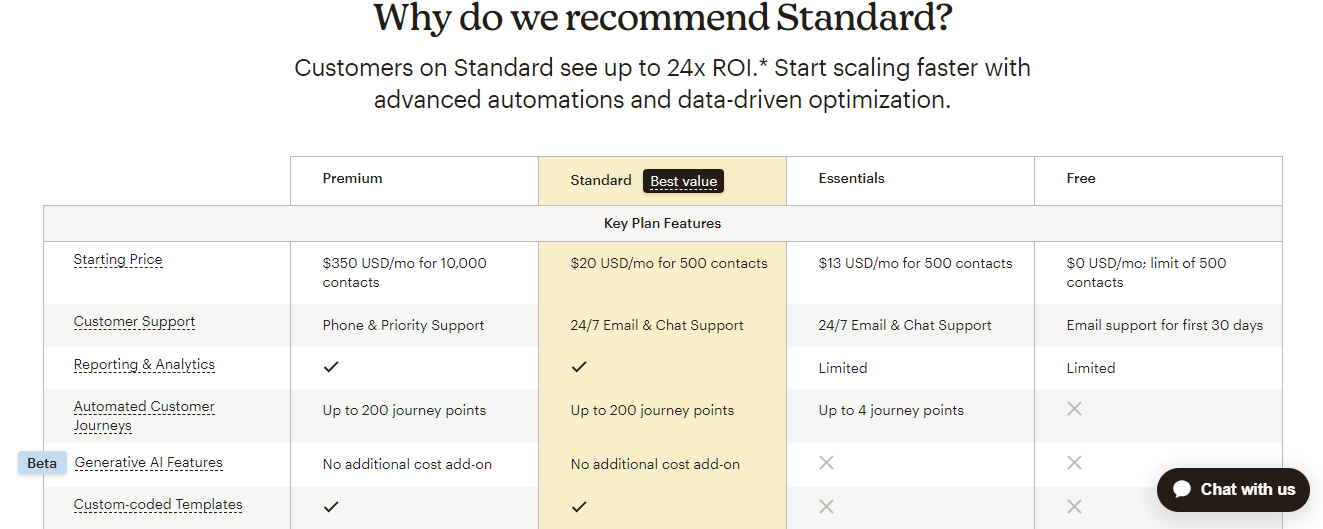
In terms of pricing, the best value depends on the features you need.
If you intend to use Mailchimp’s additional features (such as surveys, complex automation, and graphic design), it is more worthy of the price. However, if you only need the basic services that iContact provides, your cost will be reduced.
7. Ease of Use
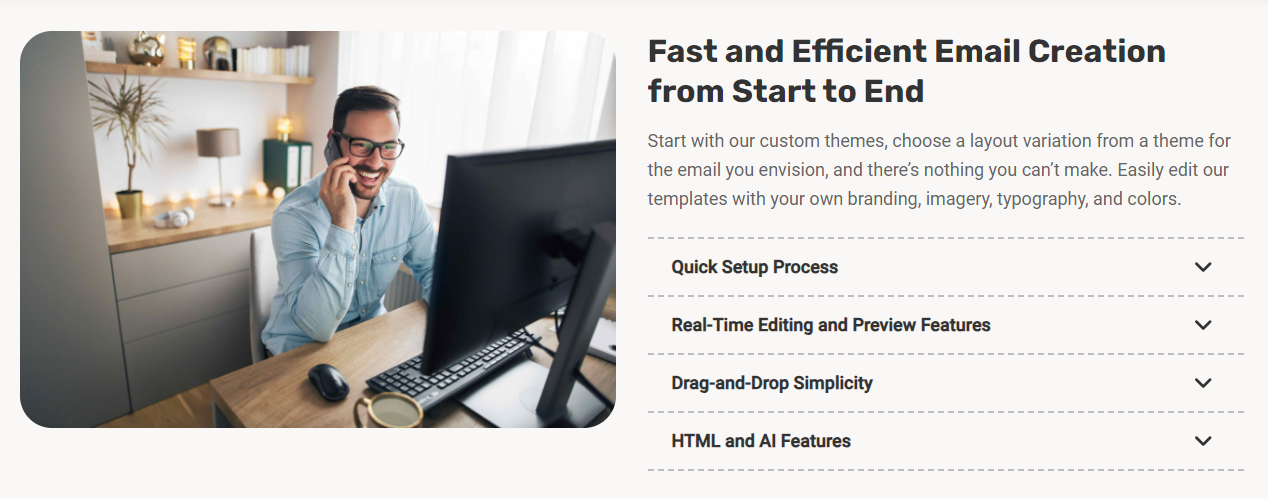
Generally speaking, iContact is quite simple to use. You can view everything you’ll likely need in ten minutes of scrolling around, the interface itself features a clean, easy-to-use navigation menu.
All three editors such as email, form, and landing page are very user-friendly, so anyone with basic computer knowledge should have no trouble using it.
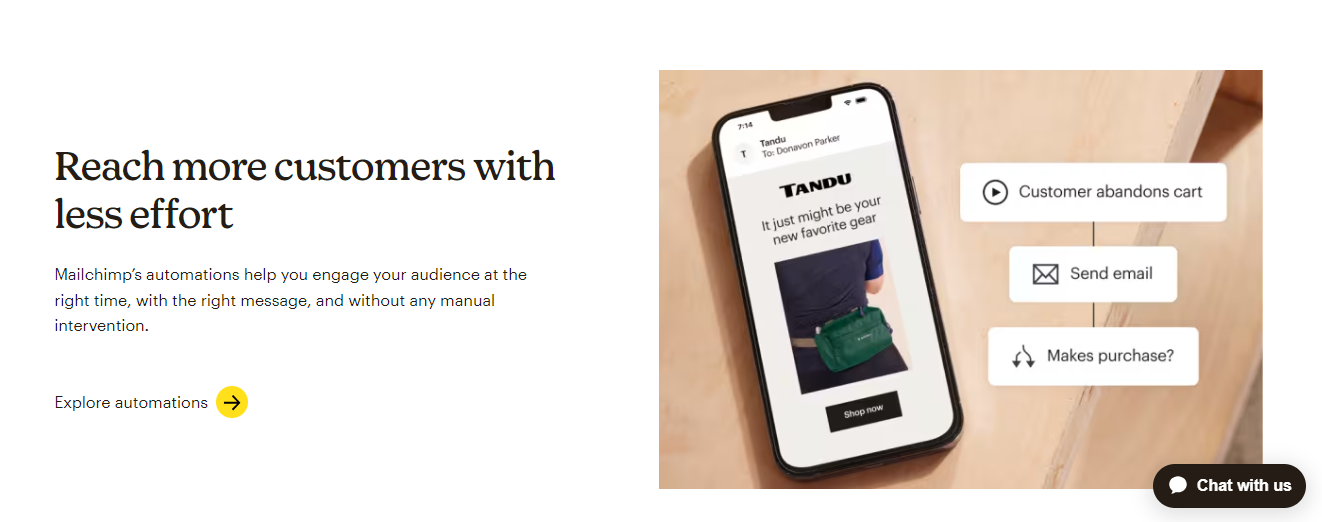
Mailchimp is a more complex platform. In addition to creating emails, you can also create postcards surveys, landing pages, webpages advertisements, and unique visuals. It genuinely aims to be more than simply an email marketing tool, it wants to be a one-stop shop for small businesses.
With so many features, Mailchimp still performs an excellent job of simplifying its user interface.
8. Deliverability
Although none of iContact and Mailchimp has a bad reputation for deliverability, but they are not really honest about how well they perform in real-world scenarios.
According to EmailToolTester, Mailchimp has a deliverability rate of 80-90%, which is competitive among top choices.
Keep in mind that the most vital aspect in deliverability is usually the emails you send yourself, rather than the platform you use. Keeping your emails’ spam score low by avoiding scammy-sounding terms and personalizing them is usually the most significant difference-maker.
9. Integrations
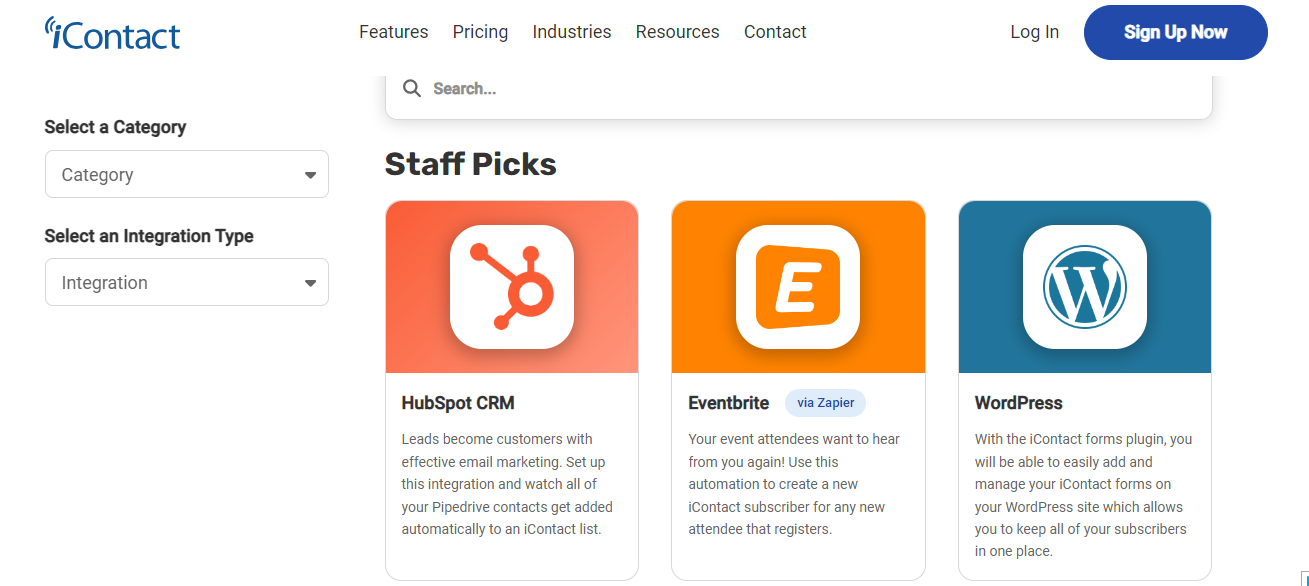
iContact offers a very small library of integrations. It supports the most popular integrations, including WordPress, PayPal, Gravity Forms, and Shopify. However, it lacks other niche solutions like Joomla or Drupal.
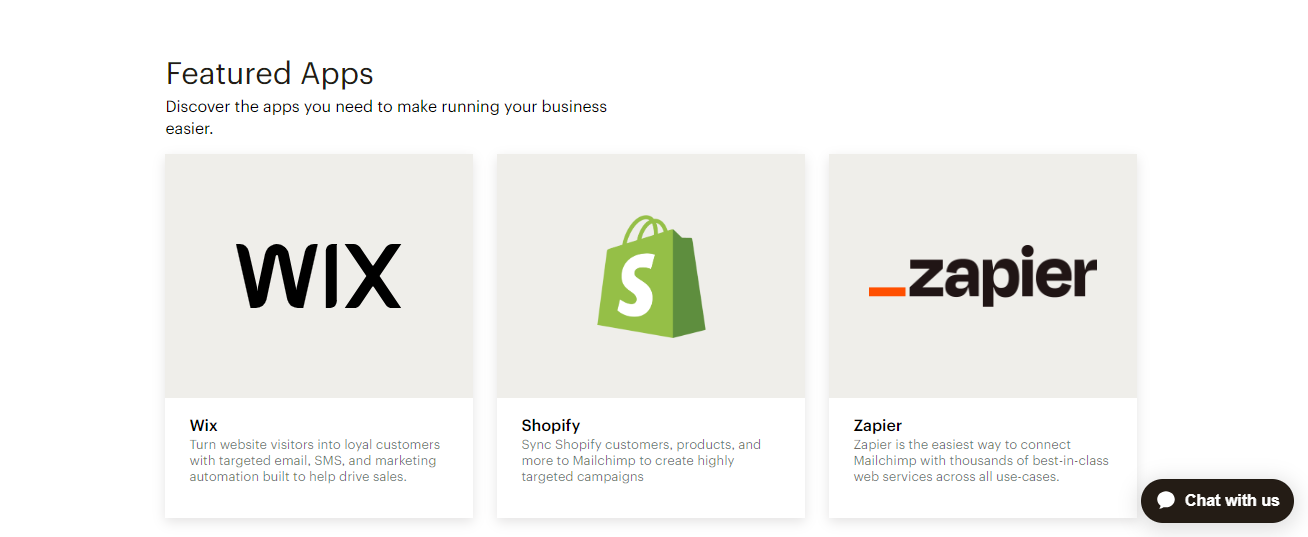
Mailchimp has a larger collection of integration, with over 300 total.
This includes everything iContact offers and more specific products. While you should still double-check before signing up, it’s certain that Mailchimp provides an integration for any application you use that is popular.
iContact vs Mailchimp Pros
| iContact Pros 1. User-friendly interface: iContact boasts of a clean and intuitive interface that makes it easy for beginners to navigate and create email campaigns. 2. Strong customer support: iContact offers personalized customer support via phone and email, ensuring you have help whenever needed. 3. Advanced features: Although it is not as extensive as Mailchimp’s features, iContact also offers essential features like A/B testing, landing page creation, and marketing automation for more complex campaigns. 4. Focus on deliverability: iContact prioritizes email deliverability, making sure your messages reach their intended inboxes. | Mailchimp Pros 1. Extensive design options: Mailchimp boasts of a vast library of professionally designed email templates, offering a high degree of customization to create visually appealing campaigns. 2. Free plan: Mailchimp offers a free plan with limited features, ideal for starting small or for businesses with very tight budgets. 3. Wide range of integrations: Mailchimp integrates seamlessly with varieties of marketing tools and platforms, allowing for a more connected ecosystem. 4. Powerful automation: Mailchimp offers robust marketing automation features, enabling you to create complex workflows and personalized experiences for your users. |
iContact vs Mailchimp Cons
| iContact 1. Limited design flexibility: Compared to Mailchimp’s vast library of templates, iContact offers a more limited selection. Customization options for templates are more restricted. 2. Higher cost: iContact is more expensive than Mailchimp, especially for larger email lists. 3. Less comprehensive automation: iContact’s marketing automation features are not as robust as Mailchimp’s, limiting complex workflows. 4. Limited integrations: iContact offers fewer integrations with other marketing tools and platforms compared to Mailchimp. | Mailchimp 1. Steeper learning curve: Mailchimp’s interface is more complex to navigate for beginners compared to iContact’s simpler design. 2. Cost increase with list size: While Mailchimp offers a free plan, costs can increase significantly as your subscriber list grows. 3. Focus on free plan limitations: The free plan has significant limitations and this can hinder your ability to run effective campaigns as your business grows. 4. Customer support limitations: Free plan users have limited access to customer support, making troubleshooting more challenging. |
When to Select Each: Mailchimp vs. iContact
If you’re on the look out for an email marketing platform, iContact and Mailchimp are both suitable options but;
For every small business owner that wants an affordable and simple email marketing platform for relatively basic email marketing campaigns, iContact is an excellent choice
Mailchimp contains many “extras” that can be useful and do not require an additional fee. Paid plans include complex automation, a wider integration library, and other features such as surveys.
However, if you are a growing small business that needs robust email marketing capabilities as well as a variety of supplemental email marketing tools, Mailchimp could be an ideal alternative.
It is also important to note that iContact has 594 reviews and a rating of 4.48 / 5 stars vs Mailchimp which has 17143 reviews and a rating of 4.49 / 5 stars..
Conclusion
In order to make an informed choice, take into account your campaign complexity, technical proficiency, and budget.
Take advantage of the free trials that are available from both Mailchimp and iContact to examine their capabilities and determine which one best suits your needs for developing effective and captivating email marketing campaigns.
Remember that the right email marketing tool will be a game changer by facilitating lead nurturing, audience engagement, and business expansion.


 A better way to manage projects and clients for freelancers
 Get through busy days like a breeze with Reclaim.ai