
AI browser assistants are more than glorified AI chatbots.
They change the way you browse the web, helping you cut through the clutter and find the right information without jumping between tabs.
And that’s just one part of what they can do.
Modern AI browsers are more advanced now, bringing automation capabilities to make your online work faster.
If you are exploring similar tools, I have found some of the best AI browsers for you.
What Is An AI Browser Assistant And What Tools Are Best For You?
A browser assistant is an AI tool that lives in your web browser.
It helps you research web pages, extract specific information, compare data, and summarize web content. So, instead of asking ChatGPT for clarity, you can get answers directly from your browser.
Most AI assistants control browser activity too.
They don’t just find information, they also interact with the website and perform tasks on your behalf, such as navigation, form filling, and file organizing.
Top Features To Look For In An AI Browser Assistant
- Deep research.
- Summarization and comparison.
- Automated browsing.
- Third-party apps integration–if available.
TakeAway
| Use Case | Recommended Platform |
|---|---|
| You want AI research and integration with Google Ecosystem | Gemini In Chrome |
| You need deep research and analysis | Perplexity Comet |
| You want automated browsing and reporting | Fellou |
| You want business tools with AI browser | GenSpark |
| You want to run AI models locally | BrowserOS |
AI Browser Assistants And Tools Comparison
| Name | Best For | Pricing | Deployment | Free plan |
|---|---|---|---|---|
| Gemini in Chrome | Google users | Starts at $5 per month | Cloud | Yes |
| Copilot in Edge | Microsoft users | Part of Microsoft 365 | Cloud | Yes |
| Perplexity Comet | Students and researchers | Starts at $20 per month | Cloud | Yes |
| Dia | Users who want deep AI integration and Fast browsing | Paid plans available | Cloud | Yes |
| Opera Neon | Professionals and students both | Starts at $20 per month | Cloud | No |
| Fellou | Entrepreneurs who want research and auto browsing | Starts at $20 per month | Cloud | Yes |
| GenSpark | Business owners and marketers | Starts at $20 per month | Cloud | Yes |
| BrowserOS | Tech-savvy users who need an open-source AI browser | Free to download | Both | Yes |
| Strawberry | Professionals looking for advanced auto browsing capabilities | Starts at $20 per month | Cloud | Yes |
Methodology
I have reviewed AI browser tools based on how established they are and how much people are talking about them.
This is still a pretty new category, and most modern AI assistants are still in the early stages of development.
So, I prioritized AI browsers that have already gained some attention or have robust features.
Here’s my criteria
- AI Capabilities: What can the assistant do, and can it perform tasks or just summarize content?
- Ease of Use: Is it easy to set up?
- Platform Support: Which systems and devices does it support?
- Price: How much does it cost, and can we use it for free?
- User Feedback: What do real users say about it?
Let’s take a look at the nine best AI browser assistants and see what they can actually do.
1. Gemini in Chrome
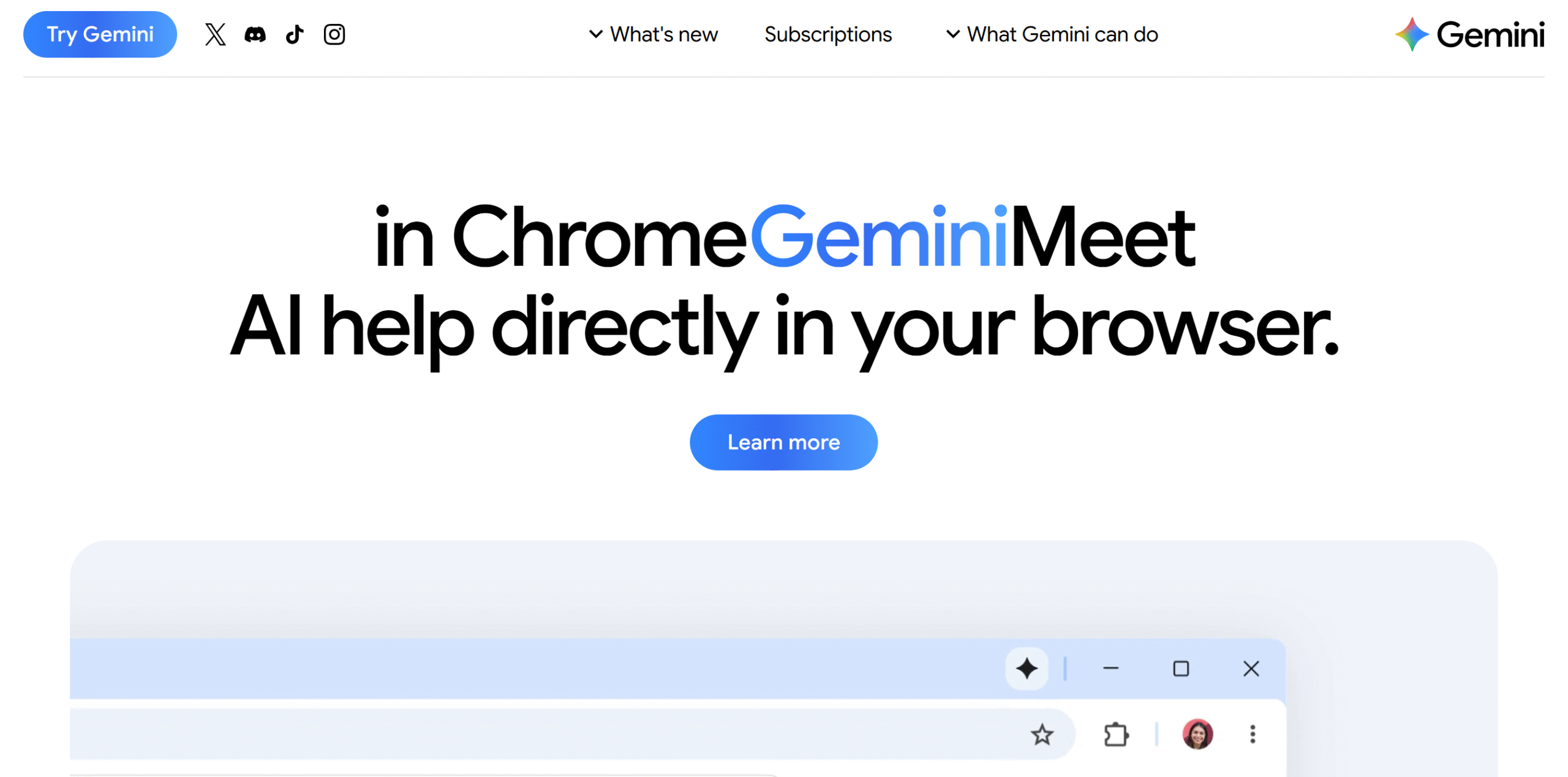
Gemini In Chrome is a good choice if you already use Google products for your everyday work.
It understands the content you’re browsing, summarizes the information, and sends it to other Google tools.
For example, you can ask Gemini to pull information from the current tab and create an event in Google Calendar. Even better, you can ask Gemini to use that information to draft an email in Gmail.
People also like Gemini’s research capabilities. You can open several tabs and ask Gemini to analyze and compare relevant information on a subject.
There are tons of ways you can leverage Gemini for everyday work.
The downside? Its advanced capabilities have severe restrictions.
For example, the auto browse feature that lets you compare products and find information is available in the US and only to Pro plan users. If you’ve purchased the basic plan, you probably will not get the feature.
There’s also a limit to how many tasks you can give to Gemini. The Pro plan only allows around 20 tasks. To increase the limit, you’d have to purchase the advanced plan.
Core Features
- Research capabilities.
- Quick page summaries.
- Compare multiple tabs.
- Google apps integration.
- Auto browse.
- Personalized recommendations.
- Live chat.
- Mobile support.
What Users Say
I know a lot of people on Reddit dislike Google and see it as a privacy vacuum, but honestly, Gemini in Chrome works better than the AI features in Firefox.”—Reddit.
“I finally started using it for several hours yesterday. My initial impression is that it’s pretty great.”—Reddit.
Price
You can access Gemini In Chrome for free. The premium packages start at $5 per month.
2. Copilot In Edge
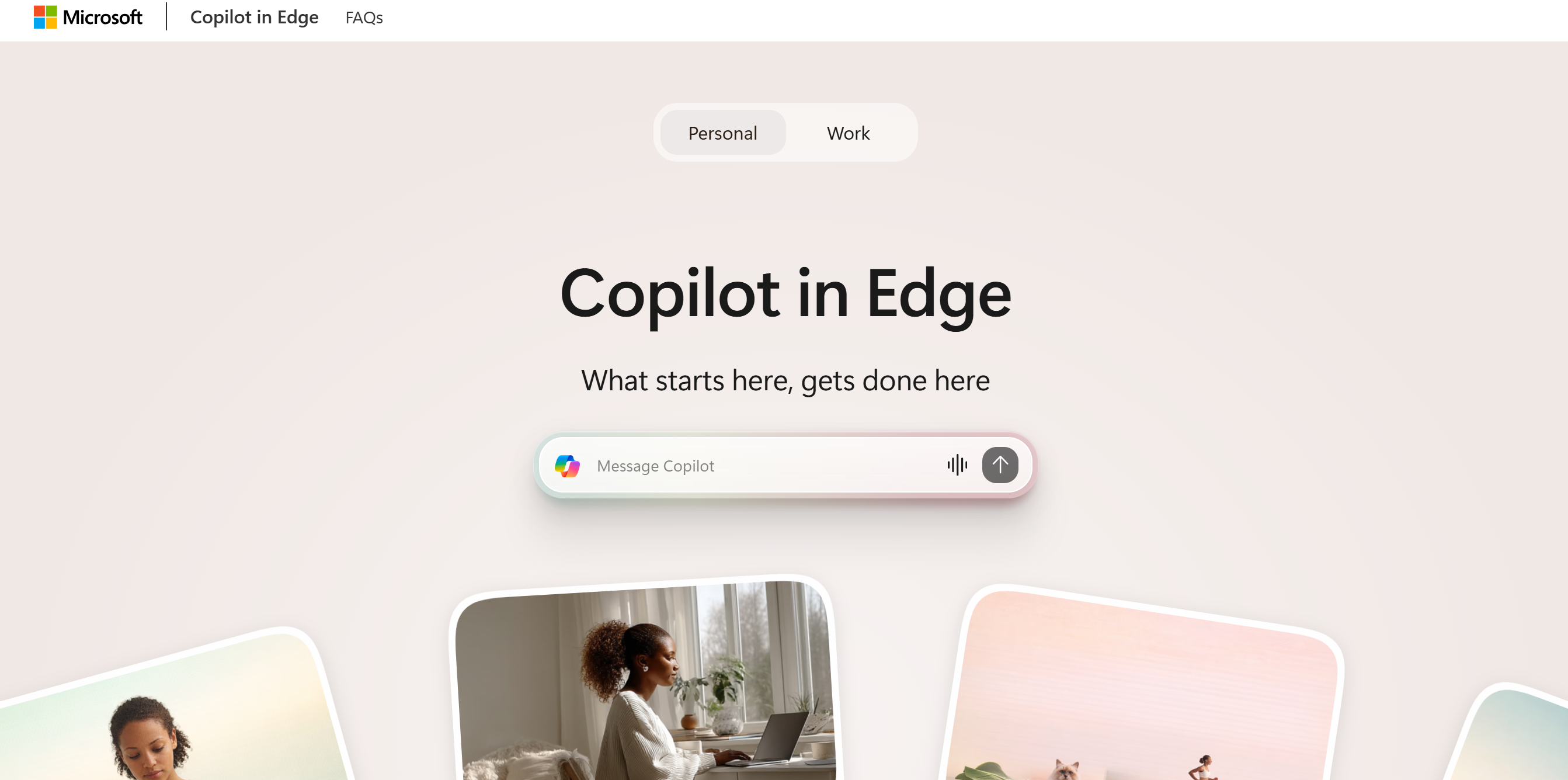
Copilot In Edge has been around longer than Gemini and other AI browser assistants, so it feels less experimental and more established.
It can handle several smart tasks, including finding information, summarizing content, comparing data, and offering recommendations. Plus, it has multi-step browsing capabilities, allowing it to perform tasks on your behalf, such as filling out forms.
I also love its two-way conversation voice feature. You can talk to Copilot in real time while browsing on your phone. You can even change the topic in the middle like we usually would in a normal conversation.
Gemini has that function as well, but Copilot’s mobile experience is better.
Copilot has a few limitations, though.
For one, it doesn’t feel as robust as other AI browser assistants despite being more mature. It’s probably because Copilot’s focus is still on everyday browsing, such as researching text and creating a synopsis.
It also doesn’t offer the same integration experience you get with Gemini. Sure, Copilot works great in separate Microsoft apps, but it doesn’t connect emails and calendars the same way Gemini does.
I think a big part of Copilot’s appeal is Microsoft. Like Google, Microsoft has an ecosystem, and people who have already invested in Microsoft products might prefer Copilot.
Core Features
- Page and video summaries.
- Analyze and compare multiple tabs.
- Two-way voice conversation.
- Auto browse.
- Drafting and image generation.
- Reading mode.
- Mobile support.
What Users Say
“I use Copilot sidebar to summarize pages, find specific parts in long videos, ask questions about articles or PDFs, and use the rewrite feature to tidy up emails, long posts, or messages.—Reddit.
“It’s very useful for searching on the fly. Just select the text and ask Copilot. Also, it’s great at finding things and explaining when I read pdf!”—Reddit.
Price
The Copilot browser product is free. Premium features, however, are available in Microsoft 365 paid subscriptions.
3. Perplexity Comet
Perplexity Comet’s main strength is its deep research.
It can scan multiple tabs and find specific information, compare and cite resources, and perform multi-step tasks.
Gemini and Copilot can do that too, but their biggest advantage is their ecosystem.
Perplexity Comet, on the other hand, is more focused on AI research, so if you spend your day finding and analyzing information, using Perplexity Comet makes more sense.
But that doesn’t mean Comet is just a research tool. You can integrate Gmail and your Calendar into Perplexity and use Comet AI to find and draft emails.
Its integration capabilities aren’t as deep as Gemini’s, but it can sort your inbox, draft replies, and schedule events.
The platform regularly publishes ready-made use cases to help you explore Comet capabilities. You can check them out here.
Core Features
- Deep research.
- Summarizing and comparing data.
- Personalized recommendation.
- Image and video generation.
- Gmail integration.
- Auto browse.
- Built-in ad blocker.
- Mobile support.
What Users Say
“Comet has made online research feel much less scattered. When I’m comparing information from different websites, I can quickly understand the main points without reading every page from top to bottom.”—G2.
“Comet has been my main browser ever since its beta release. It’s on all of my devices, and Perplexity’s in the browser assistant have saved me so much headache via automations that I can’t see myself browsing without it anymore.” — Aayush, founder of Squeeze Growth.
Price
Comet is available for free. To access advanced features, you’d need to buy Perplexity Pro plans. The starting price is $20 per month.
4. Dia
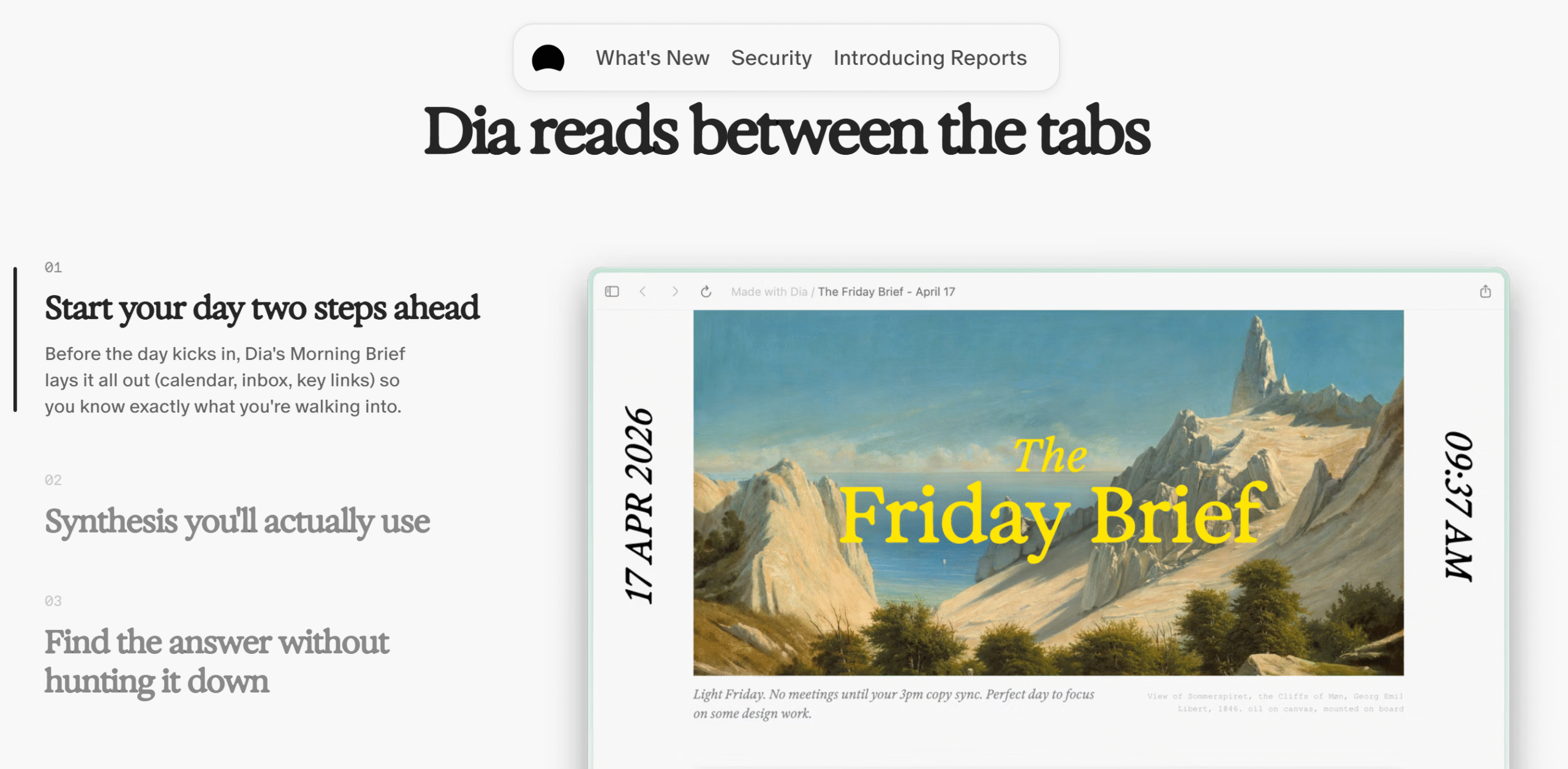
Dia isn’t a conventional browser like Chrome with separate AI assistant add-ons. It’s a native AI browser, and its AI is more deeply integrated into the core product.
That means the AI isn’t limited to what you are browsing. It can pull information from your work apps, like Slack and Notion, to give you more context.
You can also create a live tab and bring active work from other tools to your browser so you don’t have to switch between apps.
The browser is also fast, comparatively, which is a big plus.
The catch? Privacy concern. Dia needs to be connected to your business apps to pull information from them. While it has good privacy features, you are still giving it access to your everyday apps.
If that’s not a problem, it’s an excellent tool for work tasks.
Dia also lets you create reusable prompts. Just write instructions and save them for future workflows. This is not a unique feature, but it’s incredibly useful.
That said, please keep in mind Dia is built for Mac users only. A Windows version will be available soon, but it’s not there yet.
It also doesn’t have a mobile version. So, accessibility is a main issue here.
Another thing. If you decide you no longer want to use the AI, you can’t completely disable it like you can in Chrome and Edge. Like I said, it’s not an added feature, it’s a built-in function.
Core Features
- Multi-tab context.
- Pull data from third-party apps.
- AI chat.
- Reusable prompt and memory.
- Morning brief.
- Drafting.
- Live tab.
- Productivity features, like split screen.
- Integration.
What Users Say
“Dia has been the fastest and most stable AI browser I’ve tried.”—Product Hunt.
“I’ve been using Dia as my main browser for the past two days, and the thing that stands out most to me is the speed—it’s genuinely impressive.”—Reddit.
Price
You can download Dia for free. A pro plan is also available. It unlocks the limit on the chat.
5. Opera Neon
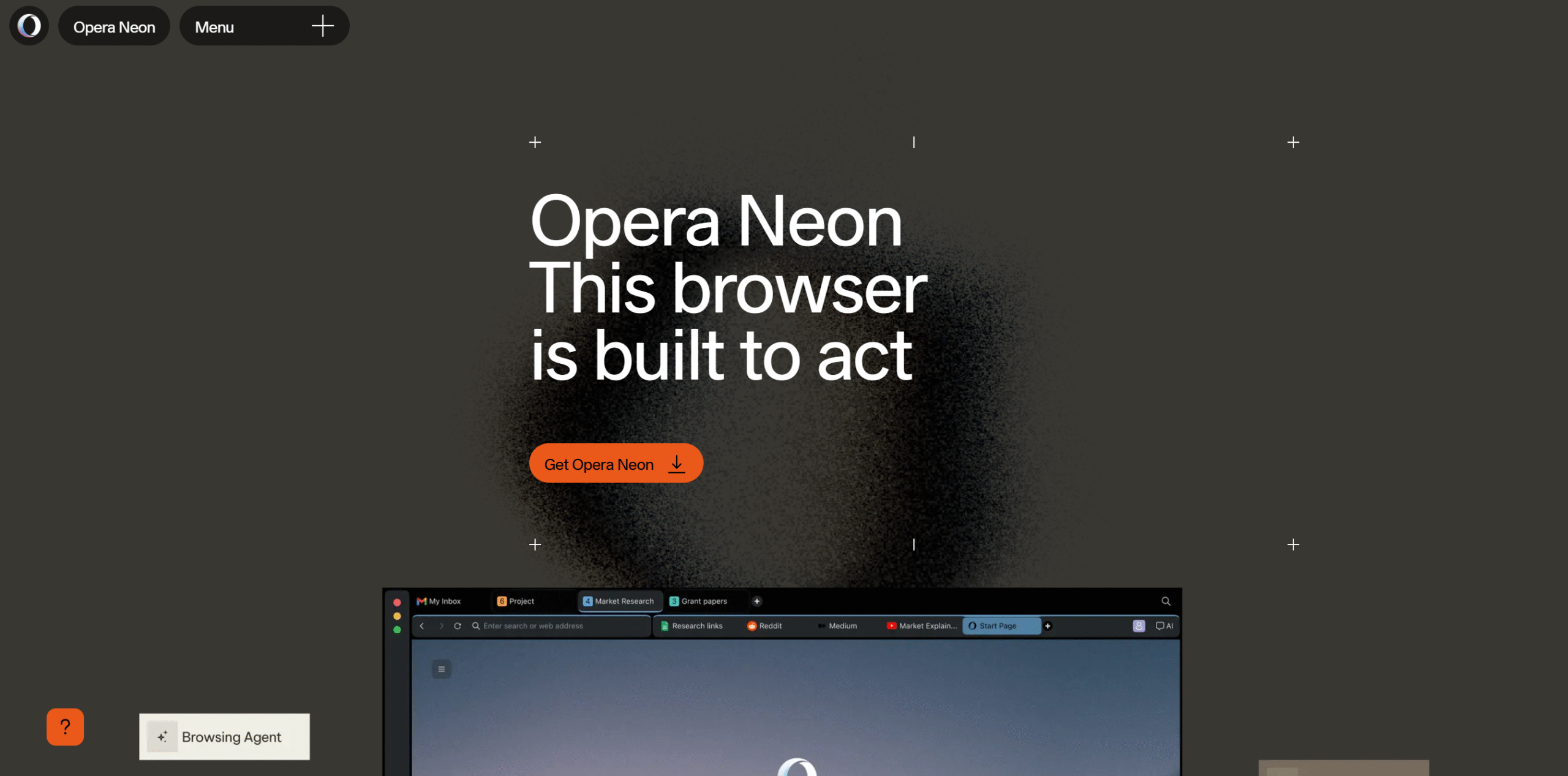
If you are specifically looking for an auto browse feature, Opera Neon is an excellent choice.
It’s the AI assistant’s core function, and it does it well.
Some of the things Neon can do on your behalf include conducting deep research, analyzing web content, generating images and videos, and performing multi-step tasks.
You can ask Neon to navigate web pages, fill out forms, book events, and export information in Google Docs.
What’s really interesting is that Neon can create and host web apps for you. This is a pretty interesting feature for those who don’t know how to code. With a simple prompt, you can build basic applications such as mini games and interactive learning apps.
If I were a student, I would have fun playing around with this feature.
The only disadvantage of Opera Neon is accessibility. There’s no free AI package.
You can download Neon and integrate third-party agents like ChatGPT, but to get its built-in AI features, you’d need a paid subscription.
Core Features
- Automated browsing.
- Deep research.
- Image and video generation.
- AI chat.
- App creation.
- Reusable templates.
- Ad blocker and VPN.
- Integration with AI agents like ChatGPT.
What Users Say
“I’ve been using Neon for a bit, and I gotta say, their Cards feature is legit awesome! It’s like having a personal AI assistant that you can tweak to do exactly what you want. I’ve tried other AI browsers, but none of them have anything like this.”—Reddit.
“I have been using tons of different browsers throughout the years. And this is probably the first one that acts decently on a touchscreen.”—Reddit.
Price
Opera Neon charges $20 per month.
6. Fellou
Fellou and Opera Neon are similar in nature, but their primary focus is different.
Opera Neon focuses mainly on browser automation, while Fellou puts more emphasis on combining deep research with automation.
That’s what really makes Fellou stand out.
Fellou also has an amazing reporting tool. It collects information from multiple sources, turns it into a visual report, and saves it locally or in the cloud.
Other notable features of Fellou are document and content creation, agentic memory, task scheduling, and app creation.
I would definitely recommend exploring this browser. It looks promising.
Core Features
- Deep research.
- AI chat.
- Automated browsing.
- Memory.
- Visual reports.
- Web app creation.
- Third-party app integration.
What Users Say
“I have been hooked on Fellou for job hunting. It’s wild how it can scan JDs, tell me what to tweak on my resume, pick the best matches, and apply for me.”—Reddit.
“I’m using Fellou for job hunting. Crazy how much time it saves. I don’t feel like I’m drowning in forms anymore. “—Reddit.
Price
You can try Fellou for free. Its premium packages start at $20 per month.
7. GenSpark
GenSpark is primarily an AI workspace with an AI browser built into it.
The browser isn’t its core product, but when you combine it with GenSpark’s AI agents, you get a powerful tool for research and automation.
You can ask GenSpark to pull context from Slack, browse the web for information, summarize findings, and turn them into PPT slides or a social media post.
You can also use it to perform more complex tasks.
For example, you can ask the AI assistant to compare competitors’ websites and organize your required information in a spreadsheet. You can then use GenSpark’s plan generator to turn those findings into a business plan.
So basically, you aren’t just getting an AI browser. You are buying an entire workspace with built-in business tools to handle different tasks.
Core Features
- Web searching.
- Super agent.
- Automated browsing.
- Ad blocker.
- Third-party app integration.
- Office and content creation tools.
- Mobile app.
What Users Say
“Genspark is most useful when I need to turn a broad research question into a usable output. In my finance and private equity work, I use it for market research, company screening, investment angles, memo structure, and presentation materials.”—G2.
“The super agent is my favorite feature. It pulls from sources other platforms block, especially Reddit and Hacker News, and it has its own drive/hub, so it can actually do things like download and sort files rather than just link or talk about them.”—G2.
Price
GenSpark browser comes free with the workspace plan. The prices start at $20 per month.
8. BrowserOS
If you are looking for an open-source option, try BrowserOS. It’s a desktop browser that allows you to run AI models on your computer.
You can use BrowserOS on Windows, Mac, and Linux systems.
It lets you run local AI models using Ollama and LM Studio and also supports popular cloud AI providers like Claude and ChatGPT.
The browser works well with other third-party applications too.
You can connect to over 40 apps, including Slack, Gmail, Microsoft Teams, and Notion.
There are some downsides of using BrowserOS, however.
For one, it isn’t as reliable as other AI browser assistants when it comes to handling complex tasks. So, if auto browsing is your main priority, I wouldn’t go with BrowserOS.
Second, it isn’t as refined as other AI browsers. So, expect some occasional glitches.
Other than that, it’s a pretty good tool considering it’s free.
Core Features
- Open-sourced.
- Supports local and cloud AI providers.
- AI chat, research, and data extraction.
- A default built-in AI agent.
- Task scheduling.
- Third-party integrations.
What Users Say
“Been using it daily for work. The best thing is I can connect with MCP/CLI and tell Claude to just do things directly with my open tabs.”—Reddit.
“I have been using BrowserOS. I really like it because of its LLM hub feature. It lets me query 3 to 4 LLMs at once.”—Reddit.
Price
BrowserOS is free.
9. Strawberry
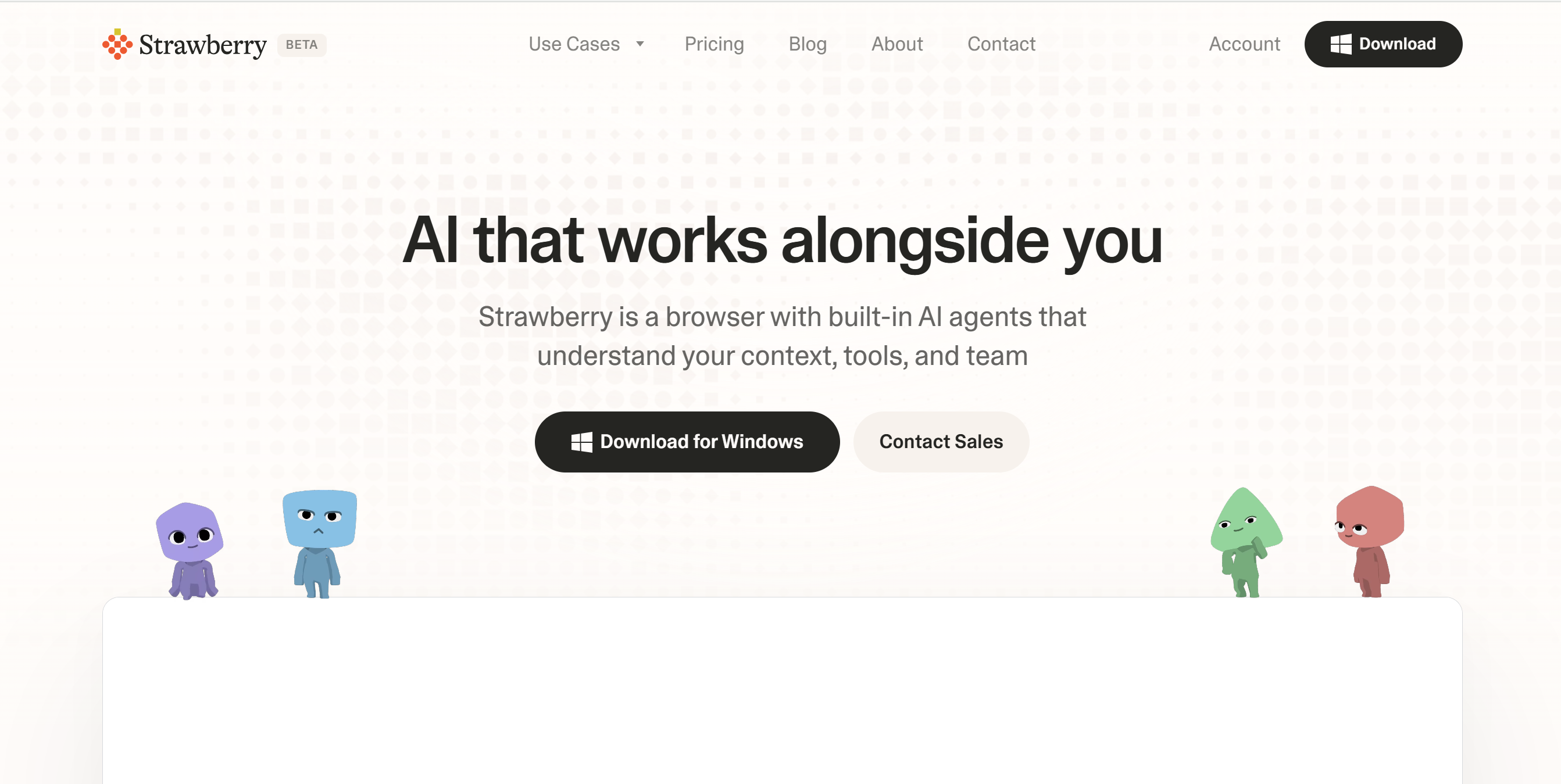
Strawberry is one of the lesser-known AI browsers, but it packs powerful agentic features.
You can use it to search for information, compare data, and automatically compile it all in a Google Sheet. You can also connect it to 100+ third-party apps, including Gmail, Microsoft, Slack, and HubSpot.
What I loved most about Strawberry is its workflow automation. You can give it a long instruction involving multiple business tools, and it can complete the tasks.
For example, you can ask Strawberry to monitor your competitor’s social media accounts, run analysis, send it to Notion, and update you on Slack every Monday.
You can create even more complex workflows.
Check the official website for use cases.
Core Features
- AI chat.
- Web research.
- Workflow automation.
- Comparison and data extraction.
- Third-party app integration.
- Drafting and creation.
- Windows and macOS support.
What Users Say
“It’s an amazing AI browser, fully agentic, and pretty much does my office work.”—Reddit.
“I just started playing with it and found onboarding to be very smooth and friendly. I was pleasantly surprised by how it takes my instructions and does a pretty good job at doing the tasks for me.”—Product Hunt.
Price
You can download Strawberry for free. The premium subscription starts at $20 per month.
FAQ
What Is An AI Browser Assistant?
An AI browser assistant is an AI bot inside your browser. It navigates open tabs, interacts with websites, summarizes information, and performs tasks on your behalf.
Which AI Browser Assistant Is the Best?
AI browsers are pretty new, and the technology is still evolving. So, the best option depends on what you want to use it for. Based on real user reviews, however, I would recommend Perplexity Comet. It’s more efficient comparatively.
Can I Use AI Browser Assistant On My Phone?
It depends on the browser. Gemini, Copilot, and Perplexity Comet have mobile versions. Others on the list are exclusively desktop AI browsers.
Are AI Browser Assistants Safe?
To some extent. AI browsers, like any AI tool, inevitably come with some privacy risks. If you frequently use ChatGPT or Claude, you probably already know the deal. An AI browser isn’t all that different.
Are AI Browsers Better Than ChatGPT/Claude For Web Research?
Yes. They have direct access to your open tabs and can perform live research better.
Conclusion—Which AI Browser Assistant Should You Choose?
Before you pick any browser assistant, think about what you want the AI to do for you.
Is it research, work assistance, automation, or simple queries?
Here are some of my recommendations.
For Students/Researchers
If you are exploring AI browser assistants for learning and research, I would recommend Gemini and Perplexity Comet.
Gemini already connects to everyday tools we use, making it extremely convenient. Perplexity Comet, on the other hand, has powerful research tools.
Both also offer free plans.
For Business Owners
For entrepreneurs, independent professionals, and business owners, GenSpark and Fellou are the best.
They offer AI productivity tools with an AI bot.
For Casual Users
For personal use, I recommend Gemini and Copilot. Both are free and easy to access, so you don’t have to pay for occasional use.
If you have a tech background, you can also try BrowserOS. It’s an open-source tool.
Compare each platform and pick the one that meets your criteria. Good luck!


 A better way to manage projects and clients for freelancers
 Get through busy days like a breeze with Reclaim.ai