
I know how frustrating and time-consuming it can be to extract data from all sorts of sources:
- Websites
- Databases
- Documents
- and APIs.
And let’s be real, when you’re working on data analysis, research projects, or building data pipelines, having accurate and organized data is crucial.
Without the right tools, you might end up with incomplete, messy, or outdated information, which could lead to flawed insights or decisions.
That’s why I’m here to share with you the 15 best data extraction tools out there.
They will make your life so much easier by automating the process, handling large volumes of data, and even cleaning and transforming the extracted data for you.
Give me all ears if you’re a data analyst, researcher, developer, or just someone who needs to get their hands on reliable data.
We start with our top recommendation — Bright Data.
1. Bright Data
(7-day trial for registered companies)
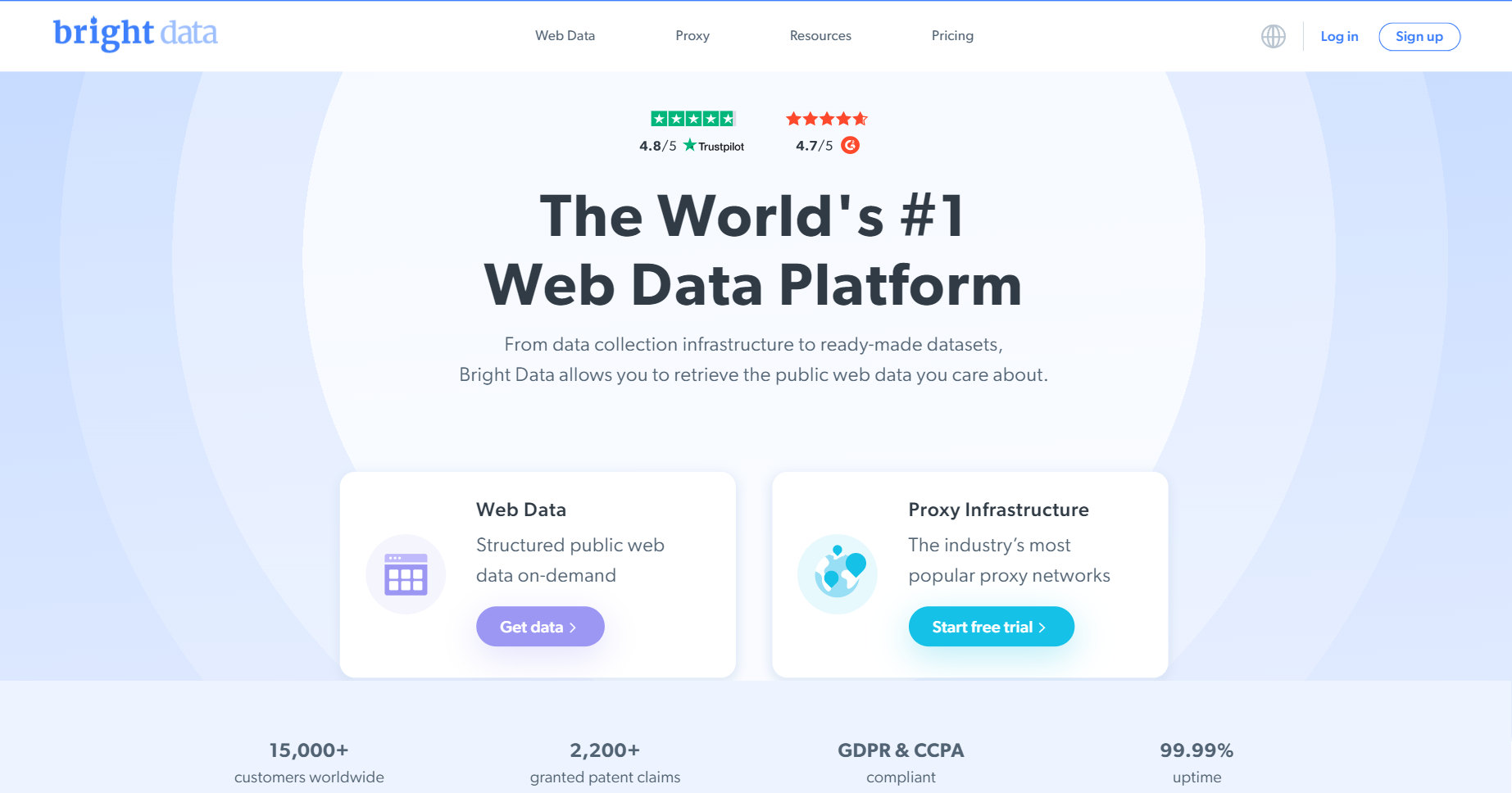
When it comes to web data extraction, Bright Data is the real deal.
They’ve got a complete suite of solutions to help you collect public web data at scale. And they do it with a strong emphasis on transparency, compliance, and ethical practices.
First things first, let’s talk about their proxy networks.
Bright Data provides access to a massive network of proxies—residential, datacenter, ISP, and mobile proxies from over 195 countries. With these proxies, you can bypass geo-restrictions, IP blocks, and other barriers like a boss.
Bright Data also offers powerful web scraping tools that make data extraction a breeze.
Their Web Scraper IDE (Integrated Development Environment), for instance, and Scraping Browser allow you to extract data from websites without writing a single line of code.
And for those who want to stay on top of search engine results, Bright Data’s SERP API is a game-changer.
It lets you retrieve search engine results data, including organic and paid listings, in a structured format.
But wait, there’s more!
Bright Data also provides access to a vast collection of pre-scraped datasets across various industries, including e-commerce, finance, healthcare, and more.
You can browse and purchase these datasets or request custom data collection for your specific needs.
Top Features of Bright Data
- Ethical and compliant data collection practices (they take this stuff seriously)
- Massive IP pool with over 72 million residential IPs
- Advanced targeting options for granular data collection (zip codes, cities, ASNs, etc.)
- Robust infrastructure for high uptime and fast speeds
- Comprehensive support and resources
2. Octoparse
(Free plan, 14-day trial on paid plans)
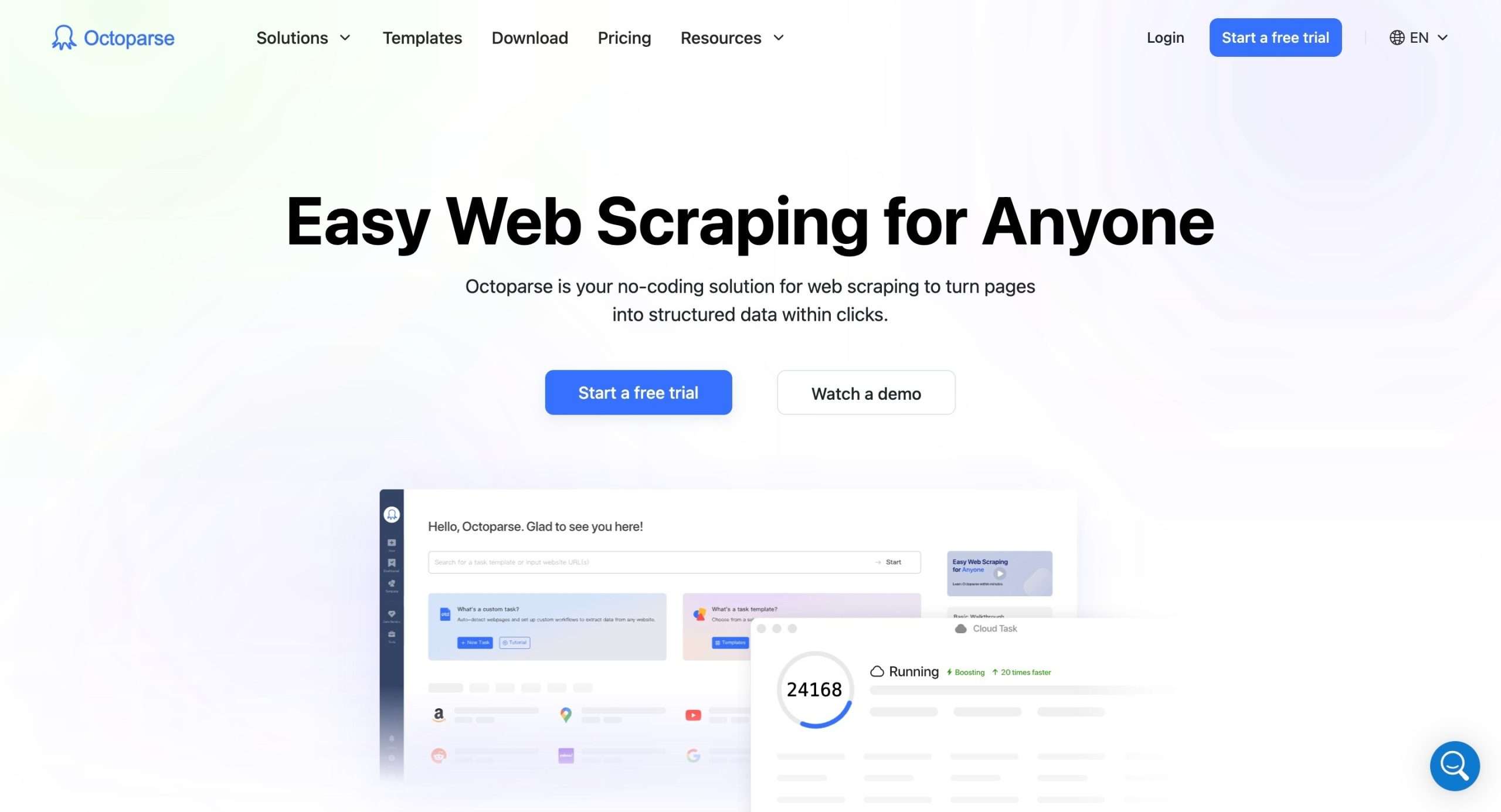
Octoparse is a comprehensive web data extraction tool to make the process of scraping data from websites accessible to all.
Its standout feature is a visual, point-and-click interface that simulates human web browsing behavior, enabling you to extract desired data elements by simply clicking on them within the software.
While exceptionally user-friendly, Octoparse is far from limited in its capabilities.
It can handle both static websites as well as dynamic sites that employ technologies like AJAX, infinite scrolling, login authentication processes, and more.
Octoparse automatically detects and extracts data from these complex website structures.
To cater to large-scale web scraping needs, Octoparse offers a cloud extraction service that harnesses distributed computing power across many servers. This allows you to scrape data from millions of web pages at high speeds.
Once data is extracted, Octoparse provides flexible export options including Excel, CSV, HTML, and TXT files, and direct integration with databases like MySQL, SQL Server, and Oracle via an API.
Top Features of Octoparse
- Visual, code-free point-and-click data extraction interface
- Supports static and dynamic websites with AJAX, logins, infinite scrolling
- Cloud extraction service for large-scale, distributed scraping
- Multiple data export formats and database integration via API
- Built-in IP rotation and proxy support to bypass restrictions
- Scheduling capabilities for automated, recurring data extractions
- Advanced tools like RegEx, XPath, and auto database export
3. Apify
(Free plan)
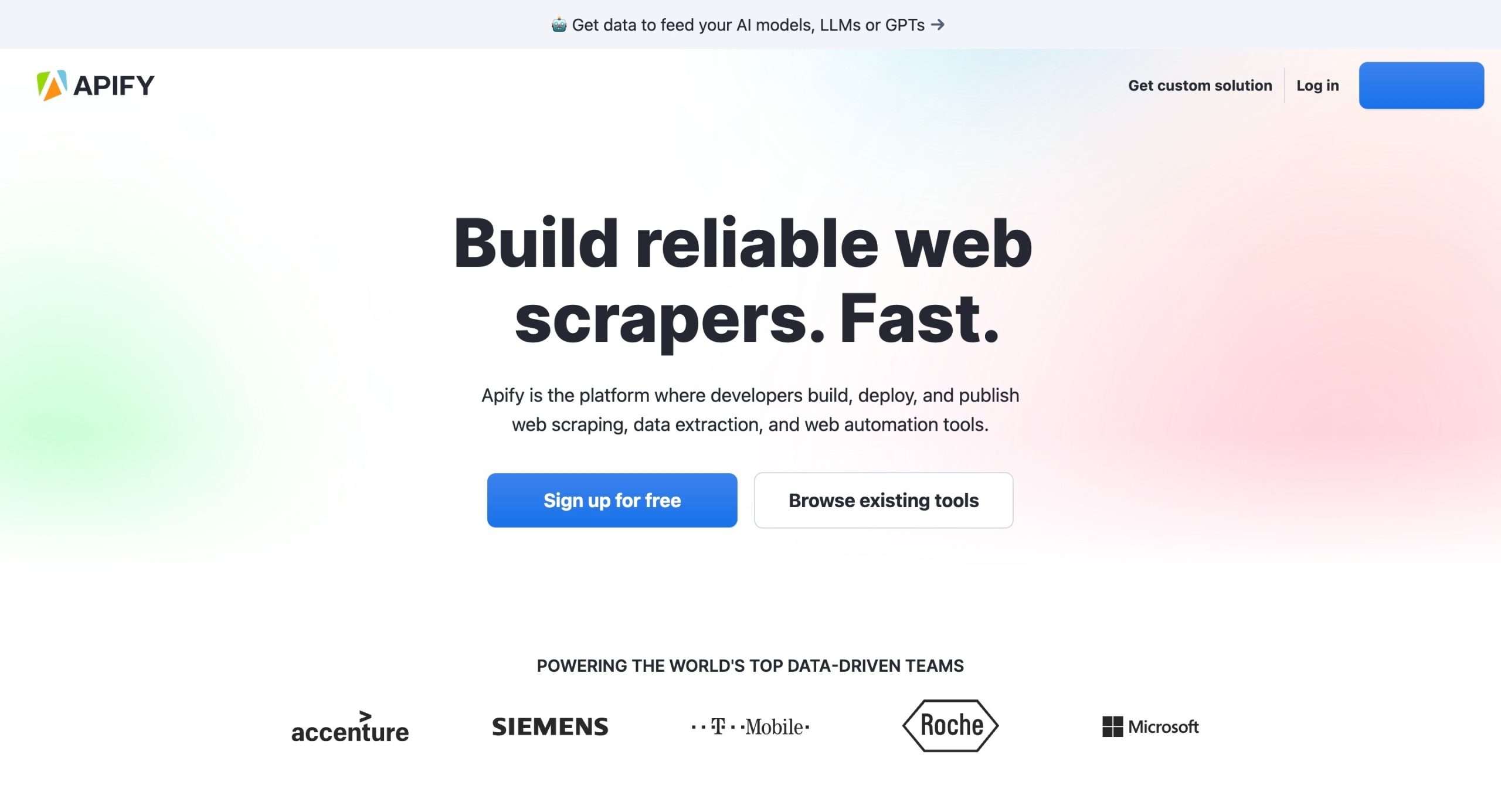
Apify is a cloud-based platform that makes web scraping, data extraction, and automating web tasks fun.
And the best part? You don’t have to be a coding wizard to use it.
Apify has this awesome thing called “Actors”. They’re like pre-built scripts or tools that can handle all sorts of web scraping and automation tasks.
You can either use the ones from their massive library or create your own custom Actors if you’re feeling fancy.
But here’s where it gets really good—Apify is built for scalability.
Their cloud infrastructure lets you manage even the biggest web scraping projects, with features like proxy rotation to bypass anti-scraping measures.
And if you’re a developer, you can actually publish your scraping tools on their marketplace and earn some passive income.
Top features of Apify
- Web scraping capabilities that can handle any website
- Headless browser automation for JavaScript-rendered pages
- Data extraction and transformation tools to clean up that messy data
- Website monitoring and notifications to keep you in the loop
- Developer-friendly with APIs, SDKs, and support for popular programming languages
4. Fivetran
(Free plan, 14-day trial on paid plans)
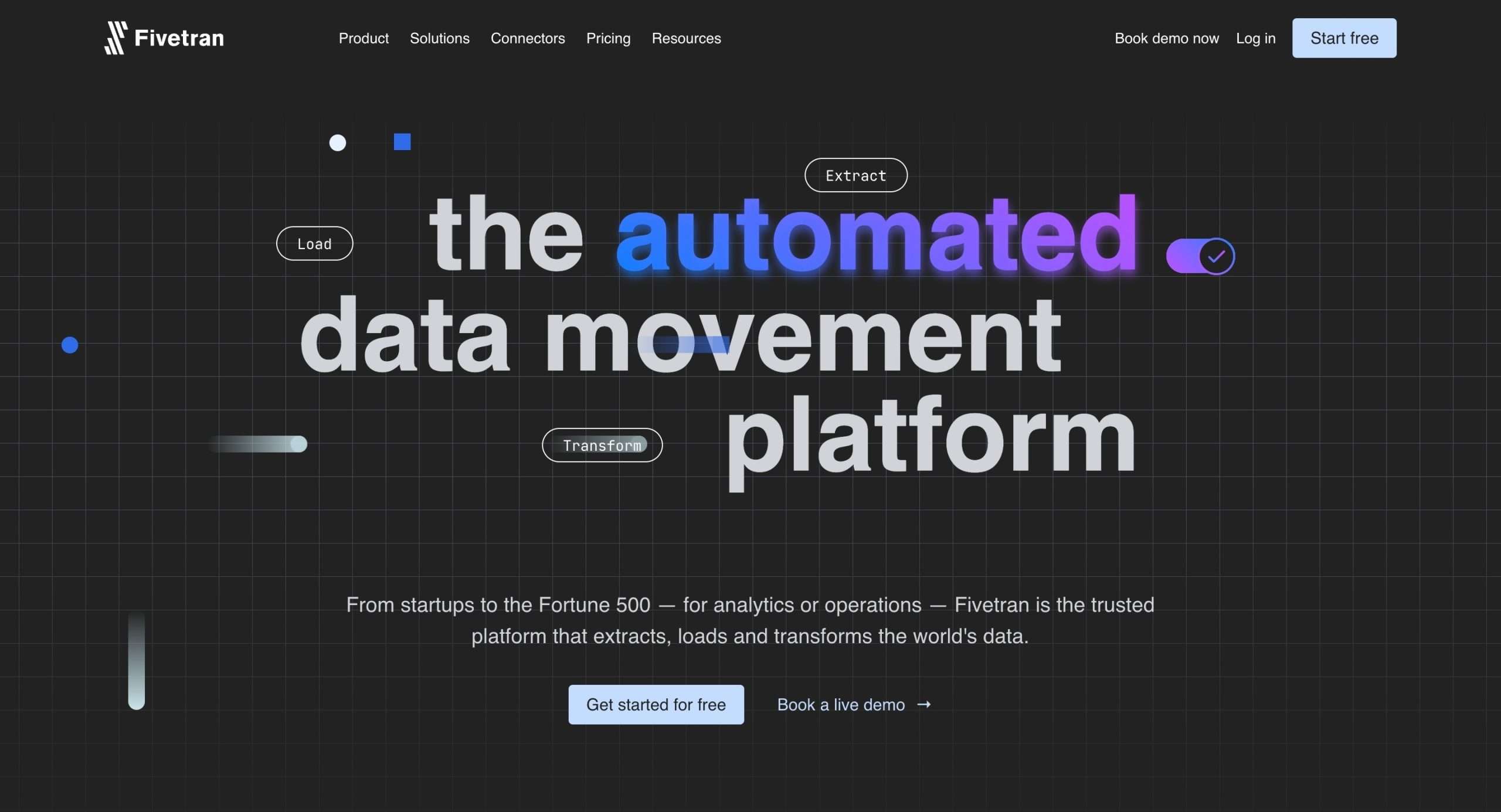
Fivetran is an automated data movement platform that saves you a ton of time and headaches when it comes to getting data from different sources.
Here’s the gist of how Fivetran works:
It offers over 400 pre-built connectors that can extract data from pretty much any source you can think of – databases, SaaS apps, cloud platforms, you name it.
And the best part?
Fivetran automates the entire extraction and loading process, handling schema changes, data normalization, incremental updates, and all that jazz automatically.
But that’s not all – Fivetran also takes care of data transformations for you.
It integrates seamlessly with dbt Core, so you can manage your custom dbt models right within Fivetran.
And when it comes to security and compliance, Fivetran doesn’t mess around. It adheres to all the major data privacy regulations like GDPR, HIPAA, and PCI, ensuring your sensitive data stays locked down tight.
On top of that, Fivetran is built to scale effortlessly as your data volumes grow, and it integrates with your existing data stack, allowing you to extend its capabilities even further.
Top Features of Fivetran
- Automated data extraction and loading from 400+ pre-built connectors
- Handles schema changes, data normalization, and incremental updates
- Built-in data transformations with support for dbt Core models
- Robust security and compliance (GDPR, HIPAA, PCI, etc.)
- Integrates with your existing data stack and allows custom extensions
5. Airbyte
(14-day trial)
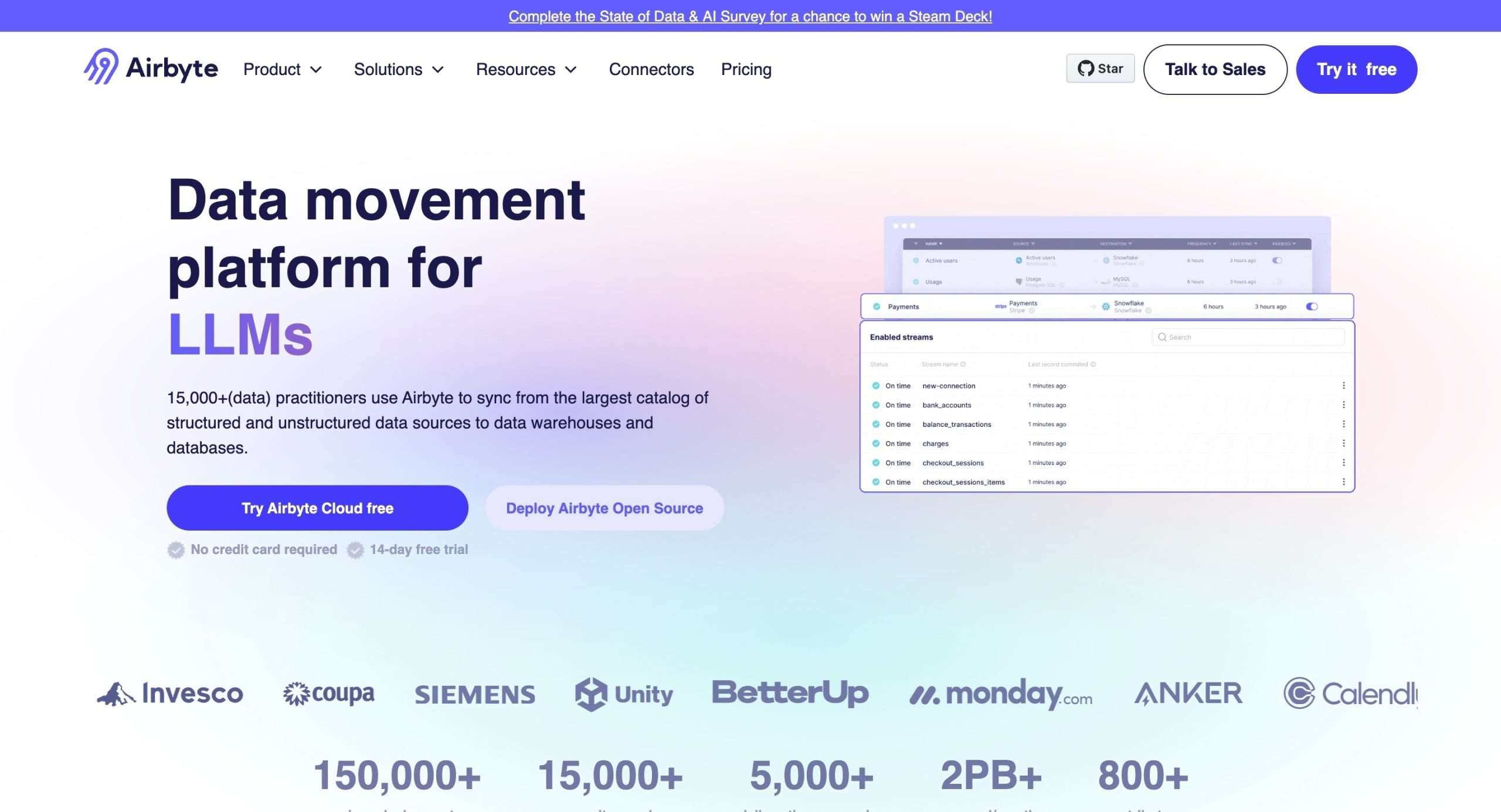
Airbyte is an open-source platform that makes it super easy to pull data from all kinds of sources and load it into your data warehouses, lakes, and other destinations.
Airbyte has a massive library of over 300 pre-built connectors for databases, SaaS apps, cloud storage services, and more.
So no matter where your data lives, Airbyte can extract it for you with just a few clicks.
But that’s not all.
Airbyte also has this cool feature called the Connector Development Kit (CDK). With this, you can build custom connectors for any data source or destination in like 30 minutes.
And when it comes to actually moving your data around, Airbyte gives you a ton of flexibility.
You can do full refreshes, incremental syncs, or even capture changes in real time with CDC (Change Data Capture).
Plus, you can transform your data on the fly with SQL or integrate with tools like dbt.
Setting up data pipelines and monitoring them is effortless too. You can schedule jobs, get alerts if something goes wrong, and choose to self-host the open-source version or use the managed Airbyte Cloud service.
Top Features of Airbyte
- Massive connector library for tons of data sources and destinations
- Custom connector development in 30 minutes with the CDK
- Flexible data replication: full refresh, incremental, CDC
- Built-in data transformation capabilities
- Scheduling, monitoring, and alerting
- Open-source and managed cloud options
6. Hevo Data

(14-day trial)
Hevo Data is a no-code platform that makes it super easy to move data from different sources into your data warehouse or database.
It automates the whole process of extracting, transforming, and loading (ETL) your data so you can focus on analyzing it instead.
It connects to over 150 data sources – from databases and SaaS apps to cloud storage and streaming services – and pulls that data into a centralized location.
One of the coolest things about Hevo Data is its real-time capabilities.
It can keep your data warehouse updated with fresh data continuously, so you’re always working with the latest information.
Plus, it automatically detects any changes in your data schema and adapts accordingly, saving you from tedious manual mapping.
If your data needs some cleaning up before loading, Hevo Data has got your back with preload transformations.
You can use its drag-and-drop interface or write Python code to clean and format your data exactly how you want it.
Top Features of Hevo Data
- No-code, drag-and-drop interface for creating data pipelines
- Real-time data transfer and change data capture (CDC)
- Automated schema management and mapping
- Preload data transformations with Python or a visual interface
- Scalable cloud infrastructure based on workload
- Live monitoring and alerting for pipeline issues
7. Diffbot
(Free plan)
Diffbot only does a few things and they do it right, specifically – web data extraction and building knowledge graphs.
First up, their Knowledge Graph is freaking massive. We’re talking about a collection of over 10 billion entities and 2 trillion facts, all extracted from the web.
And get this, they’re constantly updating this Knowledge Graph every 3-5 days. So, you know you’re getting fresh data.
You can tap into the data through their APIs and use it for all sorts of cool stuff like market intelligence, news monitoring, and even training your machine learning models.
But that’s not all!
Diffbot also has these killer Automatic Extraction APIs that can pull structured data from any website or URL.
These guys use some next-level computer vision and natural language processing to identify and extract relevant information, whether it’s text, images, pricing, reviews, you name it.
Now, let’s talk about their NLP game. Diffbot can extract structured entities, relationships, and even sentiment from plain old text.
So, you can basically create your own knowledge graphs from articles, reports, social media posts, or whatever text you’ve got lying around.
Top Features of Diffbot
- Massive Knowledge Graph with 10 billion+ entities and 2 trillion facts
- Powerful Automatic Extraction APIs for structured data extraction
- Crawlbot for large-scale web crawling and data extraction
- Advanced NLP capabilities for extracting entities, relationships, and sentiment from text
- Data enrichment and integration with popular tools and platforms
8. ScrapingBee
(Free trial with 1000 free API calls)
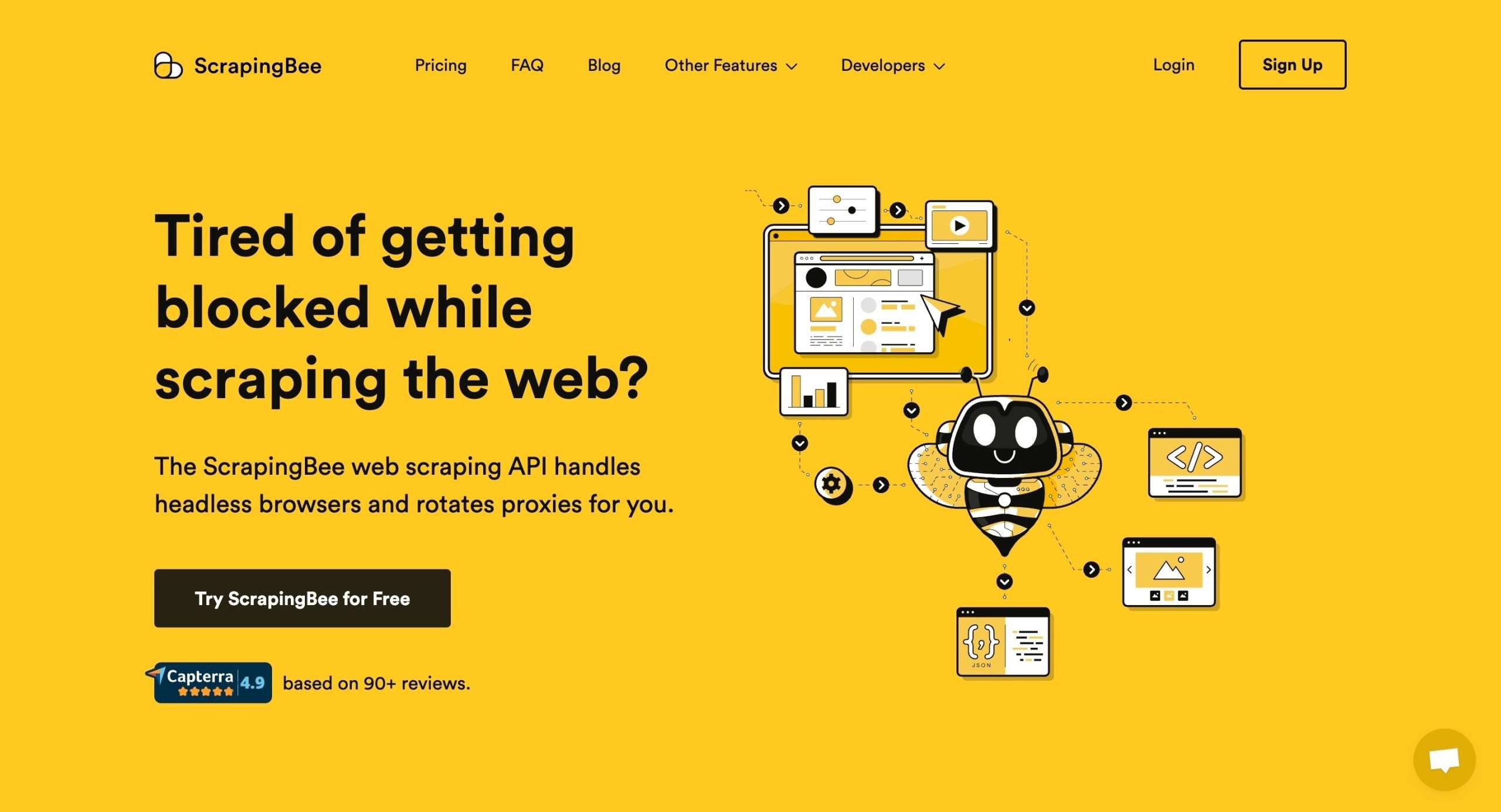
ScrapingBee is a cloud-based web scraping solution with a user-friendly API for developers to extract data from websites.
It offers a range of features to overcome common challenges faced during web scraping, such as IP blocking, JavaScript rendering, and CAPTCHA solving.
With ScrapingBee, you don’t have to worry about getting blocked or dealing with complex single-page applications.
The API handles the entire web scraping process, including proxy management, JavaScript rendering, and CAPTCHA solving.
All you have to do is provide the URL, and their API will extract the data you need in a format that’s easy to work with, like JSON or HTML.
It’s as simple as that.
They’ve got a pool of rotating proxies, including residential and premium proxies, so you can scrape anonymously without worrying about IP blocks.
Need to click buttons, scroll pages, or perform some advanced scraping?
No problem! ScrapingBee lets you execute custom JavaScript snippets. You can even scrape search engine result pages using their Google Search API.
Top Features of ScrapingBee
- A robust API for extracting data from websites by providing the URL
- Utilizes headless browsers to render JavaScript-heavy websites
- Access to rotating proxies, including residential and premium proxies
- Solves CAPTCHAs to bypass this common anti-scraping measure
- Allows executing custom JavaScript snippets for advanced scraping
- Extracts structured data in various formats (HTML, JSON, XML)
- Provides an API for scraping Google Search results
9. Docparser
(14 day trial)
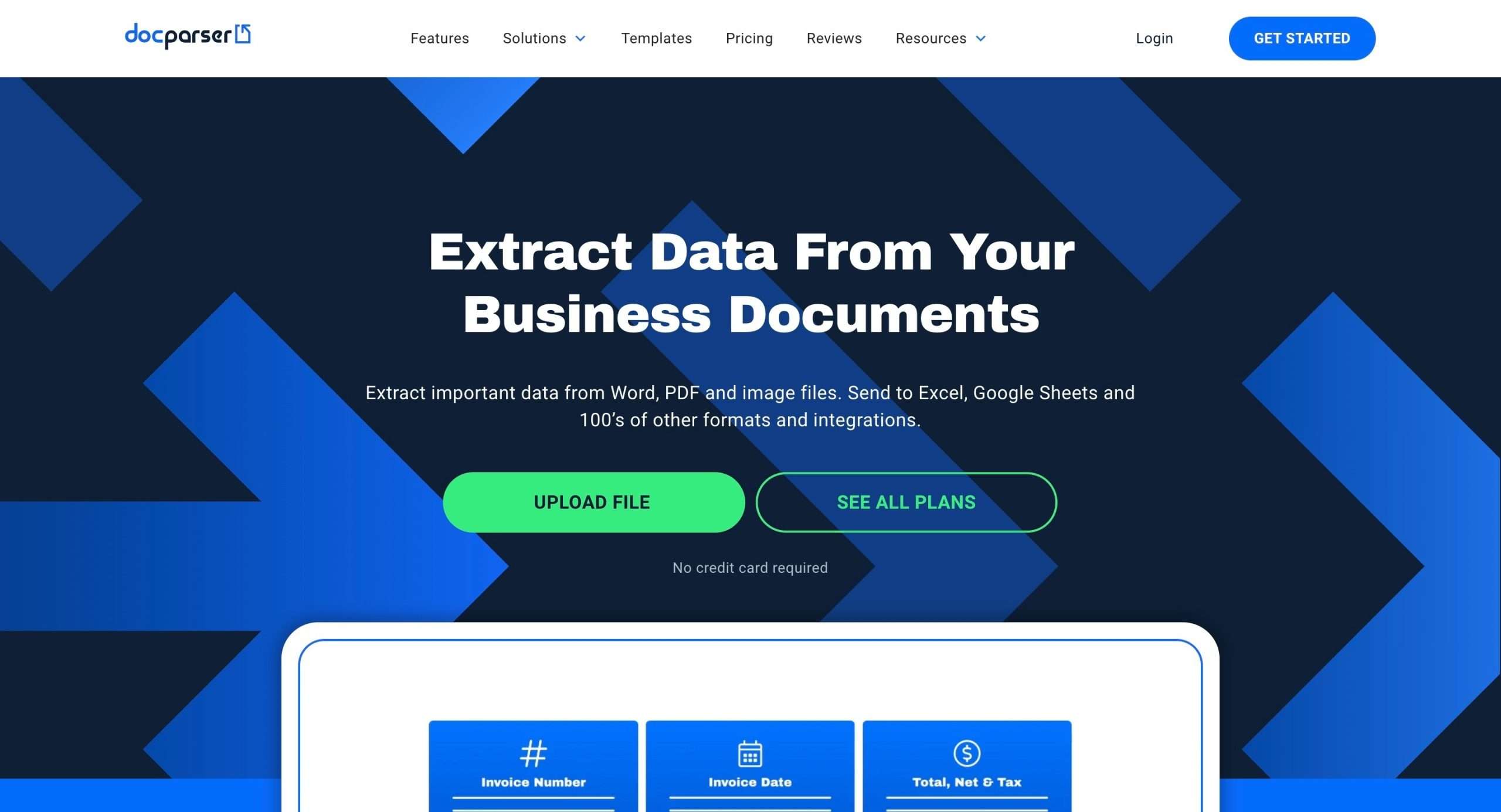
Docparser is a cloud-based software that uses OCR (Optical Character Recognition) to extract data from documents like PDFs, Word files, and scanned images.
It has a user-friendly interface that allows you to define parsing rules and extract data without writing a single line of code.
You don’t need to be a coding wizard to use Docparser. Just upload your documents and let it do its magic.
Docparser has pre-built rules for extracting formatted data like dates, email addresses, invoice numbers, and more, tailored to specific document types.
If the pre-built rules don’t cut it, you can create your own custom parsing rules that are 100% tailored to your needs.
Dealing with complex data structures like tables and repeating text patterns? Docparser has got you covered.
Scanned documents look messy? Docparser can clean them up, rotate pages, remove noise, and optimize images for better OCR performance.
You can even connect Docparser to your other systems using its API or webhooks, and export data in various formats like CSV, Excel, JSON, and XML.
Top Features of Docparser
- No-code data extraction from documents via a visual interface
- Pre-built rules for extracting formatted data like dates, emails, invoice numbers, etc
- Ability to create custom parsing rules tailored to specific use cases
- Extraction of line items, tables, and repeating text patterns from documents
- Advanced image preprocessing for scanned documents (deskewing, noise removal, etc.)
- Integration with Zapier for connecting to other cloud applications
10. Scrapingdog
(30-day trial)
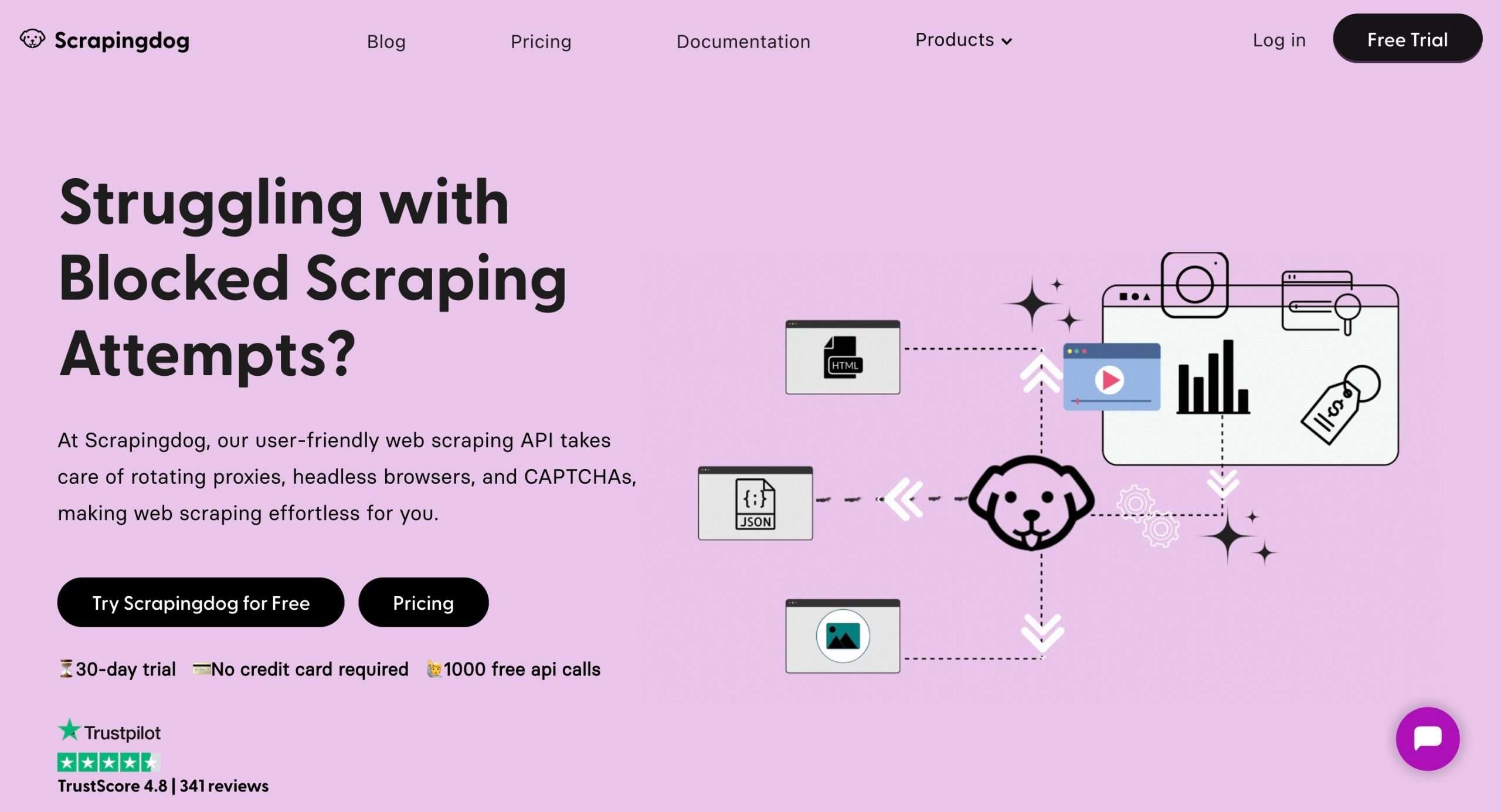
Scrapingdog is an all-in-one web scraping API that makes extracting data from websites a walk in the park.
Seriously, they’ve got all the bases covered, from handling proxies and browsers to solving CAPTCHAs.
What sets Scrapingdog apart is its comprehensive range of scraping tools and features.
Let me break it down for you:
First off, they have a general web scraping API that lets you scrape HTML data from any website.
But Scrapingdog also offers dedicated scraper APIs for big players like Google, Amazon, and LinkedIn.
These APIs serve up structured JSON data on a silver platter, making it a breeze to extract and analyze specific information from these platforms.
You’ll also love their Google Scraper API. It can scrape over 100 million organic search results in a single day.
There’s more to it than that.
Scrapingdog has a pool of over 40 million rotating IP addresses from major countries. Each new request goes through a different IP, increasing the success rate and preventing blockages.
Scrapingdog even offers a Screenshot API that lets you capture full or partial screenshots of web pages.
Top Features of Scrapingdog
- General Web Scraping API to extract HTML data from any website
- Dedicated Scraper APIs for Google, Amazon, and LinkedIn
- Rotating Proxy Pool with over 40 million IP addresses from major countries
- Use of headless Chrome browsers for JavaScript rendering
- Screenshot API to capture full or partial screenshots of web pages
11. Rivery
(14-day trial)
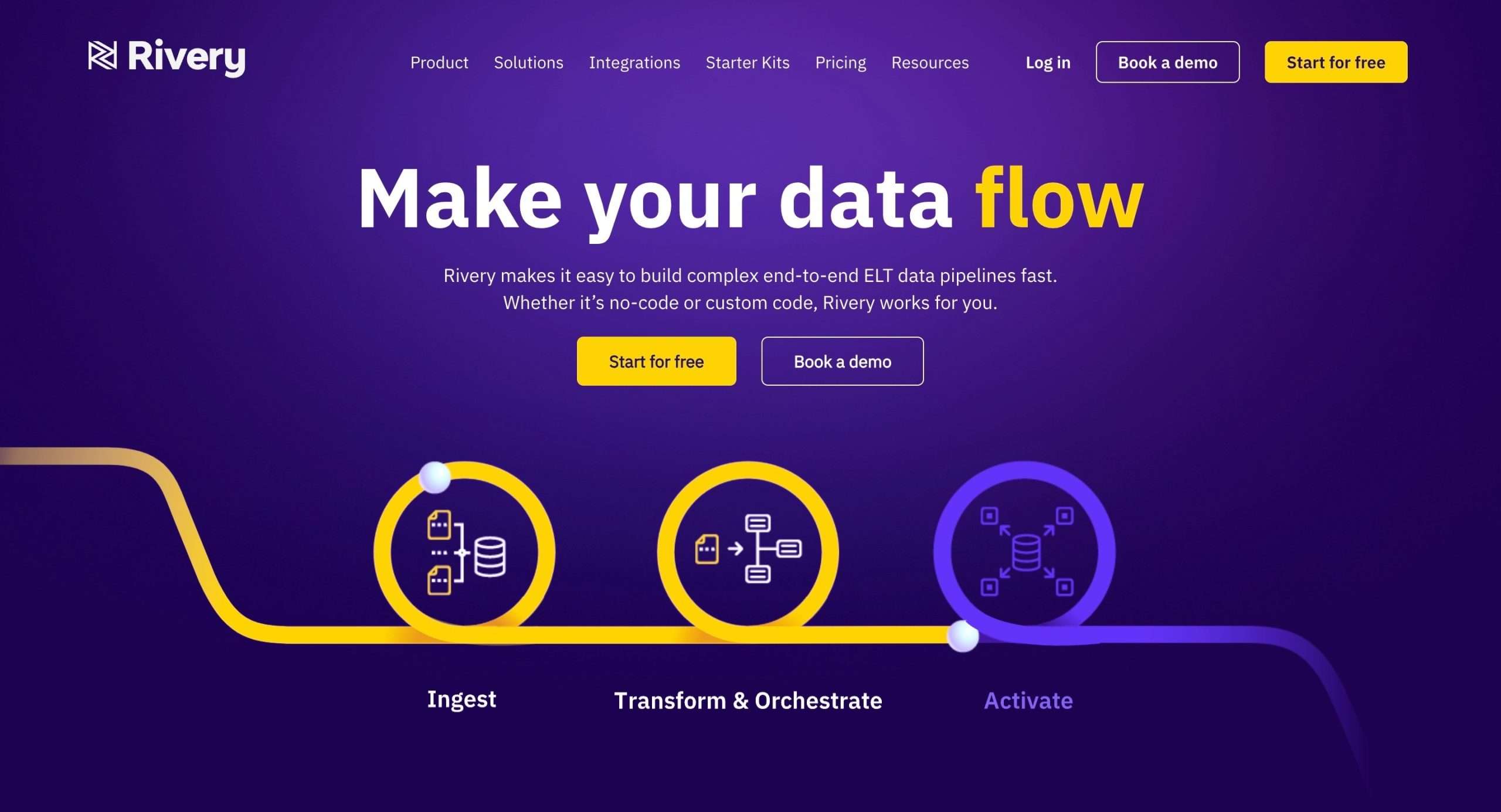
Rivery is a definitive cloud ELT (extract, load, and transform) tool that makes data ingestion easy.
They’ve got over 200 pre-built connectors that let you instantly hook up to pretty much any data source imaginable – from databases and APIs to cloud applications and file storage.
And if you need something custom, no problem, they’ve got you covered with their API connector.
But Rivery isn’t just about getting data in, it’s also a pro at transforming that data into something you can use.
With native Python support and SQL-based transformations, you can automate your entire data prep process.
You can set up automated workflows that handle everything from conditional logic to branching and loops.
And when it comes to managing your data operations, Rivery has your back with centralized reporting, monitoring, and alerting.
Top Features of Rivery
- Over 200 pre-built data connectors for easy integration
- Native Python support and SQL-based transformations
- Automated data orchestration with conditional logic, branching, and loops
- Centralized reporting, monitoring, and alerting for data operations
- Enterprise-grade security and privacy standards
12. Improvado
(Free trial/plan not available)
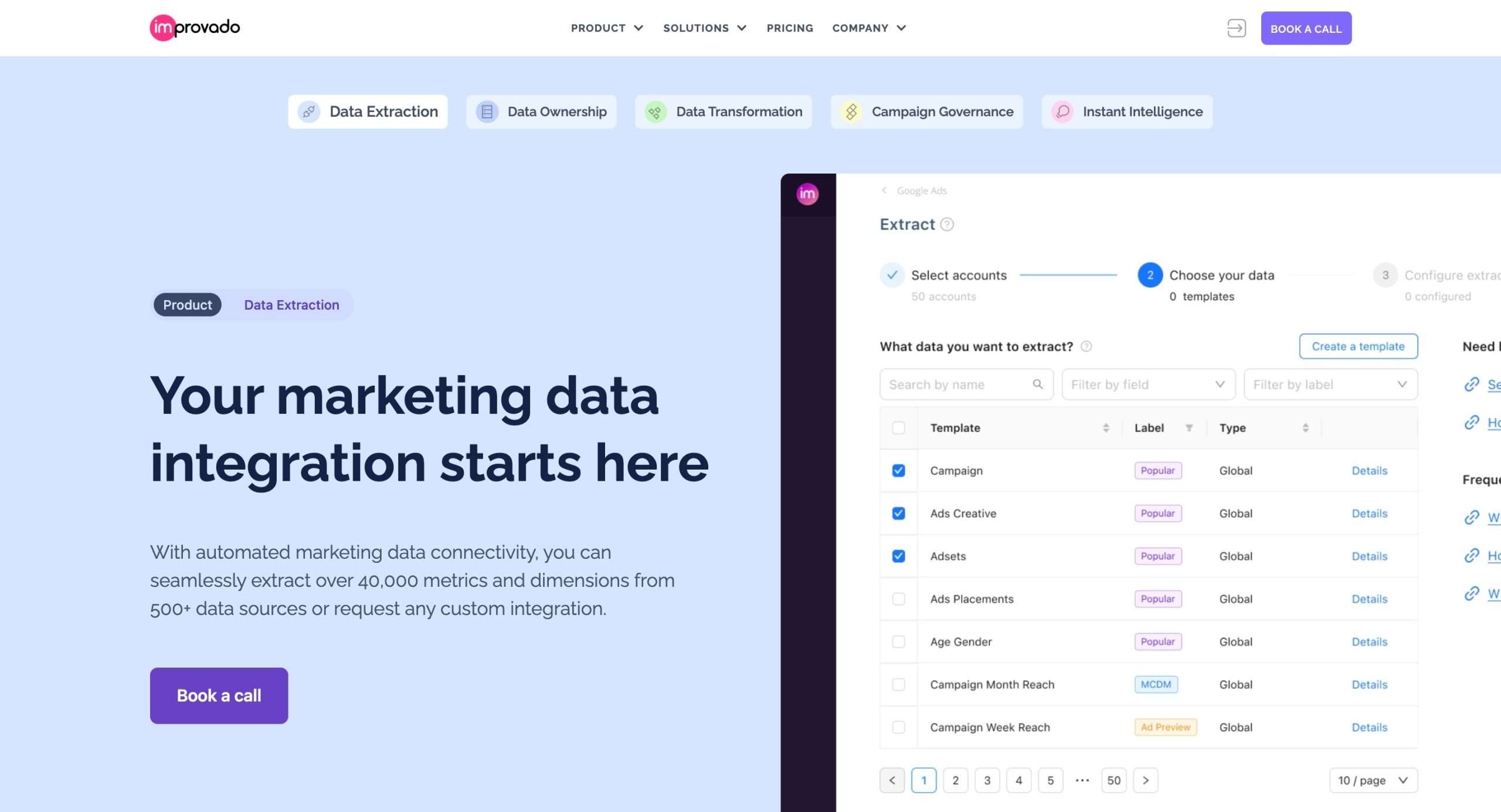
Improvado is the marketing data integration and analytics powerhouse that’ll make your life a whole lot easier.
They’ve got pre-built integrations for over 500 data sources, so you can just plug and play.
Once Improvado has your data, it cleans it up, transforms it, and normalizes it so everything’s consistent and ready for analysis.
Boom, you’ve got a crystal clear view of your marketing performance across all channels.
And if you’re feeling particularly fancy, you can create custom data models tailored to your business needs or set up automated reporting and dashboards.
Here’s the real kicker though: Improvado uses AI and machine learning to automatically surface insights and anomalies from your data.
Top Features of Improvado
- Extract data from 500+ sources, including all the big marketing platforms
- Automated data normalization and transformation for a consistent view
- Build custom data models and automated reports/dashboards
- AI-powered insights and predictive analytics
- Integrate with popular BI tools like Looker, Tableau, and Power BI
- Historical data access for up to 5 years of marketing gold
13. ScraperAPI
(7-day trial)
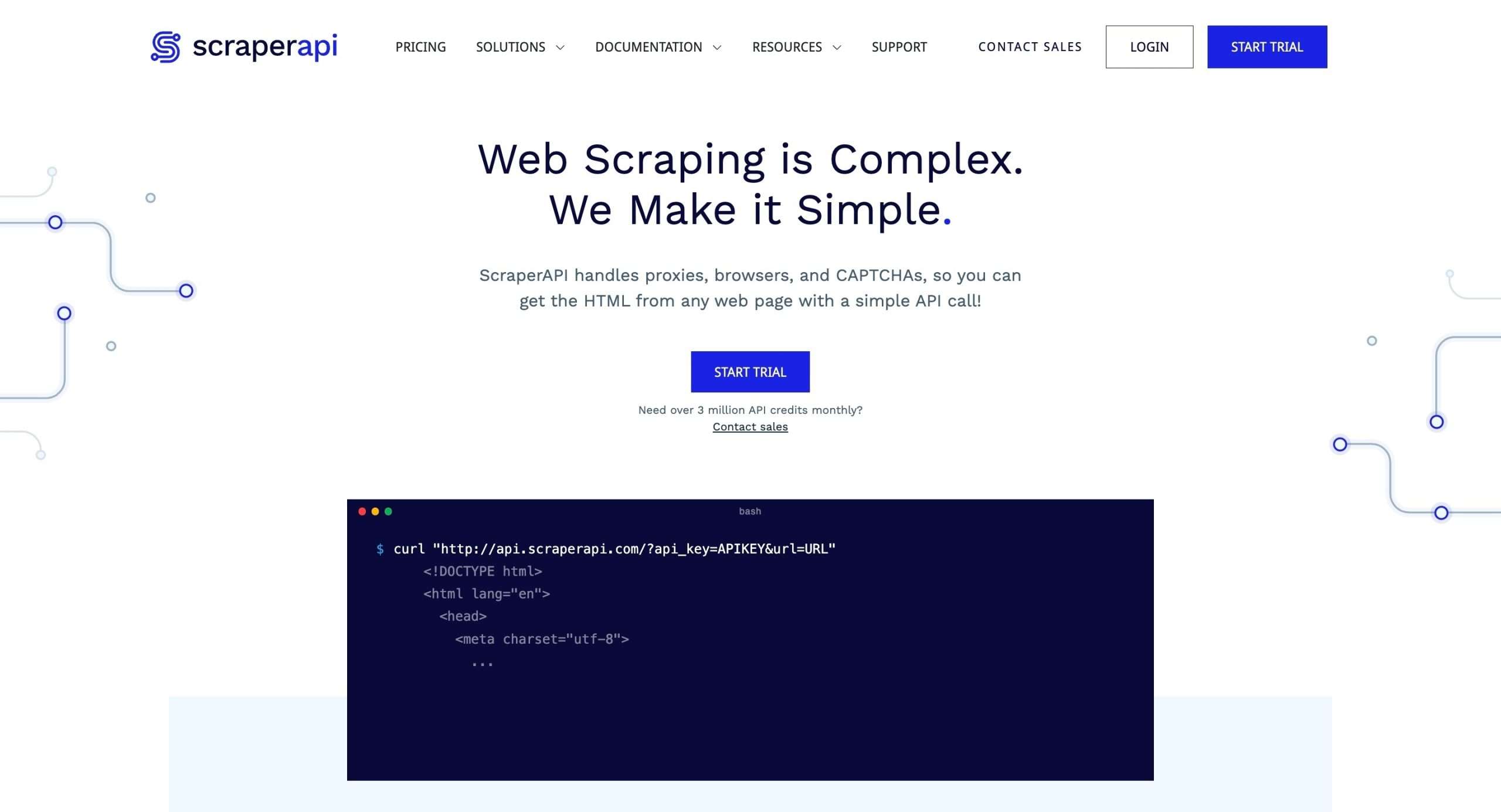
ScraperAPI is another kick-ass web scraping API that takes all the pain out of extracting data from websites.
It’s used by over 10,000 companies, from fresh startups to Fortune 500 giants, and processes a mind-blowing 36 billion web scraping requests per month.
ScraperAPI help companies collect clean, insightful data from any HTML webpage without getting blocked by anti-scraping measures.
It handles all the annoying technical challenges like proxy rotation, browser rendering, and CAPTCHA solving, so you can focus solely on extracting the data you need.
It operates at a massive scale, scraping over 14,000 websites per second, and ensures your real IP address remains hidden and unblocked.
Top Features of ScraperAPI
- Rotates IP with every request from millions of proxies
- Scrapes JavaScript-rendered pages with a parameter
- Automatically solves CAPTCHAs using different IPs and ML
- Targets specific locations by setting country code
- Guarantees unlimited bandwidth for fast crawling
- Handles any project size from 100 to 100M+ pages
14. Skyvia
(Free plan)
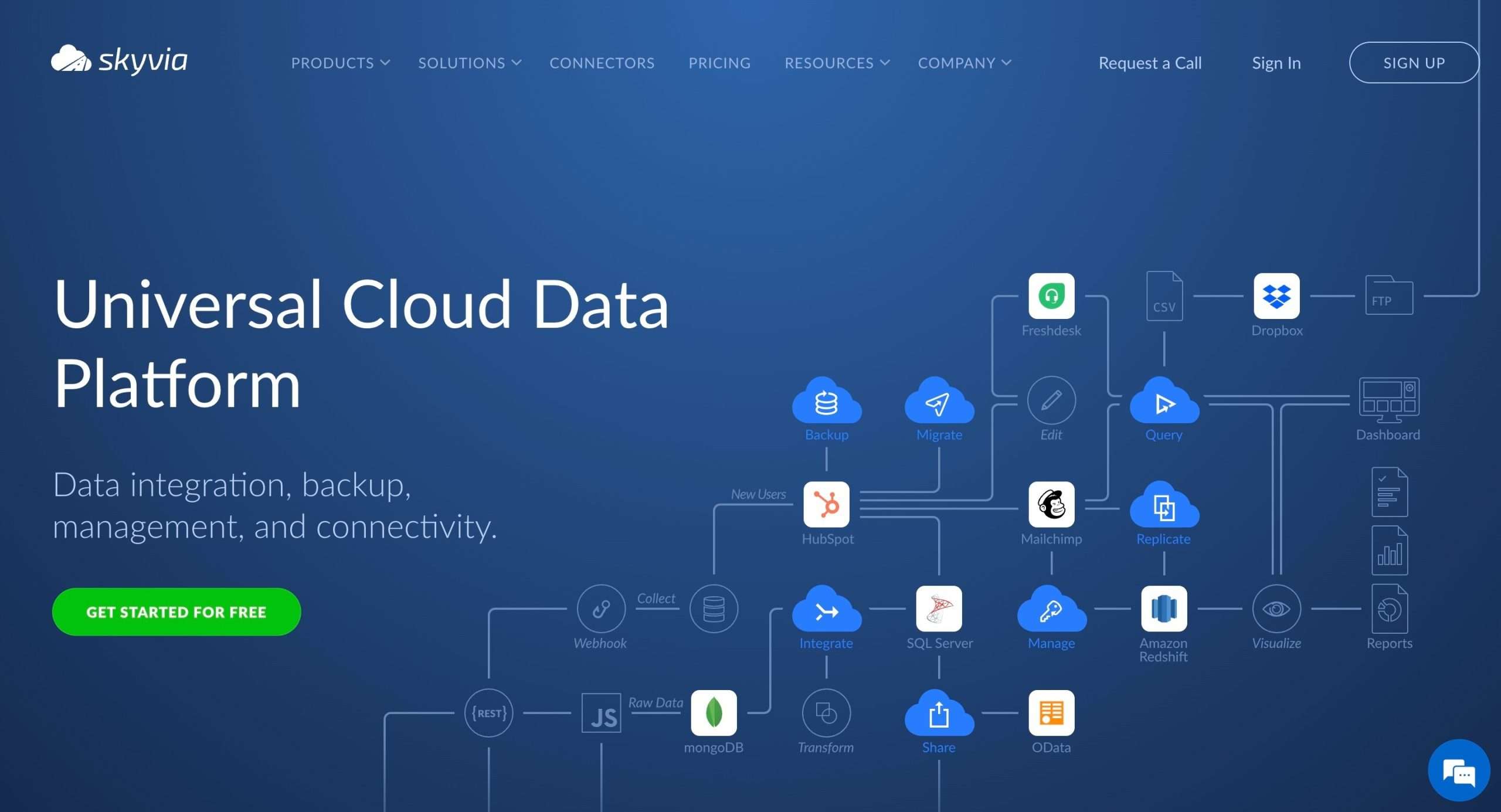
Skyvia is your effortless cloud data superhero. It’s a cloud-based data integration platform that makes extracting, transforming, and loading (ETL) data a smooth ride.
You can connect to pretty much any data source imaginable – cloud apps like Salesforce or HubSpot, databases like SQL Server or Oracle, and even flat files like CSVs.
Now, the coolest part?
You can move data in any direction you want – import, export, replicate, or synchronize.
Additionally, if you need to back up your precious cloud data, Skyvia’s got you covered.
It’ll securely stash away your Salesforce, HubSpot, or any other cloud data, so you can restore it with just a few clicks.
And if you’re feeling extra curious, you can even query and manage all that data using SQL or a visual builder.
Moreover, Skyvia lets you connect your data sources to other apps and tools through handy OData and SQL endpoints. So, you can share the data love with your favorite BI or analytics tools.
Top Features of Skyvia
- No-code data integration for the non-techies (or lazy coders like me)
- Connects to 180+ data sources, including cloud apps, databases, and files
- Powerful data transformations for cleaning and shaping your data
- Cloud-to-cloud backup to keep your data safe
- SQL query tool to access and manage data across sources
- Collaboration and access controls for team efforts
15. Simplescraper
(Free plan)
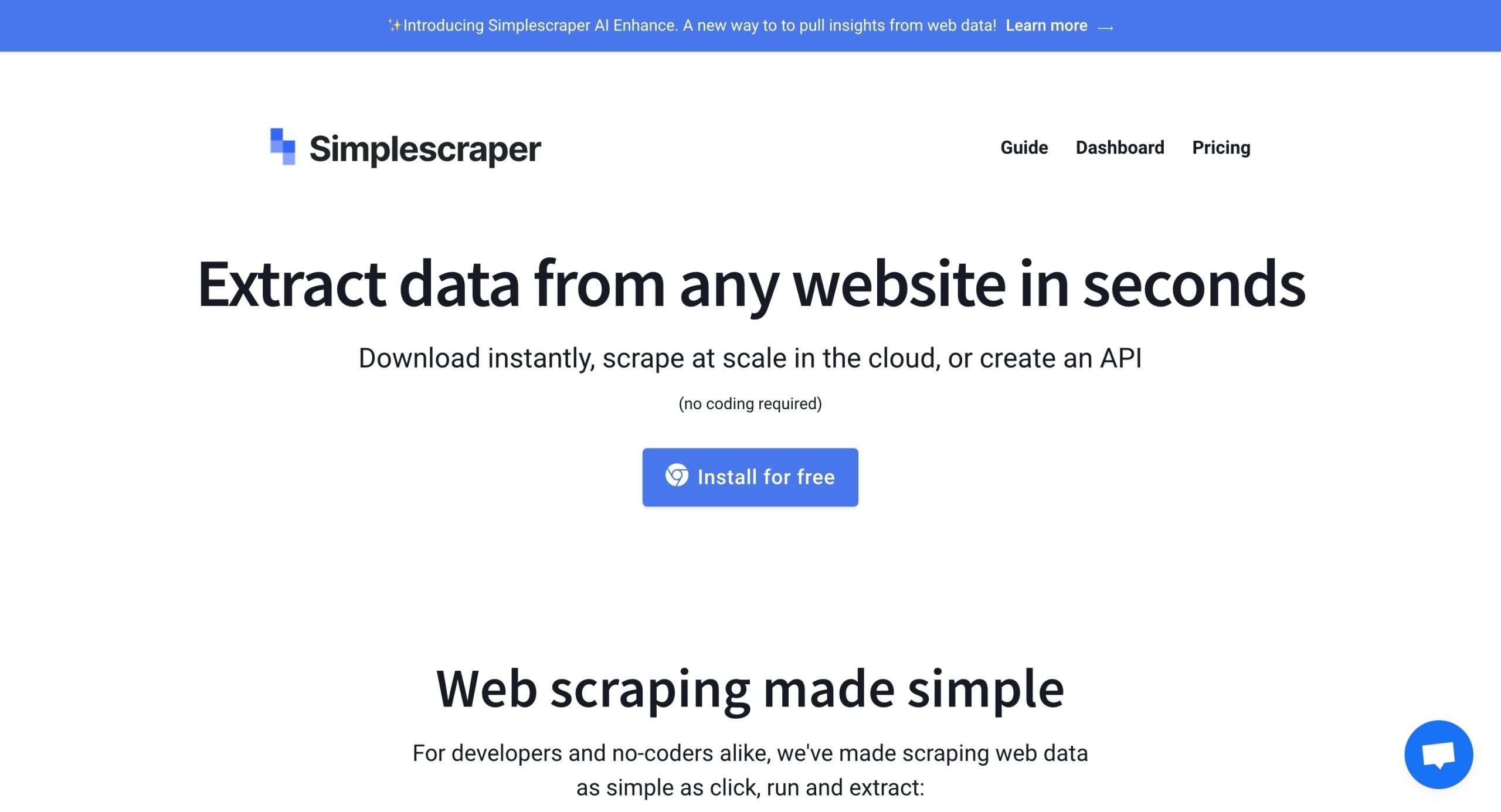
Finally, Simplescraper is one hell of a tool if you’re looking to extract data from websites without getting into coding.
Simplescraper has this Chrome extension that lets you visually select the data you want to scrape from any website by simply clicking on it.
No need to wrestle with CSS selectors or scripts.
Just point and click, and boom! You’ve got yourself a scraping recipe.
Simplescraper also offers cloud scraping capabilities, which means you can scrape websites that use JavaScript rendering or have anti-scraping measures in place.
And that’s not even the best part.
These scraping recipes you create can be saved and reused whenever you need to extract data from the same websites again.
Once you’ve got your data, Simplescraper lets you export it in various formats like CSV, JSON, or directly into tools like Google Sheets, Airtable, and Zapier.
Top Features of Simplescraper
- Point-and-click interface for visual data selection
- Cloud scraping for JavaScript-rendered sites and anti-scraping bypass
- Reusable scraping recipes for recurring data extraction
- Data export options: CSV, JSON, Google Sheets, Airtable, Zapier, etc.
- Readymade recipes for popular websites
- Proxy support to handle IP-based restrictions
- API access for developers to integrate scraping into applications
Conclusion – Which Data Extraction Tool Lives Up To Its Promise?
Simple – all of them!
However, there is no one-size-fits-all solution here.
A good thing to do would be to, based on their features, filter out a few tools that really stood out for you.
Go ahead and explore the ones that pique your interest.
Many offer free trials or plans, so you can kick the tires before committing.
At last, be honest with yourself – Do you want to spend hours manually inserting all the data on your sheets feeling like a piece of work at the end?
Or do you want to automate most of it and invest that time into something that moves the needle for you?
The good news is – you get to decide that for yourself.


 A better way to manage projects and clients for freelancers
 Get through busy days like a breeze with Reclaim.ai