
In field service, unexpected situations happen.
You received a last-minute job. The technician originally assigned to the job is on another scheduled appointment. The nearest available technician is ten miles away, while the customer is left waiting.
Field service dispatch and scheduling software helps you prevent that situation. It gives you visibility and control to make decisions faster and run daily operations more smoothly.
Let’s look at some of the best field service dispatch and scheduling software products. I have compared their core features and prices to show what each can do.
What Is Field Service Dispatch and Scheduling Software, and Which Tool Fits Your Business?
A field service dispatch and scheduling platform is cloud software for managing field staff activities.
You can schedule customer jobs, assign tasks to technicians, and track field workers, all from one dashboard.
It’s built for businesses that provide on-site services such as maintenance, repair, and installation.
Top Features To Look For In Field Service Software:
- Drag-and-drop dispatch board.
- Route planning.
- Real-time GPS tracking.
- Customer notifications.
Key Takeaways: Best Field Service Dispatch and Scheduling Software at a Glance
| Use Case | Recommended Tool |
|---|---|
| If you want user-friendly and scalable scheduling | Housecall Pro |
| If you want better job planning | Jobber |
| If you want automated dispatching | Zuper |
| If you want to manage complex service operations | ServiceTitan |
| If you want customizable solutions | Zoho FSM |
Field Service Dispatch and Scheduling Software Comparison Table
| No. | Tools | Best For | Price | Trial/Demo | Rating |
|---|---|---|---|---|---|
| 1 | Housecall Pro | Small and growing home service businesses | $79/month | Free trial | ★★★★★ 4.7/5 |
| 2 | Jobber | Job planning and route optimization | From $49/month | Free trial | ★★★★★ 4.6/5 |
| 3 | FieldPulse | Businesses needing adaptable operations | On request | Book a demo | ★★★★★ 4.6/5 |
| 4 | Zuper | Smart dispatch and scheduling | On request | Book a demo | ★★★★★ 4.5/5 |
| 5 | Service Fusion | Growing companies wanting unlimited users | On request | Ask for a demo | ★★★★☆ 4.3/5 |
| 6 | ServiceTitan | Large home and commercial service companies | On request | Book a demo | ★★★★☆ 4.3/5 |
| 7 | Zoho FSM | Deep customization at affordable rates. | From $30/month | Free plan | ★★★★★ 4.6/5 |
| 8 | Workiz | High call volumes and last-minute jobs | On request | Free trial | ★★★★☆ 4.4/5 |
| 9 | Simpro | Complex, multi-crew projects | On request | Book a demo | ★★★★☆ 3.9/5 |
| 10 | ServiceTrade | Commercial maintenance and fire protection companies | On request | Book a demo | ★★★★★ 4.6/5 |
| 11 | Salesforce Field Service | Large businesses with complex service needs | From $175/user/month | Free trial | ★★★★☆ 4.3/5 |
| 12 | Dynamics 365 Field Service | Mid-sized and large businesses using Microsoft products | $105/user/month | Free trial | ★★★★☆ 4.3/5 |
| 13 | Connecteam | Field workforce management | From $35/month | Free plan | ★★★★★ 4.6/5 |
How I Picked the Best Field Service Dispatch and Scheduling Software
I picked these software products based on their core functionality, ease of use, and customer feedback.
I specifically looked at their dispatch and scheduling features, AI and automation capabilities, and subscription models.
Here are my criteria:
- Target Audience: Who is it for?
- Ease of Use: Is it easy to navigate?
- Core Functions: What are its dispatch and scheduling capabilities?
- Scalability: Can it support growing businesses?
- Feedback: What people say about it.
Here are the 13 best field service dispatch and scheduling apps. Let’s start with the first platform that’s widely used by small and mid-size businesses.
1. Housecall Pro
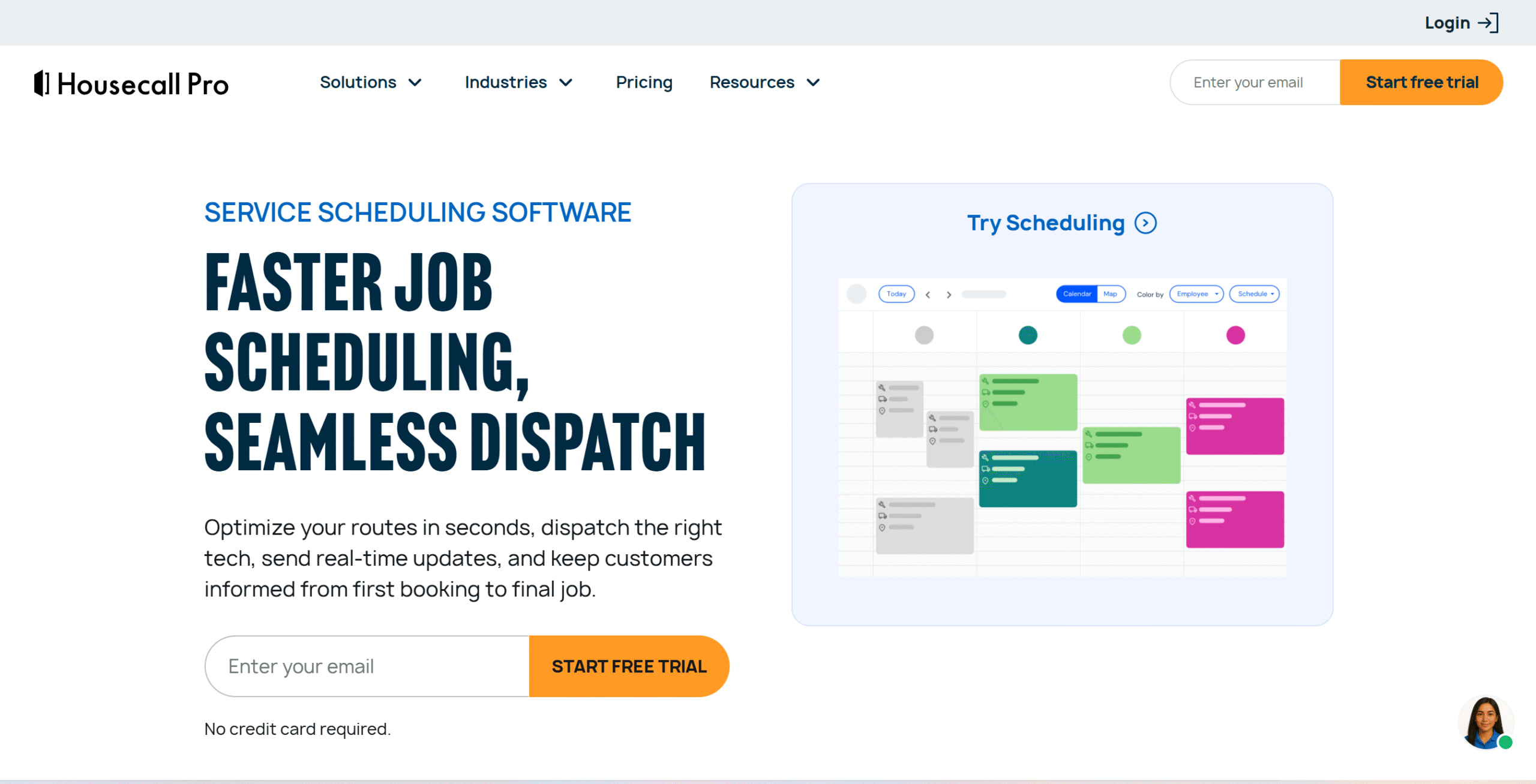
Housecall Pro is best for its user-friendly interface and scalability.
It has advanced capabilities, but the software is still pretty easy to use.
You’ll get a drag-and-drop visual calendar to schedule jobs and manage technician availability, and live mapping tools to plan routes and adjust changes in real time.
You can create a branded booking page for appointments and let its built-in AI bot handle calls and bookings.
With auto-reminders, you can send on-the-way texts to customers when technicians are en route.
Mobile apps are available for both internal and field staff.
Technicians can view jobs, log hours, create estimates for additional work, and upsell other services in the field.
Limitations
Housecall Pro provides limited customization options.
Core Features
- Drag-and-drop scheduler and mapping tool.
- Recurring scheduling.
- Built-in AI assistance for calls.
- Booking page for appointments.
- Real-time GPS tracking.
- Auto-reminders.
- Upselling and payment collection.
- Mobile app.
What Users Say
“We love Housecall Pro! It makes scheduling appointments and handling billing much easier. My husband feels comfortable using it, which is especially valuable because he is not tech-savvy. Overall, we are very happy with our experience.”—Capterra.
“Absolutely worth it. I have a cleaning business that’s been in business for 30 years and this revolutionized my business in 2017. Always has great feature updates.”—Reddit.
Price
Housecall Pro’s basic plan costs $79 per month. You can try it for free.
2. Jobber
Jobber’s biggest strength is job planning. It helps you find open slots, handle teams, and optimize routes.
For example, when a job comes, it finds technicians based on their availability and travel time and sends them real-time alerts to notify new jobs.
It also groups together unscheduled visits based on location, so the technicians can cover more jobs and save fuel.
You can assign a job to a whole crew and arrange visits for multiple technicians. The software automatically sends appointment reminders and on-the-way texts.
Limitations
Jobber only rearranges flexible appointments. For fixed appointments, you’d have to reschedule them manually.
Core Features
- Drag-and-drop scheduler and online booking.
- Availability management.
- Map view and route planning.
- GPS tracking.
- Flexible appointment rescheduling.
- Auto-reminders.
- Self-service portal for clients.
- AI receptionist.
- Mobile apps.
What Users Say
“I have been using Jobber for 3 months now. After trying 4 different software programs, I finally found one that works for our home service (window cleaning) business.”—Trustpilot.
“Every work project logged and organized with Jobber has made for a painless process, as a user, I was comfortable to use the software from start to finish for client management, scheduling, and invoicing.”—Capterra.
Price
Jobber pricing starts at $49 per month. You can try it for free.
3. FieldPulse
FieldPulse is more adaptable operation-wise.
It gives you a granular view of your field service with a drag-and-drop system to manage jobs more easily.
You can see everything from one dashboard and assign jobs to multiple technicians.
The software supports custom job workflows and lets you organize your board by teams to reduce clutter.
Route planning and live tracking are built into the dispatch board, allowing you to track vehicles in real time and adjust routes on the go.
Anytime you change the schedule or route, FieldPulse notifies technicians. Customers also receive schedule change and arrival notifications.
For admin tasks, FieldPulse provides an AI assistant. It can handle booking, draft estimates, find customer records, and track performance.
Limitations
You may experience occasional glitches with FieldPulse’s mobile app.
Core Features
- Drag-and-drop scheduler.
- Group views and filters.
- Automated job assignment.
- AI assistant.
- Map view and route planning.
- GPS tracking.
- Auto-reminders.
- Online booking.
- Mobile apps.
What Users Say
“My overall experience with FieldPulse has been excellent! The platform has been a great resource for our business, and the support we receive makes the experience even better.”—Capterra.
“We use FieldPulse at Wired Electrical & Generators, and it has been a great tool for keeping our daily operations organized! It makes scheduling, managing jobs, and keeping track of everything much easier.”—G2.
Price
FieldPulse shares pricing on request. You can book a demo.
4. Zuper
Zuper’s best-selling feature is its intelligent dispatch assistant. It automates the tedious processes, making monitoring easier.
You can schedule jobs using a drag-and-drop calendar, and the AI assistant recommends technicians based on their skills and availability. Once you approve it, it automatically sends the job to the technician and updates the customer.
You can also arrange jobs around your technician’s workload and location to utilize their time more effectively.
For example, you can pick a technician with a low load and assign multiple jobs on the same route to one person to save travel time.
Limitations
Zuper is user-friendly, but the initial setup takes time.
Core Features
- Drag-and-drop scheduler.
- Smart dispatcher.
- Map view and route planning.
- Custom workflows.
- GPS tracking.
- AI receptionist.
- Auto-reminders.
- Easy payment.
- Mobile apps.
What Users Say
“Zuper is extremely user-friendly.”—G2.
“My overall experience with Zuper has been very positive. The platform has helped improve scheduling, dispatching, employee tracking, invoicing, and communication between office staff and field teams.”—Capterra.
Price
Zuper shares pricing on request. You can book a demo.
5. Service Fusion
Service Fusion is one of the few field service platforms that charges flat rates for unlimited users.
Whether you choose a starter plan or a pro package, you won’t be charged extra for adding more users.
It makes the software highly attractive for growing companies.
Some of the features Service Fusion provides include estimation and invoicing, scheduling and dispatching, text alerts, and reporting.
You’ll get a drag-and-drop scheduler with a GPS map to track technicians, plus triggers to automate messages.
A mobile app is available for the field staff. Technicians can view jobs and collect payments through the app.
Limitations
Service Fusion doesn’t offer GPS fleet tracking in the core package. You’d have to buy it separately as an add-on.
Core Features
- Drag-and-drop scheduler.
- Map view and route planning.
- GPS fleet tracking.
- Text alerts.
- Easy payment.
- Customer management.
- Reporting.
- Mobile apps.
What Users Say
“It helps simplify everything from dispatching jobs to collecting payments, saving time and reducing mistakes.”—G2.
“Latest updates to the app and backend have resulted in a smoother operating experience, this app is definitely on the right track.”—Capterra.
Price
Service Fusion shares pricing on request. You can ask for a demo.
6. ServiceTitan
ServiceTitan is an enterprise-grade field service platform. It supports both home and commercial service businesses and can handle much more complex operations.
Core capabilities of ServiceTitan include scheduling and dispatching, job management, invoices and payments, and customer relationships.
You’ll get advanced scheduling and dispatching tools with a visual dispatch board to make the most of your resources.
The software can also look at your previous commitments and technician availability to let you know how many more jobs you can fit into the schedule.
Limitations
ServiceTitan is a heavy-duty platform and has a learning curve.
Core Features
- Drag-and-drop dispatcher board.
- Availability management.
- Project filters.
- Capacity planning.
- Automated job assignment.
- Map view and route planning.
- GPS tracking.
- Auto-reminders.
- Online booking.
- Mobile apps.
What Users Say
“I like how easy it is for our technicians to use. It also seems to be the most functional of the trades CRMs.”—G2.
“We are in 3 years now, too. It is far from perfect, but better than anything else we have tried.”—Reddit.
Price
ServiceTitan shares pricing on request. You can book a demo.
7. Zoho FSM
Zoho FSM is popular for its deep customization.
It has a module-based system and hundreds of custom fields that let you shape your workflow to match your business operations.
You can also view the schedule in multiple layouts and dispatch work orders in bulk.
Zoho has another major advantage: its ecosystem.
Instead of relying on third-party apps, you can use Zoho products to manage other parts of the business, so information flows easily between departments.
Limitations
Zoho FSM is incredibly broad. If you are looking for exclusive scheduling and dispatching platforms, it might be a bit complex for your needs.
Core Features
- Dispatch console with multiple views.
- Drag-and-drop scheduler.
- Maps and route planning.
- GPS tracking.
- Text alerts.
- Automation and customization.
- Customer management.
- Reporting.
- Mobile apps.
What Users Say
“Zoho FSM is laid out pretty good and is pretty easy to navigate.”—G2.
“Zoho FSM offers a good overall experience with its user-friendly interface, efficient work order management, and convenient mobile app for field service operations.”—Capterra.
Price
Zoho FSM prices start at $30 per month. You can try it for free.
8. Workiz
Workiz is designed for businesses that get a high volume of customer calls and frequently handle urgent jobs.
It has a built-in phone system for calls and texts, plus an AI assistant that can book appointments when the dispatcher isn’t available.
It also provides a real-time dispatcher board where you can see your technician’s location and availability. When an urgent job comes in, you can adjust the schedule on the spot and assign the job to the nearest technician.
Limitations
The AI phone assistant is a paid add-on, which is a bit of a letdown considering that phone-based communication is one of its core differentiators.
Core Features
- Drag-and-drop scheduler.
- Built-in phone system.
- AI phone assistant.
- Map view and route planning.
- GPS tracking.
- Text alerts.
- Marketing tools.
- Payment and client management.
- Reporting.
- Mobile apps.
What Users Say
“I find Workiz really easy to use. Even on my cell phone, it’s very user-friendly.”—G2.
“My over all experience with this software for daily dispatching of jobs and also invoicing has been good.”—SoftwareAdvice.
Price
Workiz shares pricing on request. You can take a free trial.
9. Simpro
Simpro is built to handle complex workflows. Whether it’s recurring maintenance, multi-crew projects, or emergencies, you can manage them through Simpro.
The scheduler is easy to use, with multiple views to see work orders by day, week, and month.
You can use geographic zones, skills, and availability to find technicians and assign jobs to those who have previously worked with a particular client.
The software has good dispatcher tools, including AI-powered route optimization. Plus, it automatically sends notifications to technicians.
Limitations
Simpro is well-suited for commercial customers. You can use it for home services, but it might not be cost-effective for a small setup.
Core Features
- Drag-and-drop scheduler.
- Map view and route planning.
- AI-powered tools.
- GPS tracking.
- Text alerts.
- Reporting.
- Industry-specific add-ons.
- Mobile apps.
What Users Say
“My overall experience, I like it because it makes my work easier and more straightforward! I will highly recommend it.”—Capterra.
“The system can cope with both projects and maintenance jobs, which suits our B2B setup.”—G2.
Price
Simpro shares pricing on request. You can book a demo.
10. ServiceTrade
ServiceTrade is purpose-built for commercial, maintenance, and fire protection field services.
You can use it for residential trade businesses, but its features are tailored for commercial contractors.
One of ServiceTrade’s best features is its built-in AI.
It’s integrated into both office and field operations to cut processing and documentation time.
Limitations
ServiceTrade has strong reporting capabilities but locks them behind its enterprise plan. That means growing businesses can only access basic reporting.
Core Features
- Drag-and-drop scheduler.
- Map view and route planning.
- AI assistant.
- Multi-region operations.
- Schedule updates.
- Reporting.
- Mobile apps.
What Users Say
“My overall experience with ServiceTrade has been positive because it brings scheduling, dispatching, work orders, customer communication, and reporting into one platform, which makes field operations much easier to manage.”—Capterra.
“Dispatch board is helpful with real-time updates. You can review quotes and invoices.”—G2.
Price
ServiceTrade shares pricing on request. You can book a demo.
11. Salesforce Field Service
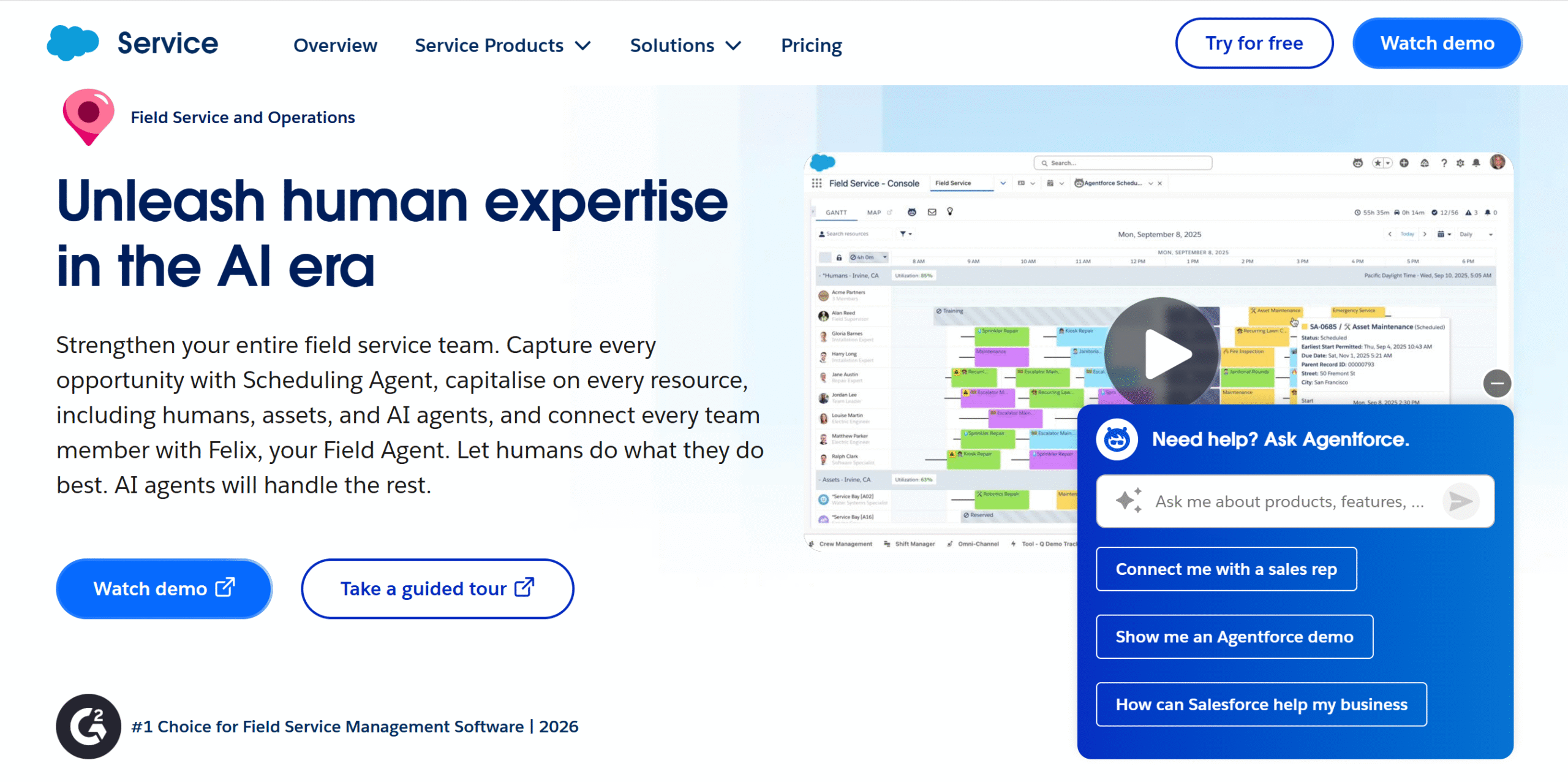
Salesforce Field Service is the opposite of ServiceTrade.
It’s a general-purpose enterprise tool with deep customization capabilities, making it adaptable to almost any industry.
You can make tailored scheduling policies, customize the dispatcher console, create custom instructions for technicians, and build complex conditional logic. The platform offers robust AI agents that can turn your instructions into auto-actions.
Another unique feature of Salesforce FSM is its native CRM integration.
It connects field operations with customer data, so teams can easily access customer details.
Limitations
Salesforce FSM is not a standalone app. You’d have to buy its CRM to access the field service software.
Core Features
- Drag-and-drop scheduler.
- Map view and route planning.
- AI and automation.
- Extensive customization.
- Customer communication.
- CRM integration.
- Reporting.
- Mobile apps.
What Users Say
“I love how easy the mobile app is for my technicians; they find it really intuitive. Being able to view all of our service appointments quickly and schedule quickly has been very helpful.”—G2.
“At the end of the story, it is worth its price and I definitely recommend it for your company.”—Capterra.
Price
Salesforce FSM’s prices start at $175 per user per month. You can try it for free.
12. Dynamics 365 Field Service
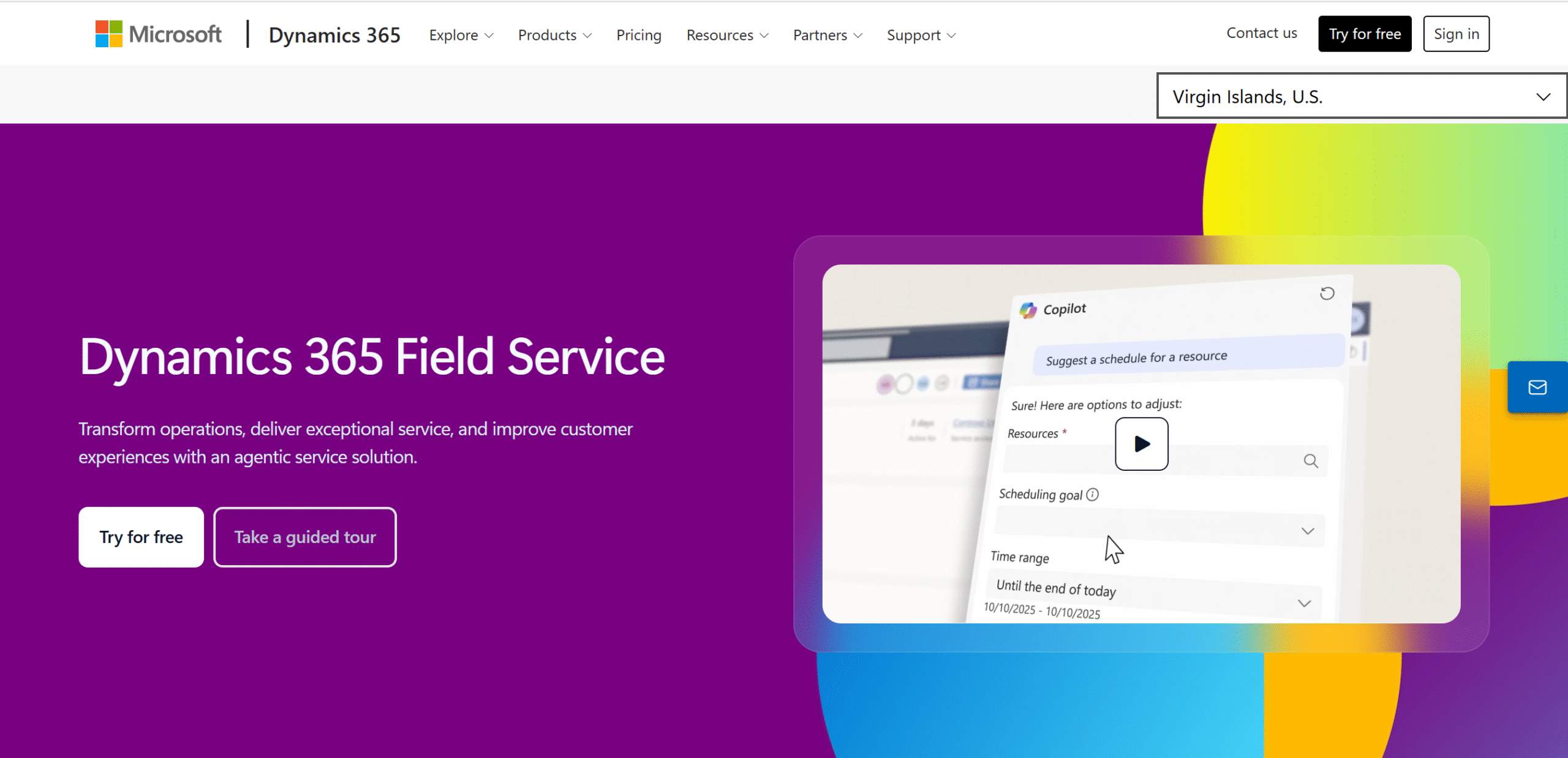
Dynamics 365 Field Service is ideal for businesses that already use other Microsoft products.
You can integrate it directly to connect your back-office and front-office workflows.
Microsoft also gives you different ways to handle scheduling and dispatching.
You can manually assign jobs, use AI to find available technicians, or add custom logic and automate the scheduling completely.
The schedule console offers multiple views, and you can use it for different resources, not just technicians.
Limitations
Dynamics 365’s main value lies in its ecosystem. Mixing it with other products would be extra work.
Core Features
- Drag-and-drop scheduler.
- Manual and automatic scheduling.
- Map view and route planning.
- AI agent.
- GPS tracking.
- Text alerts and other communication.
- Post-engagement survey.
- Reporting.
- Mobile apps.
What Users Say
“Field Service is a powerful tool, and what stands out the most is its ability to optimize field operations through a combination of scheduling, resource management, and customer engagement features.”—G2.
“Powerful Field Service Management with great Microsoft ecosystem tie-in, the setup takes patience.”—Gartner.
Price
Dynamics 365 Field Service’s basic plan starts at $105 per user per month. You can try it for free.
13. Connecteam
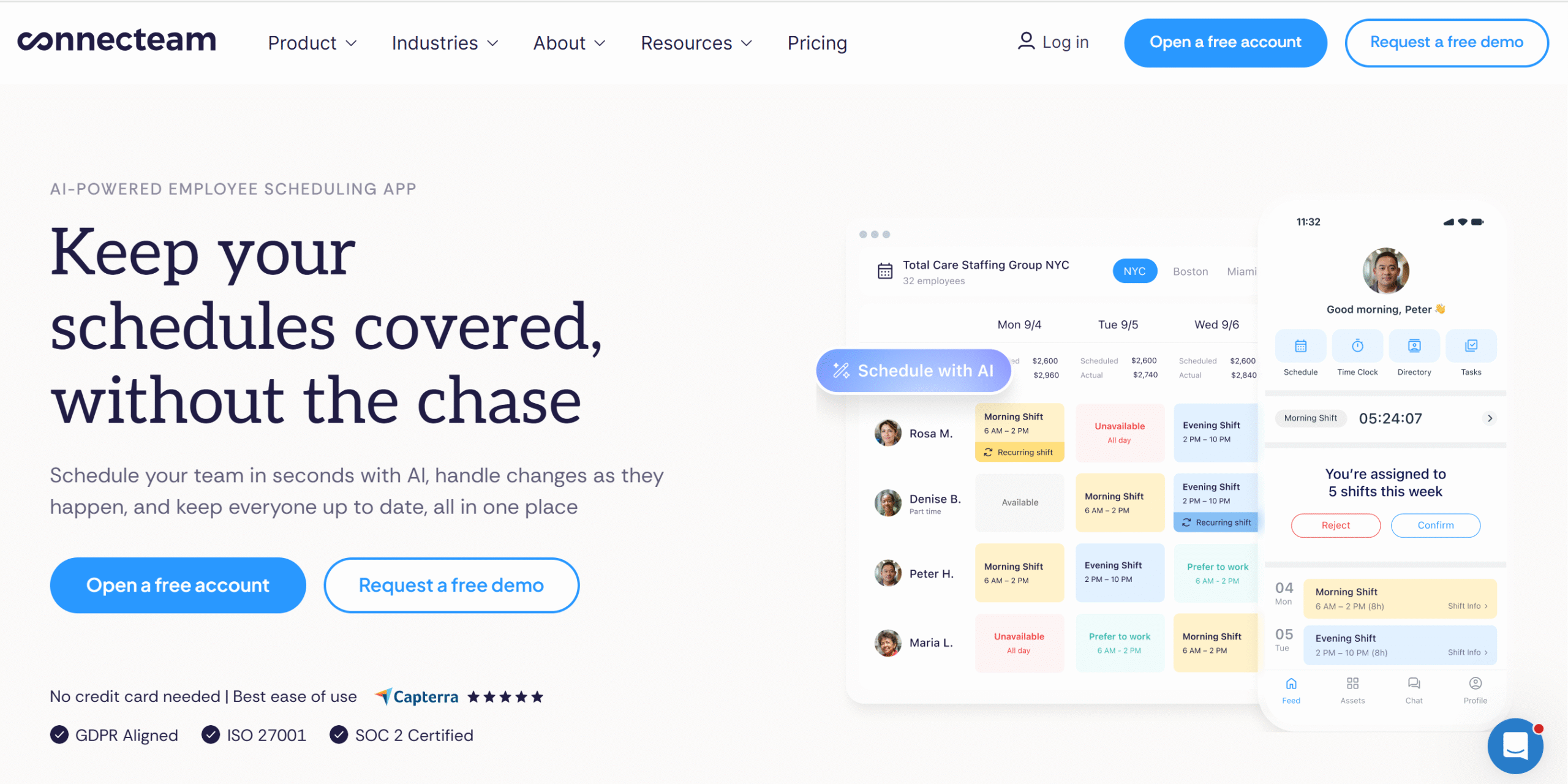
Connecteam isn’t a traditional field service management platform, but that’s what makes it a good scheduling and dispatching tool.
It focuses entirely on workforce management, helping you manage jobs, people, and communication more flexibly.
The software is ideal for businesses with recurring services like cleaning, equipment maintenance, and plumbing.
You can create a schedule of both assigned and unassigned jobs and allow technicians to take open jobs.
If an assigned person suddenly backs out at the last minute, you can let others pick up the job.
With the live GPS tracker, you can get real-time visibility into your field staff activities.
Limitations
Connecteam doesn’t have route optimization. Its automation is also basic.
Core Features
- Drag-and-drop scheduler.
- Auto-assigning.
- Flexible shifts.
- Chat.
- Auto-reminders.
- Map view and GPS tracker.
- Time tracking.
- Mobile app.
What Users Say
“An easy to use platform that integrated well with our company’s workflow and team.”—Trustpilot.
“Overall, my experience with Connecteam has been positive. It provides a convenient, centralized platform for managing employees, coordinating schedules, tracking tasks, and improving communication.”—Capterra.
Price
Connecteam prices start at $35 per month. You can try it for free.
Field Service Dispatch and Scheduling Software FAQs
What is field service dispatch and scheduling software?
Field service software helps you schedule site jobs and coordinate field operations.
How much does field service software cost?
It depends on the features, number of users, and pricing model. Some FSMs like Service Fusion charge a flat rate, while many provide custom quotes.
Is there any free field service tool for small business?
Yes. Connecteam and Zoho offer free plans for small businesses.
Can a field service platform automatically schedule jobs?
Yes. A lot of field service platforms have AI and automation capabilities. You can automatically assign jobs, optimize routes, and notify customers.
Is there any field service software that supports both commercial and residential jobs?
Yes. Several platforms support commercial and residential jobs, including ServiceTitan, Zuper, and Simpro.
Which Field Service Dispatch and Scheduling Software Should You Choose?
Let me wrap up the review with some recommendations. This might help you find the right fit for your business.
Best For Small Businesses
Housecall Pro and Connecteam. They are pretty straightforward and offer affordable packages.
Best For Growing Businesses
Service Fusion and Zoho FSM.
Service Fusion charges a flat rate, making it budget-friendly for growing businesses. Zoho, on the other hand, is incredibly flexible.
Best For Large Businesses
ServiceTitan and Microsoft Dynamics 365. ServiceTitan is a dedicated enterprise FSM, and Microsoft Dynamics 365 provides its own ecosystem.


 A better way to manage projects and clients for freelancers
 Get through busy days like a breeze with Reclaim.ai