There are two types of people in the world – those who like to plan and those who don’t.
People who like to plan like to have a schedule and know what is happening ahead of time. They feel secure when they have a plan and enjoy organizing their time.
People who don’t like to plan often feel overwhelmed by schedules and find them constricting. They prefer to go with the flow and take each day as it comes, rather than planning far ahead.
If you’re the type of person who likes to plan, then you’ve probably heard of Sunsama.
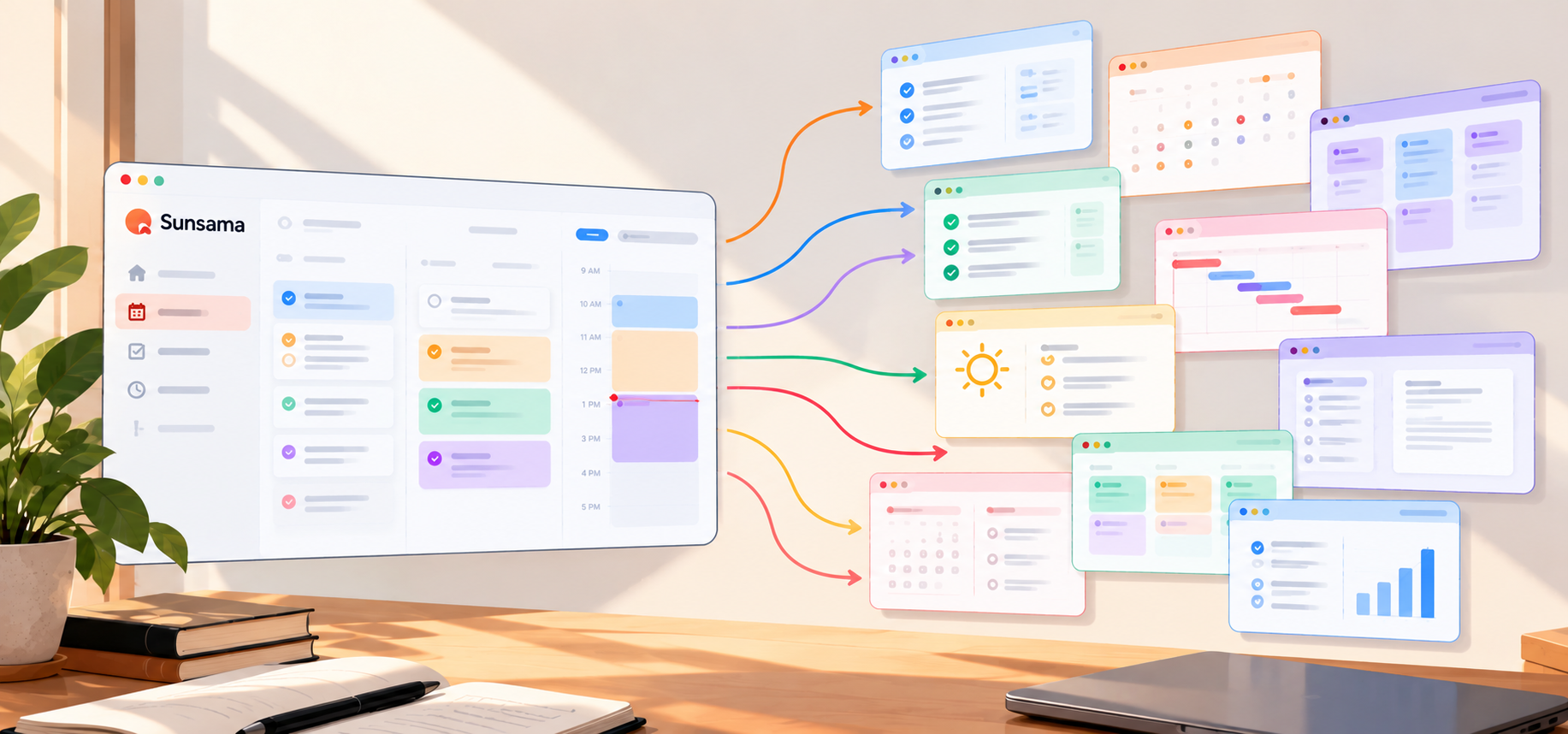
Sunsama is a task management and calendar tool that helps you organize your time so that you can get more done.
It’s a great tool for people who are always on the go and need to stay on top of their schedule.
However, Sunsama is not the only productivity tool out there when it comes to sheer task management.
There are a number of other options that you might want to consider if you’re looking for an alternative to Sunsama. Here are 10 of the best Sunsama alternatives that you can start using from today:
Squeeze Intelligence
Still deciding between Sunsama and Motion?
Compare them side by side, or ask about daily planner apps for your team.
1. Motion

If you’re searching for the perfect alternative to Sunsama that is more visual and offers a Kanban-style approach, then Motion might be the tool for you.
Motion is the ultimate mix of task management, calendar, and meeting assistant.
It helps users get a better overview of their tasks by representing them in the form of cards that can be moved around on a digital board.
Thanks to their flexible integration system, you can now sync Google Calendar and more into their dashboard, with the click of a button.
This makes it easy to get an overview of your upcoming tasks, deadlines, and events, all in one place.
Furthermore, you can also invite teammates, clients or family members to join your board so that everyone can stay up-to-date with what’s going on.
Their Meeting Assistant feature is also very helpful as it gives you the ability to schedule and conduct meetings, all within the app.
Key Features
- Kanban-style task management
- Flexible integration system
- Meeting assistant
- Invite teammates
- Sync calendar(s)
Favorite Feature
The Meeting Assistant function, which makes it simple to plan and run meetings from the app, is really helpful.
Ratings by Professionals
- G2 – 4.2/5
- Capterra – 4.5/5
Motion offers a 7-day free trial and then their Pro AI plan costs $49/month. The Team plan starts at $19/month/team member (billed annually).
2. Routine
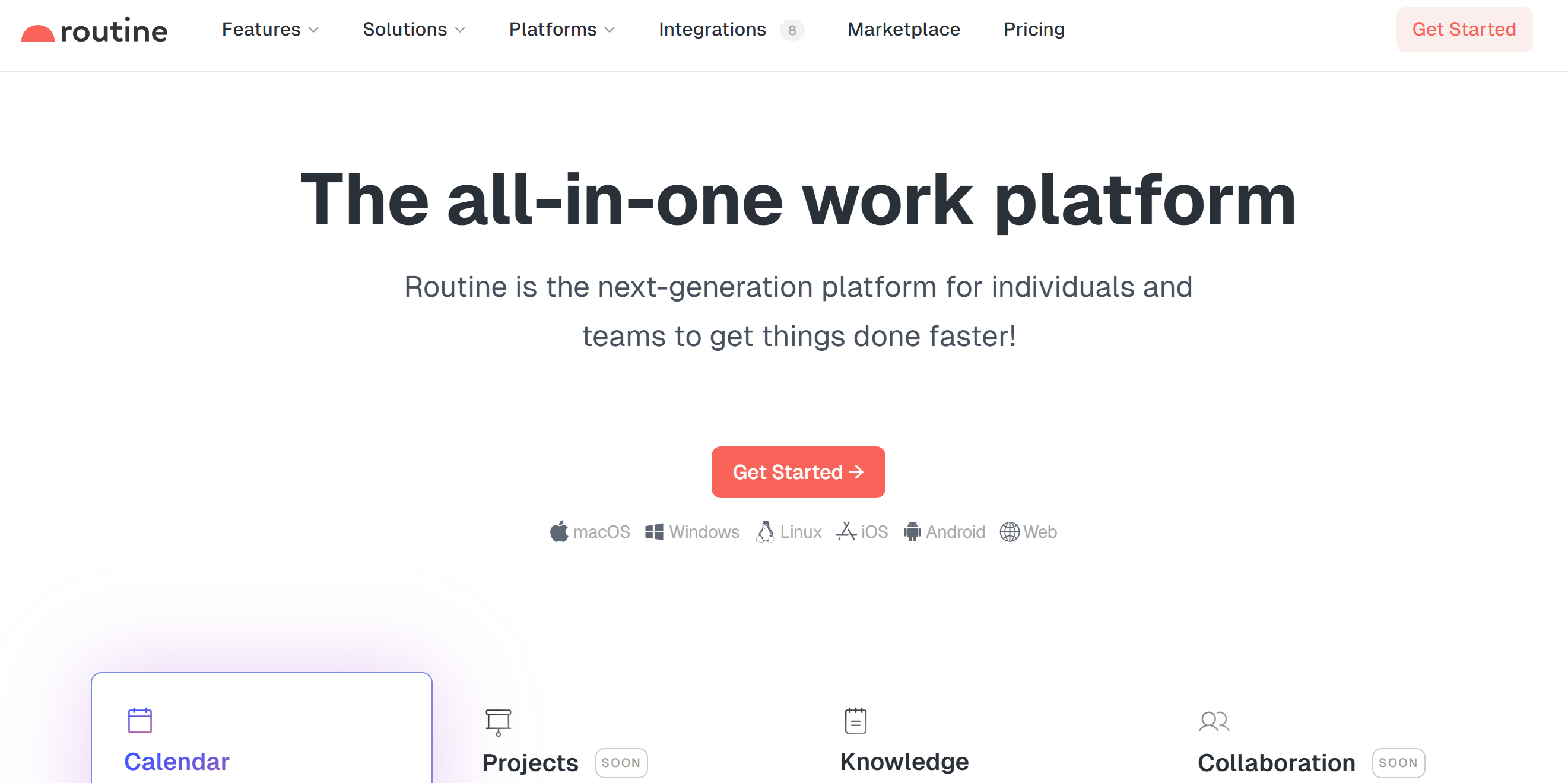
Routine is a daily planner that puts your tasks, calendar and notes in one app. It is a good fit if you like to plan your week on one screen.
You can bring tasks from your other apps into one inbox. Then you drag a task onto your calendar to block time for it.
You can add a new task from anywhere on your desktop with a keyboard shortcut.
Routine also has AI voice commands. You can create tasks, plan meetings and move your schedule around by voice.
On the Professional plan, it records your meetings and writes a summary and notes. It does this without a meeting bot.
Key Features
- One inbox for tasks from all your apps
- Time blocking (Personal plan and up)
- Plan your week in one screen
- Add tasks with a desktop keyboard shortcut
- AI voice commands
- AI meeting notes and time tracking (Professional plan)
Favorite Feature
My favorite feature of Routine is time blocking. You drag a task into your calendar and your day is planned.
Ratings By Professionals
- Product Hunt – 4.8/5
Routine has a free plan with tasks, calendar and notes. Time blocking comes with the Personal plan, which costs $5/month billed yearly or $8/month billed monthly. The Professional plan costs $10/month billed yearly or $12/month billed monthly. The Business plan costs $15/seat/month billed yearly or $18/seat/month billed monthly.
3. Morgen

Morgen.so is the ultimate productivity app when it comes to managing your tasks, meetings as well as calendars.
Available on desktop, mobile and the browser, their interface is very user-friendly. Moreover, it comes with a lot of features that can help you get your work done more efficiently.
One of the best things about Morgen.so is its minimal interface. This means that you will not be distracted by any unnecessary clutter when using the app.
Also, their meeting management feature hit a home run. You can now effortlessly let your client book a meeting by sharing your availability, meeting link, and more.
Additionally, Morgen.so features also include task management, calendar management, and more.
Key Features
- User-friendly interface
- Minimal interface
- Meeting management
- Task management
- Calendar management
Favorite Feature
Morgen.so is always updating to make sure that its users are getting the best experience possible. Their features are constantly being updated and improved, which is one of the things that we love about them.
Ratings By Professionals
- Product Hunt – 5/5
Morgen offers a 14-day free trial on its paid plans that cost $15/month (Pro) and $10/seat/month (Team), billed yearly.
4. Amie
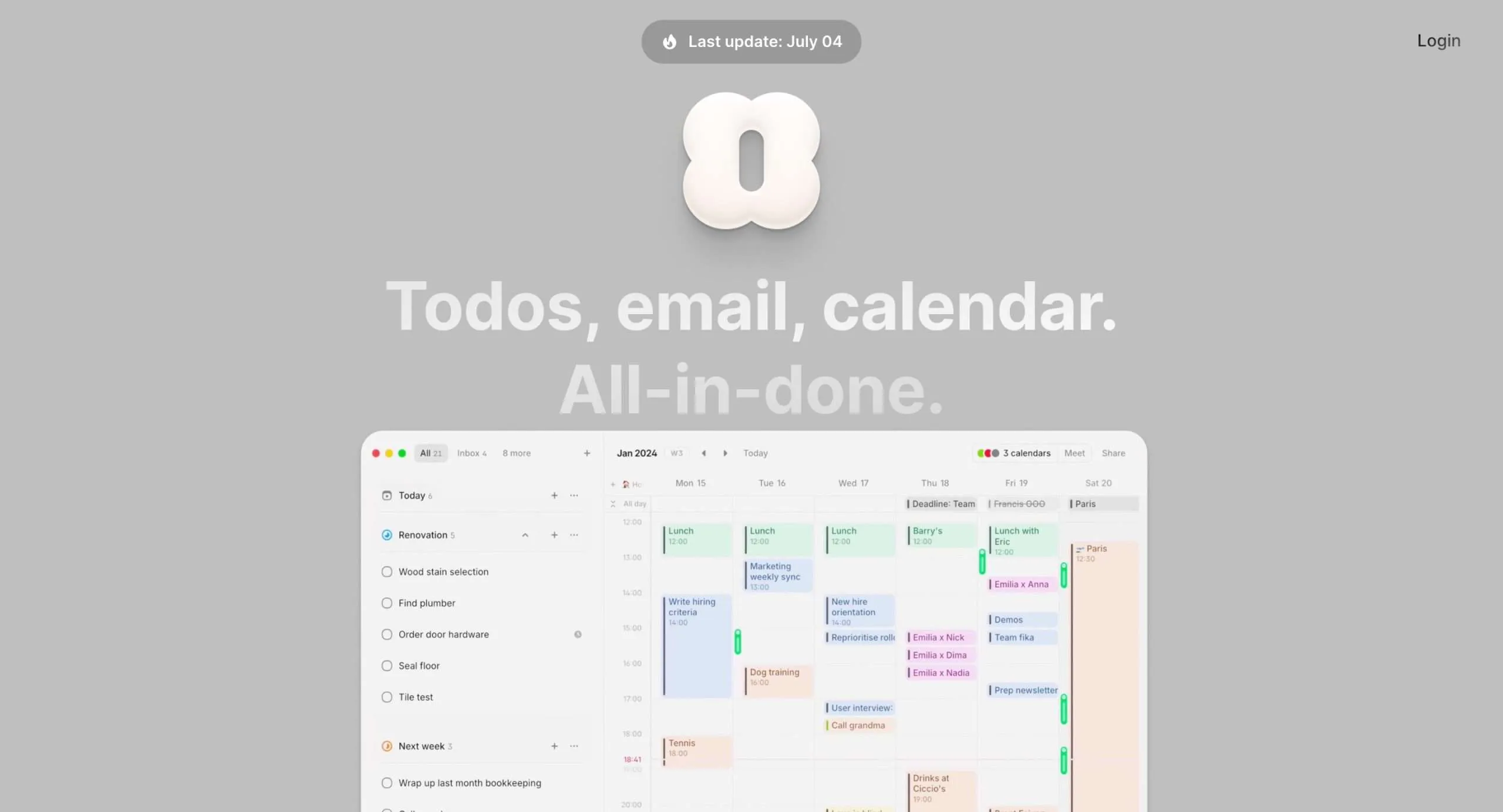
Amie takes all your to-dos, emails, and calendar stuff and smashes them together in one sleek package.
The interface is super clean, which I love. It’s not cluttered with a bunch of useless buttons and whatnot.
You can switch between different layouts too—there’s Inbox, Split, and Calendar. I personally dig the Calendar view, but you do you.
Now, here’s the really neat part—Amie has an AI chat feature. You can just type in normal words like “Schedule a meeting with Aayush next Tuesday” and boom, it’s done.
Oh, and you can use pretty much any calendar with it. Google, Apple, Outlook, whatever.
And you can drag and drop tasks right onto your calendar.
If you’re always setting up meetings (and who isn’t these days?), Amie’s got your back. You can make a booking page, pick when you’re free, and share a link.
And if you’re dealing with people in different time zones, no worries. Amie handles that too.
Key Features
- Clean, minimal interface
- Multiple layout options
- AI chat for natural language tasks and event creation
- Works with various calendar services (Google, Apple, Outlook)
- Drag-and-drop task scheduling
- Meeting scheduling with custom booking pages
Favorite Feature
My favorite feature is drag-and-drop task scheduling. With this feature, you can grab a task and plop it right into a free spot on your calendar. Plus, it gives you a visual of how your tasks fit into your schedule, which is super helpful for time management.
Ratings By Professionals
- Product Hunt — 4.5/5
Amie has a free plan with features like unlimited calendar integrations, and task and email management.
For unlimited to all features including but not limited to AI chat, widget, and unlimited integrations, you can choose to upgrade to their Pro plan that costs $6 per month ($4 per month on annual billing).
5. Calendar
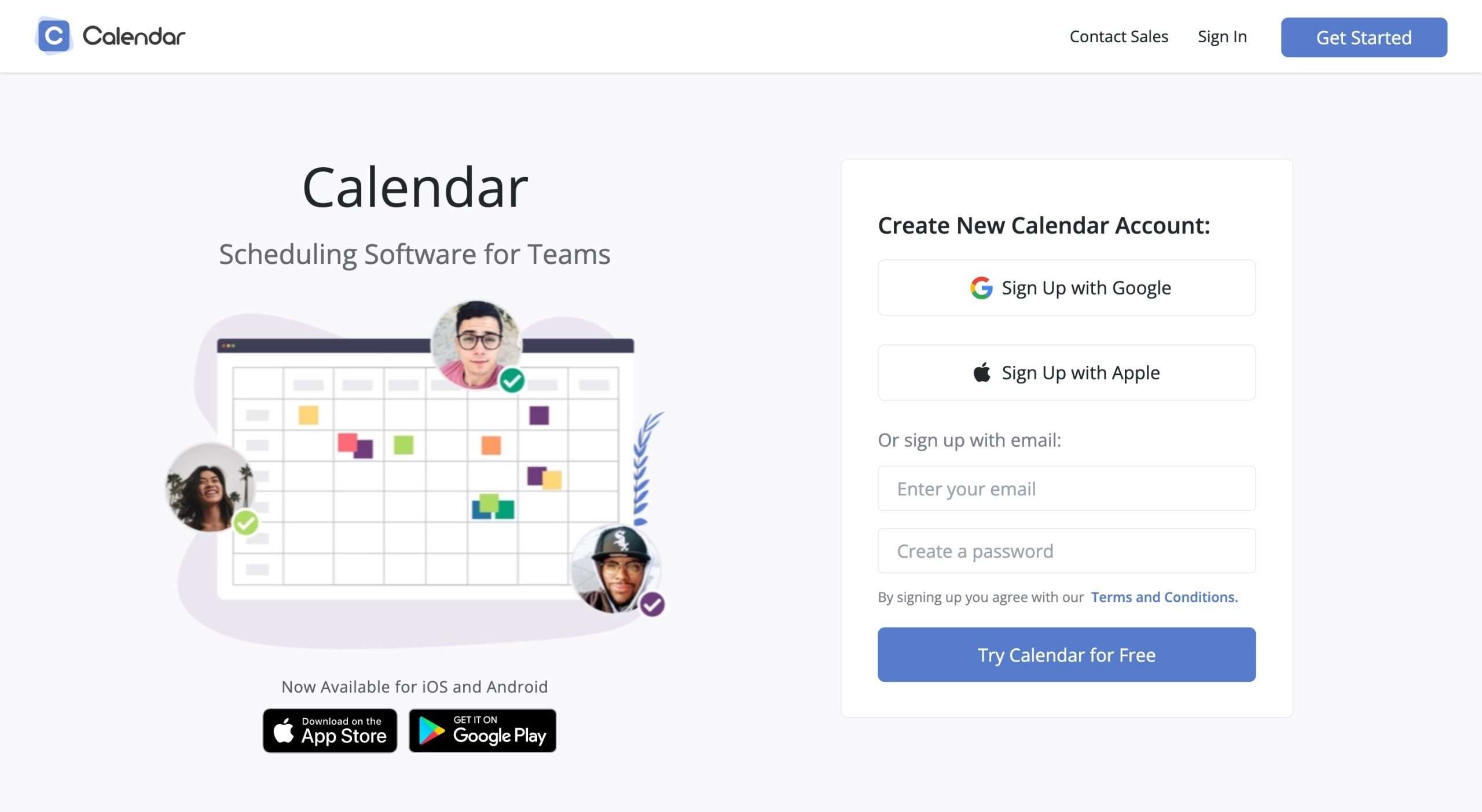
Calendar is an excellent online calendar and team scheduling tool designed to simplify appointment scheduling and calendar management.
One of the notable features of Calendar is its ability to integrate both personal and work calendars into a centralized location.
With Calendar, you can create customized time slots for events and online meetings, providing flexibility to tailor your scheduling pages according to your specific needs. This allows you to display only the time slots that work best for you.
Sending calendar links has never been easier with Calendar. You can send personalized calendar links to others, enabling them to schedule meetings based on your availability.
Thanks to automatic syncing, any meetings you schedule through the Calendar app will automatically appear on your calendar.
The “Find a Time” feature is another powerful tool in Calendar’s arsenal. By entering multiple calendar users, you can quickly see their availability and find the perfect time slot for your meeting.
For teams, Calendar offers round-robin scheduling, eliminating the need for back-and-forth emails often required to coordinate team members’ schedules.
Key Features
- Integration of personal and work calendars
- Customizable time slots for events and online meetings
- Personalized calendar links for easy scheduling
- “Find a Time” feature to quickly find availability for multiple users
- Calendar Analytics for insights into scheduling patterns
- One-click scheduling, time zone recognition, and easy multi-person scheduling
Favorite Feature
I find the “Find a Time” feature to be particularly helpful. This feature allows you to quickly identify the availability of multiple calendar users and find the best possible time slot for scheduling a meeting.
Ratings By Professionals
- TechRadar – 4.5/5
- TrustRadius – 8.6/10
Calendar offers a 14-day free trial on all plans. The paid plan starts at $20/month.
6. Reclaim
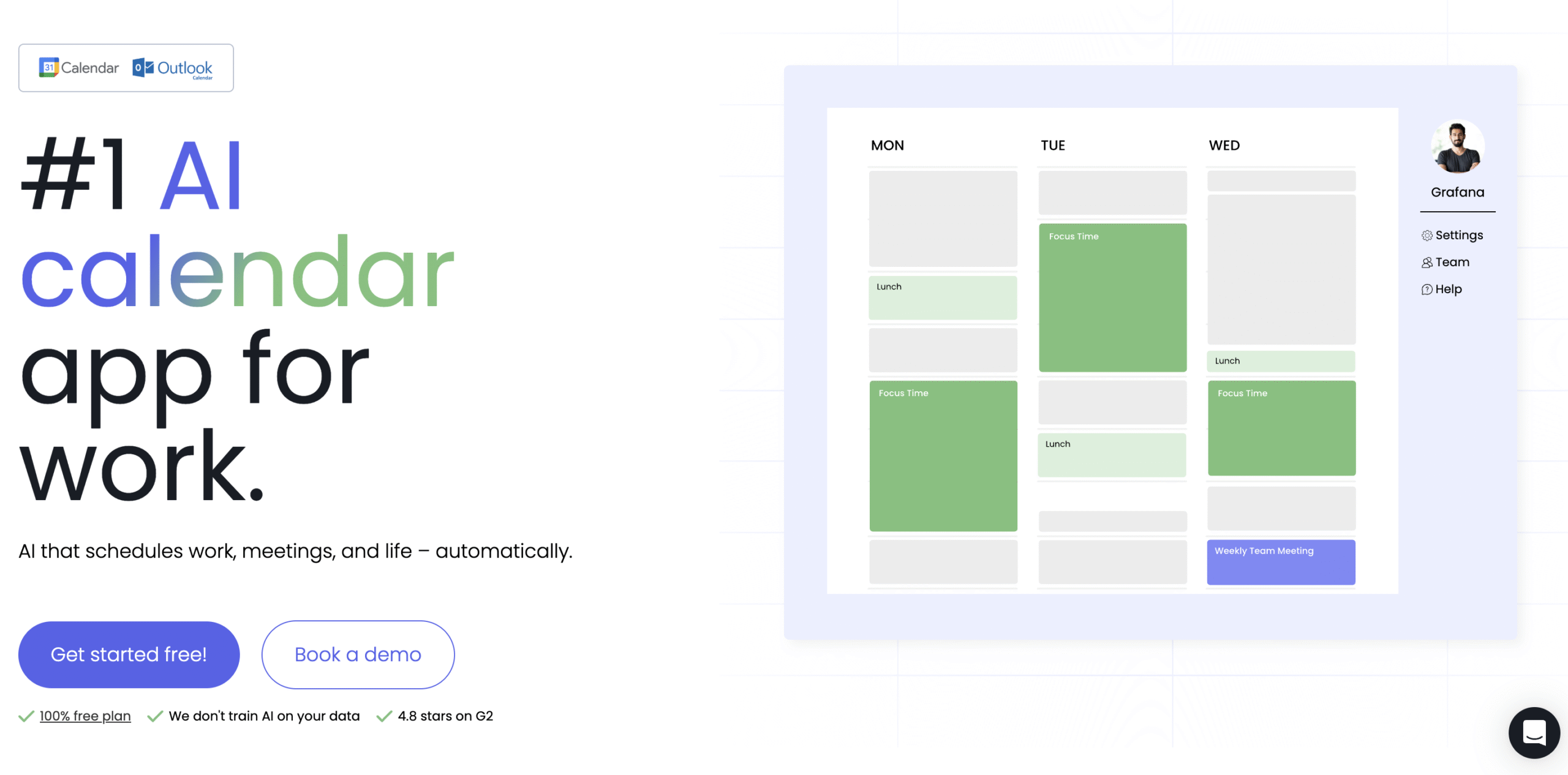
Reclaim is an AI calendar that plans your tasks, habits and focus time around your meetings. It works on top of your Google Calendar or Outlook calendar, so you keep the calendar you already use.
You add your tasks, or sync them from apps like Todoist, Asana and ClickUp. Reclaim finds time for each one based on its priority and deadline. It can also split a big task into smaller work sessions.
When a meeting runs long or a new one lands on your calendar, Reclaim moves your tasks to the next free slot. You do not have to re-plan the day by hand.
You can set a weekly Focus Time goal, and Reclaim protects that time for you. Habits, like lunch, get their own time on the calendar in the same way.
Reclaim also has scheduling links and Smart Meetings, so it can replace your booking tool too.
Key Features
- AI scheduling of your tasks by priority and deadline
- Auto-rescheduling when your plans change
- Focus Time with a weekly goal
- Habits that find their own time on your calendar
- Task sync from Google Tasks, Todoist, Asana, ClickUp, Jira and Linear
- Scheduling links and Smart Meetings
Favorite Feature
My favorite feature of Reclaim is auto-rescheduling. When your day changes, your tasks and habits move to a new slot, so your plan stays up to date.
Ratings By Professionals
- Capterra – 4.7/5
Reclaim has a free Lite plan. The Starter plan costs $10/seat/month billed yearly or $12/seat/month billed monthly. The Business plan costs $15/seat/month billed yearly or $18/seat/month billed monthly. Students get 50% off for 12 months.
7. Any.do

Any.do is a comprehensive task management and to-do list app.
With its intuitive interface, robust feature set, and seamless integrations, Any.do makes it easy to plan your days, manage projects, collaborate with teams, and achieve your goals.
Any.do excels at task management. Creating, editing, categorizing, and prioritizing tasks is a breeze.
Its customizable lists allow you to separate tasks by context, like work, personal, or shopping.
Any.do’s intelligent suggestion engine even recommends tasks based on your location and habits.
You can group tasks into projects and use attachments, comments, and task assignment to collaborate. Customizable workflows ensure your projects stay on track from start to finish.
And the real-time chat feature enables seamless communication within the app.
Key Features
- Intuitive task creation, editing, and categorization
- Real-time collaboration and chat
- Daily planner integration
- Customizable workflows
- Native integrations with popular tools
- Templates for various purposes
Favorite Feature
One of my favorite features of Any.do is the Daily Planner integration. I appreciate how it allows me to plan and schedule my entire day in one place, integrating seamlessly with my existing calendar.
Ratings by Professionals
- GetApp: 4.4/5
- G2: 4.1/5
- Capterra: 4.4/5
- TrustRadius: 8.8/10
8. Akiflow

If you are looking for an all-in-one project management tool, then Akiflow is definitely worth checking out.
Akiflow has done an excellent job of integrating your favorite productivity apps within their dashboard.
This includes integration with Google Calendar, Gmail, Drive, Slack, and 2000 more thanks to Zapier integration.
The great thing that the integration does is that it brings the critical tasks of all your apps into Akiflow’s single-page dashboard so that you don’t have to keep switching between them.
Another great feature of Akiflow is its real-time updates. This means that you will always be up-to-date with the latest changes and progress on your projects.
The Tray Menu and Notifications panel helps you to stay organized and on top of things.
Their Command Bar lets you get things done quickly with the help of keyboard features and natural language processing.
Be it creating quick tasks or sharing your availability with others for meetings, you can do it all with Akiflow.
Key Features
- Powerful Integration
- Real-time updates
- Smart notifications
- Command bar
- Keyboard features & natural language processing
Favorite Feature
I appreciate how well all of my favorite productivity applications can be integrated. It’s great to have everything in one location and not have to go back and forth between apps.
Ratings by Professionals
- G2 – 5/5
- Capterra – 4.8/5
Akiflow offers a 7-day free trial. Their monthly Pro plan costs $34.
9. Spike

Although Spike is more of a collaborative email platform, it can still be used as a great to-do list tool.
Spike offers a unique interface that helps you organize your emails into conversations.
You can also snooze emails, set reminders, and add tasks to your to-do list so that you can follow up on them later.
Spike merges all your calendars, allowing you to view upcoming tasks from different calendars without having to worry about checking each simultaneously.
Their Super Search features assist you in searching for anything you want within milliseconds. It can be specific attachments, messages, etc.
They also have an option to change your theme (to light or dark mode).
Key Features
- Organize emails into conversations
- Real-time task management
- Merge all calendars into one view
- Super Search feature
- Theme change options
Favorite Feature
I’m a big fan of the Super Search functionality since it allows me to quickly locate specific emails, attachments, and so on.
Ratings by Professionals
- TrustPilot – 3.8/5
- G2 – 4.6/5
Spike offers a completely free plan. The Pro plan (suitable for individuals and small teams) costs $8/month, and the Ultimate plan (for large teams) costs $16/month.
10. Basecamp

Basecamp is a great tool for managing projects and tasks. With Basecamp, you can create projects and assign tasks to team members.
Each task can have subtasks, deadlines, attachments, and conversations. You can also add comments to tasks to provide context or updates.
Basecamp is unique in that it doesn’t offer as many features as some other to-do list apps on this list. However, what it does offer is simplicity and ease of use.
It can be helpful to have a tool that is easy to learn and doesn’t require a lot of setup time.
The Message Board feature followed by group chat functionality gives a single direction to your whole team by announcing messages the right way.
The Automatic Check-ins feature saves your meeting time by answering some of the hot/common questions your team might have, in the form of a beautiful thread.
Key Features
- Project management
- Task management
- Simplicity and ease of use
- Message Board
- Automatic Check-ins
Favorite Feature
I really like how simple and easy-to-use Basecamp is. The Message Board function is also useful since it helps everyone stay on the same page through clear communication.
Ratings by Professionals
- G2 – 4.1/5
- PCMag – 4/5
- TrustRadius – 8.4/10
A 30-day free trial is available with Basecamp. You can then upgrade to their Basecamp Pro Plus plan for $99 per month.
Final Suggestion
Sunsama is a great tool for managing tasks and calendars, but it may not fit everyone’s needs.
In this article, we’ve provided a number of alternatives to Sunsama that you may want to try.
Each of these apps has its own unique features that may make them a better fit for your team or business.
You may want to consider trying a few of them out to see which one works best for you.
Most of them offer free trial periods, so you can test them out before committing to a paid plan.
We hope this article was helpful in finding the best Sunsama alternative for you!


 A better way to manage projects and clients for freelancers
 Get through busy days like a breeze with Reclaim.ai