AI has completely changed how research gets done.
Its impact has been felt across disciplines, from drug discovery and social sciences to climate modelling and linguistics.
What once took hours of scrolling through papers, reading abstracts, and organising citations can now happen in minutes, with even greater precision.
There are AI research assistant tools to help you at every step of the research process, and most of them are free to use. Although there are so many AI research tools out there right now, it’s hard to know where to start.
But don’t worry. We’ve got you covered.
In this article, you’ll discover 12 best AI research assistant tools to help you find and summarise information, extract and analyse data, prepare reports, write papers, and much more.
Let’s get started!
1. SciSpace
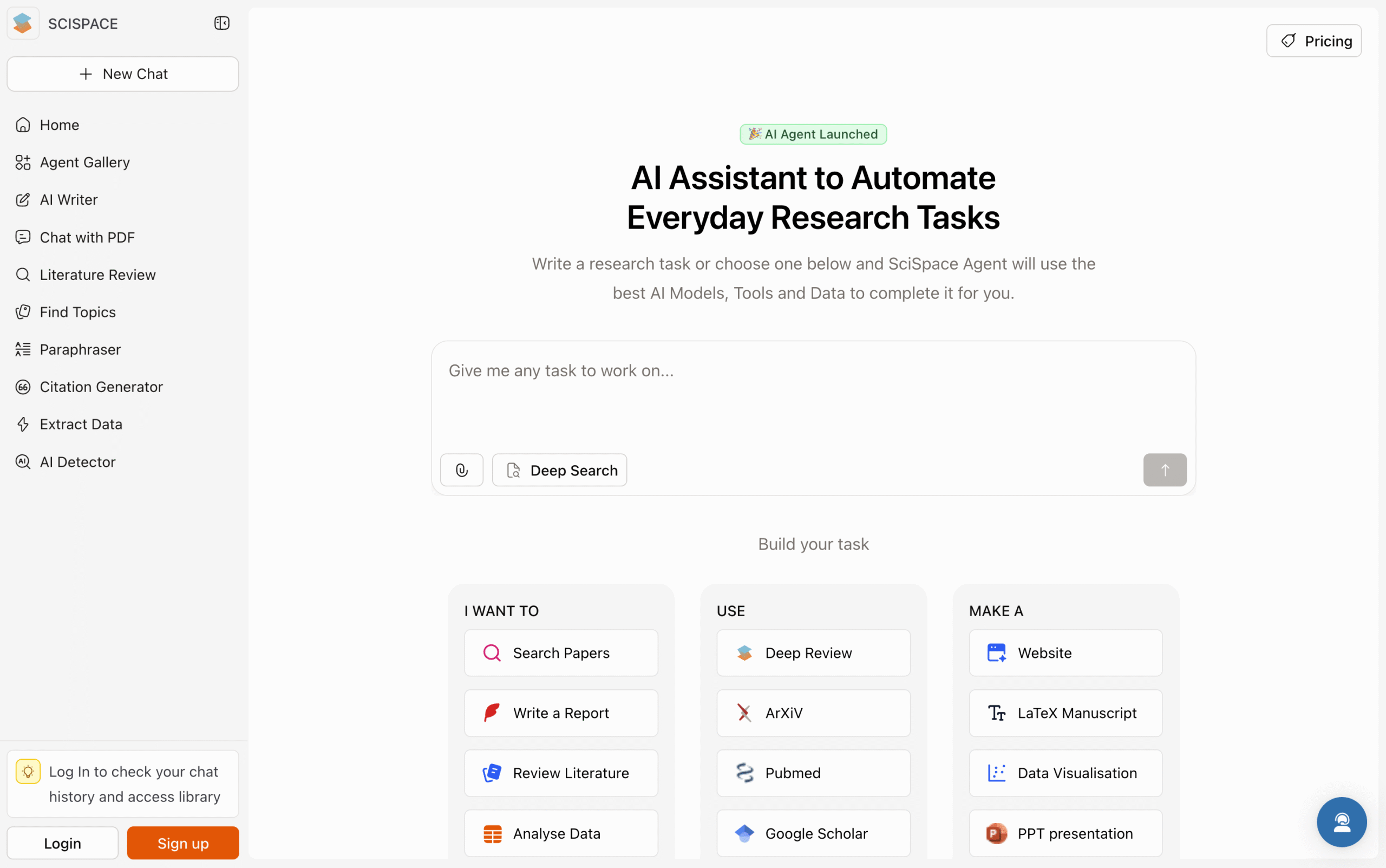
SciSpace is an AI-powered research assistant built for everything you might need for research.
It helps you find credible papers, analyse data, extract insights, create graphics, write academically, and prepare as well as export different types of reports, all in one place.
What makes SciSpace stand out is how it connects every part of your research workflow.
SciSpace also features 100+ built-in AI agents that automate specific tasks, so you don’t need to write complex prompts or manually feed information.
You can also use SciSpace directly through ChatGPT or install its Chrome extension to explain or summarise any paper while browsing online.
You can literally think of SciSpace as the ChatGPT built for research.
Key Features
- Literature Review: Finds, screens, and summarises relevant studies.
- AI Copilot: Automates research tasks from paper search to writing and review.
- AI Writing Suite: Drafts, paraphrases, and checks originality for polished academic writing.
- Chat with PDF & Data Extraction: Ask questions, highlight text, and extract tables, figures, and results.
- Agent Gallery: Access 100+ specialised AI agents to help you review, summarise, write, and visualise.
- Citation Generator: Creates accurate citations in 2,300+ styles, including APA, MLA, and Chicago.
- Find Topics: Suggests trending and niche research areas.
Pricing
- Basic Plan: Free forever
- Premium: $20/month (billed monthly) or $12/month (billed annually)
- Advanced Plan: $90/month (billed monthly) or $70/month (billed annually)
- Teams: starts at $18/user/month (billed monthly) or $8/user/month (billed annually)
2. Elicit
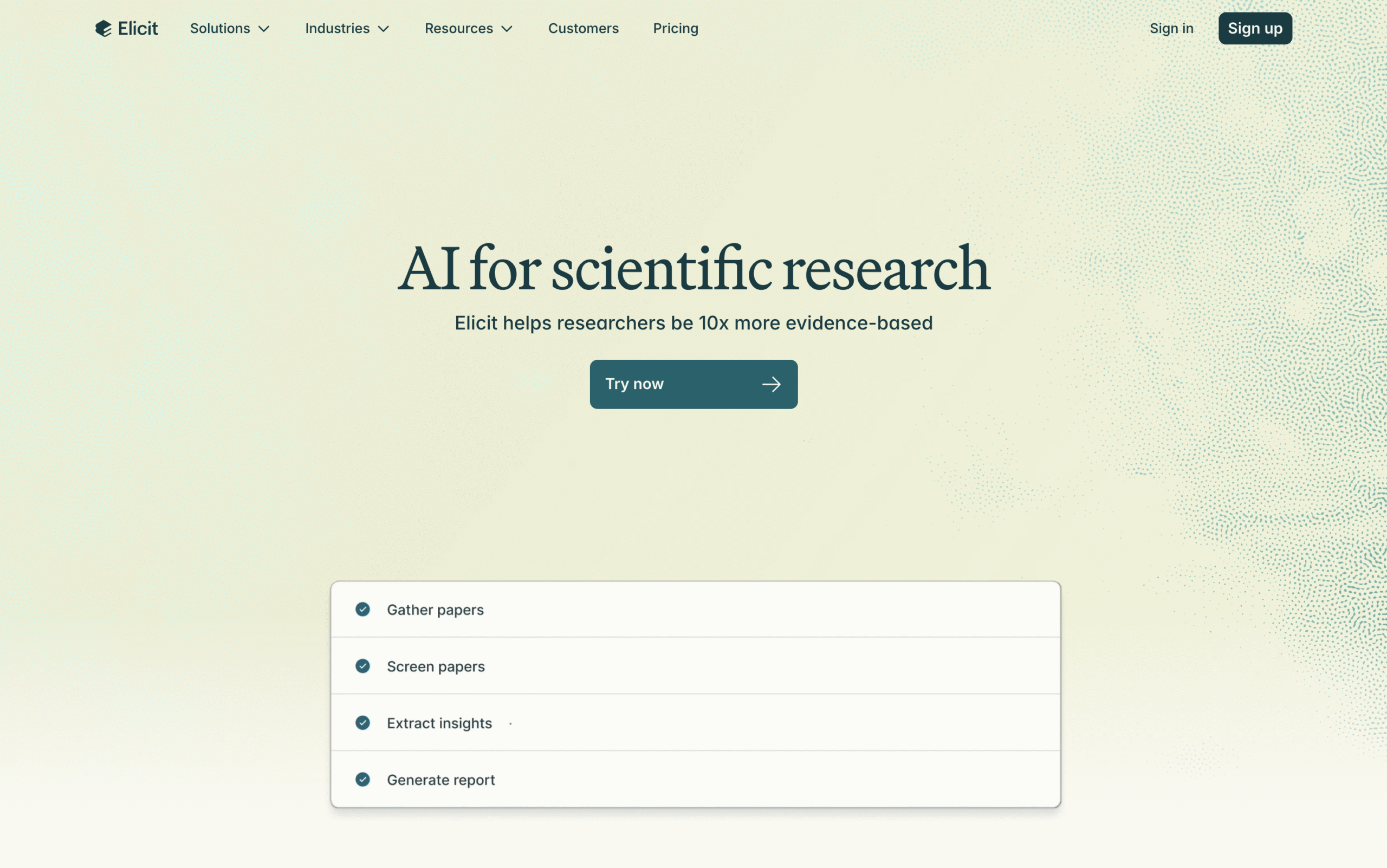
Elicit is an AI-powered research assistant built to make literature reviews faster, clearer, and easier to manage.
You can start with a question, and it scans thousands of papers, summarising and synthesising key findings into clear overviews.
It can also generate full literature reviews, extracting verified data points and citations into organised, exportable reports.
For advanced research, you can upload papers and conduct systematic reviews with guided screening, extraction, and visualisation.
Elicit even lets you chat with findings to explore topics further all within one transparent, easy-to-use workspace.
Key Features
- Systematic Reviews: Uses AI to guide screening, extract key data, and organise evidence.
- Multi-Paper Chat: Lets you ask questions across several papers to clarify methods or findings.
- PDF Upload & Data Extraction: Extracts and compares data tables directly from uploaded papers.
- AI Comparison Tables: Automatically builds tables comparing results and outcomes across studies.
- Semantic Search: Finds and summarises relevant papers based on meaning.
- Research Report Generator: Creates structured reports with verified citations and references.
Pricing
- Basic: Free forever
- Plus: $12/month (billed monthly) or $10/month (billed annually)
- Pro: $49/month (billed monthly) or $42/month (billed annually)
- Team: $79/user/month (billed monthly) or $65/user/month (billed annually)
- Enterprise: Contact Elicit
3. Consensus
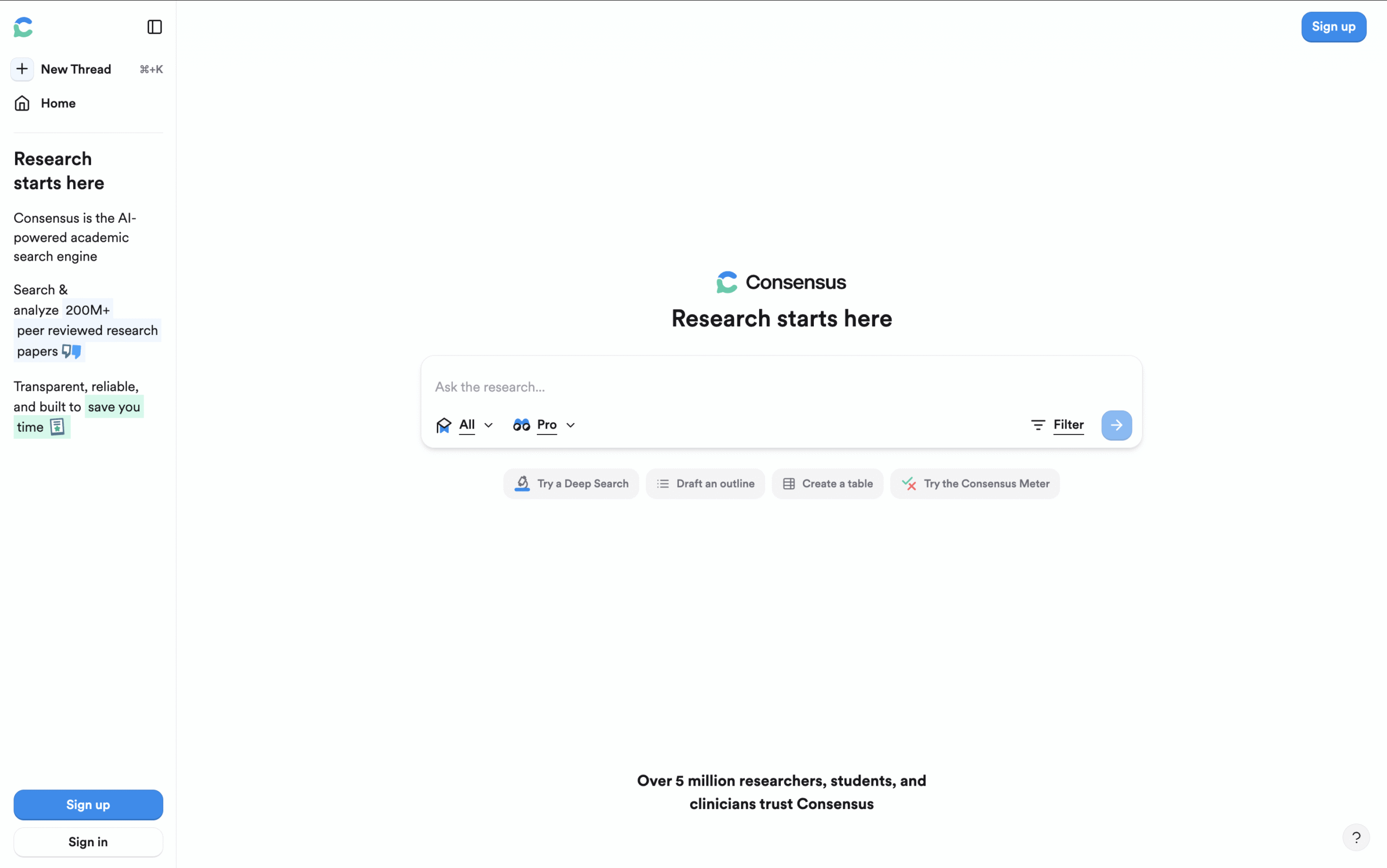
Consensus is an AI-powered research engine designed to uncover scientific agreement.
It works like a chat-based assistant, allowing you to ask research questions and get structured, evidence-based summaries instantly.
What makes Consensus different is its focus on evidence synthesis.
Instead of simply collecting results, it analyzes peer-reviewed studies, reads abstracts, and shows what the scientific community collectively agrees or disagrees on.
When you ask a question, Consensus displays a visual “Consensus Meter” showing how many studies support or contradict your query.
Each answer links directly to the original papers, so you can verify and cite with confidence. You can also use it to generate outlines, summarise findings, or even organise data into research tables.
All of this together makes Consensus ideal for literature reviews, policy writing, academic essays, and debates where credibility and clarity matter.
Key Features
- AI-Powered Evidence Synthesis: Reads and interprets research papers to reveal the overall scientific consensus on any topic.
- Consensus Meter: Visualises agreement and disagreement levels across studies.
- Semantic Search: Finds conceptually related studies beyond basic keyword matching.
- AI Summaries: Group findings by method, outcome, or conclusion for clear synthesis.
- Verified Sources: Provides direct access to full texts and reliable citations for easy referencing.
- Advanced Filters: Refine results by publication date, citation count, study design, sample size, or region.
Pricing
- Offers a Free plan
- Pro: $15/month (billed monthly) or $10/month (billed annually)
- Deep: $65/month (billed monthly) or $45/month (billed annually)
- Teams: $40/seat/month (billed monthly) or $30/seat/month (billed annually)
- Enterprises: Contact Consensus
4. ResearchRabbit
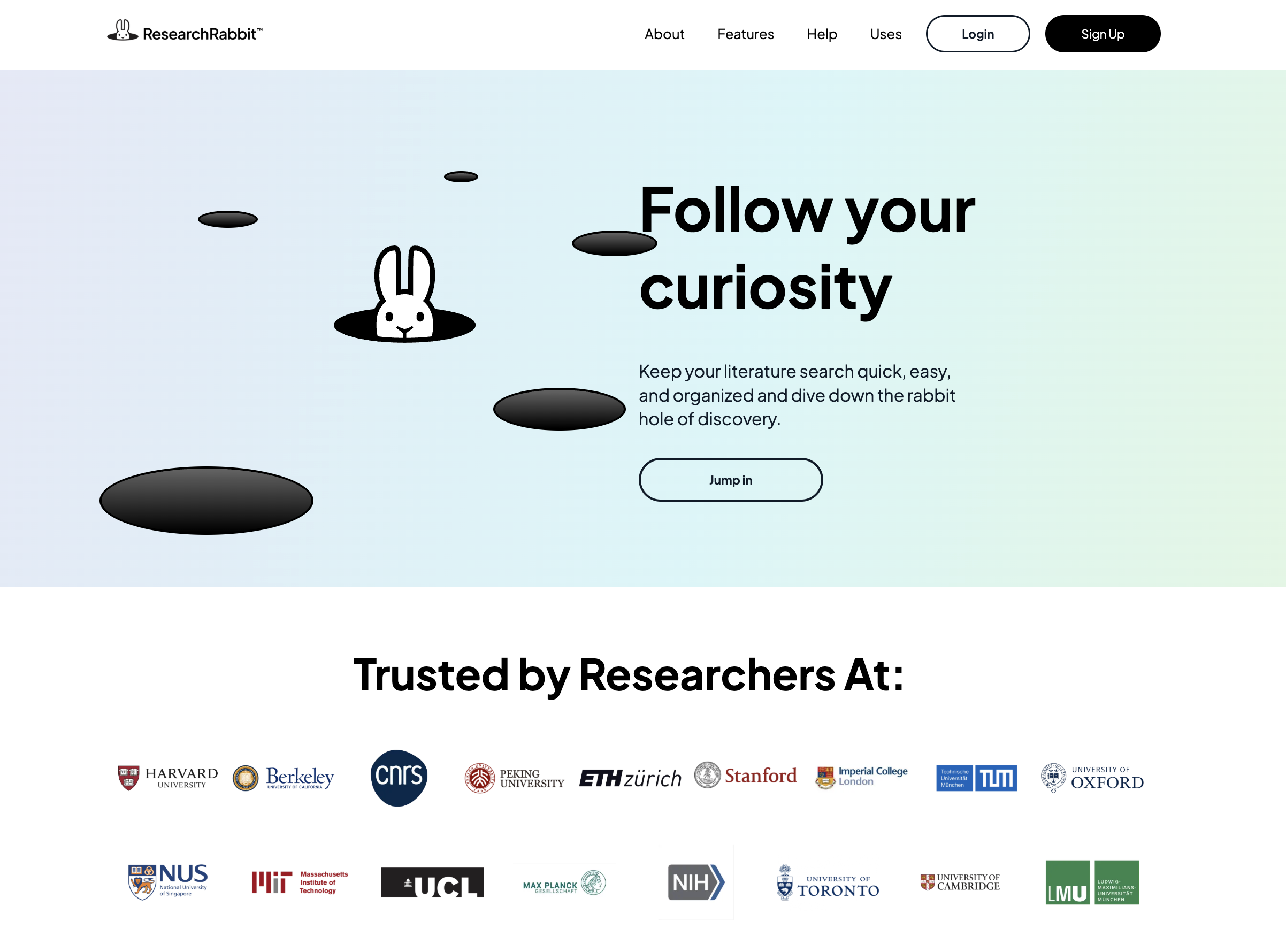
ResearchRabbit makes exploring academic papers visual, fast, and intuitive.
You can start with a keyword, a question, or a single paper.
Instead of scrolling through endless results, ResearchRabbit instantly builds interactive maps that show how studies connect by topic, citation, reference, or author.
You can trace references backward, follow citation trails forward, and uncover papers that validate an idea through different methods and time periods.
That makes it one of the most effective tools for research discovery.
Unlike many AI research tools that try to do everything, ResearchRabbit focuses on one thing and does it exceptionally well:
Visual data mapping to find the right papers.
Key Features
- Seed Paper Discovery: Start with one paper and instantly find others connected to it.
- Citation Chaining: Trace what a paper cited and who cited it later, both directions at once.
- Visual Maps: Explore dynamic graphs of papers and authors to spot patterns and key contributors.
- Author Networks: See who collaborates with whom and how ideas spread across teams.
- Collections: Save, organise, and tag papers for different projects or themes.
Pricing
- Offers a Free plan
- RR+: $12.5/month (billed monthly) or $10/month (billed annually)
- Institution: Contact ResearchRabbit
5. Litmaps
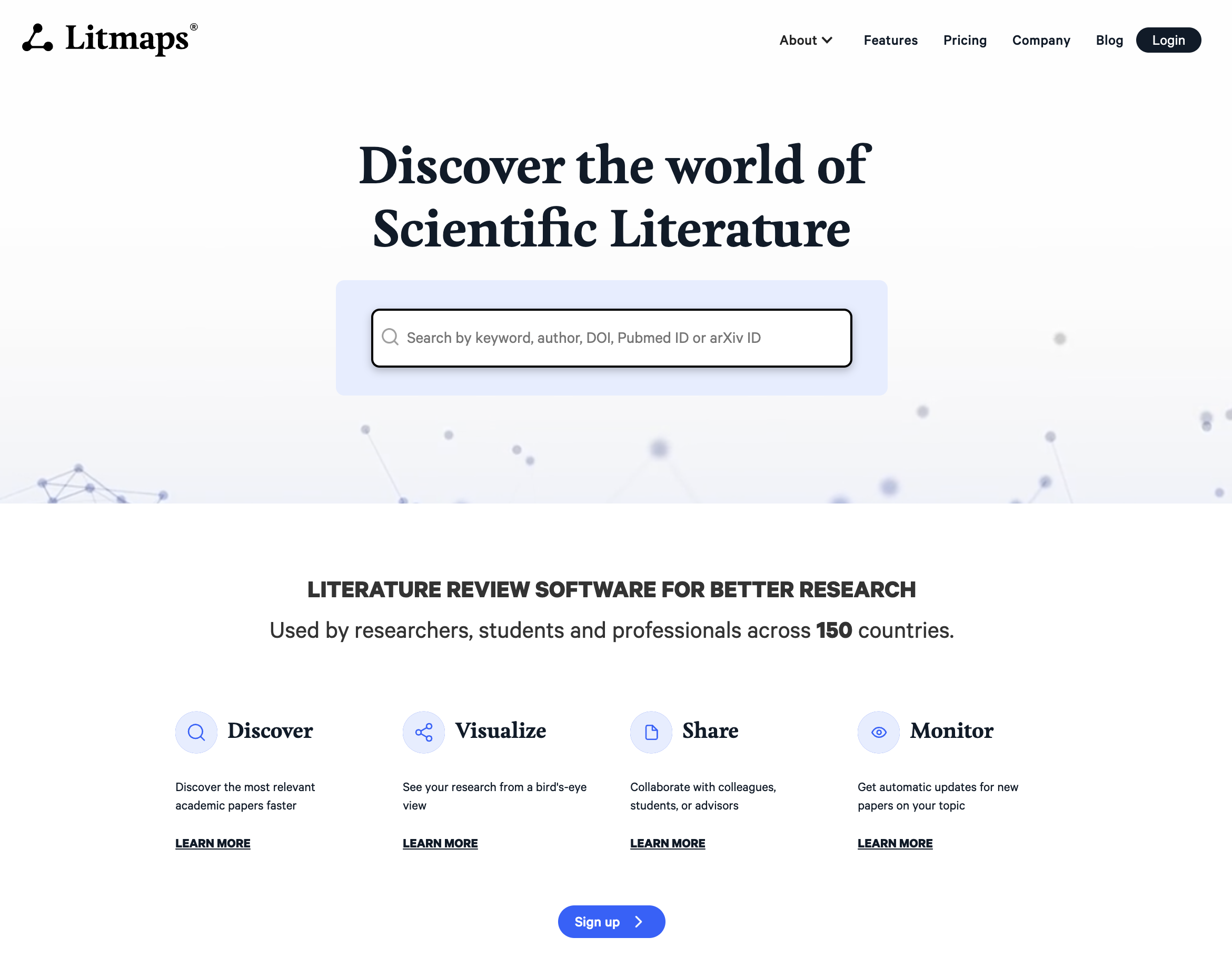
Litmaps is one of the most structured visual research mapping platforms available.
You can start with a seed paper or an initial idea, and Litmaps instantly finds related papers through citation trails and smart filters.
It prioritises high-value information and shields you from information overload, making it perfect for focused literature exploration.
Litmaps are also highly customisable. You can define X and Y axes to represent parameters like publication year, citation count, or topic area. This flexibility lets you visualise relationships and spot key papers quickly without getting lost in data.
If you’re new to research or working on a college project, Litmaps feels intuitive and simple to use.
Key Features
- Interactive Citation Maps: Visualise how papers connect through citations. Each paper appears as a node with links showing relationships.
- Seed-Based Discovery: Upload one paper or a bibliography, and Litmaps automatically finds related and foundational studies.
- Smart Recommendations: Suggests new, relevant papers based on your current map and reading history.
- Visual Filtering & Sorting: Adjust maps to highlight papers by year, citation count, research field, or recency.
Pricing
- Offers a Free plan
- Pro (Education): $12.50/month (billed monthly) or $10/month (billed annually)
- Pro (Commercial): $50/month (billed monthly) or $40/month (billed annually)
- Litmaps Teams (Standard License): ) $80/month (billed monthly) or $66.7/month (billed annually)
- Litmaps Team (Education License): $20/month (billed monthly) or $16.7/month (billed annually)
6. Scite
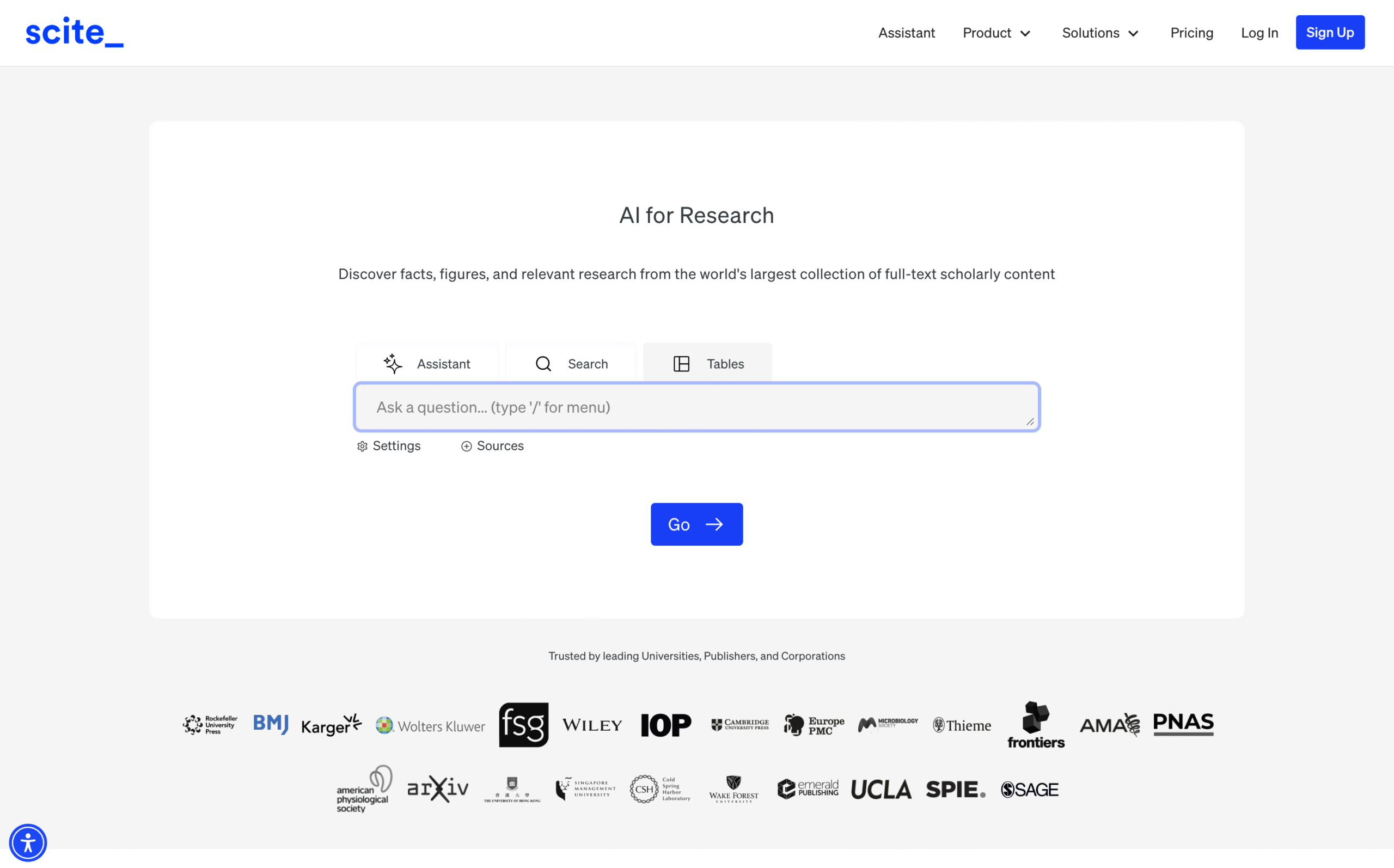
Scite is a powerful research tool designed to improve how you evaluate and cite academic work.
Unlike most citation databases that only show how many times a paper is cited, Scite goes deeper.
Its Smart Citations reveal how a paper is cited, whether other studies support, contrast, or simply mention it or the author for some other research.
If you’re doing a literature review, Scite helps you identify under-discussed debates, spot conflicting results in your field, and strengthen the credibility of your citations
It’s also great for researchers or students comparing multiple studies and preparing reports.
Unlike all the other tools in this list, Scite doesn’t have a free plan. You get a free trial, but continued use requires a subscription.
Key Features
- AI Assistant: Summarises, explains, and connects research papers for quick understanding.
- Smart Citations: Shows citation context for supporting, contrasting, or mentioning relationships.
- Search Tool: Finds citation statements and reasons behind citations.
- Dashboards: Tracks citation trends and research impact across chosen papers.
- Reference Check: Screens manuscripts to assess reference quality and reliability.
- Browser Extension: Adds citation insights directly while browsing online papers.
- Author Dashboards: Displays each author’s citation influence and credibility.
- Report Builder: Creates shareable reports summarising citation context and impact.
Pricing
Scite doesn’t offer a permanent free plan. You get 3 free prompts with limited features to begin with, followed by a 7-day free trial of the full version. After that you need to switch to a paid plan.
- Personal: $20/month (billed monthly) or $12/month (billed annually)
- Organisation: Contact Scite
7. Undermind
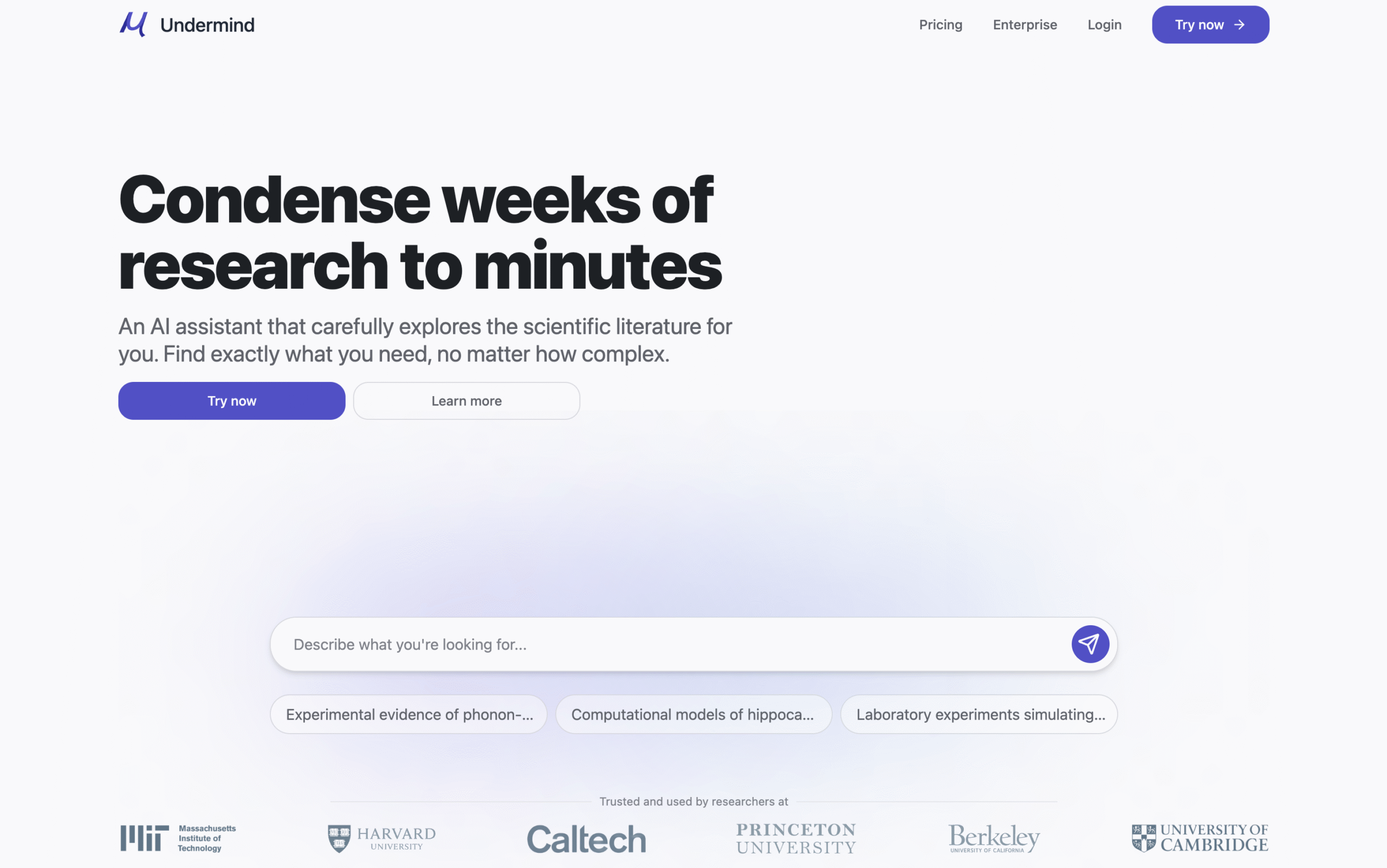
Undermind is a powerful AI-powered research assistant built for students and academic researchers who need to search deep literature fast.
You simply type your research question in natural language, and the system mimics how a human expert would search, iterate, and refine the query.
It scans hundreds of papers, follows citation trails, and adapts its strategy. The end result is a ranked list of papers with relevance scores, summaries, and even a “discovery progress” metric showing how much of the topic space has been covered.
Undermind brings up highly specific questions fast to help you go deeper. Once you answer its prompts, Undermind builds a structured report with references and citations.
You can chat with that report to analyse, visualise, or explore the findings further.
Undermind is ideal for experts or anyone clear about their research scope and process. However, if you’re new to research, the highly specific questions can feel overwhelming.
Key Features
- Natural-Language Interface: Understands your research question, asks clarifying prompts, and refines queries for precision.
- Deep Literature Search: Iteratively follows citation graphs and adapts its strategy to uncover highly relevant papers.
- Relevance Ranking: Scores and ranks studies by conceptual match.
- Visual Research Maps: Displays interactive timelines and citation networks to show how ideas connect and evolve.
- Automated Paper Summaries: Provides concise overviews with topic-match percentage, publication year, citations, and key insights.
Pricing
- Offers a Free plan
- Pro: $20/month billed monthly or $16/month billed annually
- Team (minimum 3 users): $18.7/user/month (billed monthly) or $15/user/month (billed annually)
- Enterprises: Contact Undermind
8. Paperguide
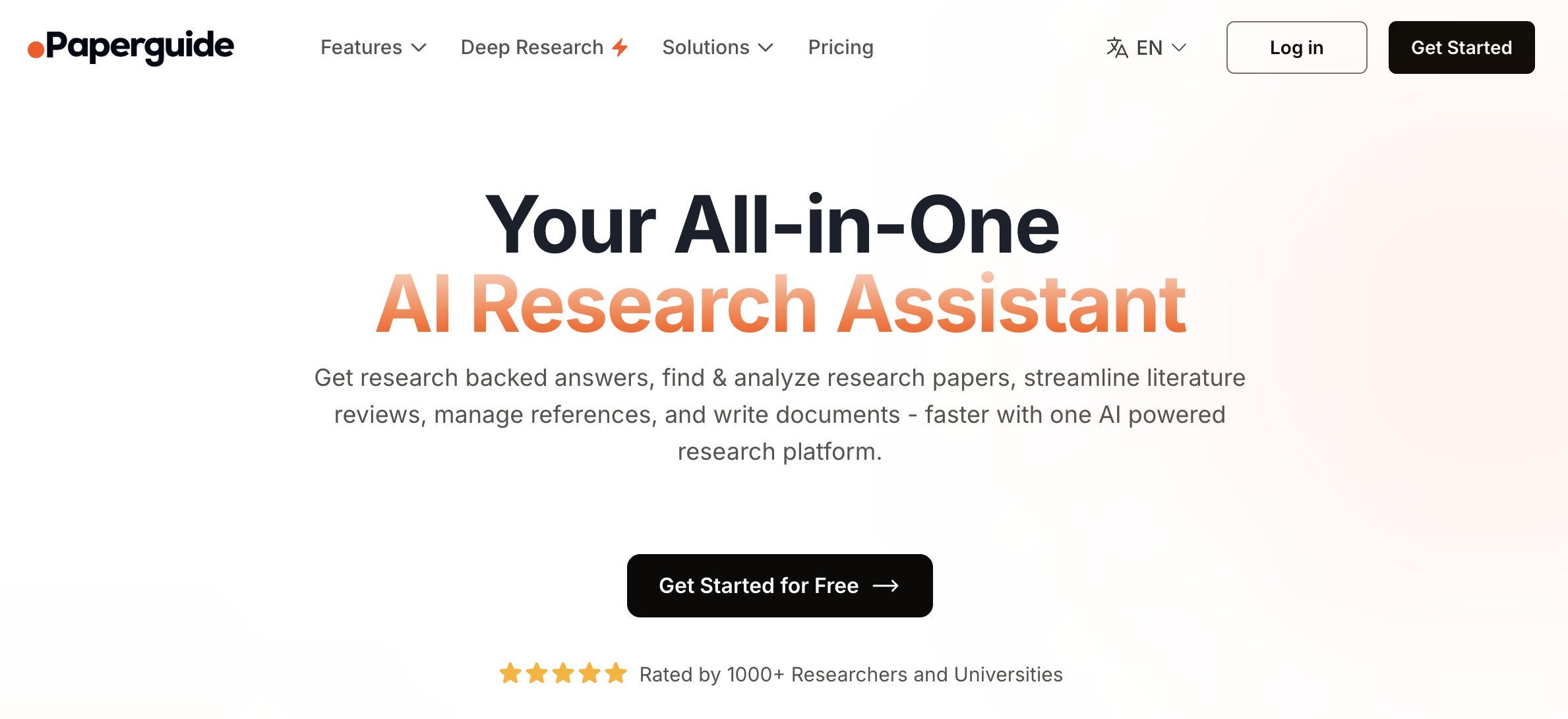
Paperguide is an AI-powered research and writing assistant.
It helps you discover credible studies, brainstorm ideas, and write academic papers with confidence.
For research:
You can ask a simple question and get a mini report with citations and references.
Deep research helps you turn your simple questions into a well defined research topic and scope and helps you find relevant information.
You can chat with the interface or conduct deep research on any question and chat with the findings.
A standout feature is its ability to chat with almost any source. You can upload PDFs, share web links, or even paste a YouTube URL and ask questions about its content.
For writing:
You can choose your document type such as a research paper or literature review, select your preferred citation style, and manage references automatically.
AI features help you brainstorm ideas, generate outlines or even write entire sections.
Paperguide offers a practical way to learn, summarise, and extract insights from different kinds of media, making research more interactive and engaging.
Key Features
- AI Literature Search: Finds peer-reviewed studies from trusted academic databases.
- Chat with Papers or URLs: Ask targeted questions and get instant, cited answers.
- Smart Summaries: Condenses long papers into clear, concise overviews.
- Citation Manager: Supports APA, MLA, Chicago, and other major styles automatically.
- Research Writing Assistant: Helps draft, edit, and refine academic sections with accuracy.
- Data Extraction Tools: Capture tables and figures from multiple papers for quick comparison.
- Unified Workspace: Read, annotate, and collaborate without switching tools.
Pricing
- Offers a Free plan
- Plus Plan: $19/month (billed monthly) or $12/month (billed annually)
- Pro Plan: $39/month (billed monthly) or $24/month (billed annually)
9. Paperpal
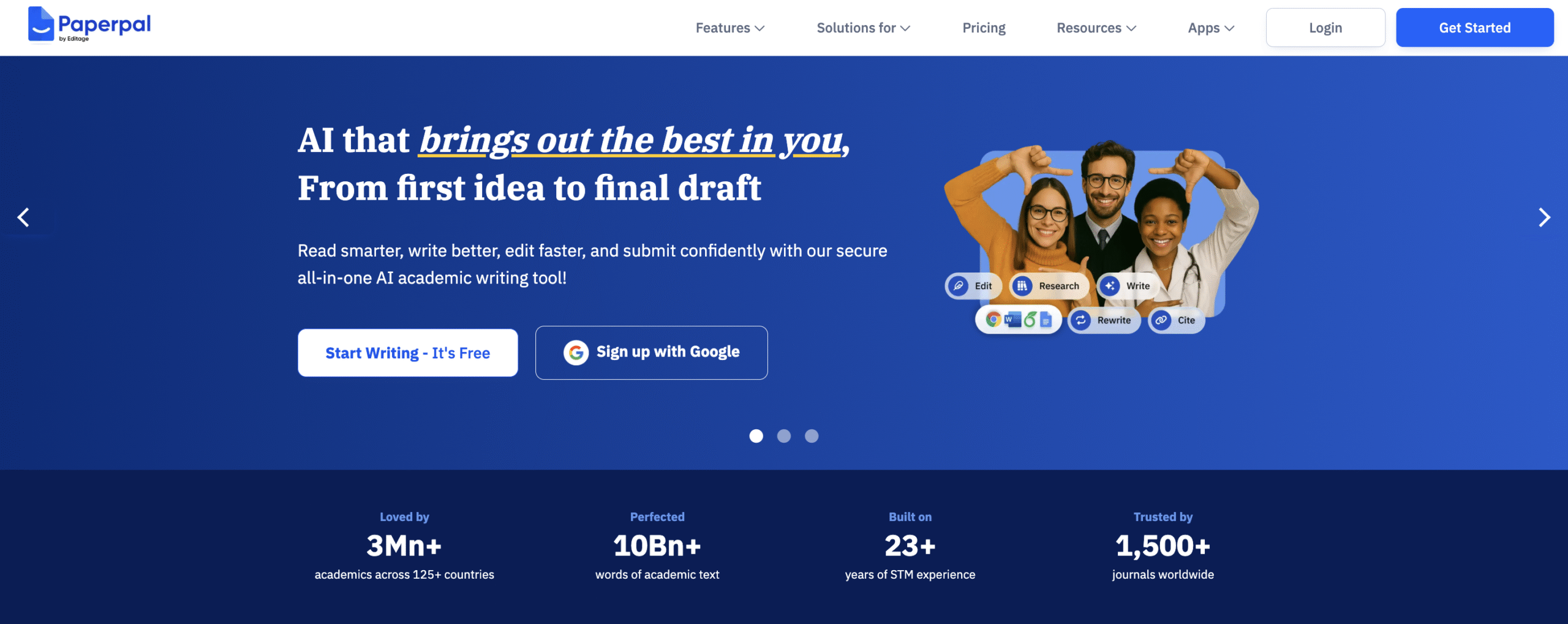
Paperpal is an all-in-one tool for writing, reviewing, and editing research papers.
It helps you meet academic style, structure, and publishing standards with precision.
Trained on thousands of academic manuscripts, PaperPal aligns with journal-level writing expectations, making it ideal for researchers preparing submission-ready drafts.
What makes it stand out is depth.
PaperPal doesn’t just help you write; it also reviews and validates your work across 30 quality parameters, offering suggestions to improve clarity, tone, and compliance before submission.
You can use PaperPal directly in its web interface or through add-ons for Word, Google Docs, and Overleaf, keeping your workflow smooth and uninterrupted.
Key Features
- Advanced Language Support: Paraphrases for fluency, reduces word count, and translates across 50+ languages.
- Comprehensive Writing Tools: Grammar checking, paraphrasing, summarising, and proofreading
- AI Copilot & Essay Writer: Generates structured academic drafts and paper sections efficiently.
- Plagiarism & Manuscript Checker: Ensures originality and submission readiness.
- Smart Citation Finder: Locates and formats reliable references automatically.
- Chat with PDF & AI Summariser: Extracts insights and highlights key findings from papers quickly.
- Add-ons for Word, Docs, and Overleaf: Write seamlessly in your preferred environment.
- Translation & Rewriting: Preserves academic tone while improving clarity and coherence.
Pricing
- Offers a free plan
- Prime: $25/month (billed monthly) or $18.3/month (billed quarterly) or $11.5/month (billed annually)
10. Jenni
Jenni is a powerful tool for ideating, structuring, and writing research papers, especially when you’re unsure where to begin.
You can start with just a title or topic, and Jenni instantly generates a detailed outline with relevant headings and subtopics. From there, you can expand your paper line by line.
Click under any heading, and Jenni suggests text for that section, with citations and references added automatically in the background.
If a suggestion doesn’t fit, simply ask for a better version.
Jenni rewrites one sentence at a time, helping you stay in control of tone and direction. You can also adjust document settings such as fonts, citation style, AI models, and more to match your preferences.
In short, Jenni takes you from outline to full draft with minimal effort.
In 2025, Jenni acquired TinyWow, integrating over 50 free tools for handling PDFs, images, videos, and writing tasks. TinyWow comes with one limitation: TinyWow’s files disappear within an hour, so export your work once you’re done.
Key Features
- AI Autocomplete: Keeps you writing when you hit a block.
- Citation Generator: Supports thousands of styles (APA, MLA, Chicago) with automatic in-text references.
- Ask-Jenny Chat Assistant: Lets you upload papers and ask content-specific questions.
- Outline Builder: Creates structured headings for essays, articles, or theses.
- TinyWow Integration: Offers 50+ free tools for editing PDFs, images, videos, and text.
Pricing
- Offers a Free plan
- Unlimited: $30/month (billed monthly) or $12/month (billed Annually)
- Teams and Institutions: Contact Jenni
Note: Tools offered through TinyWow are free forever.
11. Powerdrill
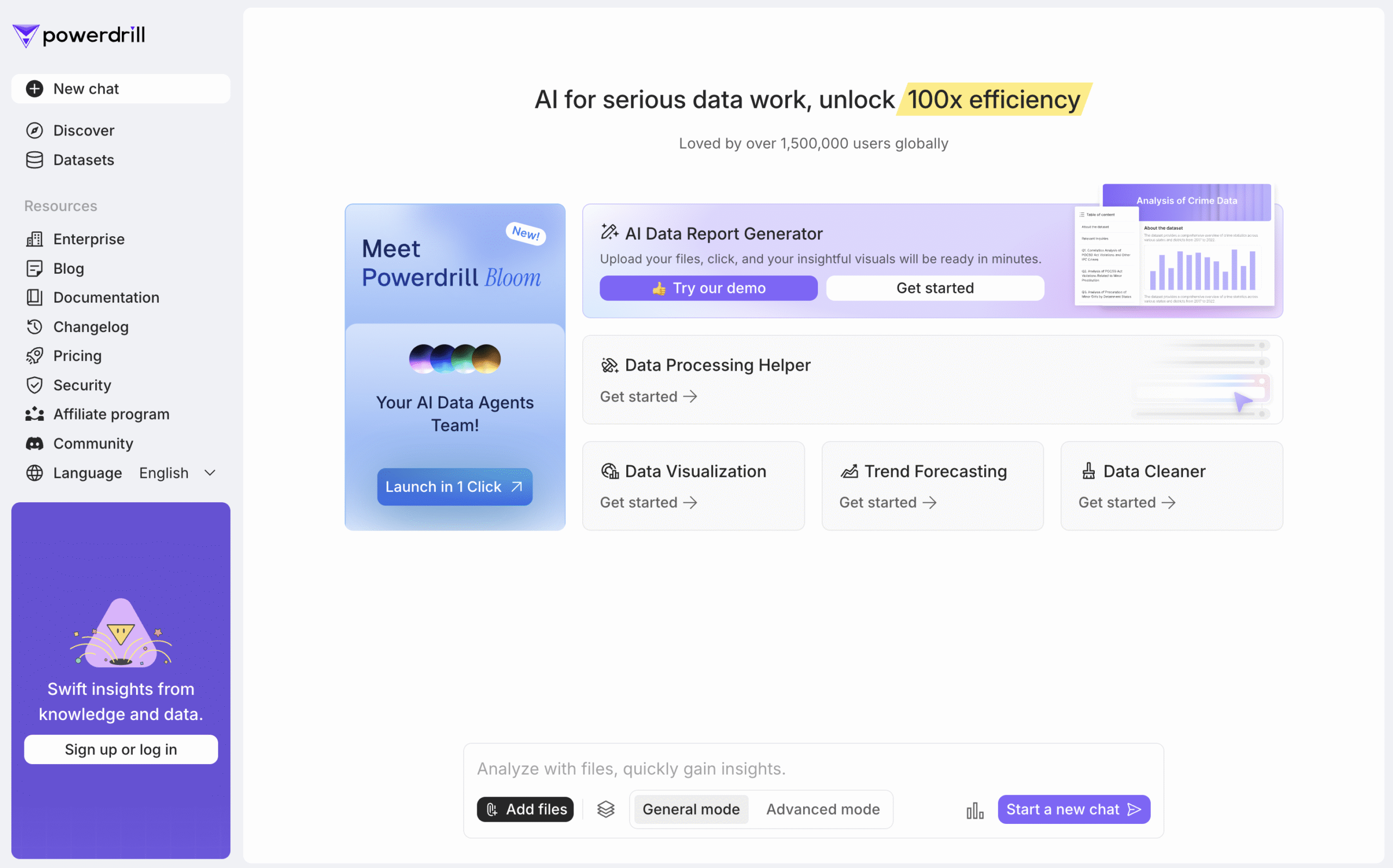
Powerdrill is a versatile tool that helps you find, analyse, visualise, and articulate information with ease.
Its AI features let you chat to find insights, summarise information, clean datasets, and visualise data through charts and tables.
Powerdrill goes further deep with PowerDrill Bloom.
This advanced module uses a team of four AI agents that turn a simple question into a detailed research brief. They find relevant information, summarise findings, and help you structure ideas with precision.
At each stage, Powerdrill builds a workflow and lets you set parameters, choose from suggestions, or add your own. The result is well-defined research directions, each with summaries, data insights, and visual perspectives.
You can even turn findings into slideshows, making it ideal for developing and documenting new research ideas.
Key Features
- Trend Analysis: Discover patterns in your data and see how they evolve over time.
- Data Visualisation: Create clear charts and tables to represent complex information.
- Data Cleaning: Merge datasets, remove duplicates, and filter empty values.
- Information Extraction: Find, extract, and export relevant insights quickly.
- AI Chat: Ask questions, get answers backed by research, and brainstorm topics or workflows.
Pricing
- Offers a Free plan
- Basic: $ 3.25/month (billed monthly) or $3.90/month (billed annually)
- Plus: $8.25/month (billed monthly) or $9.90/month (billed annually)
- Pro: $24.92/month (billed monthly) or $29.90/month (billed annually)
12. Julius
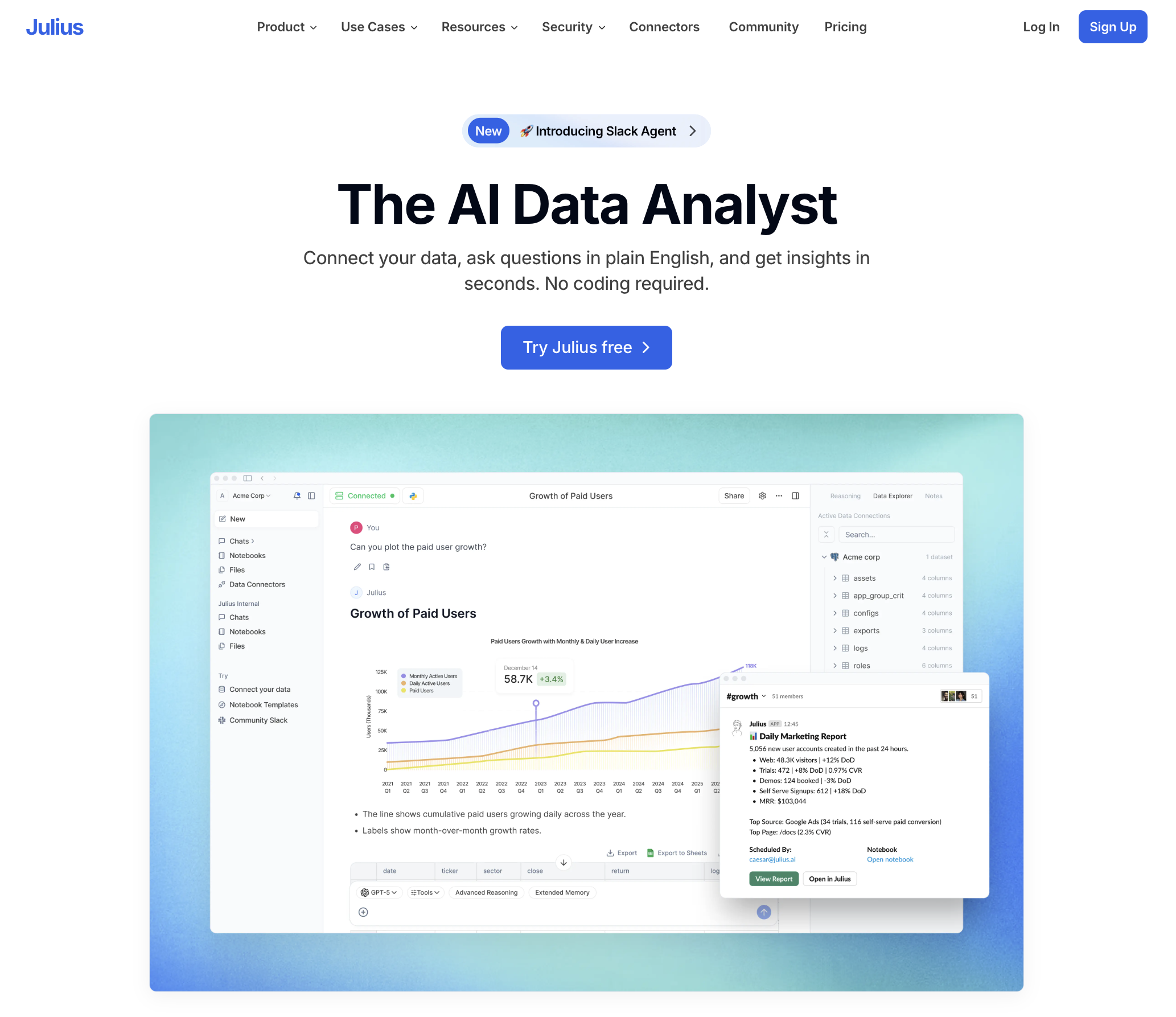
Julius is an AI-powered data analysis assistant.
You can upload raw datasets and turn them into insights using simple language.
Julius handles both quantitative and qualitative analysis, extracts key patterns and presents them visually through charts and graphs. No coding required.
However, if you do need the code, Julius generates it for you automatically, so you can run it anywhere else.
It’s perfect for exploring survey data, Excel sheets, or experiment results without spending hours learning new software. You can go from broad overviews to structured, in-depth analysis in minutes.
If you are working on dissertations, coursework, or experimental studies, Julius saves time while maintaining high standards of accuracy and interpretation.
Key Features
- Flexible Data Input: Upload CSVs, Excel files, Google Sheets, or PDFs. Julius previews the dataset and suggests key questions.
- Chat Interface: Ask questions in plain English.
- Automatic Visualisation: Generates graphs instantly based on your data and prompts.
- Step-by-Step Analysis: Performs tests like t-tests or regressions, explains outputs, and gives clear summaries.
- Workflow Templates: Save prompt sequences and reuse them for new datasets.
- Data Preparation Assistant: Detects missing values, suggests data cleaning, and recommends transformations.
- Code Export: Generates and exports analysis code (Python or R) for deeper control or documentation.
Pricing
- Offers a Free plan
- Plus: $35/month (billed monthly) or $29.16/month (billed annually)
- Pro: $45/month (billed monthly) or $37/month (billed annually)
- Max: $200/month (billed monthly) or $166/month (billed annually)
- Enterprise: Contact Julius
Final Recommendations
Each of the 12 tools mentioned above brings something unique to the table.
Except for Scite, all of them are free to use, and even Scite offers a free trial.
You already know what each tool does best, so take some time to explore them and see which tools fits your requirement, workflow, and research style.
If I had to recommend just one, it would be SciSpace. It’s versatile, beginner-friendly, and powerful enough to handle almost every stage of the research process. Its agent gallery and ChatGPT integration make it even easier to use.
However, if you want to dive deeper into any part of the research process, these tools can help you go further and faster.
I highly recommend trying each of these AI research assistants at least once.
That’s a wrap!
Hope this helped you find your AI research partner.


 A better way to manage projects and clients for freelancers
 Get through busy days like a breeze with Reclaim.ai