
Interactive video has become a mainstream part of digital marketing.
It not only generates more traffic than traditional video, but it is also highly entertaining, giving you better ways to improve your conversions.
Tons of businesses are now pursuing interactive video formats, and with the right tool, you can also build an incredible video for your next marketing campaign.
If you’re exploring this option, check out the nine best interactive video platforms to create IV content.
But first, let’s talk about what exactly an interactive video is.
តើវីដេអូអន្តរកម្មជាអ្វី?
វីដេអូអន្តរកម្មគឺជាអតិថិជន បច្ចេកទេសភ្ជាប់ ដែលជួយអ្នកឱ្យប្រសើរឡើងនូវបទពិសោធន៍អ្នកប្រើប្រាស់។ វាអនុញ្ញាតឱ្យអ្នកបន្ថែម CTAs ដែលអាចចុចបានទៅក្នុងវីដេអូរបស់អ្នក ដើម្បីទាក់ទាញចំណាប់អារម្មណ៍របស់អ្នកទស្សនា និងកាត់បន្ថយអត្រាលោត។
សូមឱ្យខ្ញុំផ្តល់ឧទាហរណ៍ដល់អ្នក។
តើអ្នកបានឆ្លងកាត់ទេ? វីដេអូអន្តរកម្ម Nike Air Max Dia?

វាជាវីដេអូអន្តរកម្មដែលផលិតដោយ HYPEBEA និង Nike ។
HYPEBEA បានសហការជាមួយក្រុមហ៊ុន Nike ហើយបានបង្កើតវាឡើងដើម្បីណែនាំផលិតផលថ្មីរបស់ Nike ។ នៅក្នុងវីដេអូ ពួកគេបានប្រើលក្ខណៈពិសេសមួយផ្នែកដែលអនុញ្ញាតឱ្យអ្នកមើលគ្រប់គ្រងការរៀបរាប់វីដេអូ ដែលជាធម្មតាអ្នកឃើញនៅក្នុងរឿង "ជ្រើសរើសដំណើរផ្សងព្រេងរបស់អ្នក"។
IV offers plenty of similar interactive options to engage your audience. You can add hotspots, display a 360 view, and include forms or quizzes.
Using such interactive features, you can turn a mediocre video into a highly engaging ការធ្វើទីផ្សារ យុទ្ធនាការ។
វិធីសាស្រ្ត
Before curating my list, I looked at individual tools’ core capabilities, pricing, and user reviews. My main goal was to see what types of interactive features they offer, what integrations they provide, and whether they offer anything else that could improve the user experience.
ខាងក្រោមនេះជាលក្ខណៈវិនិច្ឆ័យរបស់ខ្ញុំ៖
- ភាពងាយស្រួលនៃការប្រើប្រាស់៖ តើវាងាយស្រួលក្នុងការប្រើវេទិកាយ៉ាងណា?
- តម្លៃ: Who can afford it.
- សមាហរណកម្ម៖ Can it be embedded into other platforms?
- ការពិនិត្យអ្នកប្រើប្រាស់៖ What people say about it.
Let’s explore the best interactive apps available on the market.
ការយកសំខាន់ៗ
| ករណីការប្រើប្រាស់ | វេទិកាដែលបានណែនាំ |
|---|---|
| បទពិសោធន៍អ្នកប្រើប្រាស់ថាមវន្ត | ផ្នត់គំនិត |
| លំហូរការងារសហគ្រាស | Vimeo |
| Virtual product tours | ThingLink |
| Custom interactive videos | អេ ១០៦០ ភី |
| ជំនាន់នាំមុខ B2B | វីដេអូសួរ |
| Live product demos and e-commerce shopping | ស្ទូឌីយោកុងតាក់ |
Interactive Video Platforms At A Glance
| វេទិកា | ល្អបំផុតសម្រាប់ | ប្រភេទអន្តរកម្ម | សាខា | Quizzes/Forms | LMS, SCORM or xAPI Support | តម្លៃចាប់ផ្តើម | Free Plan or Trial |
|---|---|---|---|---|---|---|---|
| ផ្នត់គំនិត | No-code, enterprise-grade videos | Hotspots, buttons, CTAs, questions | បាទ/ចាស | បាទ/ចាស | SCORM | $ 99 / ខែ | បាទ/ចាស |
| Adobe Captivate | Training and educational content | Quizzes, simulations, buttons, interactions | បាទ/ចាស | បាទ/ចាស | SCORM, xAPI, AICC | $ 39.99 / ខែ | បាទ/ចាស |
| Vimeo | Video creation and hosting for high-volume workflows | Hotspots, cards, forms, polls, overlays | បាទ/ចាស | បាទ/ចាស | SCORM, xAPI, AICC, cmi5 | $ 12 / ខែ | បាទ/ចាស |
| រោងកុន ២៨ | Video creation and publishing for both small and large businesses | Hotspots, CTAs, forms, 360° interactions | បាទ/ចាស | បាទ/ចាស | SCORM and xAPI | $ 15 / ខែ | ផែនការឥតគិតថ្លៃ |
| ផ្លូវវីដេអូអន្តរកម្ម Kaltura | Scenario-based training and education | Hotspots and video paths | បាទ/ចាស | បាទ/ចាស | អិលធី | តម្លៃផ្ទាល់ខ្លួន | បាទ/ចាស |
| ThingLink | 360° videos, virtual tours and interactive guides | Hotspots, tags, media and interactive scenes | បាទ/ចាស | បាទ/ចាស | LTI and xAPI | $ 29 / ខែ | បាទ/ចាស |
| អេ ១០៦០ ភី | Embedding videos to LMS and websites | Questions, quizzes, hotspots and interactive elements | បាទ/ចាស | បាទ/ចាស | អិលធី | Free plugin | Free plugin |
| វីដេអូសួរ | អាជីវកម្ម B2B | CTAs, questions and response options | បាទ/ចាស | បាទ/ចាស | ទេ | ផែនការឥតគិតថ្លៃ | ផែនការឥតគិតថ្លៃ |
| ស្ទូឌីយោកុងតាក់ | E-commerce businesses and brand awareness campaigns | Live interactions, donations and monetization | ទេ | ទេ | ទេ | $ 65 / ខែ | បាទ/ចាស |
1. ផ្នត់គំនិត
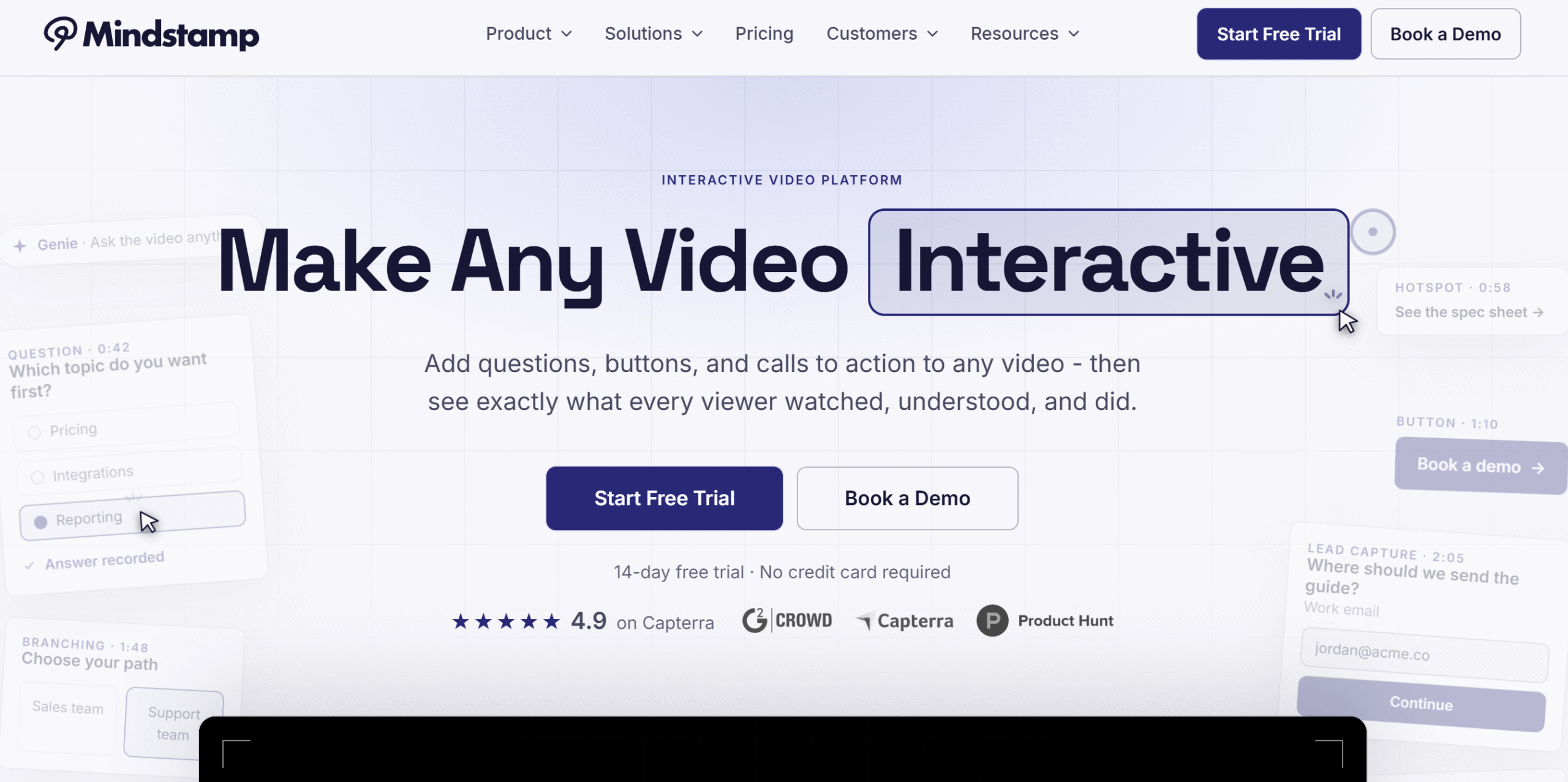
ល្អបំផុតសម្រាប់៖ Personalized corporate training and interactive lead generation videos.
MindStamp’s main appeal is its no-code layering. It lets you add as many interactive elements as you want to your existing video.
You can add buttons, hotspots, questions, tools, and tips, plus you can label items and tag product details. Not only that, but you can also attach short clips or draw anything over your video.
It also has a “Require Click to Continue” feature that pauses the video until the viewer clicks the buttons. This is an interesting feature to boost engagement.
What I found notable is its custom variables.
វាផ្លាស់ប្តូរពាក្យ ឬប្រយោគជាក់លាក់មួយដោយស្វ័យប្រវត្តិទៅមាតិកាគោលដៅ ដើម្បីផ្តល់នូវបទពិសោធន៍ផ្ទាល់ខ្លួនដល់អតិថិជនសក្តានុពលរបស់អ្នក។
You can use this feature in tons of ways, like displaying actionable sales copy or asking questions to collect data.
Another interesting thing about MindStamp is its insights dashboard. It shows various key metrics to help you see how well your videos are performing and how many are converting.
Overall, MindStamp is super easy to use and can turn any basic shot into a professional interactive video.
You can integrate MindStamp with Zapier to access thousands of apps and build trigger-based workflows.
MindStamp Key Features
- Hotspots, clickable images, and buttons.
- ឧបករណ៍គូរ។
- កម្រងសំណួរ។
- Branching and conditional logic.
- Lead capture forms.
- ឈុតវីដេអូ និងសំឡេង។
- វិភាគ។
- ការធ្វើបដិរូបកម្ម។
- ការរួមបញ្ចូលភាគីទីបី។
ដែនកំណត់
MindStamp’s major limitation is its pricing tier. The basic plan costs $99 per month and only allows 5 active videos with basic interactive features. Tools like conditional logic are only available on the Pro plan, which costs $499 per month.
It makes MindStamp suitable for enterprises that don’t want the hassle of coding.
តម្លៃ
MindStamp offers five monthly plans starting from $99. You can take a សាកល្បងដោយសេរី ដើម្បីស្វែងយល់បន្ថែមអំពីវា។
Choose If
If you want to create a tailored experience for viewers and have the budget for the advanced features.
រំលងប្រសិនបើ
If you are an independent content creator or a small business owner.
2. Adobe Captivate
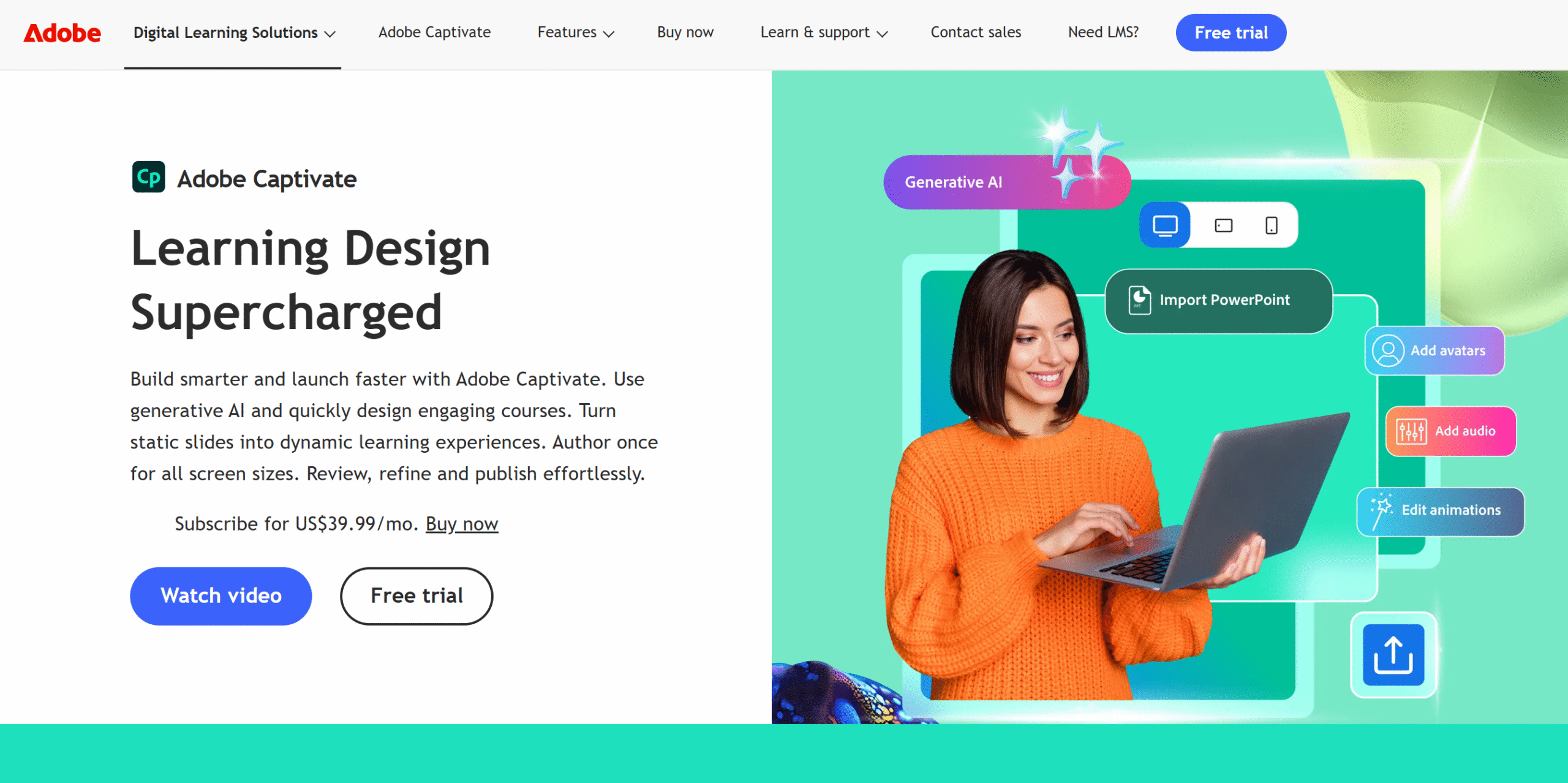
ល្អបំផុតសម្រាប់៖ Training videos and educational content.
Adobe Captivate is a product of Adobe Creative Cloud. With this tool, you can add an interactive experience to your videos.
The app offers link embedding, overlays, and bookmarks to transform a linear YouTube video into an interactive one. You can build multiple slides, create a drag-and-drop action, add branching, and so much more.
Adobe Captivate ក៏ពង្រីកសកម្មភាពជួសជុលដែលអនុញ្ញាតឱ្យអ្នកមើលត្រឡប់ទៅវិញ និងផ្លាស់ប្តូរជម្រើសដើមរបស់ពួកគេ។
លក្ខណៈពិសេសសំខាន់ៗរបស់ Adobe Captivate
- វីដេអូអន្តរកម្ម។
- Overlays.
- Knowledge checks, bookmarks.
- សាខា។
- ធាតុក្រាហ្វិក។
- ការបង្កប់តំណភ្ជាប់
- ចំណុចប្រទាក់អូសនិងទម្លាក់។
- LMS publishing.
- ការរចនាឆ្លើយតប។
- ការរួមបញ្ចូល។
ដែនកំណត់
Adobe Captivate is built specifically for e-learning. You can create marketing videos with it, but most of its tools are geared towards creating learning content.
តម្លៃ
Adobe Creative’s prices start at $39.99 a month. You can take a free trial.
Choose If
If you already have an Adobe subscription. You can easily import layers, artwork, and edited videos directly into your projects.
រំលងប្រសិនបើ
If you are looking for a basic tool to get started.
3. Vimeo

ល្អបំផុតសម្រាប់៖ Businesses that want video creation, editing, interactive tools, and publishing options in one platform.
Vimeo is a video hosting platform with built-in interactive video capabilities.
If you already make videos on Vimeo, it makes sense to use its own tools to create and publish interactive videos.
You can add static as well as movable shoppable hotspots so people can add items to the cart directly from the video. Plus, you can include a pause option to stop the video automatically when viewers click the hotspot.
Vimeo also provides media overlays, quizzes, and polls. You can create your own interactive video templates for reuse.
លក្ខណៈសំខាន់ៗរបស់ Vimeo
- Video hosting platform.
- Video editing and AI tools.
- Interactive elements, including a shopping cart button.
- Branching and video pause.
- Custom hotspots.
- ការសហការជាក្រុម។
- ការគ្រប់គ្រងរដ្ឋបាល។
- វិភាគ។
- ការរួមបញ្ចូល។
ដែនកំណត់
Vimeo’s main focus is on video editing and hosting. While it does offer good interactive elements, most of them are available with the enterprise plan only.
តម្លៃ
Vimeo prices start at $20 per month. The enterprise plan has custom prices.
Choose If
If you create a lot of videos.
រំលងប្រសិនបើ
If you only need interactive tools and aren’t looking for a video hosting platform.
4. រោងកុន ២៨
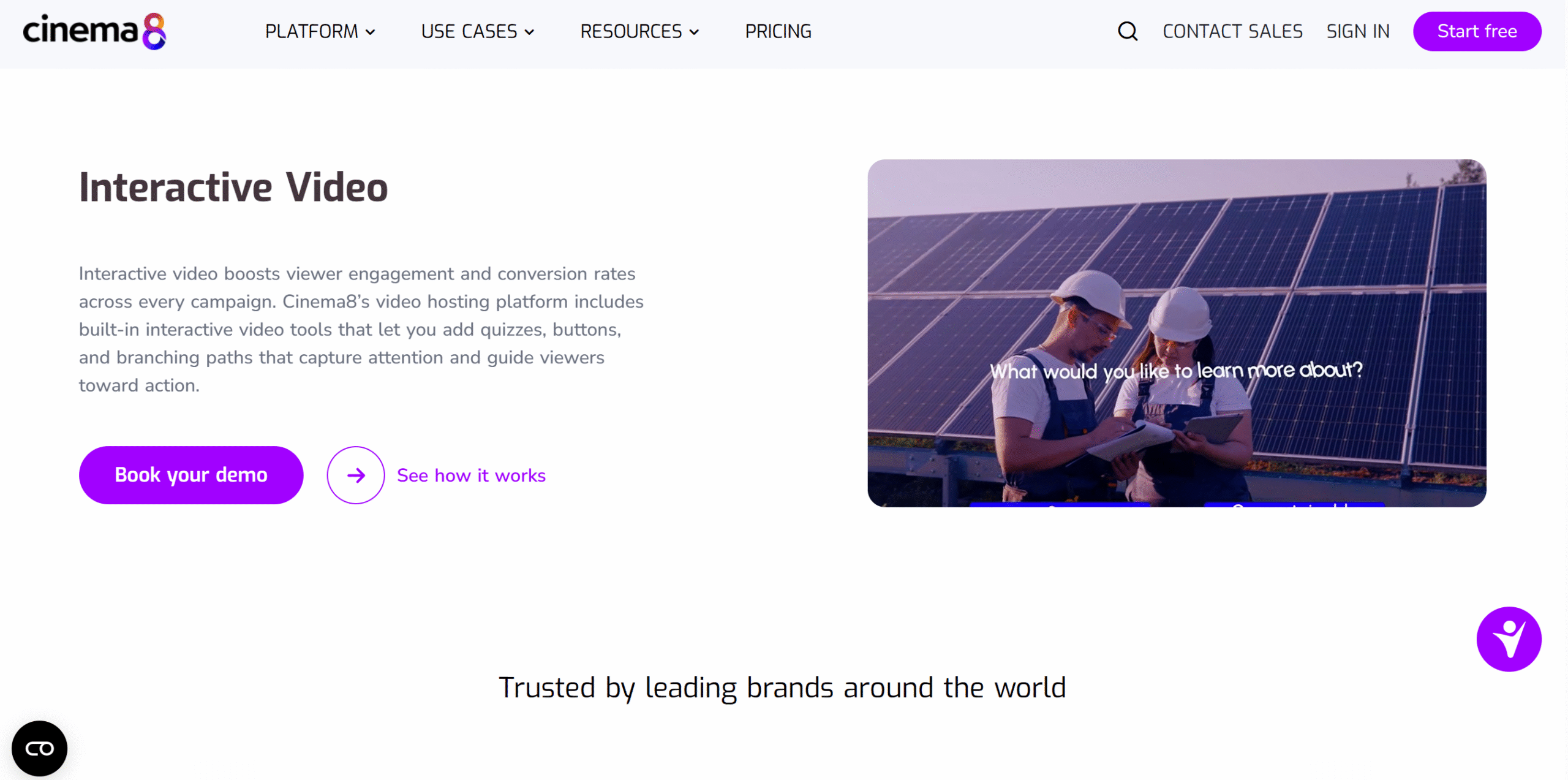
ល្អបំផុតសម្រាប់៖ Interactive video creation and publishing.
Cinema8, like Vimeo, is also a video hosting platform with built-in interactive features. But what makes it different from Vimeo is its target audience.
While Vimeo’s interactive tools are tailored for enterprises, Cinema8 has added them as a core part of its video platform.
Whether you buy its starter plan or business plan, you’ll get basic clickable buttons, forms, and hotspots regardless. The plus package simply provides more advanced interactive features.
For example, if you choose the business plan, you would be able to turn 360° clips into interactive videos. Or you can also add complex branching and gamification, like rewards and points.
Apart from interactive features, several AI tools are also built into the system to speed up video production. You can automatically generate topics, summaries, and tags to optimize your videos.
Overall, it’s a good platform to consider for both educational and marketing videos. You can embed Cinema8’s videos on your websites, send them via email, share links on social media, or publish them through Cinema8’s own cloud app.
Cinema8 Features
- Basic and advanced interactive features.
- ការលេងហ្គេម។
- 360° interactive videos.
- 100+ widgets.
- ឧបករណ៍ AI ។
- Various sharing options.
- សហការ។
- Hosting platform.
- វិភាគ។
ដែនកំណត់
Cinema8 has a learning curve. Adding basic interactive features like a CTA is easy enough because the interface itself isn’t that complicated, but building scenarios might be a bit challenging.
តម្លៃ
Cinema8’s basic plan is free, and premium packages start at $15 per month. You can take a free trial too.
Choose If
If you need 360° interactive videos or gamification features.
រំលងប្រសិនបើ
If you want a simple video editor with interactive features.
5. ផ្លូវវីដេអូអន្តរកម្ម Kaltura

ល្អបំផុតសម្រាប់៖ Interactive training videos and educational content.
Kaltura’s biggest strength is its branching feature.
You can connect video clips through hotspots, offering multiple choices to viewers.
It’s a helpful tool for scenario-based educational content, like customer service.
You can embed the Kultra player on different platforms and let people watch your interactive videos on both desktop and mobile phones.
It can also integrate with your organization’s learning management platform, making it easier to add interactive videos to your existing training courses.
The interface is user-friendly, containing a drag-and-drop editor to pull multiple media from the template column and connect them together. You can preview changes before publishing and easily track your video performance.
លក្ខណៈសំខាន់ៗរបស់ Kaltura
- Embeddable interactive videos.
- Customizable hotspots.
- ចំណុចប្រទាក់អូសនិងទម្លាក់។
- Branching video paths.
- មើលជាមុន។
- Analytical dashboard.
- វិភាគ។
- សមាហរណកម្ម។
ដែនកំណត់
You’ll probably find the initial setup a bit complex, especially if you don’t have a technical background.
តម្លៃ
Kaltura shares pricing on request. Contact them on their official site for details.
Choose If
If you want to create scenario-based training videos.
រំលងប្រសិនបើ
If you want basic hotspots and clickable CTAs.
6. ThingLink
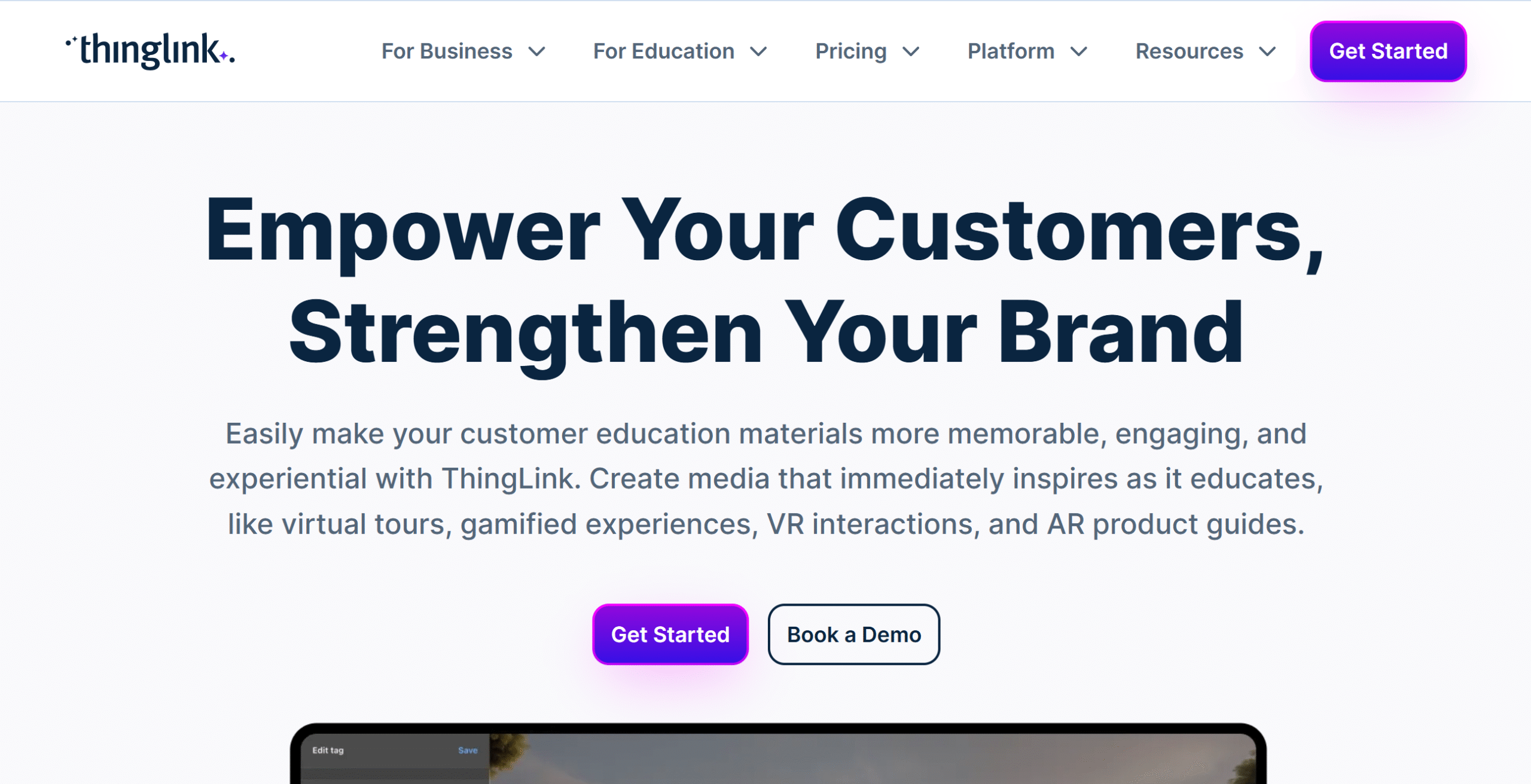
ល្អបំផុតសម្រាប់៖ Creating virtual tours and 360° interactive guides.
ThingLink initially started out as an annotating tool. But since then, it has extended into an interactive video platform that can turn both videos and pictures into clickable content.
You can use ThingLink to create interactive lessons, product tours, and guides. The platform uses tags to add clickable links, text, images, and audio.
ThingLink also has a strong scenario builder for creating different paths. You can combine interactive videos, 360° images, and fun facts to build simulations.
លក្ខណៈសំខាន់ៗរបស់ ThingLink
- Interactive tags.
- Videos, 360° images, and 3D models.
- Scenario builder.
- Branching, questions, polls.
- LMS integration and link embedding.
- វិភាគ។
ដែនកំណត់
The low-tier plans are extremely limited. Suppose you choose a creator plan. You can reach only 250 views, which is too low for independent creators. Customization is also limited.
ThingLink is only practical if you are willing to upgrade to higher-tier plans.
តម្លៃ
ThingLink provides various packages for its target market. The starter plan costs $29 per month, and the business plan starts at $500 per month. A free trial is available.
Choose If
If you need a tool for VR videos.
រំលងប្រសិនបើ
If you want a traditional branching feature.
7. អេ ១០៦០ ភី
ល្អបំផុតសម្រាប់៖ embedding interactive videos into your website or LMS.
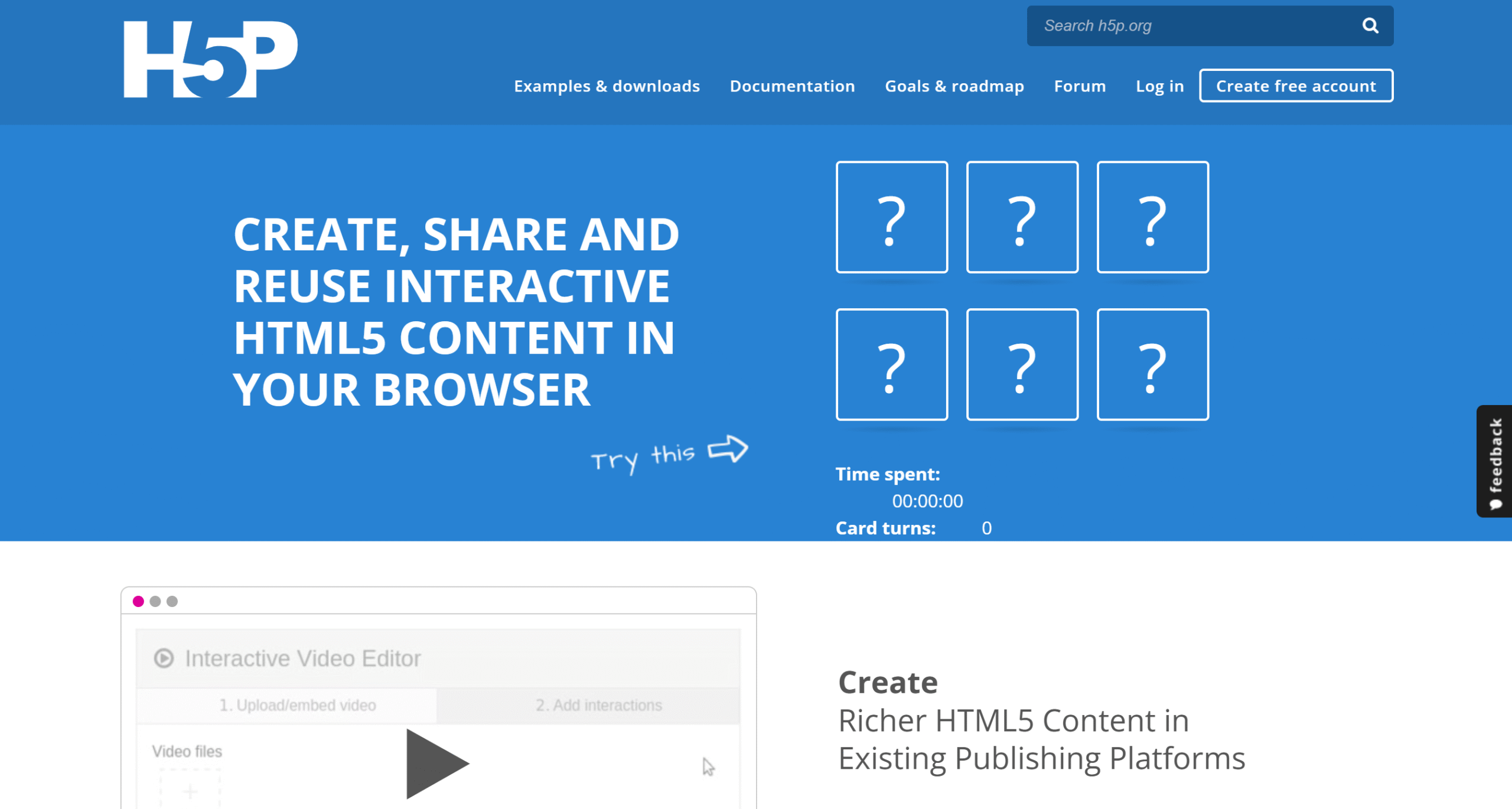
H5P is open-source software that allows you to create and share interactive videos on your site and embed them directly into your LMS.
The tool offers plenty of interactive templates and elements, including quizzes, links, labels, and a table of contents.
The only drawback is its interface. It might take some time to get familiar with it, but the dashboard itself is fairly simple.
បង្ហោះមាតិកាដែលបានជ្រើសរើសរបស់អ្នក ដាក់ស្លាកសកម្មភាពអន្តរកម្មដែលអ្នកចង់បង្ហាញ និងបង្កប់ខ្លឹមសារនៅលើគេហទំព័ររបស់អ្នក។
You can install the H5P plugin on your site or use its hosted service. The plugin is free, but the hosting service is a paid option.
លក្ខណៈសំខាន់ៗរបស់ H5P
- Interactive labels and drop-down menu table.
- Clickable quizzes.
- Time triggers hotspots.
- ចំណាំ។
- Embeddable video.
- LMS integration.
- Multiple authors.
- ងាយស្រួលប្រើតាមទូរស័ព្ទ។
ដែនកំណត់
H5P might be a bit tricky to set up. If you don’t have a tech background or tech support, you’ll probably struggle with it.
តម្លៃ
H5P’s plugin is completely free. The premium subscription starts at $157 per month. It also has a community for tutorials.
Choose If
If you want an affordable option.
រំលងប្រសិនបើ
If you want an intuitive tool.
8. វីដេអូសួរ
ល្អបំផុតសម្រាប់៖ B2B lead generation videos.
វីដេអូសួរ ប្រើវិធីសាស្រ្តខុសគ្នាបន្តិចបន្តួចចំពោះការចូលរួមរបស់អតិថិជន។
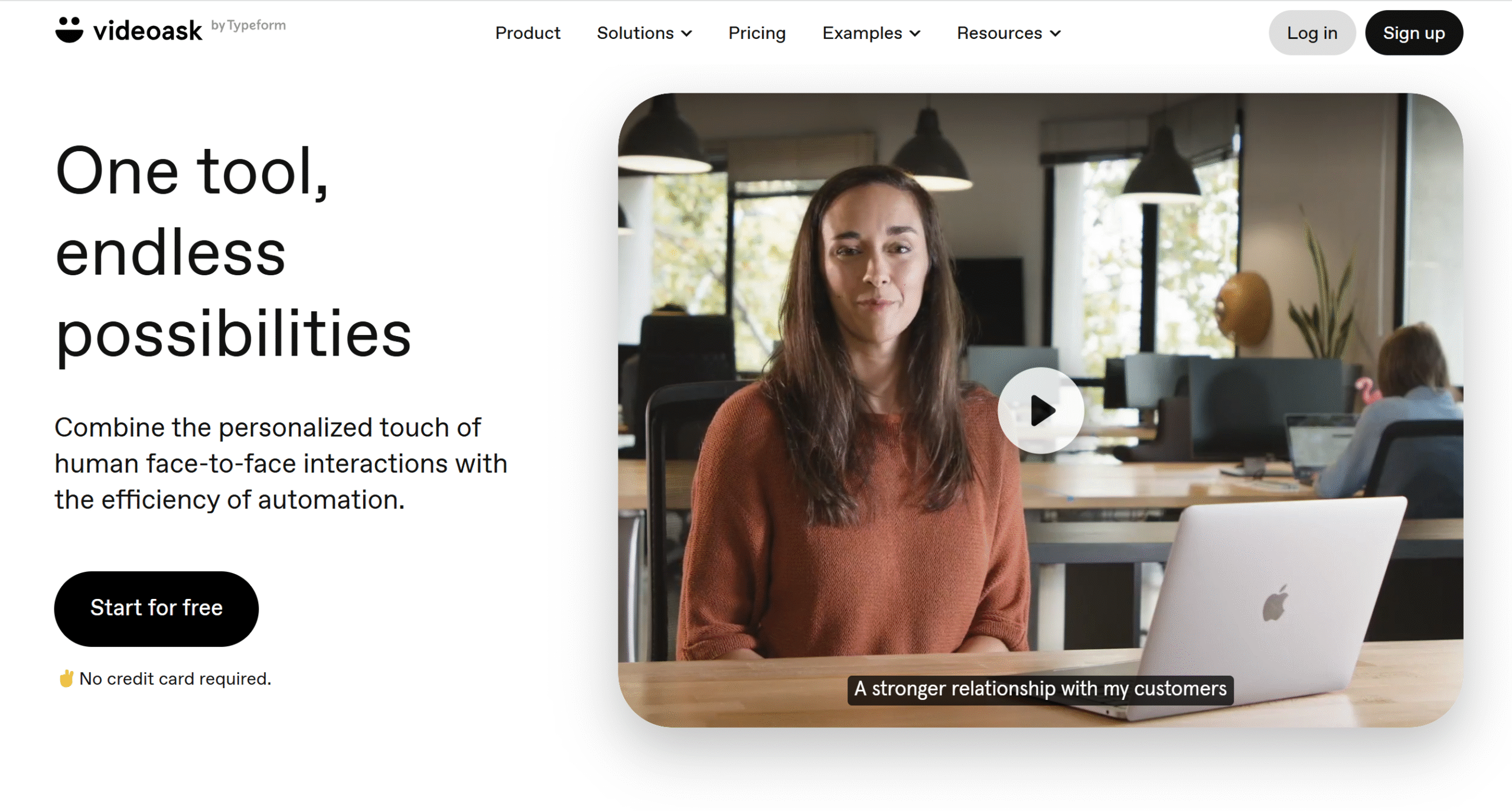
Instead of adding interactive elements to a traditional video, VideoAsk allows you to send recorded video messages and start conversations with prospective clients using clickable CTAs for responses.
You can also use it to build sales workflows. For example, you can add forms to your videos to collect contact information or create an after-sales video to receive recorded testimonials from clients.
The best thing about VideoAsk is that you can integrate interactive elements in your entire customer journey, from answering questions and collecting contact information to scheduling appointments.
VideoAsk លក្ខណៈសំខាន់ៗ
- Easy video recording.
- ជម្រើសវីដេអូ អត្ថបទ និងអូឌីយ៉ូ CTA ។
- Interactive quizzes and surveys.
- សាខា
- Video funnels.
- ទម្រង់ប្រមូលអ៊ីមែល។
- ការគ្រប់គ្រងក្រុម។
- ការហៅទូរសព្ទផ្ទាល់។
- Appointment scheduling and payment collection.
- ការរួមបញ្ចូលជាមួយកម្មវិធីភាគីទីបី។
ដែនកំណត់
VideoAsk is a niche tool. It’s more focused on sales funnels than marketing or general-purpose videos.
តម្លៃ
VideoAsk’s basic plan is free, and premium packages start at $30 per month.
Choose If
ប្រសិនបើអ្នក rely on direct communication to grow your business.
រំលងប្រសិនបើ
If you want standard interactive elements.
9. ស្ទូឌីយោកុងតាក់
ល្អបំផុតសម្រាប់៖ Live product demos or paid online events.
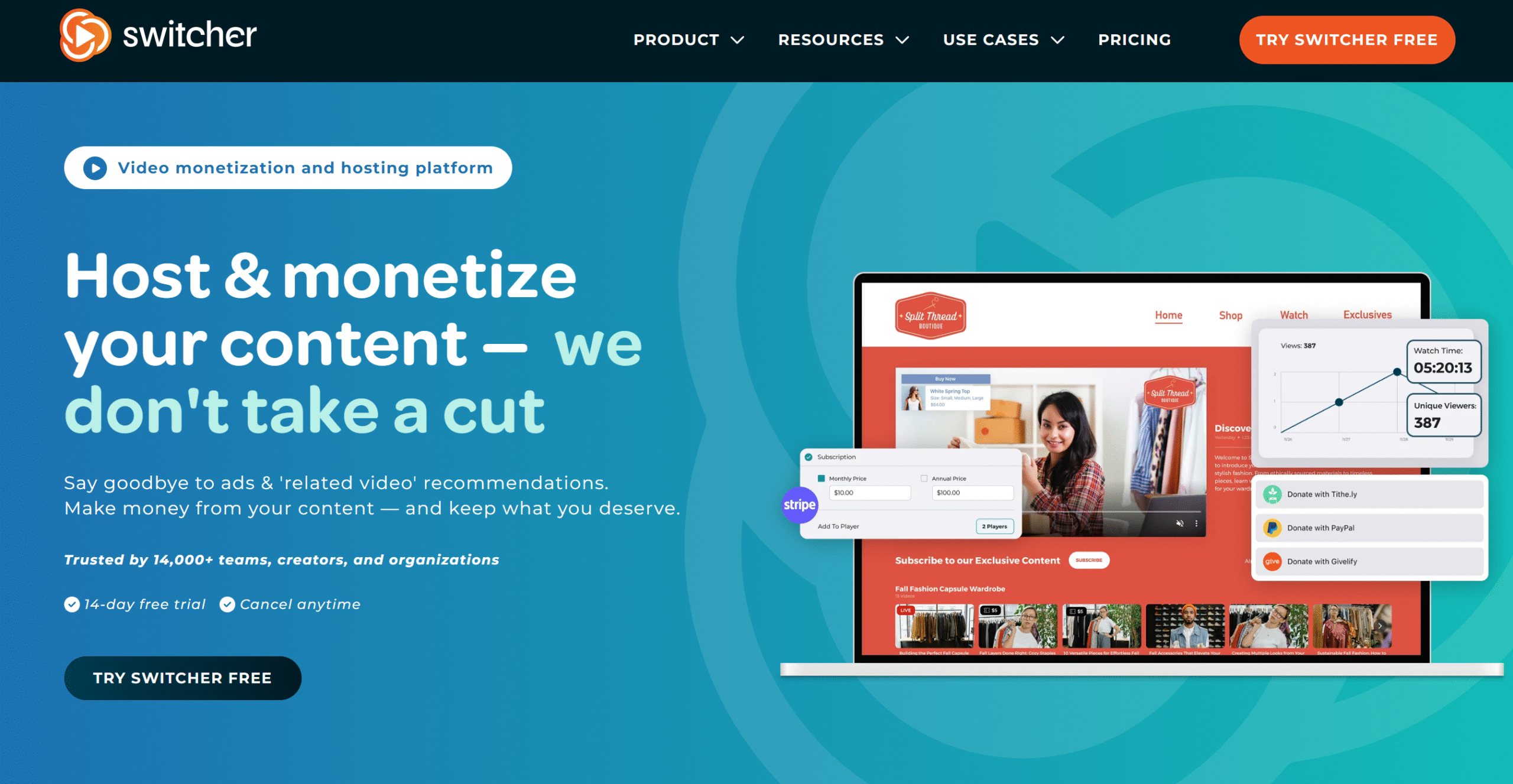
Switcher Studio is a live-streaming platform. It gives you interactive monetization tools to sell products and collect donations.
The platform offers two ways you can add a payment option. You can either add a paywall to access video for payment or apply an interactive overlay so viewers can send payment while watching the video.
If you sell any service or work with brands, you can also attach product links and CTA slides to the screen.
Its video streaming options are also versatile. You can stream from your smartphone, connect over nine cameras to show a multiscreen view, and broadcast live to several channels.
To improve visuals, you can add media content to your videos and fine-tune your display settings in real time to show the best angles.
You can play soundtracks or special effects in the background and turn on comments and polls to engage viewers. You can also embed the Switcher player on your website and upload your videos there. See our review of Switcher Studio.
Switcher Studio Key Features
- Interactive monetization tools.
- ការផ្សាយ និងការថតច្រើន។
- បណ្ណាល័យប្រព័ន្ធផ្សព្វផ្សាយ។
- Polls and comments.
- ស្លាយផលិតផលដែលអាចចុចបាន។
- អ្នកលេងដែលអាចបង្កប់បាន។
- ឆបគ្នាជាមួយប្រព័ន្ធប្រតិបត្តិការ iOS ។
ដែនកំណត់
It’s not designed for pre-recorded videos. Most of its features are geared towards live streaming.
តម្លៃ
Switcher Studio’s prices range between $45 and $79. You can take a free trial.
Choose If
If you sell products live or run webinars.
រំលងប្រសិនបើ
If you want standard hotspot or branching features.
សំណួរដែលត្រូវបានសួរជាញឹកញាប់
- What Is An Interactive Video?
An interactive video lets you click buttons, take quizzes, fill out forms, and add products to the cart directly from the video.
- What Should I Look For In An Interactive Video Platform?
Its interactive features, for starters. What type of built-in elements it has and whether you can add them to your existing video. You should also check the limitations of each subscription plan.
- Can I Add An Interactive Video To My LMS?
Yes. Apart from Video Ask and Switcher Studio, all the listed tools provide LMS integrations.
- How Much Does Interactive Video Software Cost?
Depends on the platform. Monthly subscriptions can range from $12 to $2500.
សន្និដ្ឋាន
Video is one of the most effective ways to engage your audience.
But interactive videos open up several possibilities that can be difficult to achieve with a linear video.
Explore the above tools, find out which interactive feature will work best for your project, and start running your first interactive video.


 វិធីល្អប្រសើរជាងមុនដើម្បីគ្រប់គ្រងគម្រោង និងអតិថិជនសម្រាប់អ្នកឯករាជ្យ
 ឆ្លងកាត់ថ្ងៃដ៏មមាញឹកដូចខ្យល់ជាមួយ Reclaim.ai