
Context switching, which basically means jumping between multiple tasks or apps, silently kills productivity.
It drains your focus, increases stress, and leaves you feeling like you worked all day but achieved nothing.
The solution isn’t more discipline. It’s smarter tools that help you centralize tasks, automate planning, and eliminate app-hopping.
Below, you’ll find the 12 best context switching apps that help you manage everything from scheduling and project tracking to communication, all in one place.
1. Sunsama
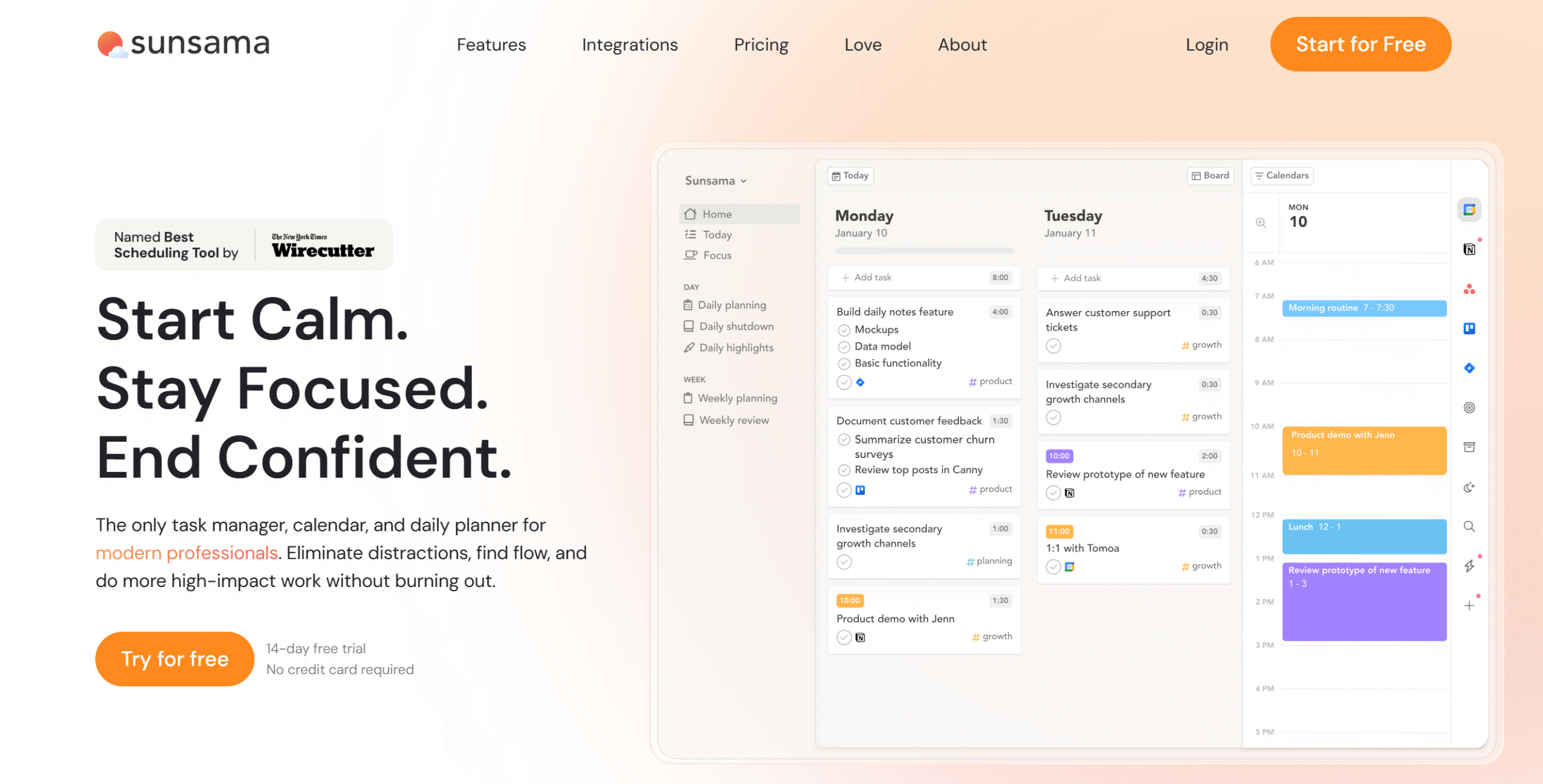
Sunsama is a practical day planner.
It provides you with tools to manage your time efficiently and delivers a centralized dashboard to reduce context switching.
For example, you can integrate your email, meeting tools, and task managers with Sunsama and import essential tasks to your planner. This would allow you to schedule work and personal chores in one place and focus on one thing at a time.
Est etiam consilia quotidiana feature that lets you create a checklist of things to do and obstacles you might face throughout the day so you can make reasonable deadlines.
At the end of the day, you can see how much you have accomplished and plan for tomorrow. Read our full review of Sunsama here.
Features core
- Planning ritual.
- Unified calendar.
- Scheduling and time blocking.
- Administratio operum.
- Email and task import.
- Modus focalis.
- Day-end reflection.
- Weekly reviews.
- Tertia-pars integrationes.
- Mobile app.
pretium
Sunsama viginti dollariis per mensem pretium petit. Experimentum gratuitum capere potes.
2. possidebit
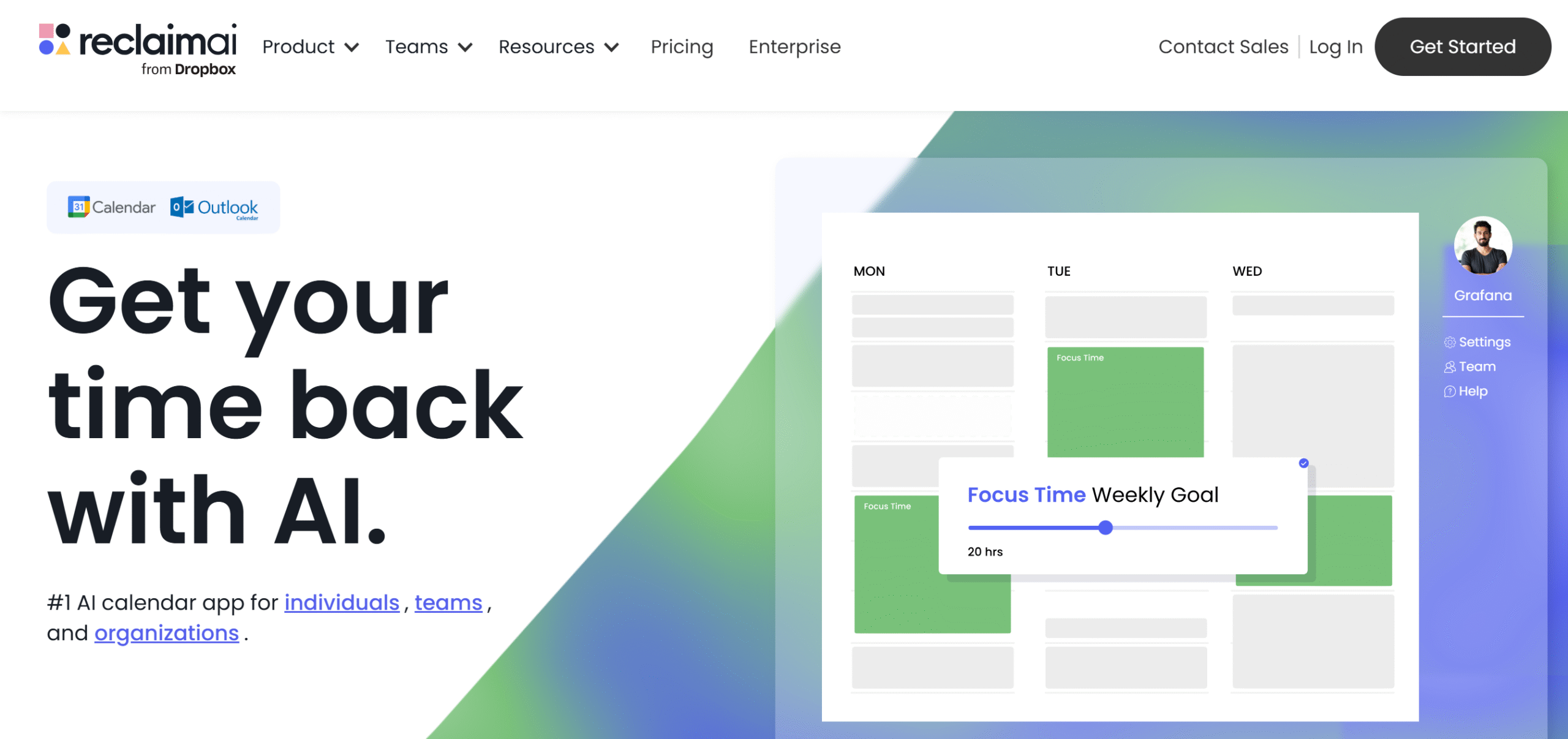
Reclaim is an automated version of Sunsama.
While Sunsama focuses on intentional planning, Reclaim specializes in automated scheduling to help you save time.
Here, you can automatically build a planner based on your expectations, priorities, and workload. You can connect calendars to centralize events and schedule up to 12 weeks in advance.
Some productivity tools are also available to optimize your schedule. You can add buffer time to avoid working overtime and make provision for the travel time if you work off-site.
One of Reclaim’s core functions is smart meeting.
You can organize meetings, share your availability, and set aside no-meeting days for altum opus. If you miss a meeting, Reclaim automatically reschedules it based on your availability.
Features core
- Consiliarius intellegentiae artificialis.
- Calendarii synchronizatio.
- Administratio operum.
- Task and email import.
- Modus focalis.
- Tempus interclusio.
- Smart meeting.
- Administratio disponibilitatis.
- Indicator habituum.
- Relationes hebdomadales.
- INTEGRATIONEM .
pretium
Reclaim monthly subscriptions cost $12 to $18 per month. You can try it for free.
3. ratio
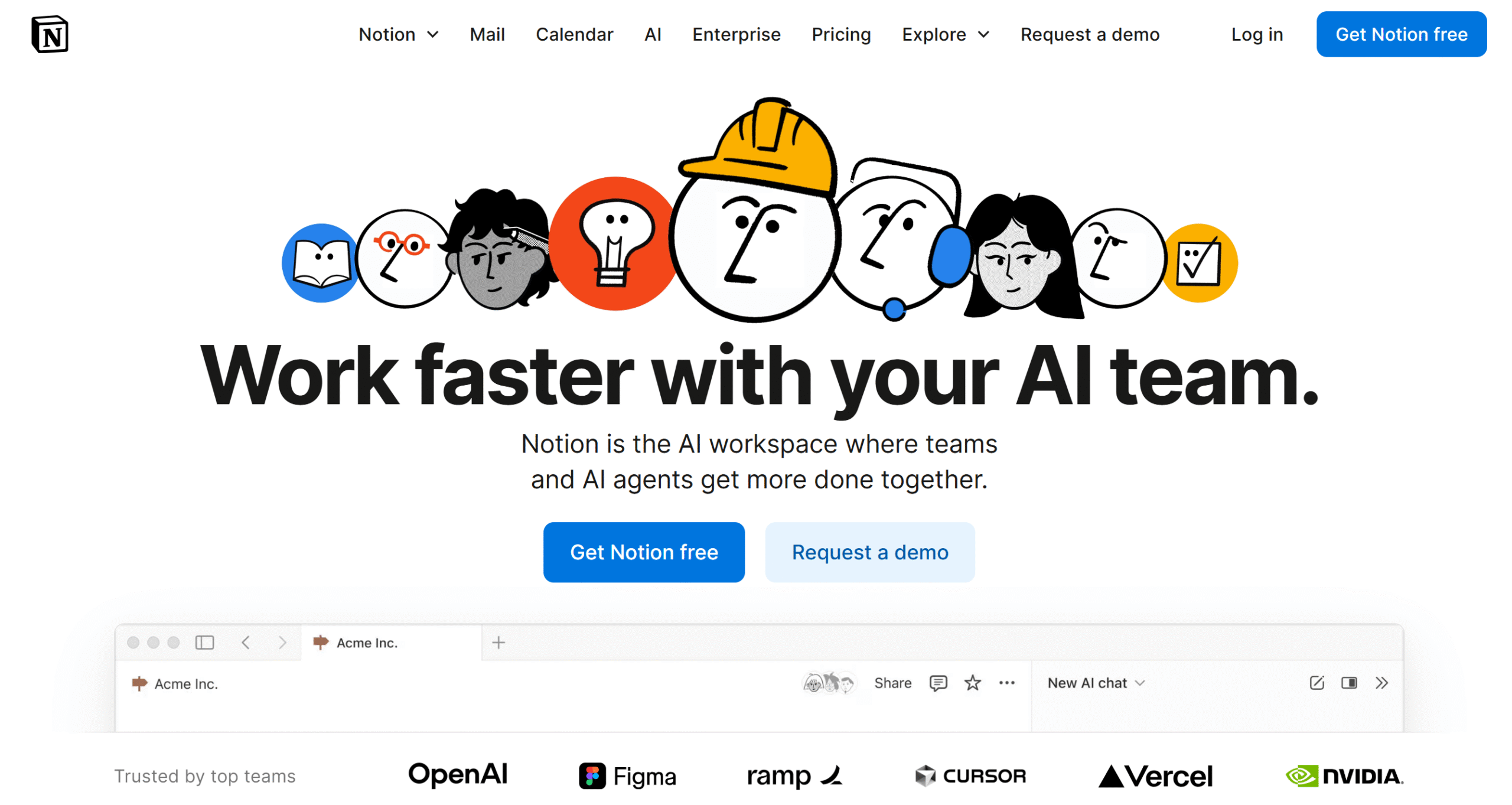
Notion is well-known for its versatility.
It’s an all-in-one workspace that offers everything you need to get things done, reducing the need for context switching.
Let me explain the tool a little bit.
Via Notion, you can manage your to-do lists, notes, documents, tasks, meetings, and projects. Notion delivers a database to store information, a calendar to schedule events, and a Kanban board to administrare projects.
With its AI capabilities, you can speed up planning, researching, and the writing process.
Notion provides its own calendar and mail, but you can connect third-party calendars and emails as well.
You can also build a shared workspace and collaborate with others. You’ll be able to assign tasks, communicate with your team, and monitor activities.
Features core
- Consilium.
- Scientia turpia.
- Wiki docs and web publishing.
- Tabula Kanban.
- Calendar and Mail.
- Collaboratio inter greges.
- ai facultatem.
- Analytics.
- Advanced admin.
- API et integrationes.
- Mobile app.
pretium
Notion charges $12 to $24 per month. You can sign up for free.
4. motus
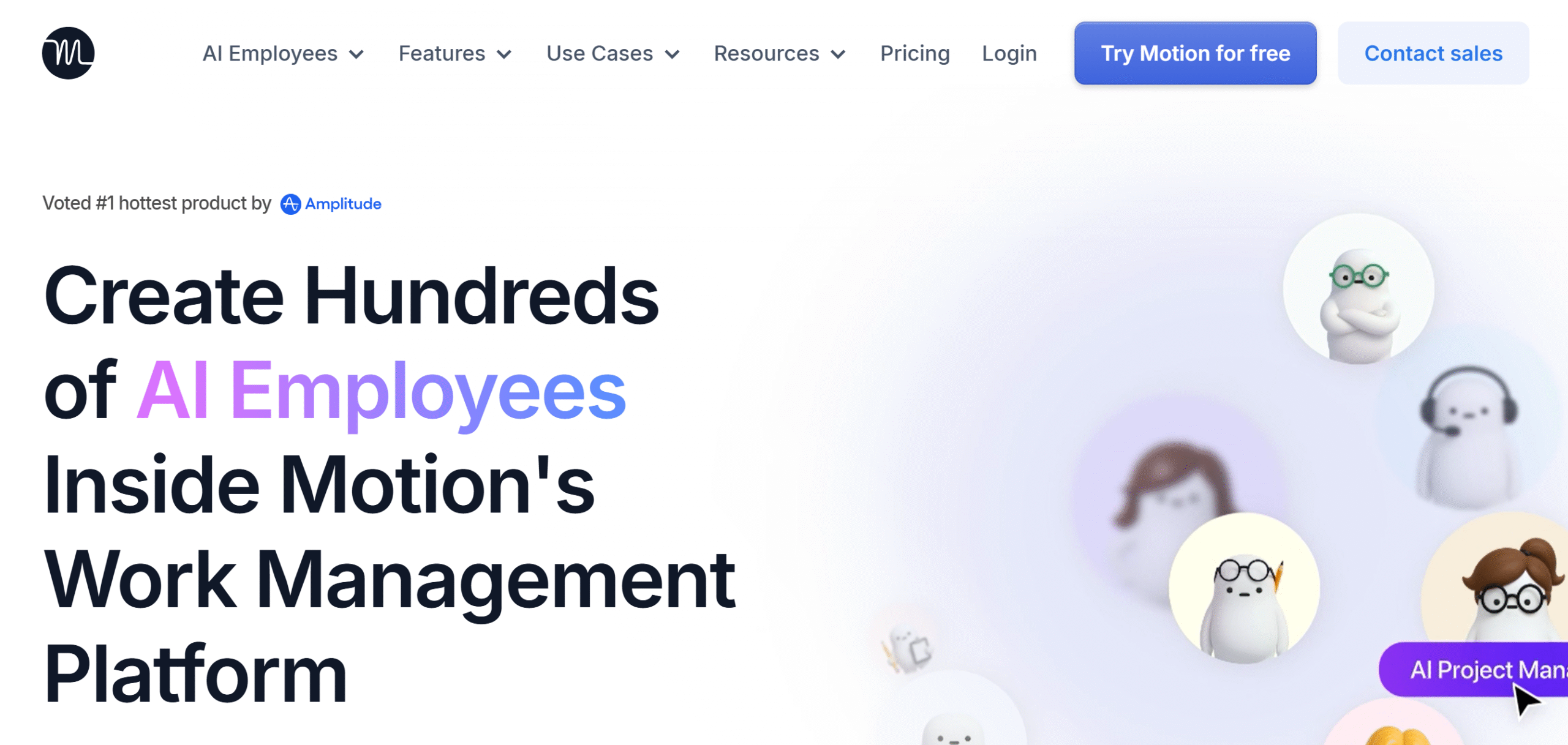
Motion is an AI-powered project manager.
It connects your projects, tasks, and calendar to a single platform and automatically organizes your schedule.
In Motion, you’ll find almost every function, from note-taking and document writing to task management and project tracking. You can also integrate your favorite business tools and import data and messages.
The unique selling point of Motion is its AI employee.
The AI is not only integrated into its core functions, but you’ll also get separate assistants to automate routine tasks.
For example, you can automate some of the content writing, organizing, and researching. You can also build your own AI to manage custom workflows.
Overall, Motion can help you reduce context switching and improve productivity. Read our full review of Motion here.
Features core
- Work planner.
- Automated scheduling.
- Project and task management.
- Calendar and meetings.
- Doc and notes.
- Worksheets.
- Intellegentia artificialis et automatio.
- Tabula instrumentorum et relationes.
- API et integratio.
- Mobile app.
pretium
Motion prices start at $29 per month. You can try it for free.
5. et dissolutus est
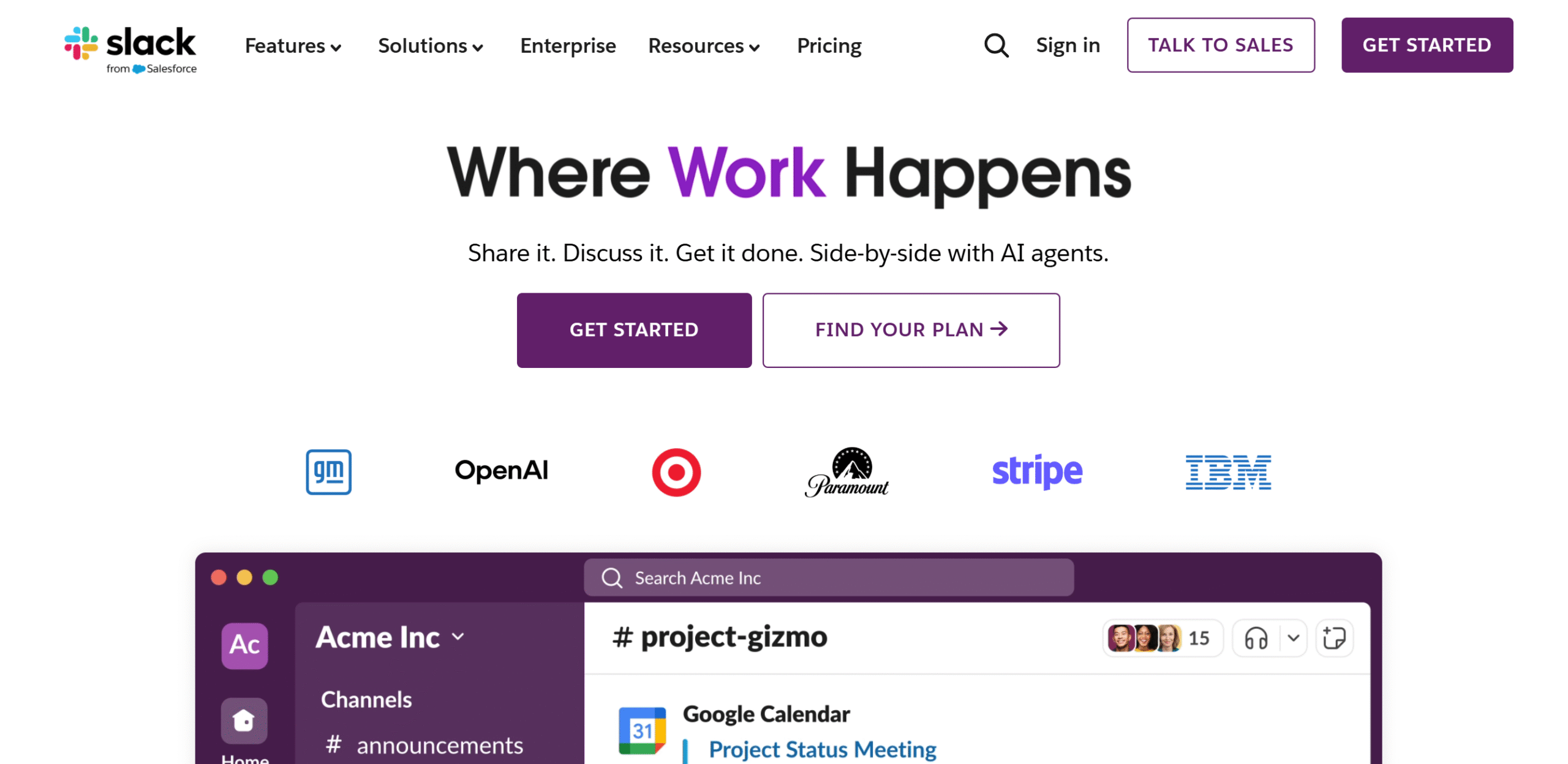
Slack is a team communication app. But it’s much more than a basic chat tool.
Here, you can not only centralize your work communication but also manage projects and share tasks.
You can set up different communication channels in Slack to segregate departments and keep things private. In addition, you can draft plans and checklists, and track each task assigned to team members.
You’ll get a blank canvas to brainstorm ideas and built-in work templates to get started.
Slack also has some AI capabilities. For example, you can generate key points from conversations, get a recap of work projects, and search specific files or messages.
One more thing. You can integrate Slack with third-party applications to share data without leaving the app.
Features core
- Unlimited workspaces.
- Messaging, video, and audio.
- Channels and threads.
- Conventus gregales.
- External messages.
- File Sharing.
- Canvas and workflow builder.
- Intellegentia artificialis et automatio.
- Integration with third-party tools.
- Mobile app.
pretium
Slack costs around $5 to $9 per month. The basic plan is free.
6. Microsoft Teams
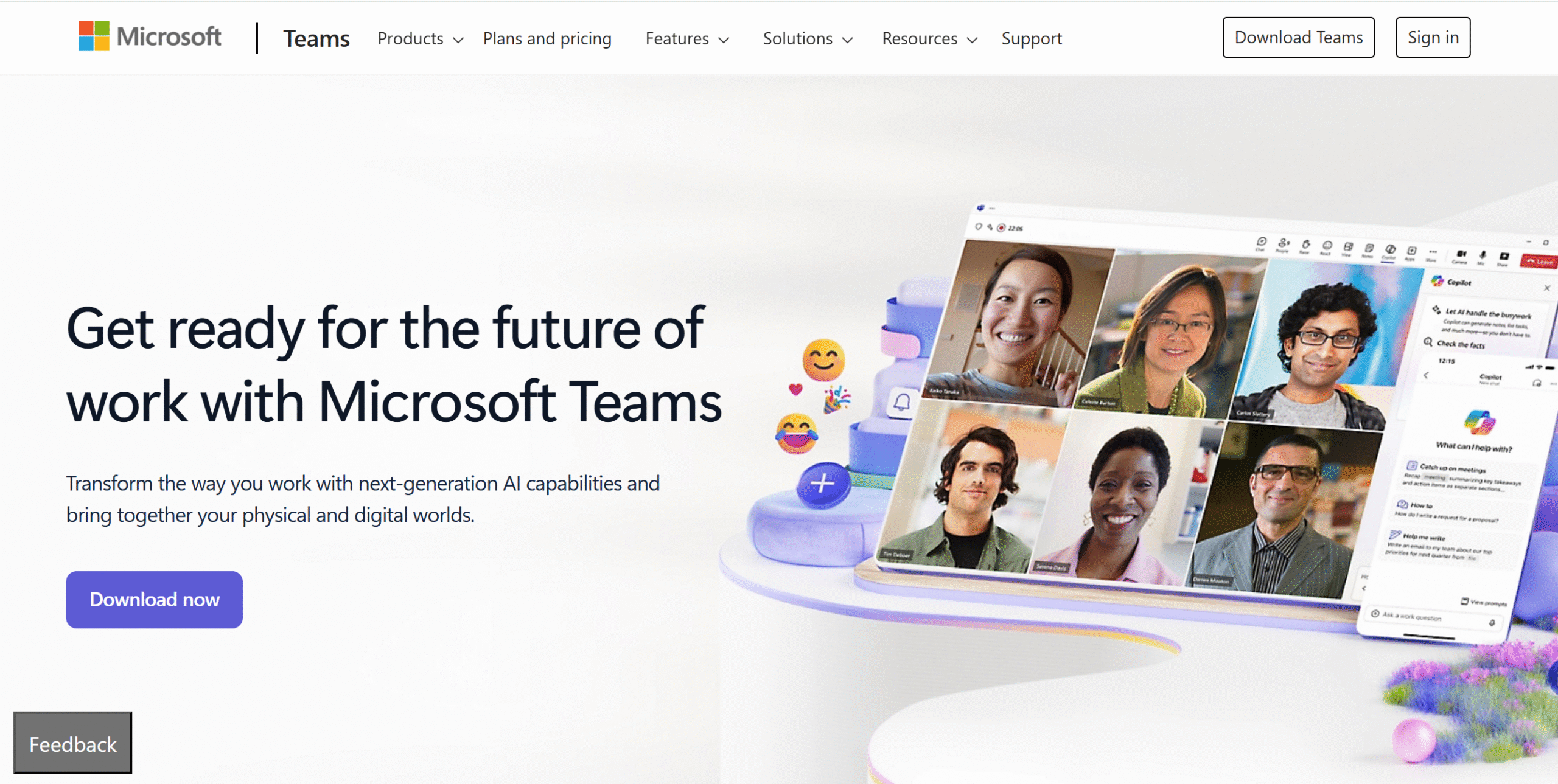
Microsoft Teams is another good communication tool that helps reduce context switching.
It brings conversations, collaboration, and task management together, allowing you to handle projects and team communication in one place.
Some of the things you can do through Microsoft Teams include conducting group calls, recording and transcribing meetings, and collaborating on documents in real-time.
You can also access other Microsoft productivity tools, like a planner, during live meetings to discuss tasks and inuestigandum progressus.
Microsoft works well on desktops, tablets, and mobile phones. You can add up to 15 devices to your account.
Features core
- Conferentia per video.
- Call, audio, and chat.
- Screen and file sharing.
- Appointments and schedules.
- Planner, ut-facere album, docs, and whiteboard integration.
- Virtual rooms.
- Real-time collaboratio.
- ai facultatem.
- Integratio tertiae partis.
- Auxilium multi-instrumentorum.
pretium
Microsoft Teams monthly subscriptions range between $4 and $13. You can try it for free.
7. cuium pecus
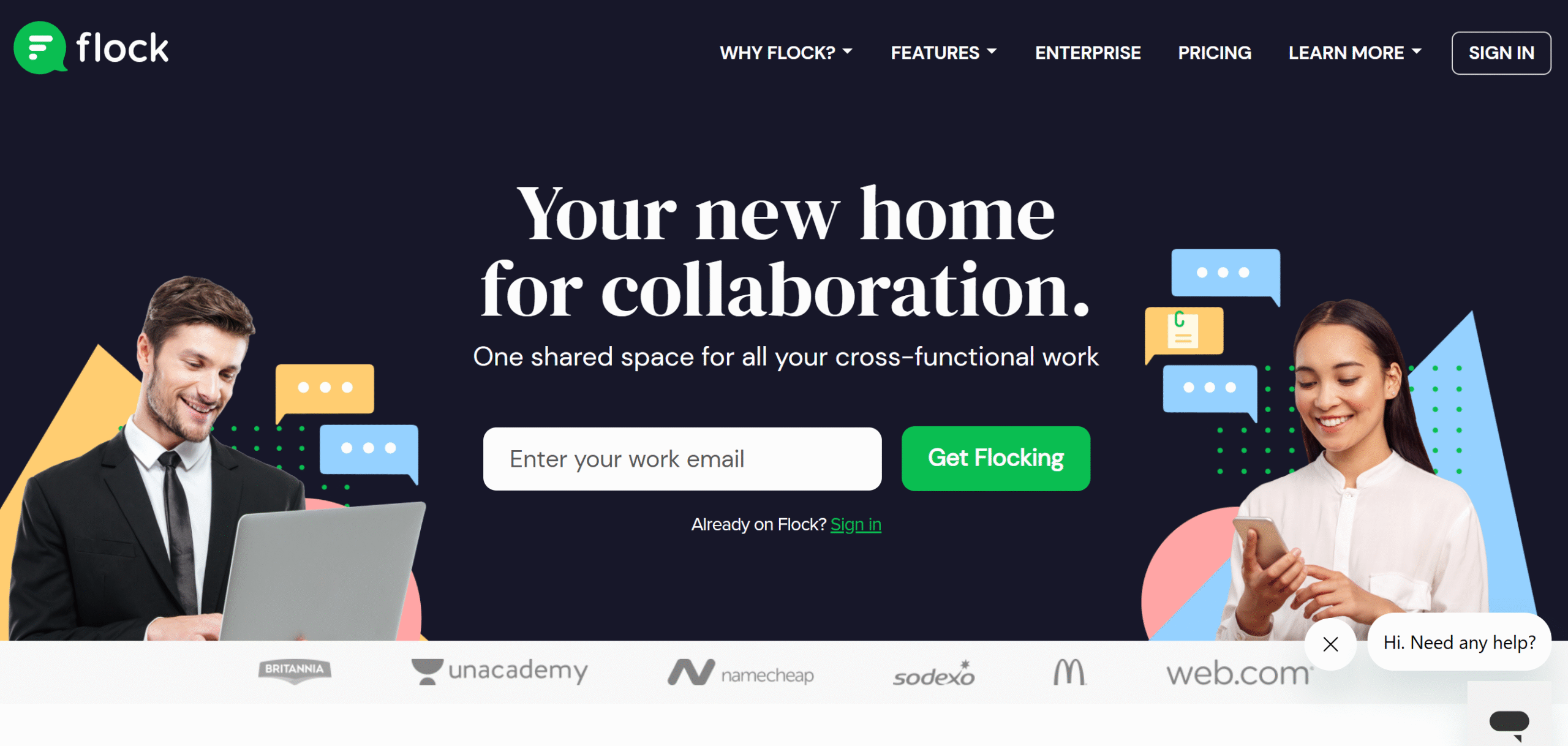
Flock is a communication and applicatio productivitatis. You can use it to unify your communication and handle some work tasks.
Core capabilities of Flock include text messaging, audio and video calls, screen sharing, and note-taking. You can create channels for public and private messages, and set up a separate channel for announcements.
During meetings, you can share your to-do list with others, search for any message or file for context, and create polls to receive feedback.
A few automation features are also built into the system. For example, you can set up reminders to drop a voice note or text at a specific time.
Features core
- Text, call, and audio messenger.
- Public and private channels.
- Shared to-do list.
- File attachments.
- Suffragia suffragiorum.
- Investigatio provectior.
- Recordationes.
- Processus automation.
- Integratio tertiae partis.
- Mobile app.
pretium
Flock is free for up to 20 users. For more members, Flock charges $6 per user.
8. Collaboratio maximi momenti
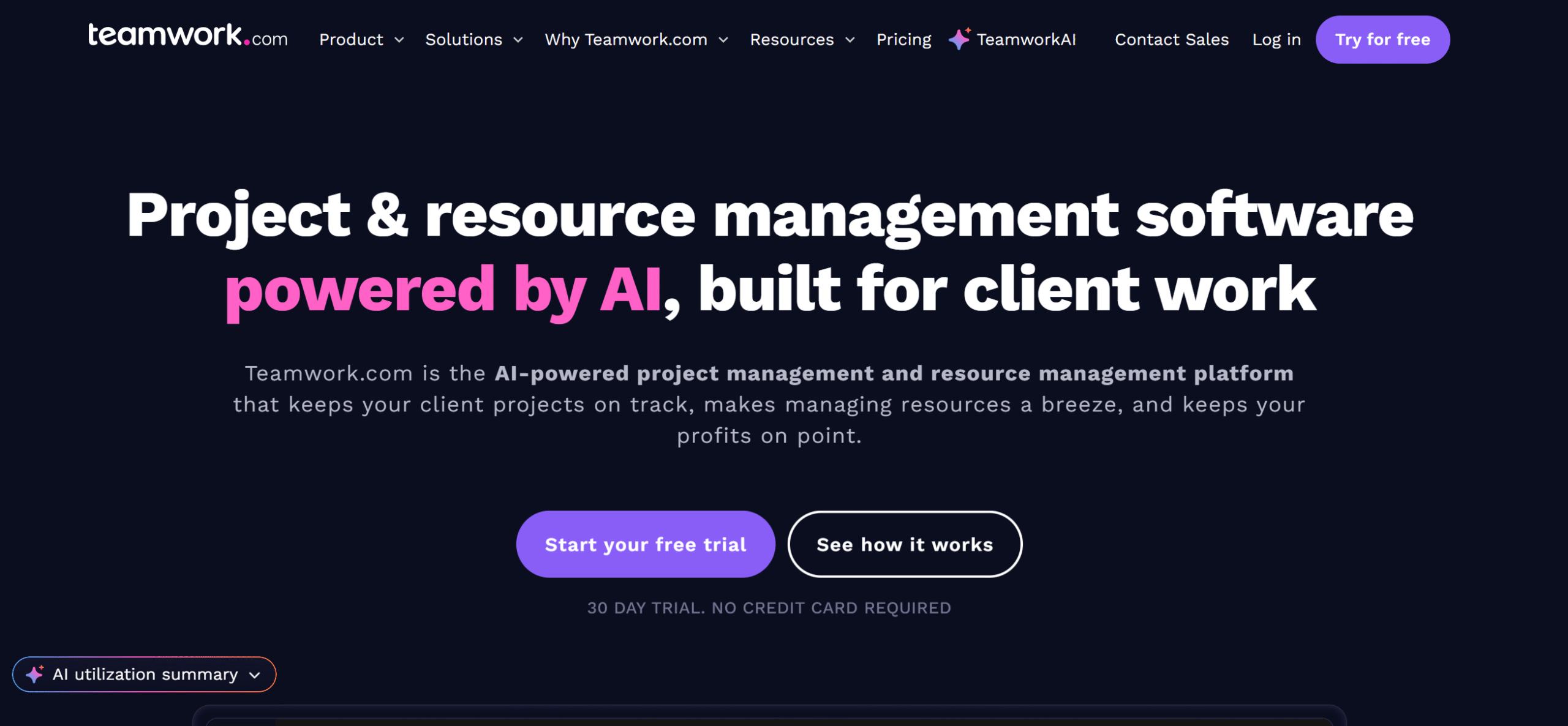
Teamwork helps you manage your clients, projects, and teams.
The software is incredibly versatile and efficient, making it easier to plan projects and monitor all your activities.
You can create project estimates and check resource availability, track your team’s time and workload, assign and manage tasks, and collaborate with clients. The app has built-in communication tools for conversations, approvals, and feedback.
Calendar, inbox, and chat are all available on TeamWork. It also has AI capabilities.
TeamWork works on both desktops and mobile apps and can be integrated with third-party applications.
Features core
- Advanced project management.
- Resource administratione.
- Communicatio cum cliente.
- Project estimates and invoices.
- Collaboratio inter greges.
- Time tracking and time sheets.
- Approvals, comments, and chat.
- Intellegentia artificialis et automatio.
- Calendar, Kanban board, and lists.
- Reporting.
- API et integrationes.
- Mobile app.
pretium
Teamwork’s monthly subscription costs $13 to $26 per month. The basic plan is free.
You can also take a 30-day free trial to test the premium features.
9. Any.do
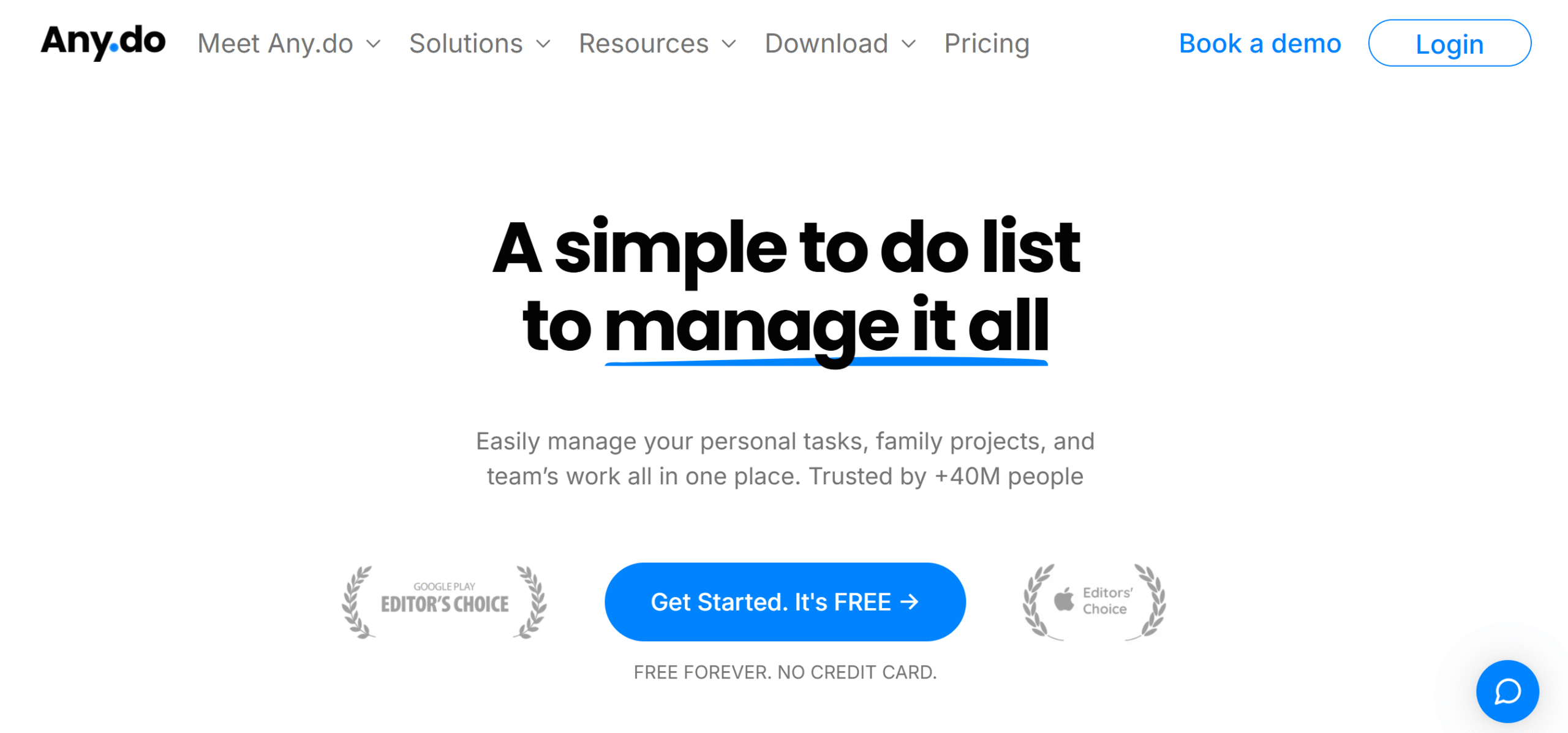
Any.do is a perfect tool to reduce context switching.
It offers a diverse range of functions and a straightforward dashboard to manage tasks with ease.
You’ll get a to-do list to organize tasks, a planner to schedule daily events, a task manager to track activities, and some collaboration tools.
Separate packages are available for individuals, families, and teams, so you don’t have to pay for unnecessary features.
The personal package is completely free, and premium plans are budget-friendly. You can access everything under $10.
You can download Anydo on both desktops and mobile phones. It also has a web app and a browser extension.
Features core
- Index rerum agendarum.
- Daily planner.
- Task and project manager.
- Calendar.
- Aspectus multiplices.
- Chat and collaboration.
- Recordationes.
- ai facultatem.
- INTEGRATIONEM .
- Extensio navigatoris.
- Mobile apps.
pretium
Any.do charges $7 to $9 per month. You can try the premium features for free.
10. Connecteam
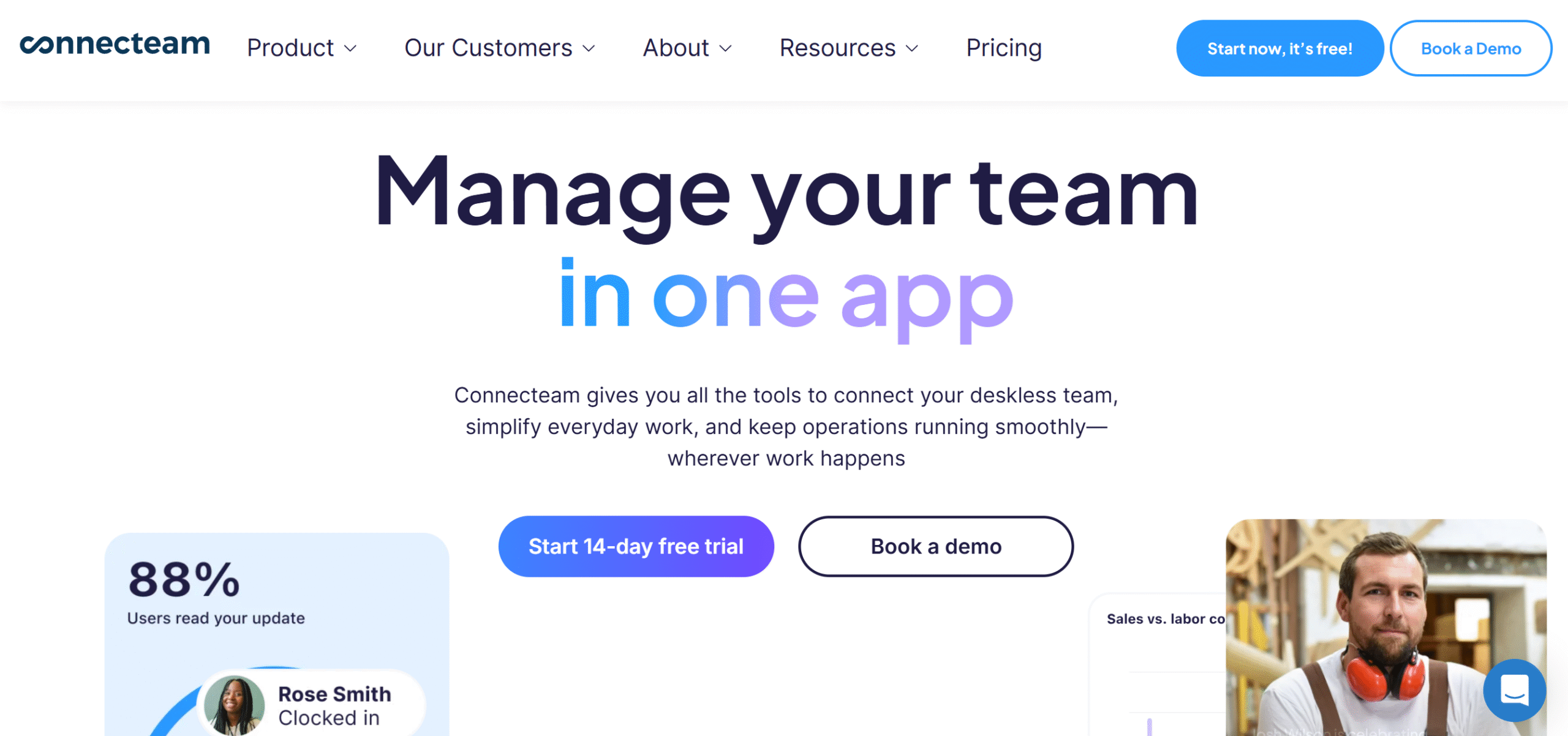
Connecteam is one of the best tools for managers. It helps you handle all aspects of your team with ease.
The app is user-friendly, robust, and affordable. You can use it to streamline your operations, manage HR tasks, and communicate with your team.
For example, you can oversee unlimited projects, break down tasks into manageable checklists, track your team’s time, and set up an internal channel for communication.
Plus, you can set up a knowledge base to store information and create a help desk to troubleshoot internal problems.
There are tons of other good features on Connecteam.
You can build an organizational directory, schedule shifts, arrange events, and more. The software is truly an all-in-one employee app.
Features core
- Project administratione.
- Tasks and checklists.
- Ordinatio vicis.
- Communicatio inter gregem.
- Updates and announcements.
- Temporis observatio.
- Scientia turpia.
- Organizational directory.
- HR.
- INTEGRATIONEM .
pretium
Connecteam’s basic plan costs $29 per month. You can try it for free.
11. ClickUp
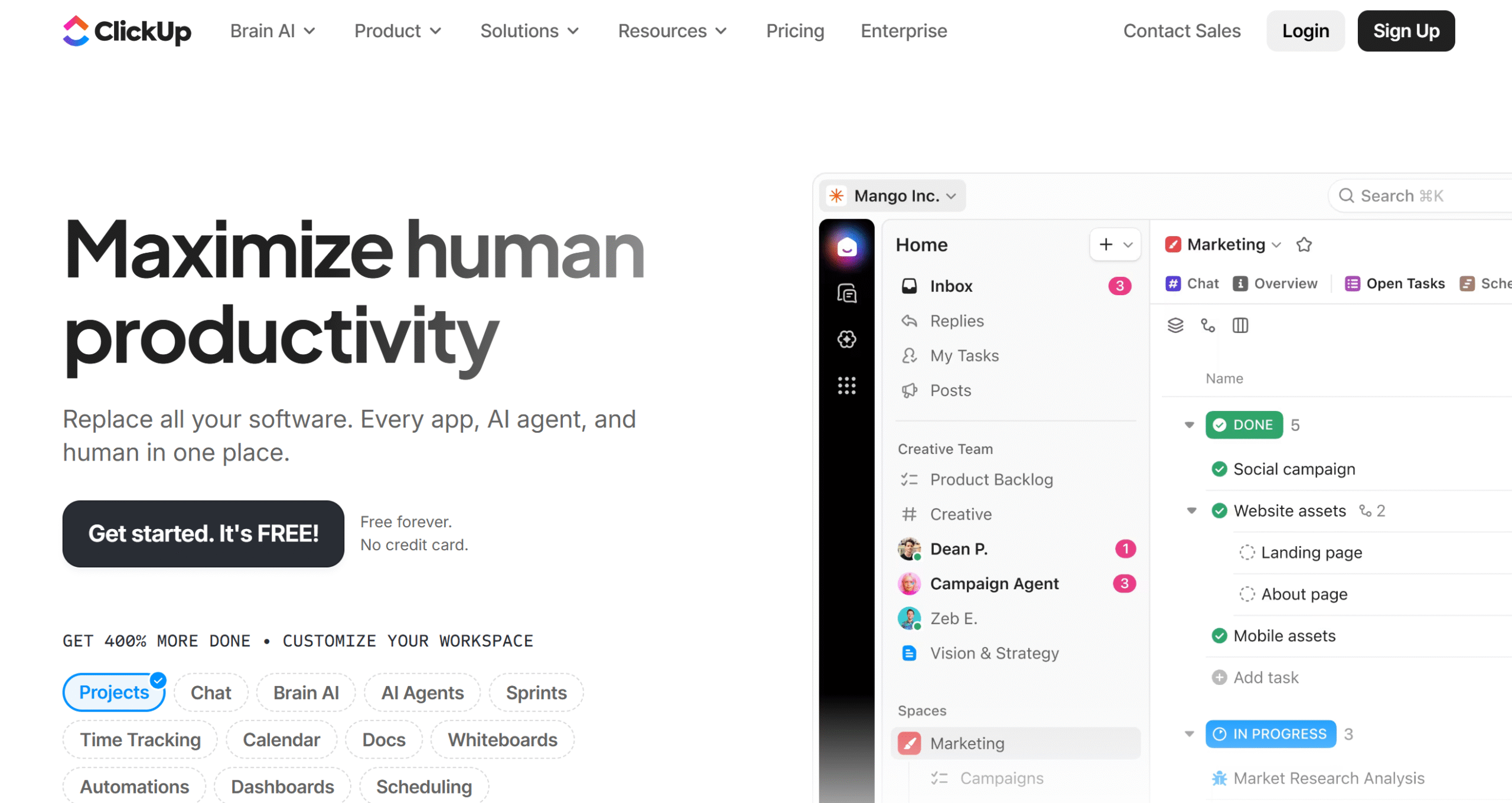
ClickUp offers a collaborative workspace to manage individual and team activities.
With this app, you can oversee your calendar, monitor team tasks, track billable hours, and handle team communication.
The basic plan is free and covers all essential components, such as shared documents, calendars, whiteboards, and task managers.
If you upgrade your plan, you’ll get unlimited space, custom views, and team collaboration tools, like mind maps.
You can build both public and private workspaces and use AI to improve your workflows. ClickUp’s AI assistant helps you with brainstorming, content writing, note-taking, and project management.
You can use ClickUp on your mobile phone.
Features core
- Administratio operum.
- Tempus tracking.
- Communication.
- Tabula Kanban.
- Visus calendarii.
- Team collaboration and resource management.
- Shared document, whiteboard, and mind maps.
- ai facultatem.
- INTEGRATIONEM .
- Mobile app.
pretium
ClickUp charges $10 to $19 per month. You can try it for free.
12. tickick
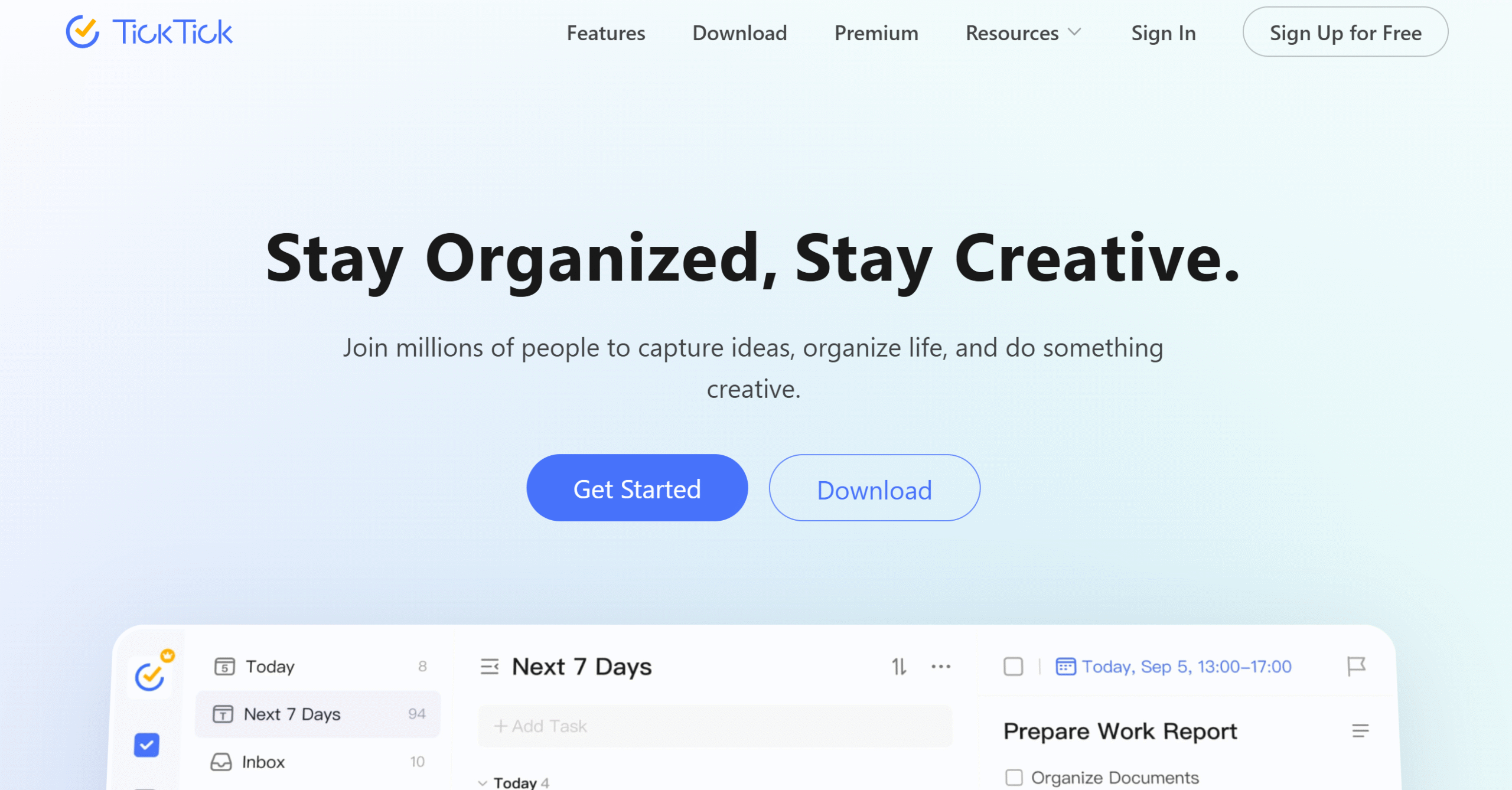
TickTick is an amazing productivity app.
It offers a unified space and multiple tempus administratione tools to build a good routine.
Top notable features of TickTick include to-do lists, task management, scheduling, and a Pomodoro timer. You’ll get a visual calendar to plan your week and custom alerts to set up reminders.
Some collaboration features are also included in the package.
You can share your checklist, assign tasks to others, and connect your Slack for communication. You’ll get multiple views, including a Kanban board, to keep track of everything.
TickTick has both Android and iOS apps.
Features core
- Index rerum agendarum.
- Designator visualis.
- Aspectus multiplices.
- Administratio operum.
- Pomodoro timer.
- Monitiones consuetudinariae.
- Team collaboration.
- Instrumentum paginae domesticae.
- Tertia-pars integrationes.
- Mobile apps.
pretium
You can download TickTick for free. The premium features cost around $3 per month.
Conclusio
All the above apps are best for both individuals and teams.
They reduce context switching, simplify your workflows, and improve your productivity.
Try some of them to test their features. Compare their features and prices to make an informed decision. Good luck!
Frequenter Interrogata De quaestionibus
What is context switching in productivity?
Context switching happens when you shift your attention from one task or app to another instead of finishing one thing at a time. For example, replying to Slack messages while writing an email, then checking your calendar before returning to work. Each switch forces your brain to reload context, much like a computer changing between programs. This slows you down and increases mental fatigue. Over time, this constant jumping fragments your focus and prevents you from reaching flow state, where your most productive work happens.
Why does context switching drain energy?
Each time you switch tasks, your brain burns extra cognitive energy to “reload” the mental model of the new activity. Psychologists call this attention residue, or the leftover focus from the previous task that lingers in your mind. The result is reduced concentration and slower performance. Studies show that frequent switching can waste up to 20–40% of productive time daily. It’s one of the reasons people feel exhausted despite being busy all day. The more fragmented your workflow, the higher the mental energy cost.
What causes context switching at work?
Modern digital work environments often encourage multitasking such as constant notifications, scattered tools, and multiple communication channels. Employees juggle chat apps, emails, meeting invites, and task lists all at once. This overload creates a reactive workflow where you respond to pings instead of doing deep, focused work. Poor planning, lack of system integration, and unclear priorities amplify the problem. Without a centralized tool or workflow, context switching becomes inevitable and silently erodes your output.
How can I reduce context switching?
The most effective way is to centralize your digital workspace. Use all-in-one tools like Sunsama, motusaut possidebit to plan, communicate, and execute tasks in one place. Adopt time-blocking to reserve focus hours and batch similar work together. For example, check emails only twice daily and disable non-essential notifications. Limit how many tools your team uses as the fewer platforms you manage, the fewer transitions you make. Even a 20% reduction in switching can dramatically improve focus and lower fatigue.
Which apps are best to stop context switching?
If you value structured planning, Sunsama is the best option. It blends scheduling, daily planning, and reflection into one workflow. possidebit is perfect if you prefer AI-assisted automation that manages your time intelligently. For teams that want a shared workspace, ratio et Click Up combine docs, tasks, and collaboration tools seamlessly. Even et dissolutus est or Microsoft Teams can help when integrated properly, since they centralize communication instead of scattering it across apps.


 Melior modus administrandi opera et clientes pro liberis operariis
 Dies occupatos facile perage cum Reclaim.ai